Download to read offline
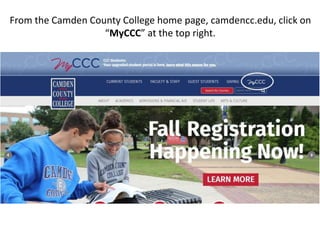


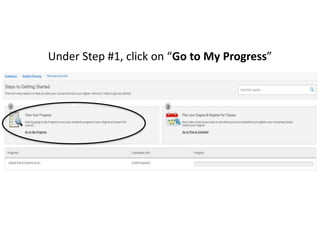
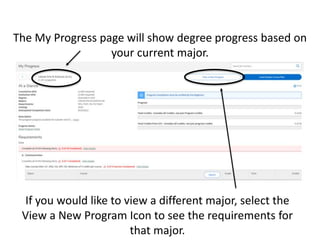
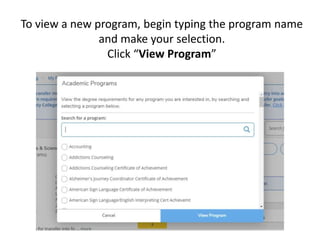
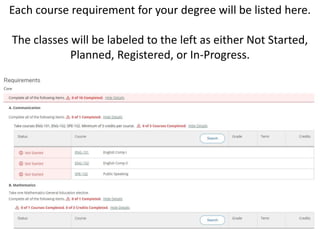


The document provides instructions for students at Camden County College on how to access and understand their "My Progress" page. It explains how to log into the MyCCC portal, navigate to the Student Planning section, and view the My Progress page. The My Progress page shows the student's degree progress and requirements for their major, and allows them to view requirements for a different major if desired. It displays the status of completed, planned, registered, and in-progress courses and includes additional courses in the "Other Courses" section.


