Download to read offline

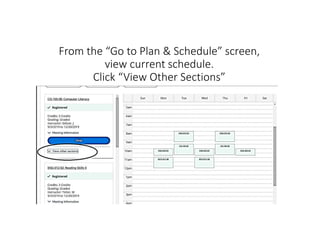
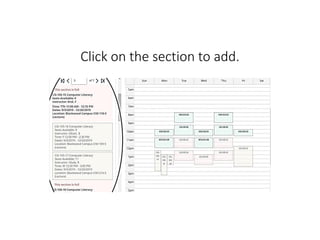
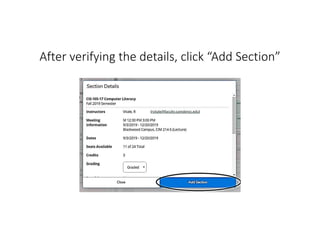


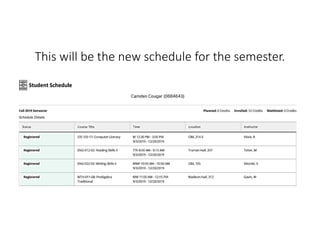

To swap classes, find a replacement class before dropping the current one. From the plan and schedule screen, view your current schedule and click "View Other Sections" to see alternative sections. Click the section you want to add, verify the details, and click "Add Section." Then click "Drop" under the course to replace, select both the course to drop and add, and click "Update" to finalize the swap. Your new schedule will update to show the replacement class.


