How to start a blog
The idiot-proof guide for every clueless marketer"


Proudly brought to you by:"

A shameless self-promoter of an extremely shrewd marketer who leads a double-life as a
narcissistic blogger who probably swears a little too much on Twitter for her own good
Why should I start a blog?
Would you buy a car from
someone who can’t drive?
1
   You become one of them

2
   You increase your ability to influence influencers

3
   You acquire market intelligence AC Nielsen can’t provide

4
   You become an Influencer
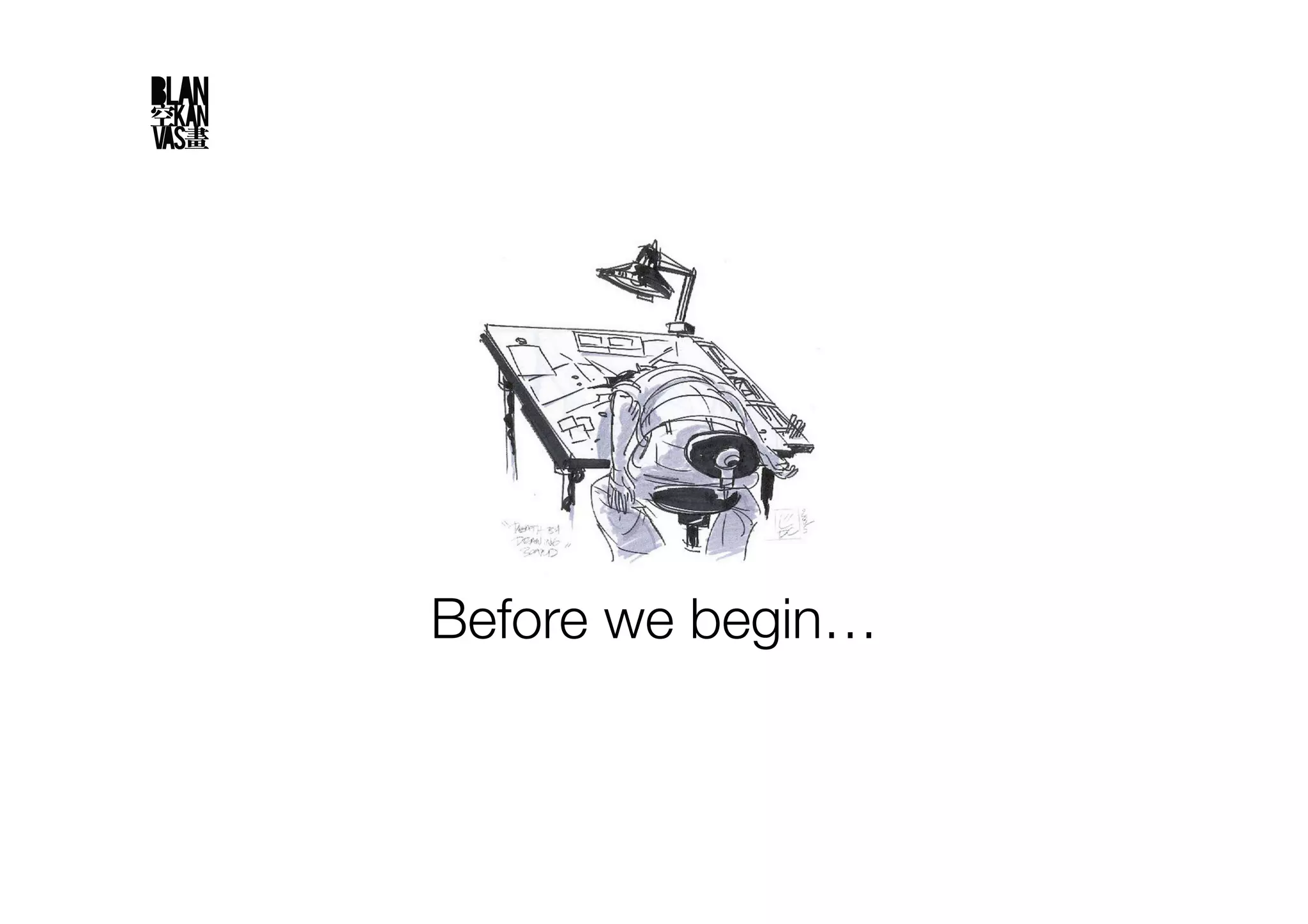
Before we begin…
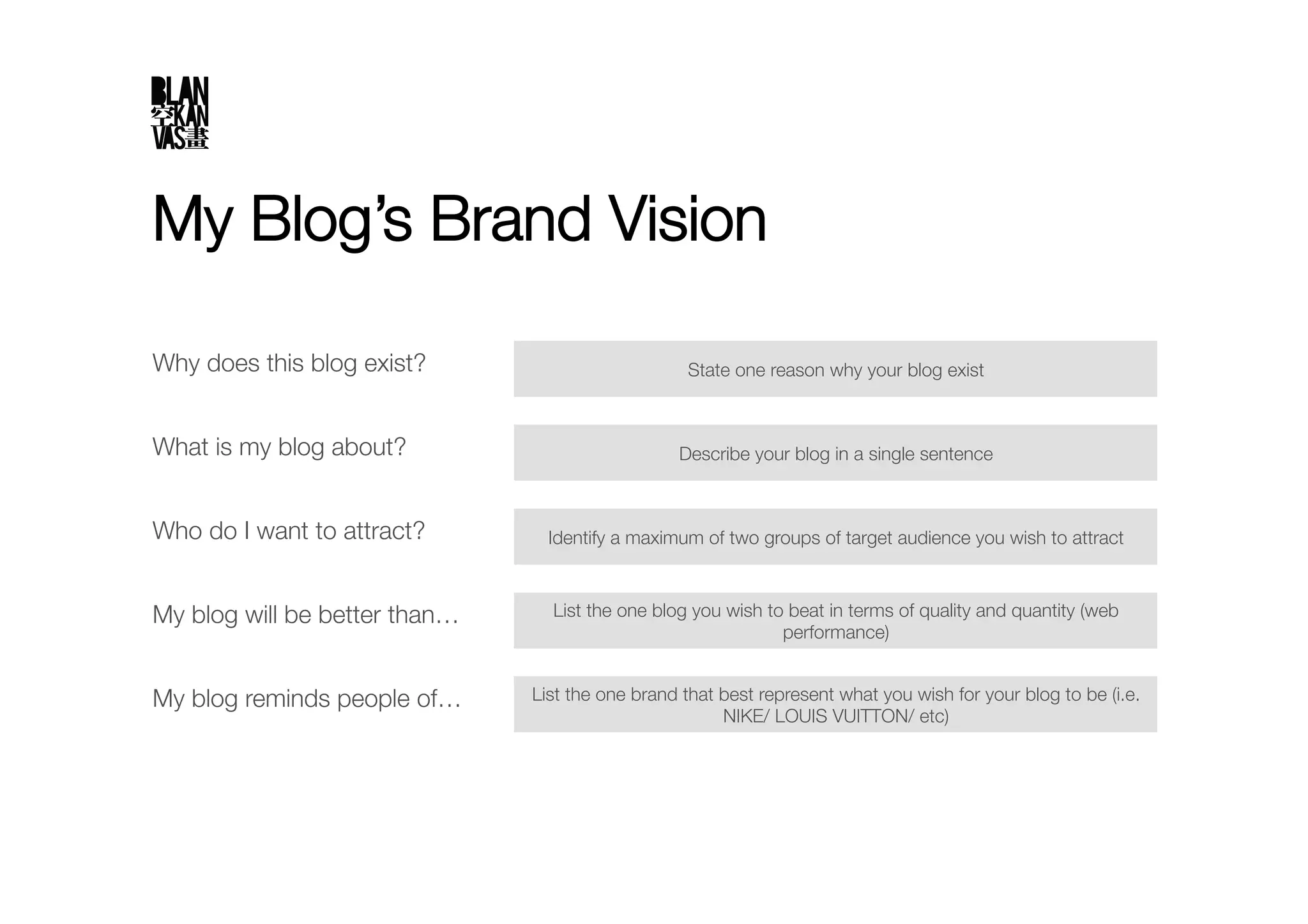
My Blog’s Brand Vision

Why does this blog exist?
                         State one reason why your blog exist


What is my blog about?
                           Describe your blog in a single sentence


Who do I want to attract?
        Identify a maximum of two groups of target audience you wish to attract


My blog will be better than…
     List the one blog you wish to beat in terms of quality and quantity (web
                                                               performance)


My blog reminds people of…
     List the one brand that best represent what you wish for your blog to be (i.e.
                                                        NIKE/ LOUIS VUITTON/ etc)
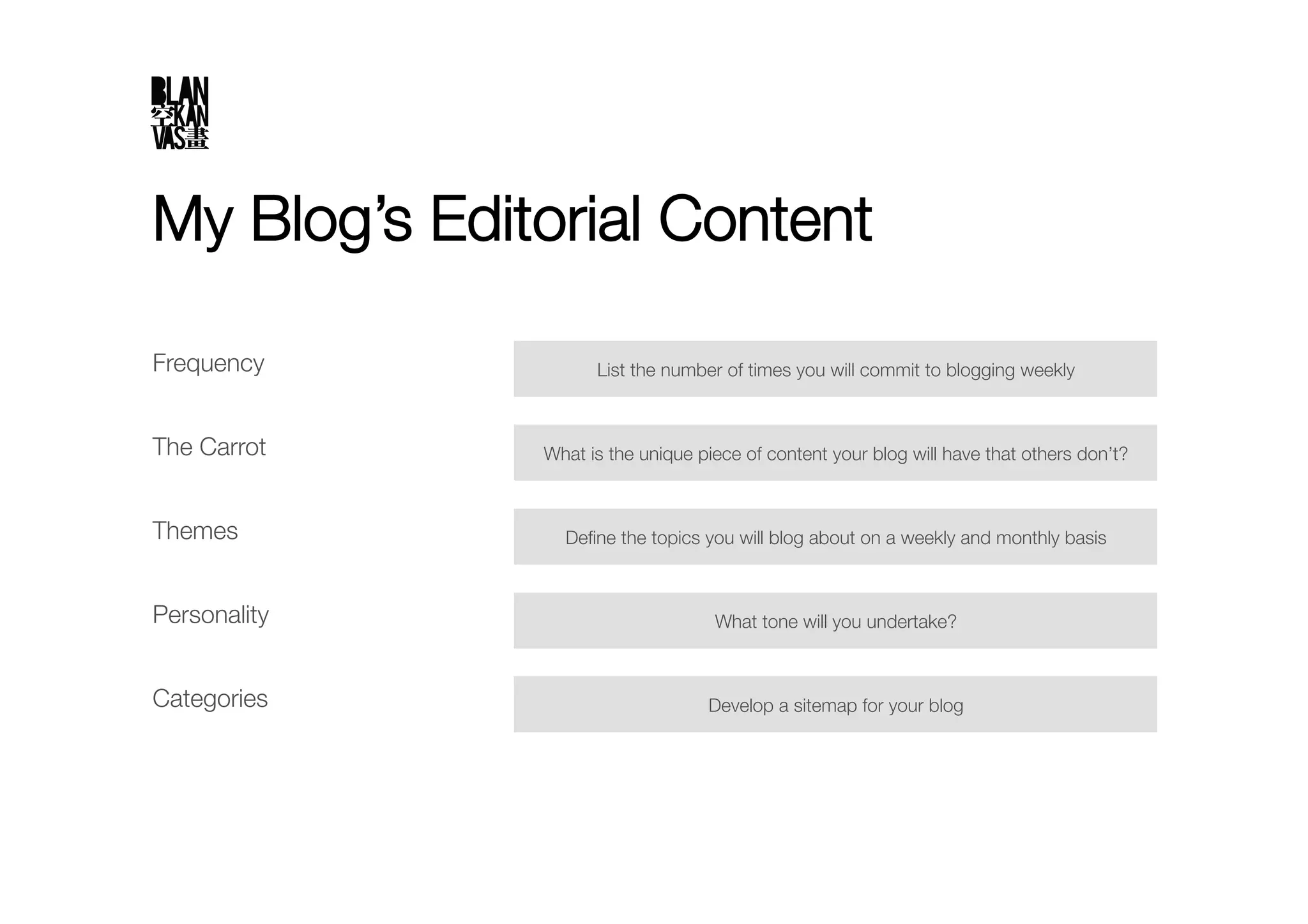
My Blog’s Editorial Content

Frequency
           List the number of times you will commit to blogging weekly


The Carrot
    What is the unique piece of content your blog will have that others don’t?


Themes
          Define the topics you will blog about on a weekly and monthly basis


Personality
                        What tone will you undertake?


Categories
                        Develop a sitemap for your blog
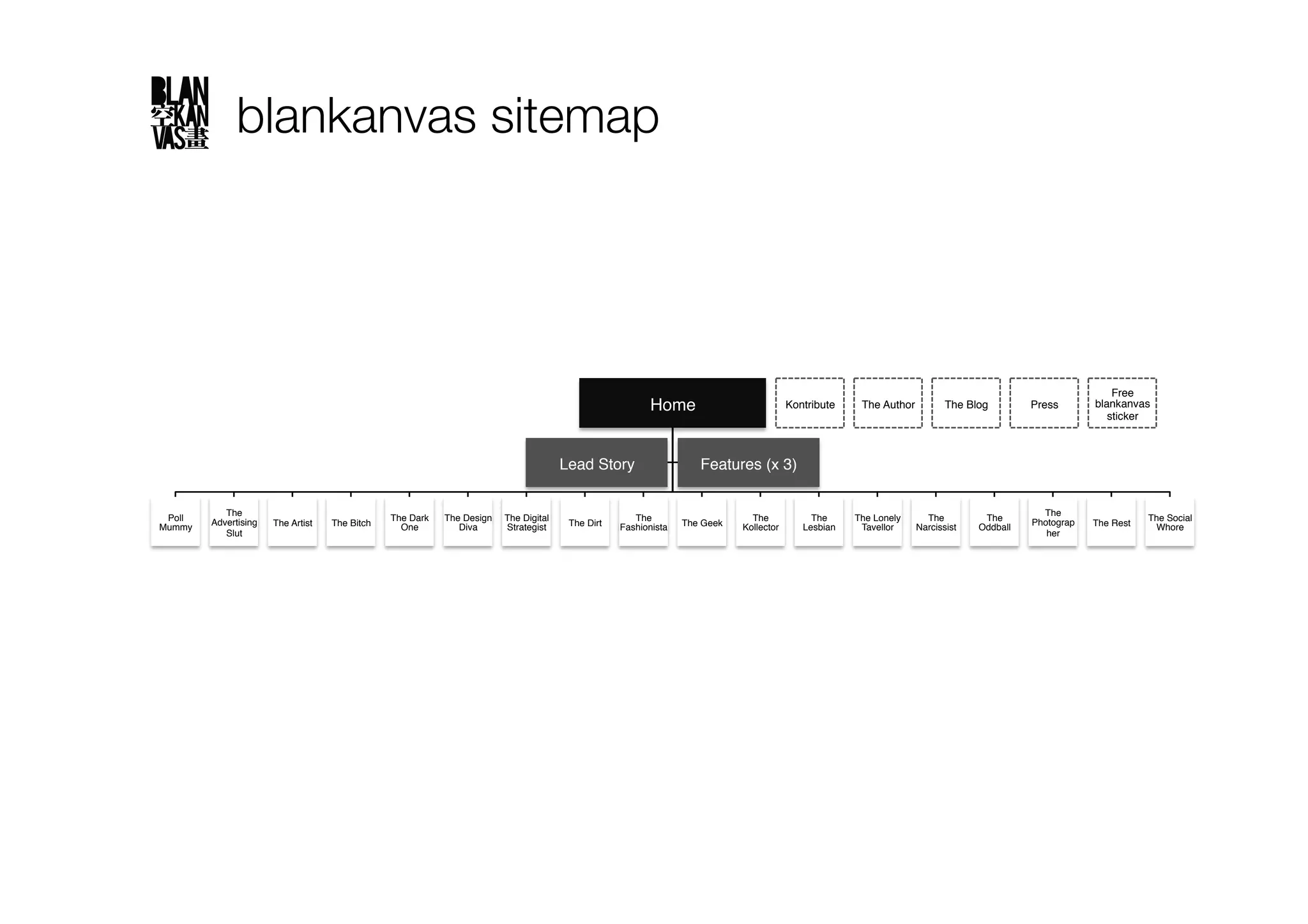
blankanvas sitemap


                                                                                                                                                                                                                 Free
                                                                                                            Home
                            Kontribute
    The Author
        The Blog
         Press
      blankanvas
                                                                                                                                                                                                                sticker


                                                                                        Lead Story
                    Features (x 3)


            The                                                                                                                                                                                    The
 Poll    Advertising                              The Dark   The Design   The Digital                   The                       The             The      The Lonely     The          The       Photograp               The Social
Mummy
                 The Artist
   The Bitch
     One
        Diva
     Strategist
    The Dirt
   Fashionista
   The Geek
   Kollector
      Lesbian
    Tavellor
   Narcissist
   Oddball
               The Rest
     Whore
            Slut
                                                                                                                                                                                   her
For the purpose of this presentation, I will illustrate the benefits of using
     WordPress’ publishing platform which you can download from
             WordPress.org and host on your own server."

No, using a free service provided by WordPress.com is not an option.
Step 1: Load up with the right tools
1.    A text editor
           To edit your CSS and PHP files
           Recommended: Adobe Dreamweaver

2.    A photo editor
           To prettify your graphics and photographs for your blog
           Recommended: Adobe Photoshop
           Tip: I use Skitch (available for Mac only) for quick & dirty screengrabs"

3.    An FTP client
           To install WordPress, themes and plugins on your server
           Recommended: FileZilla (for PC users), Cyberduck (for Mac users)
           Tip: To avoid clogging up too much space on your server with graphics and photographs, use
            a 3rd party provider like Flickr"

4.    Tracking tools
           Google Analytics: To track your blog statistics
           Bit.ly or Su.pr: To track the effectiveness of your clickthrough rate
           Feedburner: To build your database
           Facebook Page: To build your database and track on your quantitative readership profile
           CrowdScience: To track on your qualitative readership profile
Step 2: Find yourself a web host

1.  You need a web host that provides:
      PHP version 4.3 or greater
      MySQL version 4.0 or greater
      The mod_rewrite Apache module"

2.  Select a web host that is based in the country you think you’d get the most
    traffic from and has been around for a while"

3.  Choose a sexy domain name"

4.  Tip: Sign up for a web host alongside with your domain name registration.
    Typically, a web host will offer to waive off the domain name registration fee if
    you commit to a web hosting plan of 12 months and beyond
Step 3: Install

1.  WordPress.org has a detailed guide at http://codex.wordpress.org/
    Installing_WordPress#Detailed_Instructions"

2.  Follow carefully step by step and you will be fine
Step 4: Soup it up, baby

1.  Grab yourself a theme
        A theme determines how your blog looks and functions
        Avoid changing your themes too often as it reduces brand recall (yes
         honey, you’re creating your own brand now)
        Be practical – don’t use a theme that requires a certain level of expertise
         in coding which you don’t have
        Make sure you have a logo, and make sure it looks good
        Recommended websites:
         o    WordPress.org: http://wordpress.org/extend/themes/
         o    PremiumWP: http://www.premiumwp.com/
         o    WooThemes: http://www.woothemes.com/
         o    Best WordPress Themes: http://www.bestwpthemes.com/ "
Step 4: Soup it up, baby

2.  Load up the plugins
         Plugins enhance your blog’s user experience, extends its capabilities, and make
          you wish you started your blog earlier
         Download from: http://wordpress.org/extend/plugins/ 
         Recommended plugins:
             Akismet: filter those nasty spam out
             All-in-one SEO Pack: because people don’t go beyond the first page of
              Google
             Cforms: deploy sexy looking forms on your blog
             Find Me On: the best looking widget that displays all of one’s social network
              profiles I’ve seen so far
             Get Recent Comments: display the most recent comments/ trackbacks on
              your blog
             Google XML Sitemaps: make your blog as search engine friendly as possible
             IntenseDebate: enhance and encourage conversation on your blog or website
             LinkWithin: encourages stickiness on your blog with recommended stories
              and associated thumbnails along with each blog post
Step 4: Soup it up, baby

2.  Load up the plugins
           Recent Posts: for those with a magazine layout like mine, this function allows
            “last in, first out’ readers to read your latest posts easily
           Search Suggest: because some of us can’t spell
           Subscribe to Comments: allows readers to receive notifications of new
            comments that are posted to an entry
           TweetMeme Retweet Button: adds a button which easily lets you retweet your
            blog posts
           Ultimate Google Analytics: enable Google Analytics on your blog 
           WP-o-Matic: create posts automated from RSS/ Atom feeds
           WP-UserOnline: enable you to display how many users are online on your
            Wordpress blog with detailed statistics of where they are and who there
            are(Members/Guests/Search Bots)
           WP Super Cache: Cache your blog so that it doesn’t take too long to load
Thank you
Holler over at pat@bypatlaw.com if you have any questions


Photo credits:!

WordPress logo: http://sophia.smith.edu/blog/news/ !
Corvette: http://www.flickr.com/photos/42793153@N05/3952796817/
Drawing board: http://nzesylva.wordpress.com/2009/09/17/the-drawing-board-is-now-full/

How to start a blog

  • 1.
    How to starta blog The idiot-proof guide for every clueless marketer" Proudly brought to you by:" A shameless self-promoter of an extremely shrewd marketer who leads a double-life as a narcissistic blogger who probably swears a little too much on Twitter for her own good
  • 2.
    Why should Istart a blog?
  • 3.
    Would you buya car from someone who can’t drive?
  • 4.
    1 You become one of them 2 You increase your ability to influence influencers 3 You acquire market intelligence AC Nielsen can’t provide 4 You become an Influencer
  • 5.
  • 6.
    My Blog’s BrandVision Why does this blog exist? State one reason why your blog exist What is my blog about? Describe your blog in a single sentence Who do I want to attract? Identify a maximum of two groups of target audience you wish to attract My blog will be better than… List the one blog you wish to beat in terms of quality and quantity (web performance) My blog reminds people of… List the one brand that best represent what you wish for your blog to be (i.e. NIKE/ LOUIS VUITTON/ etc)
  • 7.
    My Blog’s EditorialContent Frequency List the number of times you will commit to blogging weekly The Carrot What is the unique piece of content your blog will have that others don’t? Themes Define the topics you will blog about on a weekly and monthly basis Personality What tone will you undertake? Categories Develop a sitemap for your blog
  • 8.
    blankanvas sitemap Free Home Kontribute The Author The Blog Press blankanvas sticker Lead Story Features (x 3) The The Poll Advertising The Dark The Design The Digital The The The The Lonely The The Photograp The Social Mummy The Artist The Bitch One Diva Strategist The Dirt Fashionista The Geek Kollector Lesbian Tavellor Narcissist Oddball The Rest Whore Slut her
  • 9.
    For the purposeof this presentation, I will illustrate the benefits of using WordPress’ publishing platform which you can download from WordPress.org and host on your own server." No, using a free service provided by WordPress.com is not an option.
  • 10.
    Step 1: Loadup with the right tools 1.  A text editor   To edit your CSS and PHP files   Recommended: Adobe Dreamweaver 2.  A photo editor   To prettify your graphics and photographs for your blog   Recommended: Adobe Photoshop   Tip: I use Skitch (available for Mac only) for quick & dirty screengrabs" 3.  An FTP client   To install WordPress, themes and plugins on your server   Recommended: FileZilla (for PC users), Cyberduck (for Mac users)   Tip: To avoid clogging up too much space on your server with graphics and photographs, use a 3rd party provider like Flickr" 4.  Tracking tools   Google Analytics: To track your blog statistics   Bit.ly or Su.pr: To track the effectiveness of your clickthrough rate   Feedburner: To build your database   Facebook Page: To build your database and track on your quantitative readership profile   CrowdScience: To track on your qualitative readership profile
  • 11.
    Step 2: Findyourself a web host 1.  You need a web host that provides:   PHP version 4.3 or greater   MySQL version 4.0 or greater   The mod_rewrite Apache module" 2.  Select a web host that is based in the country you think you’d get the most traffic from and has been around for a while" 3.  Choose a sexy domain name" 4.  Tip: Sign up for a web host alongside with your domain name registration. Typically, a web host will offer to waive off the domain name registration fee if you commit to a web hosting plan of 12 months and beyond
  • 12.
    Step 3: Install 1. WordPress.org has a detailed guide at http://codex.wordpress.org/ Installing_WordPress#Detailed_Instructions" 2.  Follow carefully step by step and you will be fine
  • 13.
    Step 4: Soupit up, baby 1.  Grab yourself a theme   A theme determines how your blog looks and functions   Avoid changing your themes too often as it reduces brand recall (yes honey, you’re creating your own brand now)   Be practical – don’t use a theme that requires a certain level of expertise in coding which you don’t have   Make sure you have a logo, and make sure it looks good   Recommended websites: o  WordPress.org: http://wordpress.org/extend/themes/ o  PremiumWP: http://www.premiumwp.com/ o  WooThemes: http://www.woothemes.com/ o  Best WordPress Themes: http://www.bestwpthemes.com/ "
  • 14.
    Step 4: Soupit up, baby 2.  Load up the plugins   Plugins enhance your blog’s user experience, extends its capabilities, and make you wish you started your blog earlier   Download from: http://wordpress.org/extend/plugins/   Recommended plugins:   Akismet: filter those nasty spam out   All-in-one SEO Pack: because people don’t go beyond the first page of Google   Cforms: deploy sexy looking forms on your blog   Find Me On: the best looking widget that displays all of one’s social network profiles I’ve seen so far   Get Recent Comments: display the most recent comments/ trackbacks on your blog   Google XML Sitemaps: make your blog as search engine friendly as possible   IntenseDebate: enhance and encourage conversation on your blog or website   LinkWithin: encourages stickiness on your blog with recommended stories and associated thumbnails along with each blog post
  • 15.
    Step 4: Soupit up, baby 2.  Load up the plugins   Recent Posts: for those with a magazine layout like mine, this function allows “last in, first out’ readers to read your latest posts easily   Search Suggest: because some of us can’t spell   Subscribe to Comments: allows readers to receive notifications of new comments that are posted to an entry   TweetMeme Retweet Button: adds a button which easily lets you retweet your blog posts   Ultimate Google Analytics: enable Google Analytics on your blog   WP-o-Matic: create posts automated from RSS/ Atom feeds   WP-UserOnline: enable you to display how many users are online on your Wordpress blog with detailed statistics of where they are and who there are(Members/Guests/Search Bots)   WP Super Cache: Cache your blog so that it doesn’t take too long to load
  • 16.
    Thank you Holler overat pat@bypatlaw.com if you have any questions Photo credits:! WordPress logo: http://sophia.smith.edu/blog/news/ ! Corvette: http://www.flickr.com/photos/42793153@N05/3952796817/ Drawing board: http://nzesylva.wordpress.com/2009/09/17/the-drawing-board-is-now-full/