Download as PDF, PPTX
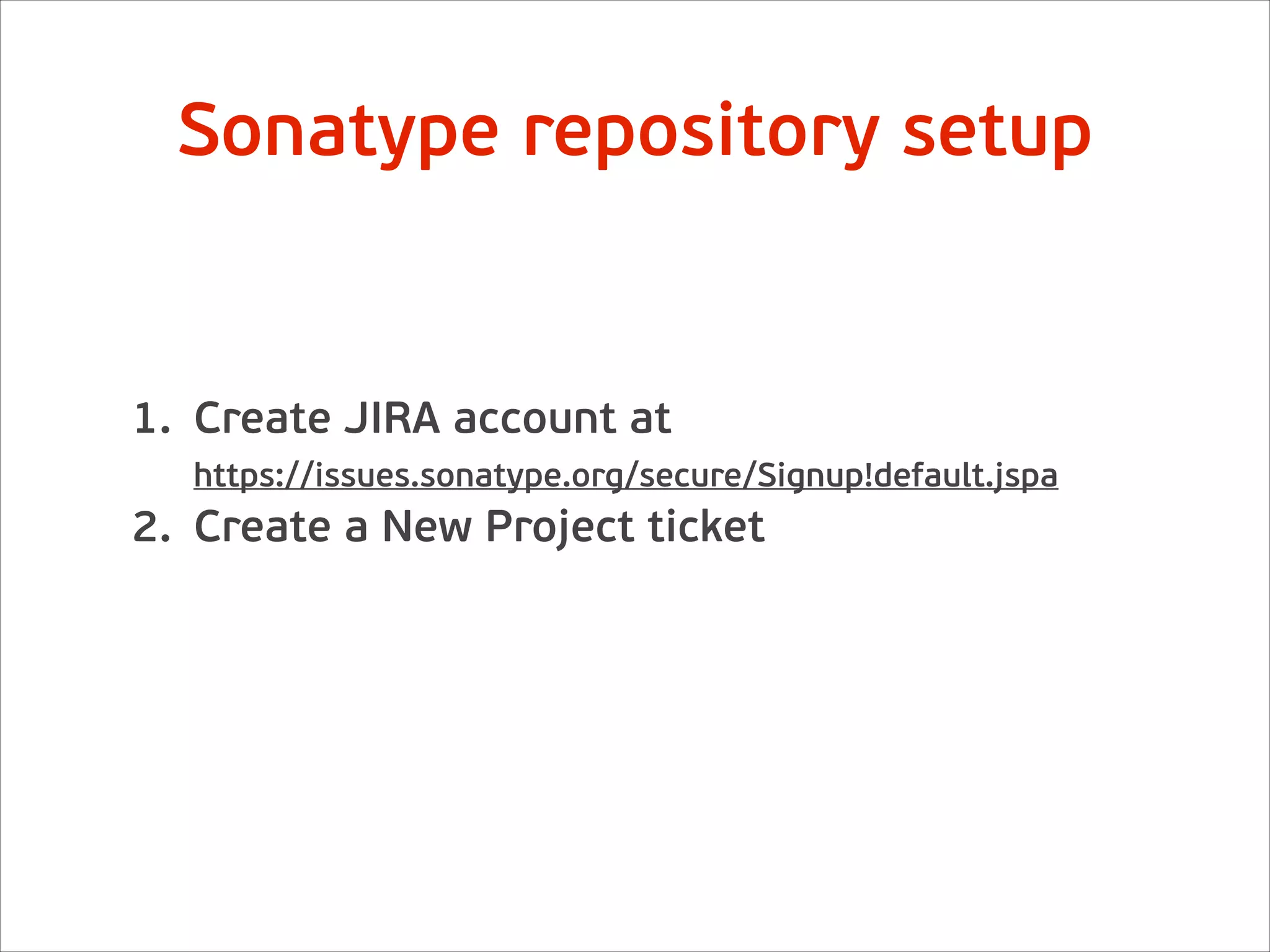
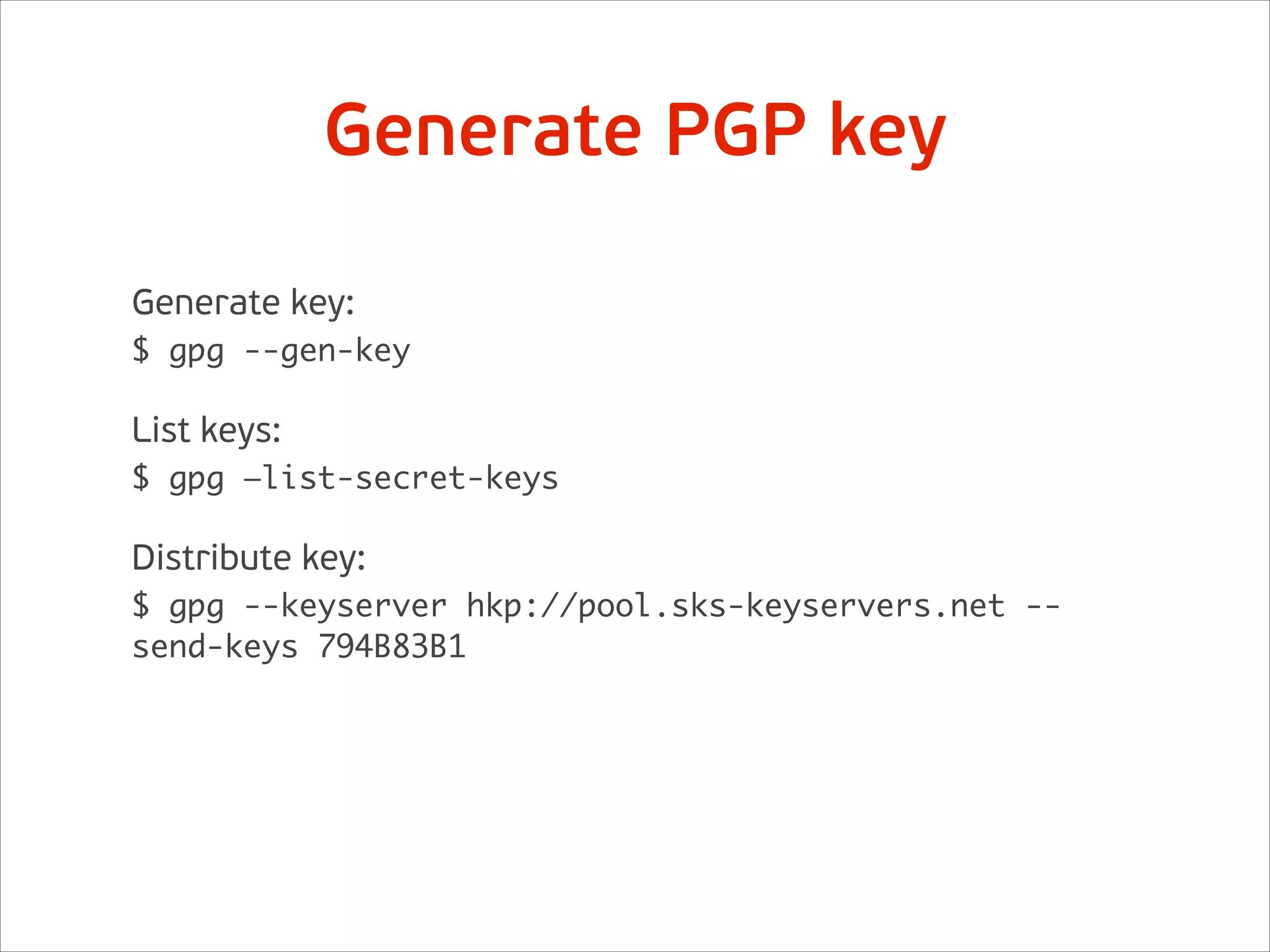
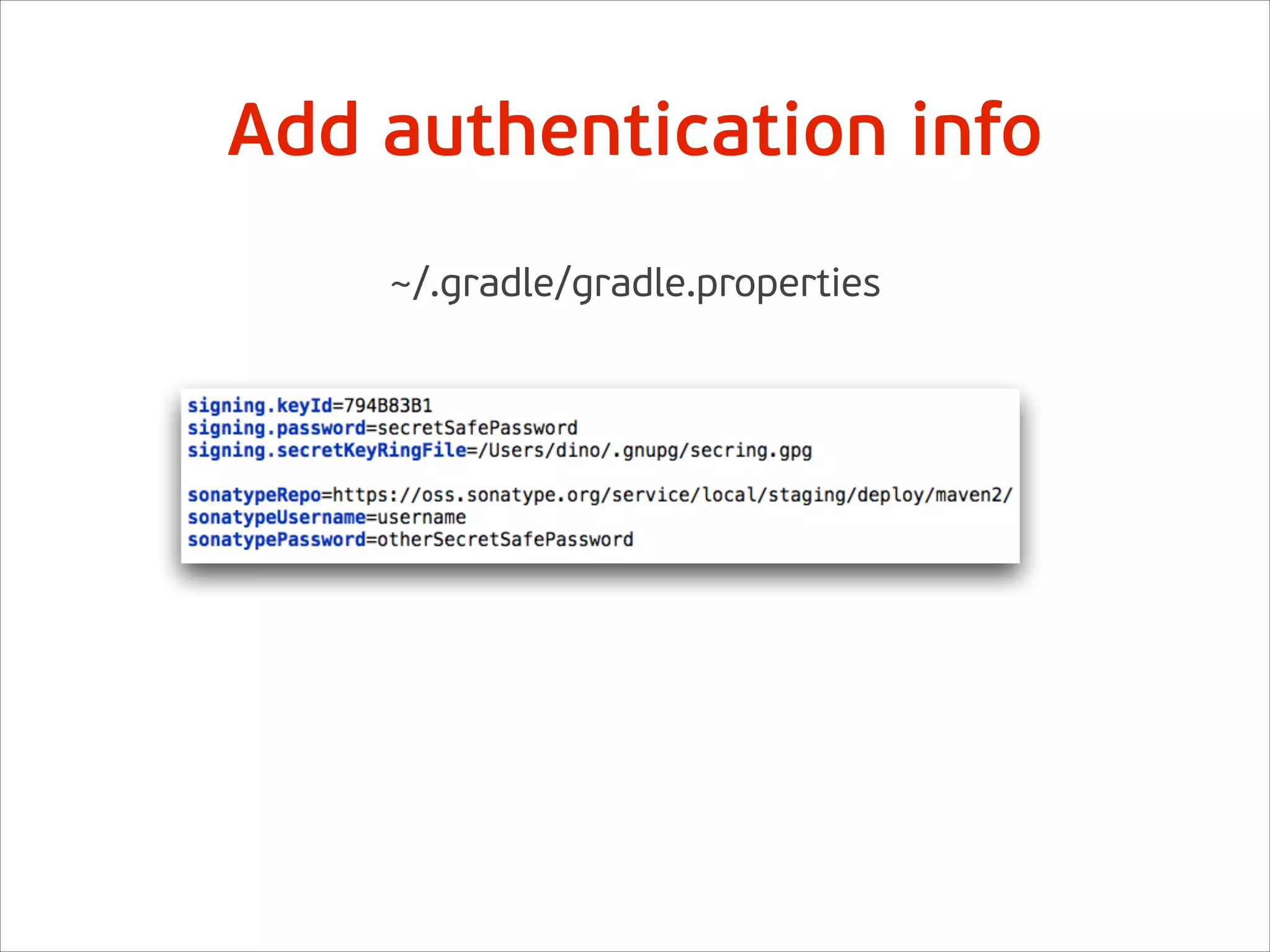
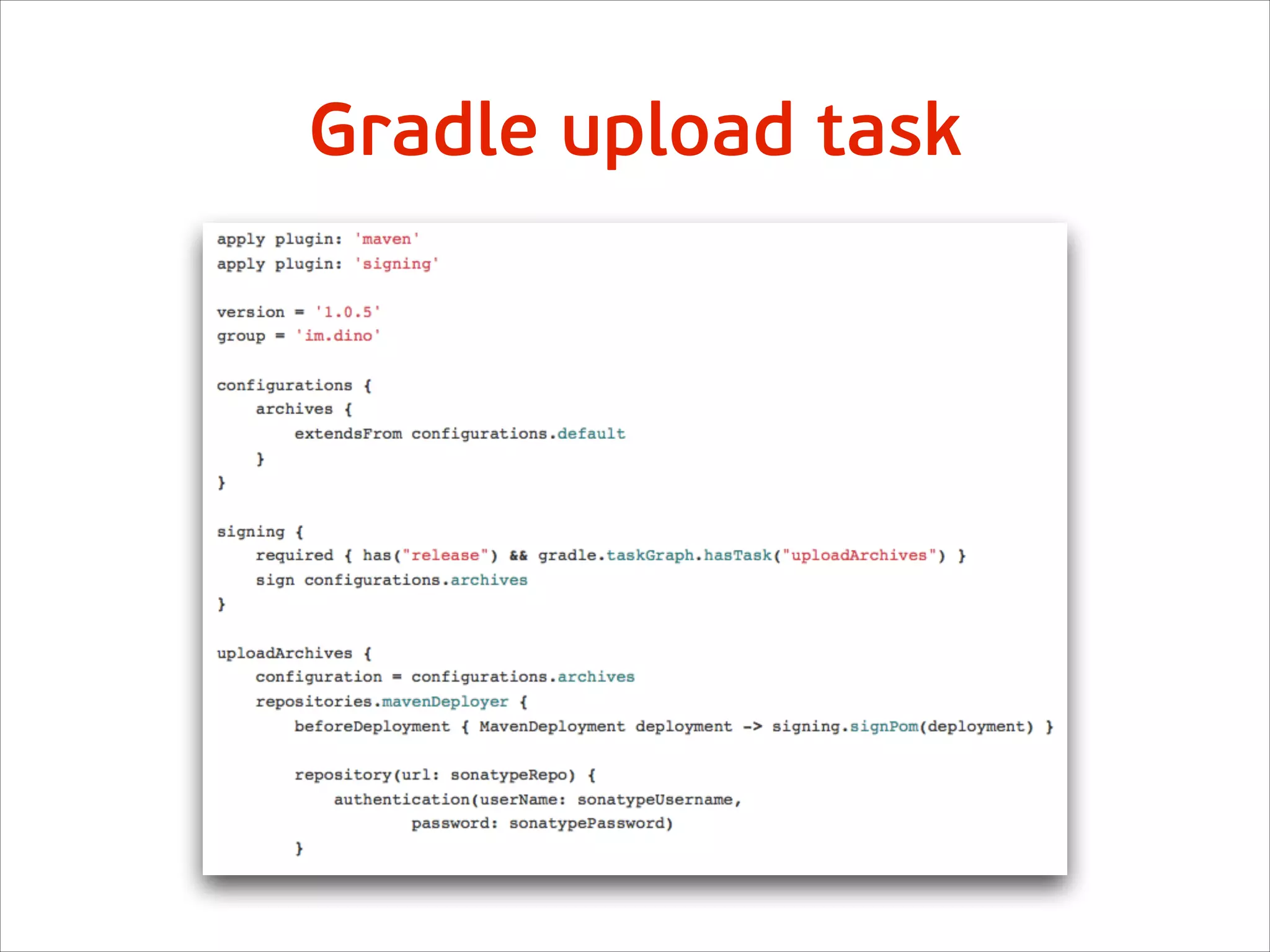
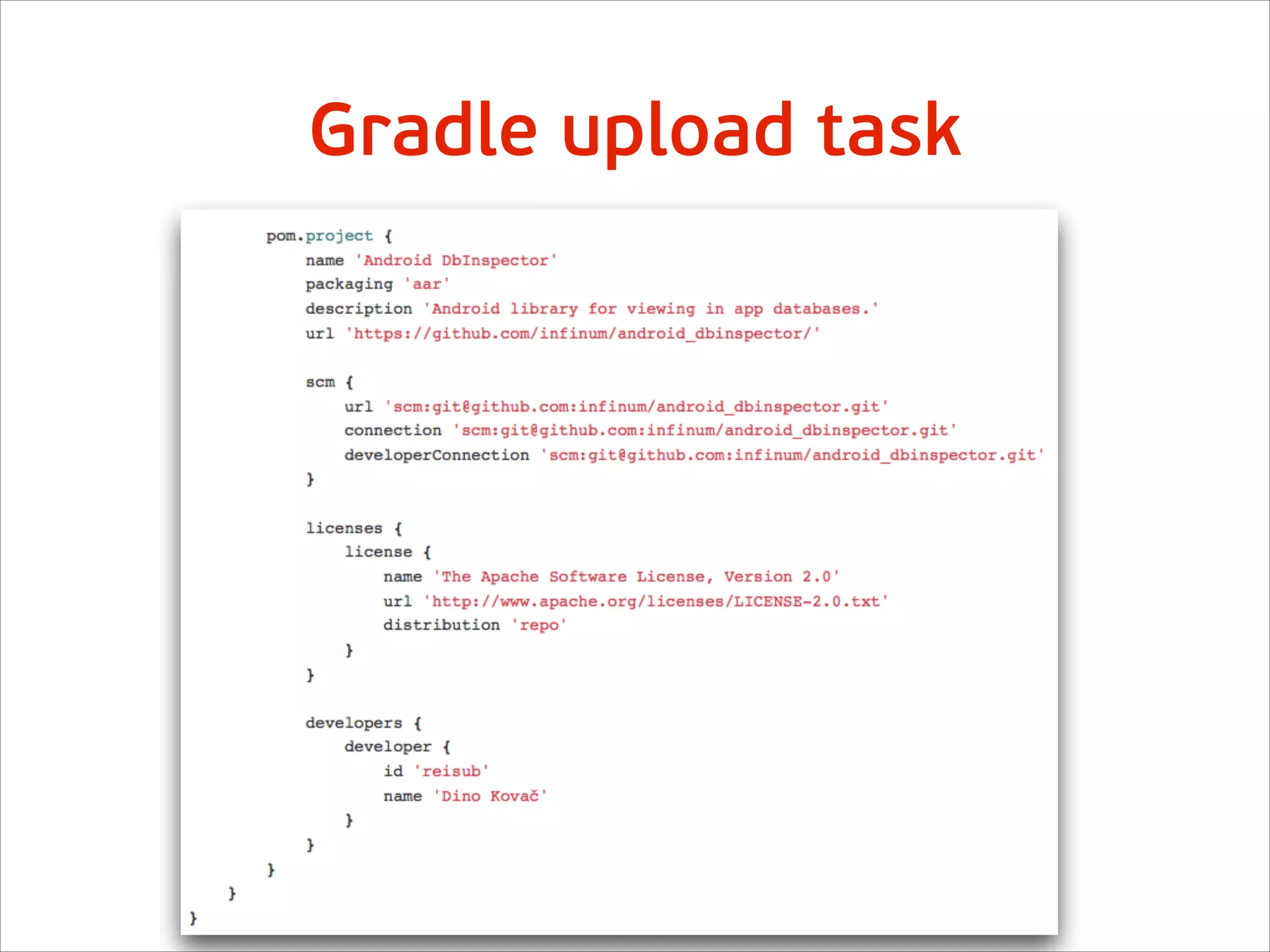
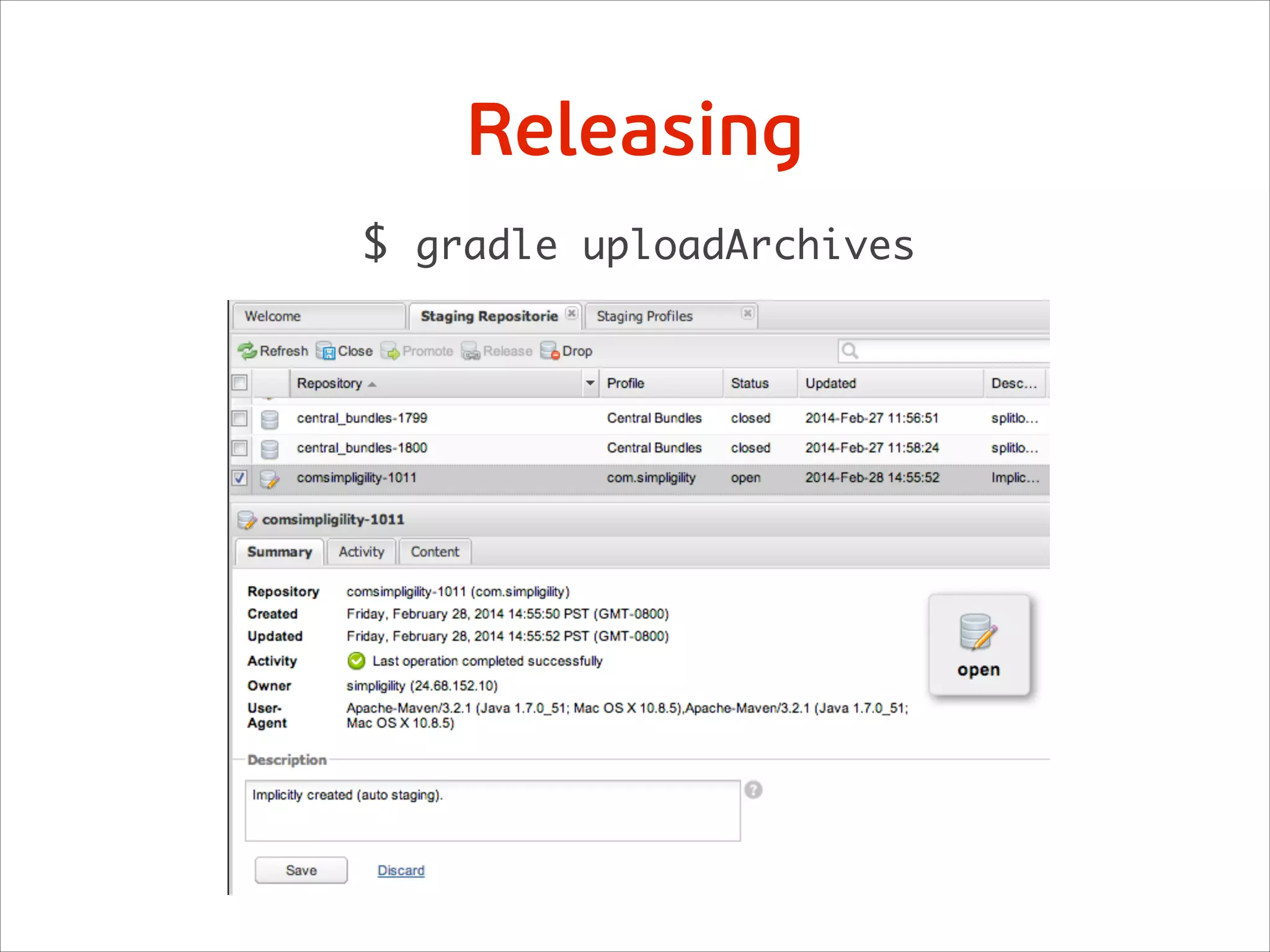
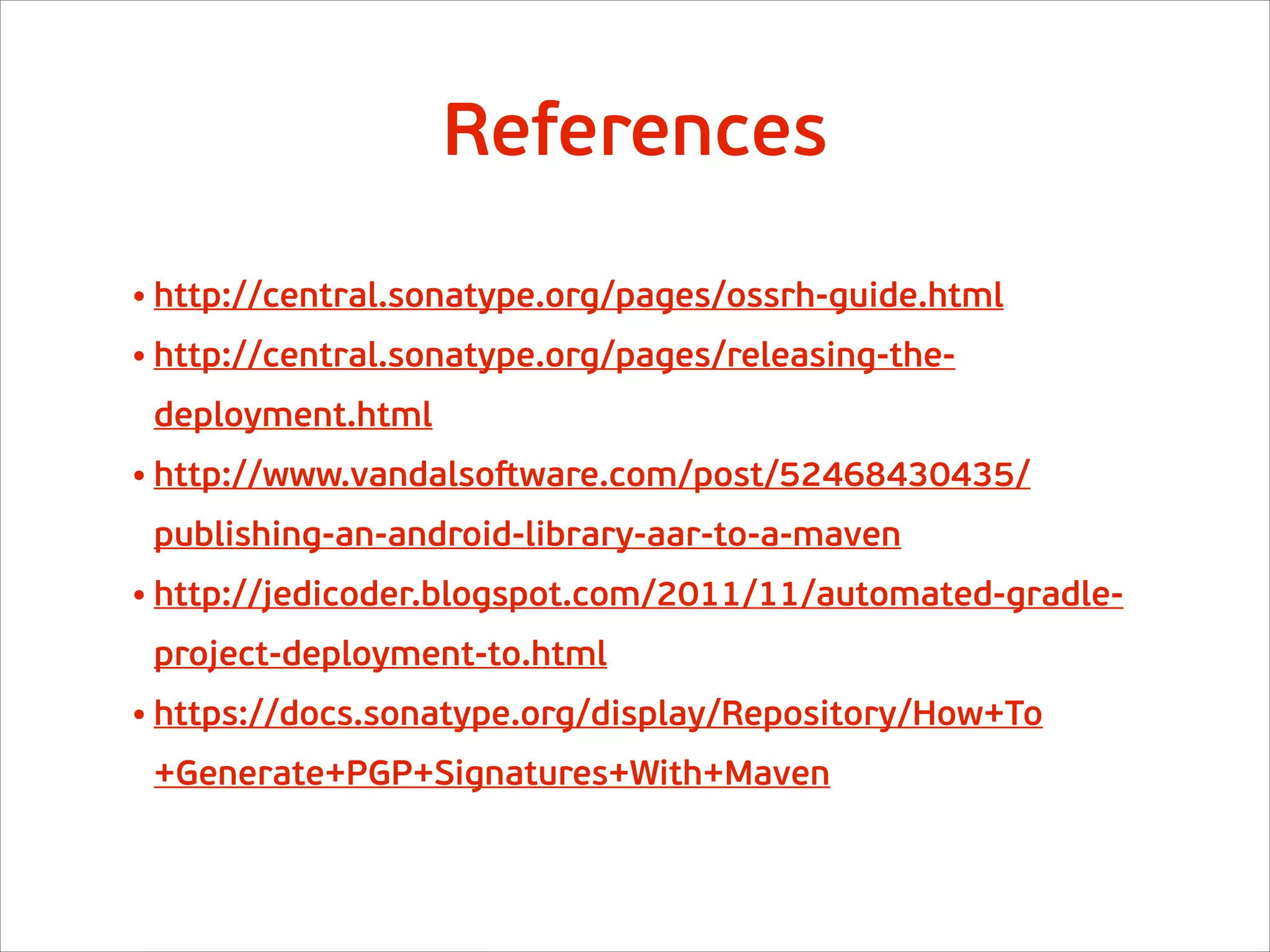

The document outlines the steps to publish an Android Archive (.aar) to Maven Central, starting with creating a Jira account and submitting a new project ticket. It includes instructions for generating a GPG key, distributing it, and configuring Gradle for the upload task. The document also provides references for further guidance on the process.


![[Android Tour Perú 2013] APIs JSON con Android](https://cdn.slidesharecdn.com/ss_thumbnails/android-tour-peru-2013-130329162922-phpapp01-thumbnail.jpg?width=640&height=640&fit=bounds)


