How to Present A guide to PowerPoint by  Geoff Stilwell
Types of Content Bulleted Text Clip Art Photos or Stored Files Tables Charts Drawings
Bulleted Text Level 1 Bullet Level 2 Bullet Level 2 again Back to Level 1 Level 2 again Level 3 Level 3 again Back to Level 1
Numbered Text Level 1 Number Level 2 Number Level 2 again Back to Level 1 Level 2 again Level 3 Level 3 again Back to Level 1
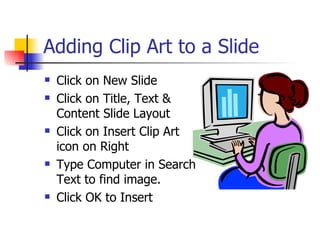
Adding Clip Art to a Slide Click on New Slide Click on Title, Text & Content Slide Layout Click on Insert Clip Art icon on Right Type Computer in Search Text to find image. Click OK to Insert
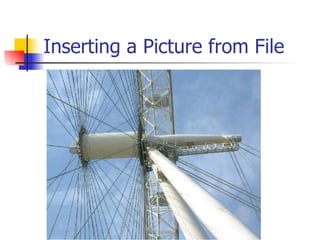
Inserting a Picture from File
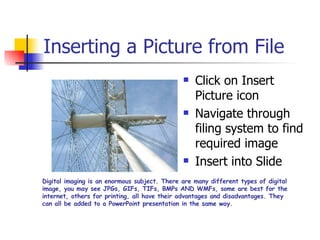
Inserting a Picture from File Click on Insert Picture icon Navigate through filing system to find required image Insert into Slide Digital imaging is an enormous subject. There are many different types of digital image, you may see JPGs, GIFs, TIFs, BMPs AND WMFs, some are best for the internet, others for printing, all have their advantages and disadvantages. They can all be added to a PowerPoint presentation in the same way.
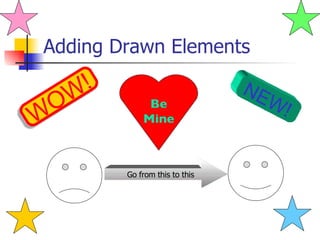
Adding Drawn Elements WOW!   NEW!   Be Mine Go from this to this
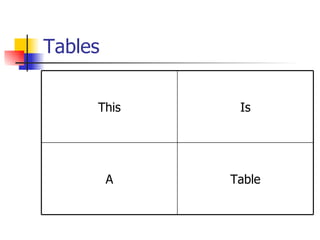
Tables Table A Is This
Charts

How To Present

  • 1.
    How to PresentA guide to PowerPoint by Geoff Stilwell
  • 2.
    Types of ContentBulleted Text Clip Art Photos or Stored Files Tables Charts Drawings
  • 3.
    Bulleted Text Level1 Bullet Level 2 Bullet Level 2 again Back to Level 1 Level 2 again Level 3 Level 3 again Back to Level 1
  • 4.
    Numbered Text Level1 Number Level 2 Number Level 2 again Back to Level 1 Level 2 again Level 3 Level 3 again Back to Level 1
  • 5.
    Adding Clip Artto a Slide Click on New Slide Click on Title, Text & Content Slide Layout Click on Insert Clip Art icon on Right Type Computer in Search Text to find image. Click OK to Insert
  • 6.
  • 7.
    Inserting a Picturefrom File Click on Insert Picture icon Navigate through filing system to find required image Insert into Slide Digital imaging is an enormous subject. There are many different types of digital image, you may see JPGs, GIFs, TIFs, BMPs AND WMFs, some are best for the internet, others for printing, all have their advantages and disadvantages. They can all be added to a PowerPoint presentation in the same way.
  • 8.
    Adding Drawn ElementsWOW! NEW! Be Mine Go from this to this
  • 9.
  • 10.