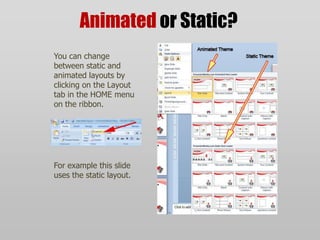
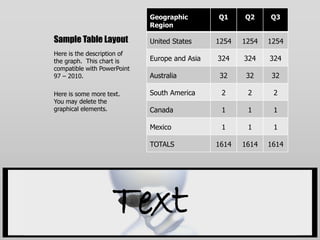
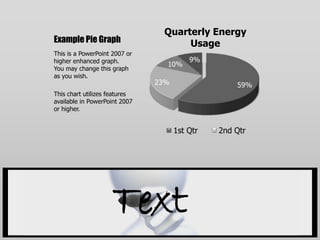
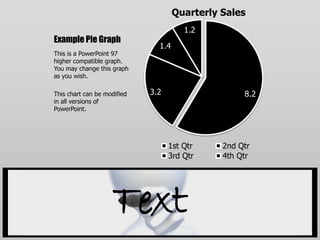
This PowerPoint template page contains information about animated content and effects that can be modified in the slide master view, and it provides guidance on compatibility with different versions of PowerPoint and tips for using images, objects, and placeholders throughout the template. The document also demonstrates various layouts for things like bulleted lists, tables, graphs, and pictures that can be customized. Users are instructed on how to change between static and animated layouts using the ribbon interface.



![Koppelen en doorschakelen definitief[1]](https://cdn.slidesharecdn.com/ss_thumbnails/koppelenendoorschakelen-definitief1-130405152431-phpapp02-thumbnail.jpg?width=640&height=640&fit=bounds)


