
How To Master The Pitch Deck
Harry Alford
Humble Ventures
h
How to Master the Pitch Deck | June 2018
Agenda
What Is A Pitch Deck
Why Pitch And To Whom
How To Stand Out
Challenges
Tools
Outline
How to Master the Pitch Deck | June 2018
What Is A Pitch Deck
A brief presentation or overview of your business
Structure may vary based on audience (teaser, in-person,
email)
10-20 slides
How to Master the Pitch Deck | June 2018
Why Pitch And To Whom
Regardless of stage, a pitch deck
is typically used to raise funding
and awareness about your
business
The founder is the best person to
present the deck as she knows
the ins and outs of the company
One person should be pitching
Used for pitching to:
• Accelerators
• Investors
• Mentors
• Customers
• Partners
• Employees
How to Master the Pitch Deck | June 2018
How To Stand Out
Hook them from the start
Tell a story supported by right outline
Name a big change in the world
Simplify your message
Be persuasive
Help the audience understand
who the customer is, what you are
doing for them and how you are
doing it
“We give everyone access to a
private driver by tapping the app
and getting a ride.”
How to Master the Pitch Deck | June 2018
Challenges
Whether in private or in front of a large audience
at demo day:
• Risk of losing control of narrative
• Investors are looking for holes and areas to
disprove your business model
Angels invest in 2.5% of the companies they
evaluate
Venture Capital firms invest in 1% of
companies they evaluate
Investors have limited time so avoid:
• Sharing too much information
• Sounding like a used car salesman
• Emailing repeatedly
• Putting too much content on each slide
• Making it too long
• Being unprepared
According to Gust software for angel groups
How to Master the Pitch Deck | June 2018
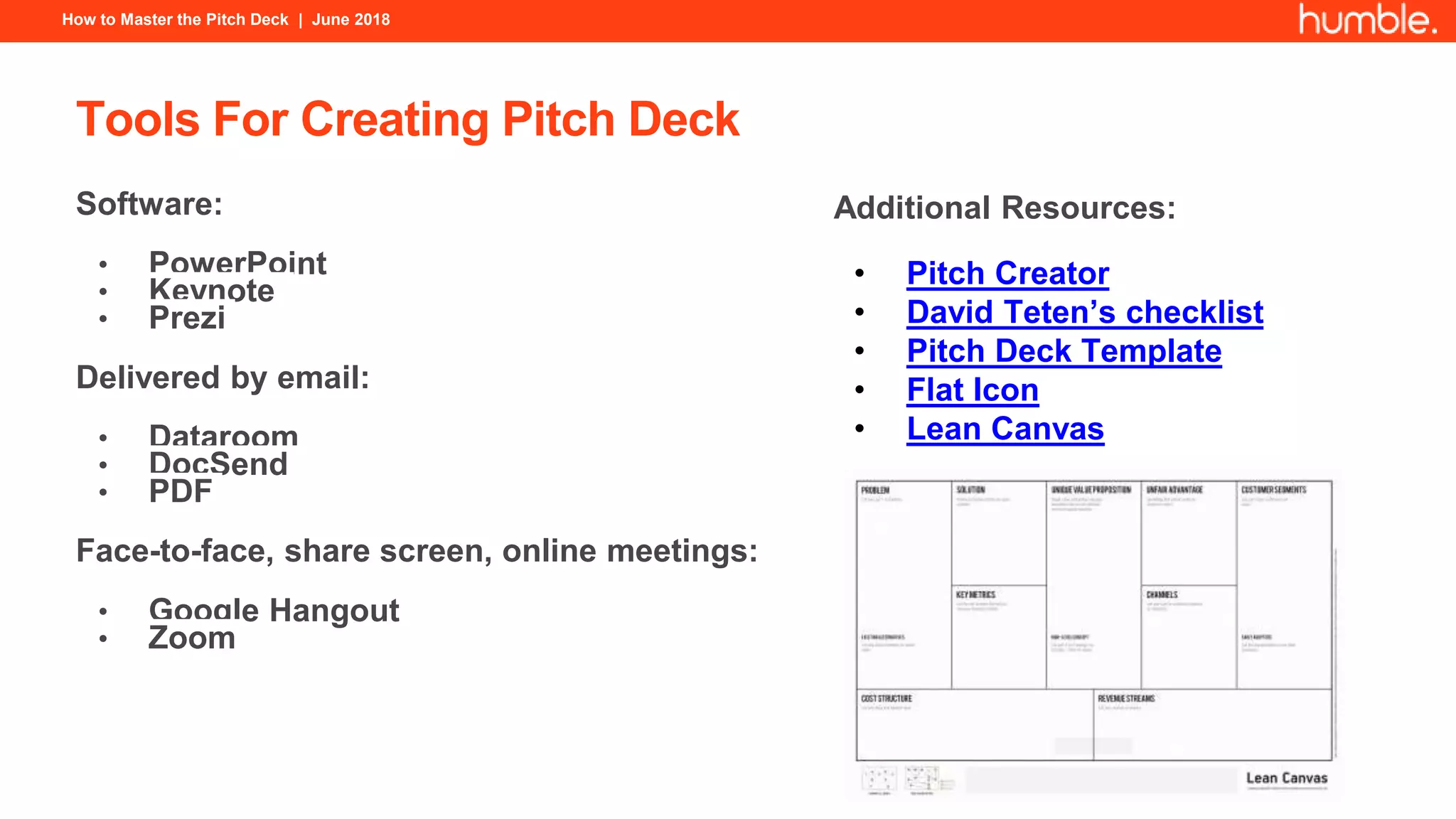
Tools For Creating Pitch Deck
Software:
• PowerPoint
• Keynote
• Prezi
Delivered by email:
• Dataroom
• DocSend
• PDF
Face-to-face, share screen, online meetings:
• Google Hangout
• Zoom
Additional Resources:
• Pitch Creator
• David Teten’s checklist
• Pitch Deck Template
• Flat Icon
• Lean Canvas
How to Master the Pitch Deck | June 2018
Pitch Deck Outline
1. Introduction
2. Vision
3. Problem
4. Solution
5. Product Demo*
6. Business Model
7. Market Opportunity
8. Differentiation/Competition
9. Traction*
10. Milestones/Roadmap
11. Team*
12. Ask
13. Contact
14. Appendix (optional)
*Satisfy at least one of these categories
How to Master the Pitch Deck | June 2018
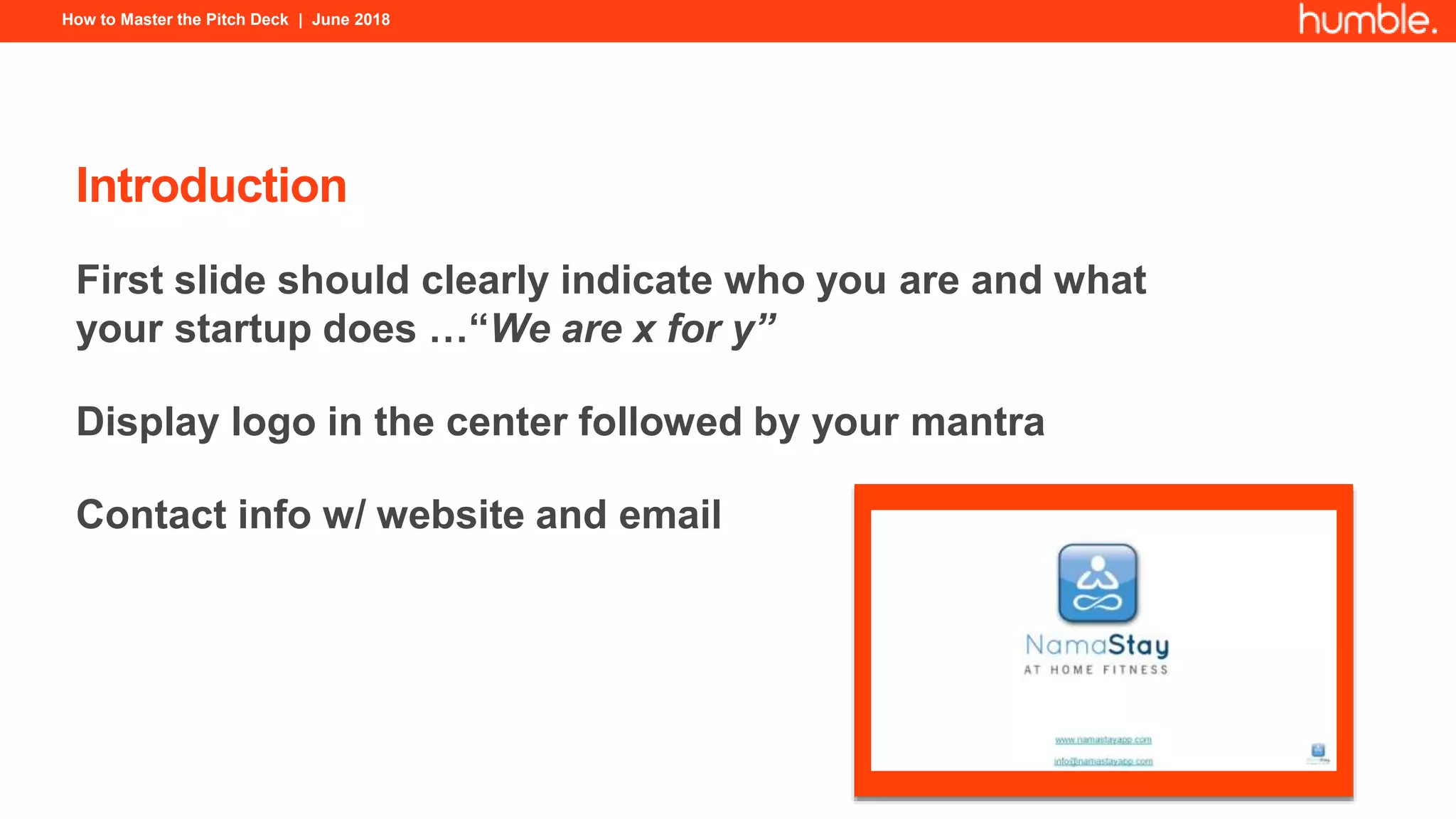
Introduction
First slide should clearly indicate who you are and what
your startup does …“We are x for y”
Display logo in the center followed by your mantra
Contact info w/ website and email
How to Master the Pitch Deck | June 2018
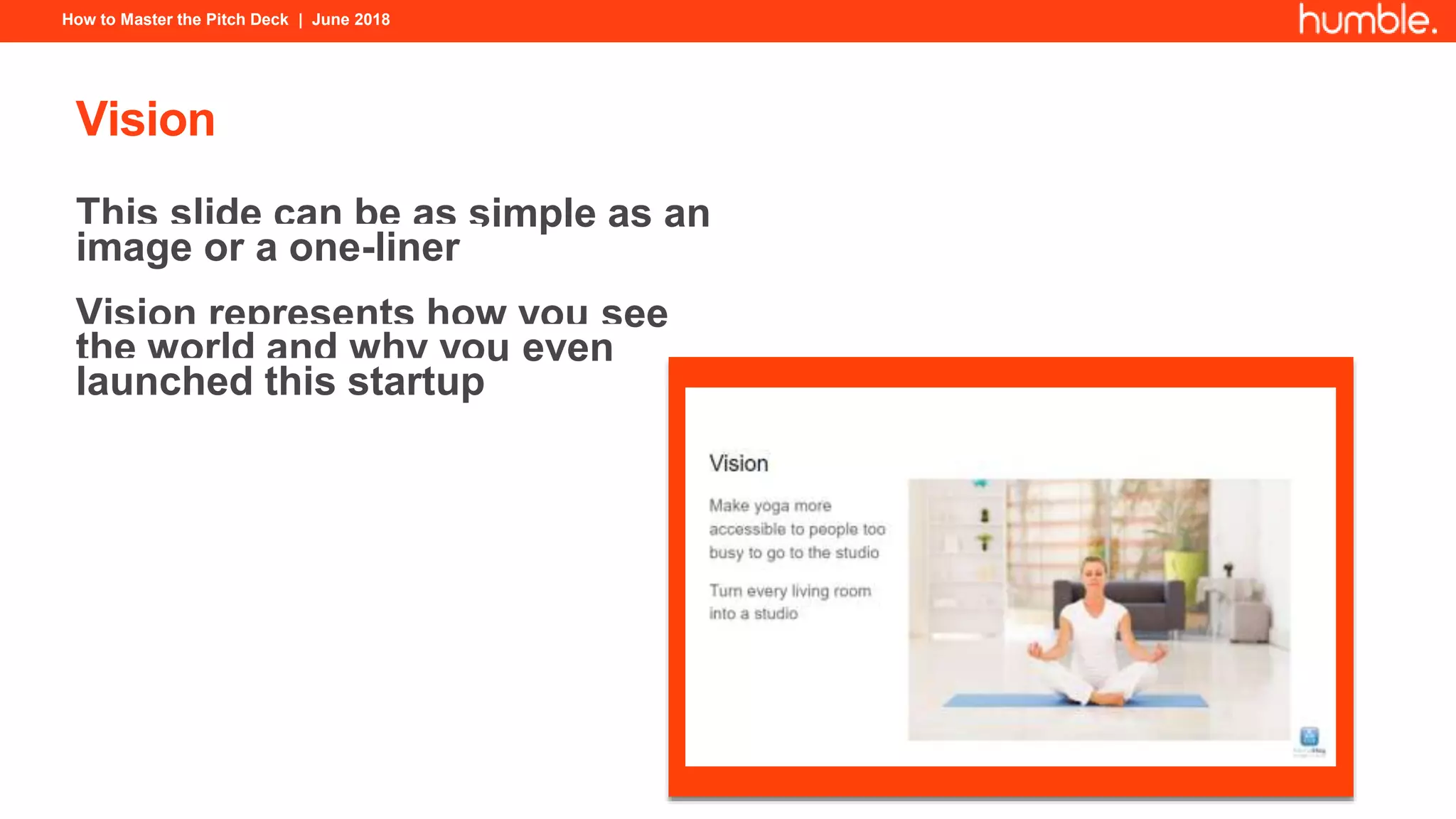
Vision
This slide can be as simple as an
image or a one-liner
Vision represents how you see
the world and why you even
launched this startup
How to Master the Pitch Deck | June 2018
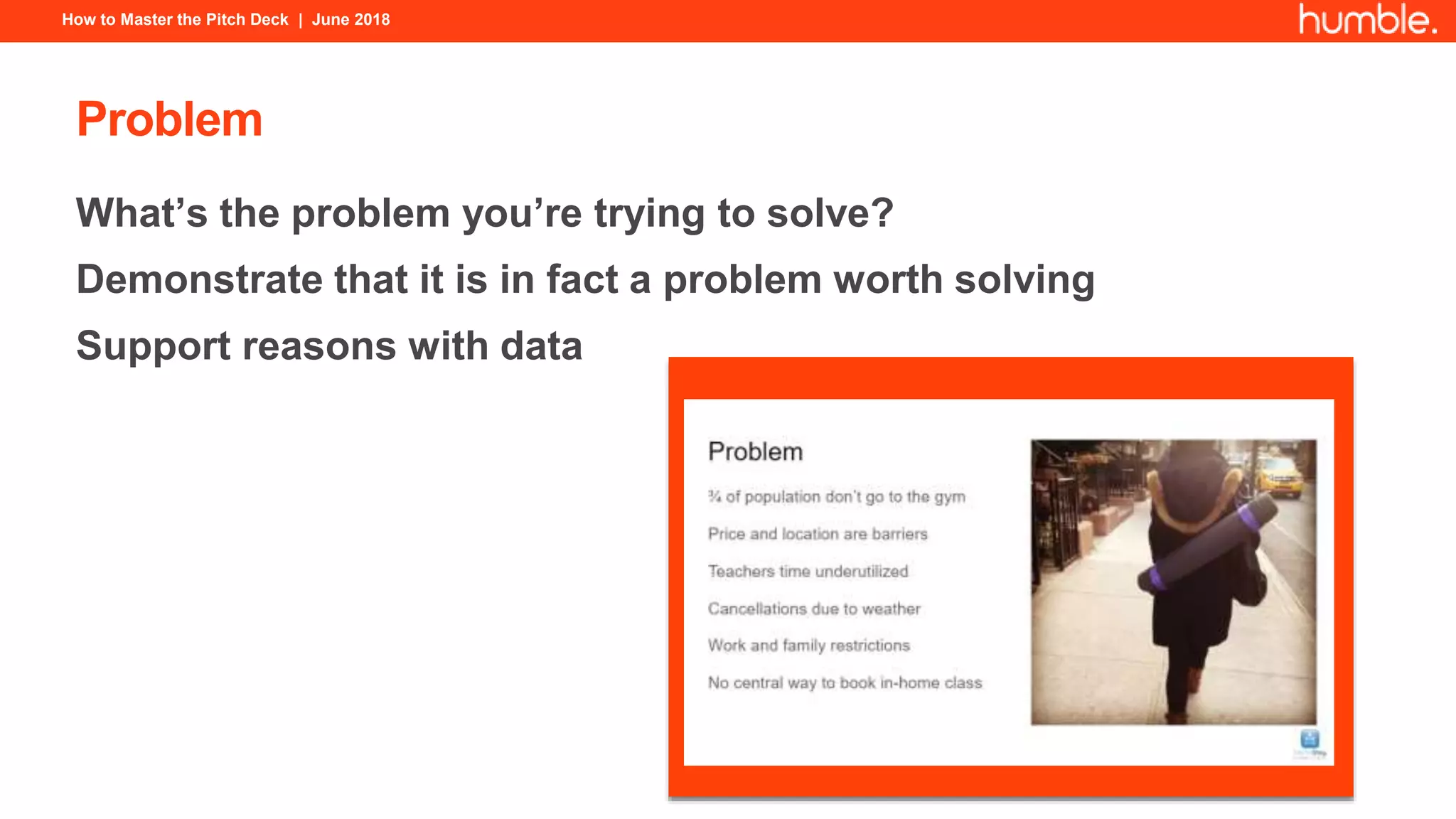
Problem
What’s the problem you’re trying to solve?
Demonstrate that it is in fact a problem worth solving
Support reasons with data
How to Master the Pitch Deck | June 2018
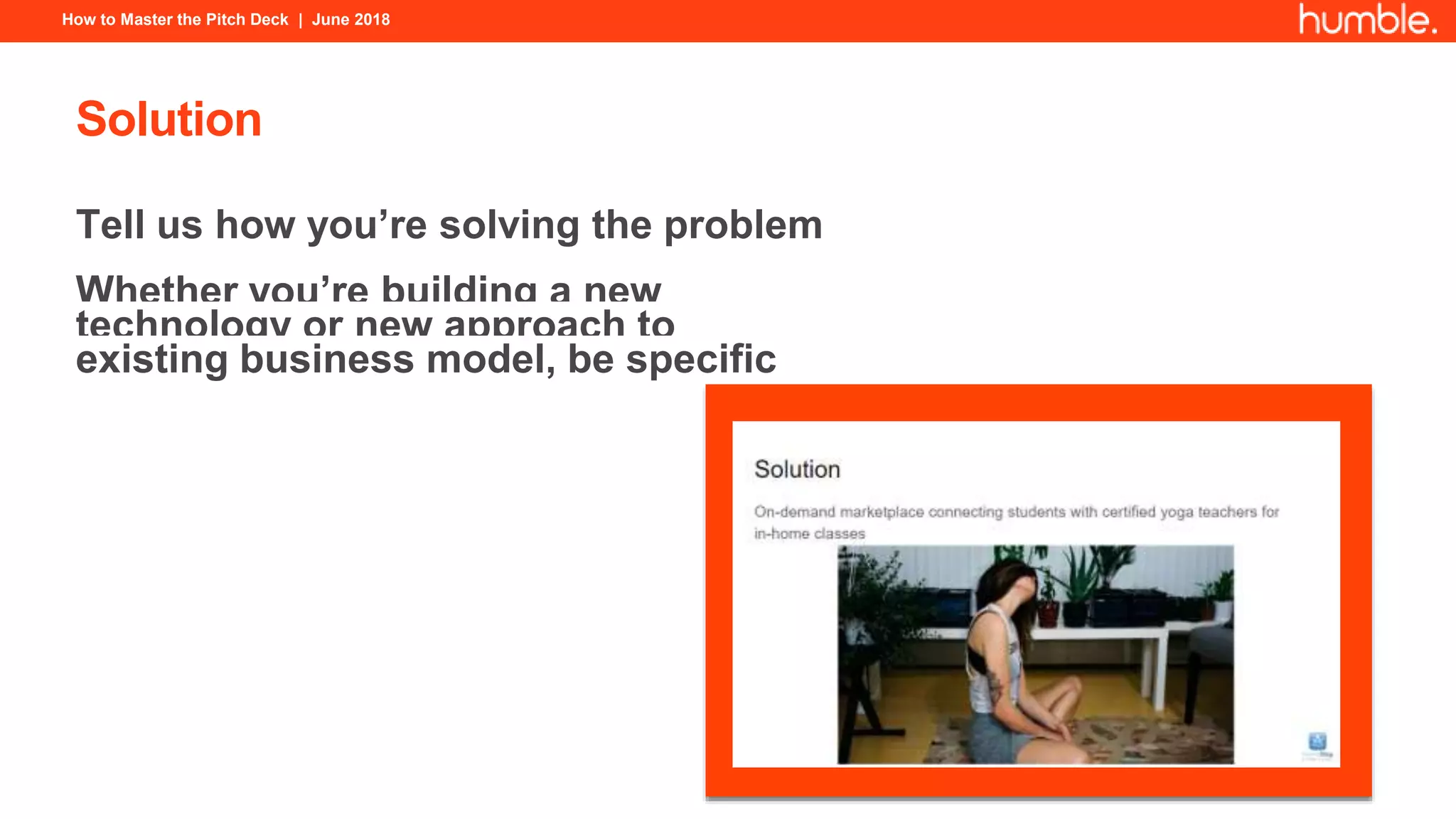
Solution
Tell us how you’re solving the problem
Whether you’re building a new
technology or new approach to
existing business model, be specific
How to Master the Pitch Deck | June 2018
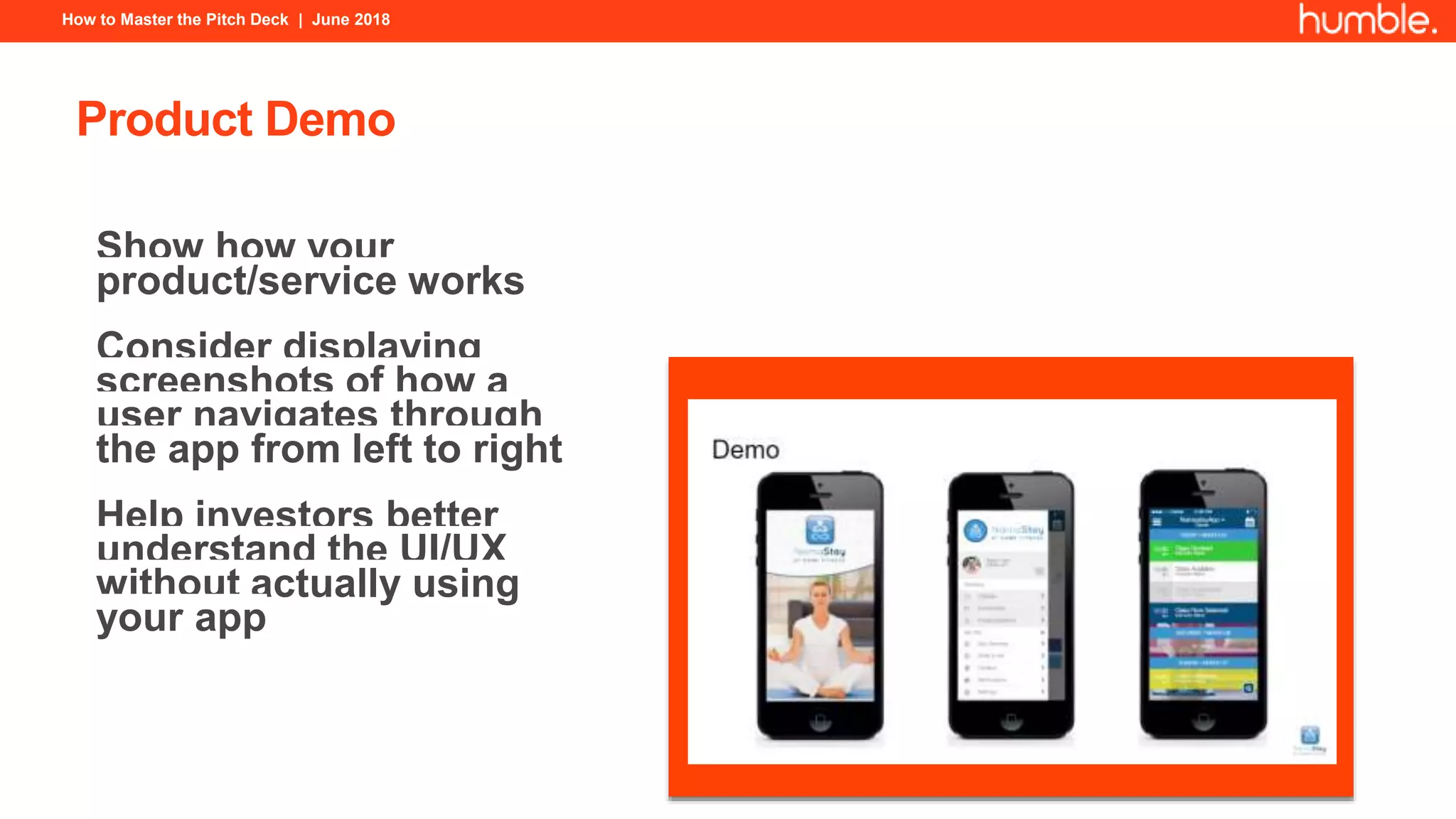
Product Demo
Show how your
product/service works
Consider displaying
screenshots of how a
user navigates through
the app from left to right
Help investors better
understand the UI/UX
without actually using
your app
How to Master the Pitch Deck | June 2018
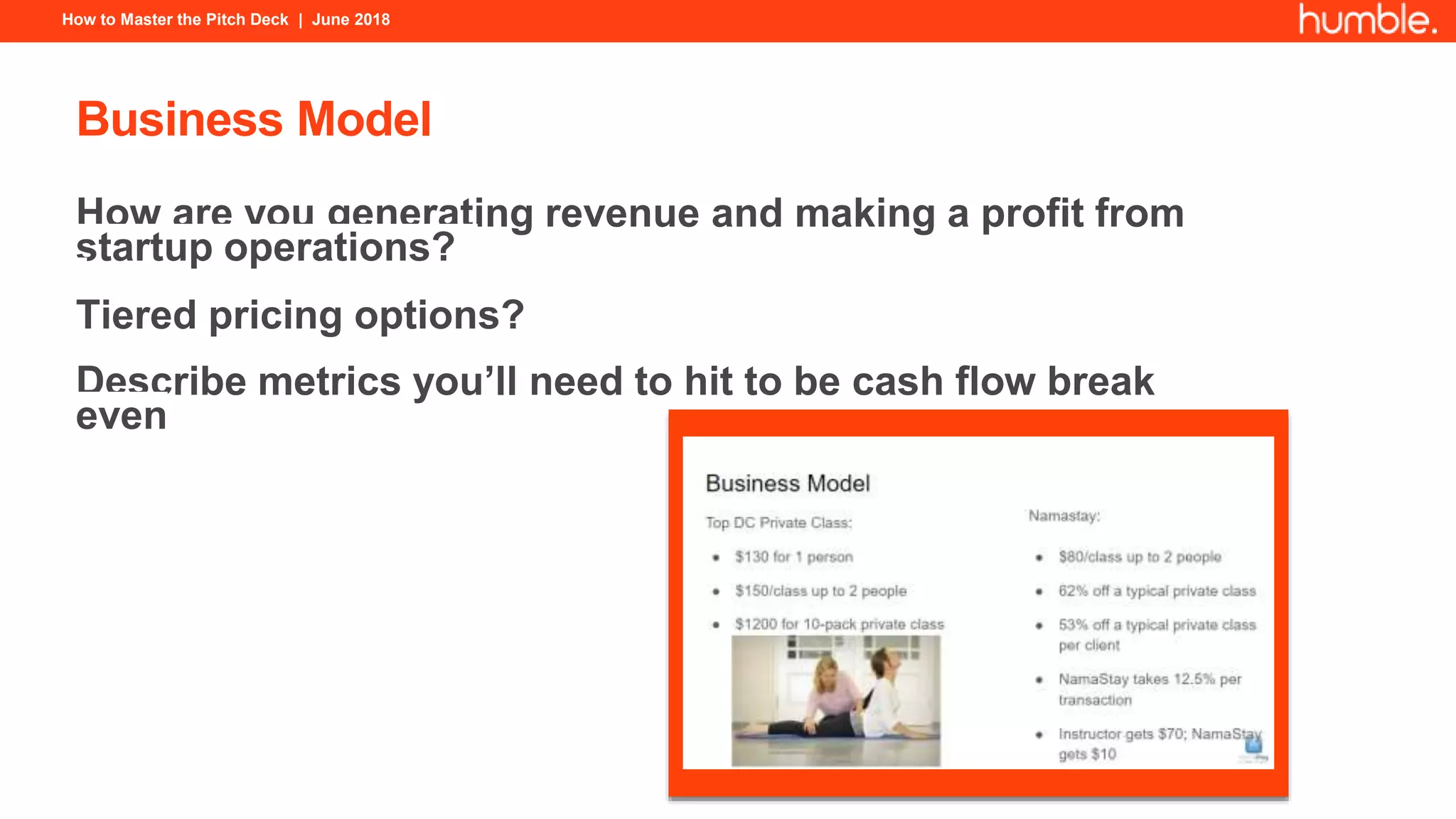
Business Model
How are you generating revenue and making a profit from
startup operations?
Tiered pricing options?
Describe metrics you’ll need to hit to be cash flow break
even
How to Master the Pitch Deck | June 2018
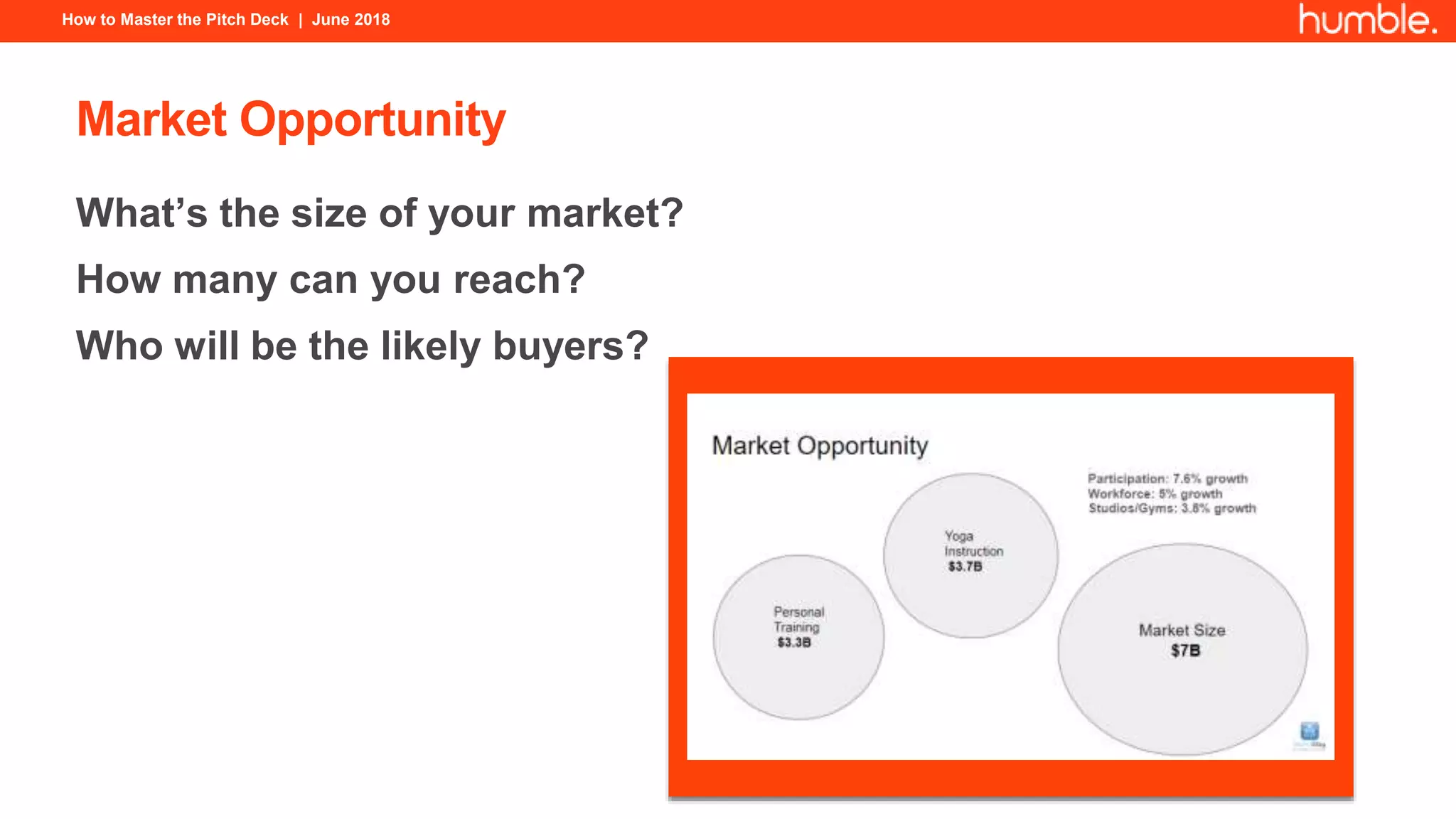
Market Opportunity
What’s the size of your market?
How many can you reach?
Who will be the likely buyers?
How to Master the Pitch Deck | June 2018
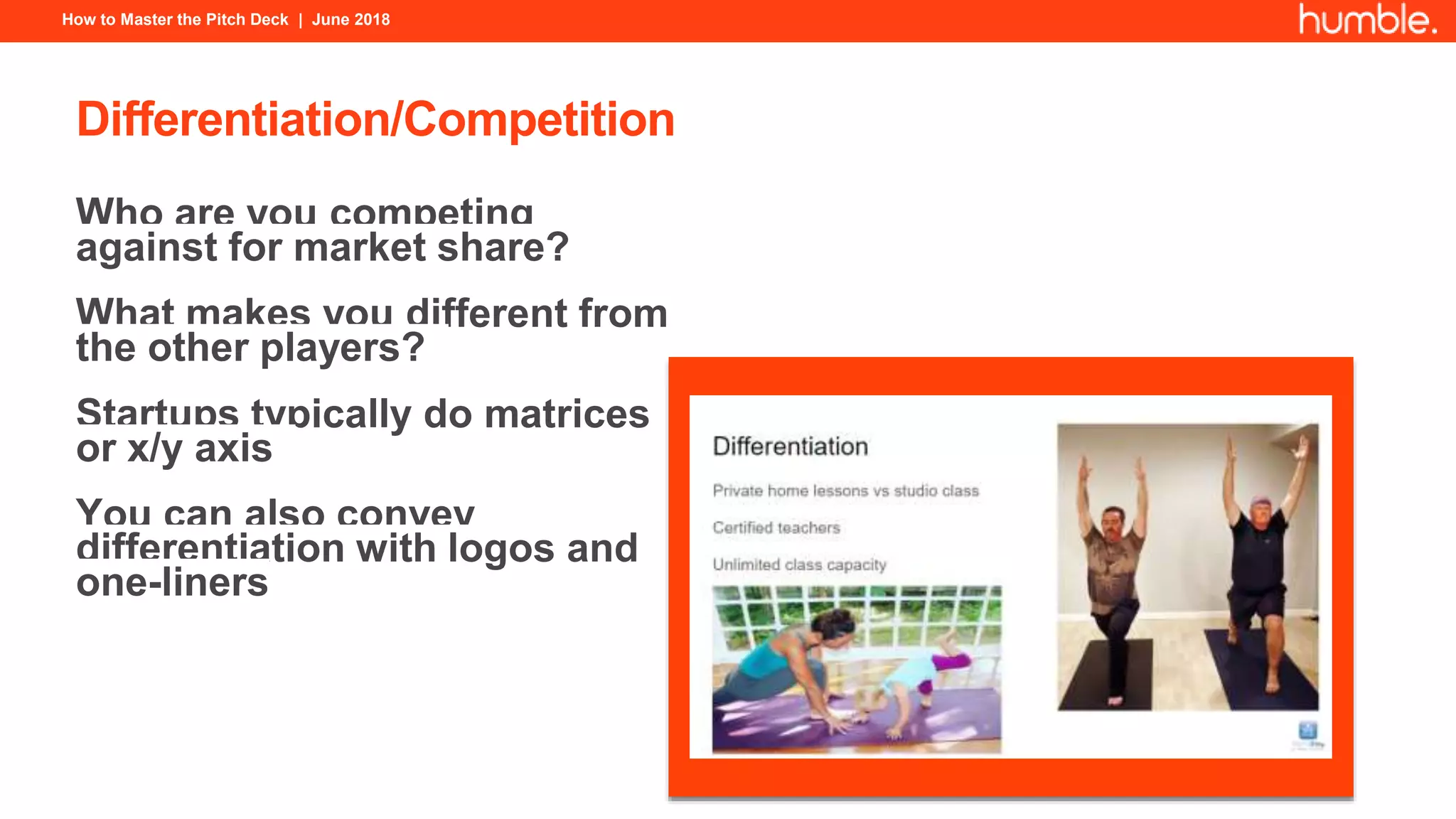
Differentiation/Competition
Who are you competing
against for market share?
What makes you different from
the other players?
Startups typically do matrices
or x/y axis
You can also convey
differentiation with logos and
one-liners
How to Master the Pitch Deck | June 2018
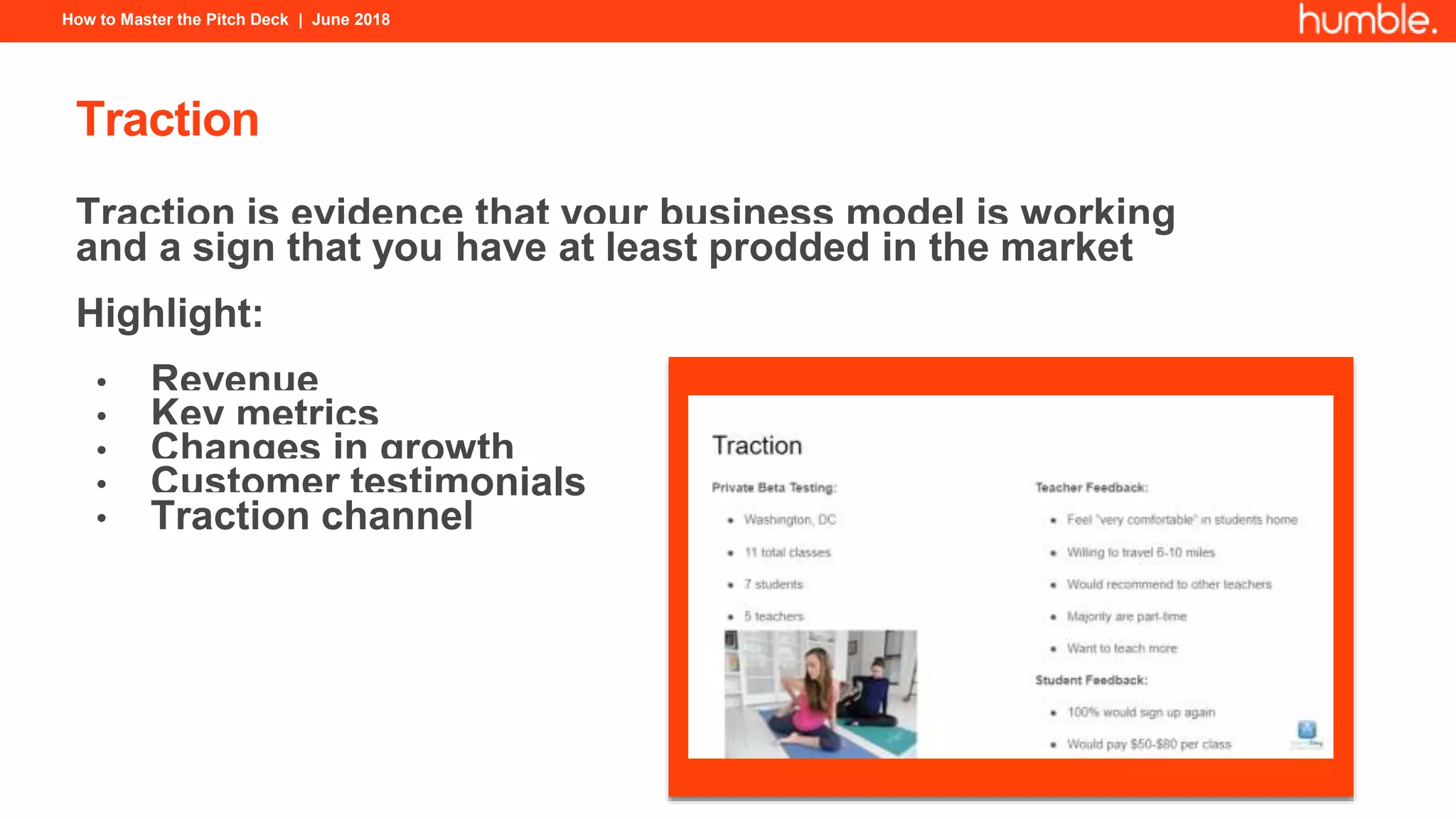
Traction
Traction is evidence that your business model is working
and a sign that you have at least prodded in the market
Highlight:
• Revenue
• Key metrics
• Changes in growth
• Customer testimonials
• Traction channel
How to Master the Pitch Deck | June 2018
Milestones/Roadmap
A timeline of where you’ve come from and where you’re
heading helps better illustrate your path and achievements
How to Master the Pitch Deck | June 2018
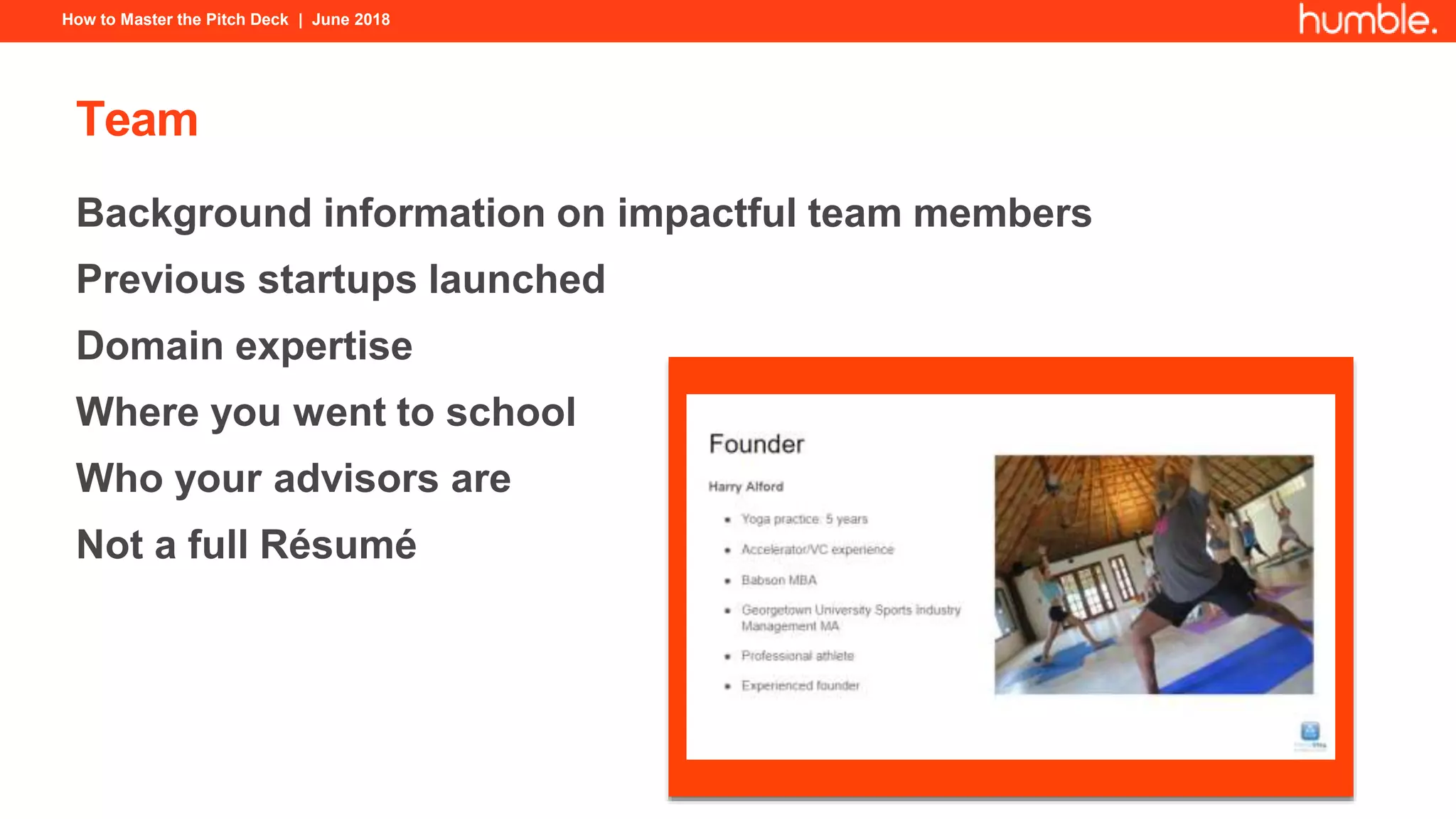
Team
Background information on impactful team members
Previous startups launched
Domain expertise
Where you went to school
Who your advisors are
Not a full Résumé
How to Master the Pitch Deck | June 2018
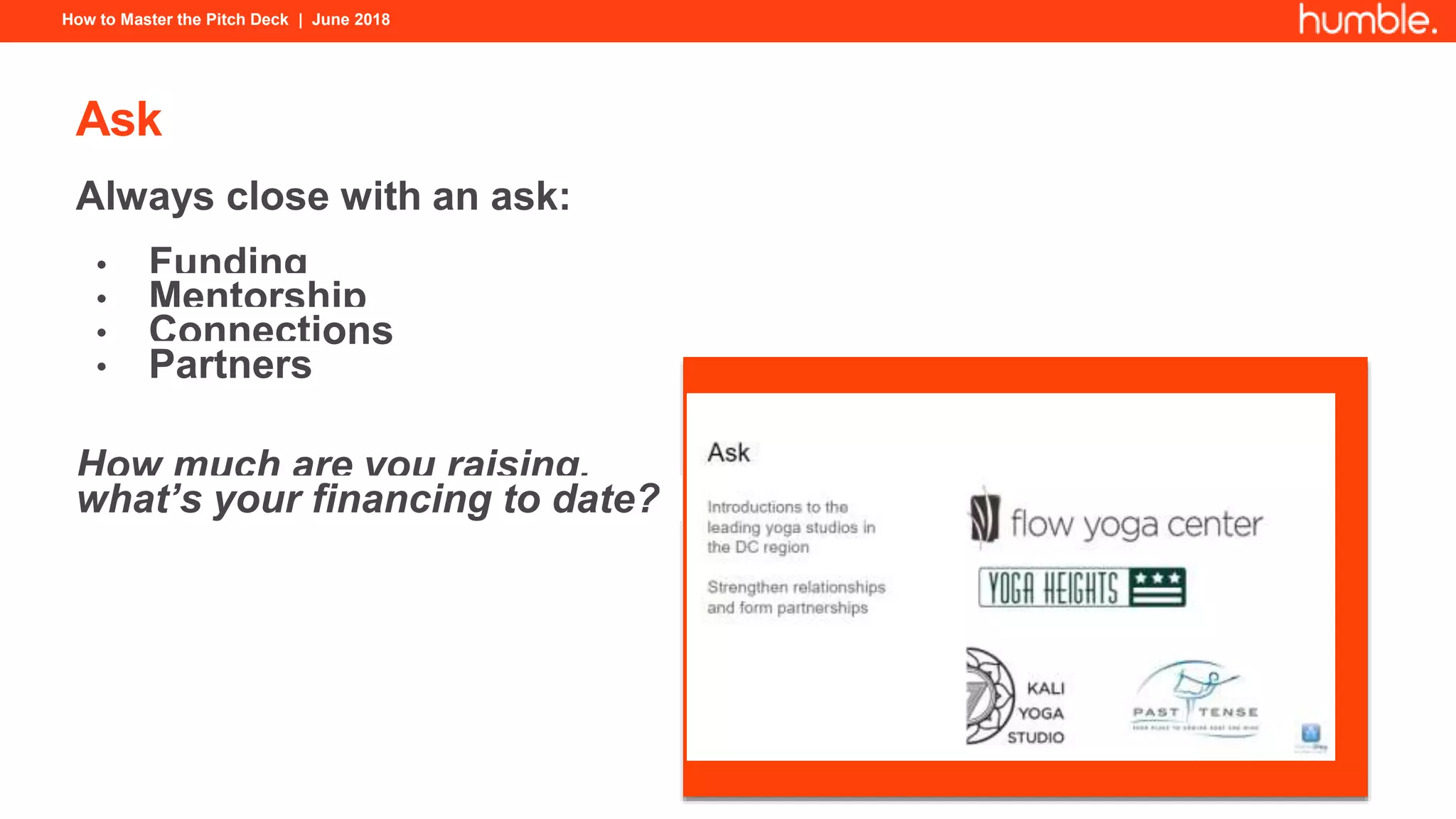
Ask
Always close with an ask:
• Funding
• Mentorship
• Connections
• Partners
How much are you raising,
what’s your financing to date?
How to Master the Pitch Deck | June 2018
Contact
Complete your pitch with similar format as your opening
slide
There’s always the risk someone doesn’t know your
website or where to reach you
How to Master the Pitch Deck | June 2018
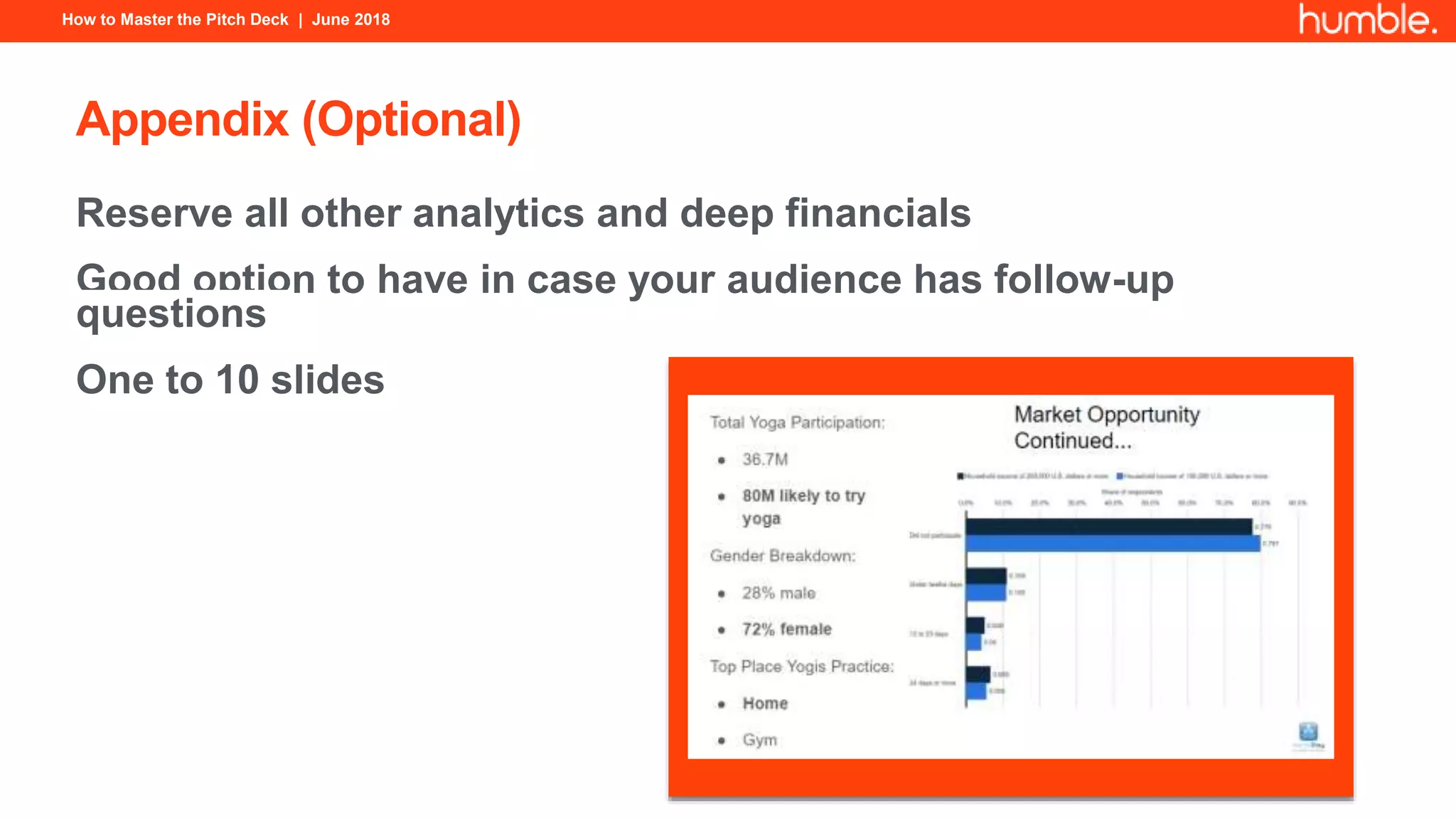
Appendix (Optional)
Reserve all other analytics and deep financials
Good option to have in case your audience has follow-up
questions
One to 10 slides
How to Master the Pitch Deck | June 2018
How To Master The Pitch Deck
For More Information Contact
Start@humble.vc

How To Master Your Pitch Deck

  • 1.
    How To MasterThe Pitch Deck Harry Alford Humble Ventures h
  • 2.
    How to Masterthe Pitch Deck | June 2018 Agenda What Is A Pitch Deck Why Pitch And To Whom How To Stand Out Challenges Tools Outline
  • 3.
    How to Masterthe Pitch Deck | June 2018 What Is A Pitch Deck A brief presentation or overview of your business Structure may vary based on audience (teaser, in-person, email) 10-20 slides
  • 4.
    How to Masterthe Pitch Deck | June 2018 Why Pitch And To Whom Regardless of stage, a pitch deck is typically used to raise funding and awareness about your business The founder is the best person to present the deck as she knows the ins and outs of the company One person should be pitching Used for pitching to: • Accelerators • Investors • Mentors • Customers • Partners • Employees
  • 5.
    How to Masterthe Pitch Deck | June 2018 How To Stand Out Hook them from the start Tell a story supported by right outline Name a big change in the world Simplify your message Be persuasive Help the audience understand who the customer is, what you are doing for them and how you are doing it “We give everyone access to a private driver by tapping the app and getting a ride.”
  • 6.
    How to Masterthe Pitch Deck | June 2018 Challenges Whether in private or in front of a large audience at demo day: • Risk of losing control of narrative • Investors are looking for holes and areas to disprove your business model Angels invest in 2.5% of the companies they evaluate Venture Capital firms invest in 1% of companies they evaluate Investors have limited time so avoid: • Sharing too much information • Sounding like a used car salesman • Emailing repeatedly • Putting too much content on each slide • Making it too long • Being unprepared According to Gust software for angel groups
  • 7.
    How to Masterthe Pitch Deck | June 2018 Tools For Creating Pitch Deck Software: • PowerPoint • Keynote • Prezi Delivered by email: • Dataroom • DocSend • PDF Face-to-face, share screen, online meetings: • Google Hangout • Zoom Additional Resources: • Pitch Creator • David Teten’s checklist • Pitch Deck Template • Flat Icon • Lean Canvas
  • 8.
    How to Masterthe Pitch Deck | June 2018 Pitch Deck Outline 1. Introduction 2. Vision 3. Problem 4. Solution 5. Product Demo* 6. Business Model 7. Market Opportunity 8. Differentiation/Competition 9. Traction* 10. Milestones/Roadmap 11. Team* 12. Ask 13. Contact 14. Appendix (optional) *Satisfy at least one of these categories
  • 9.
    How to Masterthe Pitch Deck | June 2018 Introduction First slide should clearly indicate who you are and what your startup does …“We are x for y” Display logo in the center followed by your mantra Contact info w/ website and email
  • 10.
    How to Masterthe Pitch Deck | June 2018 Vision This slide can be as simple as an image or a one-liner Vision represents how you see the world and why you even launched this startup
  • 11.
    How to Masterthe Pitch Deck | June 2018 Problem What’s the problem you’re trying to solve? Demonstrate that it is in fact a problem worth solving Support reasons with data
  • 12.
    How to Masterthe Pitch Deck | June 2018 Solution Tell us how you’re solving the problem Whether you’re building a new technology or new approach to existing business model, be specific
  • 13.
    How to Masterthe Pitch Deck | June 2018 Product Demo Show how your product/service works Consider displaying screenshots of how a user navigates through the app from left to right Help investors better understand the UI/UX without actually using your app
  • 14.
    How to Masterthe Pitch Deck | June 2018 Business Model How are you generating revenue and making a profit from startup operations? Tiered pricing options? Describe metrics you’ll need to hit to be cash flow break even
  • 15.
    How to Masterthe Pitch Deck | June 2018 Market Opportunity What’s the size of your market? How many can you reach? Who will be the likely buyers?
  • 16.
    How to Masterthe Pitch Deck | June 2018 Differentiation/Competition Who are you competing against for market share? What makes you different from the other players? Startups typically do matrices or x/y axis You can also convey differentiation with logos and one-liners
  • 17.
    How to Masterthe Pitch Deck | June 2018 Traction Traction is evidence that your business model is working and a sign that you have at least prodded in the market Highlight: • Revenue • Key metrics • Changes in growth • Customer testimonials • Traction channel
  • 18.
    How to Masterthe Pitch Deck | June 2018 Milestones/Roadmap A timeline of where you’ve come from and where you’re heading helps better illustrate your path and achievements
  • 19.
    How to Masterthe Pitch Deck | June 2018 Team Background information on impactful team members Previous startups launched Domain expertise Where you went to school Who your advisors are Not a full Résumé
  • 20.
    How to Masterthe Pitch Deck | June 2018 Ask Always close with an ask: • Funding • Mentorship • Connections • Partners How much are you raising, what’s your financing to date?
  • 21.
    How to Masterthe Pitch Deck | June 2018 Contact Complete your pitch with similar format as your opening slide There’s always the risk someone doesn’t know your website or where to reach you
  • 22.
    How to Masterthe Pitch Deck | June 2018 Appendix (Optional) Reserve all other analytics and deep financials Good option to have in case your audience has follow-up questions One to 10 slides
  • 23.
    How to Masterthe Pitch Deck | June 2018 How To Master The Pitch Deck For More Information Contact Start@humble.vc