
App Testing Strategies
Making sure your App isn’t crApp
Gavin Jones
Managing Director
Christian Cook
Research Director
What is going to be covered?
 Testing: What, How, Why?
 White Box Testing
 Black Box Testing
 Compatibility Testing
 Distributing Your App
 Testing Your App
Testing: What, How, Why?
 Make sure your App works as intended
 Testing is all about questions and answers
 Your App has to work all of the time, not some of the time
 1 million+ Apps in the iOS App Store & the Google Play Store2
 Poor Apps get ignored – The App market is a cut-throat place
 26% of the time customers never give the app a second try1
 You should test everything thoroughly in different scenarios
 On the other hand, testing needs to be cost-effective
1 First Impressions Matter! 26% of Apps Downloaded in 2010 Were Used Just Once
http://www.localytics.com/blog/2011/first-impressions-26-percent-of-apps-downloaded-used-just-once/
2 Number of available Android Applications
http://www.appbrain.com/stats/number-of-android-apps
Image Credit: http://dribbble.com/shots/286479-Real-Artists-Ship
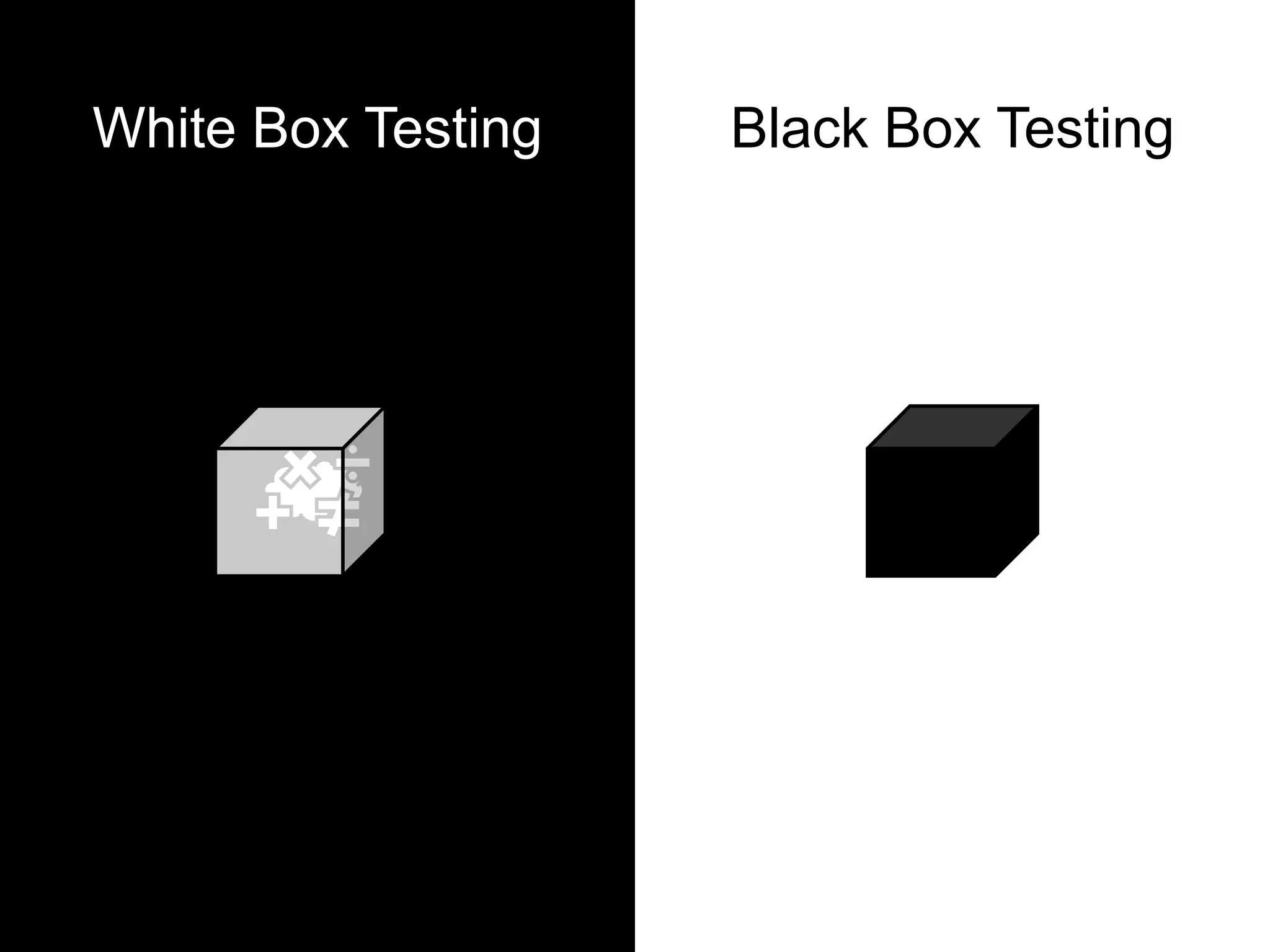
White Box Testing Black Box Testing
White Box Testing
 Types
 Unit Testing
 Integration Testing
 Advantages
 Making sure it works – programmatically
 You can perform this during development
 Disadvantages
 Need to have thorough knowledge of the App code
 It works, but does it work?
Black Box Testing
 Types
 System Testing – Does it do what it was set out to do?
 Acceptance Testing – Client & Beta tests
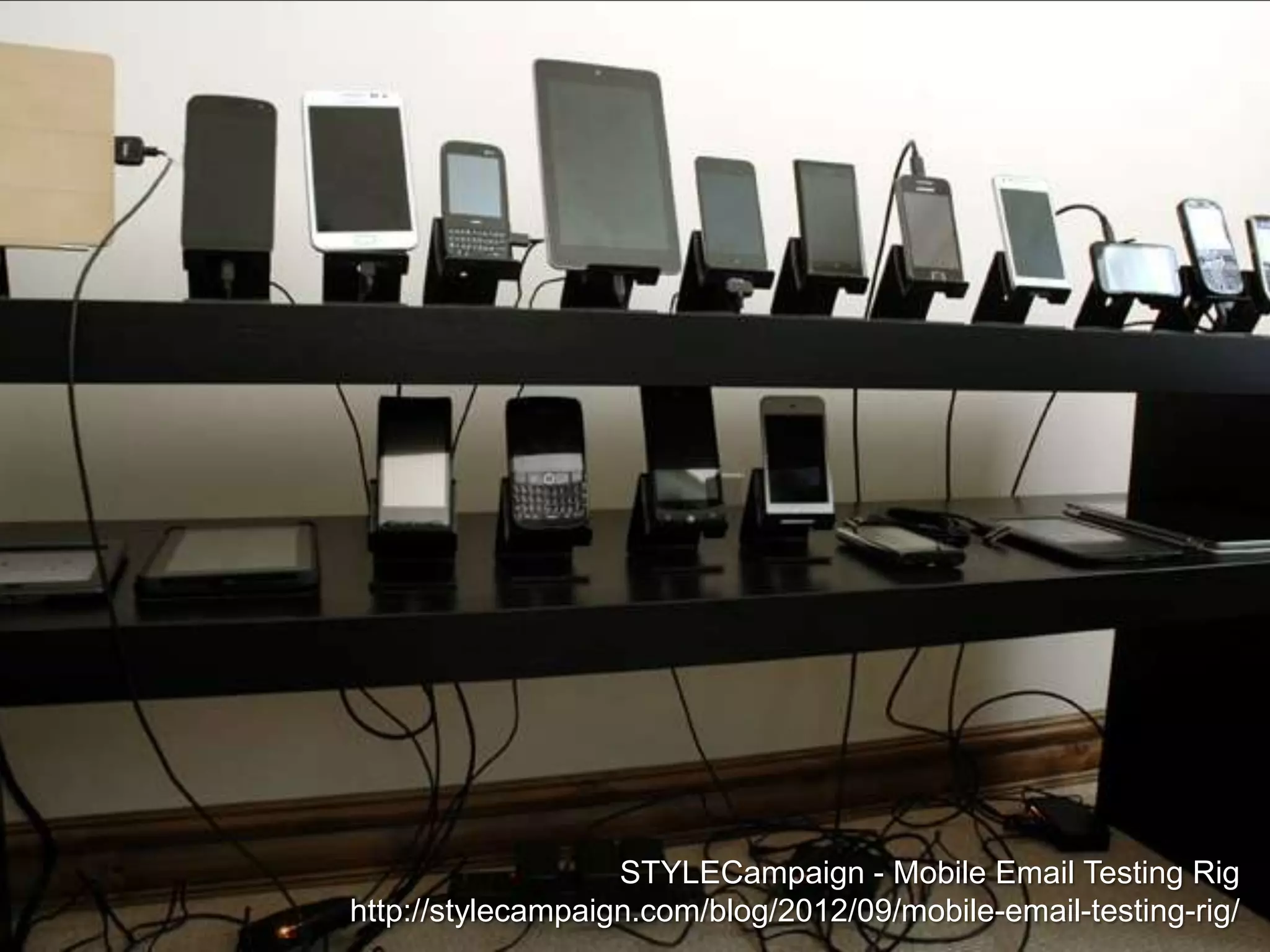
 Compatibility Testing – What devices will it work on?
 Advantages
 Can be tested by other people
 Overall issues of the App can be identified & addressed
 Disadvantages
 Cannot perform it until White Box testing is finished
 Much broader than White Box testing
Compatibility Testing
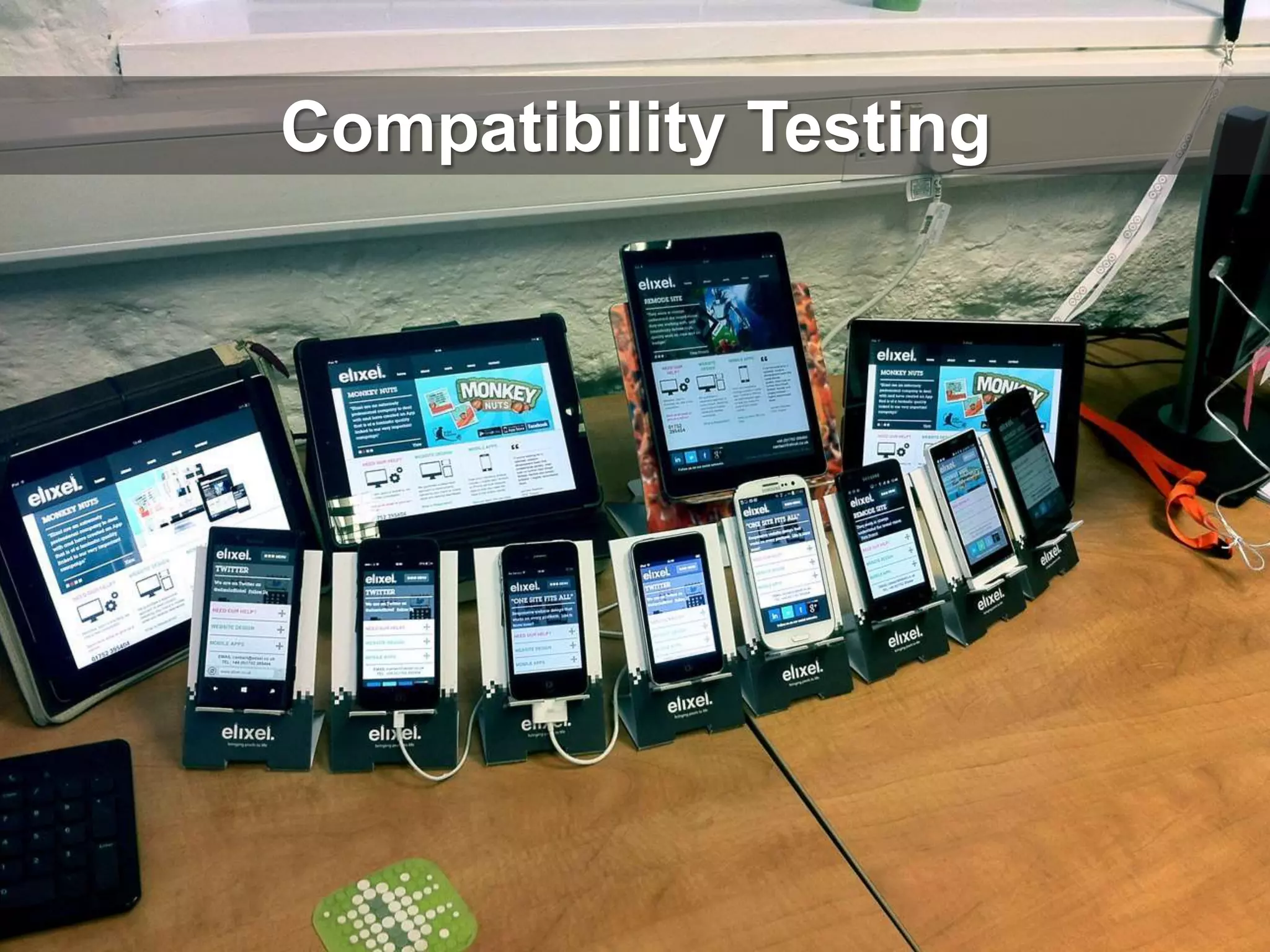
STYLECampaign - Mobile Email Testing Rig
http://stylecampaign.com/blog/2012/09/mobile-email-testing-rig/
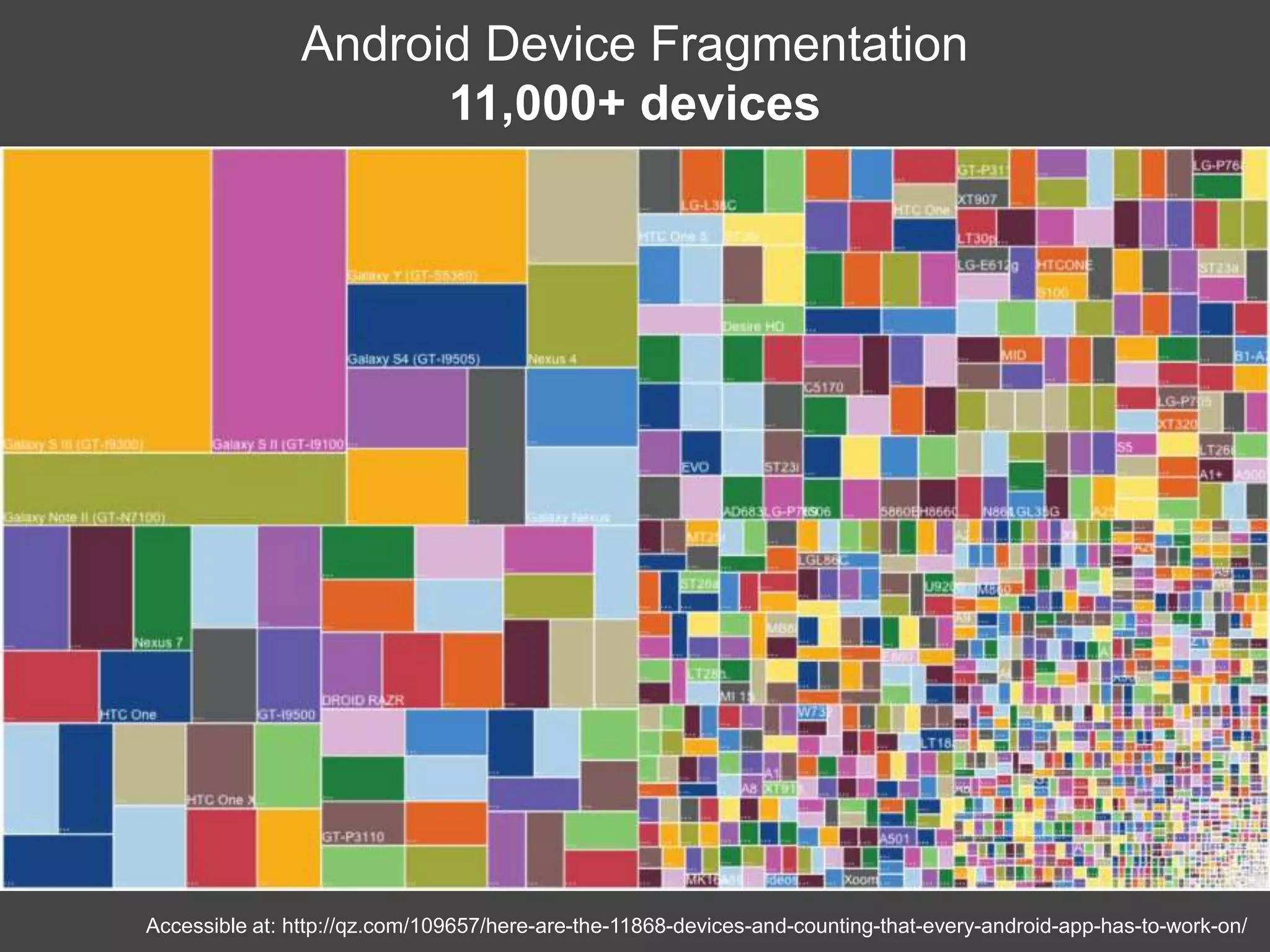
Accessible at: http://qz.com/109657/here-are-the-11868-devices-and-counting-that-every-android-app-has-to-work-on/
Android Device Fragmentation
11,000+ devices
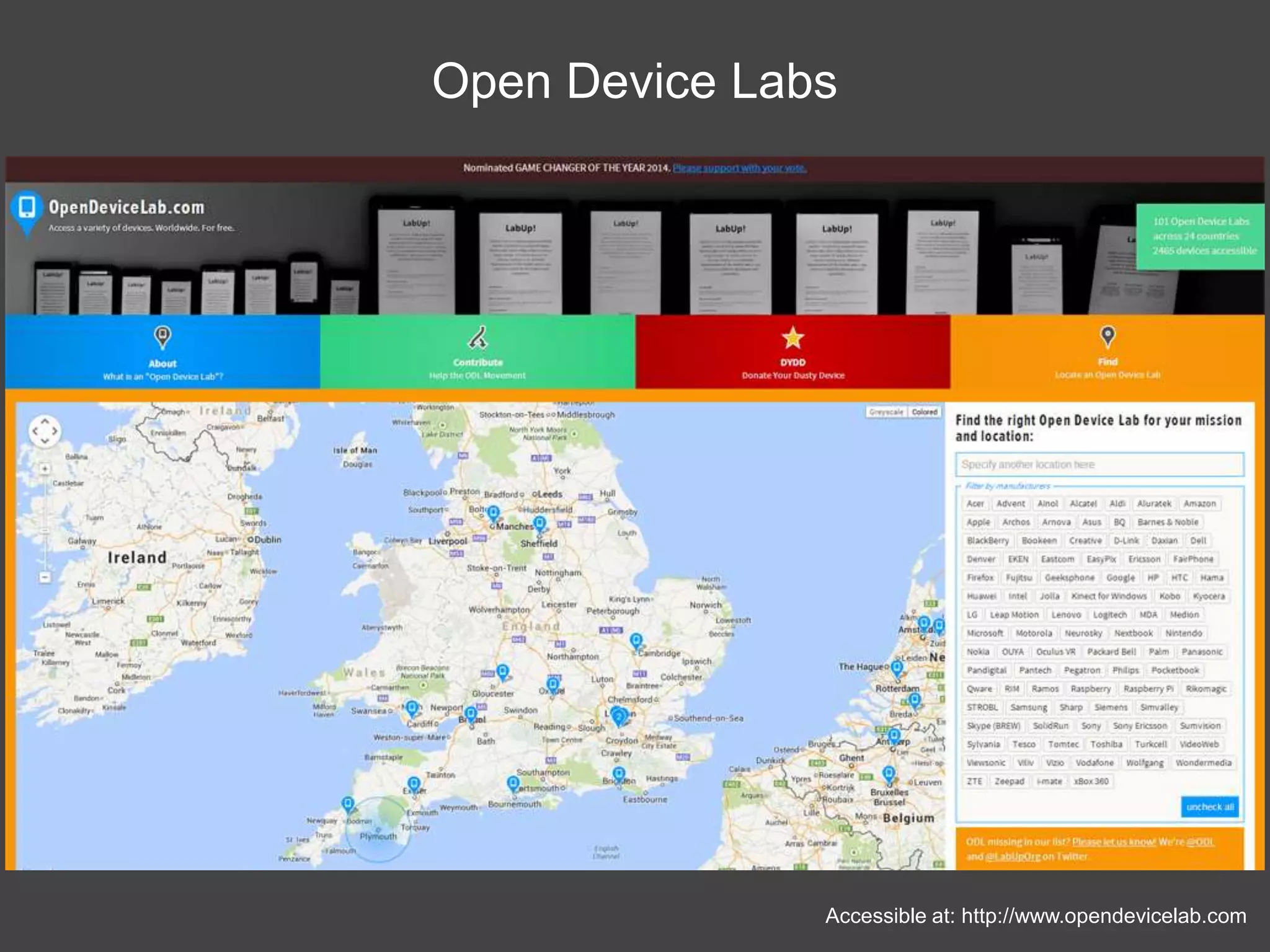
Accessible at: http://www.opendevicelab.com
Open Device Labs
Compatibility Testing
 Different Screen Sizes
 Access to specific functions e.g. 3G, GPS, NFC
 Operating System Versions
 iOS6, iOS7
 Android 2.3, 4.0+
 Consumer Behavior e.g. Do they buy Apps on this platform?
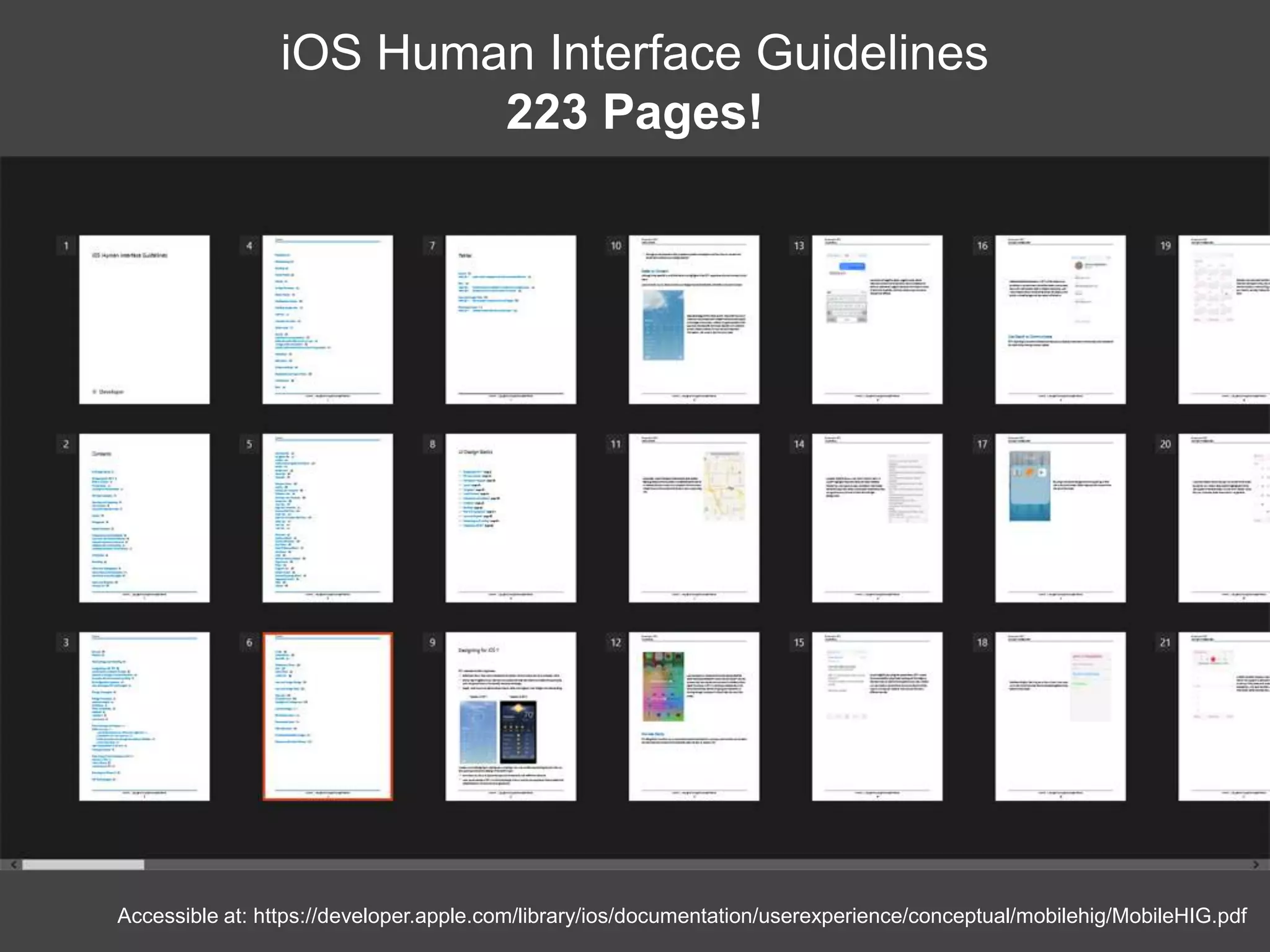
 Does it meet platform specific guidelines?
Accessible at: https://developer.apple.com/library/ios/documentation/userexperience/conceptual/mobilehig/MobileHIG.pdf
iOS Human Interface Guidelines
223 Pages!
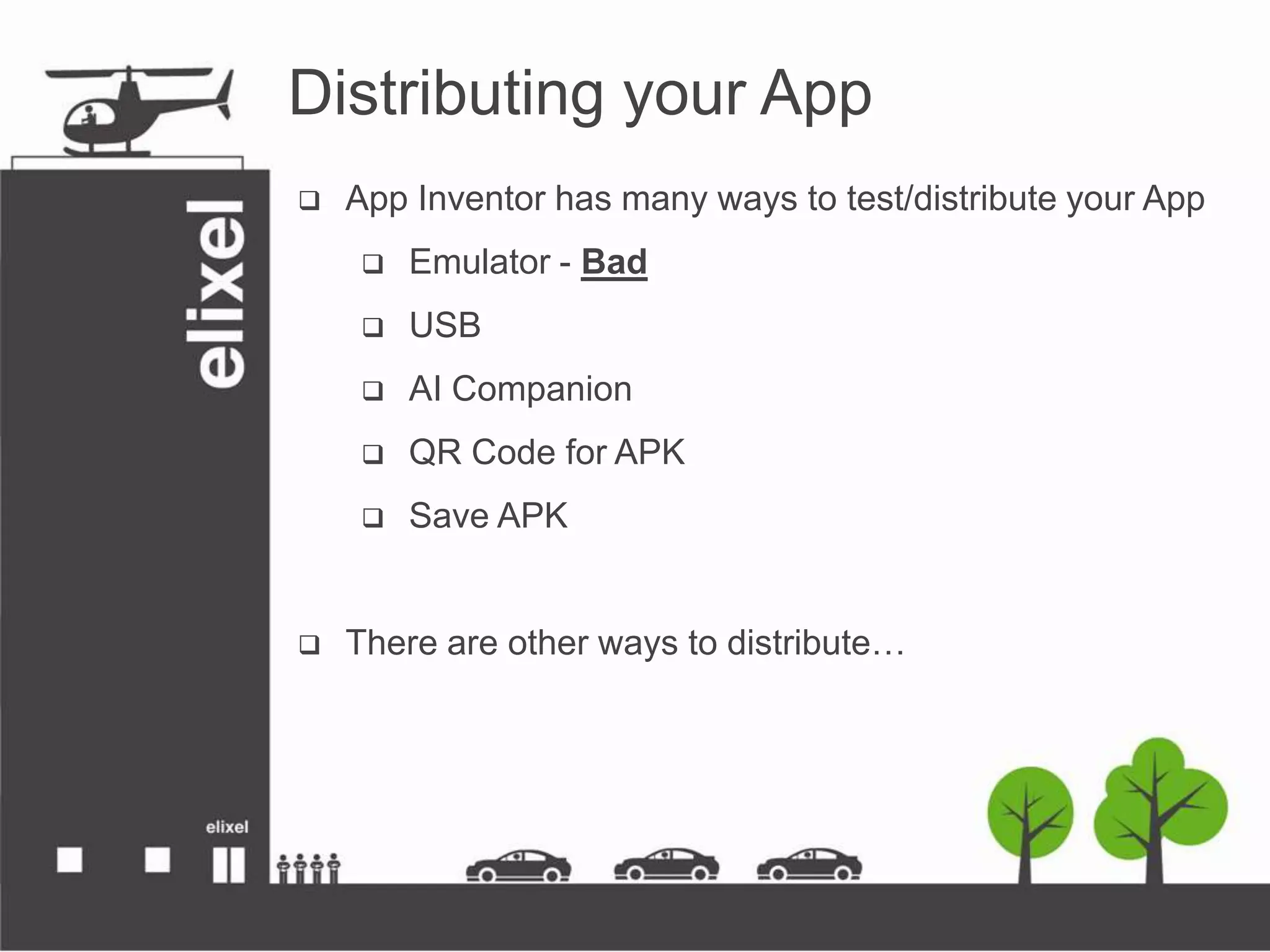
Distributing your App
 App Inventor has many ways to test/distribute your App
 Emulator - Bad
 USB
 AI Companion
 QR Code for APK
 Save APK
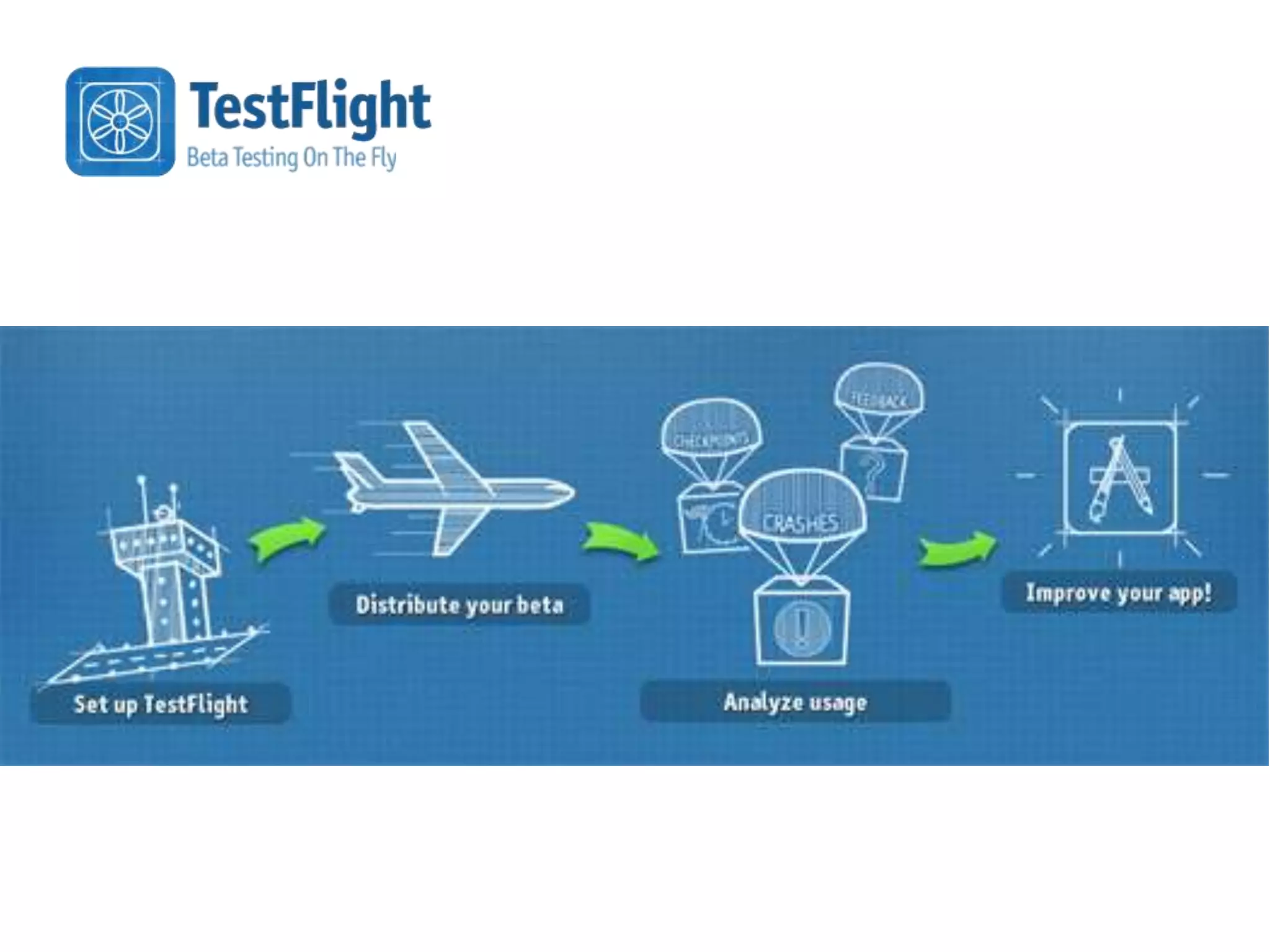
 There are other ways to distribute…
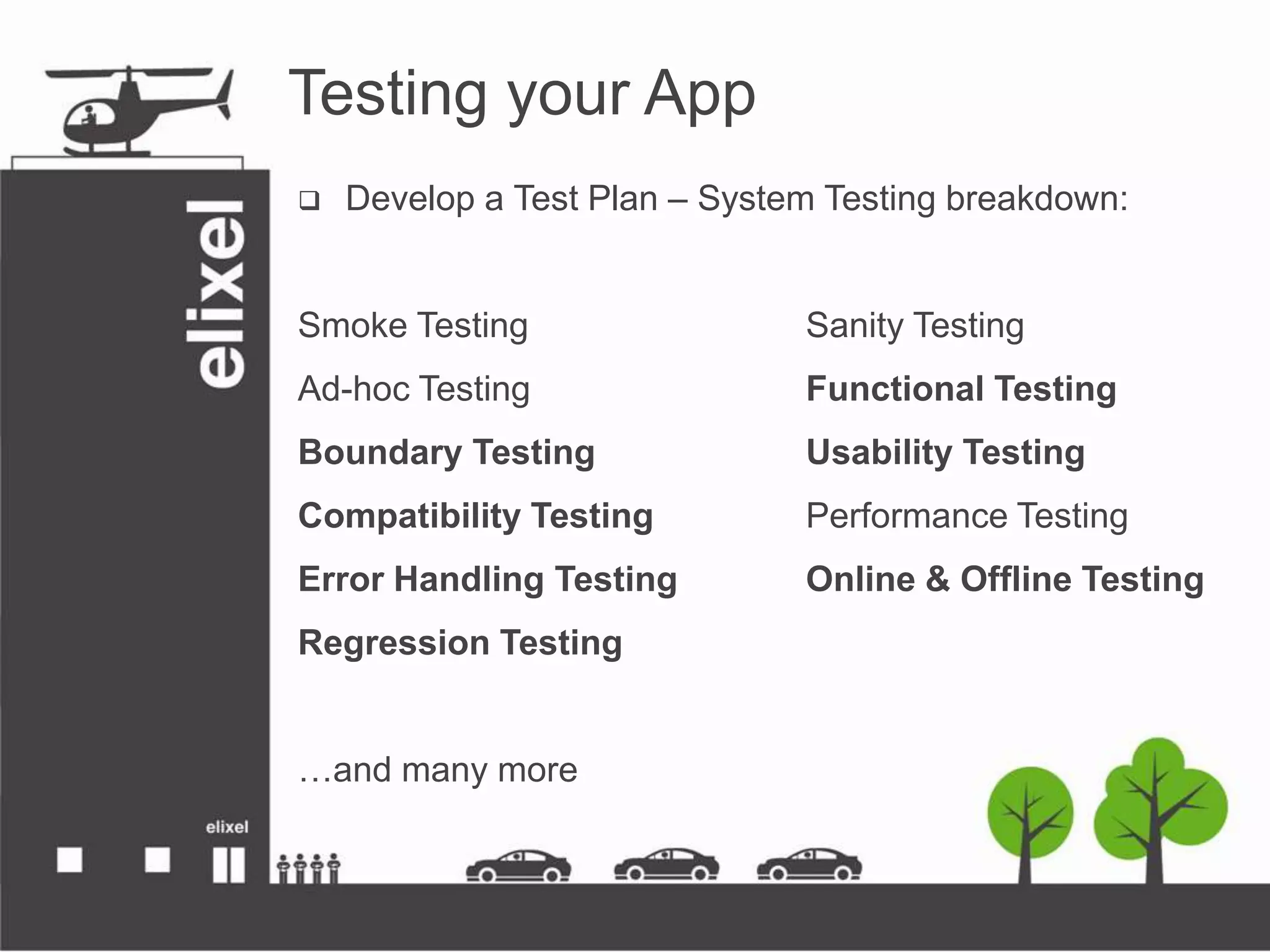
Testing your App
 Develop a Test Plan – System Testing breakdown:
Smoke Testing Sanity Testing
Ad-hoc Testing Functional Testing
Boundary Testing Usability Testing
Compatibility Testing Performance Testing
Error Handling Testing Online & Offline Testing
Regression Testing
…and many more
Testing your App
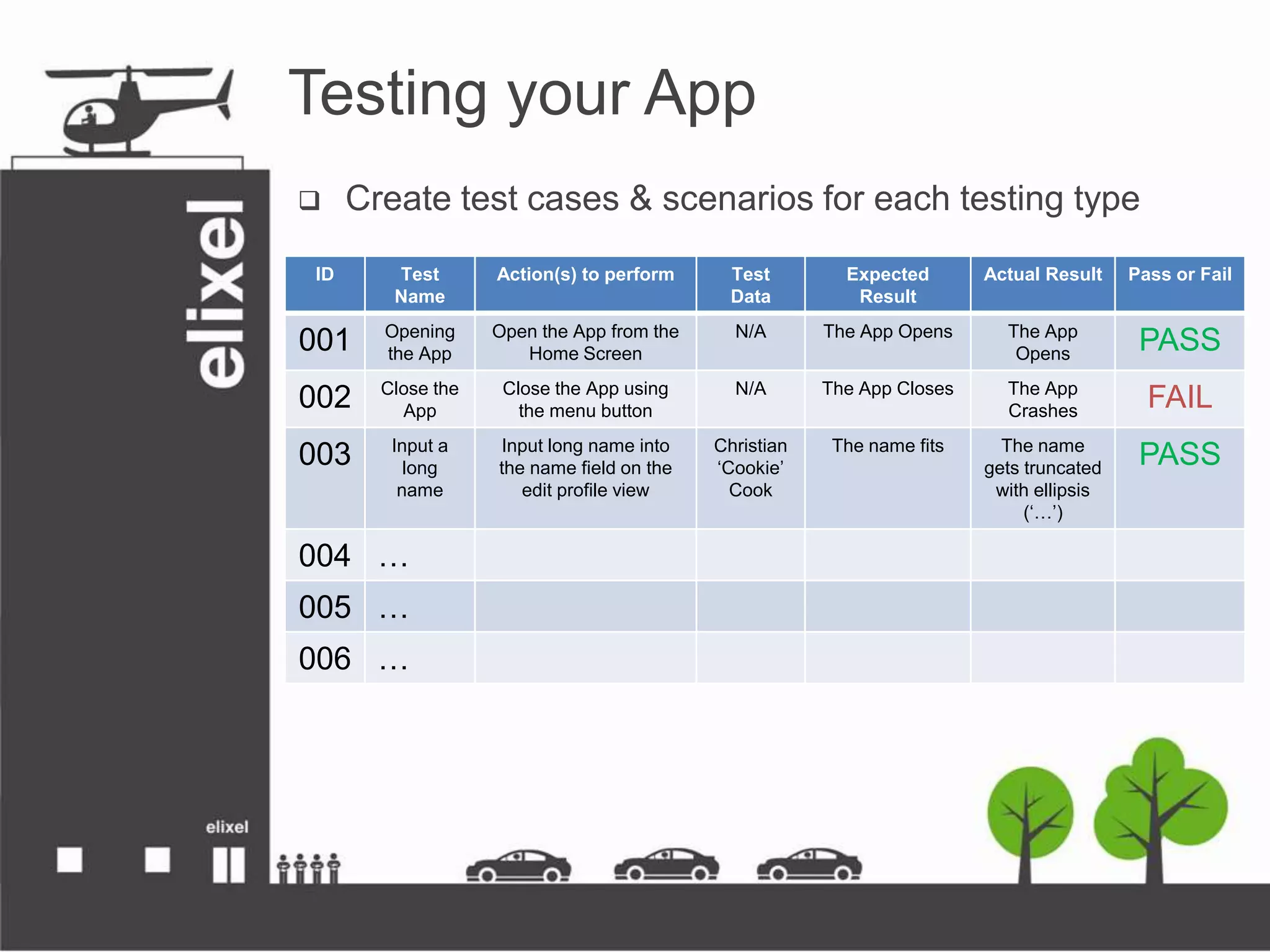
 Create test cases & scenarios for each testing type
ID Test
Name
Action(s) to perform Test
Data
Expected
Result
Actual Result Pass or Fail
001 Opening
the App
Open the App from the
Home Screen
N/A The App Opens The App
Opens
PASS
002 Close the
App
Close the App using
the menu button
N/A The App Closes The App
Crashes
FAIL
003 Input a
long
name
Input long name into
the name field on the
edit profile view
Christian
‘Cookie’
Cook
The name fits The name
gets truncated
with ellipsis
(‘…’)
PASS
004 …
005 …
006 …

How to make sure your App isnt CrApp

  • 1.
    App Testing Strategies Makingsure your App isn’t crApp Gavin Jones Managing Director Christian Cook Research Director
  • 2.
    What is goingto be covered?  Testing: What, How, Why?  White Box Testing  Black Box Testing  Compatibility Testing  Distributing Your App  Testing Your App
  • 3.
    Testing: What, How,Why?  Make sure your App works as intended  Testing is all about questions and answers  Your App has to work all of the time, not some of the time  1 million+ Apps in the iOS App Store & the Google Play Store2  Poor Apps get ignored – The App market is a cut-throat place  26% of the time customers never give the app a second try1  You should test everything thoroughly in different scenarios  On the other hand, testing needs to be cost-effective 1 First Impressions Matter! 26% of Apps Downloaded in 2010 Were Used Just Once http://www.localytics.com/blog/2011/first-impressions-26-percent-of-apps-downloaded-used-just-once/ 2 Number of available Android Applications http://www.appbrain.com/stats/number-of-android-apps
  • 4.
  • 5.
    White Box TestingBlack Box Testing
  • 6.
    White Box Testing Types  Unit Testing  Integration Testing  Advantages  Making sure it works – programmatically  You can perform this during development  Disadvantages  Need to have thorough knowledge of the App code  It works, but does it work?
  • 8.
    Black Box Testing Types  System Testing – Does it do what it was set out to do?  Acceptance Testing – Client & Beta tests  Compatibility Testing – What devices will it work on?  Advantages  Can be tested by other people  Overall issues of the App can be identified & addressed  Disadvantages  Cannot perform it until White Box testing is finished  Much broader than White Box testing
  • 9.
  • 10.
    STYLECampaign - MobileEmail Testing Rig http://stylecampaign.com/blog/2012/09/mobile-email-testing-rig/
  • 11.
  • 12.
  • 13.
    Compatibility Testing  DifferentScreen Sizes  Access to specific functions e.g. 3G, GPS, NFC  Operating System Versions  iOS6, iOS7  Android 2.3, 4.0+  Consumer Behavior e.g. Do they buy Apps on this platform?  Does it meet platform specific guidelines?
  • 14.
  • 15.
    Distributing your App App Inventor has many ways to test/distribute your App  Emulator - Bad  USB  AI Companion  QR Code for APK  Save APK  There are other ways to distribute…
  • 17.
    Testing your App Develop a Test Plan – System Testing breakdown: Smoke Testing Sanity Testing Ad-hoc Testing Functional Testing Boundary Testing Usability Testing Compatibility Testing Performance Testing Error Handling Testing Online & Offline Testing Regression Testing …and many more
  • 18.
    Testing your App Create test cases & scenarios for each testing type ID Test Name Action(s) to perform Test Data Expected Result Actual Result Pass or Fail 001 Opening the App Open the App from the Home Screen N/A The App Opens The App Opens PASS 002 Close the App Close the App using the menu button N/A The App Closes The App Crashes FAIL 003 Input a long name Input long name into the name field on the edit profile view Christian ‘Cookie’ Cook The name fits The name gets truncated with ellipsis (‘…’) PASS 004 … 005 … 006 …

Editor's Notes

  • #5 Steve Jobs – Real Artists ShipWhat does it mean?
  • #7 Unit testing: Making sure the functions are fit for use – they perform their desired tasks on a procedural level
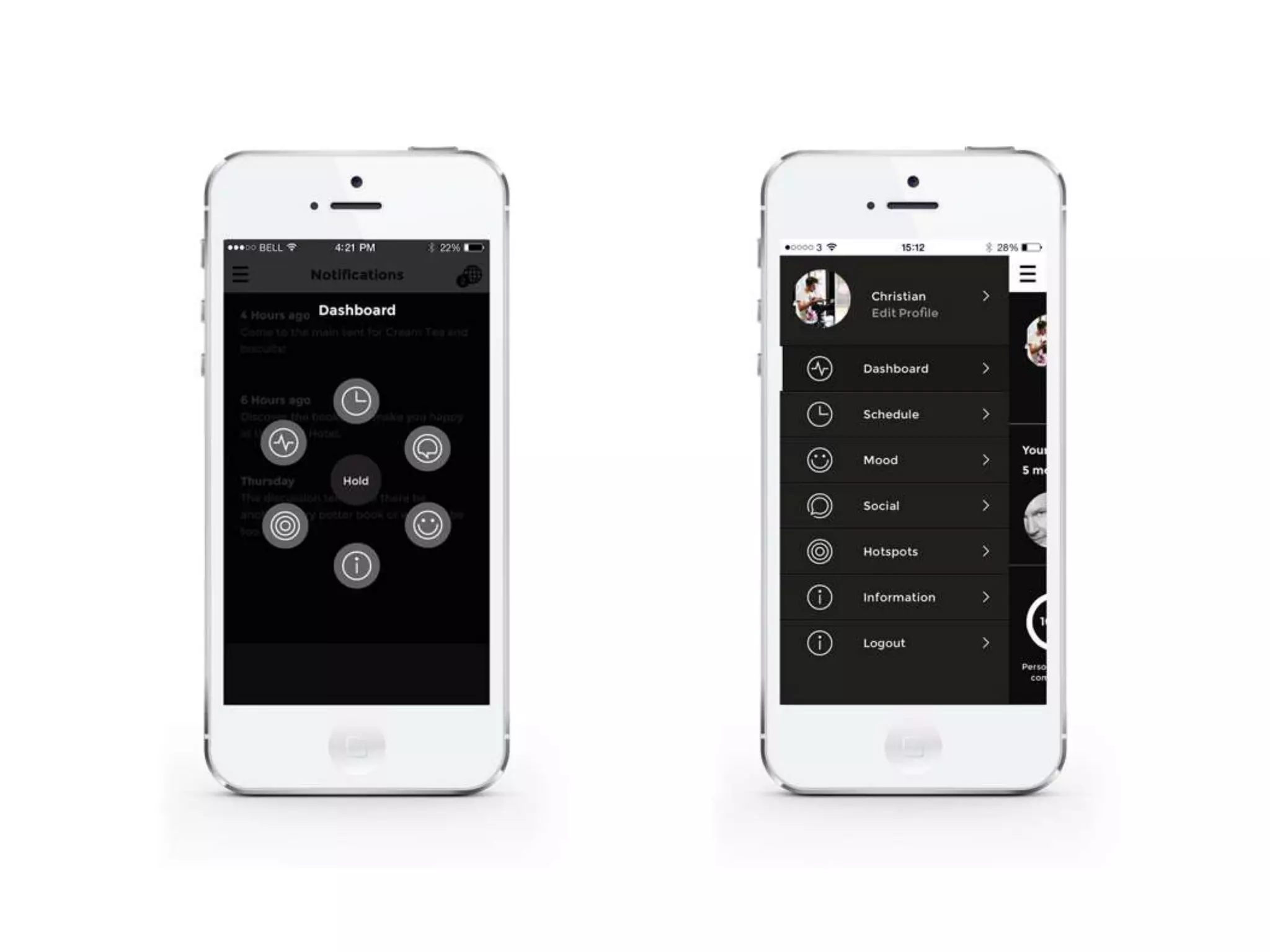
  • #8 Revision from user feedback: Old Menu > New Menu
  • #11 Question: How many android devices do you think there are in the world?
  • #15 The Bible of iOS App Development
  • #18 Smoke Testing – Does the basics of the App work? E.g. does it start? Do my page transitions work?Sanity Testing – Does it work roughly as expected?Ad-hoc Testing – Just wing’ing it and hoping everything will work as expected. – No planFunctional Testing – Make sure all of the features function as expectedBoundary Testing – Test the limits of the input boxes, e.g. minimum characters, maximumUsability Testing – Testing the App on its potential users as to whether its understandable without explicit instructionCompatibility Testing – Does it work on my devices?Performance Testing – How well does it perform? Does it cope?Error Handling Testing – What happens in error cases? E.g. what if the text doesn’t fit in the box?Online & Offline Testing – Connection basedRegression Testing – Ensure that a change hasn’t broken something else!