

25 PROBLEMS
ON LIBRARY WEBSITES
(AND HOW TO FIX THEM)
#libsite25
Laura Solomon @laurasolomon laura@designforthelittleguy.com
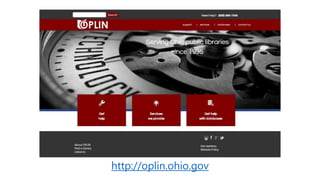
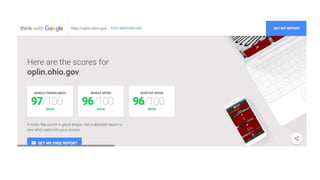
http://oplin.ohio.gov
Humor, you haz it?
ANECDOTES
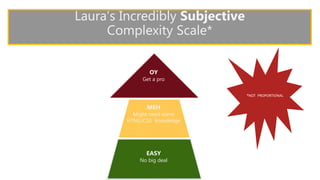
Laura’s Incredibly Subjective
Complexity Scale*
EASY
No big deal
MEH
Might need some
HTML/CSS knowledge
OY
Get a pro
*NOT PROPORTIONAL
Agenda
•Missing but not forgotten
•Everybody else got the memo
•Search headaches
•A major league you don’t want to be in
#libsite25
MISSINGBUT NOT FORGOTTEN
#libsite25
Laura Solomon @laurasolomon laura@designforthelittleguy.com
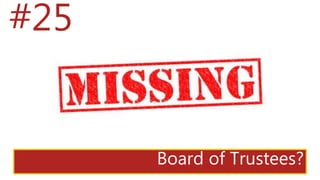
#25
Board of Trustees?
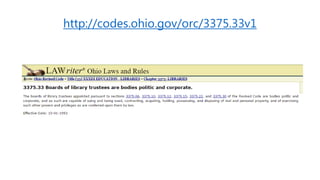
http://codes.ohio.gov/orc/3375.33v1
Add board member names to your library’s website.
Contact info and/or photos are nice but optional.
#24
No phone and/or address on homepage
Add the address and main phone number to the homepage,
either in the header or footer.
You may need some basic HTML/CSS to shift things around to
these elements.
#23
No hours or hours link on homepage
Add the hours, either in full or as a conspicuous link.
You may need some basic HTML/CSS to shift things around to
this element.
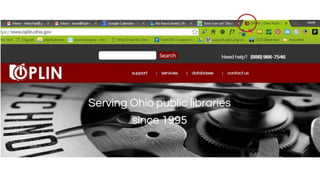
#22
No custom favicon
Create a custom favicon.
You may need some basic HTML/CSS to add the metatag for
element. You may need basic graphic design skills to create the
image.
#21
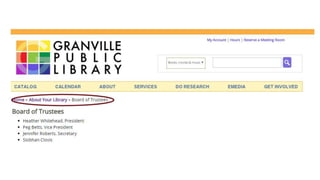
No breadcrumb trails
If you’re not using a content management system with this
feature built in, you’re going to need a professional.
To create breadcrumb trails dynamically, you’ll need someone to
write some serious code.
EVERYBODY ELSE
GOT THE MEMO
#libsite25
Laura Solomon @laurasolomon laura@designforthelittleguy.com
#20
Using images as text
Replace images of text with actual text.
You may need some basic HTML/CSS to insert, position and
the text.
#19
Logos that don’t link to home
Make your library’s logo a link to the homepage.
You may need some basic HTML to add a link to your library’s
logo.
WARNING
THE FOLLOWING MAY BE DISTURBING
FOR SOME AUDIENCES.
VIEWER DISCRETION IS ADVISED.
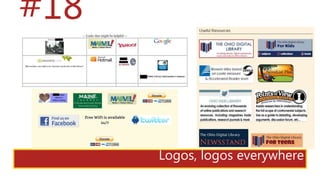
Logos, logos everywhere
#18
Do you really need ALL of those logos? Evaluate carefully.
You may need some basic HTML to remove these and/or add
some descriptive annotations.
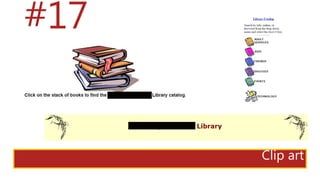
Clip art
#17
Stop using clip art.
Even stock photography is a step up. But evaluate whether or
an added graphic really adds value, or just is a cutsey-add-on.
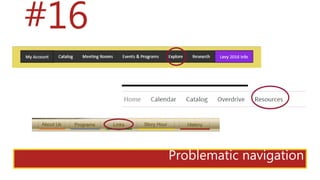
Problematic navigation
#16
Change the wording to intuitive terms.
People are task-driven on the web. See the webinar handout for
more info on better terms to use.
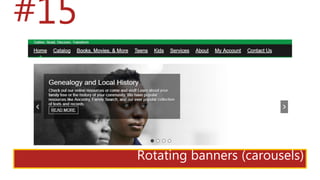
#15
Rotating banners (carousels)
Look, I know you won’t get rid of it, no matter what the data
says.
At least make sure that the images have alternative text
and that the carousel doesn’t auto-rotate.
#14
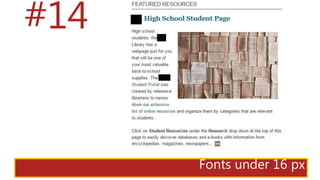
Fonts under 16 px
Make all text at least 16 pixels.
You may need some basic CSS to change font sizes.
#13
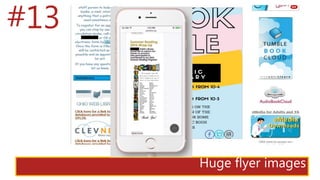
Huge flyer images
Just stop doing this!
You’re slowing your library’s site down, making it more
inaccessible to handicapped users and costing people more
money on mobile.
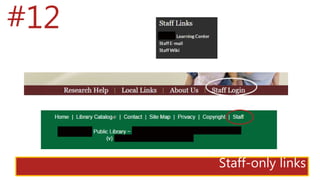
Staff-only links
#12
Get rid of the staff login link.
Buy a simple domain for your library’s intranet, have staff
bookmark it, whatever it takes. Get it off the site.
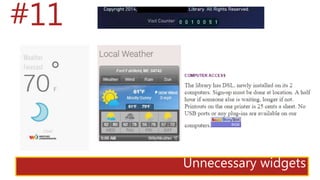
Unnecessary widgets
#11
Remove widgets that don’t provide real value to your patrons.
You may need some basic HTML to remove these kinds of items.
SEARCH
HEADACHES
#libsite25
Laura Solomon @laurasolomon laura@designforthelittleguy.com
#10
No search at all
#9
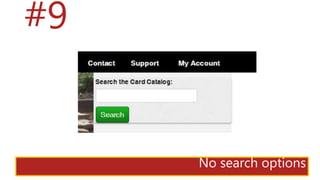
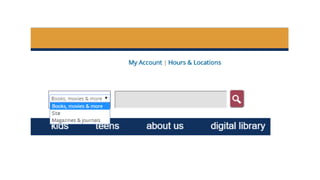
No search options
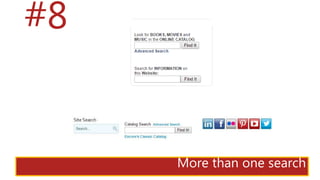
#8
More than one search
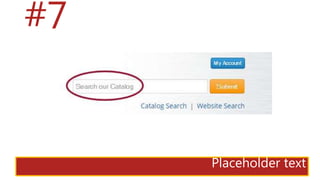
#7
Placeholder text
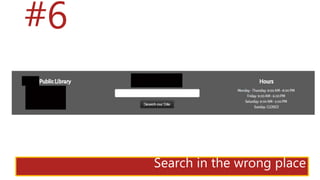
#6
Search in the wrong place
Chances are good that your library’s search feature has more
than one of these issues.
Most of these will likely require more major HTML/CSS
modifications and/or back-end scripting.
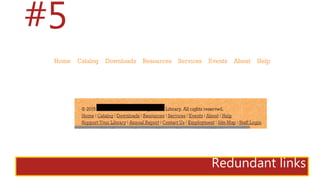
#5
Redundant links
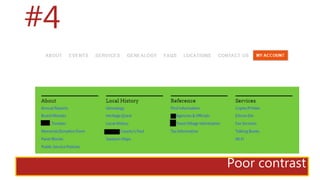
#4
Poor contrast
Change the color of text and links and check with a contrast
tool.
You may need some basic CSS to change colors of text/link
elements.
MAJOR LEAGUE
PROBLEMS
#libsite25
Laura Solomon @laurasolomon laura@designforthelittleguy.com
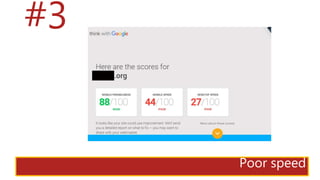
#3
Poor speed
There are so many different things that can cause a slow site.
Server configuration, scripts and script placement, images and
many more. Get a pro.
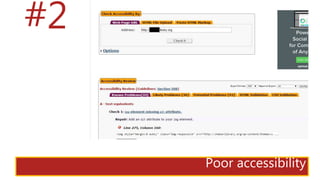
#2
Poor accessibility
Interpreting and correcting accessibility issues can be a major
undertaking.
Remember, Section 508 compliance is the bare minimum
Get a pro.
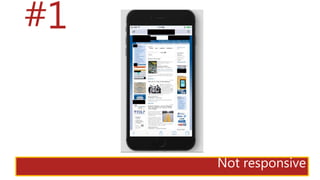
#1
Not responsive
This may likely require completely rebuilding your website…but
it will be worth it!
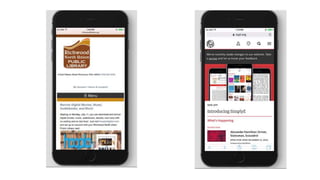
Consider using a CMS that has responsiveness built in, or
a professional.
We know…
QUESTIONS?
http://designforthelittleguy.com/libsite25.pdf
Laura Solomon @laurasolomon laura@designforthelittleguy.com

How to Fix the 25 Most Common Library Website Problems (June 2017)

Editor's Notes

  • #2 Please save questions until the end!