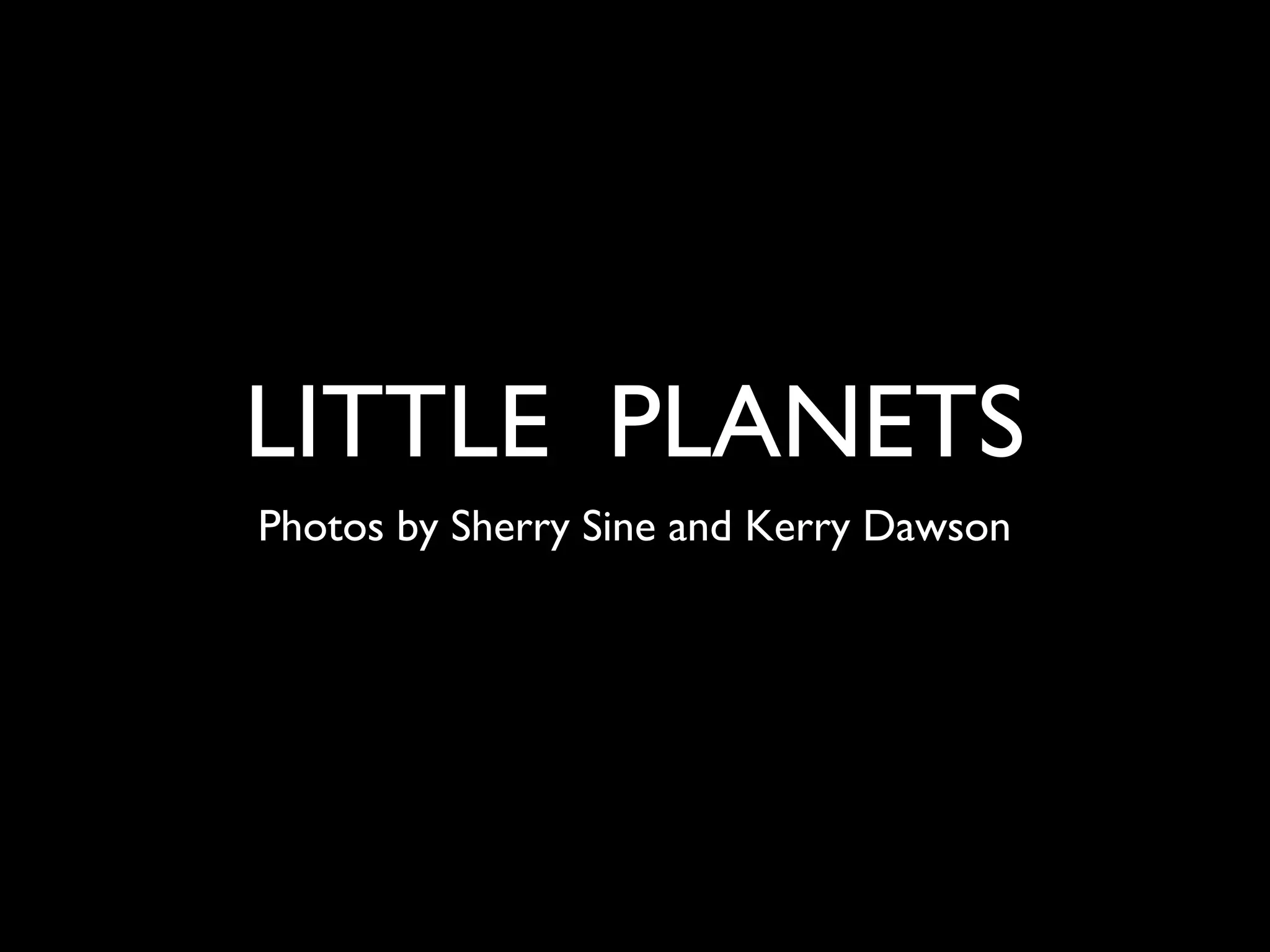
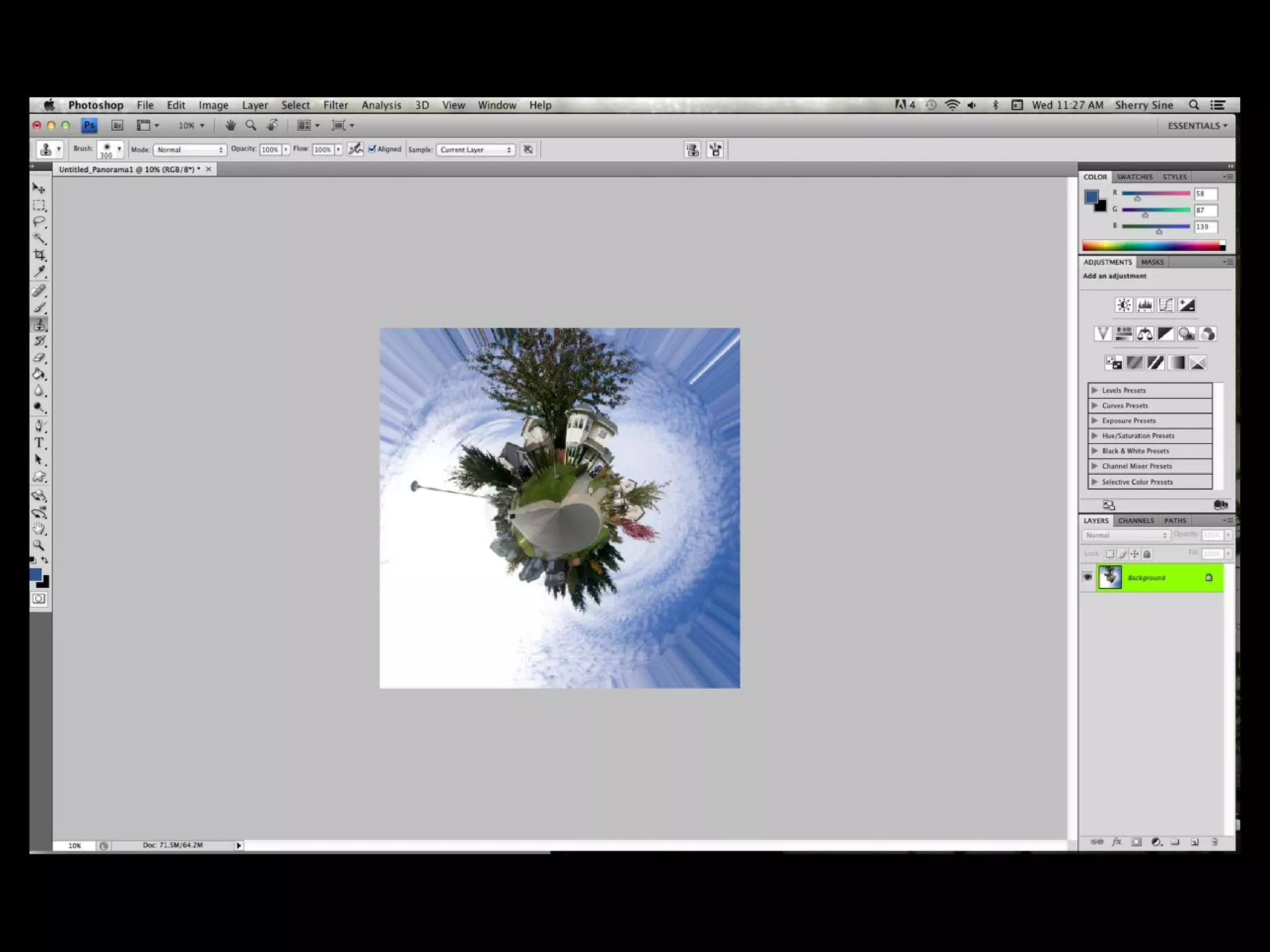
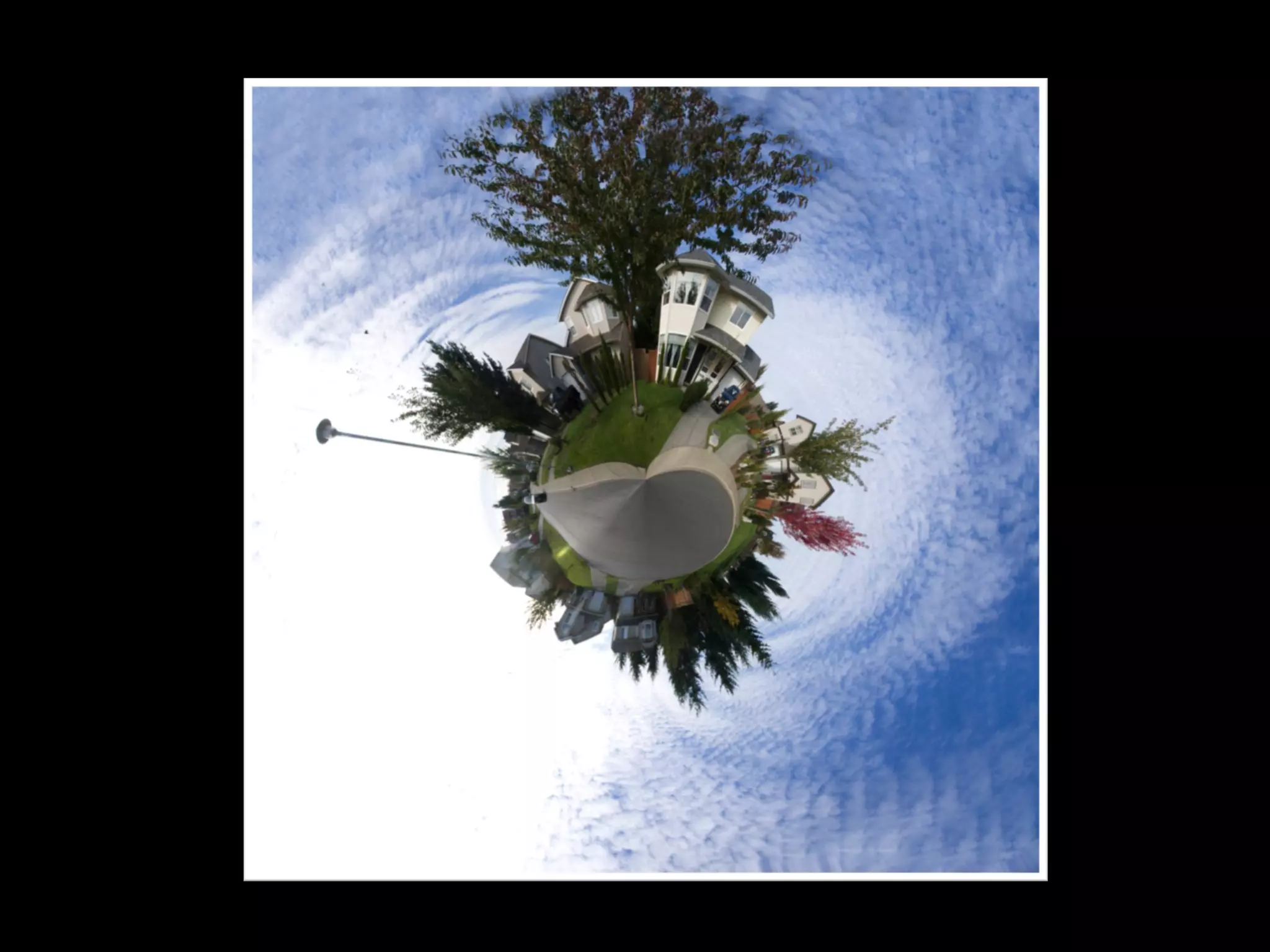
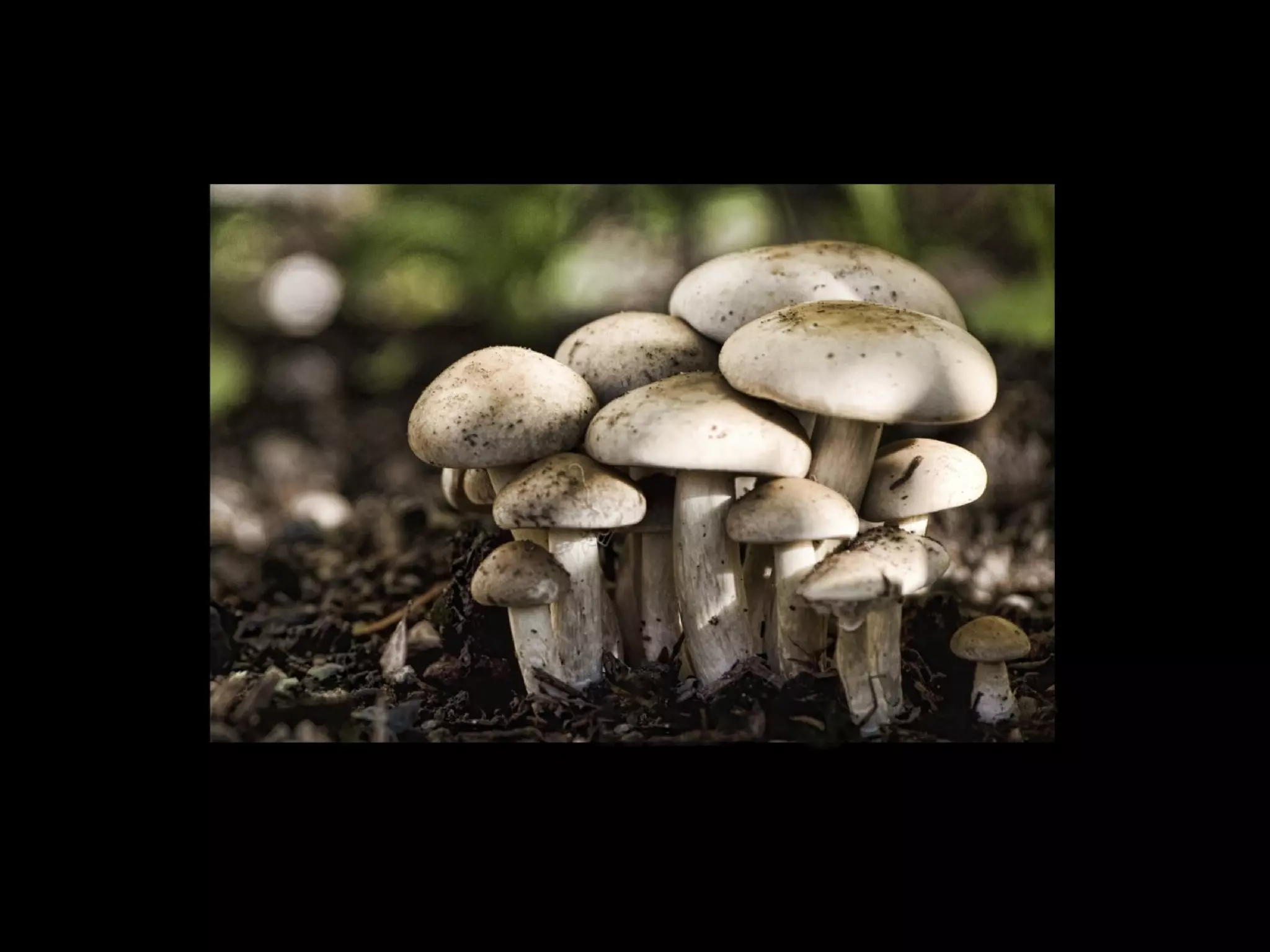
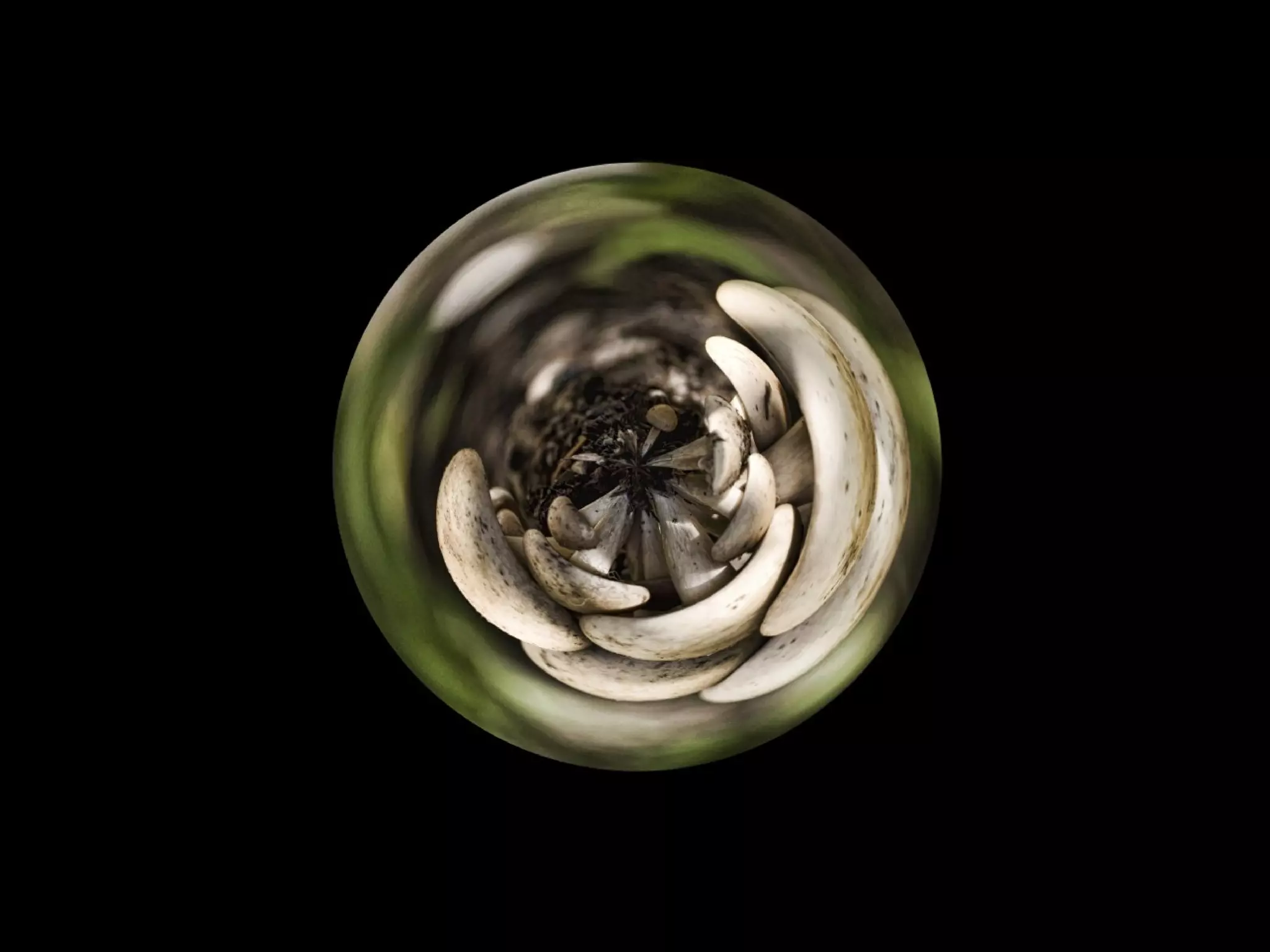
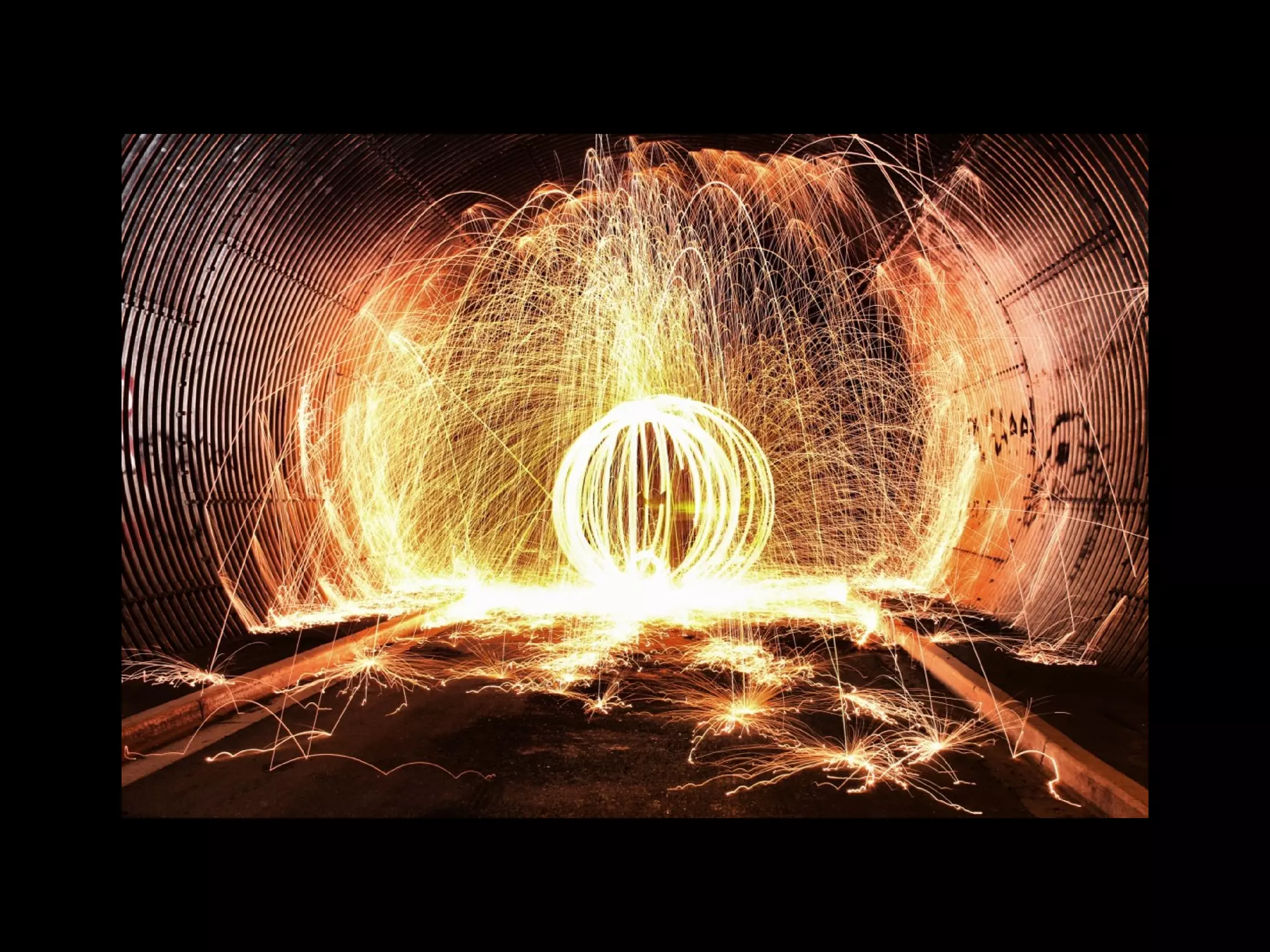
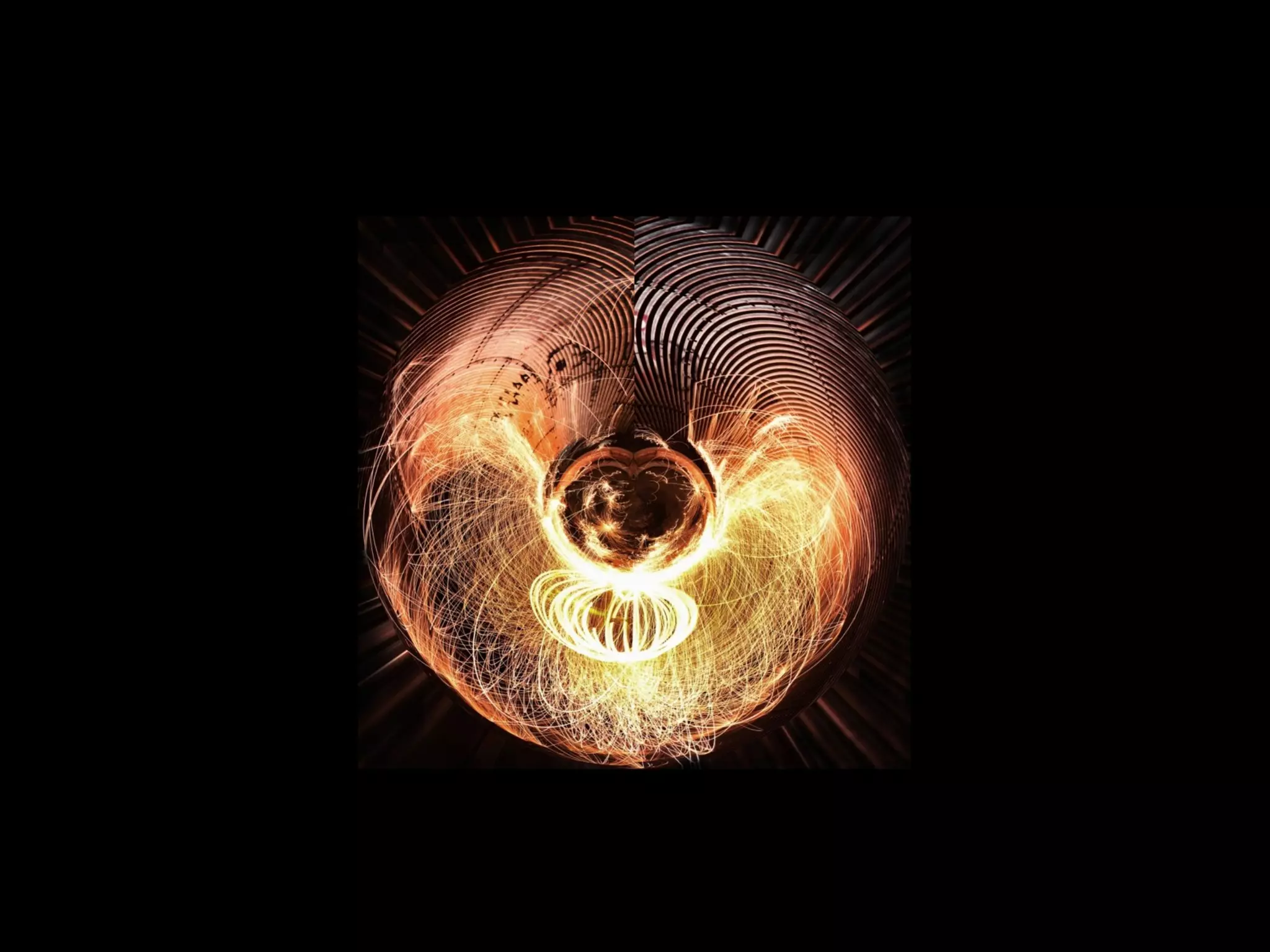
LITTLE PLANETS
Photos by Sherry Sine and Kerry Dawson
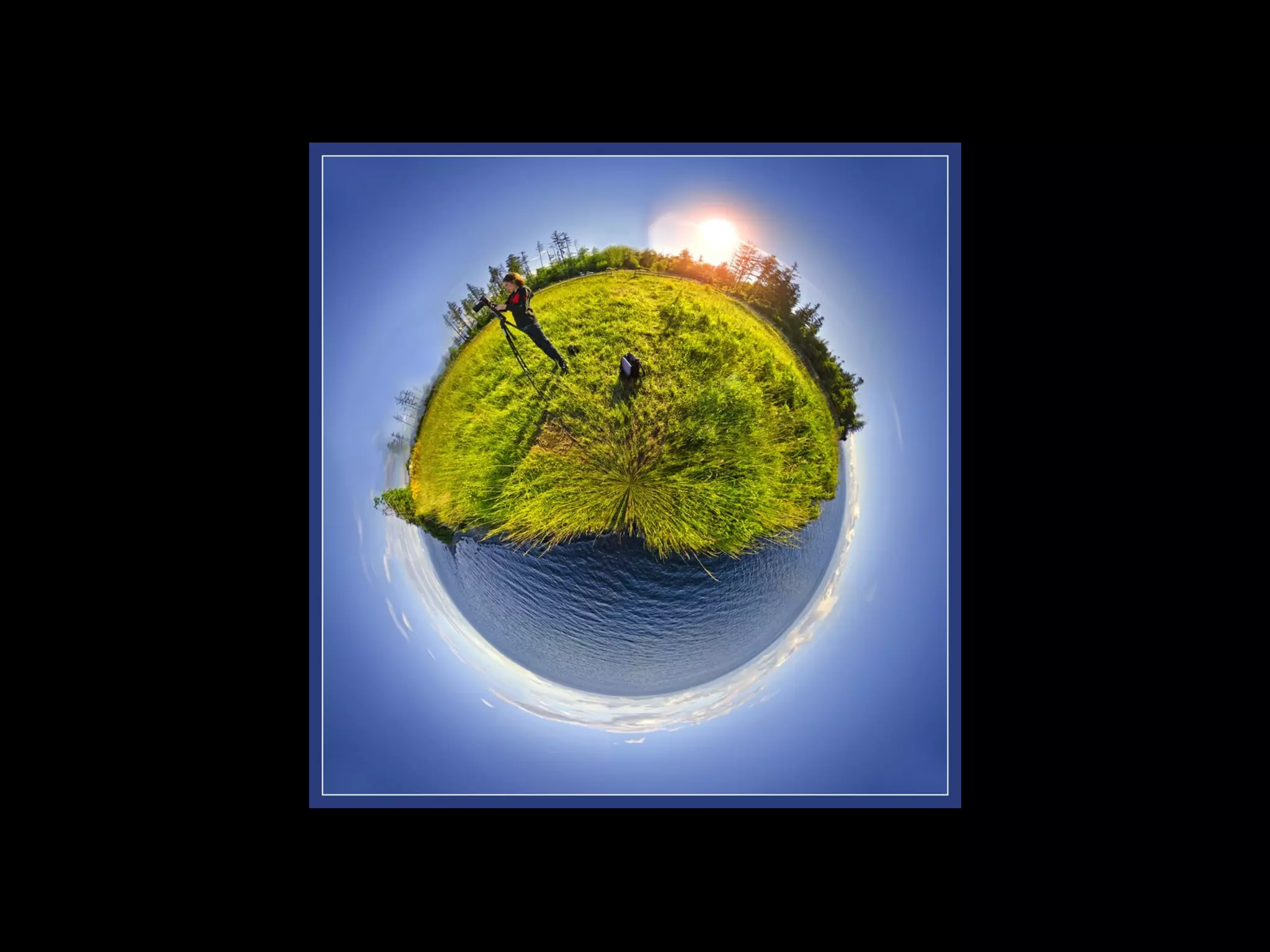
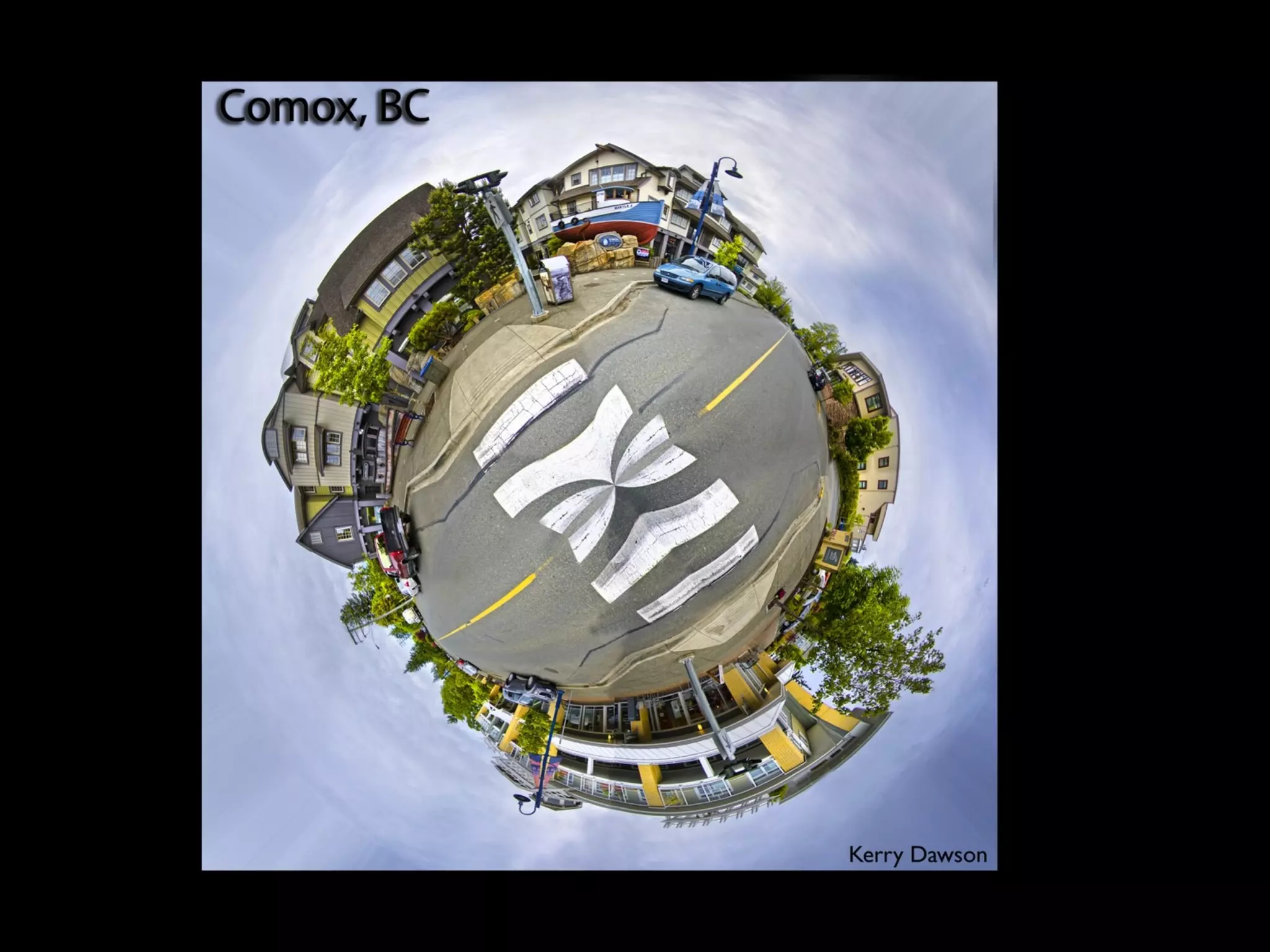
• Choose a subject
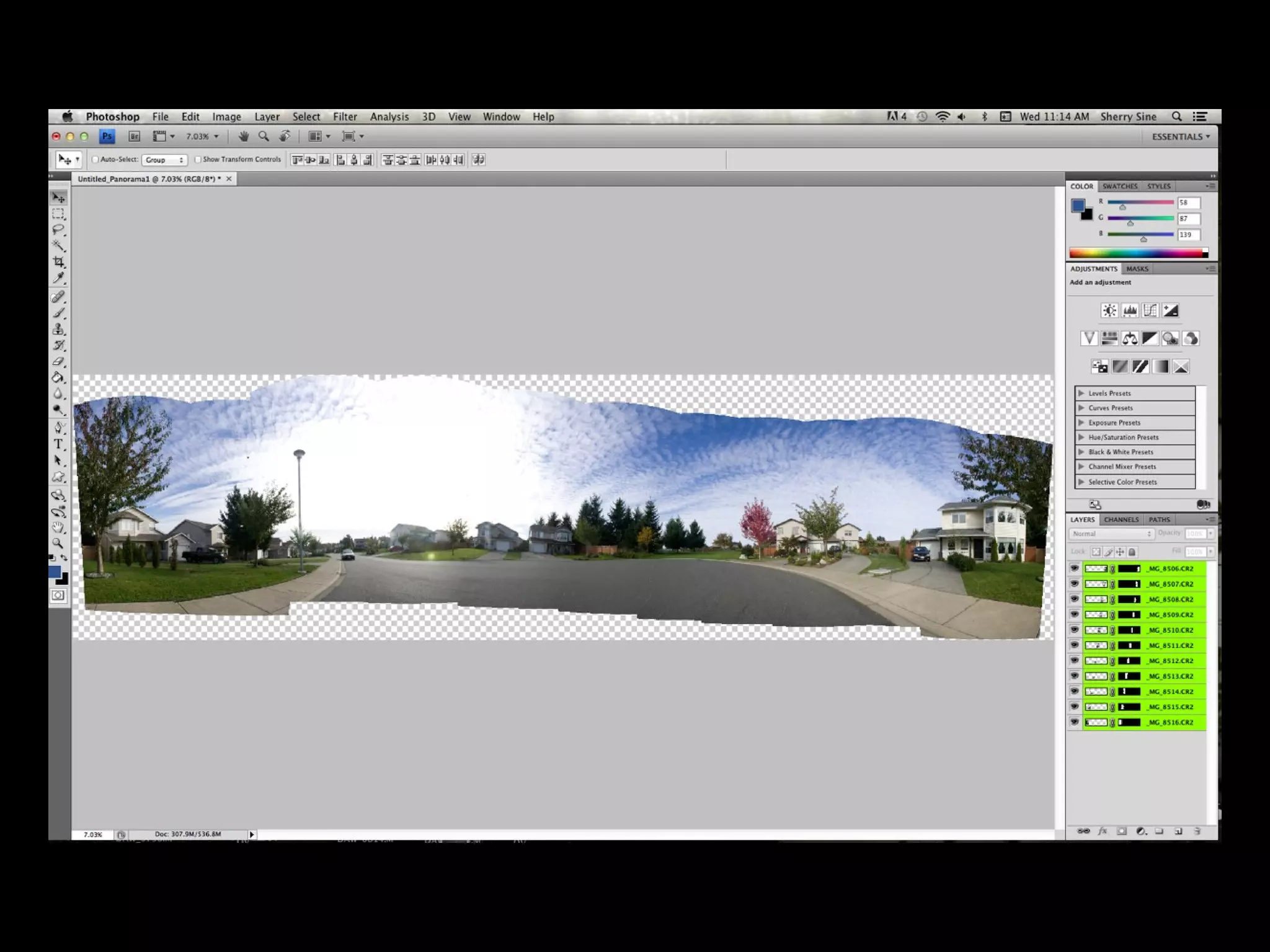
• Take a 360 degree panoramic
• Take vertical photos to ensure you have
enough sky and foreground in the shot
• Ensure you overlap your images
• If taking photos at sunrise or sunset be
quick so that sky from beginning to end is
similar in colour
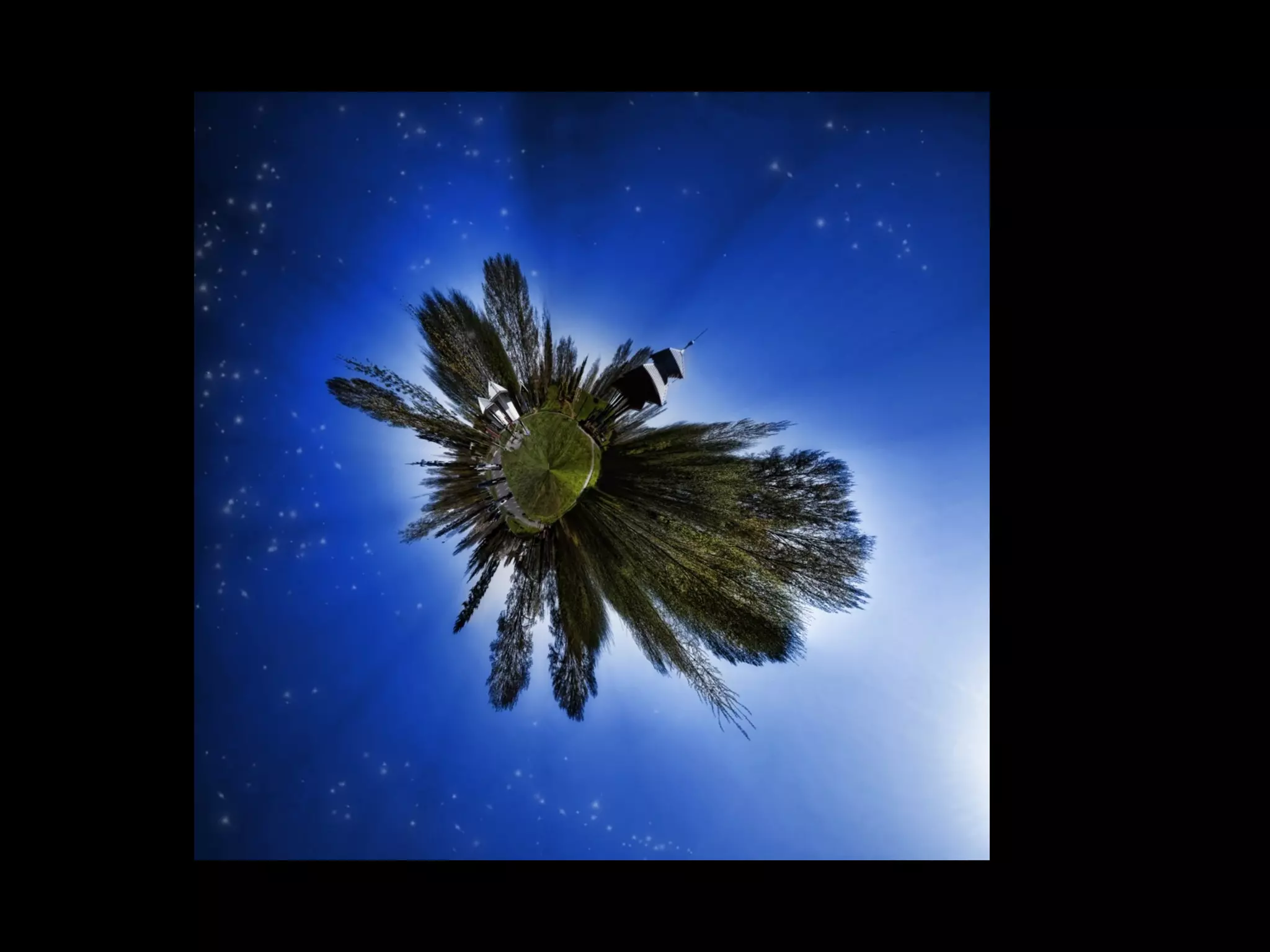
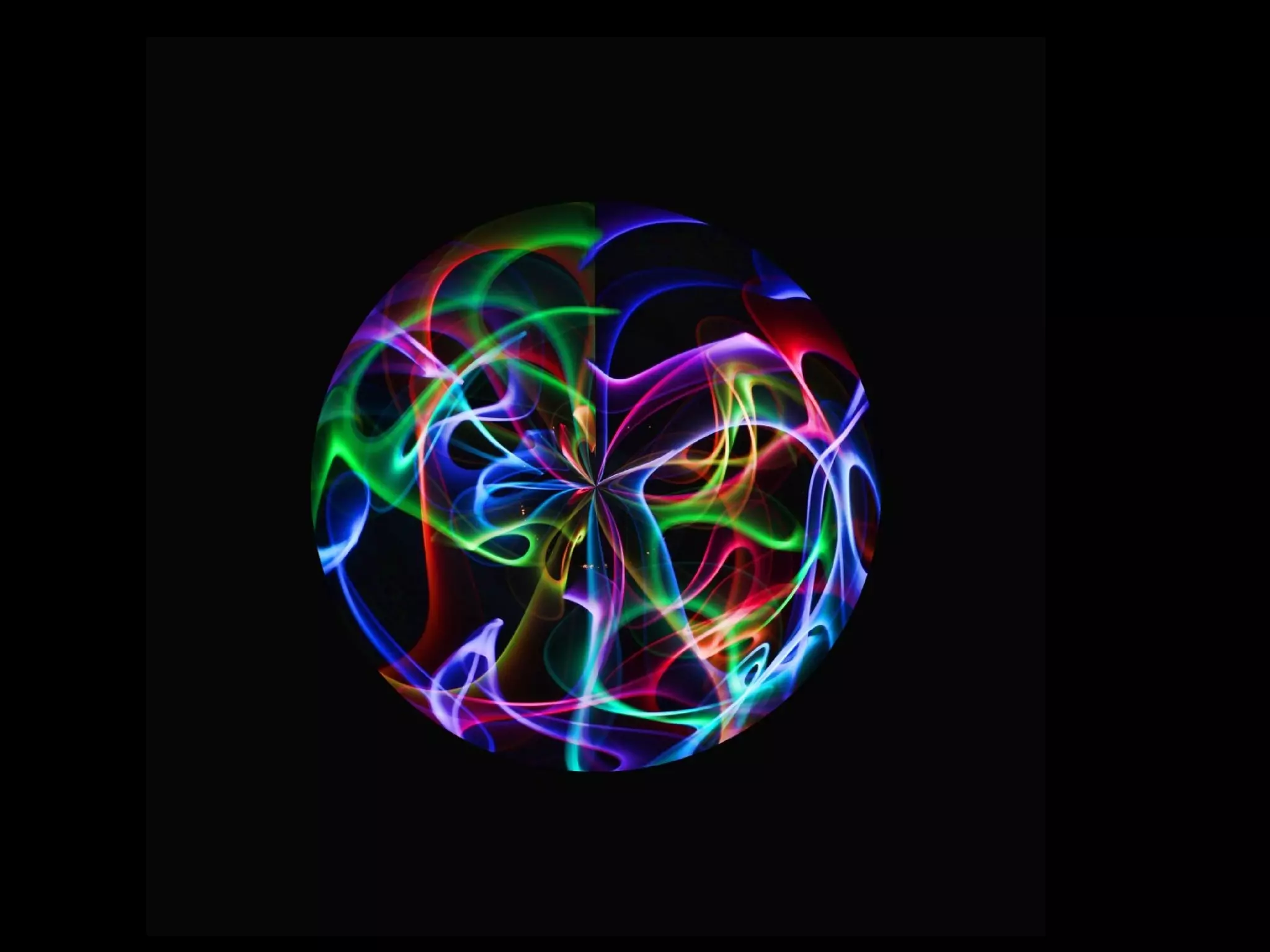
• Use your imagination, not all planets have
to look like earth
• You can actually use this on a single photo
instead of a panorama if both edges have
similar content. ie: shrub
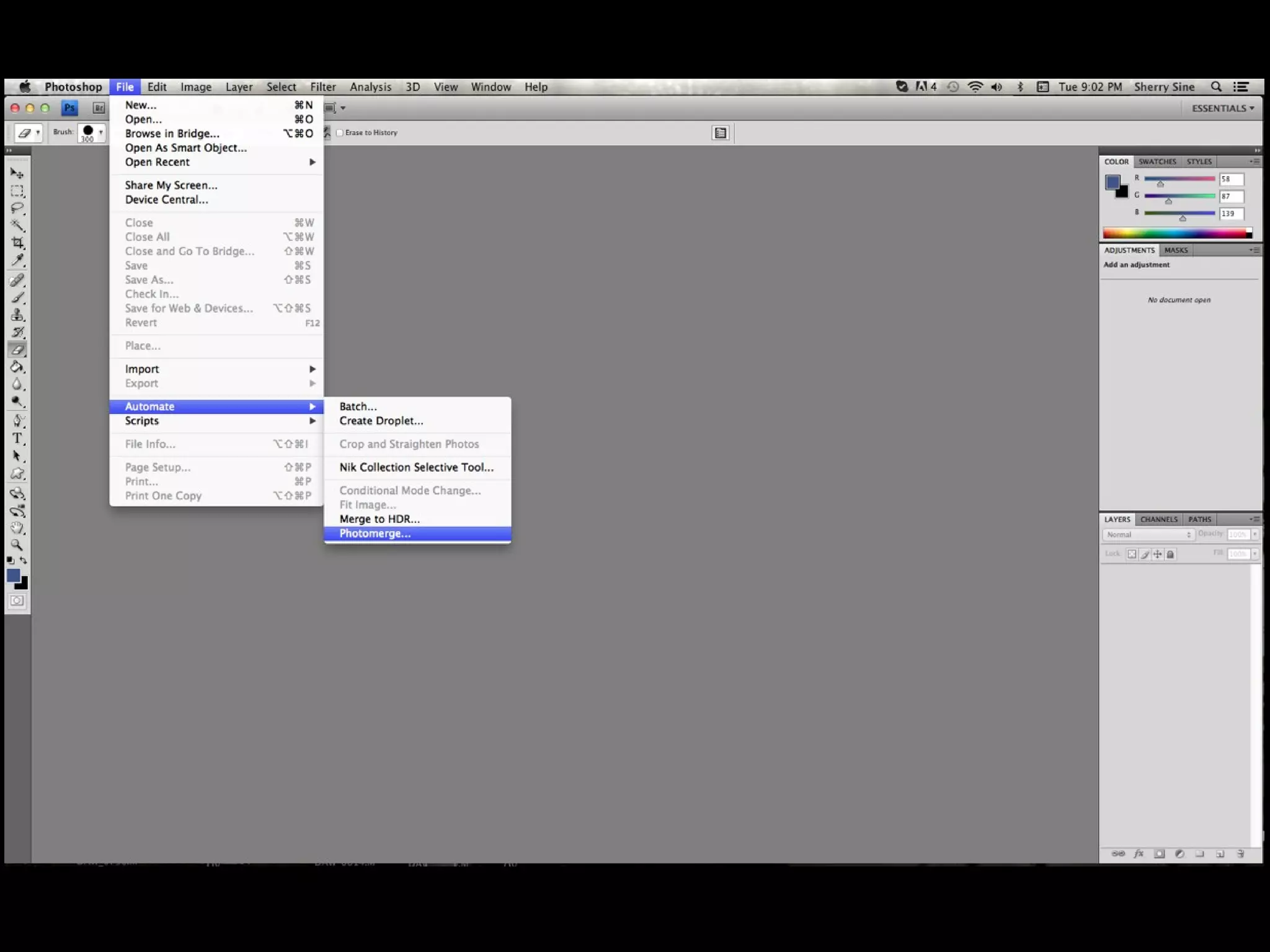
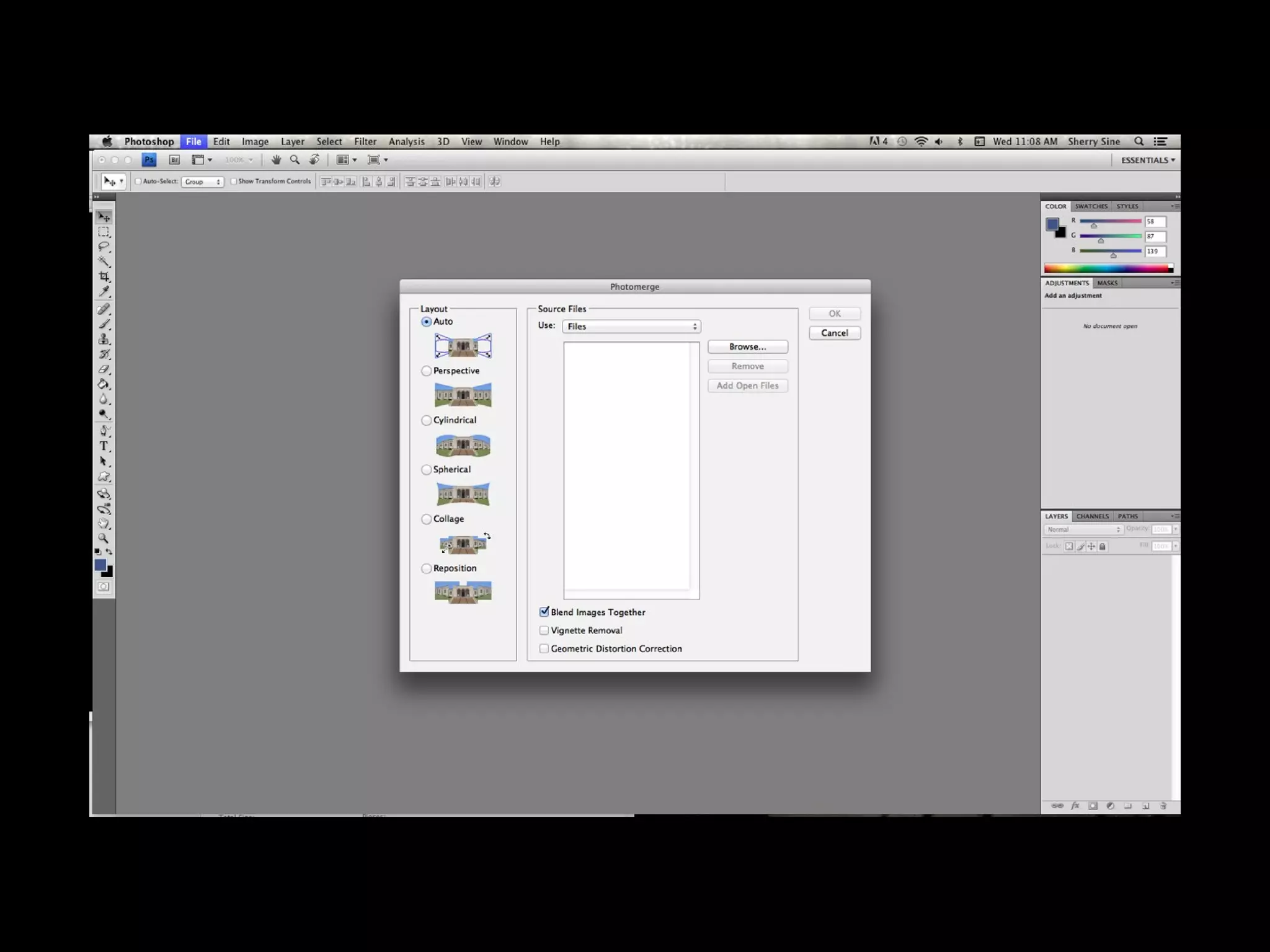
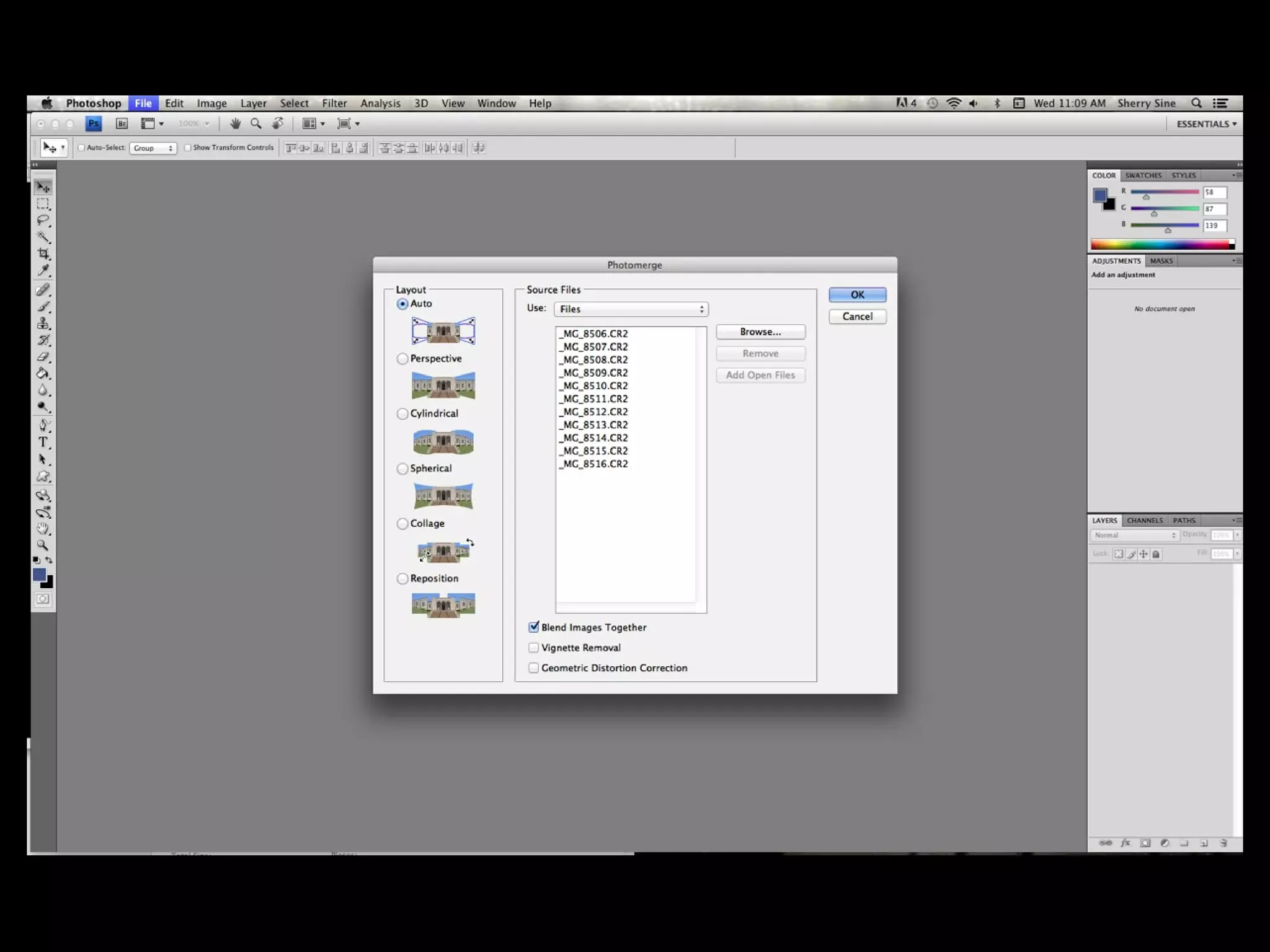
• Open photoshop
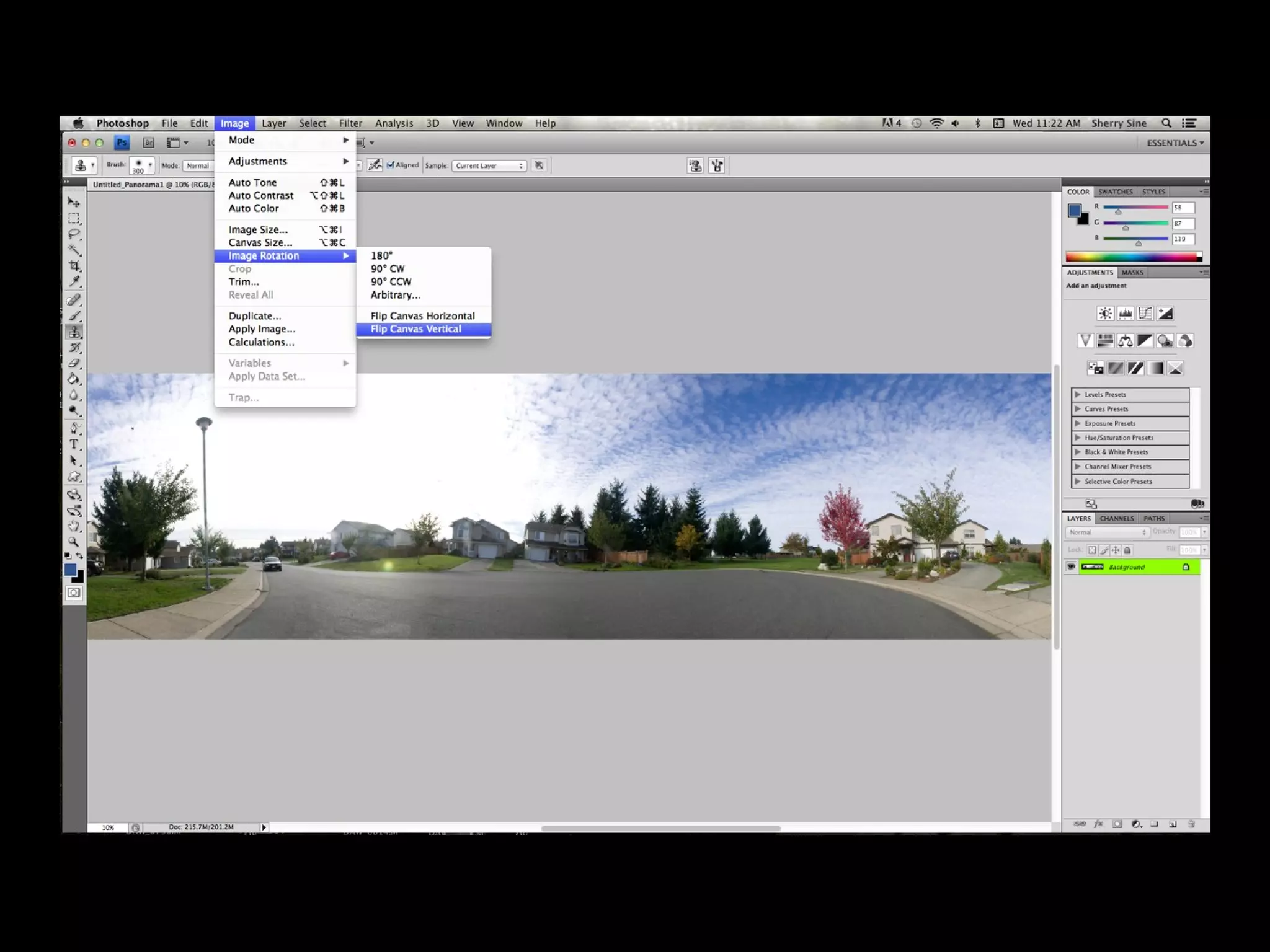
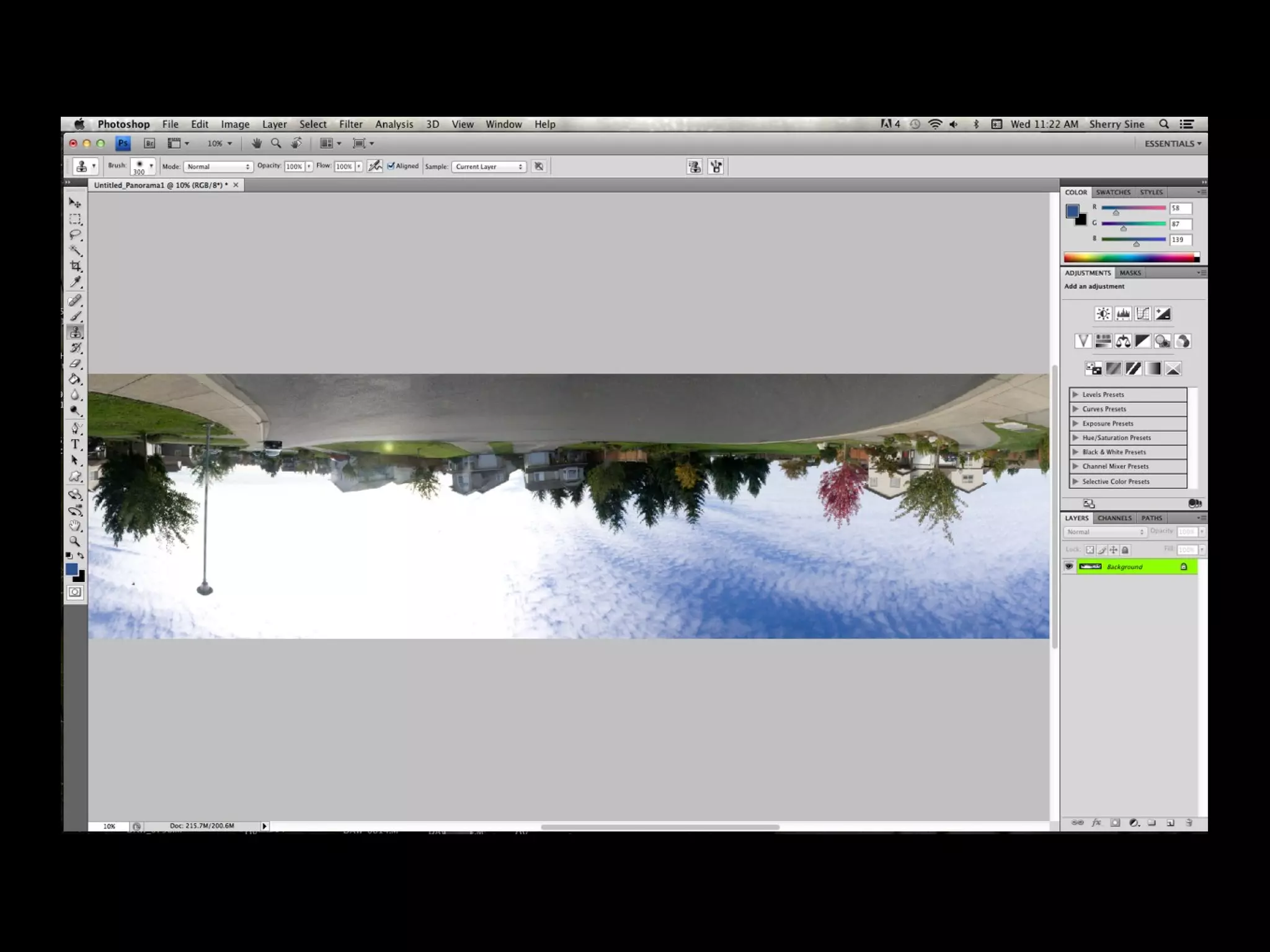
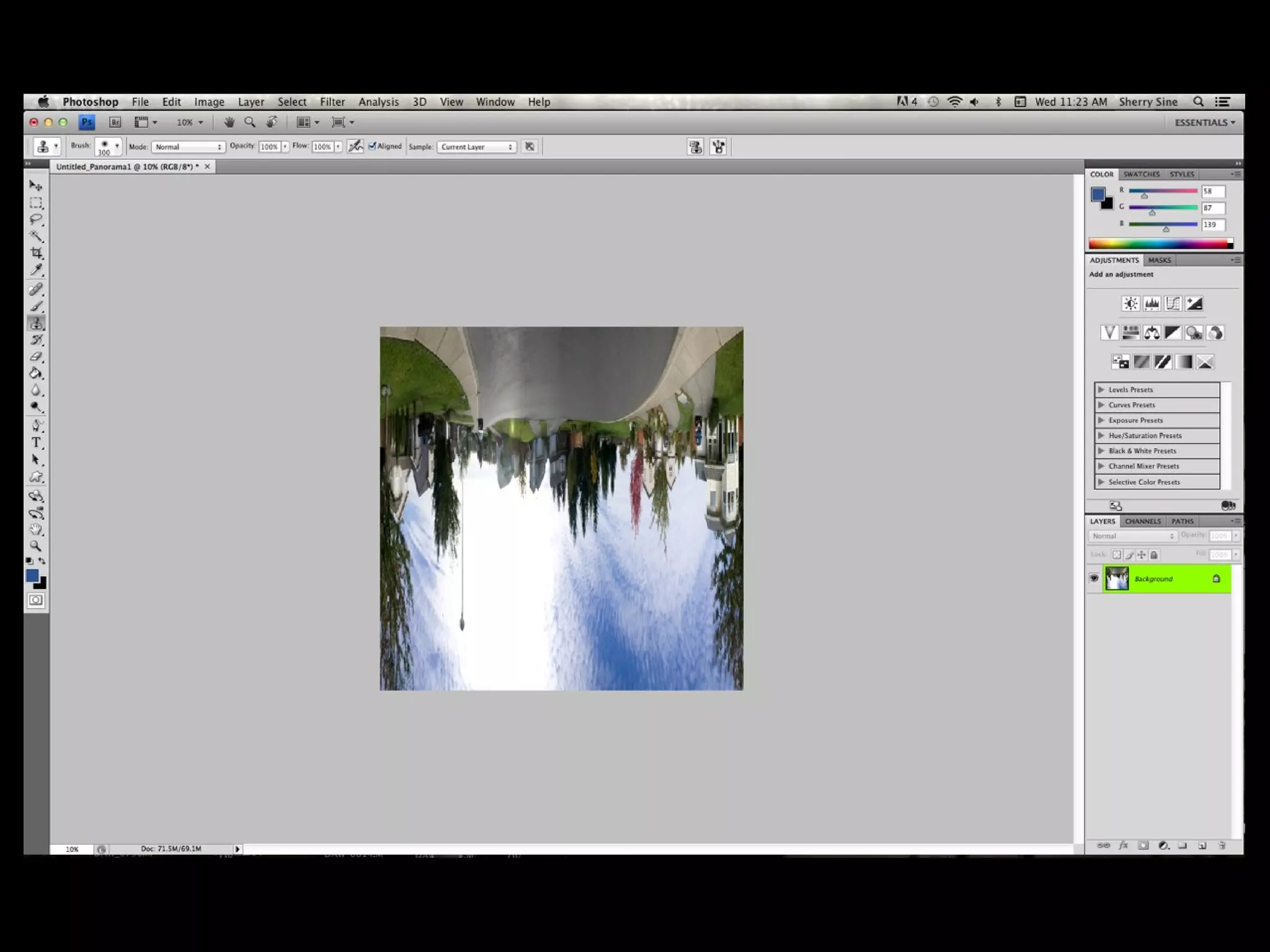
• For the sky to be on the outside of the
planet, rotate your photo 180 degrees so
sky is at the bottom of the photo
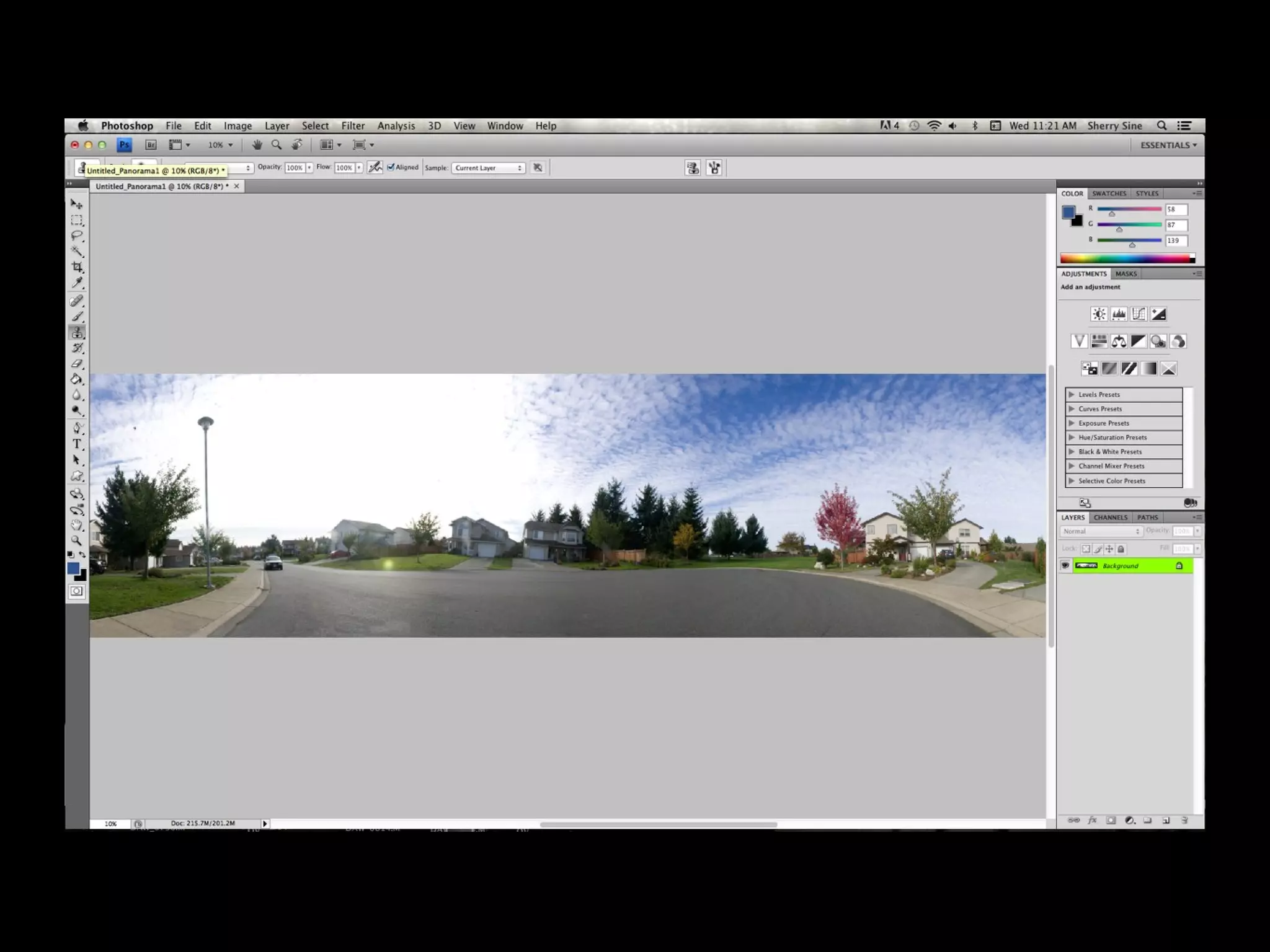
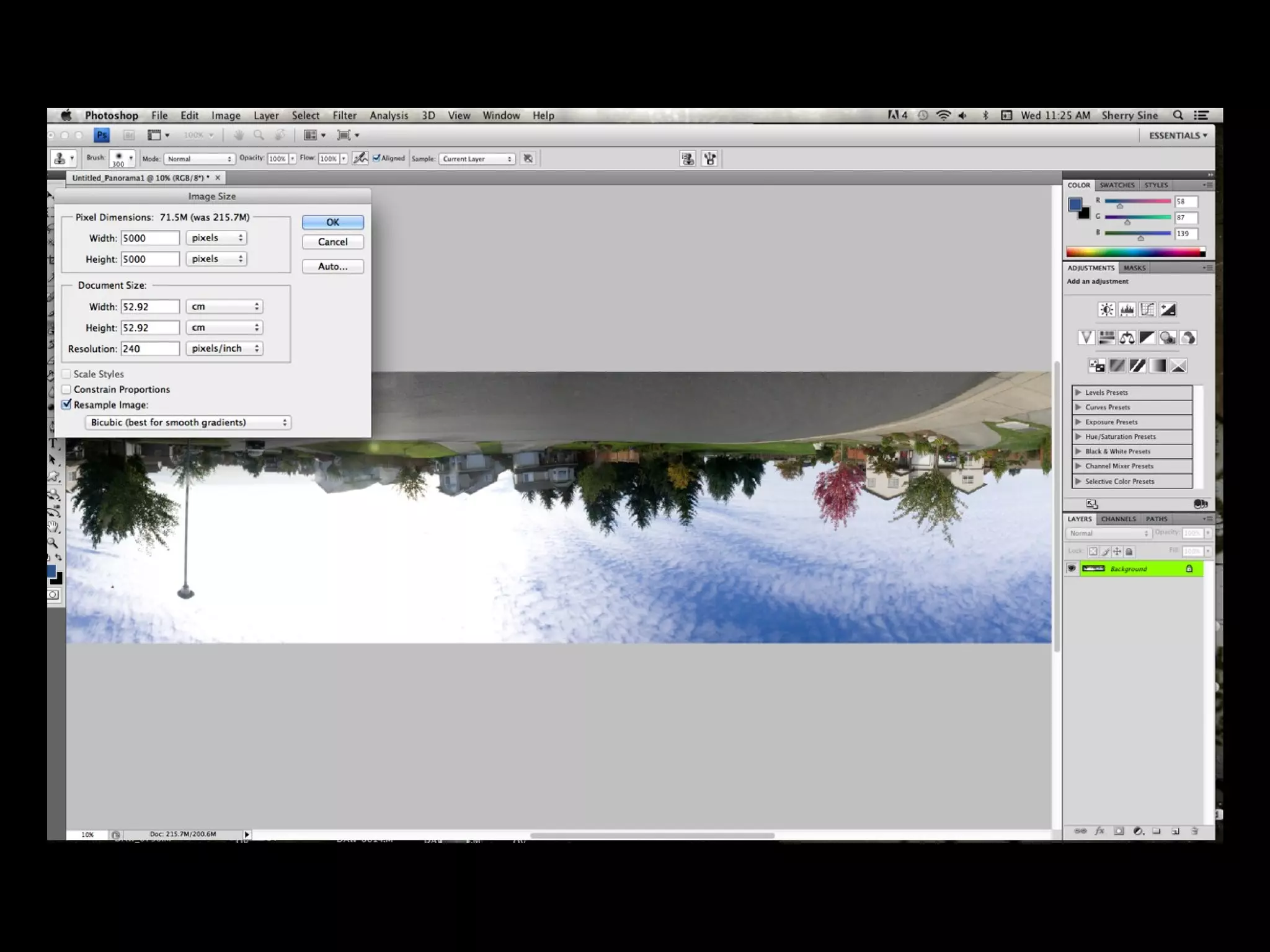
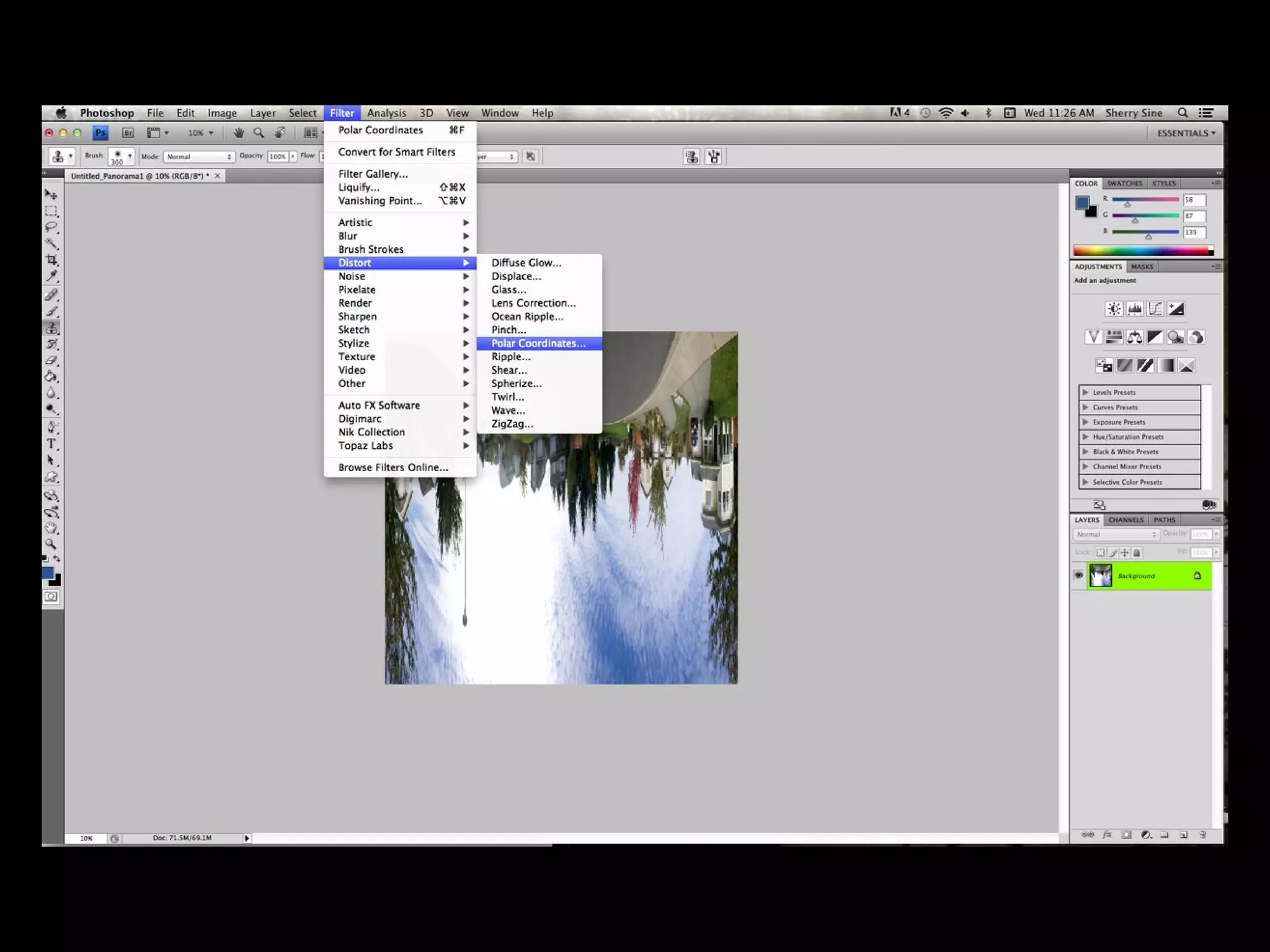
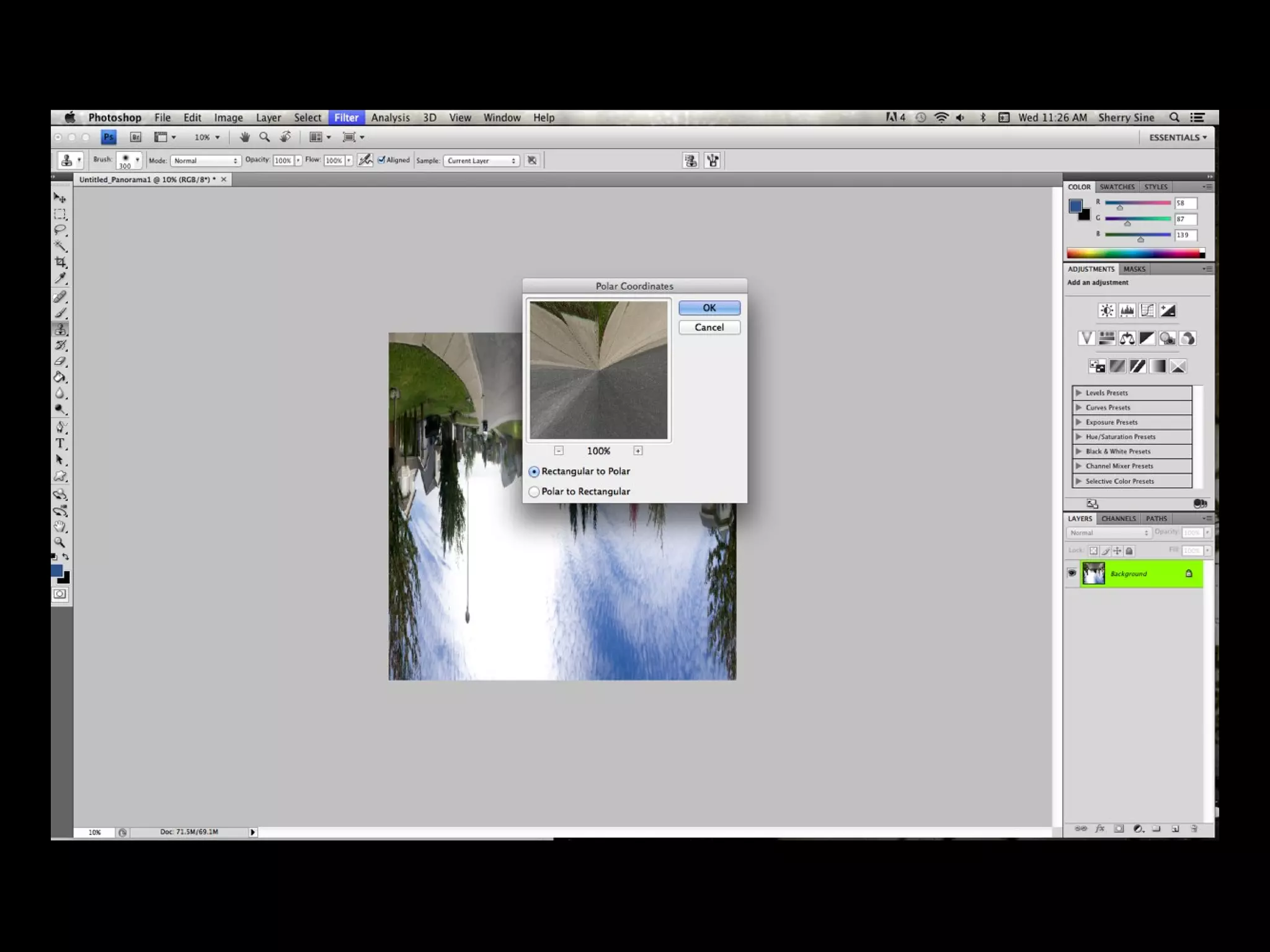
• The panorama now needs to be square
• Go to image size, and unclick constrain
proportions
• Then resize the image so that it has the
same width and length
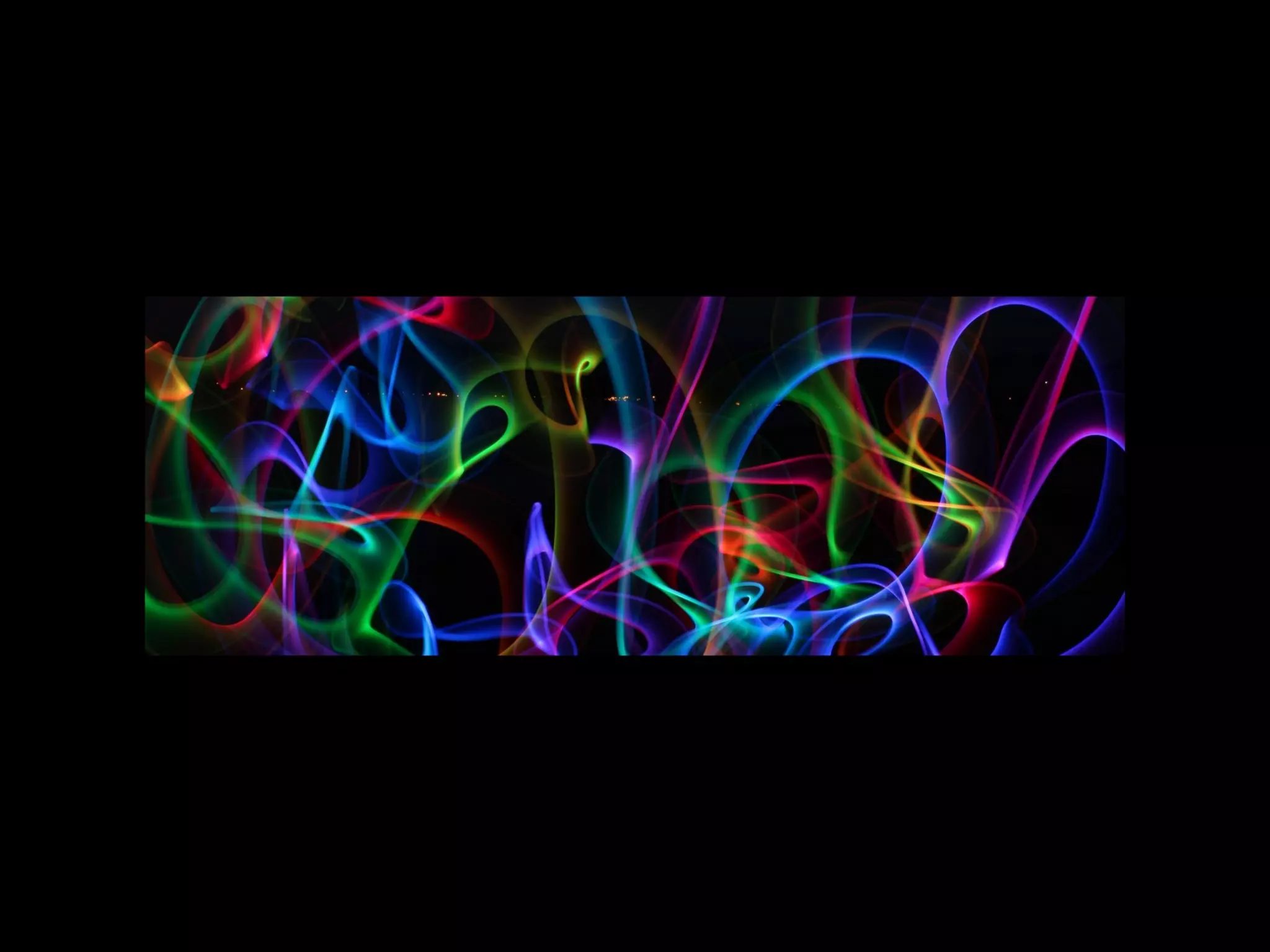
Get Creative
• Use unusual settings
• Use different subjects
• Use funky lighting
• Play with the backgrounds
• The sky is the limit....use your imagination
THE END
Handouts available on your way out

How to Create Little Planets

  • 1.
    LITTLE PLANETS Photos bySherry Sine and Kerry Dawson
  • 5.
    • Choose asubject • Take a 360 degree panoramic • Take vertical photos to ensure you have enough sky and foreground in the shot • Ensure you overlap your images
  • 6.
    • If takingphotos at sunrise or sunset be quick so that sky from beginning to end is similar in colour • Use your imagination, not all planets have to look like earth • You can actually use this on a single photo instead of a panorama if both edges have similar content. ie: shrub • Open photoshop
  • 12.
    • For thesky to be on the outside of the planet, rotate your photo 180 degrees so sky is at the bottom of the photo
  • 15.
    • The panoramanow needs to be square • Go to image size, and unclick constrain proportions • Then resize the image so that it has the same width and length
  • 22.
    Get Creative • Useunusual settings • Use different subjects • Use funky lighting • Play with the backgrounds
  • 29.
    • The skyis the limit....use your imagination
  • 30.