How to Build a
Responsive Website:
A Step-by-Step
Guide for Students
www.assignment.world
Responsive web design ensures that websites adapt
to different screen sizes and devices. Learn key
principles like flexible grids, media queries, and fluid
layouts to create a seamless user experience across
desktops, tablets, and smartphones.
Understand the Basics of
Responsive Design
Use a Mobile-First Approach
www.reallygreatsite.com
Designing for mobile screens first ensures that
your website is optimized for smaller devices
before scaling up to larger screens. Start with a
simple layout, prioritize essential content, and
then use CSS media queries to adjust styles for
larger viewports.
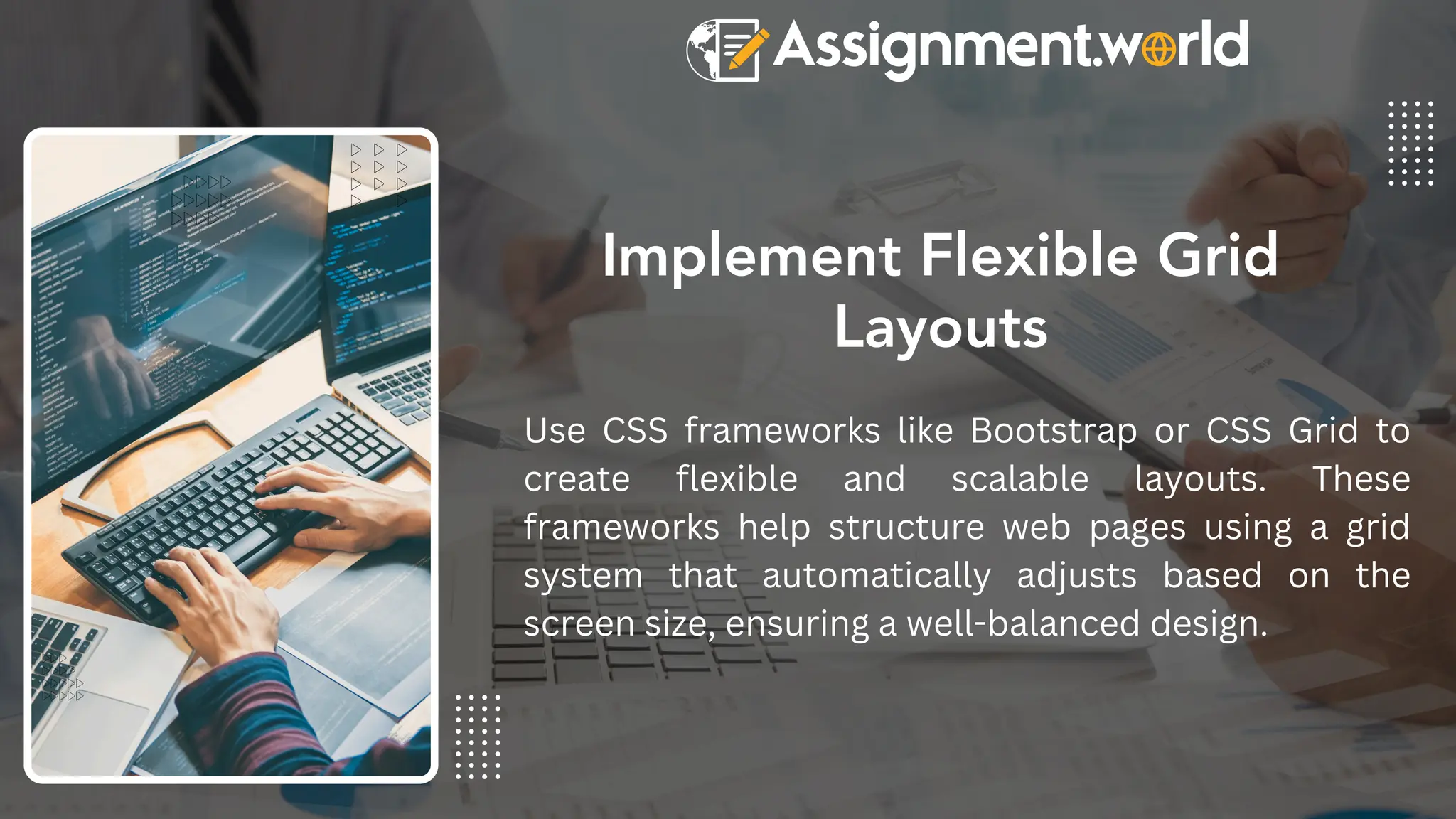
Implement Flexible Grid
Layouts
Use CSS frameworks like Bootstrap or CSS Grid to
create flexible and scalable layouts. These
frameworks help structure web pages using a grid
system that automatically adjusts based on the
screen size, ensuring a well-balanced design.
Optimize Images and Media
Large images can slow down your website. Use
responsive images with the <picture> element or CSS
properties like max-width: 100% to ensure images
scale properly. Compress images using tools like
TinyPNG or WebP format to improve loading speed.
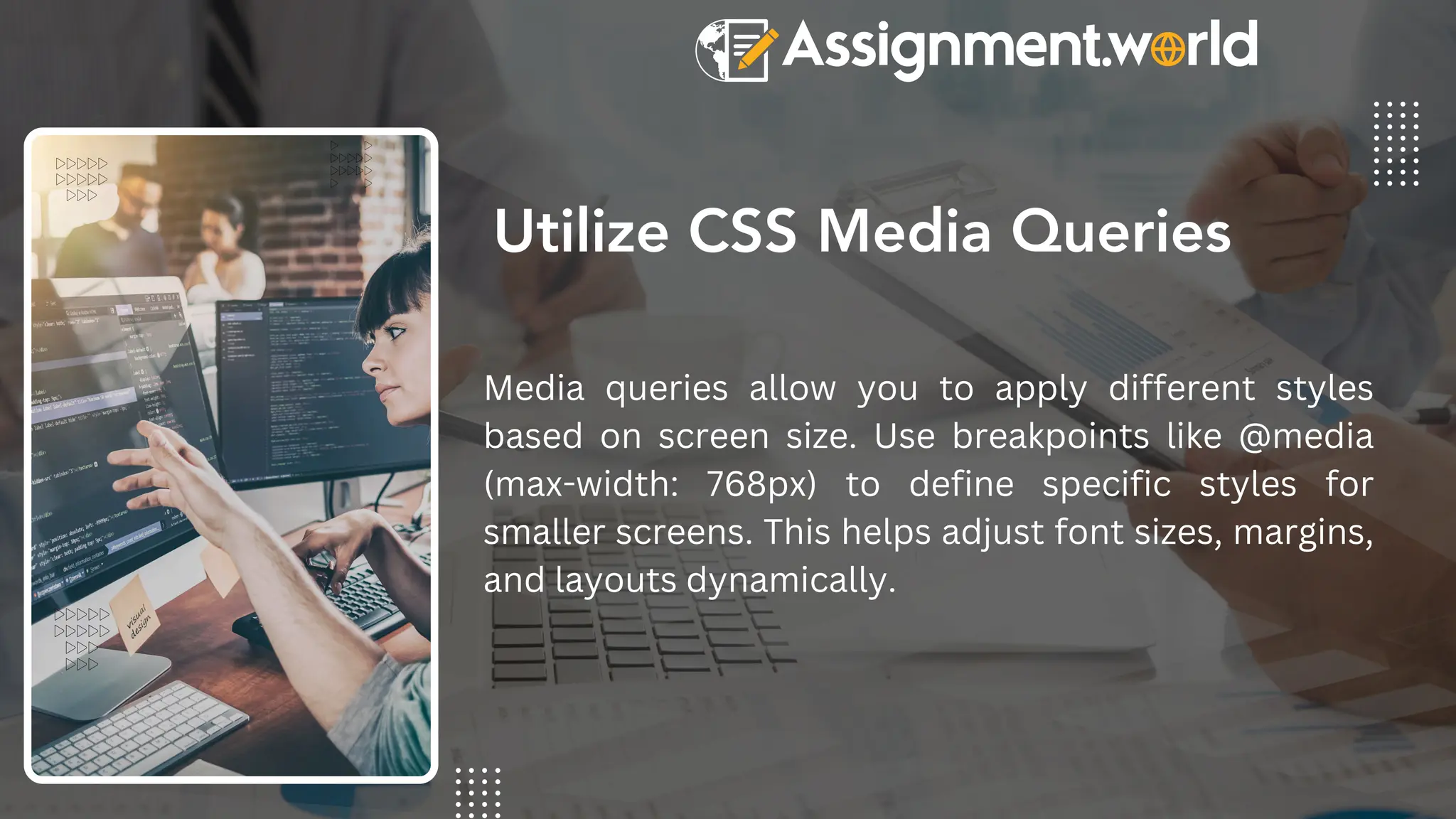
Utilize CSS Media Queries
Media queries allow you to apply different styles
based on screen size. Use breakpoints like @media
(max-width: 768px) to define specific styles for
smaller screens. This helps adjust font sizes, margins,
and layouts dynamically.
Test and Optimize Across
Devices
www.reallygreatsite.com
After building your responsive website, test it
using tools like Google’s Mobile-Friendly Test,
Chrome DevTools, or online emulators. Make
adjustments based on user experience feedback
and performance metrics to ensure smooth
navigation and readability on all devices.
Contact US
help@assignment.world
+61 480 020 208
www.assignment.world

How to Build a Responsive Website A Step-by-Step Guide for Students.pdf

  • 1.
    How to Builda Responsive Website: A Step-by-Step Guide for Students www.assignment.world
  • 2.
    Responsive web designensures that websites adapt to different screen sizes and devices. Learn key principles like flexible grids, media queries, and fluid layouts to create a seamless user experience across desktops, tablets, and smartphones. Understand the Basics of Responsive Design
  • 3.
    Use a Mobile-FirstApproach www.reallygreatsite.com Designing for mobile screens first ensures that your website is optimized for smaller devices before scaling up to larger screens. Start with a simple layout, prioritize essential content, and then use CSS media queries to adjust styles for larger viewports.
  • 4.
    Implement Flexible Grid Layouts UseCSS frameworks like Bootstrap or CSS Grid to create flexible and scalable layouts. These frameworks help structure web pages using a grid system that automatically adjusts based on the screen size, ensuring a well-balanced design.
  • 5.
    Optimize Images andMedia Large images can slow down your website. Use responsive images with the <picture> element or CSS properties like max-width: 100% to ensure images scale properly. Compress images using tools like TinyPNG or WebP format to improve loading speed.
  • 6.
    Utilize CSS MediaQueries Media queries allow you to apply different styles based on screen size. Use breakpoints like @media (max-width: 768px) to define specific styles for smaller screens. This helps adjust font sizes, margins, and layouts dynamically.
  • 7.
    Test and OptimizeAcross Devices www.reallygreatsite.com After building your responsive website, test it using tools like Google’s Mobile-Friendly Test, Chrome DevTools, or online emulators. Make adjustments based on user experience feedback and performance metrics to ensure smooth navigation and readability on all devices.
  • 8.
    Contact US help@assignment.world +61 480020 208 www.assignment.world