@theCloudSherpa
A Hitchhiker's Guide to Azure
Active Directory
Max Fritz
Senior Systems Consultant, Now Micro
Max Fritz
Email : max@o365mn.org
Twitter : @TheCloudSherpa
Blog: maxafritz.com
LinkedIn : in/maxafritz
Senior Consultant at Now Micro
MCSA Office 365, MCSE Productivity
Founder of Minnesota Office 365 User Group
Working with Office 365 for over 6 years
Specialize in the Education Industry
Focus in Azure AD, Exchange, and SharePoint
Online
Contact Details
SharePoint Saturday Kansas City 2017
Sponsors
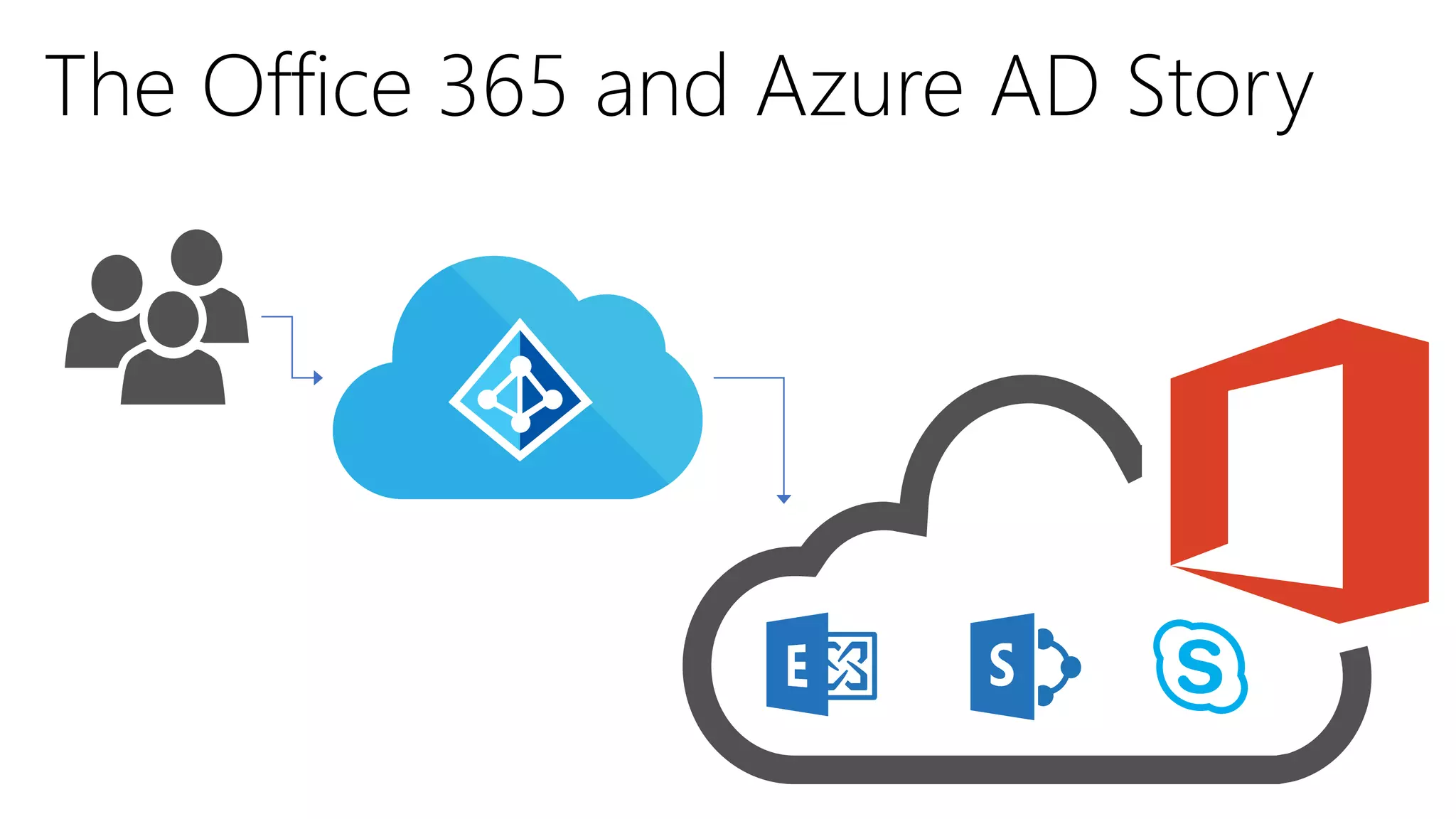
Identity management in the cloud.
Based on the Active Directory we all already
know, but integrated with numerous first and
third party cloud services.
Backbone of Office 365
What is Azure Active Directory?
Azure AD Basics
Symbols to know for this presentation
Premium/Paid Features Preview Features
(could become premium/paid)
•Connects to Active Directory On Premise
•Synchronizes Users, Groups, and Contacts
•Allows for writes in both directions
•Uses SQL express to manage
synchronization
Synchronizing with Azure AD:
Azure Active Directory Connect
Formerly known as “DirSync”
Azure Active Directory Connect Functionality
AD DS
Sync engine
Salesforce
Box
DropBox
Google
…
Azure AD Connect
Health
How to get Azure AD (AAD)
Feature/Plan AAD for Office 365 AAD Premium P1 AAD Premium P2
Directory Object Limit Unlimited Unlimited Unlimited
Single Sign-On 10 per user Unlimited Unlimited
Reports Basic Advanced Advanced
Self-Service   
Multi-Factor Auth.   
Cloud App Discovery   
Conditional Access* -  
Identity Protection   
Privileged Identity
Management
  
There is a free tier as well not covered here
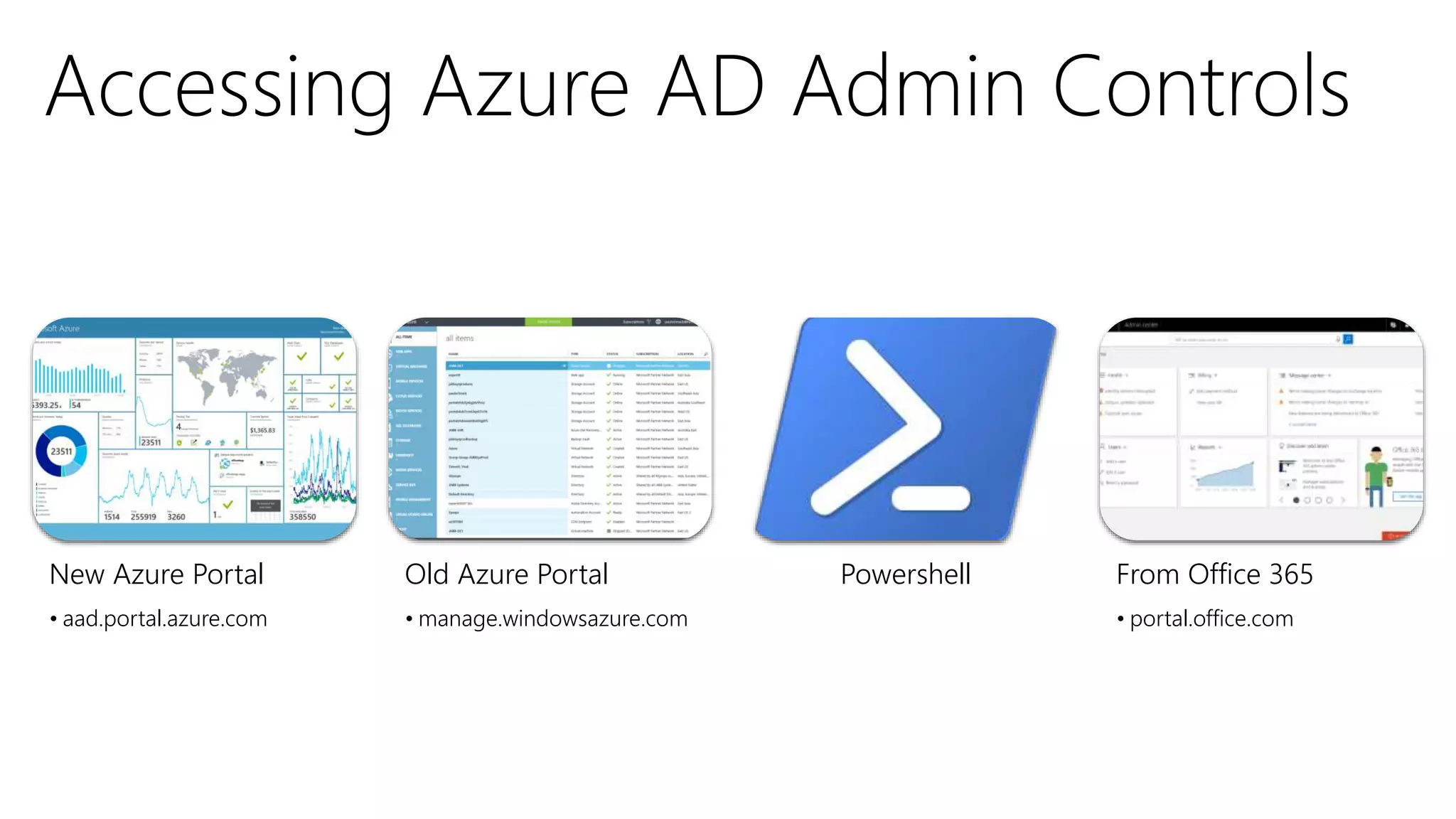
New Azure Portal
• aad.portal.azure.com
Old Azure Portal
• manage.windowsazure.com
Powershell From Office 365
• portal.office.com
New Azure Portal
• aad.portal.azure.com
• Azure Active Directory controls are
GA
• No Azure subscription required
Old Azure Portal
• manage.windowsazure.com
• Azure Active Directory controls are
fully functional*
• Dated look to the portal, all other
Azure items are in the new portal
• Free Azure subscription required
Azure AD PowerShell – Version Madness
Version 1.1.166
• Full Release
• Legacy
• No new
functionality
• Most available
commands
• Install-Module
MsOnline
Version 2.0.0.131
• General Availability
• Fewer commands
available, but newer
functionality
• Install-Module
AzureAD
Version 2.0.0.137
• Preview
• For advanced users
• Allows for
modification of O365
Group Policies
• Install-module
AzureADPreview
• Cannot coexist with
non-preview
New Azure Portal
• portal.azure.com
Old Azure Portal
• manage.windowsazure.com
Powershell From Office 365
• portal.office.com
Azure AD Features
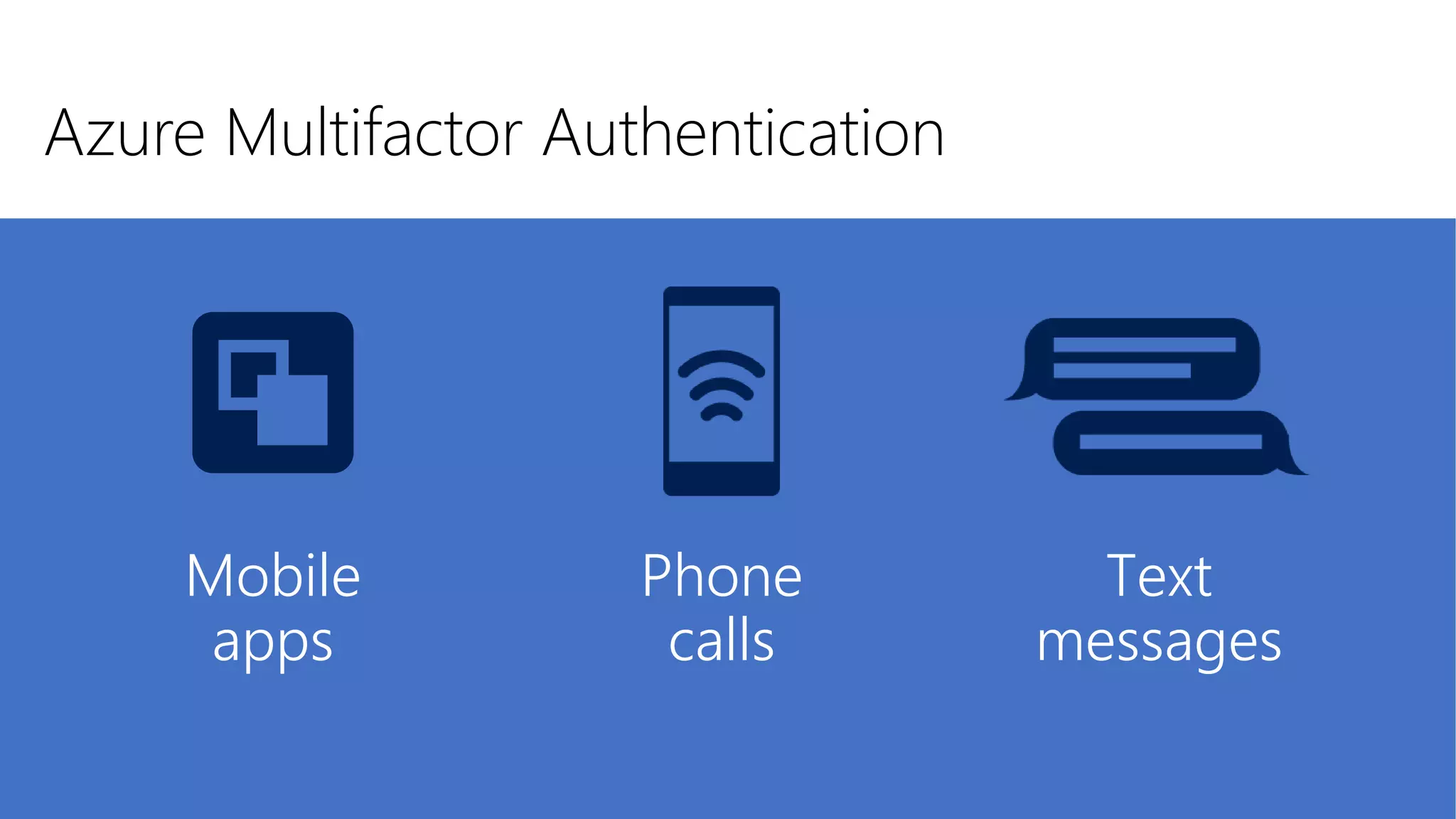
Azure Multi-Factor Authentication
Prevents unauthorized access to Azure AD
by providing an additional level of
authentication
Prompts users for a second form of
authentication (besides password) to verify
identity
Free for users with admin privileges in
Office 365 (use it!)
Azure Multifactor Authentication
Text
messages
Phone
calls
Mobile
apps
Single sign-on to any app
Web apps
(Azure Active Directory
Application Proxy)
Integrated
custom apps
SaaS apps
OTHER DIRECTORIES
Security: Password only stored in
identity provider (Azure AD)
Convenience: Don’t remember
multiple username and passwords
Management: Centrally manage
authentication processes
Microsoft Azure
Over 2800 pre-integrated apps and growing!
Risk severity calculation
Remediation
recommendations
Risk-based conditional access
automatically protects against
suspicious logins and compromised
credentials
Gain insights from a consolidated view
of machine learning based threat
detection
Leaked
credentials
Infected
devices
Configuration
vulnerabilities
Risk-based
policies
MFA Challenge
Risky Logins
Block attacks
Change bad
credentials
Machine-Learning Engine
Brute force
attacks
Suspicious sign-
in activities
Identity Protection at its best
Enforce on-demand,just-in-timeadministrativeaccess when needed
Provides more visibilitythrough alerts, auditreports and access reviews
Global
Administrator
Billing
Administrator
SharePoint
Administrator
User
Administrator
Password
Administrator
Discover, restrict, and monitor privileged identities
MFA is enforced during the activation
process
Alerts inform administrators about out-of-band
changes
Users need to activate their privileges to perform
a task
Users will retain their privileges for a pre-
configured amount of time
Security admins can discover all
privileged identities, view audit reports
and review everyone who has is eligible
to activate via access reviews
Audit
SECURITY
ADMIN
Configure Privileged
Identity Management
USER
PRIVILEGED IDENTITY MANAGEMENT
Identity
verification
Monitor
Access reports
MFA
ALERT
Read only
ADMIN PROFILES
Billing Admin
Global Admin
Service Admin
How time-limited activation of privileged roles works
Other Cool Azure AD things
Conditional
Access
Customize Sign-
In Token Lifetime
Automated
Office 365 Group
Expiration
Reporting
User, Group,
Device
Management
Azure AD B2B
Ok let’s take a breath, and show some real stuff
(and don’t forget to bring a towel)
4 simple things you
can do using Azure
AD to improve
Office 365

Organizational
Sign-in
Branding
• Affects any Azure AD or Office 365 Sign in:
• portal.office.com
• Mobile Apps
• Office Pro Plus
• etc…
• Different from the branding within the Office
365 portal and SharePoint branding
• Great way to make Office 365 your own
• Help provide sign in instructions to users
• Reassure your users that they are signing
into the right page
• Make your marketing department happy 
Organizational Sign-in Branding
Before After

Setup Multi-
Factor
Authentication
for Admins
• As mentioned, this is free for Office
365 Admins
• Admin accounts are a huge security
vulnerability
• If an admin account is breached,
your entire organization can be
considered breached
• Supported by SharePoint Online
PowerShell (in addition to Exchange
Online and Azure AD/Office 365
PowerShell Modules) [everything
but Skype PowerShell]

Restrict Office
365 Group
Creation
• To be honest, this one is less simple
• Requires Azure AD PowerShell V2
• Group Creation used to be controlled by
Exchange Online
• With Planner, Teams, SharePoint Team
Sites, PowerBI and more able to create
Groups, it is now controlled through
Azure AD
• Policy can be created in Azure AD that only
allows certain groups of users access to
create Groups
• Any other attempts will result in error
(error messages can get strange)
• Policy created through PowerShell
• Does not apply to certain admins
Restrict Office 365 Group Creation
Gross PowerShell
1. Get-AzureADGroup -SearchString "<Name of your security group>“
2. $Template = Get-AzureADDirectorySettingTemplate | where {$_.DisplayName -eq
'Group.Unified’}
3. Setting = $Template.CreateDirectorySetting()
4. New-AzureADDirectorySetting -DirectorySetting $Setting
5. $Setting = Get-AzureADDirectorySetting -Id (Get-AzureADDirectorySetting | where -
Property DisplayName -Value "Group.Unified" -EQ).id
6. $Setting["EnableGroupCreation"] = $False
7. $Setting["GroupCreationAllowedGroupId"] = (Get-AzureADGroup -SearchString "<Name
of your security group>").objected
8. Set-AzureADDirectorySetting -Id (Get-AzureADDirectorySetting | where -Property
DisplayName -Value "Group.Unified" -EQ).id -DirectorySetting $Setting
http://maxf.us/groupcreation

Automatically
Assign
Licenses
•Assign licenses based on
Group Membership
•Automatically removes and
adds licenses when users join
or leave groups
•No more licensing scripts!
•In preview
• Only works for security groups
• Requires Azure AD licensing
present in tenant (even if free)

Sign a User
Out of Office
365
•Azure AD is the only way to
force a sign out for a user
reliably
•We need to tell Azure AD to
not accept the “token” of a
previous sign in
• This forces the user to re-sign
in (which you can block)
• Set-MsolUser -UserPrincipalName <UPN of the
User> -StsRefreshTokensValidFrom (“<future
date>”)
• Even if you set it to tomorrow (ex 01/01/2017), it will
then set itself to the exact date and time you ran it
• Azure AD PowerShell v1
Get Involved
Join the Microsoft Tech Community
• techcommunity.microsoft.com
Get on Twitter
• It’s not just for presidents and celebrities
Come to your local user groups
• Continue your learning
Questions
Thank you!
Email : maxf@o365mn.org
Twitter : @TheCloudSherpa
Website/Blog: maxafritz.com
Stay in touch!
Come ask me questions!
Leave a review!

Hitchhiker's Guide to Azure AD - SPSKC

  • 1.
    @theCloudSherpa A Hitchhiker's Guideto Azure Active Directory Max Fritz Senior Systems Consultant, Now Micro
  • 2.
    Max Fritz Email :max@o365mn.org Twitter : @TheCloudSherpa Blog: maxafritz.com LinkedIn : in/maxafritz Senior Consultant at Now Micro MCSA Office 365, MCSE Productivity Founder of Minnesota Office 365 User Group Working with Office 365 for over 6 years Specialize in the Education Industry Focus in Azure AD, Exchange, and SharePoint Online Contact Details
  • 3.
    SharePoint Saturday KansasCity 2017 Sponsors
  • 4.
    Identity management inthe cloud. Based on the Active Directory we all already know, but integrated with numerous first and third party cloud services. Backbone of Office 365 What is Azure Active Directory?
  • 9.
  • 10.
    Symbols to knowfor this presentation Premium/Paid Features Preview Features (could become premium/paid)
  • 11.
    •Connects to ActiveDirectory On Premise •Synchronizes Users, Groups, and Contacts •Allows for writes in both directions •Uses SQL express to manage synchronization Synchronizing with Azure AD: Azure Active Directory Connect Formerly known as “DirSync”
  • 12.
    Azure Active DirectoryConnect Functionality AD DS Sync engine Salesforce Box DropBox Google … Azure AD Connect Health
  • 13.
    How to getAzure AD (AAD) Feature/Plan AAD for Office 365 AAD Premium P1 AAD Premium P2 Directory Object Limit Unlimited Unlimited Unlimited Single Sign-On 10 per user Unlimited Unlimited Reports Basic Advanced Advanced Self-Service    Multi-Factor Auth.    Cloud App Discovery    Conditional Access* -   Identity Protection    Privileged Identity Management    There is a free tier as well not covered here
  • 14.
    New Azure Portal •aad.portal.azure.com Old Azure Portal • manage.windowsazure.com Powershell From Office 365 • portal.office.com
  • 15.
    New Azure Portal •aad.portal.azure.com • Azure Active Directory controls are GA • No Azure subscription required Old Azure Portal • manage.windowsazure.com • Azure Active Directory controls are fully functional* • Dated look to the portal, all other Azure items are in the new portal • Free Azure subscription required
  • 16.
    Azure AD PowerShell– Version Madness Version 1.1.166 • Full Release • Legacy • No new functionality • Most available commands • Install-Module MsOnline Version 2.0.0.131 • General Availability • Fewer commands available, but newer functionality • Install-Module AzureAD Version 2.0.0.137 • Preview • For advanced users • Allows for modification of O365 Group Policies • Install-module AzureADPreview • Cannot coexist with non-preview New Azure Portal • portal.azure.com Old Azure Portal • manage.windowsazure.com Powershell From Office 365 • portal.office.com
  • 17.
  • 18.
    Azure Multi-Factor Authentication Preventsunauthorized access to Azure AD by providing an additional level of authentication Prompts users for a second form of authentication (besides password) to verify identity Free for users with admin privileges in Office 365 (use it!)
  • 19.
  • 20.
    Single sign-on toany app Web apps (Azure Active Directory Application Proxy) Integrated custom apps SaaS apps OTHER DIRECTORIES Security: Password only stored in identity provider (Azure AD) Convenience: Don’t remember multiple username and passwords Management: Centrally manage authentication processes Microsoft Azure
  • 21.
    Over 2800 pre-integratedapps and growing!
  • 22.
    Over 2800 pre-integratedapps and growing!
  • 23.
    Risk severity calculation Remediation recommendations Risk-basedconditional access automatically protects against suspicious logins and compromised credentials Gain insights from a consolidated view of machine learning based threat detection Leaked credentials Infected devices Configuration vulnerabilities Risk-based policies MFA Challenge Risky Logins Block attacks Change bad credentials Machine-Learning Engine Brute force attacks Suspicious sign- in activities Identity Protection at its best
  • 24.
    Enforce on-demand,just-in-timeadministrativeaccess whenneeded Provides more visibilitythrough alerts, auditreports and access reviews Global Administrator Billing Administrator SharePoint Administrator User Administrator Password Administrator Discover, restrict, and monitor privileged identities
  • 25.
    MFA is enforcedduring the activation process Alerts inform administrators about out-of-band changes Users need to activate their privileges to perform a task Users will retain their privileges for a pre- configured amount of time Security admins can discover all privileged identities, view audit reports and review everyone who has is eligible to activate via access reviews Audit SECURITY ADMIN Configure Privileged Identity Management USER PRIVILEGED IDENTITY MANAGEMENT Identity verification Monitor Access reports MFA ALERT Read only ADMIN PROFILES Billing Admin Global Admin Service Admin How time-limited activation of privileged roles works
  • 26.
    Other Cool AzureAD things Conditional Access Customize Sign- In Token Lifetime Automated Office 365 Group Expiration Reporting User, Group, Device Management Azure AD B2B
  • 27.
    Ok let’s takea breath, and show some real stuff (and don’t forget to bring a towel)
  • 28.
    4 simple thingsyou can do using Azure AD to improve Office 365
  • 29.
     Organizational Sign-in Branding • Affects anyAzure AD or Office 365 Sign in: • portal.office.com • Mobile Apps • Office Pro Plus • etc… • Different from the branding within the Office 365 portal and SharePoint branding • Great way to make Office 365 your own • Help provide sign in instructions to users • Reassure your users that they are signing into the right page • Make your marketing department happy 
  • 30.
  • 31.
     Setup Multi- Factor Authentication for Admins •As mentioned, this is free for Office 365 Admins • Admin accounts are a huge security vulnerability • If an admin account is breached, your entire organization can be considered breached • Supported by SharePoint Online PowerShell (in addition to Exchange Online and Azure AD/Office 365 PowerShell Modules) [everything but Skype PowerShell]
  • 32.
     Restrict Office 365 Group Creation •To be honest, this one is less simple • Requires Azure AD PowerShell V2 • Group Creation used to be controlled by Exchange Online • With Planner, Teams, SharePoint Team Sites, PowerBI and more able to create Groups, it is now controlled through Azure AD • Policy can be created in Azure AD that only allows certain groups of users access to create Groups • Any other attempts will result in error (error messages can get strange) • Policy created through PowerShell • Does not apply to certain admins
  • 33.
    Restrict Office 365Group Creation Gross PowerShell 1. Get-AzureADGroup -SearchString "<Name of your security group>“ 2. $Template = Get-AzureADDirectorySettingTemplate | where {$_.DisplayName -eq 'Group.Unified’} 3. Setting = $Template.CreateDirectorySetting() 4. New-AzureADDirectorySetting -DirectorySetting $Setting 5. $Setting = Get-AzureADDirectorySetting -Id (Get-AzureADDirectorySetting | where - Property DisplayName -Value "Group.Unified" -EQ).id 6. $Setting["EnableGroupCreation"] = $False 7. $Setting["GroupCreationAllowedGroupId"] = (Get-AzureADGroup -SearchString "<Name of your security group>").objected 8. Set-AzureADDirectorySetting -Id (Get-AzureADDirectorySetting | where -Property DisplayName -Value "Group.Unified" -EQ).id -DirectorySetting $Setting http://maxf.us/groupcreation
  • 34.
     Automatically Assign Licenses •Assign licenses basedon Group Membership •Automatically removes and adds licenses when users join or leave groups •No more licensing scripts! •In preview • Only works for security groups • Requires Azure AD licensing present in tenant (even if free)
  • 35.
     Sign a User Outof Office 365 •Azure AD is the only way to force a sign out for a user reliably •We need to tell Azure AD to not accept the “token” of a previous sign in • This forces the user to re-sign in (which you can block) • Set-MsolUser -UserPrincipalName <UPN of the User> -StsRefreshTokensValidFrom (“<future date>”) • Even if you set it to tomorrow (ex 01/01/2017), it will then set itself to the exact date and time you ran it • Azure AD PowerShell v1
  • 36.
    Get Involved Join theMicrosoft Tech Community • techcommunity.microsoft.com Get on Twitter • It’s not just for presidents and celebrities Come to your local user groups • Continue your learning
  • 37.
  • 38.
    Thank you! Email :maxf@o365mn.org Twitter : @TheCloudSherpa Website/Blog: maxafritz.com Stay in touch! Come ask me questions! Leave a review!

Editor's Notes

  • #17 Update this
  • #18 Fix versioning
  • #21 Add security questions
  • #32 Update with new look
  • #34 Change Version, add command
  • #38 Sign up for Microsoft tech community