Downloaded 144 times
![ Three Main APIs
● COM [Primary Focus for Session]
● Updated for 11.1.2.2 for expanded dimensionality
● Extended Analytics HTTP Listener
● Web Object Model [ADF Webinar – TBD]
● 11.1.2.1 and prior : Components Utilized via ASP pages
● 11.1.2.2+ : Java/J2EE implemented with Oracle ADF
Framework
● FM Web Service [TBD]
● Optional, now required, component first utilized by
Financial Close Management
● Behind the scenes is really the COM library.
Brief HFM API Overview](https://image.slidesharecdn.com/apideepdive-131126195341-phpapp02/75/HFM-API-Deep-Dive-Making-a-Better-Financial-Management-Client-6-2048.jpg)
![Brief HFM API Overview [COM]
Web Object Model Features COM Object Model Features
Log On / Log Off Log On / Log Off
Open FM Applications Open FM Applications
Register / Unregister Clusters/App Servers Register / Unregister Clusters/App Servers
Getting Dimension Attributes Get Metadata Attributes
Get / Set Line Item Details Get / Set Line Item Details
Process Management Interaction Process Management Interaction
Open / Close Periods Open / Close Periods
Journals (Create, Delete, Submit, Post, etc.) Process Journals
User Security (Rights / User Lists) User Security (Rights / User Lists)
Document Management (Forms / Grids) Get / Set data for arrays of cells
POV Settings
Executing consolidations, translations,
calculations
Audit Information (Task, Data, etc.)
Load/Extract member lists, metadata, rules,
data,
and journals
Server Information/Control (Logoff Users,
Enable/Disable Connections) Extended Analytics
ActiveX control for dimension members
selection](https://image.slidesharecdn.com/apideepdive-131126195341-phpapp02/75/HFM-API-Deep-Dive-Making-a-Better-Financial-Management-Client-7-2048.jpg)
![Brief HFM API Overview [COM]
Type File Functionality
HfmSliceCOM Support for Configurable Dimensionality
HsxClient Logon/Logoff, Open/Create/Delete Applications
HsxClientUI User Interface for Logon/off, Open/Create/Delete Applications
HsxServer App Server info : Application Names, DSNs
HsvSession Parent Obect to Metadata & Data, Session Related Info
HsvMetadata Metadata Related Functions
HsvData Sets and Gets data in cells
HsvCalculate Executes consolidations, translations, and calculations
HsvJournals Manage periods, create journals and templates, process journals
HsvSecurityAccess Get/Set Application’s users, roles, and security class access.](https://image.slidesharecdn.com/apideepdive-131126195341-phpapp02/75/HFM-API-Deep-Dive-Making-a-Better-Financial-Management-Client-8-2048.jpg)
![Brief HFM API Overview [COM]
Type Library Functionality
HsvSystemInfo System Items (Get/Set App Name, Server Name)
HsvProcessFlow Process Management
HsvReports System Reports
HsvICM Intercompany
HsvMDArrays Statutory / IC Transactions Data
HsvDataCubes Data Access @ Sub Cube Level
HsvDQI “Intelligent” Data Retrieval
HsvStarSchemaACM Extended Analytics
HsvSecurityLoadACV Security Loading and Extracting
HsvMetadataLoadACV Metadata Loading and Extracting
HsvRulesLoadACV Rules Load and Extracting](https://image.slidesharecdn.com/apideepdive-131126195341-phpapp02/75/HFM-API-Deep-Dive-Making-a-Better-Financial-Management-Client-9-2048.jpg)
![Brief HFM API Overview [COM]
Type Library Functionality
HsvcDataLoad Data Loading and Extracting
HsvJournalACV Journal Loading and Extract, Journal Template loading
HsvPOVSelection ActiveX display option for selecting POV
HsvResourceManager Manages Error Messages
HFMConstants Constants used by API calls throughout](https://image.slidesharecdn.com/apideepdive-131126195341-phpapp02/75/HFM-API-Deep-Dive-Making-a-Better-Financial-Management-Client-10-2048.jpg)
![Brief HFM API Overview [HTTP Listener]
URL: http://<web server>/hfm/EIE/EIEListener.asp?
app_name=<HFMAppName>&action=launch_EA_extract
Include following data in header
● SSO Token
● Content Type : text/xml
HTTP Request Stream Parameters
● Application Name
● Extract Type
● Push Options](https://image.slidesharecdn.com/apideepdive-131126195341-phpapp02/75/HFM-API-Deep-Dive-Making-a-Better-Financial-Management-Client-11-2048.jpg)
![Brief HFM API Overview [HTTP Listener]
HTTP Request Stream Parameters (cont)
● DSN
● Prefix
● ExcludeDynamicAccounts
● Scenario(s)
● Year(s)
● Period(s)
● View(s)
● Entity(ies)](https://image.slidesharecdn.com/apideepdive-131126195341-phpapp02/75/HFM-API-Deep-Dive-Making-a-Better-Financial-Management-Client-12-2048.jpg)
![Brief HFM API Overview [HTTP Listener]
HTTP Request Stream Parameters (cont)
● Entity(ies)
● Value(s)
● Account(s)
● ICP(s)
● Custom1(s)
● Custom2(s)
● Custom3(s)
● Custom4(s)
XML Response Message returned](https://image.slidesharecdn.com/apideepdive-131126195341-phpapp02/75/HFM-API-Deep-Dive-Making-a-Better-Financial-Management-Client-13-2048.jpg)
![ Requirements [COM]
● HFM Client Installed
● Server Files Available
● Copied Locally
● Read only access to files on remote location (i.e. server)
● Microsoft Visual Studio
● Deployment / Installer Notes
Prepare a Development Environment](https://image.slidesharecdn.com/apideepdive-131126195341-phpapp02/75/HFM-API-Deep-Dive-Making-a-Better-Financial-Management-Client-15-2048.jpg)
![ Visual Studio Project Creation
Adding References to Files
Recreate Existing Functionality
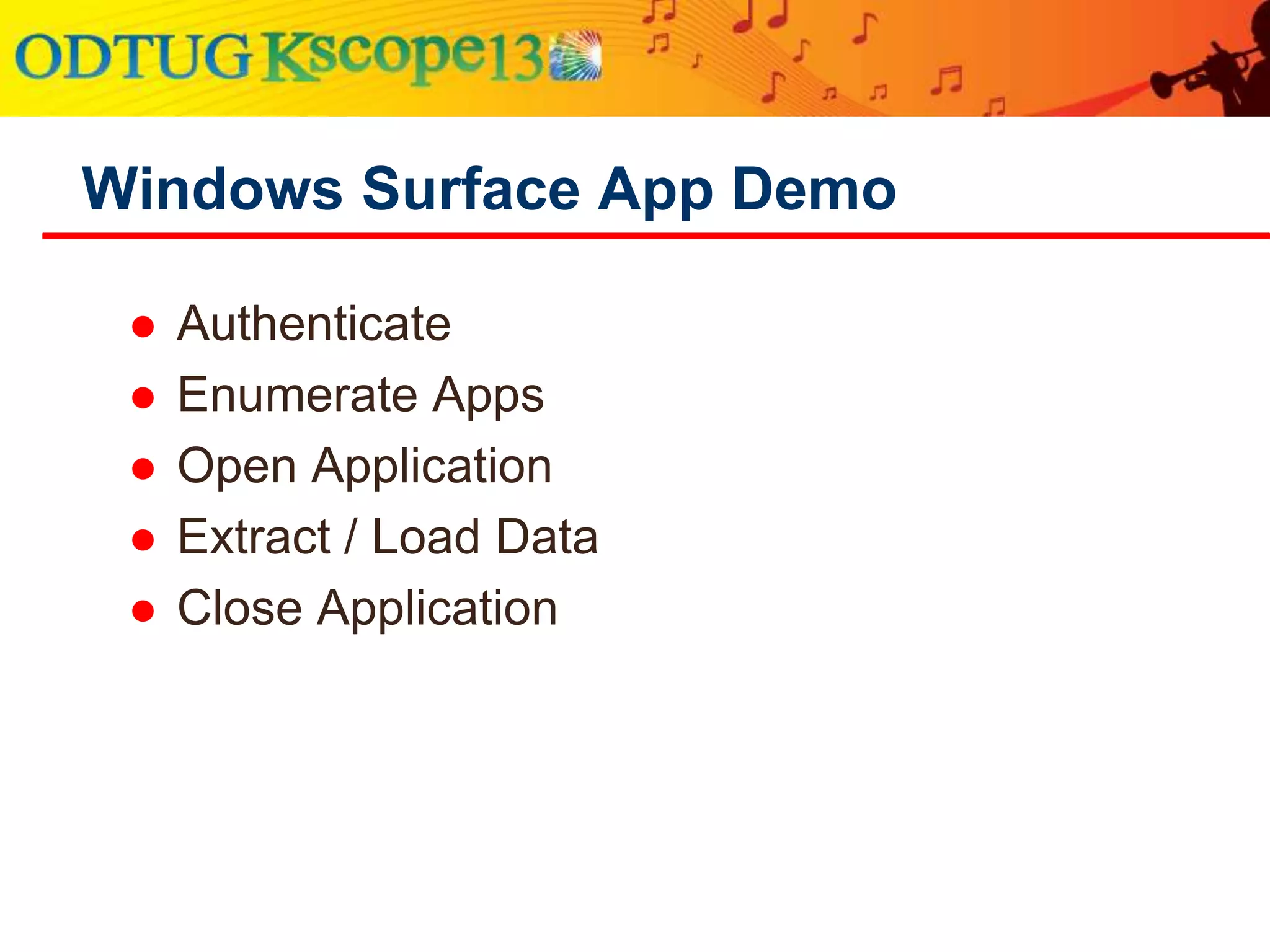
● Authentication [Demo]
● Opening / Closing Apps [Demo]
● Extracting Metadata, Rules, Data [Demo]
Coding Your Own Client App](https://image.slidesharecdn.com/apideepdive-131126195341-phpapp02/75/HFM-API-Deep-Dive-Making-a-Better-Financial-Management-Client-23-2048.jpg)


![Authentication [Demo]](https://image.slidesharecdn.com/apideepdive-131126195341-phpapp02/75/HFM-API-Deep-Dive-Making-a-Better-Financial-Management-Client-27-2048.jpg)
![Opening Application [Demo]](https://image.slidesharecdn.com/apideepdive-131126195341-phpapp02/75/HFM-API-Deep-Dive-Making-a-Better-Financial-Management-Client-28-2048.jpg)
![Logoff [Demo]](https://image.slidesharecdn.com/apideepdive-131126195341-phpapp02/75/HFM-API-Deep-Dive-Making-a-Better-Financial-Management-Client-29-2048.jpg)
![Extract Metadata [Demo]
Add References
Create Standalone Form
Wire up Buttons : File Browser, View
(Notepad), Check All, Uncheck All, Extract
Implement API Extract Logic for Metadata](https://image.slidesharecdn.com/apideepdive-131126195341-phpapp02/75/HFM-API-Deep-Dive-Making-a-Better-Financial-Management-Client-30-2048.jpg)


![ App Title / Statusbar Updates [Demo]
Dynamic Menu [Demo]
Admin / System Info [Demo]
Smarter Metadata / Rules Extracting/Loading
[Demo]
Improving on the Client App](https://image.slidesharecdn.com/apideepdive-131126195341-phpapp02/75/HFM-API-Deep-Dive-Making-a-Better-Financial-Management-Client-41-2048.jpg)
![App Title / Statusbar Updates [Demo]](https://image.slidesharecdn.com/apideepdive-131126195341-phpapp02/75/HFM-API-Deep-Dive-Making-a-Better-Financial-Management-Client-42-2048.jpg)
![App Title / Statusbar Updates [Demo]](https://image.slidesharecdn.com/apideepdive-131126195341-phpapp02/75/HFM-API-Deep-Dive-Making-a-Better-Financial-Management-Client-43-2048.jpg)
![Menu Control [Demo]](https://image.slidesharecdn.com/apideepdive-131126195341-phpapp02/75/HFM-API-Deep-Dive-Making-a-Better-Financial-Management-Client-44-2048.jpg)
![Menu Control [Demo]](https://image.slidesharecdn.com/apideepdive-131126195341-phpapp02/75/HFM-API-Deep-Dive-Making-a-Better-Financial-Management-Client-45-2048.jpg)
![Menu Control [Demo]](https://image.slidesharecdn.com/apideepdive-131126195341-phpapp02/75/HFM-API-Deep-Dive-Making-a-Better-Financial-Management-Client-46-2048.jpg)
![System Info [Demo]](https://image.slidesharecdn.com/apideepdive-131126195341-phpapp02/75/HFM-API-Deep-Dive-Making-a-Better-Financial-Management-Client-47-2048.jpg)
![System Info [Demo]](https://image.slidesharecdn.com/apideepdive-131126195341-phpapp02/75/HFM-API-Deep-Dive-Making-a-Better-Financial-Management-Client-48-2048.jpg)


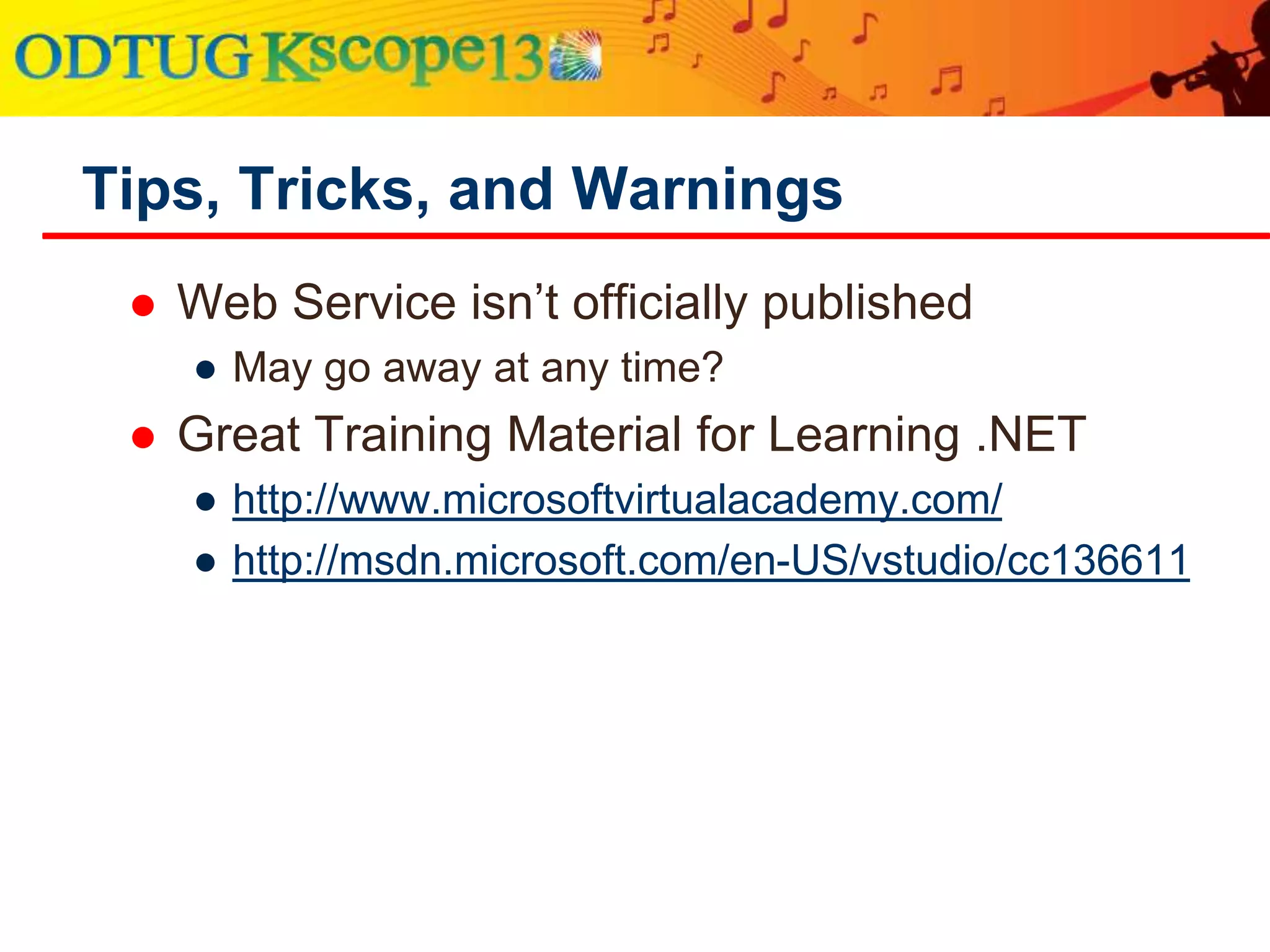
![ Web Service
● No Docs Yet!
● Access ASMX pages in browser to view information!
[http://<your web server>/hfmapplicationservice/]
Utilize existing resources for help!
● Oracle Forum (http://forums.oracle.com)
● Blogs
● Mine (new) : http://www.charlescbeyer.com
● Finnish Hyperion Guy : http://hyperionfinn.blogspot.com/
● SlideShare / Google : Tons of Info is out there.
Tips, Tricks, and Warnings](https://image.slidesharecdn.com/apideepdive-131126195341-phpapp02/75/HFM-API-Deep-Dive-Making-a-Better-Financial-Management-Client-52-2048.jpg)


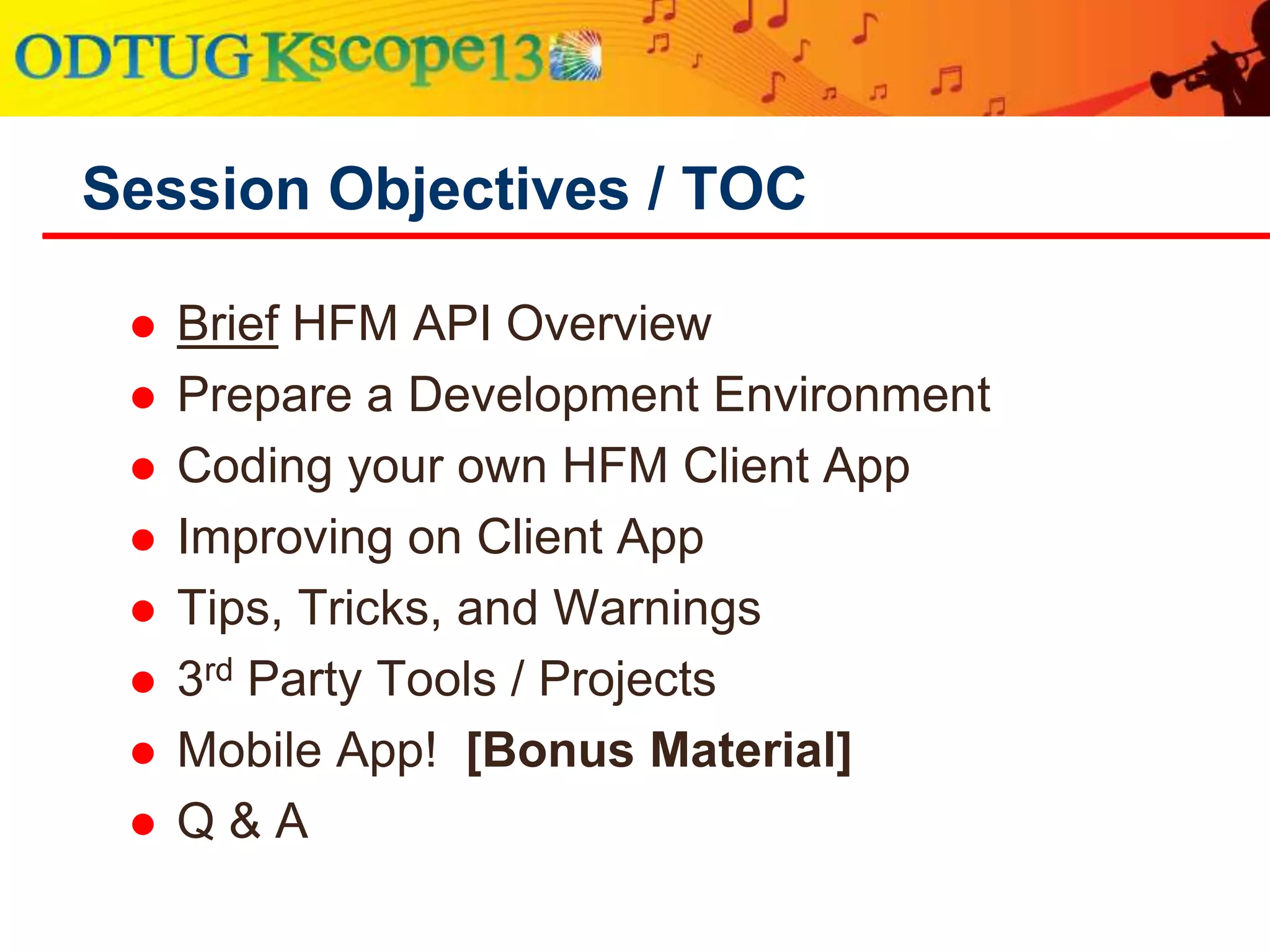
The document outlines a detailed exploration of the Hyperion Financial Management (HFM) API, focusing on building a complete .NET application. It covers topics such as coding, improving the client app, and essential tips with various API functionalities and third-party tools included. The presentation also emphasizes the speaker's extensive experience with HFM products and invites audience interaction through a Q&A session.
Overview of HFM API focus, session objectives and speaker's background.
Details on main APIs: COM, HTTP Listener, features, functionalities, and library types.
Preparing development environment, installation notes, requirements, and initial coding steps. Steps and demo examples of extracting metadata, implementing logic, and enhanced client functionalities.Guidelines for improving client app performance, tips for enhancing coding practices.
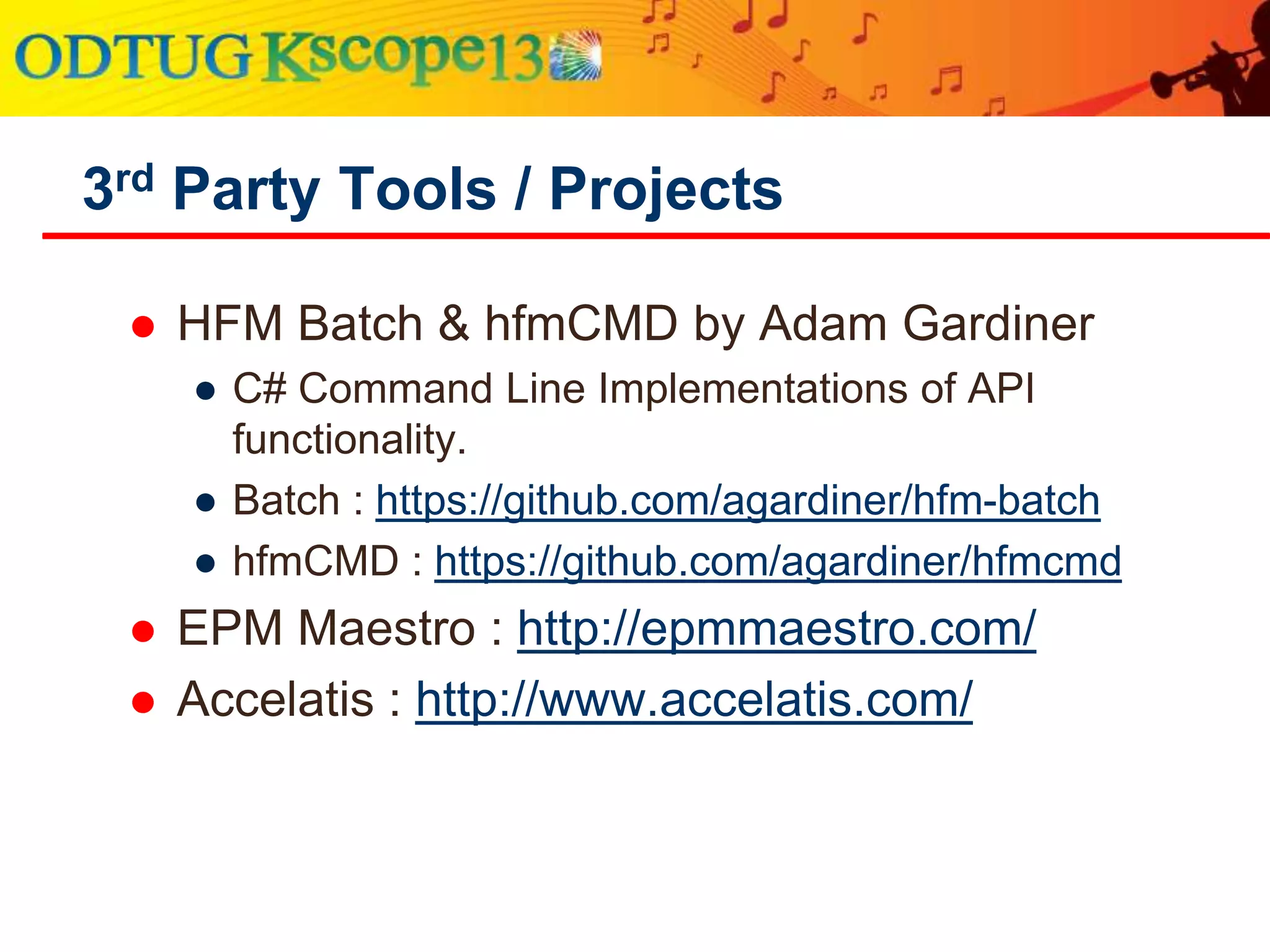
Information on additional resources, third-party tools and contact details for the speaker.


![Vibe Coding vs. Spec-Driven Development [Free Meetup]](https://cdn.slidesharecdn.com/ss_thumbnails/vibecodingvsspecdrivendevelopment-251209105622-43f455e7-thumbnail.jpg?width=640&height=640&fit=bounds)


