Hello World!

Traditional programming tutorial
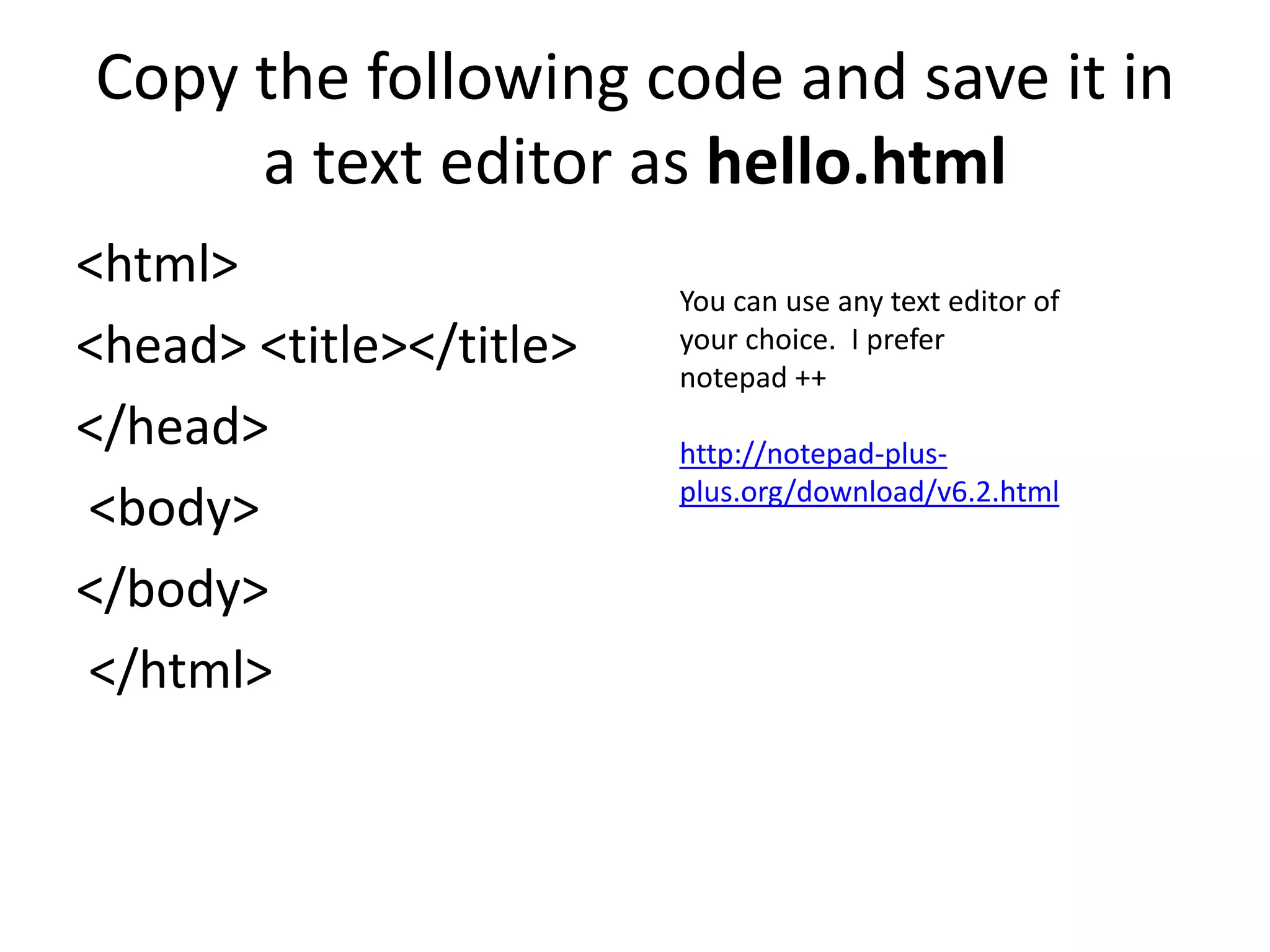
Copy the following code and save it in
     a text editor as hello.html
<html>
                         You can use any text editor of
<head> <title></title>   your choice. I prefer
                         notepad ++
</head>                  http://notepad-plus-
                         plus.org/download/v6.2.html
<body>
</body>
</html>
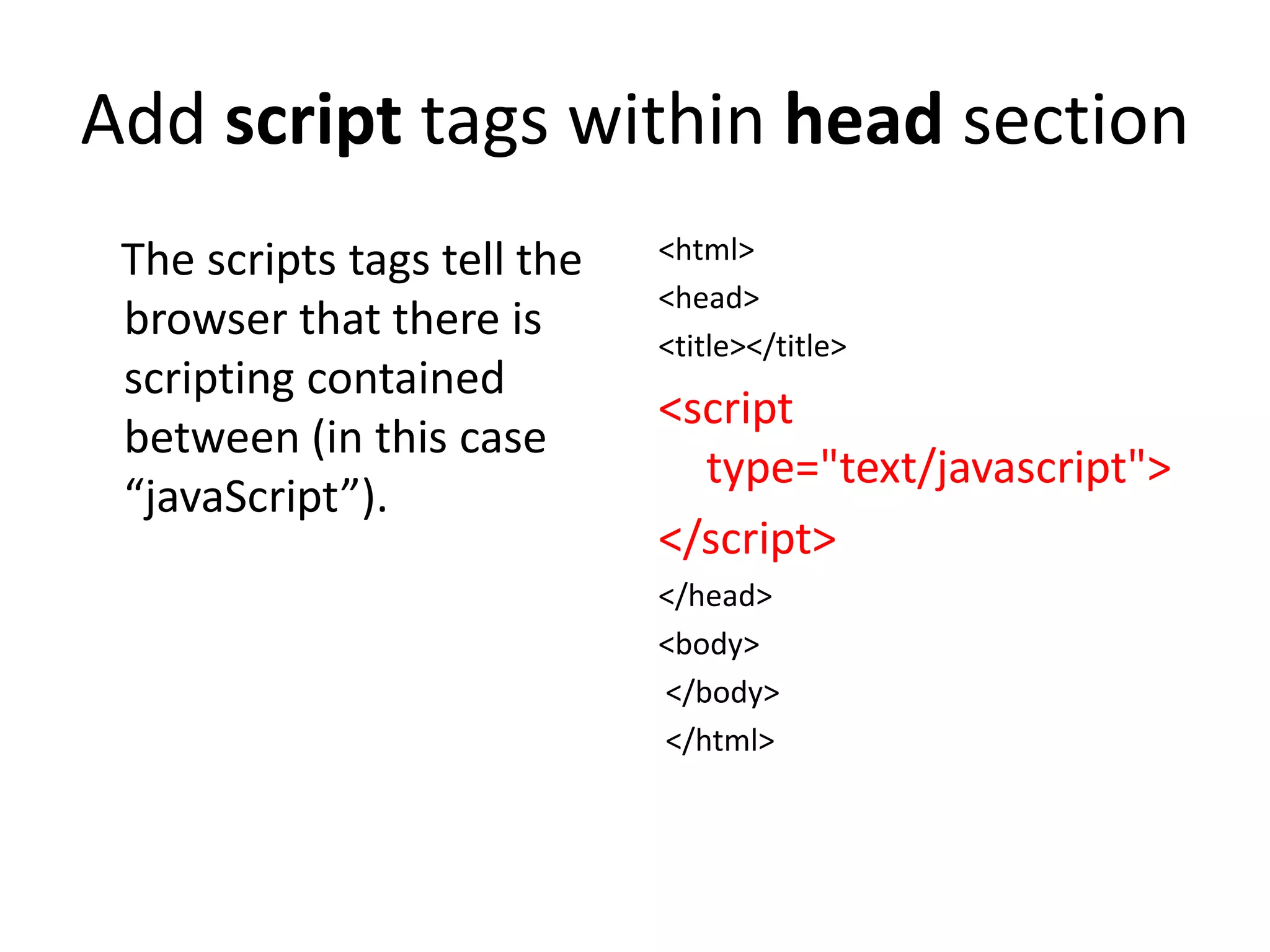
Add script tags within head section
 The scripts tags tell the   <html>
                             <head>
 browser that there is       <title></title>
 scripting contained
                             <script
 between (in this case
                               type="text/javascript">
 “javaScript”).
                             </script>
                             </head>
                             <body>
                             </body>
                             </html>
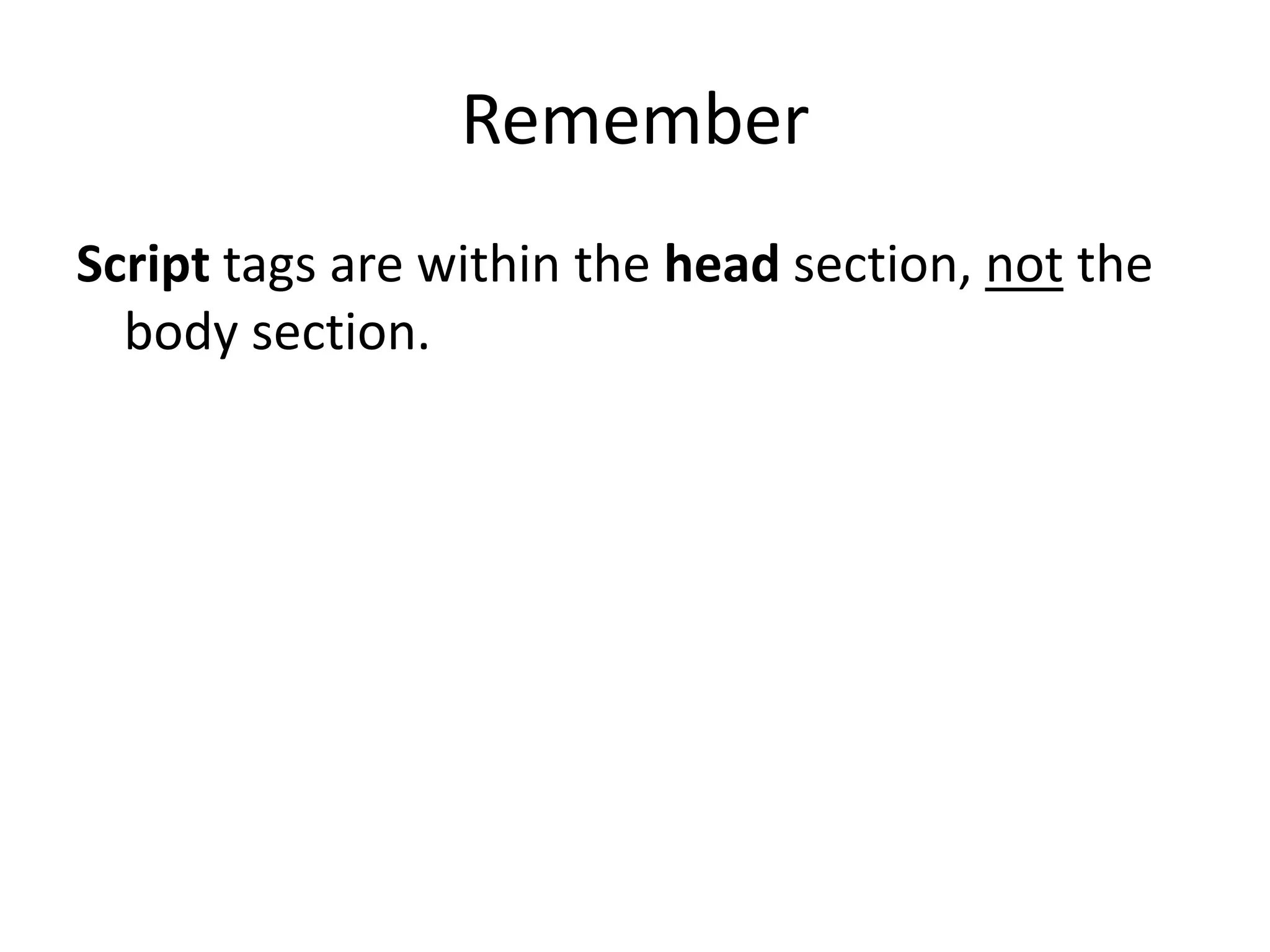
Remember
Script tags are within the head section, not the
  body section.
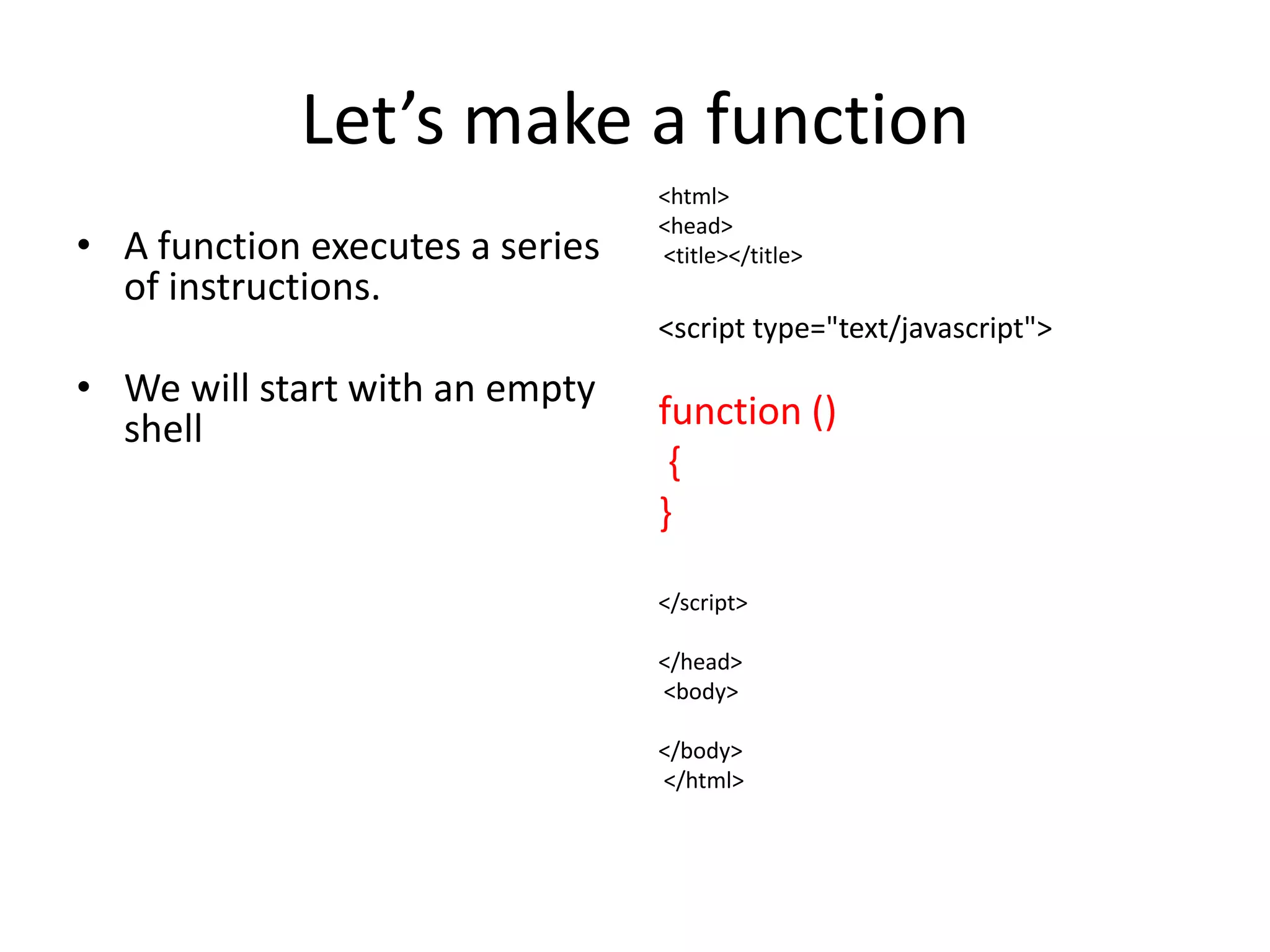
Let’s make a function
                                 <html>
                                 <head>
• A function executes a series   <title></title>
  of instructions.
                                 <script type="text/javascript">
• We will start with an empty
  shell                          function ()
                                  {
                                 }

                                 </script>

                                 </head>
                                 <body>

                                 </body>
                                 </html>
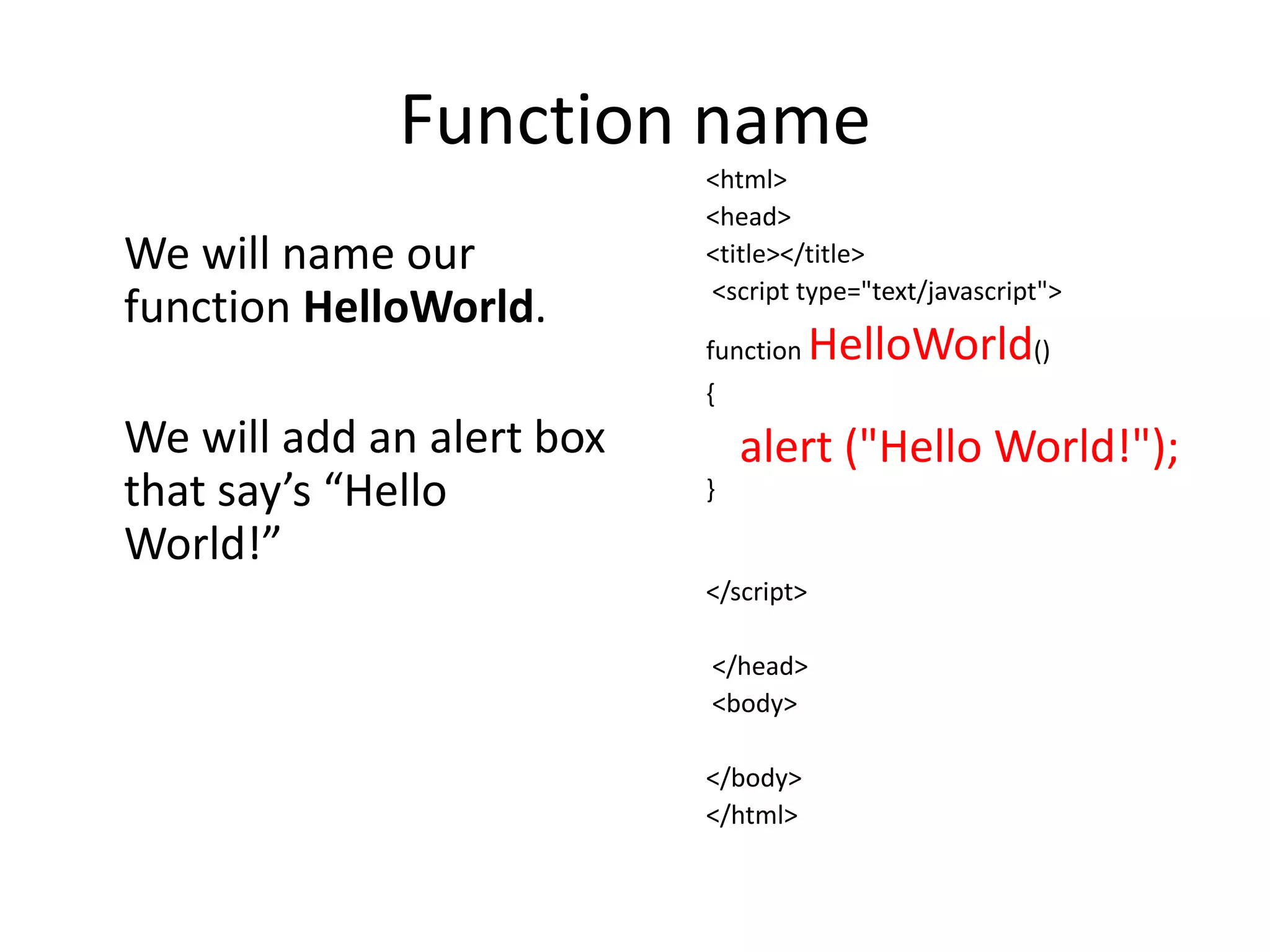
Function name
                           <html>
                           <head>
We will name our           <title></title>
                           <script type="text/javascript">
function HelloWorld.
                           function    HelloWorld()
                           {
We will add an alert box       alert ("Hello World!");
that say’s “Hello          }

World!”
                           </script>

                           </head>
                           <body>

                           </body>
                           </html>
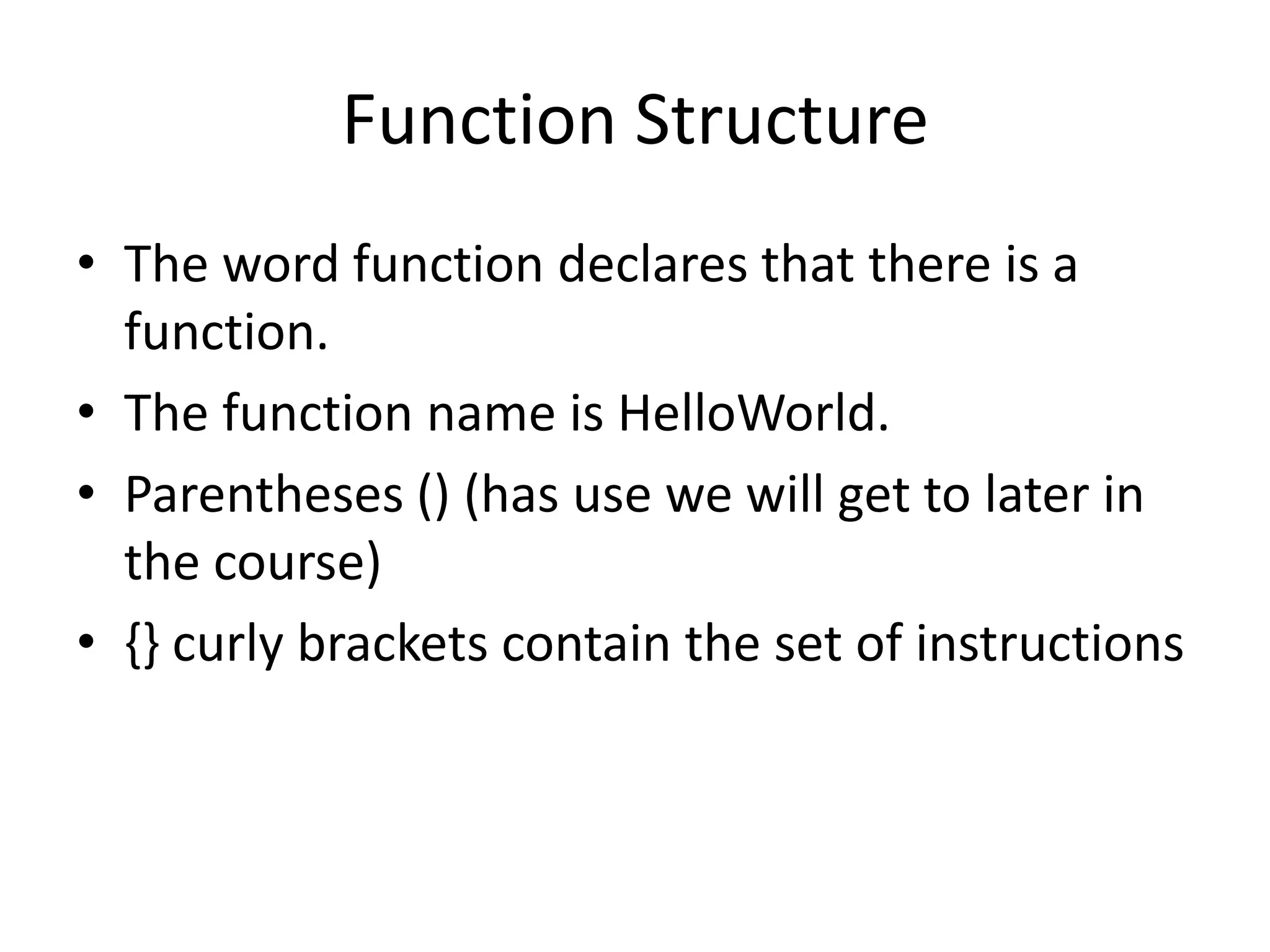
Function Structure
• The word function declares that there is a
  function.
• The function name is HelloWorld.
• Parentheses () (has use we will get to later in
  the course)
• {} curly brackets contain the set of instructions
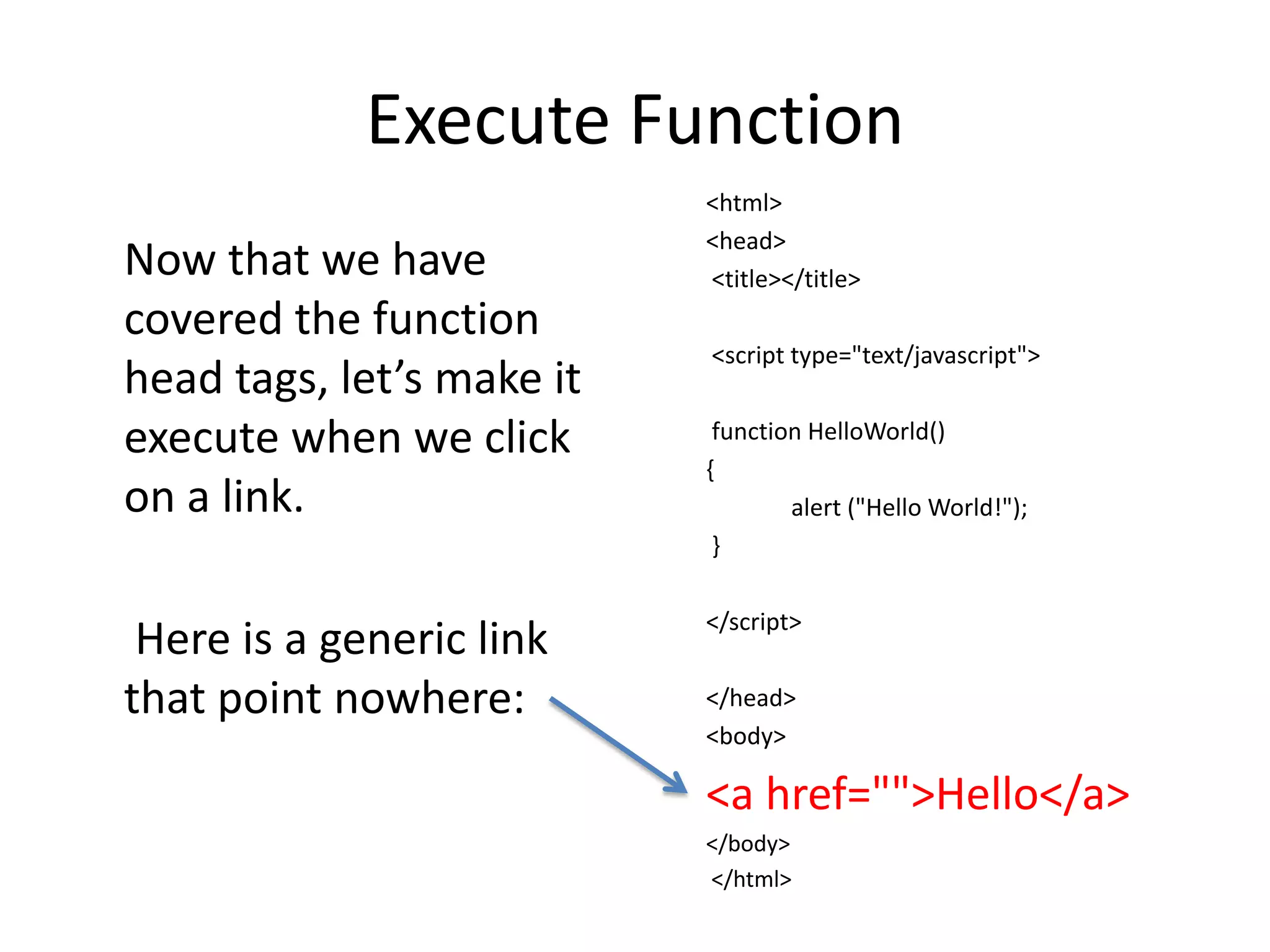
Execute Function
                           <html>
                           <head>
Now that we have           <title></title>
covered the function
                           <script type="text/javascript">
head tags, let’s make it
execute when we click       function HelloWorld()
                           {
on a link.                         alert ("Hello World!");
                            }

                           </script>
 Here is a generic link
that point nowhere:        </head>
                           <body>

                           <a href="">Hello</a>
                           </body>
                           </html>
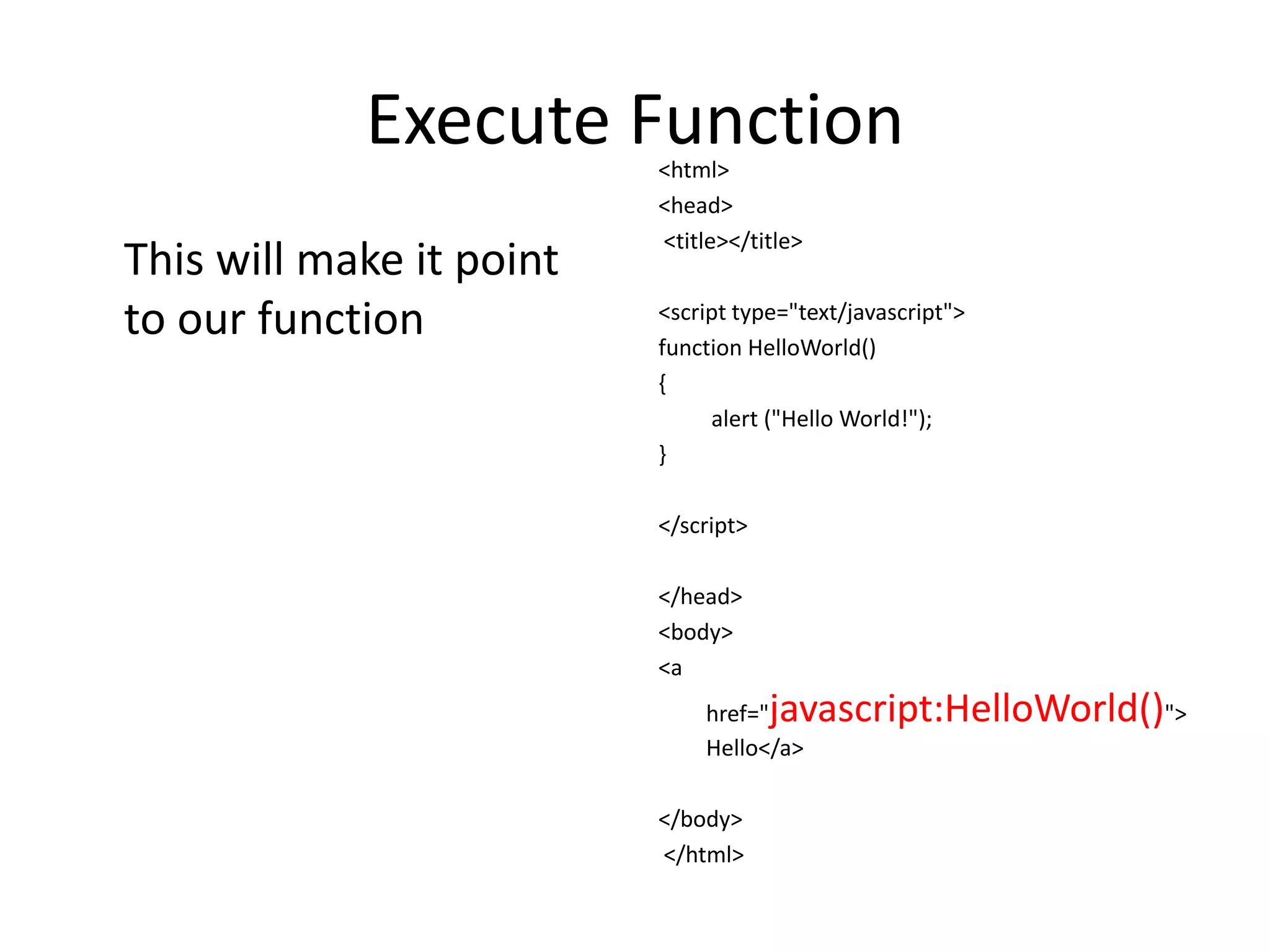
Execute Function
                          <html>
                          <head>
                          <title></title>
This will make it point
to our function           <script type="text/javascript">
                          function HelloWorld()
                          {
                               alert ("Hello World!");
                          }

                          </script>

                          </head>
                          <body>
                          <a
                              href="  javascript:HelloWorld()">
                              Hello</a>

                          </body>
                          </html>
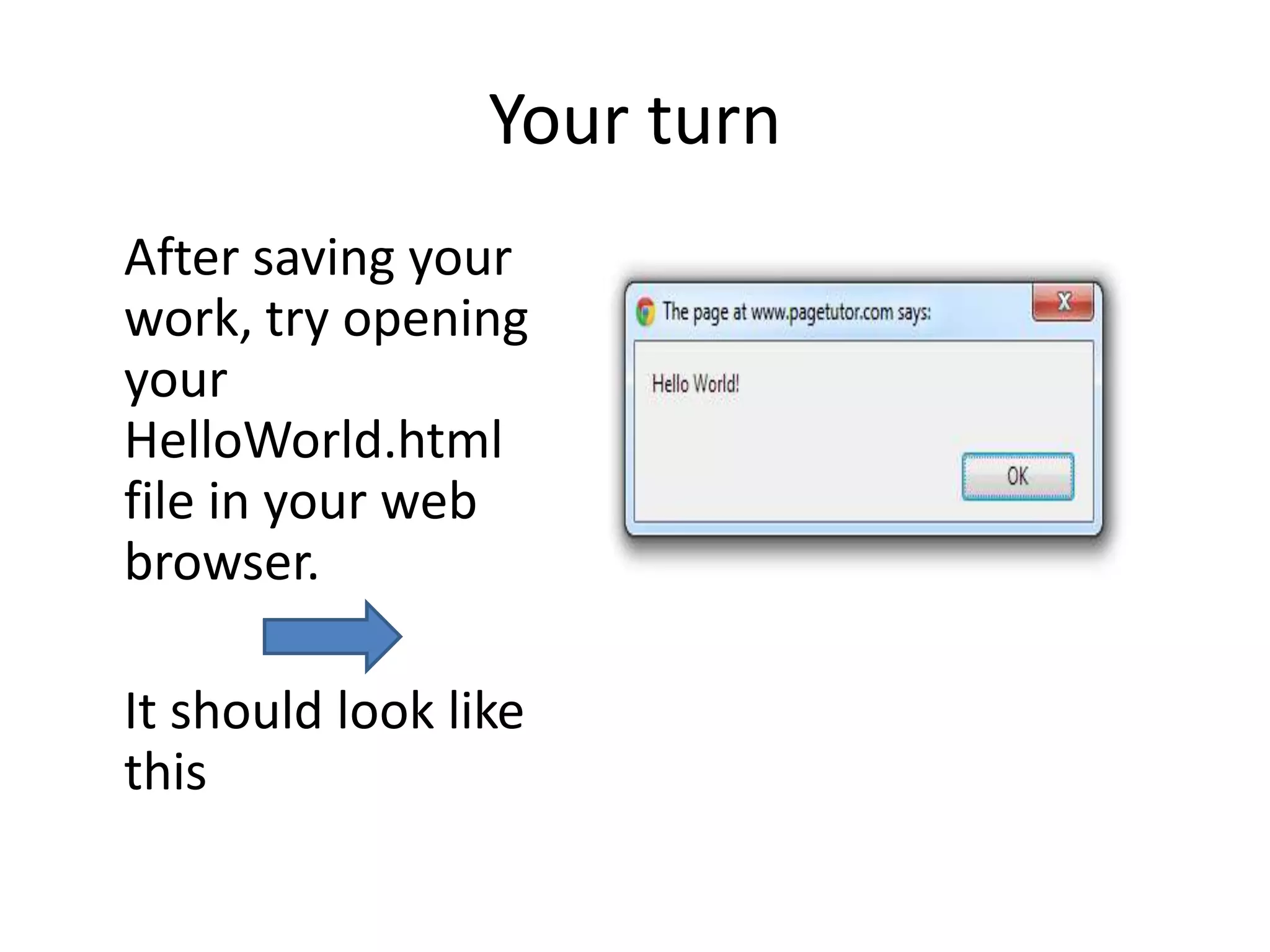
Your turn
After saving your
work, try opening
your
HelloWorld.html
file in your web
browser.

It should look like
this
Your first JavaScript
Congratulations, you just made your first
JavaScript!

There are two things I would like you to
remember:

1. JavaScript and Java are not the same thing.
2. JavaScript is case-sensitive!

HelloWorld

  • 1.
  • 2.
    Copy the followingcode and save it in a text editor as hello.html <html> You can use any text editor of <head> <title></title> your choice. I prefer notepad ++ </head> http://notepad-plus- plus.org/download/v6.2.html <body> </body> </html>
  • 3.
    Add script tagswithin head section The scripts tags tell the <html> <head> browser that there is <title></title> scripting contained <script between (in this case type="text/javascript"> “javaScript”). </script> </head> <body> </body> </html>
  • 4.
    Remember Script tags arewithin the head section, not the body section.
  • 5.
    Let’s make afunction <html> <head> • A function executes a series <title></title> of instructions. <script type="text/javascript"> • We will start with an empty shell function () { } </script> </head> <body> </body> </html>
  • 6.
    Function name <html> <head> We will name our <title></title> <script type="text/javascript"> function HelloWorld. function HelloWorld() { We will add an alert box alert ("Hello World!"); that say’s “Hello } World!” </script> </head> <body> </body> </html>
  • 7.
    Function Structure • Theword function declares that there is a function. • The function name is HelloWorld. • Parentheses () (has use we will get to later in the course) • {} curly brackets contain the set of instructions
  • 8.
    Execute Function <html> <head> Now that we have <title></title> covered the function <script type="text/javascript"> head tags, let’s make it execute when we click function HelloWorld() { on a link. alert ("Hello World!"); } </script> Here is a generic link that point nowhere: </head> <body> <a href="">Hello</a> </body> </html>
  • 9.
    Execute Function <html> <head> <title></title> This will make it point to our function <script type="text/javascript"> function HelloWorld() { alert ("Hello World!"); } </script> </head> <body> <a href=" javascript:HelloWorld()"> Hello</a> </body> </html>
  • 10.
    Your turn After savingyour work, try opening your HelloWorld.html file in your web browser. It should look like this
  • 11.
    Your first JavaScript Congratulations,you just made your first JavaScript! There are two things I would like you to remember: 1. JavaScript and Java are not the same thing. 2. JavaScript is case-sensitive!