Ch-2
Computer
Hardware and
Software
LET’S LEARN
Components of computer
 Hardware
 Input Devices
 Output Devices
 Software
 System Software
 Application Software
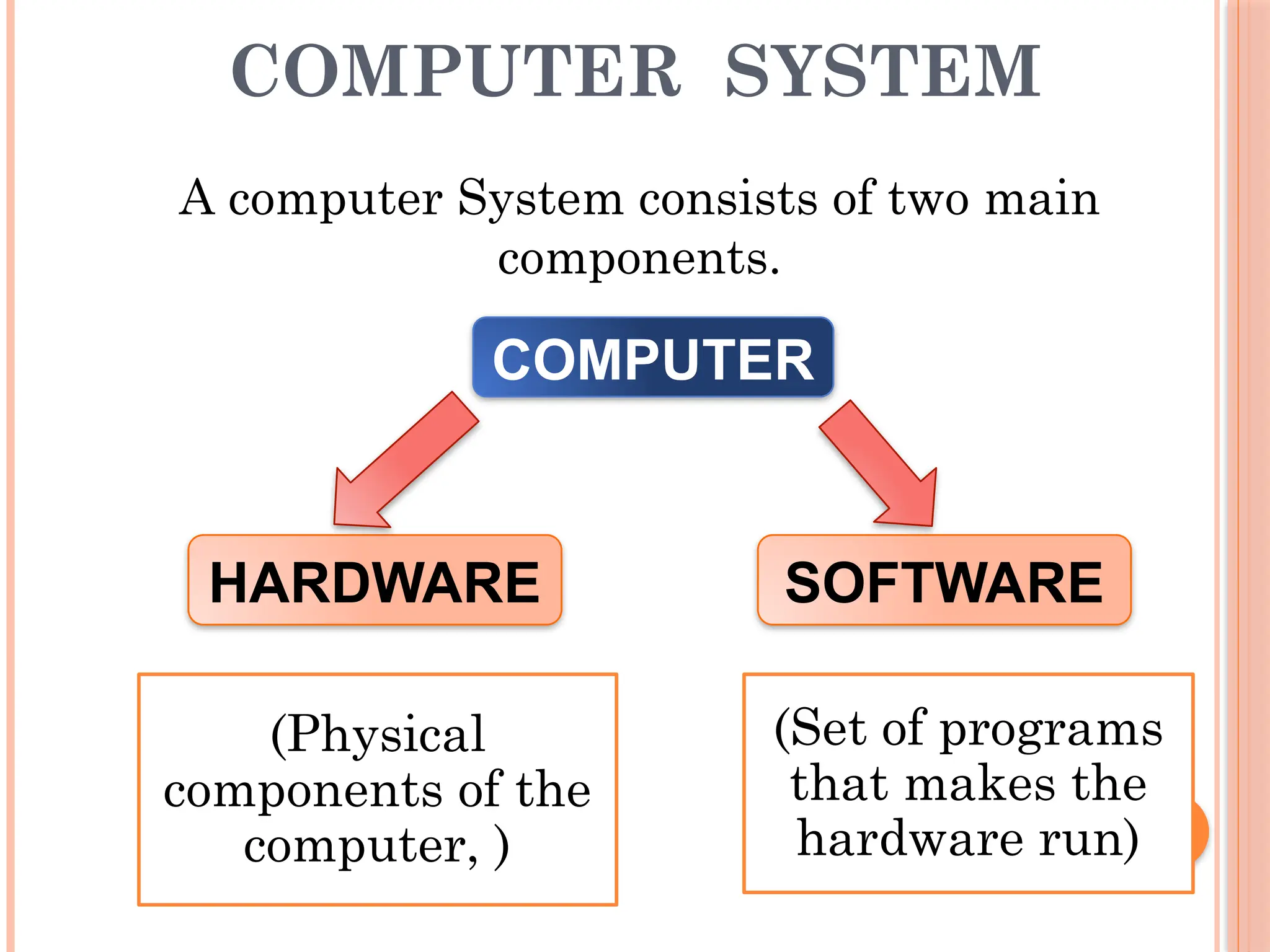
COMPUTER SYSTEM
COMPUTER
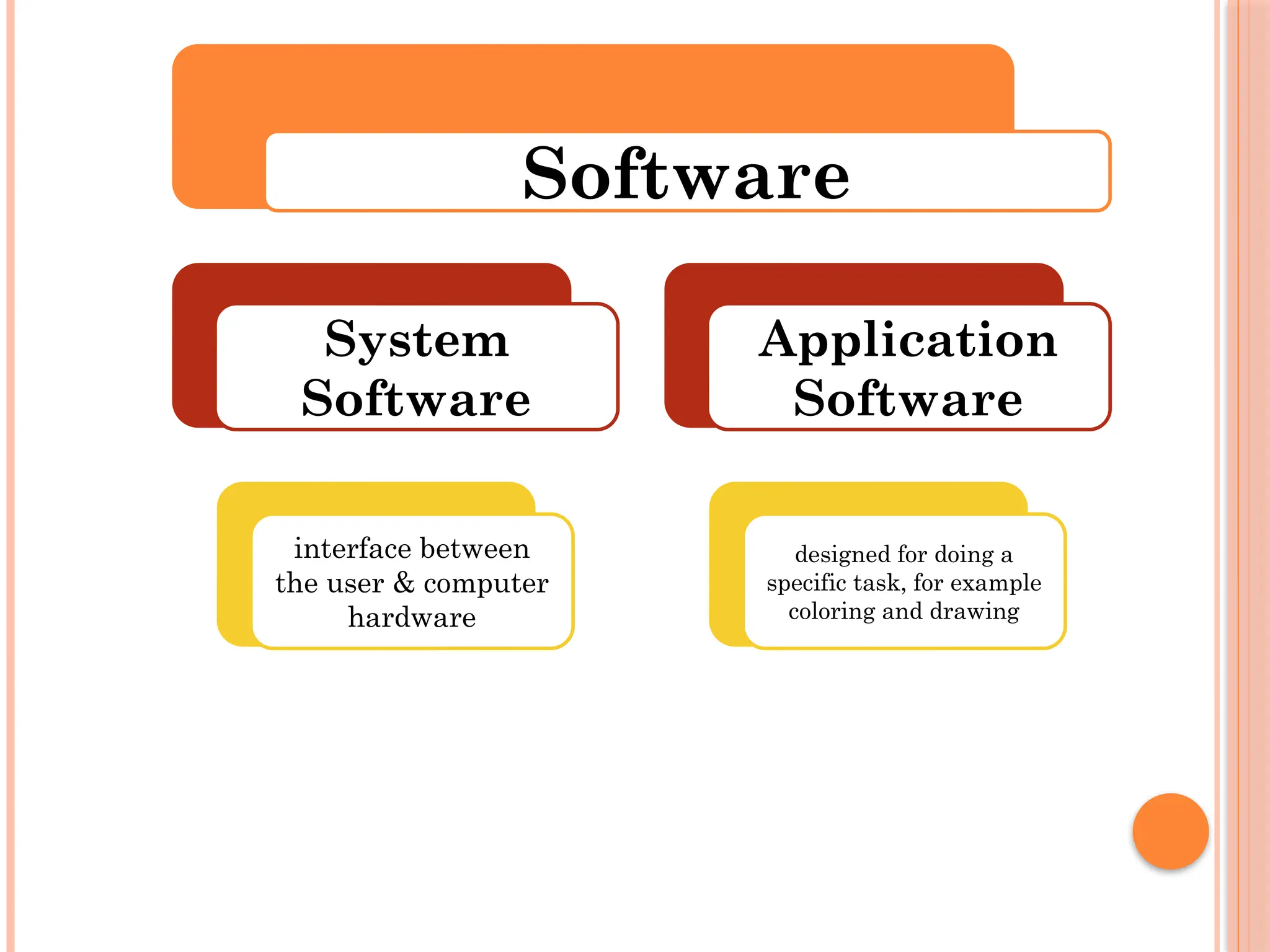
SOFTWARE
HARDWARE
A computer System consists of two main
components.
(Physical
components of the
computer, )
(Set of programs
that makes the
hardware run)
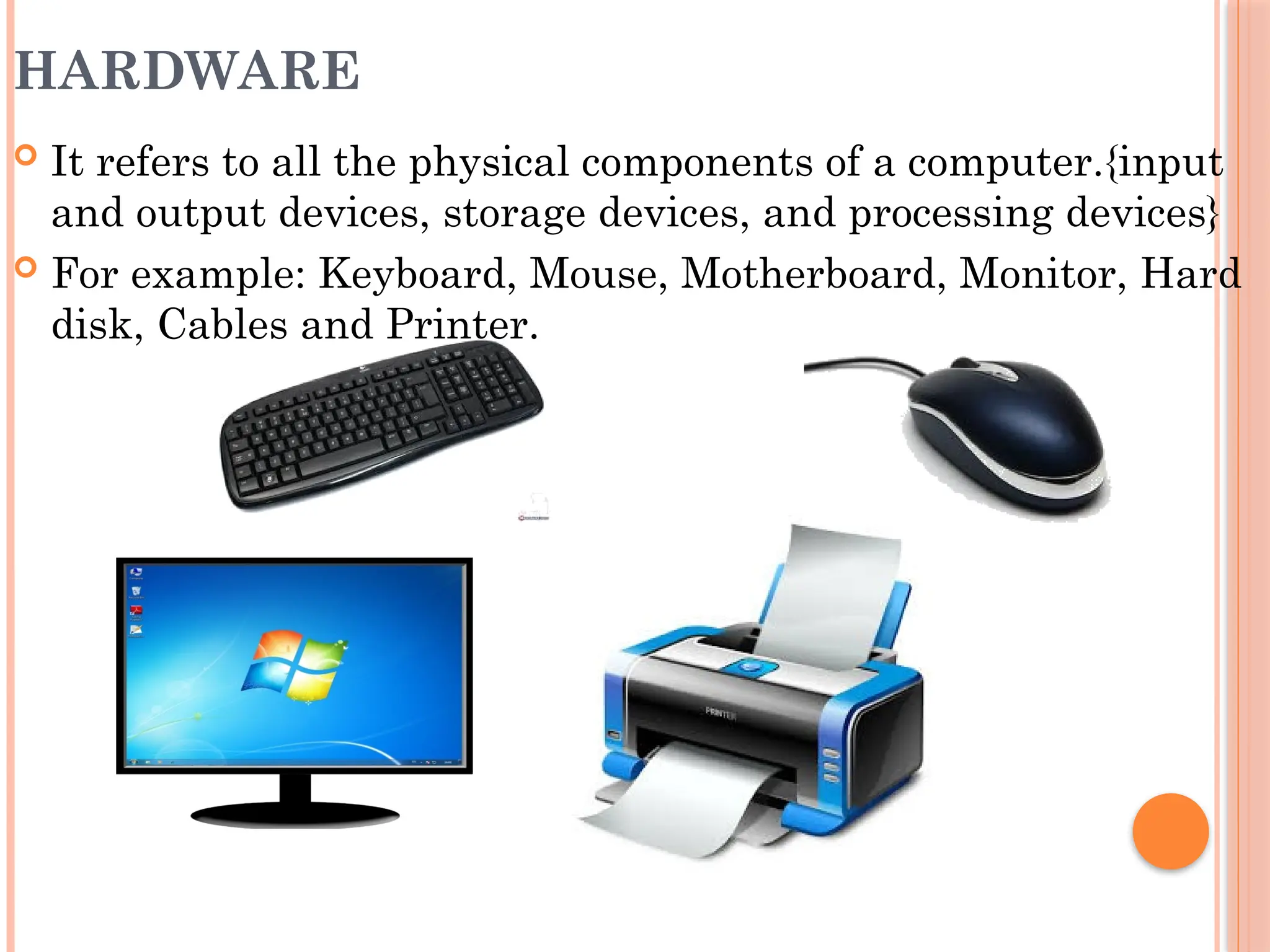
HARDWARE
 It refers to all the physical components of a computer.{input
and output devices, storage devices, and processing devices}
 For example: Keyboard, Mouse, Motherboard, Monitor, Hard
disk, Cables and Printer.
Input
Devices
Output
Devices
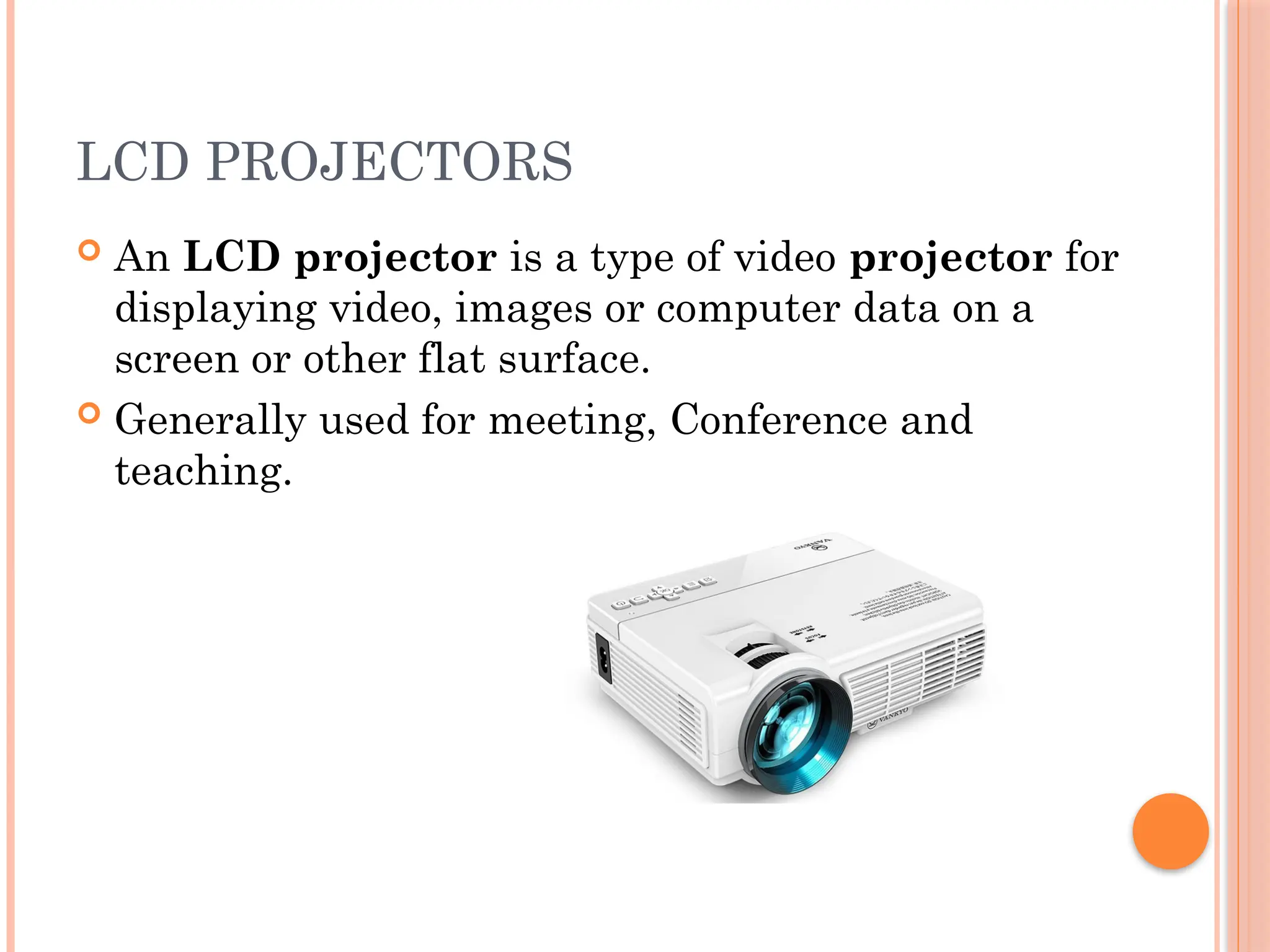
LCD PROJECTORS
 An LCD projector is a type of video projector for
displaying video, images or computer data on a
screen or other flat surface.
 Generally used for meeting, Conference and
teaching.
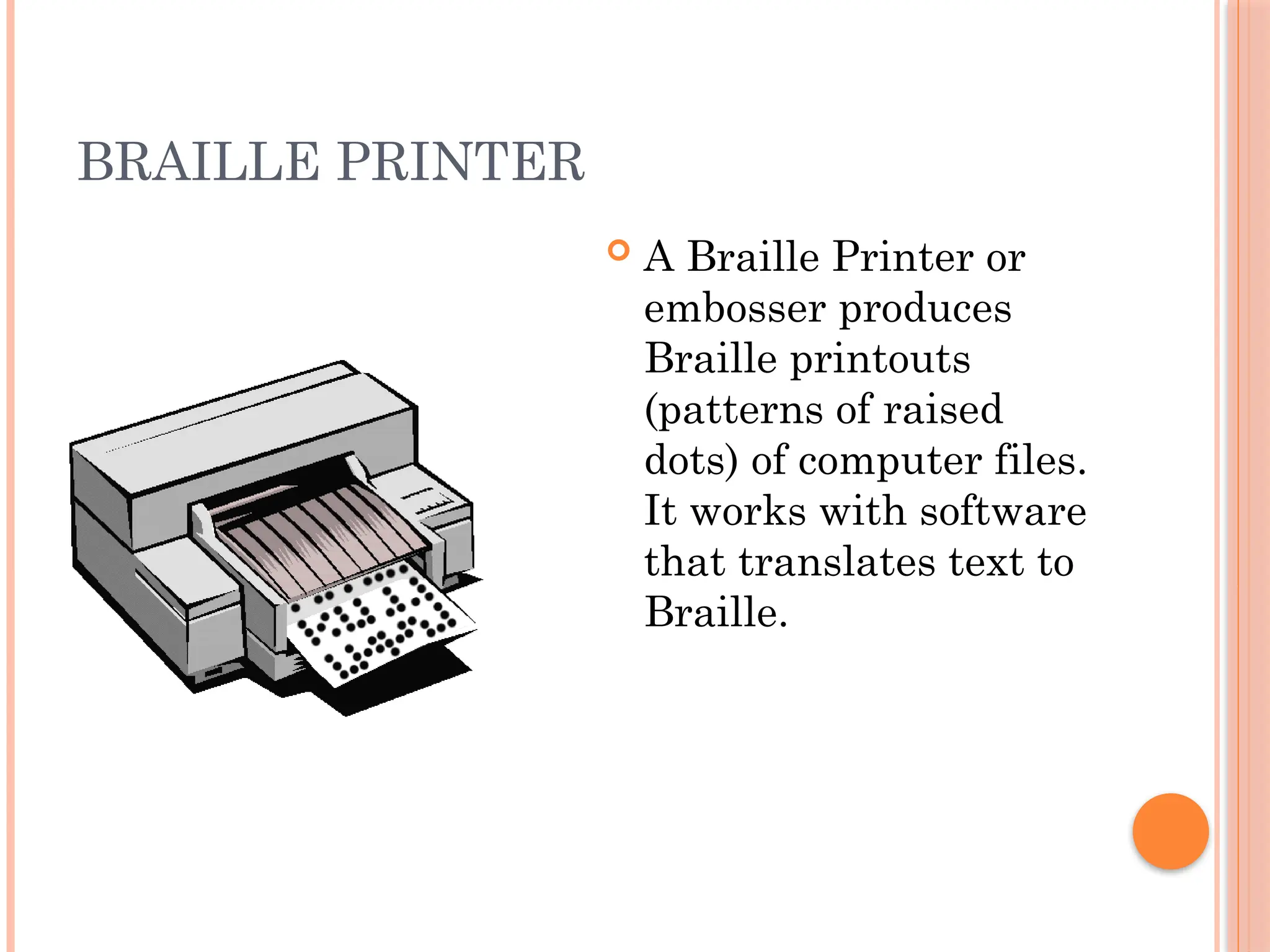
BRAILLE PRINTER
 A Braille Printer or
embosser produces
Braille printouts
(patterns of raised
dots) of computer files.
It works with software
that translates text to
Braille.
SOFTWARE
 Along with the hardware, a computer also needs software to
function.
 Software sends instructions to the hardware to perform the
necessary tasks.
 For example: Operating system
Software
System
Software
interface between
the user & computer
hardware
Application
Software
designed for doing a
specific task, for example
coloring and drawing
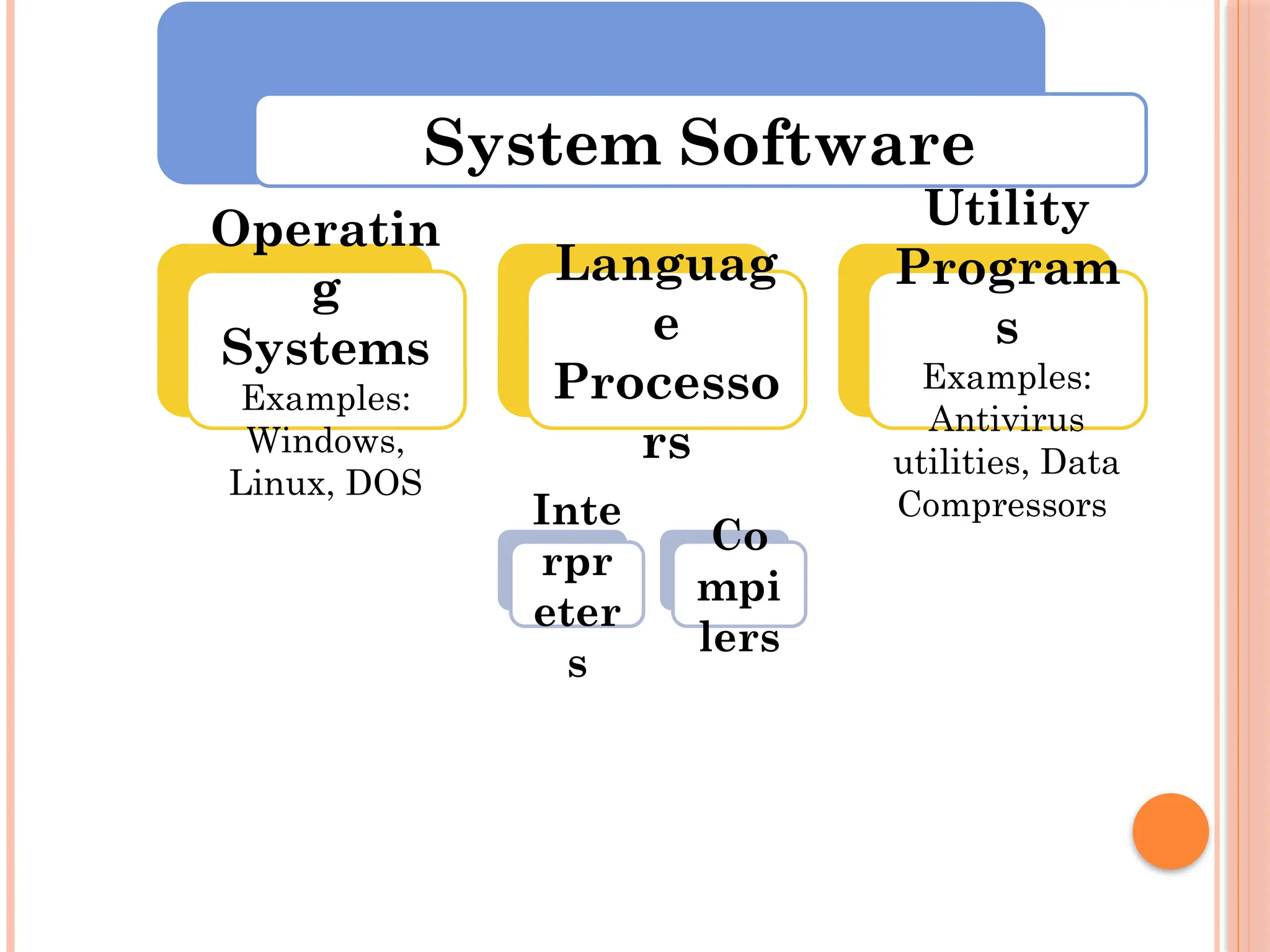
System Software
Operatin
g
Systems
Examples:
Windows,
Linux, DOS
Languag
e
Processo
rs
Inte
rpr
eter
s
Co
mpi
lers
Utility
Program
s
Examples:
Antivirus
utilities, Data
Compressors
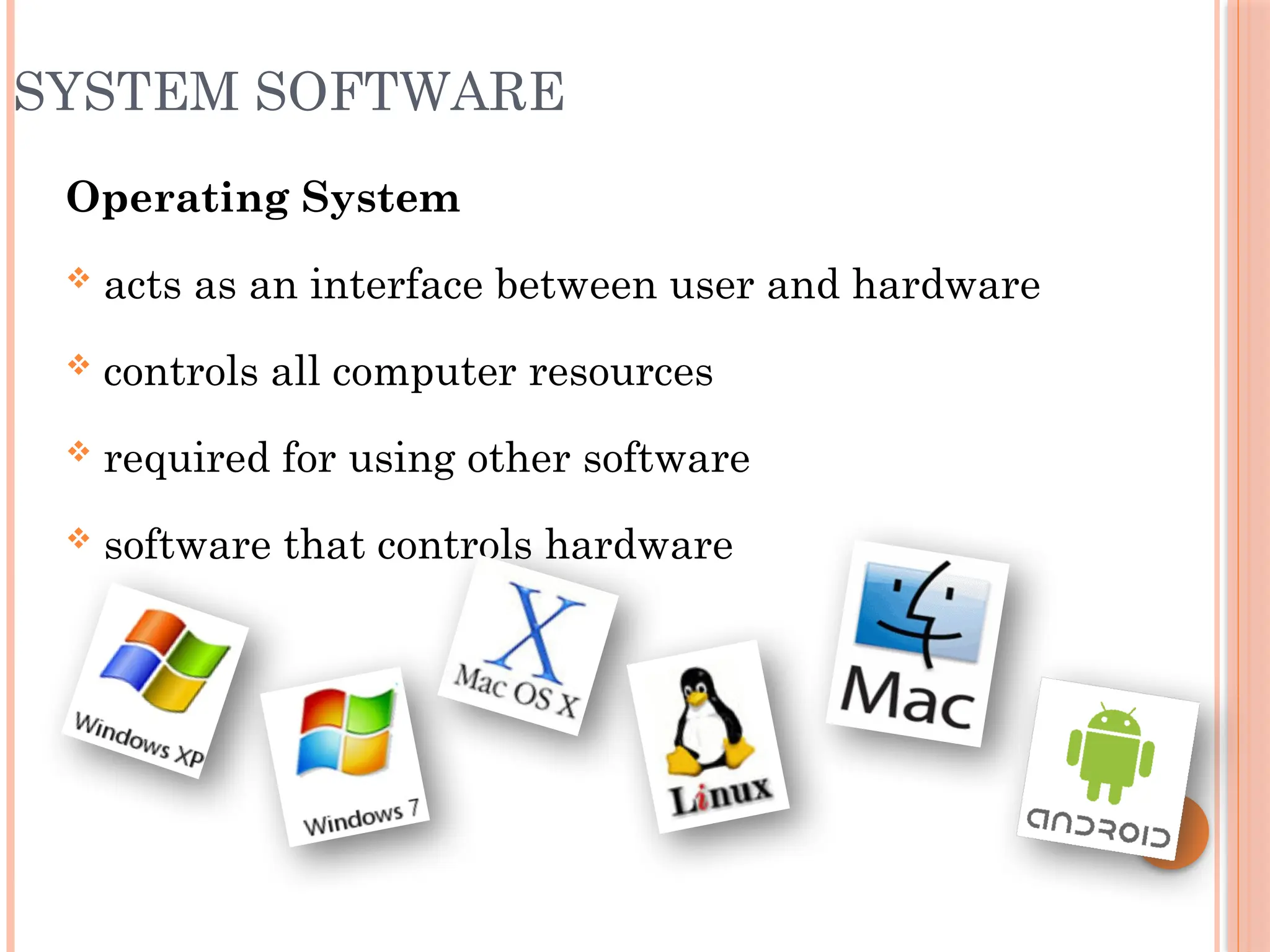
SYSTEM SOFTWARE
Operating System
 acts as an interface between user and hardware
 controls all computer resources
 required for using other software
 software that controls hardware
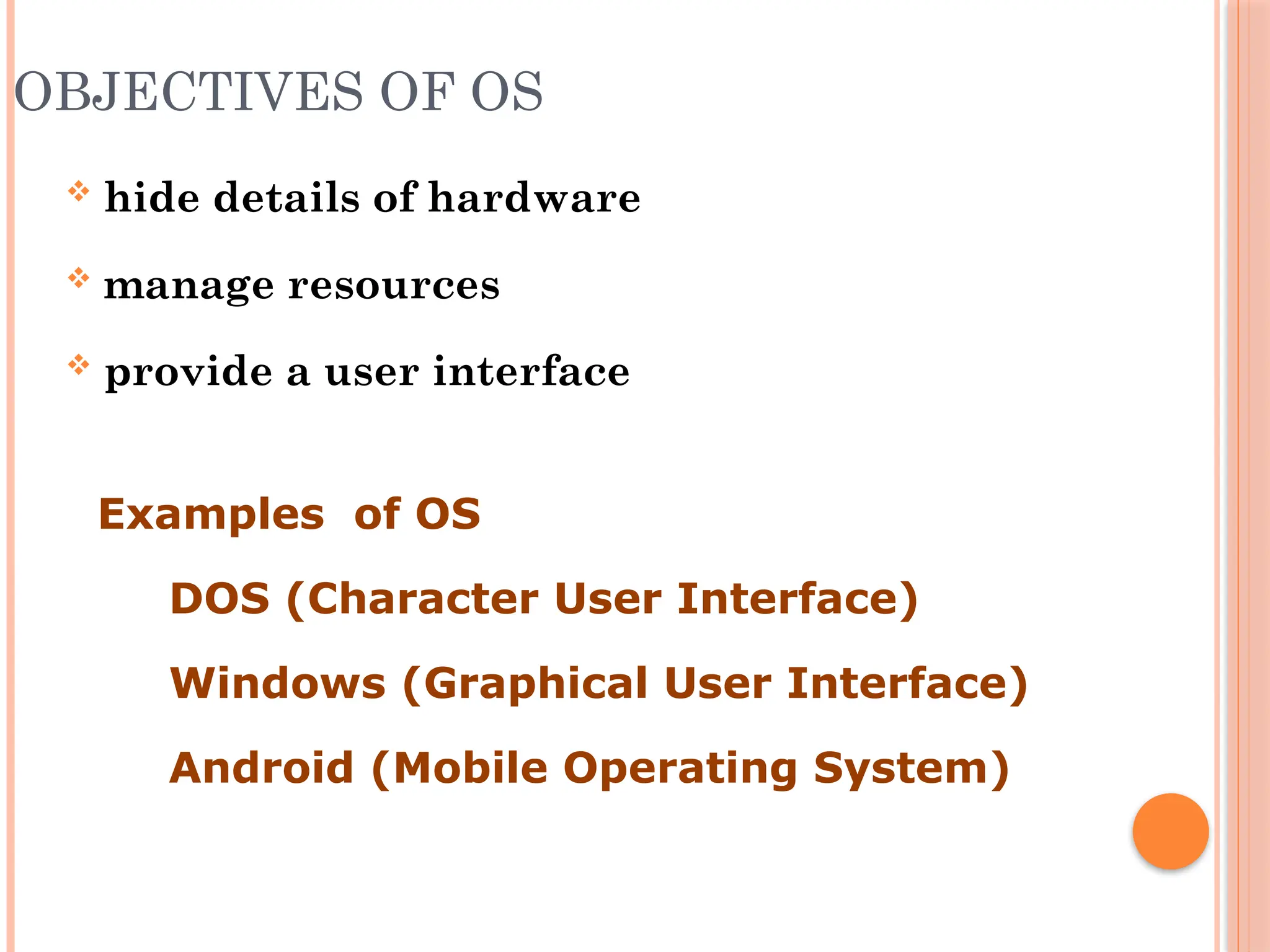
OBJECTIVES OF OS
 hide details of hardware
 manage resources
 provide a user interface
Examples of OS
 DOS (Character User Interface)
 Windows (Graphical User Interface)
 Android (Mobile Operating System)
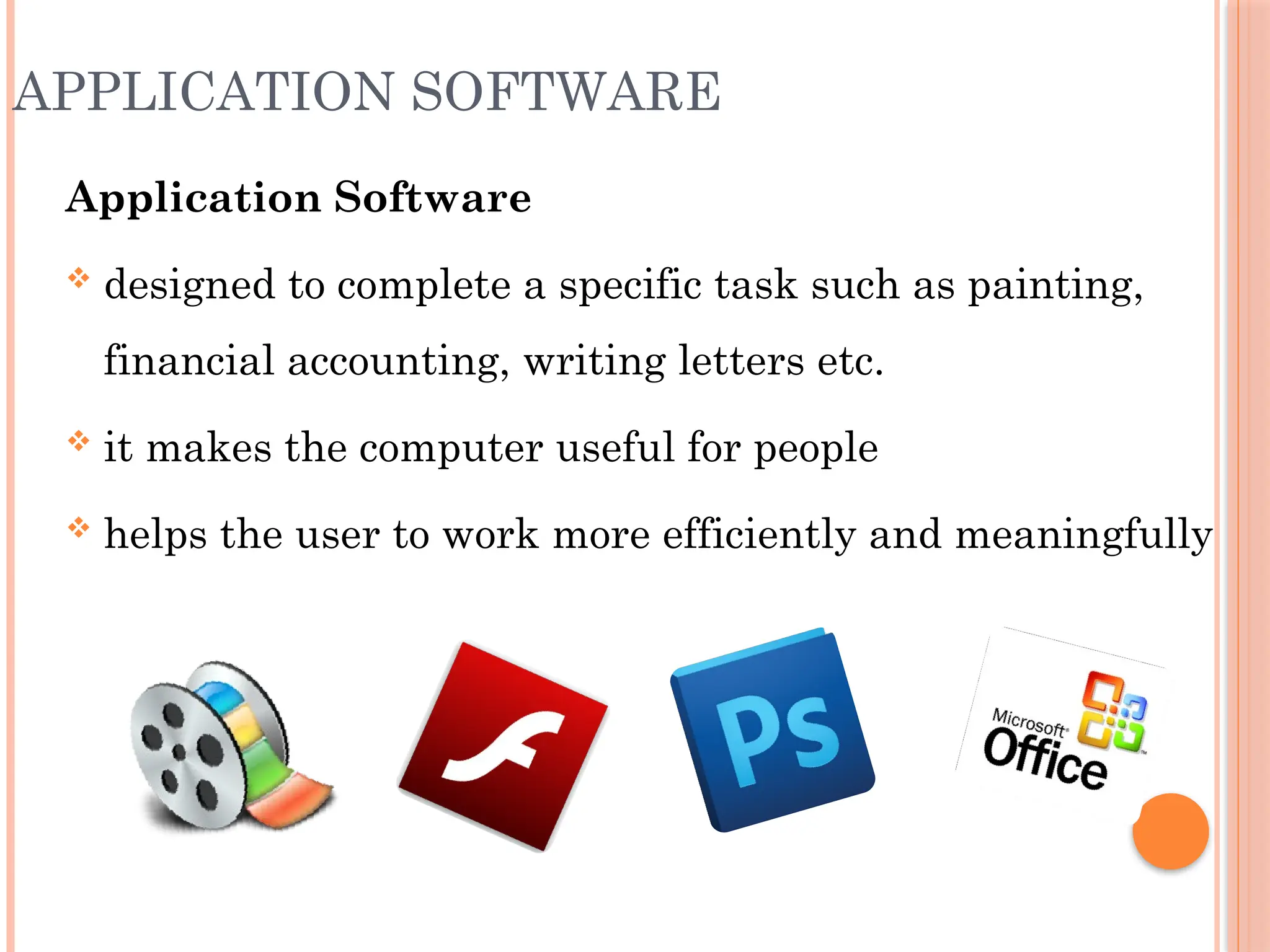
APPLICATION SOFTWARE
Application Software
 designed to complete a specific task such as painting,
financial accounting, writing letters etc.
 it makes the computer useful for people
 helps the user to work more efficiently and meaningfully
Thank you

Hardware software of computers for school.pptx