Downloaded 138 times

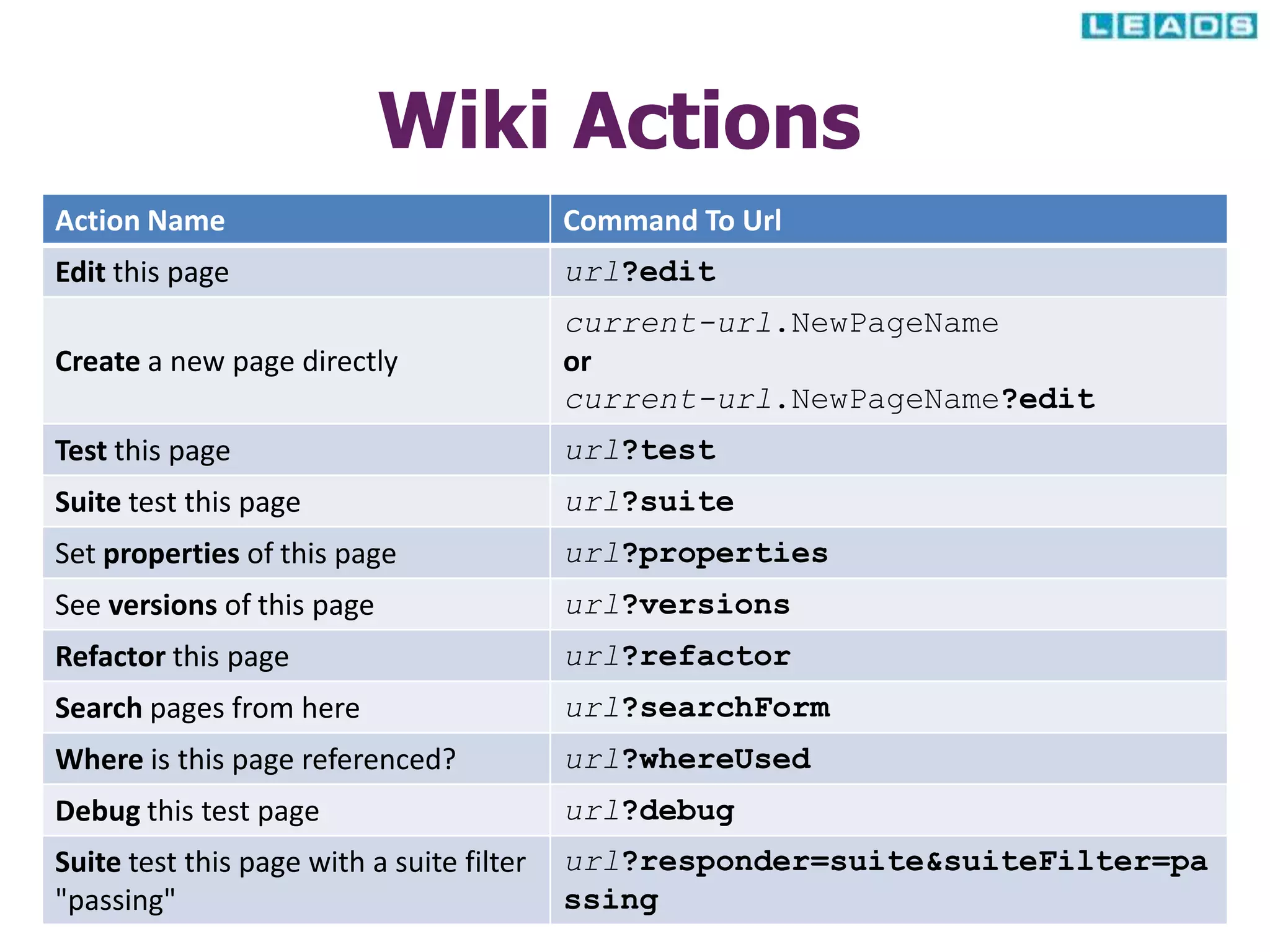
![Includes & Informational
Timestamp !lastmodified
Timestamp !today
Help text !help
Contents List !contents
Contents Tree !contents -R
Contents Sub-tree !contents -R[nn]
Contents List - Graceful !contents -g
Contents List - Properties !contents -p
Contents List - Suite Filters !contents -f
Contents List - Help Text !contents -h](https://image.slidesharecdn.com/handsontrainingondbfitpart-iiv2-130422134751-phpapp01/75/Hands-on-training-on-DbFit-Part-II-13-2048.jpg)
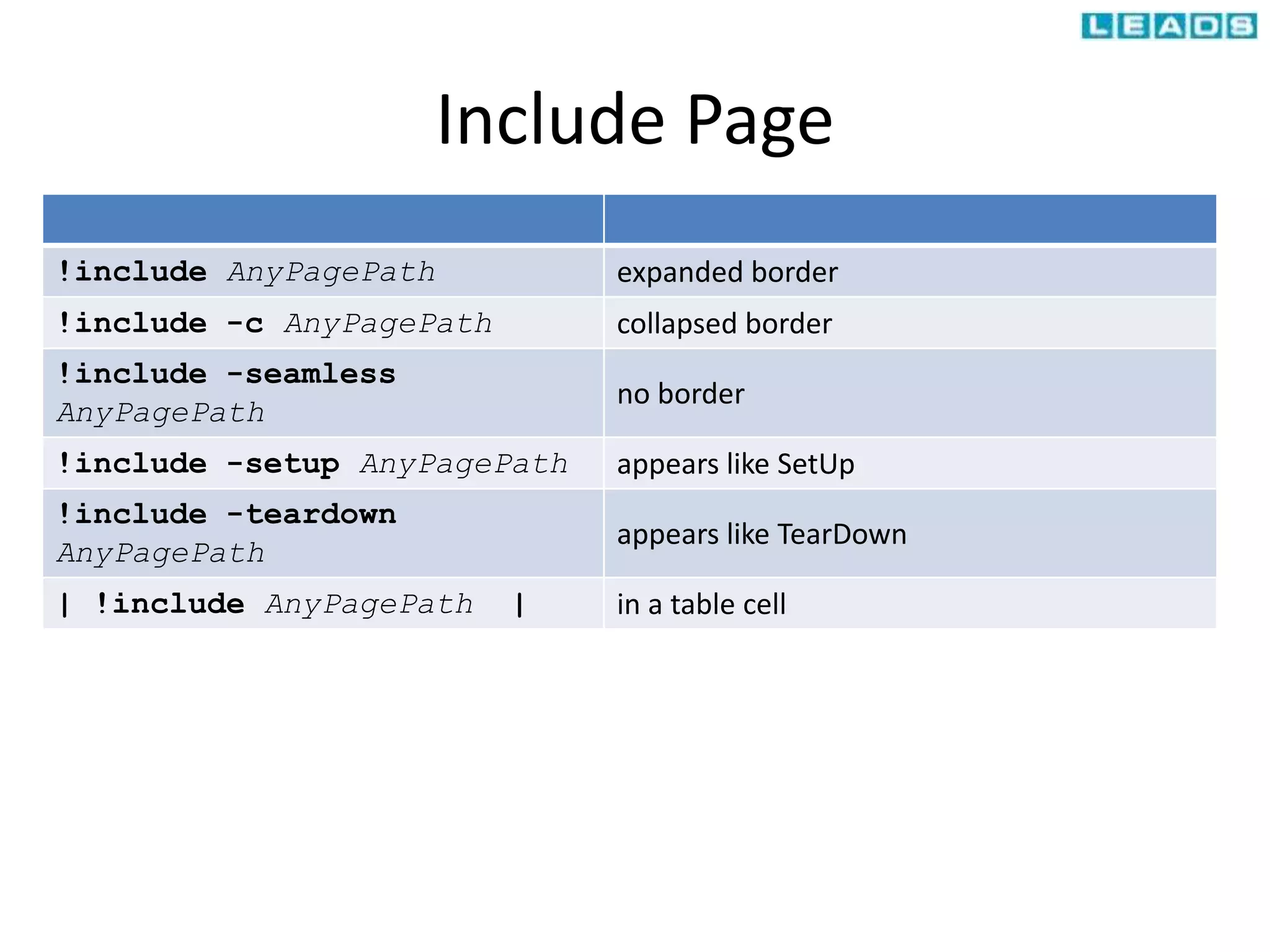
![Picture Insert
!img url-to-image-file in-line
!img-l url-to-image-file image left-justified, text wraps on right
!img-r url-to-image-file image right-justified, text wraps on the left
!img[-l |-r] url-to-image-
file
as a clickable link](https://image.slidesharecdn.com/handsontrainingondbfitpart-iiv2-130422134751-phpapp01/75/Hands-on-training-on-DbFit-Part-II-15-2048.jpg)
![Markup variable
Variables
Variable Definition
!define name {value}
!define name (value)
!define name [value]
Variable Usage ${name}](https://image.slidesharecdn.com/handsontrainingondbfitpart-iiv2-130422134751-phpapp01/75/Hands-on-training-on-DbFit-Part-II-18-2048.jpg)


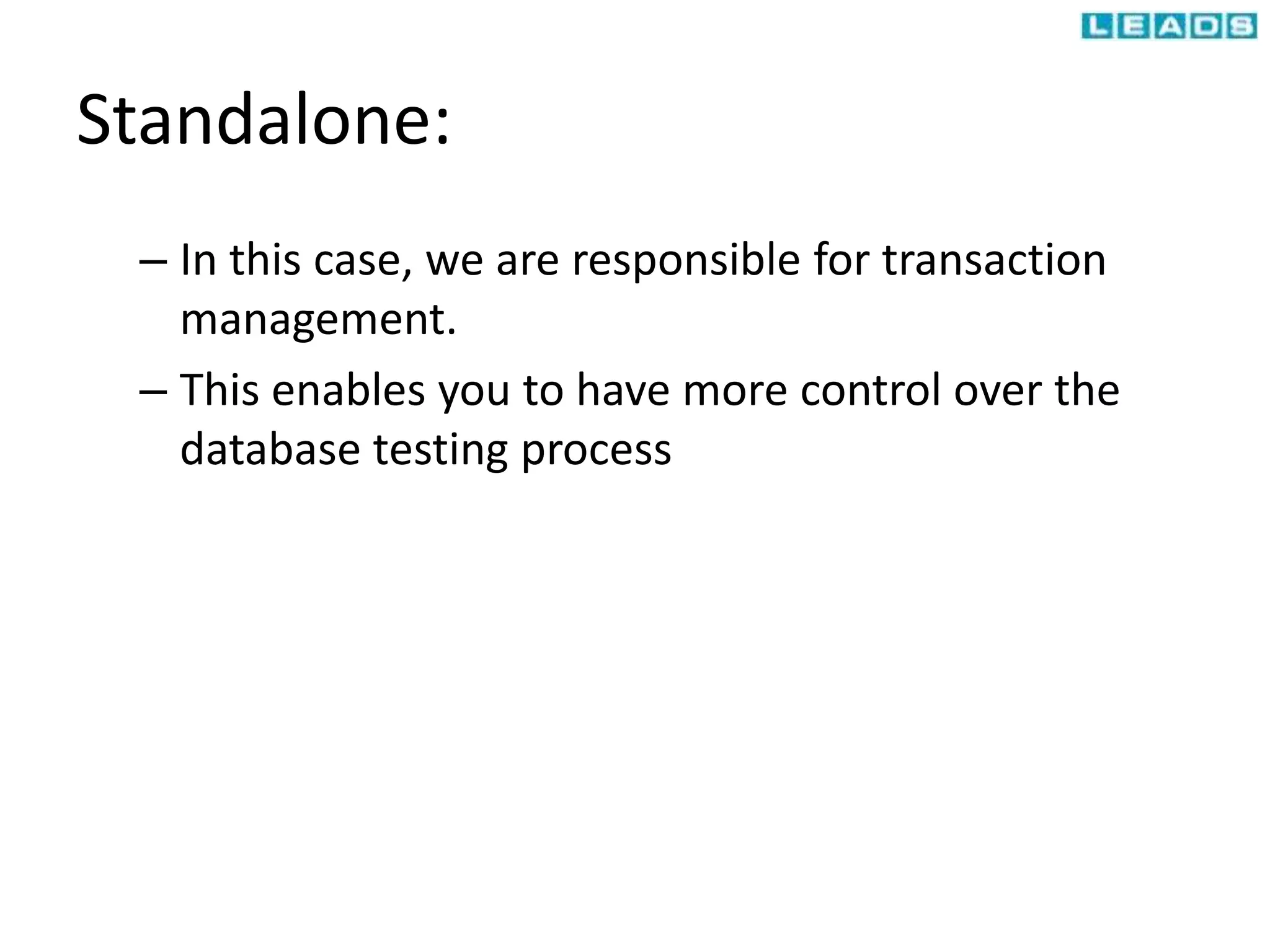
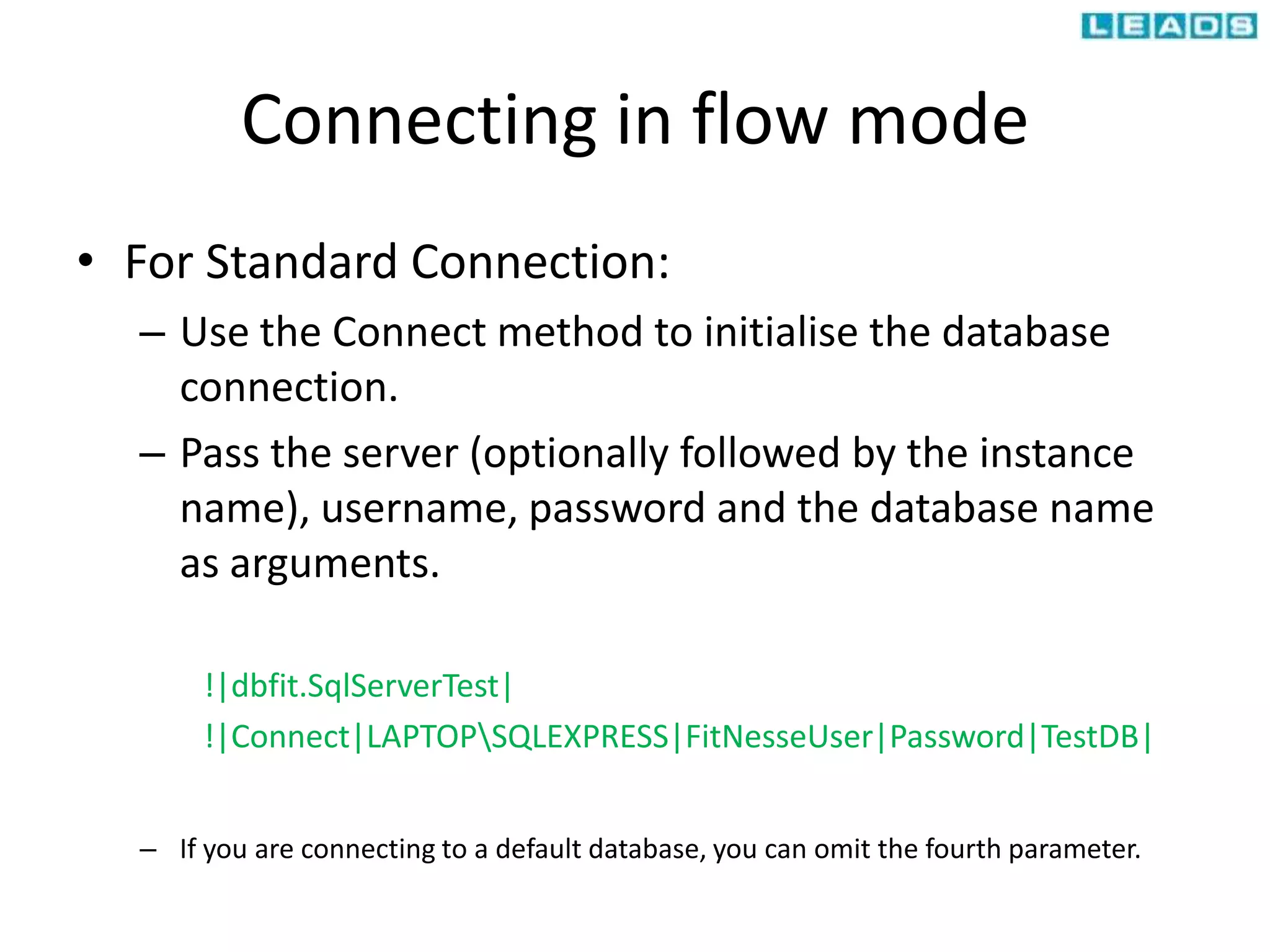
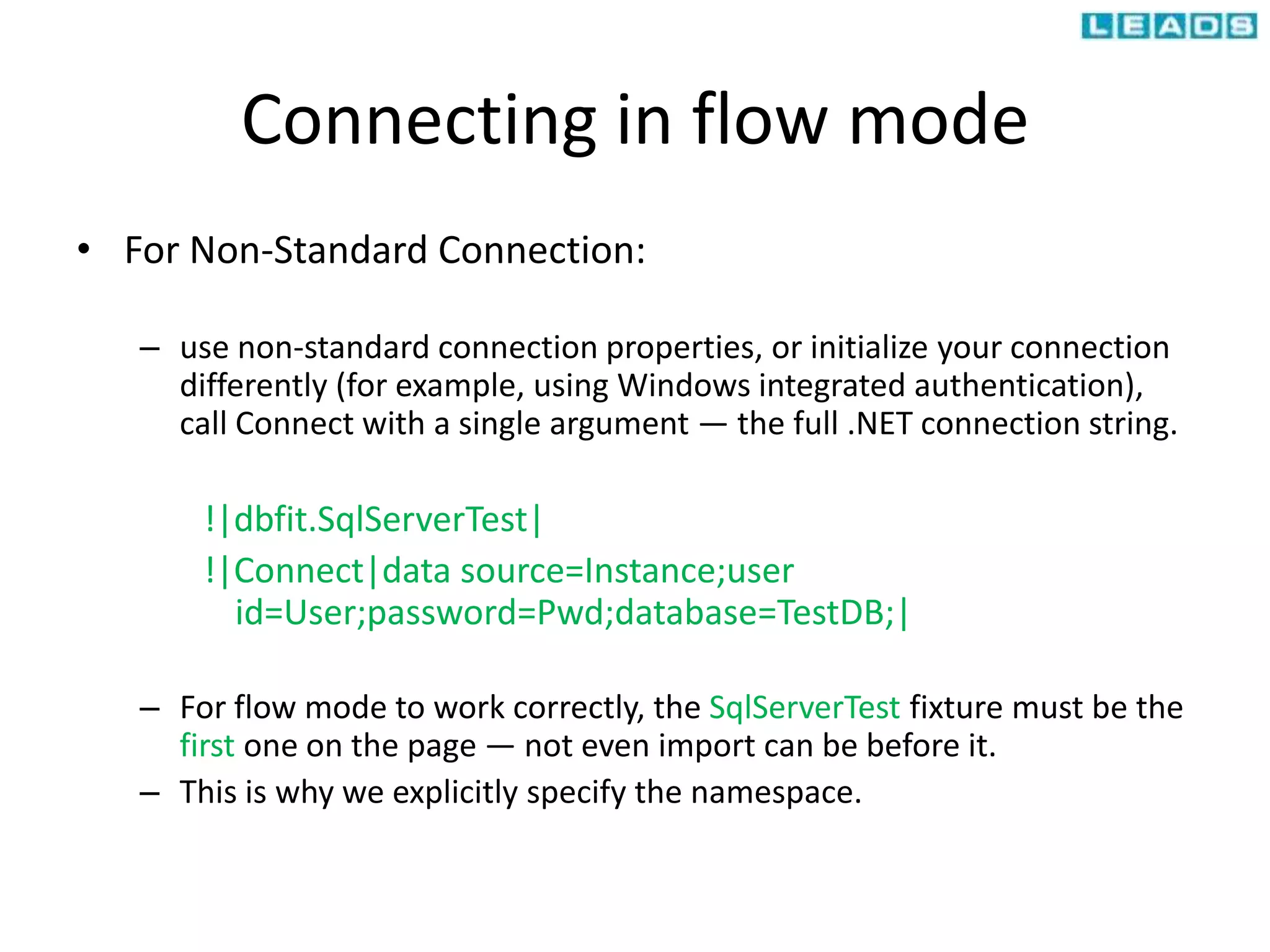
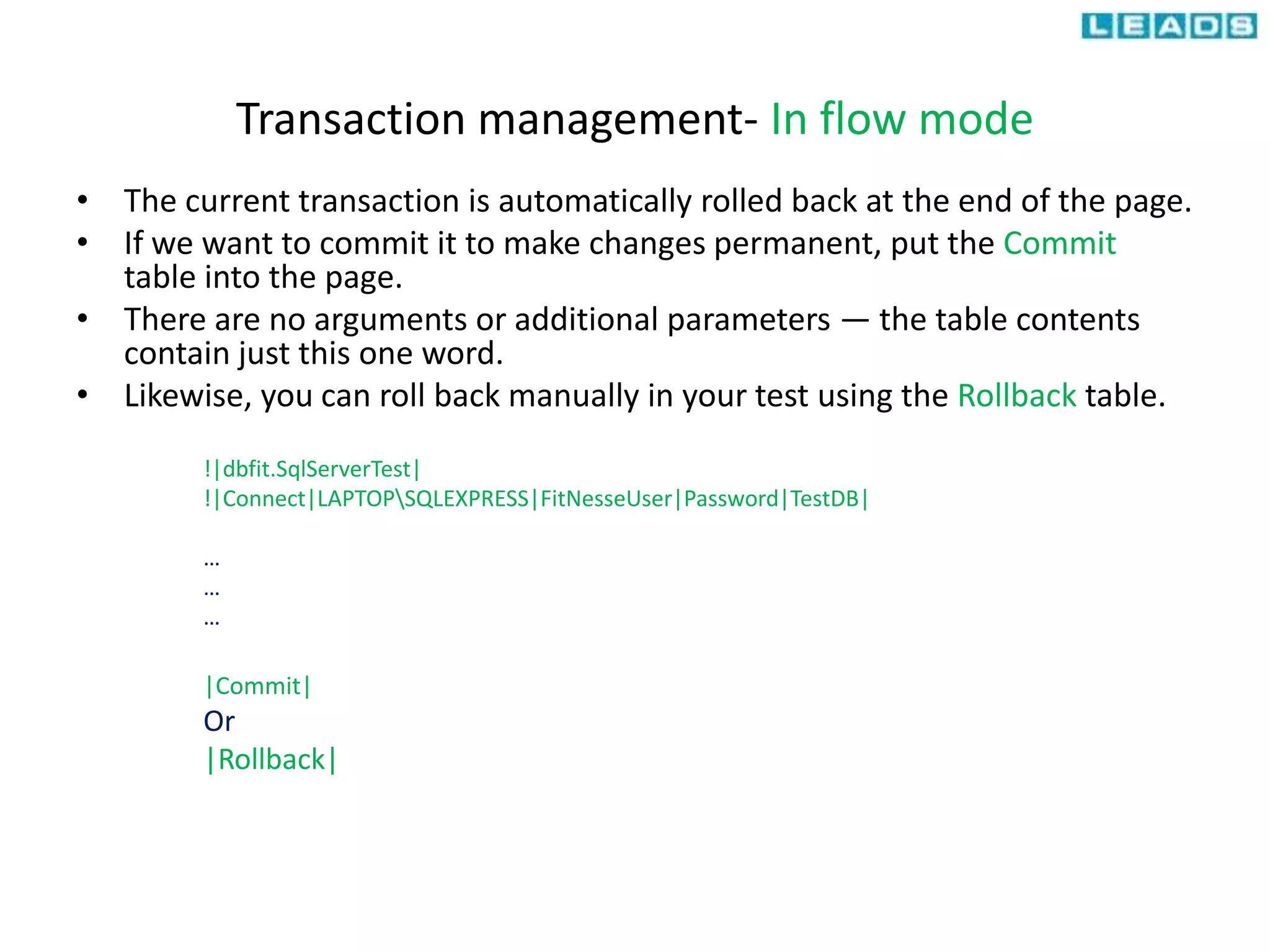
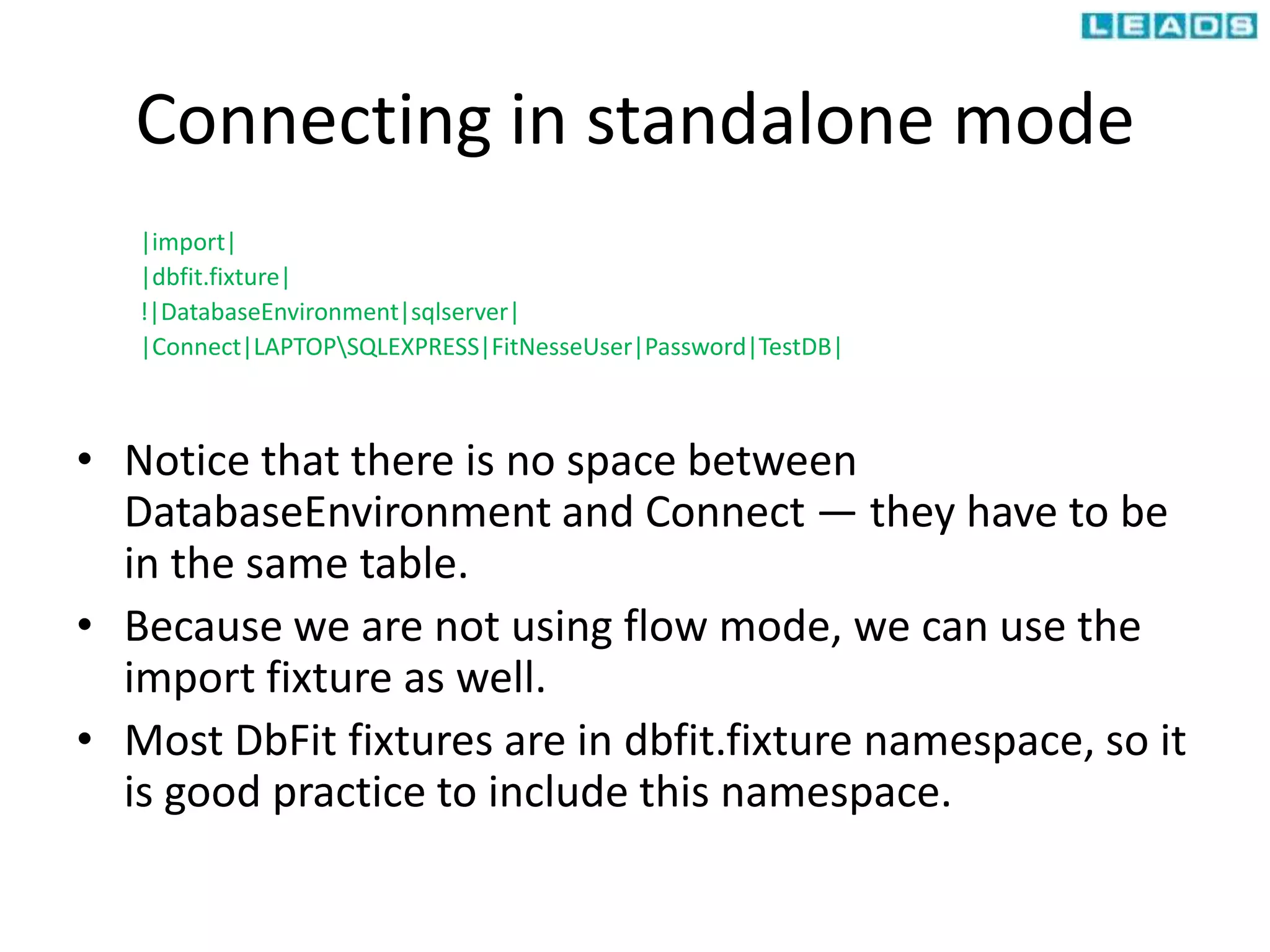
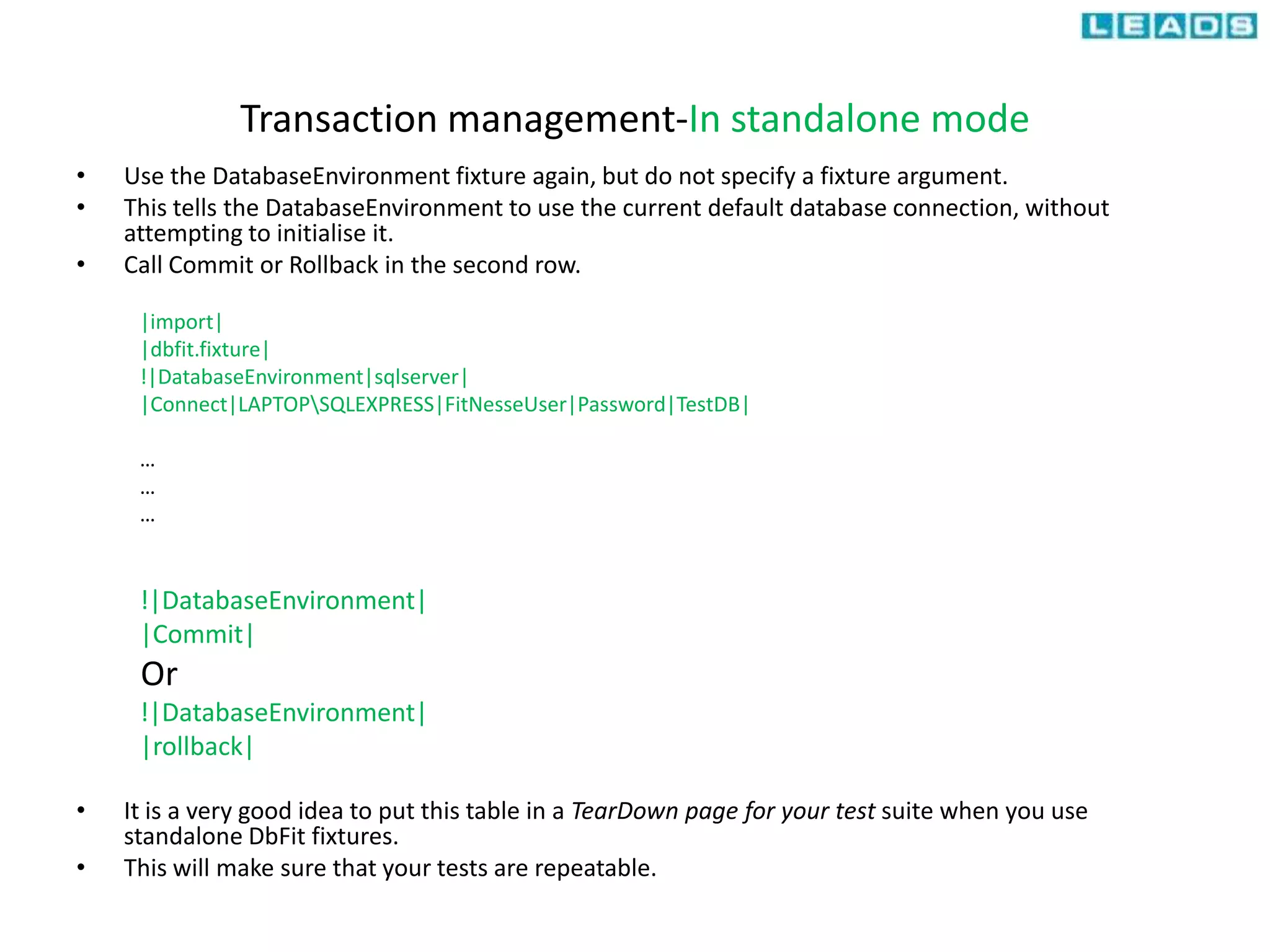
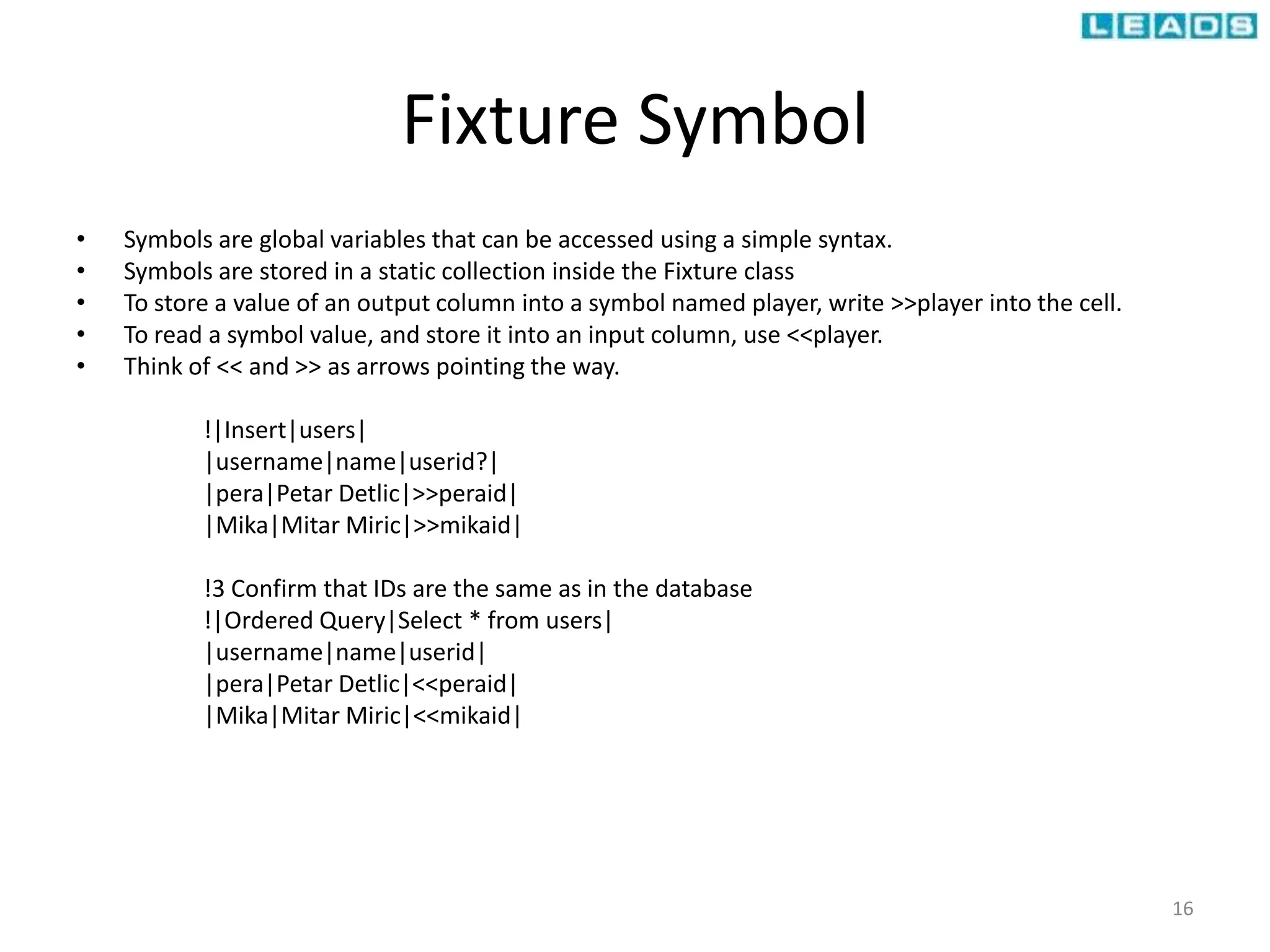
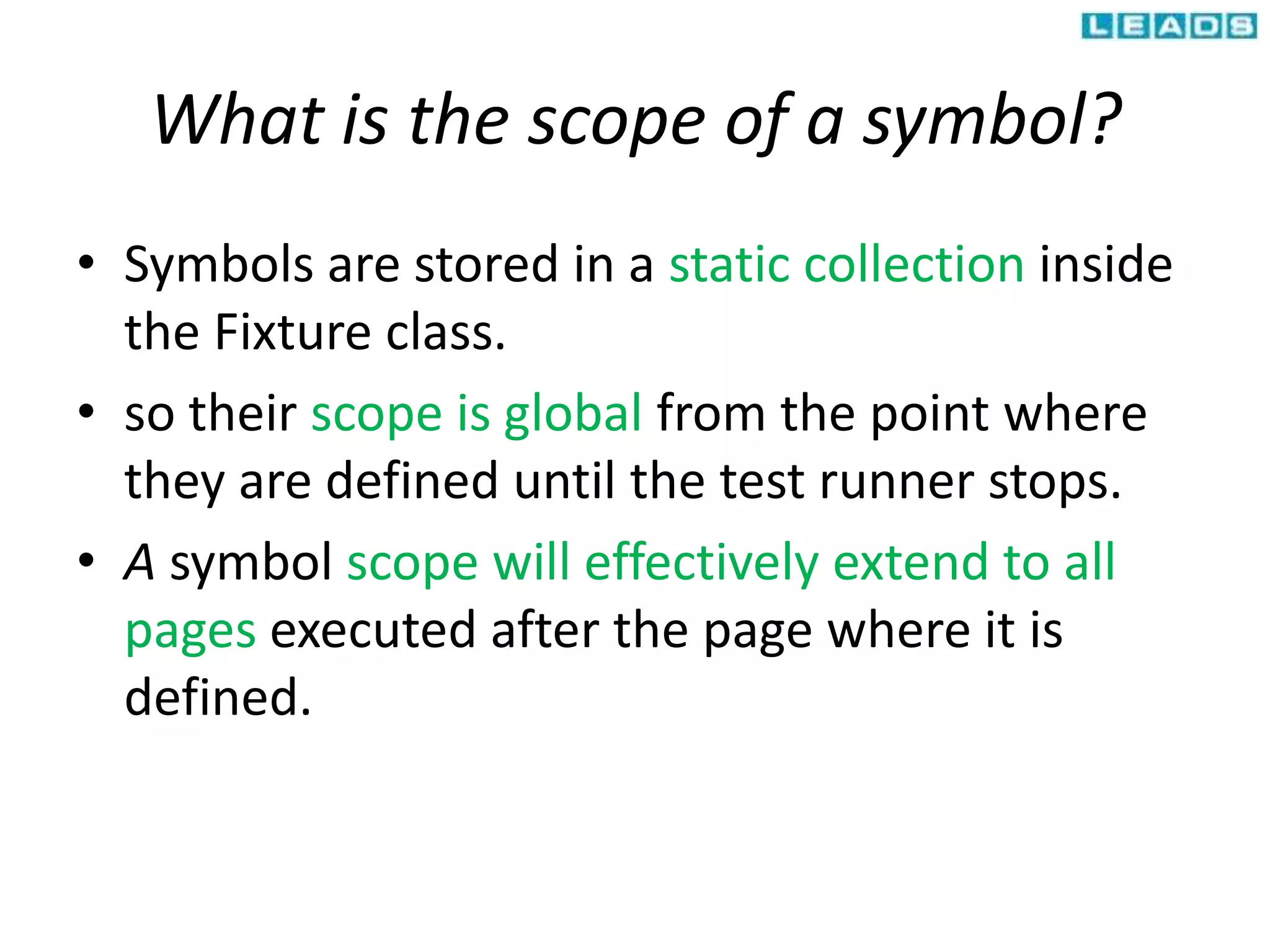
DbFit fixtures can operate in either "flow mode" or "standalone mode", with flow mode automatically rolling back transactions between tests for repeatability and standalone mode giving the user more control over transaction management; fixtures connect to a database by calling Connect and specify the connection details, and transactions are committed or rolled back by using the Commit or Rollback tables respectively. Fixtures also allow storing values in "symbols" that can be accessed across tables to share data between steps of a test.


