Graph Gurus 35
No Code Graph Analytics to Get
Insights from Petabytes of Data Using
TigerGraph 3.0
© 2020 TigerGraph. All Rights Reserved
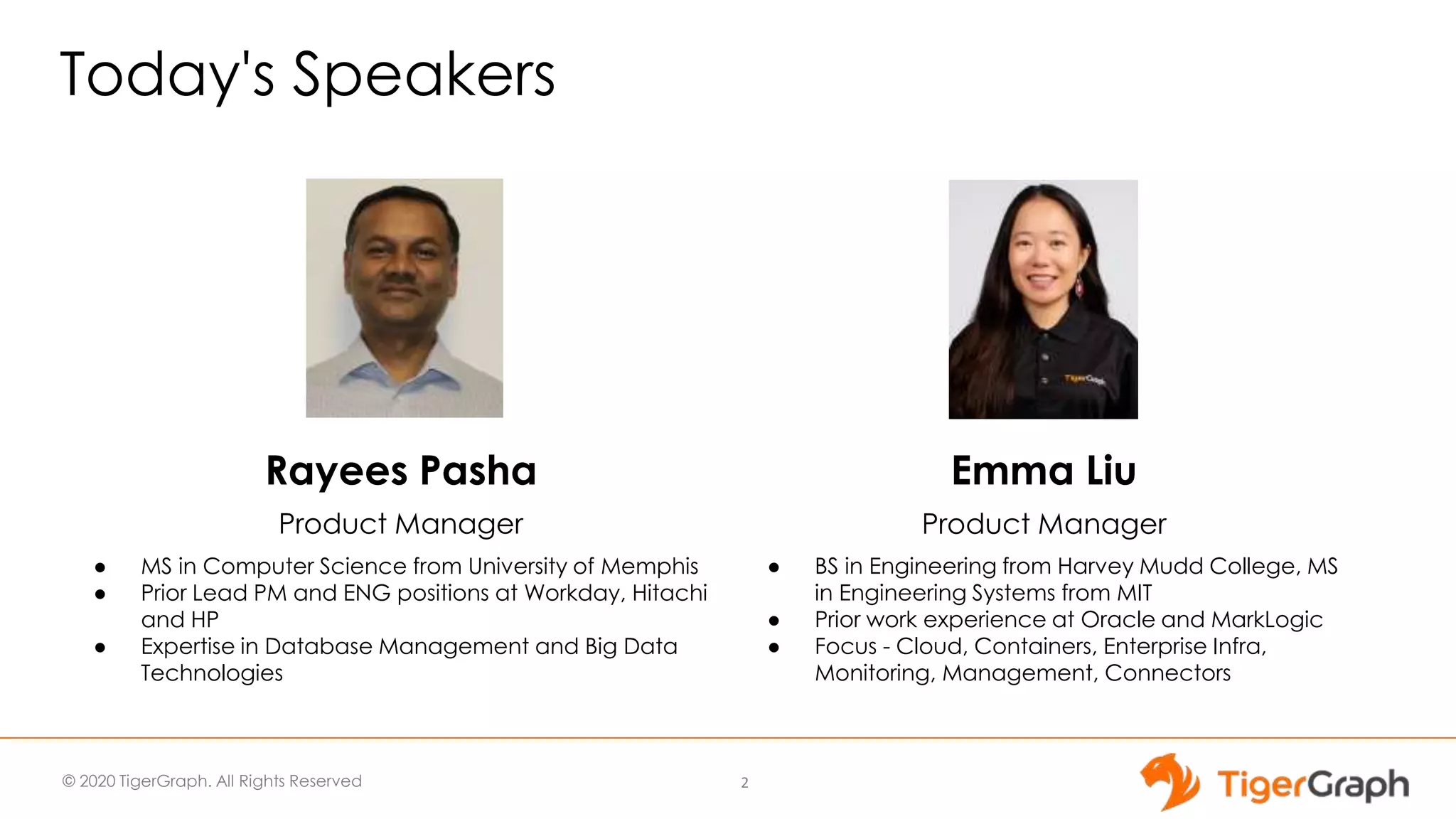
Today's Speakers
2
Emma Liu
Product Manager
● BS in Engineering from Harvey Mudd College, MS
in Engineering Systems from MIT
● Prior work experience at Oracle and MarkLogic
● Focus - Cloud, Containers, Enterprise Infra,
Monitoring, Management, Connectors
Rayees Pasha
Product Manager
● MS in Computer Science from University of Memphis
● Prior Lead PM and ENG positions at Workday, Hitachi
and HP
● Expertise in Database Management and Big Data
Technologies
© 2020 TigerGraph. All Rights Reserved
Some Housekeeping Items
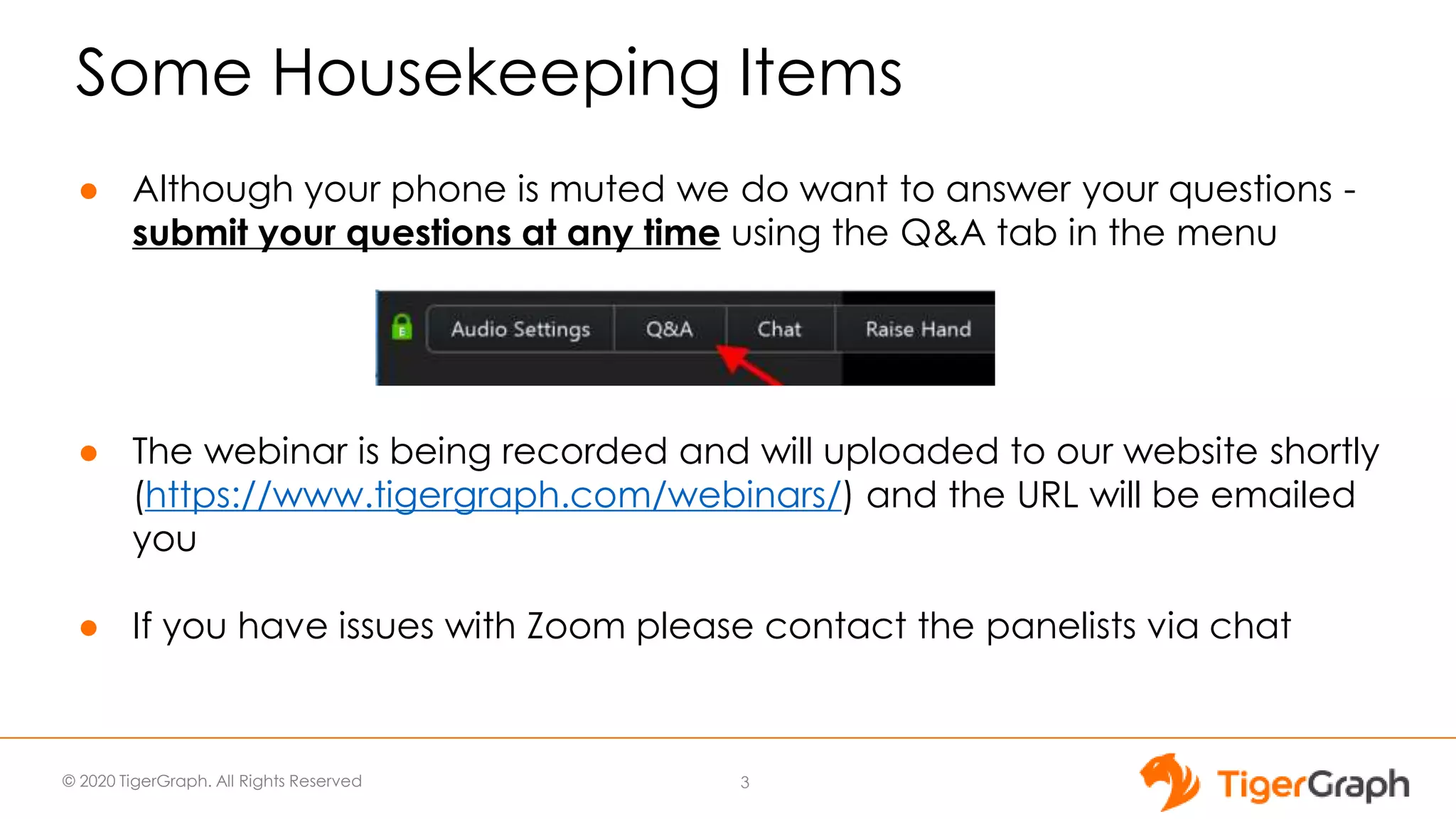
● Although your phone is muted we do want to answer your questions -
submit your questions at any time using the Q&A tab in the menu
● The webinar is being recorded and will uploaded to our website shortly
(https://www.tigergraph.com/webinars/) and the URL will be emailed
you
● If you have issues with Zoom please contact the panelists via chat
3
© 2020 TigerGraph. All Rights Reserved
TigerGraph - Gartner Cool Vendor
TigerGraph identified as one of the four vendors in Gartner Cool Vendors in Data
Management report in recognition of new groundbreaking features in 3.0 release.
© 2020 TigerGraph. All Rights Reserved
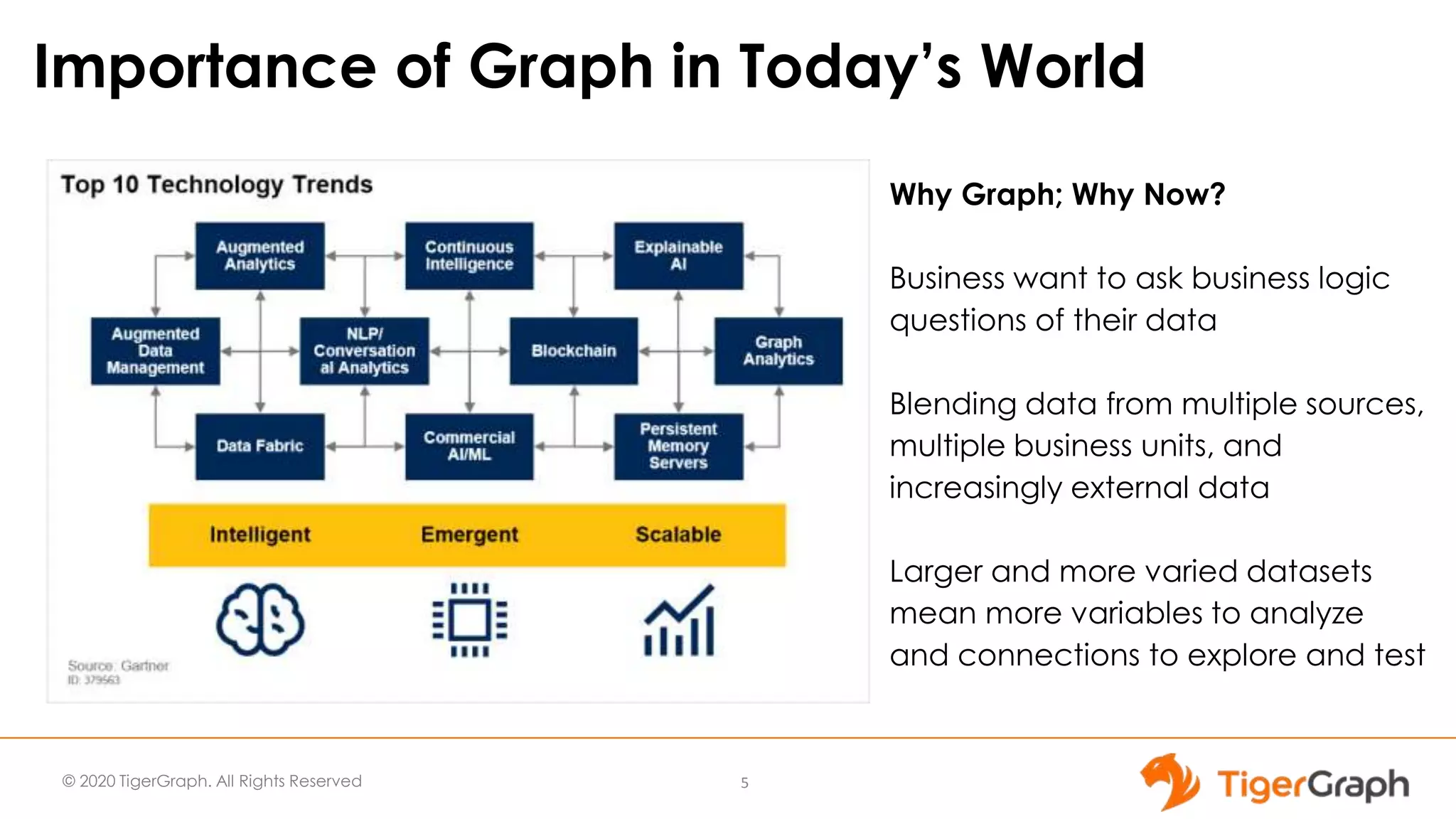
Why Graph; Why Now?
Business want to ask business logic
questions of their data
Blending data from multiple sources,
multiple business units, and
increasingly external data
Larger and more varied datasets
mean more variables to analyze
and connections to explore and test
Importance of Graph in Today’s World
5
© 2020 TigerGraph. All Rights Reserved
Today’s Outline
1
3
2
Introducing TigerGraph Version 3.0
TigerGraph Application Features
TigerGraph Core Database Features
4 Deep Dive into No Code Features
6
TigerGraph 3.0
7
Introducing TigerGraph Version 3.0
© 2020 TigerGraph. All Rights Reserved
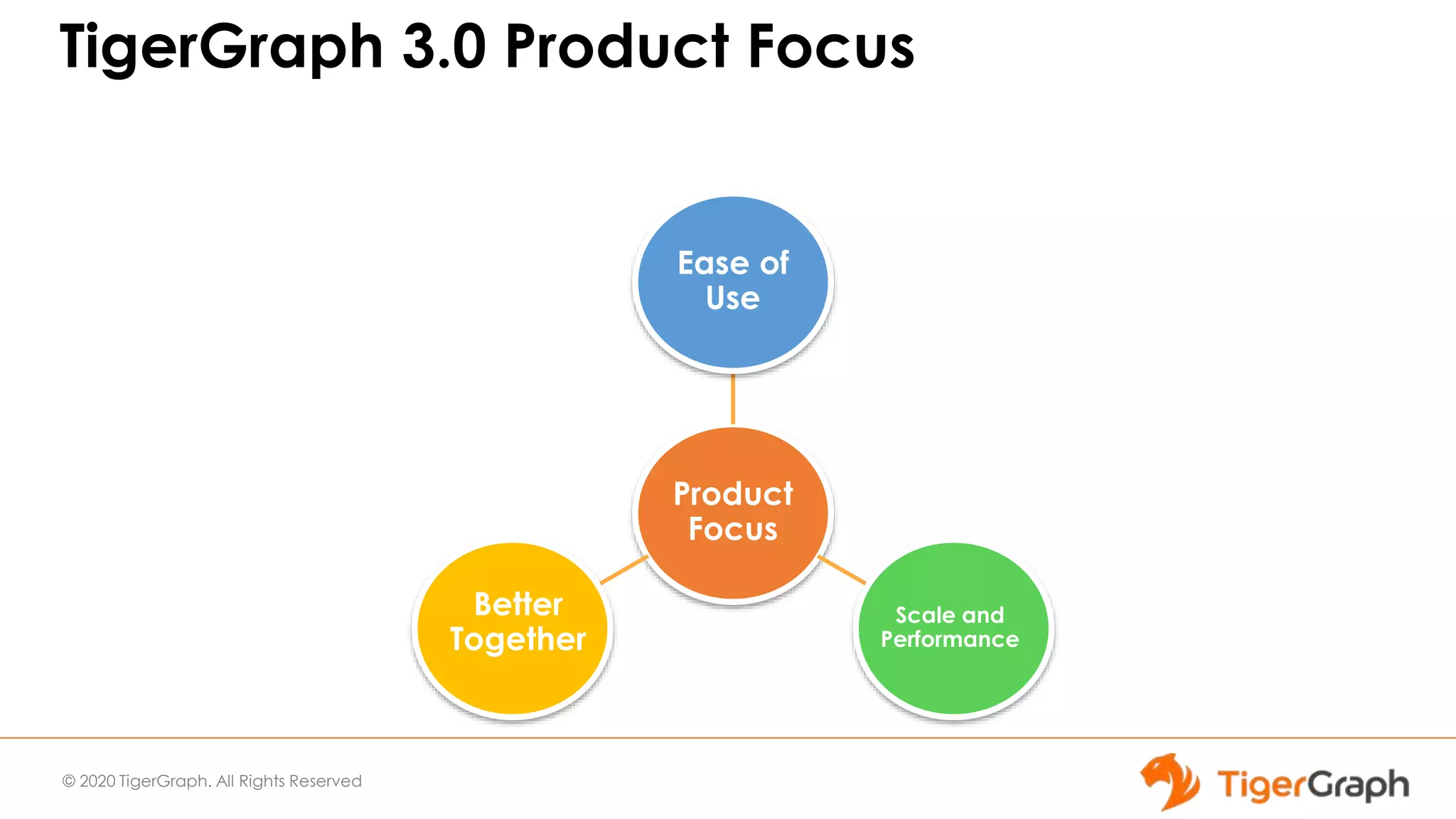
TigerGraph 3.0 Product Focus
Product
Focus
Ease of
Use
Scale and
Performance
Better
Together
© 2020 TigerGraph. All Rights Reserved
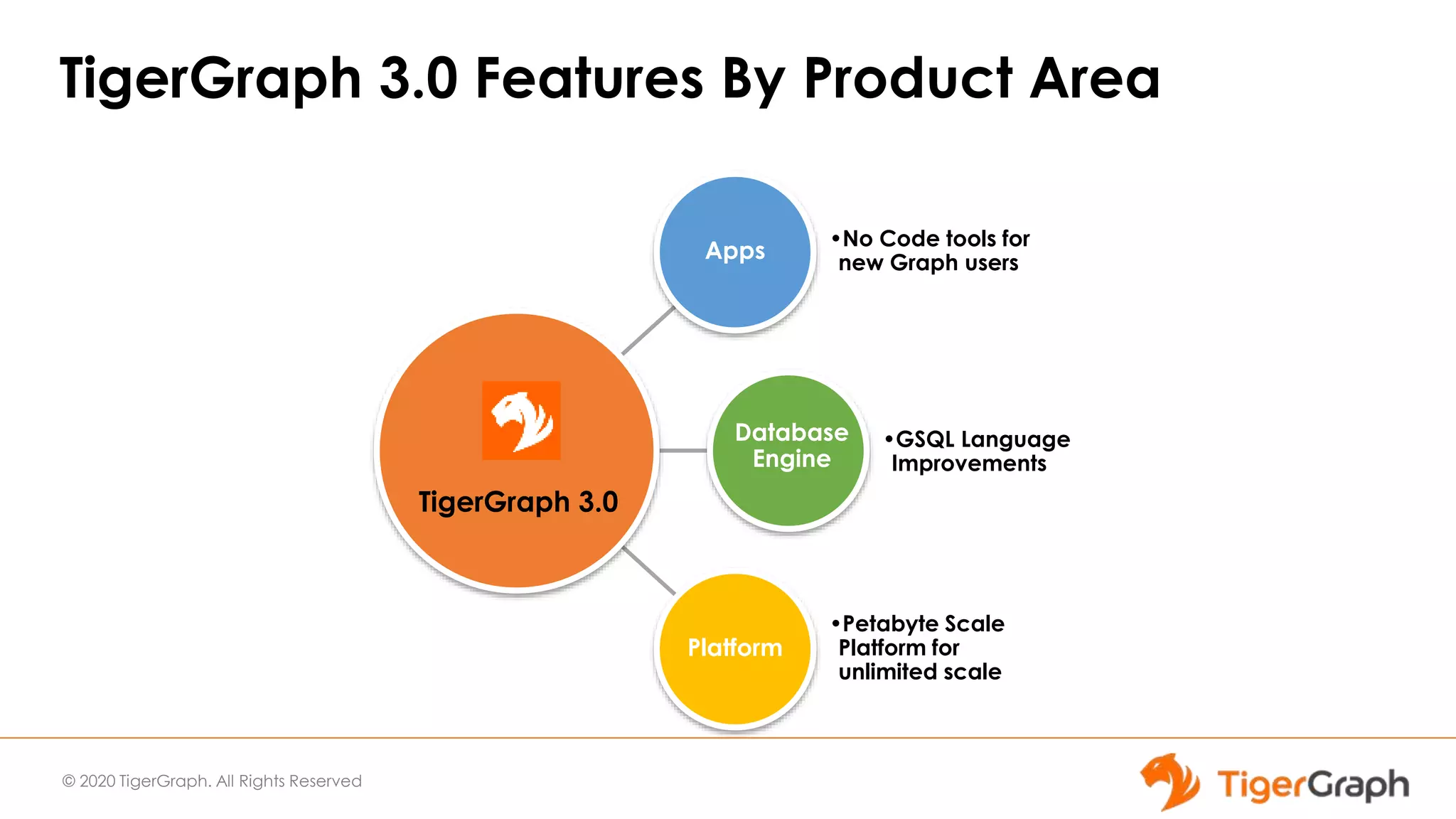
TigerGraph 3.0 Features By Product Area
Apps
•No Code tools for
new Graph users
Database
Engine
•GSQL Language
Improvements
Platform
•Petabyte Scale
Platform for
unlimited scale
TigerGraph 3.0
© 2020 TigerGraph. All Rights Reserved
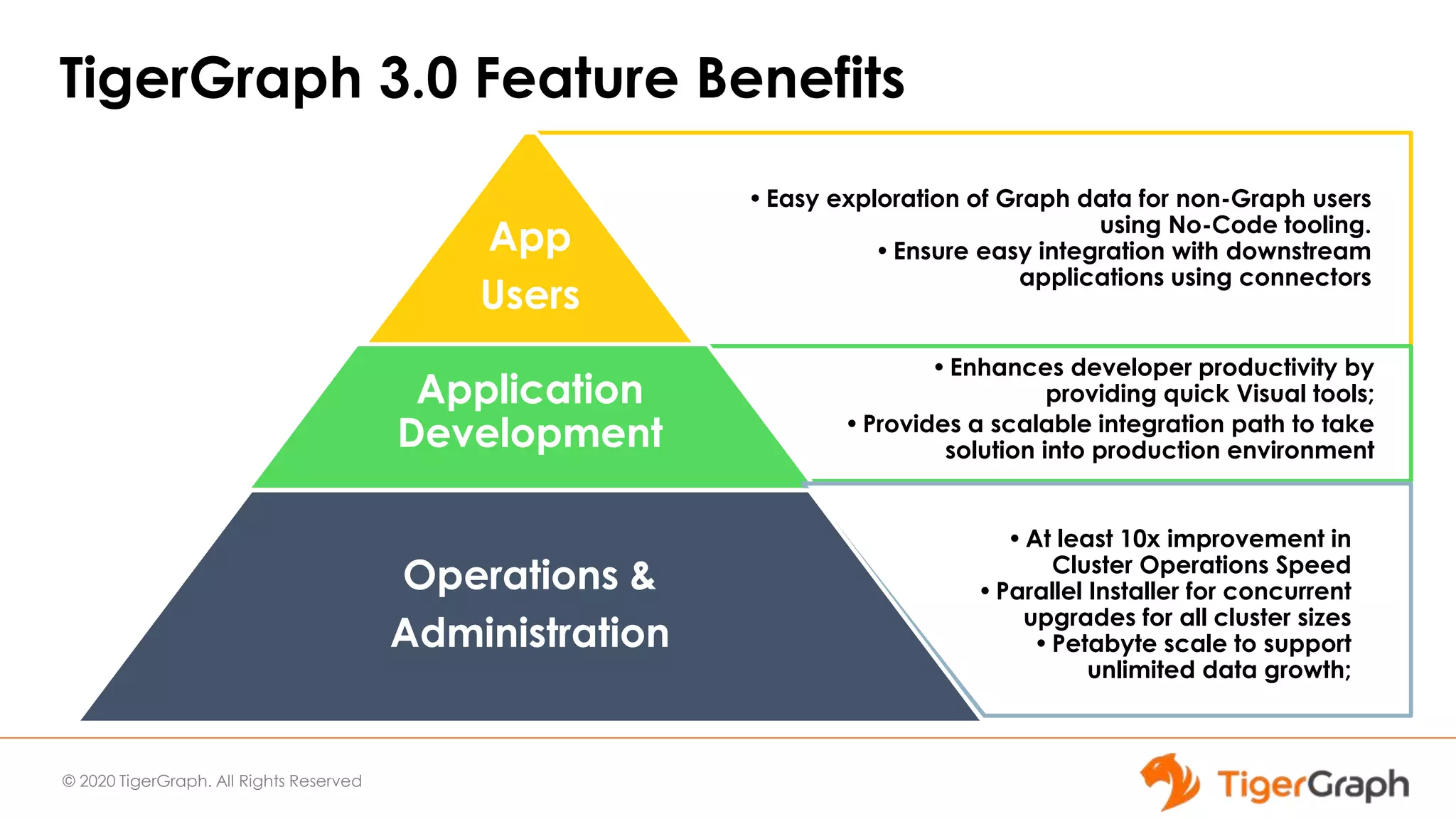
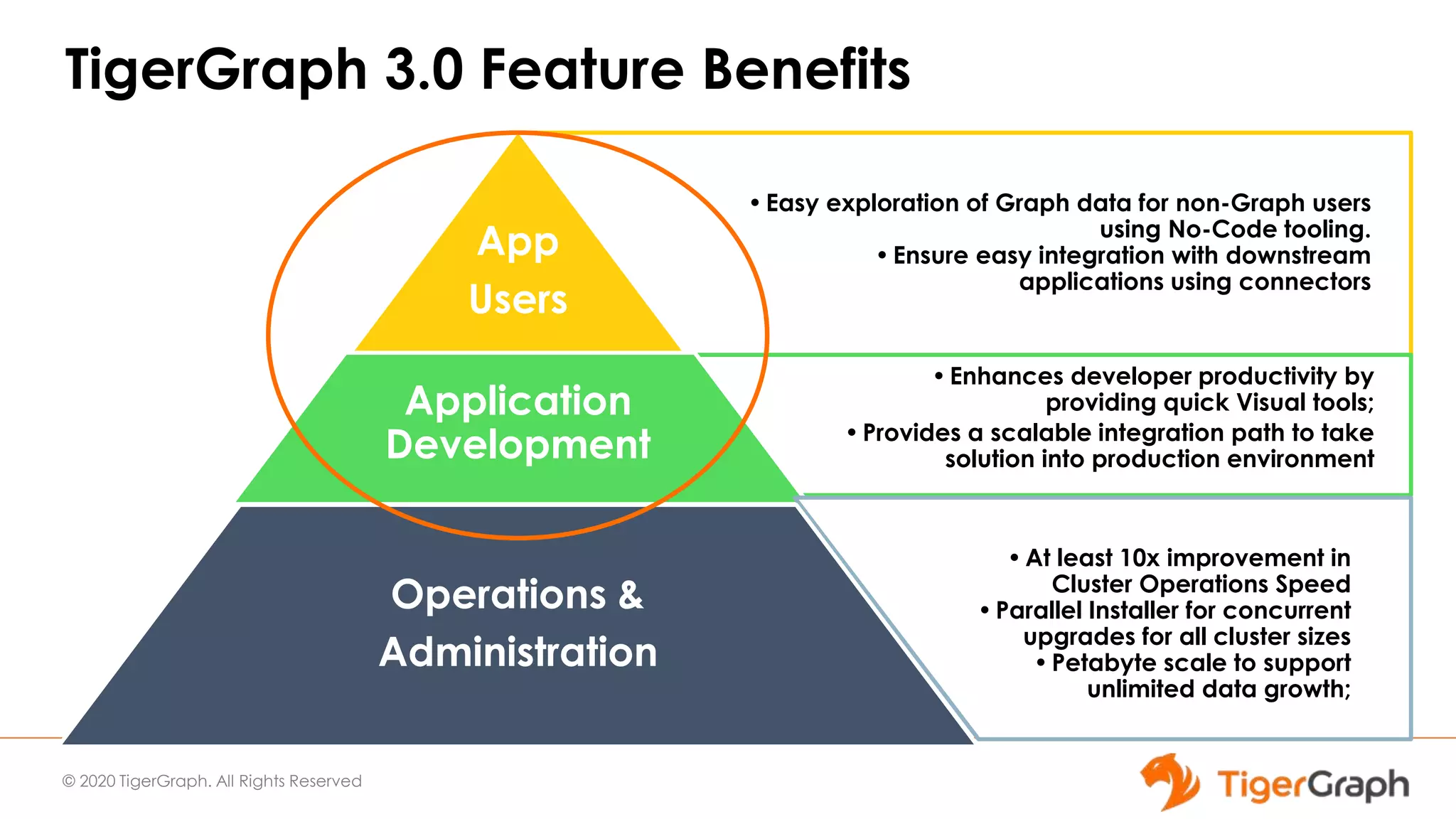
TigerGraph 3.0 Feature Benefits
•Easy exploration of Graph data for non-Graph users
using No-Code tooling.
•Ensure easy integration with downstream
applications using connectors
App
Users
Application
Development
•At least 10x improvement in
Cluster Operations Speed
•Parallel Installer for concurrent
upgrades for all cluster sizes
•Petabyte scale to support
unlimited data growth;
Operations &
Administration
•Enhances developer productivity by
providing quick Visual tools;
•Provides a scalable integration path to take
solution into production environment
© 2020 TigerGraph. All Rights Reserved
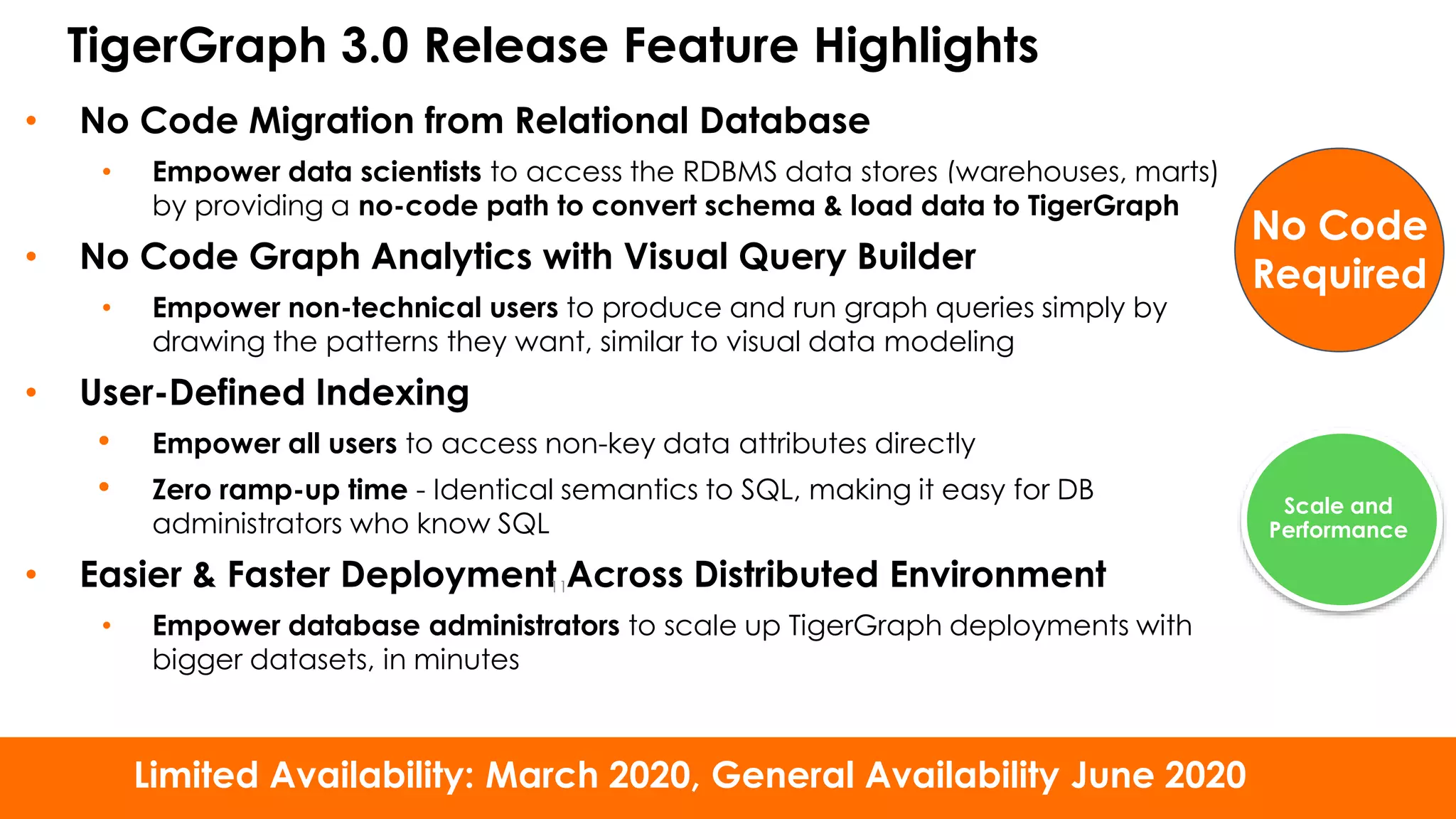
TigerGraph 3.0 Release Feature Highlights
• No Code Migration from Relational Database
• Empower data scientists to access the RDBMS data stores (warehouses, marts)
by providing a no-code path to convert schema & load data to TigerGraph
• No Code Graph Analytics with Visual Query Builder
• Empower non-technical users to produce and run graph queries simply by
drawing the patterns they want, similar to visual data modeling
• User-Defined Indexing
• Empower all users to access non-key data attributes directly
• Zero ramp-up time - Identical semantics to SQL, making it easy for DB
administrators who know SQL
• Easier & Faster Deployment Across Distributed Environment
• Empower database administrators to scale up TigerGraph deployments with
bigger datasets, in minutes
11
Limited Availability: March 2020, General Availability June 2020
No Code
Required
Scale and
Performance
© 2020 TigerGraph. All Rights Reserved
TigerGraph 3.0 - Other Major Features
● GSQL/Engine Features
○ Schema-Flexible Querying
● GraphStudio Application
○ Interpreted mode querying
○ Full MultiGraph Support in Graph Studio
○ Internationalization and Localization
● System Management
○ Database Export/Import Utility
○ New Installer - 10x faster
○ UI for User and License Key management
● And many more …
12
Ease of
Use
Better
Together
TigerGraph 3.0
Core Database Feature Deep Dive
© 2020 TigerGraph. All Rights Reserved
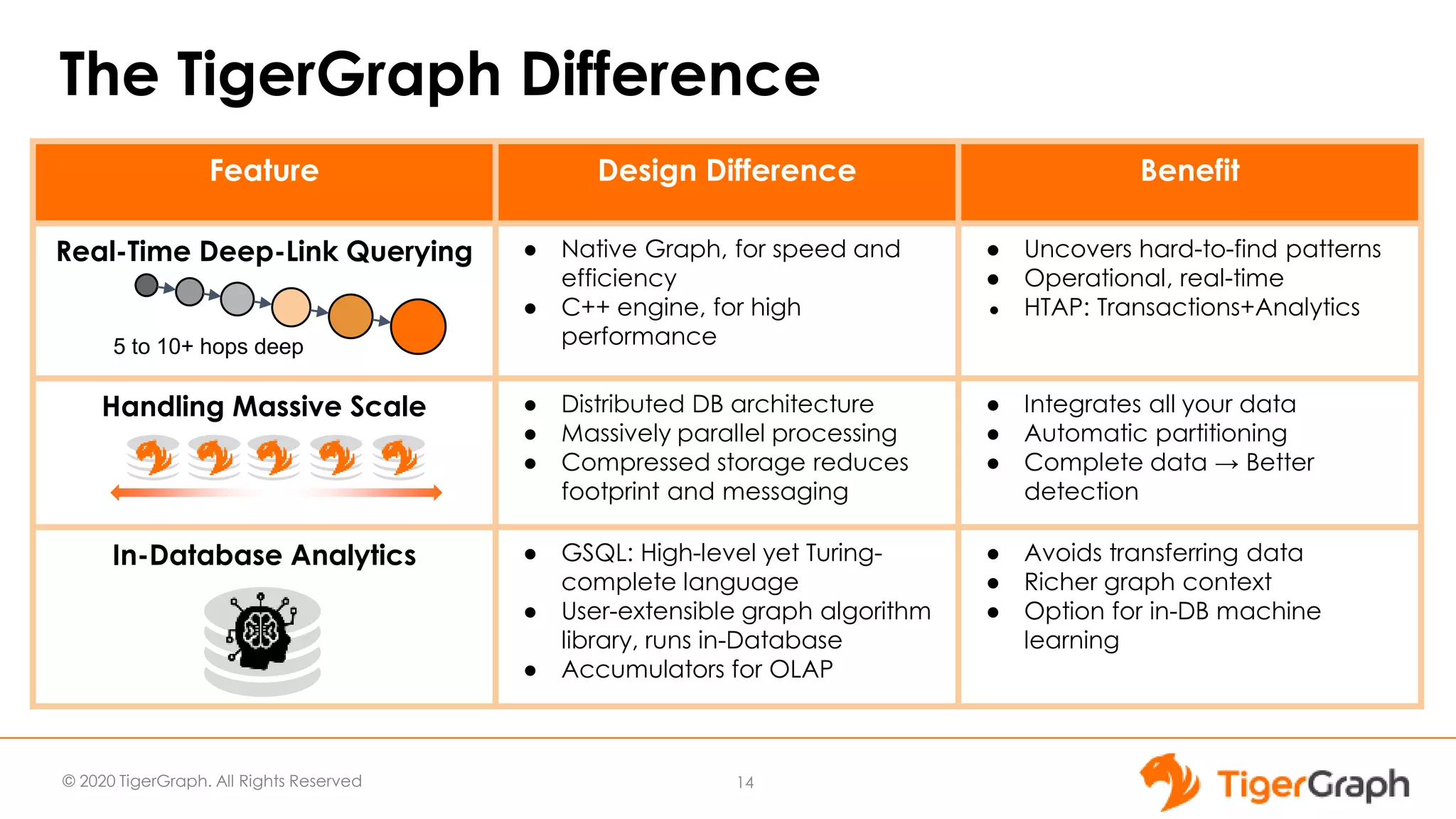
The TigerGraph Difference
14
Feature Design Difference Benefit
Real-Time Deep-Link Querying ● Native Graph, for speed and
efficiency
● C++ engine, for high
performance
● Uncovers hard-to-find patterns
● Operational, real-time
● HTAP: Transactions+Analytics
Handling Massive Scale ● Distributed DB architecture
● Massively parallel processing
● Compressed storage reduces
footprint and messaging
● Integrates all your data
● Automatic partitioning
● Complete data → Better
detection
In-Database Analytics ● GSQL: High-level yet Turing-
complete language
● User-extensible graph algorithm
library, runs in-Database
● Accumulators for OLAP
● Avoids transferring data
● Richer graph context
● Option for in-DB machine
learning
5 to 10+ hops deep
© 2020 TigerGraph. All Rights Reserved 15
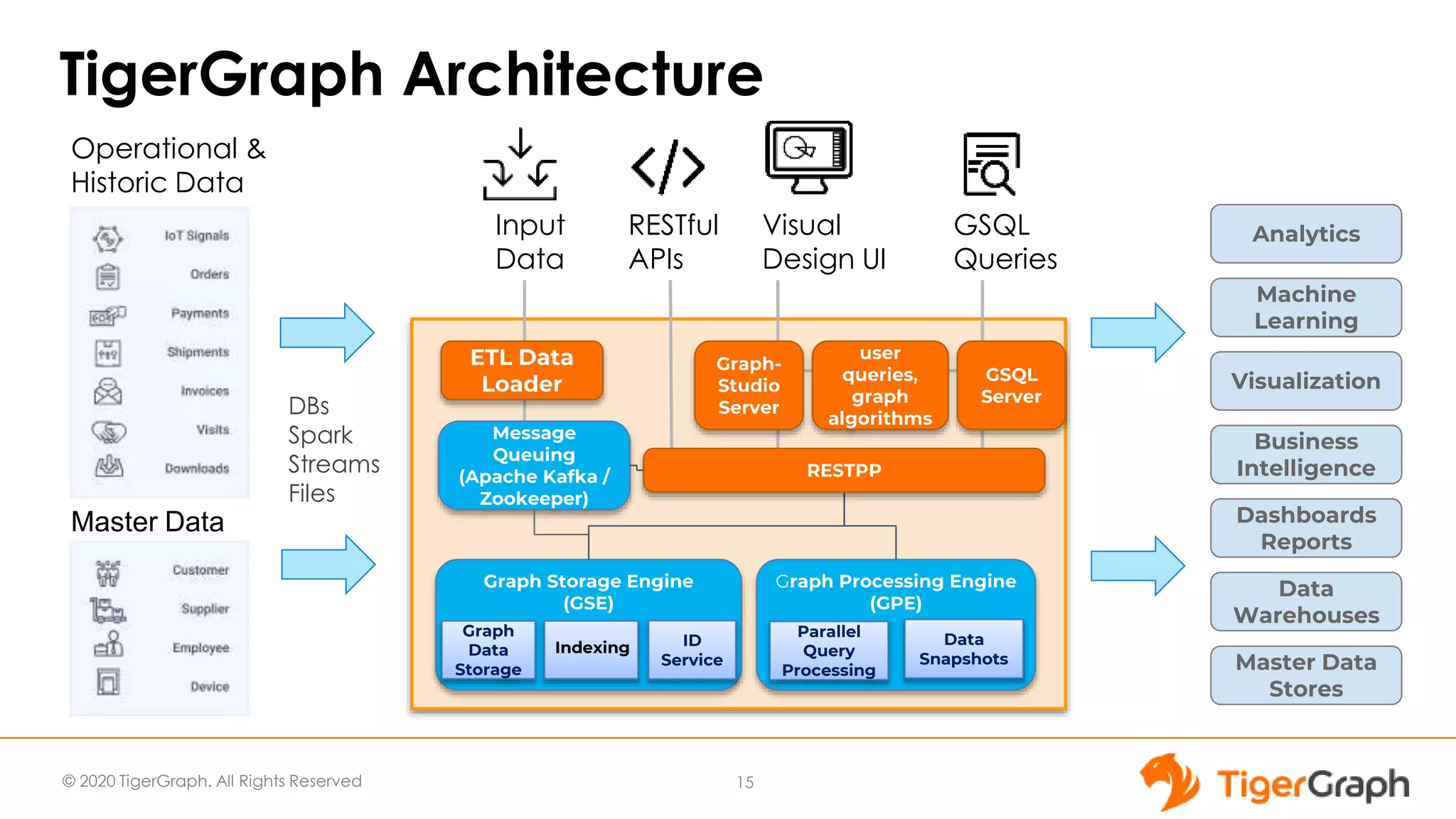
Graph Storage Engine
(GSE)
Graph Processing Engine
(GPE)
Graph
Data
Storage
ID
Service
Parallel
Query
Processing
Message
Queuing
(Apache Kafka /
Zookeeper)
Data
Snapshots
GSQL
Queries
Visual
Design UI
RESTful
APIs
ETL Data
Loader
Input
Data
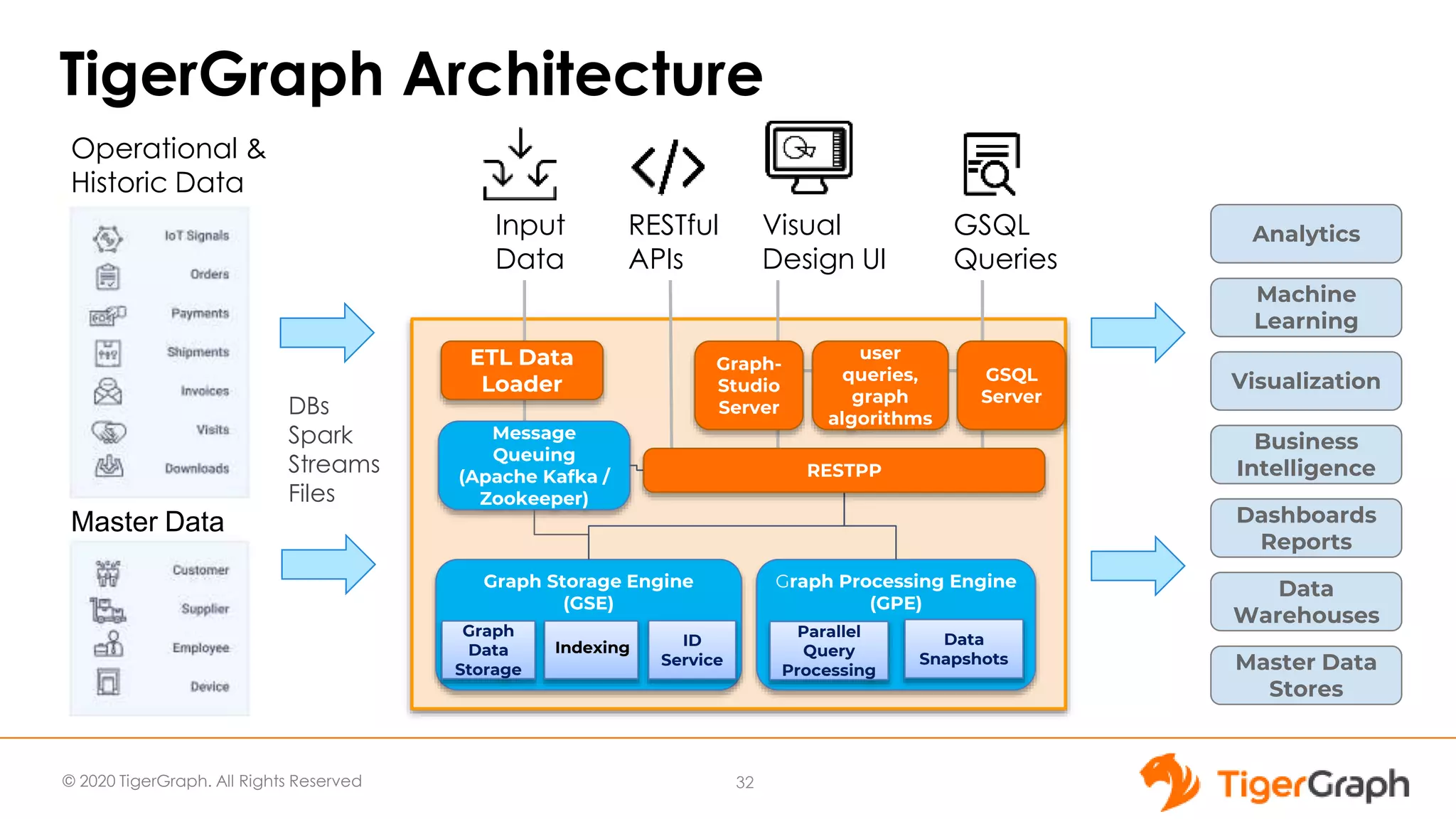
TigerGraph Architecture
Operational &
Historic Data
Master Data
DBs
Spark
Streams
Files
Business
Intelligence
Analytics
Visualization
Dashboards
Reports
Data
Warehouses
Master Data
Stores
Machine
Learning
user
queries,
graph
algorithms
GSQL
Server
Graph-
Studio
Server
RESTPP
Indexing
© 2020 TigerGraph. All Rights Reserved
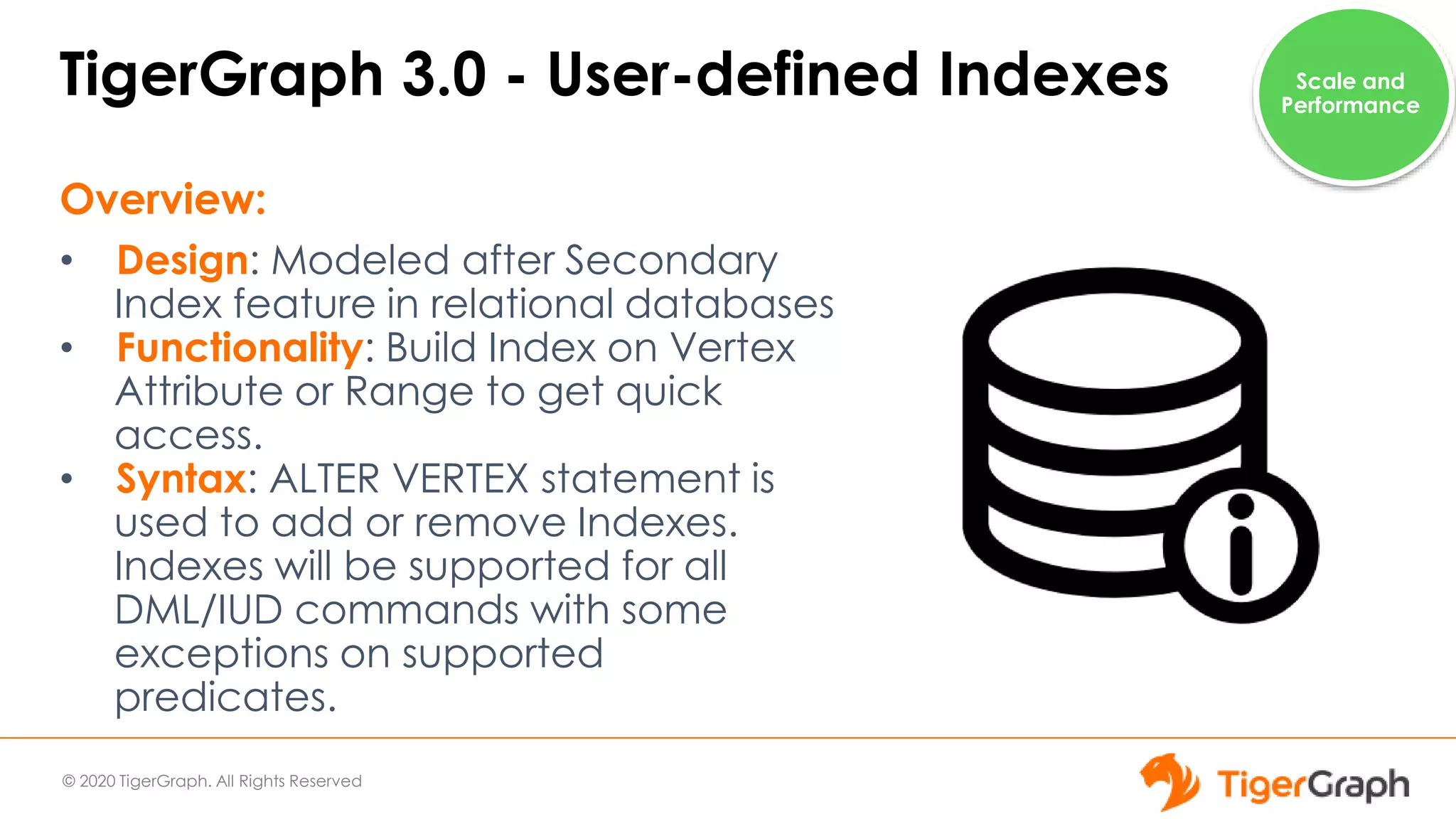
TigerGraph 3.0 - User-defined Indexes
Overview:
• Design: Modeled after Secondary
Index feature in relational databases
• Functionality: Build Index on Vertex
Attribute or Range to get quick
access.
• Syntax: ALTER VERTEX statement is
used to add or remove Indexes.
Indexes will be supported for all
DML/IUD commands with some
exceptions on supported
predicates.
Scale and
Performance
© 2020 TigerGraph. All Rights Reserved
TigerGraph 3.0 - User-defined Indexes
Benefits:
• User-defined Indexes are
performance feature.
• They allow users to get the same
high performance even if the
Querying Pattern changes giving
users flexibility.
• Users can benefit from enhanced
HA as User-defined indexes are
distributed same as base
Vertexes.
Scale and
Performance
© 2020 TigerGraph. All Rights Reserved
TigerGraph 3.0 - User-defined Indexes
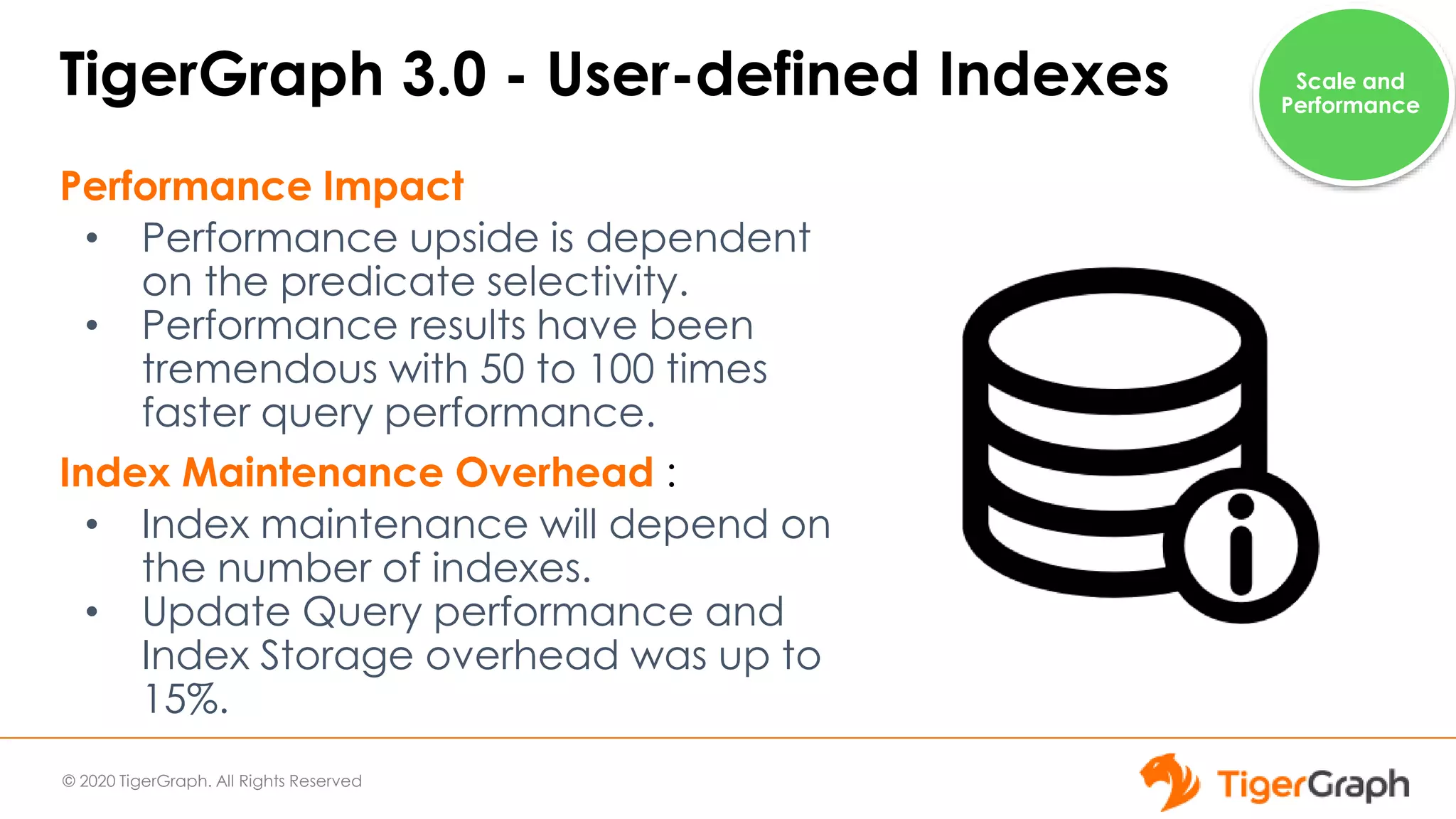
Performance Impact
• Performance upside is dependent
on the predicate selectivity.
• Performance results have been
tremendous with 50 to 100 times
faster query performance.
Index Maintenance Overhead :
• Index maintenance will depend on
the number of indexes.
• Update Query performance and
Index Storage overhead was up to
15%.
Scale and
Performance
© 2020 TigerGraph. All Rights Reserved
TigerGraph 3.0 - Schema-flexible Querying
In 3.0, GSQL Query
Language allows schema-
independent queries
• Developer puts
variables for vertex,
edge, attribute types
• User supplies actual
names at run time.
Ease of
Use
© 2020 TigerGraph. All Rights Reserved
TigerGraph 3.0 - Schema-flexible Querying
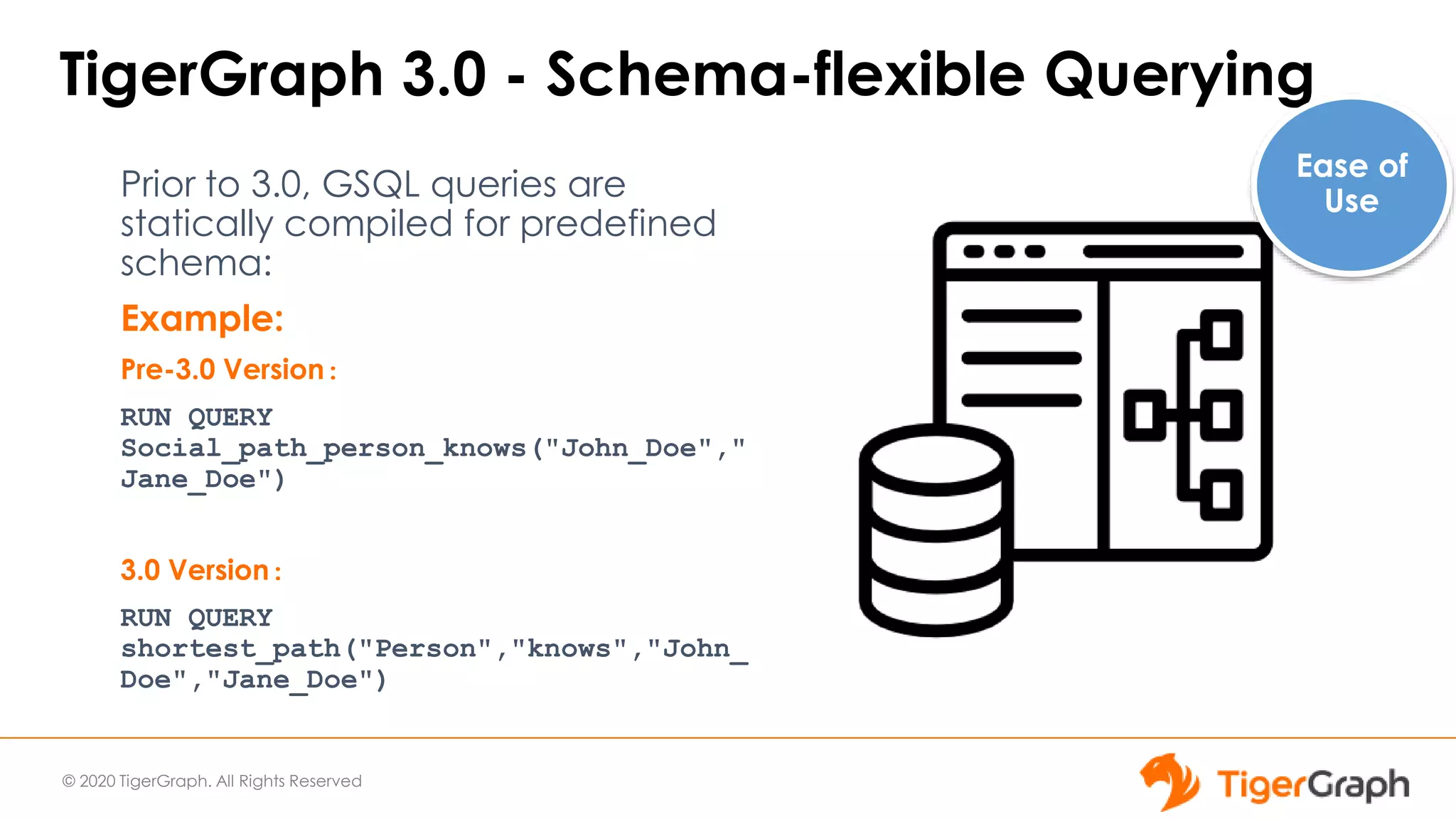
Prior to 3.0, GSQL queries are
statically compiled for predefined
schema:
Example:
Pre-3.0 Version:
RUN QUERY
Social_path_person_knows("John_Doe","
Jane_Doe")
3.0 Version:
RUN QUERY
shortest_path("Person","knows","John_
Doe","Jane_Doe")
Ease of
Use
© 2020 TigerGraph. All Rights Reserved
TigerGraph 3.0 - Schema-flexible Querying
Benefits:
● Improves Developer
Productivity
● Supplying parameters at
runtime allows for
cleaner code.
● Schema-flexible Query
code allows easy reuse.
● Allows easy collaboration
among team members.
Ease of
Use
© 2020 TigerGraph. All Rights Reserved
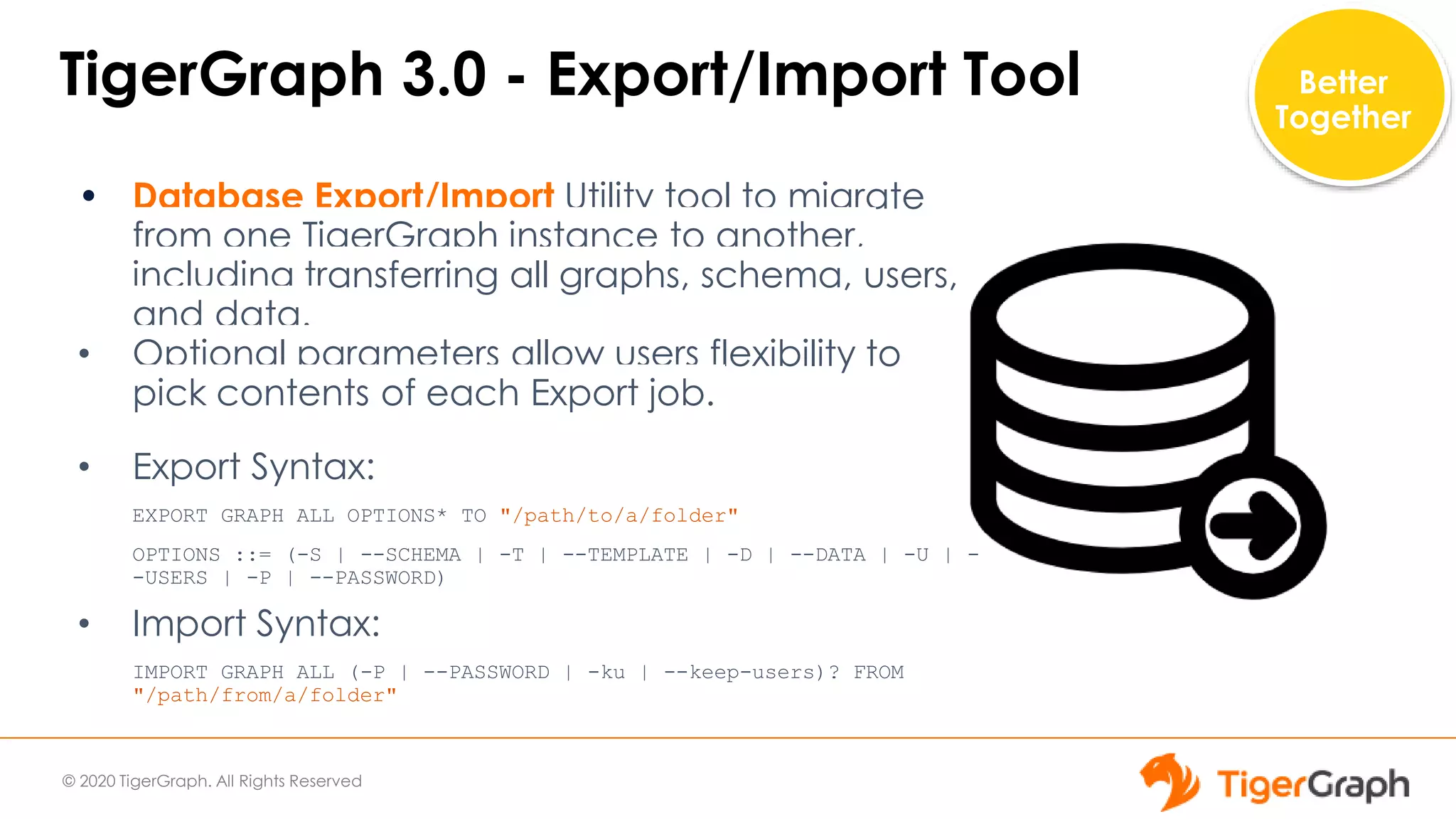
TigerGraph 3.0 - Export/Import Tool
• Database Export/Import Utility tool to migrate
from one TigerGraph instance to another,
including transferring all graphs, schema, users,
and data.
• Optional parameters allow users flexibility to
pick contents of each Export job.
• Export Syntax:
EXPORT GRAPH ALL OPTIONS* TO "/path/to/a/folder"
OPTIONS ::= (-S | --SCHEMA | -T | --TEMPLATE | -D | --DATA | -U | -
-USERS | -P | --PASSWORD)
• Import Syntax:
IMPORT GRAPH ALL (-P | --PASSWORD | -ku | --keep-users)? FROM
"/path/from/a/folder"
Better
Together
© 2020 TigerGraph. All Rights Reserved
TigerGraph 3.0 - Export/Import Tool
Benefits:
• Export/Import Utility allows
users to move data out of
database into downstream
applications easily
• It can be used for restore
operations.
• It allows users to test new
versions easily.
Better
Together
© 2020 TigerGraph. All Rights Reserved
TigerGraph 3.0 - New Installer
Key features:
● Support for multiple versions of TigerGraph on the
same cluster
○ Upgrades do not overwrite existing installation
● Support for in-place migration to a new
compatible version to coexist and share the same
data folder.
○ Not applicable to pre-3.0 versions of
TigerGraph
● Improved Installer performance installation is run
in parallel on all nodes
Scale and
Performance
© 2020 TigerGraph. All Rights Reserved
TigerGraph 3.0 - New Installer
Benefits:
• New Installer reduces the overhead
related to System Management
Operations
• This is handy to deal with regressions
and test new functionality.
• Reduces the installation time for cluster-
wide upgrades
Scale and
Performance
Ease of Use
No Code Graph Analytics
For Everyone!
TigerGraph 3.0 Application Features
© 2020 TigerGraph. All Rights Reserved
TigerGraph 3.0 Feature Benefits
•Easy exploration of Graph data for non-Graph users
using No-Code tooling.
•Ensure easy integration with downstream
applications using connectors
App
Users
Application
Development
•At least 10x improvement in
Cluster Operations Speed
•Parallel Installer for concurrent
upgrades for all cluster sizes
•Petabyte scale to support
unlimited data growth;
Operations &
Administration
•Enhances developer productivity by
providing quick Visual tools;
•Provides a scalable integration path to take
solution into production environment
© 2020 TigerGraph. All Rights Reserved
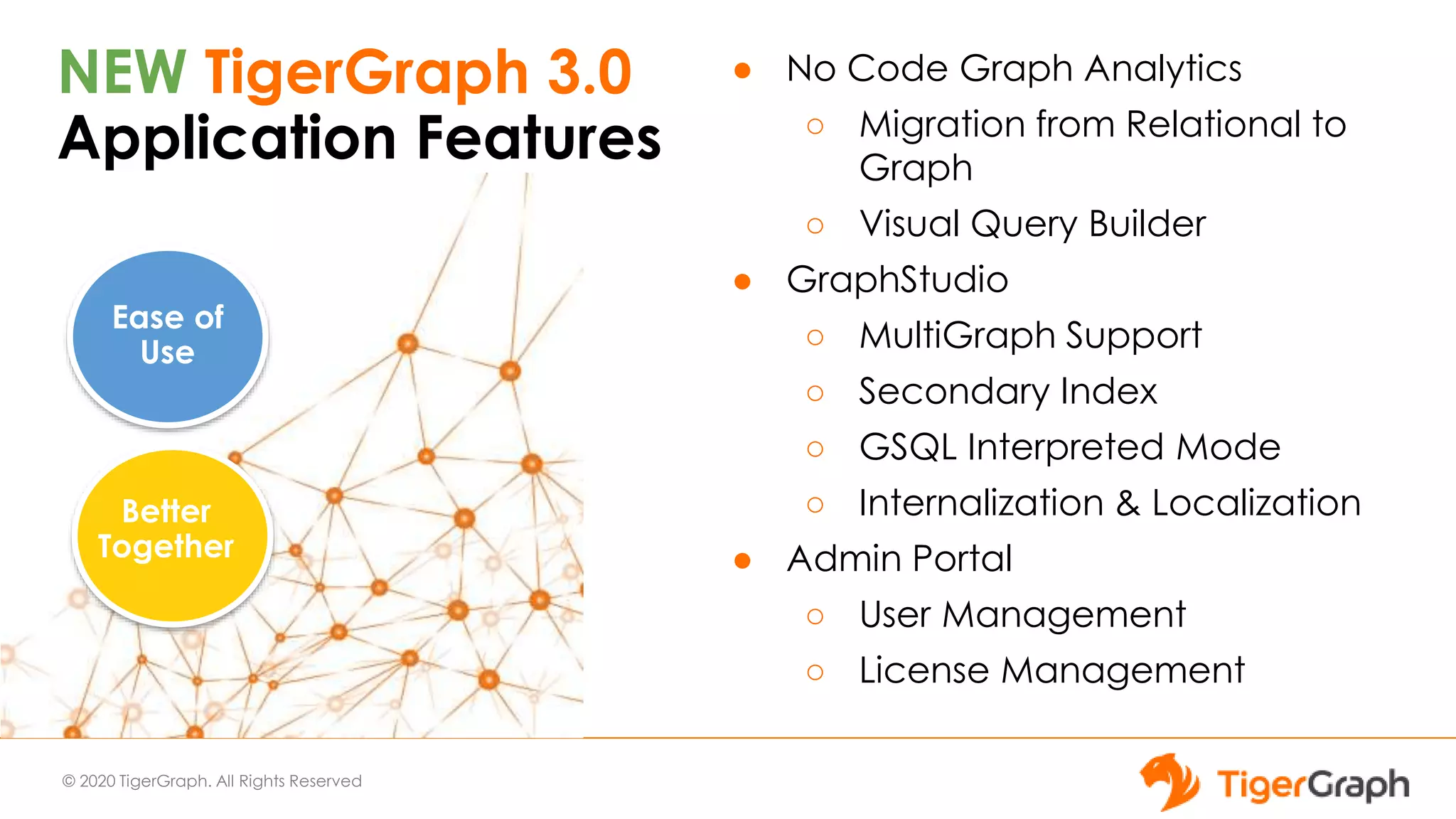
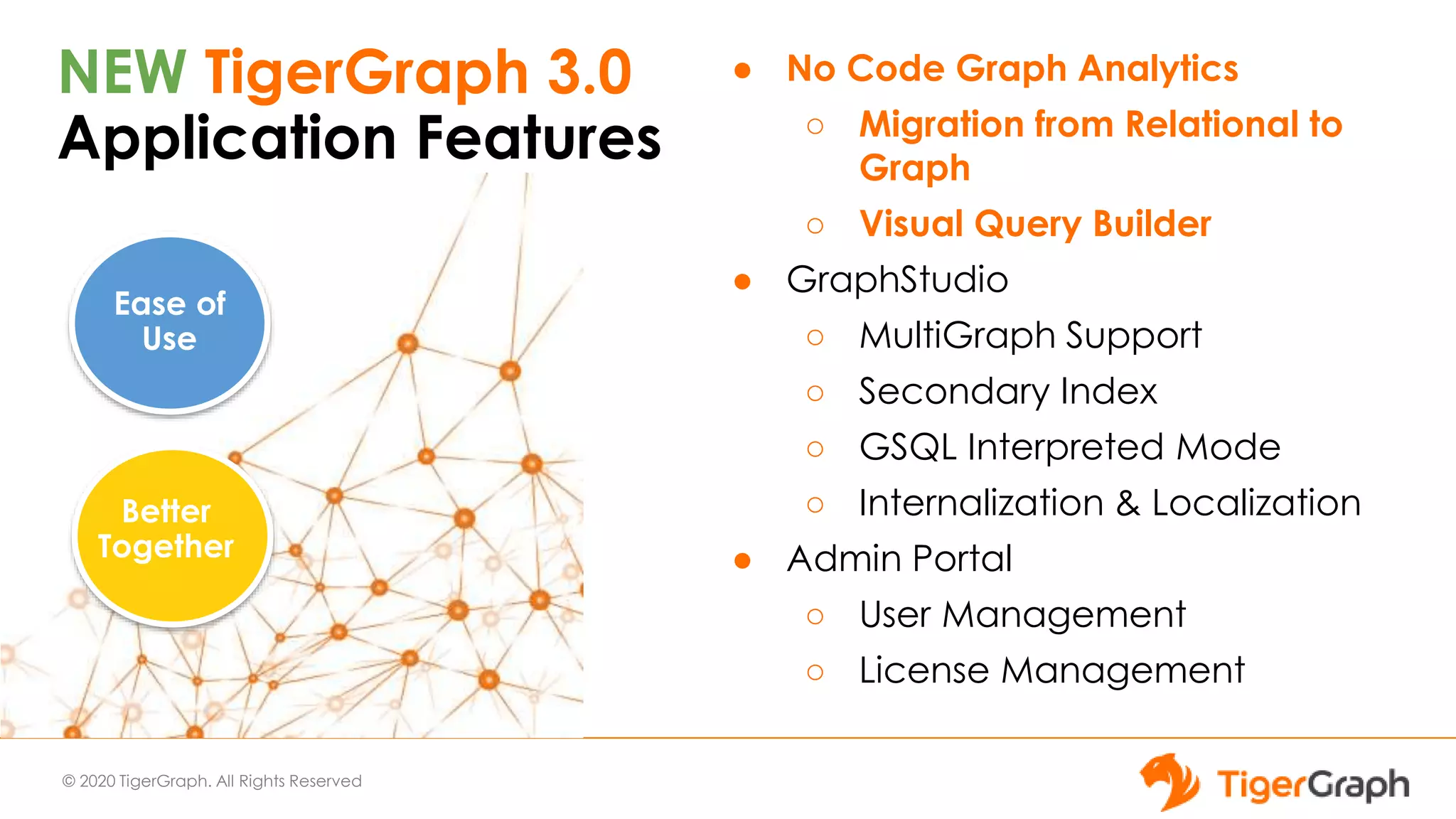
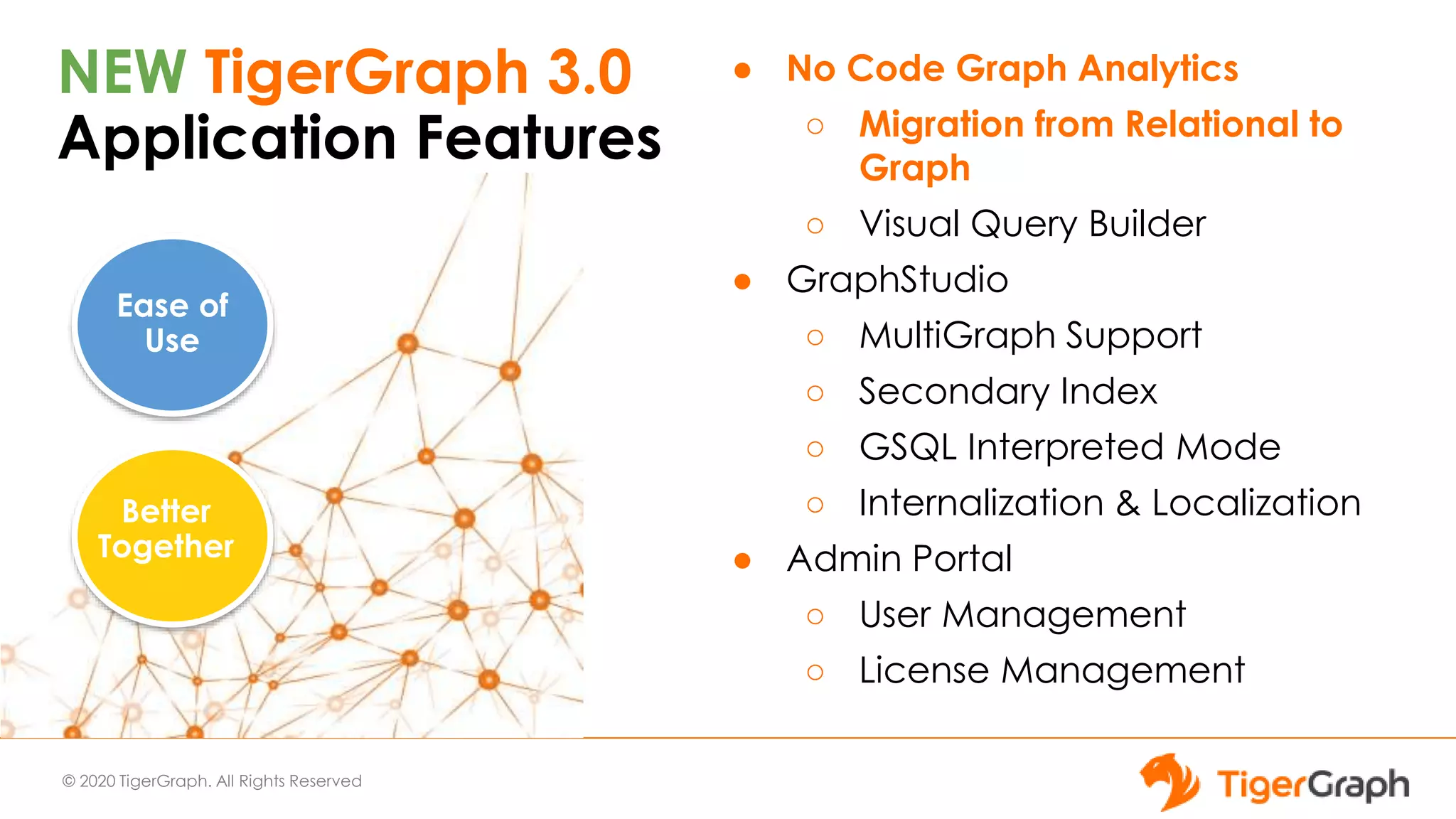
NEW TigerGraph 3.0
Application Features
● No Code Graph Analytics
○ Migration from Relational to
Graph
○ Visual Query Builder
● GraphStudio
○ MultiGraph Support
○ Secondary Index
○ GSQL Interpreted Mode
○ Internalization & Localization
● Admin Portal
○ User Management
○ License Management
Ease of
Use
Better
Together
© 2020 TigerGraph. All Rights Reserved
NEW TigerGraph 3.0
Application Features
● No Code Graph Analytics
○ Migration from Relational to
Graph
○ Visual Query Builder
● GraphStudio
○ MultiGraph Support
○ Secondary Index
○ GSQL Interpreted Mode
○ Internalization & Localization
● Admin Portal
○ User Management
○ License Management
Ease of
Use
Better
Together
© 2020 TigerGraph. All Rights Reserved
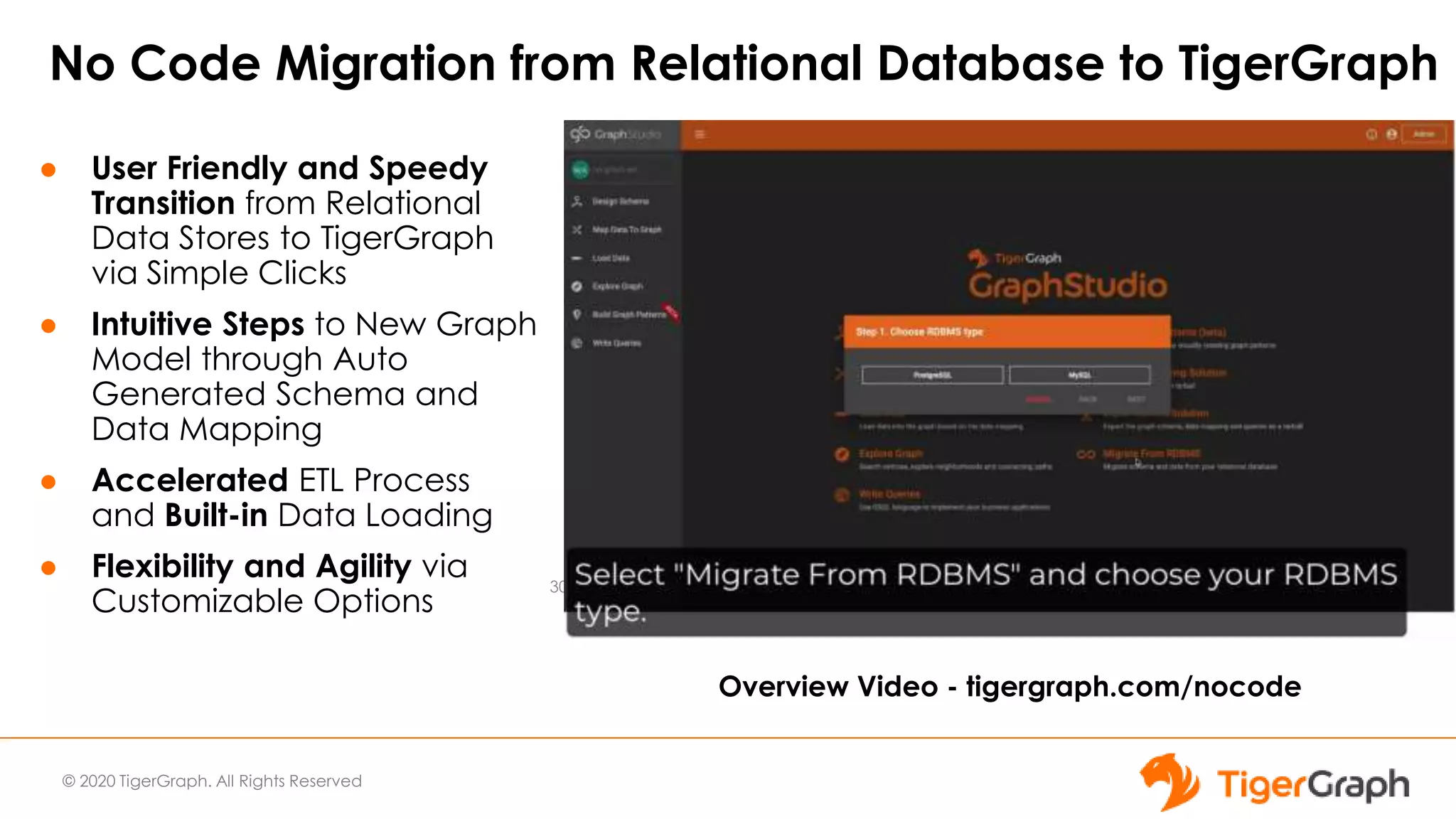
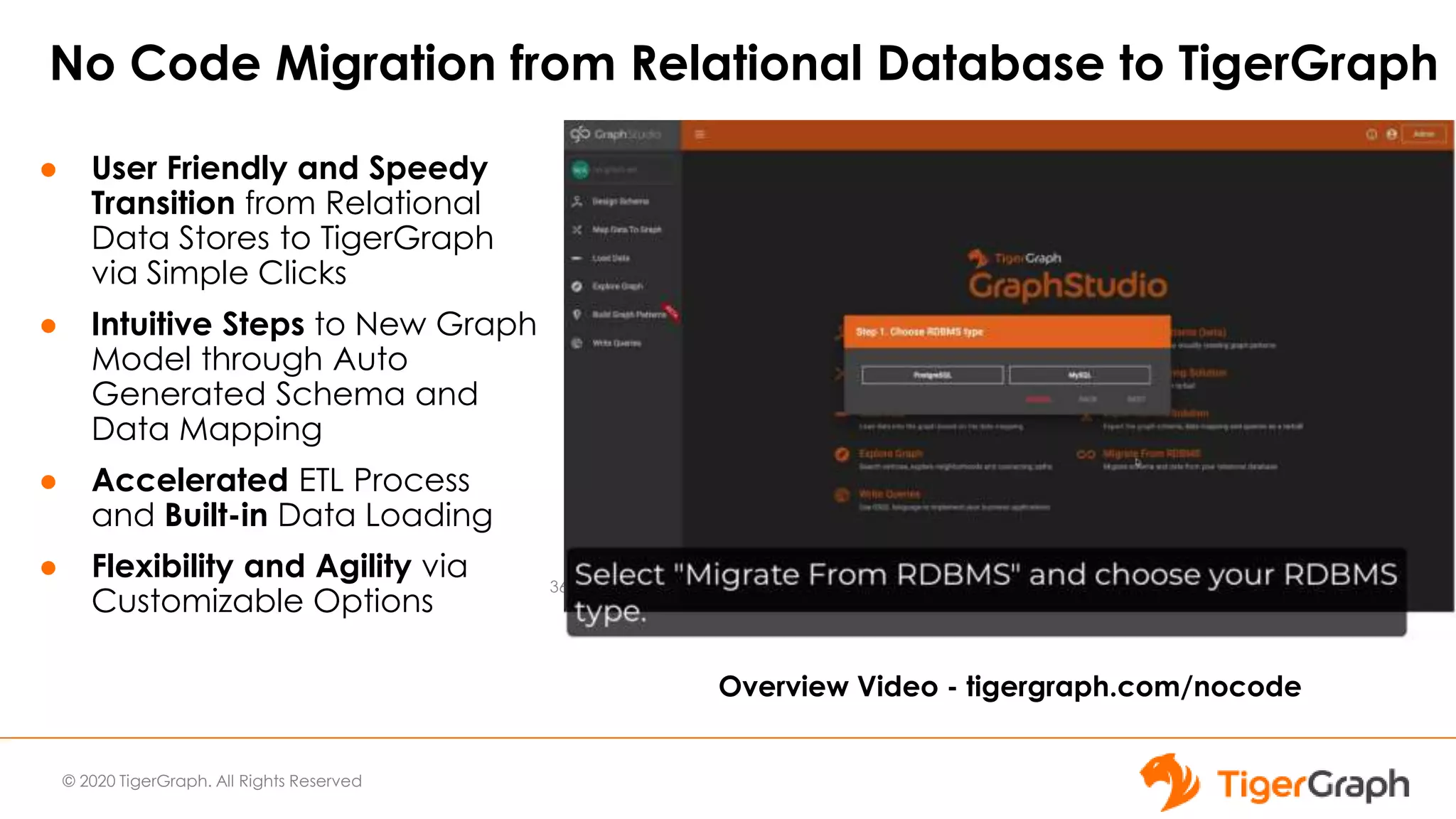
No Code Migration from Relational Database to TigerGraph
● User Friendly and Speedy
Transition from Relational
Data Stores to TigerGraph
via Simple Clicks
● Intuitive Steps to New Graph
Model through Auto
Generated Schema and
Data Mapping
● Accelerated ETL Process
and Built-in Data Loading
● Flexibility and Agility via
Customizable Options
30
Overview Video - tigergraph.com/nocode
© 2020 TigerGraph. All Rights Reserved
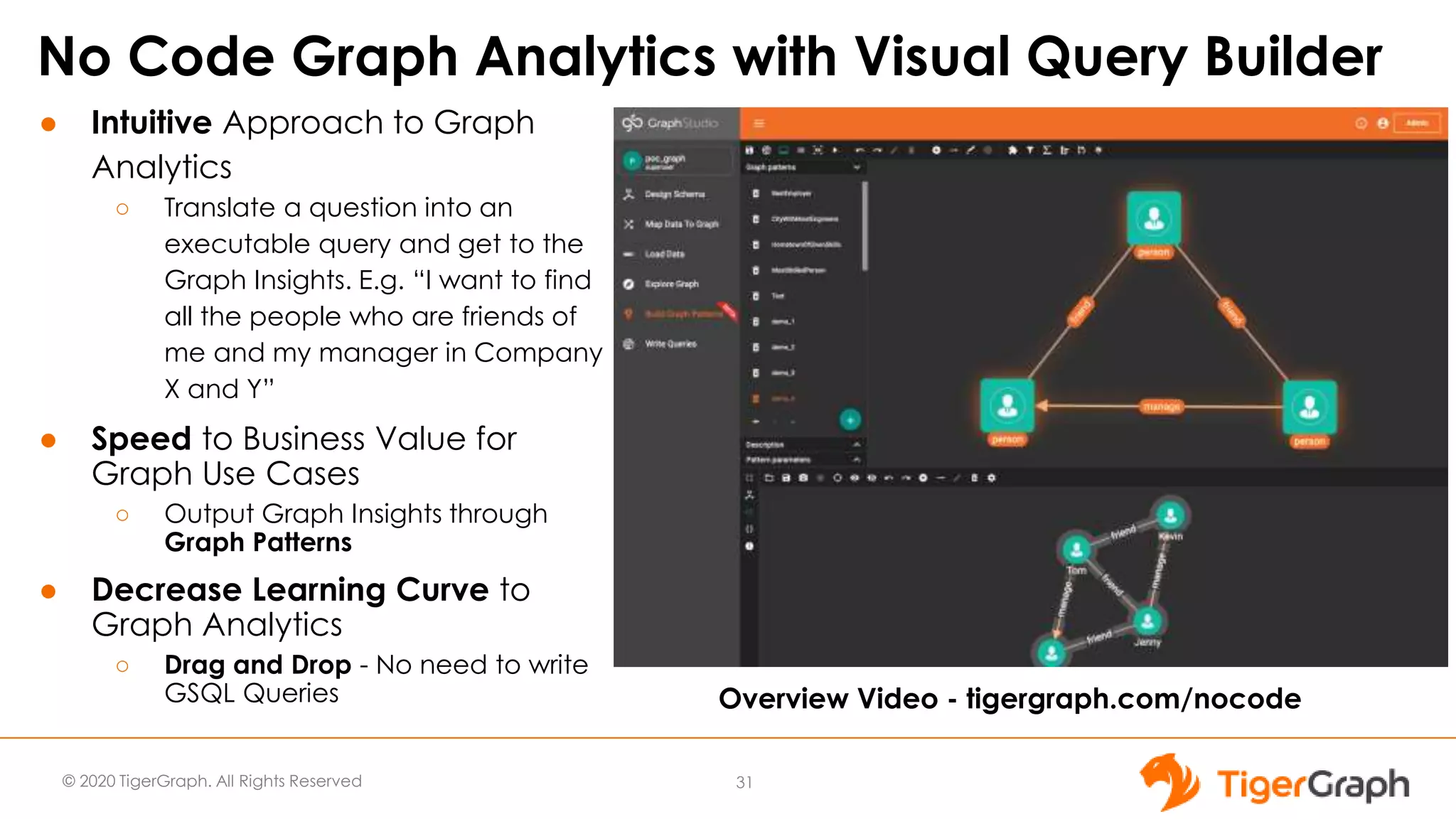
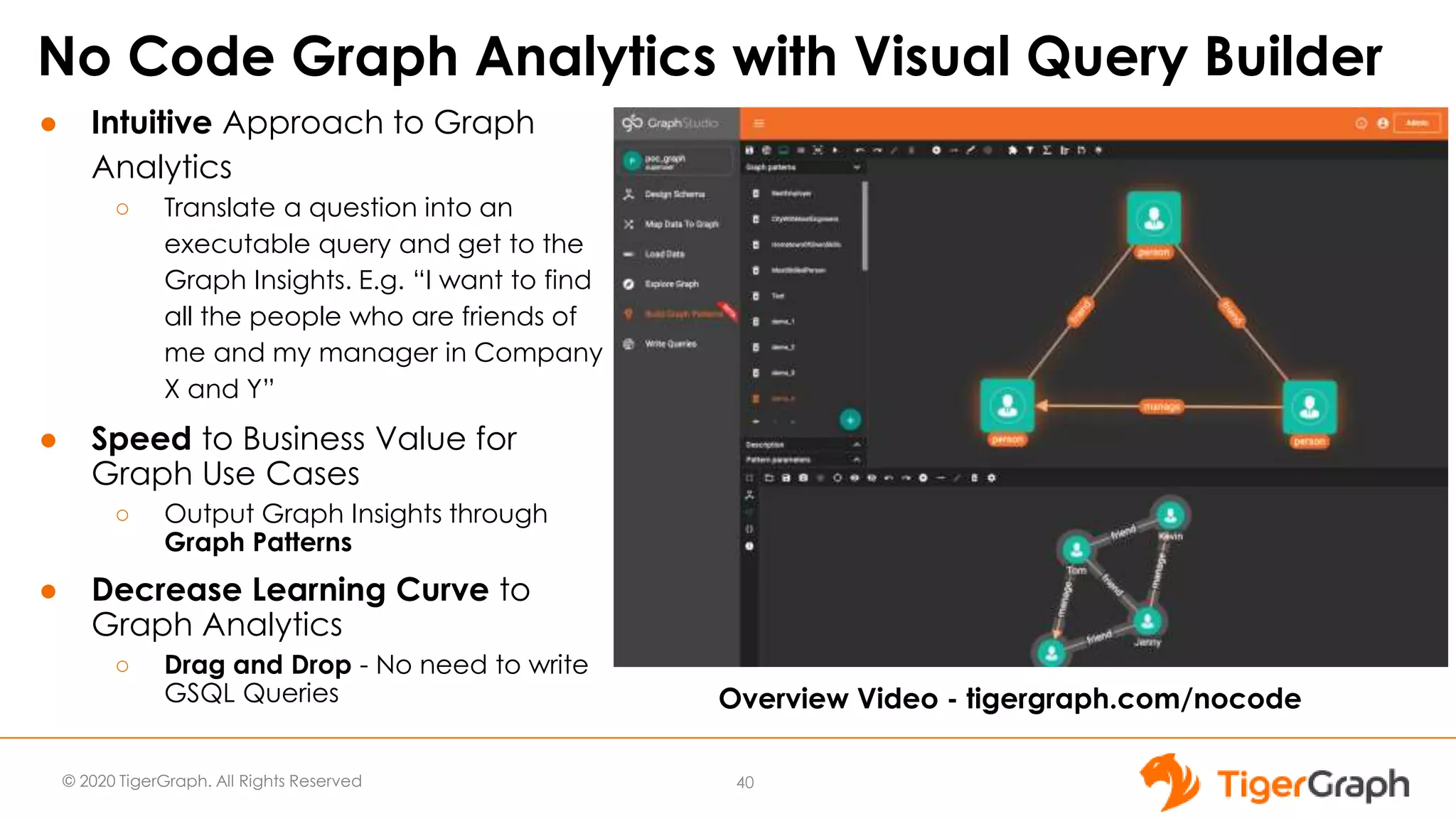
No Code Graph Analytics with Visual Query Builder
● Intuitive Approach to Graph
Analytics
○ Translate a question into an
executable query and get to the
Graph Insights. E.g. “I want to find
all the people who are friends of
me and my manager in Company
X and Y”
● Speed to Business Value for
Graph Use Cases
○ Output Graph Insights through
Graph Patterns
● Decrease Learning Curve to
Graph Analytics
○ Drag and Drop - No need to write
GSQL Queries
31
Overview Video - tigergraph.com/nocode
© 2020 TigerGraph. All Rights Reserved 32
Graph Storage Engine
(GSE)
Graph Processing Engine
(GPE)
Graph
Data
Storage
ID
Service
Parallel
Query
Processing
Message
Queuing
(Apache Kafka /
Zookeeper)
Data
Snapshots
GSQL
Queries
Visual
Design UI
RESTful
APIs
ETL Data
Loader
Input
Data
TigerGraph Architecture
Operational &
Historic Data
Master Data
DBs
Spark
Streams
Files
Business
Intelligence
Analytics
Visualization
Dashboards
Reports
Data
Warehouses
Master Data
Stores
Machine
Learning
user
queries,
graph
algorithms
GSQL
Server
Graph-
Studio
Server
RESTPP
Indexing
© 2020 TigerGraph. All Rights Reserved
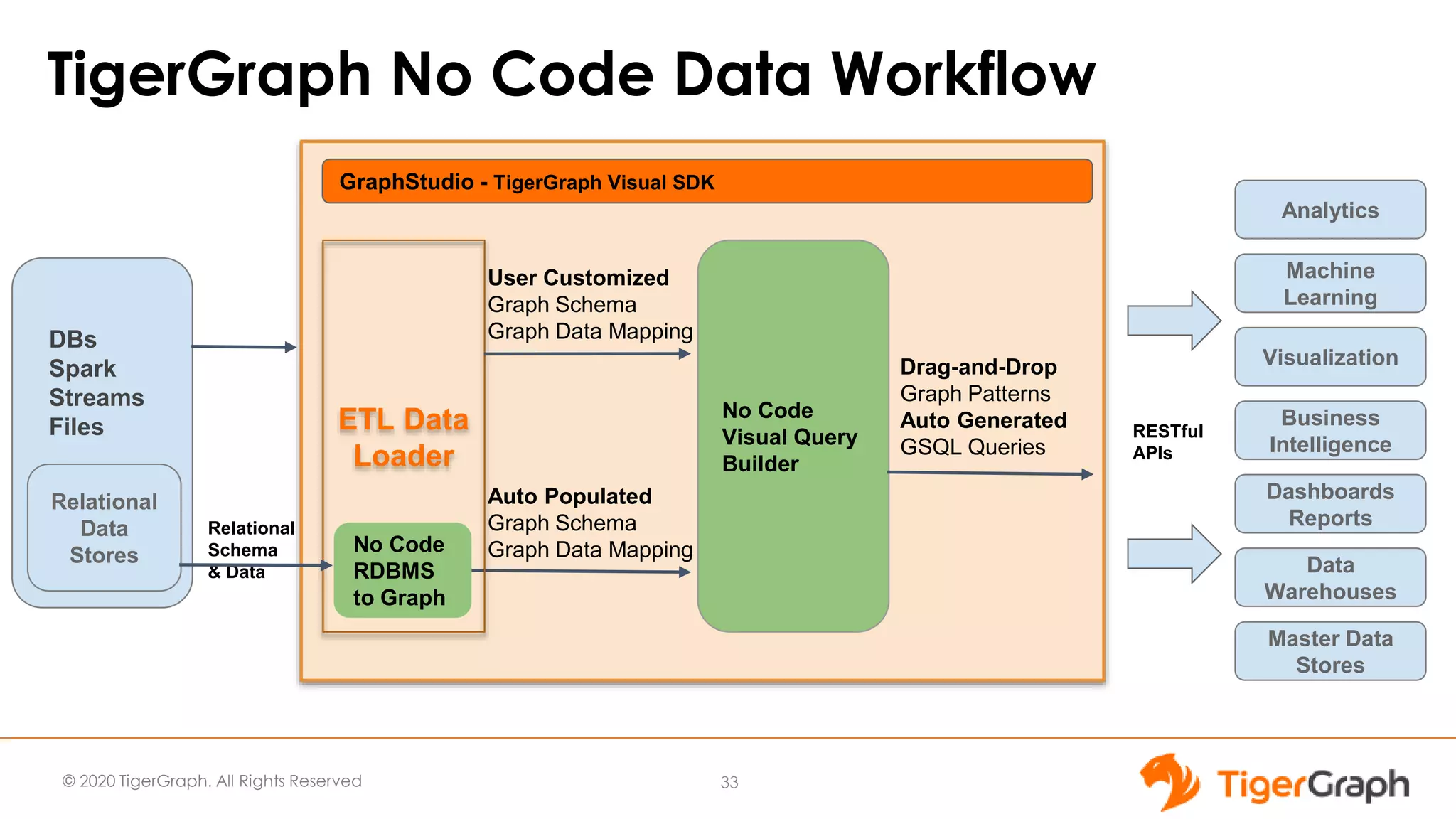
TigerGraph No Code Data Workflow
GraphStudio - TigerGraph Visual SDK
No Code
RDBMS
to Graph
Auto Populated
Graph Schema
Graph Data Mapping
33
Business
Intelligence
Analytics
Visualization
Dashboards
Reports
Data
Warehouses
Master Data
Stores
Machine
Learning
Relational
Data
Stores
No Code
Visual Query
Builder
Drag-and-Drop
Graph Patterns
Auto Generated
GSQL Queries
RESTful
APIs
Relational
Schema
& Data
DBs
Spark
Streams
Files ETL Data
Loader
User Customized
Graph Schema
Graph Data Mapping
© 2020 TigerGraph. All Rights Reserved
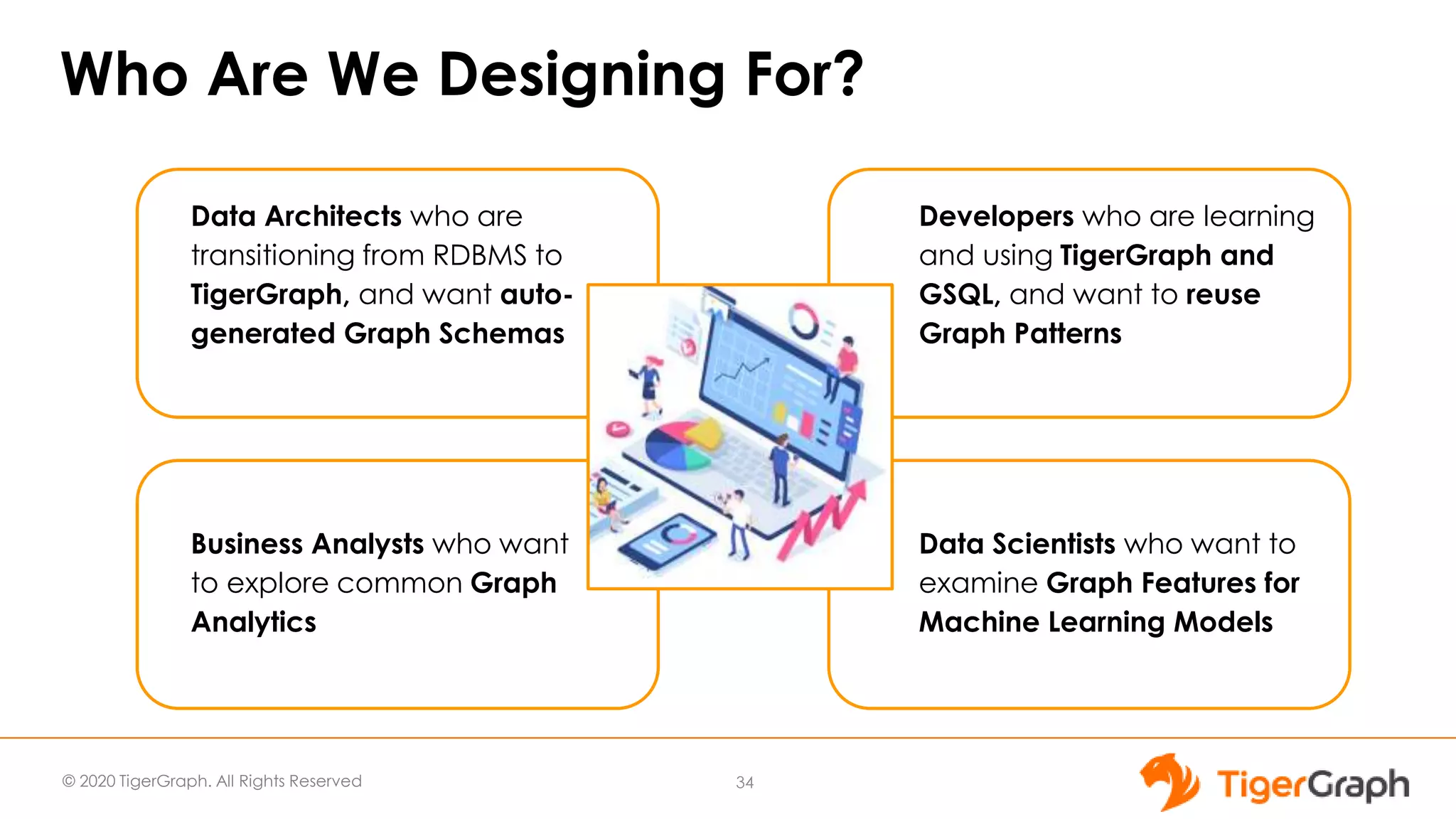
Who Are We Designing For?
Business Analysts who want
to explore common Graph
Analytics
Developers who are learning
and using TigerGraph and
GSQL, and want to reuse
Graph Patterns
Data Architects who are
transitioning from RDBMS to
TigerGraph, and want auto-
generated Graph Schemas
Data Scientists who want to
examine Graph Features for
Machine Learning Models
34
Ease of
Use
© 2020 TigerGraph. All Rights Reserved
NEW TigerGraph 3.0
Application Features
● No Code Graph Analytics
○ Migration from Relational to
Graph
○ Visual Query Builder
● GraphStudio
○ MultiGraph Support
○ Secondary Index
○ GSQL Interpreted Mode
○ Internalization & Localization
● Admin Portal
○ User Management
○ License Management
Ease of
Use
Better
Together
© 2020 TigerGraph. All Rights Reserved
No Code Migration from Relational Database to TigerGraph
● User Friendly and Speedy
Transition from Relational
Data Stores to TigerGraph
via Simple Clicks
● Intuitive Steps to New Graph
Model through Auto
Generated Schema and
Data Mapping
● Accelerated ETL Process
and Built-in Data Loading
● Flexibility and Agility via
Customizable Options
36
Overview Video - tigergraph.com/nocode
© 2020 TigerGraph. All Rights Reserved
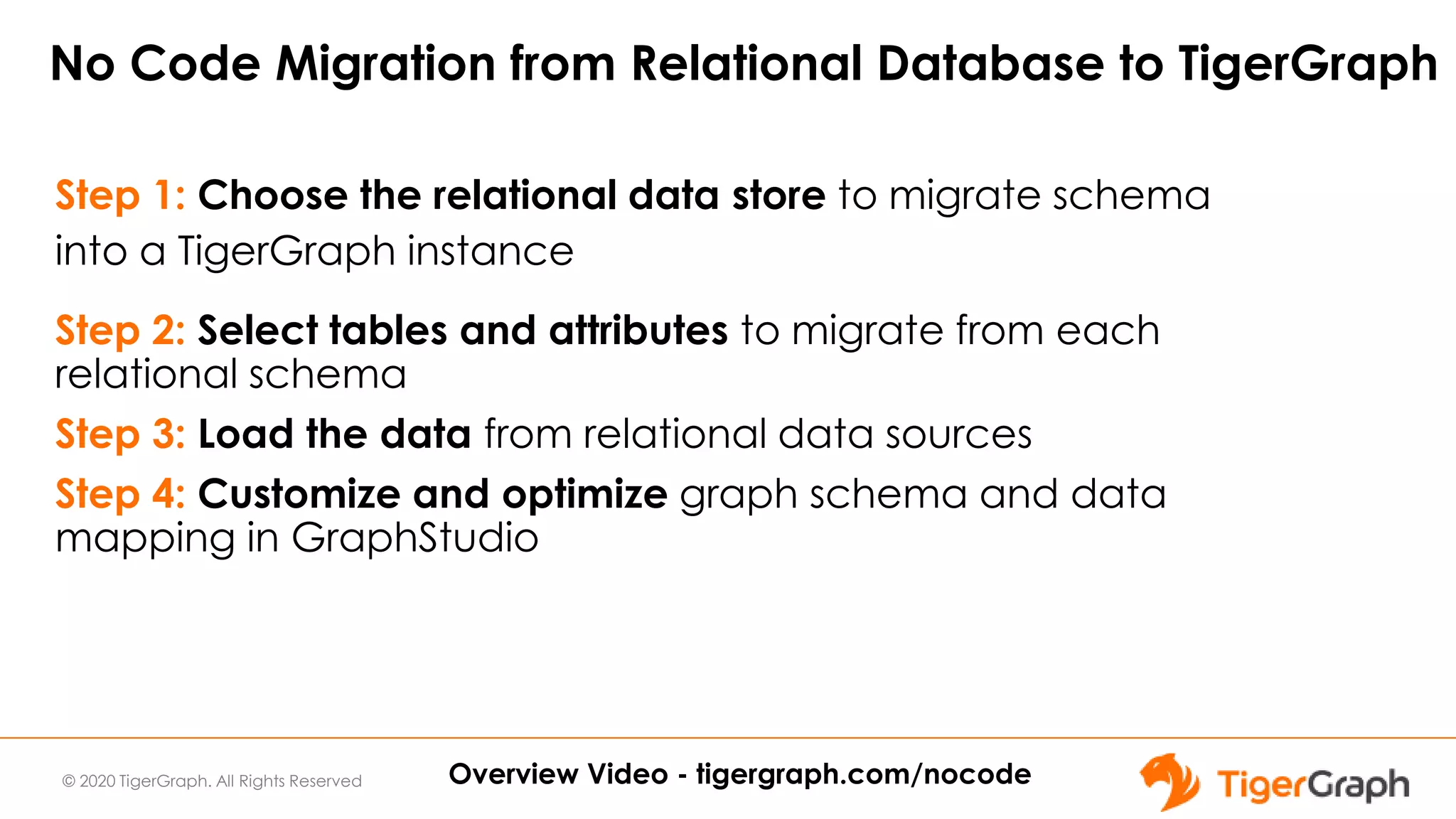
No Code Migration from Relational Database to TigerGraph
Step 1: Choose the relational data store to migrate schema
into a TigerGraph instance
Step 2: Select tables and attributes to migrate from each
relational schema
Step 3: Load the data from relational data sources
Step 4: Customize and optimize graph schema and data
mapping in GraphStudio
Overview Video - tigergraph.com/nocode
© 2020 TigerGraph. All Rights Reserved
DEMO
No Code Migration from RDBMS to Graph
38
© 2020 TigerGraph. All Rights Reserved
NEW TigerGraph 3.0
Application Features
● No Code Graph Analytics
○ Migration from Relational to
Graph
○ Visual Query Builder
● GraphStudio
○ MultiGraph Support
○ Secondary Index
○ GSQL Interpreted Mode
○ Internalization & Localization
● Admin Portal
○ User Management
○ License Management
Ease of
Use
© 2020 TigerGraph. All Rights Reserved
No Code Graph Analytics with Visual Query Builder
● Intuitive Approach to Graph
Analytics
○ Translate a question into an
executable query and get to the
Graph Insights. E.g. “I want to find
all the people who are friends of
me and my manager in Company
X and Y”
● Speed to Business Value for
Graph Use Cases
○ Output Graph Insights through
Graph Patterns
● Decrease Learning Curve to
Graph Analytics
○ Drag and Drop - No need to write
GSQL Queries
40
Overview Video - tigergraph.com/nocode
© 2020 TigerGraph. All Rights Reserved
Build Graph Patterns In Simple Steps
41
Step 1: Analyze Your Inquiry
Step 2: Identify Entities and Relationships
Step 3: Pick and Merge Vertices and Edges
Step 4: Add Filters/Aggregations/Orders/Limits/Parameters/Widgets
Step 5: Output and Verify Your Results
Overview Video - tigergraph.com/nocode
© 2020 TigerGraph. All Rights Reserved
DEMO
Visual Query Builder
42
© 2020 TigerGraph. All Rights Reserved
NEW TigerGraph 3.0
Application Features
● No Code Graph Analytics
○ Migration from Relational to
Graph
○ Visual Query Builder
● GraphStudio
○ MultiGraph Support
○ Secondary Index
○ GSQL Interpreted Mode
○ Internalization & Localization
● Admin Portal
○ User Management
○ License Management
Ease of
Use
Scale and
Performance
© 2020 TigerGraph. All Rights Reserved
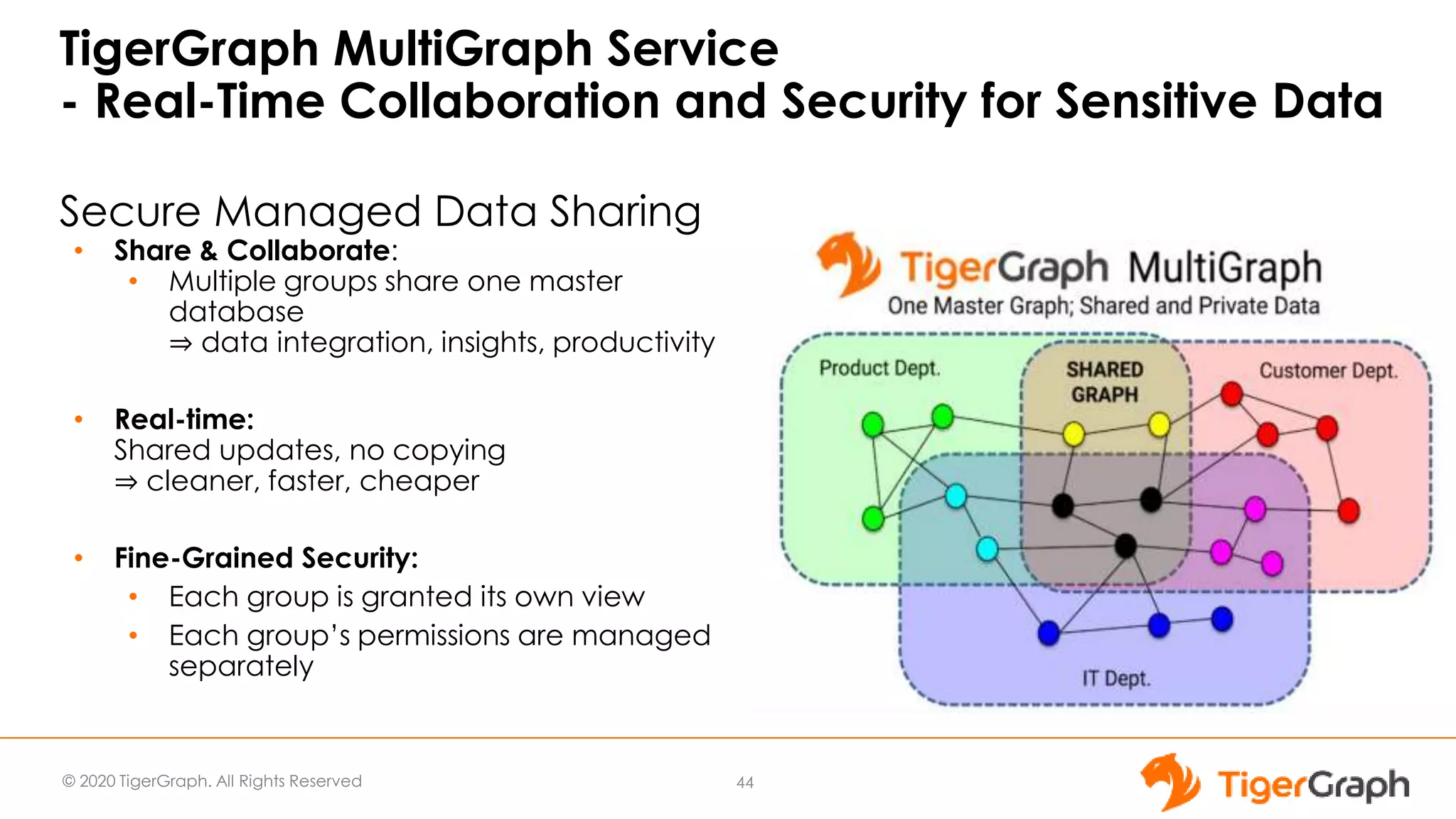
TigerGraph MultiGraph Service
- Real-Time Collaboration and Security for Sensitive Data
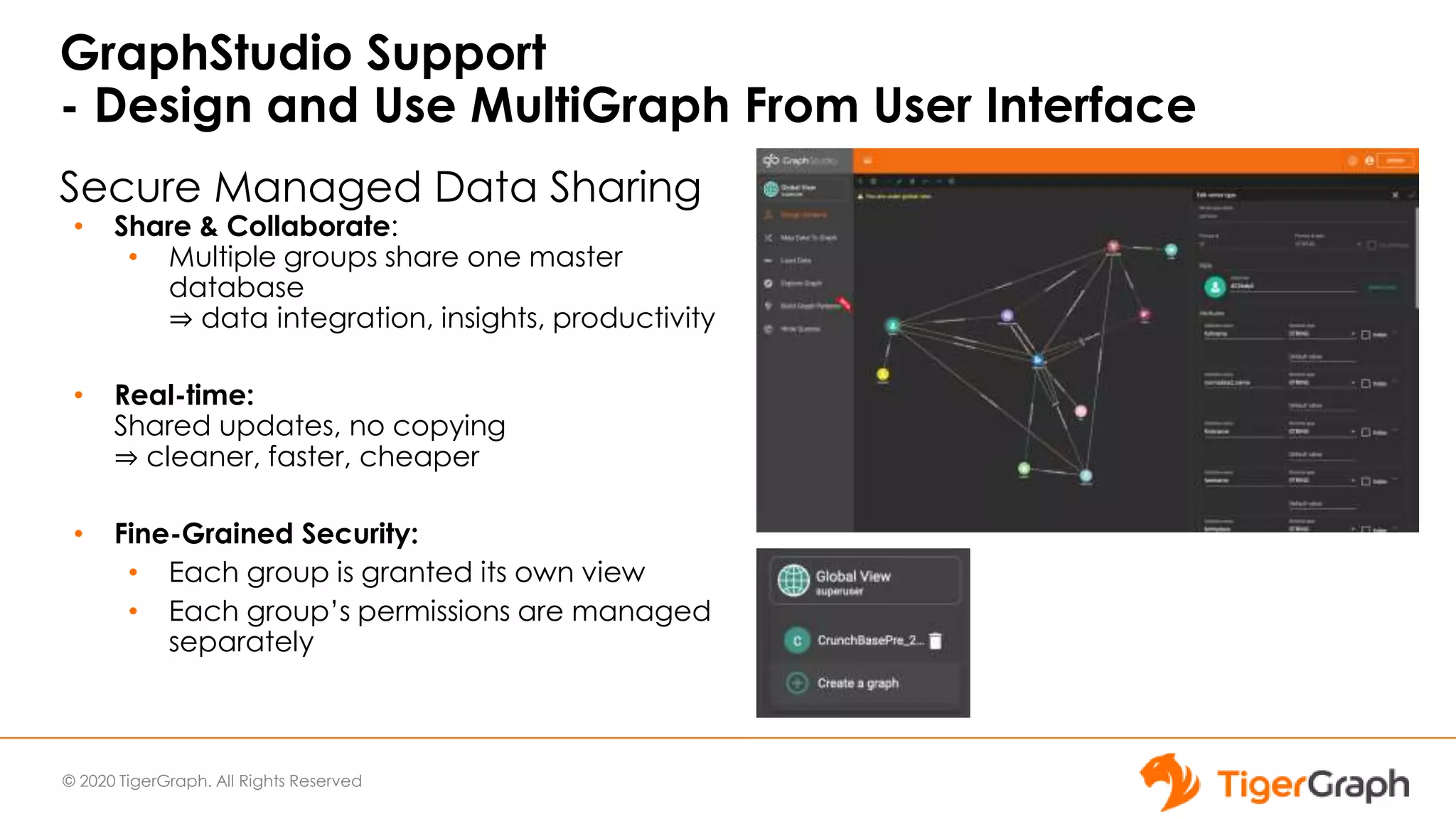
Secure Managed Data Sharing
• Share & Collaborate:
• Multiple groups share one master
database
⇒ data integration, insights, productivity
• Real-time:
Shared updates, no copying
⇒ cleaner, faster, cheaper
• Fine-Grained Security:
• Each group is granted its own view
• Each group’s permissions are managed
separately
44
© 2020 TigerGraph. All Rights Reserved
Secure Managed Data Sharing
• Share & Collaborate:
• Multiple groups share one master
database
⇒ data integration, insights, productivity
• Real-time:
Shared updates, no copying
⇒ cleaner, faster, cheaper
• Fine-Grained Security:
• Each group is granted its own view
• Each group’s permissions are managed
separately
GraphStudio Support
- Design and Use MultiGraph From User Interface
© 2020 TigerGraph. All Rights Reserved
GraphStudio
- Support for GSQL Interpreted Mode
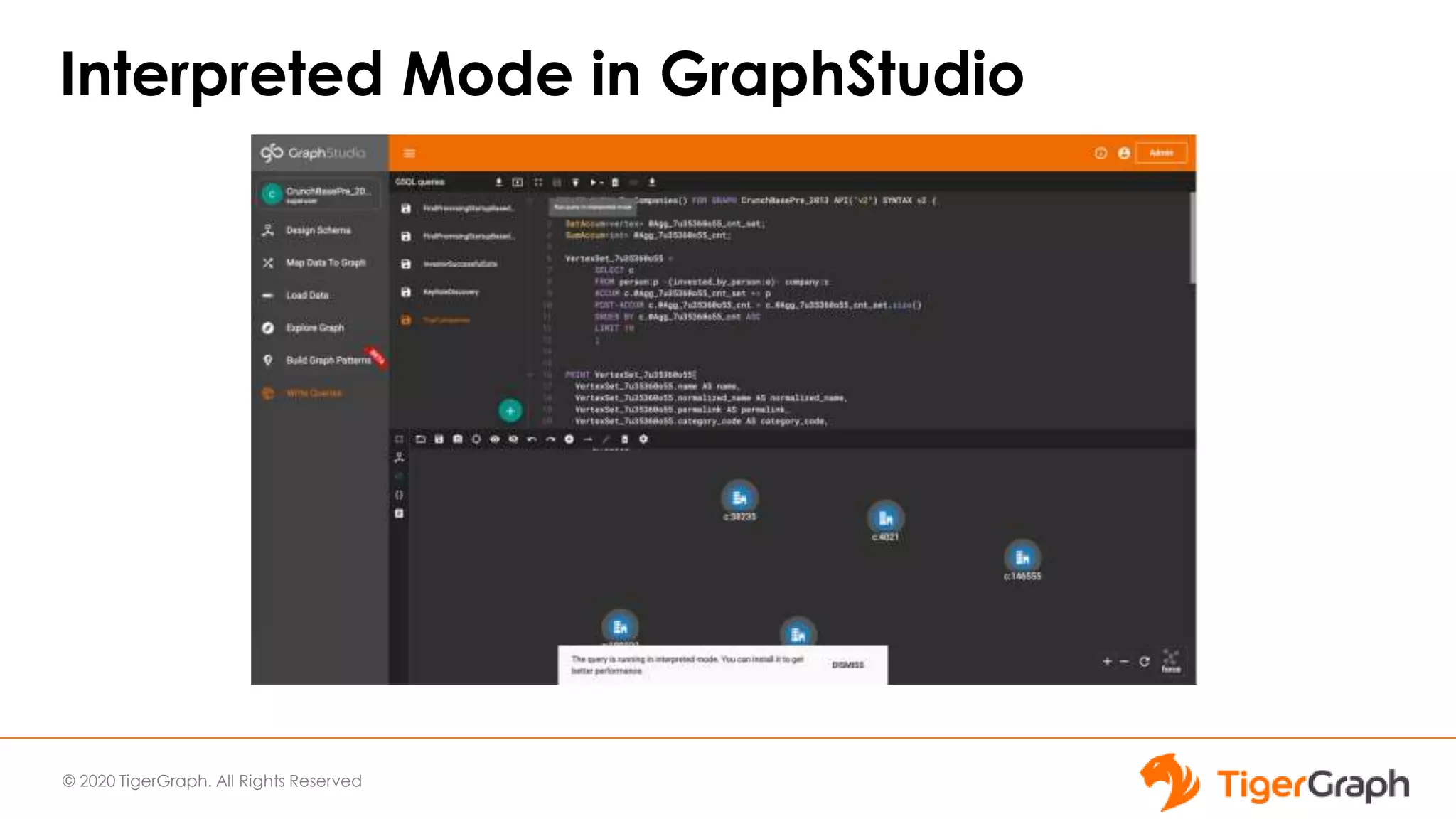
• Faster Query Iteration - Interpreted Mode Support
• Queries run in interpreted mode in Graph Studio by default unless
installed
• Caution: running queries in interpreted mode is slower than
installed mode
© 2020 TigerGraph. All Rights Reserved
Interpreted Mode in GraphStudio
© 2020 TigerGraph. All Rights Reserved
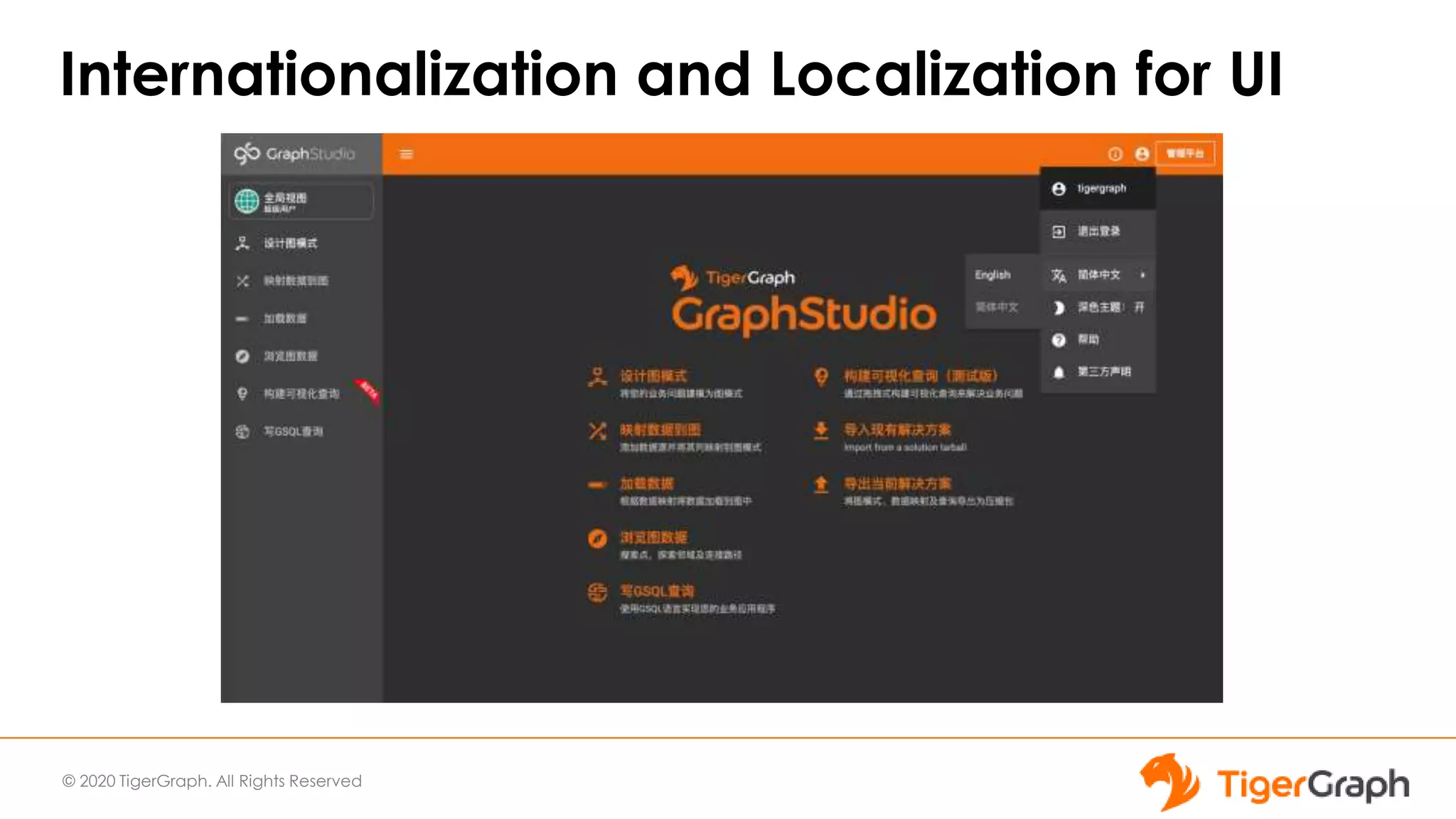
Internationalization and Localization for UI
© 2020 TigerGraph. All Rights Reserved
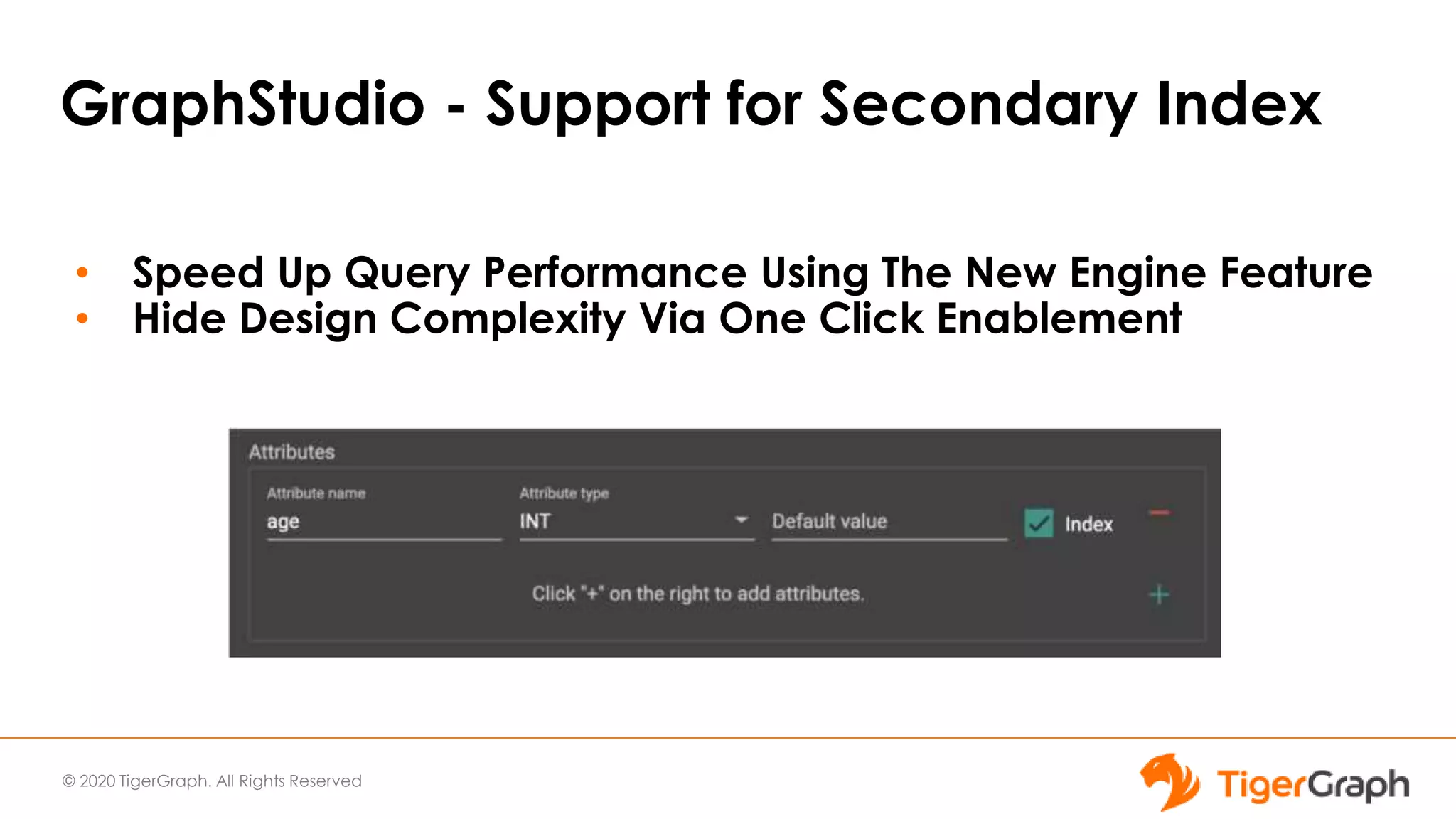
GraphStudio - Support for Secondary Index
• Speed Up Query Performance Using The New Engine Feature
• Hide Design Complexity Via One Click Enablement
© 2020 TigerGraph. All Rights Reserved
NEW TigerGraph 3.0
Application Features
● No Code Graph Analytics
○ Migration from Relational to
Graph
○ Visual Query Builder
● GraphStudio
○ MultiGraph Support
○ Secondary Index
○ GSQL Interpreted Mode
○ Internalization & Localization
● Admin Portal
○ User Management
○ License Management
Ease of
Use
© 2020 TigerGraph. All Rights Reserved
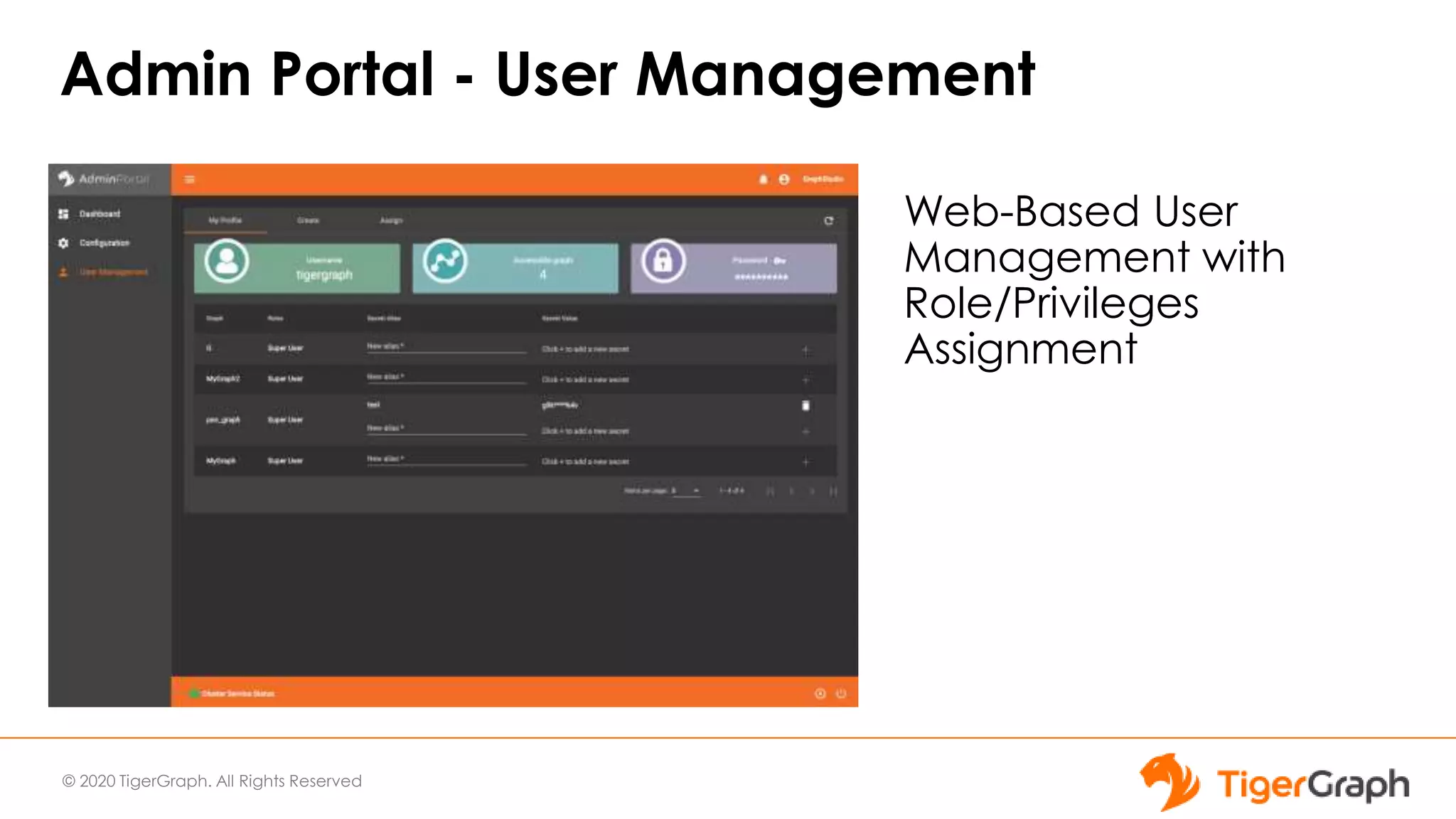
Admin Portal - User Management
Web-Based User
Management with
Role/Privileges
Assignment
© 2020 TigerGraph. All Rights Reserved
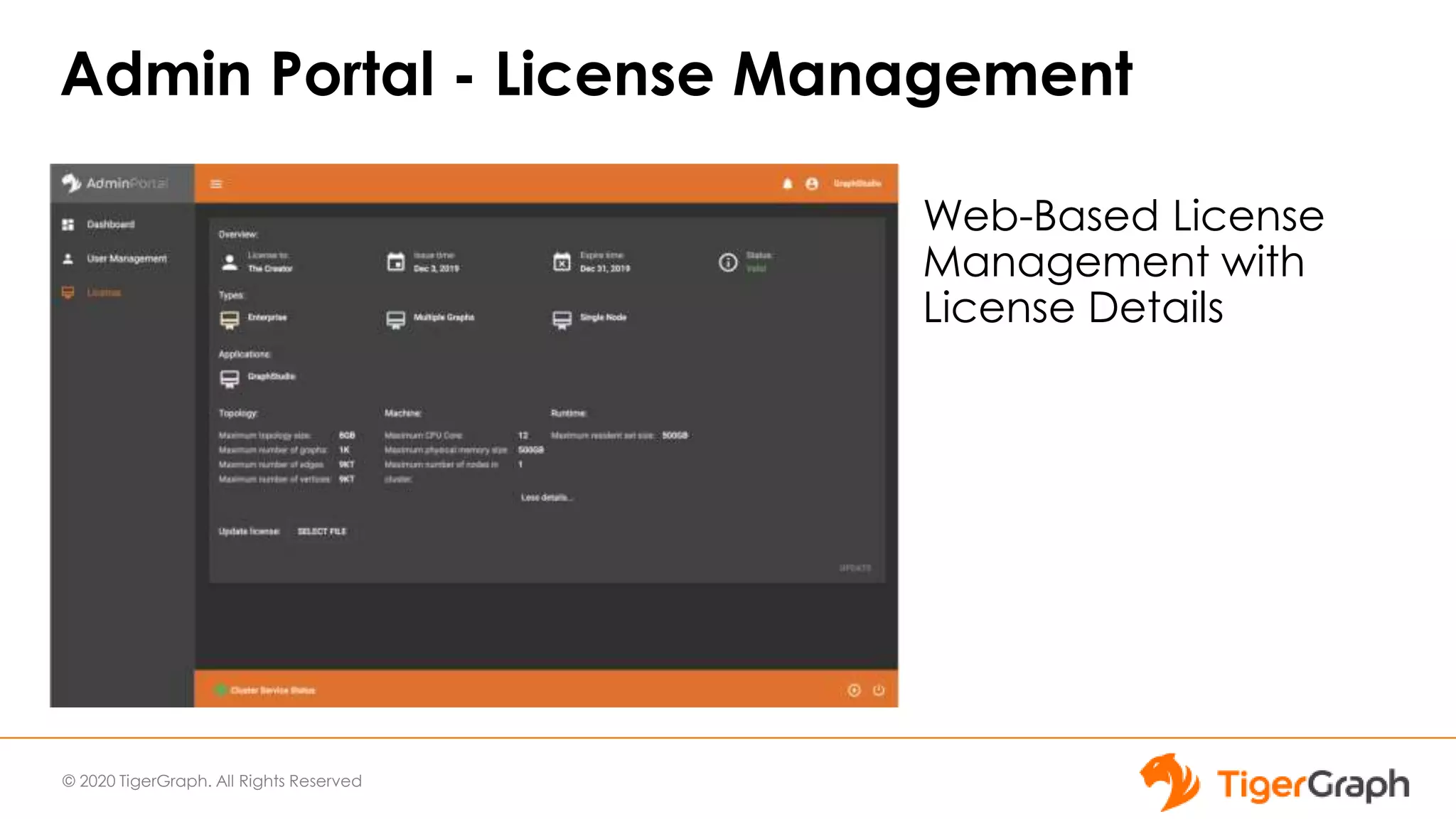
Admin Portal - License Management
Web-Based License
Management with
License Details
Summary
© 2020 TigerGraph. All Rights Reserved
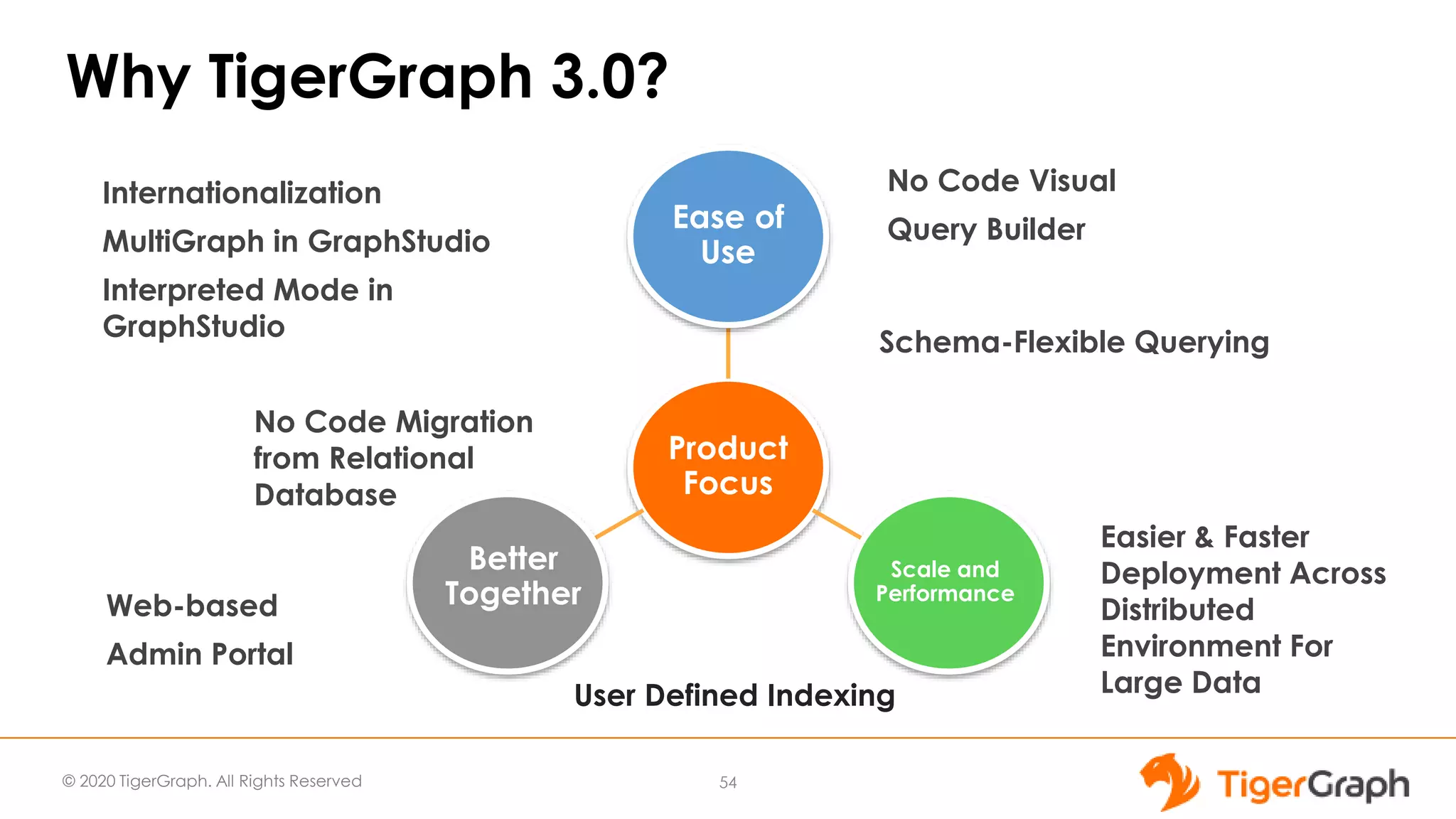
Why TigerGraph 3.0?
54
Product
Focus
Ease of
Use
Scale and
Performance
Better
Together
Easier & Faster
Deployment Across
Distributed
Environment For
Large Data
No Code Migration
from Relational
Database
Web-based
Admin Portal
Schema-Flexible Querying
User Defined Indexing
Internationalization
MultiGraph in GraphStudio
Interpreted Mode in
GraphStudio
No Code Visual
Query Builder
© 2020 TigerGraph. All Rights Reserved
TigerGraph is the only system today
that can help us make real-time care-
path recommendations using
knowledge of 50 million patients. Your
products will have worldwide impact on
making everyone’s lives better in more
ways than you can imagine.
Distinguished Engineer at a
Fortune 10 Healthcare Company
55
© 2020 TigerGraph. All Rights Reserved
Q & A
56
• Use TigerGraph Cloud for Free: tgcloud.io
• TigerGraph 3.0 Release:
tigergraph.com/nocode
© 2020 TigerGraph. All Rights Reserved
More Questions?
Start Free at TigerGraph Cloud
https://www.tigergraph.com/cloud/
Join our Developer Forum
https://community.tigergraph.com
Join our Developer Chat
https://discord.gg/F2c9b9v
Sign up for our Developer Office Hours (Thursday at 11 AM PDT)
https://info.tigergraph.com/officehours
57
© 2020 TigerGraph. All Rights Reserved
Upcoming Webinars
Combining graph analytics and Machine Learning
with the FIBO ontology to deliver an integrated
fraud-detection solution.
Thursday, May 21, at 8 am PDT
https://register.gotowebinar.com/register/7643810740309391883
Graph Gurus 36: GSQL Writing Best Practices -
Part 3 Memory Optimization
Wednesday, June 3 at 11 am PDT
https://info.tigergraph.com/graph-gurus-36
Graph Algorithms
Combined with ML
are Saving the World
58
Thank You

Graph Gurus Episode 35: No Code Graph Analytics to Get Insights from Petabytes of Data Using TigerGraph 3.0

  • 1.
    Graph Gurus 35 NoCode Graph Analytics to Get Insights from Petabytes of Data Using TigerGraph 3.0
  • 2.
    © 2020 TigerGraph.All Rights Reserved Today's Speakers 2 Emma Liu Product Manager ● BS in Engineering from Harvey Mudd College, MS in Engineering Systems from MIT ● Prior work experience at Oracle and MarkLogic ● Focus - Cloud, Containers, Enterprise Infra, Monitoring, Management, Connectors Rayees Pasha Product Manager ● MS in Computer Science from University of Memphis ● Prior Lead PM and ENG positions at Workday, Hitachi and HP ● Expertise in Database Management and Big Data Technologies
  • 3.
    © 2020 TigerGraph.All Rights Reserved Some Housekeeping Items ● Although your phone is muted we do want to answer your questions - submit your questions at any time using the Q&A tab in the menu ● The webinar is being recorded and will uploaded to our website shortly (https://www.tigergraph.com/webinars/) and the URL will be emailed you ● If you have issues with Zoom please contact the panelists via chat 3
  • 4.
    © 2020 TigerGraph.All Rights Reserved TigerGraph - Gartner Cool Vendor TigerGraph identified as one of the four vendors in Gartner Cool Vendors in Data Management report in recognition of new groundbreaking features in 3.0 release.
  • 5.
    © 2020 TigerGraph.All Rights Reserved Why Graph; Why Now? Business want to ask business logic questions of their data Blending data from multiple sources, multiple business units, and increasingly external data Larger and more varied datasets mean more variables to analyze and connections to explore and test Importance of Graph in Today’s World 5
  • 6.
    © 2020 TigerGraph.All Rights Reserved Today’s Outline 1 3 2 Introducing TigerGraph Version 3.0 TigerGraph Application Features TigerGraph Core Database Features 4 Deep Dive into No Code Features 6
  • 7.
  • 8.
    © 2020 TigerGraph.All Rights Reserved TigerGraph 3.0 Product Focus Product Focus Ease of Use Scale and Performance Better Together
  • 9.
    © 2020 TigerGraph.All Rights Reserved TigerGraph 3.0 Features By Product Area Apps •No Code tools for new Graph users Database Engine •GSQL Language Improvements Platform •Petabyte Scale Platform for unlimited scale TigerGraph 3.0
  • 10.
    © 2020 TigerGraph.All Rights Reserved TigerGraph 3.0 Feature Benefits •Easy exploration of Graph data for non-Graph users using No-Code tooling. •Ensure easy integration with downstream applications using connectors App Users Application Development •At least 10x improvement in Cluster Operations Speed •Parallel Installer for concurrent upgrades for all cluster sizes •Petabyte scale to support unlimited data growth; Operations & Administration •Enhances developer productivity by providing quick Visual tools; •Provides a scalable integration path to take solution into production environment
  • 11.
    © 2020 TigerGraph.All Rights Reserved TigerGraph 3.0 Release Feature Highlights • No Code Migration from Relational Database • Empower data scientists to access the RDBMS data stores (warehouses, marts) by providing a no-code path to convert schema & load data to TigerGraph • No Code Graph Analytics with Visual Query Builder • Empower non-technical users to produce and run graph queries simply by drawing the patterns they want, similar to visual data modeling • User-Defined Indexing • Empower all users to access non-key data attributes directly • Zero ramp-up time - Identical semantics to SQL, making it easy for DB administrators who know SQL • Easier & Faster Deployment Across Distributed Environment • Empower database administrators to scale up TigerGraph deployments with bigger datasets, in minutes 11 Limited Availability: March 2020, General Availability June 2020 No Code Required Scale and Performance
  • 12.
    © 2020 TigerGraph.All Rights Reserved TigerGraph 3.0 - Other Major Features ● GSQL/Engine Features ○ Schema-Flexible Querying ● GraphStudio Application ○ Interpreted mode querying ○ Full MultiGraph Support in Graph Studio ○ Internationalization and Localization ● System Management ○ Database Export/Import Utility ○ New Installer - 10x faster ○ UI for User and License Key management ● And many more … 12 Ease of Use Better Together
  • 13.
  • 14.
    © 2020 TigerGraph.All Rights Reserved The TigerGraph Difference 14 Feature Design Difference Benefit Real-Time Deep-Link Querying ● Native Graph, for speed and efficiency ● C++ engine, for high performance ● Uncovers hard-to-find patterns ● Operational, real-time ● HTAP: Transactions+Analytics Handling Massive Scale ● Distributed DB architecture ● Massively parallel processing ● Compressed storage reduces footprint and messaging ● Integrates all your data ● Automatic partitioning ● Complete data → Better detection In-Database Analytics ● GSQL: High-level yet Turing- complete language ● User-extensible graph algorithm library, runs in-Database ● Accumulators for OLAP ● Avoids transferring data ● Richer graph context ● Option for in-DB machine learning 5 to 10+ hops deep
  • 15.
    © 2020 TigerGraph.All Rights Reserved 15 Graph Storage Engine (GSE) Graph Processing Engine (GPE) Graph Data Storage ID Service Parallel Query Processing Message Queuing (Apache Kafka / Zookeeper) Data Snapshots GSQL Queries Visual Design UI RESTful APIs ETL Data Loader Input Data TigerGraph Architecture Operational & Historic Data Master Data DBs Spark Streams Files Business Intelligence Analytics Visualization Dashboards Reports Data Warehouses Master Data Stores Machine Learning user queries, graph algorithms GSQL Server Graph- Studio Server RESTPP Indexing
  • 16.
    © 2020 TigerGraph.All Rights Reserved TigerGraph 3.0 - User-defined Indexes Overview: • Design: Modeled after Secondary Index feature in relational databases • Functionality: Build Index on Vertex Attribute or Range to get quick access. • Syntax: ALTER VERTEX statement is used to add or remove Indexes. Indexes will be supported for all DML/IUD commands with some exceptions on supported predicates. Scale and Performance
  • 17.
    © 2020 TigerGraph.All Rights Reserved TigerGraph 3.0 - User-defined Indexes Benefits: • User-defined Indexes are performance feature. • They allow users to get the same high performance even if the Querying Pattern changes giving users flexibility. • Users can benefit from enhanced HA as User-defined indexes are distributed same as base Vertexes. Scale and Performance
  • 18.
    © 2020 TigerGraph.All Rights Reserved TigerGraph 3.0 - User-defined Indexes Performance Impact • Performance upside is dependent on the predicate selectivity. • Performance results have been tremendous with 50 to 100 times faster query performance. Index Maintenance Overhead : • Index maintenance will depend on the number of indexes. • Update Query performance and Index Storage overhead was up to 15%. Scale and Performance
  • 19.
    © 2020 TigerGraph.All Rights Reserved TigerGraph 3.0 - Schema-flexible Querying In 3.0, GSQL Query Language allows schema- independent queries • Developer puts variables for vertex, edge, attribute types • User supplies actual names at run time. Ease of Use
  • 20.
    © 2020 TigerGraph.All Rights Reserved TigerGraph 3.0 - Schema-flexible Querying Prior to 3.0, GSQL queries are statically compiled for predefined schema: Example: Pre-3.0 Version: RUN QUERY Social_path_person_knows("John_Doe"," Jane_Doe") 3.0 Version: RUN QUERY shortest_path("Person","knows","John_ Doe","Jane_Doe") Ease of Use
  • 21.
    © 2020 TigerGraph.All Rights Reserved TigerGraph 3.0 - Schema-flexible Querying Benefits: ● Improves Developer Productivity ● Supplying parameters at runtime allows for cleaner code. ● Schema-flexible Query code allows easy reuse. ● Allows easy collaboration among team members. Ease of Use
  • 22.
    © 2020 TigerGraph.All Rights Reserved TigerGraph 3.0 - Export/Import Tool • Database Export/Import Utility tool to migrate from one TigerGraph instance to another, including transferring all graphs, schema, users, and data. • Optional parameters allow users flexibility to pick contents of each Export job. • Export Syntax: EXPORT GRAPH ALL OPTIONS* TO "/path/to/a/folder" OPTIONS ::= (-S | --SCHEMA | -T | --TEMPLATE | -D | --DATA | -U | - -USERS | -P | --PASSWORD) • Import Syntax: IMPORT GRAPH ALL (-P | --PASSWORD | -ku | --keep-users)? FROM "/path/from/a/folder" Better Together
  • 23.
    © 2020 TigerGraph.All Rights Reserved TigerGraph 3.0 - Export/Import Tool Benefits: • Export/Import Utility allows users to move data out of database into downstream applications easily • It can be used for restore operations. • It allows users to test new versions easily. Better Together
  • 24.
    © 2020 TigerGraph.All Rights Reserved TigerGraph 3.0 - New Installer Key features: ● Support for multiple versions of TigerGraph on the same cluster ○ Upgrades do not overwrite existing installation ● Support for in-place migration to a new compatible version to coexist and share the same data folder. ○ Not applicable to pre-3.0 versions of TigerGraph ● Improved Installer performance installation is run in parallel on all nodes Scale and Performance
  • 25.
    © 2020 TigerGraph.All Rights Reserved TigerGraph 3.0 - New Installer Benefits: • New Installer reduces the overhead related to System Management Operations • This is handy to deal with regressions and test new functionality. • Reduces the installation time for cluster- wide upgrades Scale and Performance
  • 26.
    Ease of Use NoCode Graph Analytics For Everyone! TigerGraph 3.0 Application Features
  • 27.
    © 2020 TigerGraph.All Rights Reserved TigerGraph 3.0 Feature Benefits •Easy exploration of Graph data for non-Graph users using No-Code tooling. •Ensure easy integration with downstream applications using connectors App Users Application Development •At least 10x improvement in Cluster Operations Speed •Parallel Installer for concurrent upgrades for all cluster sizes •Petabyte scale to support unlimited data growth; Operations & Administration •Enhances developer productivity by providing quick Visual tools; •Provides a scalable integration path to take solution into production environment
  • 28.
    © 2020 TigerGraph.All Rights Reserved NEW TigerGraph 3.0 Application Features ● No Code Graph Analytics ○ Migration from Relational to Graph ○ Visual Query Builder ● GraphStudio ○ MultiGraph Support ○ Secondary Index ○ GSQL Interpreted Mode ○ Internalization & Localization ● Admin Portal ○ User Management ○ License Management Ease of Use Better Together
  • 29.
    © 2020 TigerGraph.All Rights Reserved NEW TigerGraph 3.0 Application Features ● No Code Graph Analytics ○ Migration from Relational to Graph ○ Visual Query Builder ● GraphStudio ○ MultiGraph Support ○ Secondary Index ○ GSQL Interpreted Mode ○ Internalization & Localization ● Admin Portal ○ User Management ○ License Management Ease of Use Better Together
  • 30.
    © 2020 TigerGraph.All Rights Reserved No Code Migration from Relational Database to TigerGraph ● User Friendly and Speedy Transition from Relational Data Stores to TigerGraph via Simple Clicks ● Intuitive Steps to New Graph Model through Auto Generated Schema and Data Mapping ● Accelerated ETL Process and Built-in Data Loading ● Flexibility and Agility via Customizable Options 30 Overview Video - tigergraph.com/nocode
  • 31.
    © 2020 TigerGraph.All Rights Reserved No Code Graph Analytics with Visual Query Builder ● Intuitive Approach to Graph Analytics ○ Translate a question into an executable query and get to the Graph Insights. E.g. “I want to find all the people who are friends of me and my manager in Company X and Y” ● Speed to Business Value for Graph Use Cases ○ Output Graph Insights through Graph Patterns ● Decrease Learning Curve to Graph Analytics ○ Drag and Drop - No need to write GSQL Queries 31 Overview Video - tigergraph.com/nocode
  • 32.
    © 2020 TigerGraph.All Rights Reserved 32 Graph Storage Engine (GSE) Graph Processing Engine (GPE) Graph Data Storage ID Service Parallel Query Processing Message Queuing (Apache Kafka / Zookeeper) Data Snapshots GSQL Queries Visual Design UI RESTful APIs ETL Data Loader Input Data TigerGraph Architecture Operational & Historic Data Master Data DBs Spark Streams Files Business Intelligence Analytics Visualization Dashboards Reports Data Warehouses Master Data Stores Machine Learning user queries, graph algorithms GSQL Server Graph- Studio Server RESTPP Indexing
  • 33.
    © 2020 TigerGraph.All Rights Reserved TigerGraph No Code Data Workflow GraphStudio - TigerGraph Visual SDK No Code RDBMS to Graph Auto Populated Graph Schema Graph Data Mapping 33 Business Intelligence Analytics Visualization Dashboards Reports Data Warehouses Master Data Stores Machine Learning Relational Data Stores No Code Visual Query Builder Drag-and-Drop Graph Patterns Auto Generated GSQL Queries RESTful APIs Relational Schema & Data DBs Spark Streams Files ETL Data Loader User Customized Graph Schema Graph Data Mapping
  • 34.
    © 2020 TigerGraph.All Rights Reserved Who Are We Designing For? Business Analysts who want to explore common Graph Analytics Developers who are learning and using TigerGraph and GSQL, and want to reuse Graph Patterns Data Architects who are transitioning from RDBMS to TigerGraph, and want auto- generated Graph Schemas Data Scientists who want to examine Graph Features for Machine Learning Models 34 Ease of Use
  • 35.
    © 2020 TigerGraph.All Rights Reserved NEW TigerGraph 3.0 Application Features ● No Code Graph Analytics ○ Migration from Relational to Graph ○ Visual Query Builder ● GraphStudio ○ MultiGraph Support ○ Secondary Index ○ GSQL Interpreted Mode ○ Internalization & Localization ● Admin Portal ○ User Management ○ License Management Ease of Use Better Together
  • 36.
    © 2020 TigerGraph.All Rights Reserved No Code Migration from Relational Database to TigerGraph ● User Friendly and Speedy Transition from Relational Data Stores to TigerGraph via Simple Clicks ● Intuitive Steps to New Graph Model through Auto Generated Schema and Data Mapping ● Accelerated ETL Process and Built-in Data Loading ● Flexibility and Agility via Customizable Options 36 Overview Video - tigergraph.com/nocode
  • 37.
    © 2020 TigerGraph.All Rights Reserved No Code Migration from Relational Database to TigerGraph Step 1: Choose the relational data store to migrate schema into a TigerGraph instance Step 2: Select tables and attributes to migrate from each relational schema Step 3: Load the data from relational data sources Step 4: Customize and optimize graph schema and data mapping in GraphStudio Overview Video - tigergraph.com/nocode
  • 38.
    © 2020 TigerGraph.All Rights Reserved DEMO No Code Migration from RDBMS to Graph 38
  • 39.
    © 2020 TigerGraph.All Rights Reserved NEW TigerGraph 3.0 Application Features ● No Code Graph Analytics ○ Migration from Relational to Graph ○ Visual Query Builder ● GraphStudio ○ MultiGraph Support ○ Secondary Index ○ GSQL Interpreted Mode ○ Internalization & Localization ● Admin Portal ○ User Management ○ License Management Ease of Use
  • 40.
    © 2020 TigerGraph.All Rights Reserved No Code Graph Analytics with Visual Query Builder ● Intuitive Approach to Graph Analytics ○ Translate a question into an executable query and get to the Graph Insights. E.g. “I want to find all the people who are friends of me and my manager in Company X and Y” ● Speed to Business Value for Graph Use Cases ○ Output Graph Insights through Graph Patterns ● Decrease Learning Curve to Graph Analytics ○ Drag and Drop - No need to write GSQL Queries 40 Overview Video - tigergraph.com/nocode
  • 41.
    © 2020 TigerGraph.All Rights Reserved Build Graph Patterns In Simple Steps 41 Step 1: Analyze Your Inquiry Step 2: Identify Entities and Relationships Step 3: Pick and Merge Vertices and Edges Step 4: Add Filters/Aggregations/Orders/Limits/Parameters/Widgets Step 5: Output and Verify Your Results Overview Video - tigergraph.com/nocode
  • 42.
    © 2020 TigerGraph.All Rights Reserved DEMO Visual Query Builder 42
  • 43.
    © 2020 TigerGraph.All Rights Reserved NEW TigerGraph 3.0 Application Features ● No Code Graph Analytics ○ Migration from Relational to Graph ○ Visual Query Builder ● GraphStudio ○ MultiGraph Support ○ Secondary Index ○ GSQL Interpreted Mode ○ Internalization & Localization ● Admin Portal ○ User Management ○ License Management Ease of Use Scale and Performance
  • 44.
    © 2020 TigerGraph.All Rights Reserved TigerGraph MultiGraph Service - Real-Time Collaboration and Security for Sensitive Data Secure Managed Data Sharing • Share & Collaborate: • Multiple groups share one master database ⇒ data integration, insights, productivity • Real-time: Shared updates, no copying ⇒ cleaner, faster, cheaper • Fine-Grained Security: • Each group is granted its own view • Each group’s permissions are managed separately 44
  • 45.
    © 2020 TigerGraph.All Rights Reserved Secure Managed Data Sharing • Share & Collaborate: • Multiple groups share one master database ⇒ data integration, insights, productivity • Real-time: Shared updates, no copying ⇒ cleaner, faster, cheaper • Fine-Grained Security: • Each group is granted its own view • Each group’s permissions are managed separately GraphStudio Support - Design and Use MultiGraph From User Interface
  • 46.
    © 2020 TigerGraph.All Rights Reserved GraphStudio - Support for GSQL Interpreted Mode • Faster Query Iteration - Interpreted Mode Support • Queries run in interpreted mode in Graph Studio by default unless installed • Caution: running queries in interpreted mode is slower than installed mode
  • 47.
    © 2020 TigerGraph.All Rights Reserved Interpreted Mode in GraphStudio
  • 48.
    © 2020 TigerGraph.All Rights Reserved Internationalization and Localization for UI
  • 49.
    © 2020 TigerGraph.All Rights Reserved GraphStudio - Support for Secondary Index • Speed Up Query Performance Using The New Engine Feature • Hide Design Complexity Via One Click Enablement
  • 50.
    © 2020 TigerGraph.All Rights Reserved NEW TigerGraph 3.0 Application Features ● No Code Graph Analytics ○ Migration from Relational to Graph ○ Visual Query Builder ● GraphStudio ○ MultiGraph Support ○ Secondary Index ○ GSQL Interpreted Mode ○ Internalization & Localization ● Admin Portal ○ User Management ○ License Management Ease of Use
  • 51.
    © 2020 TigerGraph.All Rights Reserved Admin Portal - User Management Web-Based User Management with Role/Privileges Assignment
  • 52.
    © 2020 TigerGraph.All Rights Reserved Admin Portal - License Management Web-Based License Management with License Details
  • 53.
  • 54.
    © 2020 TigerGraph.All Rights Reserved Why TigerGraph 3.0? 54 Product Focus Ease of Use Scale and Performance Better Together Easier & Faster Deployment Across Distributed Environment For Large Data No Code Migration from Relational Database Web-based Admin Portal Schema-Flexible Querying User Defined Indexing Internationalization MultiGraph in GraphStudio Interpreted Mode in GraphStudio No Code Visual Query Builder
  • 55.
    © 2020 TigerGraph.All Rights Reserved TigerGraph is the only system today that can help us make real-time care- path recommendations using knowledge of 50 million patients. Your products will have worldwide impact on making everyone’s lives better in more ways than you can imagine. Distinguished Engineer at a Fortune 10 Healthcare Company 55
  • 56.
    © 2020 TigerGraph.All Rights Reserved Q & A 56 • Use TigerGraph Cloud for Free: tgcloud.io • TigerGraph 3.0 Release: tigergraph.com/nocode
  • 57.
    © 2020 TigerGraph.All Rights Reserved More Questions? Start Free at TigerGraph Cloud https://www.tigergraph.com/cloud/ Join our Developer Forum https://community.tigergraph.com Join our Developer Chat https://discord.gg/F2c9b9v Sign up for our Developer Office Hours (Thursday at 11 AM PDT) https://info.tigergraph.com/officehours 57
  • 58.
    © 2020 TigerGraph.All Rights Reserved Upcoming Webinars Combining graph analytics and Machine Learning with the FIBO ontology to deliver an integrated fraud-detection solution. Thursday, May 21, at 8 am PDT https://register.gotowebinar.com/register/7643810740309391883 Graph Gurus 36: GSQL Writing Best Practices - Part 3 Memory Optimization Wednesday, June 3 at 11 am PDT https://info.tigergraph.com/graph-gurus-36 Graph Algorithms Combined with ML are Saving the World 58
  • 59.