GOOGLE CALENDAR by: Gyamfi Amos
Contents Introduction Interface License Features Compatibility  Reliability and Consistency Security and Authentication Criticisms
Introduction time-management application managing appointments and resources became available in April, 2006 requires Google Account Similarities
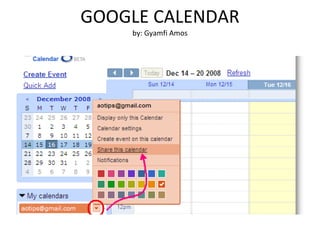
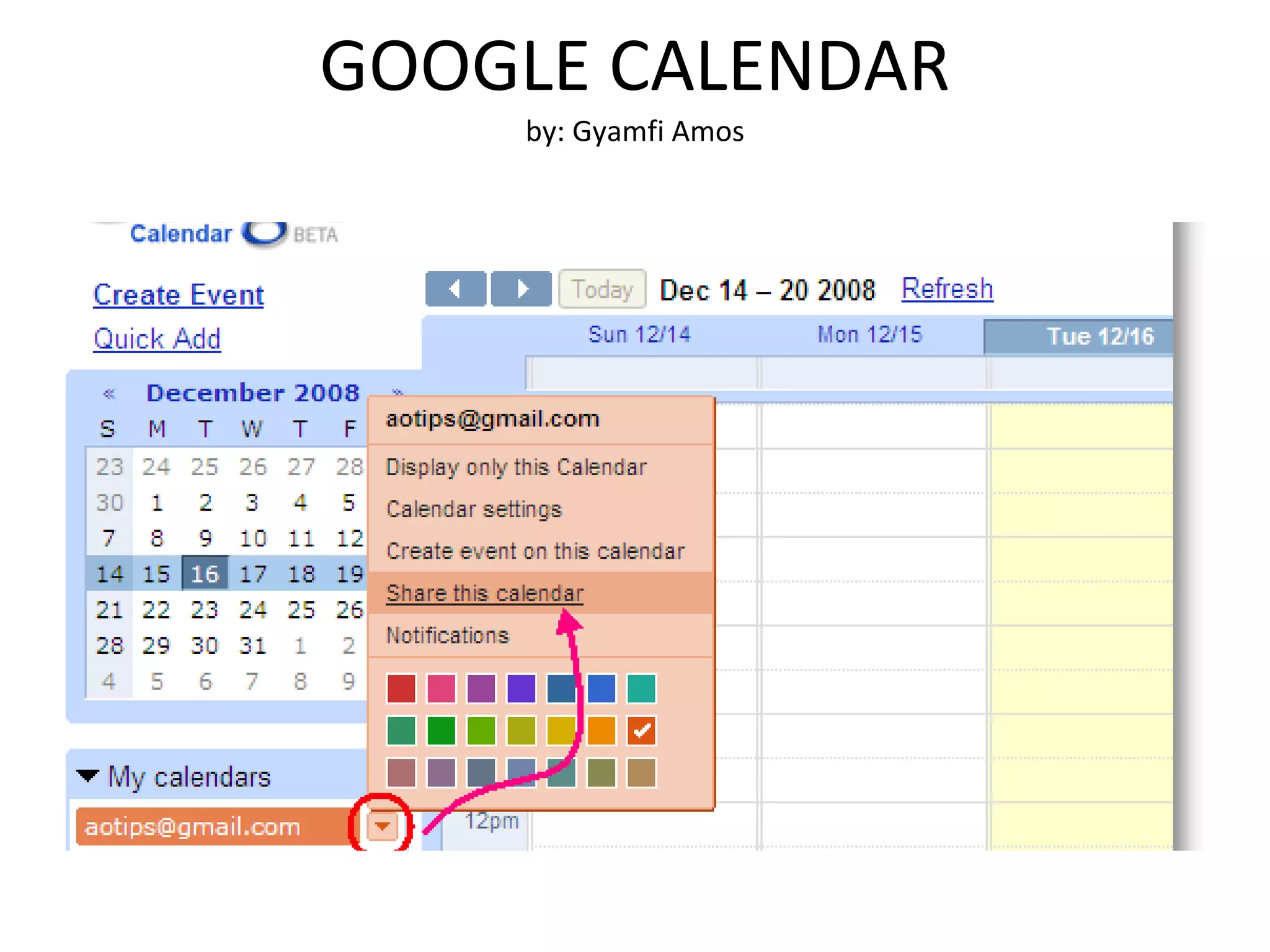
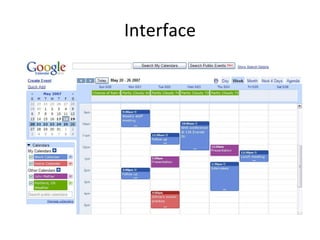
Interface
license Free application  Google Acount
Features Share of schedule Sync with desktop applications Offline access  Embedding on web pages Access with mobile devices
Compatibility web-based application, it runs on virtually any operating system the OS must have a browser which supports the required web technologies
Reliability and consistency Changes are immediately visible to all users Users are assured that calendar information are not shared with anyone unless users decide to do so
Security and Authentication Server logs web request interaction with a service Internet Protocol address browser type browser language date and time of request
Criticisms inability for time zones to be handled correctly Web site events from the embedded Google calendar show up on the wrong day of the week in the "Month" view

Googlecalendarpresentation1