Closure Compiler
By Prasad K
Introduction
Closure Compiler is an open source tool developed by Google engineers to
compile javascript code to better javascript code. It makes Javascript compact
and efficient.
It parses your javascript, removes dead code, rewrites everything and minimizes
what is left so that it downloads and runs quickly, and also reduces your
bandwidth needs.
It also checks syntax, variable references, and types, and warns about common
javascript pitfalls.
How to use?
We can make use of this tool in different ways as per our
convenience.
Closure Compiler comes as a
1. Web Interface
2. Restful API
3. Java Application
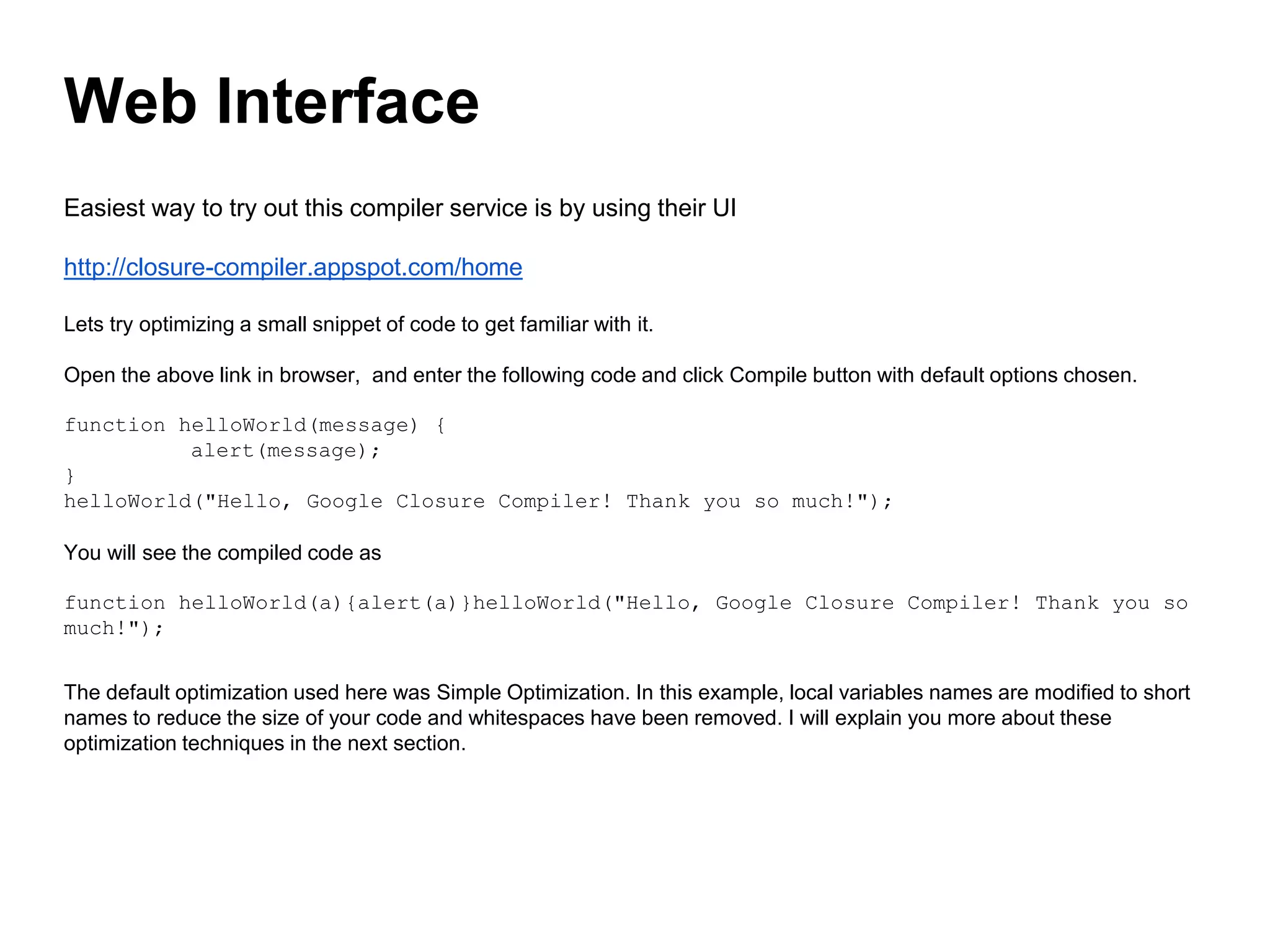
Easiest way to try out this compiler service is by using their UI
http://closure-compiler.appspot.com/home
Lets try optimizing a small snippet of code to get familiar with it.
Open the above link in browser, and enter the following code and click Compile button with default options chosen.
function helloWorld(message) {
alert(message);
}
helloWorld("Hello, Google Closure Compiler! Thank you so much!");
You will see the compiled code as
function helloWorld(a){alert(a)}helloWorld("Hello, Google Closure Compiler! Thank you so
much!");
The default optimization used here was Simple Optimization. In this example, local variables names are modified to short
names to reduce the size of your code and whitespaces have been removed. I will explain you more about these
optimization techniques in the next section.
Web Interface
You can also optimize one or more javascript files using this UI by adding urls in the form.
1. Copy and Paste your javascript file link in Add a URL box and click Add button.
2. You can add multiple js files in the same way and click Compile button.
3. You will see the compiled code (compiled using Simple Optimization technique) on the right hand side.
You can copy this code and paste in a single file to use it in your project.
Closure compiler UI is easy to start with and good for few files. But if you want to use it for a large
project and automate this compilation process for js files in your project, you will have to use their API.
They have a simple web-based API which takes a few parameters to customize this compilation
process.
Request URL
http://closure-compiler.appspot.com/compile
Request Parameters
js_code or code_url
The js_code parameter must be a string that contains JavaScript, such as alert('hello'). The code_url parameter must
contain the URL of a JavaScript .js file. You must include at least one of these parameters, and you can include both.
And you can send multiple
compilation_level
The value of this parameter indicates the degree of compression and optimization to apply to your JavaScript. There are
three possible compilation levels:
WHITESPACE_ONLY, SIMPLE_OPTIMIZATIONS, and ADVANCED_OPTIMIZATIONS.
The compilation_level parameter defaults to SIMPLE_OPTIMIZATIONS.
Restful API
output_info
The value of this parameter indicates the kind of information that you want from the compiler. There are four possible kinds of
output: compiled_code, warnings, errors, and statistics.
output_format
The format for the Closure Compiler service's output.
There are three possible output formats: text, json, or xml. The output_format parameter defaults to text.
You can send a post request to the API url by sending the above specified request parameters and the response of the request will
be the compiled code which you can save into a file and use in your project.
Closure Compiler comes as a java application which you can download and use it from command line.
1. Download the latest zip file from
http://closure-compiler.googlecode.com/files/compiler-latest.zip
And save it in a directory.
2. Extract compiler.jar file from it and save it in the same folder.
3. Create a js file and compile it by using the following command
java -jar compiler.jar --js hello.js --js_output_file hello-compiled.js
This command will compile hello.js and store the compiled code in hello-compiled.js file.
So, these are the different ways we can use closure compiler. Using Rest api
among the three will be the better option to smoothen our development process.
Java Application
Closure compiler provides three levels of compilation. You
should choose one of them while compiling your code.
1. WHITESPACE_ONLY
2. SIMPLE_OPTIMIZATIONS
3. ADVACNED_OPTIMIZATIONS
Compilation Levels
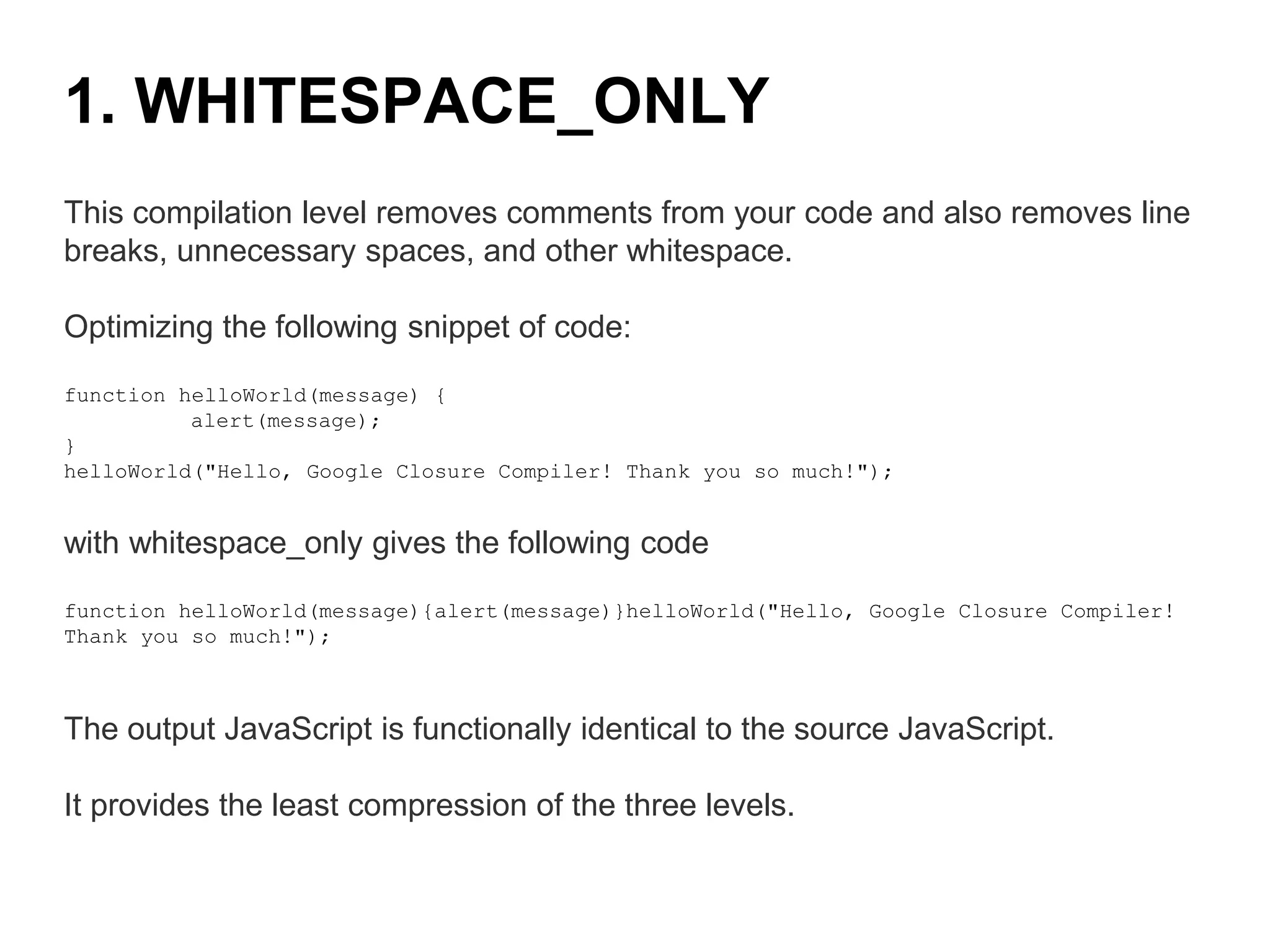
This compilation level removes comments from your code and also removes line
breaks, unnecessary spaces, and other whitespace.
Optimizing the following snippet of code:
function helloWorld(message) {
alert(message);
}
helloWorld("Hello, Google Closure Compiler! Thank you so much!");
with whitespace_only gives the following code
function helloWorld(message){alert(message)}helloWorld("Hello, Google Closure Compiler!
Thank you so much!");
The output JavaScript is functionally identical to the source JavaScript.
It provides the least compression of the three levels.
1. WHITESPACE_ONLY
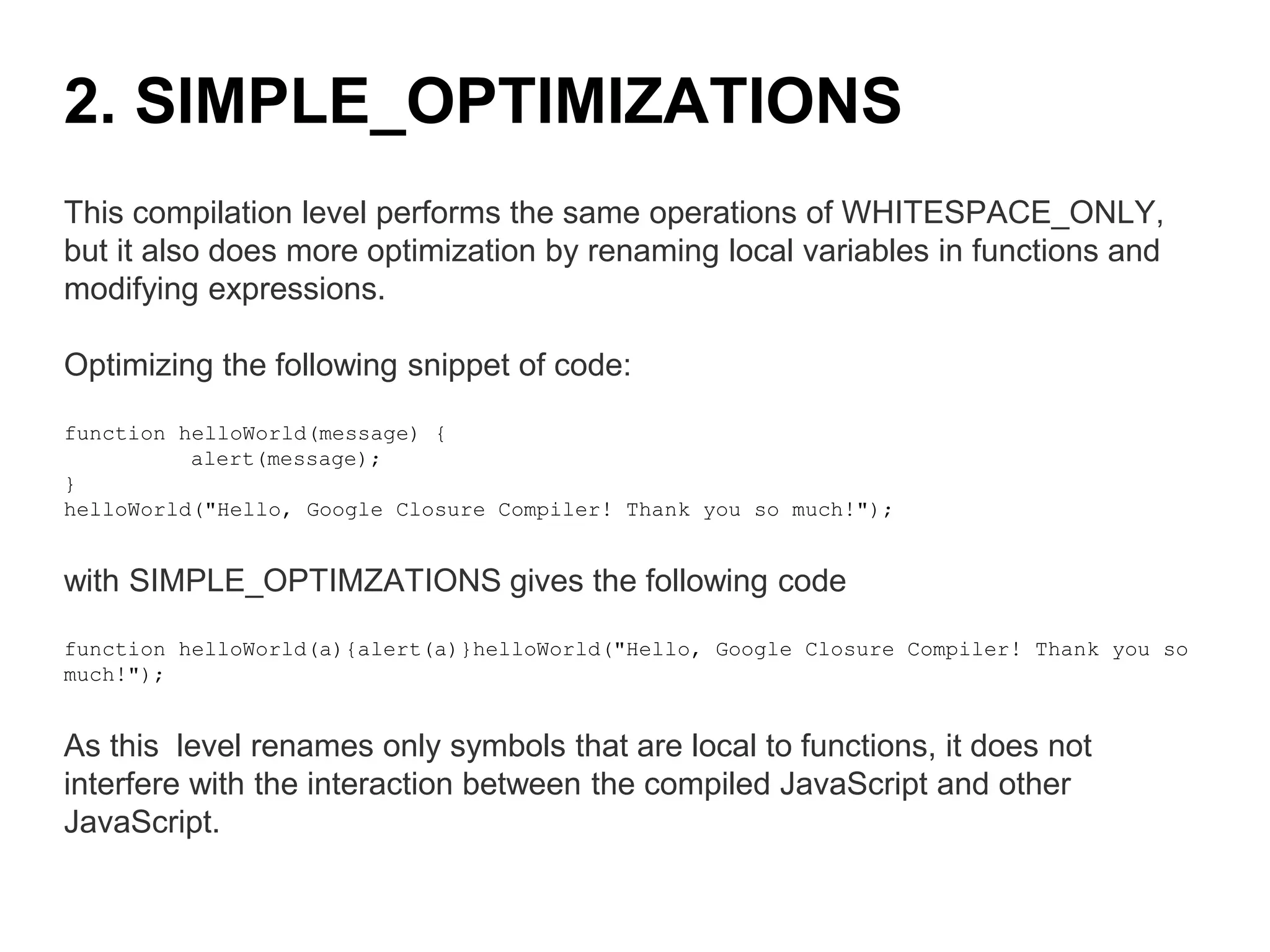
This compilation level performs the same operations of WHITESPACE_ONLY,
but it also does more optimization by renaming local variables in functions and
modifying expressions.
Optimizing the following snippet of code:
function helloWorld(message) {
alert(message);
}
helloWorld("Hello, Google Closure Compiler! Thank you so much!");
with SIMPLE_OPTIMZATIONS gives the following code
function helloWorld(a){alert(a)}helloWorld("Hello, Google Closure Compiler! Thank you so
much!");
As this level renames only symbols that are local to functions, it does not
interfere with the interaction between the compiled JavaScript and other
JavaScript.
2. SIMPLE_OPTIMIZATIONS
Compilation with simple_optimzations always preserves the functionality of
syntactically valid JavaScript, provided that the code does not access local
variables using string names (by using eval() statements, for example).
SIMPLE_OPTIMIZATIONS is the default compilation level.
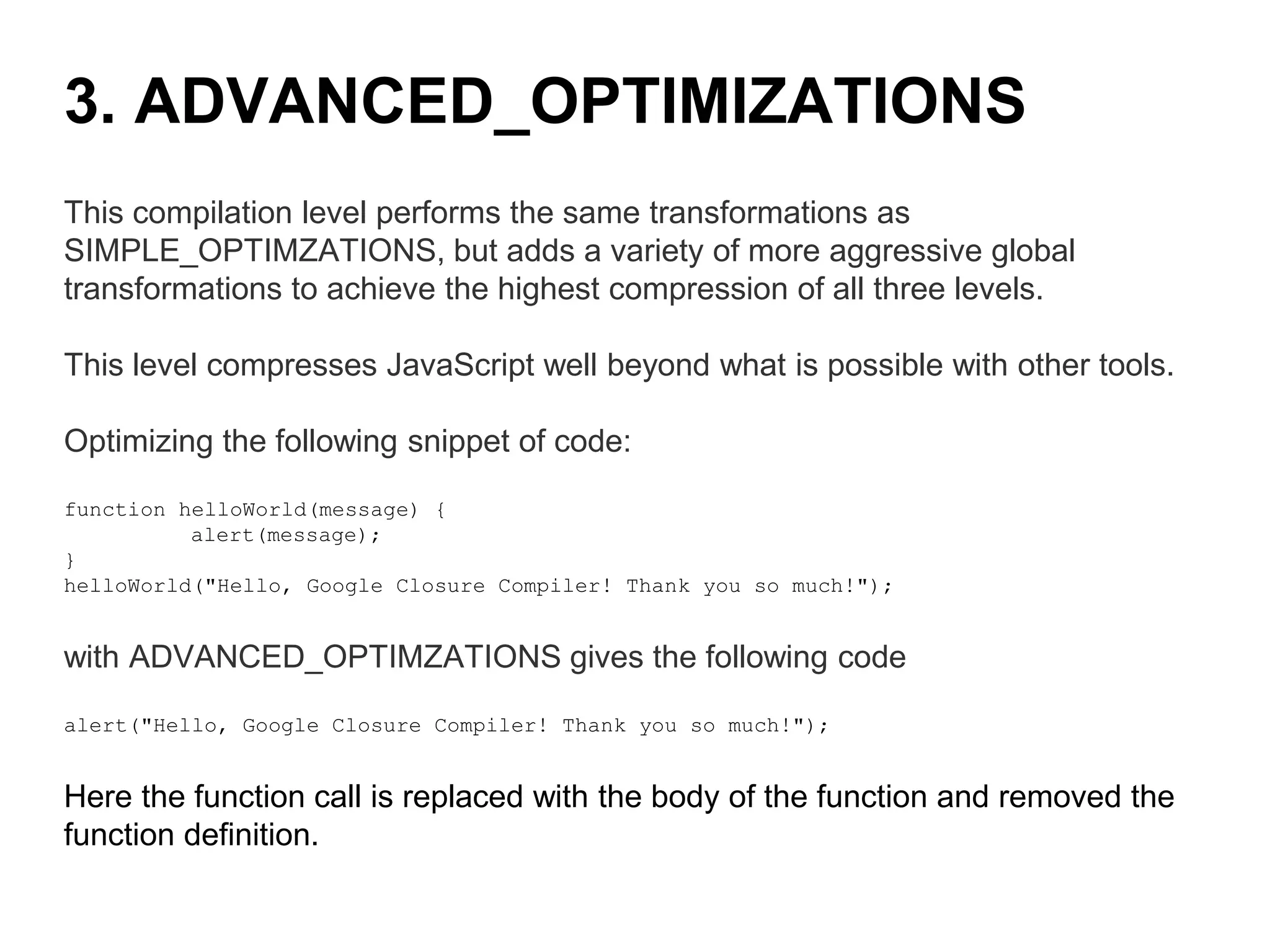
This compilation level performs the same transformations as
SIMPLE_OPTIMZATIONS, but adds a variety of more aggressive global
transformations to achieve the highest compression of all three levels.
This level compresses JavaScript well beyond what is possible with other tools.
Optimizing the following snippet of code:
function helloWorld(message) {
alert(message);
}
helloWorld("Hello, Google Closure Compiler! Thank you so much!");
with ADVANCED_OPTIMZATIONS gives the following code
alert("Hello, Google Closure Compiler! Thank you so much!");
Here the function call is replaced with the body of the function and removed the
function definition.
3. ADVANCED_OPTIMIZATIONS
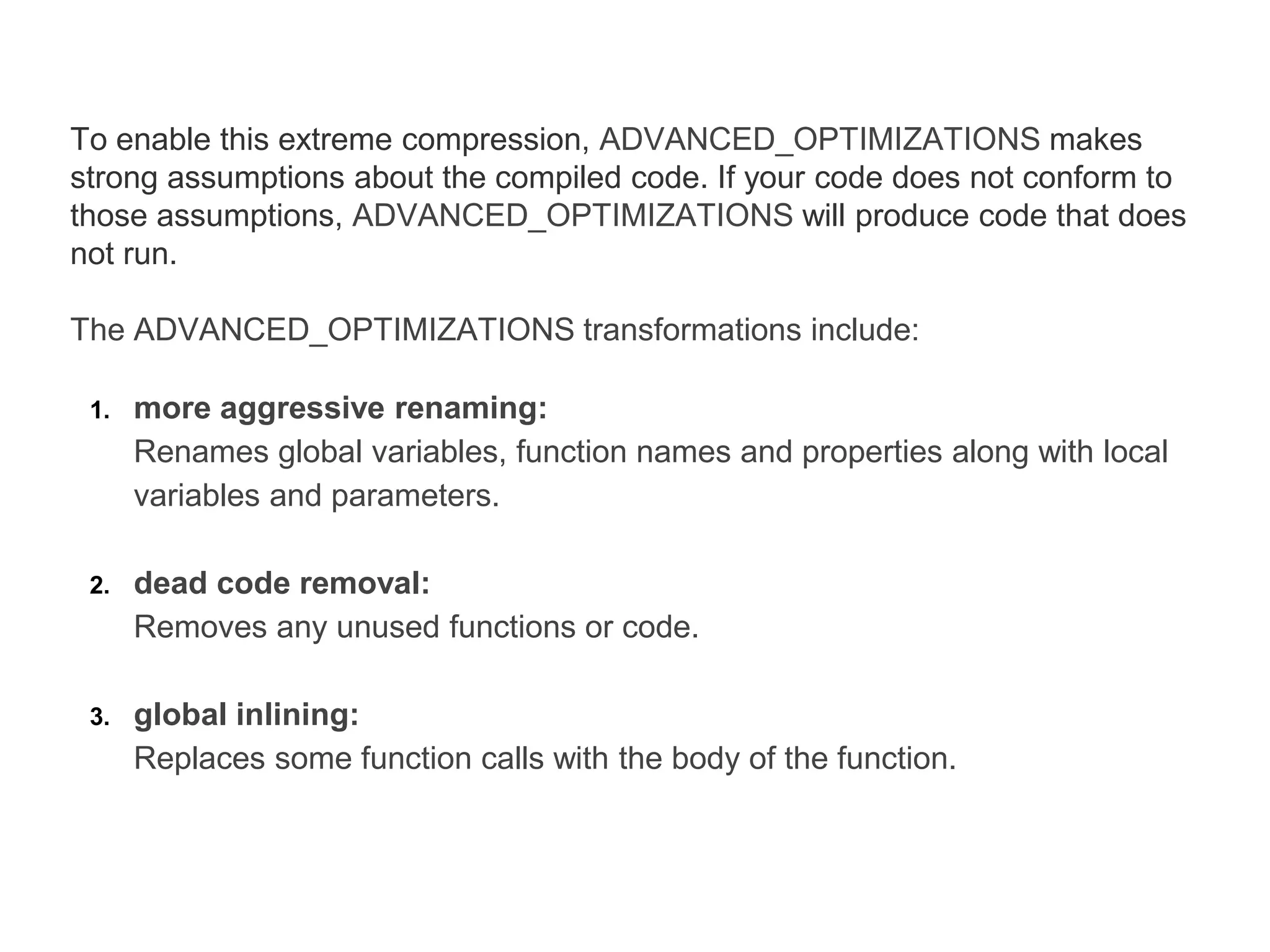
To enable this extreme compression, ADVANCED_OPTIMIZATIONS makes
strong assumptions about the compiled code. If your code does not conform to
those assumptions, ADVANCED_OPTIMIZATIONS will produce code that does
not run.
The ADVANCED_OPTIMIZATIONS transformations include:
1. more aggressive renaming:
Renames global variables, function names and properties along with local
variables and parameters.
2. dead code removal:
Removes any unused functions or code.
3. global inlining:
Replaces some function calls with the body of the function.
Thank You
Prasad Kancharla,
Lead Software Developer
Riktam Technology Consulting Pvt. Ltd.,
Tel.+91 9848558696 (India)
http://www.riktamtech.com
http://prasadkancharla.blogspot.in/
http://labs.riktamtech.com
https://developers.google.com/closure/compiler/
See More
References
https://developers.google.com/closure/compiler/docs/limitations
https://developers.google.com/closure/compiler/docs/api-tutorial3
https://developers.google.com/closure/compiler/docs/js-for-compiler

Google closure compiler

  • 1.
  • 2.
    Introduction Closure Compiler isan open source tool developed by Google engineers to compile javascript code to better javascript code. It makes Javascript compact and efficient. It parses your javascript, removes dead code, rewrites everything and minimizes what is left so that it downloads and runs quickly, and also reduces your bandwidth needs. It also checks syntax, variable references, and types, and warns about common javascript pitfalls.
  • 3.
    How to use? Wecan make use of this tool in different ways as per our convenience. Closure Compiler comes as a 1. Web Interface 2. Restful API 3. Java Application
  • 4.
    Easiest way totry out this compiler service is by using their UI http://closure-compiler.appspot.com/home Lets try optimizing a small snippet of code to get familiar with it. Open the above link in browser, and enter the following code and click Compile button with default options chosen. function helloWorld(message) { alert(message); } helloWorld("Hello, Google Closure Compiler! Thank you so much!"); You will see the compiled code as function helloWorld(a){alert(a)}helloWorld("Hello, Google Closure Compiler! Thank you so much!"); The default optimization used here was Simple Optimization. In this example, local variables names are modified to short names to reduce the size of your code and whitespaces have been removed. I will explain you more about these optimization techniques in the next section. Web Interface
  • 5.
    You can alsooptimize one or more javascript files using this UI by adding urls in the form. 1. Copy and Paste your javascript file link in Add a URL box and click Add button. 2. You can add multiple js files in the same way and click Compile button. 3. You will see the compiled code (compiled using Simple Optimization technique) on the right hand side. You can copy this code and paste in a single file to use it in your project.
  • 6.
    Closure compiler UIis easy to start with and good for few files. But if you want to use it for a large project and automate this compilation process for js files in your project, you will have to use their API. They have a simple web-based API which takes a few parameters to customize this compilation process. Request URL http://closure-compiler.appspot.com/compile Request Parameters js_code or code_url The js_code parameter must be a string that contains JavaScript, such as alert('hello'). The code_url parameter must contain the URL of a JavaScript .js file. You must include at least one of these parameters, and you can include both. And you can send multiple compilation_level The value of this parameter indicates the degree of compression and optimization to apply to your JavaScript. There are three possible compilation levels: WHITESPACE_ONLY, SIMPLE_OPTIMIZATIONS, and ADVANCED_OPTIMIZATIONS. The compilation_level parameter defaults to SIMPLE_OPTIMIZATIONS. Restful API
  • 7.
    output_info The value ofthis parameter indicates the kind of information that you want from the compiler. There are four possible kinds of output: compiled_code, warnings, errors, and statistics. output_format The format for the Closure Compiler service's output. There are three possible output formats: text, json, or xml. The output_format parameter defaults to text. You can send a post request to the API url by sending the above specified request parameters and the response of the request will be the compiled code which you can save into a file and use in your project.
  • 8.
    Closure Compiler comesas a java application which you can download and use it from command line. 1. Download the latest zip file from http://closure-compiler.googlecode.com/files/compiler-latest.zip And save it in a directory. 2. Extract compiler.jar file from it and save it in the same folder. 3. Create a js file and compile it by using the following command java -jar compiler.jar --js hello.js --js_output_file hello-compiled.js This command will compile hello.js and store the compiled code in hello-compiled.js file. So, these are the different ways we can use closure compiler. Using Rest api among the three will be the better option to smoothen our development process. Java Application
  • 9.
    Closure compiler providesthree levels of compilation. You should choose one of them while compiling your code. 1. WHITESPACE_ONLY 2. SIMPLE_OPTIMIZATIONS 3. ADVACNED_OPTIMIZATIONS Compilation Levels
  • 10.
    This compilation levelremoves comments from your code and also removes line breaks, unnecessary spaces, and other whitespace. Optimizing the following snippet of code: function helloWorld(message) { alert(message); } helloWorld("Hello, Google Closure Compiler! Thank you so much!"); with whitespace_only gives the following code function helloWorld(message){alert(message)}helloWorld("Hello, Google Closure Compiler! Thank you so much!"); The output JavaScript is functionally identical to the source JavaScript. It provides the least compression of the three levels. 1. WHITESPACE_ONLY
  • 11.
    This compilation levelperforms the same operations of WHITESPACE_ONLY, but it also does more optimization by renaming local variables in functions and modifying expressions. Optimizing the following snippet of code: function helloWorld(message) { alert(message); } helloWorld("Hello, Google Closure Compiler! Thank you so much!"); with SIMPLE_OPTIMZATIONS gives the following code function helloWorld(a){alert(a)}helloWorld("Hello, Google Closure Compiler! Thank you so much!"); As this level renames only symbols that are local to functions, it does not interfere with the interaction between the compiled JavaScript and other JavaScript. 2. SIMPLE_OPTIMIZATIONS
  • 12.
    Compilation with simple_optimzationsalways preserves the functionality of syntactically valid JavaScript, provided that the code does not access local variables using string names (by using eval() statements, for example). SIMPLE_OPTIMIZATIONS is the default compilation level.
  • 13.
    This compilation levelperforms the same transformations as SIMPLE_OPTIMZATIONS, but adds a variety of more aggressive global transformations to achieve the highest compression of all three levels. This level compresses JavaScript well beyond what is possible with other tools. Optimizing the following snippet of code: function helloWorld(message) { alert(message); } helloWorld("Hello, Google Closure Compiler! Thank you so much!"); with ADVANCED_OPTIMZATIONS gives the following code alert("Hello, Google Closure Compiler! Thank you so much!"); Here the function call is replaced with the body of the function and removed the function definition. 3. ADVANCED_OPTIMIZATIONS
  • 14.
    To enable thisextreme compression, ADVANCED_OPTIMIZATIONS makes strong assumptions about the compiled code. If your code does not conform to those assumptions, ADVANCED_OPTIMIZATIONS will produce code that does not run. The ADVANCED_OPTIMIZATIONS transformations include: 1. more aggressive renaming: Renames global variables, function names and properties along with local variables and parameters. 2. dead code removal: Removes any unused functions or code. 3. global inlining: Replaces some function calls with the body of the function.
  • 15.
    Thank You Prasad Kancharla, LeadSoftware Developer Riktam Technology Consulting Pvt. Ltd., Tel.+91 9848558696 (India) http://www.riktamtech.com http://prasadkancharla.blogspot.in/ http://labs.riktamtech.com
  • 16.