第14回 Cloud Foundry 輪読会

GO-CFを試してみる

Copyright(C) 2013 NTT Software Corporation All Rights Reserved.
自己紹介
 名前


森川 健

 所属


NTTソフトウェア 技術開発センターOSS技術部門 クラウド推進室

 2013.4.19
 JGGUG向けのCloud Foundryを使ったハンズオンを実施
Cloud Foundry CLI
written in Go
Backgroundより※
 Project to rewrite the Cloud Foundry CLI tool

using Go. This project should currently be
considered alpha quality software and
should not be used in production
environments. If you need something more
stable, please check out the RubyGem.

※https://github.com/cloudfoundry/cli
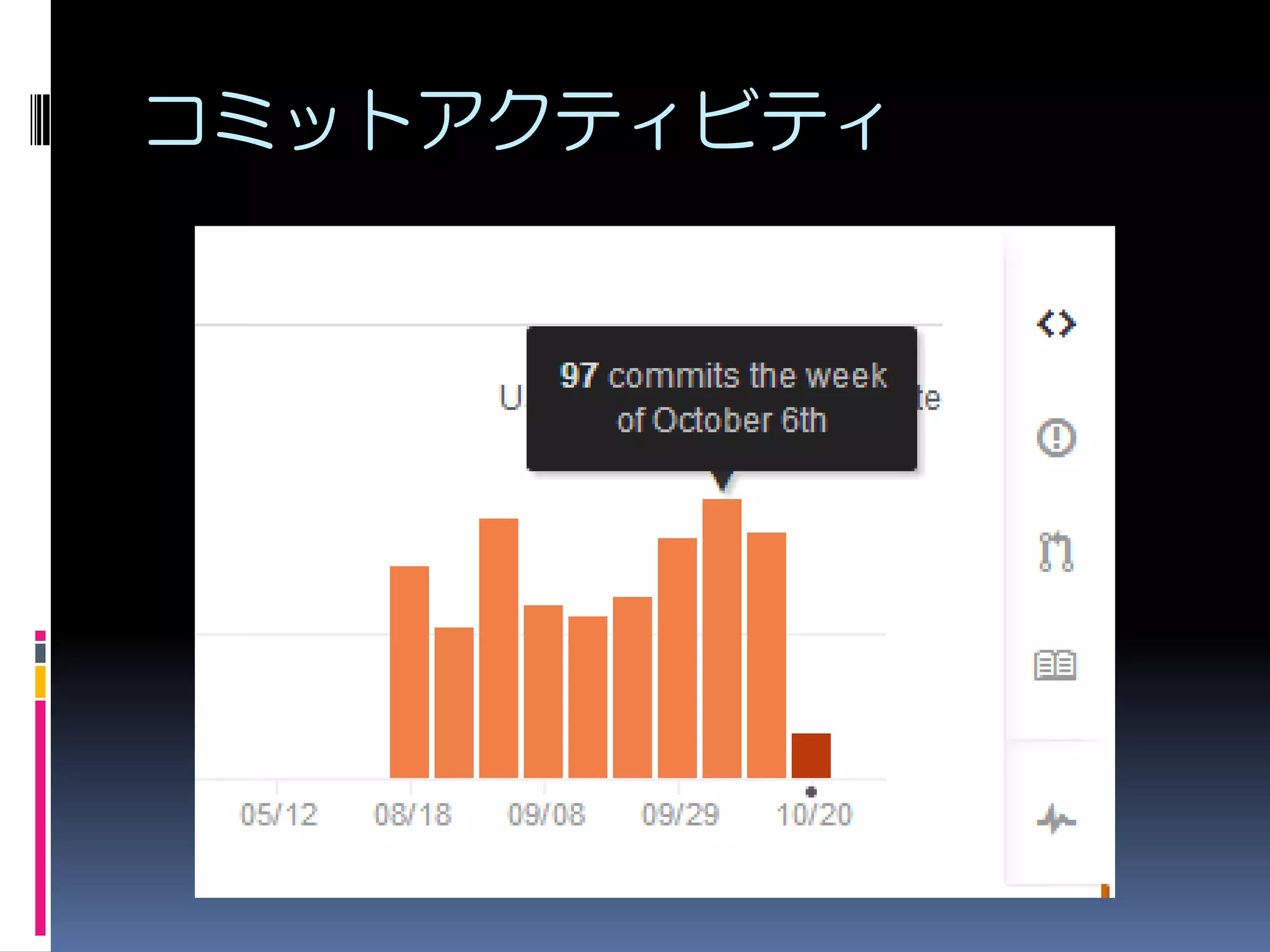
コミットアクティビティ
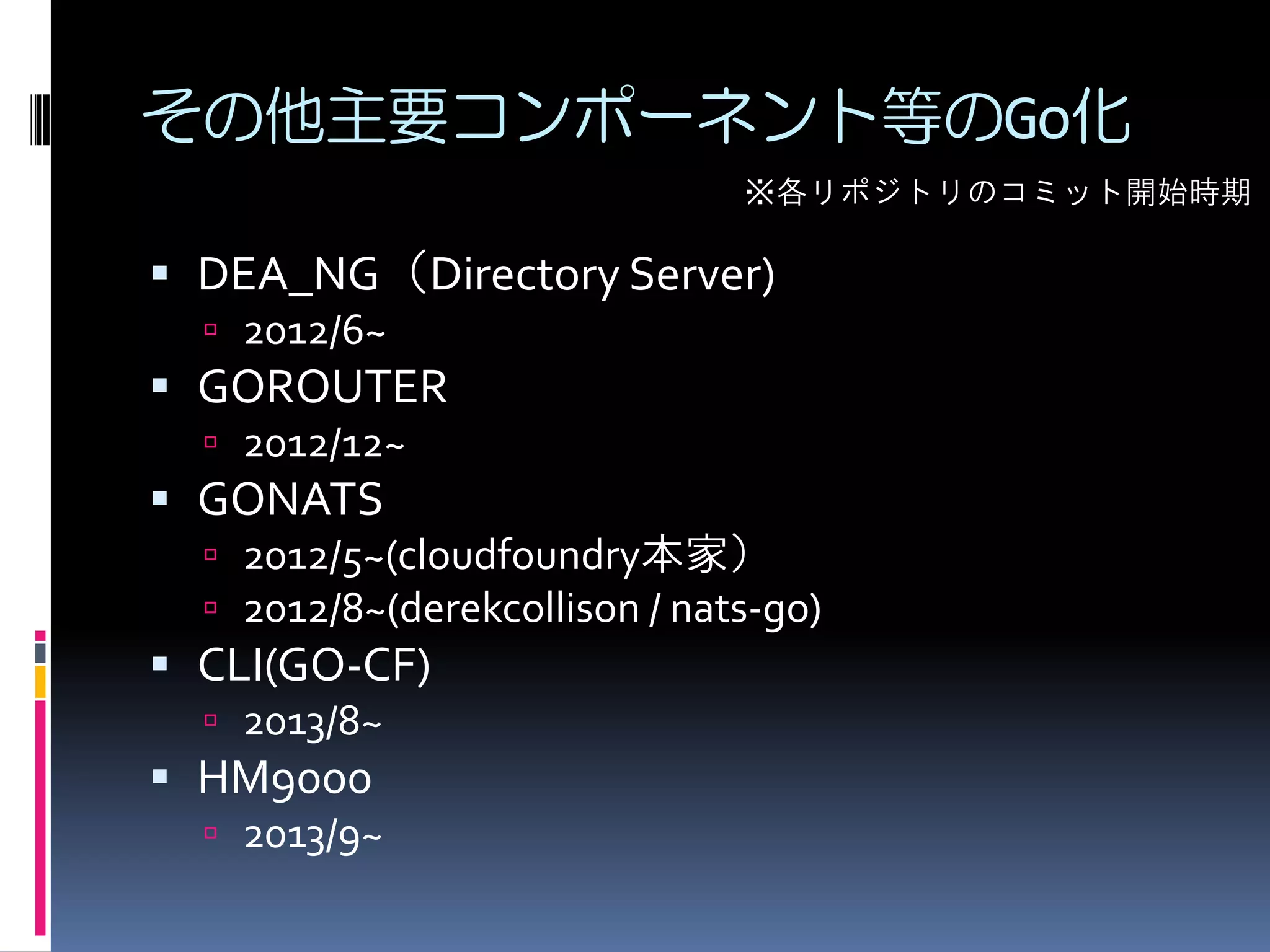
その他主要コンポーネント等のGo化
※各リポジトリのコミット開始時期

 DEA_NG(Directory Server)
 2012/6~

 GOROUTER
 2012/12~

 GONATS
 2012/5~(cloudfoundry本家)
 2012/8~(derekcollison / nats-go)

 CLI(GO-CF)
 2013/8~

 HM9000
 2013/9~
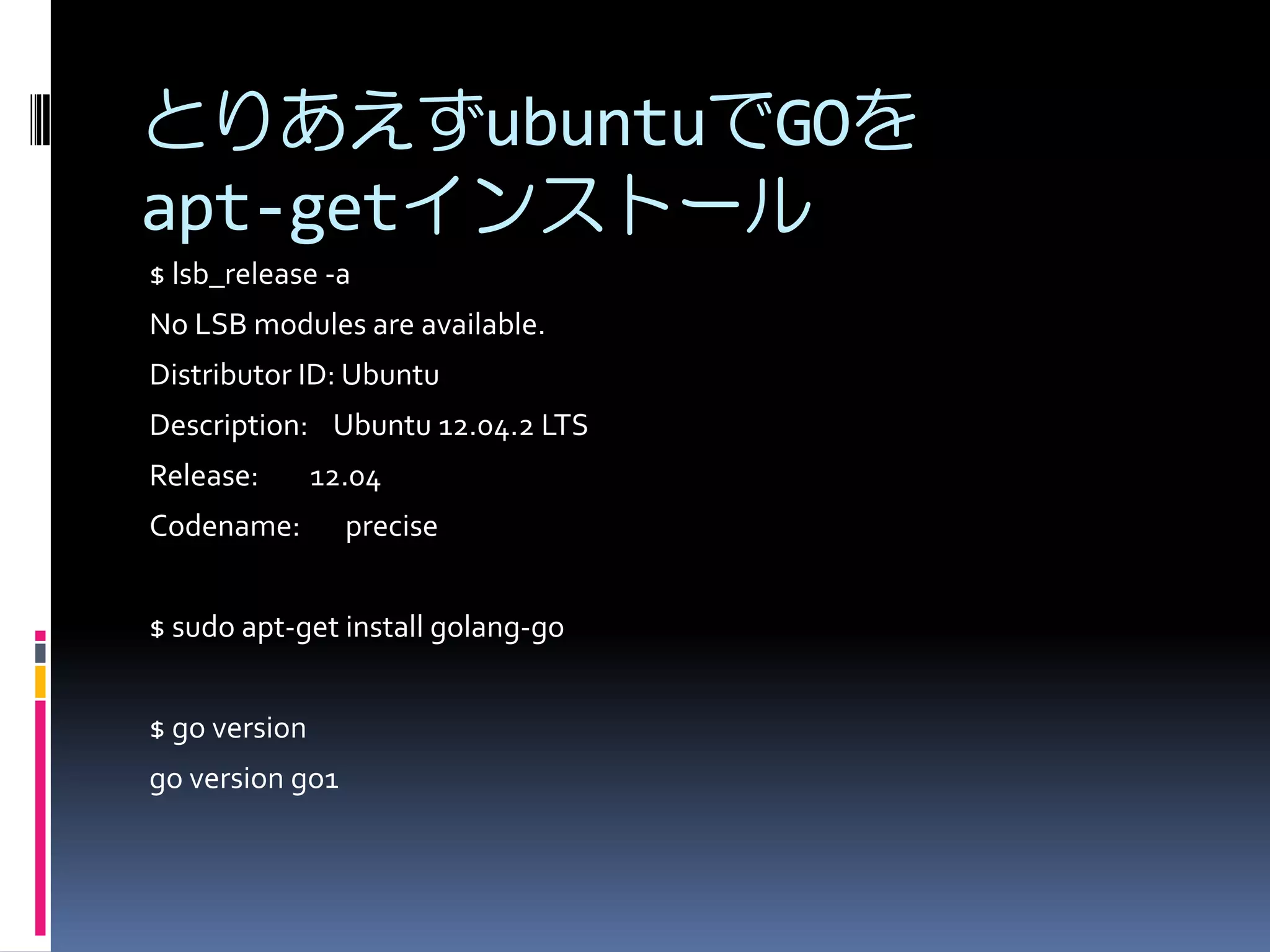
とりあえずubuntuでGOを
apt-getインストール
$ lsb_release -a
No LSB modules are available.
Distributor ID: Ubuntu
Description: Ubuntu 12.04.2 LTS
Release:

12.04

Codename:

precise

$ sudo apt-get install golang-go
$ go version
go version go1
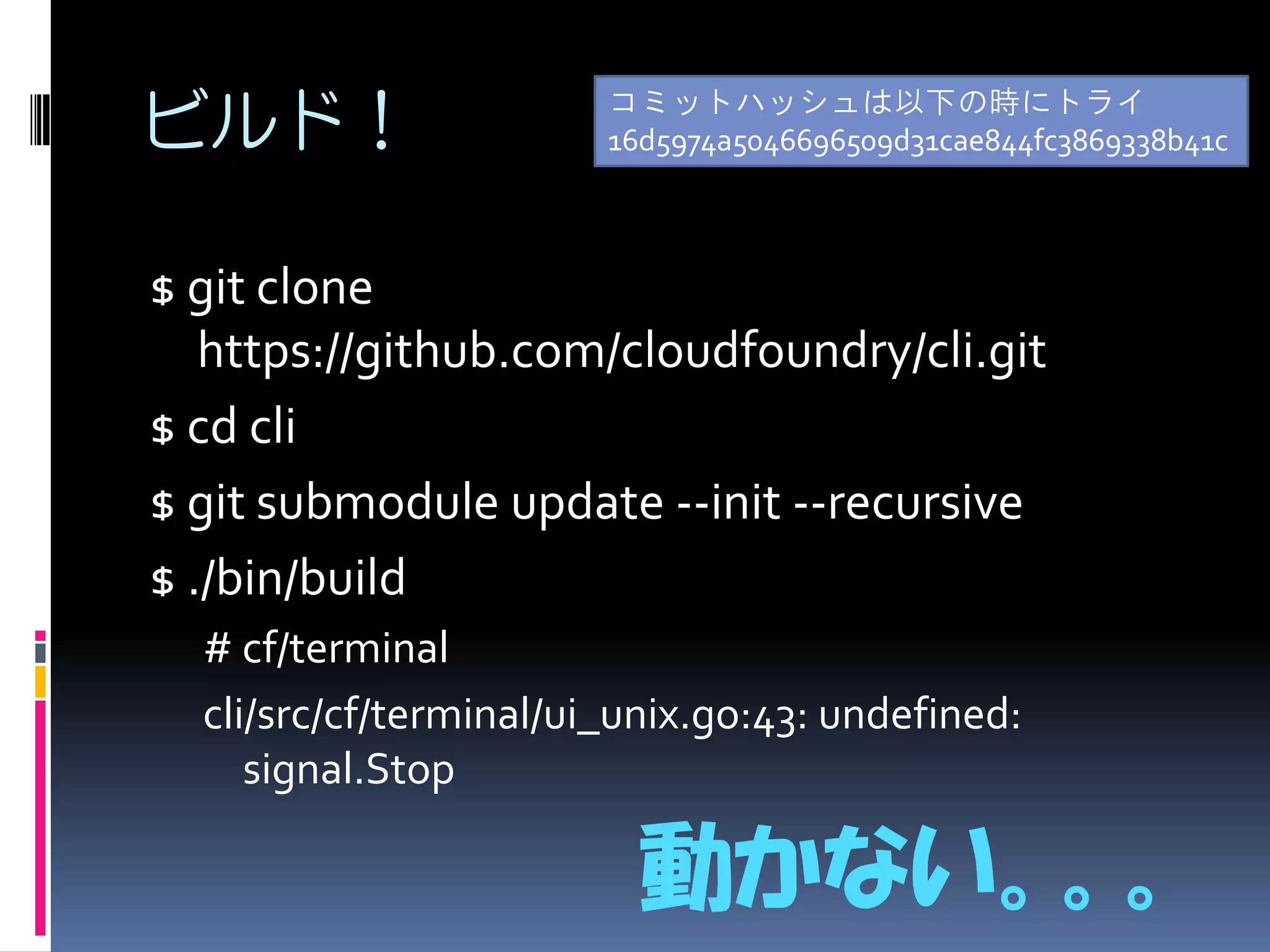
ビルド!

コミットハッシュは以下の時にトライ
16d5974a5046696509d31cae844fc3869338b41c

$ git clone
https://github.com/cloudfoundry/cli.git
$ cd cli
$ git submodule update --init --recursive
$ ./bin/build
# cf/terminal
cli/src/cf/terminal/ui_unix.go:43: undefined:
signal.Stop

動かない。。。
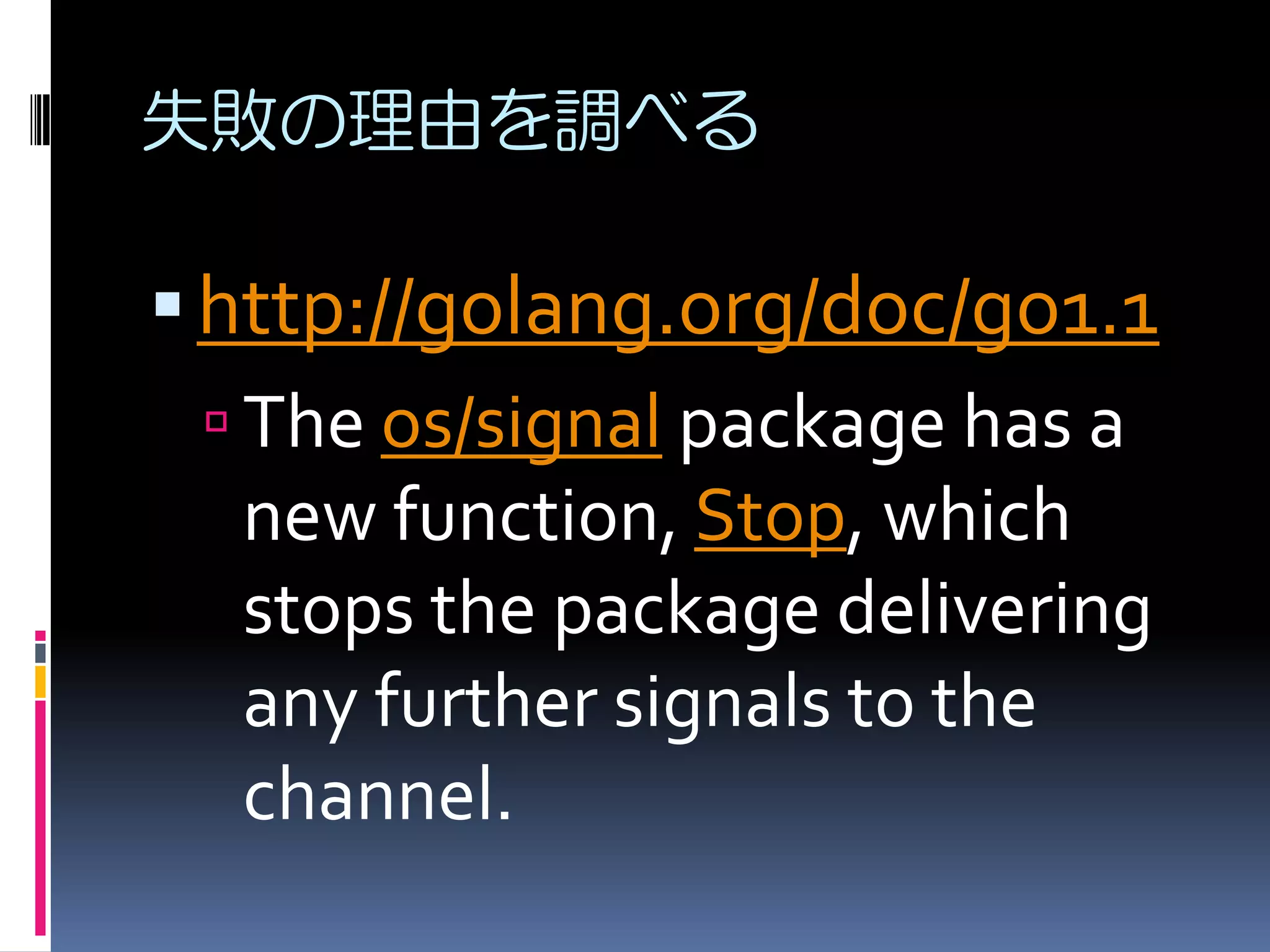
失敗の理由を調べる

 http://golang.org/doc/go1.1
 The os/signal package has a
new function, Stop, which
stops the package delivering
any further signals to the
channel.
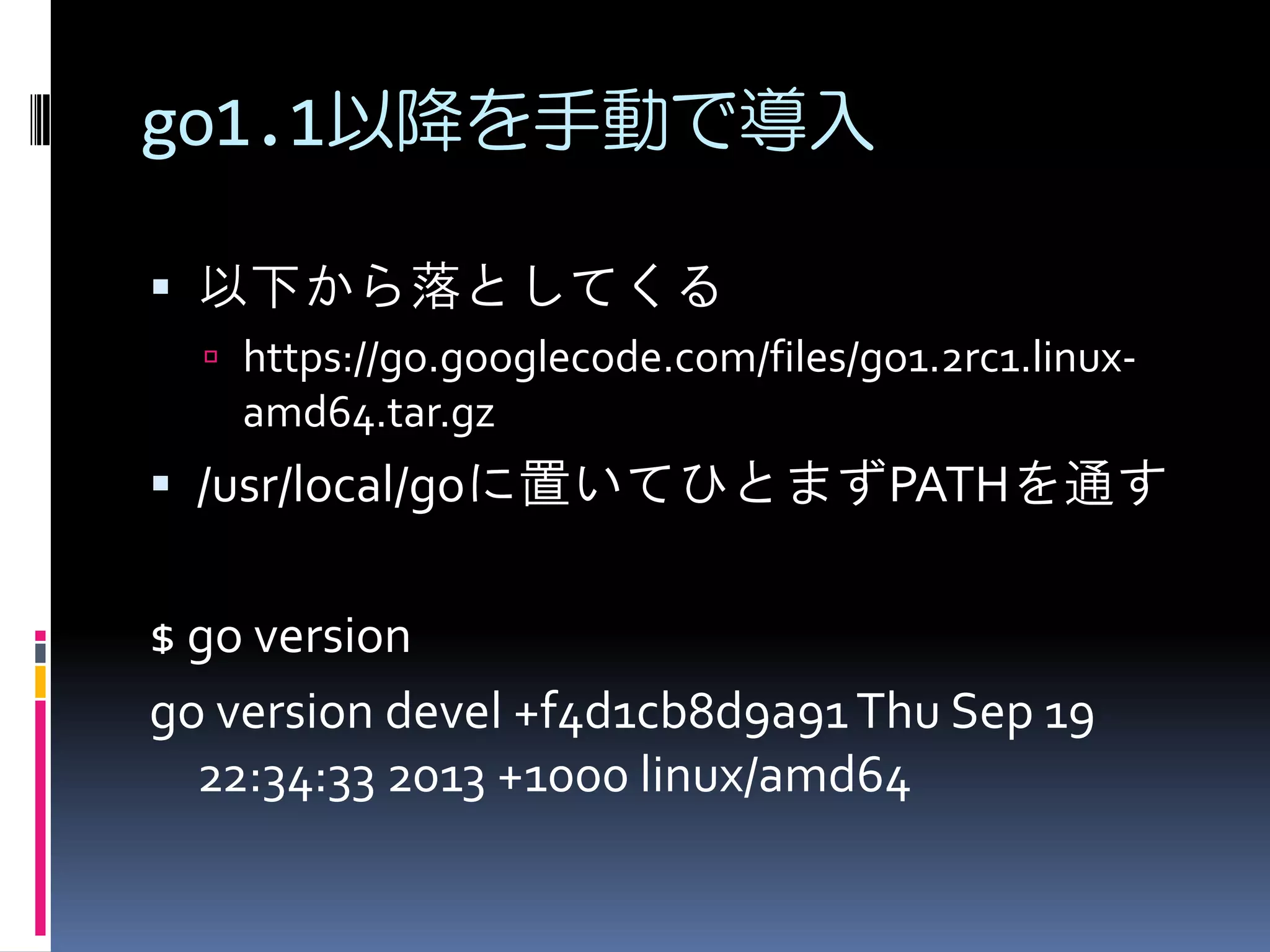
go1.1以降を手動で導入
 以下から落としてくる
 https://go.googlecode.com/files/go1.2rc1.linux-

amd64.tar.gz

 /usr/local/goに置いてひとまずPATHを通す

$ go version
go version devel +f4d1cb8d9a91 Thu Sep 19
22:34:33 2013 +1000 linux/amd64
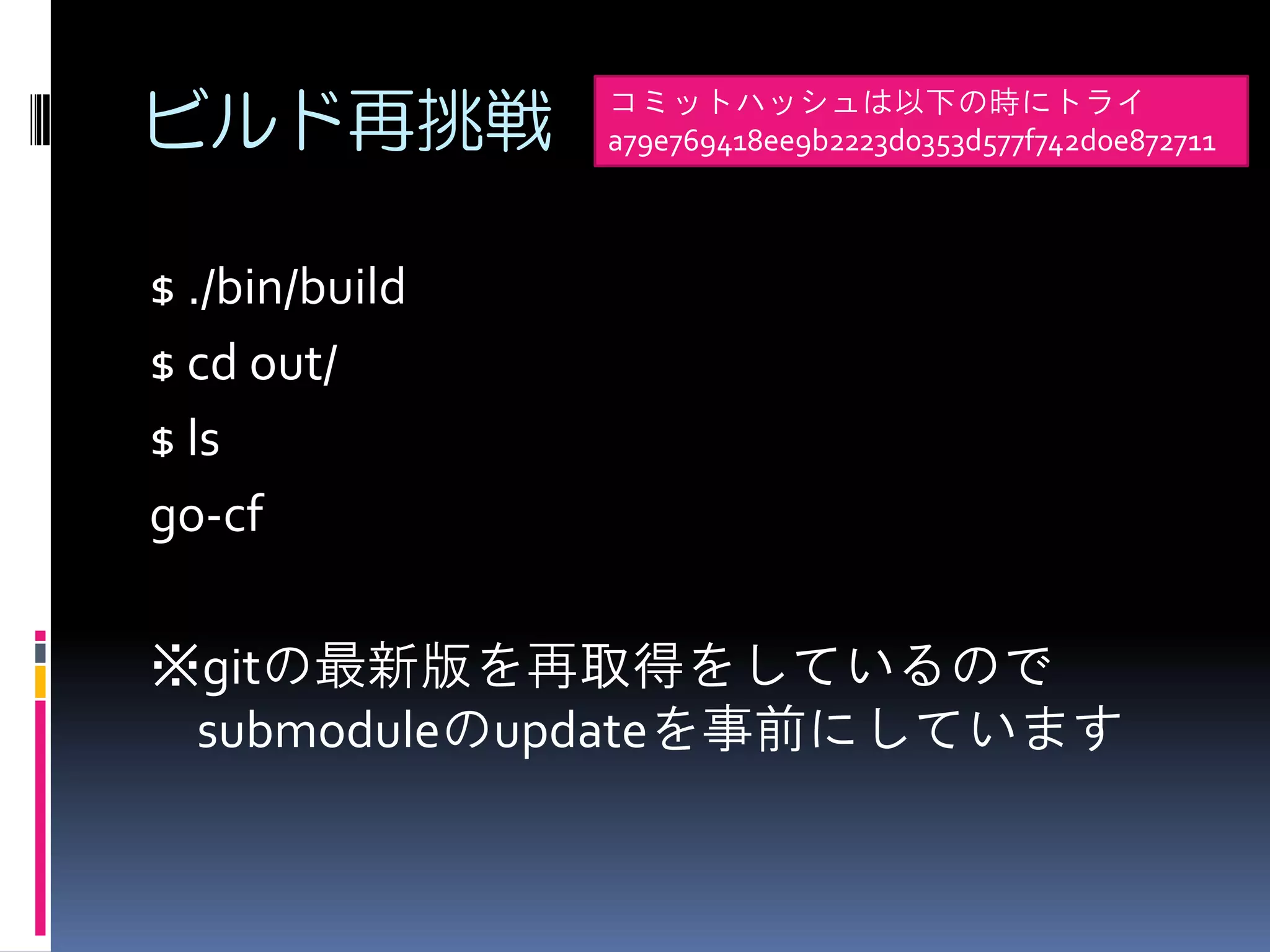
ビルド再挑戦

コミットハッシュは以下の時にトライ
a79e769418ee9b2223d0353d577f742d0e872711

$ ./bin/build
$ cd out/
$ ls
go-cf

※gitの最新版を再取得をしているので
submoduleのupdateを事前にしています
Anyninesにtargetを向ける
$ ./go-cf target https://api.de.a9s.eu/
FAILED
Incorrect Usage.
NAME:
target - Set or view the targeted org or space
ALIAS:
t

USAGE:
cf target [-o ORG] [-s SPACE]
OPTIONS:
-o ''

organization

-s ''

space
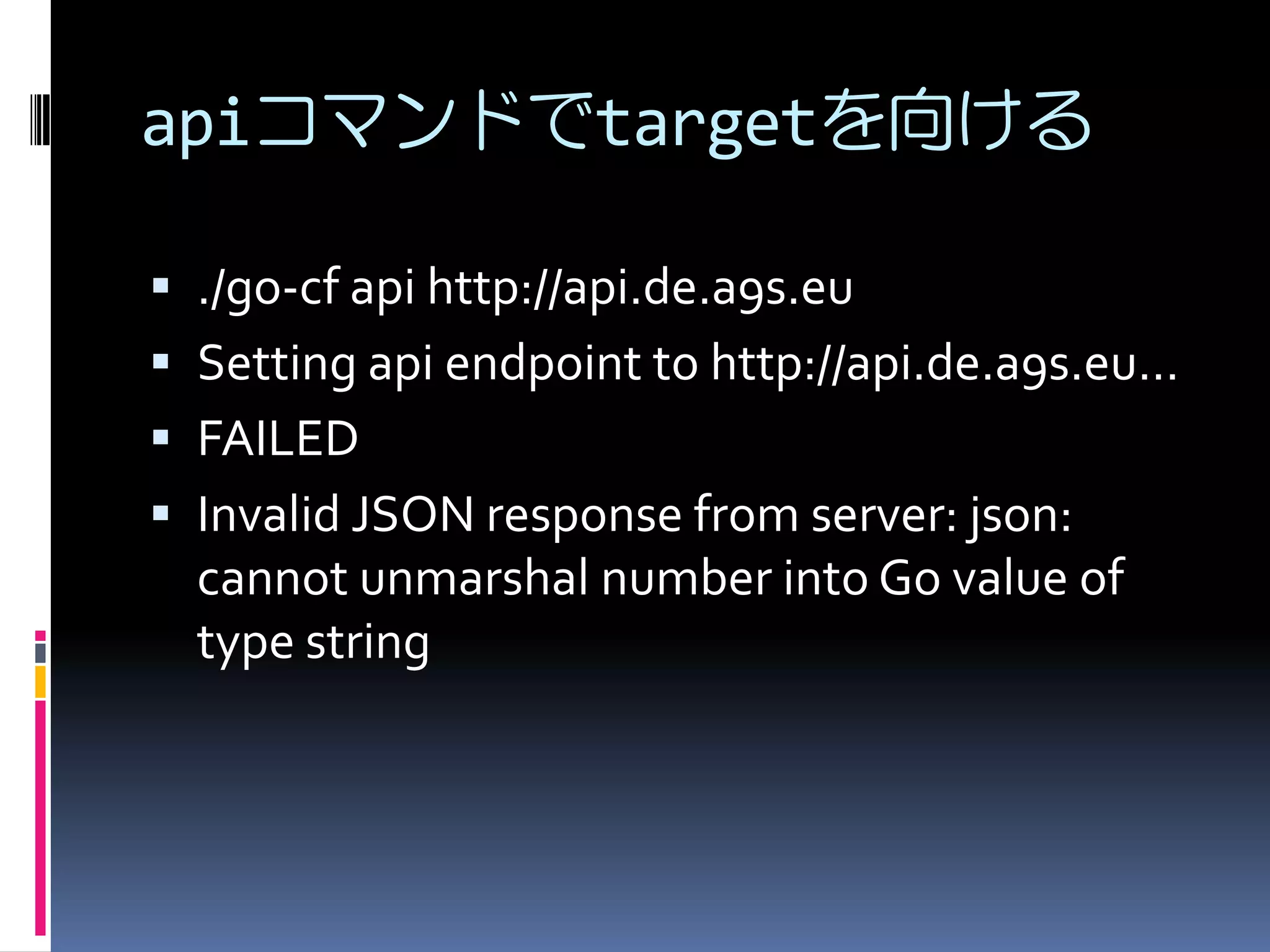
apiコマンドでtargetを向ける
 ./go-cf api http://api.de.a9s.eu
 Setting api endpoint to http://api.de.a9s.eu...
 FAILED
 Invalid JSON response from server: json:

cannot unmarshal number into Go value of
type string
v2のall-in-oneに変更
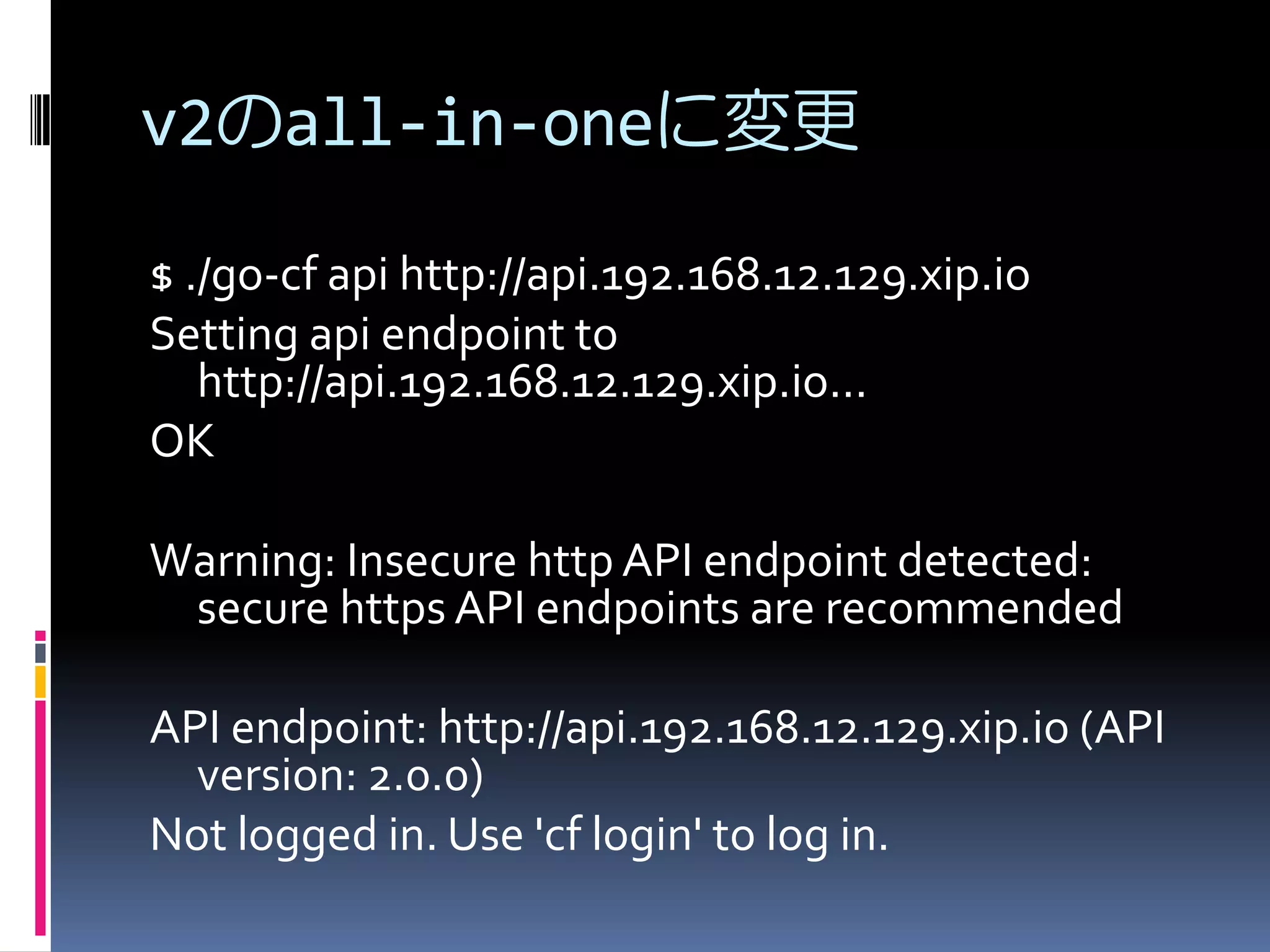
$ ./go-cf api http://api.192.168.12.129.xip.io
Setting api endpoint to
http://api.192.168.12.129.xip.io...
OK
Warning: Insecure http API endpoint detected:
secure https API endpoints are recommended
API endpoint: http://api.192.168.12.129.xip.io (API
version: 2.0.0)
Not logged in. Use 'cf login' to log in.
login
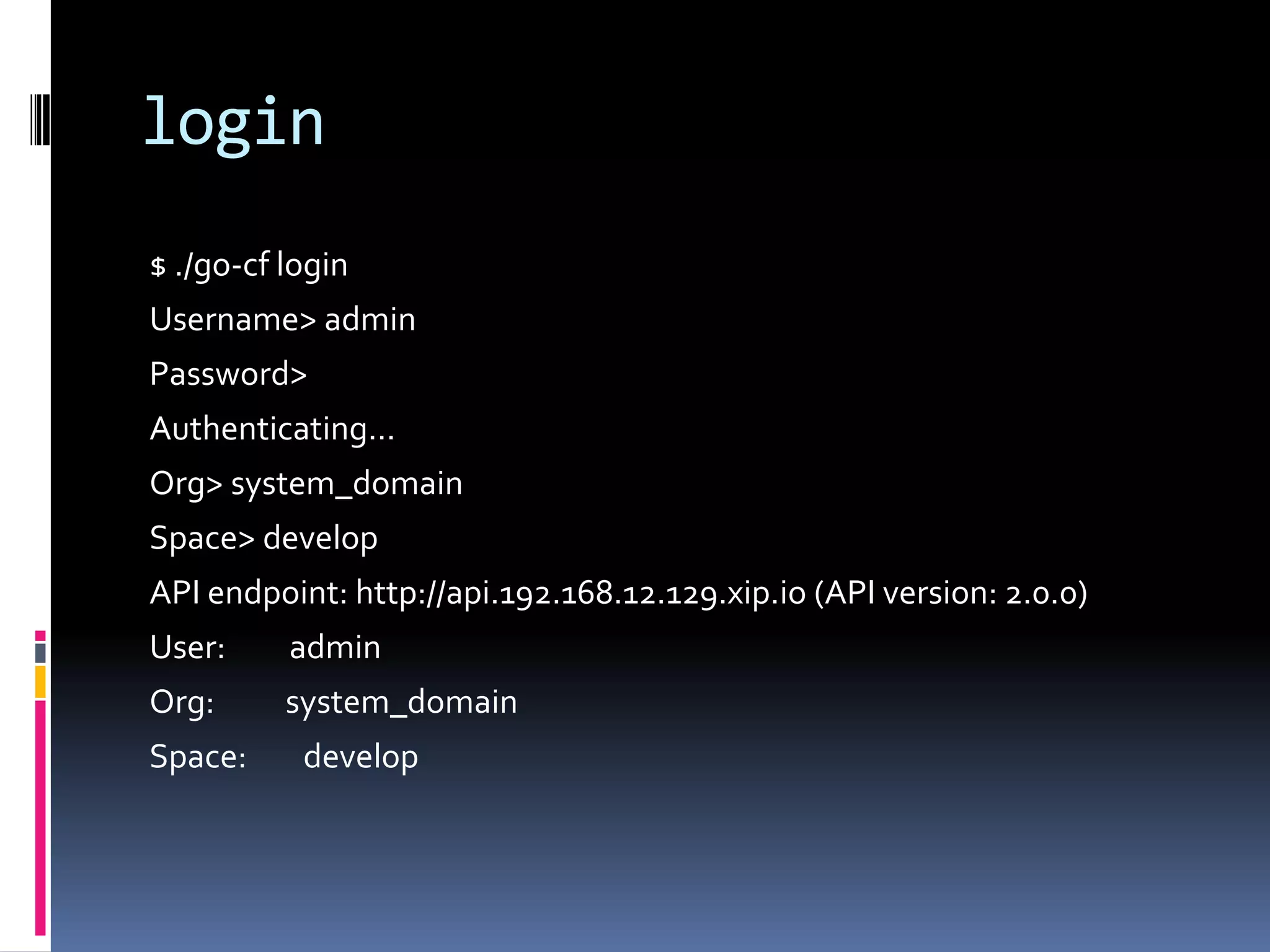
$ ./go-cf login
Username> admin
Password>
Authenticating...
Org> system_domain
Space> develop
API endpoint: http://api.192.168.12.129.xip.io (API version: 2.0.0)
User:

admin

Org:

system_domain

Space:

develop
apps
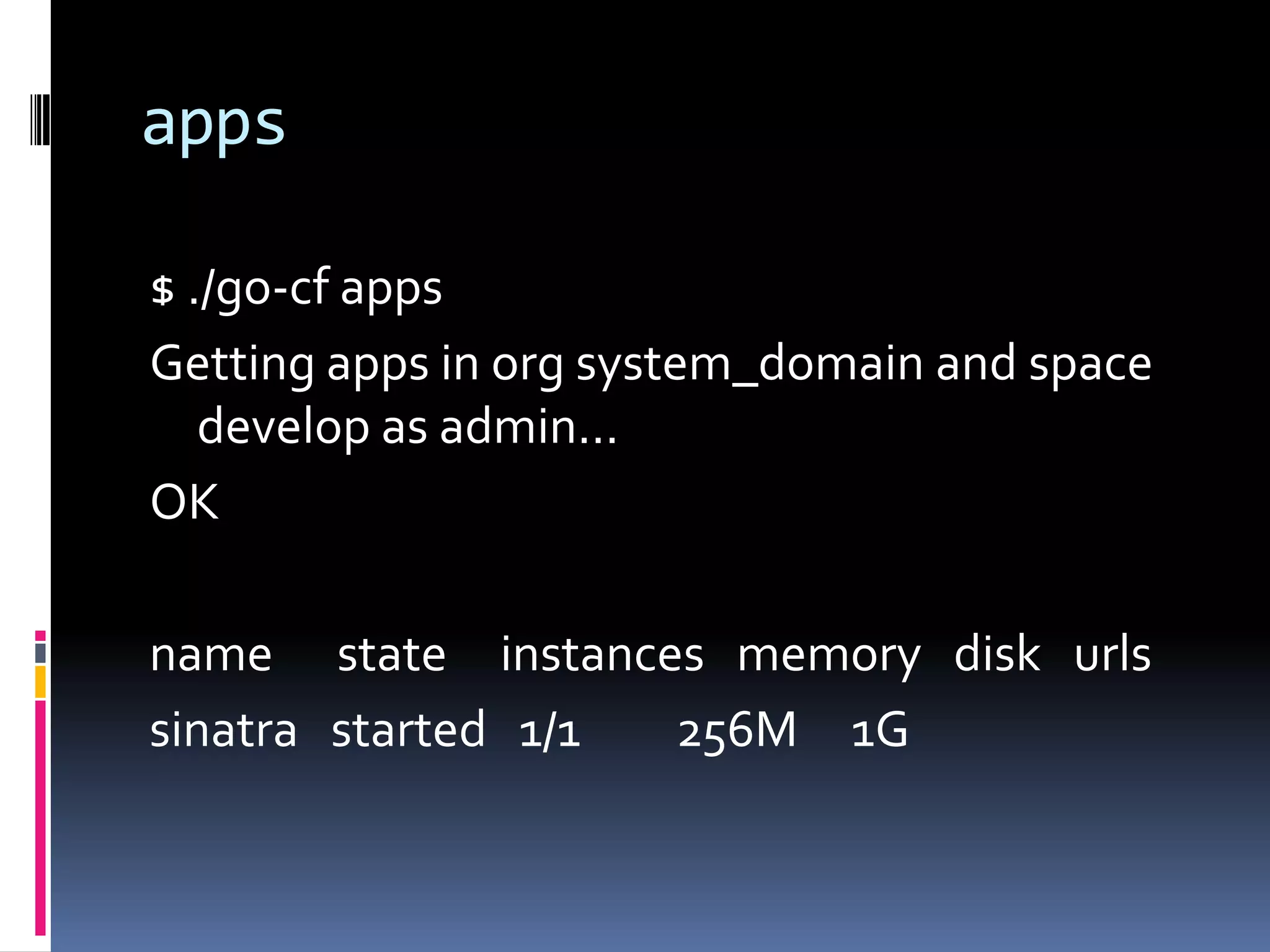
$ ./go-cf apps
Getting apps in org system_domain and space
develop as admin...
OK

name state instances memory disk urls
sinatra started 1/1
256M 1G
scale
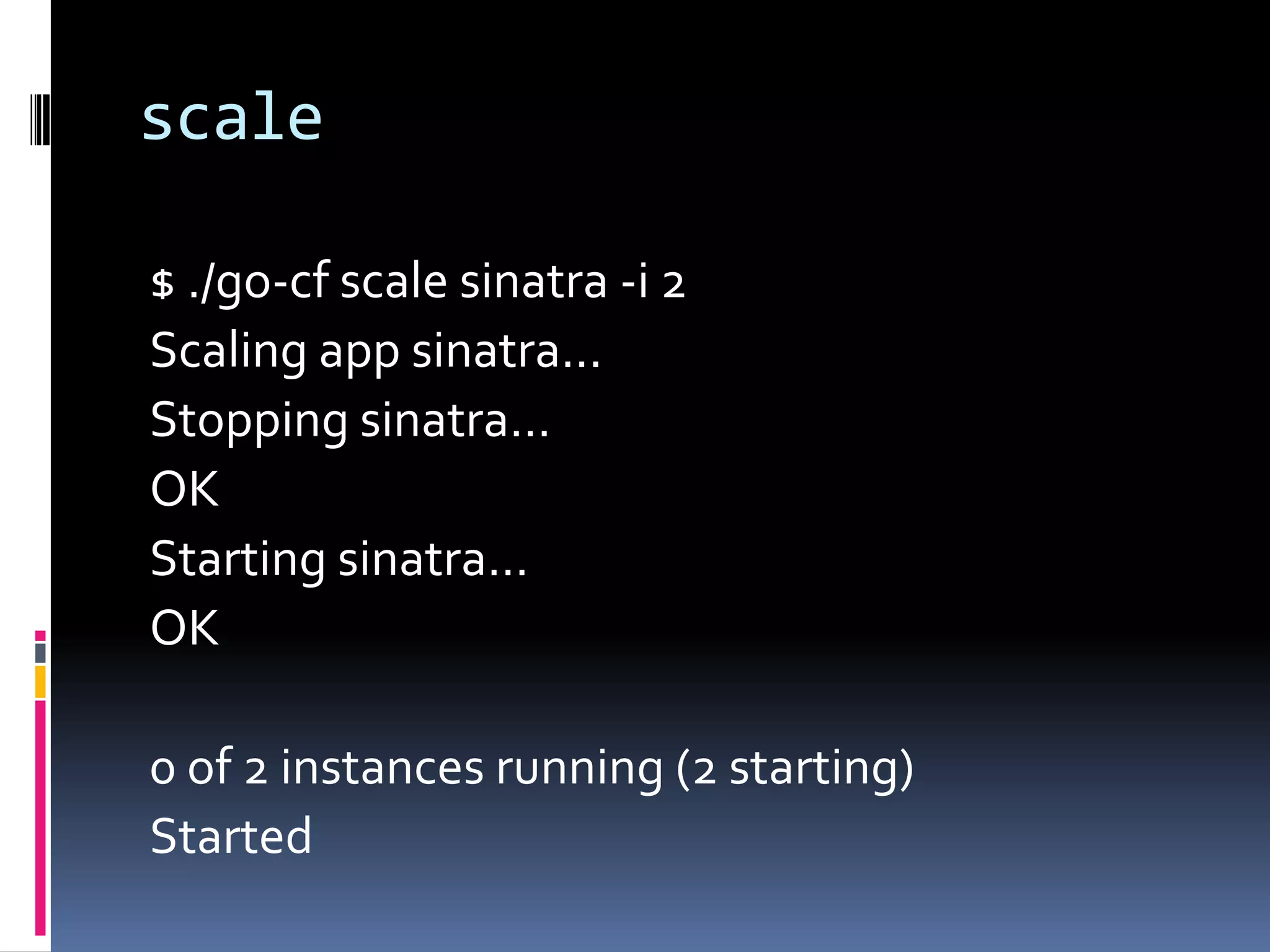
$ ./go-cf scale sinatra -i 2
Scaling app sinatra...
Stopping sinatra...
OK
Starting sinatra...
OK
0 of 2 instances running (2 starting)
Started
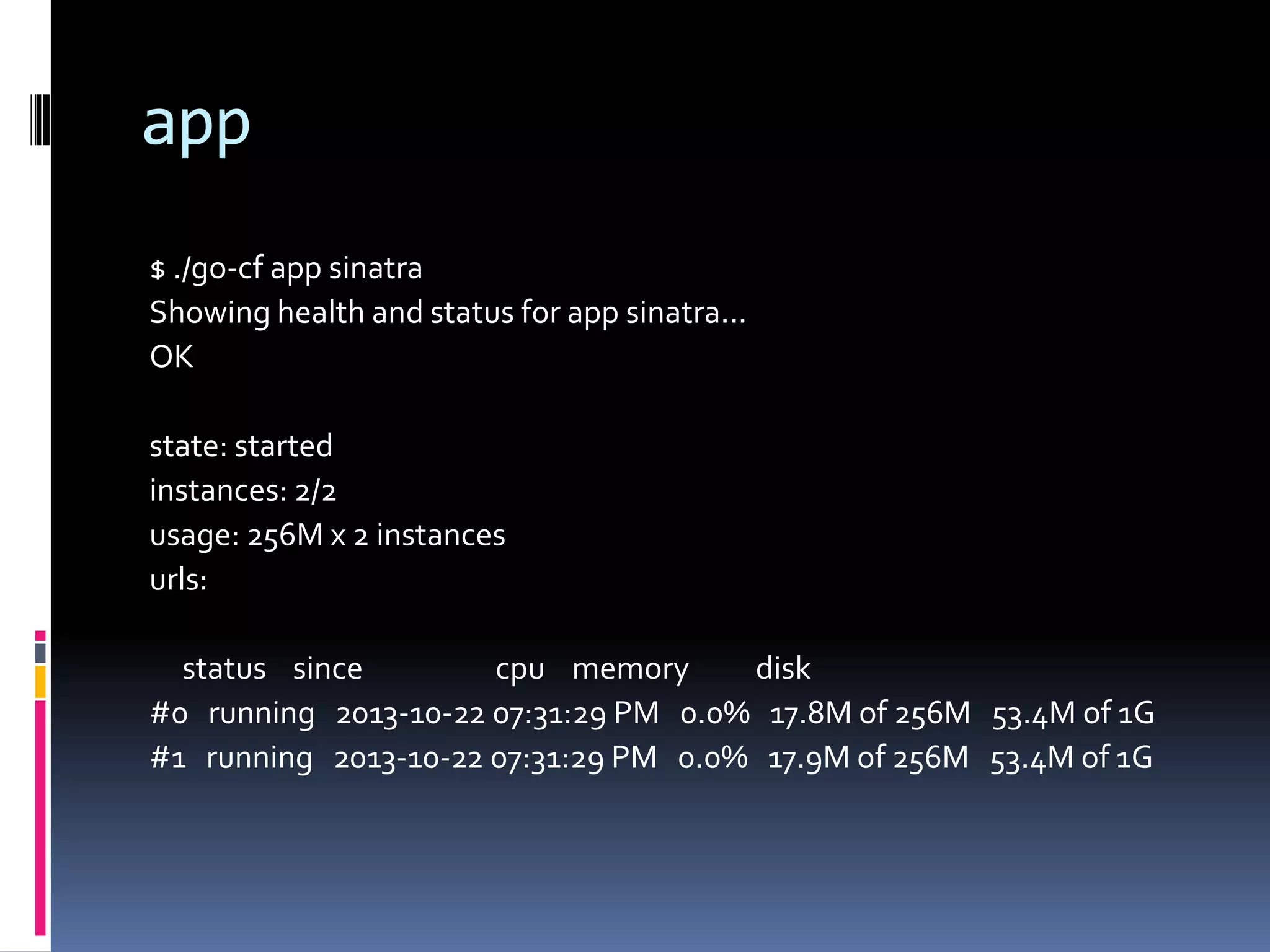
app
$ ./go-cf app sinatra
Showing health and status for app sinatra...
OK
state: started
instances: 2/2
usage: 256M x 2 instances
urls:
status since
cpu memory
disk
#0 running 2013-10-22 07:31:29 PM 0.0% 17.8M of 256M 53.4M of 1G
#1 running 2013-10-22 07:31:29 PM 0.0% 17.9M of 256M 53.4M of 1G
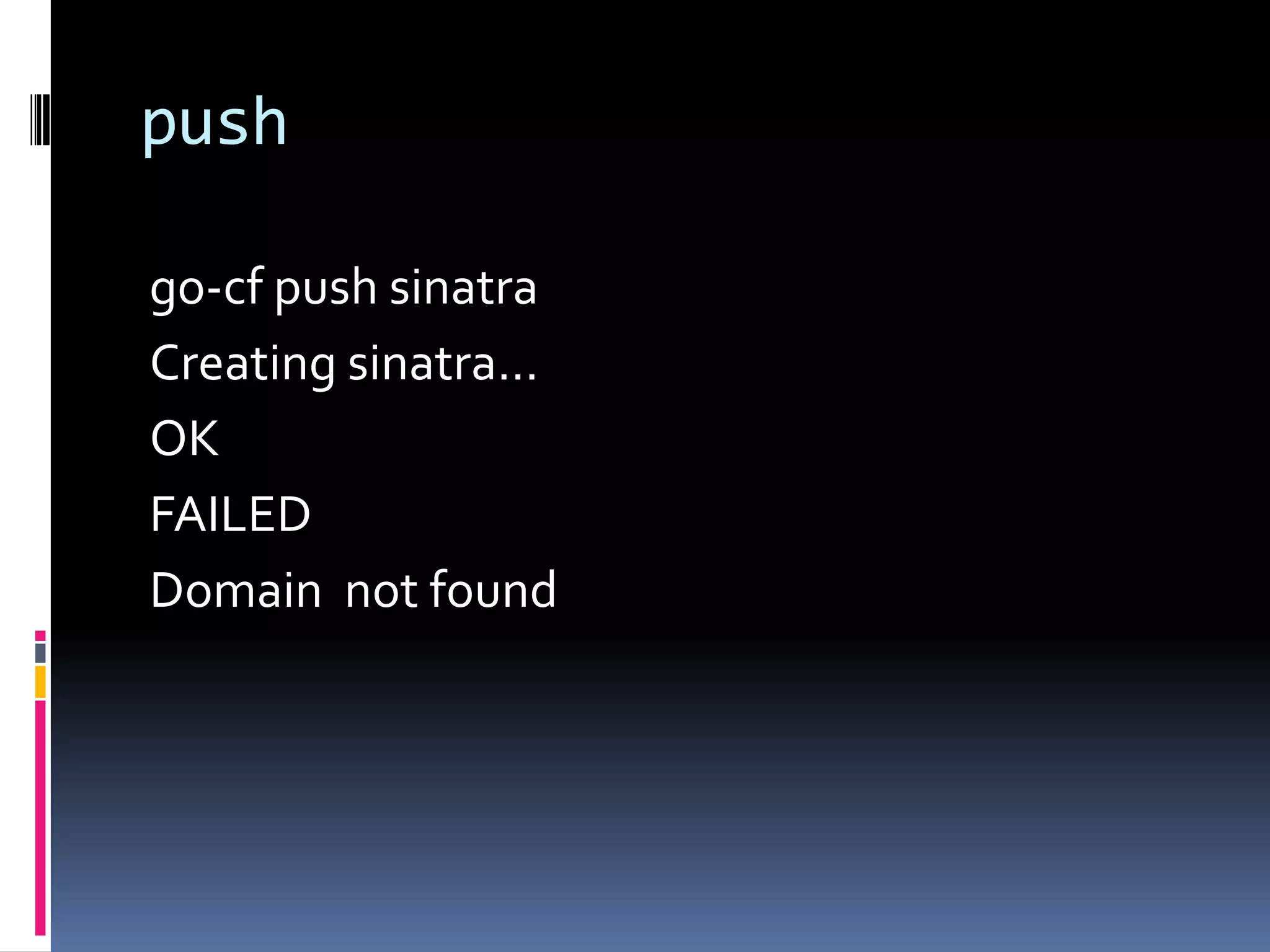
push
go-cf push sinatra
Creating sinatra...
OK
FAILED
Domain not found
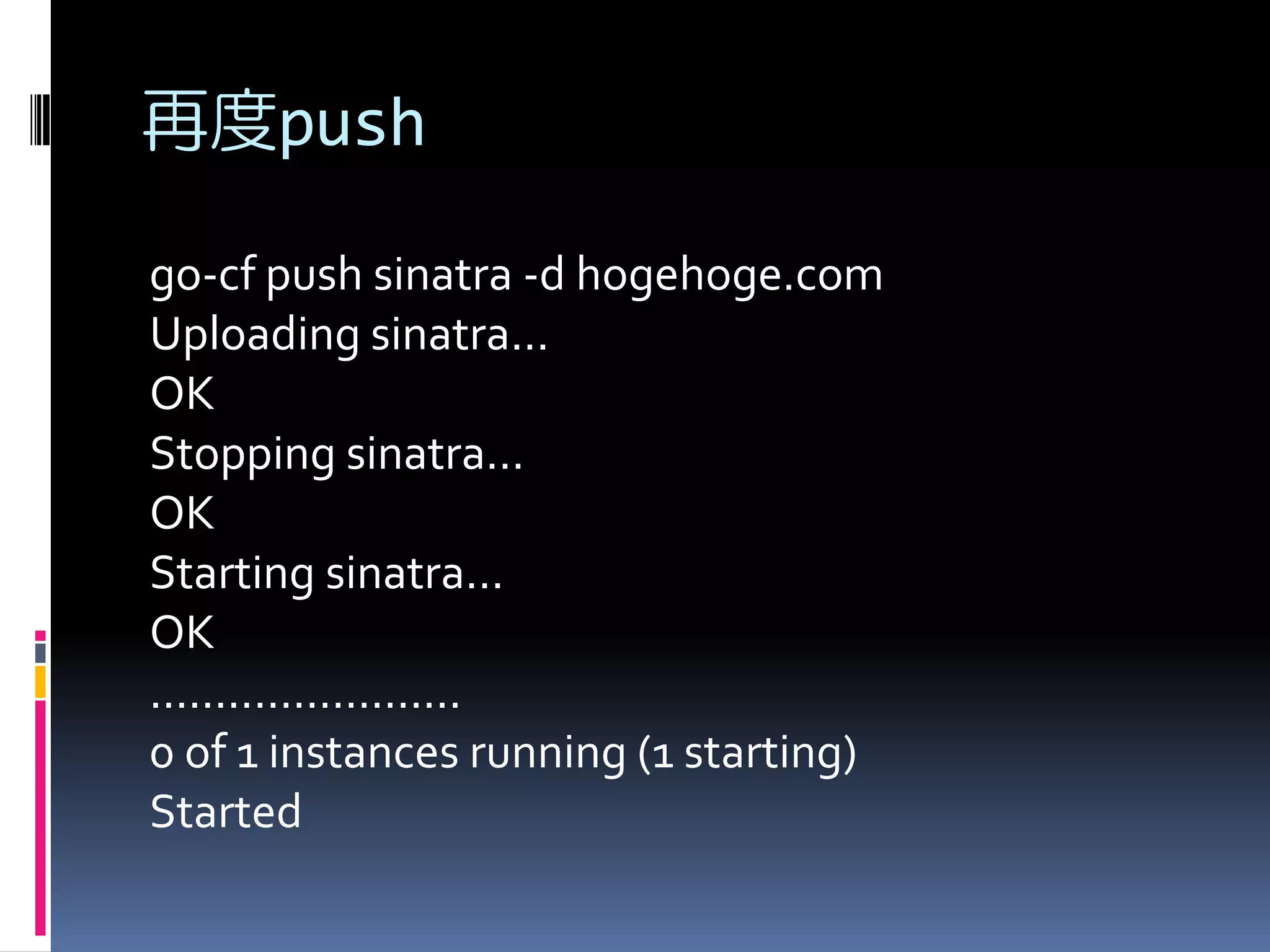
再度push
go-cf push sinatra -d hogehoge.com
Uploading sinatra...
OK
Stopping sinatra...
OK
Starting sinatra...
OK
........................
0 of 1 instances running (1 starting)
Started
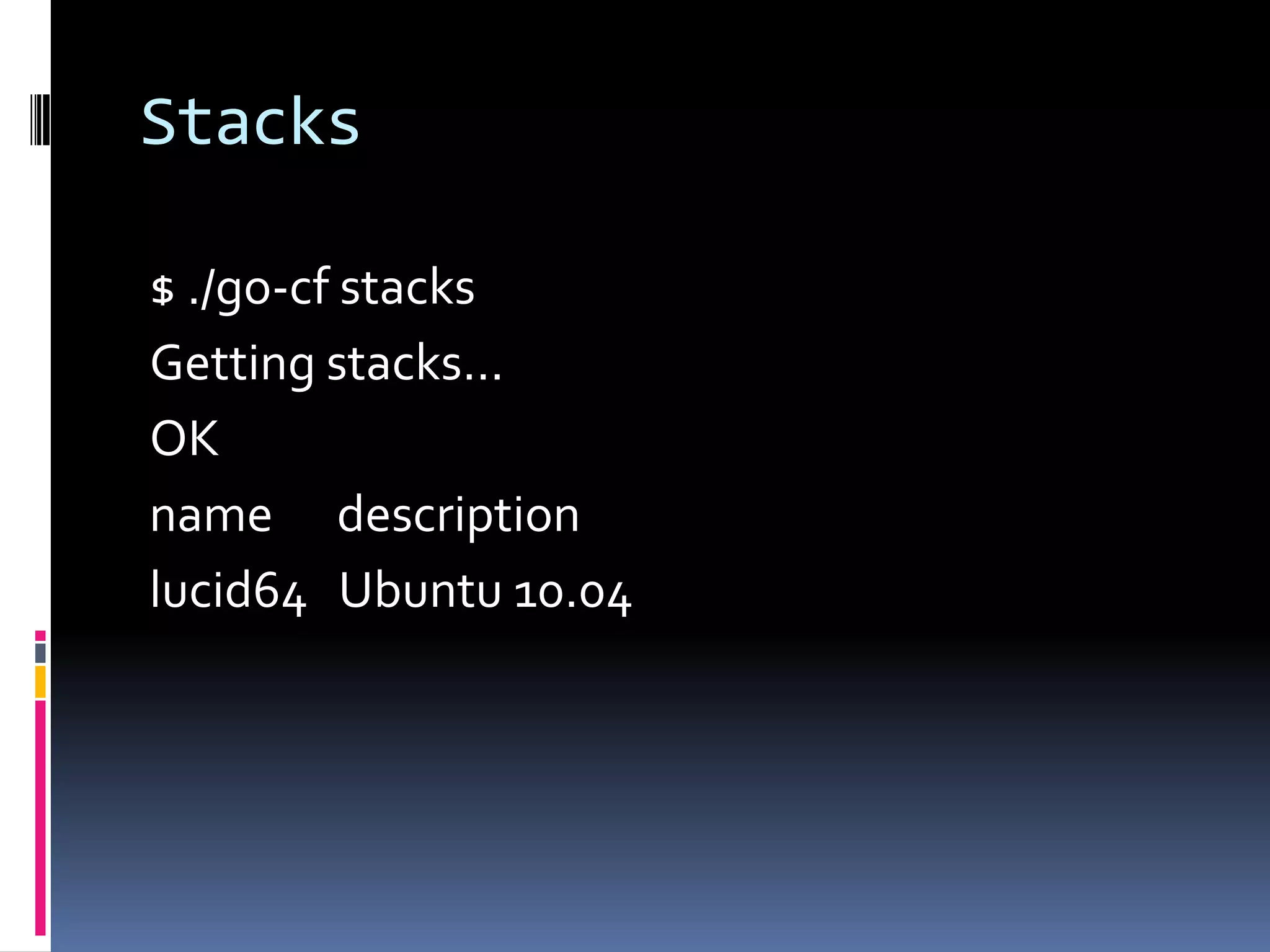
Stacks
$ ./go-cf stacks
Getting stacks...
OK
name description
lucid64 Ubuntu 10.04
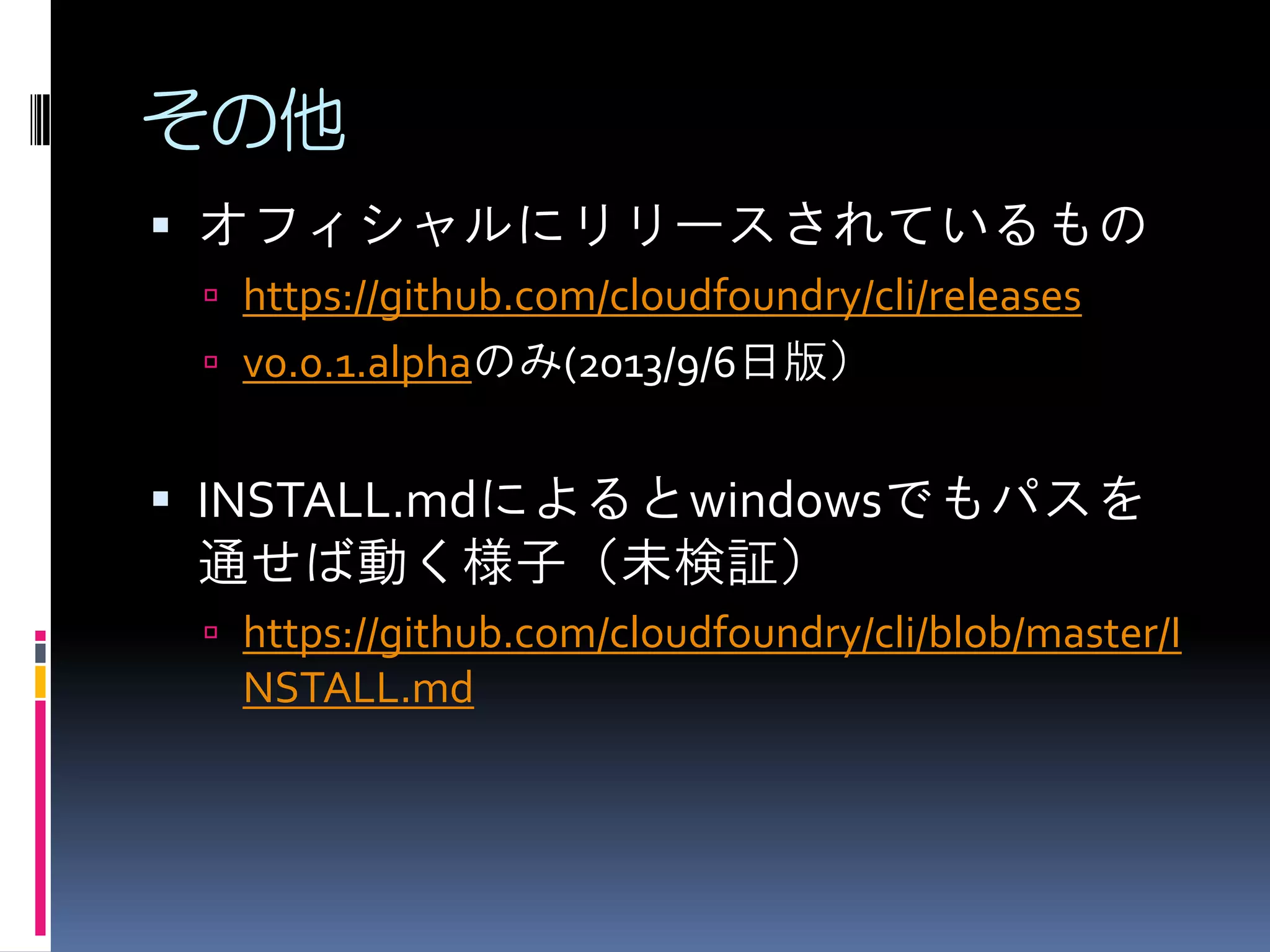
その他
 オフィシャルにリリースされているもの
 https://github.com/cloudfoundry/cli/releases

 v0.0.1.alphaのみ(2013/9/6日版)

 INSTALL.mdによるとwindowsでもパスを

通せば動く様子(未検証)
 https://github.com/cloudfoundry/cli/blob/master/I

NSTALL.md
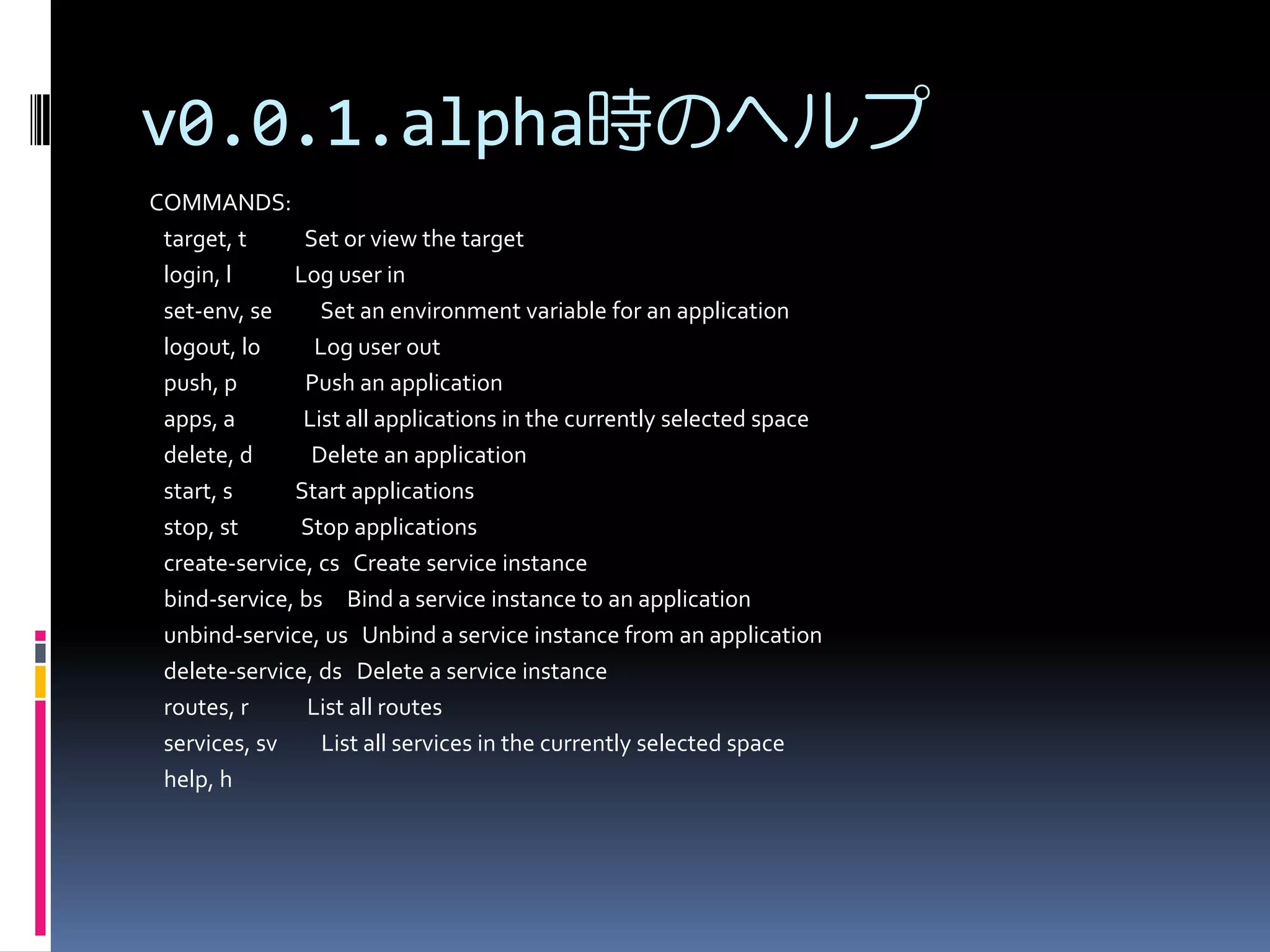
v0.0.1.alpha時のヘルプ
COMMANDS:
target, t
Set or view the target
login, l
Log user in
set-env, se
Set an environment variable for an application
logout, lo
Log user out
push, p
Push an application
apps, a
List all applications in the currently selected space
delete, d
Delete an application
start, s
Start applications
stop, st
Stop applications
create-service, cs Create service instance
bind-service, bs Bind a service instance to an application
unbind-service, us Unbind a service instance from an application
delete-service, ds Delete a service instance
routes, r
List all routes
services, sv
List all services in the currently selected space
help, h
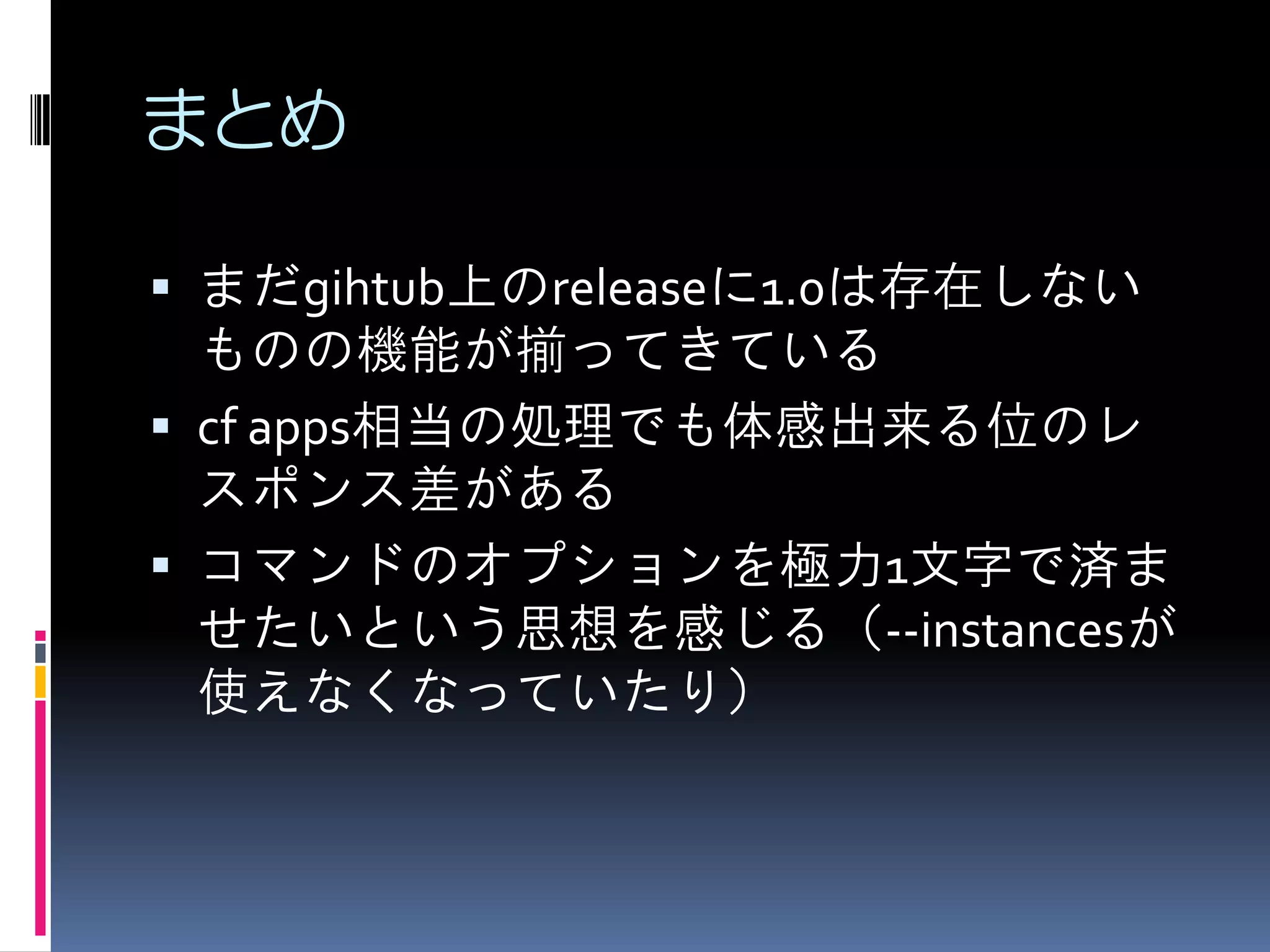
まとめ
 まだgihtub上のreleaseに1.0は存在しない

ものの機能が揃ってきている
 cf apps相当の処理でも体感出来る位のレ
スポンス差がある
 コマンドのオプションを極力1文字で済ま
せたいという思想を感じる(--instancesが
使えなくなっていたり)
【参考】コマンド一覧(1/8)














$ ./go-cf -h
NAME:
cf - A command line tool to interact with Cloud Foundry
USAGE:
[environment variables] cf [global options] command [arguments...] [command options]
VERSION:
1.0.0.rc1-a79e769418
COMMANDS:
help
api
app
apps, a
auth

Show help
Set or view target api url
Display health and status for app
List all apps in the target space
Authenticate user non-interactively
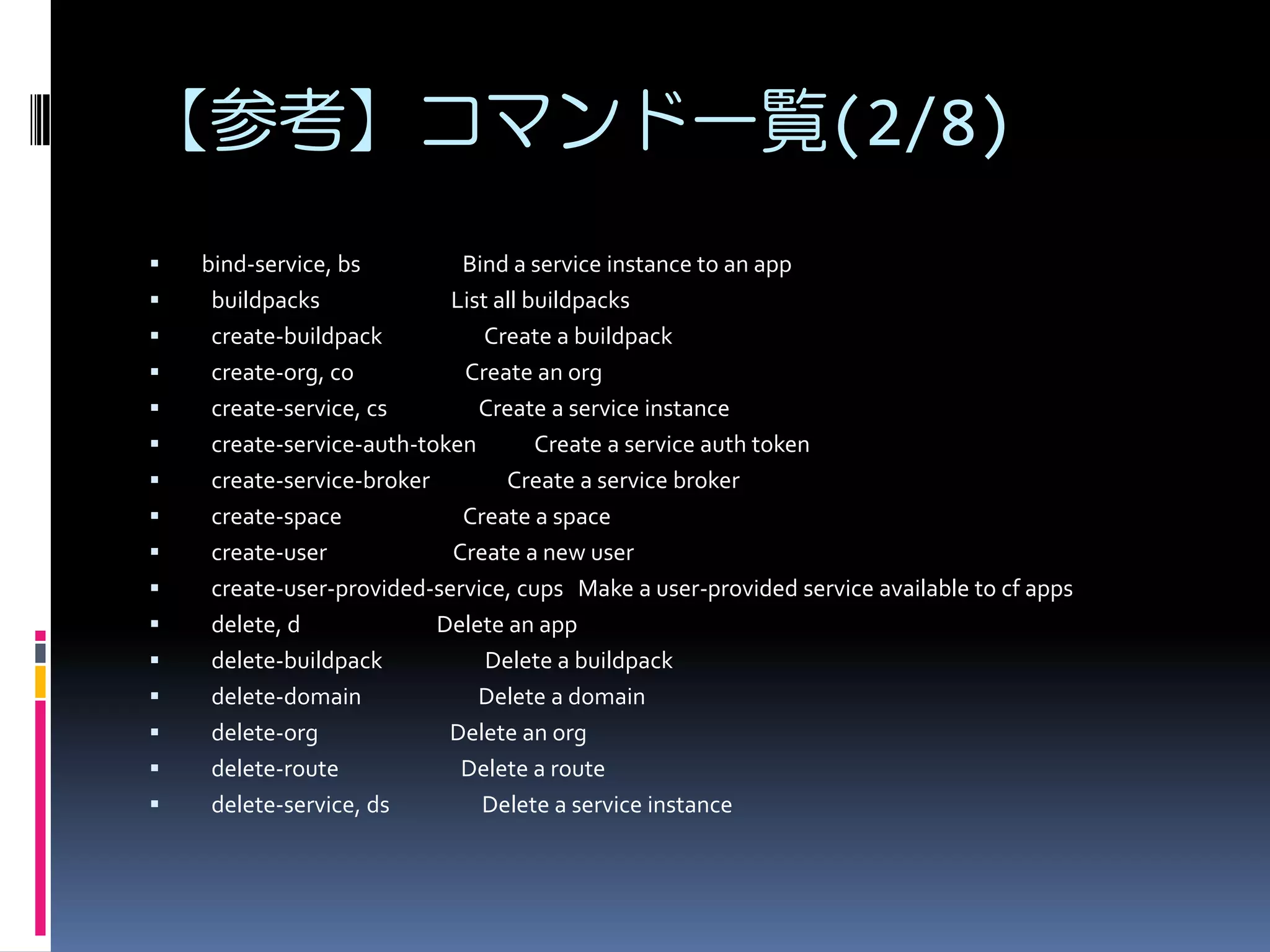
【参考】コマンド一覧(2/8)

















bind-service, bs
Bind a service instance to an app
buildpacks
List all buildpacks
create-buildpack
Create a buildpack
create-org, co
Create an org
create-service, cs
Create a service instance
create-service-auth-token
Create a service auth token
create-service-broker
Create a service broker
create-space
Create a space
create-user
Create a new user
create-user-provided-service, cups Make a user-provided service available to cf apps
delete, d
Delete an app
delete-buildpack
Delete a buildpack
delete-domain
Delete a domain
delete-org
Delete an org
delete-route
Delete a route
delete-service, ds
Delete a service instance
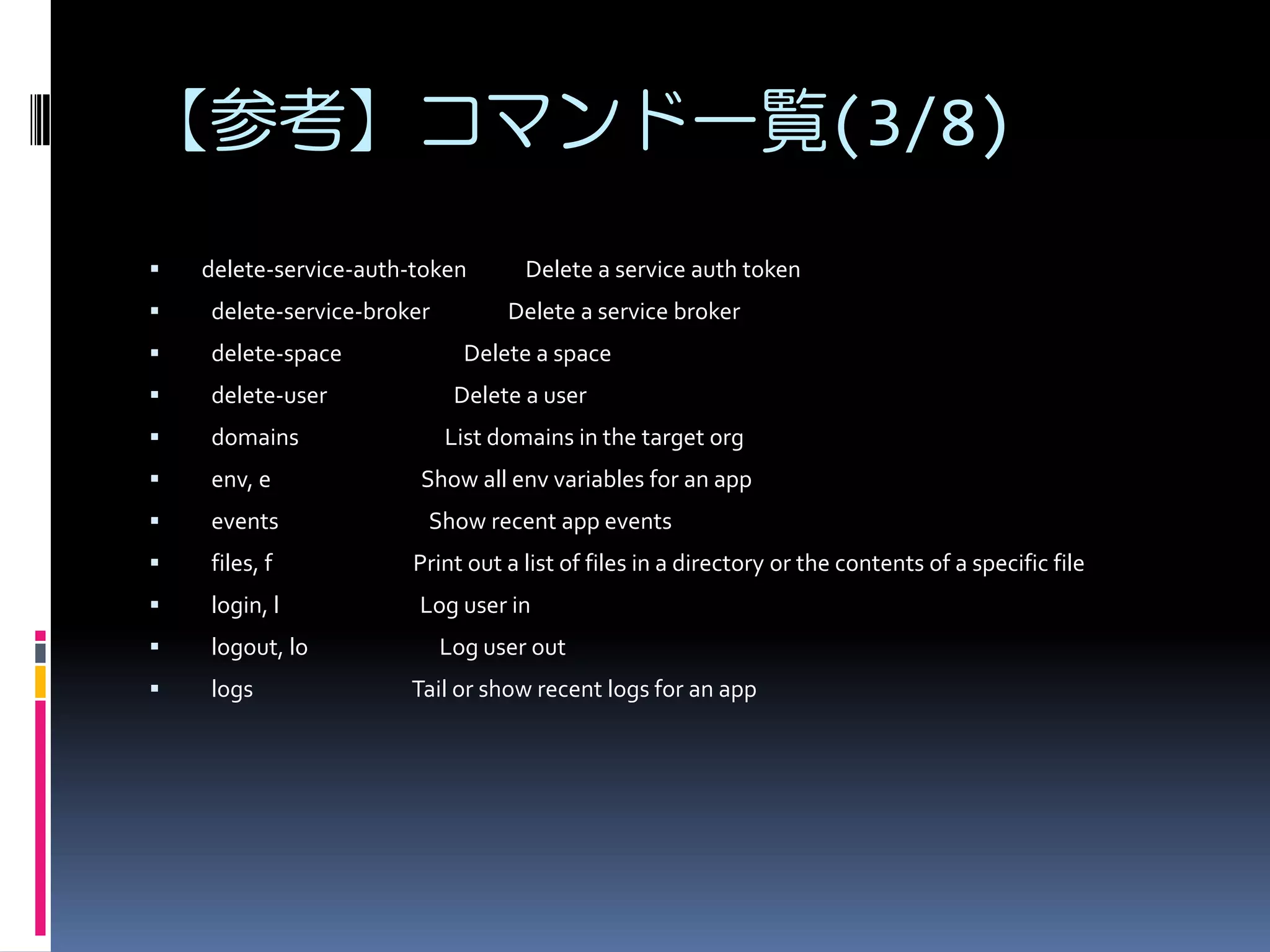
【参考】コマンド一覧(3/8)


delete-service-auth-token

Delete a service auth token



delete-service-broker



delete-space



delete-user



domains



env, e



events



files, f

Print out a list of files in a directory or the contents of a specific file



login, l

Log user in



logout, lo



logs

Delete a service broker
Delete a space
Delete a user
List domains in the target org

Show all env variables for an app
Show recent app events

Log user out
Tail or show recent logs for an app
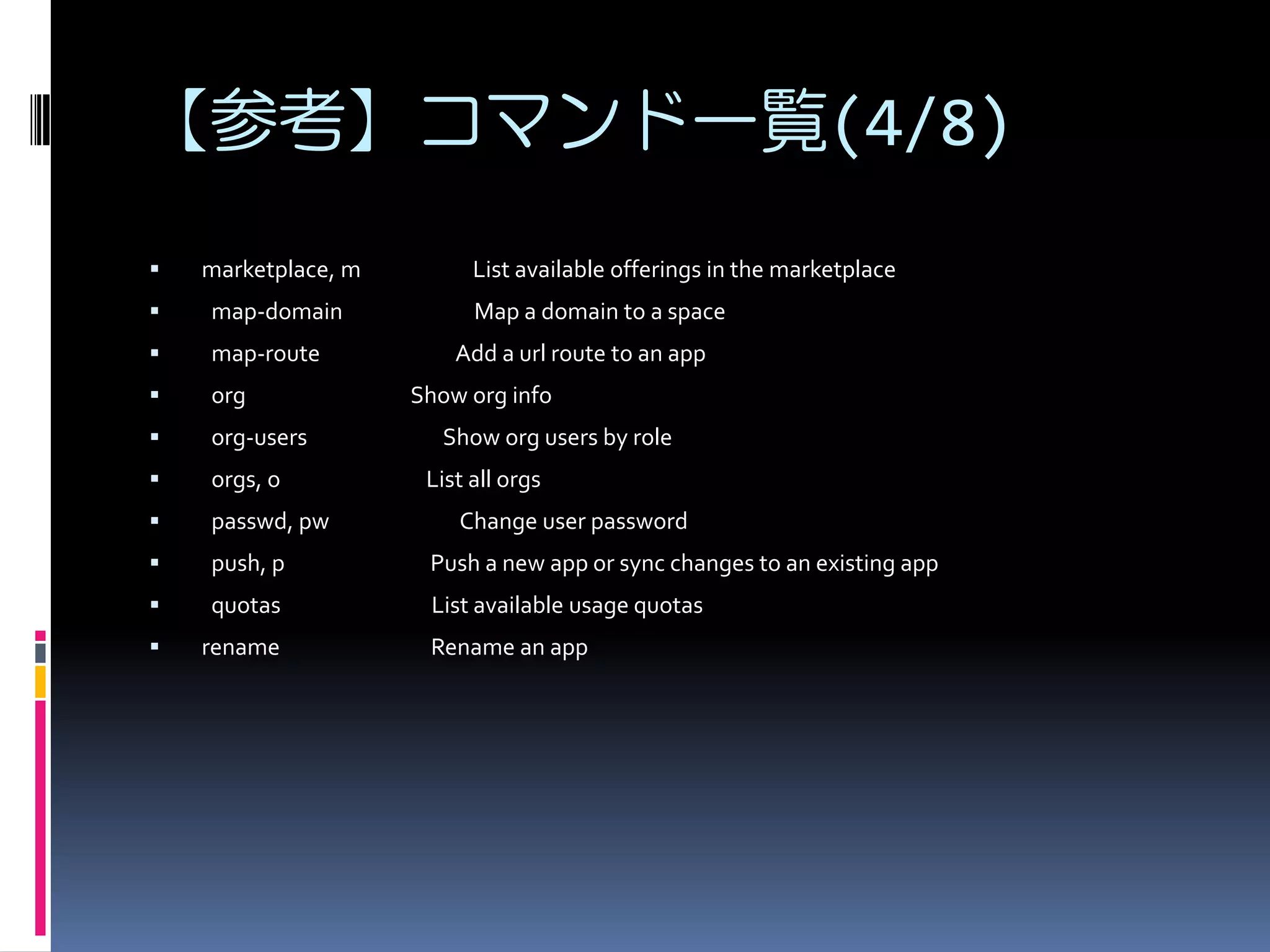
【参考】コマンド一覧(4/8)


marketplace, m



map-domain



map-route



org



org-users



orgs, o



passwd, pw



push, p

Push a new app or sync changes to an existing app



quotas

List available usage quotas



rename

List available offerings in the marketplace
Map a domain to a space
Add a url route to an app
Show org info
Show org users by role
List all orgs
Change user password

Rename an app
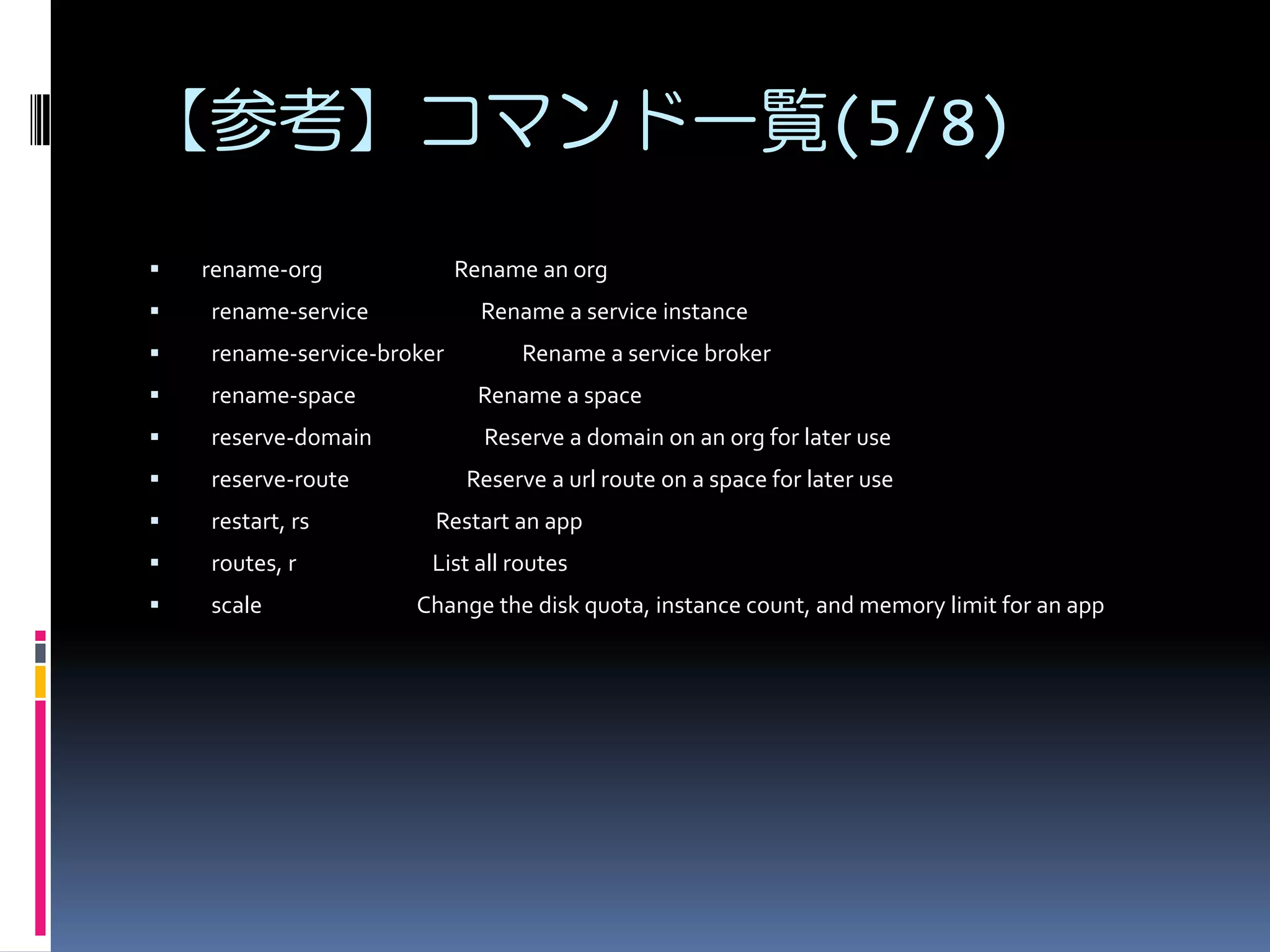
【参考】コマンド一覧(5/8)


rename-org

Rename an org



rename-service



rename-service-broker



rename-space

Rename a space



reserve-domain

Reserve a domain on an org for later use



reserve-route



restart, rs

Restart an app



routes, r

List all routes



scale

Rename a service instance
Rename a service broker

Reserve a url route on a space for later use

Change the disk quota, instance count, and memory limit for an app
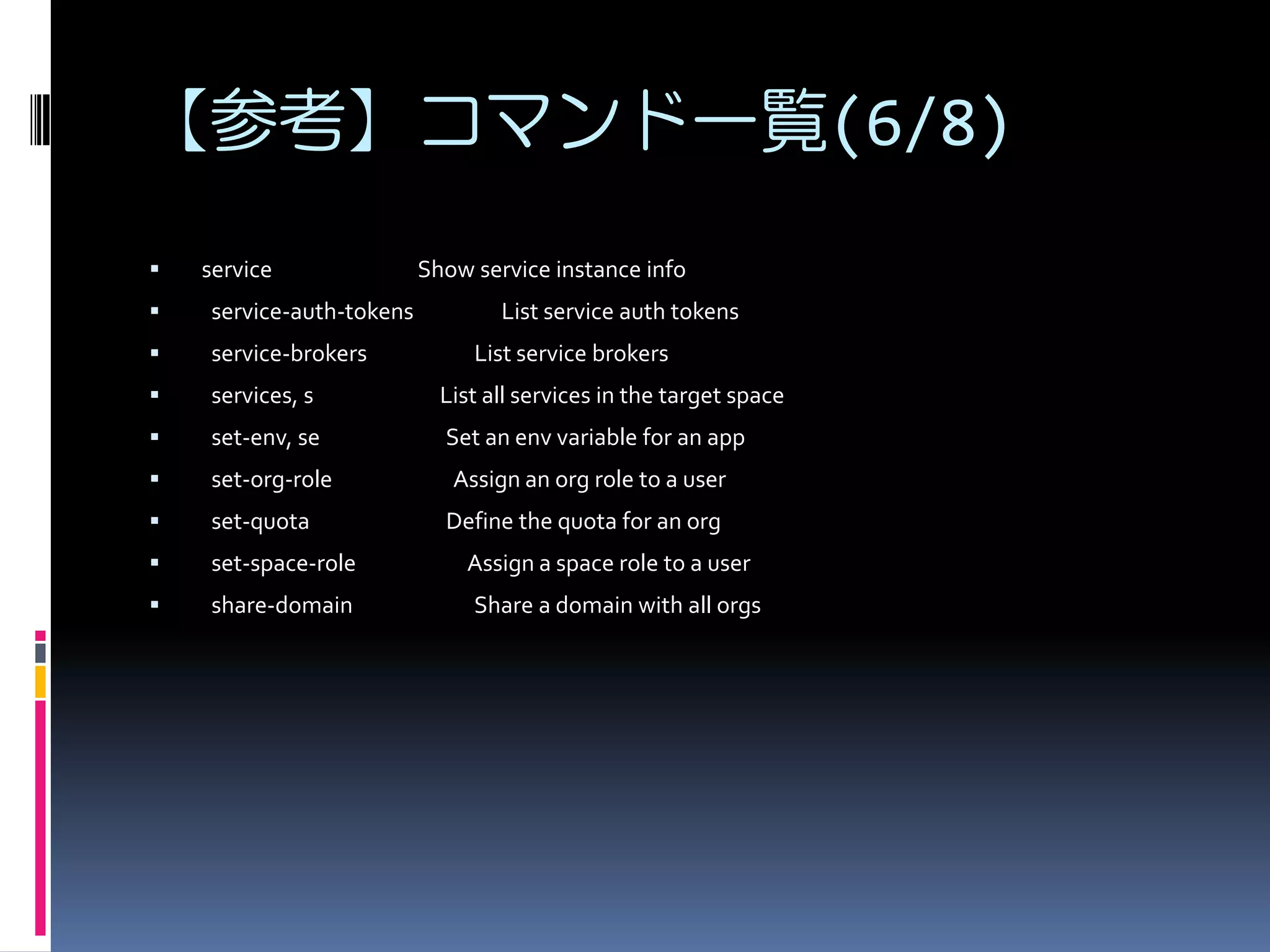
【参考】コマンド一覧(6/8)


service

Show service instance info



service-auth-tokens



service-brokers



services, s

List all services in the target space



set-env, se

Set an env variable for an app



set-org-role

Assign an org role to a user



set-quota

Define the quota for an org



set-space-role

Assign a space role to a user



share-domain

Share a domain with all orgs

List service auth tokens
List service brokers
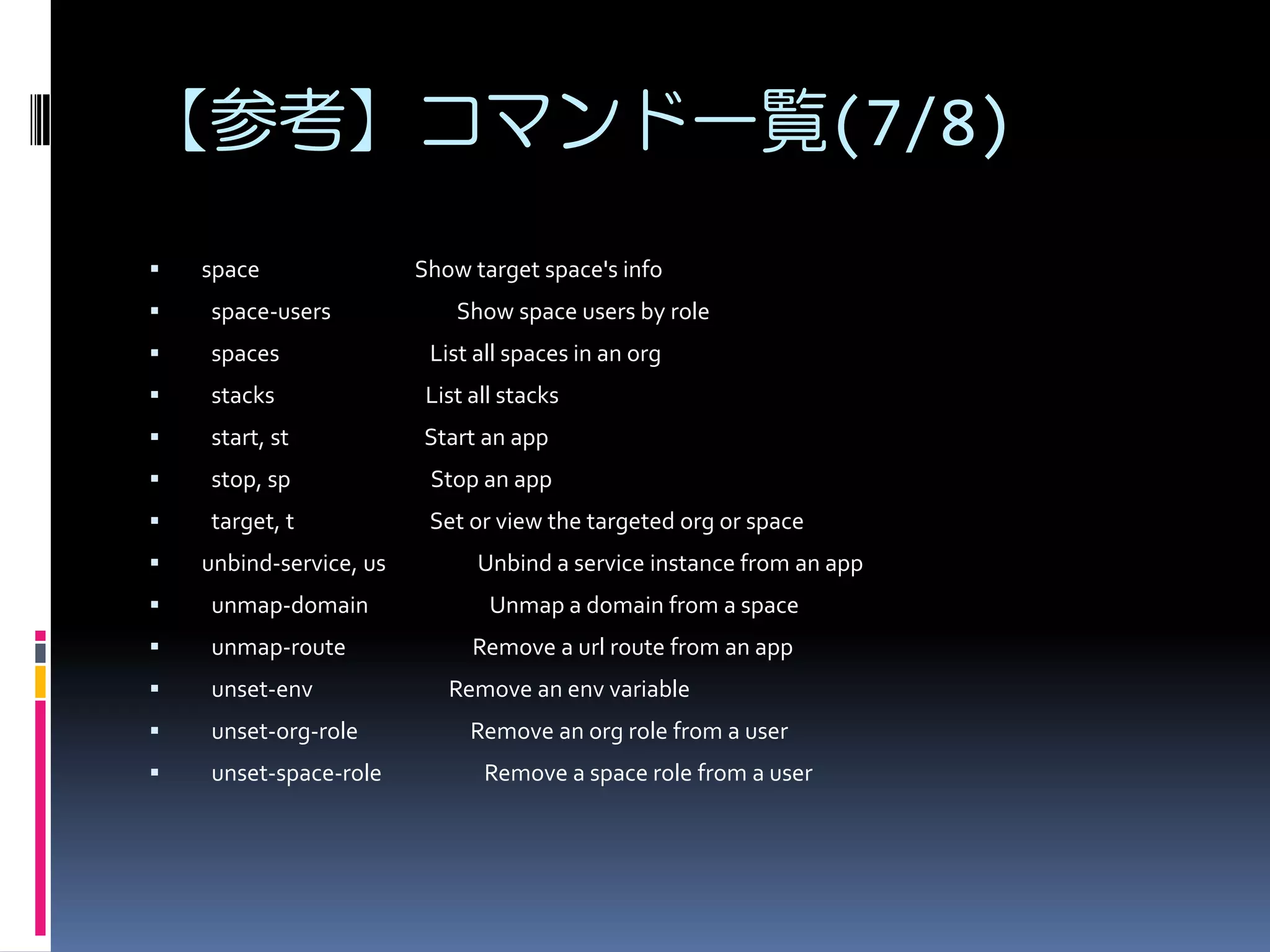
【参考】コマンド一覧(7/8)


space

Show target space's info



space-users



spaces

List all spaces in an org



stacks

List all stacks



start, st

Start an app



stop, sp

Stop an app



target, t

Set or view the targeted org or space



unbind-service, us



unmap-domain



unmap-route



unset-env



unset-org-role



unset-space-role

Show space users by role

Unbind a service instance from an app
Unmap a domain from a space
Remove a url route from an app
Remove an env variable
Remove an org role from a user
Remove a space role from a user
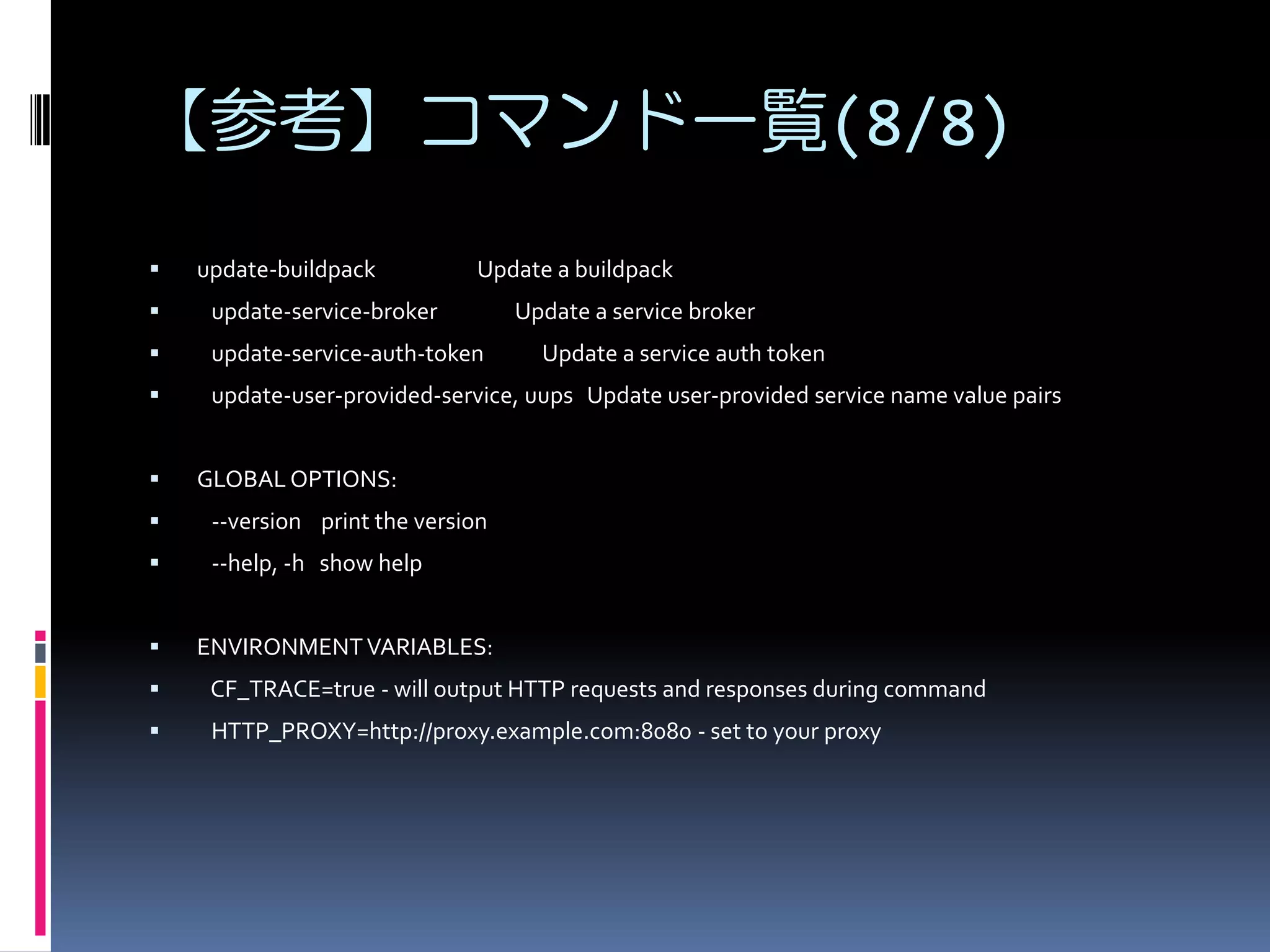
【参考】コマンド一覧(8/8)


update-buildpack

Update a buildpack



update-service-broker



update-service-auth-token



update-user-provided-service, uups Update user-provided service name value pairs



Update a service broker
Update a service auth token

GLOBAL OPTIONS:



--version print the version



--help, -h show help



ENVIRONMENT VARIABLES:



CF_TRACE=true - will output HTTP requests and responses during command



HTTP_PROXY=http://proxy.example.com:8080 - set to your proxy
記載されているシステム名、製品名は
各社および商標権者の登録商標あるいは
商標です。

GO-CFを試してみる