GlassFish Performance Tuning:
Tips from the Field
Steve Millidge : Founder Payara
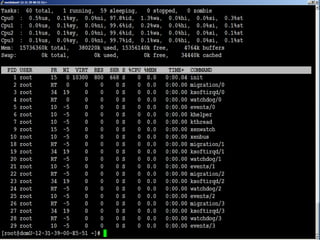
First Day at Work
It’s All
Gone to
*#*@!
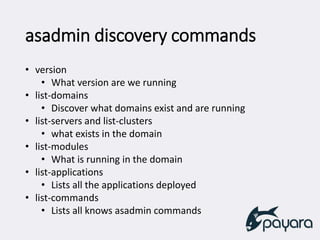
asadmin discovery commands
• version
• What version are we running
• list-domains
• Discover what domains exist and are running
• list-servers and list-clusters
• what exists in the domain
• list-modules
• What is running in the domain
• list-applications
• Lists all the applications deployed
• list-commands
• Lists all knows asadmin commands
What are we looking for?
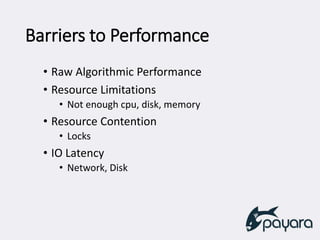
Barriers to Performance
• Raw Algorithmic Performance
• Resource Limitations
• Not enough cpu, disk, memory
• Resource Contention
• Locks
• IO Latency
• Network, Disk
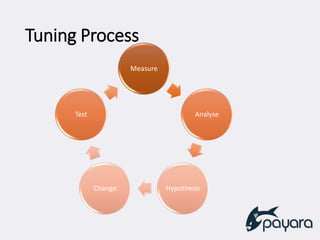
Tuning Process
Measure
Analyse
HypothesisChange
Test
Analyse
• Analyse data to
correlate issues
• Use tools during the
performance issue
• Use historical data for
trends
• Look for evidence of
Barriers
Hypothesis
• Use EVIDENCE from
tools
• Create a causal
hypothesis
• Determine fix that will
mitigate
Change
• Change ONE thing
• Configuration Changes
• Try these first
• Many Many things in App Servers
to change
• Code Changes
• Only optimise when you have
evidence
• Document all Changes
Test
• Create reproducible test case
• (If Possible)
• Test Before and After
• Gather Evidence of effect of Change
How do we Measure GlassFish?
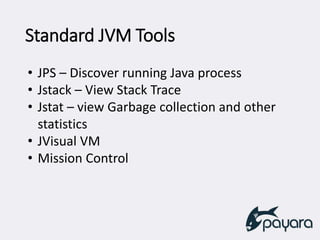
Standard JVM Tools
• JPS – Discover running Java process
• Jstack – View Stack Trace
• Jstat – view Garbage collection and other
statistics
• JVisual VM
• Mission Control
Monitoring in JVisualVM
Install all the available Plugins
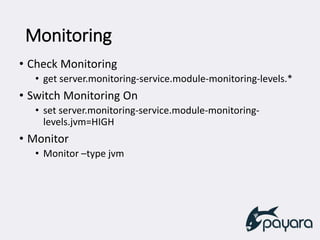
Monitoring
• Check Monitoring
• get server.monitoring-service.module-monitoring-levels.*
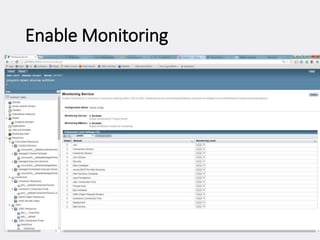
• Switch Monitoring On
• set server.monitoring-service.module-monitoring-
levels.jvm=HIGH
• Monitor
• Monitor –type jvm
Enable Monitoring
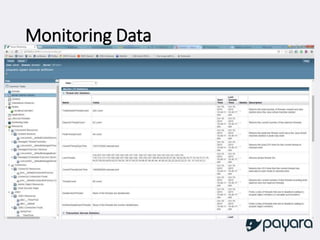
Monitoring Data
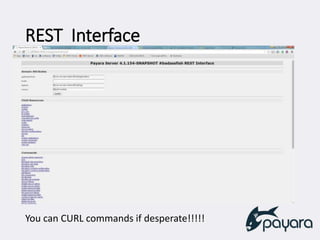
REST Interface
You can CURL commands if desperate!!!!!
What to Change
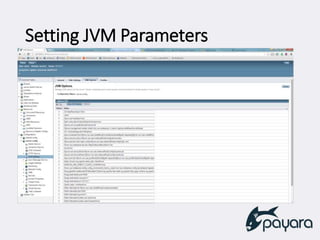
Setting JVM Parameters
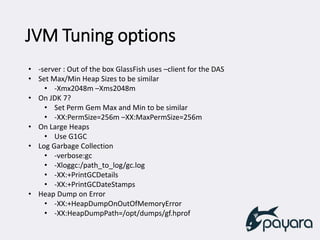
JVM Tuning options
• -server : Out of the box GlassFish uses –client for the DAS
• Set Max/Min Heap Sizes to be similar
• -Xmx2048m –Xms2048m
• On JDK 7?
• Set Perm Gem Max and Min to be similar
• -XX:PermSize=256m –XX:MaxPermSize=256m
• On Large Heaps
• Use G1GC
• Log Garbage Collection
• -verbose:gc
• -Xloggc:/path_to_log/gc.log
• -XX:+PrintGCDetails
• -XX:+PrintGCDateStamps
• Heap Dump on Error
• -XX:+HeapDumpOnOutOfMemoryError
• -XX:HeapDumpPath=/opt/dumps/gf.hprof
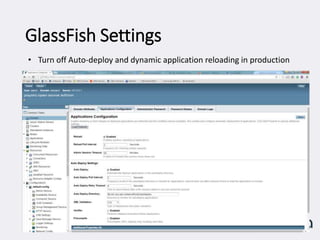
GlassFish Settings
• Turn off Auto-deploy and dynamic application reloading in production
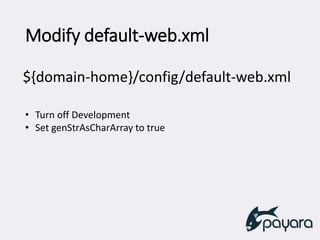
Modify default-web.xml
• Turn off Development
• Set genStrAsCharArray to true
${domain-home}/config/default-web.xml
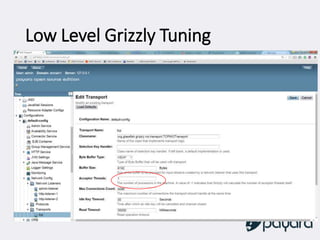
Low Level Grizzly Tuning
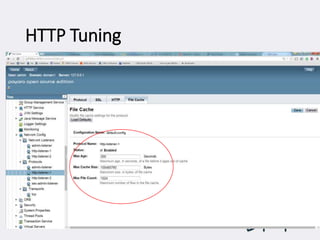
HTTP Tuning
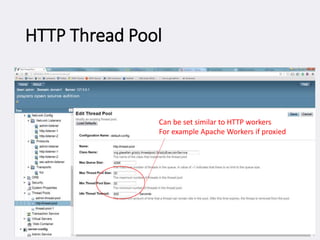
HTTP Thread Pool
Can be set similar to HTTP workers
For example Apache Workers if proxied
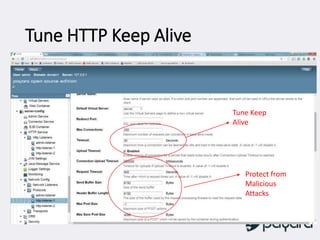
Tune HTTP Keep Alive
Protect from
Malicious
Attacks
Tune Keep
Alive
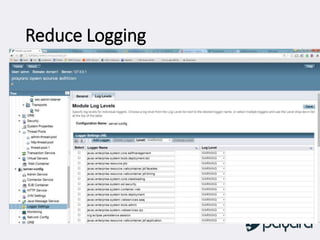
Reduce Logging
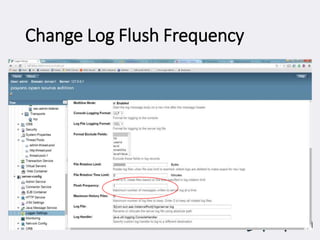
Change Log Flush Frequency
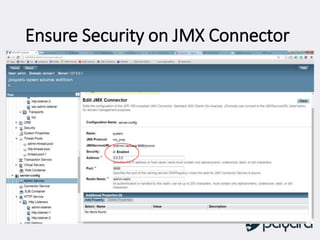
Ensure Security on JMX Connector
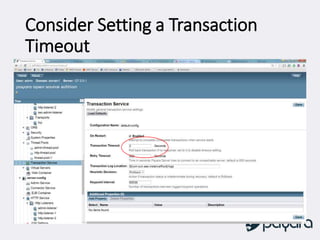
Consider Setting a Transaction
Timeout
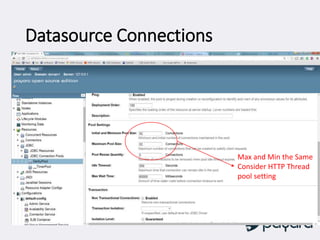
Datasource Connections
Max and Min the Same
Consider HTTP Thread
pool setting
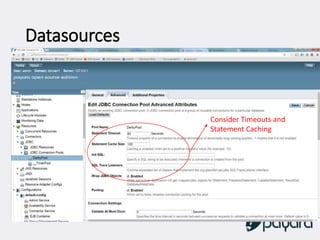
Datasources
Consider Timeouts and
Statement Caching
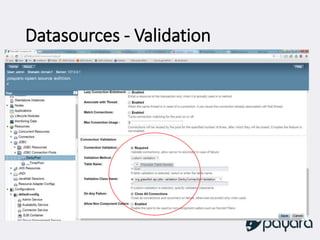
Datasources - Validation
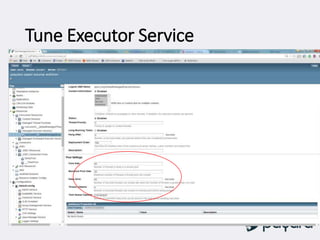
Tune Executor Service
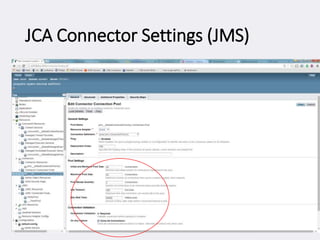
JCA Connector Settings (JMS)
Questions

Glass fish performance tuning tips from the field

Editor's Notes

  • #8 We need to know if this is going to happen again We need to know why this happened this time How do we do this?
  • #9 Algorithmic Performance can be helped with profilers etc. in my experience a very rare performance issue in a production system Resource Limitations require tuning and ability to scale yourself out of the problem (See scalability) If you can’t scale you will hit a wall Resource contention requires careful tuning as you can’t scale your way out of this problem you must architect and design your system to
  • #15 We need to know if this is going to happen again We need to know why this happened this time How do we do this?