GFX2014 – LAB INSTRUCTIONS
1.

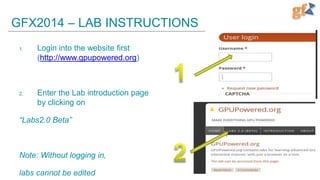
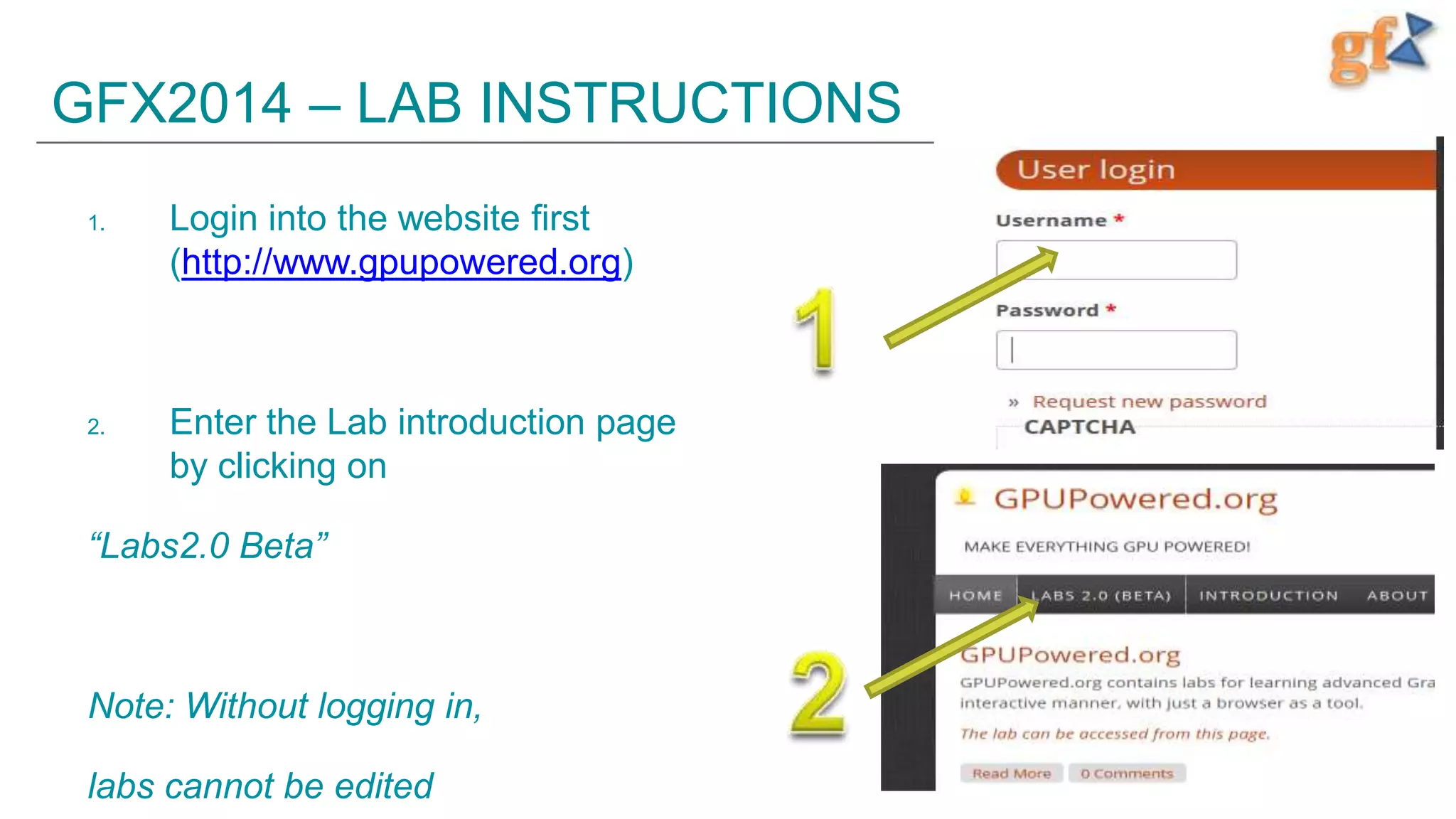
Login into the website first
(http://www.gpupowered.org)

2.

Enter the Lab introduction page
by clicking on

“Labs2.0 Beta”

Note: Without logging in,
labs cannot be edited
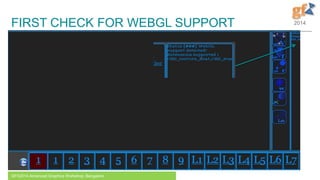
FIRST CHECK FOR WEBGL SUPPORT

GFX2014 Advanced Graphics Workshop, Bangalore

2014

2
GFX2014 – LAB INSTRUCTIONS
1.
2.

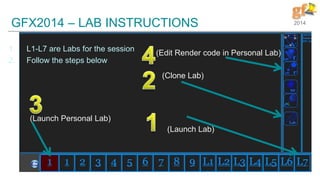
L1-L7 are Labs for the session
Follow the steps below

2014

(Edit Render code in Personal Lab)

(Clone Lab)

(Launch Personal Lab)
(Launch Lab)

3
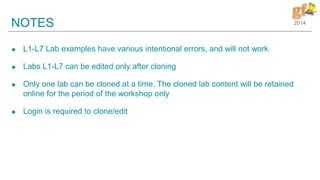
NOTES


L1-L7 Lab examples have various intentional errors, and will not work



Labs L1-L7 can be edited only after cloning



Only one lab can be cloned at a time. The cloned lab content will be retained
online for the period of the workshop only



Login is required to clone/edit

2014

Gfx2014 Graphics Workshop - Lab manual

  • 1.
    GFX2014 – LABINSTRUCTIONS 1. Login into the website first (http://www.gpupowered.org) 2. Enter the Lab introduction page by clicking on “Labs2.0 Beta” Note: Without logging in, labs cannot be edited
  • 2.
    FIRST CHECK FORWEBGL SUPPORT GFX2014 Advanced Graphics Workshop, Bangalore 2014 2
  • 3.
    GFX2014 – LABINSTRUCTIONS 1. 2. L1-L7 are Labs for the session Follow the steps below 2014 (Edit Render code in Personal Lab) (Clone Lab) (Launch Personal Lab) (Launch Lab) 3
  • 4.
    NOTES  L1-L7 Lab exampleshave various intentional errors, and will not work  Labs L1-L7 can be edited only after cloning  Only one lab can be cloned at a time. The cloned lab content will be retained online for the period of the workshop only  Login is required to clone/edit 2014