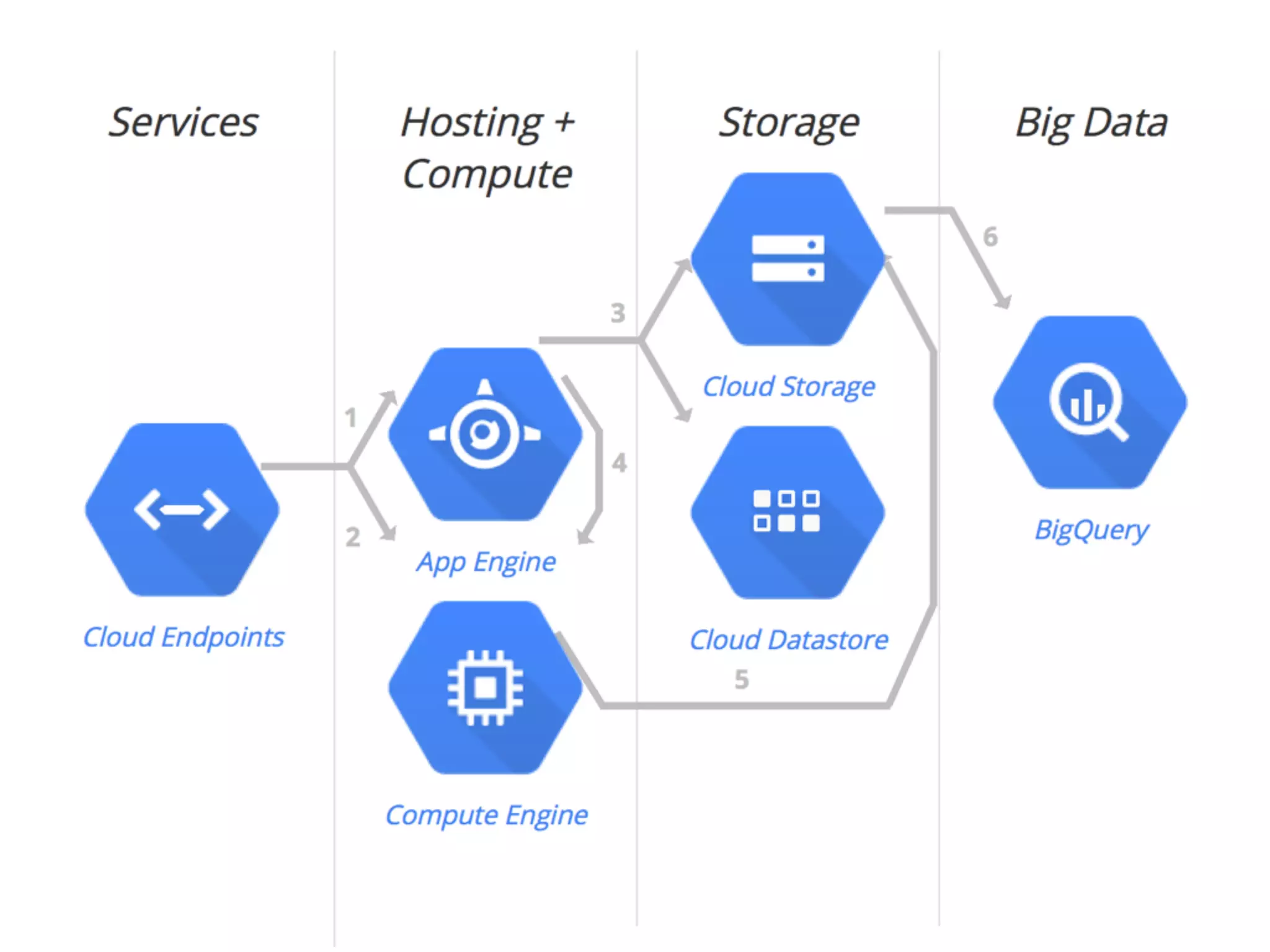
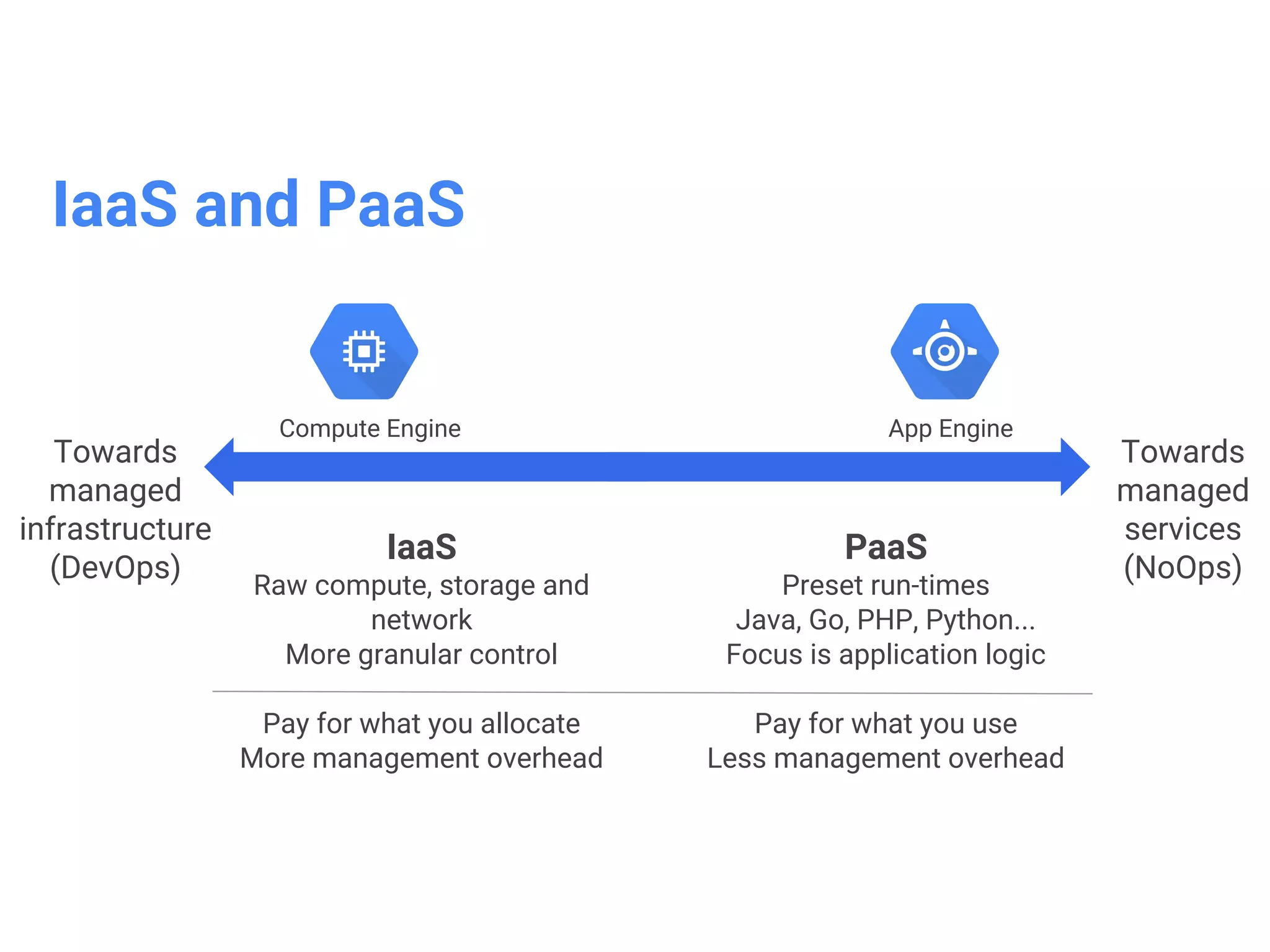
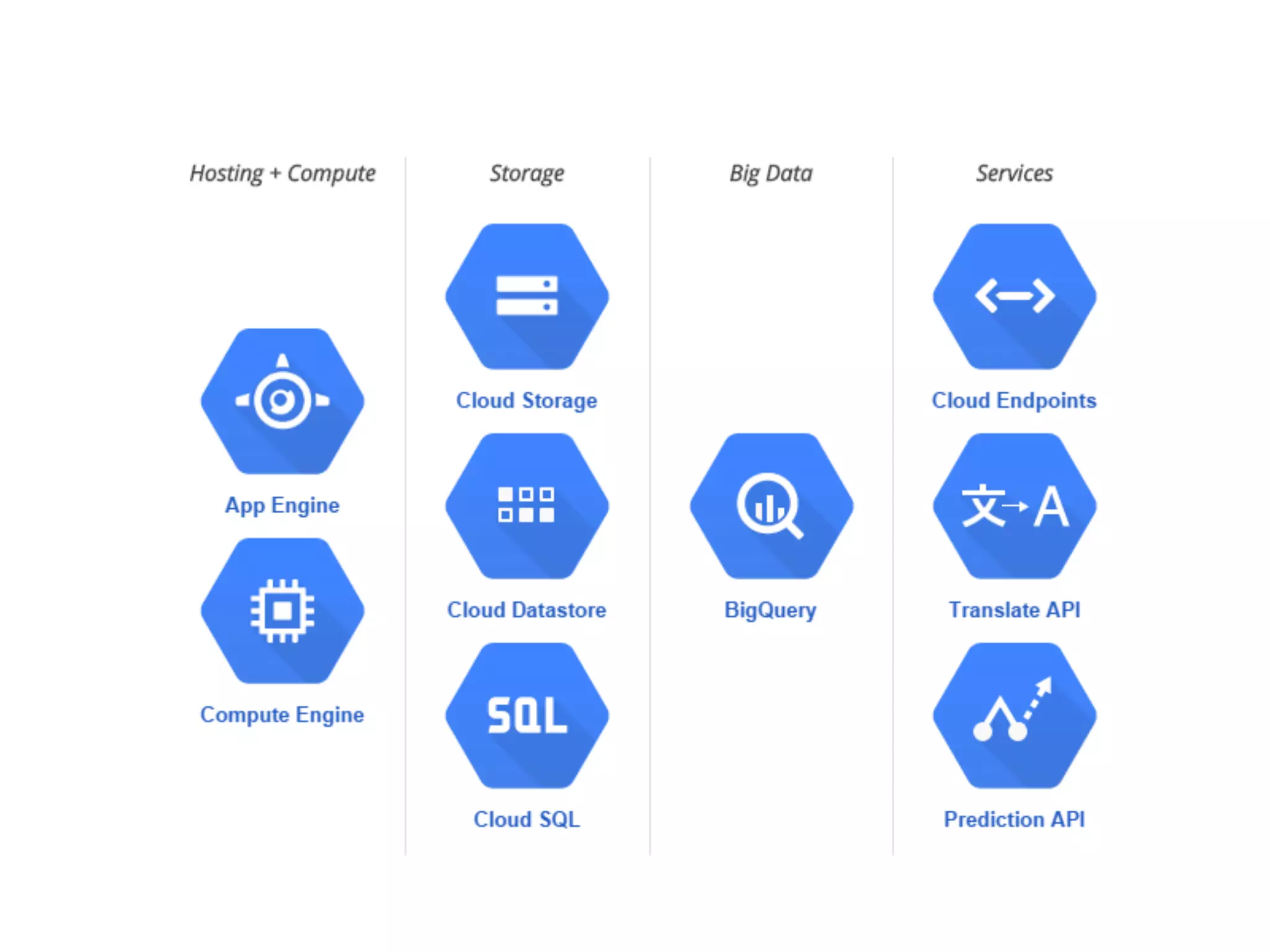
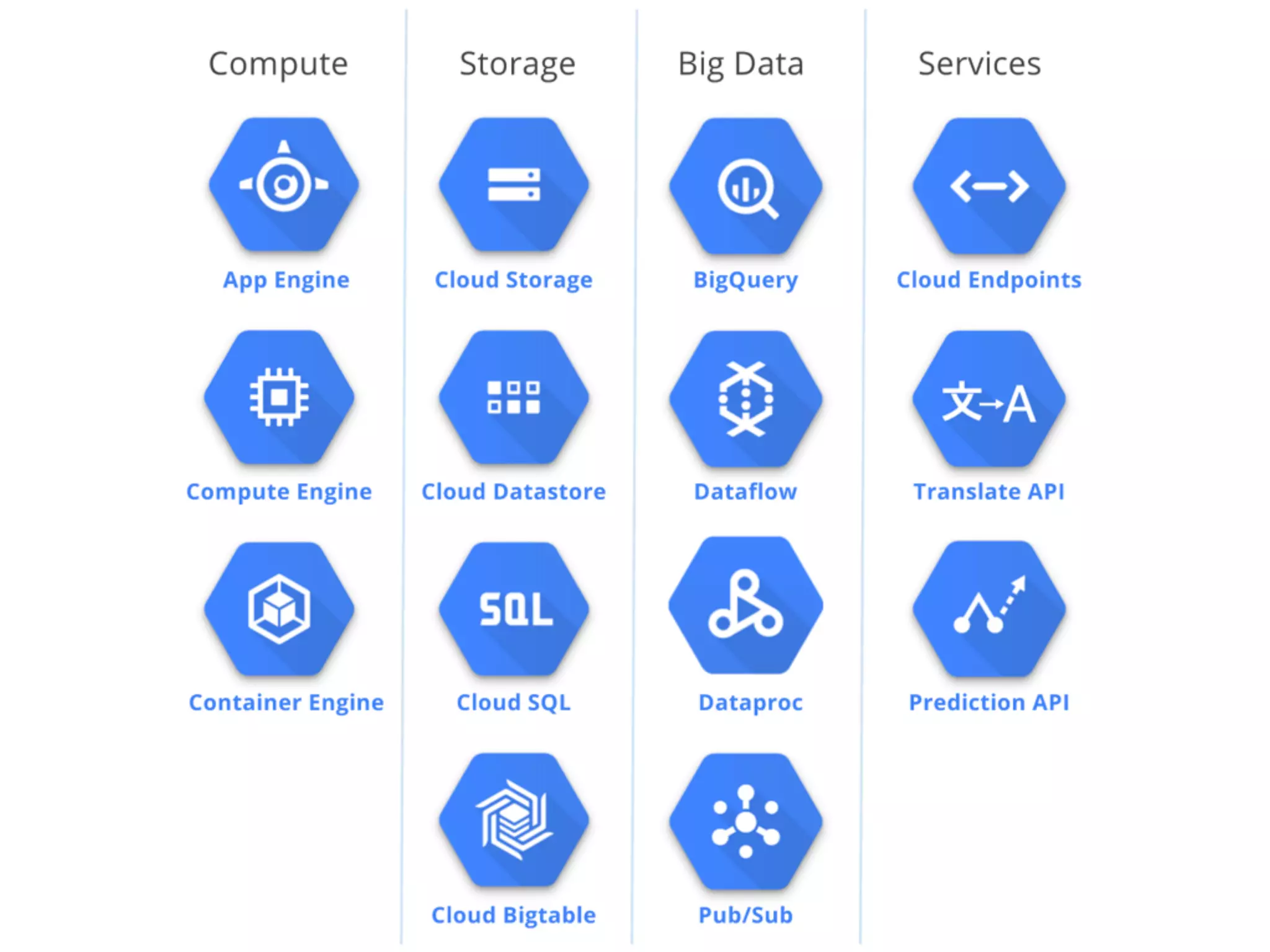
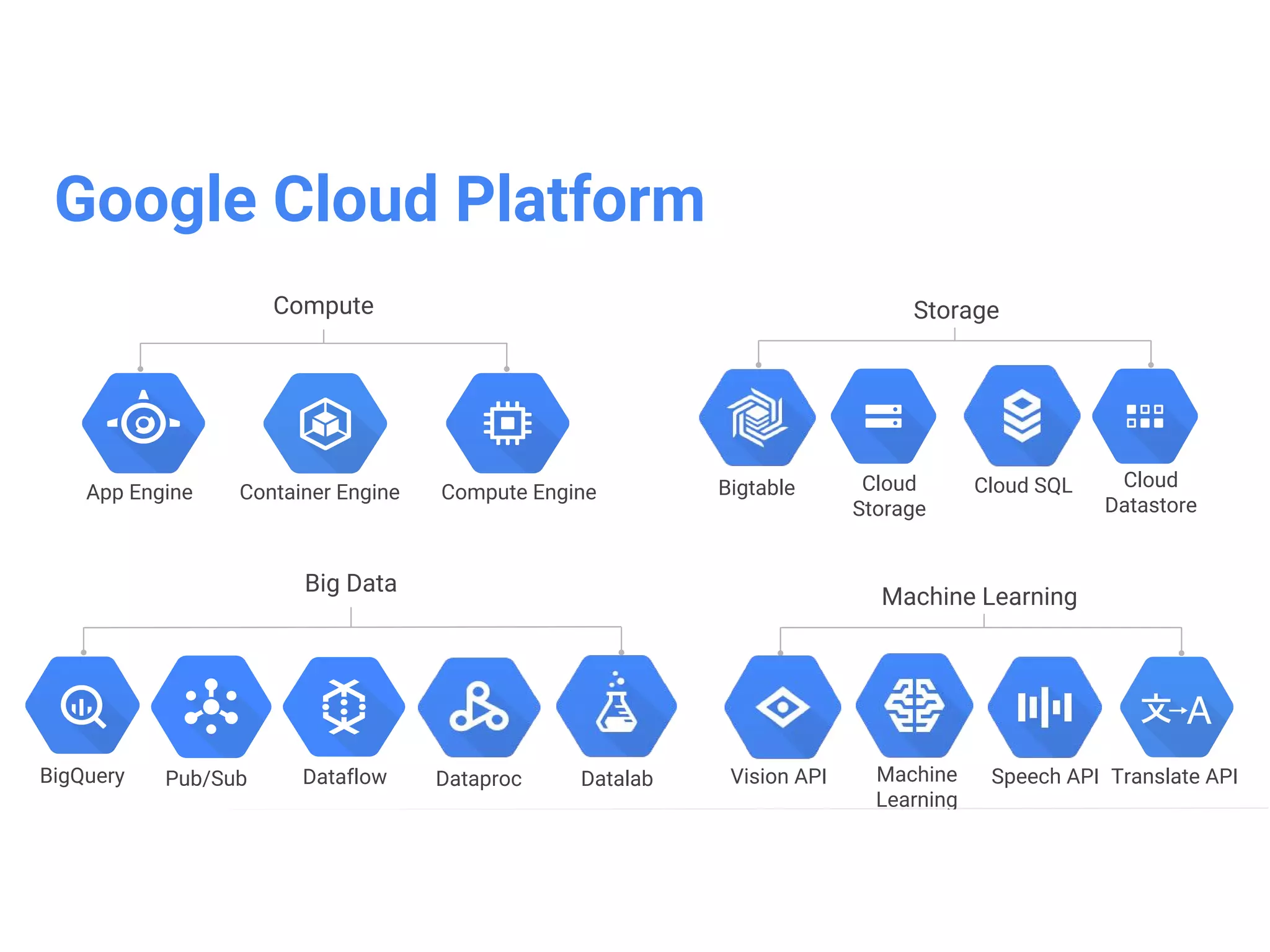
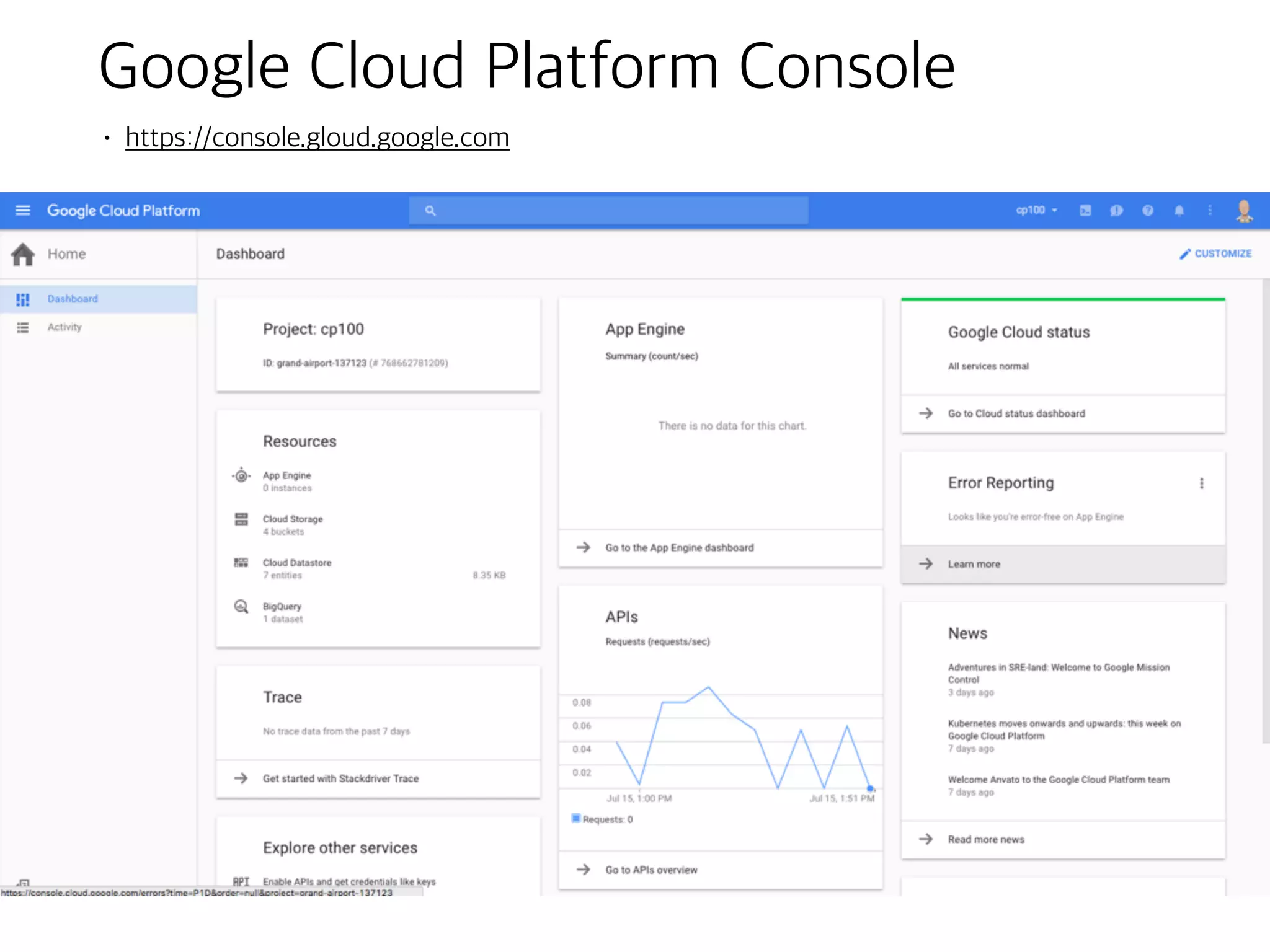
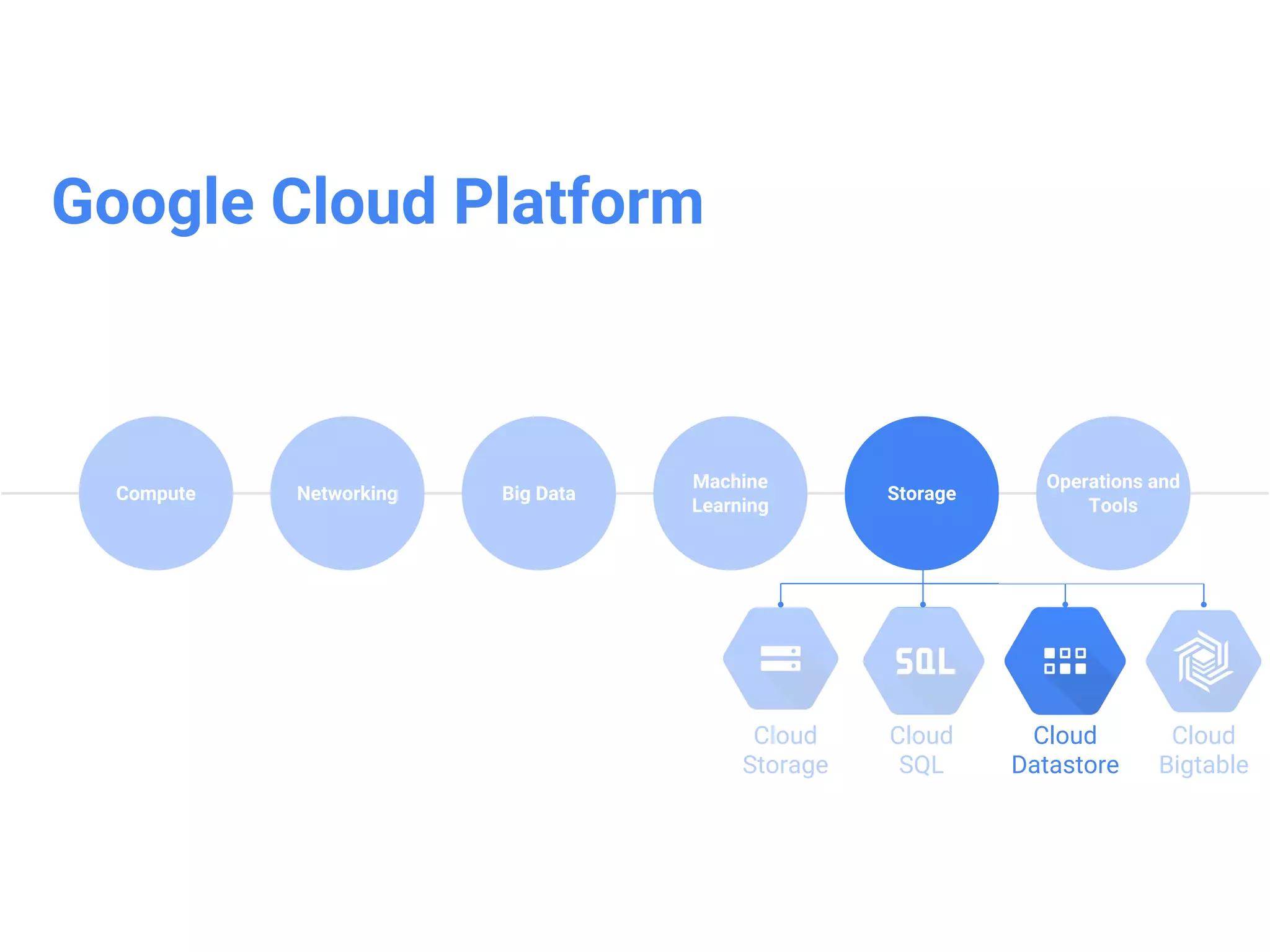
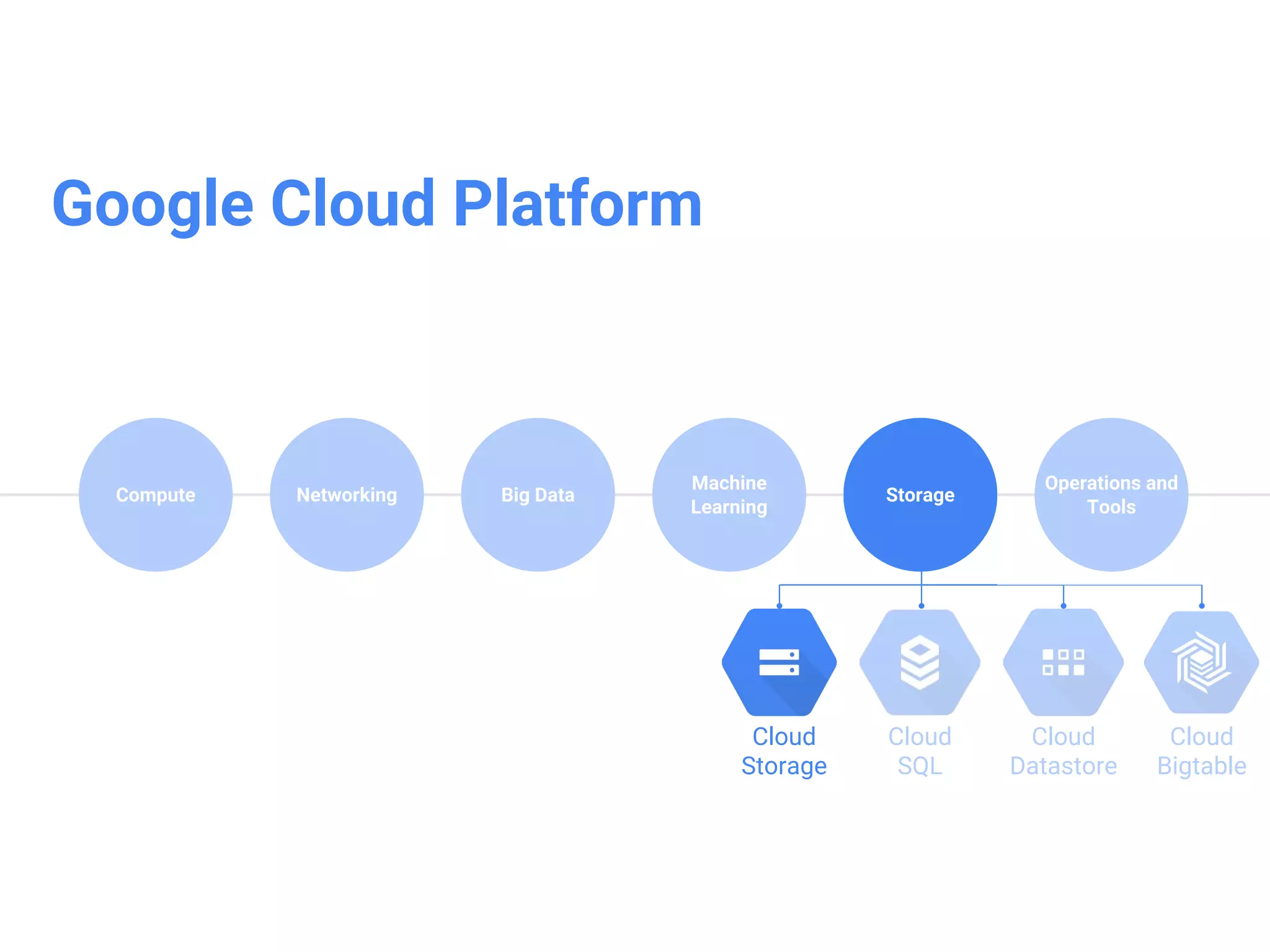
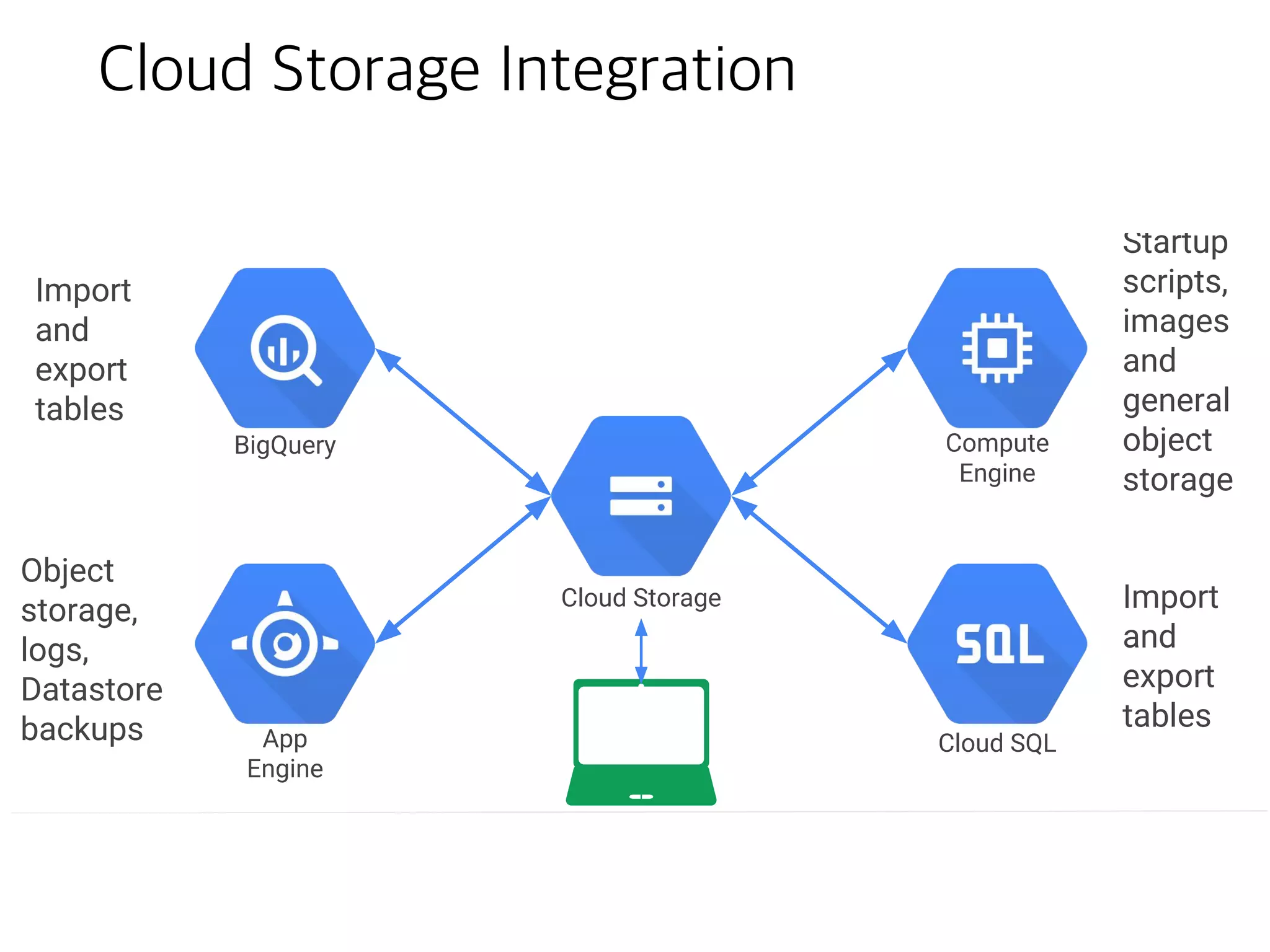
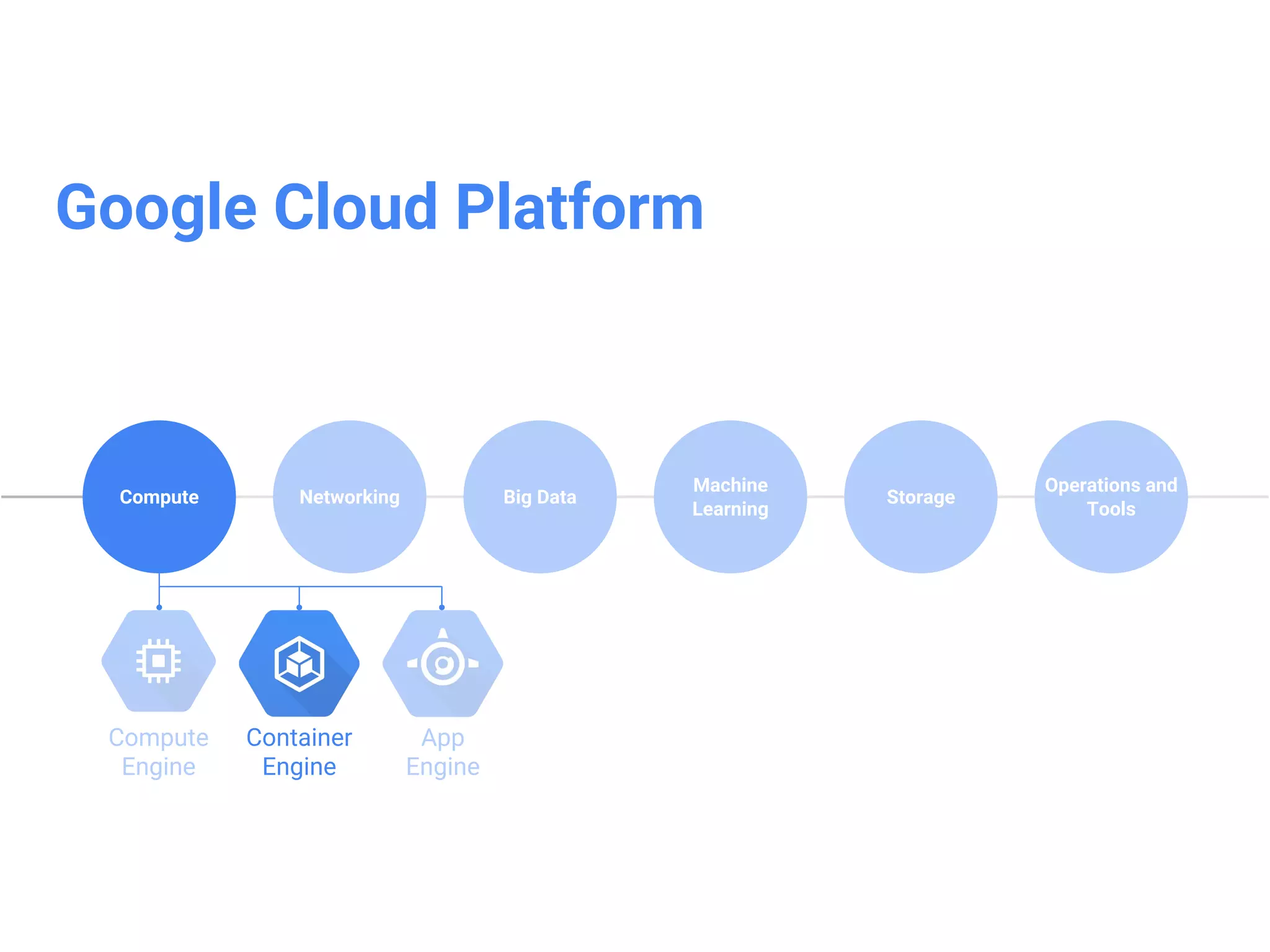
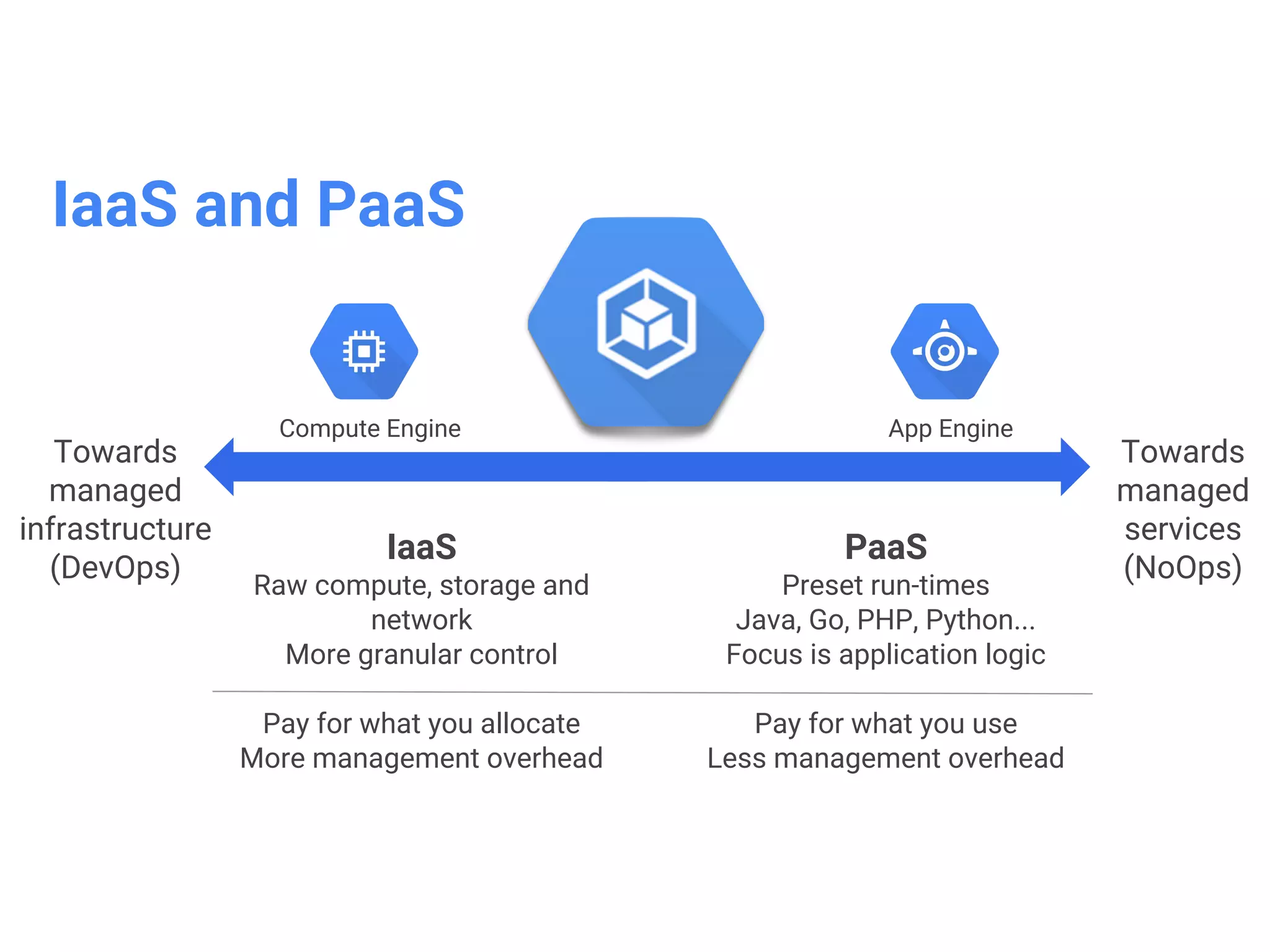
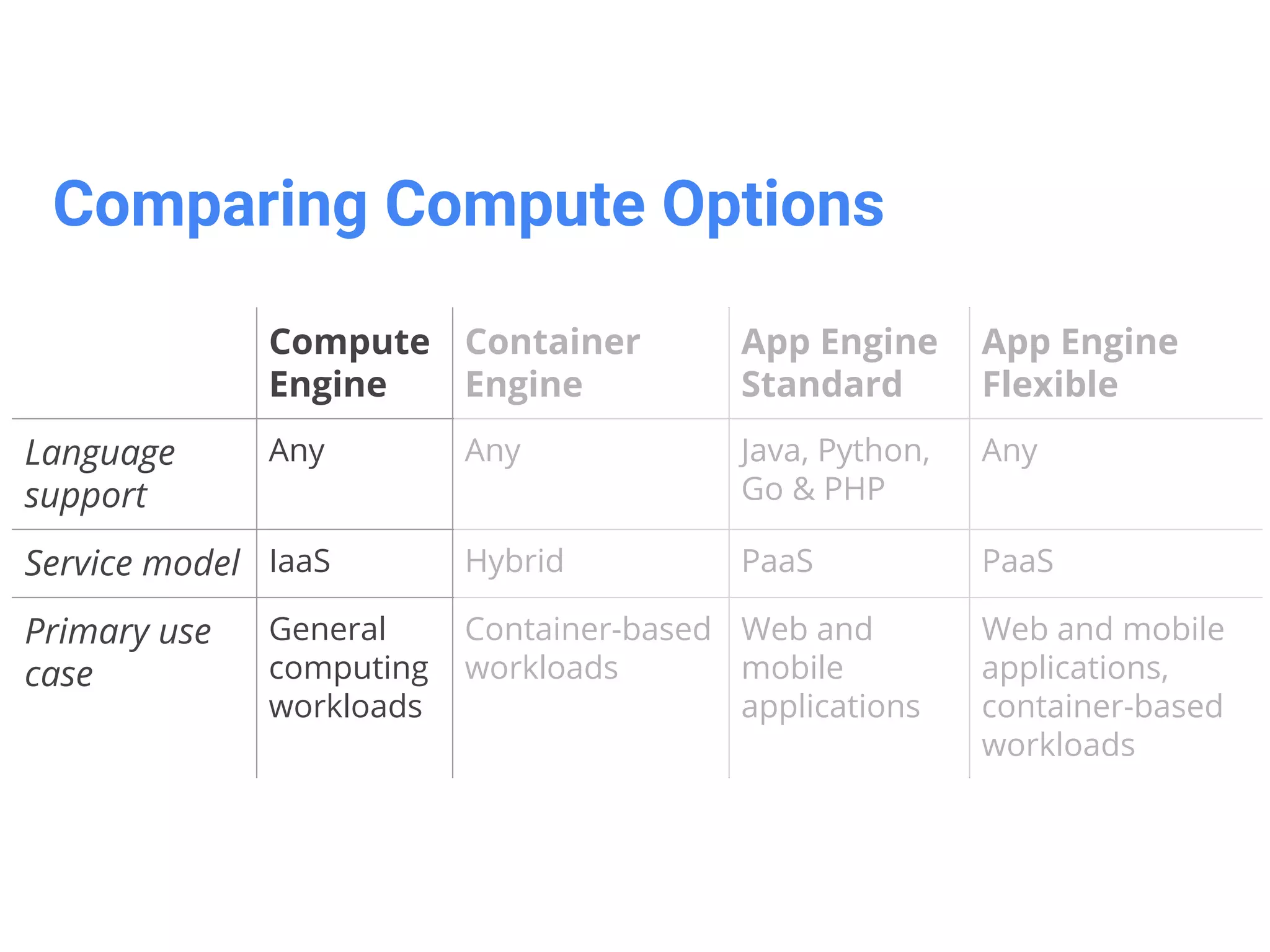
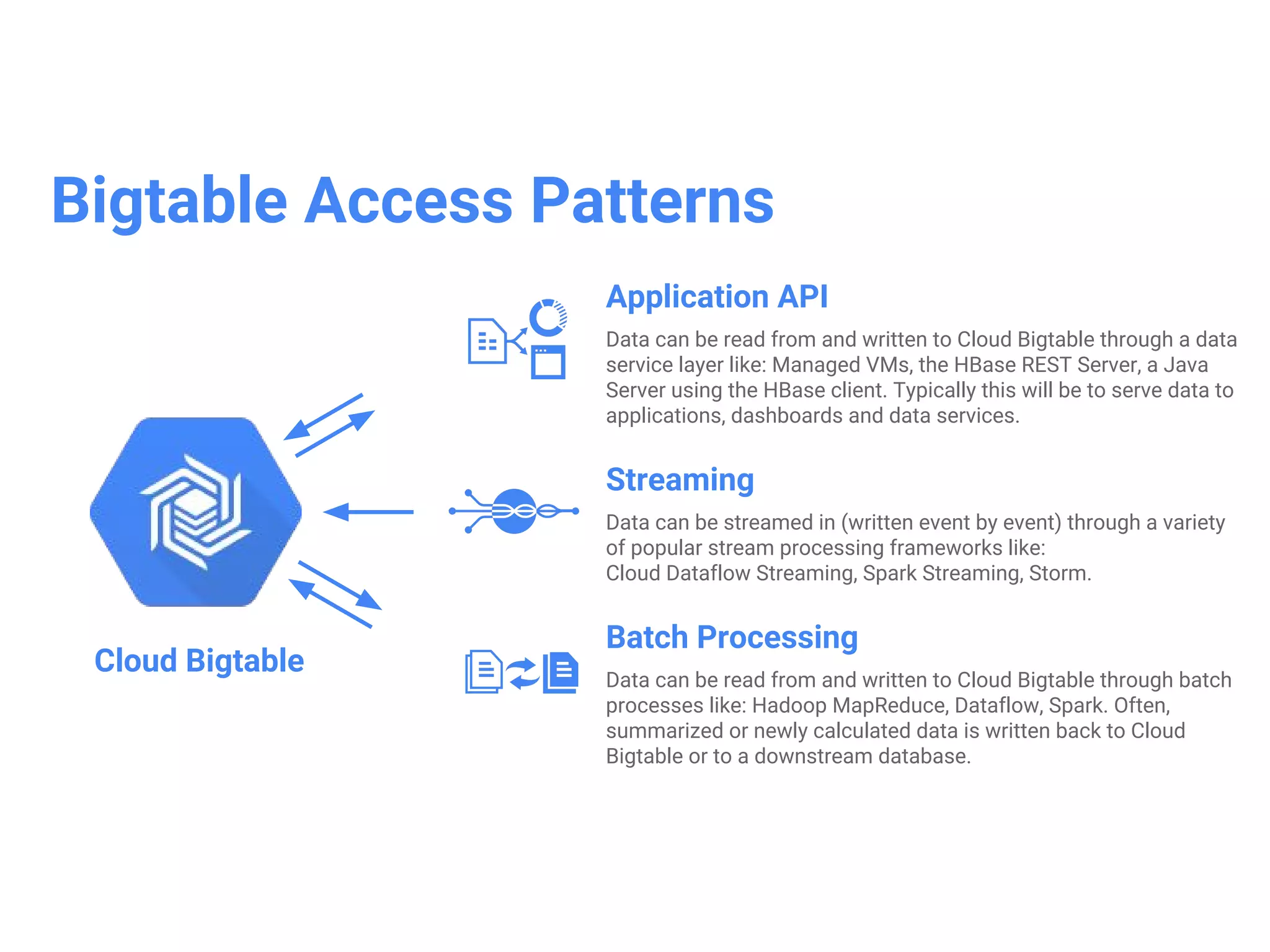
Google Cloud Platform provides several compute and storage services including Compute Engine, Container Engine, App Engine, Cloud Storage, Cloud SQL, Cloud Datastore, and Bigtable. App Engine is a platform as a service for building scalable web and mobile backends with managed runtimes and automatic scaling. Container Engine (GKE) provides Kubernetes container orchestration to deploy and manage containerized applications at scale. Cloud SQL is a fully-managed MySQL database, while Cloud Datastore is a NoSQL database for app backends.
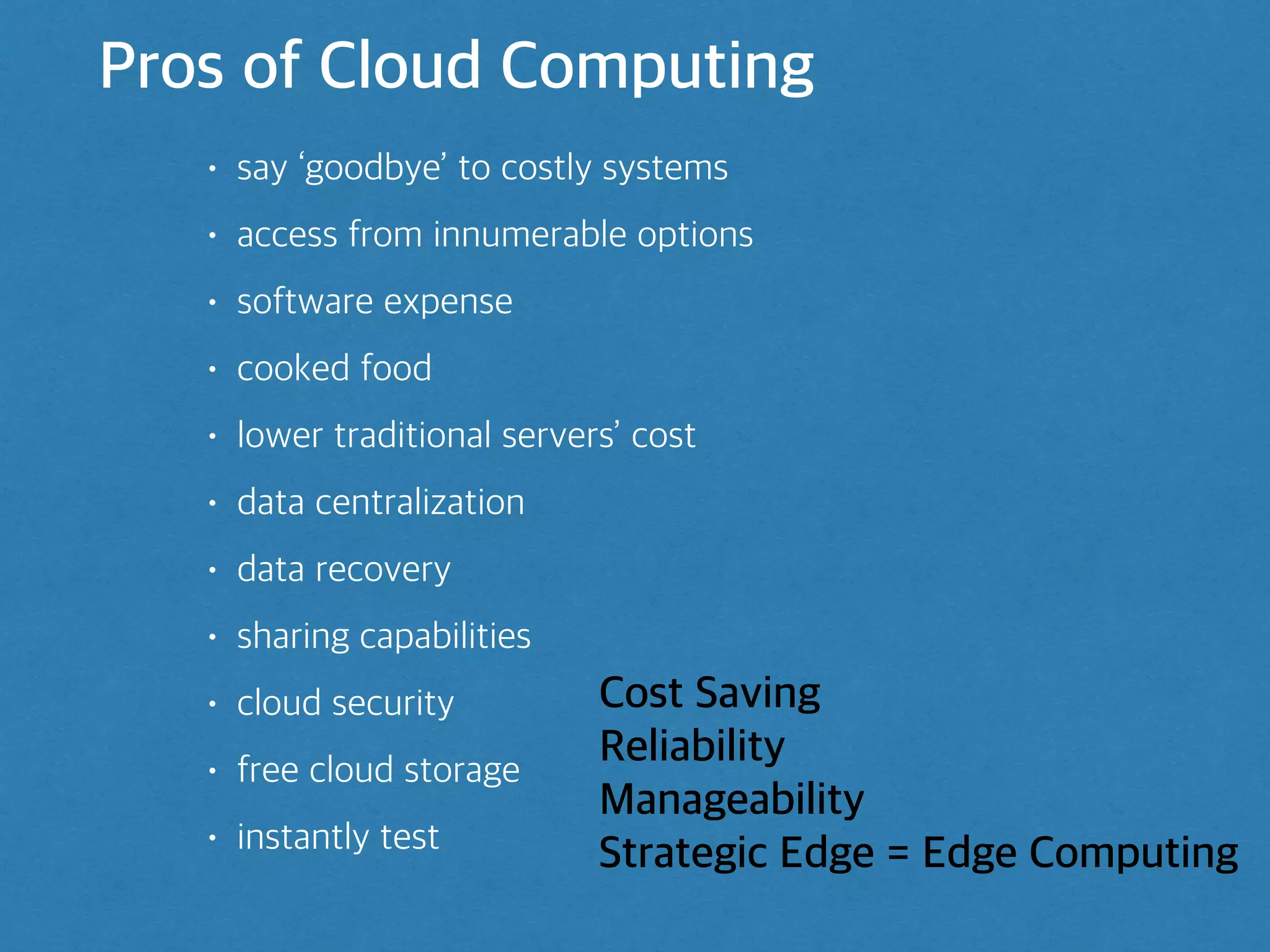
Pros of CloudComputing
• say ‘goodbye’ to costly systems
• access from innumerable options
• software expense
• cooked food
• lower traditional servers’ cost
• data centralization
• data recovery
• sharing capabilities
• cloud security
• free cloud storage
• instantly test
Cost Saving
Reliability
Manageability
Strategic Edge = Edge Computing
4.
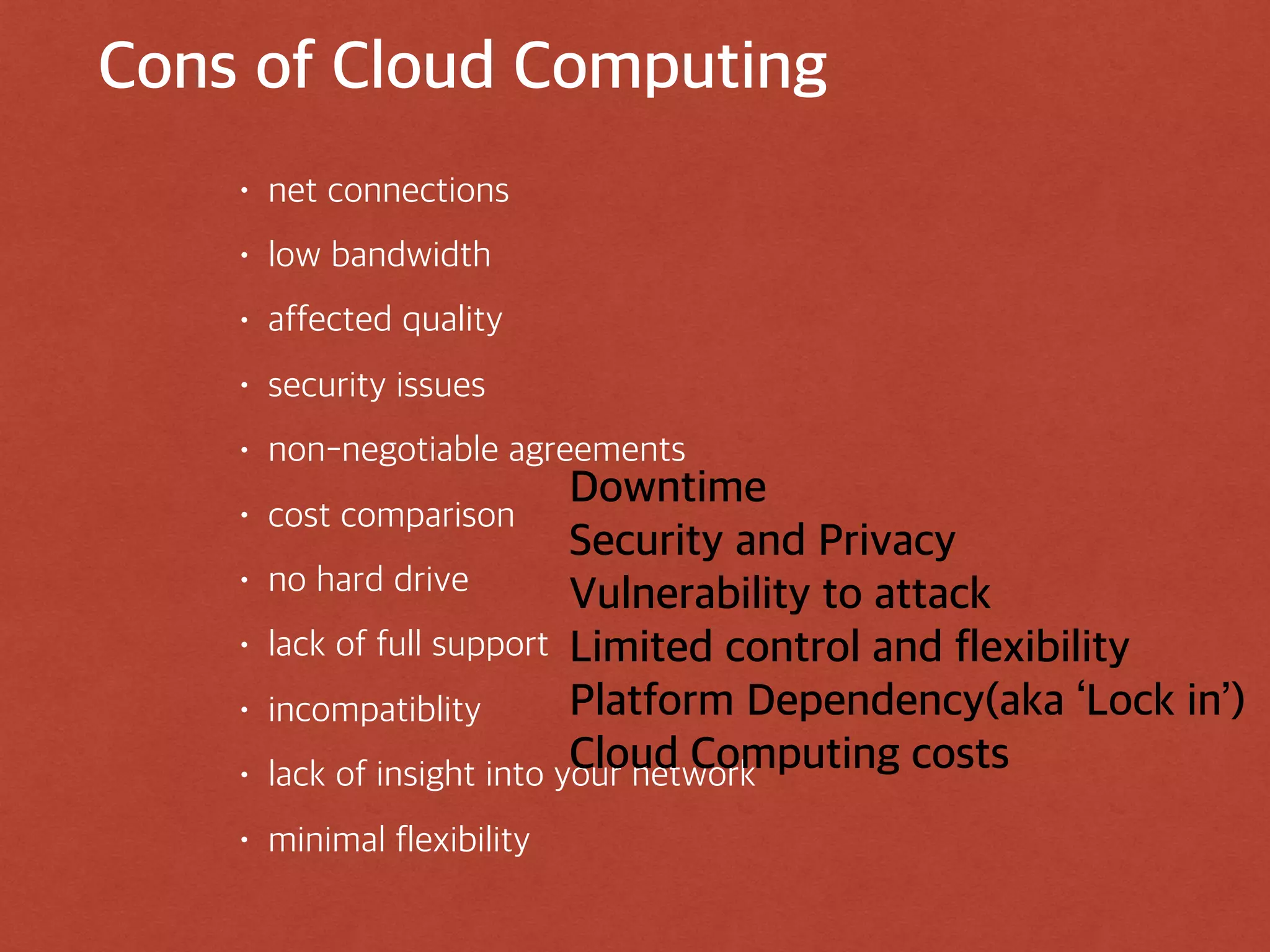
Cons of CloudComputing
• net connections
• low bandwidth
• affected quality
• security issues
• non-negotiable agreements
• cost comparison
• no hard drive
• lack of full support
• incompatiblity
• lack of insight into your network
• minimal flexibility
Downtime
Security and Privacy
Vulnerability to attack
Limited control and flexibility
Platform Dependency(aka ‘Lock in’)
Cloud Computing costs
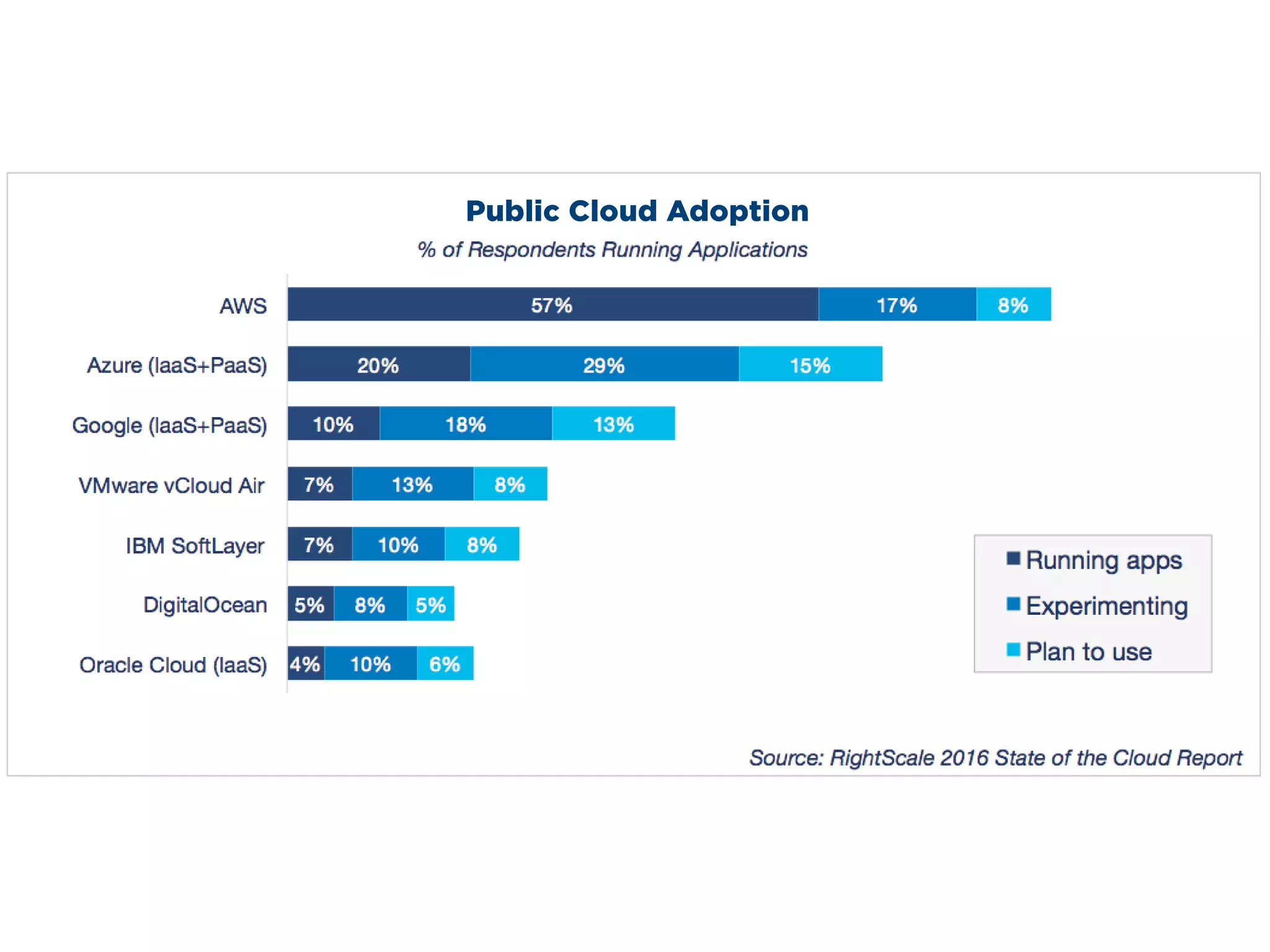
Public Cloud Adoption
eitheror both Azure offerings. 7 percent are using Google App Engine and 6 percent are using
Google IaaS, while 10 percent are using either or both of Google IaaS/PaaS.
Why choose GoogleCloud Platform?
• enables developers to build, test and deploy
applications on Google’s highly-scalable, secure, and
reliable infrastructure.
• computing, storage, big data/machine learning, and
application services for web, mobile, analytics, and
backend solutions.
12.
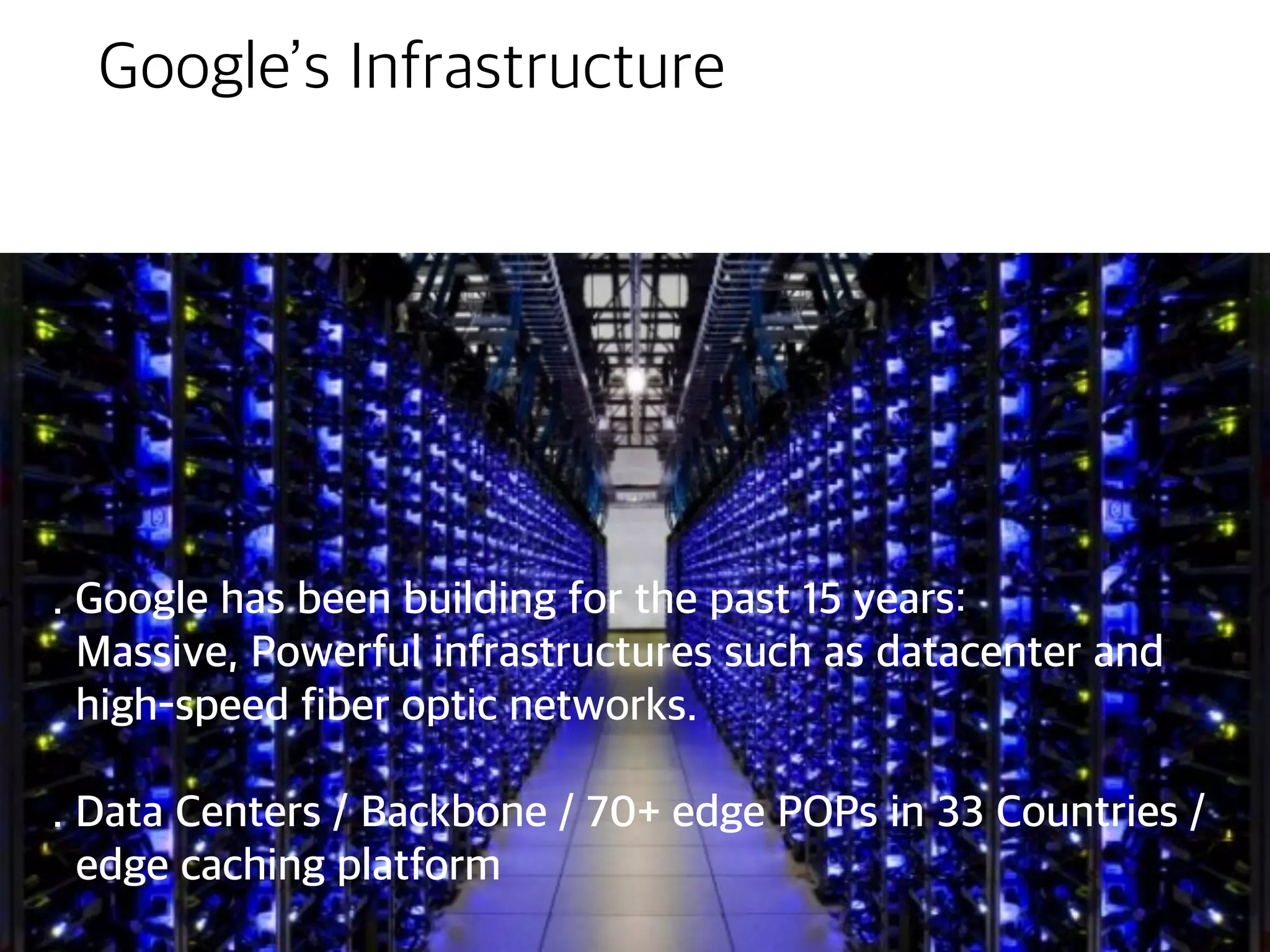
Google’s Infrastructure
. Googlehas been building for the past 15 years:
Massive, Powerful infrastructures such as datacenter and
high-speed fiber optic networks.
. Data Centers / Backbone / 70+ edge POPs in 33 Countries /
edge caching platform
13.
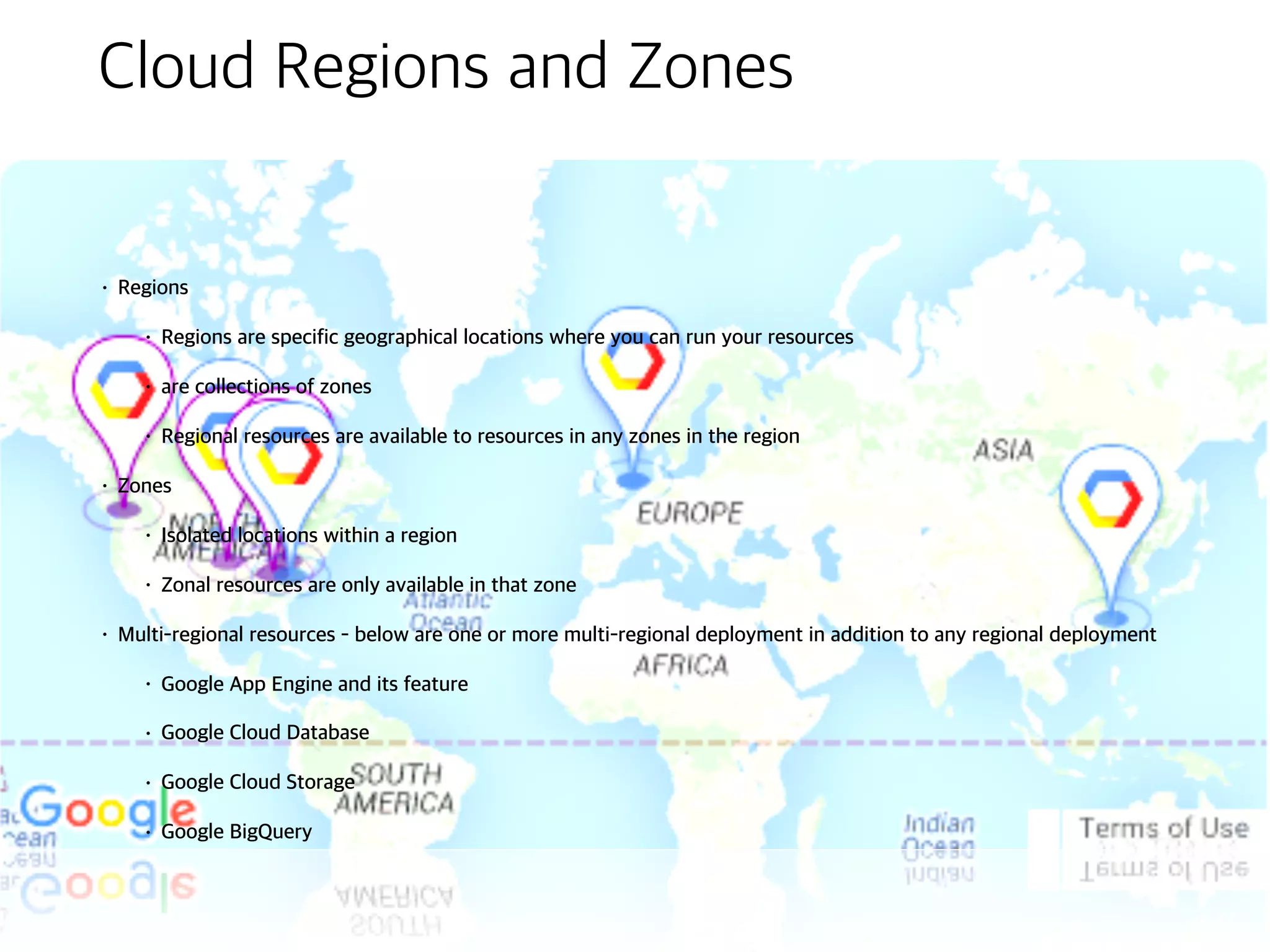
Cloud Regions andZones
• Regions
• Regions are specific geographical locations where you can run your
resources
• are collections of zones
• Regional resources are available to resources in any zones in the region
• Zones
• Isolated locations within a region
• Zonal resources are only available in that zone
• Multi-regional resources - below are one or more multi-regional deployment in
addition to any regional deployment
• Google App Engine and its feature
• Google Cloud Database
• Google Cloud Storage
• Google BigQuery
14.
Innovative, Customer-Friendly Pricing
•Sub-Hour billing
• Sustained-use discounts
• automatically reward users who run virtual machines for over 25% of any
calendar month
• Compute Engine custom machine types
• pay only for the resources you need for your application
• online pricing calculator
Projects
• All GCPservices are associated
with a project that is used to:
• Track resources and quota ranges
• Enable billing
• Manage permissions and credentials
• Enable services and APIs
• Projects use three identifying
attributes:
• Project Name
• Project Number
• Project ID - aka Application ID
• Interact with projects using the
Cloud Console or the Cloud
Resource Manager APIAlpha
22.
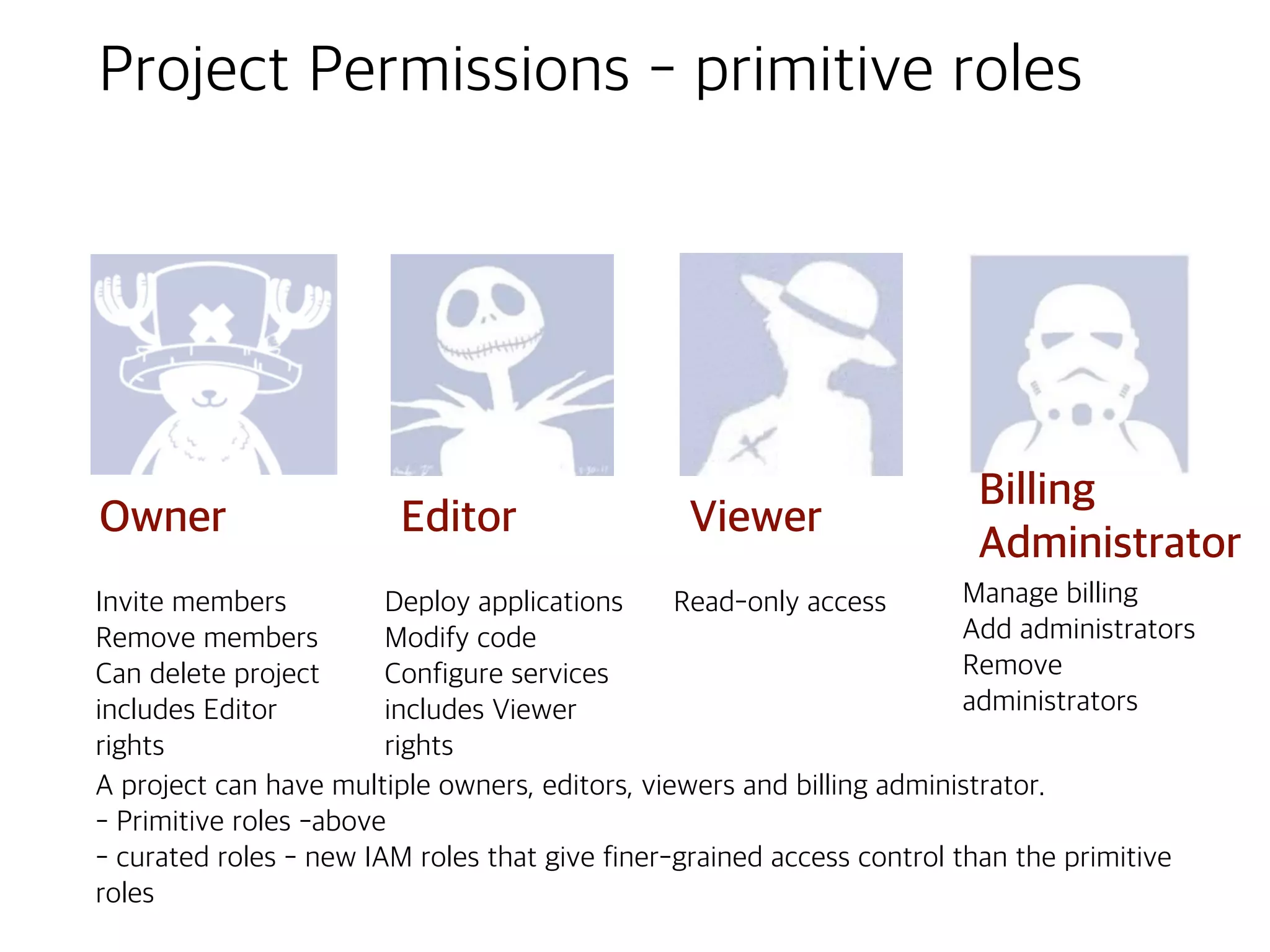
Project Permissions -primitive roles
Owner
Billing
Administrator
ViewerEditor
Invite members
Remove members
Can delete project
includes Editor
rights
Deploy applications
Modify code
Configure services
includes Viewer
rights
Read-only access Manage billing
Add administrators
Remove
administrators
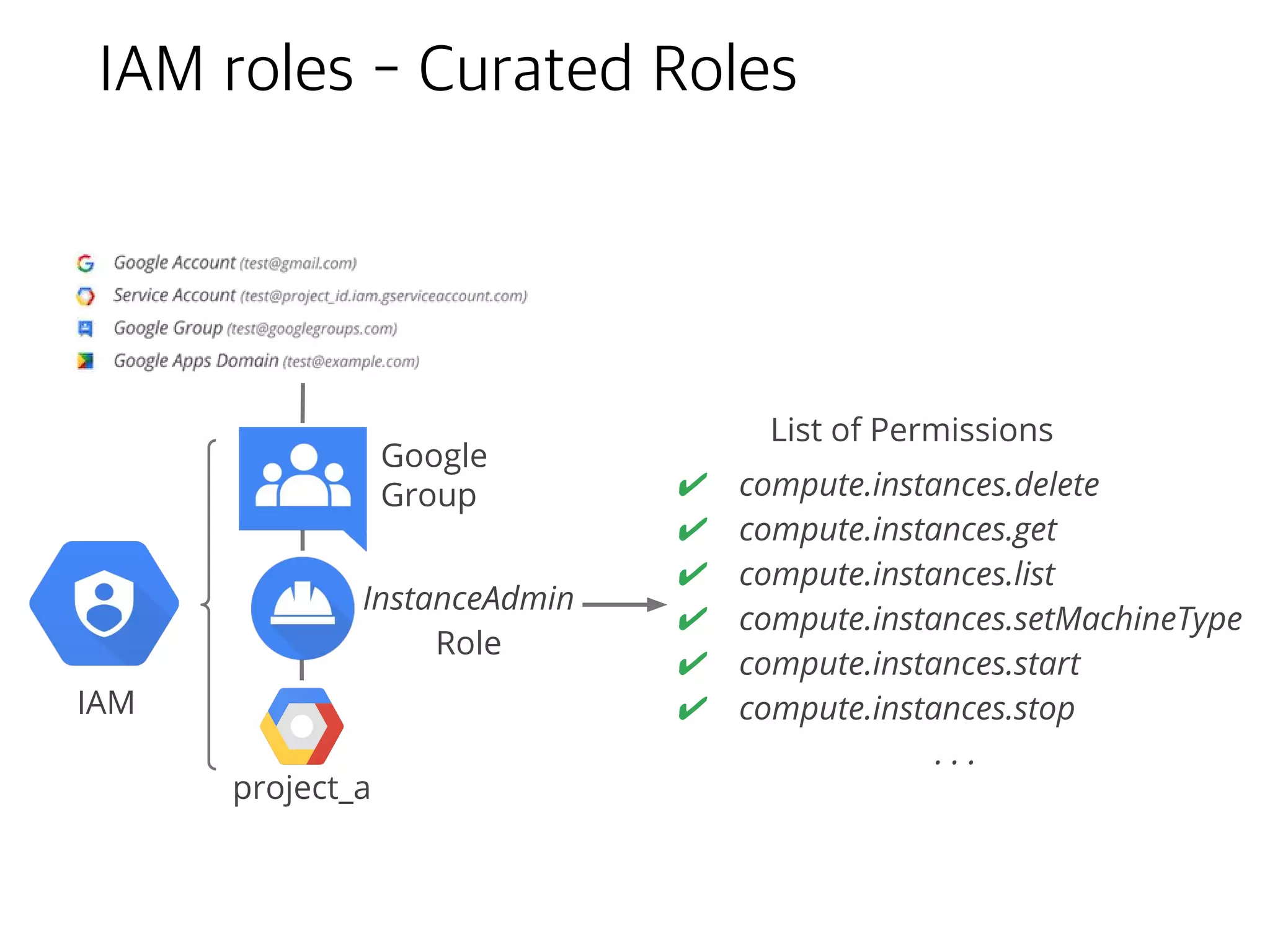
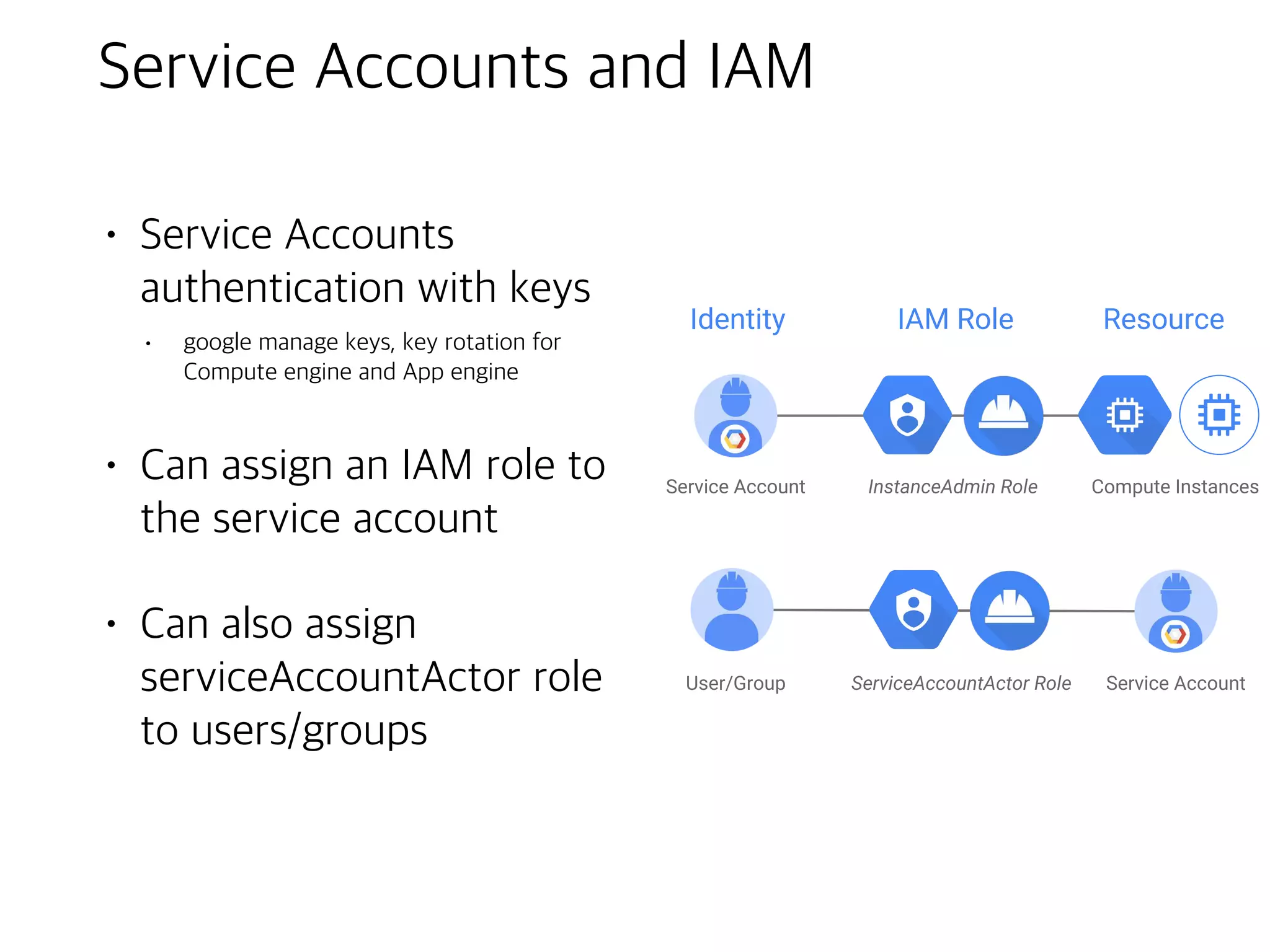
A project can have multiple owners, editors, viewers and billing administrator.
- Primitive roles -above
- curated roles - new IAM roles that give finer-grained access control than the primitive
roles
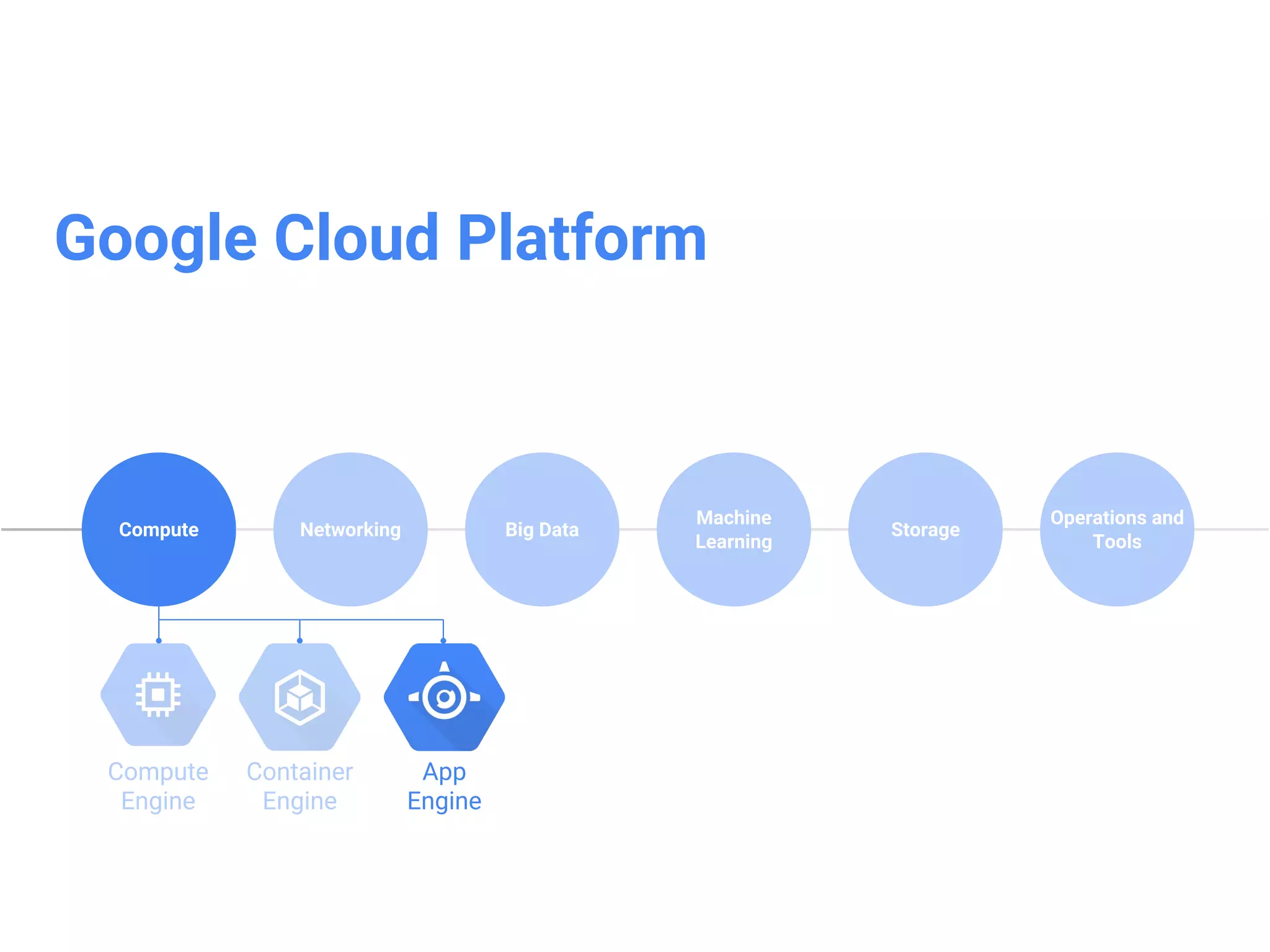
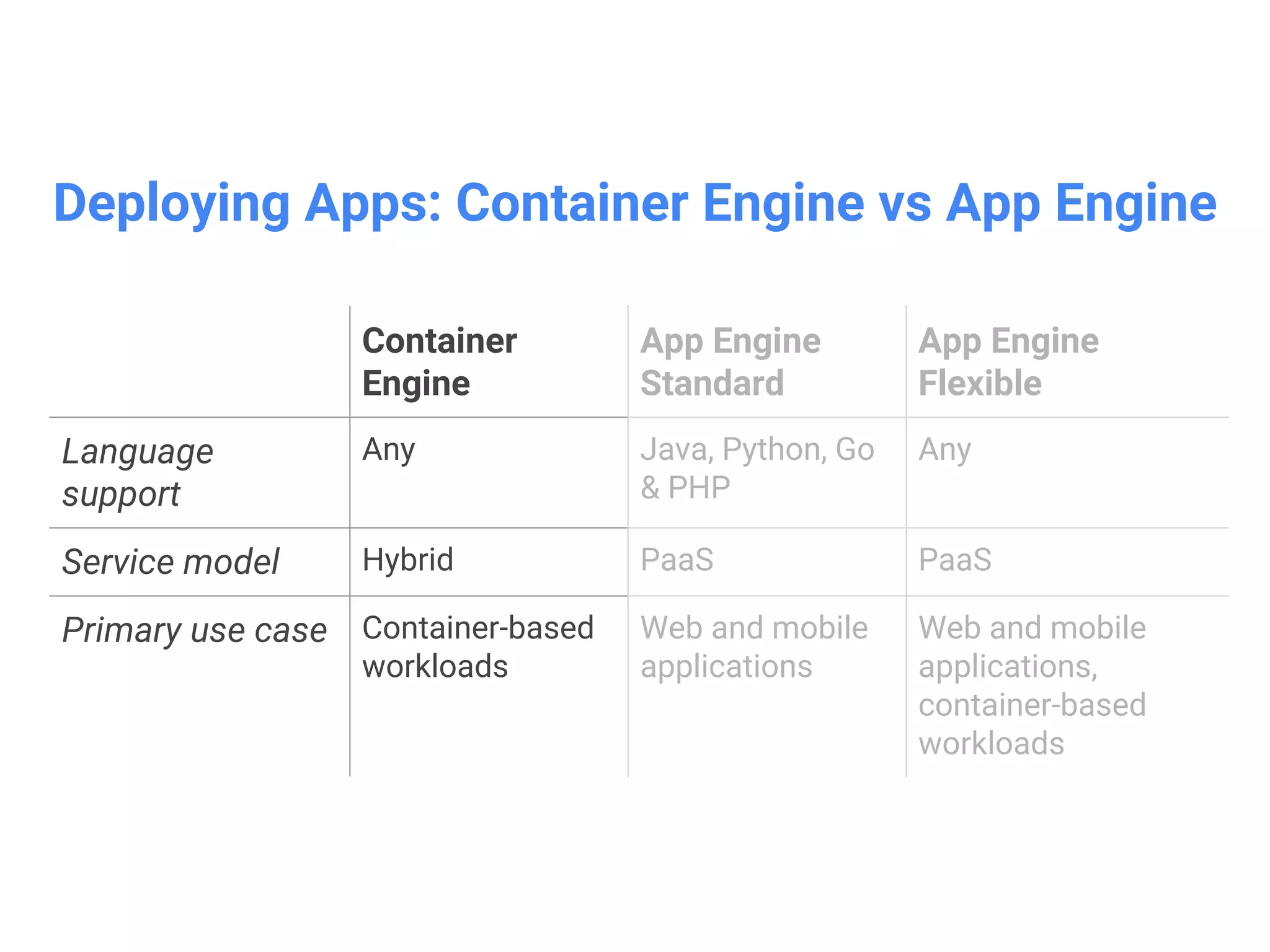
What is GoogleApp Engine
• A platform(platform as a service)
for building scalable web
applications and mobile backends
• App Engine makes deployment,
maintenance, and scalability easy
so you can focus on innovation
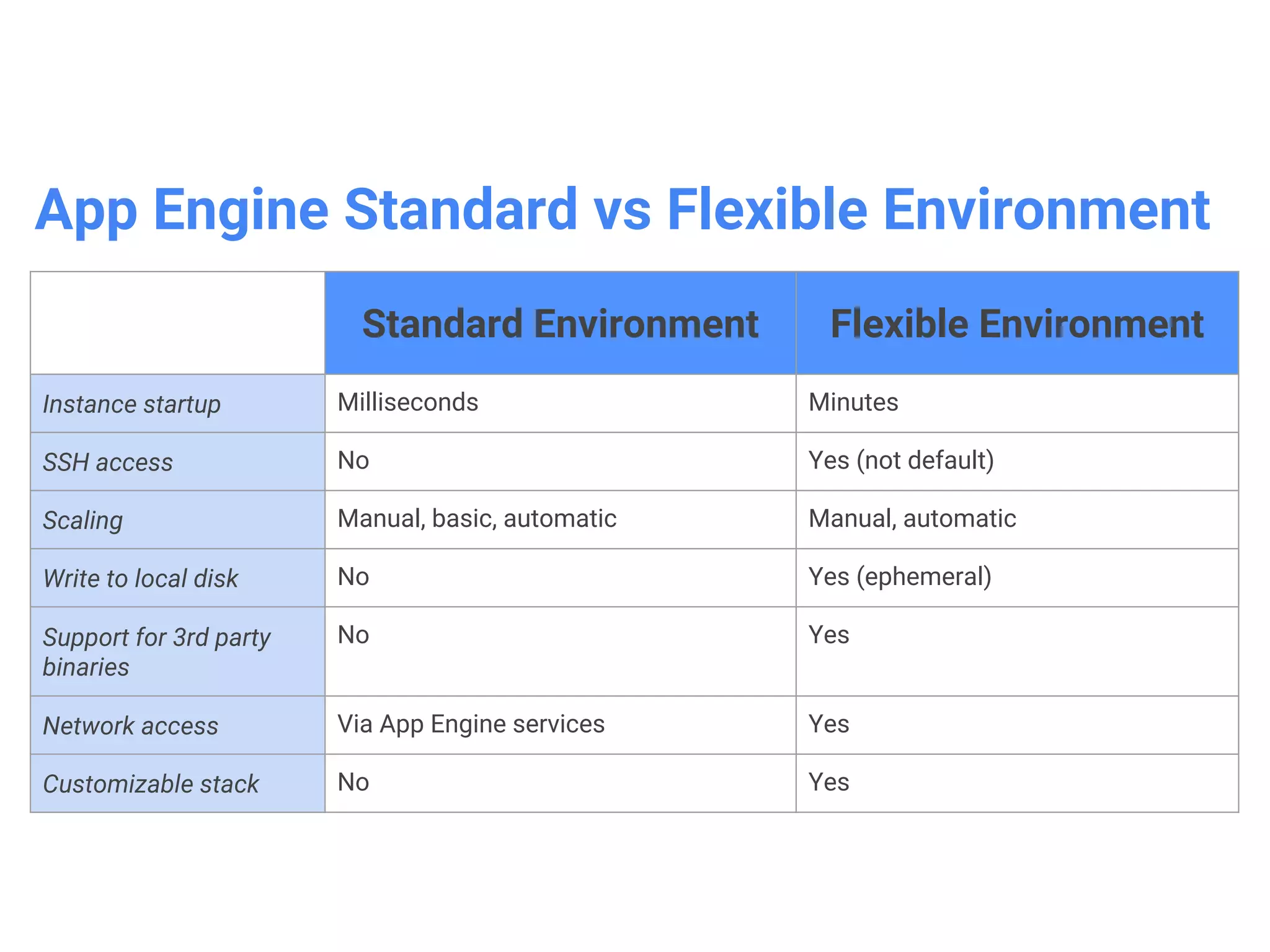
App Engine StandardEnvironment
• Managed runtimes for specific versions of Java,
Python, PHP & Go
• Autoscale workloads to meet demand
• Free daily quota, usage based pricing
• SDKs for development, testing and deployment
• Need to conform to sandbox constraints:
• no writing to local file system
• request timeouts at 60 seconds
• Limit on 3rd-party software installations
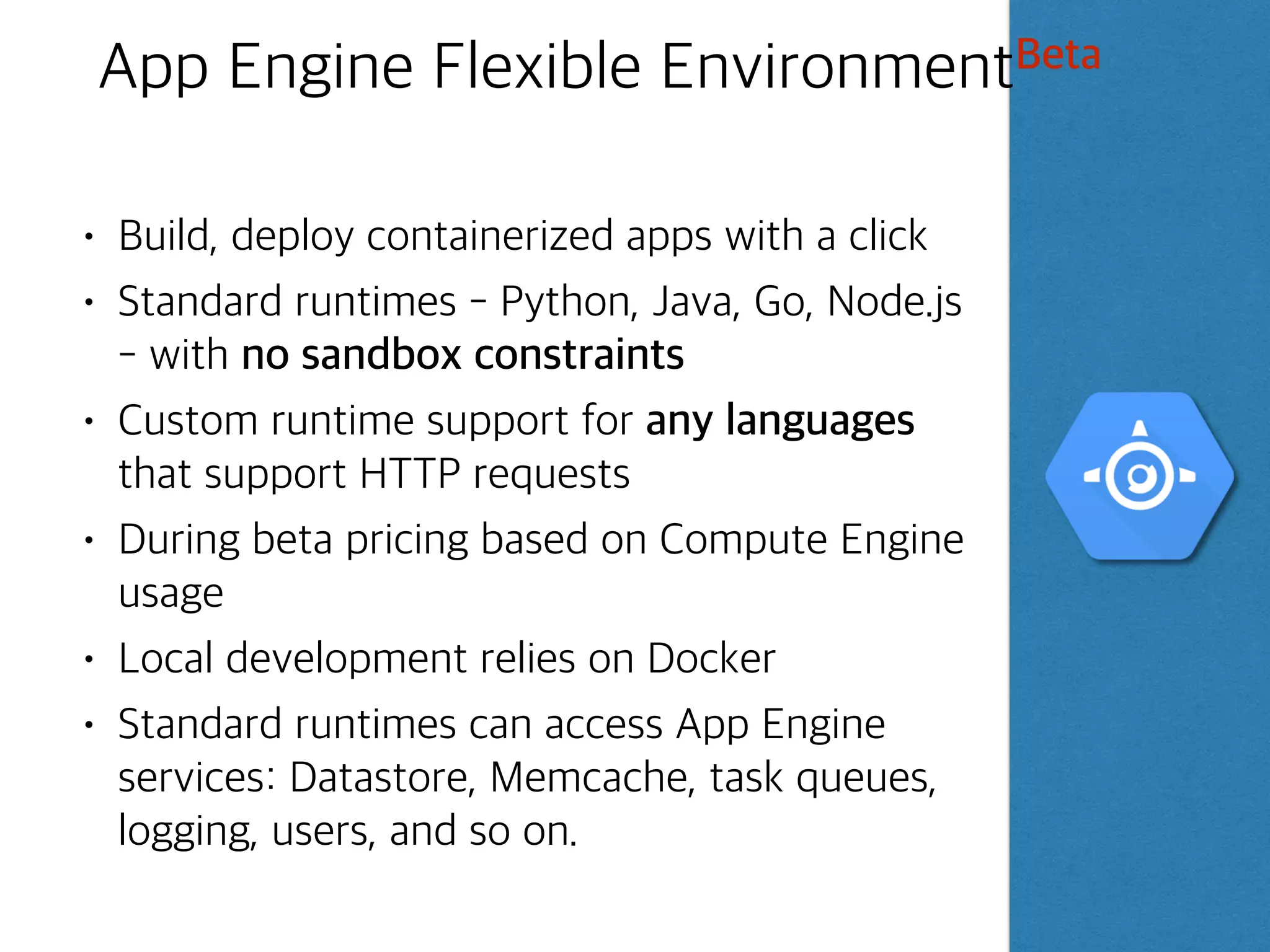
App Engine FlexibleEnvironmentBeta
• Build, deploy containerized apps with a click
• Standard runtimes - Python, Java, Go, Node.js
- with no sandbox constraints
• Custom runtime support for any languages
that support HTTP requests
• During beta pricing based on Compute Engine
usage
• Local development relies on Docker
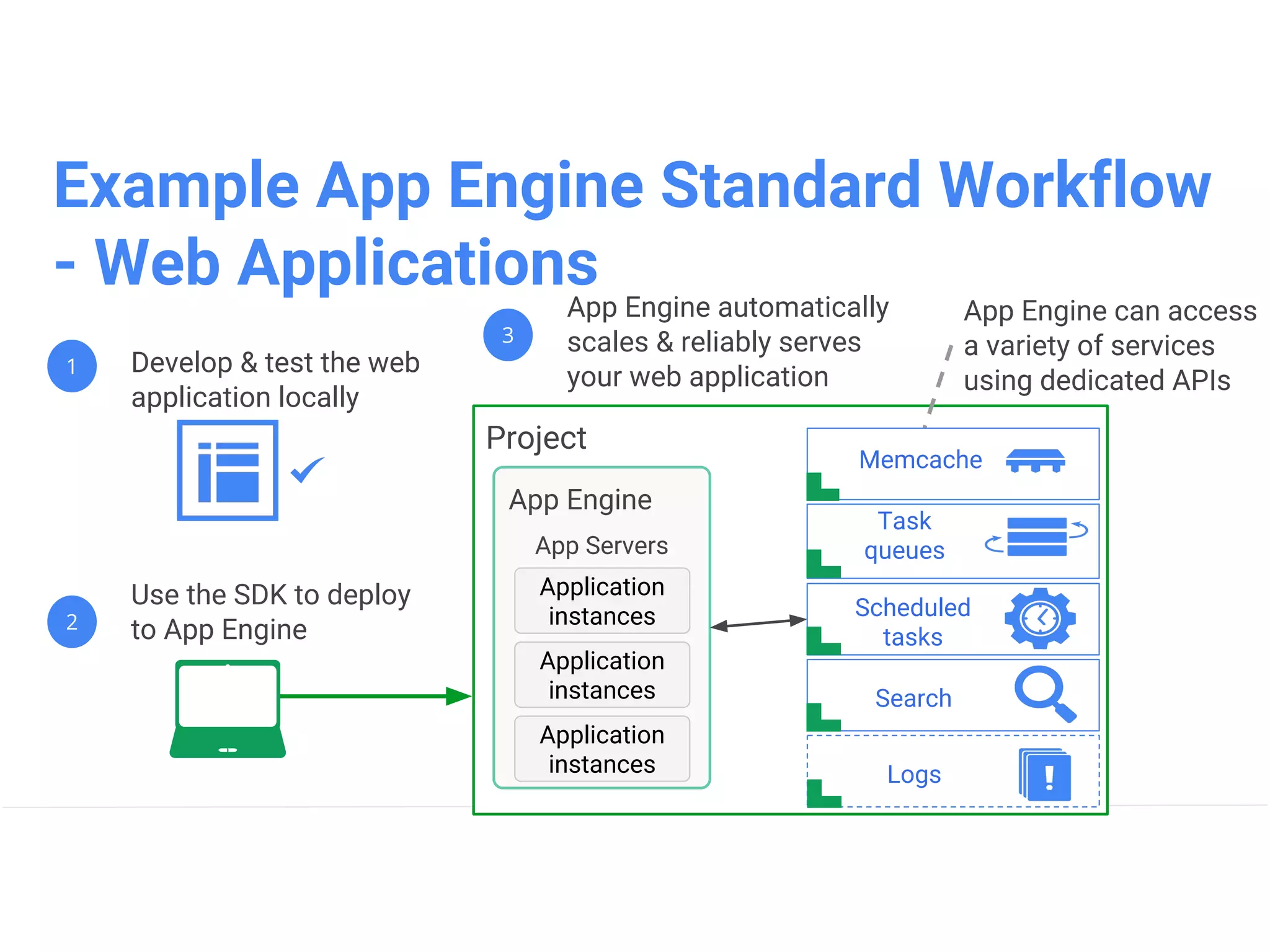
• Standard runtimes can access App Engine
services: Datastore, Memcache, task queues,
logging, users, and so on.
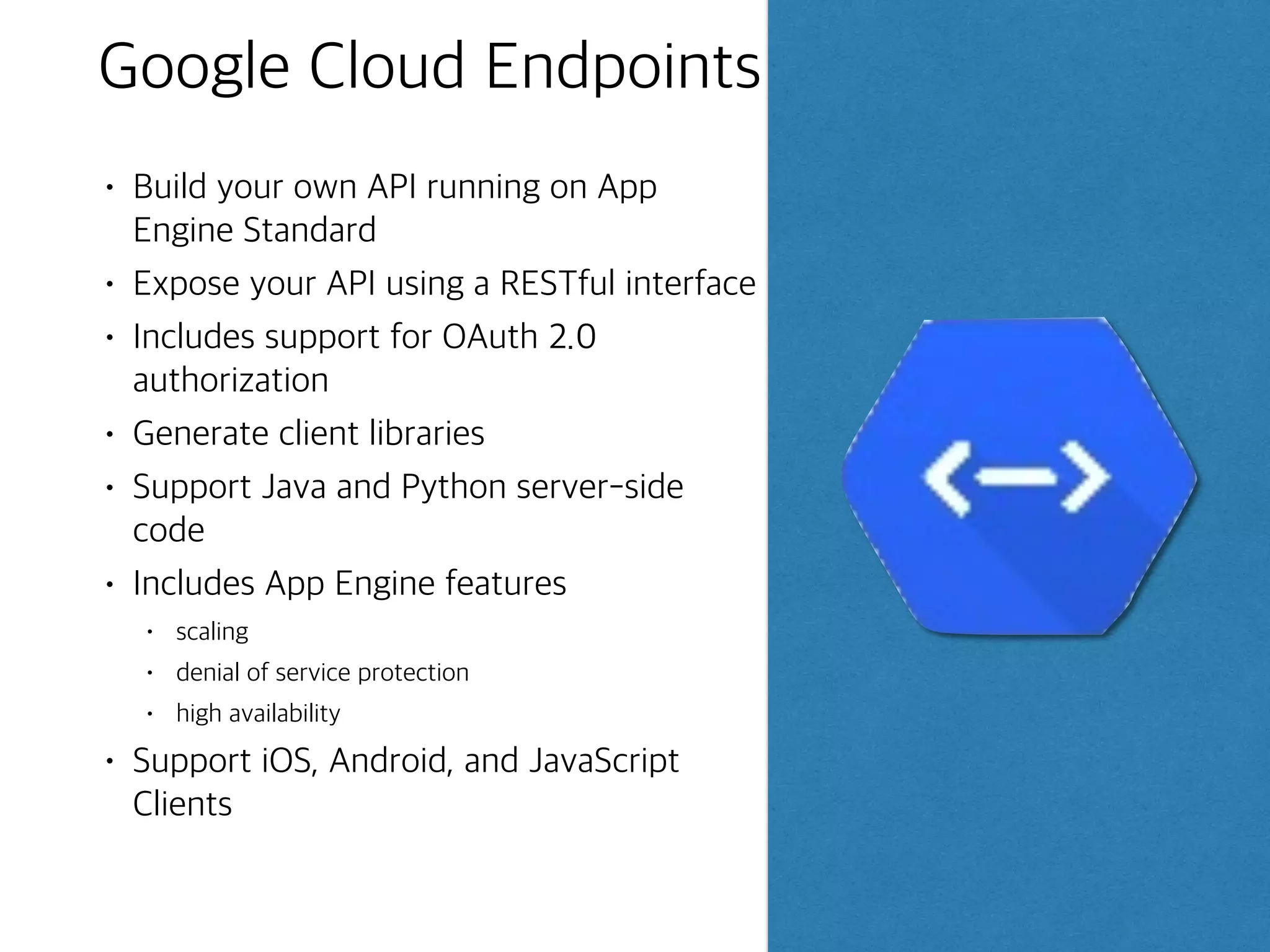
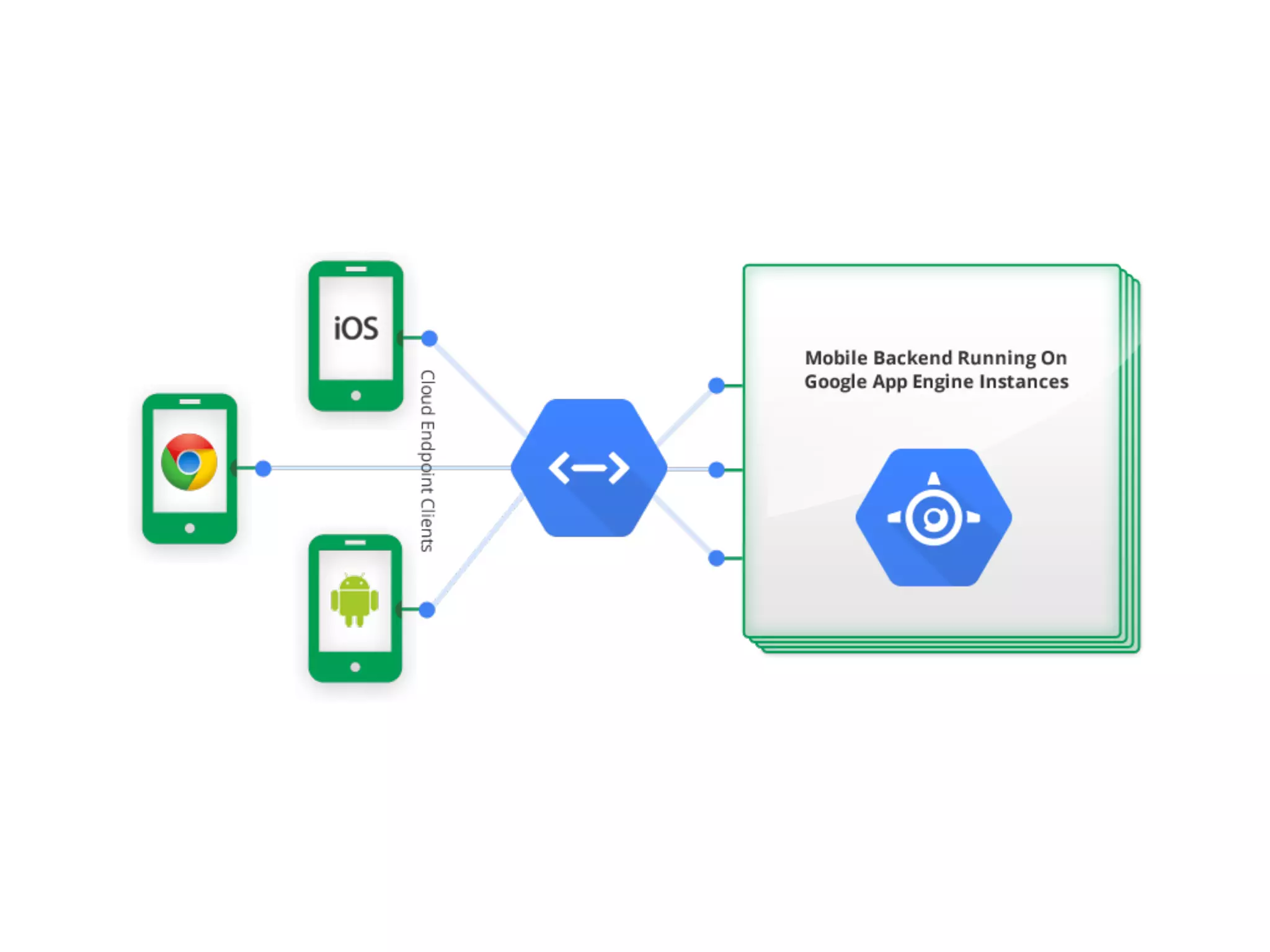
Google Cloud Endpoints
•Build your own API running on App
Engine Standard
• Expose your API using a RESTful interface
• Includes support for OAuth 2.0
authorization
• Generate client libraries
• Support Java and Python server-side
code
• Includes App Engine features
• scaling
• denial of service protection
• high availability
• Support iOS, Android, and JavaScript
Clients
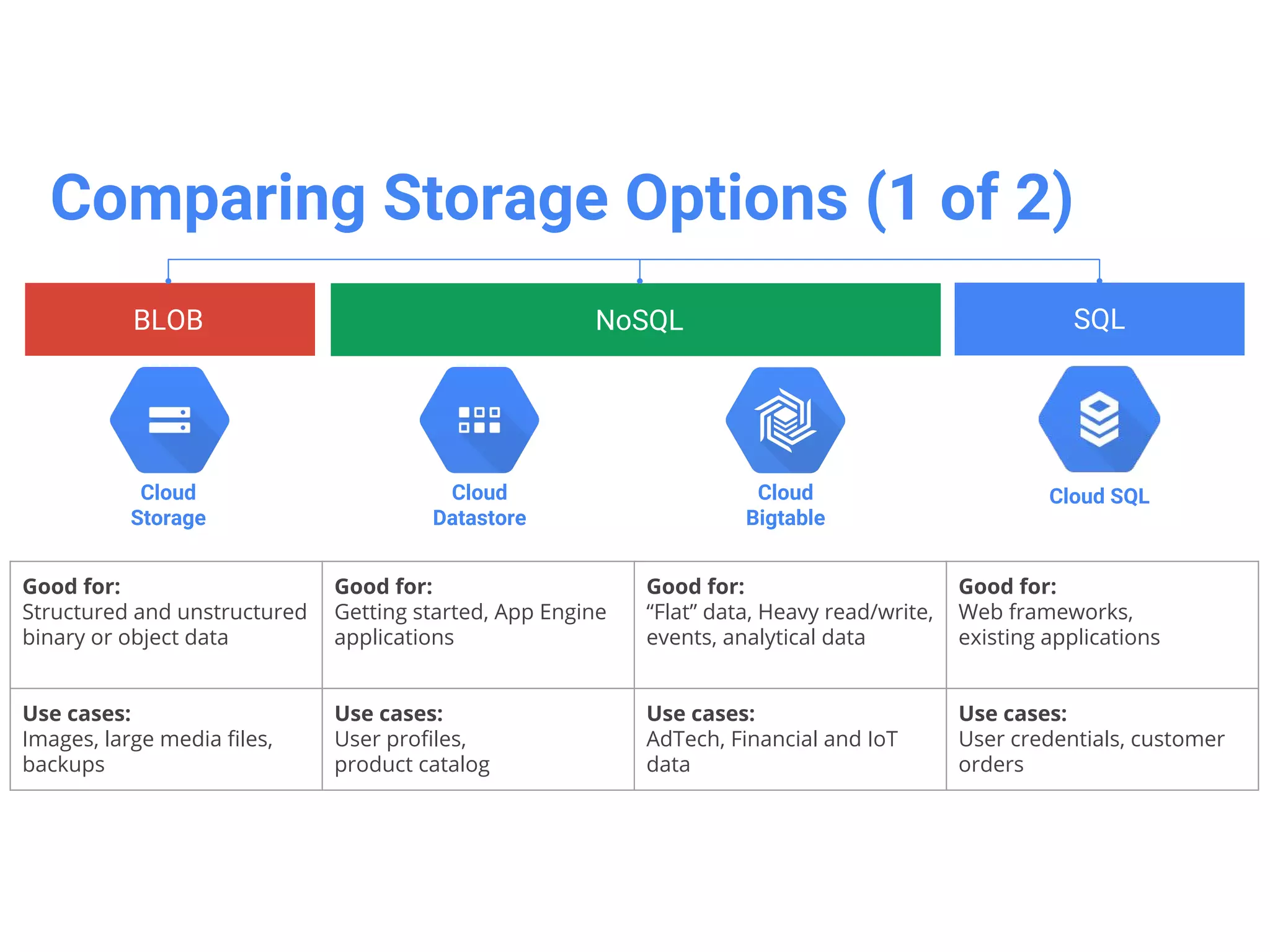
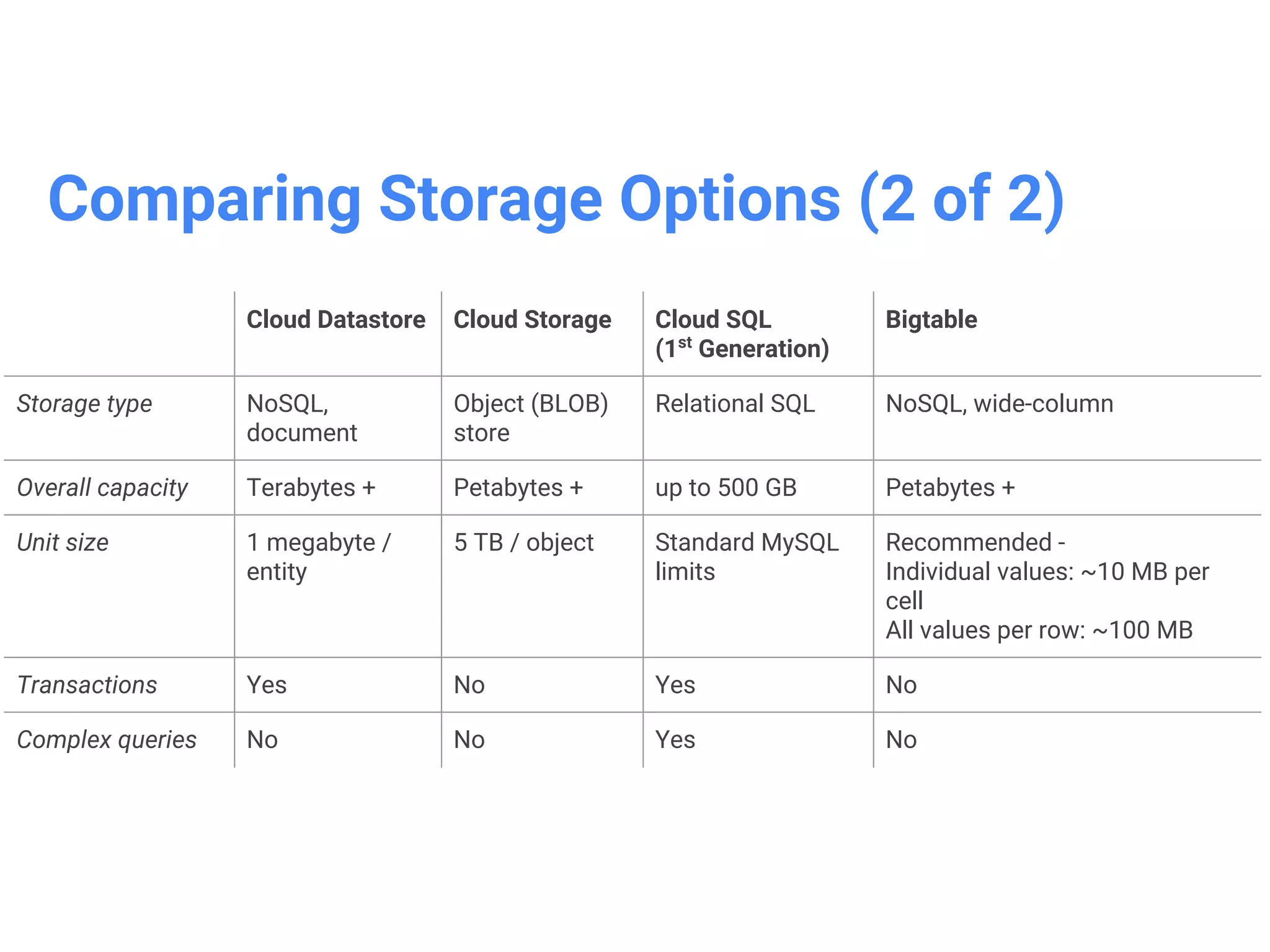
Google Cloud Datastore
•Database designed for application
backends
• NoSQL store for billions of rows
• Schemaless access, no need to think
about underlying data structure
• Local development tools
• Automatic scaling and fully managed
• Built-in redundancy
• Supports ACID transactions
• Includes a free daily quotas
• Access from anywhere through a
RESTful interface
Google Cloud Storage
•High performance, internet-scale,
immutable BLOB(binary large
object) storage
• Not a file system(but can be
accessed as one via 3rd-party
tools such as Cloud Storage
Fuse)
• Simple administration and does
not require capacity mgmt
• Data encryption in-flight and at
rest
• All storage classes accessed
through the same APIs
DEMO
1. Getting Startedwith GCP
2. Deploying Applications using Google App Engine and Cloud
Datastore
44.
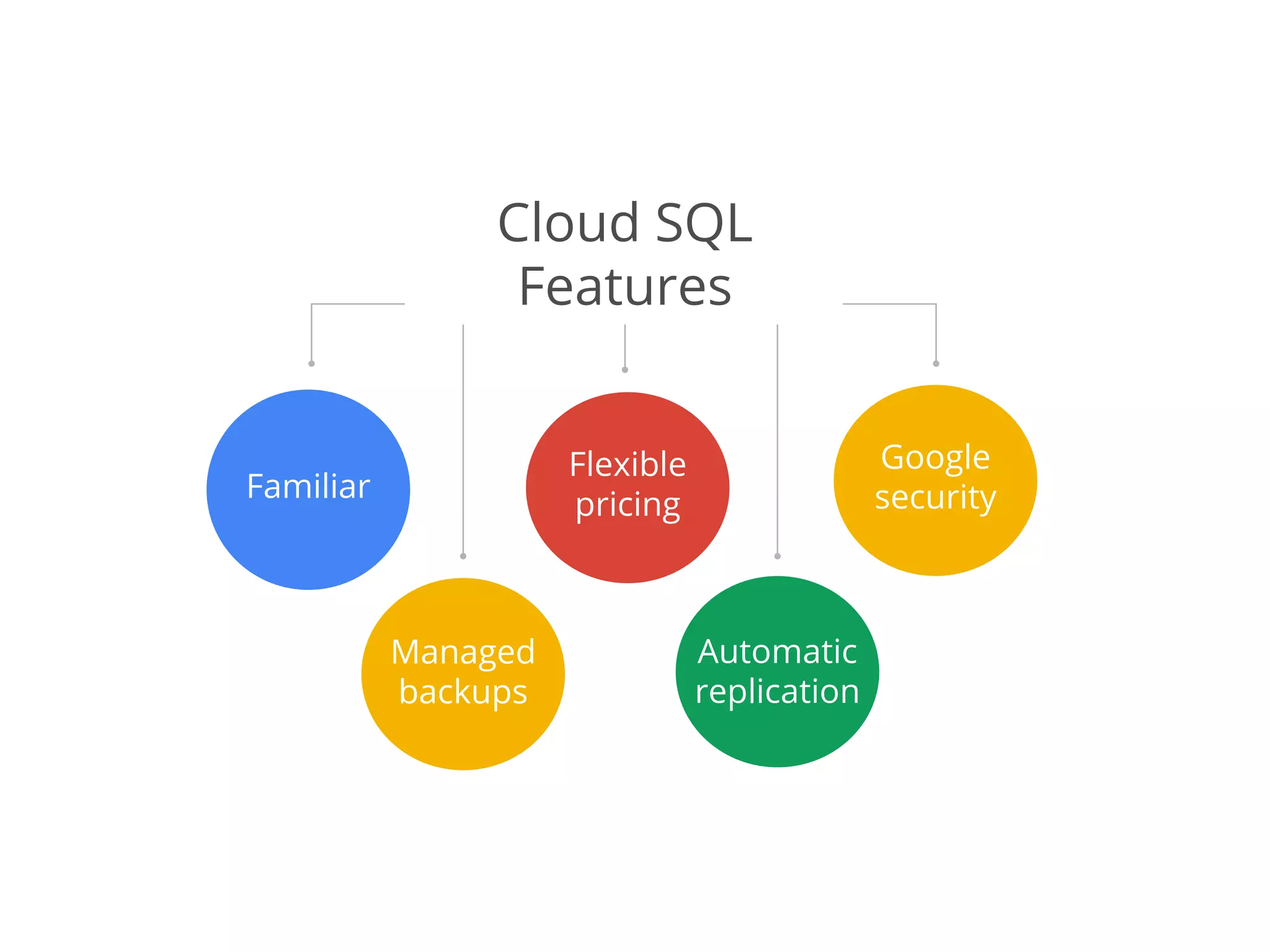
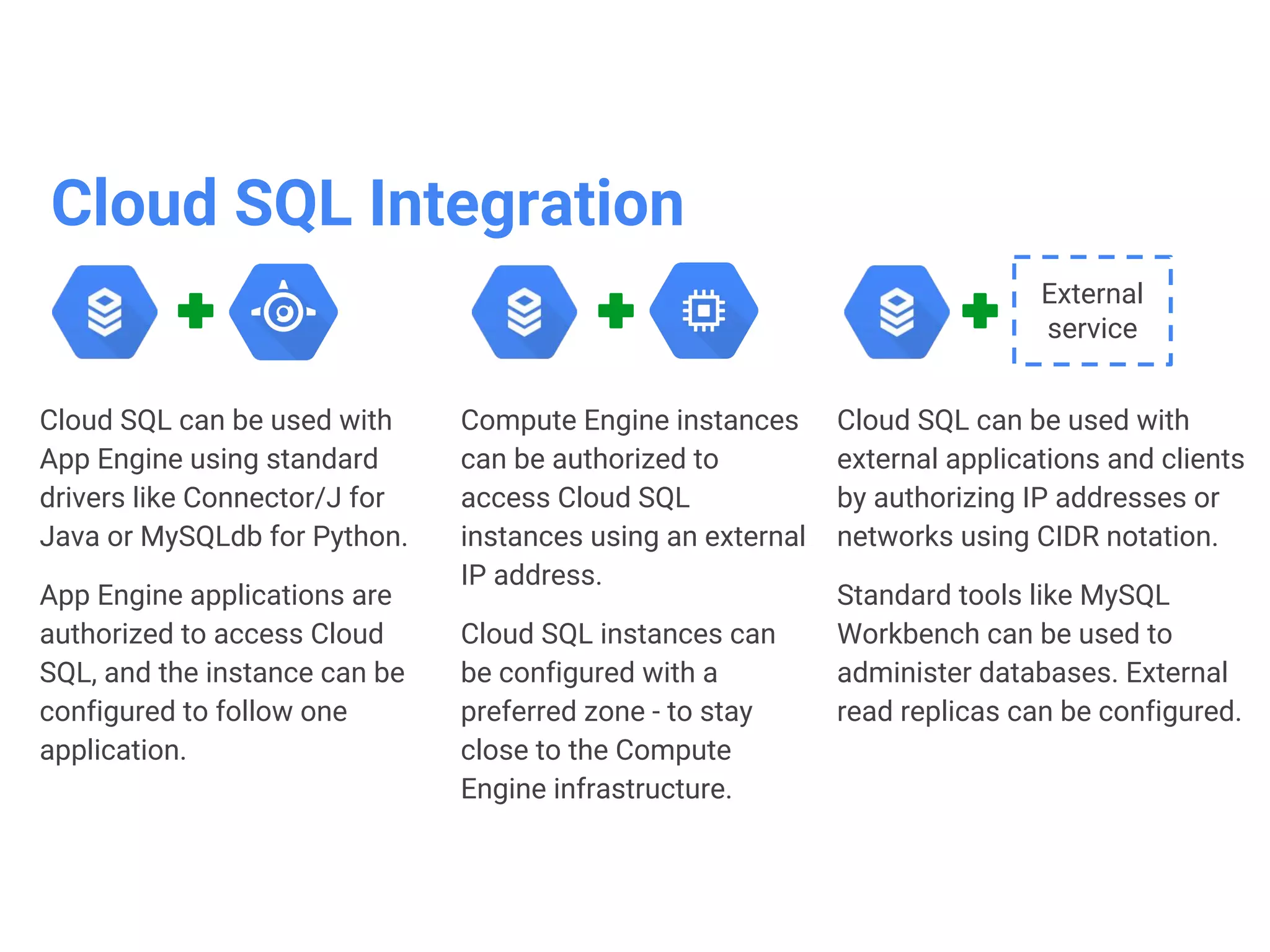
Google Cloud SQL
•Google-managed MySQL
relational database in the cloud
• Pay-per-Use model
• RESTful API for management
• Affordability and performance
• Good Security
• Vertical scaling(read and write)
• Horizontal scaling(read)
• Seamless integration with App
Engine and Compute Engine
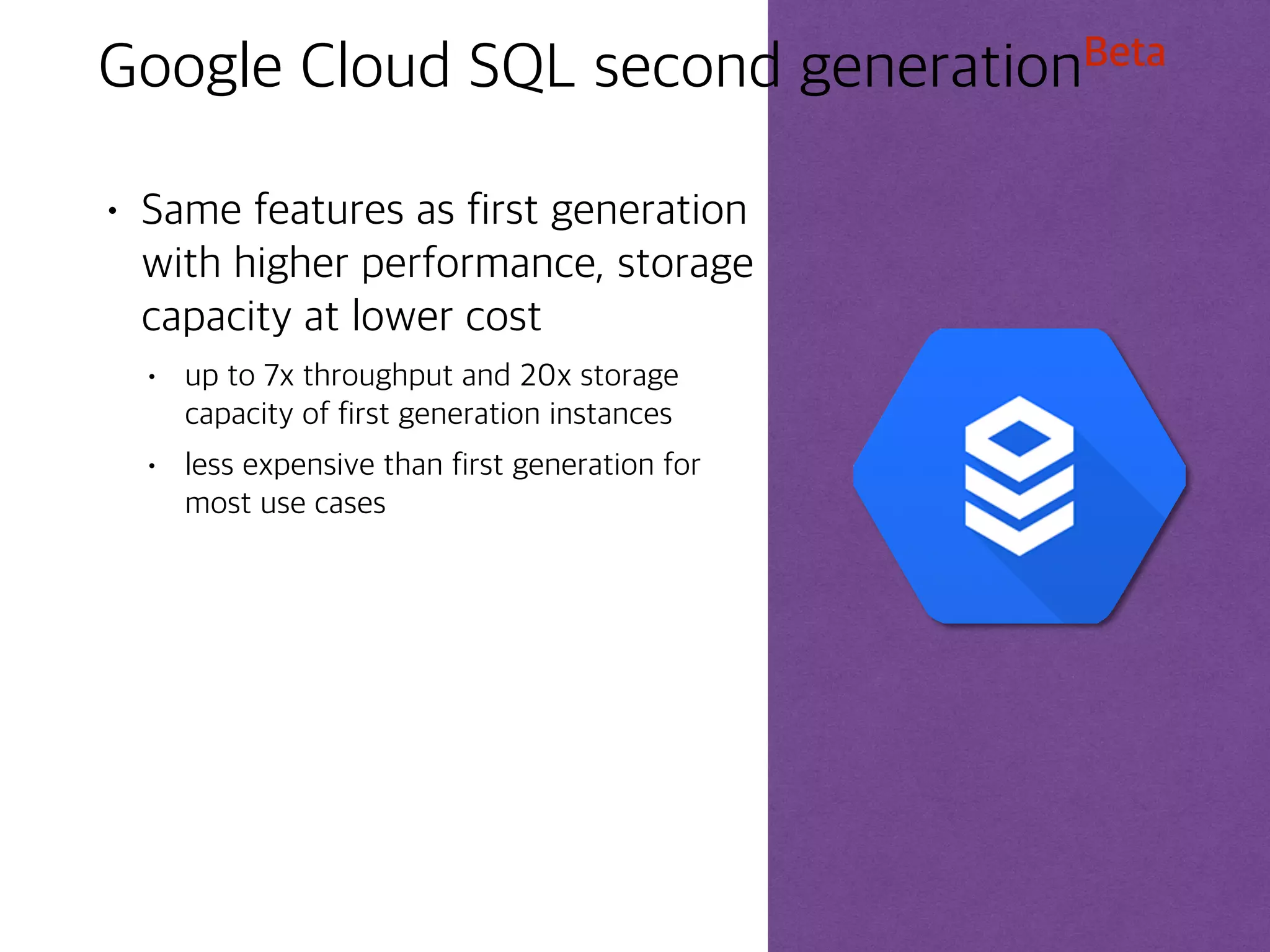
Google Cloud SQLsecond generationBeta
• Same features as first generation
with higher performance, storage
capacity at lower cost
• up to 7x throughput and 20x storage
capacity of first generation instances
• less expensive than first generation for
most use cases
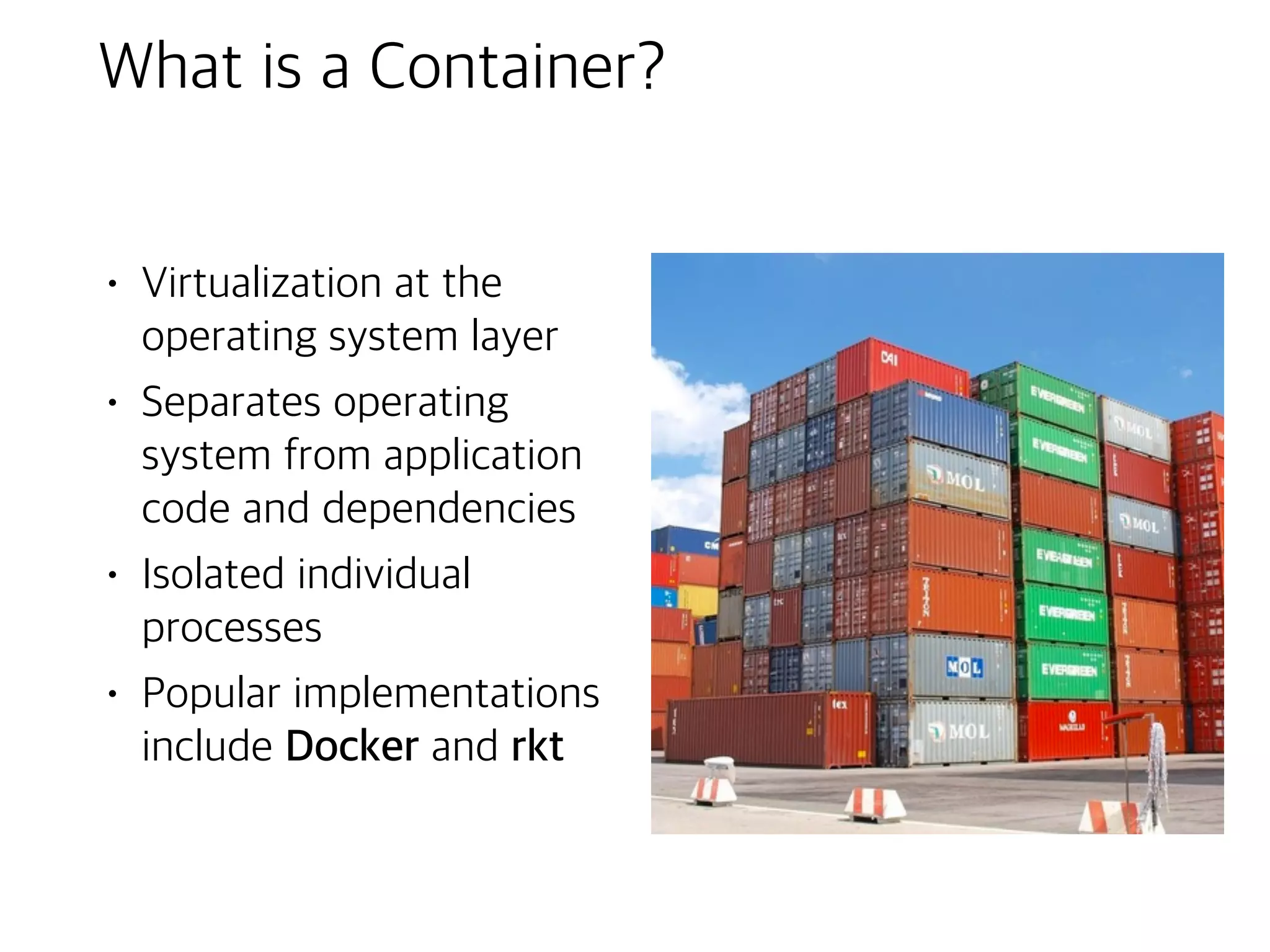
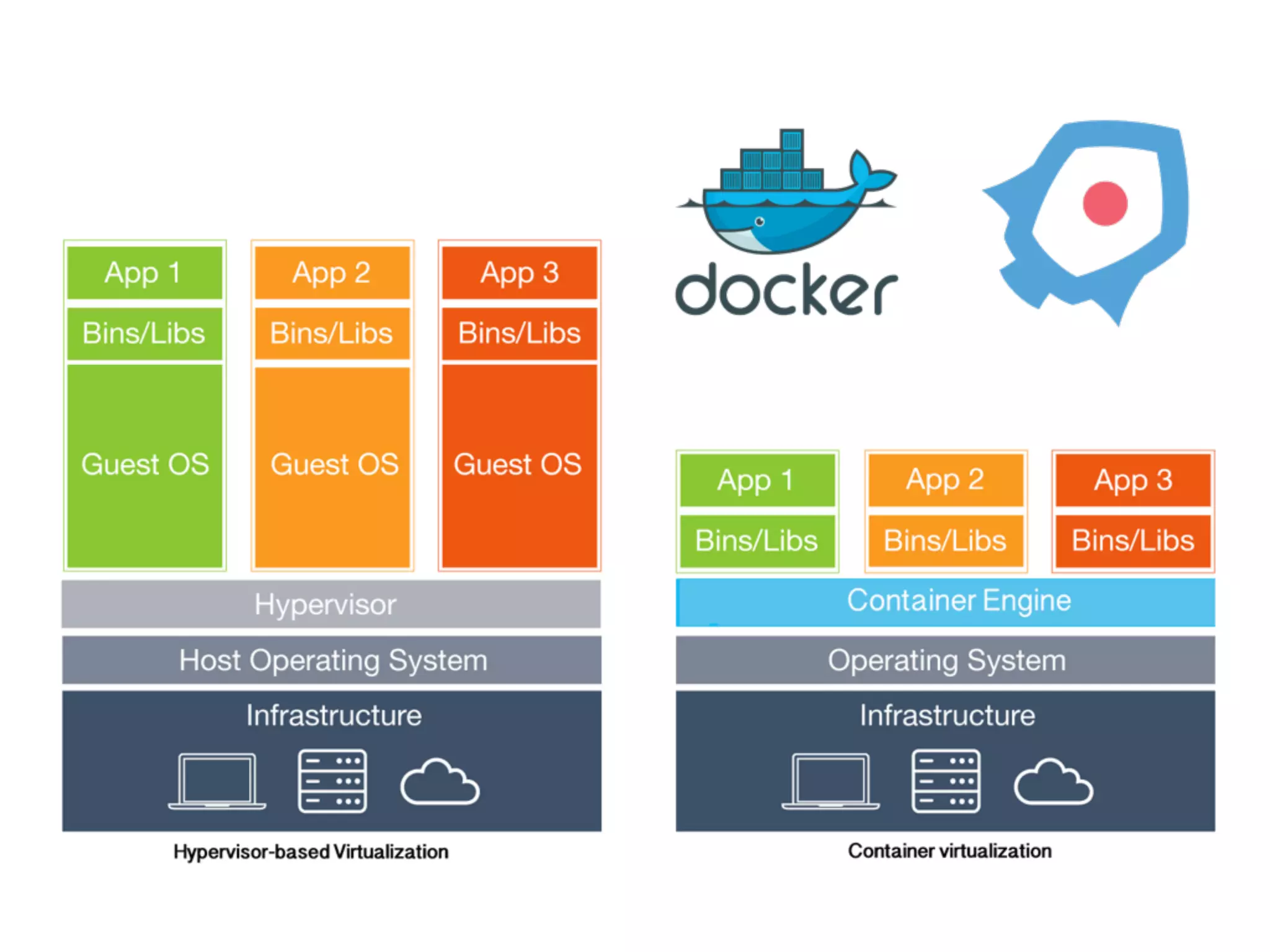
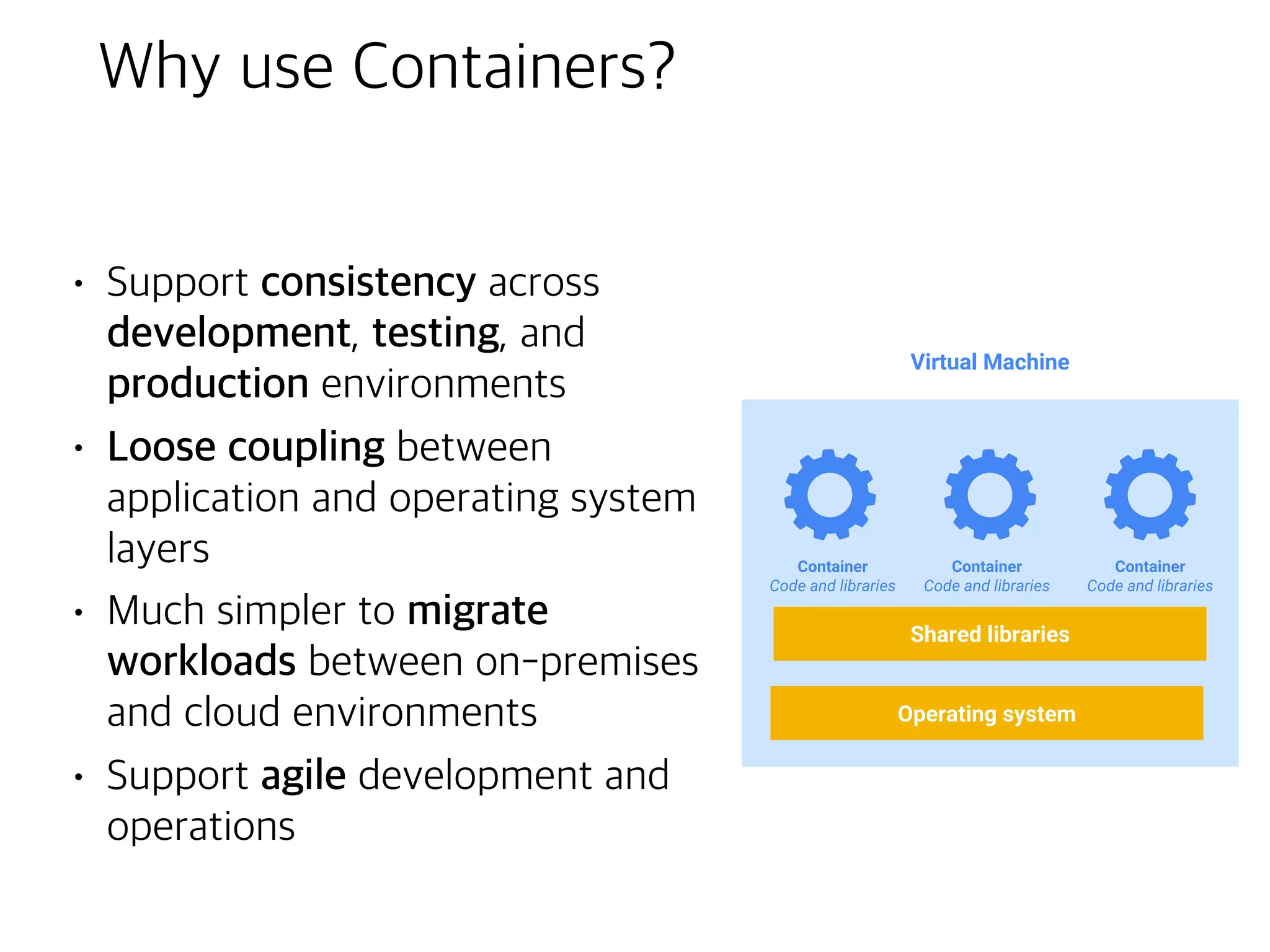
What is aContainer?
• Virtualization at the
operating system layer
• Separates operating
system from application
code and dependencies
• Isolated individual
processes
• Popular implementations
include Docker and rkt
Kubernetes(aka ‘k8s’)
• OpenSource container cluster
orchestration system
• automates deployment,
scaling, and operations for
container clusters
• Based on Google’s experience
over 10+ years
• Built for a multi-cloud world:
• public, private, hybrid
56.
Features of Kubernetes
•Workload portability
• run in many environments, across cloud providers
• implementation is open and modular
• Rolling updates
• upgrade application with zero downtime
• Autoscaling
• automatically adapt to changes in workload
• Persistent storage
• abstracts details of how storage is provided from how it is consumed
• Multi-Zone clusters
• run a single cluster in multiple zones
• Alpha
on Google Cloud Platform
• Load balancing
• external IP address routed traffic to correct port
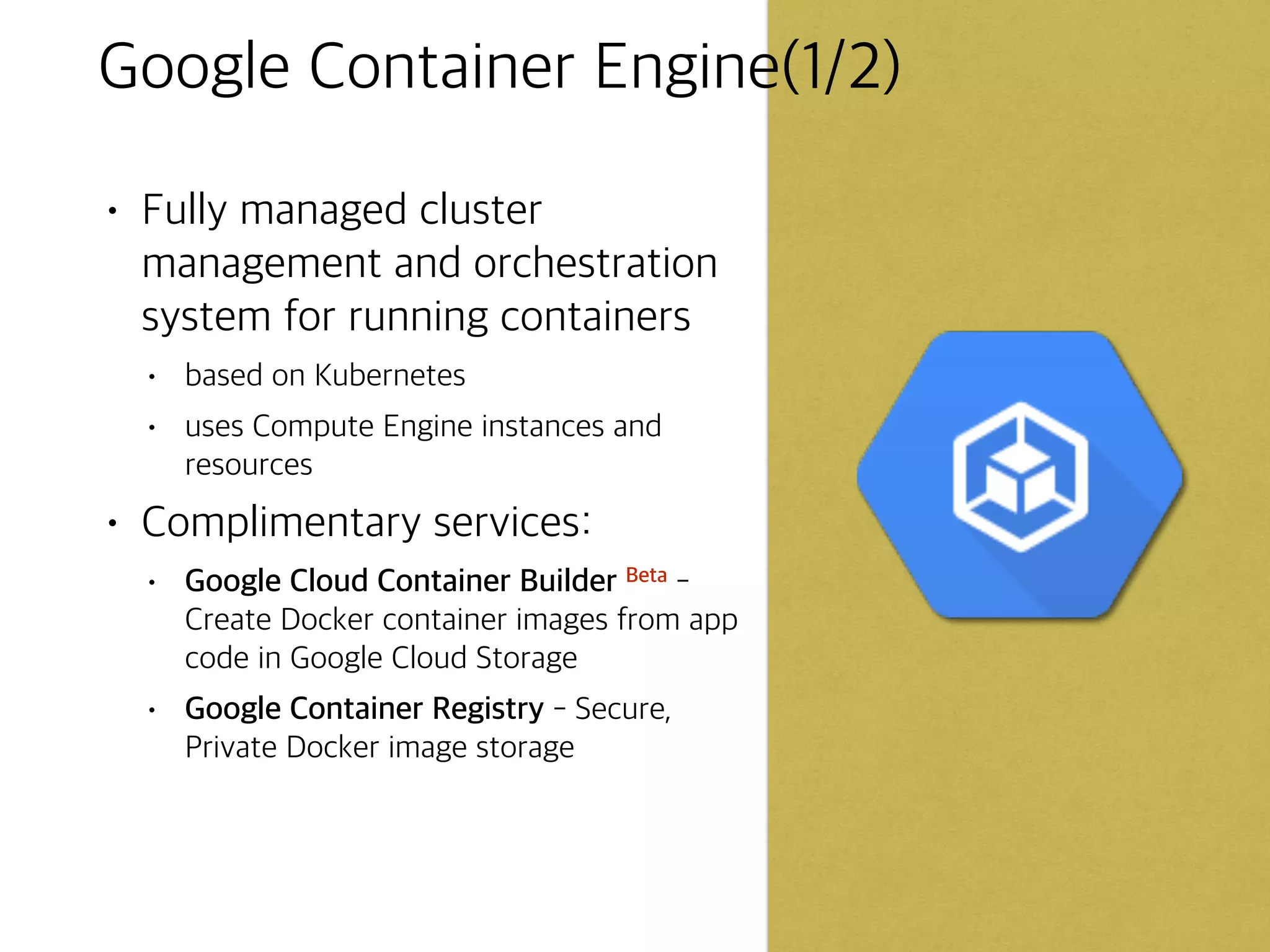
Google Container Engine(1/2)
•Fully managed cluster
management and orchestration
system for running containers
• based on Kubernetes
• uses Compute Engine instances and
resources
• Complimentary services:
• Google Cloud Container Builder Beta -
Create Docker container images from app
code in Google Cloud Storage
• Google Container Registry - Secure,
Private Docker image storage
65.
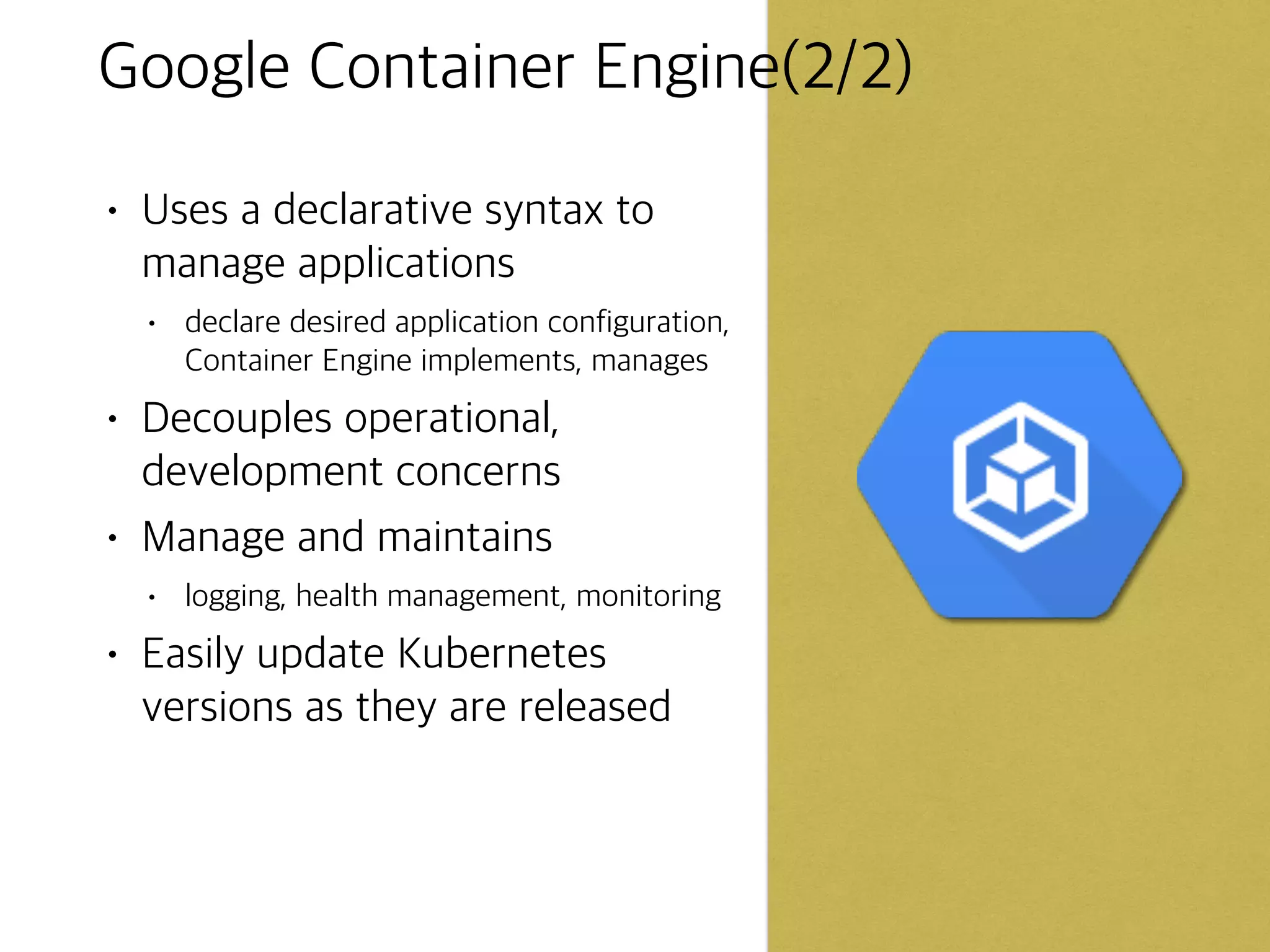
Google Container Engine(2/2)
•Uses a declarative syntax to
manage applications
• declare desired application configuration,
Container Engine implements, manages
• Decouples operational,
development concerns
• Manage and maintains
• logging, health management, monitoring
• Easily update Kubernetes
versions as they are released
67.
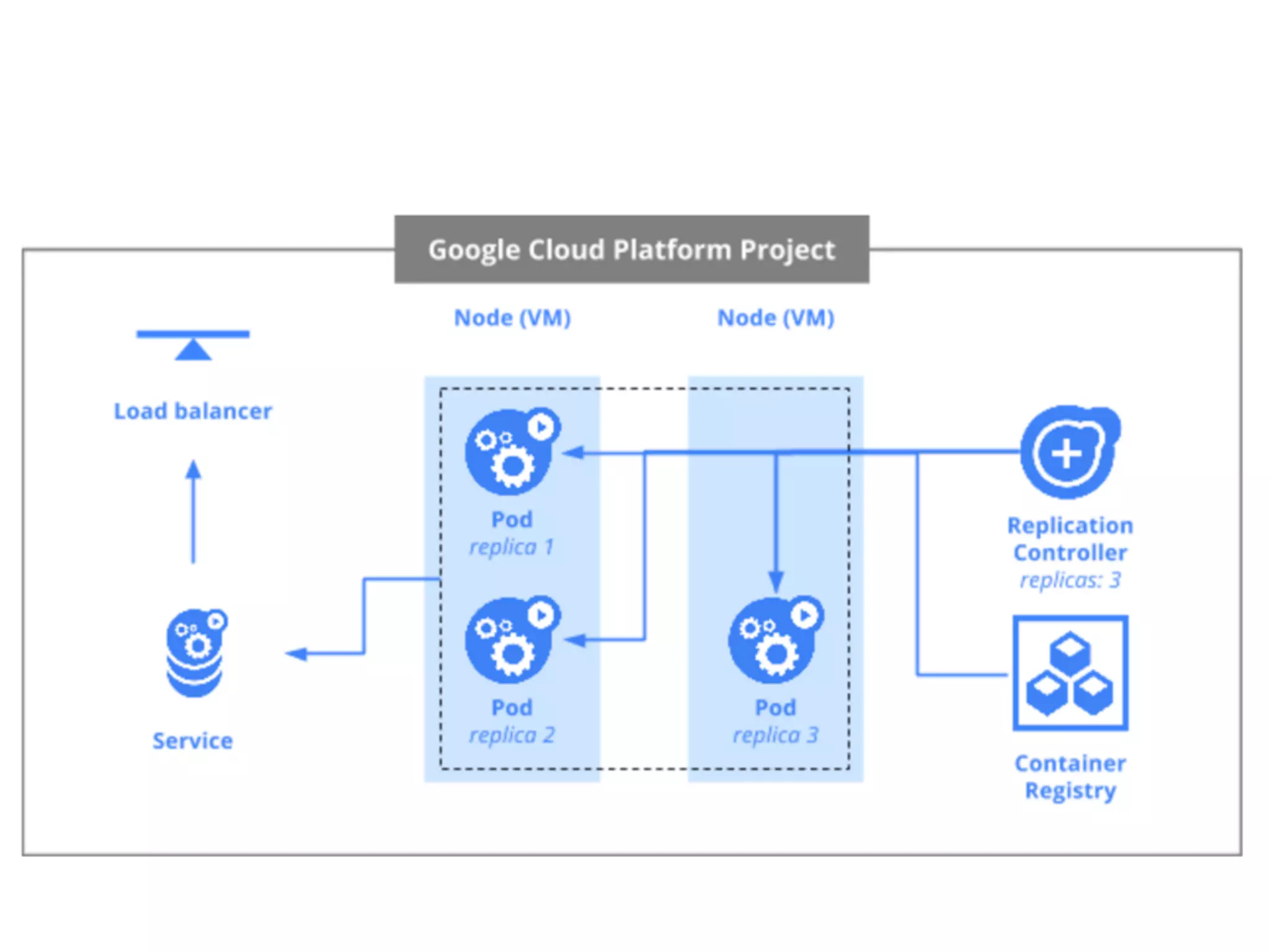
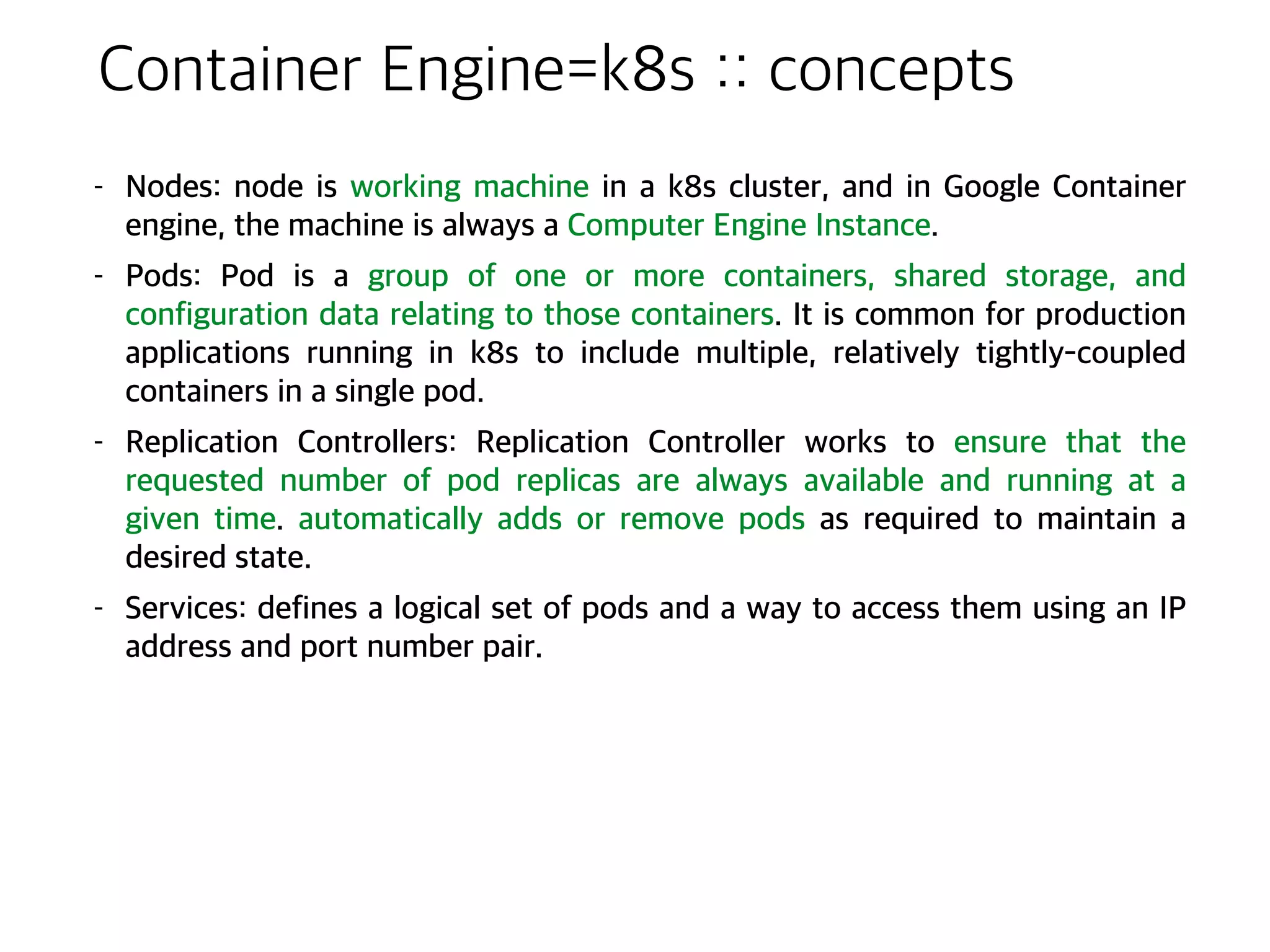
Container Engine=k8s ::concepts
- Nodes: node is working machine in a k8s cluster, and in Google Container
engine, the machine is always a Computer Engine Instance.
- Pods: Pod is a group of one or more containers, shared storage, and
configuration data relating to those containers. It is common for production
applications running in k8s to include multiple, relatively tightly-coupled
containers in a single pod.
- Replication Controllers: Replication Controller works to ensure that the
requested number of pod replicas are always available and running at a
given time. automatically adds or remove pods as required to maintain a
desired state.
- Services: defines a logical set of pods and a way to access them using an IP
address and port number pair.
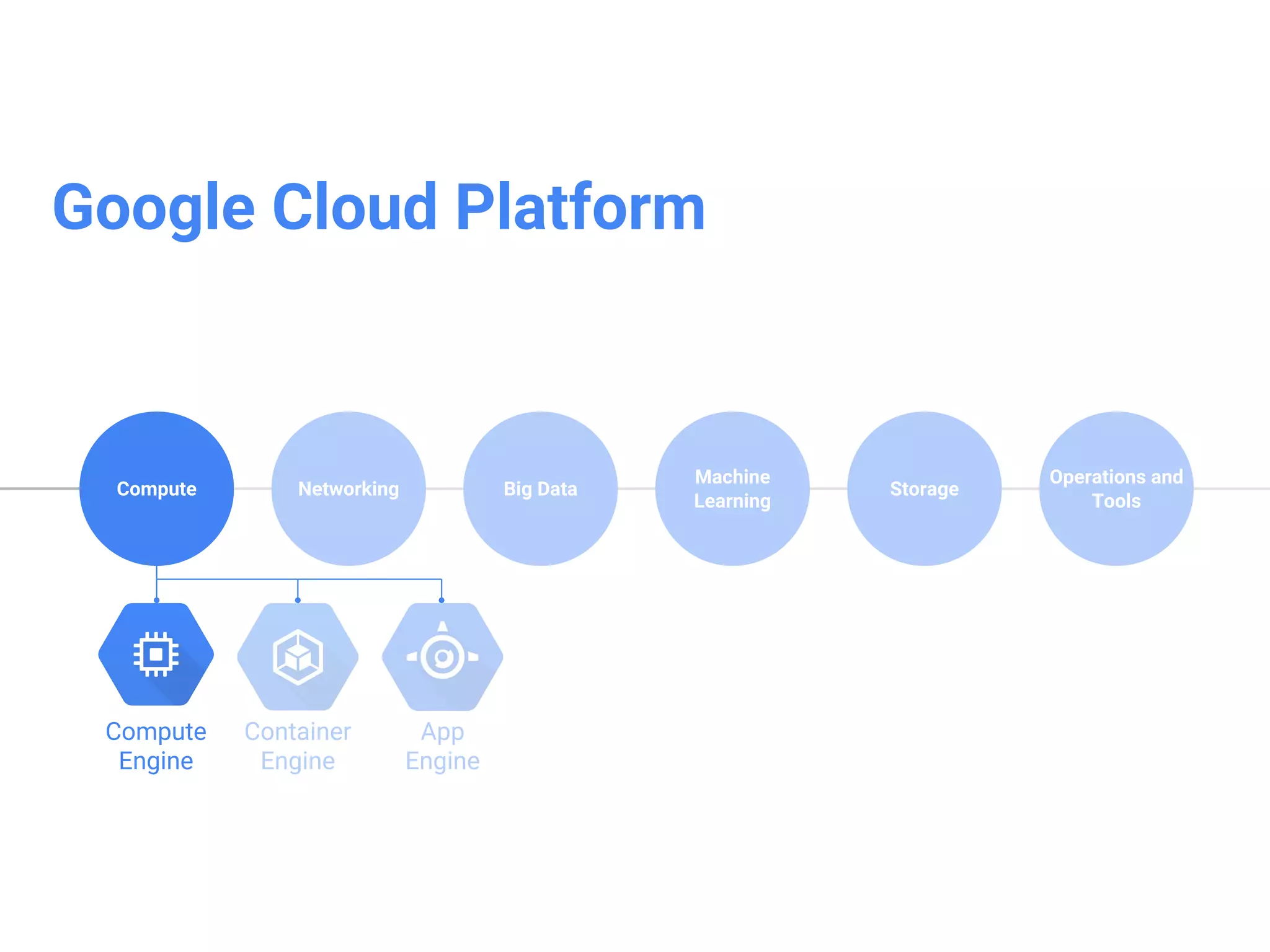
Google Compute Engine(1/2)
•Run large-scale workloads on
virtual machines hosted on
Google’s infrastructure
• Robust networking features
• default, custom networks
• firewall rules
• regional HTTP(S) load balancing
• network load balancing
• subnetworks
• High CPU, high memory,
standard and shared-core
machine types
71.
Google Compute Engine(2/2)
•Persistent disks
• standard, SSD, local SSD
• snapshots
• Resize disks, migrate instances with
no downtime
• Instance metadata and startup
scripts
• Advanced APIs for auto-scaling and
instance group management
• Innovative pricing
• per-minute billing, sustained use discounts
• preemptive instances
• high throughput to storage at no extra cost
• custom mashine types - only pay for the
hardware you need
Google Cloud Networking
GoogleCloud Operations and Tools
Google Big Data
Google Machine Learning(“TensorFlow”)
Amazon Web Services case
Messaging system (such as ‘Kafka’, etc.)
Object Storage, File system introduction
…
goes to next part.
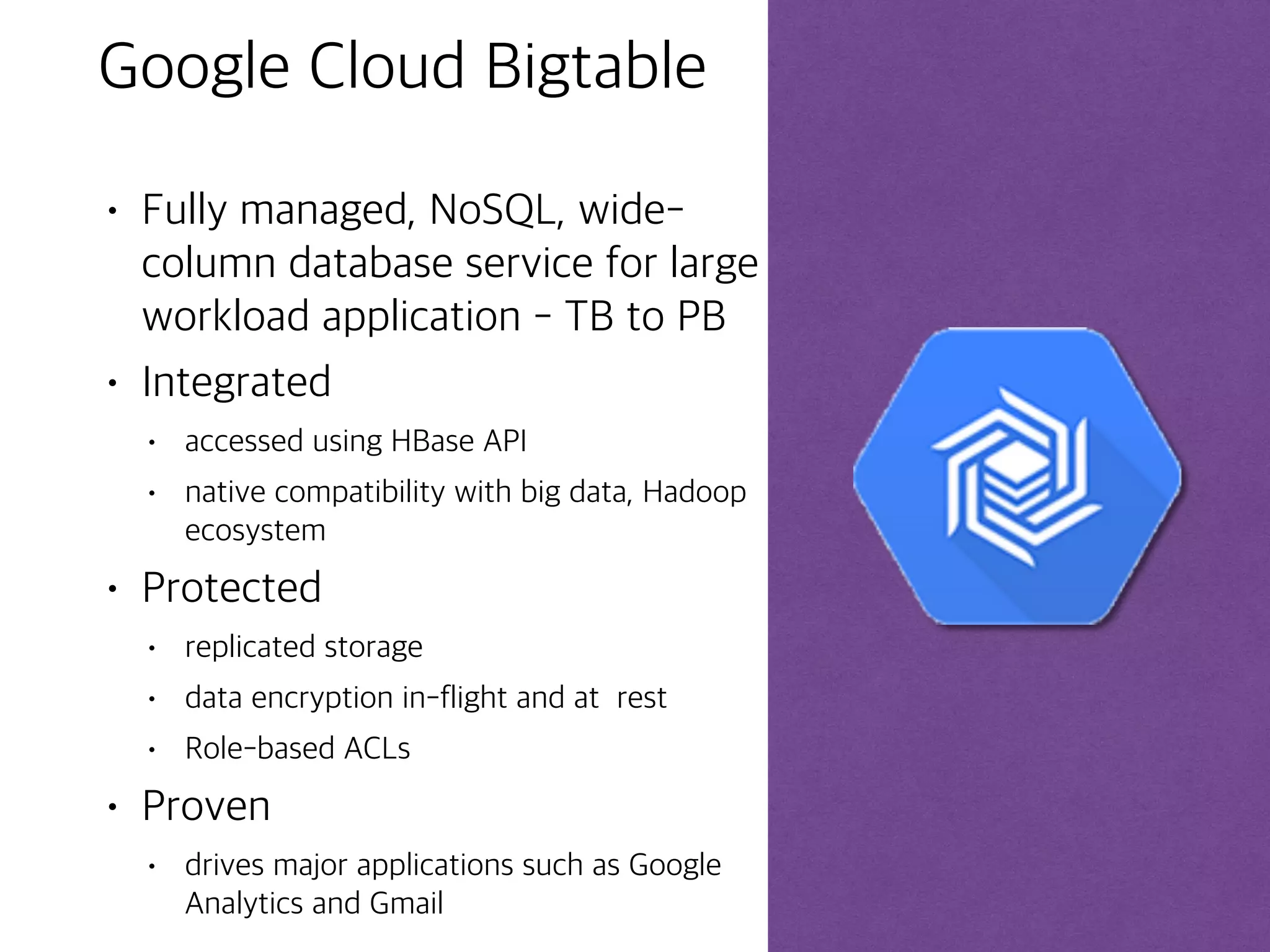
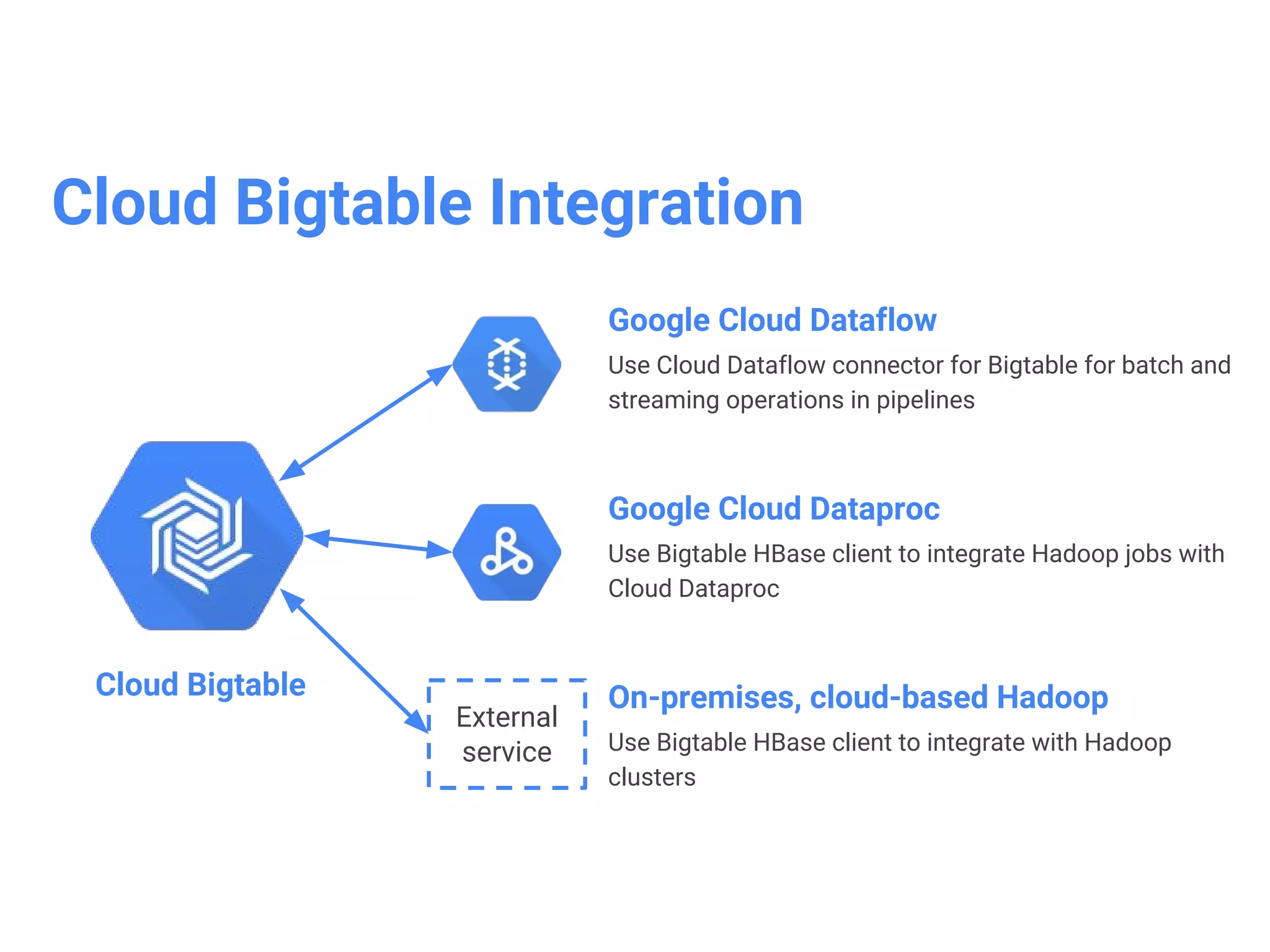
Google Cloud Bigtable
•Fully managed, NoSQL, wide-
column database service for large
workload application - TB to PB
• Integrated
• accessed using HBase API
• native compatibility with big data, Hadoop
ecosystem
• Protected
• replicated storage
• data encryption in-flight and at rest
• Role-based ACLs
• Proven
• drives major applications such as Google
Analytics and Gmail