C++ Function Overloading
• C++ allows you to specify more than one
definition for a function name or an operator
in the same scope, which is called function
overloading and operator overloading
respectively.
• An overloaded declaration is a declaration
that is declared with the same name as a
previously declared declaration in the same
scope, except that both declarations have
different arguments and obviously different
definition (implementation).
• When you call an overloaded function or
operator, the compiler determines the most
appropriate definition to use, by comparing
the argument types you have used to call the
function or operator with the parameter types
specified in the definitions.
• The process of selecting the most appropriate
overloaded function or operator is called
overload resolution.
Function Overloading in C++
• You can have multiple definitions for the same
function name in the same scope.
• The definition of the function must differ from
each other by the types and/or the number of
arguments in the argument list.
• You cannot overload function declarations
that differ only by return type.
• Following is the example where same function
print() is being used to print different data
types
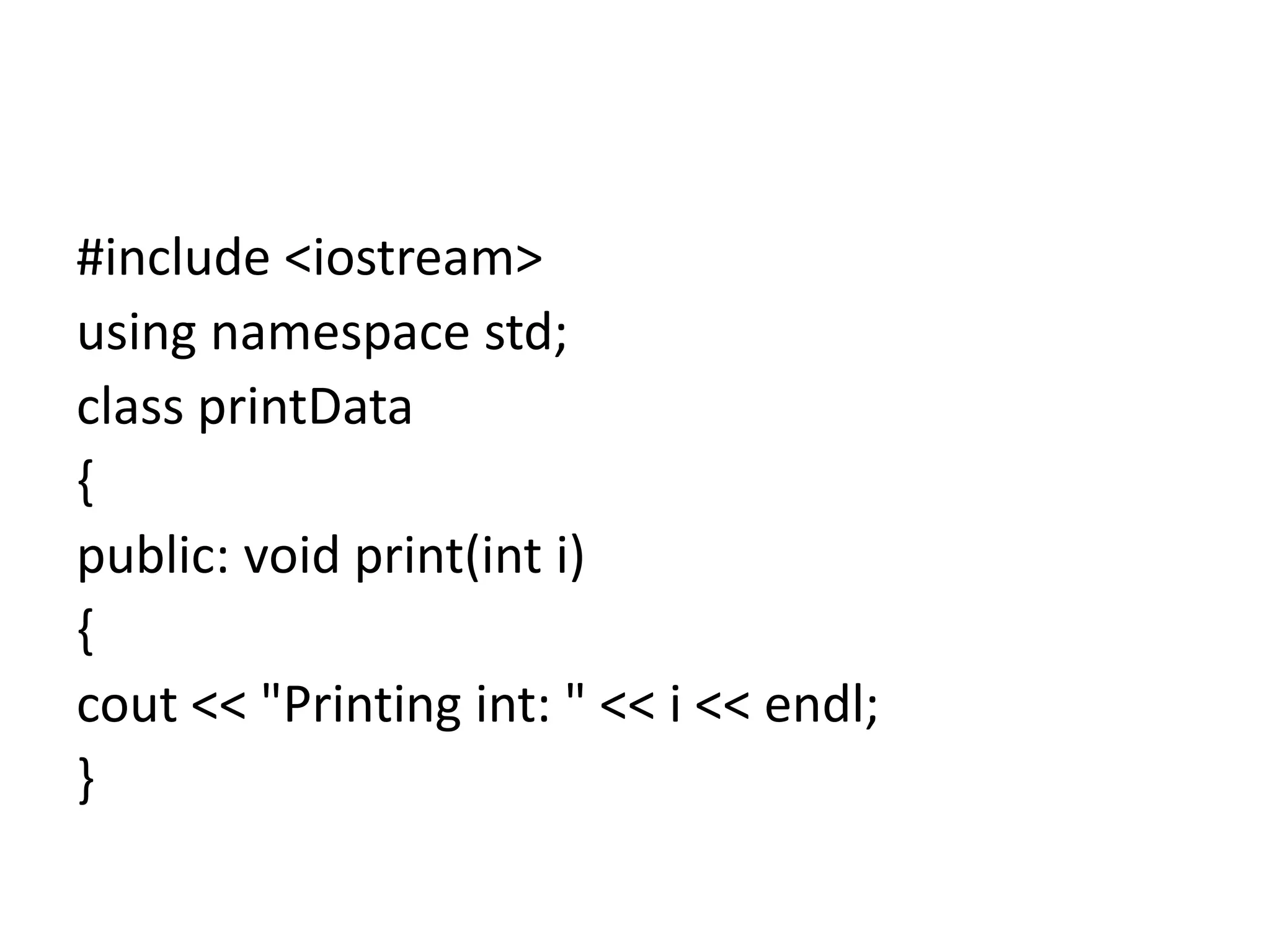
#include <iostream>
using namespace std;
class printData
{
public: void print(int i)
{
cout << "Printing int: " << i << endl;
}
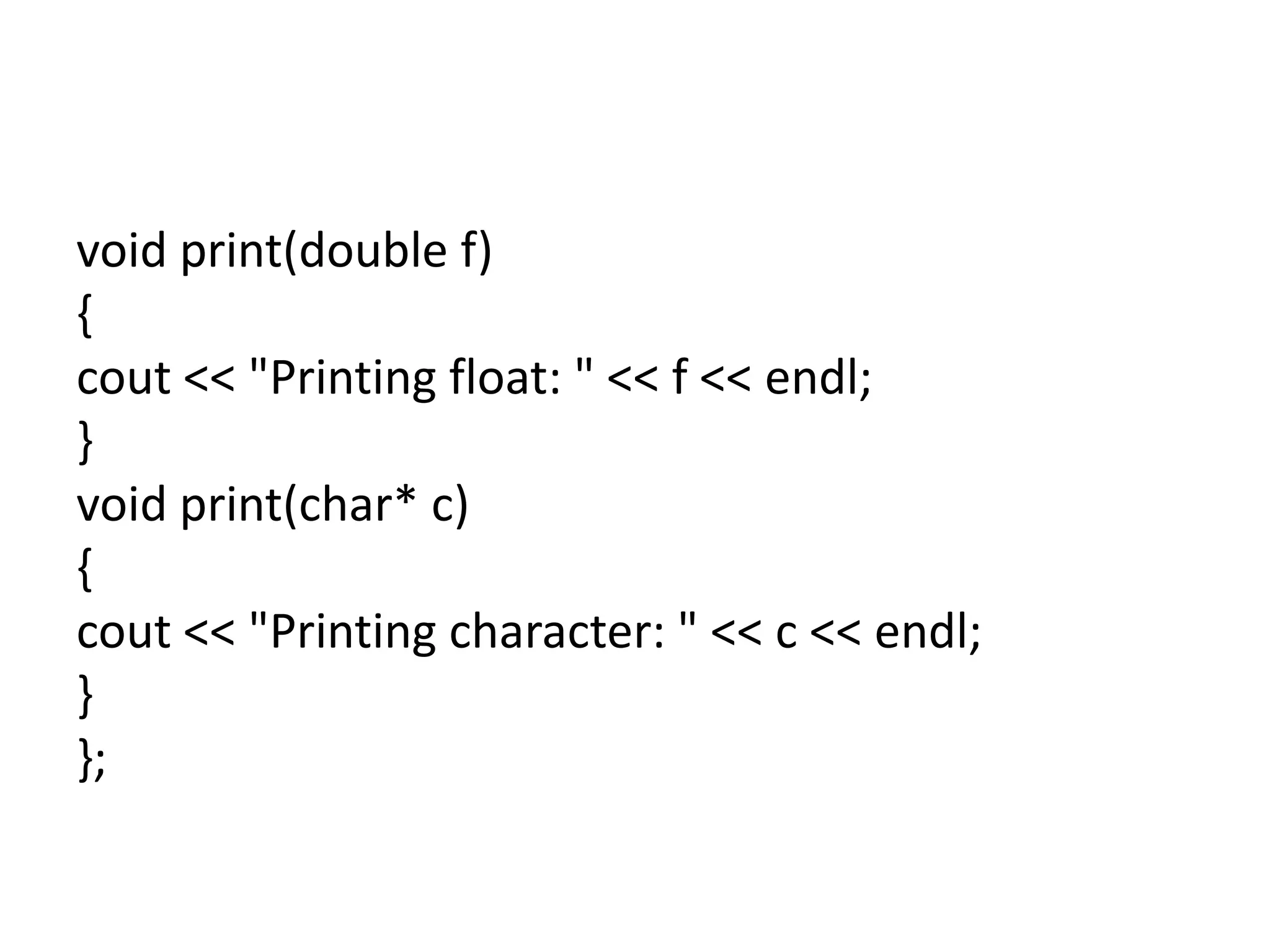
void print(double f)
{
cout << "Printing float: " << f << endl;
}
void print(char* c)
{
cout << "Printing character: " << c << endl;
}
};
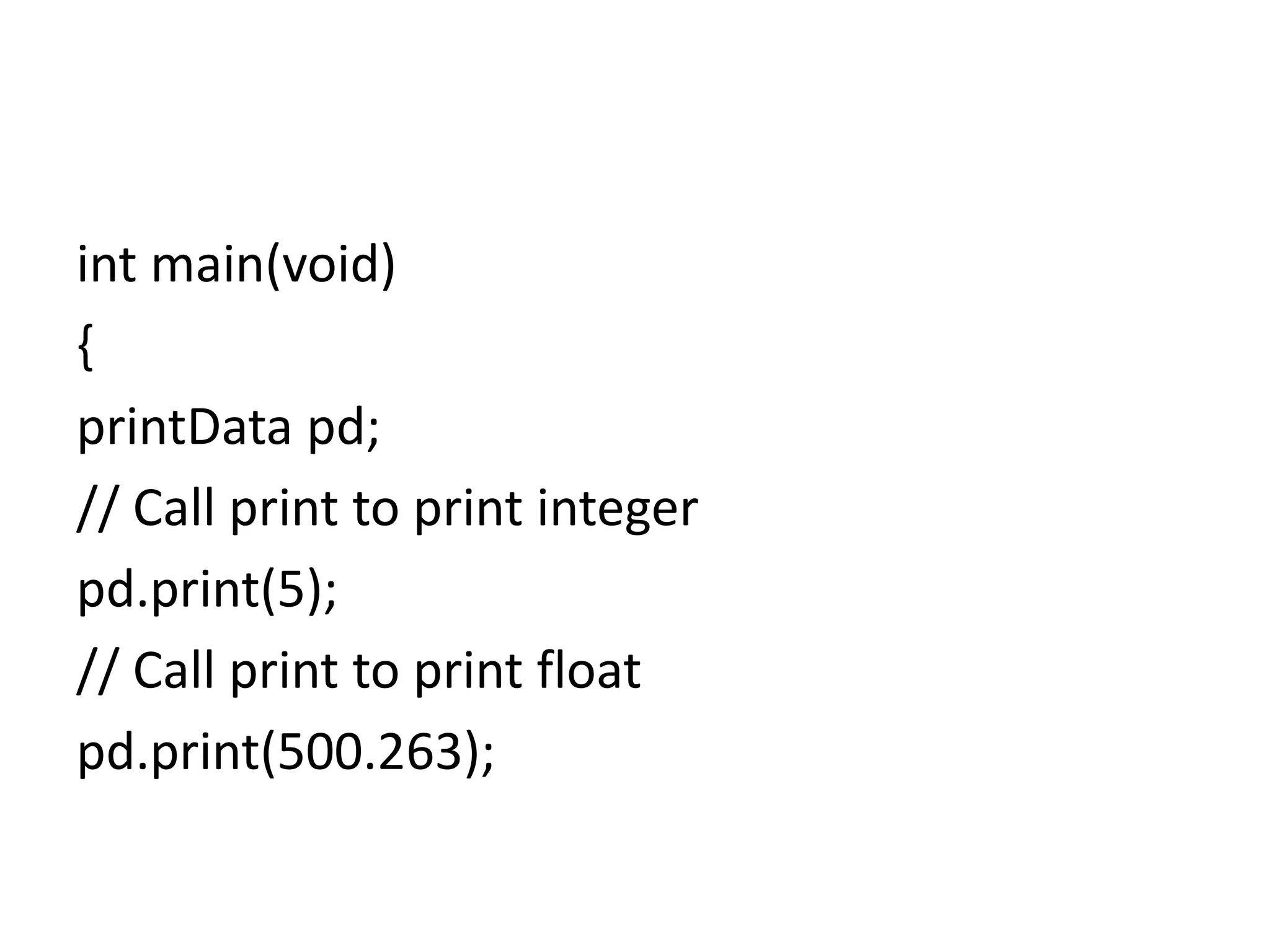
int main(void)
{
printData pd;
// Call print to print integer
pd.print(5);
// Call print to print float
pd.print(500.263);
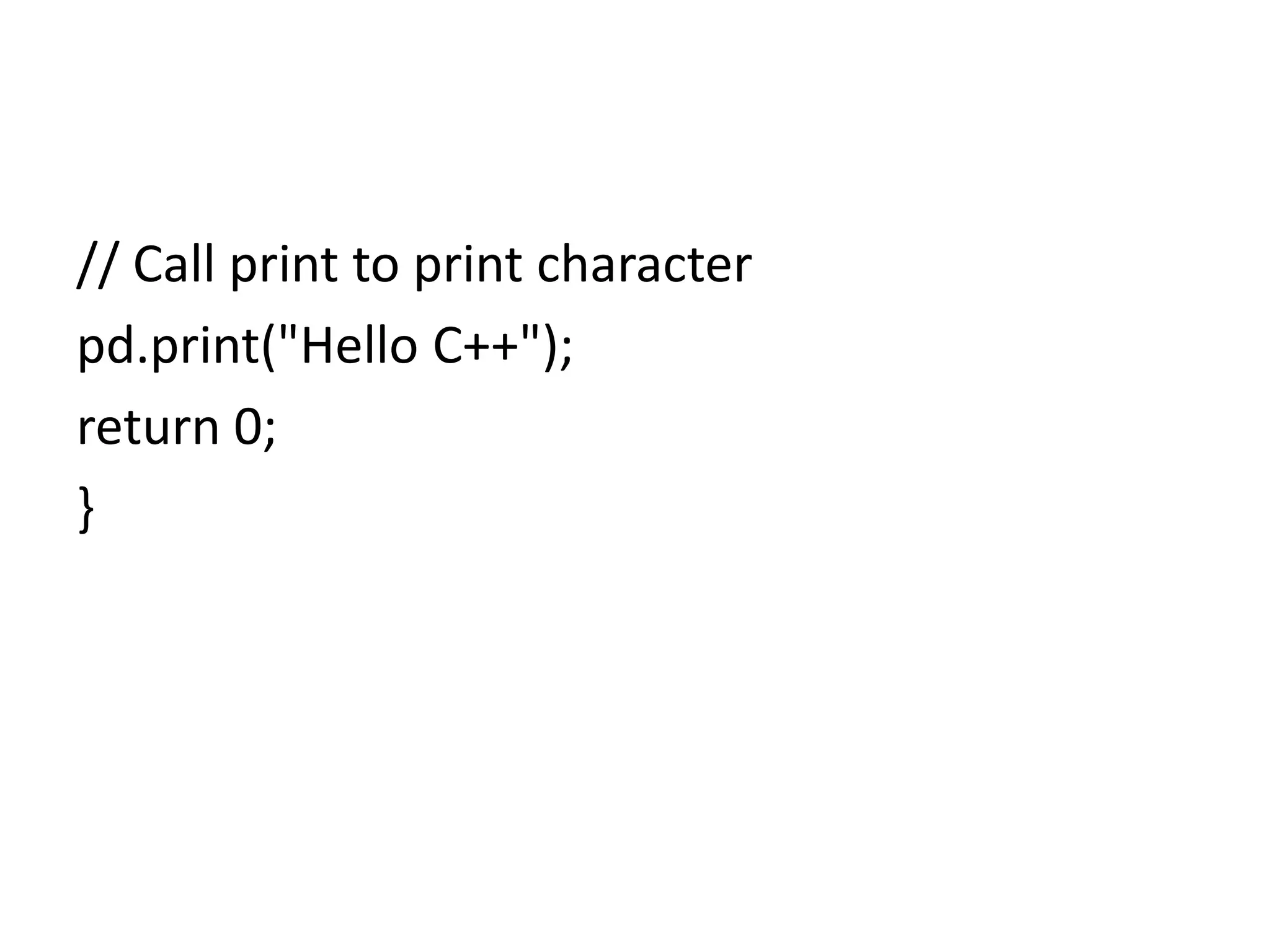
// Call print to print character
pd.print("Hello C++");
return 0;
}
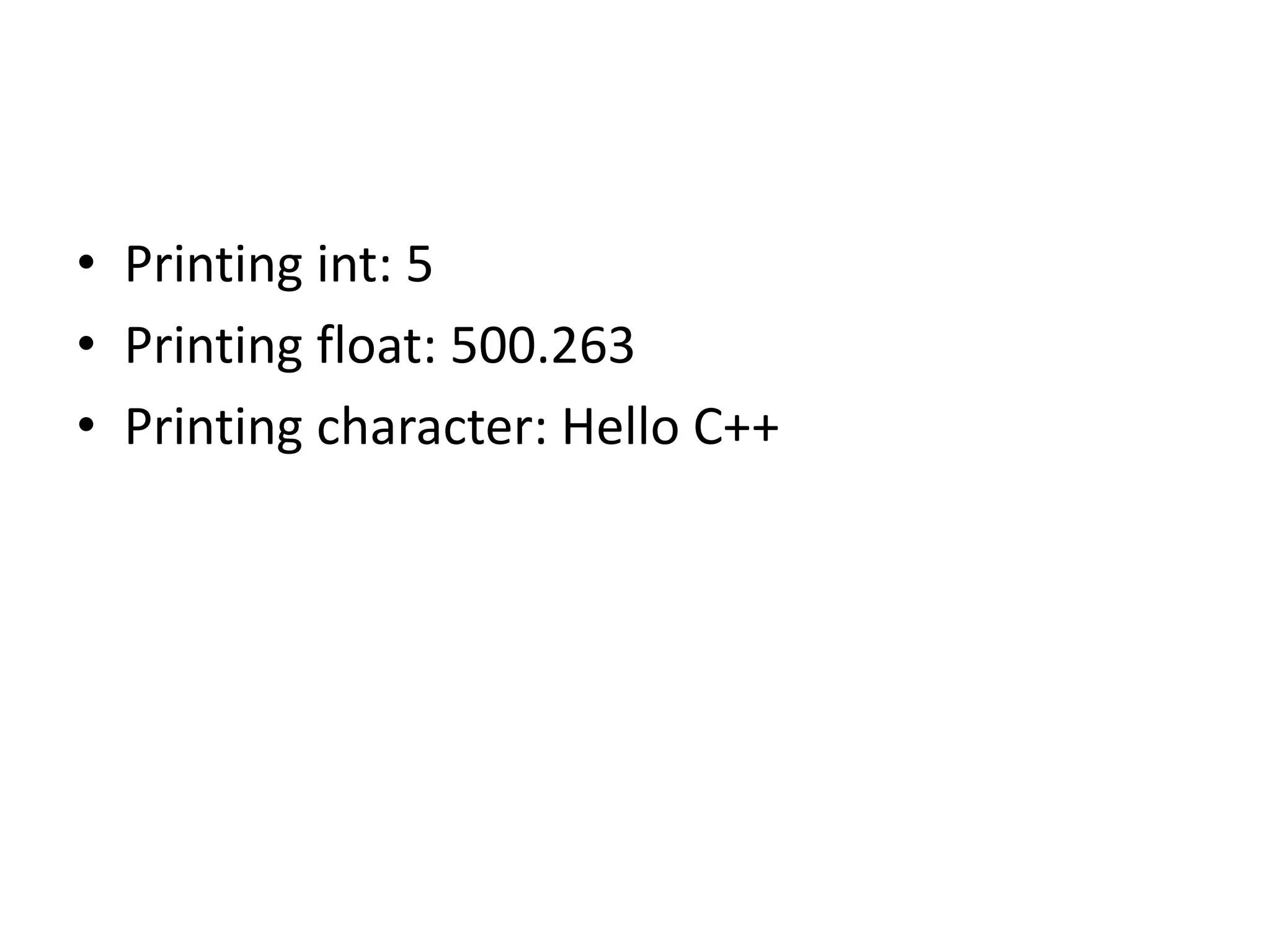
• Printing int: 5
• Printing float: 500.263
• Printing character: Hello C++
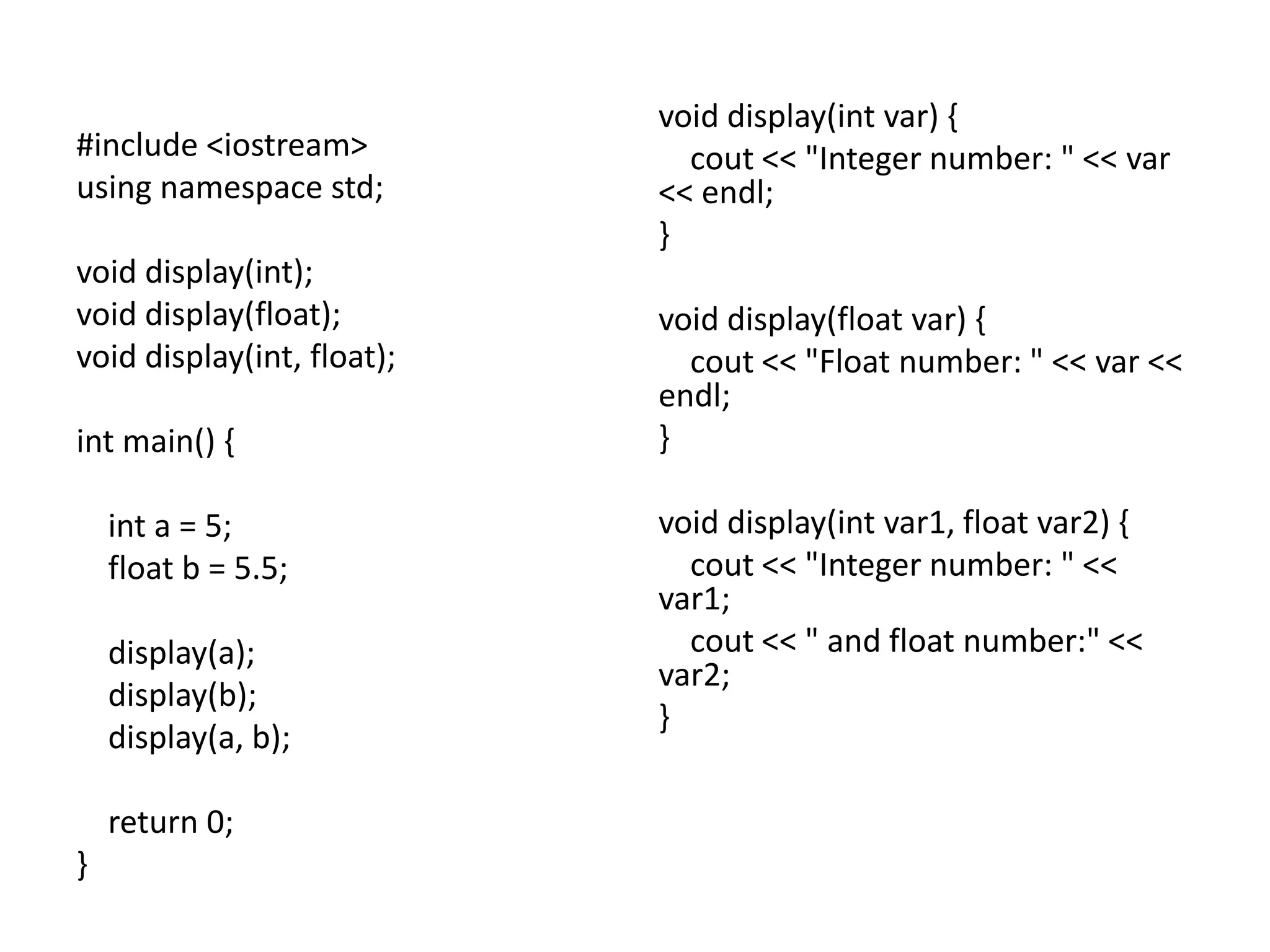
#include <iostream>
using namespace std;
void display(int);
void display(float);
void display(int, float);
int main() {
int a = 5;
float b = 5.5;
display(a);
display(b);
display(a, b);
return 0;
}
void display(int var) {
cout << "Integer number: " << var
<< endl;
}
void display(float var) {
cout << "Float number: " << var <<
endl;
}
void display(int var1, float var2) {
cout << "Integer number: " <<
var1;
cout << " and float number:" <<
var2;
}
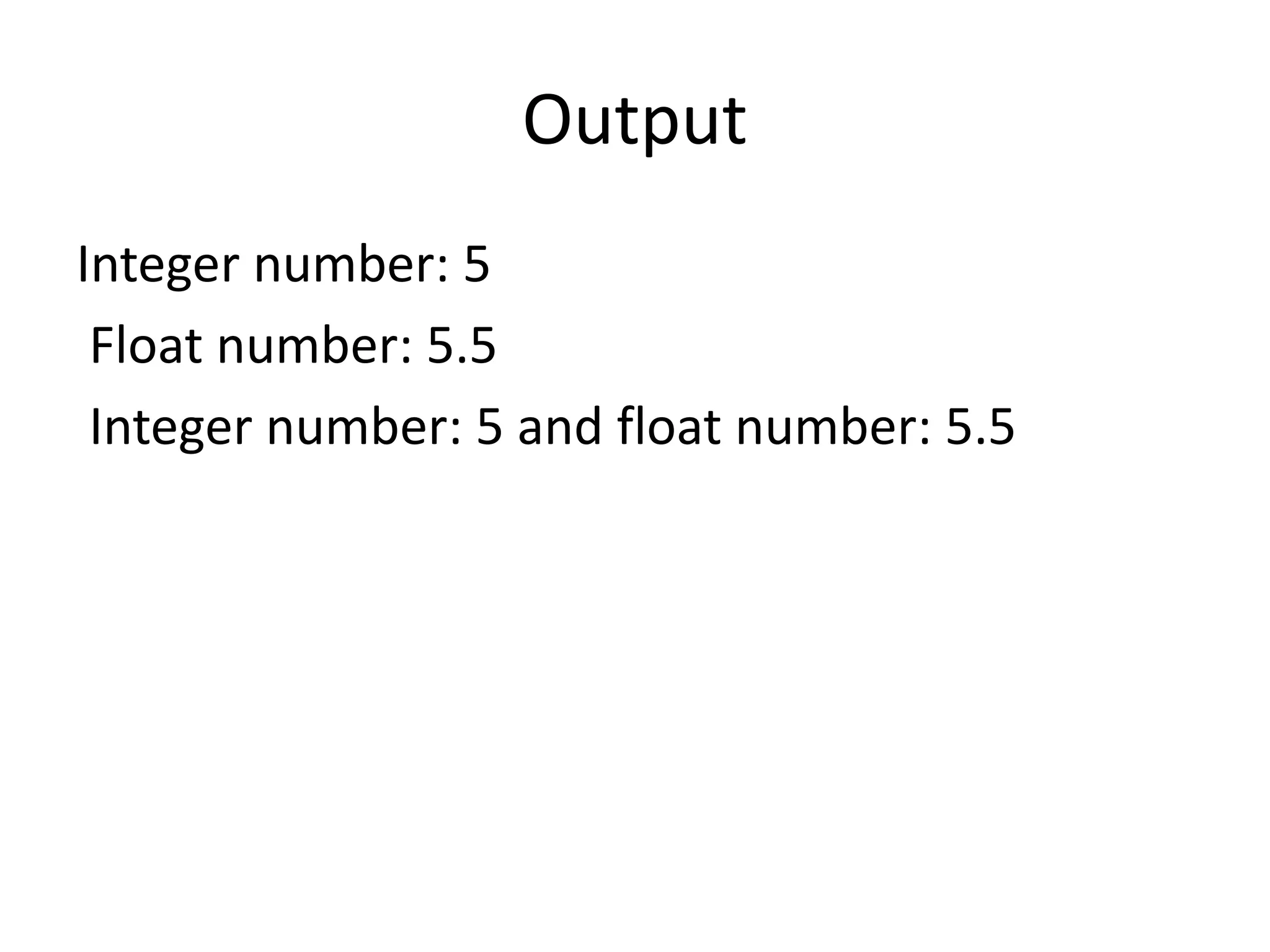
Output
Integer number: 5
Float number: 5.5
Integer number: 5 and float number: 5.5

Function Overloading.ppt

  • 1.
  • 2.
    • C++ allowsyou to specify more than one definition for a function name or an operator in the same scope, which is called function overloading and operator overloading respectively.
  • 3.
    • An overloadeddeclaration is a declaration that is declared with the same name as a previously declared declaration in the same scope, except that both declarations have different arguments and obviously different definition (implementation).
  • 4.
    • When youcall an overloaded function or operator, the compiler determines the most appropriate definition to use, by comparing the argument types you have used to call the function or operator with the parameter types specified in the definitions. • The process of selecting the most appropriate overloaded function or operator is called overload resolution.
  • 5.
    Function Overloading inC++ • You can have multiple definitions for the same function name in the same scope. • The definition of the function must differ from each other by the types and/or the number of arguments in the argument list. • You cannot overload function declarations that differ only by return type.
  • 6.
    • Following isthe example where same function print() is being used to print different data types
  • 7.
    #include <iostream> using namespacestd; class printData { public: void print(int i) { cout << "Printing int: " << i << endl; }
  • 8.
    void print(double f) { cout<< "Printing float: " << f << endl; } void print(char* c) { cout << "Printing character: " << c << endl; } };
  • 9.
    int main(void) { printData pd; //Call print to print integer pd.print(5); // Call print to print float pd.print(500.263);
  • 10.
    // Call printto print character pd.print("Hello C++"); return 0; }
  • 11.
    • Printing int:5 • Printing float: 500.263 • Printing character: Hello C++
  • 12.
    #include <iostream> using namespacestd; void display(int); void display(float); void display(int, float); int main() { int a = 5; float b = 5.5; display(a); display(b); display(a, b); return 0; } void display(int var) { cout << "Integer number: " << var << endl; } void display(float var) { cout << "Float number: " << var << endl; } void display(int var1, float var2) { cout << "Integer number: " << var1; cout << " and float number:" << var2; }
  • 13.
    Output Integer number: 5 Floatnumber: 5.5 Integer number: 5 and float number: 5.5