What Does NoSQL Mean
       for You?
           Chris Lea
       (mt) Media Temple
      FOWA Dublin 2010
For Starters: What does it
       mean at all?
For Starters: What does it
       mean at all?

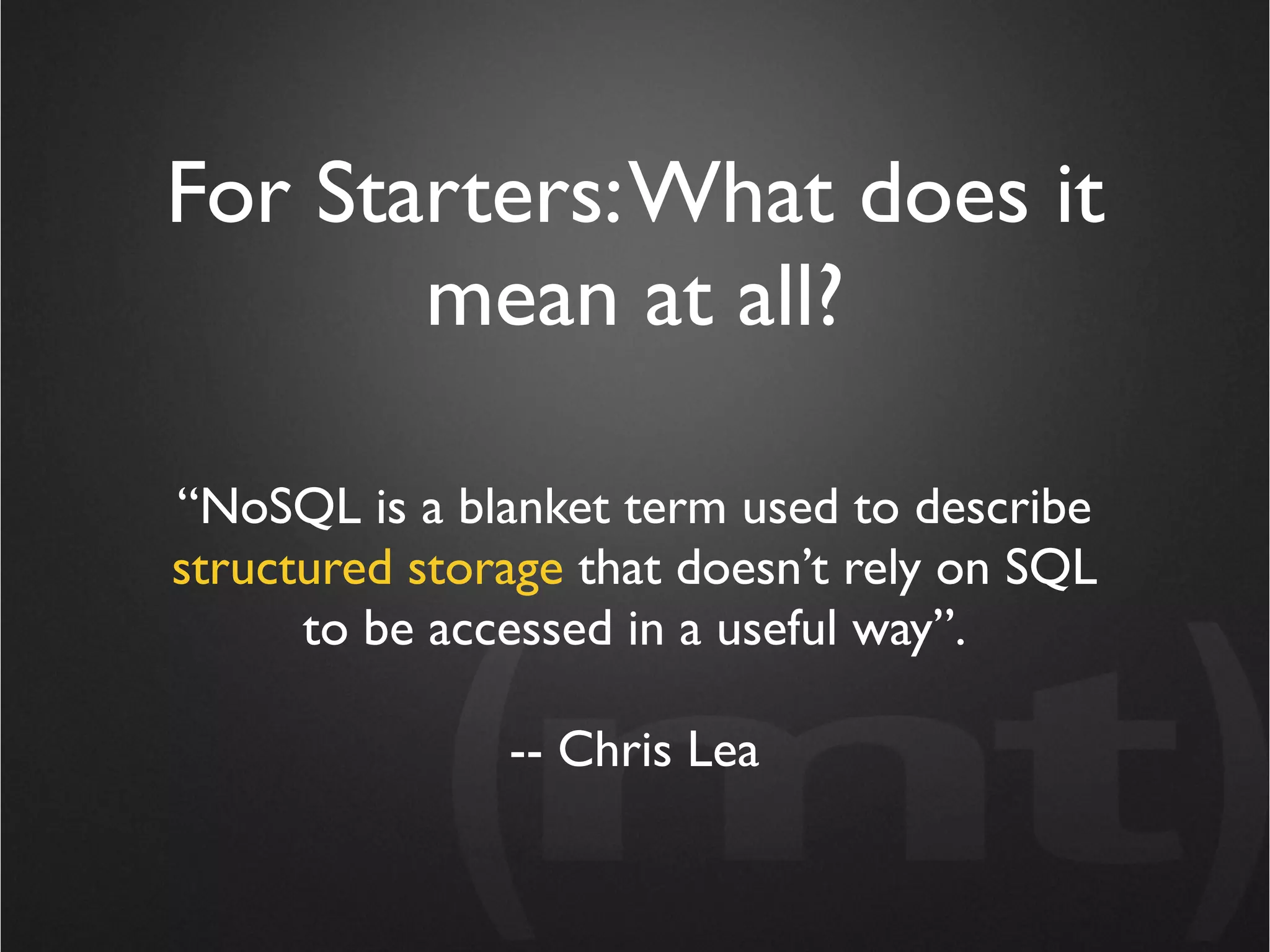
“NoSQL is a blanket term used to describe
structured storage that doesn’t rely on SQL
      to be accessed in a useful way”.

               -- Chris Lea
For Starters: What does it
       mean at all?

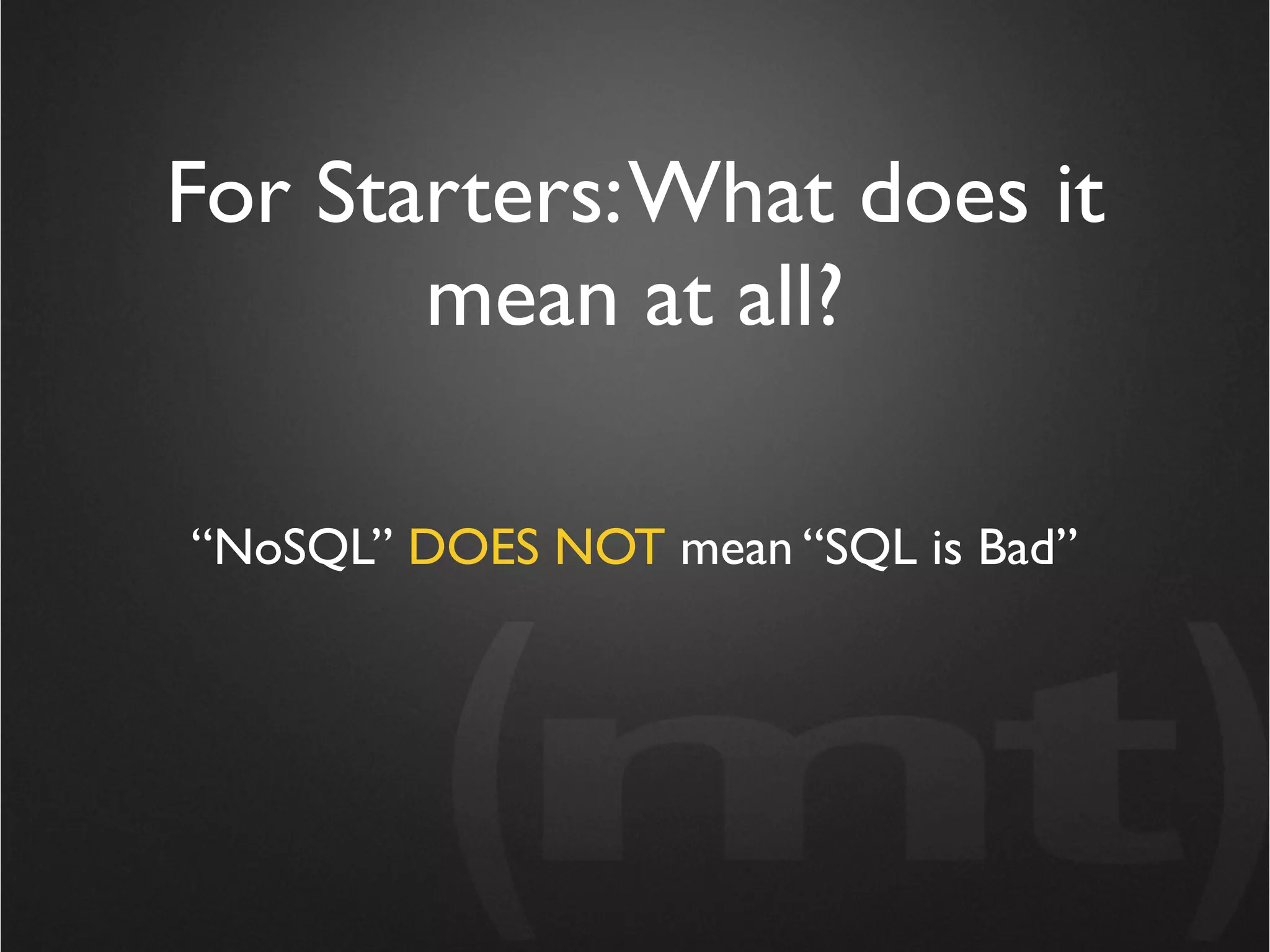
“NoSQL” DOES NOT mean “SQL is Bad”
MySQL does what I need, why
      should I care?
MySQL does what I need, why
      should I care?

 “If I’d asked my customers what they wanted,
they’d have said a faster horse.” -- Henry Ford
MySQL does what I need, why
      should I care?
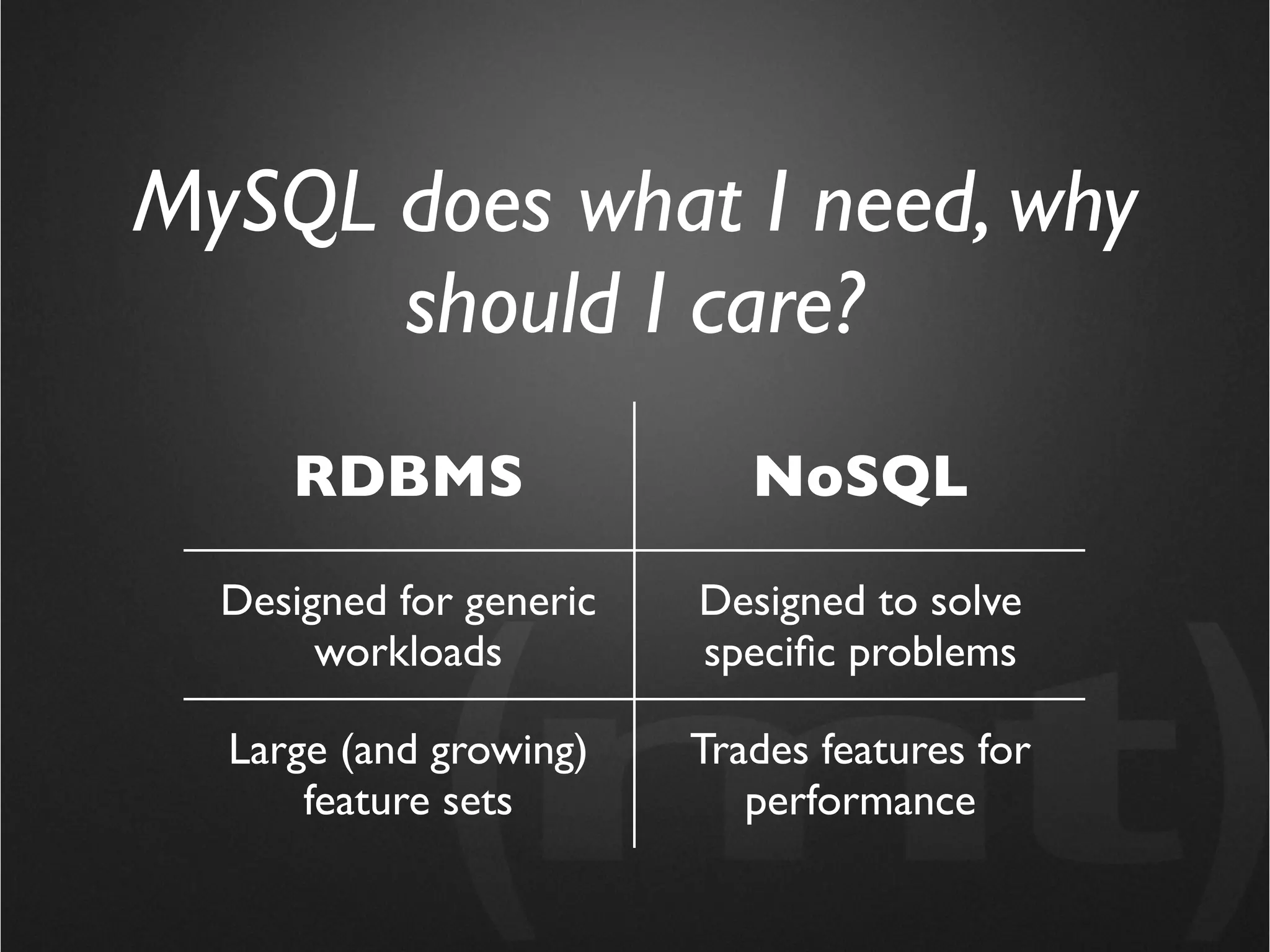
     RDBMS                  NoSQL

  Designed for generic   Designed to solve
       workloads         specific problems

  Large (and growing)    Trades features for
      feature sets          performance
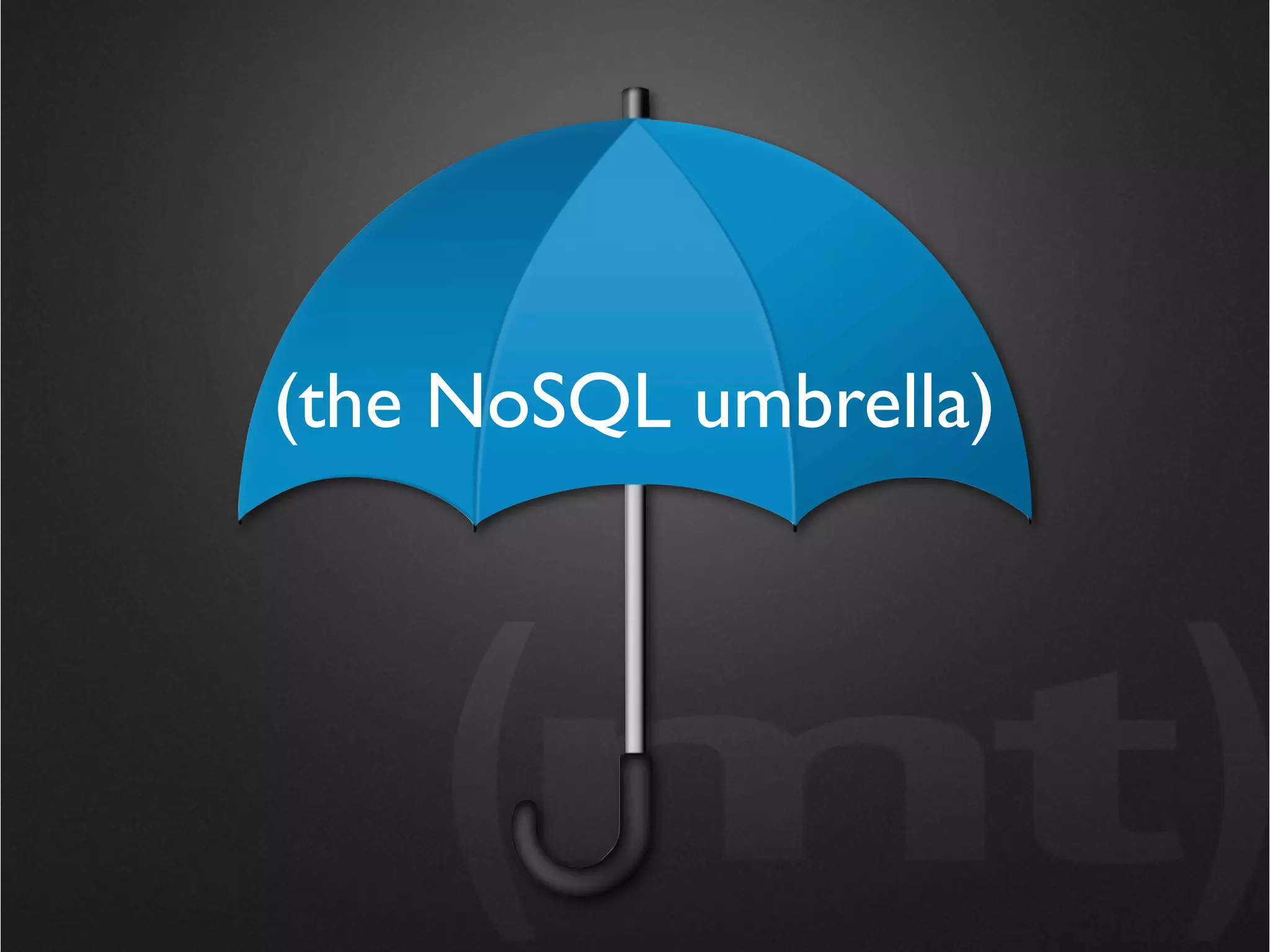
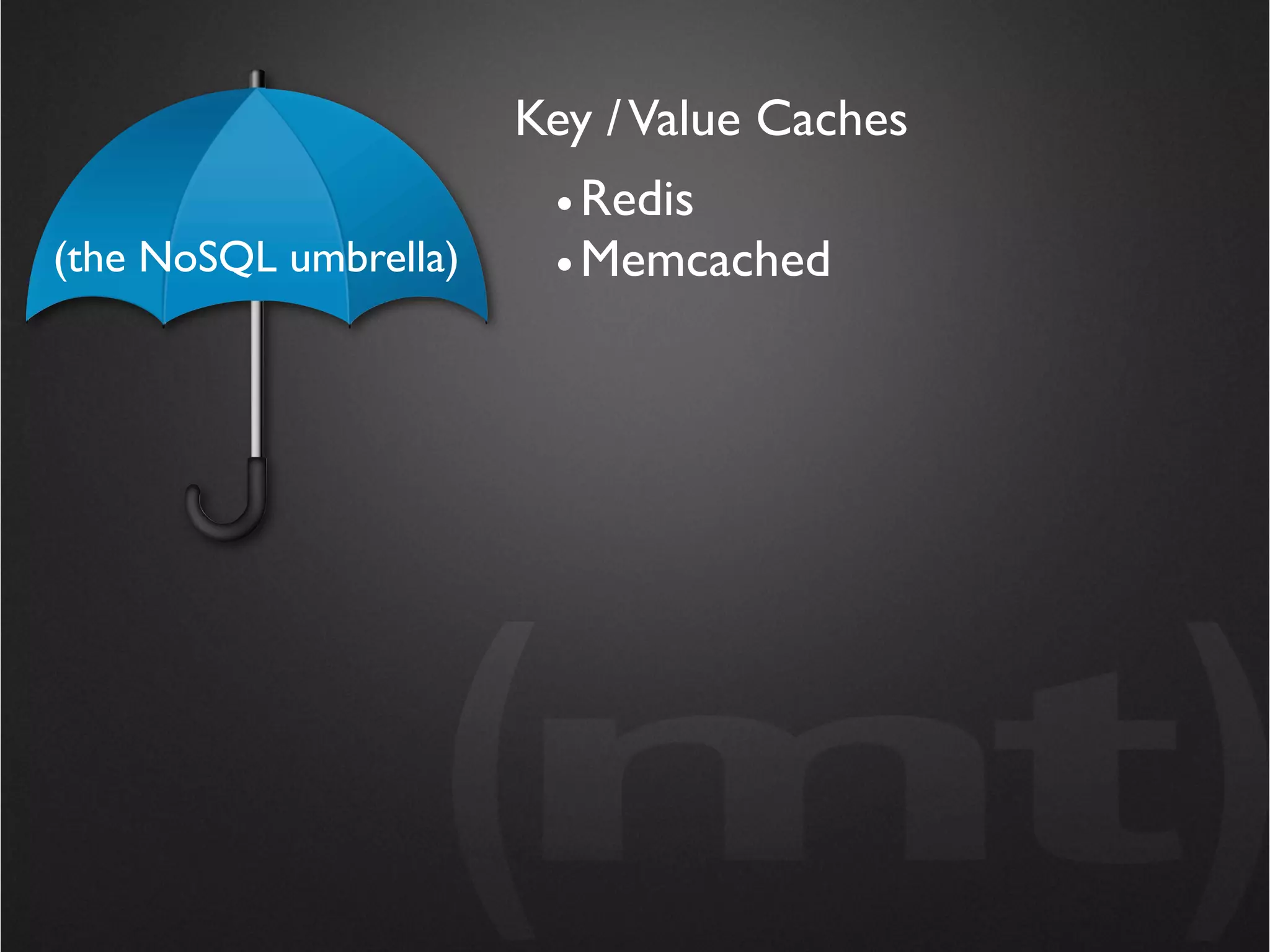
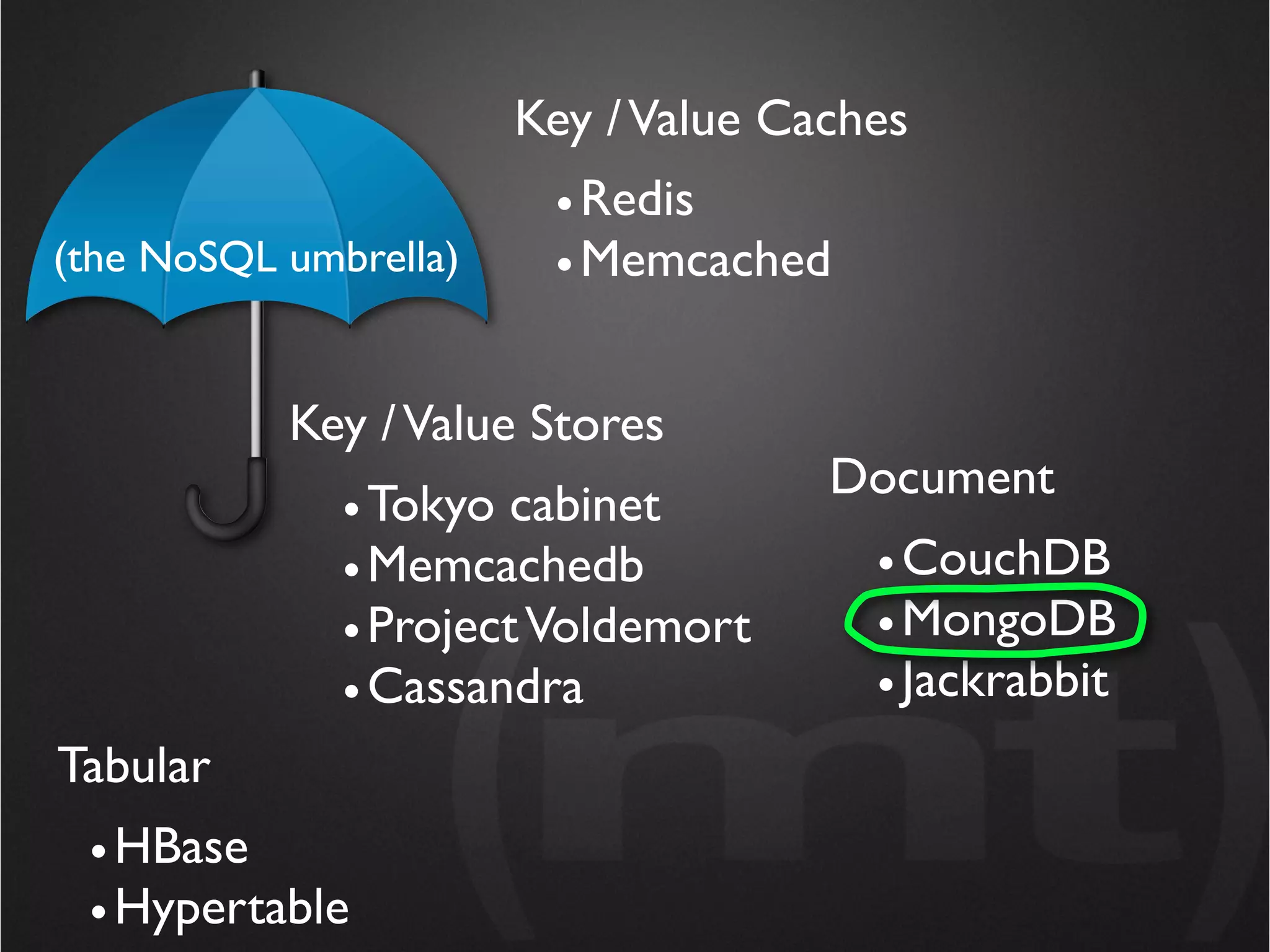
(the NoSQL umbrella)
Key / Value Caches
                        • Redis
(the NoSQL umbrella)    • Memcached
Key / Value Caches
                        • Redis
(the NoSQL umbrella)    • Memcached


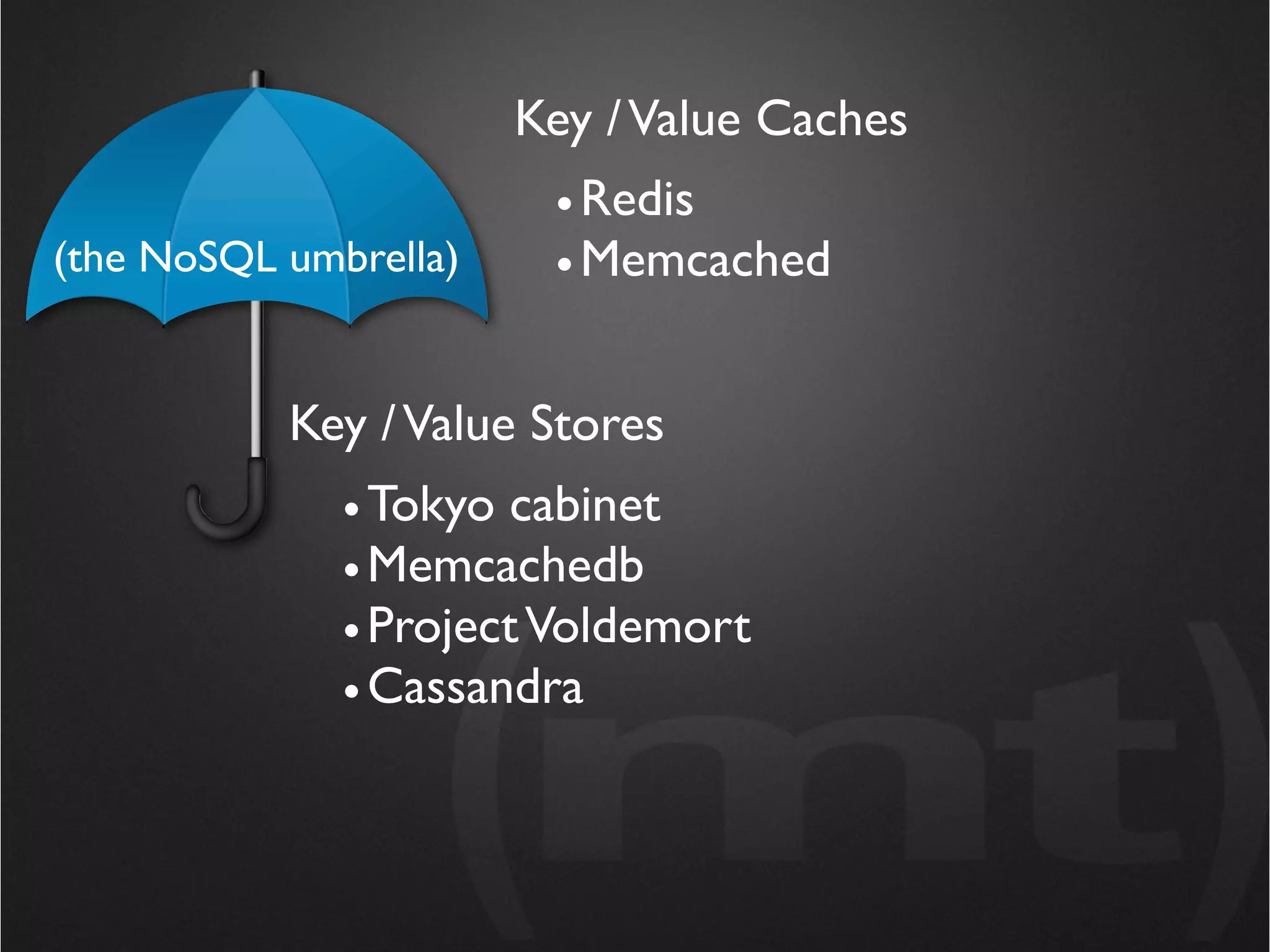
           Key / Value Stores
              • Tokyo cabinet
              • Memcachedb
              • Project Voldemort
              • Cassandra
Key / Value Caches
                        • Redis
(the NoSQL umbrella)    • Memcached


           Key / Value Stores
              • Tokyo cabinet
              • Memcachedb
              • Project Voldemort
              • Cassandra
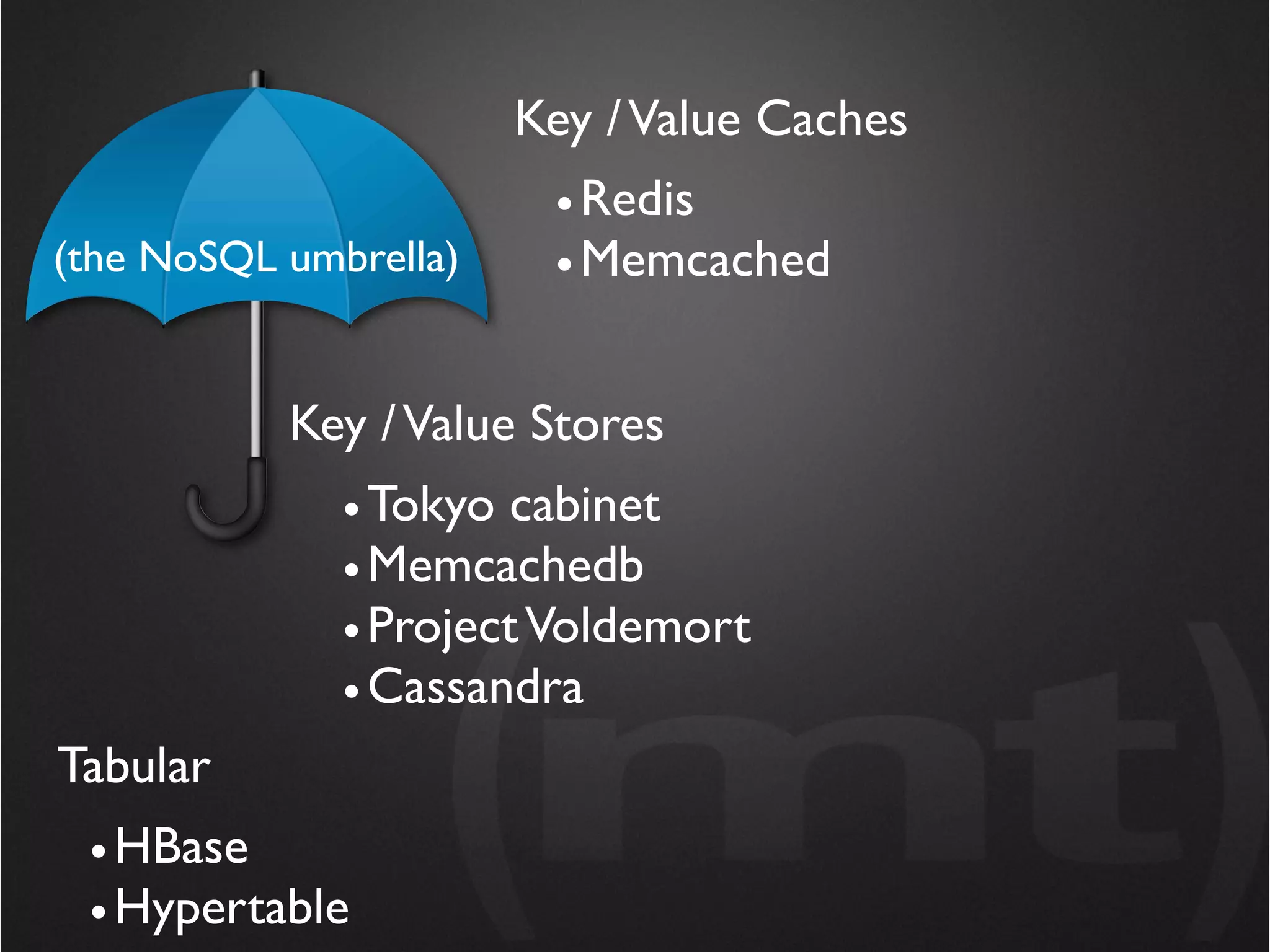
Tabular
 • HBase
 • Hypertable
Key / Value Caches
                        • Redis
(the NoSQL umbrella)    • Memcached


           Key / Value Stores
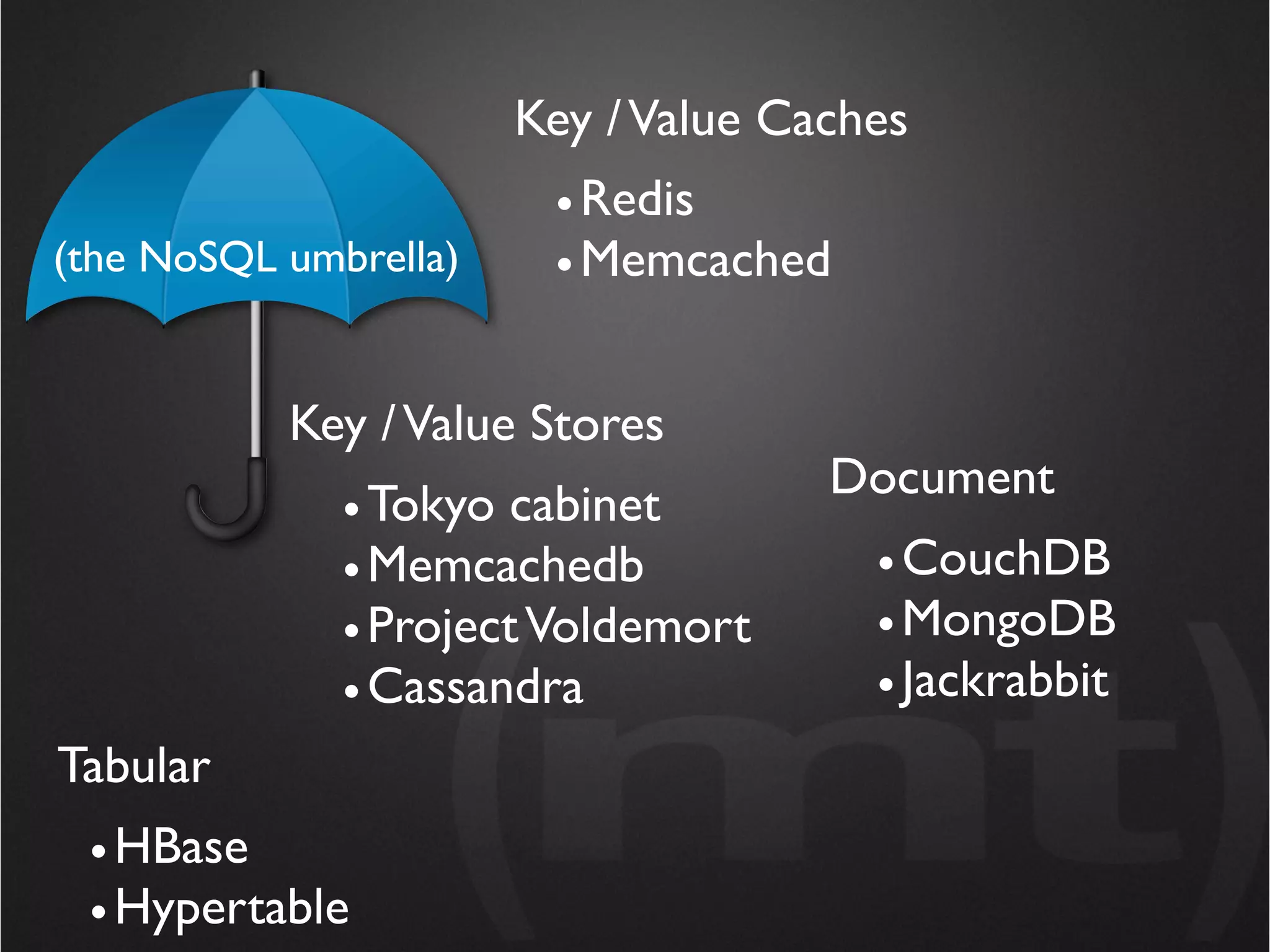
                                     Document
              • Tokyo cabinet
              • Memcachedb             • CouchDB
              • Project Voldemort      • MongoDB
              • Cassandra              • Jackrabbit
Tabular
 • HBase
 • Hypertable
Key / Value Caches
                        • Redis
(the NoSQL umbrella)    • Memcached


           Key / Value Stores
                                     Document
              • Tokyo cabinet
              • Memcachedb             • CouchDB
              • Project Voldemort      • MongoDB
              • Cassandra              • Jackrabbit
Tabular
 • HBase
 • Hypertable
Should I be Thinking about
         NoSQL?
Should I be Thinking about
                NoSQL?
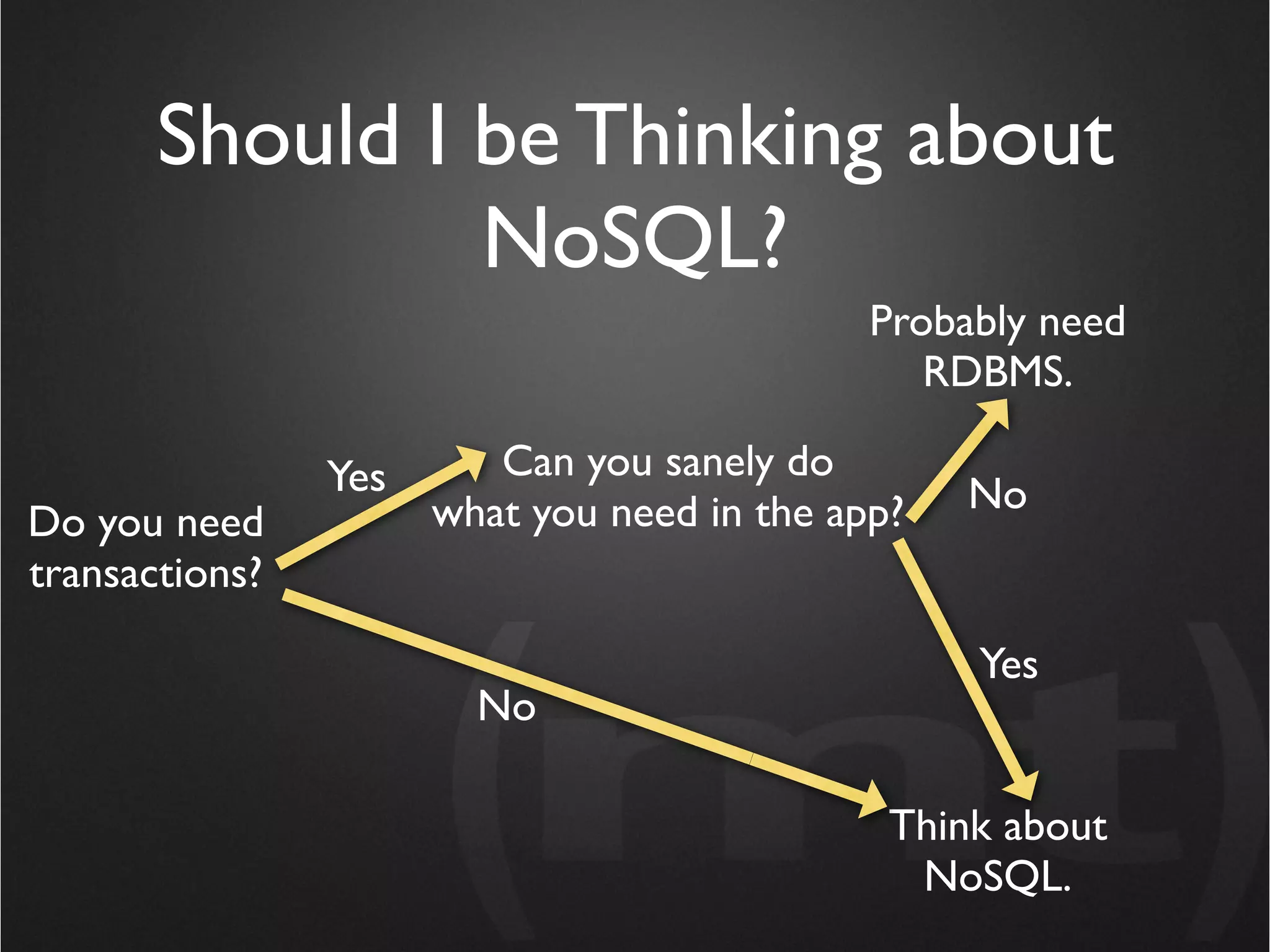
                                             Probably need
                                                RDBMS.

                Yes      Can you sanely do
                      what you need in the app?   No
Do you need
transactions?

                                                  Yes
                        No

                                              Think about
                                               NoSQL.
NoSQL Systems Typically
 Don’t do Transactions
       or Joins
NoSQL Systems Typically
     Don’t do Transactions
           or Joins
• If you really need transactions, stick with RDBMS
• Not having joins turns out to be not such a big deal
NoSQL Systems Typically
   Don’t do Transactions
         or Joins

MongoDB is an excellent use case example
Why MongoDB?
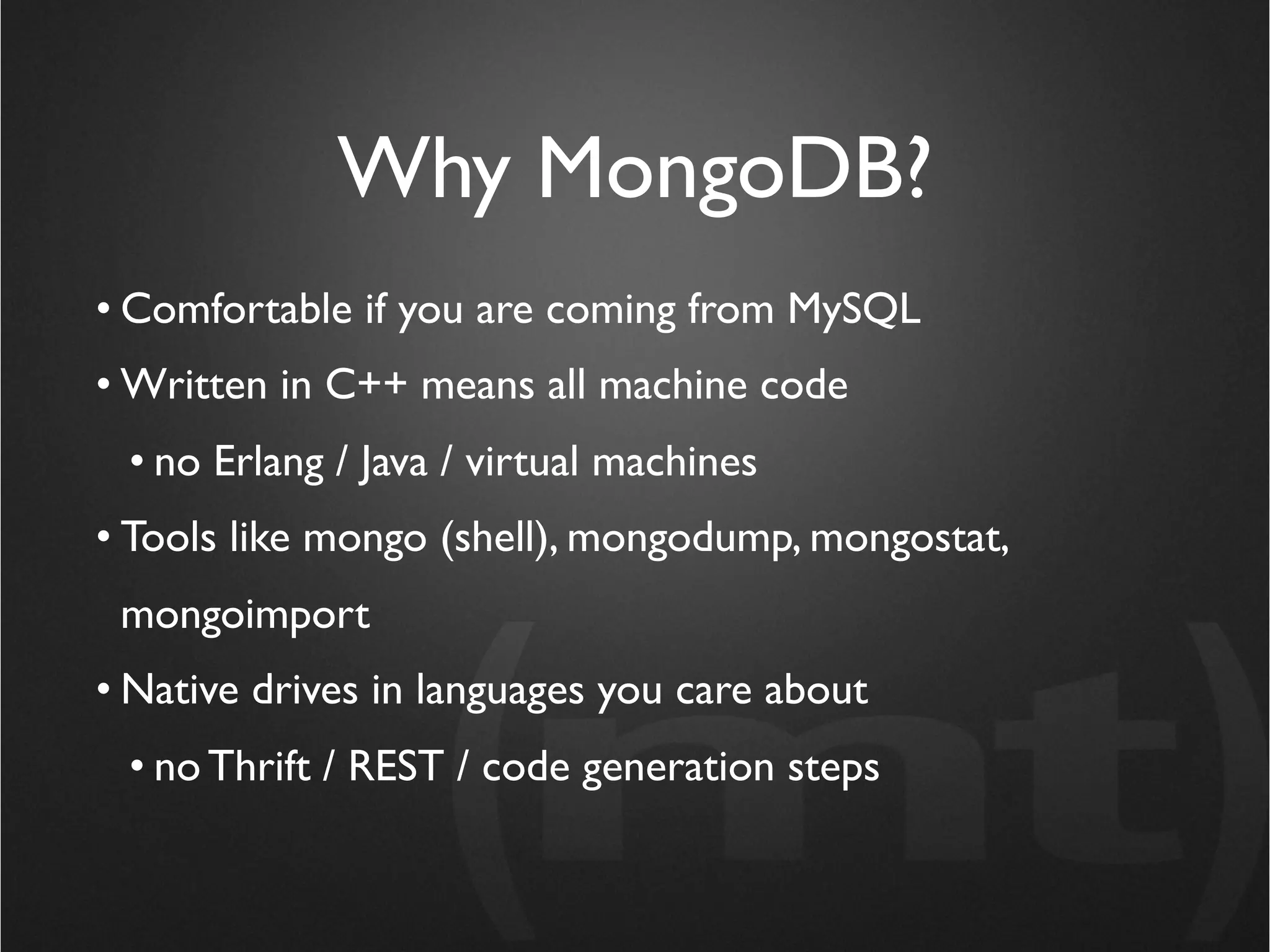
• Comfortable if you are coming from MySQL
• Written in C++ means all machine code
 • no Erlang / Java / virtual machines
• Tools like mongo (shell), mongodump, mongostat,
 mongoimport
• Native drives in languages you care about
 • no Thrift / REST / code generation steps
Why MongoDB?
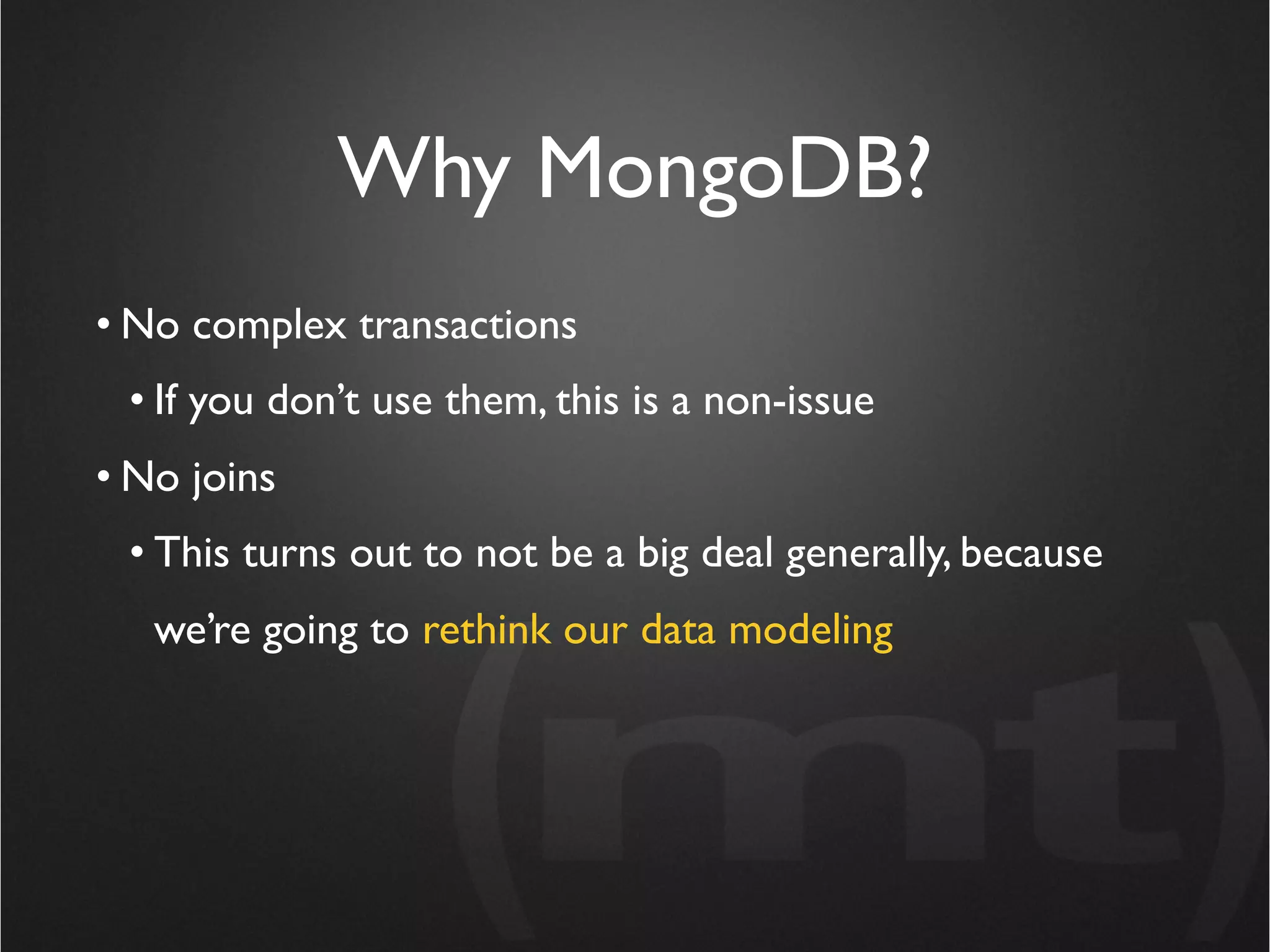
• No complex transactions
 • If you don’t use them, this is a non-issue
• No joins
 • This turns out to not be a big deal generally, because
   we’re going to rethink our data modeling
Why MongoDB?
 Transactions and joins are a huge computational
       overhead, even if you don’t use them!

• No complex transactions
 • If you don’t use them, this is a non-issue
• No joins
 • This turns out to not be a big deal generally, because
   we’re going to rethink our data modeling
Why MongoDB?
 Transactions and joins are a huge computational
       overhead, even if you don’t use them!

• No complex transactions
 • If you don’t use them, this is a non-issue
• No joins
 • This turns out to not be a big deal generally, because
   we’re going to rethink our data modeling
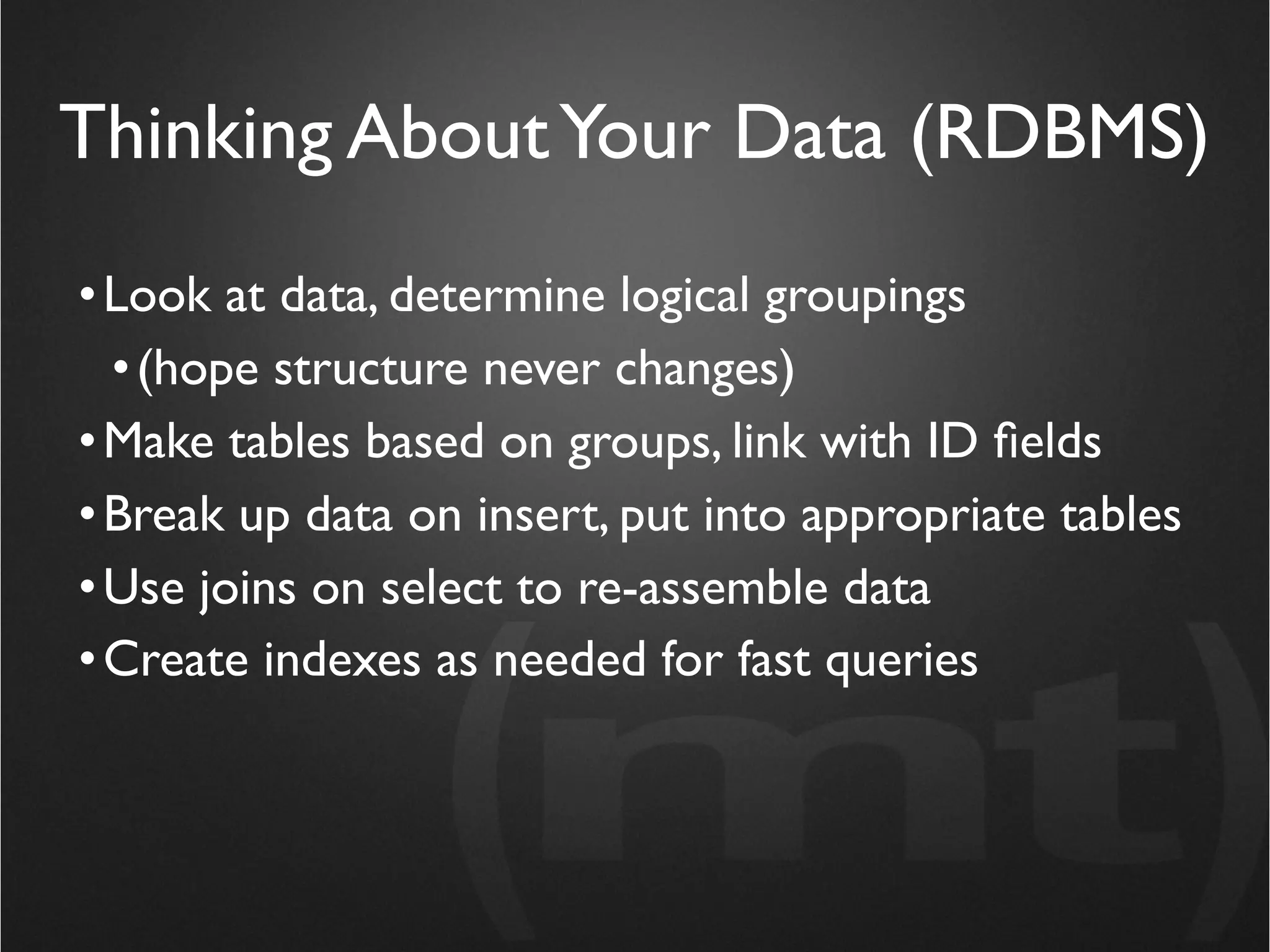
Thinking About Your Data (RDBMS)
• Look at data, determine logical groupings
  • (hope structure never changes)
• Make tables based on groups, link with ID fields
• Break up data on insert, put into appropriate tables
• Use joins on select to re-assemble data
• Create indexes as needed for fast queries
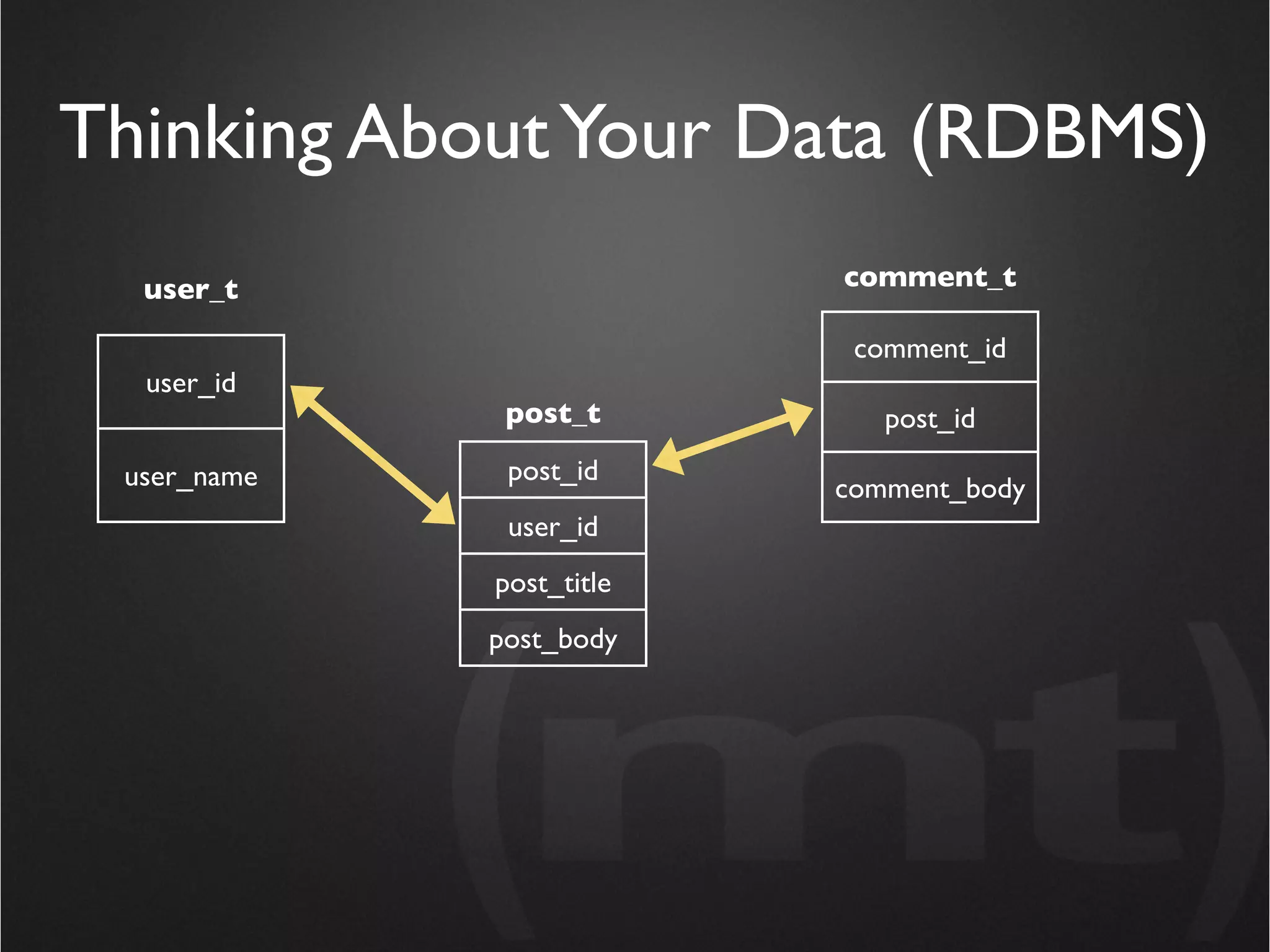
Thinking About Your Data (RDBMS)
  user_t                  comment_t

                           comment_id
  user_id
              post_t         post_id
 user_name    post_id
                          comment_body
              user_id
             post_title
             post_body
Thinking About Your Data (RDBMS)

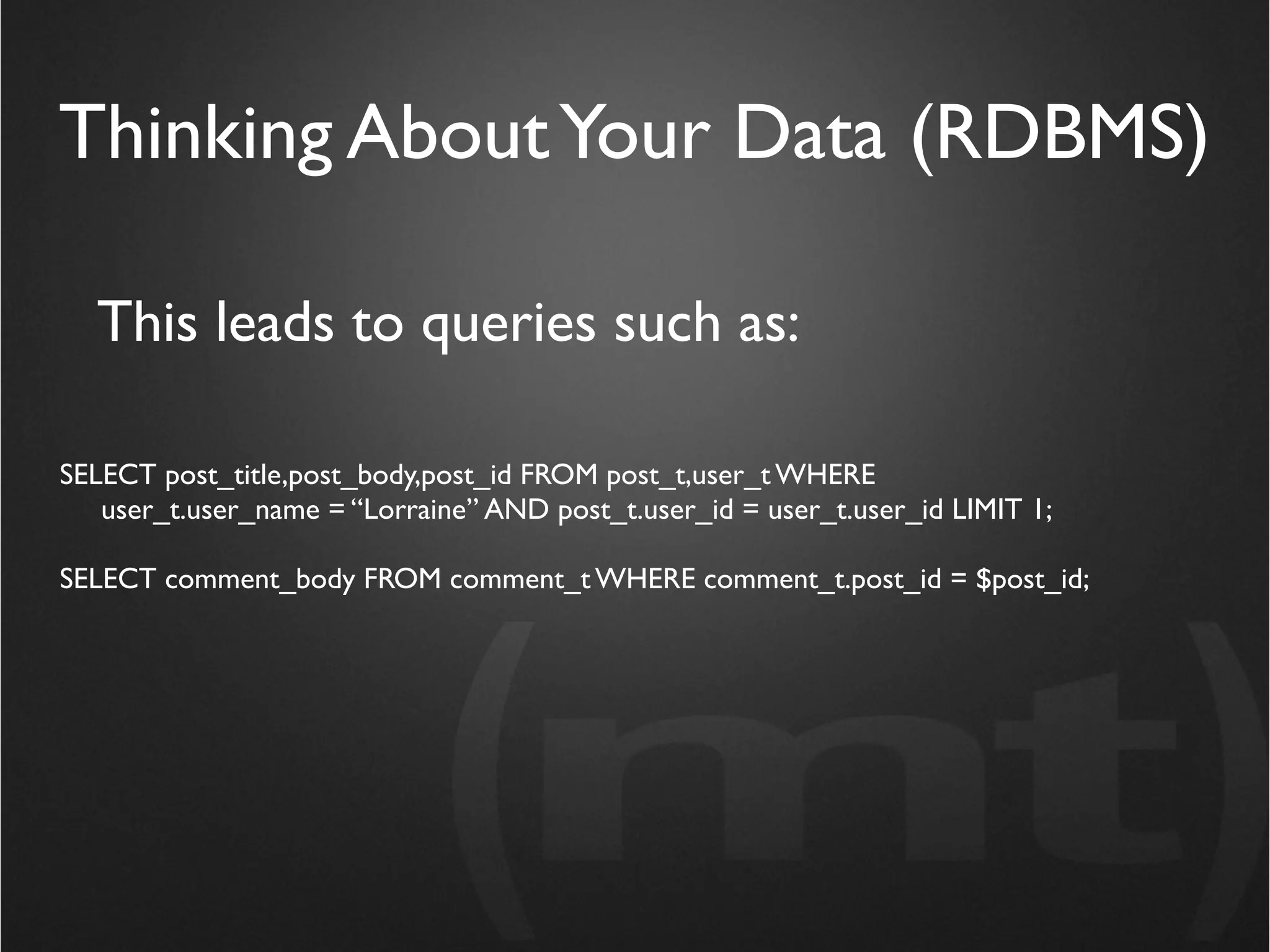
  This leads to queries such as:

SELECT post_title,post_body,post_id FROM post_t,user_t WHERE
   user_t.user_name = “Lorraine” AND post_t.user_id = user_t.user_id LIMIT 1;

SELECT comment_body FROM comment_t WHERE comment_t.post_id = $post_id;
Thinking About Your Data (MongoDB)


• Figure out how you will eventually use the data
• Store it that way
• Create indexes as needed for fast queries
Thinking About Your Data (MongoDB)

  from pymongo import Connection
  connection = Connection()
  db = connection['blog']

  posts = db['posts']

  post = {"author": "Lorraine",
       "title": "Who on Earth lets Chris Lea Talk on Stage?",
       "post": "Seriously. That's just not cool.",
       "comments": ["Is he really that bad?", "Yes, he really is."],
       "date": datetime.datetime.utcnow()}

  posts.insert(post)
Thinking About Your Data (MongoDB)


  from pymongo import Connection
  connection = Connection()
  db = connection['blog']

  posts = db['posts']

  post = posts.find_one({“author”: “Lorraine”})
Say Goodbye to Schemas

from pymongo import Connection
connection = Connection()
db = connection['blog']

posts = db['posts']

post = {"author": "Lorraine",
     "title": "Who on Earth lets Chris Lea Talk on Stage?",
     "post": "Seriously. That's just not cool.",
     "comments": ["Is he really that bad?", "Yes, he really is."],
     "date": datetime.datetime.utcnow()}

posts.insert(post)
Say Goodbye to Schemas
from pymongo import Connection
connection = Connection()
db = connection['blog']

posts = db['posts']

post = {"author": "Lorraine",
     "title": "Who on Earth lets Chris Lea Talk on Stage?",
     "post": "Seriously. That's just not cool.",
     "comments": ["Is he really that bad?", "Yes, he really is."],
     "tags": ["fowa", "nosql", "nerds"],
     "date": datetime.datetime.utcnow()}

posts.insert(post)
Say Goodbye to Schemas
from pymongo import Connection
connection = Connection()
db = connection['blog']
                                If you want new fields... just start
posts = db['posts']                       using them!
post = {"author": "Lorraine",
     "title": "Who on Earth lets Chris Lea Talk on Stage?",
     "post": "Seriously. That's just not cool.",
     "comments": ["Is he really that bad?", "Yes, he really is."],
     "tags": ["fowa", "nosql", "nerds"],
     "date": datetime.datetime.utcnow()}

posts.insert(post)
Enjoy a Wealth of Query Options


from pymongo import Connection
connection = Connection()
db = connection['blog']

posts = db['posts']

posts.find_one({“author”: “Lorraine”})
Enjoy a Wealth of Query Options


from pymongo import Connection
connection = Connection()
db = connection['blog']

posts = db['posts']

posts.find({“author”: “Lorraine”}).limit(5)
Enjoy a Wealth of Query Options


from pymongo import Connection
connection = Connection()
db = connection['blog']

posts = db['posts']

posts.find({“author”: /^Lor/})
Enjoy a Wealth of Query Options


from pymongo import Connection
connection = Connection()
db = connection['blog']

posts = db['posts']

posts.find({“author”: {$not: “Lorraine”} })
Enjoy a Massive Performance Jump

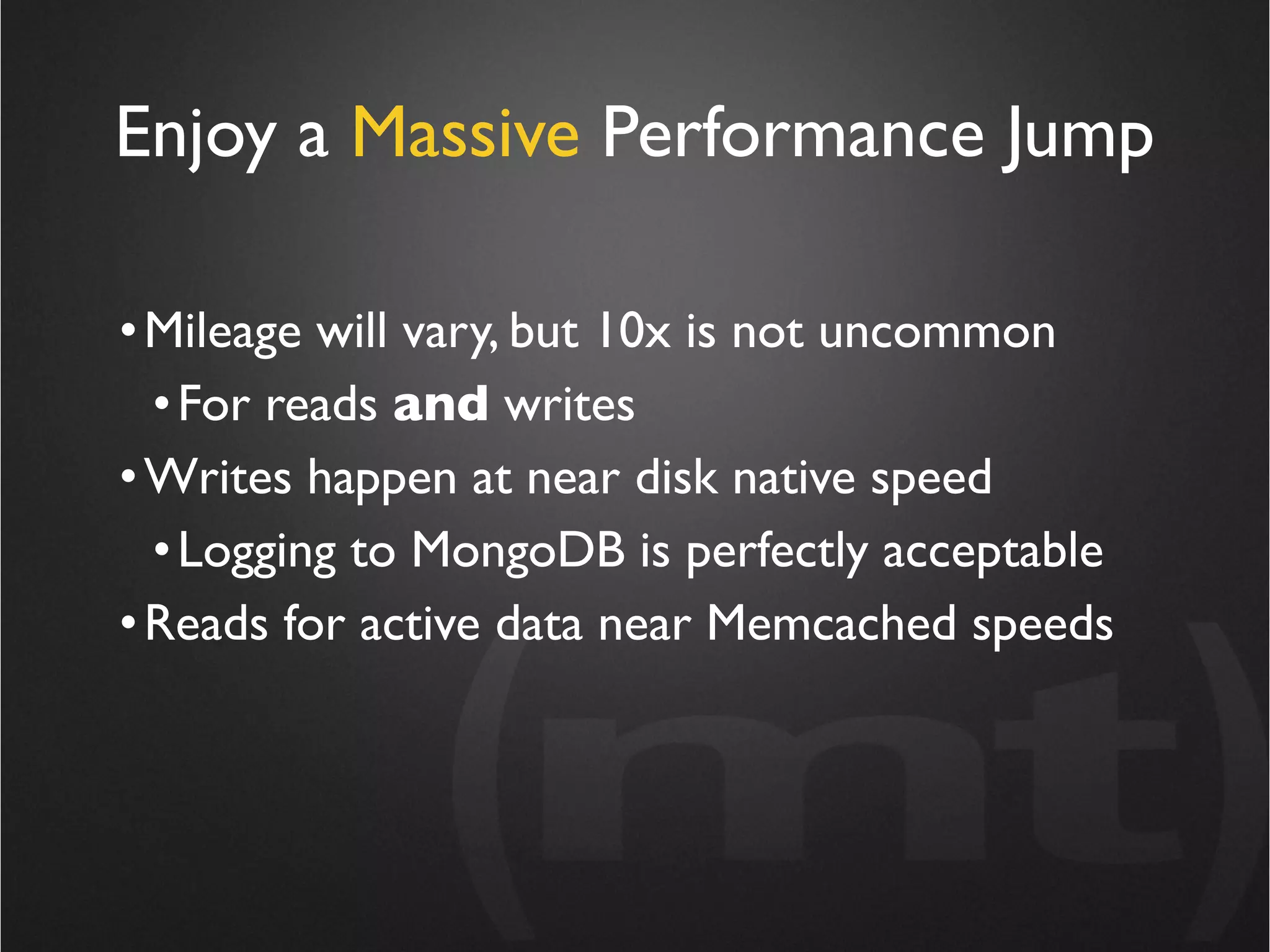
• Mileage will vary, but 10x is not uncommon
  • For reads and writes
• Writes happen at near disk native speed
  • Logging to MongoDB is perfectly acceptable
• Reads for active data near Memcached speeds
Enjoy a Massive Performance Jump


 Ability to write bad queries is
     enormously reduced!
Ability to write bad queries is
       enormously reduced!

• No joins means need for complex indexes reduced
• Chances of index / query mismatches vastly lower
• Disk I/O much less complex, and therefore much faster
Caveats for MongoDB

• Really should use 64bit machines for production
  • 32bit has 2G limit per collection (table)
• Happiest with lots of RAM relative to active data
• Under heavy development
  • Features / drivers / docs changing rapidly
Questions?

Chris Lea - What does NoSQL Mean for You

  • 1.
    What Does NoSQLMean for You? Chris Lea (mt) Media Temple FOWA Dublin 2010
  • 2.
    For Starters: Whatdoes it mean at all?
  • 3.
    For Starters: Whatdoes it mean at all? “NoSQL is a blanket term used to describe structured storage that doesn’t rely on SQL to be accessed in a useful way”. -- Chris Lea
  • 4.
    For Starters: Whatdoes it mean at all? “NoSQL” DOES NOT mean “SQL is Bad”
  • 5.
    MySQL does whatI need, why should I care?
  • 6.
    MySQL does whatI need, why should I care? “If I’d asked my customers what they wanted, they’d have said a faster horse.” -- Henry Ford
  • 7.
    MySQL does whatI need, why should I care? RDBMS NoSQL Designed for generic Designed to solve workloads specific problems Large (and growing) Trades features for feature sets performance
  • 8.
  • 9.
    Key / ValueCaches • Redis (the NoSQL umbrella) • Memcached
  • 10.
    Key / ValueCaches • Redis (the NoSQL umbrella) • Memcached Key / Value Stores • Tokyo cabinet • Memcachedb • Project Voldemort • Cassandra
  • 11.
    Key / ValueCaches • Redis (the NoSQL umbrella) • Memcached Key / Value Stores • Tokyo cabinet • Memcachedb • Project Voldemort • Cassandra Tabular • HBase • Hypertable
  • 12.
    Key / ValueCaches • Redis (the NoSQL umbrella) • Memcached Key / Value Stores Document • Tokyo cabinet • Memcachedb • CouchDB • Project Voldemort • MongoDB • Cassandra • Jackrabbit Tabular • HBase • Hypertable
  • 13.
    Key / ValueCaches • Redis (the NoSQL umbrella) • Memcached Key / Value Stores Document • Tokyo cabinet • Memcachedb • CouchDB • Project Voldemort • MongoDB • Cassandra • Jackrabbit Tabular • HBase • Hypertable
  • 14.
    Should I beThinking about NoSQL?
  • 15.
    Should I beThinking about NoSQL? Probably need RDBMS. Yes Can you sanely do what you need in the app? No Do you need transactions? Yes No Think about NoSQL.
  • 16.
    NoSQL Systems Typically Don’t do Transactions or Joins
  • 17.
    NoSQL Systems Typically Don’t do Transactions or Joins • If you really need transactions, stick with RDBMS • Not having joins turns out to be not such a big deal
  • 18.
    NoSQL Systems Typically Don’t do Transactions or Joins MongoDB is an excellent use case example
  • 19.
    Why MongoDB? • Comfortableif you are coming from MySQL • Written in C++ means all machine code • no Erlang / Java / virtual machines • Tools like mongo (shell), mongodump, mongostat, mongoimport • Native drives in languages you care about • no Thrift / REST / code generation steps
  • 20.
    Why MongoDB? • Nocomplex transactions • If you don’t use them, this is a non-issue • No joins • This turns out to not be a big deal generally, because we’re going to rethink our data modeling
  • 21.
    Why MongoDB? Transactionsand joins are a huge computational overhead, even if you don’t use them! • No complex transactions • If you don’t use them, this is a non-issue • No joins • This turns out to not be a big deal generally, because we’re going to rethink our data modeling
  • 22.
    Why MongoDB? Transactionsand joins are a huge computational overhead, even if you don’t use them! • No complex transactions • If you don’t use them, this is a non-issue • No joins • This turns out to not be a big deal generally, because we’re going to rethink our data modeling
  • 23.
    Thinking About YourData (RDBMS) • Look at data, determine logical groupings • (hope structure never changes) • Make tables based on groups, link with ID fields • Break up data on insert, put into appropriate tables • Use joins on select to re-assemble data • Create indexes as needed for fast queries
  • 24.
    Thinking About YourData (RDBMS) user_t comment_t comment_id user_id post_t post_id user_name post_id comment_body user_id post_title post_body
  • 25.
    Thinking About YourData (RDBMS) This leads to queries such as: SELECT post_title,post_body,post_id FROM post_t,user_t WHERE user_t.user_name = “Lorraine” AND post_t.user_id = user_t.user_id LIMIT 1; SELECT comment_body FROM comment_t WHERE comment_t.post_id = $post_id;
  • 26.
    Thinking About YourData (MongoDB) • Figure out how you will eventually use the data • Store it that way • Create indexes as needed for fast queries
  • 27.
    Thinking About YourData (MongoDB) from pymongo import Connection connection = Connection() db = connection['blog'] posts = db['posts'] post = {"author": "Lorraine", "title": "Who on Earth lets Chris Lea Talk on Stage?", "post": "Seriously. That's just not cool.", "comments": ["Is he really that bad?", "Yes, he really is."], "date": datetime.datetime.utcnow()} posts.insert(post)
  • 28.
    Thinking About YourData (MongoDB) from pymongo import Connection connection = Connection() db = connection['blog'] posts = db['posts'] post = posts.find_one({“author”: “Lorraine”})
  • 29.
    Say Goodbye toSchemas from pymongo import Connection connection = Connection() db = connection['blog'] posts = db['posts'] post = {"author": "Lorraine", "title": "Who on Earth lets Chris Lea Talk on Stage?", "post": "Seriously. That's just not cool.", "comments": ["Is he really that bad?", "Yes, he really is."], "date": datetime.datetime.utcnow()} posts.insert(post)
  • 30.
    Say Goodbye toSchemas from pymongo import Connection connection = Connection() db = connection['blog'] posts = db['posts'] post = {"author": "Lorraine", "title": "Who on Earth lets Chris Lea Talk on Stage?", "post": "Seriously. That's just not cool.", "comments": ["Is he really that bad?", "Yes, he really is."], "tags": ["fowa", "nosql", "nerds"], "date": datetime.datetime.utcnow()} posts.insert(post)
  • 31.
    Say Goodbye toSchemas from pymongo import Connection connection = Connection() db = connection['blog'] If you want new fields... just start posts = db['posts'] using them! post = {"author": "Lorraine", "title": "Who on Earth lets Chris Lea Talk on Stage?", "post": "Seriously. That's just not cool.", "comments": ["Is he really that bad?", "Yes, he really is."], "tags": ["fowa", "nosql", "nerds"], "date": datetime.datetime.utcnow()} posts.insert(post)
  • 32.
    Enjoy a Wealthof Query Options from pymongo import Connection connection = Connection() db = connection['blog'] posts = db['posts'] posts.find_one({“author”: “Lorraine”})
  • 33.
    Enjoy a Wealthof Query Options from pymongo import Connection connection = Connection() db = connection['blog'] posts = db['posts'] posts.find({“author”: “Lorraine”}).limit(5)
  • 34.
    Enjoy a Wealthof Query Options from pymongo import Connection connection = Connection() db = connection['blog'] posts = db['posts'] posts.find({“author”: /^Lor/})
  • 35.
    Enjoy a Wealthof Query Options from pymongo import Connection connection = Connection() db = connection['blog'] posts = db['posts'] posts.find({“author”: {$not: “Lorraine”} })
  • 36.
    Enjoy a MassivePerformance Jump • Mileage will vary, but 10x is not uncommon • For reads and writes • Writes happen at near disk native speed • Logging to MongoDB is perfectly acceptable • Reads for active data near Memcached speeds
  • 37.
    Enjoy a MassivePerformance Jump Ability to write bad queries is enormously reduced!
  • 38.
    Ability to writebad queries is enormously reduced! • No joins means need for complex indexes reduced • Chances of index / query mismatches vastly lower • Disk I/O much less complex, and therefore much faster
  • 39.
    Caveats for MongoDB •Really should use 64bit machines for production • 32bit has 2G limit per collection (table) • Happiest with lots of RAM relative to active data • Under heavy development • Features / drivers / docs changing rapidly
  • 40.