How to Find the Best
WordPress Plugins for You
Adam Soucie & David Laietta
Today you’ll learn...
• What to look for in a plugin
• Where you can find reliable plugins
• Which plugins you should use regardless of
your site content
@davidlaietta@adamsoucie
A little about us
• Web Developer
• Primarily focused on
WordPress
• WordCamp Orlando
organizers
@davidlaietta@adamsoucie
What to look for in plugins
3 things to look for
1. Actively supported
2. Does what it says it
does - and nothing else
3. Easy to use/set up
@davidlaietta@adamsoucie
Actively supported?
Updates matter.
• Only use current plugins
• Because security.
• Check the change logs
• You may not understand them, but they should be
somewhat helpful
• Too many updates is a red flag
• If it updates every week, STAY AWAY
@davidlaietta@adamsoucie
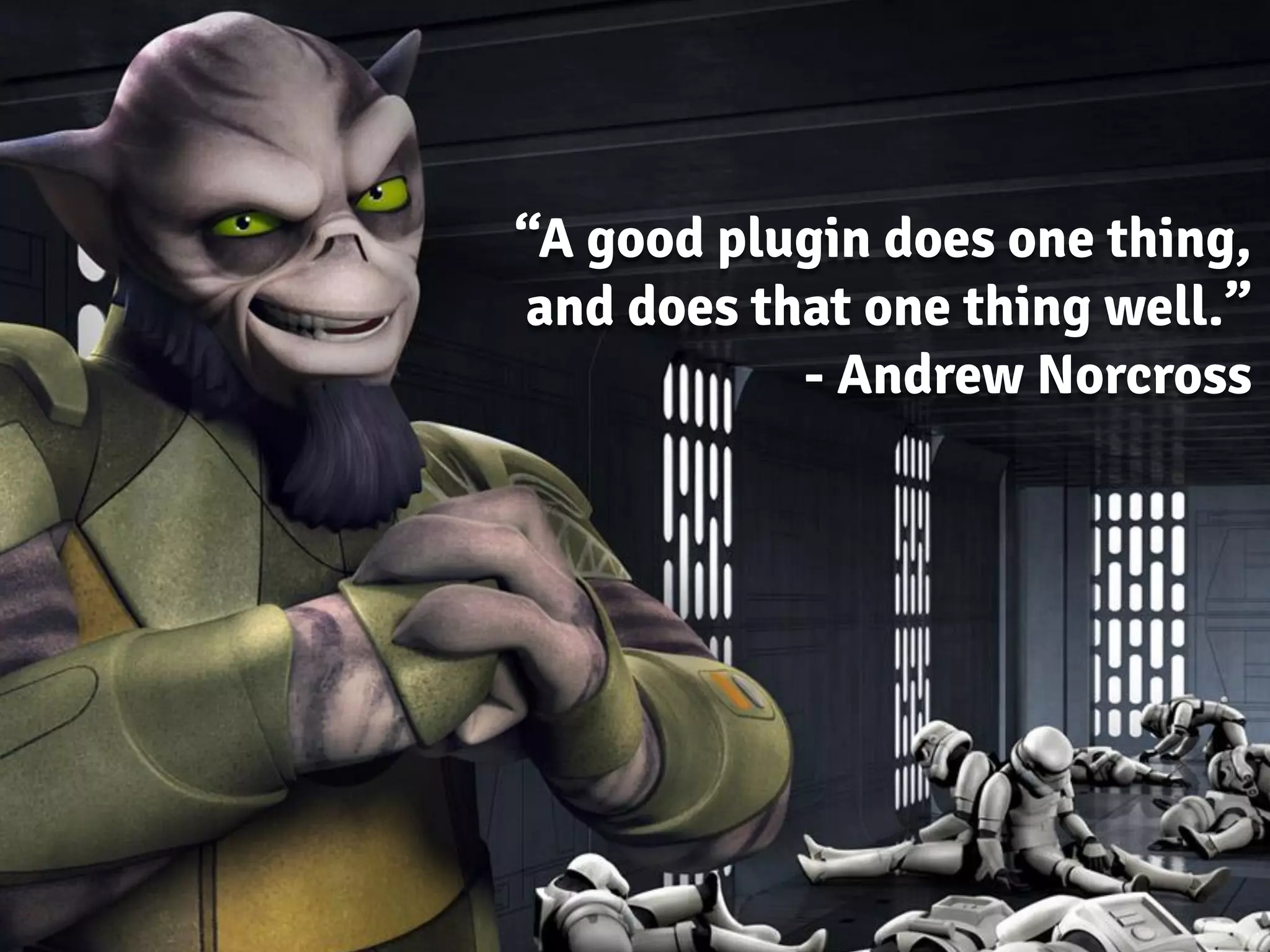
“A good plugin does one thing,
and does that one thing well.”
- Andrew Norcross
There is no single site solution.
• Your mechanic is not also your vet (I hope)
• Focused products keep your project focused
• Distractions take time, which costs you
money
• Exceptions for complicated matters like SEO
@davidlaietta@adamsoucie
Is it easy to install?
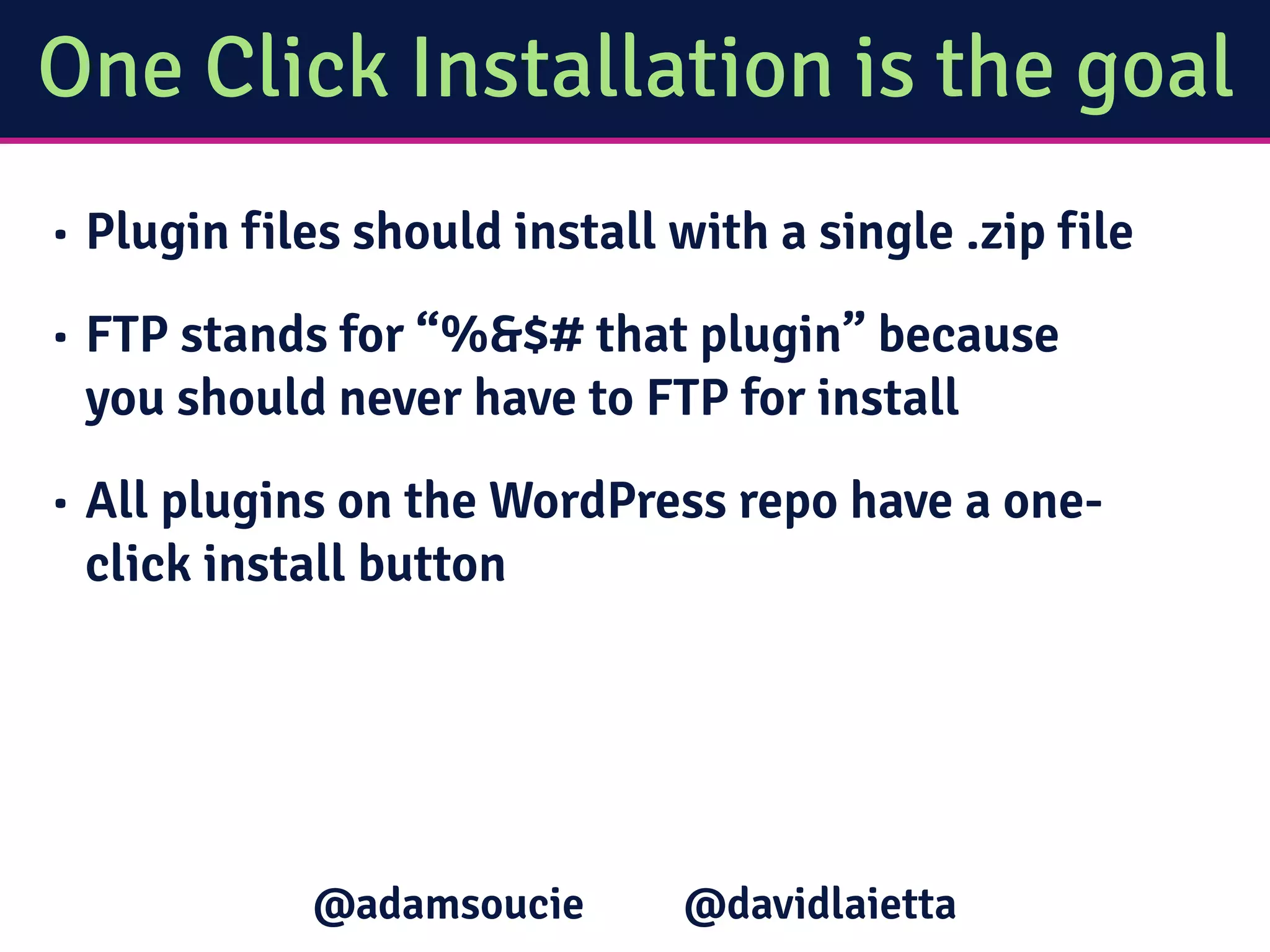
One Click Installation is the goal
• Plugin files should install with a single .zip file
• FTP stands for “%&$# that plugin” because
you should never have to FTP for install
• All plugins on the WordPress repo have a one-
click install button
@davidlaietta@adamsoucie
Is it easy to set up?
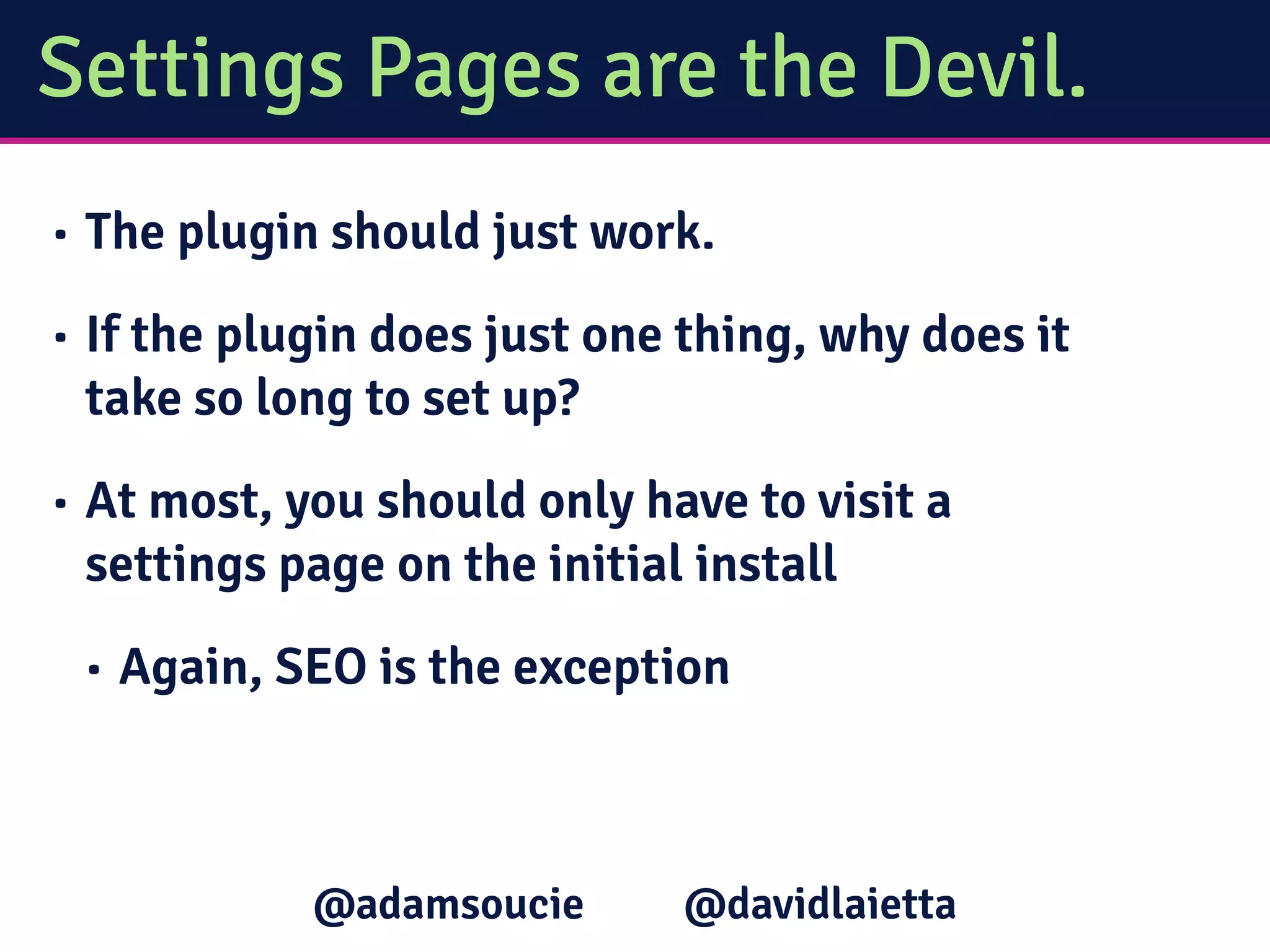
Settings Pages are the Devil.
• The plugin should just work.
• If the plugin does just one thing, why does it
take so long to set up?
• At most, you should only have to visit a
settings page on the initial install
• Again, SEO is the exception
@davidlaietta@adamsoucie
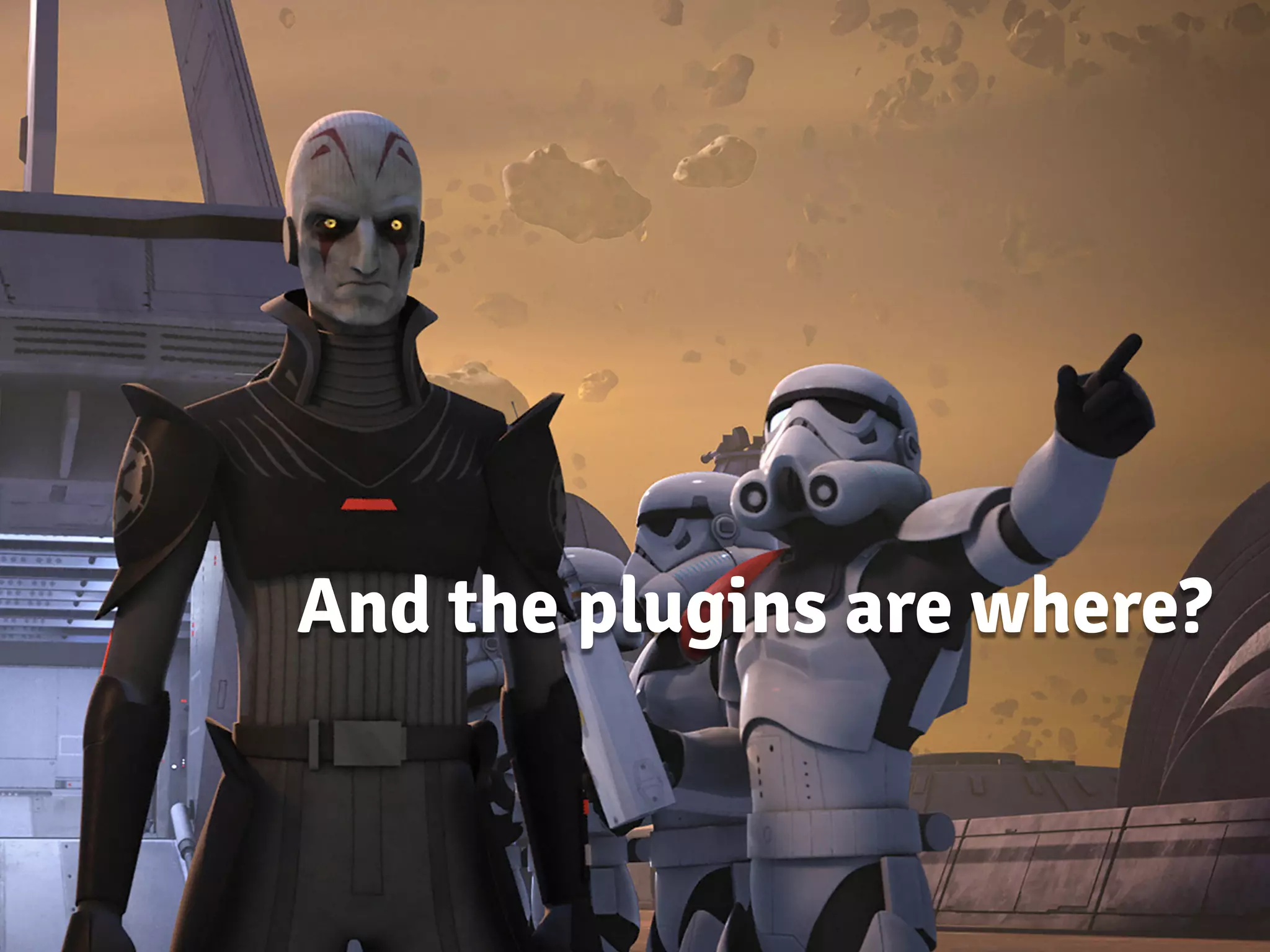
And the plugins are where?
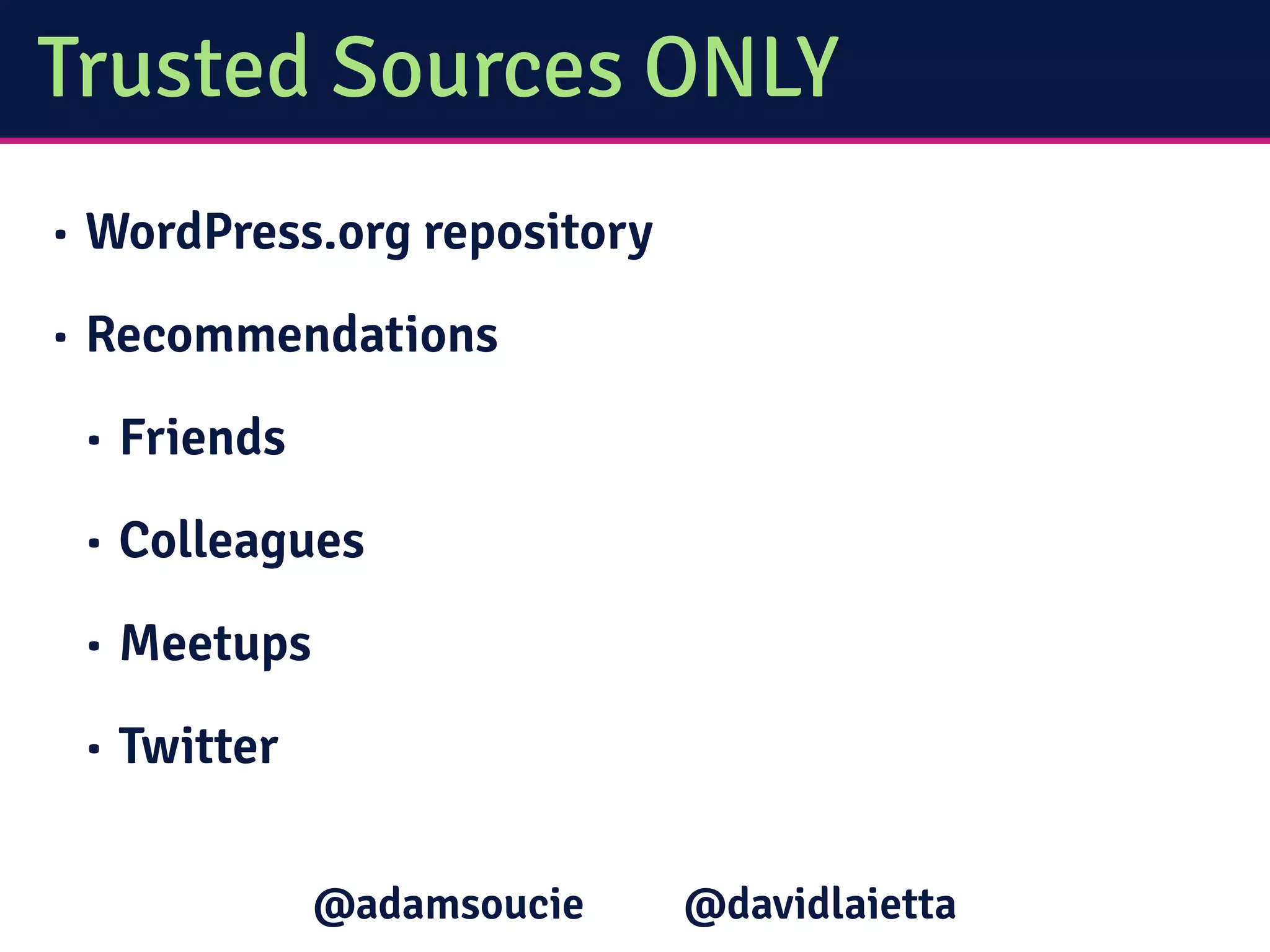
Trusted Sources ONLY
• WordPress.org repository
• Recommendations
• Friends
• Colleagues
• Meetups
• Twitter
@davidlaietta@adamsoucie
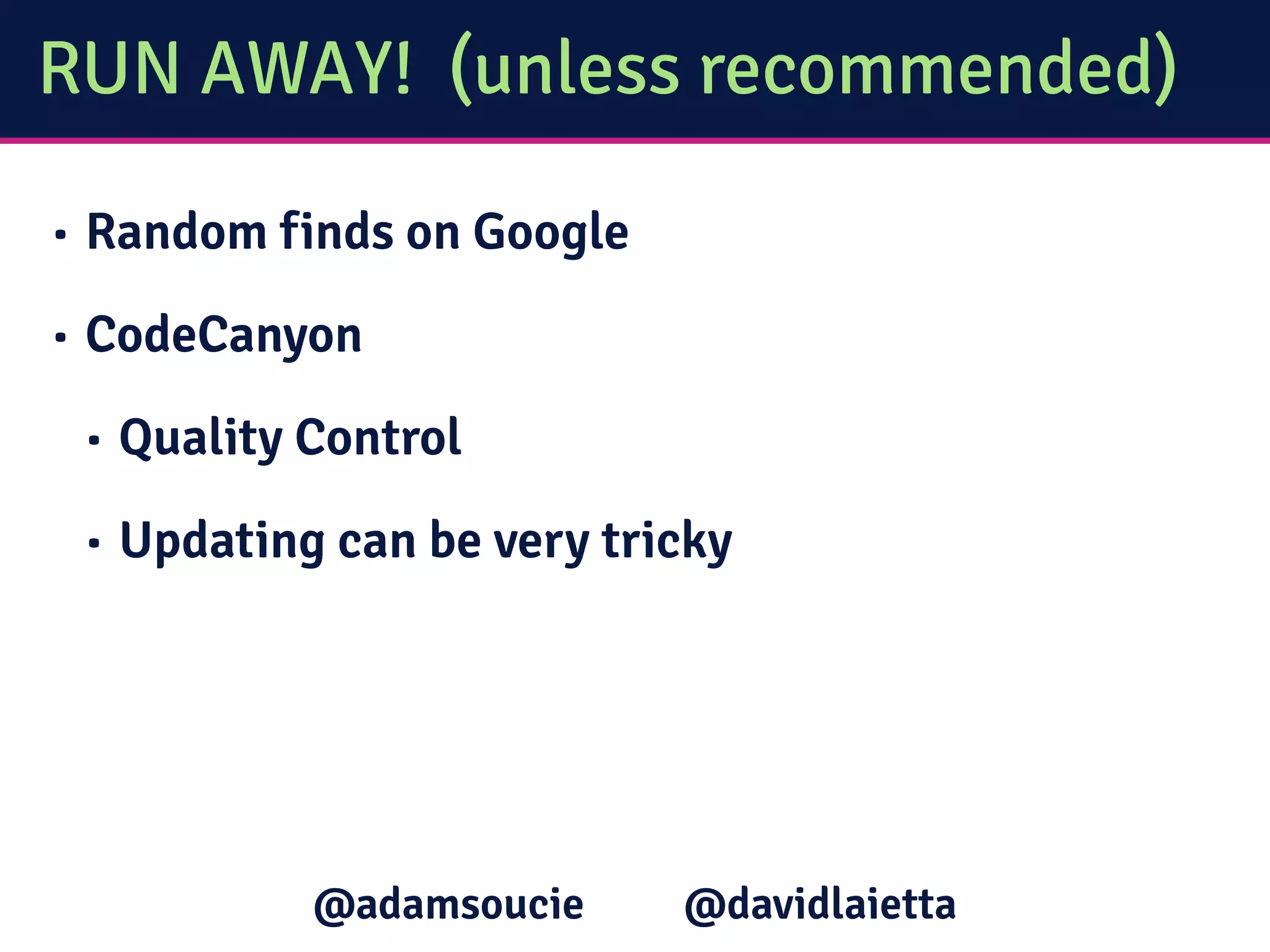
RUN AWAY! (unless recommended)
• Random finds on Google
• CodeCanyon
• Quality Control
• Updating can be very tricky
@davidlaietta@adamsoucie
Plugin
Recommendations
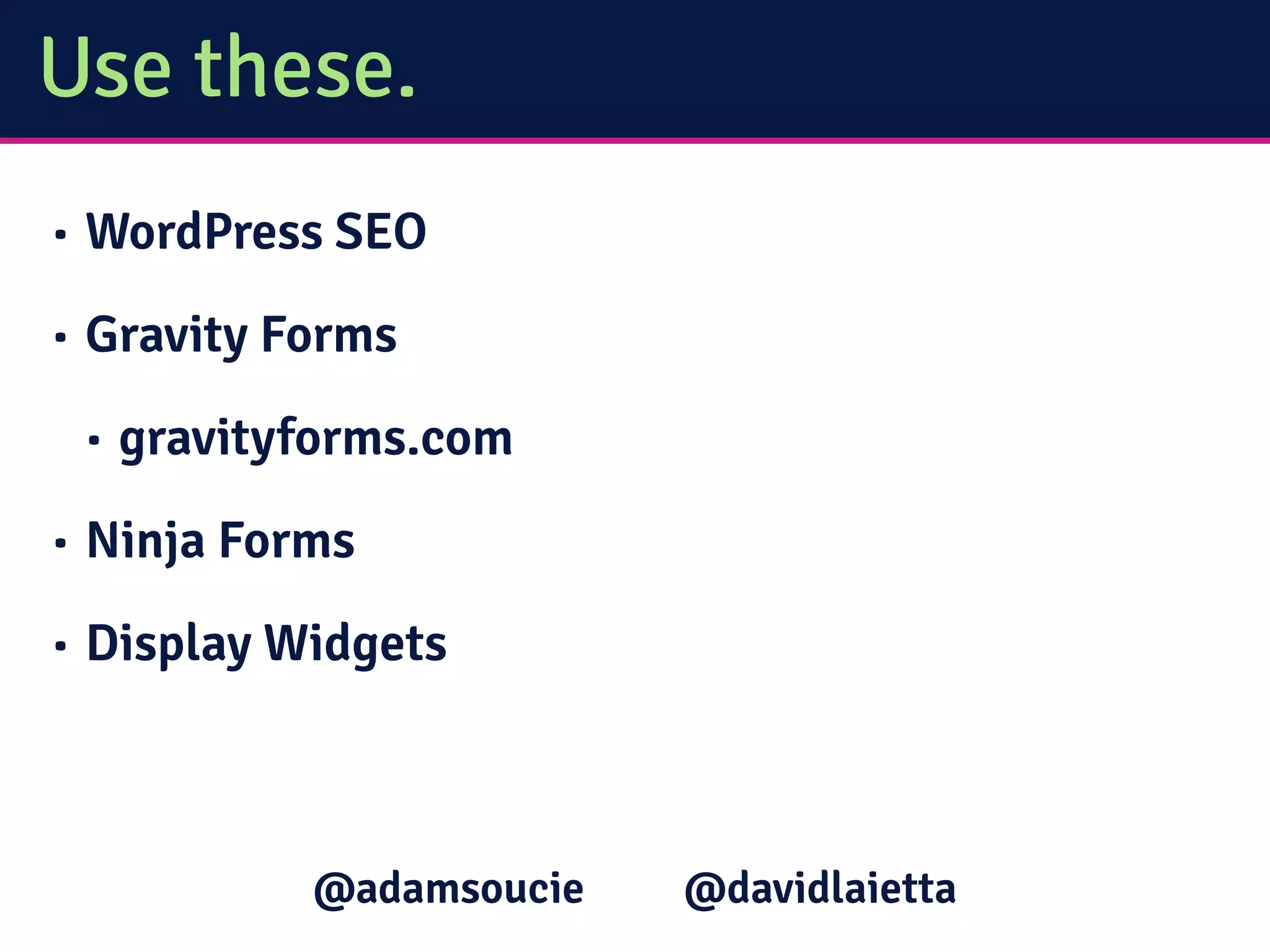
Use these.
• WordPress SEO
• Gravity Forms
• gravityforms.com
• Ninja Forms
• Display Widgets
@davidlaietta@adamsoucie
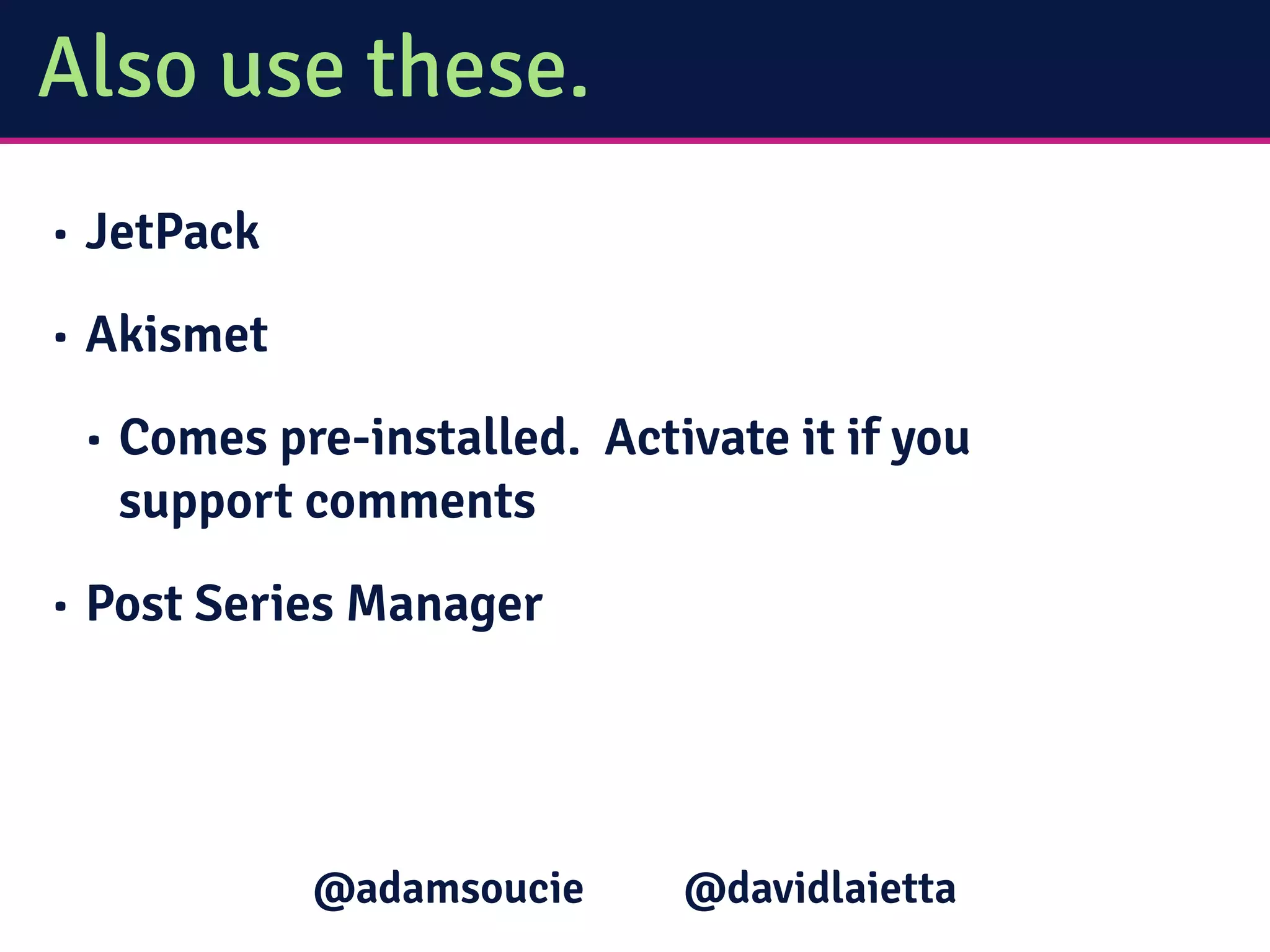
Also use these.
• JetPack
• Akismet
• Comes pre-installed. Activate it if you
support comments
• Post Series Manager
@davidlaietta@adamsoucie
For more info…
• @adamsoucie or @davidlaietta on Twitter
• impossiblycreative.com (Adam)
• sitehealthy.com (David)
@davidlaietta@adamsoucie
Any questions?
@adamsoucie @davidlaietta
Thanks to…
• Tina Fiume (illustrations)
• Andrew Norcross
(inspiration)
• Star Wars Rebels characters
are property of the Walt
Disney Company and
Lucasfilm
@davidlaietta@adamsoucie

FL Blog Con 2015: How To Find The Best WordPress Plugins For You

  • 1.
    How to Findthe Best WordPress Plugins for You Adam Soucie & David Laietta
  • 2.
    Today you’ll learn... •What to look for in a plugin • Where you can find reliable plugins • Which plugins you should use regardless of your site content @davidlaietta@adamsoucie
  • 3.
    A little aboutus • Web Developer • Primarily focused on WordPress • WordCamp Orlando organizers @davidlaietta@adamsoucie
  • 4.
    What to lookfor in plugins
  • 5.
    3 things tolook for 1. Actively supported 2. Does what it says it does - and nothing else 3. Easy to use/set up @davidlaietta@adamsoucie
  • 6.
  • 7.
    Updates matter. • Onlyuse current plugins • Because security. • Check the change logs • You may not understand them, but they should be somewhat helpful • Too many updates is a red flag • If it updates every week, STAY AWAY @davidlaietta@adamsoucie
  • 8.
    “A good plugindoes one thing, and does that one thing well.” - Andrew Norcross
  • 9.
    There is nosingle site solution. • Your mechanic is not also your vet (I hope) • Focused products keep your project focused • Distractions take time, which costs you money • Exceptions for complicated matters like SEO @davidlaietta@adamsoucie
  • 10.
    Is it easyto install?
  • 11.
    One Click Installationis the goal • Plugin files should install with a single .zip file • FTP stands for “%&$# that plugin” because you should never have to FTP for install • All plugins on the WordPress repo have a one- click install button @davidlaietta@adamsoucie
  • 12.
    Is it easyto set up?
  • 13.
    Settings Pages arethe Devil. • The plugin should just work. • If the plugin does just one thing, why does it take so long to set up? • At most, you should only have to visit a settings page on the initial install • Again, SEO is the exception @davidlaietta@adamsoucie
  • 14.
    And the pluginsare where?
  • 15.
    Trusted Sources ONLY •WordPress.org repository • Recommendations • Friends • Colleagues • Meetups • Twitter @davidlaietta@adamsoucie
  • 16.
    RUN AWAY! (unlessrecommended) • Random finds on Google • CodeCanyon • Quality Control • Updating can be very tricky @davidlaietta@adamsoucie
  • 17.
  • 18.
    Use these. • WordPressSEO • Gravity Forms • gravityforms.com • Ninja Forms • Display Widgets @davidlaietta@adamsoucie
  • 19.
    Also use these. •JetPack • Akismet • Comes pre-installed. Activate it if you support comments • Post Series Manager @davidlaietta@adamsoucie
  • 20.
    For more info… •@adamsoucie or @davidlaietta on Twitter • impossiblycreative.com (Adam) • sitehealthy.com (David) @davidlaietta@adamsoucie
  • 21.
  • 22.
    Thanks to… • TinaFiume (illustrations) • Andrew Norcross (inspiration) • Star Wars Rebels characters are property of the Walt Disney Company and Lucasfilm @davidlaietta@adamsoucie