@bretmcg @googlecloud
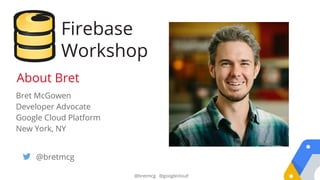
Bret McGowen
Developer Advocate
Google Cloud Platform
New York, NY
@bretmcg
About Bret
Firebase
Workshop
Store and sync your data
INSTANTLY
Build Realtime Apps
(what is that?)
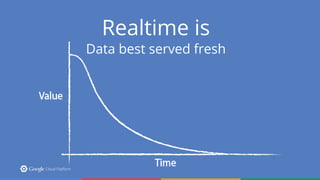
Realtime is
Data best served fresh
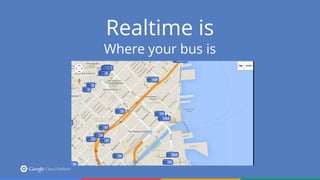
Realtime is
Where your bus is
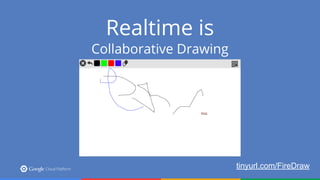
Realtime is
Collaborative Drawing
tinyurl.com/FireDraw
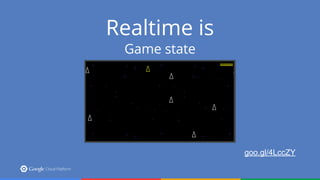
Realtime is
Game state
goo.gl/4LccZY
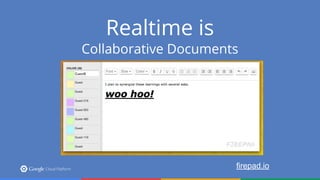
Realtime is
Collaborative Documents
firepad.io
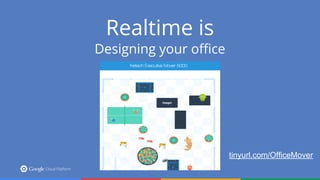
Realtime is
Designing your office
tinyurl.com/OfficeMover
Other examples:
● Chat
● Tweet wall
● Open Data sets
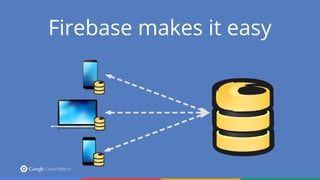
Firebase makes it easy
No backend code
Wait, what?
NO BACKEND CODE!
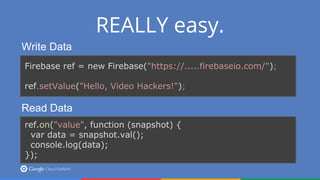
REALLY easy.
Write Data
Firebase ref = new Firebase("https://.....firebaseio.com/");
ref.setValue("Hello, Video Hackers!");
Read Data
ref.on("value", function (snapshot) {
var data = snapshot.val();
console.log(data);
});
Focus on your app
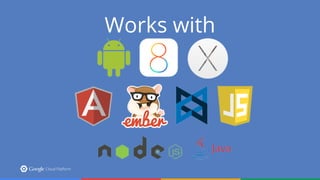
Works with
And More
● Authentication (Facebook, Google. GitHub, etc)
● Offline support
● REST URLs
● Learn more today!
Let’s build a thing
@saturnism
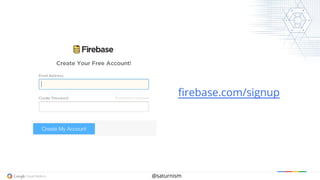
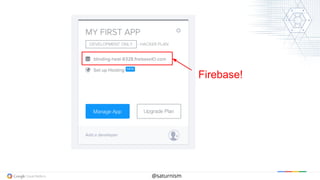
firebase.com/signup
@saturnism
Firebase!
@saturnism
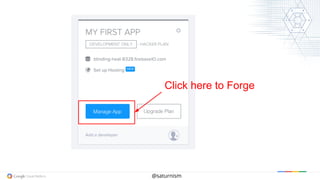
Click here to Forge
@saturnism
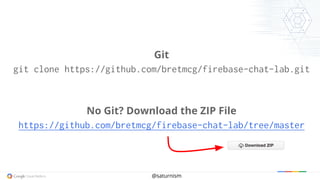
Git
git clone https://github.com/bretmcg/firebase-chat-lab.git
No Git? Download the ZIP File
https://github.com/bretmcg/firebase-chat-lab/tree/master
@saturnism
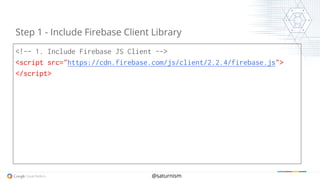
<!-- 1. Include Firebase JS Client -->
<script src="https://cdn.firebase.com/js/client/2.2.4/firebase.js">
</script>
Step 1 - Include Firebase Client Library
@saturnism
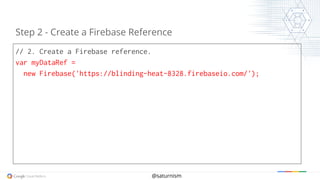
// 2. Create a Firebase reference.
var myDataRef =
new Firebase('https://blinding-heat-8328.firebaseio.com/');
Step 2 - Create a Firebase Reference
@saturnism
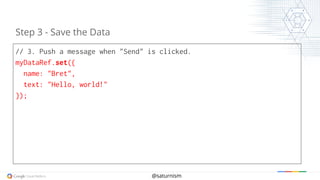
// 3. Push a message when "Send" is clicked.
myDataRef.set({
name: "Bret",
text: "Hello, world!"
});
Step 3 - Save the Data
@saturnism
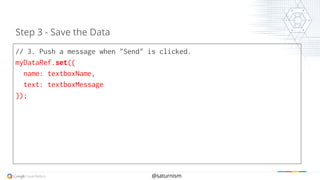
// 3. Push a message when "Send" is clicked.
myDataRef.set({
name: textboxName,
text: textboxMessage
});
Step 3 - Save the Data
@saturnism
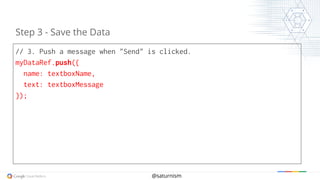
// 3. Push a message when "Send" is clicked.
myDataRef.push({
name: textboxName,
text: textboxMessage
});
Step 3 - Save the Data
@saturnism
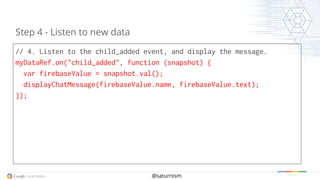
// 4. Listen to the child_added event, and display the message.
myDataRef.on("child_added", function (snapshot) {
var firebaseValue = snapshot.val();
displayChatMessage(firebaseValue.name, firebaseValue.text);
});
Step 4 - Listen to new data
Hooray!
@saturnism
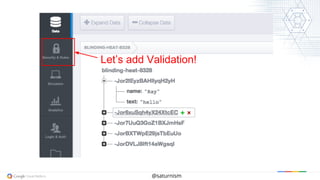
Let’s add Validation!
@saturnism
{
"rules": {
".read": true,
".write": true,
"$message": {
".validate": "newData.hasChildren(['name', 'text'])"
}
}
}
Step 9 - Add Validation Rule
@saturnism
{
"rules": {
".read": true,
".write": true,
"$message": {
".validate": "newData.hasChildren(['name', 'text']) && newData.
child(text).val().length > 0"
}
}
}
Step 9 - Add Validation Rule
@saturnism
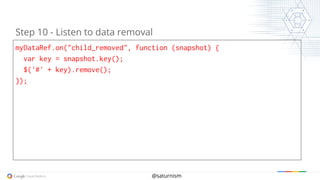
myDataRef.on("child_removed", function (snapshot) {
var key = snapshot.key();
$('#' + key).remove();
});
Step 10 - Listen to data removal
@saturnism
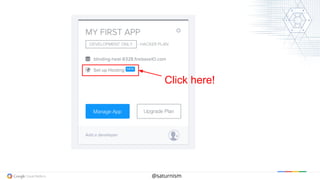
Click here!
@saturnism
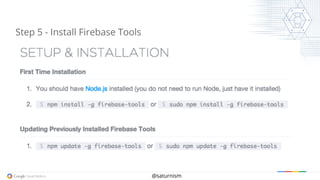
Step 5 - Install Firebase Tools
@saturnism
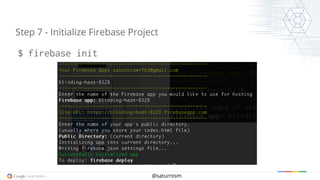
Step 7 - Initialize Firebase Project
$ firebase init
@saturnism
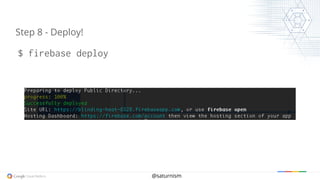
Step 8 - Deploy!
$ firebase deploy
@bretmcg
Thanks!
Bret McGowen
@bretmcg
cloud.google.com

Firebase Code Lab - 2015 GDG Buffalo DevFest