Download as PDF, PPTX








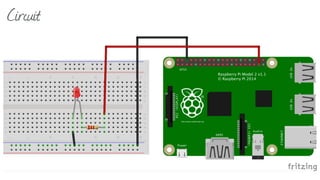
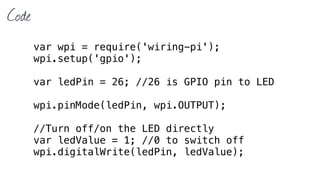

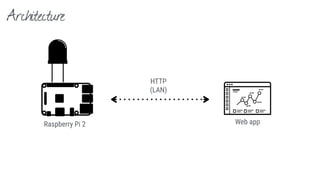
![Code
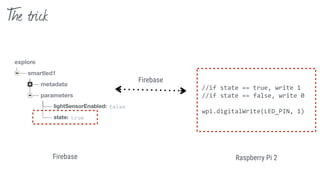
function setState(state) {
ledValue = +state; //convert true/false to appropriate integer
wpi.digitalWrite(ledPin, ledValue);
}
var deviceId = "smartlamp1";
var myFirebaseRef = new Firebase(“https://[YOUR_FIREBASE].firebaseio.com/devices”);
var deviceRef = myFirebaseRef.child(deviceId);
var myDevParamsRef = deviceRef.child("parameters");
myDevParamsRef.on("child_changed", function(snapshot) {
console.log(snapshot.key());
console.log(snapshot.val());
if (snapshot.key() == "state") {
setState(snapshot.val());
}
});](https://image.slidesharecdn.com/firebase-sby-151020094301-lva1-app6891/85/Firebase-realtime-backend-for-mobile-app-and-IoT-33-320.jpg)



![We teach
+ + [Obj-C]
+
Education](https://image.slidesharecdn.com/firebase-sby-151020094301-lva1-app6891/85/Firebase-realtime-backend-for-mobile-app-and-IoT-52-320.jpg)
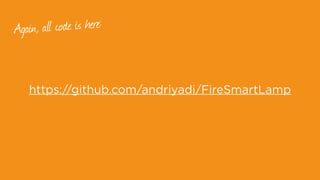

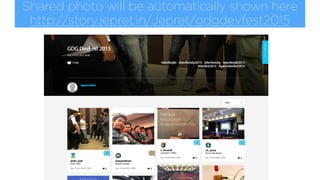
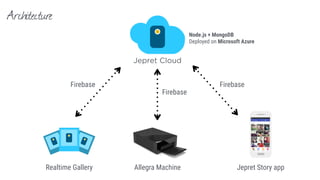
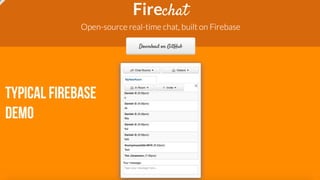
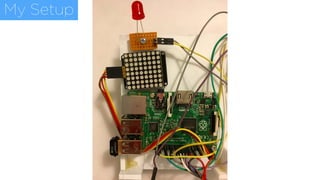
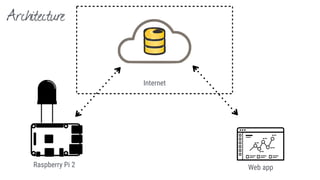
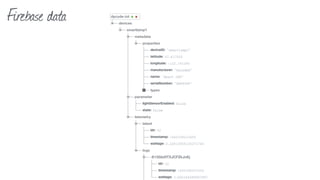
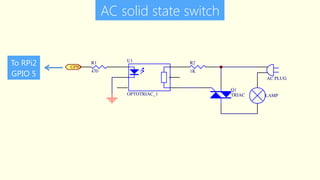
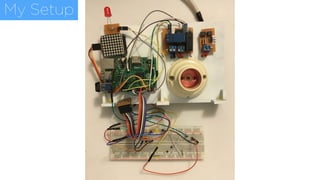
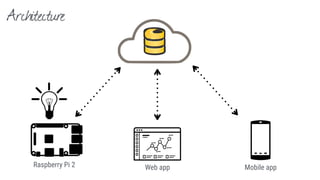
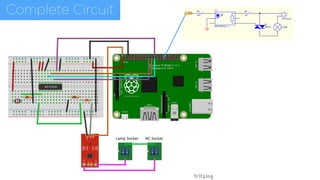
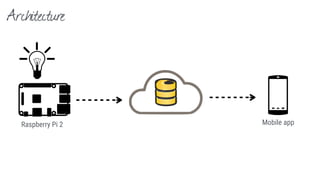
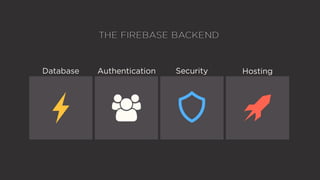
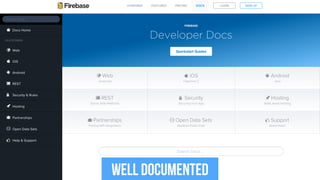
The document discusses the use of Firebase for real-time applications in mobile and IoT contexts, illustrated through various demos including a photo-sharing app and a LED control setup using Raspberry Pi. It emphasizes Firebase's capabilities with a real-world demonstration and provides code snippets for integrating Firebase with hardware. Additionally, it promotes educational resources and workshops offered by Dycode.


![Introduction to Firebase [Google I/O Extended Bangkok 2016]](https://cdn.slidesharecdn.com/ss_thumbnails/firebaseoverview-160626055212-thumbnail.jpg?width=640&height=640&fit=bounds)


![Introduction to Google App Engine - Naga Rohit S [ IIT Guwahati ] - Google De...](https://cdn.slidesharecdn.com/ss_thumbnails/googleappenginenagarohitsiitguwahati-120829131334-phpapp01-thumbnail.jpg?width=640&height=640&fit=bounds)


