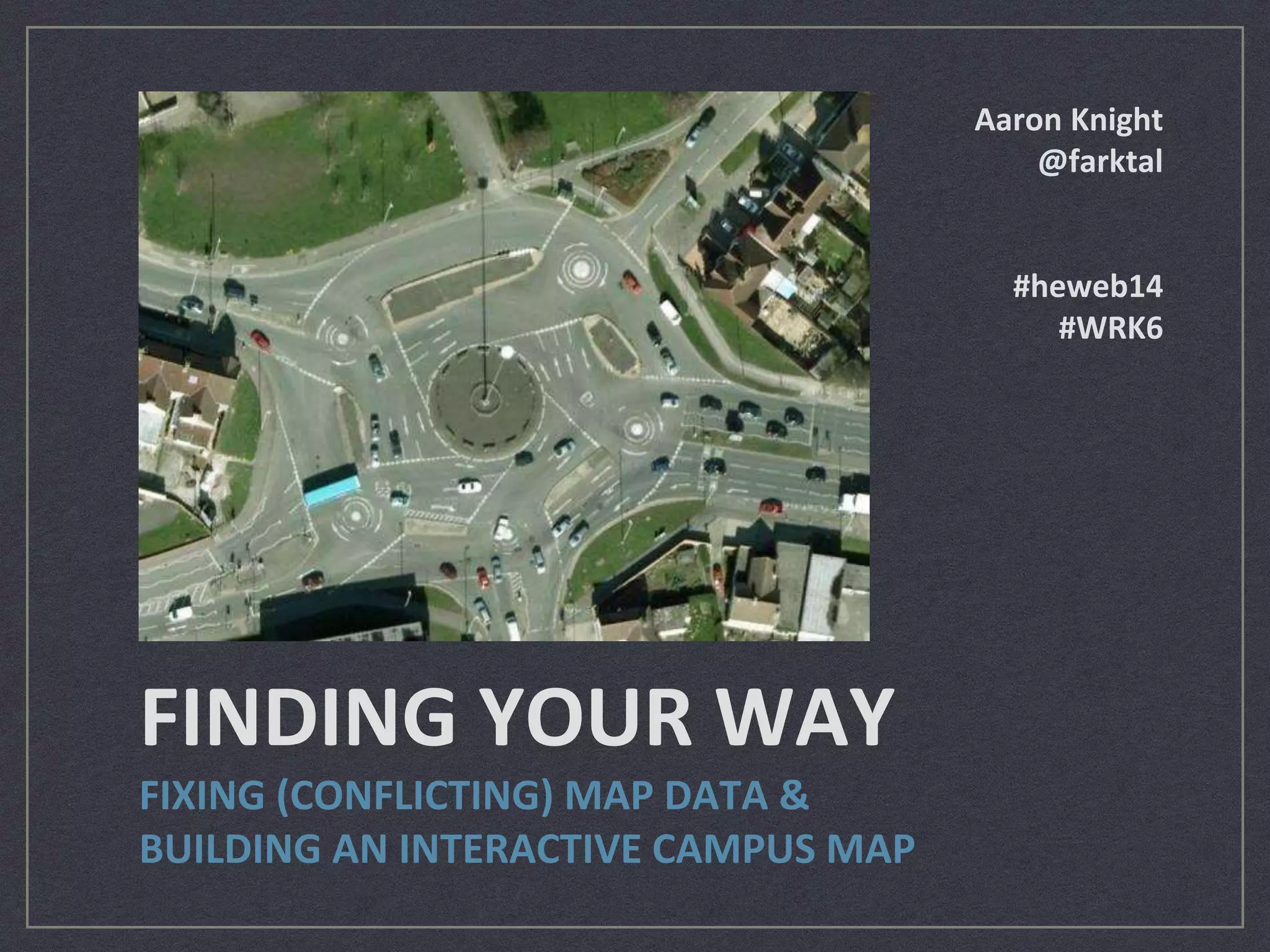
FINDING YOUR WAY 
FIXING (CONFLICTING) MAP DATA & 
BUILDING AN INTERACTIVE CAMPUS MAP 
Aaron Knight 
@farktal 
#heweb14 
#WRK6
About Me 
Senior Programmer/Analyst, 
Information Systems 
State University of New York 
College of Environmental 
Science and Forestry 
(SUNY-ESF) 
Syracuse University 
2007 B.S. Computer 
Science/History 
2014 M.S. Computer 
Engineering 
From HighEdWeb 2013, photo by Anne Petersen (@apetersen)
Today’s Agenda 
Background on Mapping 
Using the Open Street Map 
Editor 
Introducing Leaflet.js 
Building the Big Picture 
Where do we go from here? 
Q&A 
http://www.westga.edu/~distance/orientation/roadsign.jpg
Background 
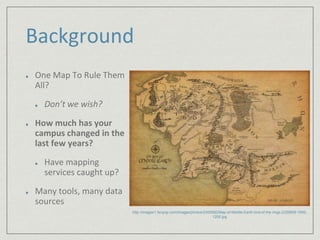
One Map To Rule Them 
All? 
Don’t we wish? 
How much has your 
campus changed in the 
last few years? 
Have mapping 
services caught up? 
Many tools, many data 
sources 
http://images1.fanpop.com/images/photos/2300000/Map-of-Middle-Earth-lord-of-the-rings-2329809-1600- 
1200.jpg
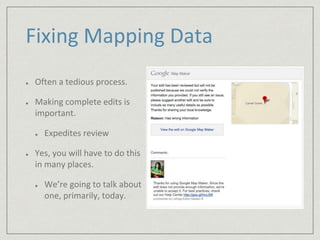
Fixing Mapping Data 
Often a tedious process. 
Making complete edits is 
important. 
Expedites review 
Yes, you will have to do this 
in many places. 
We’re going to talk about 
one, primarily, today.
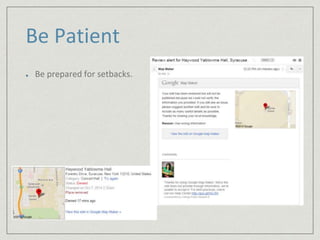
Be Patient 
Be prepared for setbacks.
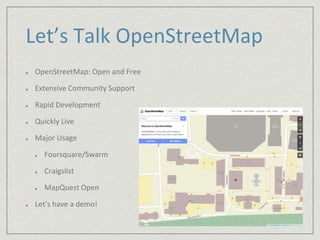
Let’s Talk OpenStreetMap 
OpenStreetMap: Open and Free 
Extensive Community Support 
Rapid Development 
Quickly Live 
Major Usage 
Foursquare/Swarm 
Craigslist 
MapQuest Open 
Let’s have a demo!
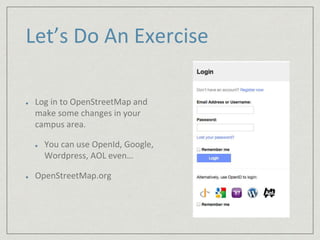
Let’s Do An Exercise 
Log in to OpenStreetMap and 
make some changes in your 
campus area. 
You can use OpenId, Google, 
Wordpress, AOL even… 
OpenStreetMap.org
Leaflet.js 
Powerful and lightweight 
(33kb) JavaScript library 
Free 
Current version: 0.7.3 
http://www.leafletjs.com 
Plays nicely on touch devices 
Let’s take a tour… 
The Leaflet.js logo (leafletjs.com)
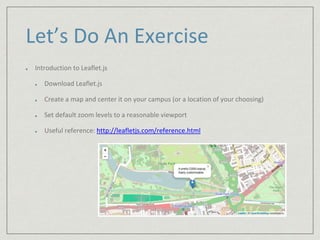
Let’s Do An Exercise 
Introduction to Leaflet.js 
Download Leaflet.js 
Create a map and center it on your campus (or a location of your choosing) 
Set default zoom levels to a reasonable viewport 
Useful reference: http://leafletjs.com/reference.html
Let’s take a break!
What Now? 
Now, you have a map, 
embedded in a web page, 
centered on your campus. 
Let’s layer some content on it. 
Controls 
Popups 
Useful Plugin 
Awesome-Markers
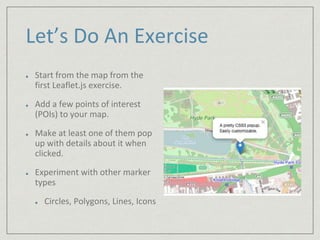
Let’s Do An Exercise 
Start from the map from the 
first Leaflet.js exercise. 
Add a few points of interest 
(POIs) to your map. 
Make at least one of them pop 
up with details about it when 
clicked. 
Experiment with other marker 
types 
Circles, Polygons, Lines, Icons
Advanced Leaflet.js 
Cut Clutter with Layer Groups 
Built in option for Leaflet.js 
Two kinds: base layers and 
overlays
Let’s Do An Exercise 
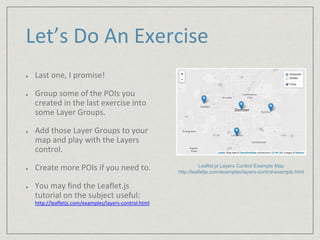
Last one, I promise! 
Group some of the POIs you 
created in the last exercise into 
some Layer Groups. 
Add those Layer Groups to your 
map and play with the Layers 
control. 
Create more POIs if you need to. 
You may find the Leaflet.js 
tutorial on the subject useful: 
http://leafletjs.com/examples/layers-control.html 
Leaflet.js Layers Control Example Map 
http://leafletjs.com/examples/layers-control-example.html
Where do we go from here? 
Lots of work being done in this 
area. 
Other tools 
http://3.bp.blogspot.com/_urG9xPtgh8E/TCHOm-sAhAI/ 
AAAAAAAACwk/i4VjlmAkaOk/s1600/Funny+traffic+signs.jpg
Integration 
WordPress: Maps Marker 
plugin 
Plug and play Leaflet.js for 
WordPress 
gmaps.js 
Similar option for Google API 
It just works (mostly)
Q&A 
Any questions?
Thank You! 
Please fill out your session 
evaluations! 
Slides and Sample Code: 
http://www.acknight.com/speaking/ 
Contact Me 
Aaron Knight 
@farktal on twitter 
acknight@esf.edu

Finding Your Way (WRK6) - Post-Conference Workshop at HighEdWeb 2014

  • 1.
    FINDING YOUR WAY FIXING (CONFLICTING) MAP DATA & BUILDING AN INTERACTIVE CAMPUS MAP Aaron Knight @farktal #heweb14 #WRK6
  • 2.
    About Me SeniorProgrammer/Analyst, Information Systems State University of New York College of Environmental Science and Forestry (SUNY-ESF) Syracuse University 2007 B.S. Computer Science/History 2014 M.S. Computer Engineering From HighEdWeb 2013, photo by Anne Petersen (@apetersen)
  • 3.
    Today’s Agenda Backgroundon Mapping Using the Open Street Map Editor Introducing Leaflet.js Building the Big Picture Where do we go from here? Q&A http://www.westga.edu/~distance/orientation/roadsign.jpg
  • 4.
    Background One MapTo Rule Them All? Don’t we wish? How much has your campus changed in the last few years? Have mapping services caught up? Many tools, many data sources http://images1.fanpop.com/images/photos/2300000/Map-of-Middle-Earth-lord-of-the-rings-2329809-1600- 1200.jpg
  • 5.
    Fixing Mapping Data Often a tedious process. Making complete edits is important. Expedites review Yes, you will have to do this in many places. We’re going to talk about one, primarily, today.
  • 6.
    Be Patient Beprepared for setbacks.
  • 7.
    Let’s Talk OpenStreetMap OpenStreetMap: Open and Free Extensive Community Support Rapid Development Quickly Live Major Usage Foursquare/Swarm Craigslist MapQuest Open Let’s have a demo!
  • 8.
    Let’s Do AnExercise Log in to OpenStreetMap and make some changes in your campus area. You can use OpenId, Google, Wordpress, AOL even… OpenStreetMap.org
  • 9.
    Leaflet.js Powerful andlightweight (33kb) JavaScript library Free Current version: 0.7.3 http://www.leafletjs.com Plays nicely on touch devices Let’s take a tour… The Leaflet.js logo (leafletjs.com)
  • 10.
    Let’s Do AnExercise Introduction to Leaflet.js Download Leaflet.js Create a map and center it on your campus (or a location of your choosing) Set default zoom levels to a reasonable viewport Useful reference: http://leafletjs.com/reference.html
  • 11.
  • 12.
    What Now? Now,you have a map, embedded in a web page, centered on your campus. Let’s layer some content on it. Controls Popups Useful Plugin Awesome-Markers
  • 13.
    Let’s Do AnExercise Start from the map from the first Leaflet.js exercise. Add a few points of interest (POIs) to your map. Make at least one of them pop up with details about it when clicked. Experiment with other marker types Circles, Polygons, Lines, Icons
  • 14.
    Advanced Leaflet.js CutClutter with Layer Groups Built in option for Leaflet.js Two kinds: base layers and overlays
  • 15.
    Let’s Do AnExercise Last one, I promise! Group some of the POIs you created in the last exercise into some Layer Groups. Add those Layer Groups to your map and play with the Layers control. Create more POIs if you need to. You may find the Leaflet.js tutorial on the subject useful: http://leafletjs.com/examples/layers-control.html Leaflet.js Layers Control Example Map http://leafletjs.com/examples/layers-control-example.html
  • 16.
    Where do wego from here? Lots of work being done in this area. Other tools http://3.bp.blogspot.com/_urG9xPtgh8E/TCHOm-sAhAI/ AAAAAAAACwk/i4VjlmAkaOk/s1600/Funny+traffic+signs.jpg
  • 17.
    Integration WordPress: MapsMarker plugin Plug and play Leaflet.js for WordPress gmaps.js Similar option for Google API It just works (mostly)
  • 18.
  • 19.
    Thank You! Pleasefill out your session evaluations! Slides and Sample Code: http://www.acknight.com/speaking/ Contact Me Aaron Knight @farktal on twitter acknight@esf.edu