Facebook Ads -
How to Start
By: Michael John Balintona
So you want to start
advertising…
So you want to start
advertising…
(which strategy do you choose?)
Your friends
recommends Facebook
Ads
How do you start?
First, let’s ask ourselves
what is Facebook Ads?
It’s a type of paid advertisements
that bring your service or
product to users on Facebook’s
platforms
Here are some
examples:
Image Ads
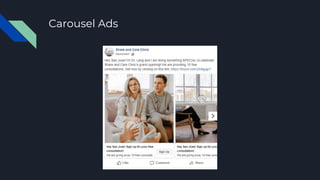
Carousel Ads
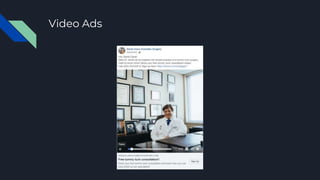
Video Ads
You get the general
idea?
Let’s start setting things
up
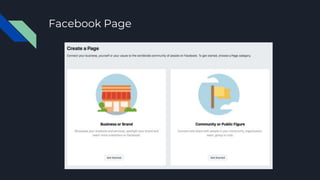
Facebook Page
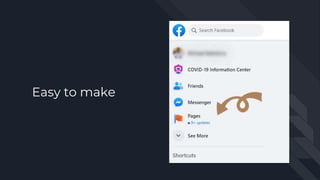
Easy to make
If you already have one,
you’re ahead of the game
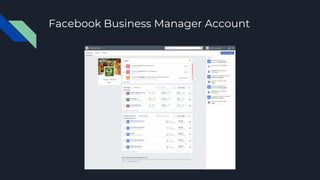
Facebook Business Manager Account
You can go here
You can go here
https://business.facebook.com/ov
erview
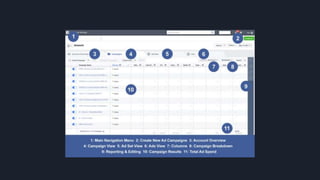
This is where you can
find you Ad Manager
You can start making
your ads and set your
budget there
But we’ll get back to
that later…
Let’s finish setting
everything up first
Let’s finish setting
everything up first
(You’ll be able to make ads soon)
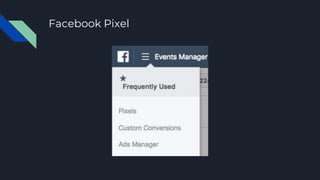
Facebook Pixel
This could be found in
your Business Manager
dashboard
This could be found in
your Business Manager
dashboard
(click Business Settings)
This could be found in
your Business Manager
dashboard
(click Business Settings)
(Find Pixel under Data Sources)
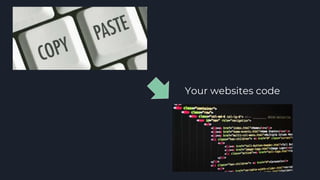
You’ll find a piece of
code
Your websites code
That code will track
activity on your website
or posts
You’ll get a lot of good data
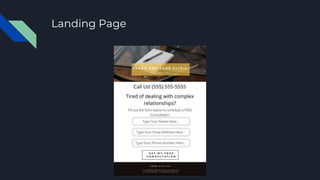
Landing Page
This is where people will
go when they click on
your ad
Here options:
● Product page
● Appointment page
● Collections page
● Website Home page
You’re almost there.
Ready to create your
first ad?
Sorry… still need to set
things up
Sorry… still need to set
things up
(I promise we will get there)
We got to set
something called the
Campaign Structure
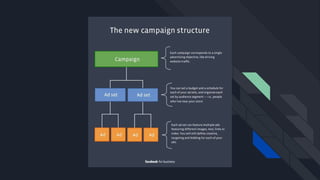
it’s the backbone of how
your ads will be
implemented
Let’s start look at the
different levels
The Campaign Level
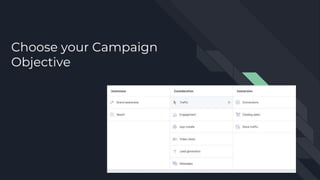
Choose your Campaign
Objective
It’s what you want
people to react to your
ad
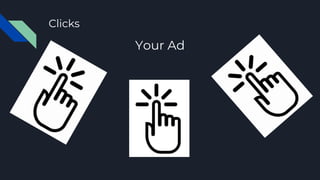
Clicks
Your Ad
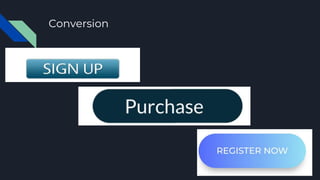
Conversion
Store Traffic
There a lot of options to
choose from
Don’t know where to
start?
Try clicks
It’s good place to start
and gather data from
your ads
Ad Set
This is where you can
you can set up these
things
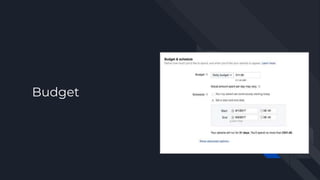
Budget
You can start with $5
until you find which
audience is more likely
to react to your ad
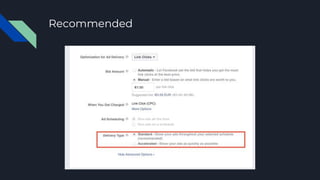
Delivery
Recommended
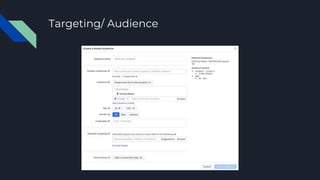
Targeting/ Audience
Create different ad sets
to test out different
groups
Examples
● Women (18-22)
● Women (23-30)
● Women (30-40)
● Women (40-50)
Finally, that was the last
of things to set up
Thanks for being patient
It’s time to make your
first ad
Ad level
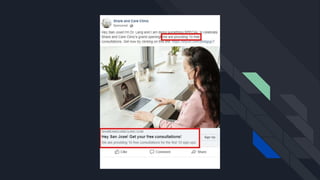
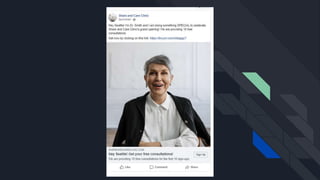
Create an awesome
offer to get people
interested
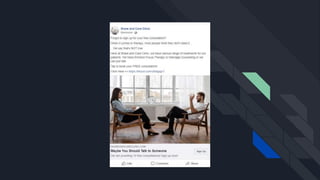
Tell a story
Choose a good photo
that stands out and tells
them about you. Try to
be real with them
Create different
combinations of offers
and images
Create different
combinations of offers
and images
(The more the merrier)
Create different
combinations of offers
and images
(The more variation!)
(Some work better together)
Once you do that, there is
only one thing left to do
Post!
Now what?
Wait for your customers
And Done…
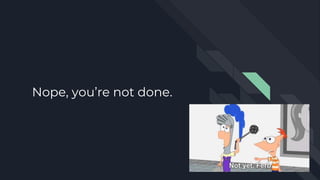
Nope, you’re not done.
There will always be
room to improve
Look at your data from
Pixel and Ads Manager
As yourself these
questions:
Which ad is doing well?
Which audience is
responding?
Are people responding
to your offer?
Is there a better
audience you can
target?
Go back to your
campaign structure
Create a new one or edit
existing ones
Mix things up. Keep
optimizing your ads
Explore other audiences,
objectives, and ad types.
Find what works best
for your business
Invest more money in
ads that are working
and tweak the ones that
aren’t
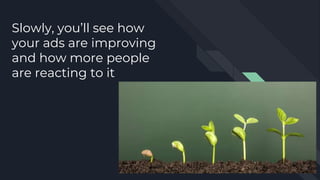
Slowly, you’ll see how
your ads are improving
and how more people
are reacting to it
Are you ready to start
getting people to your
business?
Good Luck!!
Based on two articles:
https://yoyofumedia.com/blog/facebook-ads-
best-guide-therapists/
https://yoyofumedia.com/blog/facebook-ads-for-
local-cosmetic-surgeons/

Facebook ads - How To Start