Download to read offline
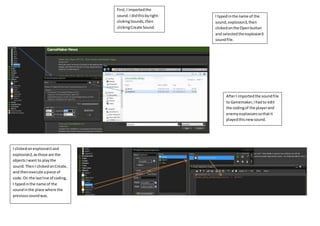
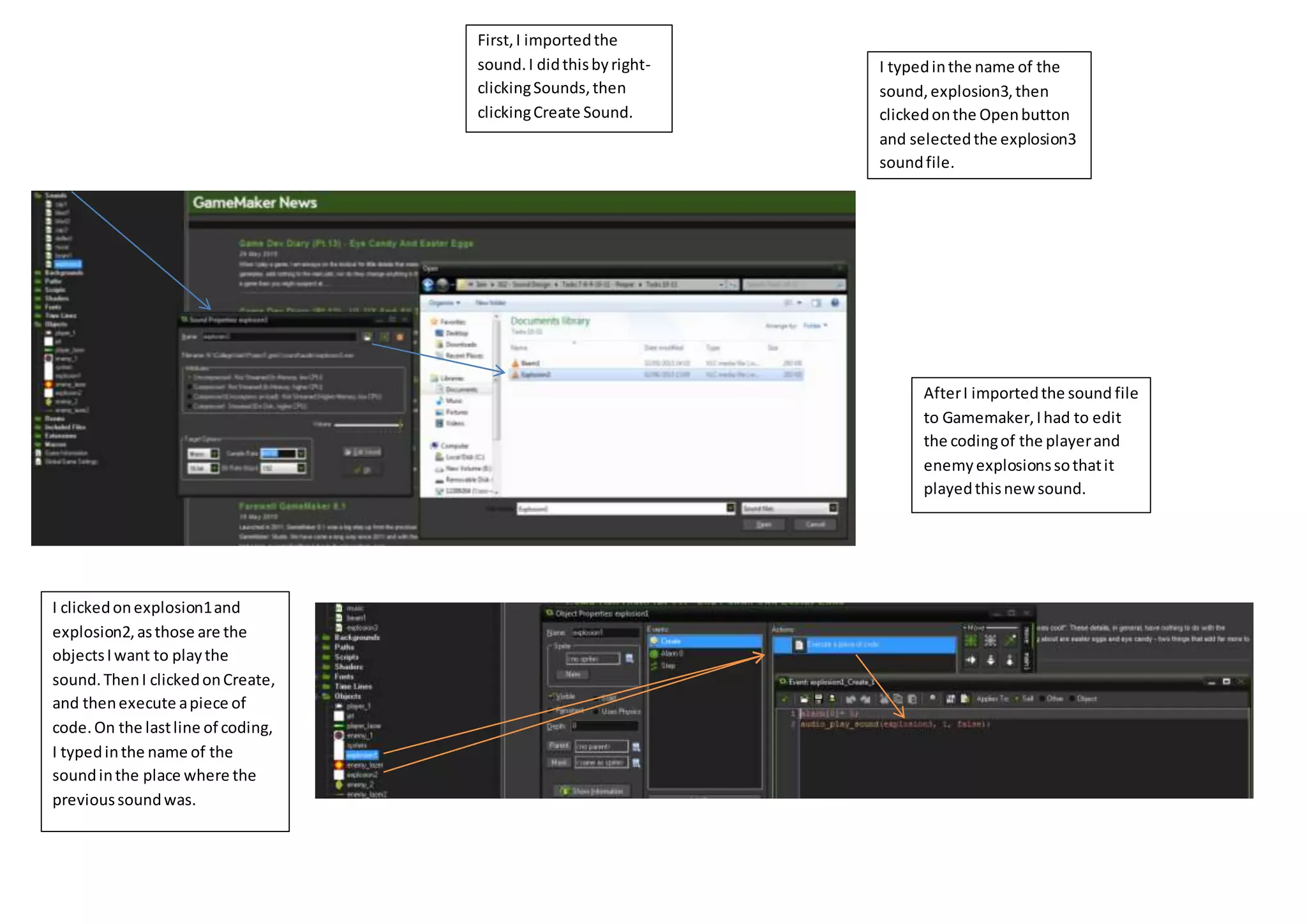
I imported a new sound file called "explosion3" into Gamemaker by right clicking Sounds, selecting Create Sound, naming the file, and selecting the sound file. I then edited the code for the player and enemy explosion objects to play the new sound by clicking on the objects, selecting Create, and replacing the previous sound name with "explosion3" on the last line of code.


