Download as DOCX, PPTX
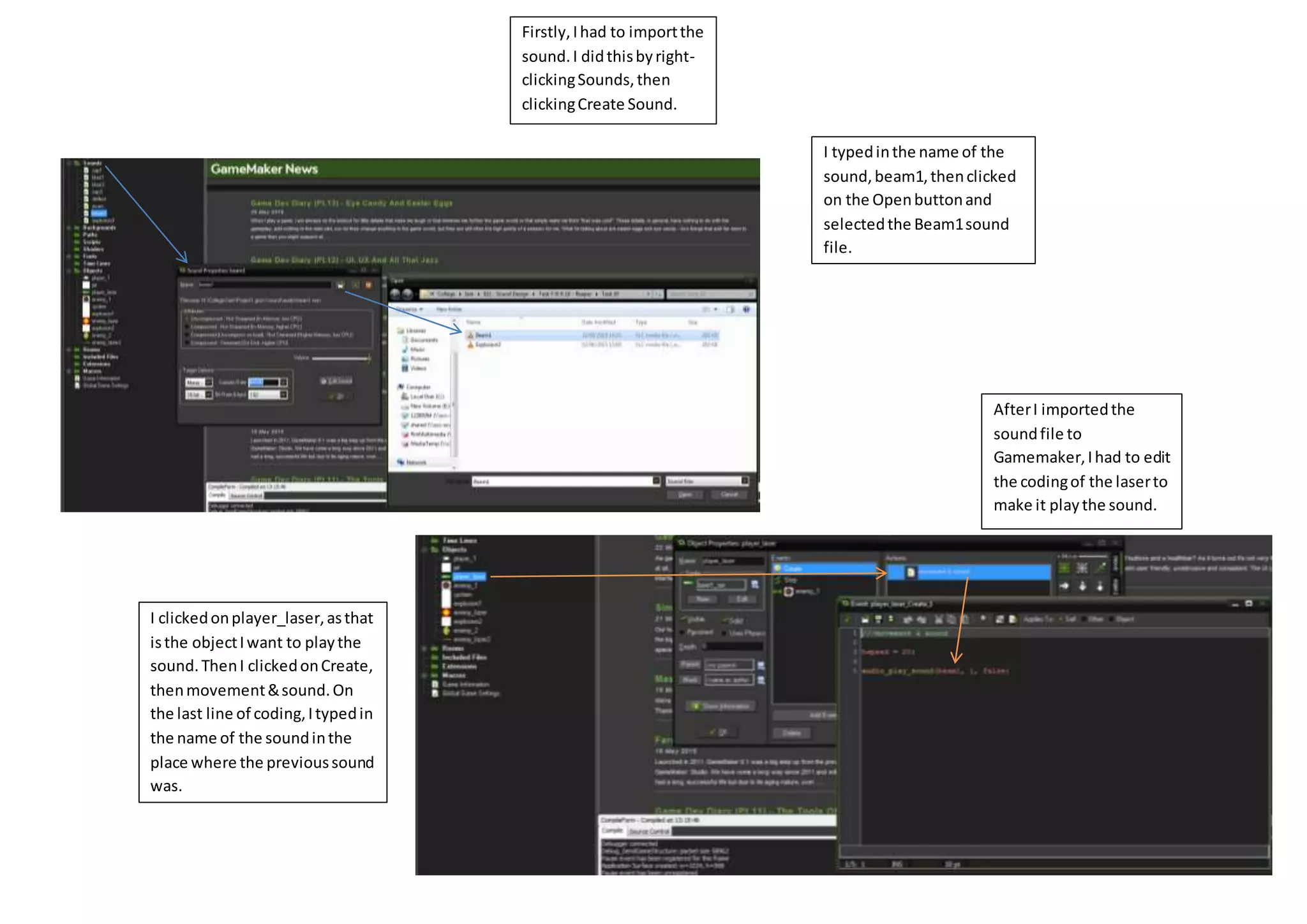
The document describes importing a sound file called "Beam1" into a Gamemaker project and editing the code of the "player_laser" object to play the imported sound. Specifically, the author imported the sound by right clicking "Sounds" and selecting "Create Sound", named the sound "beam1", selected the sound file, and edited the "player_laser" object's code in the "Create" and "Movement & Sound" events to play the "beam1" sound instead of the previous sound.


