Ethics and PC Troubleshooting Mr. Swiatek
Quick Assignment Using the Internet as your resource, look up the definition of ethics as it relates to computers.  (5 minutes)
Computer Ethics What you should and should not do when it comes to computers
10 Commandments of Computer Ethics  Created by the Computer Ethics Institute Thou Shalt Always Use A Computer In Ways That Insure Consideration And Respect For Your Fellow Humans. Thou Shalt Think About The Social Consequences Of The Program You Are Writing Or The System You Are Designing. Thou Shalt Not Appropriate Other People’s Intellectual Output.
10 Commandments of Computer Ethics  Created by the Computer Ethics Institute Thou Shalt Not Use Other People’s Computer Resources Without Authorization Or Proper Compensation. Thou Shalt Not Copy Or Use Proprietary Software For Which You have Not Paid. Thou Shalt Not Use A Computer To Bear False Witness (to be untruthful.)
10 Commandments of Computer Ethics  Created by the Computer Ethics Institute Thou Shalt Not Use A Computer To Steal. Thou Shalt Not Snoop Around In Other People’s Computer Files. Thou Shalt Not Interfere With Other People’s Computer Work. Thou Shalt Not Use A Computer To Harm Other People.
Common computer ethics violations Hacking (War-driving, viruses, trojan horses, cracking, phishing) Plagiarism Copyright Infringement (RIAA and the FBI investigate-first-time offense punishable up to 3 yrs in prison and $250,000 in fines)
Basic PC Troubleshooting When to fix it and how
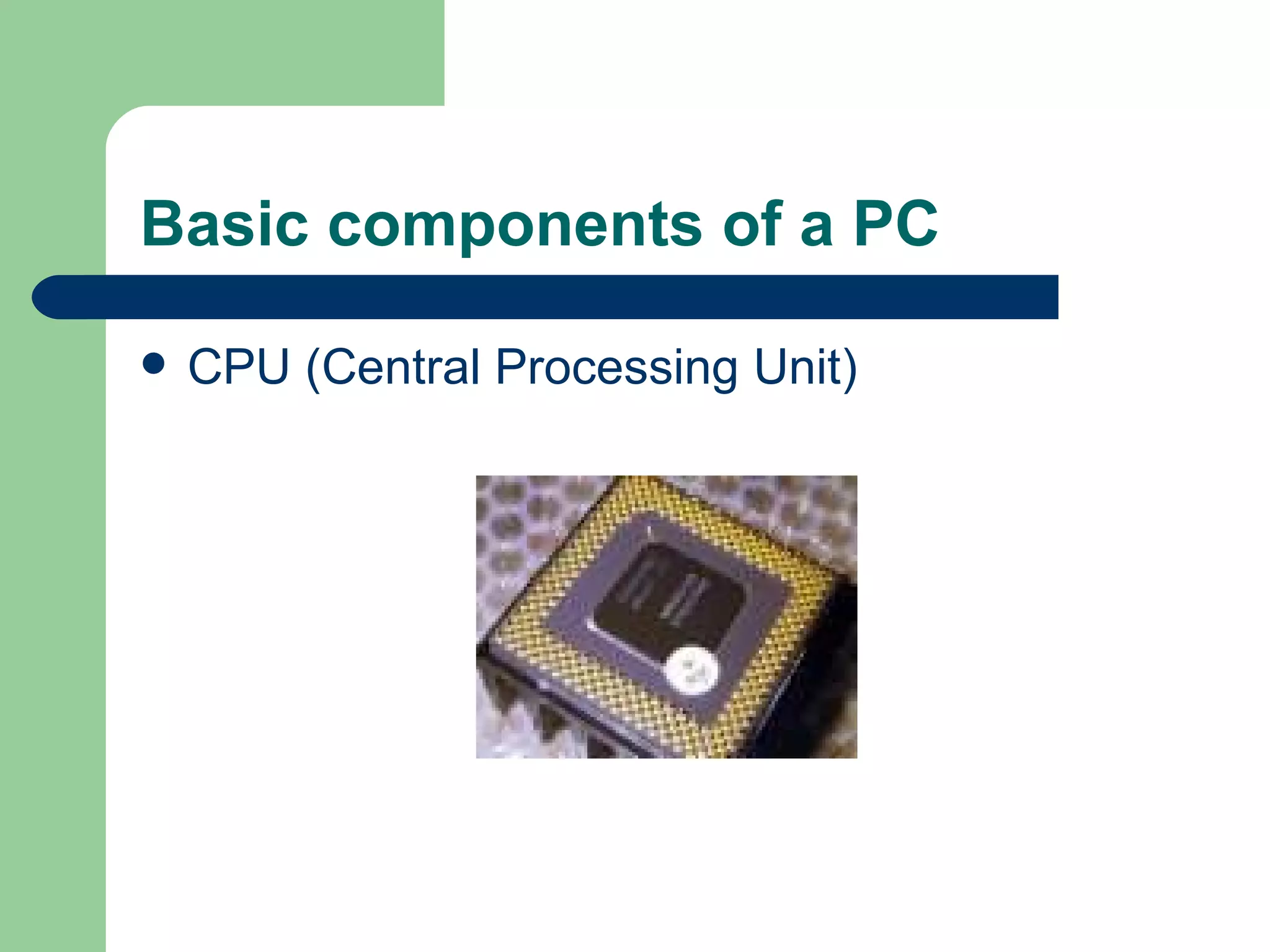
Basic components of a PC CPU (Central Processing Unit)
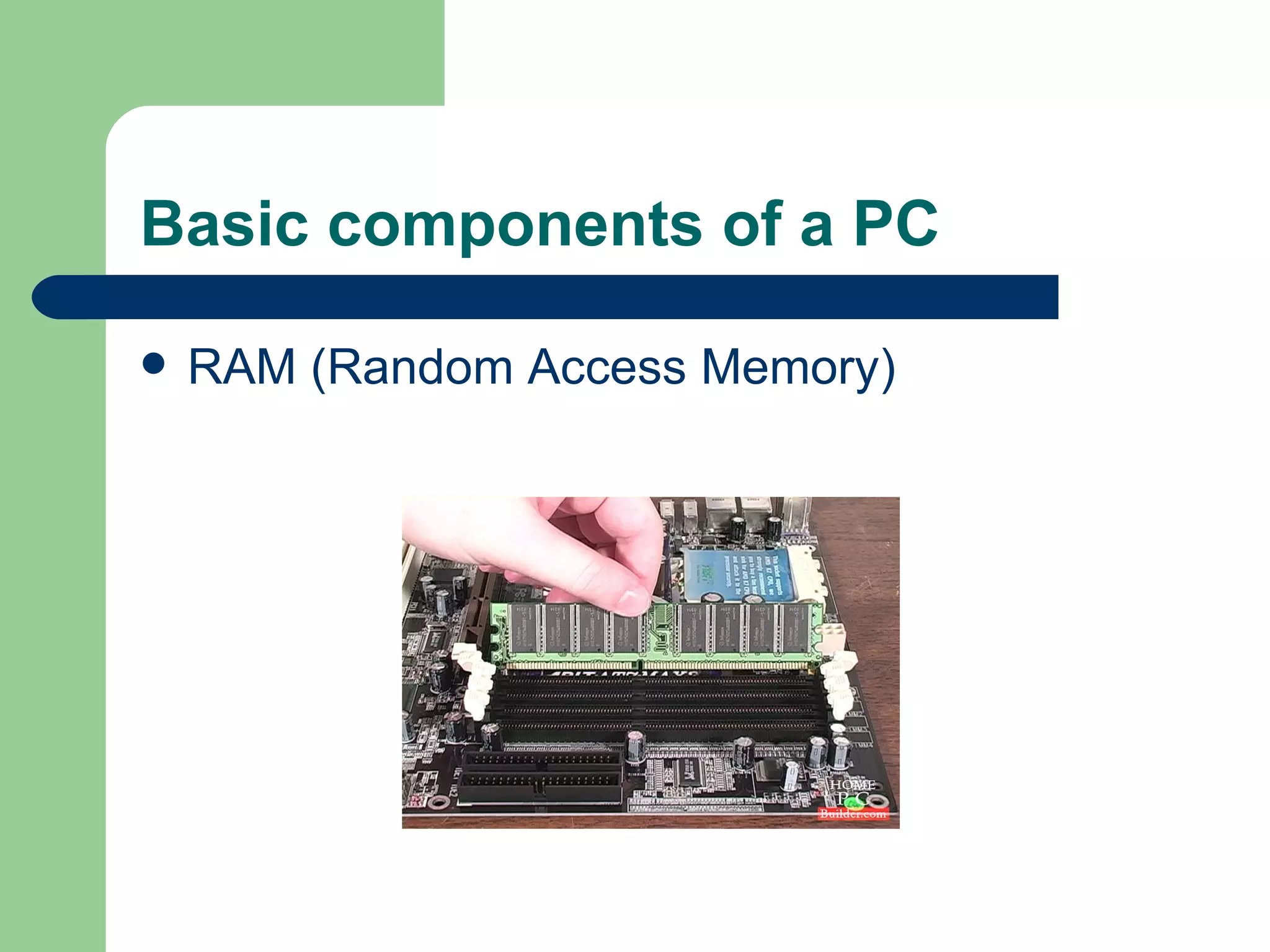
Basic components of a PC RAM (Random Access Memory)
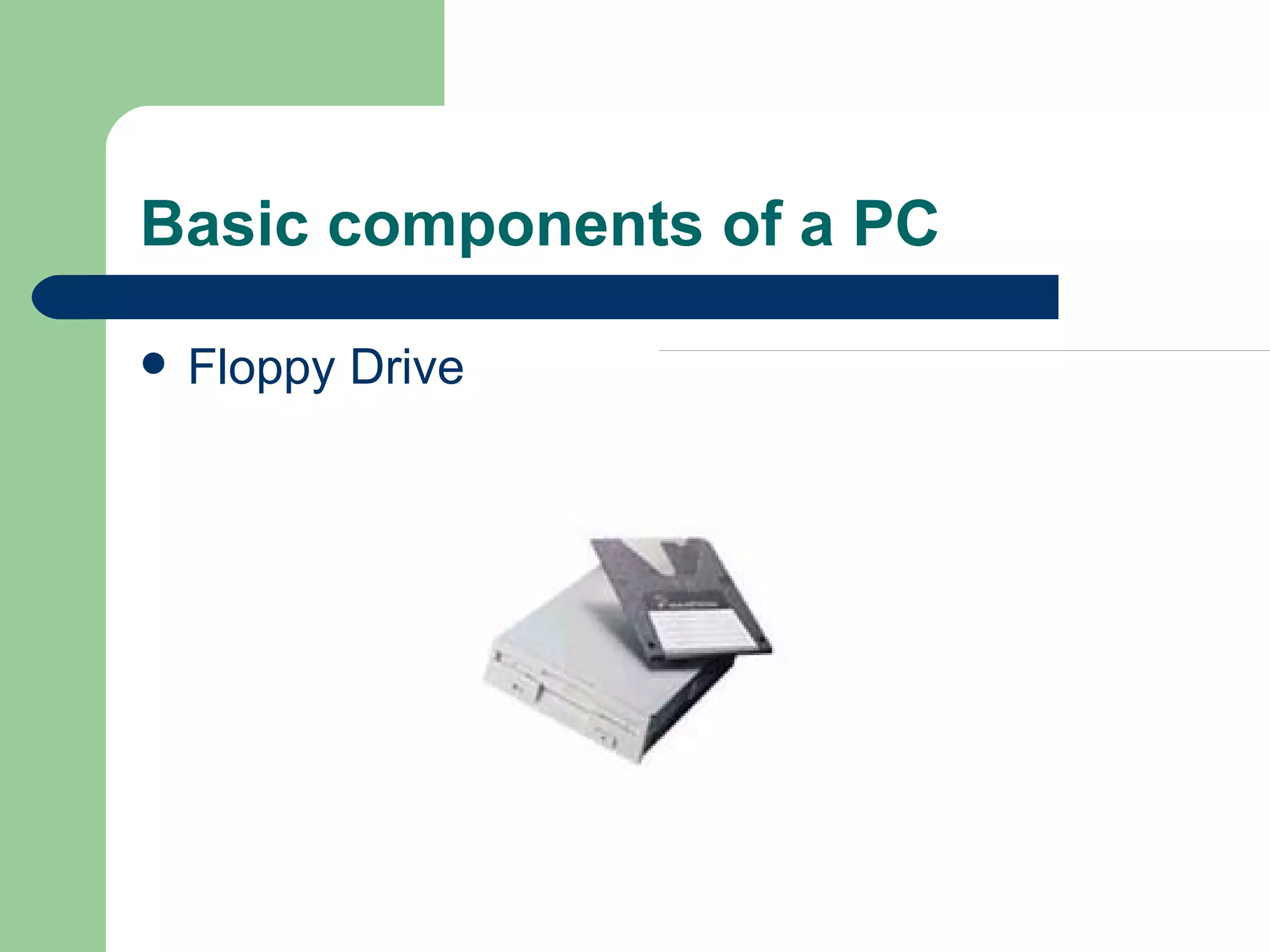
Basic components of a PC Floppy Drive
Basic components of a PC CD-ROM or DVD-ROM
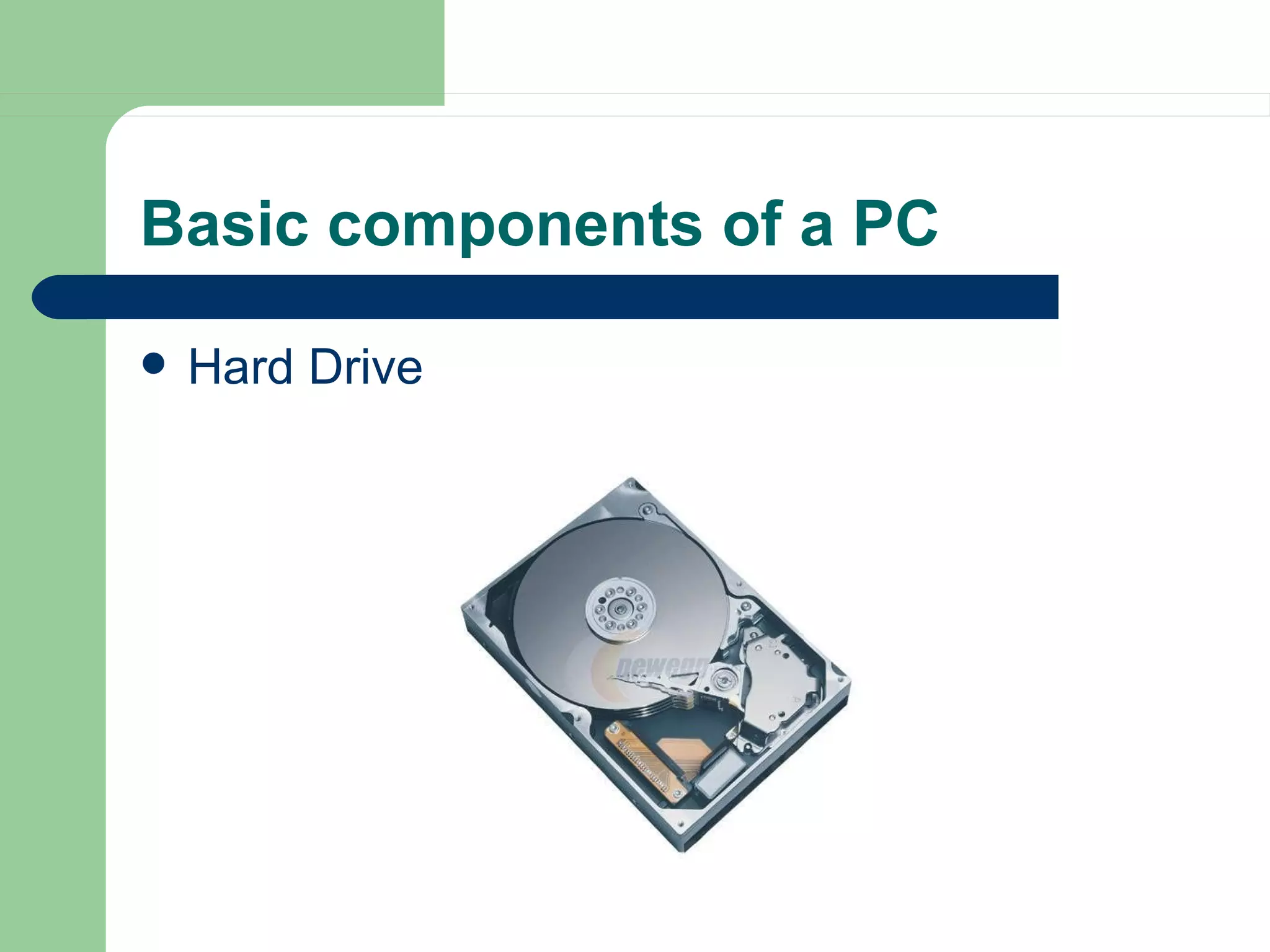
Basic components of a PC Hard Drive
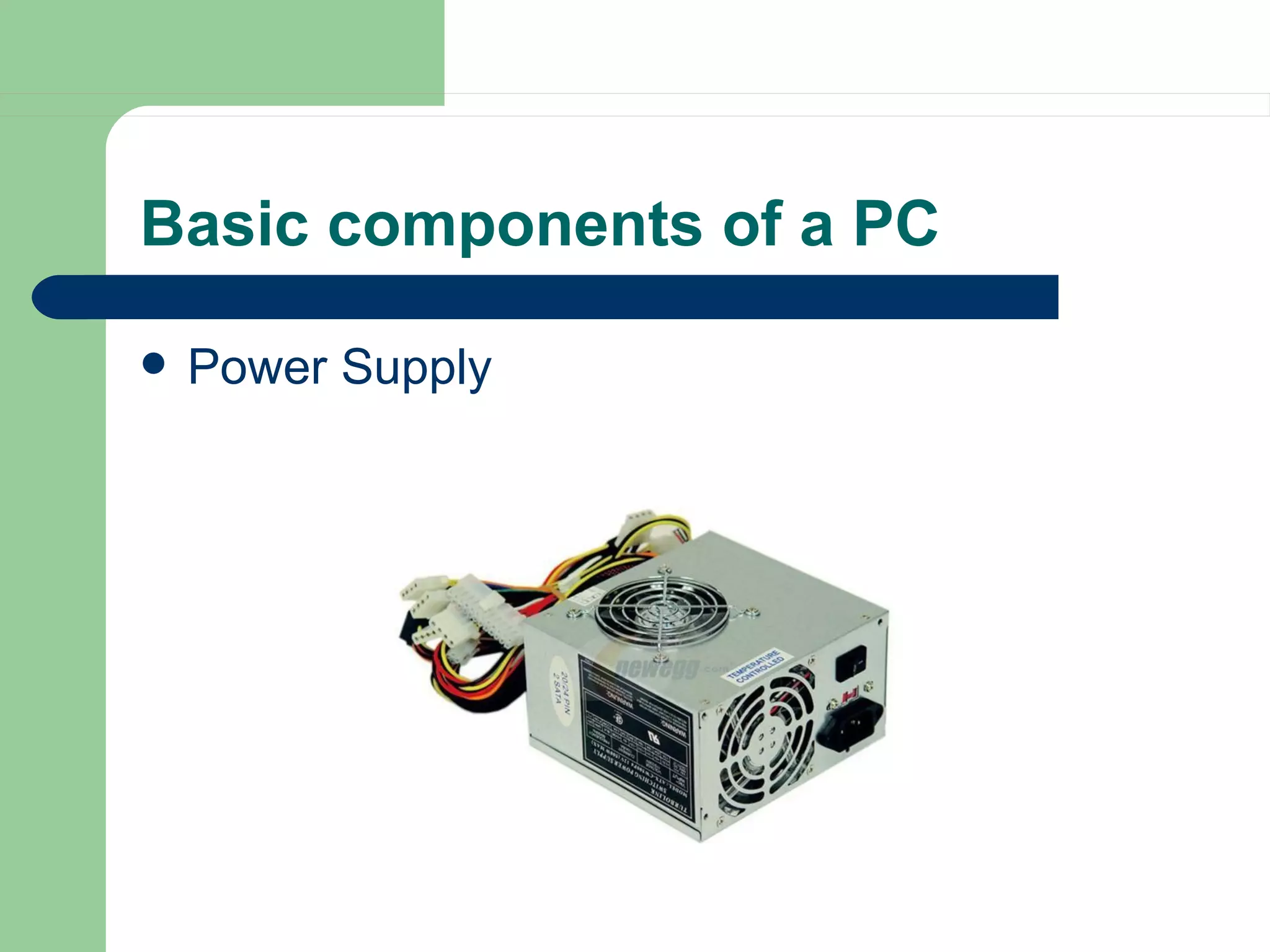
Basic components of a PC Power Supply
Your task Open up a computer case, Remove the power supply, Remove the Hard Drive Remove CD-ROM drive Remove Floppy Drive Remove RAM Remove CPU…then….
Your task Put it all back together again… Break up into groups of 4 and remove and replace at least 1 component each

Ethics And Pc Troubleshooting

  • 1.
    Ethics and PCTroubleshooting Mr. Swiatek
  • 2.
    Quick Assignment Usingthe Internet as your resource, look up the definition of ethics as it relates to computers. (5 minutes)
  • 3.
    Computer Ethics Whatyou should and should not do when it comes to computers
  • 4.
    10 Commandments ofComputer Ethics Created by the Computer Ethics Institute Thou Shalt Always Use A Computer In Ways That Insure Consideration And Respect For Your Fellow Humans. Thou Shalt Think About The Social Consequences Of The Program You Are Writing Or The System You Are Designing. Thou Shalt Not Appropriate Other People’s Intellectual Output.
  • 5.
    10 Commandments ofComputer Ethics Created by the Computer Ethics Institute Thou Shalt Not Use Other People’s Computer Resources Without Authorization Or Proper Compensation. Thou Shalt Not Copy Or Use Proprietary Software For Which You have Not Paid. Thou Shalt Not Use A Computer To Bear False Witness (to be untruthful.)
  • 6.
    10 Commandments ofComputer Ethics Created by the Computer Ethics Institute Thou Shalt Not Use A Computer To Steal. Thou Shalt Not Snoop Around In Other People’s Computer Files. Thou Shalt Not Interfere With Other People’s Computer Work. Thou Shalt Not Use A Computer To Harm Other People.
  • 7.
    Common computer ethicsviolations Hacking (War-driving, viruses, trojan horses, cracking, phishing) Plagiarism Copyright Infringement (RIAA and the FBI investigate-first-time offense punishable up to 3 yrs in prison and $250,000 in fines)
  • 8.
    Basic PC TroubleshootingWhen to fix it and how
  • 9.
    Basic components ofa PC CPU (Central Processing Unit)
  • 10.
    Basic components ofa PC RAM (Random Access Memory)
  • 11.
    Basic components ofa PC Floppy Drive
  • 12.
    Basic components ofa PC CD-ROM or DVD-ROM
  • 13.
    Basic components ofa PC Hard Drive
  • 14.
    Basic components ofa PC Power Supply
  • 15.
    Your task Openup a computer case, Remove the power supply, Remove the Hard Drive Remove CD-ROM drive Remove Floppy Drive Remove RAM Remove CPU…then….
  • 16.
    Your task Putit all back together again… Break up into groups of 4 and remove and replace at least 1 component each