Entity Framework 4& How touseitPascal FransenApril 2011Nspyre Technology Group .NETwww.nspyre.net
OverviewEntity Framework
Introduction
Features
Code first
Demo : Forms
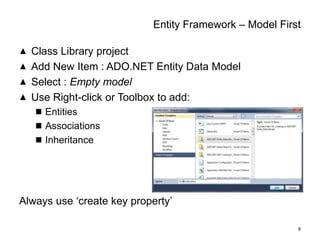
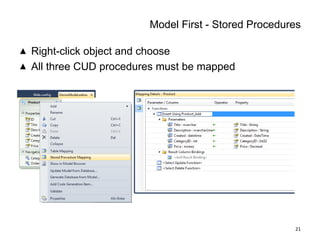
Model first
Demo : Console
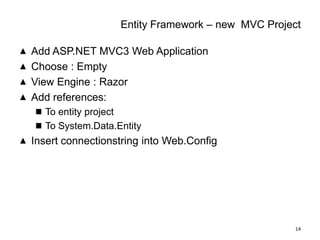
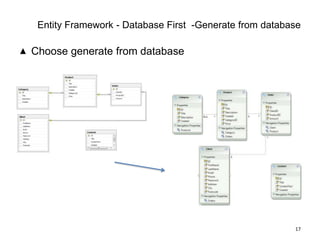
Generate From database
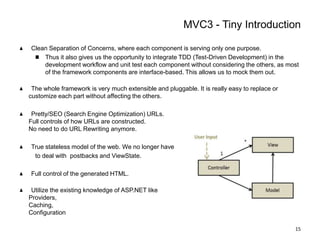
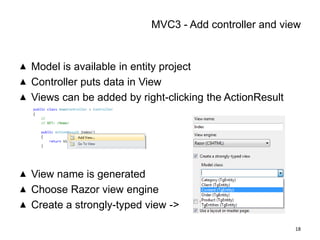
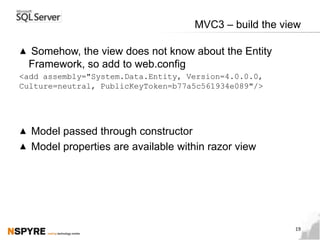
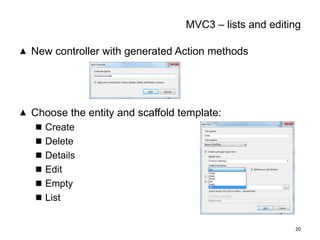
Tiny Introduction MVC3
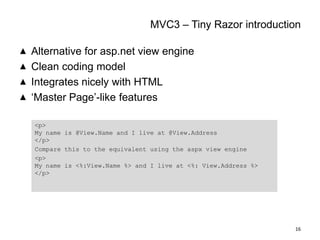
Tiny Introduction Razor
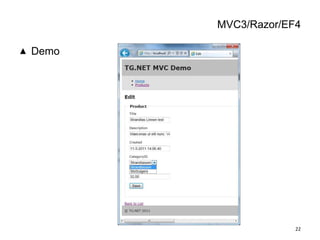
Demo : EF4/MVC3/razor
Questions2
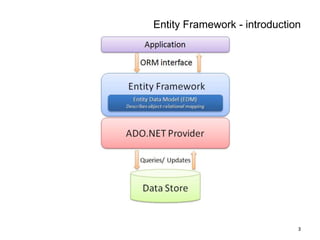
EntityFramework - introduction3
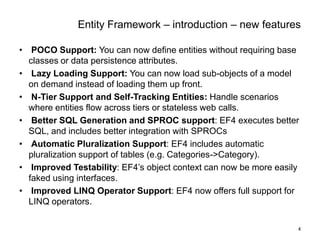
EntityFramework – introduction – new features4POCO Support: You can now define entities without requiring base classes or data persistence attributes.
Lazy Loading Support: You can now load sub-objects of a model on demand instead of loading them up front.
N-Tier Support and Self-Tracking Entities: Handle scenarios where entities flow across tiers or stateless web calls.
Better SQL Generation and SPROC support: EF4 executes better SQL, and includes better integration with SPROCs
Automatic Pluralization Support: EF4 includes automatic pluralization support of tables (e.g. Categories->Category).
Improved Testability: EF4’s object context can now be more easily faked using interfaces.
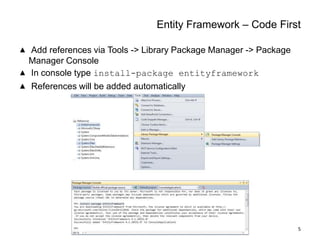
Improved LINQ Operator Support: EF4 now offers full support for LINQ operators. Entity Framework – Code FirstAddreferences via Tools -> Library Package Manager -> Package Manager ConsoleIn console type install-package entityframeworkReferenceswillbeaddedautomatically5
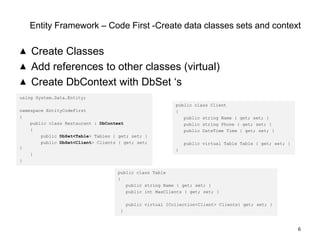
EntityFramework – Code First -Create data classes sets and contextCreate ClassesAddreferencestoother classes (virtual)CreateDbContextwithDbSet ‘s6usingSystem.Data.Entity;namespaceEntityCodeFirst{public class Restaurant : DbContext    {public DbSet<Table> Tables { get; set; }public DbSet<Client> Clients { get; set; }    }}public class Client{public string Name { get; set; }public string Phone { get; set; }public DateTime Time { get; set; } public virtual Table Table { get; set; }}public class Table{public string Name { get; set; }public intMaxClients { get; set; }public virtual ICollection<Client> Clients{ get; set; } }
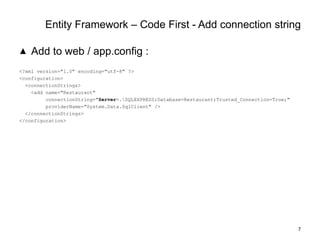
Entity Framework – Code First - Addconnection stringAddto web / app.config :<?xmlversion="1.0" encoding="utf-8" ?><configuration>  <connectionStrings>    <add name="Restaurant"connectionString="Server=.\SQLEXPRESS;Database=Restaurant;Trusted_Connection=True;"providerName="System.Data.SqlClient" />  </connectionStrings></configuration>7
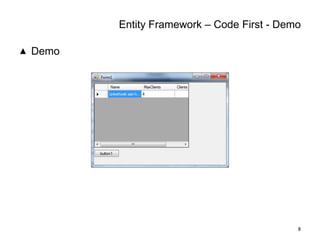
Entity Framework – Code First - DemoDemo8

Entity framework and how to use it