eCommander Energy Management Controller System Level Solutions, Inc.
Agenda Brief Company Overview Touch on Need Product Introduction Product Features Detailed Screenshots Summary
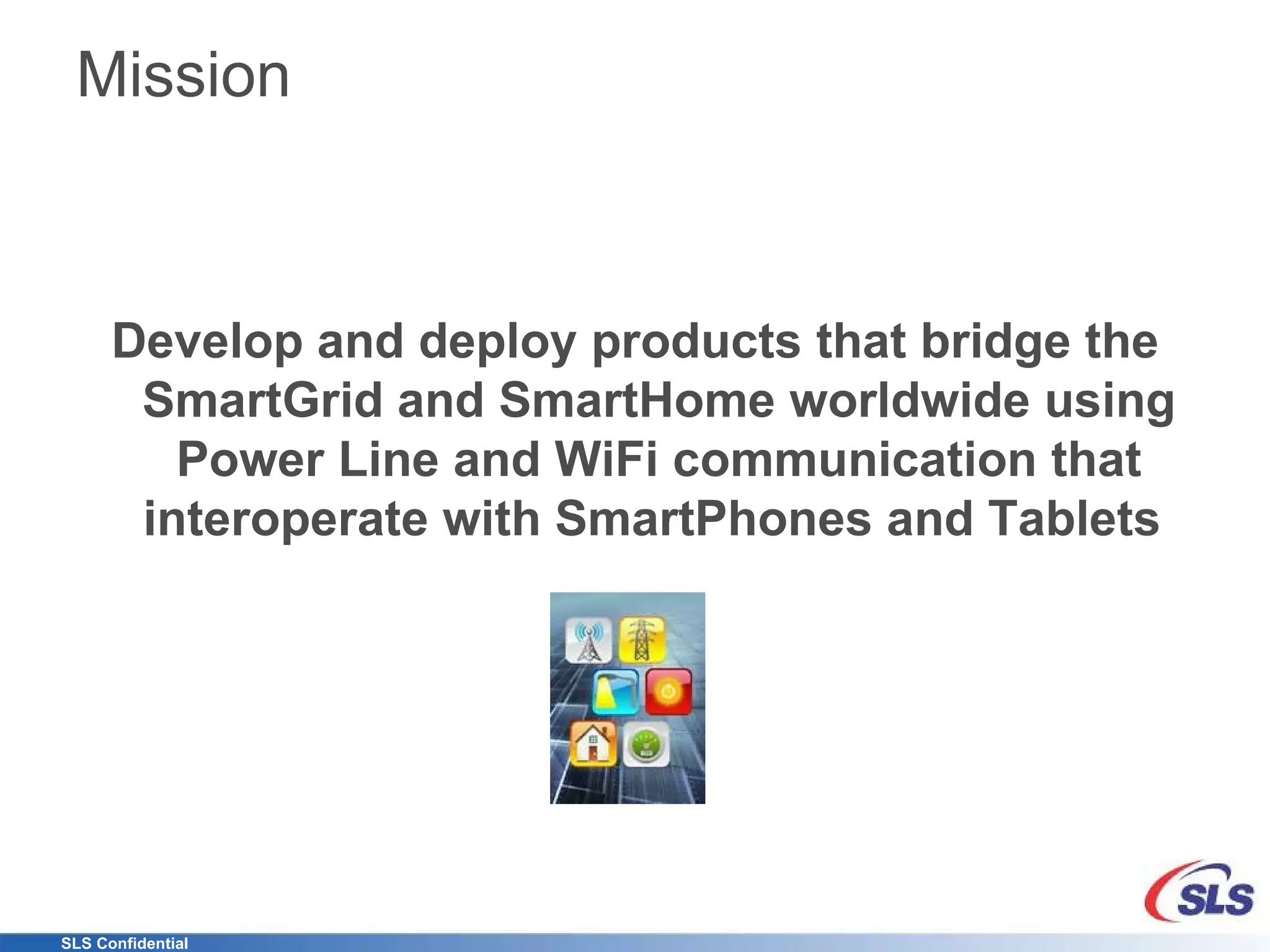
Mission Develop and deploy products that bridge the SmartGrid and SmartHome worldwide using Power Line and WiFi communication that interoperate with SmartPhones and Tablets
The Company Sales office in California Research and Development in India Mixed Business Model Design Services Products Fundamental Grasp of underlying technologies IP development (ASIC/FPGA) USB, PCI, Memory, DSP, and others PCB design and layout OS Firmware, Driver and Application design One Stop Shop for Product Development and Deployment
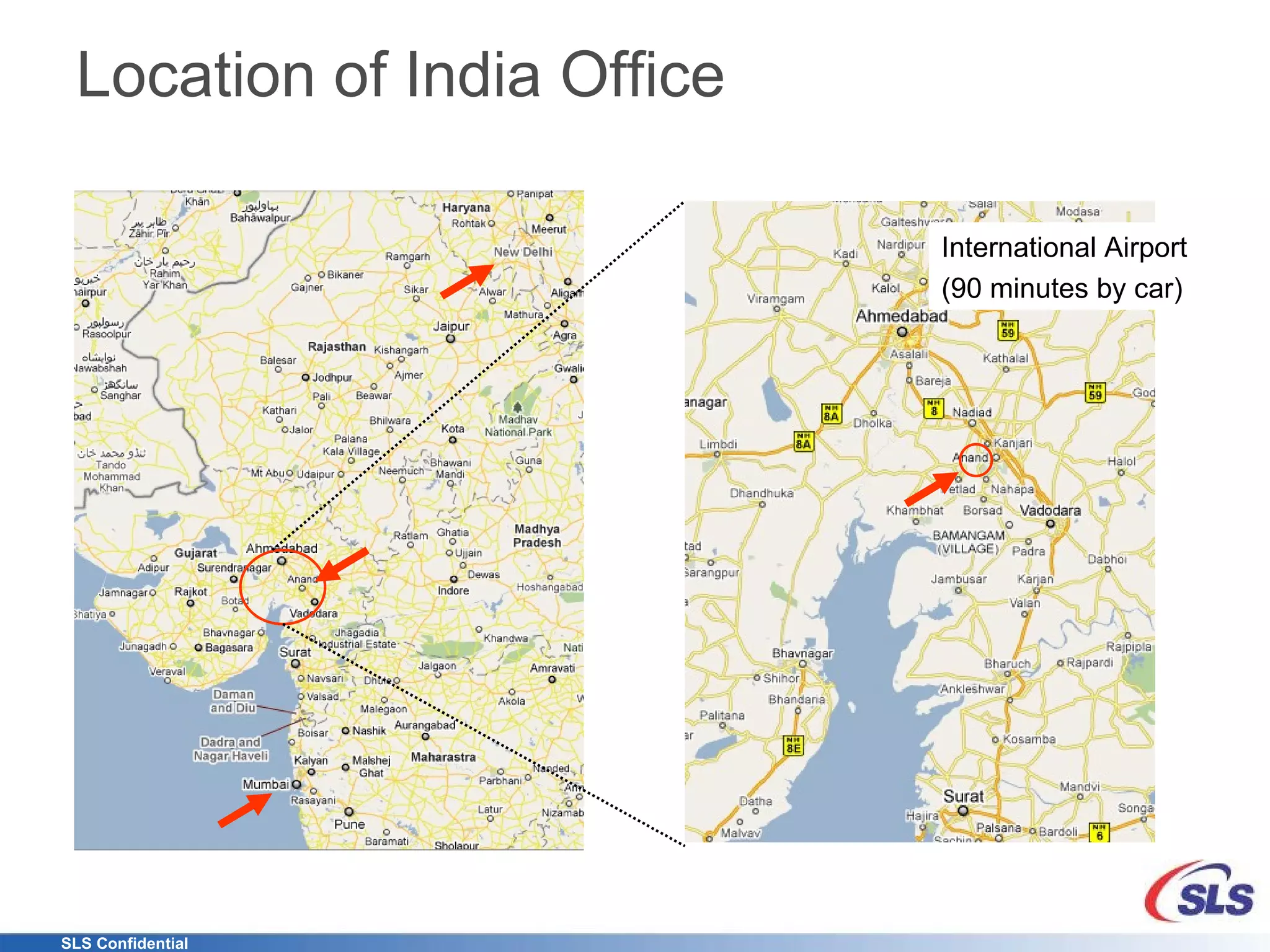
Location of India Office International Airport (90 minutes by car)
New Paradigm in Metering Utilities (Switching to Networked Energy Services) Accurate Data back to the Central Office Better monitor delivery Manage energy demands more effectively Consumer Increased interest in managing costs of energy Find out what and how they are using energy What steps they might take to reduce usage Take control and make informed decisions about energy usage Enable Cost Reductions Allows utilities to position themselves as world-class public service providers Improve Customer Satisfaction  Save Money Reduce their Carbon Footprint Help Protect the Environment
What’s out there now? many are worried about what's being called  "mean time to kitchen drawer"
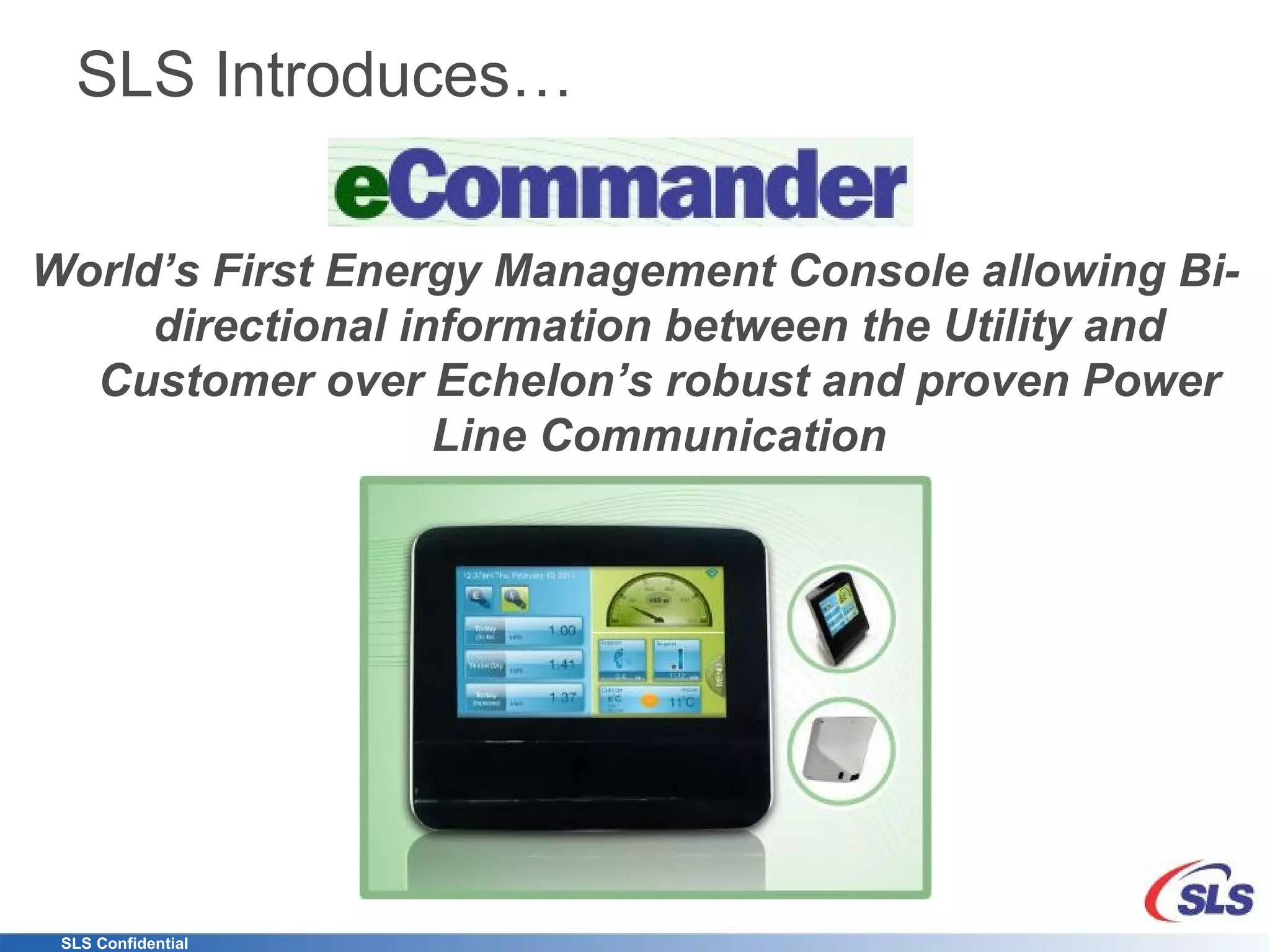
SLS Introduces… World’s First Energy Management Console allowing Bi-directional information between the Utility and Customer over Echelon’s robust and proven Power Line Communication
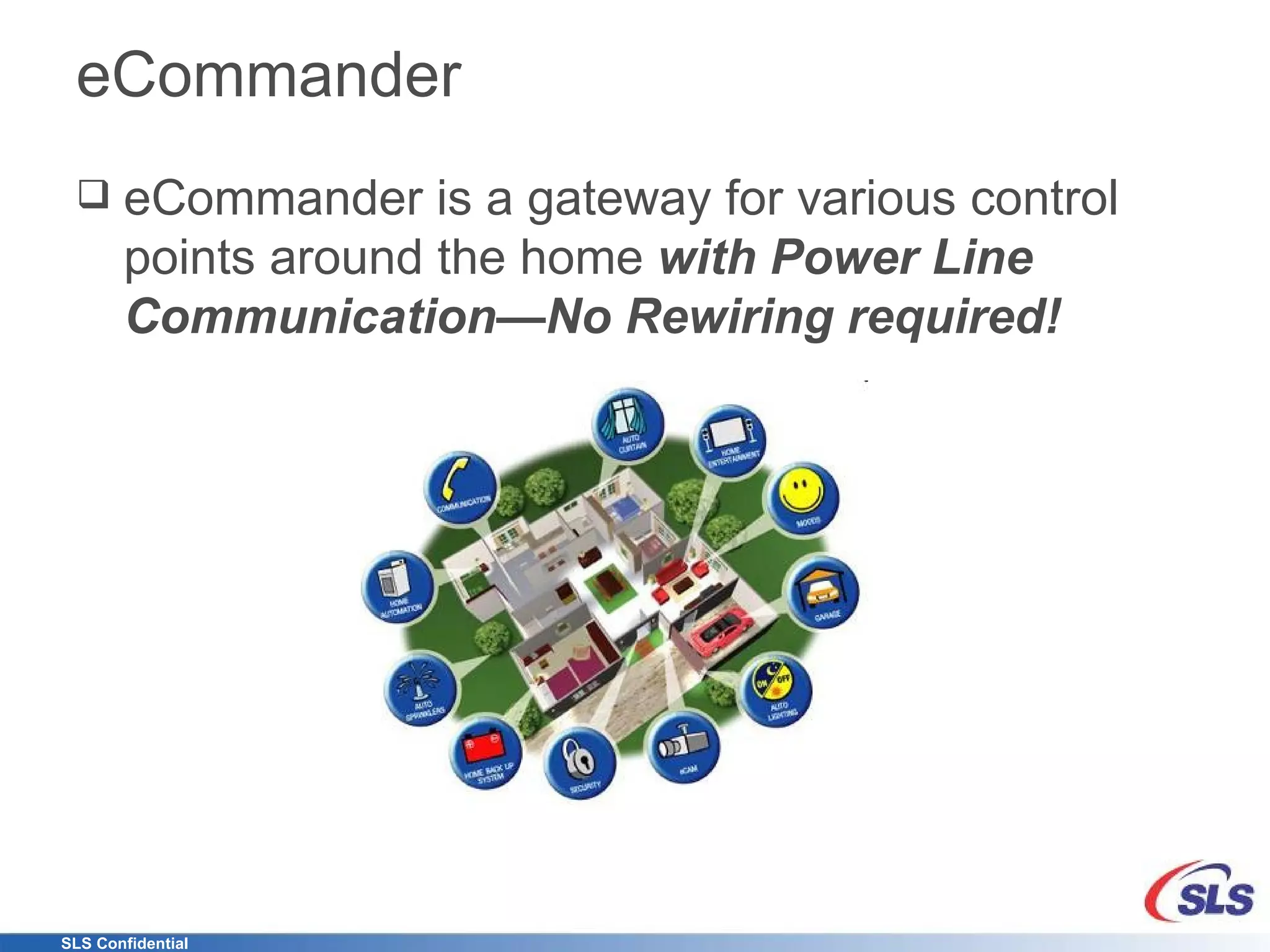
eCommander eCommander is a gateway for various control points around the home  with Power Line Communication—No Rewiring required!
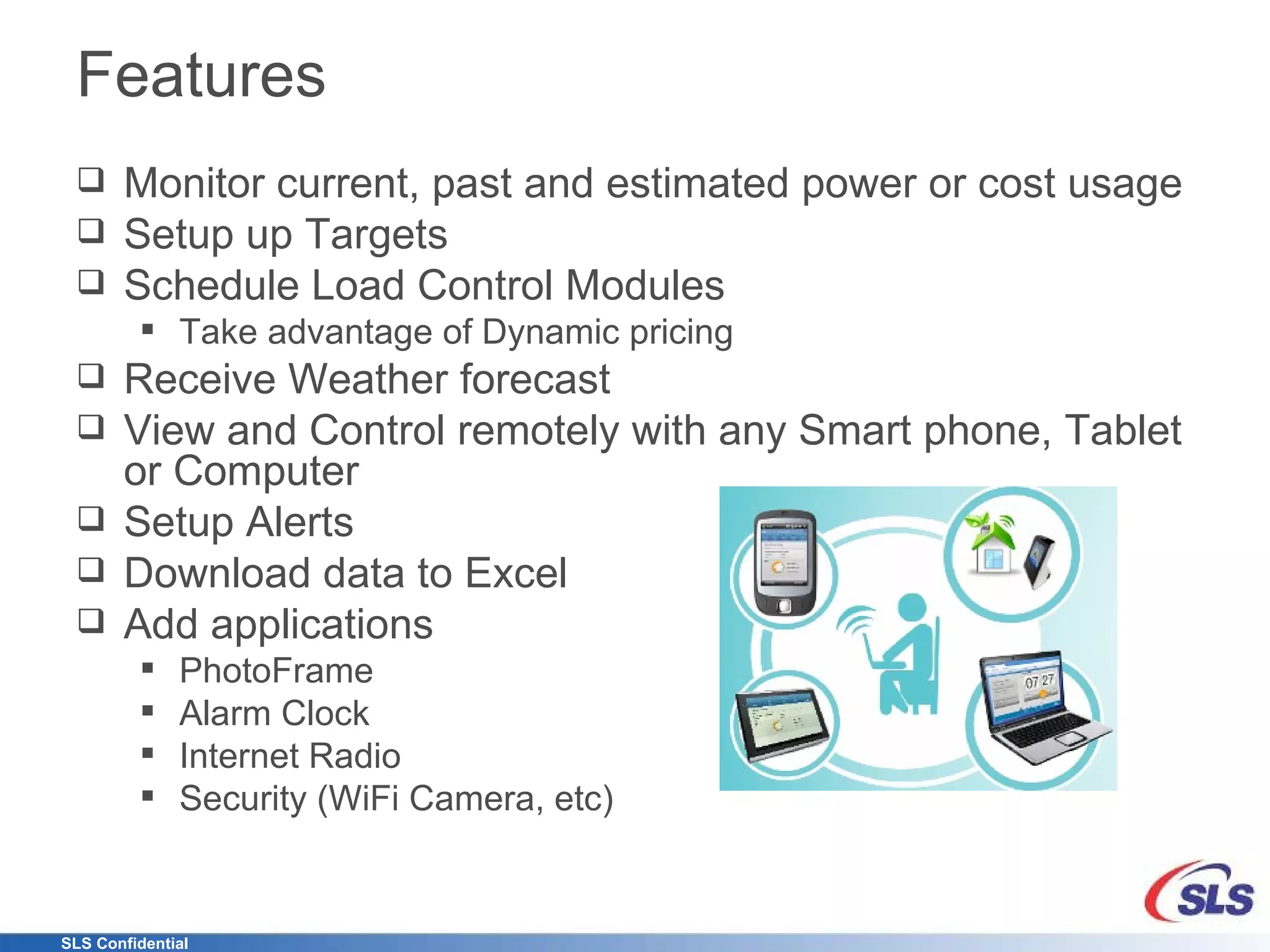
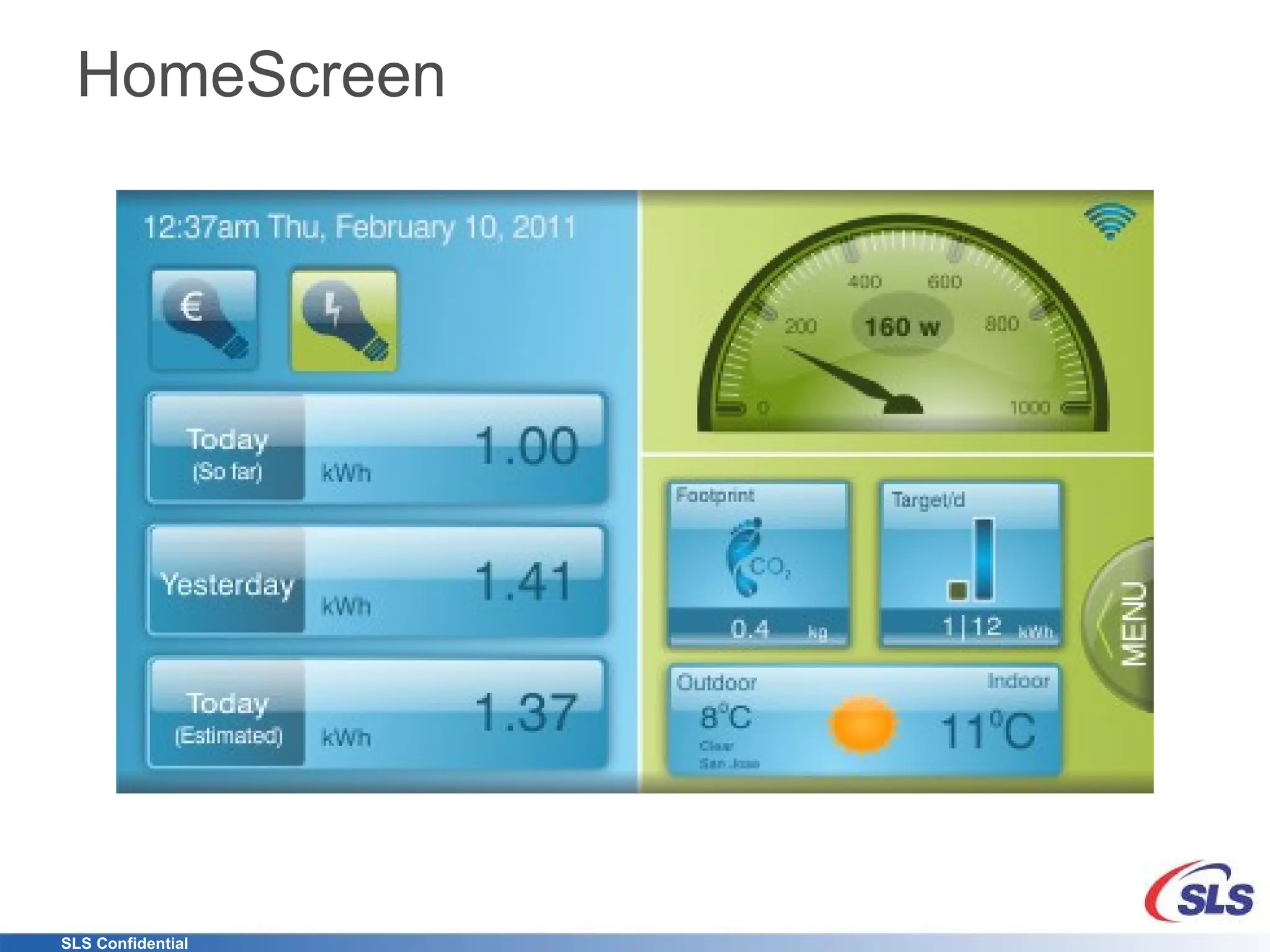
Features Monitor current, past and estimated power or cost usage Setup up Targets Schedule Load Control Modules Take advantage of Dynamic pricing Receive Weather forecast View and Control remotely with any Smart phone, Tablet or Computer Setup Alerts Download data to Excel Add applications PhotoFrame Alarm Clock Internet Radio Security (WiFi Camera, etc)
Features C-Band Power Line Communication One to one pairing with NES Meter Encrypted communication Saves 1 year of data from meter and 50 load control modules Fifteen minute polling normally and 30 second polling in Fast update mode WiFi Interface Create Ad Hoc network Connect to Home router Internal Web Server Uses Echelon’s Smart Energy Profile Tariff Rates Messaging Demand Response Auto detection of Load Control modules Update over the internet
Summary Take control of Energy usage View Energy and Cost data in real-time, over time Manage energy remotely via smart phones and tablets Reduce Carbon footprint with monitoring and action Add WiFi based extensions (bridge) Add Load Control Modules Scalable Extendable Reliable And much more …
Thank You
Detailed Screen Shots Note: Graphical User Interface may be changed depending on customer requirements
HomeScreen
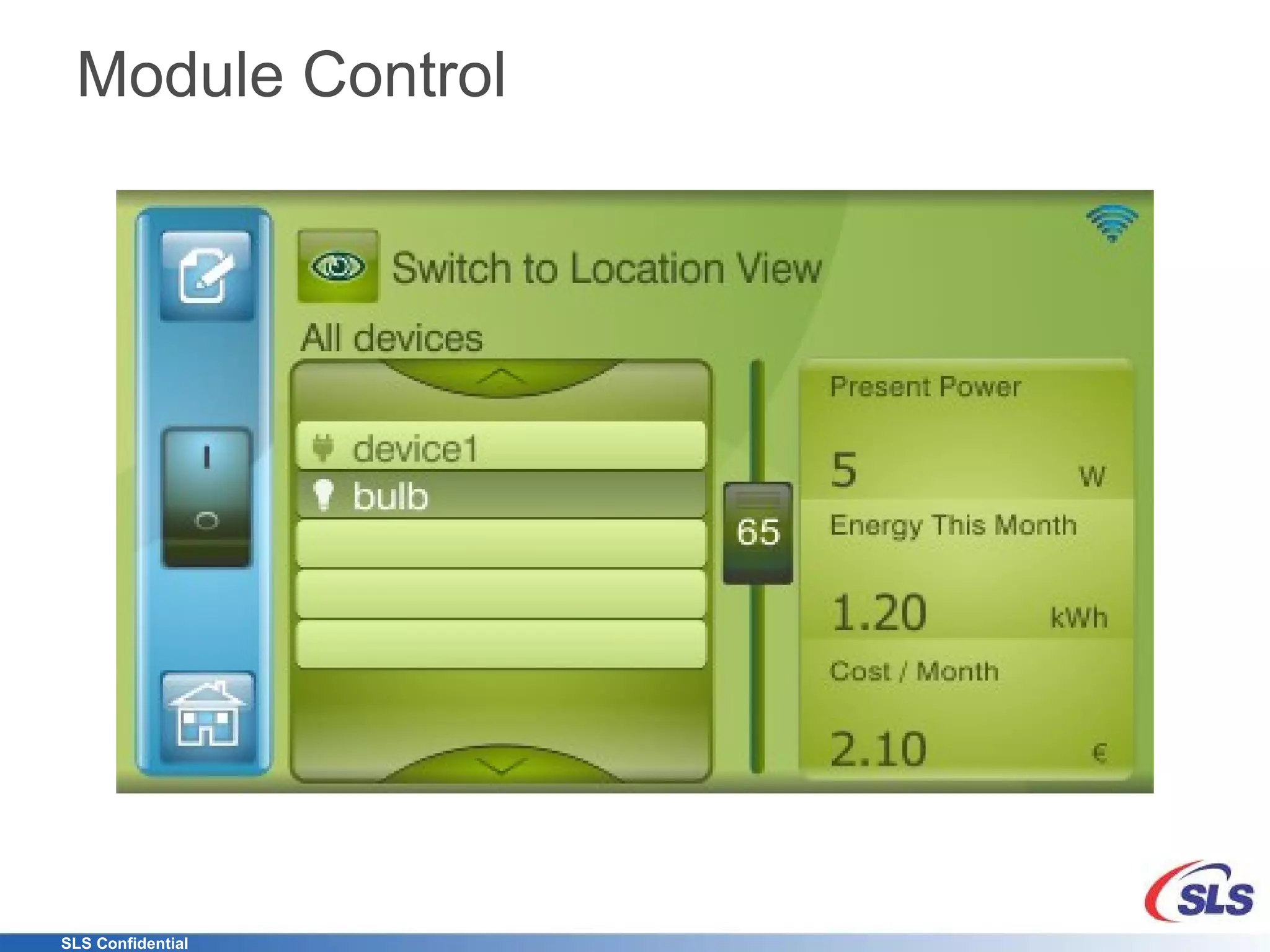
Module Control
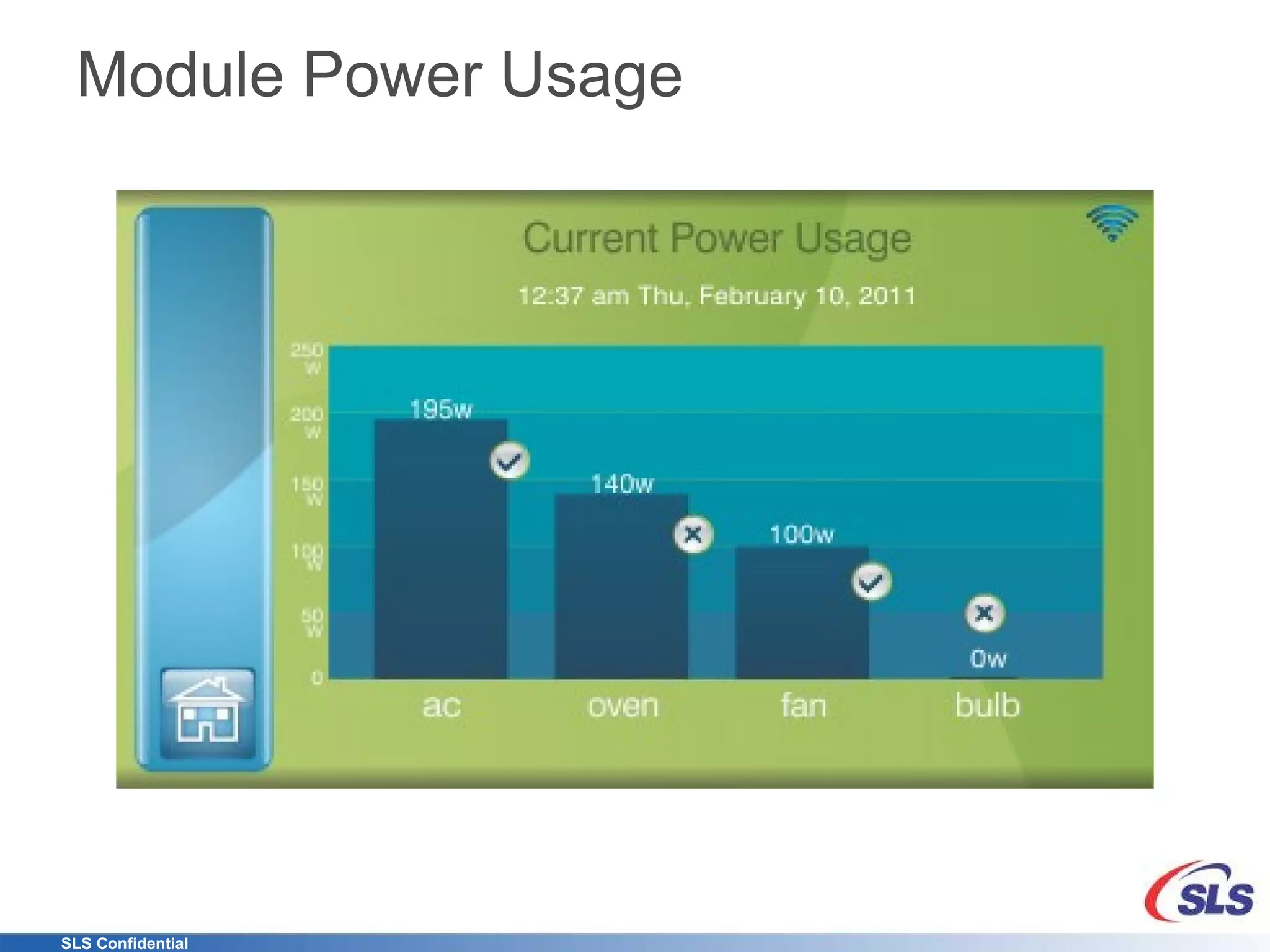
Module Power Usage
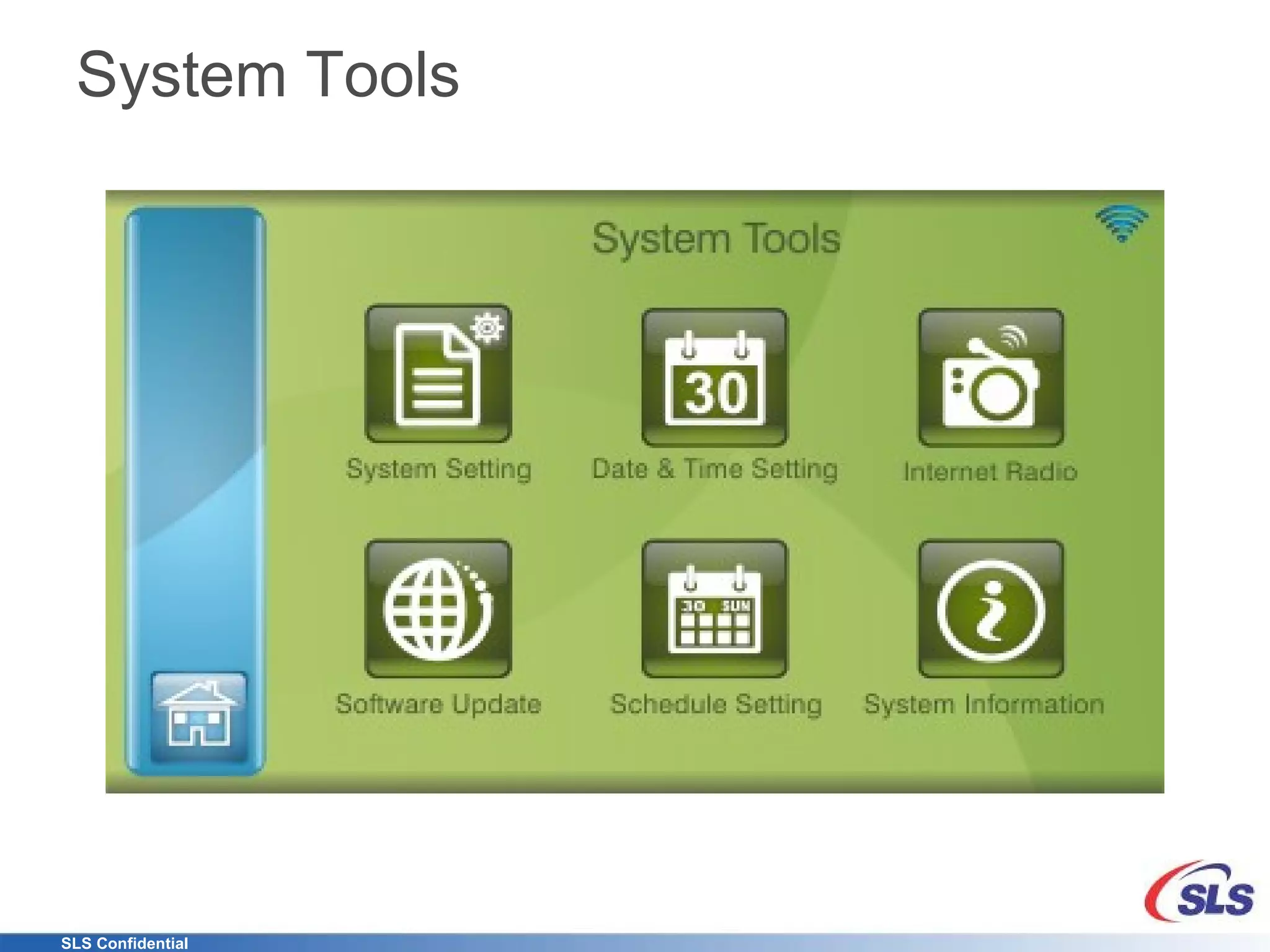
System Tools
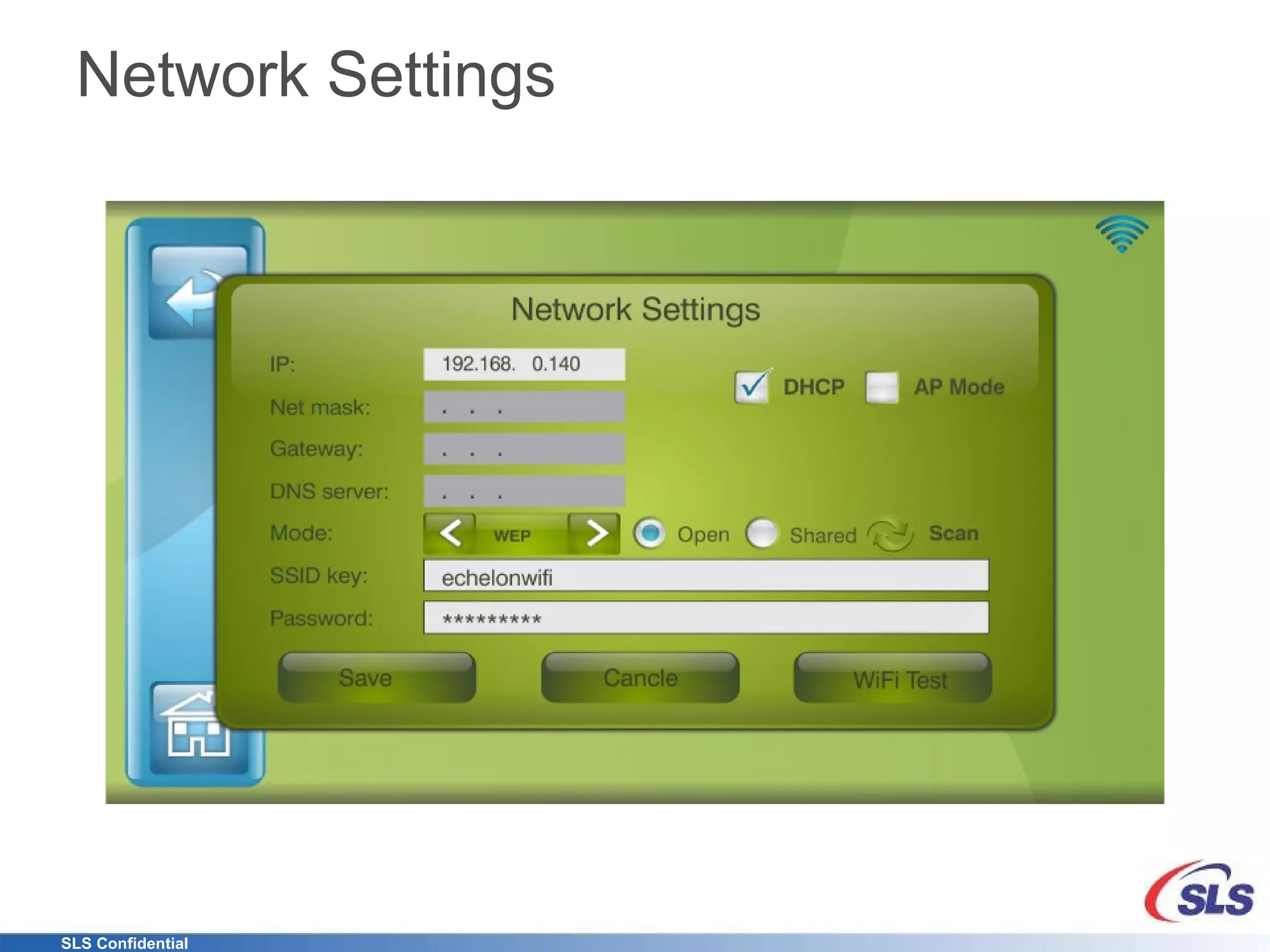
Network Settings
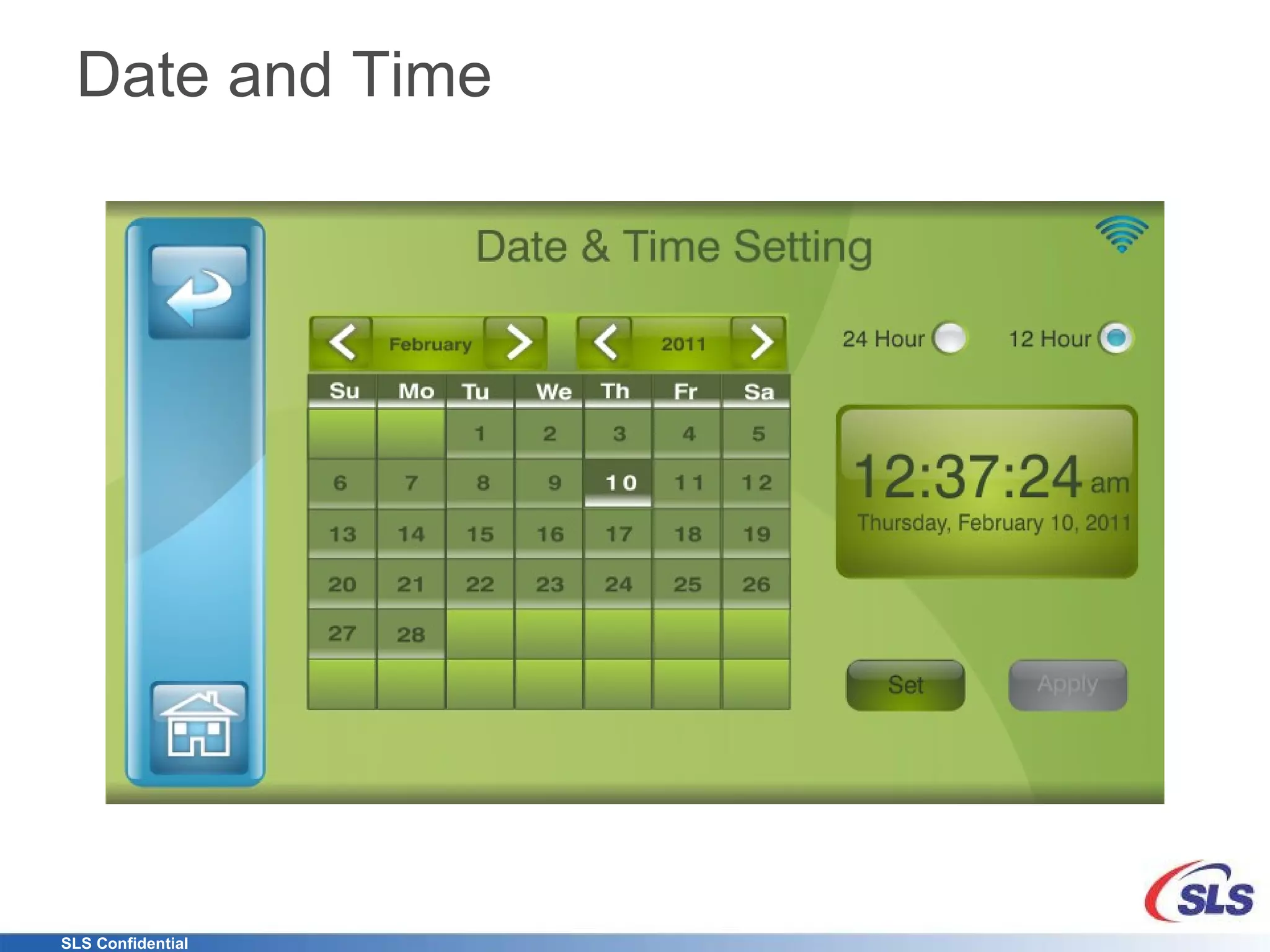
Date and Time
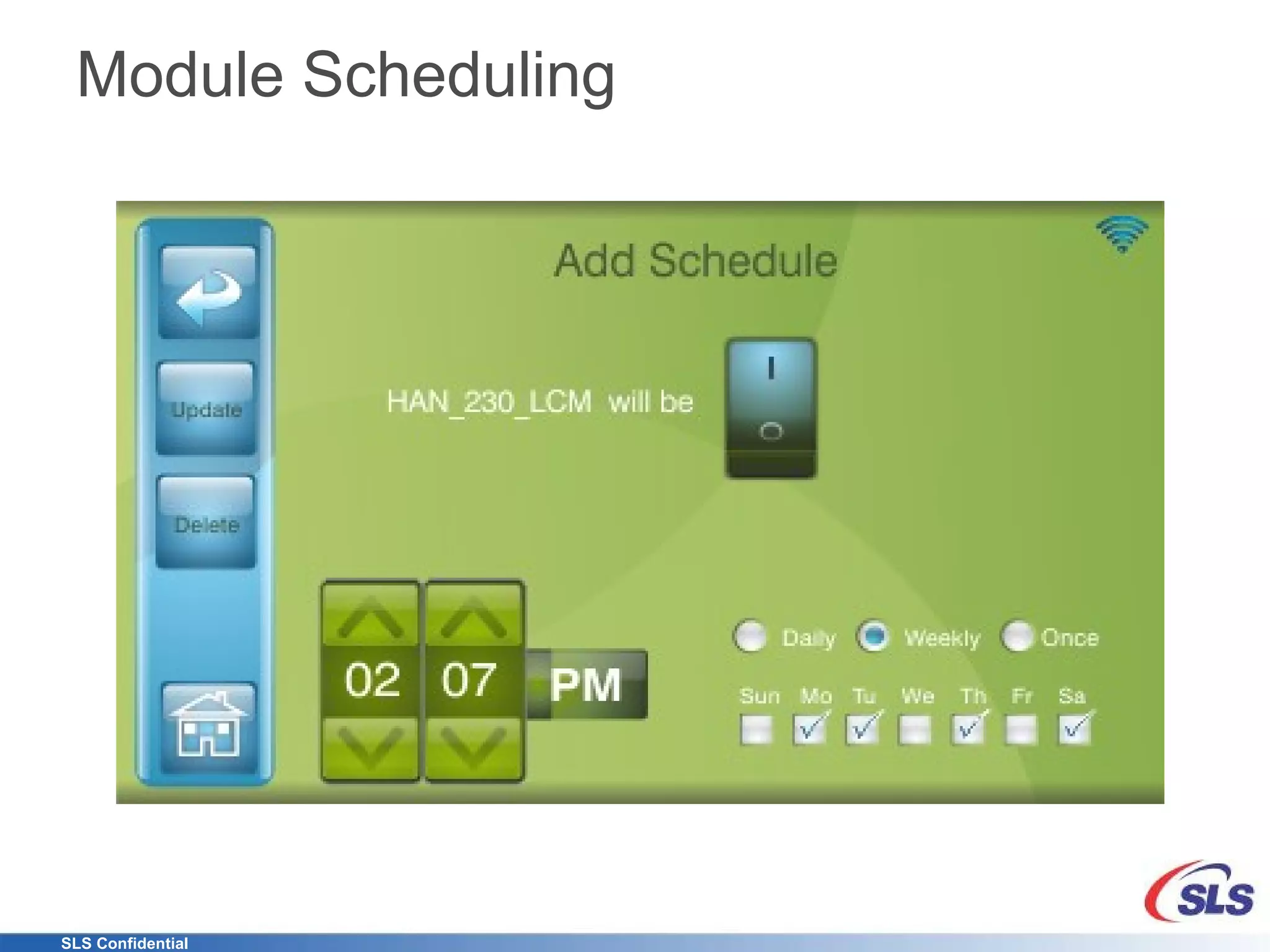
Module Scheduling
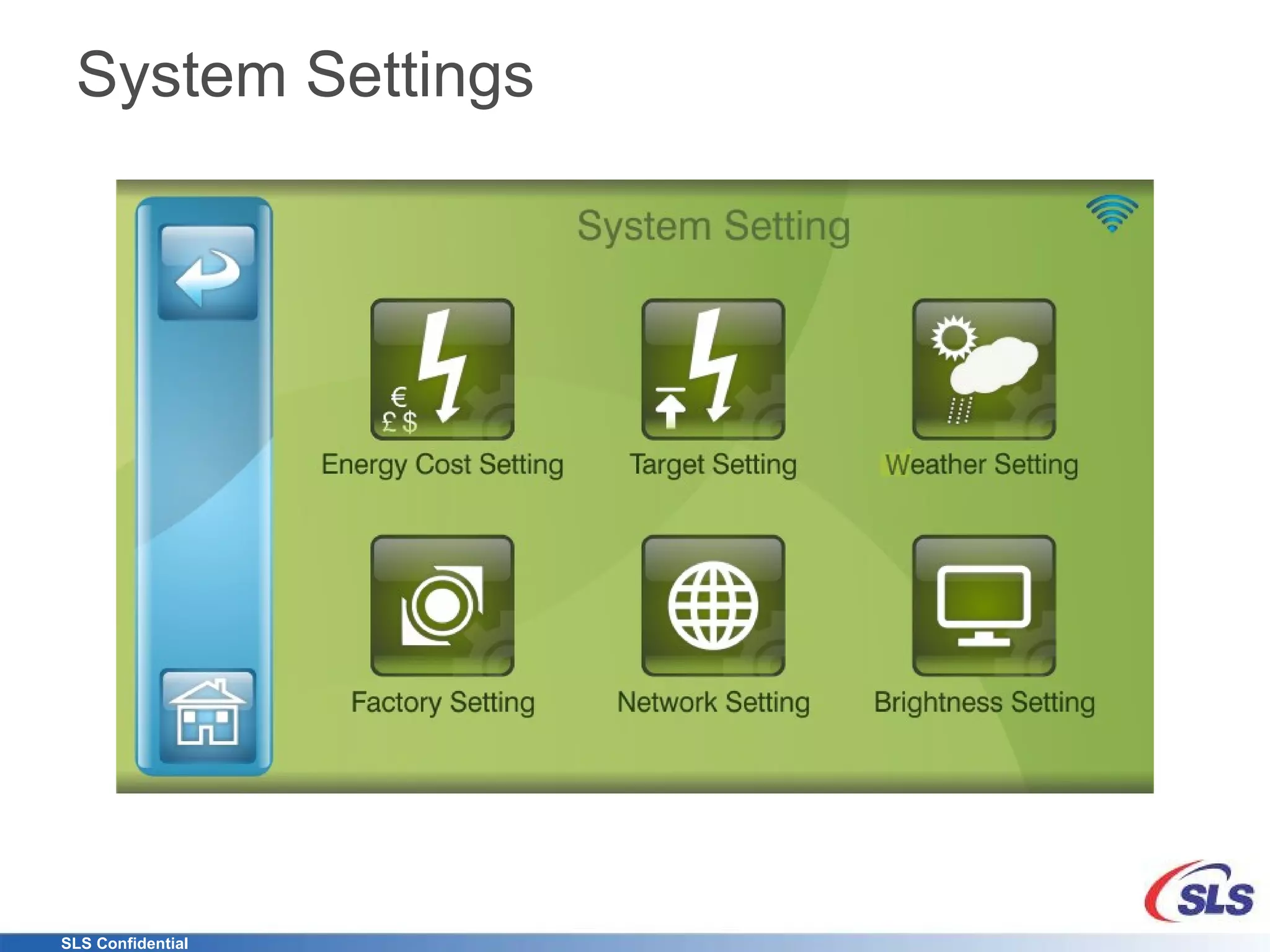
System Settings
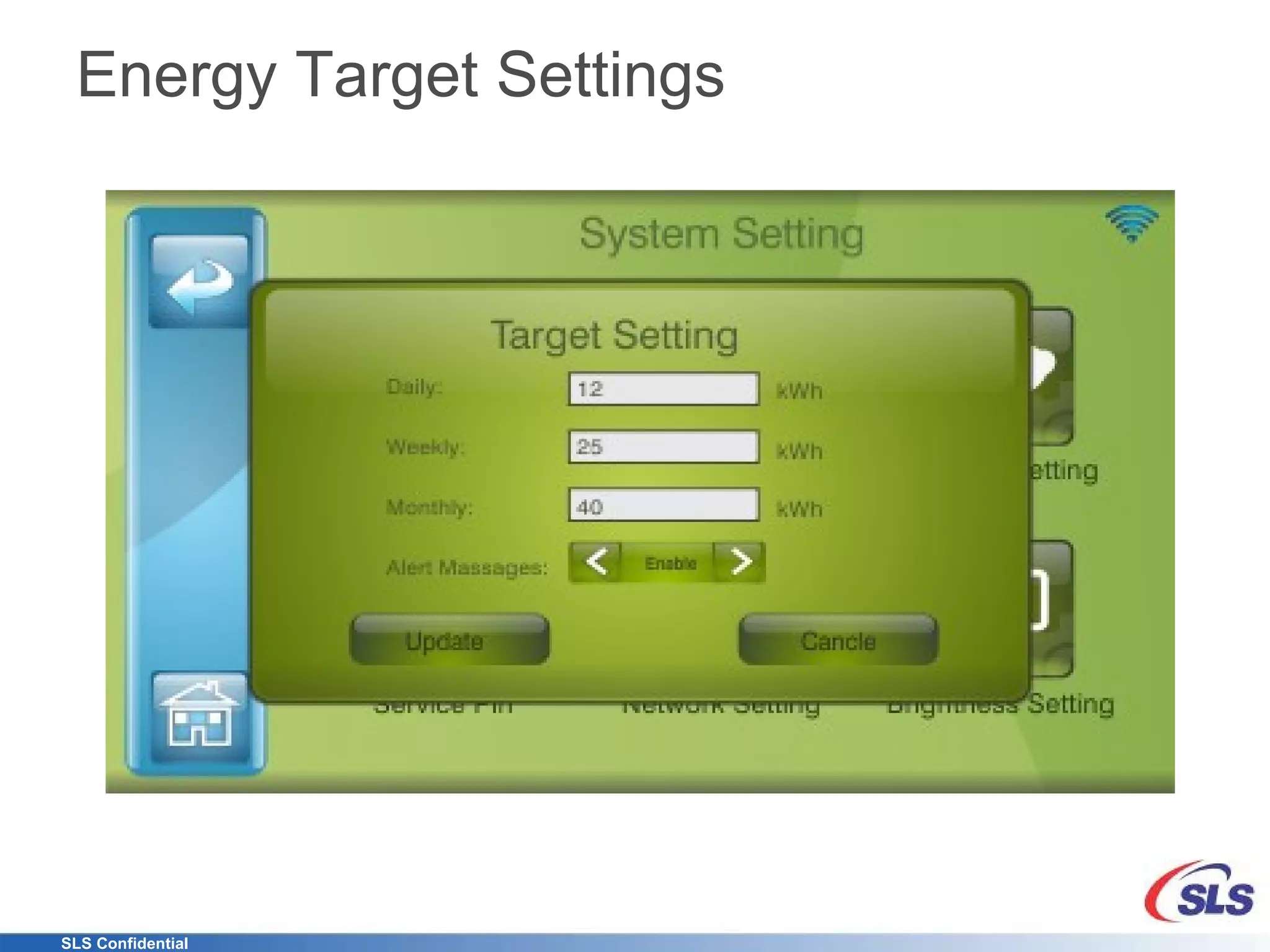
Energy Target Settings
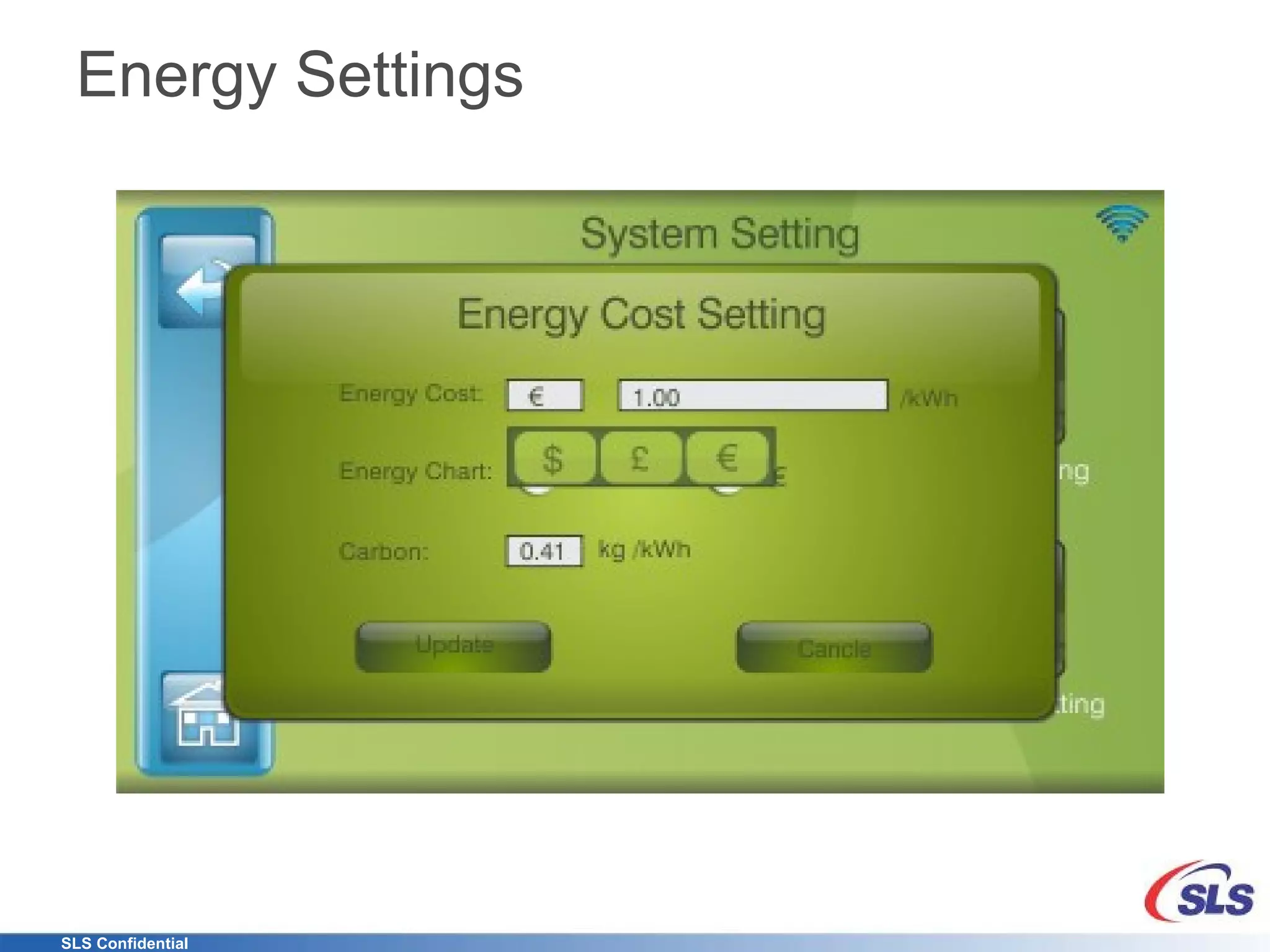
Energy Settings

The Energy Management Console

  • 1.
    eCommander Energy ManagementController System Level Solutions, Inc.
  • 2.
    Agenda Brief CompanyOverview Touch on Need Product Introduction Product Features Detailed Screenshots Summary
  • 3.
    Mission Develop anddeploy products that bridge the SmartGrid and SmartHome worldwide using Power Line and WiFi communication that interoperate with SmartPhones and Tablets
  • 4.
    The Company Salesoffice in California Research and Development in India Mixed Business Model Design Services Products Fundamental Grasp of underlying technologies IP development (ASIC/FPGA) USB, PCI, Memory, DSP, and others PCB design and layout OS Firmware, Driver and Application design One Stop Shop for Product Development and Deployment
  • 5.
    Location of IndiaOffice International Airport (90 minutes by car)
  • 6.
    New Paradigm inMetering Utilities (Switching to Networked Energy Services) Accurate Data back to the Central Office Better monitor delivery Manage energy demands more effectively Consumer Increased interest in managing costs of energy Find out what and how they are using energy What steps they might take to reduce usage Take control and make informed decisions about energy usage Enable Cost Reductions Allows utilities to position themselves as world-class public service providers Improve Customer Satisfaction Save Money Reduce their Carbon Footprint Help Protect the Environment
  • 7.
    What’s out therenow? many are worried about what's being called "mean time to kitchen drawer"
  • 8.
    SLS Introduces… World’sFirst Energy Management Console allowing Bi-directional information between the Utility and Customer over Echelon’s robust and proven Power Line Communication
  • 9.
    eCommander eCommander isa gateway for various control points around the home with Power Line Communication—No Rewiring required!
  • 10.
    Features Monitor current,past and estimated power or cost usage Setup up Targets Schedule Load Control Modules Take advantage of Dynamic pricing Receive Weather forecast View and Control remotely with any Smart phone, Tablet or Computer Setup Alerts Download data to Excel Add applications PhotoFrame Alarm Clock Internet Radio Security (WiFi Camera, etc)
  • 11.
    Features C-Band PowerLine Communication One to one pairing with NES Meter Encrypted communication Saves 1 year of data from meter and 50 load control modules Fifteen minute polling normally and 30 second polling in Fast update mode WiFi Interface Create Ad Hoc network Connect to Home router Internal Web Server Uses Echelon’s Smart Energy Profile Tariff Rates Messaging Demand Response Auto detection of Load Control modules Update over the internet
  • 12.
    Summary Take controlof Energy usage View Energy and Cost data in real-time, over time Manage energy remotely via smart phones and tablets Reduce Carbon footprint with monitoring and action Add WiFi based extensions (bridge) Add Load Control Modules Scalable Extendable Reliable And much more …
  • 13.
  • 14.
    Detailed Screen ShotsNote: Graphical User Interface may be changed depending on customer requirements
  • 15.
  • 16.
  • 17.
  • 18.
  • 19.
  • 20.
  • 21.
  • 22.
  • 23.
  • 24.