EnContRA
Engine for Content-Based Retrieval Approaches


                                 Ricardo José São Pedro Dias
                                                07/02/2012
Context
ColaDI Project
  – Platform for Project Collaboration in Industrial
    Design

Period: March 2010 / November 2011
(EnContRA – until February 2011)
Objectives
General Framework for (Content-Based)
Retrieval Approaches and Applications
  – Features:
     •   Indexing
     •   Features Extraction
     •   Searching / Retrieval Algorithms
     •   Extensible Query Processing
Advantages for Development
1. Modularity
2. Easy to use – Low learning curve
3. Fast development of new approaches
  – Examples:
     •   A new descriptor
     •   A new searching / retrieval algorithm
     •   A new indexing structure
     •   Etc.
Multimedia Support
Support for different multimedia types
  – Pictures
  – Drawings
  – 3D Objects
  – Audio / Music
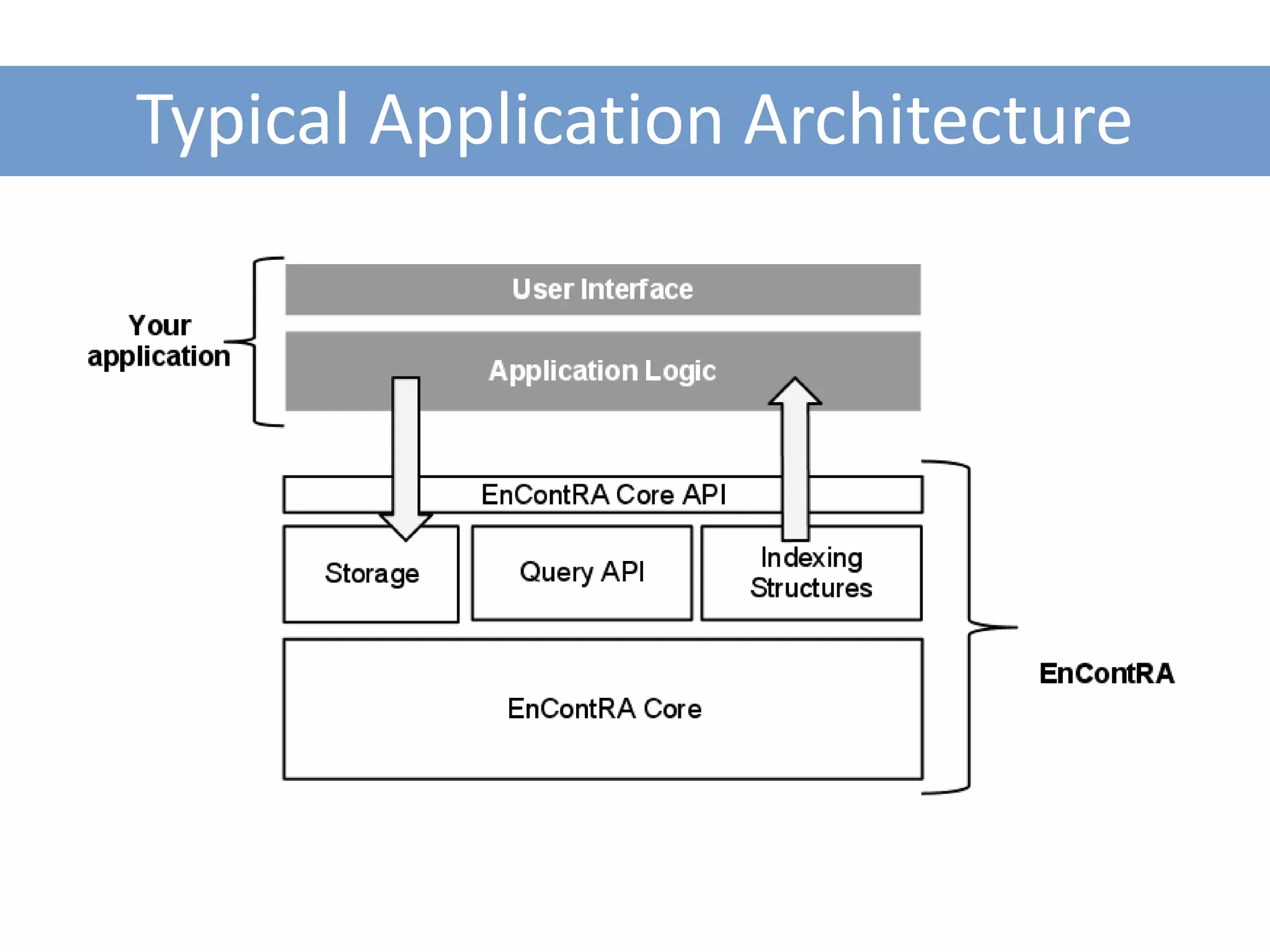
Typical Application Architecture
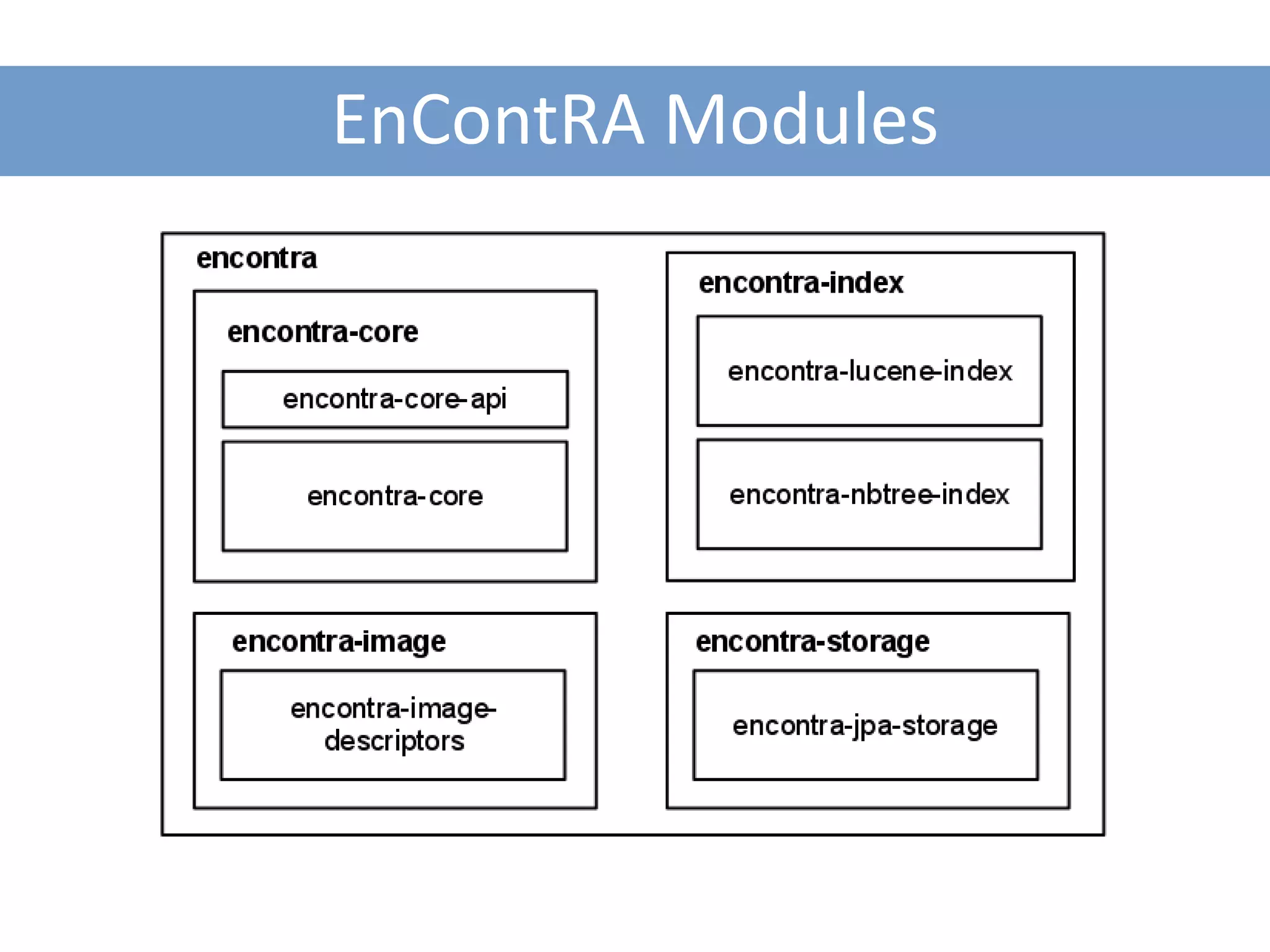
EnContRA Modules
Indexing and Retrieving Pictures using QBE

CREATING A SIMPLE APPROACH
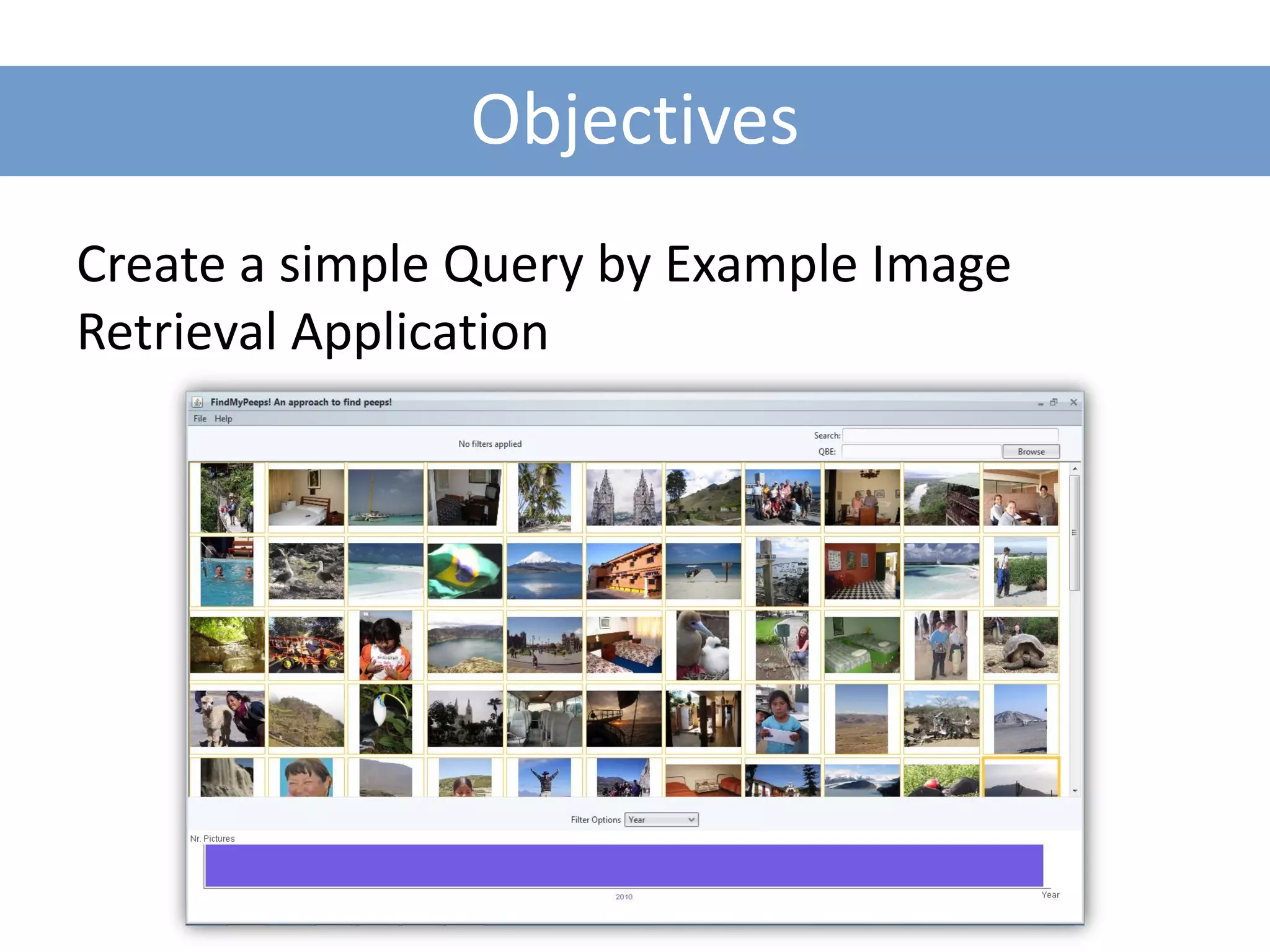
Objectives
Create a simple Query by Example Image
Retrieval Application
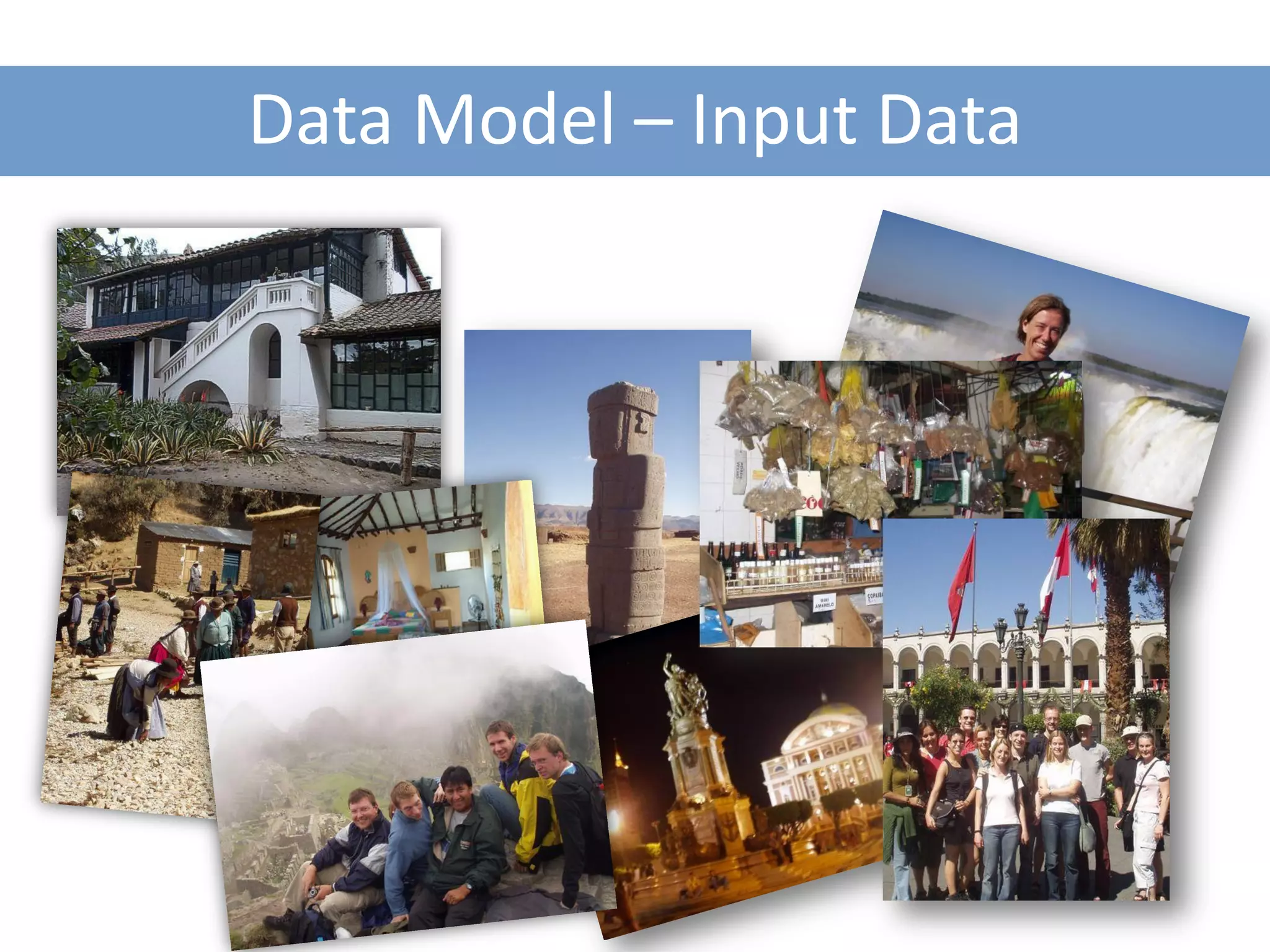
Data Model – Input Data
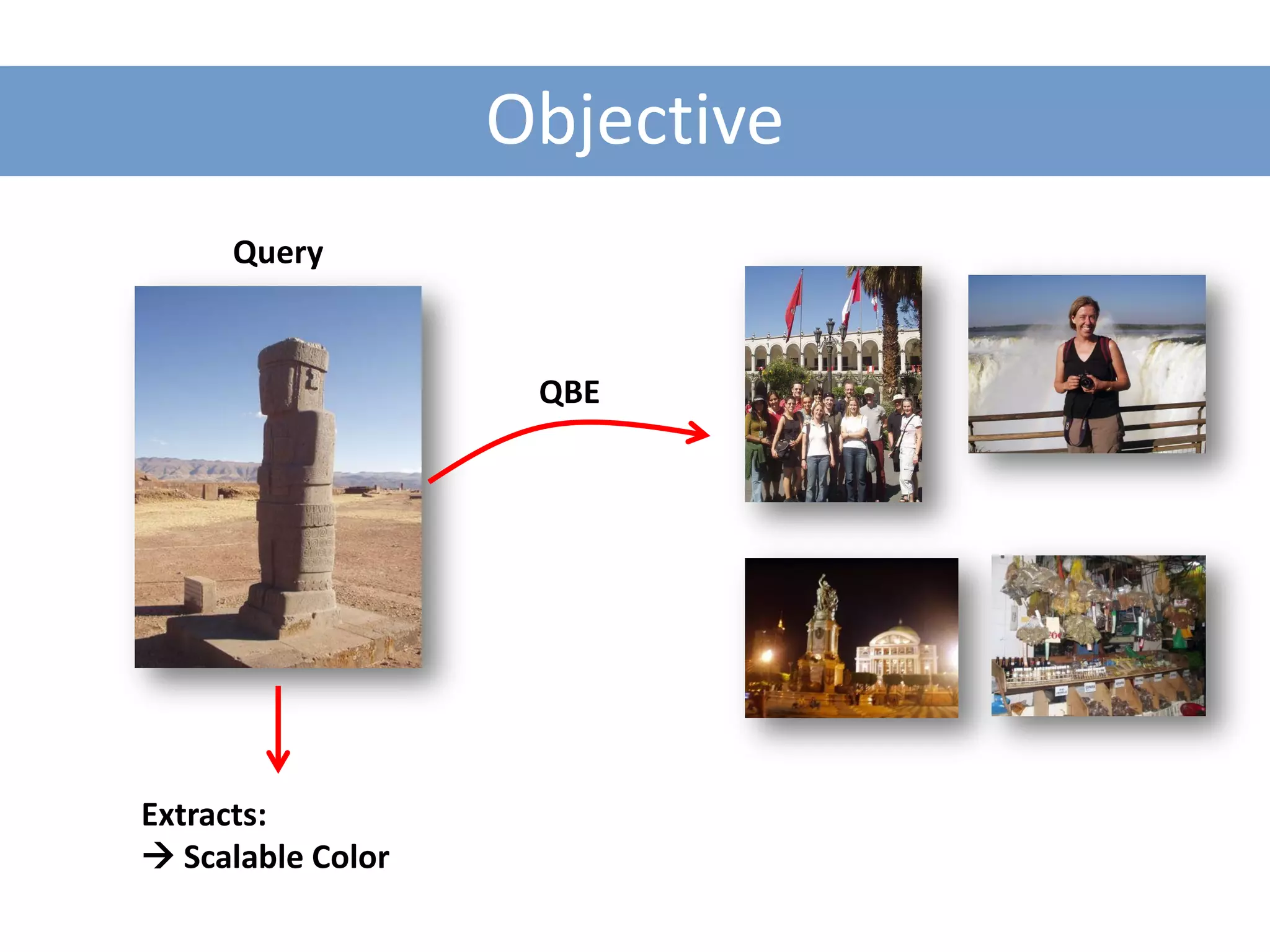
Objective
     Query


                    QBE


Extracts:
 Scalable Color
Pieces to Assembly
1. Image Descriptor: Scalable Color

2. Indexing Structure: In Memory Simple Index

3. Searching Algorithm: Simple Searcher
Pieces to Assembly
1. Image Descriptor: Scalable Color

2. Indexing Structure: In Memory Simple Index

3. Searching Algorithm: Simple Searcher
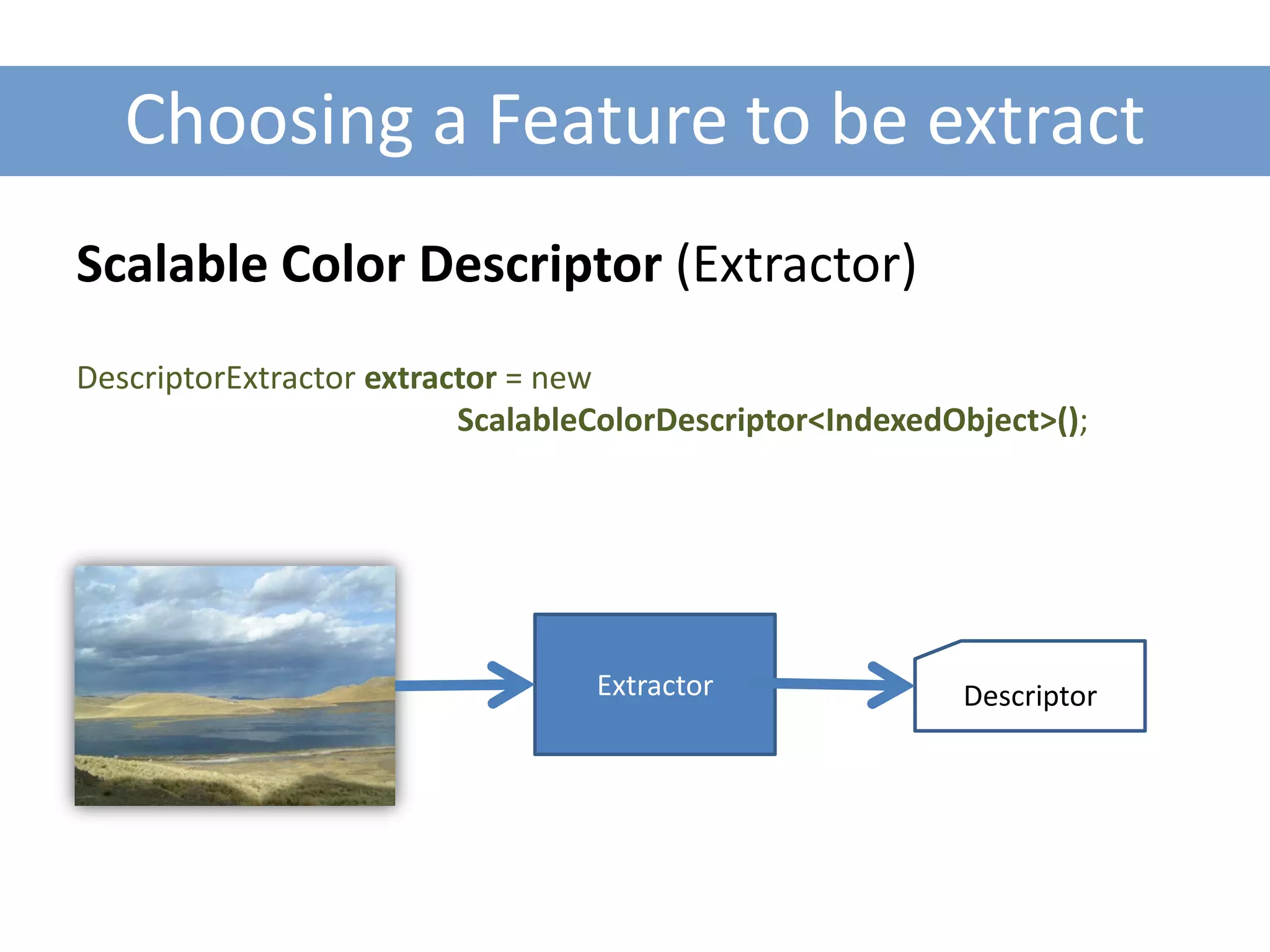
Choosing a Feature to be extract
Scalable Color Descriptor (Extractor)
DescriptorExtractor extractor = new
                          ScalableColorDescriptor<IndexedObject>();


                                  Extractor               Descriptor
Pieces to Assembly
1. Image Descriptor: Scalable Color

2. Indexing Structure: In Memory Simple Index

3. Searching Algorithm: Simple Searcher
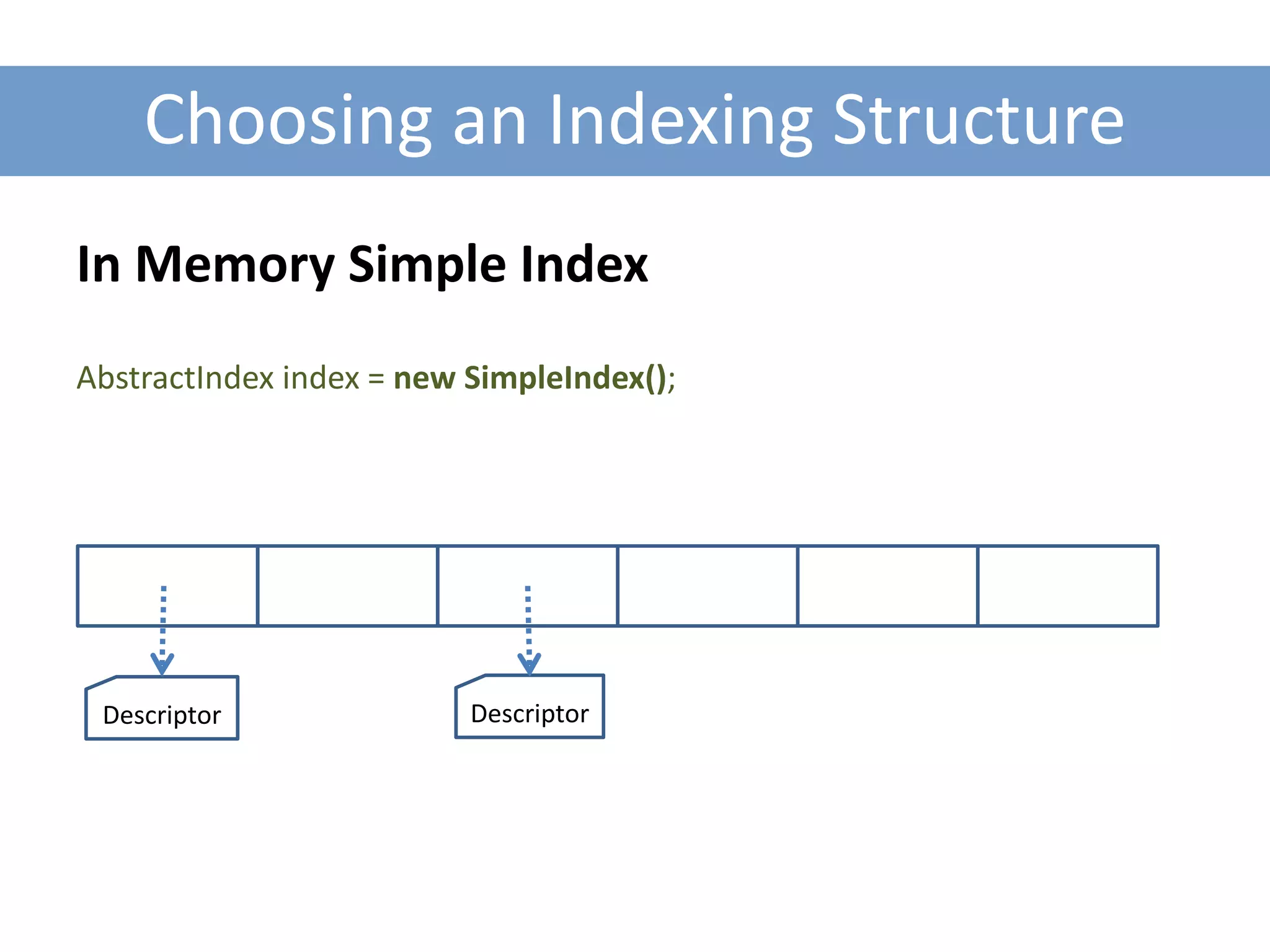
Choosing an Indexing Structure
In Memory Simple Index
AbstractIndex index = new SimpleIndex();


 Descriptor               Descriptor
Pieces to Assembly
1. Image Descriptor: Scalable Color

2. Indexing Structure: In Memory Simple Index

3. Searching Algorithm: Simple Searcher
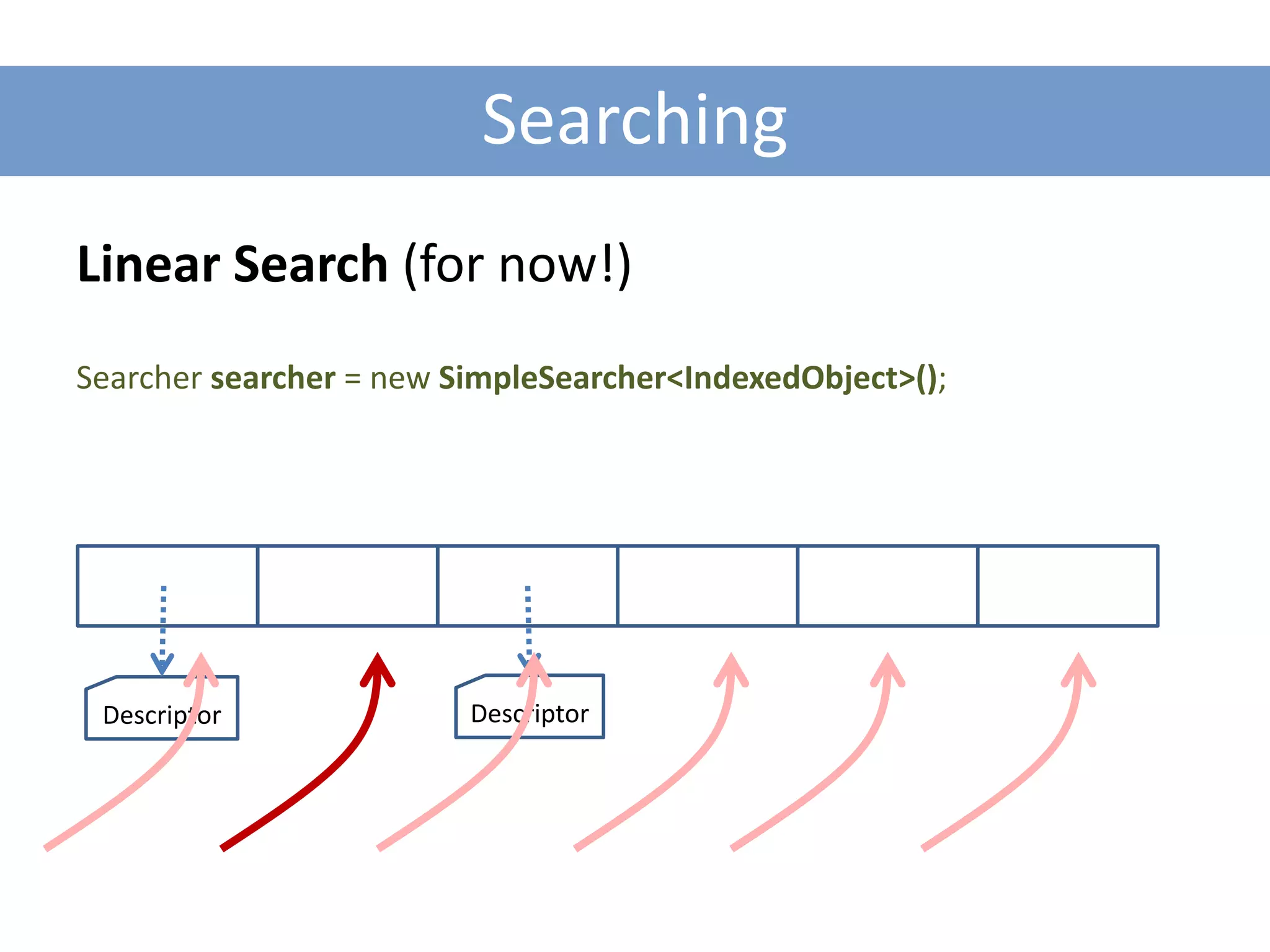
Searching
Linear Search (for now!)
Searcher searcher = new SimpleSearcher<IndexedObject>();


 Descriptor              Descriptor
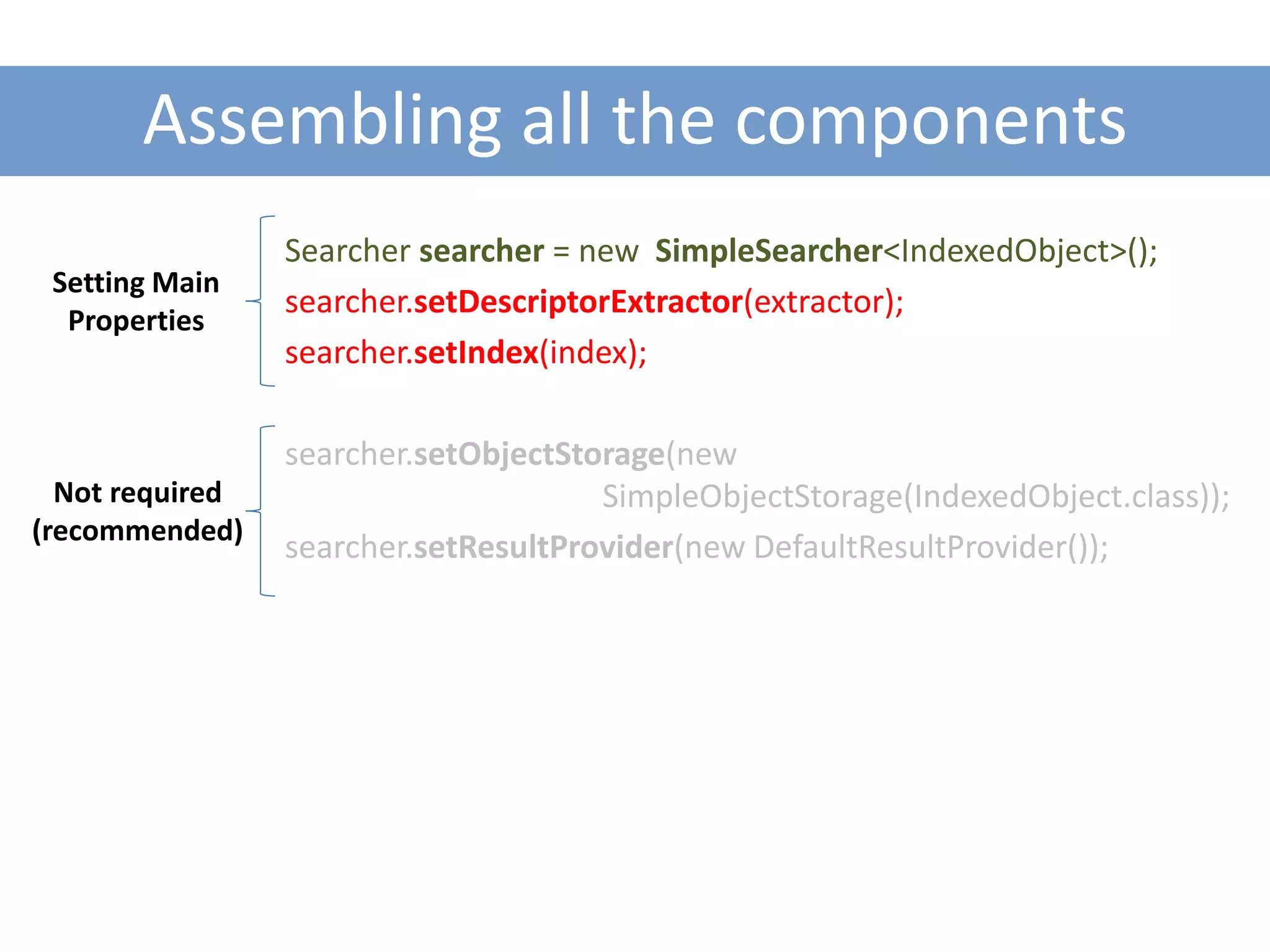
Assembling all the components
                 Searcher searcher = new SimpleSearcher<IndexedObject>();
 Setting Main
                 searcher.setDescriptorExtractor(extractor);
  Properties
                 searcher.setIndex(index);

                 searcher.setObjectStorage(new
  Not required                        SimpleObjectStorage(IndexedObject.class));
(recommended)
                 searcher.setResultProvider(new DefaultResultProvider());
Indexing the Dataset
File [] pictures = getFilePictures(dataset);

for (File pic : pictures) {
     BufferedImage image = ImageIO.read(pic);
     searcher.insert(new IndexedObject(image));
}


Extracts descriptors and indexes them!
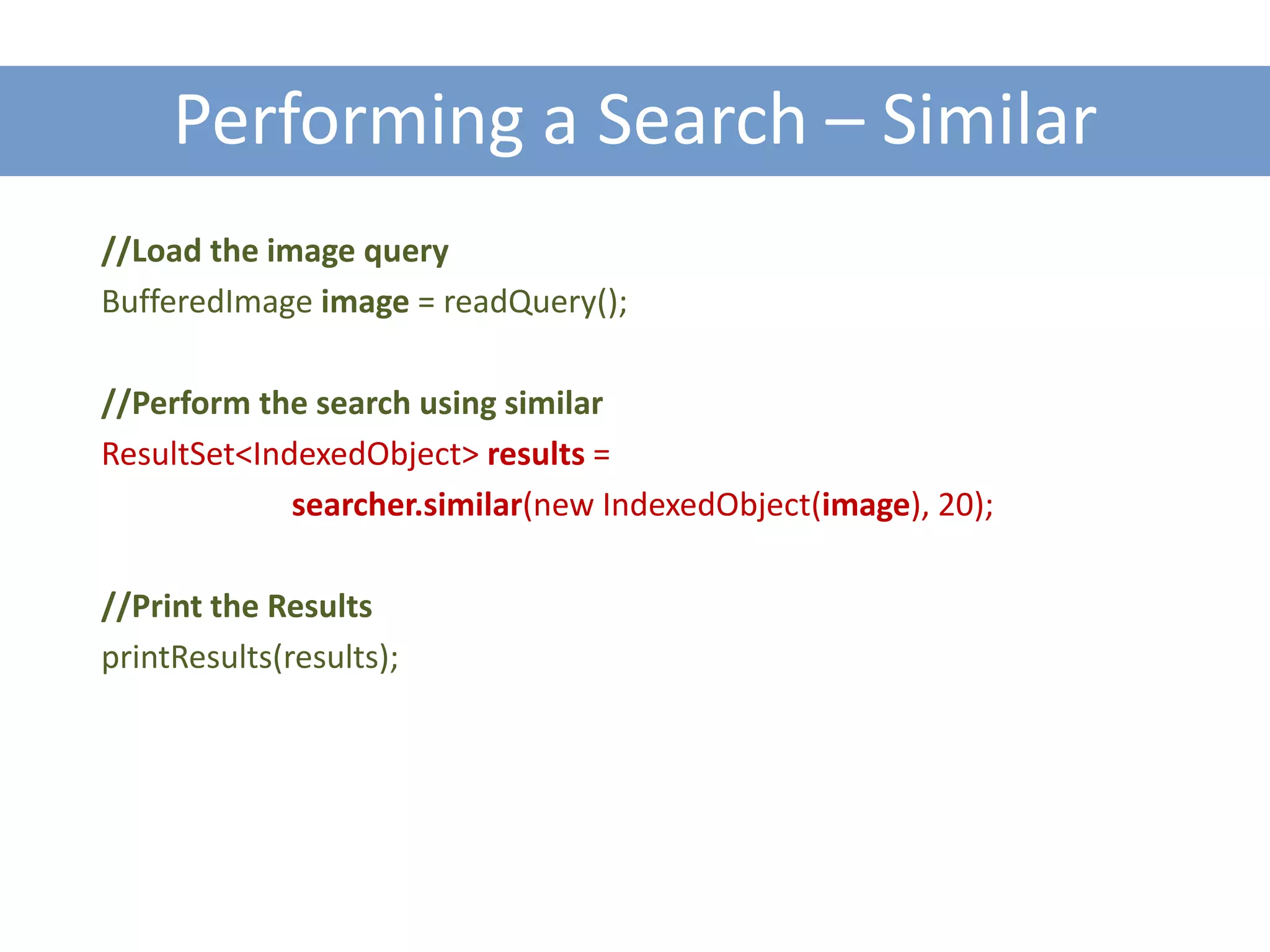
Performing a Search – Similar
//Load the image query
BufferedImage image = readQuery();

//Perform the search using similar
ResultSet<IndexedObject> results =
             searcher.similar(new IndexedObject(image), 20);

//Print the Results
printResults(results);
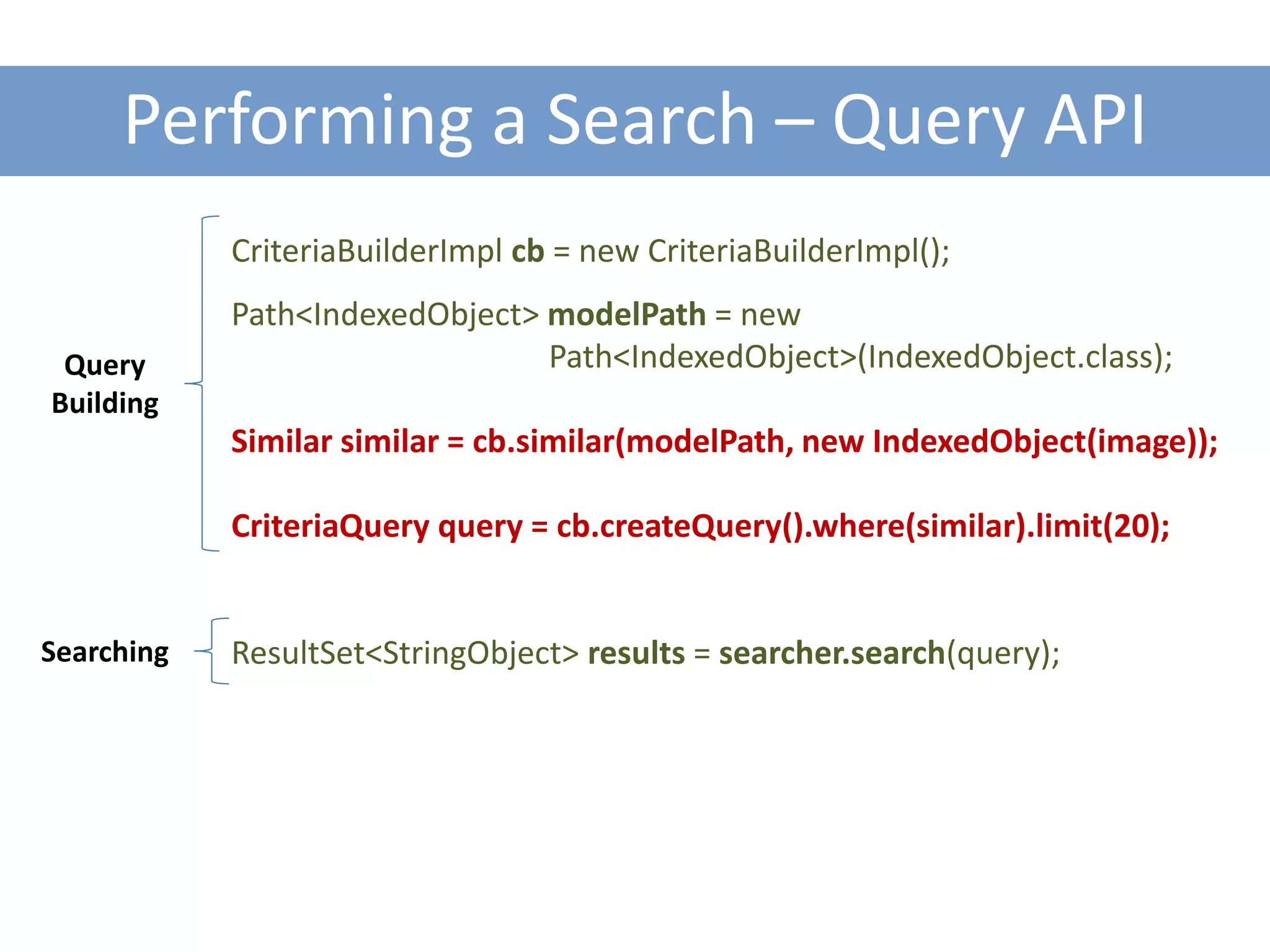
Performing a Search – Query API
            CriteriaBuilderImpl cb = new CriteriaBuilderImpl();
            Path<IndexedObject> modelPath = new
 Query                          Path<IndexedObject>(IndexedObject.class);
Building
            Similar similar = cb.similar(modelPath, new IndexedObject(image));

            CriteriaQuery query = cb.createQuery().where(similar).limit(20);


Searching   ResultSet<StringObject> results = searcher.search(query);
Indexing and Retrieving Pictures using QBE

A MORE COMPLEX APPROACH
Objectives
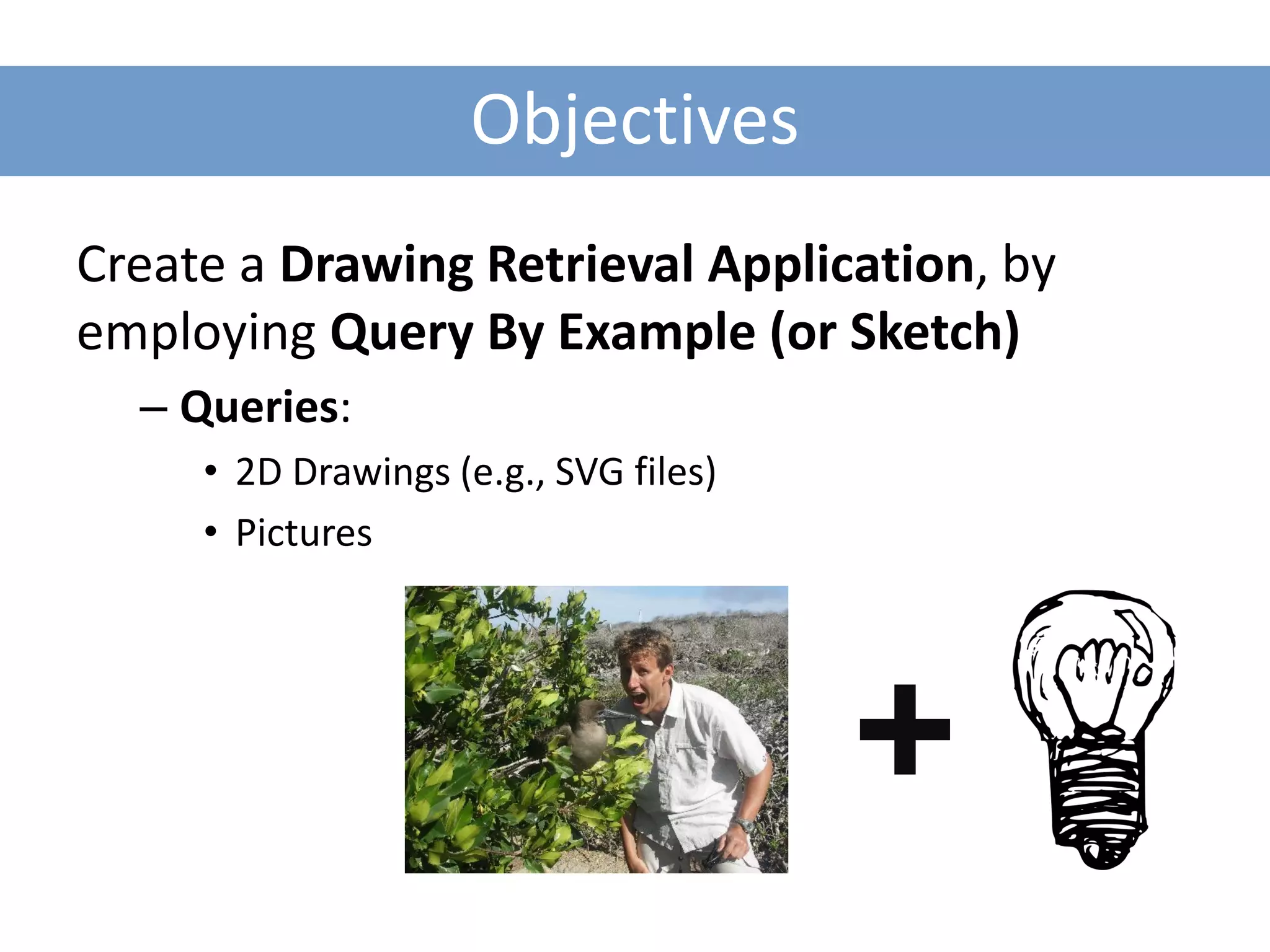
Create a Drawing Retrieval Application, by
employing Query By Example (or Sketch)
  – Queries:
     • 2D Drawings (e.g., SVG files)
     • Pictures
Input Model
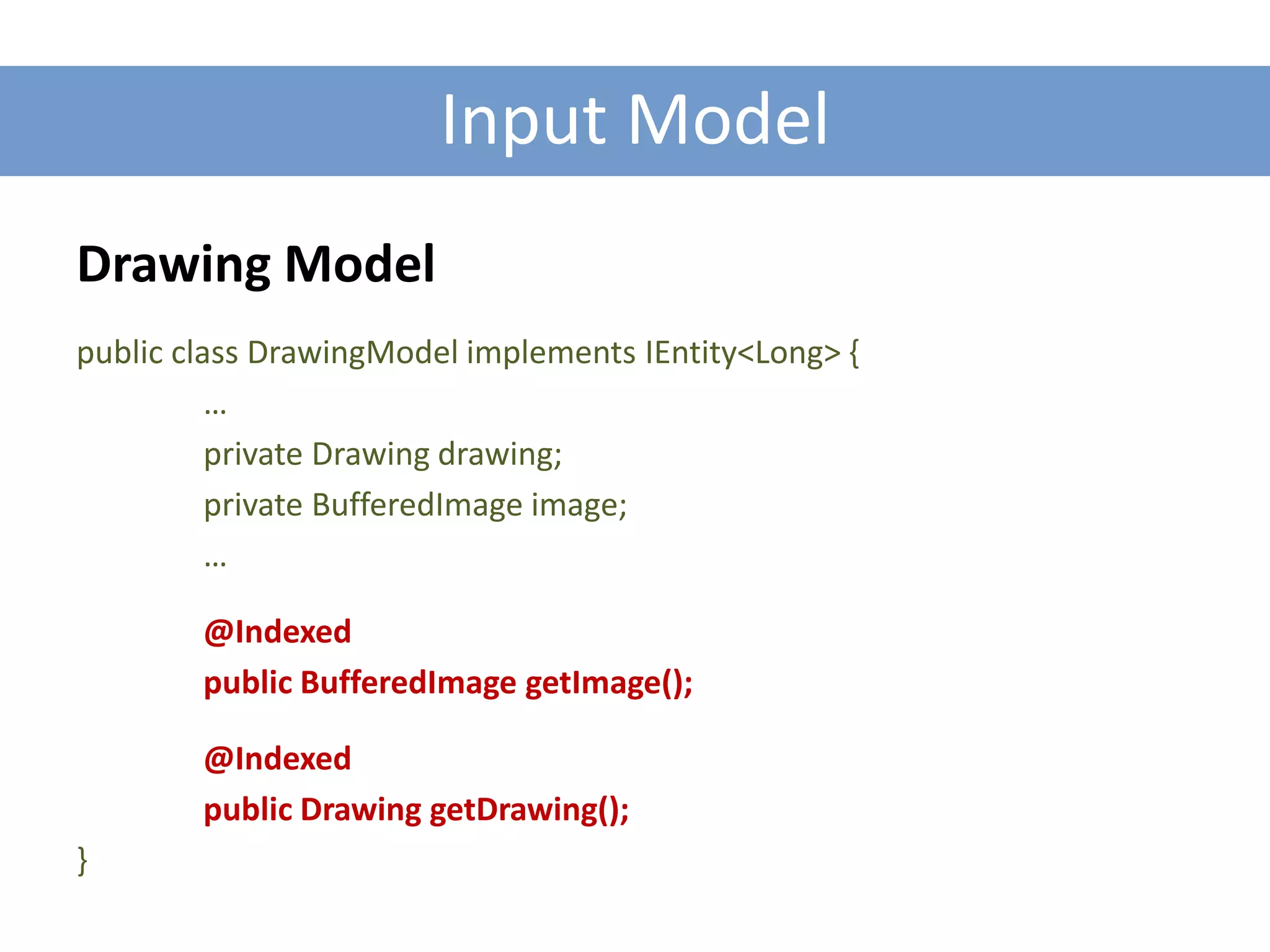
Drawing Model
public class DrawingModel implements IEntity<Long> {
          …
          private Drawing drawing;
          private BufferedImage image;
          …

        @Indexed
        public BufferedImage getImage();

        @Indexed
        public Drawing getDrawing();
}
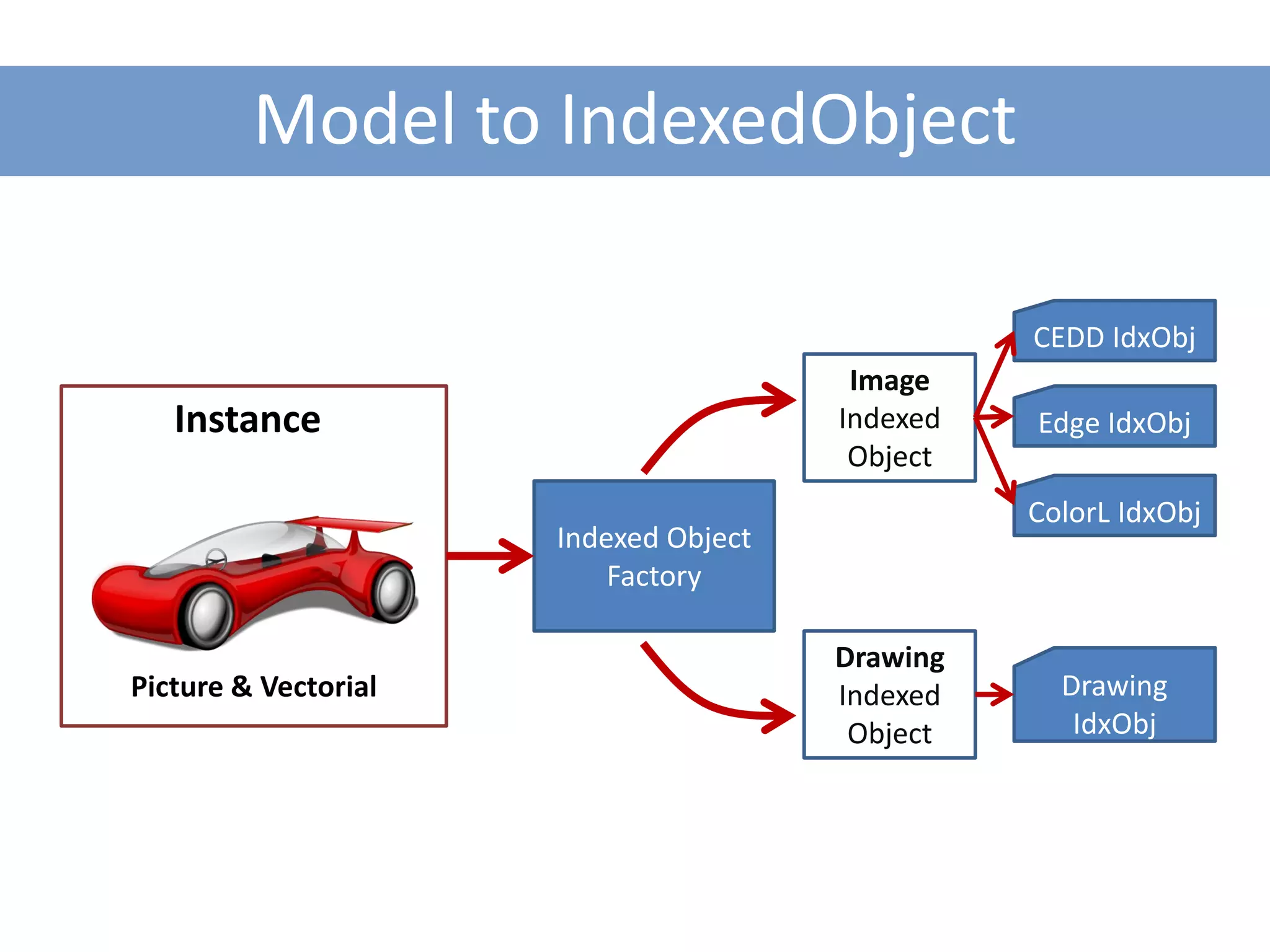
Model to IndexedObject

                                                 CEDD IdxObj
                                        Image
   Instance                            Indexed   Edge IdxObj
                                        Object
                                                 ColorL IdxObj
                      Indexed Object
                          Factory

                                       Drawing
Picture & Vectorial                    Indexed     Drawing
                                        Object      IdxObj
Pieces to Assembly
1. Descriptor: Image Descriptors + TopoGeo

2. Indexing Structure: NBTree

3. Searching Algorithm: NBTree Searcher
Pieces to Assembly
1. Descriptor: Image Descriptors + TopoGeo

2. Indexing Structure: NBTree

3. Searching Algorithm: NBTree Searcher
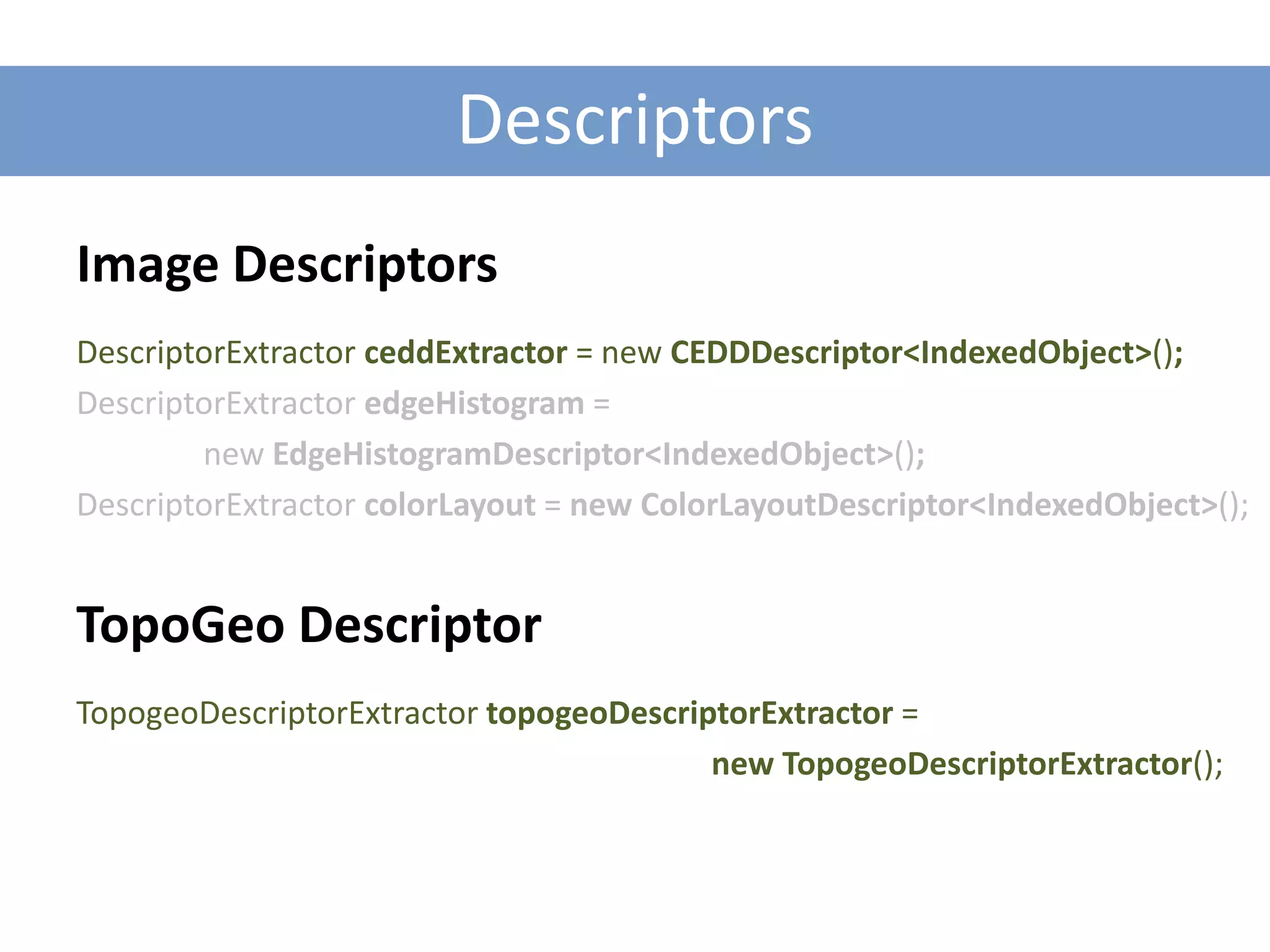
Descriptors
Image Descriptors
DescriptorExtractor ceddExtractor = new CEDDDescriptor<IndexedObject>();
DescriptorExtractor edgeHistogram =
        new EdgeHistogramDescriptor<IndexedObject>();
DescriptorExtractor colorLayout = new ColorLayoutDescriptor<IndexedObject>();


TopoGeo Descriptor
TopogeoDescriptorExtractor topogeoDescriptorExtractor =
                                         new TopogeoDescriptorExtractor();
Pieces to Assembly
1. Descriptor: Image Descriptors + TopoGeo

2. Indexing Structure: NBTree

3. Searching Algorithm: NBTree Searcher
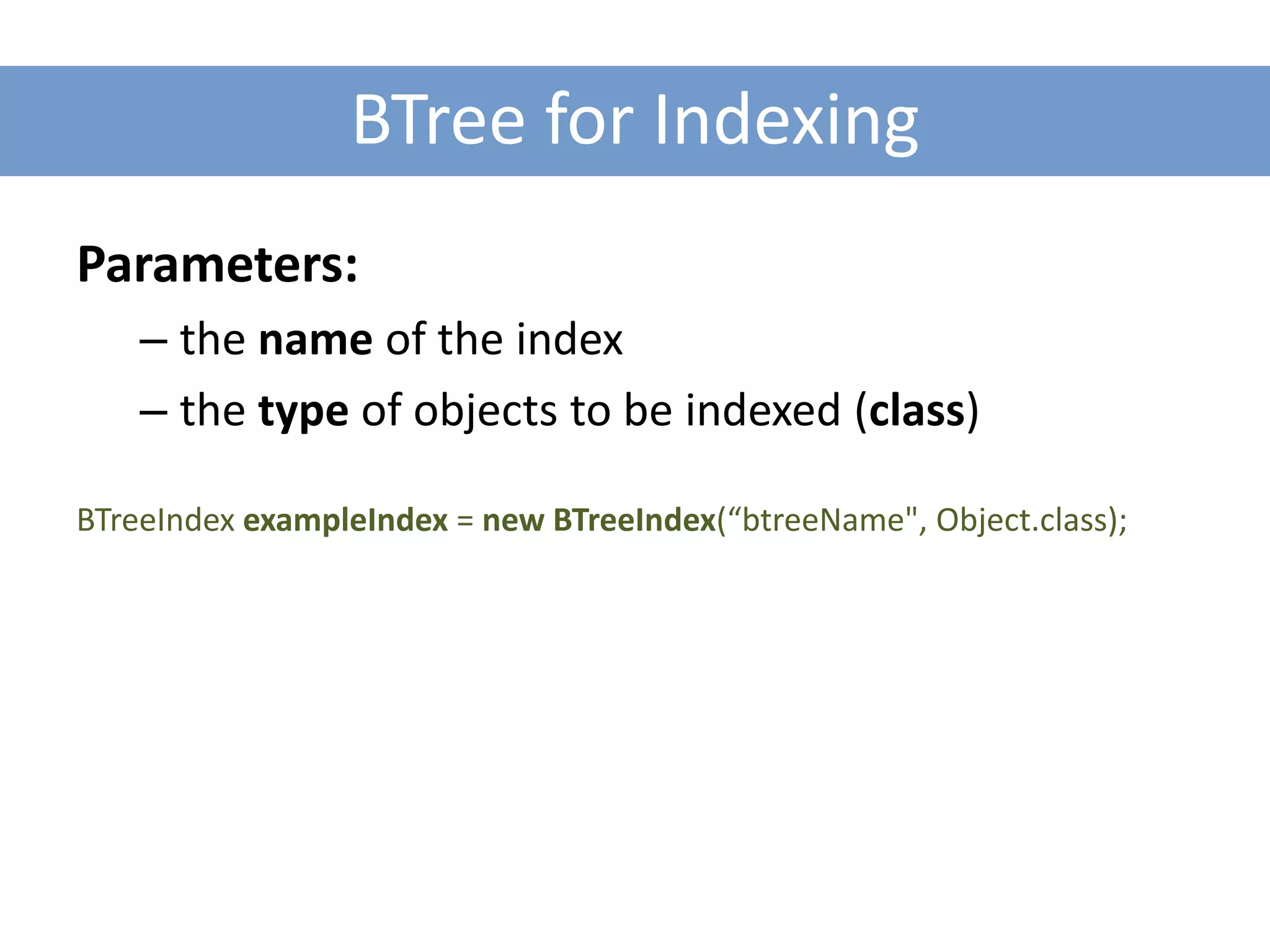
BTree for Indexing
Parameters:
    – the name of the index
    – the type of objects to be indexed (class)

BTreeIndex exampleIndex = new BTreeIndex(“btreeName", Object.class);
Pieces to Assembly
1. Descriptor: Image Descriptors + TopoGeo

2. Indexing Structure: NBTree

3. Searching Algorithm: NBTree Searcher
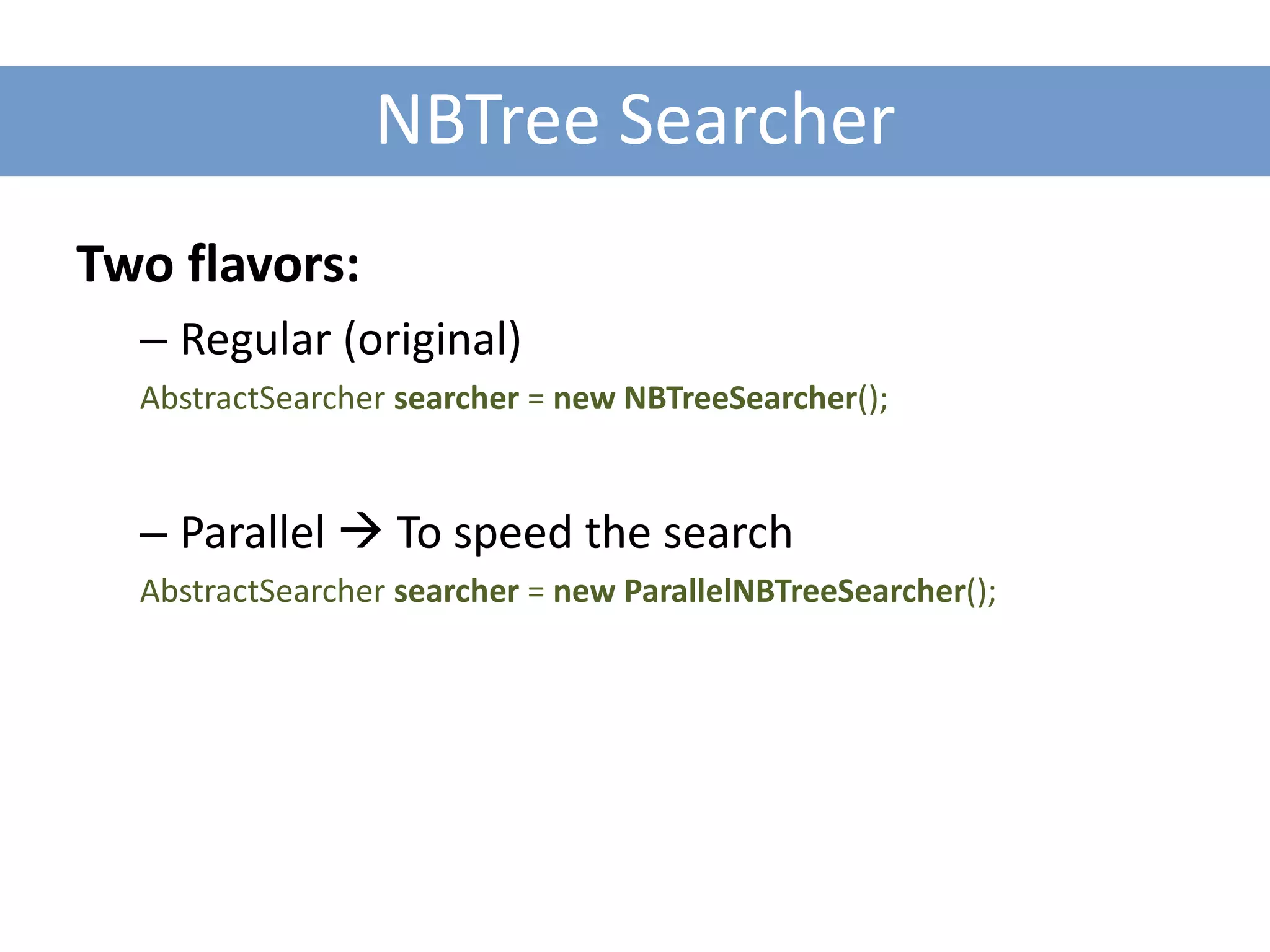
NBTree Searcher
Two flavors:
  – Regular (original)
  AbstractSearcher searcher = new NBTreeSearcher();


  – Parallel  To speed the search
  AbstractSearcher searcher = new ParallelNBTreeSearcher();
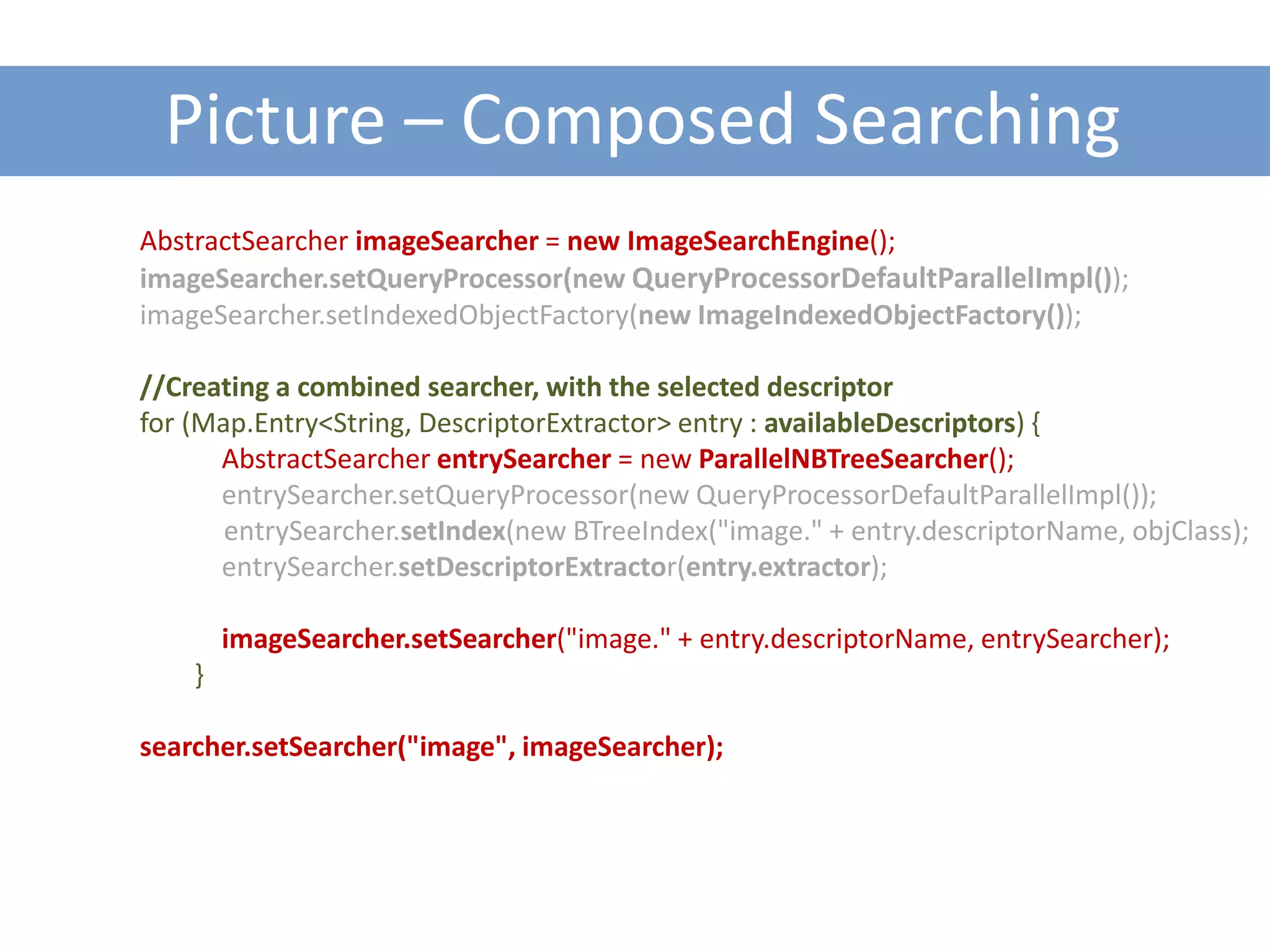
Picture – Composed Searching
AbstractSearcher imageSearcher = new ImageSearchEngine();
imageSearcher.setQueryProcessor(new QueryProcessorDefaultParallelImpl());
imageSearcher.setIndexedObjectFactory(new ImageIndexedObjectFactory());

//Creating a combined searcher, with the selected descriptor
for (Map.Entry<String, DescriptorExtractor> entry : availableDescriptors) {
      AbstractSearcher entrySearcher = new ParallelNBTreeSearcher();
      entrySearcher.setQueryProcessor(new QueryProcessorDefaultParallelImpl());
       entrySearcher.setIndex(new BTreeIndex("image." + entry.descriptorName, objClass);
      entrySearcher.setDescriptorExtractor(entry.extractor);

        imageSearcher.setSearcher("image." + entry.descriptorName, entrySearcher);
    }

searcher.setSearcher("image", imageSearcher);
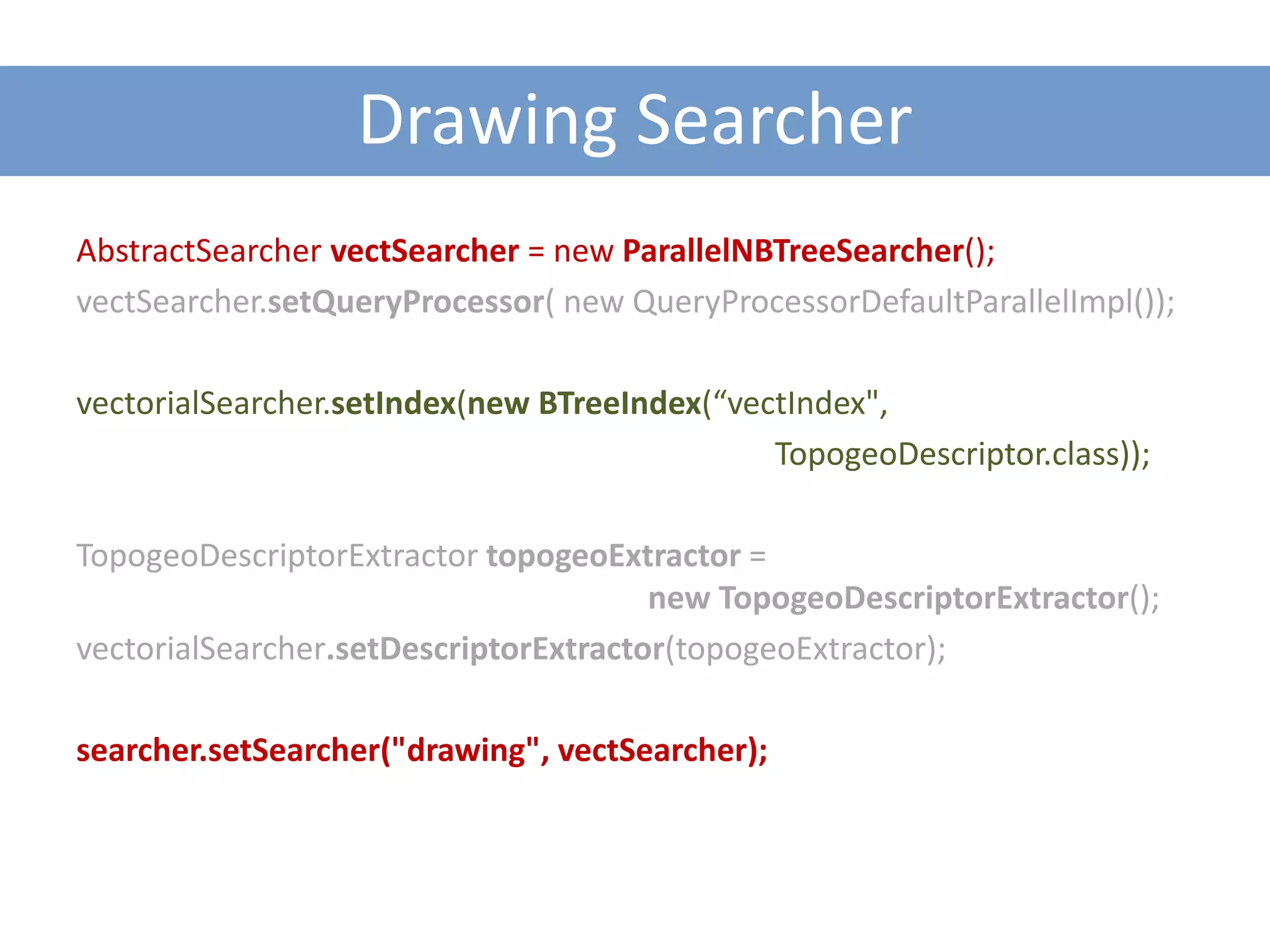
Drawing Searcher
AbstractSearcher vectSearcher = new ParallelNBTreeSearcher();
vectSearcher.setQueryProcessor( new QueryProcessorDefaultParallelImpl());

vectorialSearcher.setIndex(new BTreeIndex(“vectIndex",
                                              TopogeoDescriptor.class));

TopogeoDescriptorExtractor topogeoExtractor =
                                       new TopogeoDescriptorExtractor();
vectorialSearcher.setDescriptorExtractor(topogeoExtractor);

searcher.setSearcher("drawing", vectSearcher);
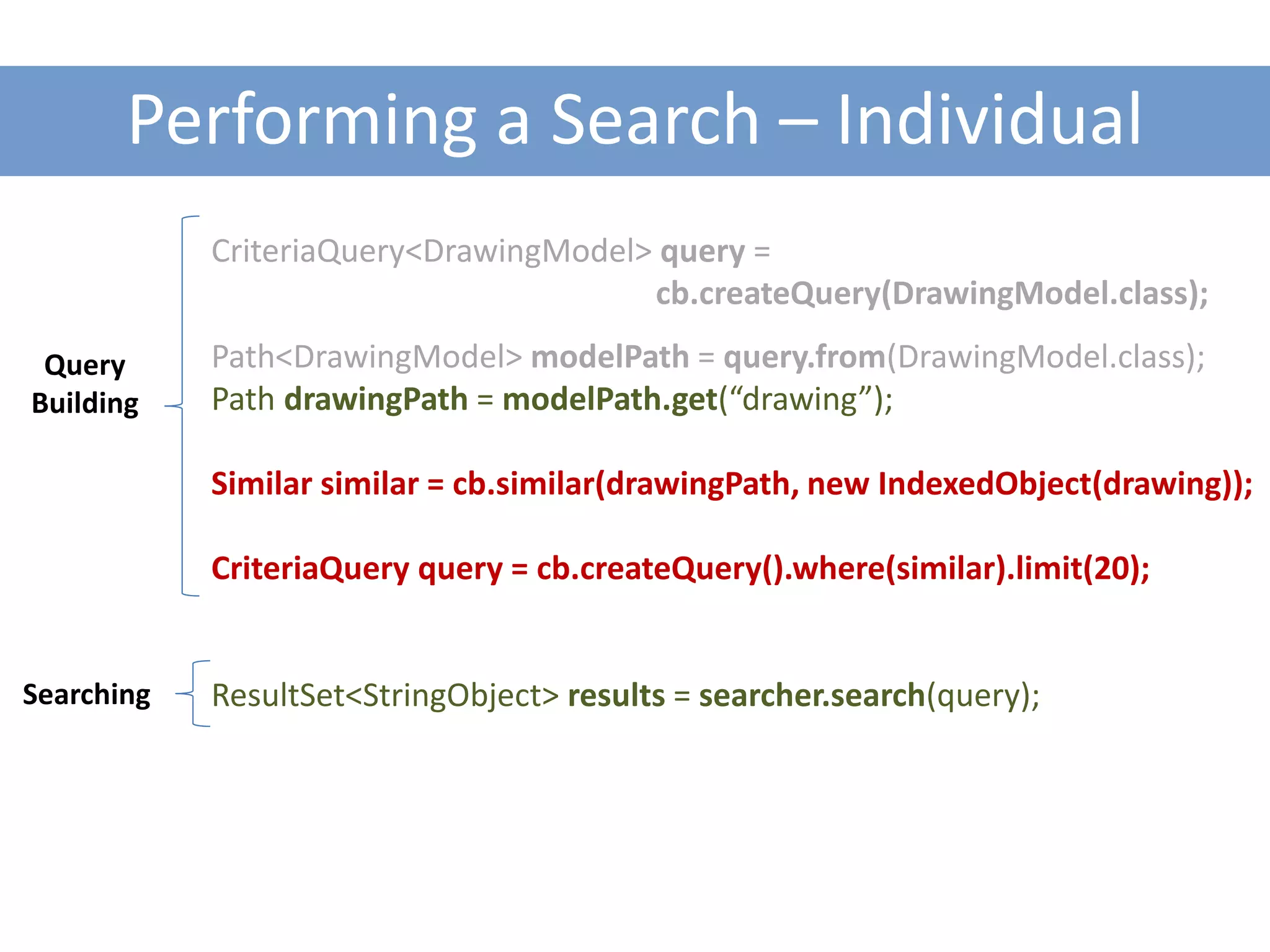
Performing a Search – Individual
            CriteriaQuery<DrawingModel> query =
                                       cb.createQuery(DrawingModel.class);

 Query      Path<DrawingModel> modelPath = query.from(DrawingModel.class);
Building    Path drawingPath = modelPath.get(“drawing”);

            Similar similar = cb.similar(drawingPath, new IndexedObject(drawing));

            CriteriaQuery query = cb.createQuery().where(similar).limit(20);


Searching   ResultSet<StringObject> results = searcher.search(query);
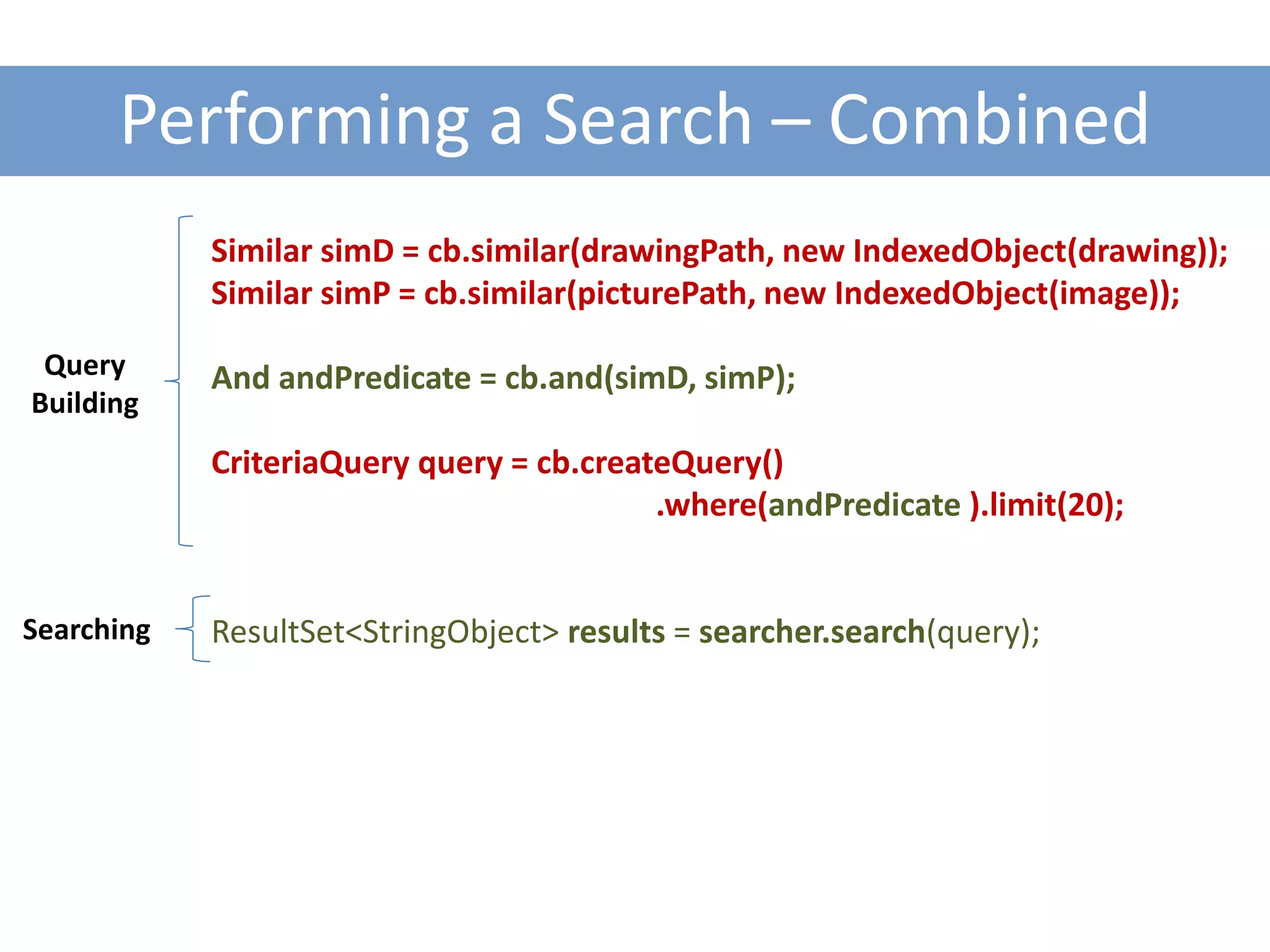
Performing a Search – Combined
            Similar simD = cb.similar(drawingPath, new IndexedObject(drawing));
            Similar simP = cb.similar(picturePath, new IndexedObject(image));

 Query      And andPredicate = cb.and(simD, simP);
Building
            CriteriaQuery query = cb.createQuery()
                                          .where(andPredicate ).limit(20);


Searching   ResultSet<StringObject> results = searcher.search(query);
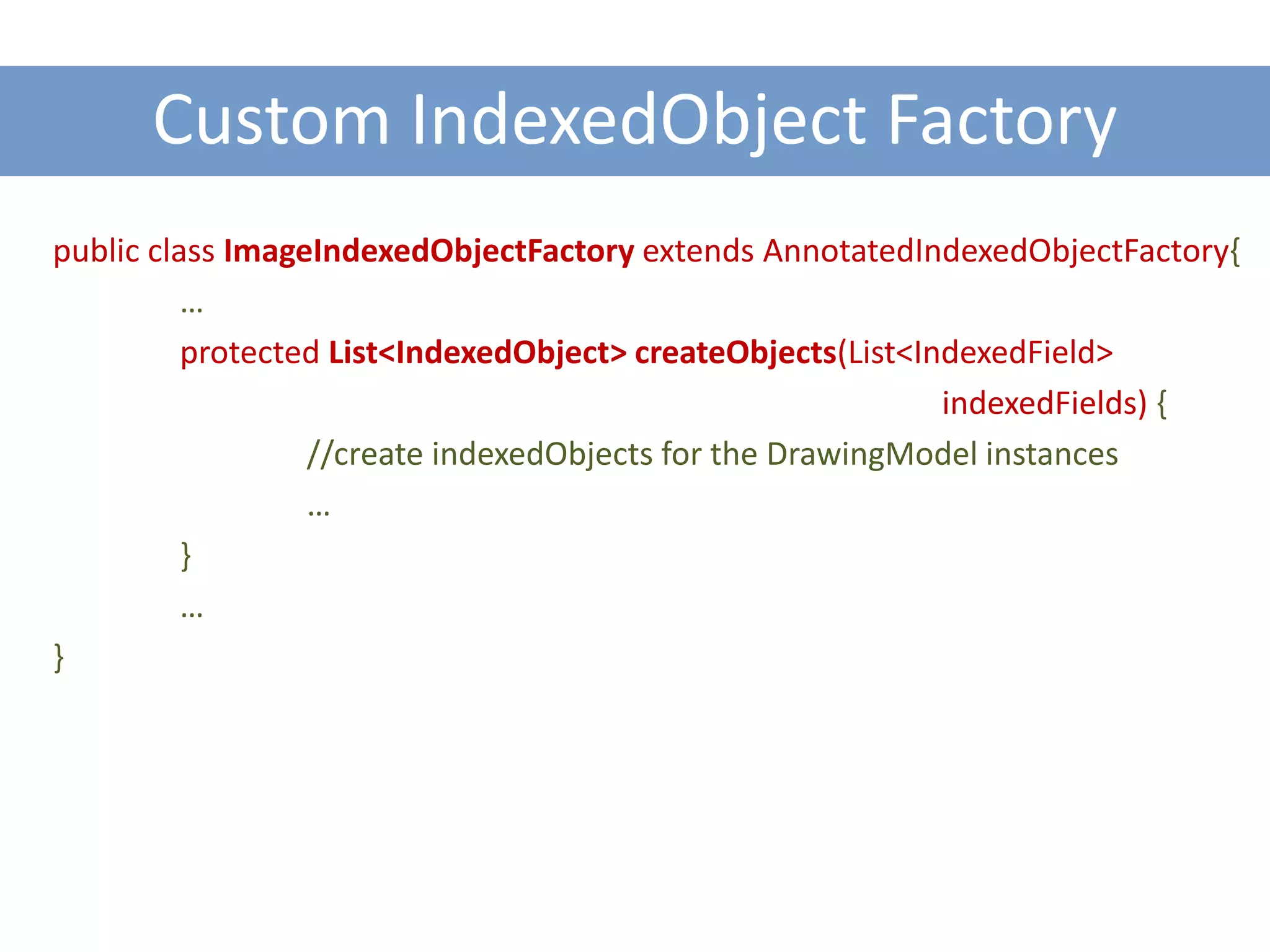
Custom IndexedObject Factory
public class ImageIndexedObjectFactory extends AnnotatedIndexedObjectFactory{
          …
          protected List<IndexedObject> createObjects(List<IndexedField>
                                                             indexedFields) {
                  //create indexedObjects for the DrawingModel instances
                  …
          }
          …
}
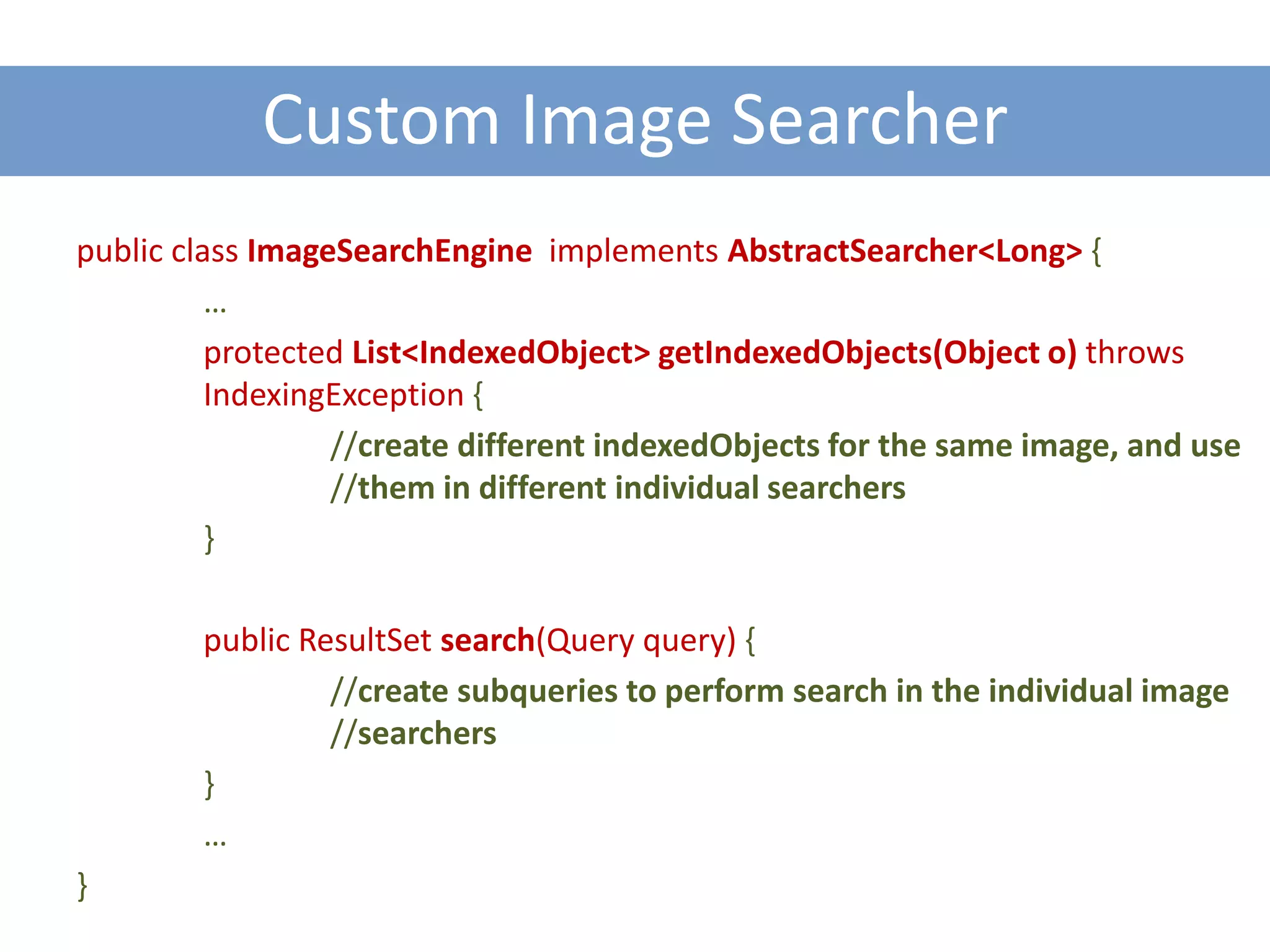
Custom Image Searcher
public class ImageSearchEngine implements AbstractSearcher<Long> {
          …
          protected List<IndexedObject> getIndexedObjects(Object o) throws
          IndexingException {
                  //create different indexedObjects for the same image, and use
                  //them in different individual searchers
          }

        public ResultSet search(Query query) {
                 //create subqueries to perform search in the individual image
                 //searchers
        }
        …
}
Some features of the Query API

QUERY API
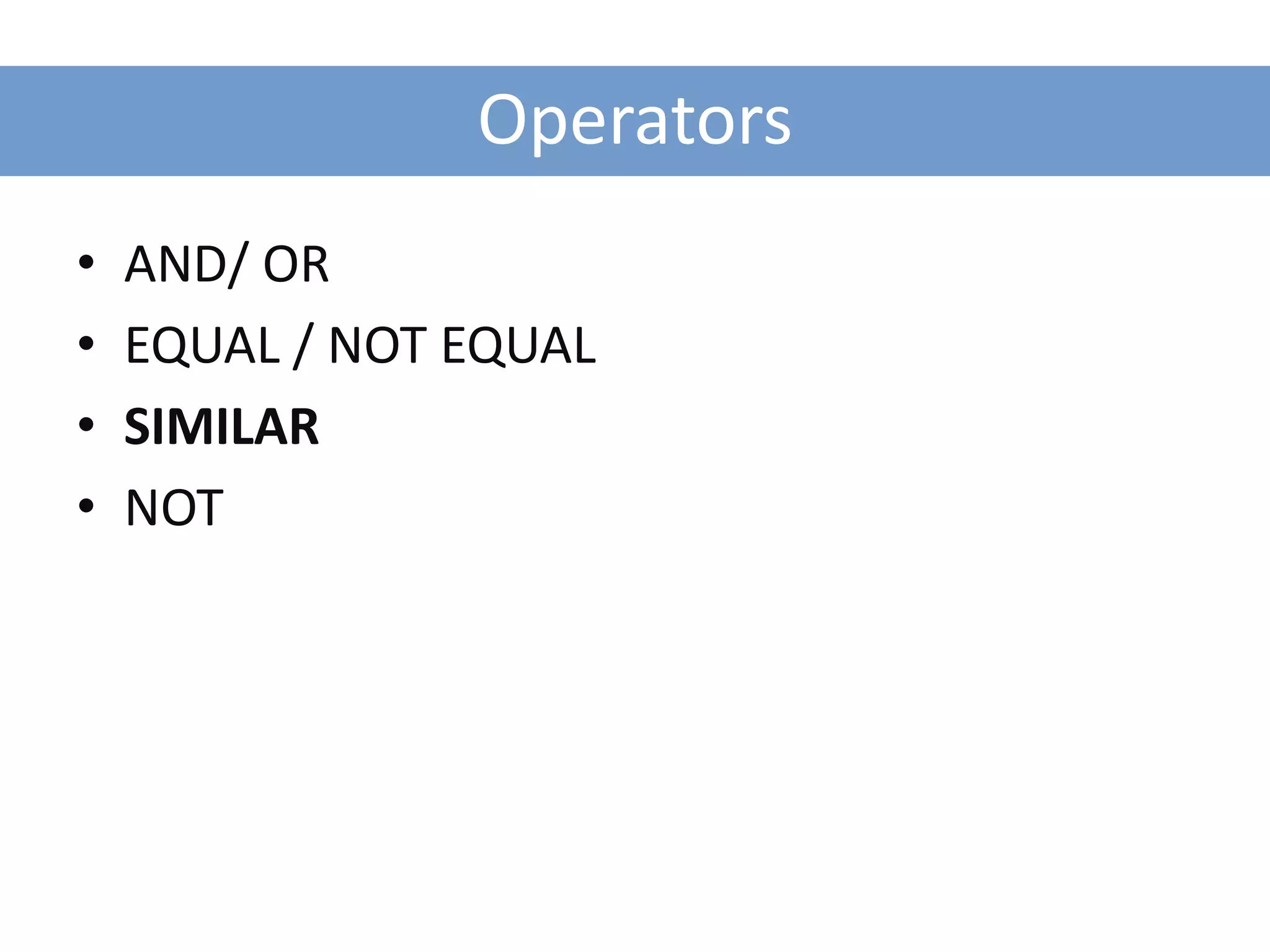
Operators
•   AND/ OR
•   EQUAL / NOT EQUAL
•   SIMILAR
•   NOT
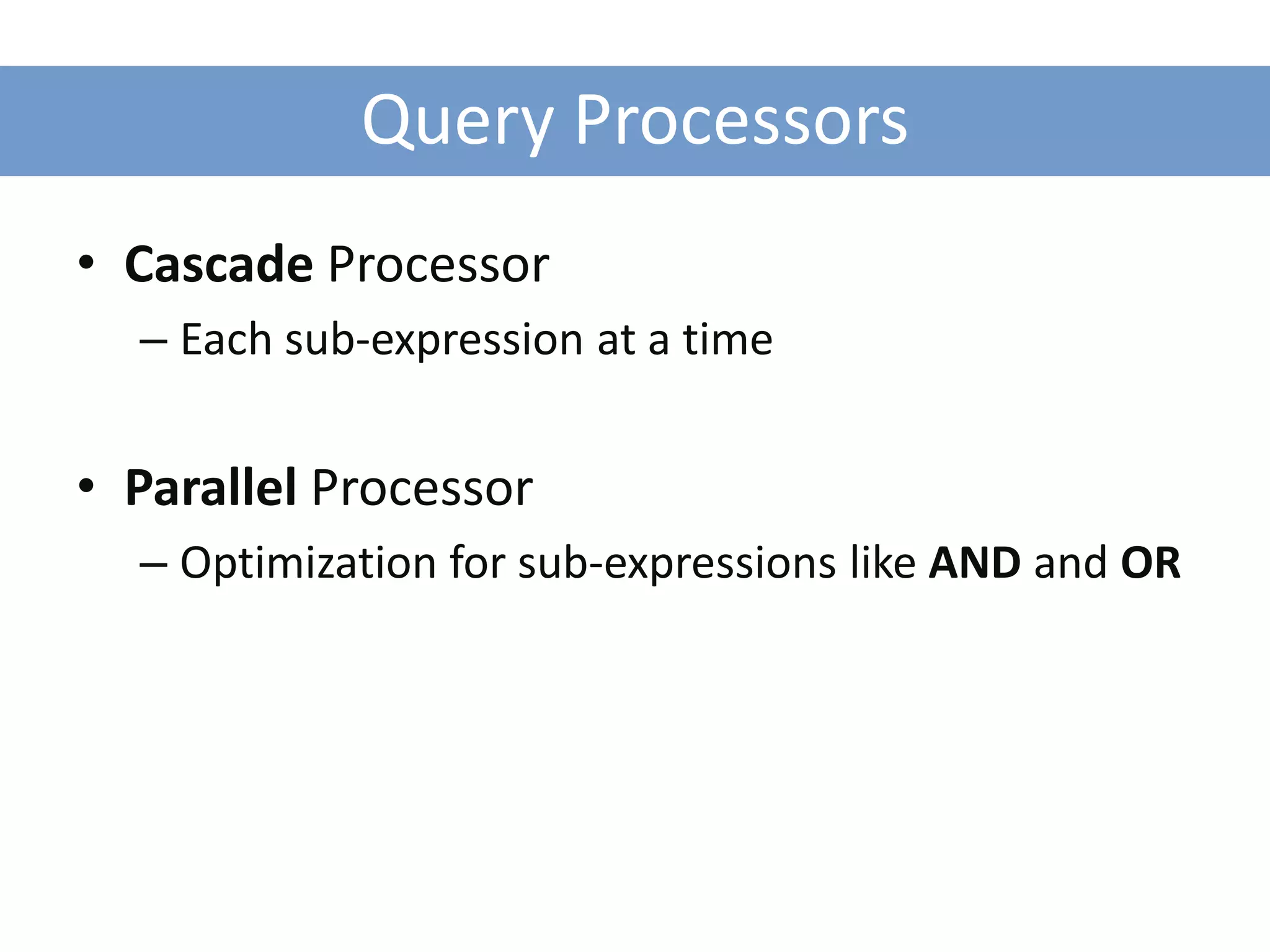
Query Processors
• Cascade Processor
  – Each sub-expression at a time


• Parallel Processor
  – Optimization for sub-expressions like AND and OR
Some demos developed during the project

DEMOS
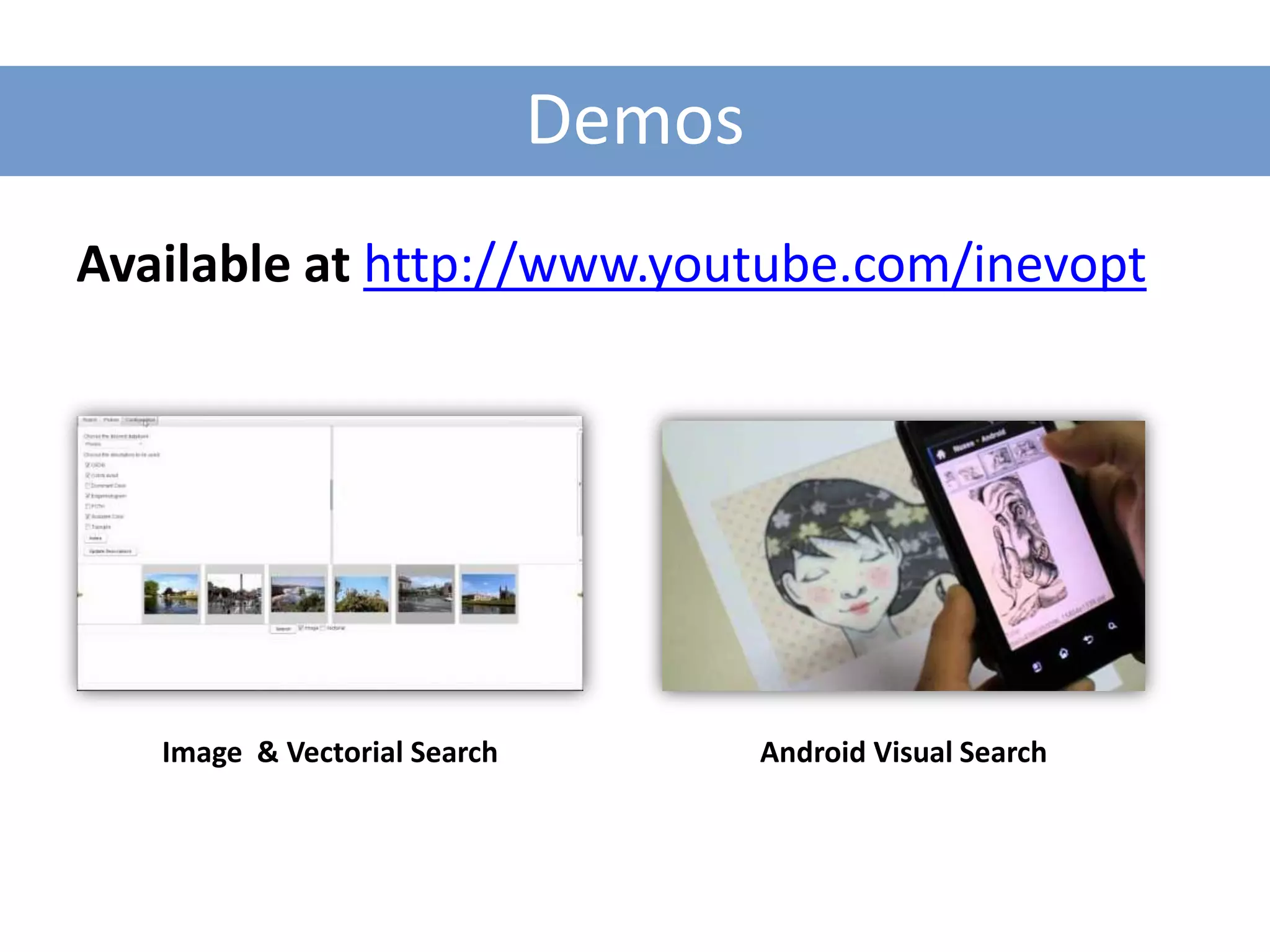
Demos
Available at http://www.youtube.com/inevopt


   Image & Vectorial Search           Android Visual Search
How to get EnContRA, and more documentation and support?

GETTING ENCONTRA
Checkout/Push Source Code


Checkout
  git clone git@inevo.sourcerepo.com:inevo/encontra.git

Commit and Push
  git commit –m “+ Add: Texture Layout Descriptor.”
  git push


                           http://schacon.github.com/git/gittutorial.html
Contributing and Compiling Modules


mvn install full deploy (compile, package, run tests)

mvn package full deploy (compile, package)

mvn –DskipTests=true install full deploy (skip tests to
                                               speed up)


                                            http://maven.apache.org/
Documentation & Support

• EnContRA 101 – Dev Tutorial (almost finished)
• Javadocs
• Source code

• People:
  – Me ricardo.dias@ist.utl.pt
  – Tiago Cardoso  tiago.cardoso@inevo.pt
  – Nelson Silva  nelson.silva@inevo.pt
EnContRA
Engine for Content-Based Retrieval Approaches


                           The End

                                 Ricardo José São Pedro Dias
                                                07/02/2012

Encontra presentation

  • 1.
    EnContRA Engine for Content-BasedRetrieval Approaches Ricardo José São Pedro Dias 07/02/2012
  • 2.
    Context ColaDI Project – Platform for Project Collaboration in Industrial Design Period: March 2010 / November 2011 (EnContRA – until February 2011)
  • 3.
    Objectives General Framework for(Content-Based) Retrieval Approaches and Applications – Features: • Indexing • Features Extraction • Searching / Retrieval Algorithms • Extensible Query Processing
  • 4.
    Advantages for Development 1.Modularity 2. Easy to use – Low learning curve 3. Fast development of new approaches – Examples: • A new descriptor • A new searching / retrieval algorithm • A new indexing structure • Etc.
  • 5.
    Multimedia Support Support fordifferent multimedia types – Pictures – Drawings – 3D Objects – Audio / Music
  • 6.
  • 7.
  • 8.
    Indexing and RetrievingPictures using QBE CREATING A SIMPLE APPROACH
  • 9.
    Objectives Create a simpleQuery by Example Image Retrieval Application
  • 10.
    Data Model –Input Data
  • 11.
    Objective Query QBE Extracts:  Scalable Color
  • 12.
    Pieces to Assembly 1.Image Descriptor: Scalable Color 2. Indexing Structure: In Memory Simple Index 3. Searching Algorithm: Simple Searcher
  • 13.
    Pieces to Assembly 1.Image Descriptor: Scalable Color 2. Indexing Structure: In Memory Simple Index 3. Searching Algorithm: Simple Searcher
  • 14.
    Choosing a Featureto be extract Scalable Color Descriptor (Extractor) DescriptorExtractor extractor = new ScalableColorDescriptor<IndexedObject>(); Extractor Descriptor
  • 15.
    Pieces to Assembly 1.Image Descriptor: Scalable Color 2. Indexing Structure: In Memory Simple Index 3. Searching Algorithm: Simple Searcher
  • 16.
    Choosing an IndexingStructure In Memory Simple Index AbstractIndex index = new SimpleIndex(); Descriptor Descriptor
  • 17.
    Pieces to Assembly 1.Image Descriptor: Scalable Color 2. Indexing Structure: In Memory Simple Index 3. Searching Algorithm: Simple Searcher
  • 18.
    Searching Linear Search (fornow!) Searcher searcher = new SimpleSearcher<IndexedObject>(); Descriptor Descriptor
  • 19.
    Assembling all thecomponents Searcher searcher = new SimpleSearcher<IndexedObject>(); Setting Main searcher.setDescriptorExtractor(extractor); Properties searcher.setIndex(index); searcher.setObjectStorage(new Not required SimpleObjectStorage(IndexedObject.class)); (recommended) searcher.setResultProvider(new DefaultResultProvider());
  • 20.
    Indexing the Dataset File[] pictures = getFilePictures(dataset); for (File pic : pictures) { BufferedImage image = ImageIO.read(pic); searcher.insert(new IndexedObject(image)); } Extracts descriptors and indexes them!
  • 21.
    Performing a Search– Similar //Load the image query BufferedImage image = readQuery(); //Perform the search using similar ResultSet<IndexedObject> results = searcher.similar(new IndexedObject(image), 20); //Print the Results printResults(results);
  • 22.
    Performing a Search– Query API CriteriaBuilderImpl cb = new CriteriaBuilderImpl(); Path<IndexedObject> modelPath = new Query Path<IndexedObject>(IndexedObject.class); Building Similar similar = cb.similar(modelPath, new IndexedObject(image)); CriteriaQuery query = cb.createQuery().where(similar).limit(20); Searching ResultSet<StringObject> results = searcher.search(query);
  • 23.
    Indexing and RetrievingPictures using QBE A MORE COMPLEX APPROACH
  • 24.
    Objectives Create a DrawingRetrieval Application, by employing Query By Example (or Sketch) – Queries: • 2D Drawings (e.g., SVG files) • Pictures
  • 25.
    Input Model Drawing Model publicclass DrawingModel implements IEntity<Long> { … private Drawing drawing; private BufferedImage image; … @Indexed public BufferedImage getImage(); @Indexed public Drawing getDrawing(); }
  • 26.
    Model to IndexedObject CEDD IdxObj Image Instance Indexed Edge IdxObj Object ColorL IdxObj Indexed Object Factory Drawing Picture & Vectorial Indexed Drawing Object IdxObj
  • 27.
    Pieces to Assembly 1.Descriptor: Image Descriptors + TopoGeo 2. Indexing Structure: NBTree 3. Searching Algorithm: NBTree Searcher
  • 28.
    Pieces to Assembly 1.Descriptor: Image Descriptors + TopoGeo 2. Indexing Structure: NBTree 3. Searching Algorithm: NBTree Searcher
  • 29.
    Descriptors Image Descriptors DescriptorExtractor ceddExtractor= new CEDDDescriptor<IndexedObject>(); DescriptorExtractor edgeHistogram = new EdgeHistogramDescriptor<IndexedObject>(); DescriptorExtractor colorLayout = new ColorLayoutDescriptor<IndexedObject>(); TopoGeo Descriptor TopogeoDescriptorExtractor topogeoDescriptorExtractor = new TopogeoDescriptorExtractor();
  • 30.
    Pieces to Assembly 1.Descriptor: Image Descriptors + TopoGeo 2. Indexing Structure: NBTree 3. Searching Algorithm: NBTree Searcher
  • 31.
    BTree for Indexing Parameters: – the name of the index – the type of objects to be indexed (class) BTreeIndex exampleIndex = new BTreeIndex(“btreeName", Object.class);
  • 32.
    Pieces to Assembly 1.Descriptor: Image Descriptors + TopoGeo 2. Indexing Structure: NBTree 3. Searching Algorithm: NBTree Searcher
  • 33.
    NBTree Searcher Two flavors: – Regular (original) AbstractSearcher searcher = new NBTreeSearcher(); – Parallel  To speed the search AbstractSearcher searcher = new ParallelNBTreeSearcher();
  • 34.
    Picture – ComposedSearching AbstractSearcher imageSearcher = new ImageSearchEngine(); imageSearcher.setQueryProcessor(new QueryProcessorDefaultParallelImpl()); imageSearcher.setIndexedObjectFactory(new ImageIndexedObjectFactory()); //Creating a combined searcher, with the selected descriptor for (Map.Entry<String, DescriptorExtractor> entry : availableDescriptors) { AbstractSearcher entrySearcher = new ParallelNBTreeSearcher(); entrySearcher.setQueryProcessor(new QueryProcessorDefaultParallelImpl()); entrySearcher.setIndex(new BTreeIndex("image." + entry.descriptorName, objClass); entrySearcher.setDescriptorExtractor(entry.extractor); imageSearcher.setSearcher("image." + entry.descriptorName, entrySearcher); } searcher.setSearcher("image", imageSearcher);
  • 35.
    Drawing Searcher AbstractSearcher vectSearcher= new ParallelNBTreeSearcher(); vectSearcher.setQueryProcessor( new QueryProcessorDefaultParallelImpl()); vectorialSearcher.setIndex(new BTreeIndex(“vectIndex", TopogeoDescriptor.class)); TopogeoDescriptorExtractor topogeoExtractor = new TopogeoDescriptorExtractor(); vectorialSearcher.setDescriptorExtractor(topogeoExtractor); searcher.setSearcher("drawing", vectSearcher);
  • 36.
    Performing a Search– Individual CriteriaQuery<DrawingModel> query = cb.createQuery(DrawingModel.class); Query Path<DrawingModel> modelPath = query.from(DrawingModel.class); Building Path drawingPath = modelPath.get(“drawing”); Similar similar = cb.similar(drawingPath, new IndexedObject(drawing)); CriteriaQuery query = cb.createQuery().where(similar).limit(20); Searching ResultSet<StringObject> results = searcher.search(query);
  • 37.
    Performing a Search– Combined Similar simD = cb.similar(drawingPath, new IndexedObject(drawing)); Similar simP = cb.similar(picturePath, new IndexedObject(image)); Query And andPredicate = cb.and(simD, simP); Building CriteriaQuery query = cb.createQuery() .where(andPredicate ).limit(20); Searching ResultSet<StringObject> results = searcher.search(query);
  • 38.
    Custom IndexedObject Factory publicclass ImageIndexedObjectFactory extends AnnotatedIndexedObjectFactory{ … protected List<IndexedObject> createObjects(List<IndexedField> indexedFields) { //create indexedObjects for the DrawingModel instances … } … }
  • 39.
    Custom Image Searcher publicclass ImageSearchEngine implements AbstractSearcher<Long> { … protected List<IndexedObject> getIndexedObjects(Object o) throws IndexingException { //create different indexedObjects for the same image, and use //them in different individual searchers } public ResultSet search(Query query) { //create subqueries to perform search in the individual image //searchers } … }
  • 40.
    Some features ofthe Query API QUERY API
  • 41.
    Operators • AND/ OR • EQUAL / NOT EQUAL • SIMILAR • NOT
  • 42.
    Query Processors • CascadeProcessor – Each sub-expression at a time • Parallel Processor – Optimization for sub-expressions like AND and OR
  • 43.
    Some demos developedduring the project DEMOS
  • 44.
    Demos Available at http://www.youtube.com/inevopt Image & Vectorial Search Android Visual Search
  • 45.
    How to getEnContRA, and more documentation and support? GETTING ENCONTRA
  • 46.
    Checkout/Push Source Code Checkout git clone git@inevo.sourcerepo.com:inevo/encontra.git Commit and Push git commit –m “+ Add: Texture Layout Descriptor.” git push http://schacon.github.com/git/gittutorial.html
  • 47.
    Contributing and CompilingModules mvn install full deploy (compile, package, run tests) mvn package full deploy (compile, package) mvn –DskipTests=true install full deploy (skip tests to speed up) http://maven.apache.org/
  • 48.
    Documentation & Support •EnContRA 101 – Dev Tutorial (almost finished) • Javadocs • Source code • People: – Me ricardo.dias@ist.utl.pt – Tiago Cardoso  tiago.cardoso@inevo.pt – Nelson Silva  nelson.silva@inevo.pt
  • 50.
    EnContRA Engine for Content-BasedRetrieval Approaches The End Ricardo José São Pedro Dias 07/02/2012