Download to read offline
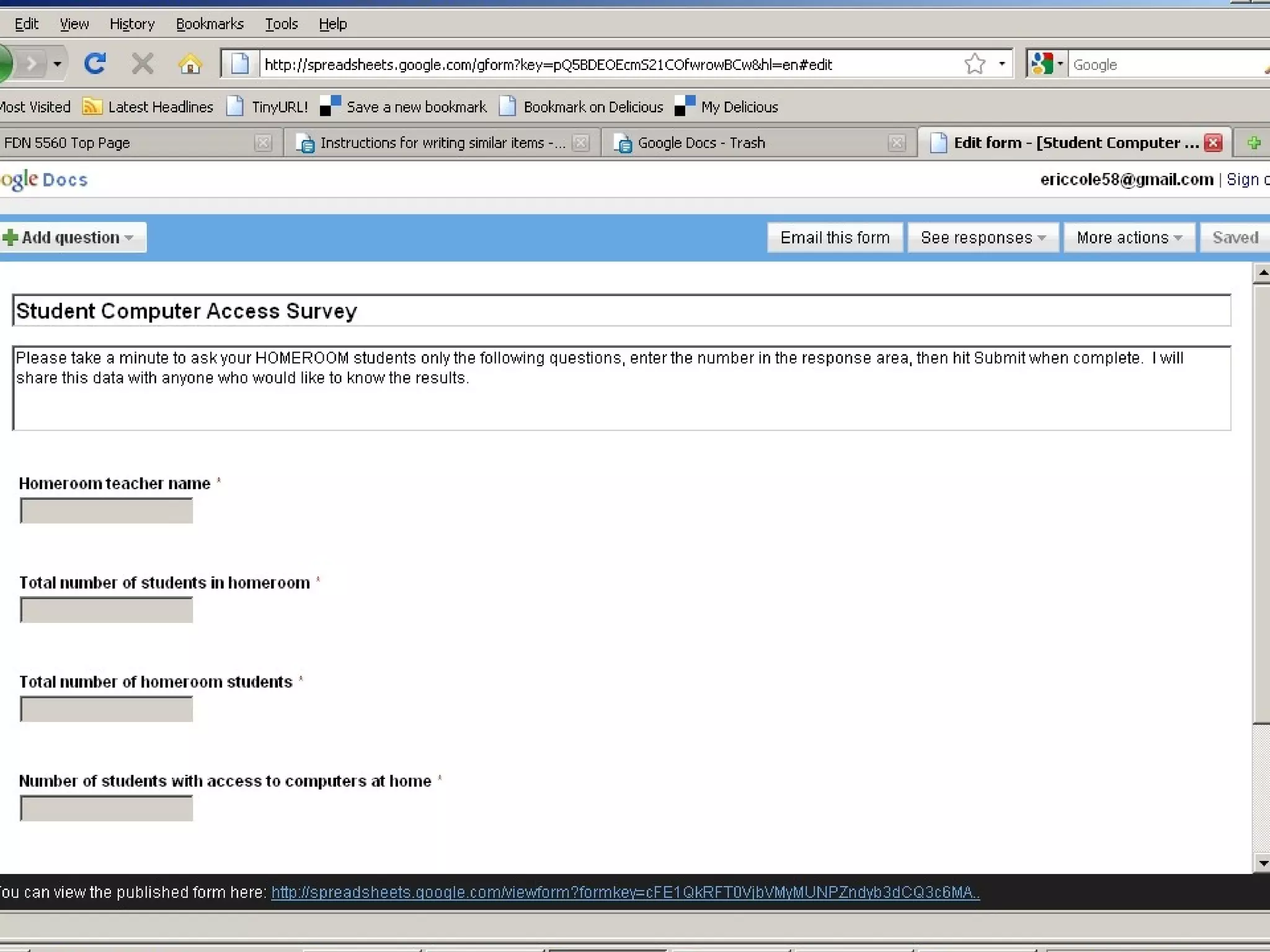
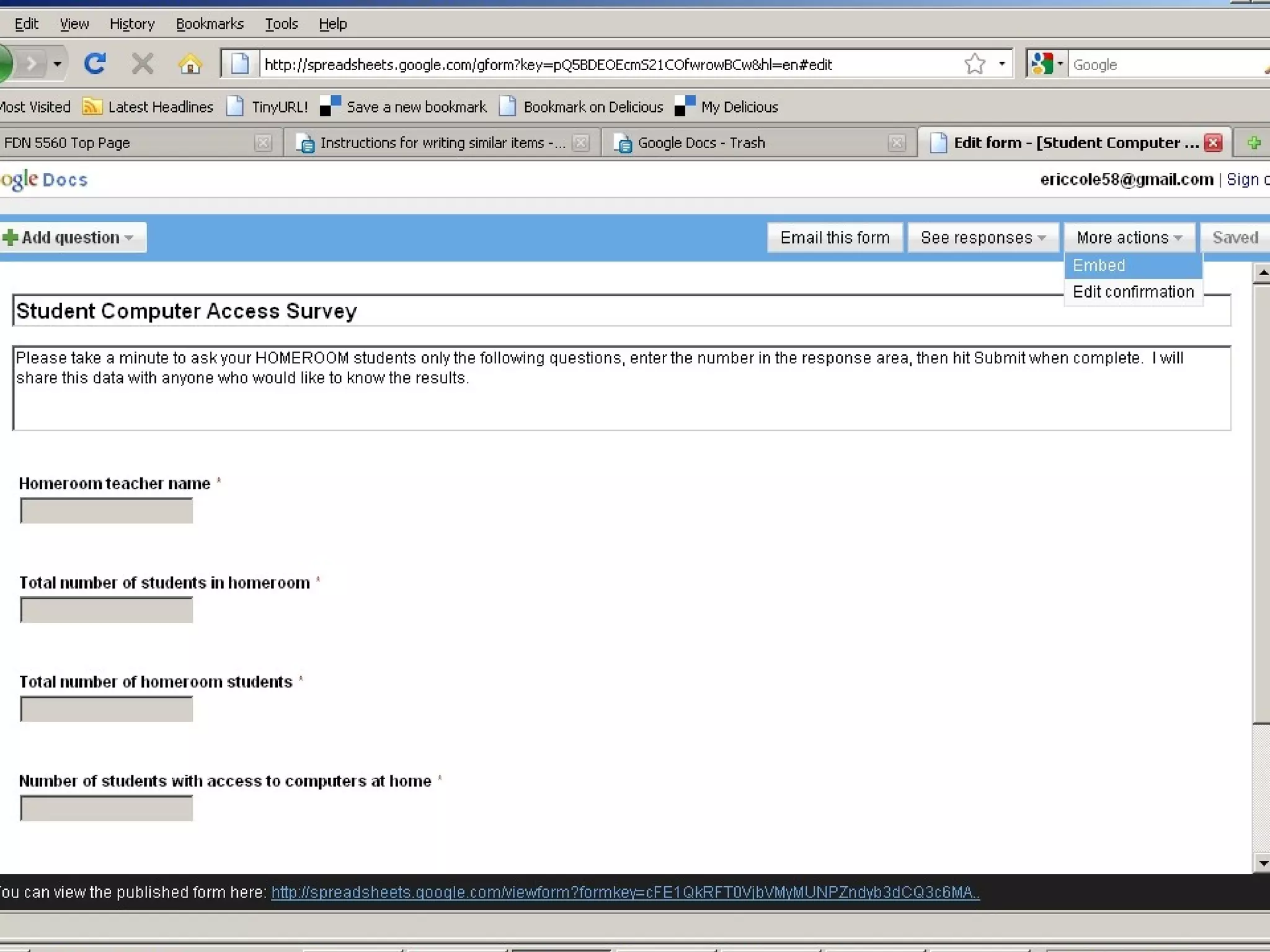
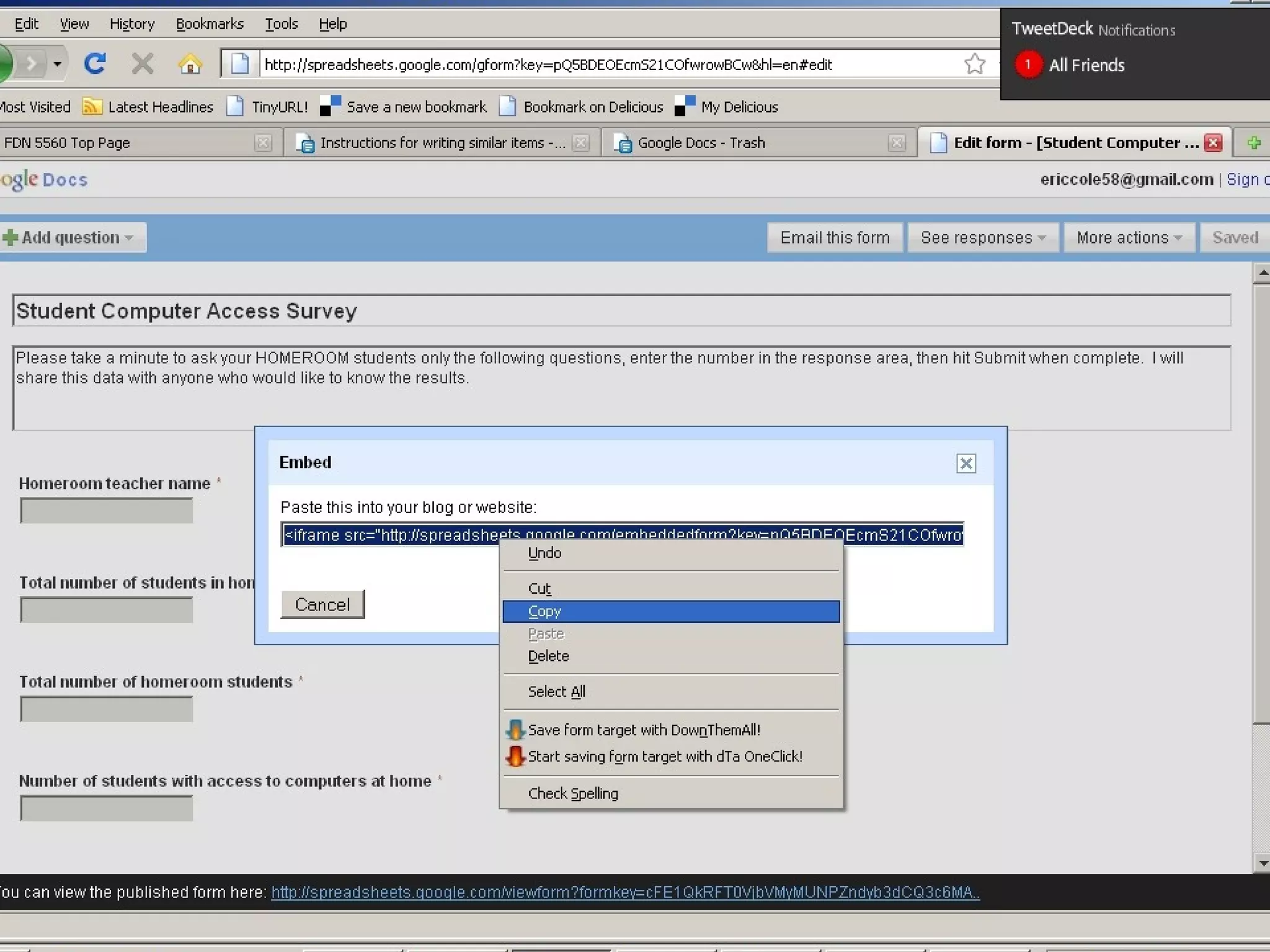

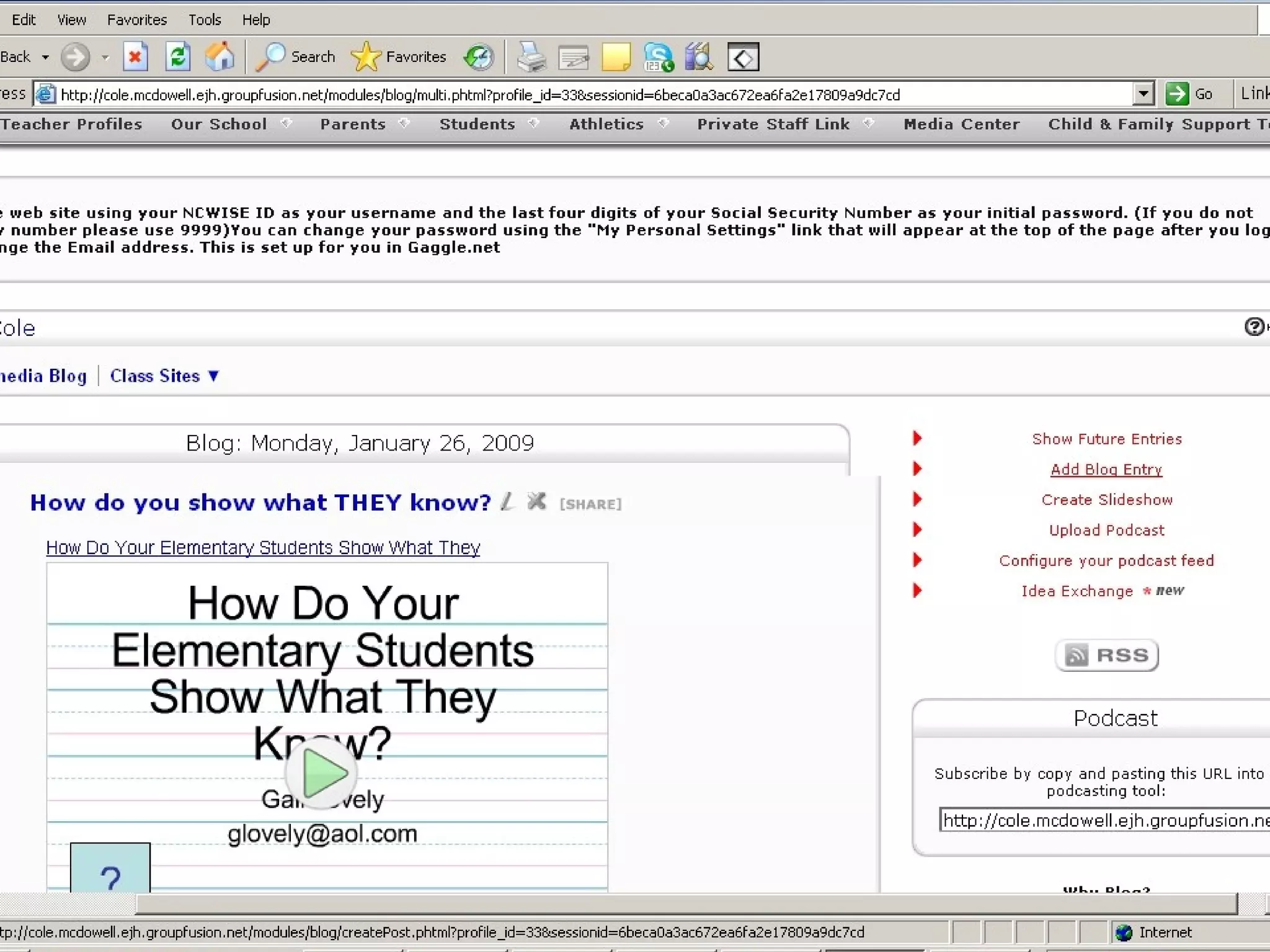
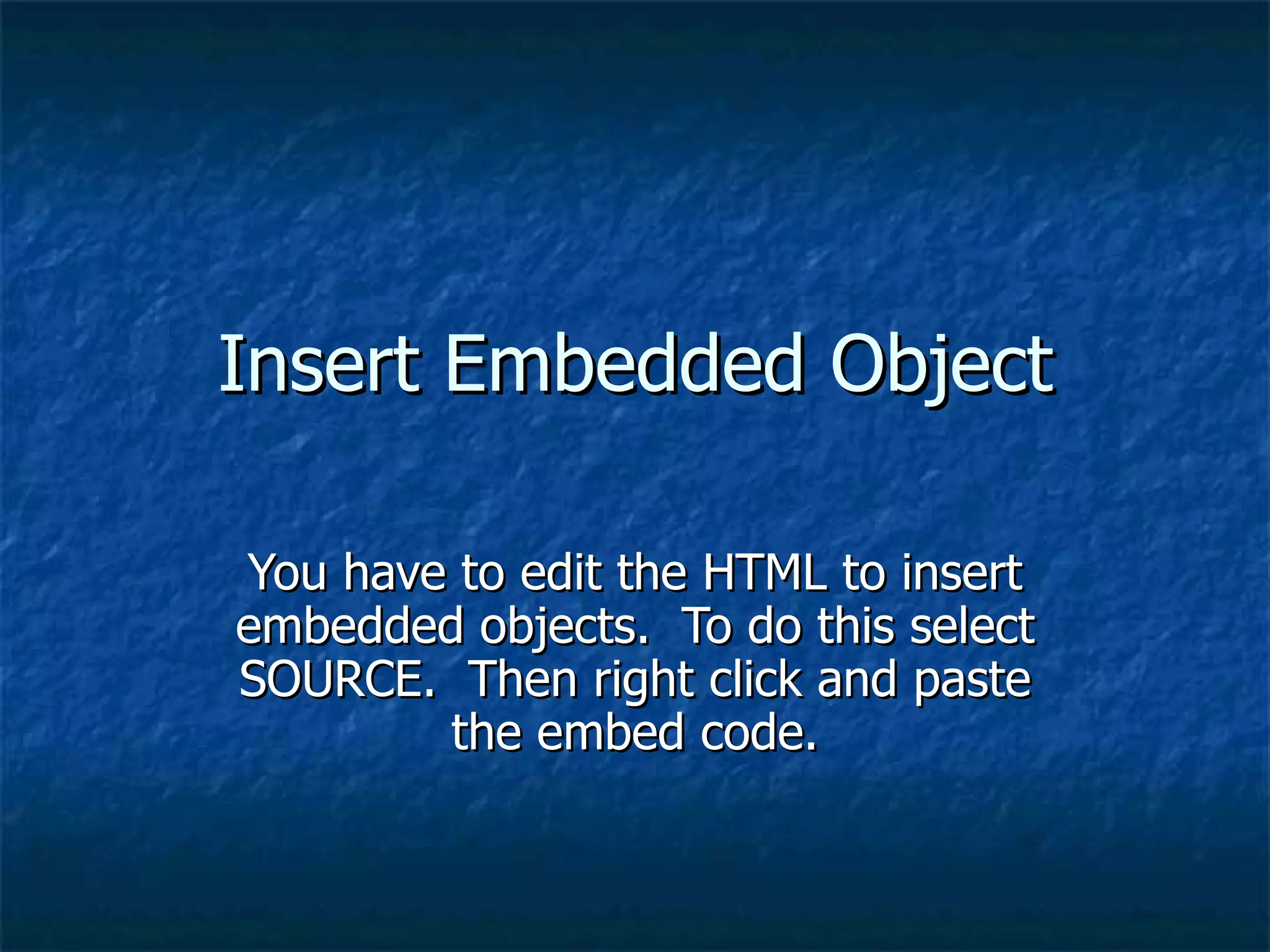
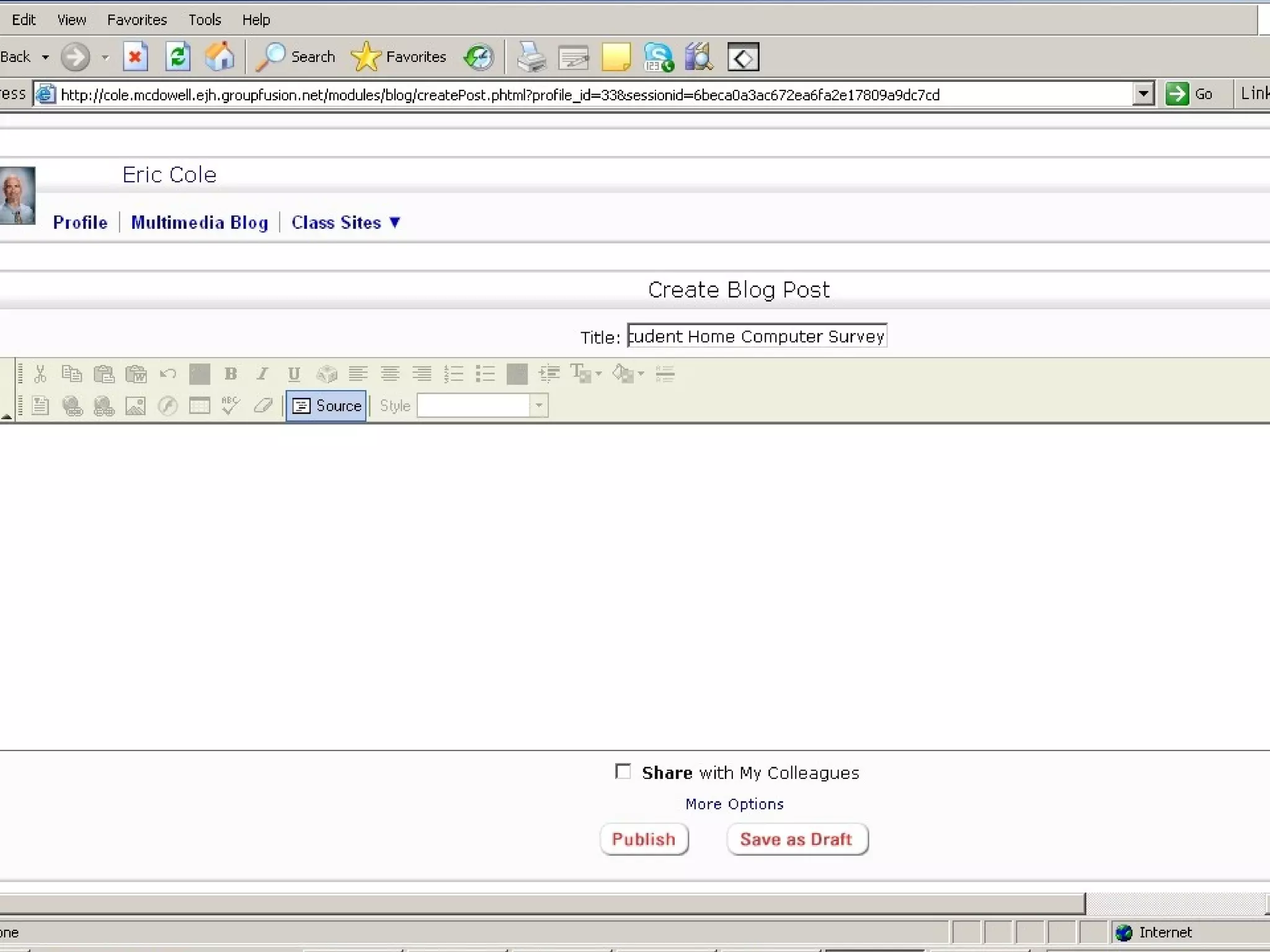
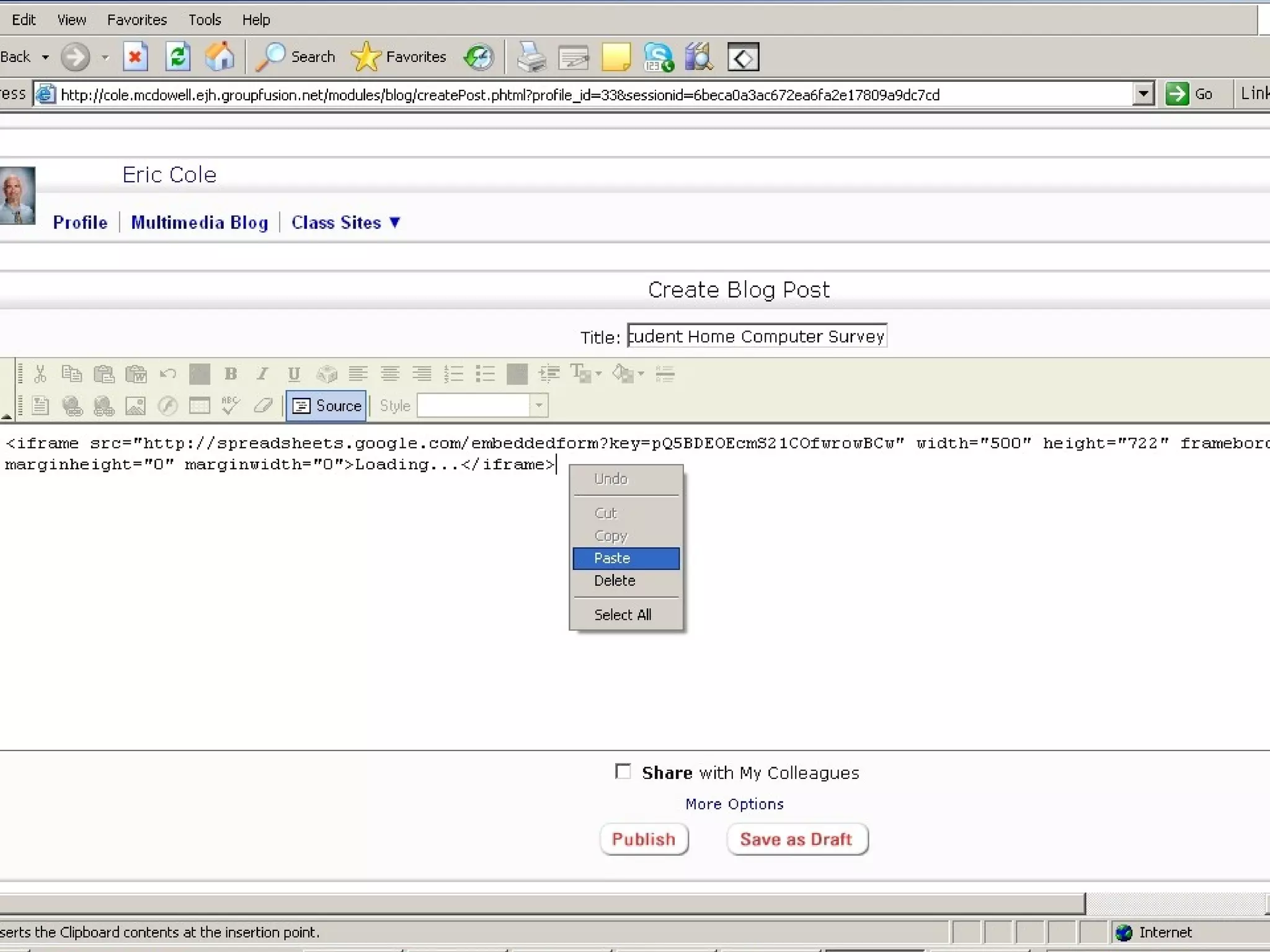
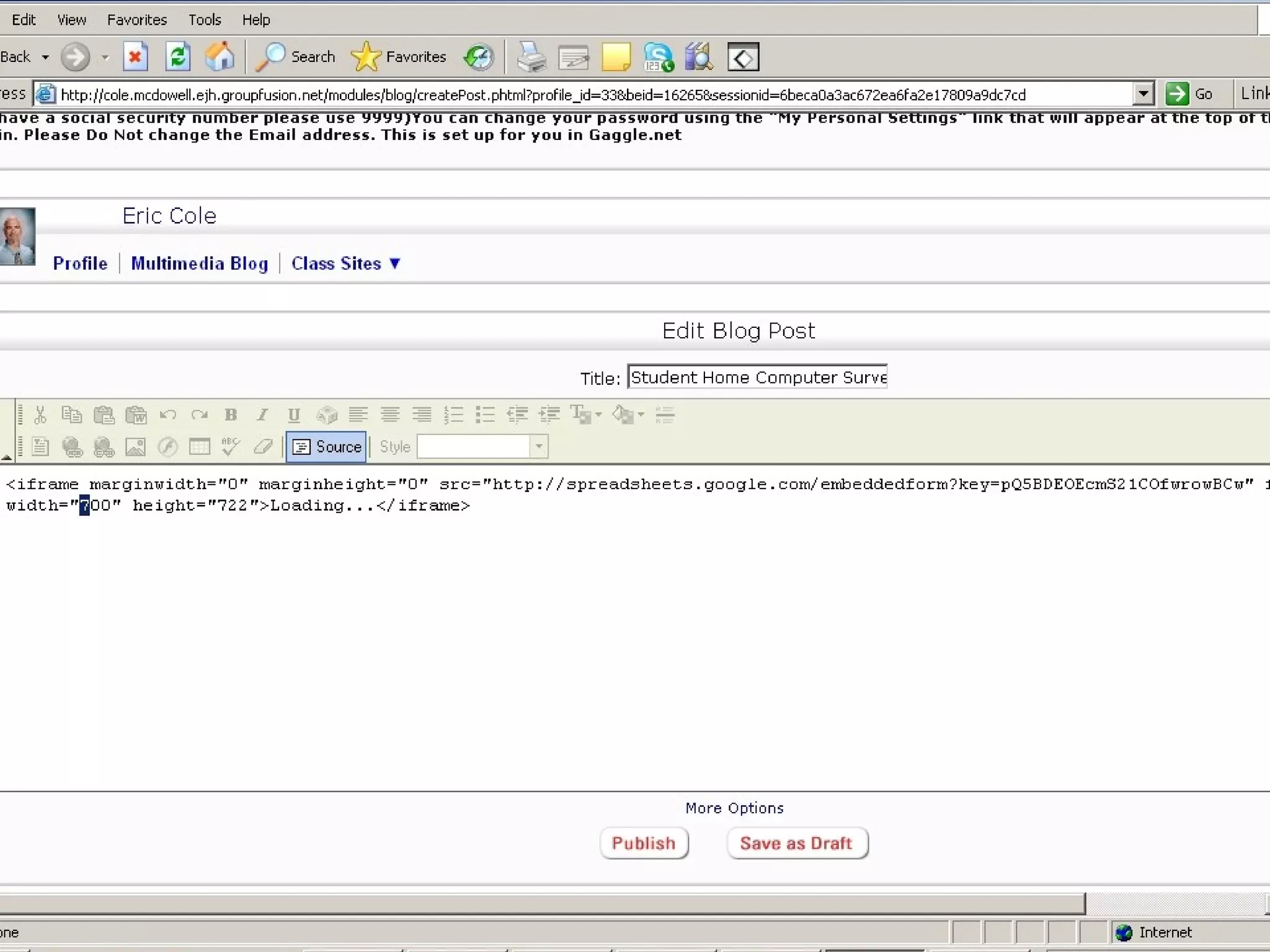
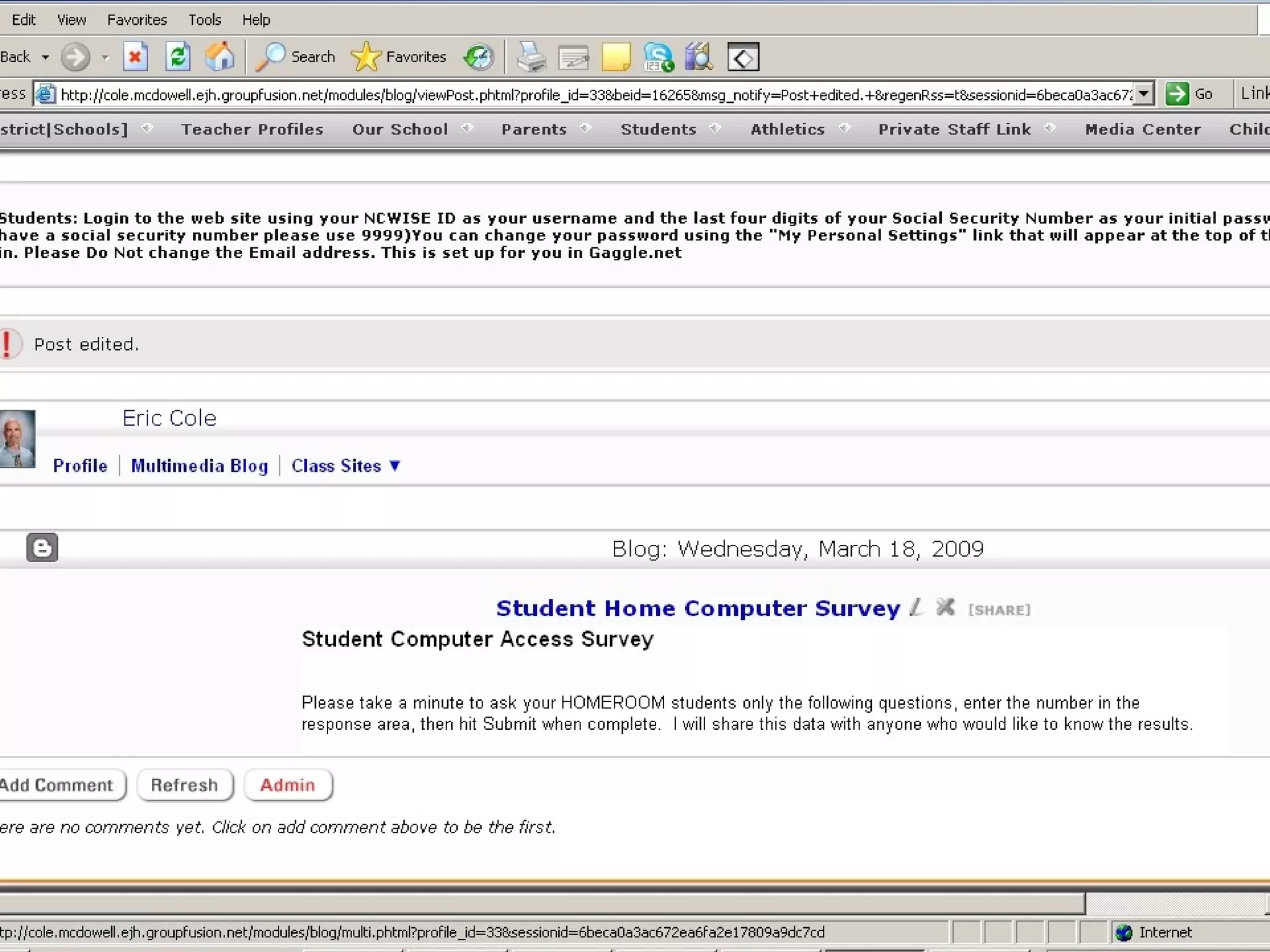
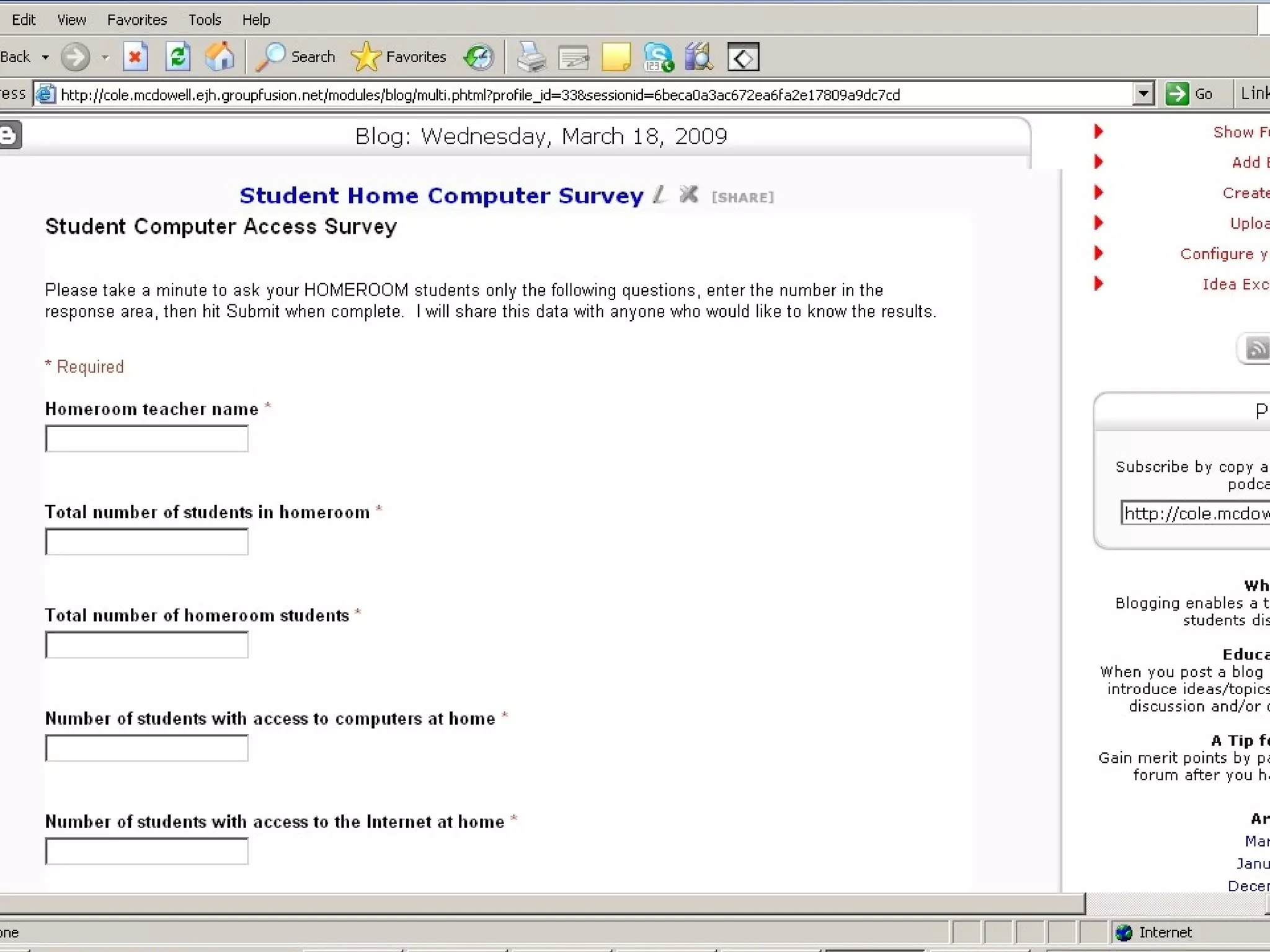
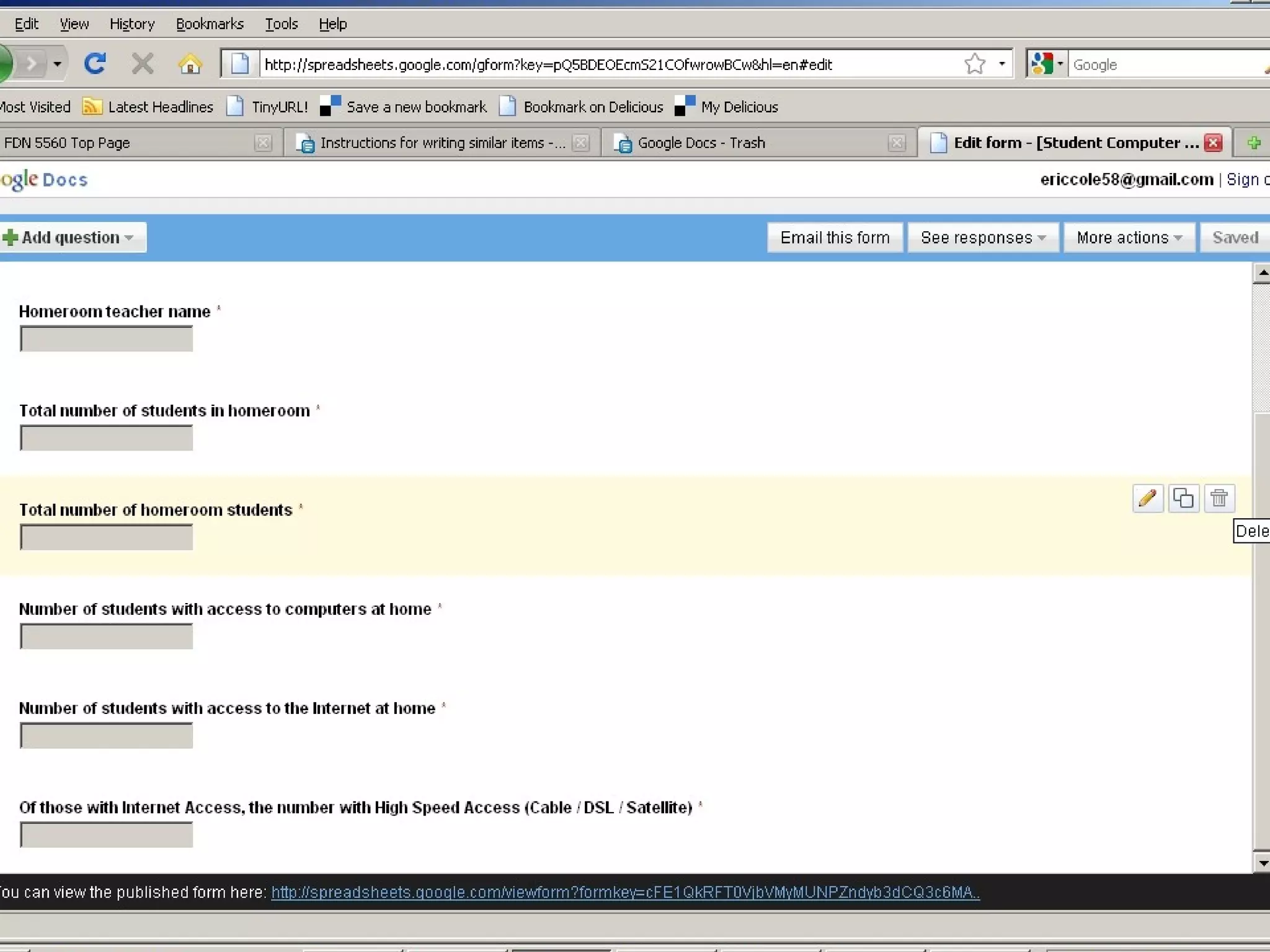
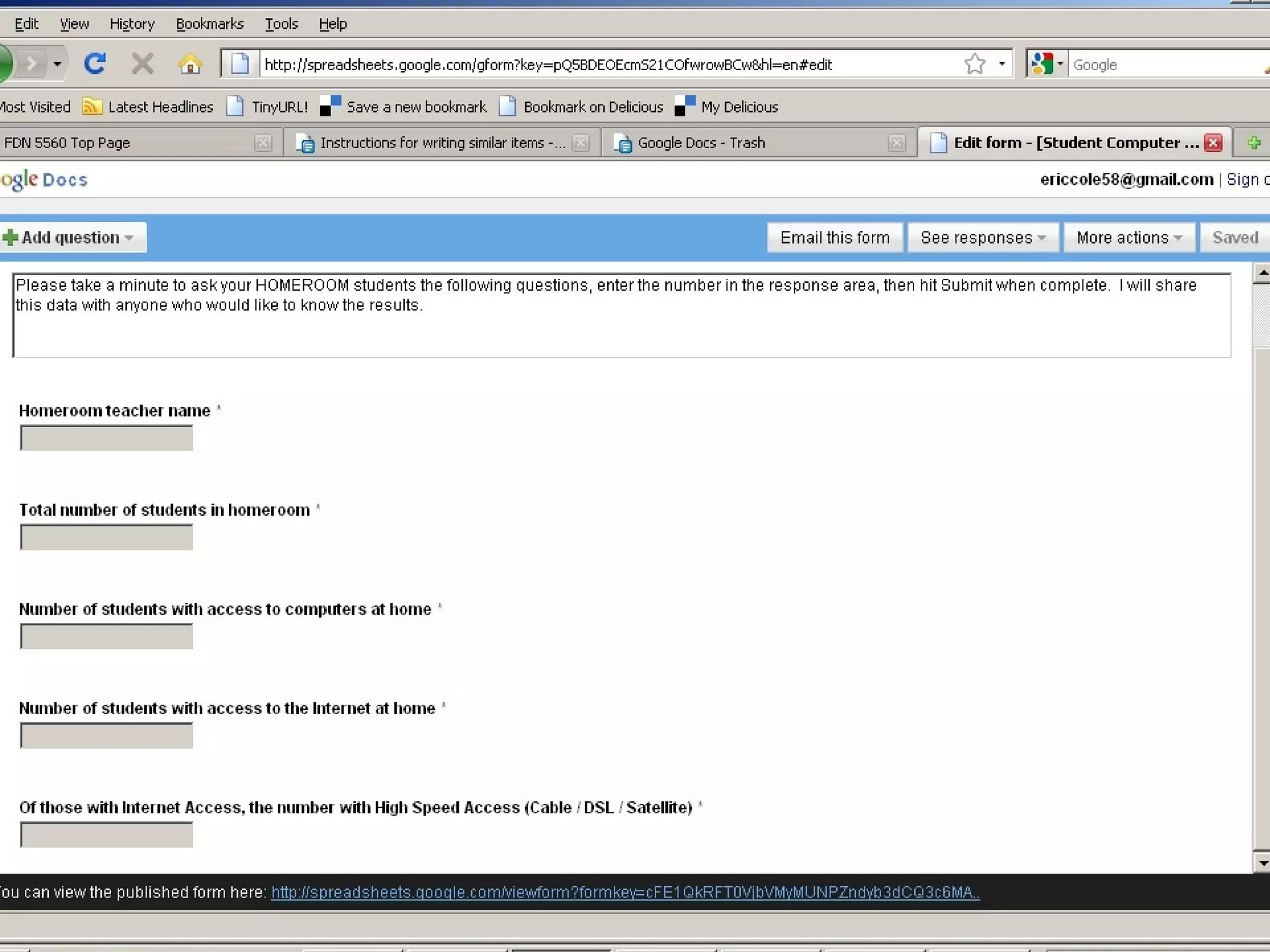
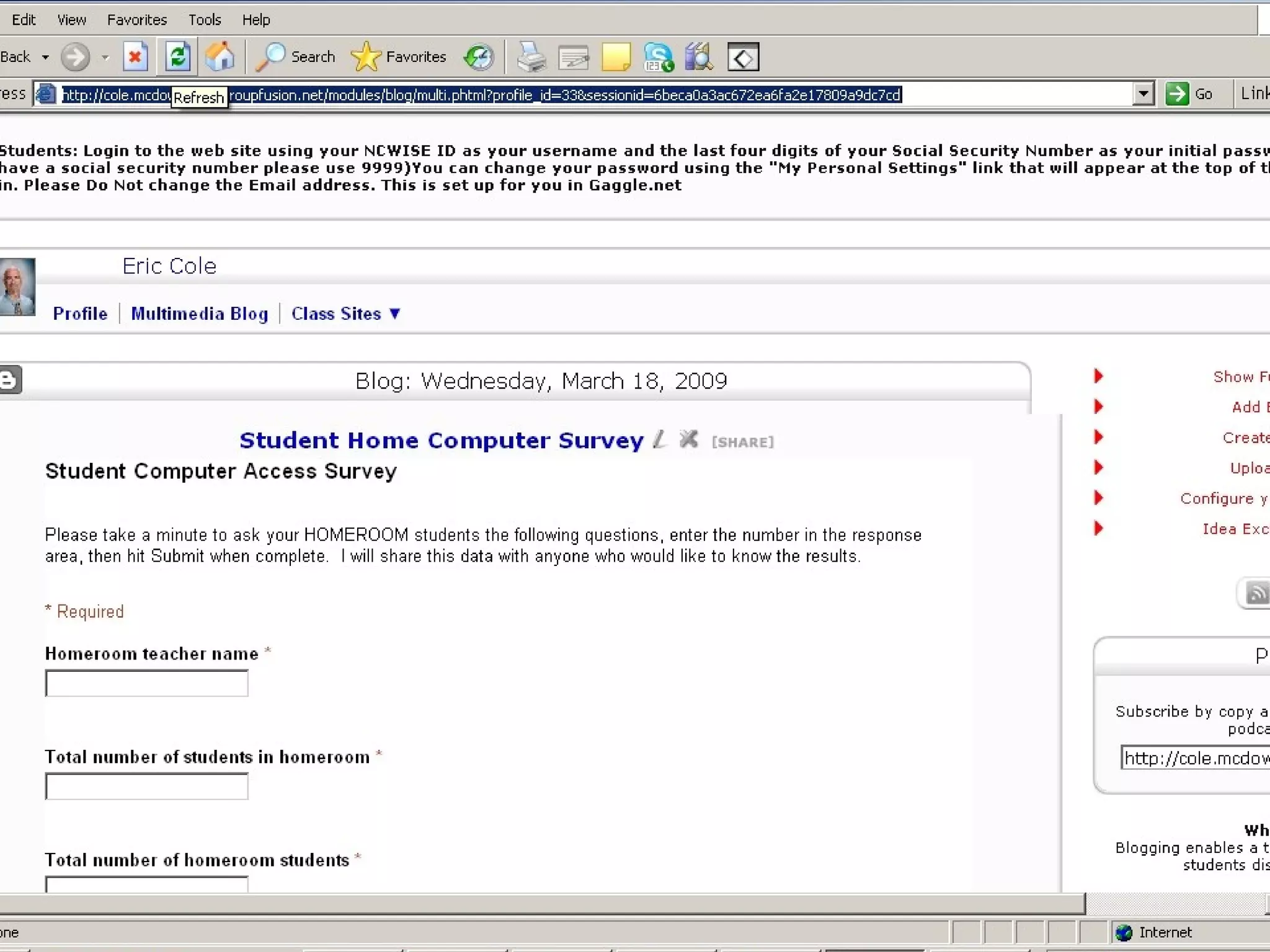
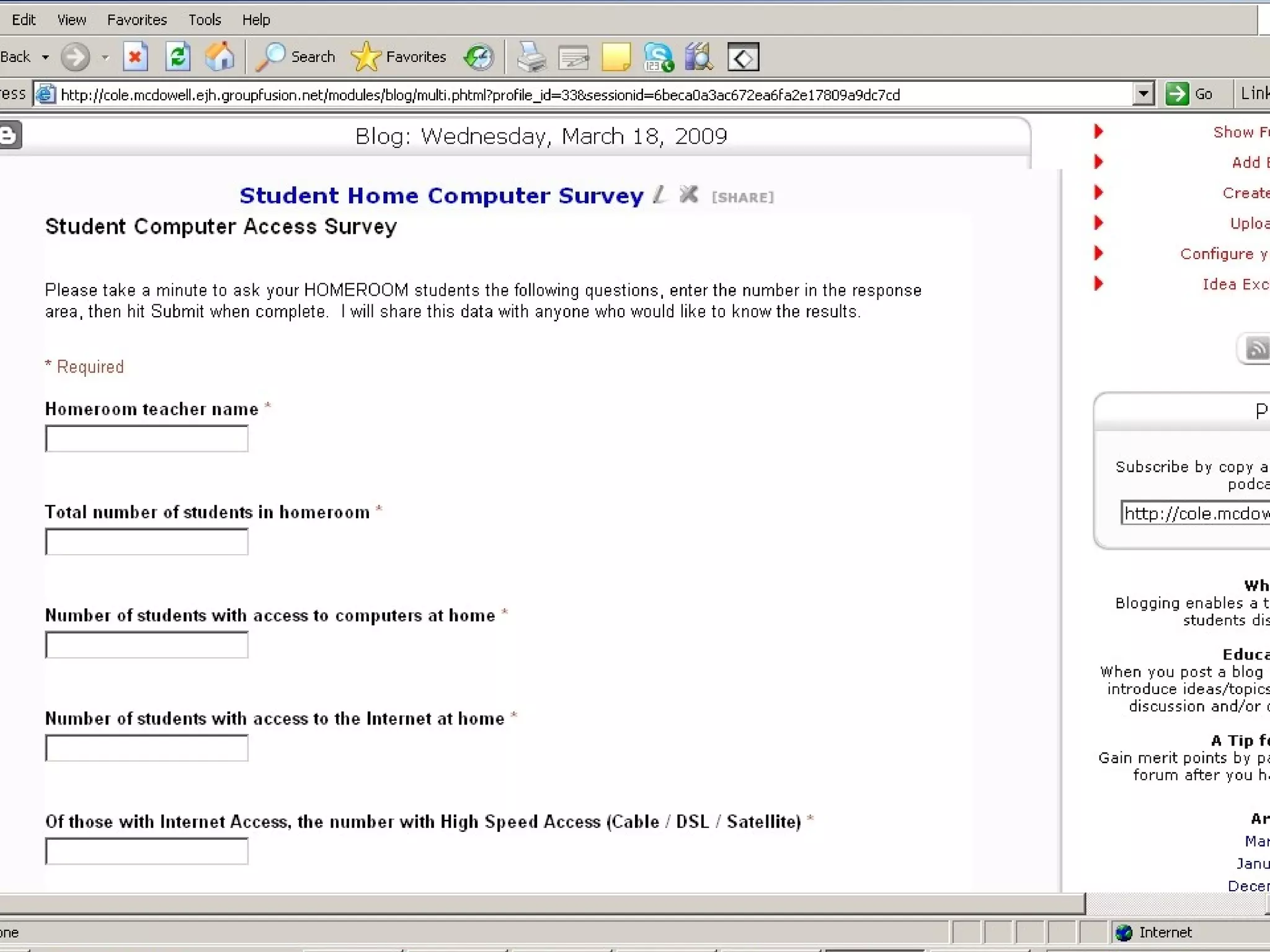

To embed a Google Form in a SchoolFusion teacher page: 1. Create the form in Google Docs and select "Embed" to copy the embed code. 2. In SchoolFusion, edit the HTML source of a new blog post and paste in the embed code. 3. Adjust the width and height of the embedded object and publish the blog post as a "Multimedia Blog" for the form to display. Any future form edits must be done in Google Docs, not directly in SchoolFusion.


