L/O/G/O
E- LEARNING
AMERA CASAN-MALACO
Contents
Content
Title
Classroom-based learning
Online learning
The Learning Management System ( LMS)
Introduction
What is E-learning ?
- A learning system based on
formalized teaching but with the help
of electronic resources is known as E-
learning.
- Learning conducted via electronic ,
typically on the internet.
Hot Tip
• The COVID -19 has resulted to schools shut
down all over the world. Globally, over 1.2
billion children are out of the classroom
( WEF,2020).
• As a result , Education has changed
dramatically, with the distinctive rate of e-
learning, whereby teaching is undertaken
remotely on digital platforms.
Classroom-based learning
• The students and teachers need to be
physically present in the classroom.
Residential learning promotes an open
exchange of ideas and face-to-face
interaction of the students and teachers.
• CBL also promotes socialization among
the teachers and students.
Online learning
• A form of distance education in which a
course or program is intentionally
designed in advance to be delivered fully
online.
• It allows you to learn a course even
without attending a classroom to meet
the teacher.
Online model
1. Google classroom
2. Schoology
3. Edmodo
4. Zoho
4. ELEADS
Google Classroom
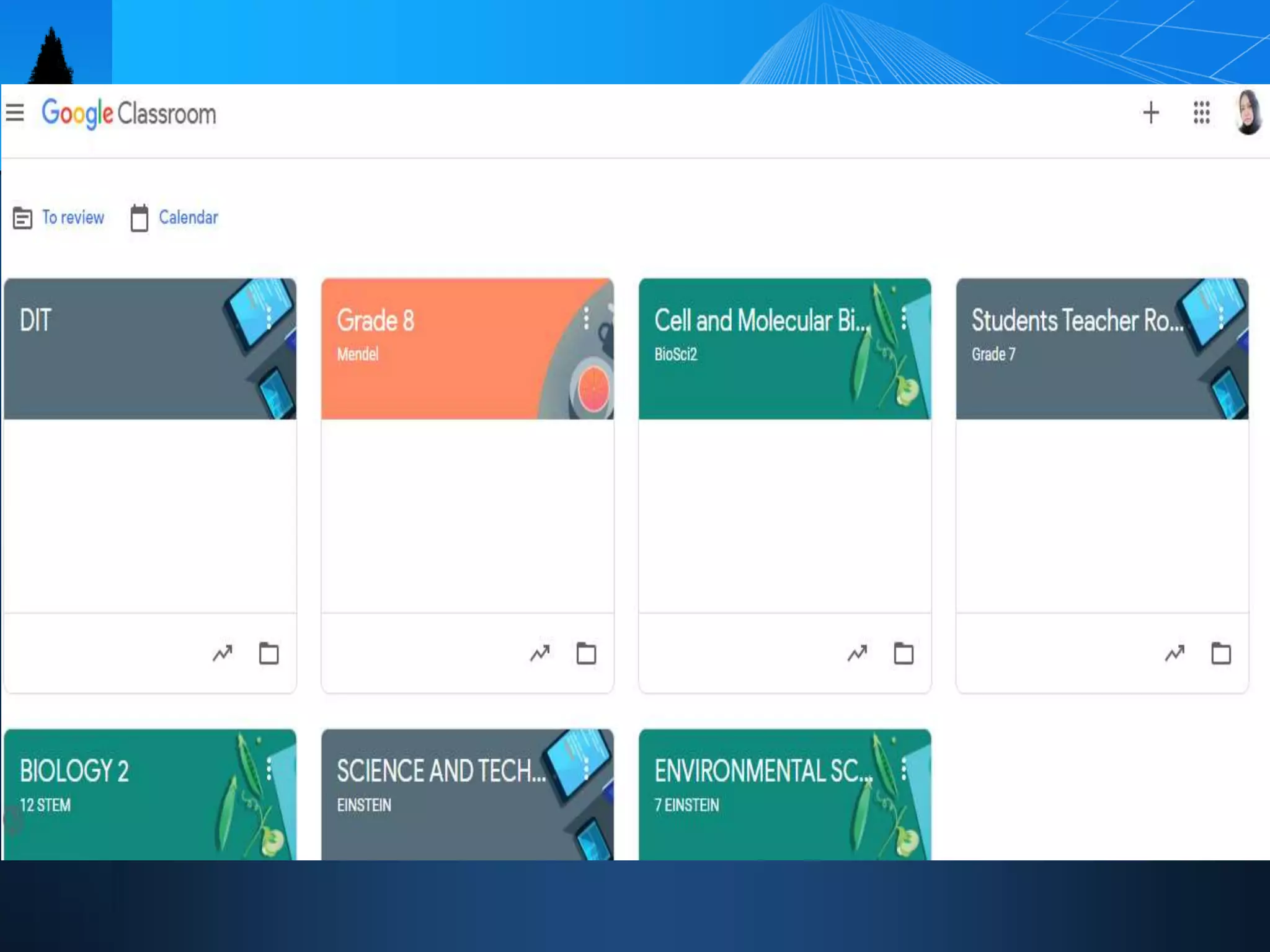
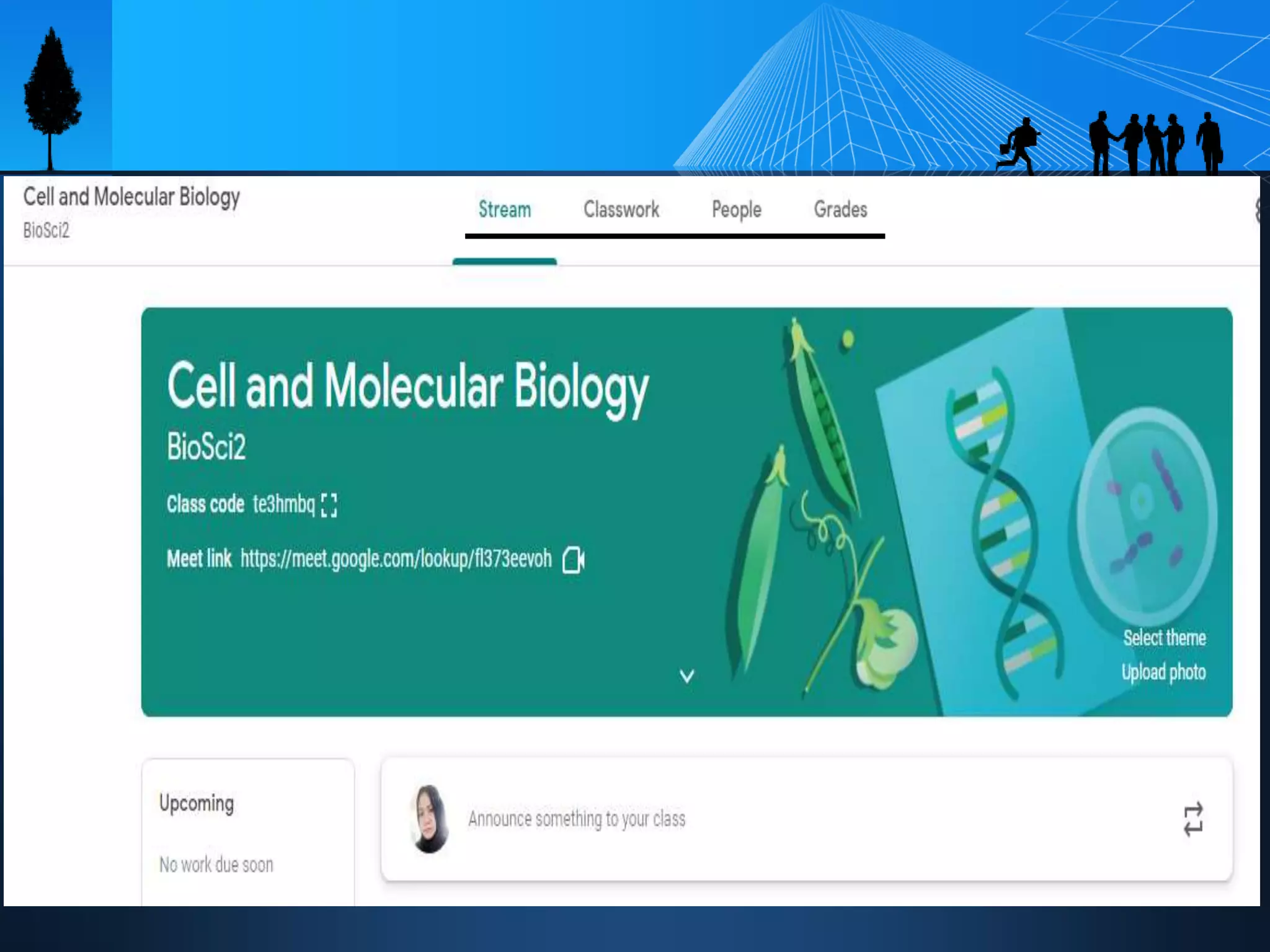
• Google Classroom is a free application
designed to help students and teachers
communicate, collaborate, organize and
manage assignments, go paperless, and
much more! It was introduced as a feature
of Google Apps for Education following its
public release on August 12, 2014.
Feature of Google Classroom
• Google Meet
• Submission of assignments
• Taking Quiz online or Exam
• Grabbing of PPT posted by the teacher
Always remember !!
Check the classwork ALWAYS
 Emphasize to the students to submit
outputs before DUE time
 Remind them to attach the file before
TURNING-IN
 Students should use their official FB and
institutional email address
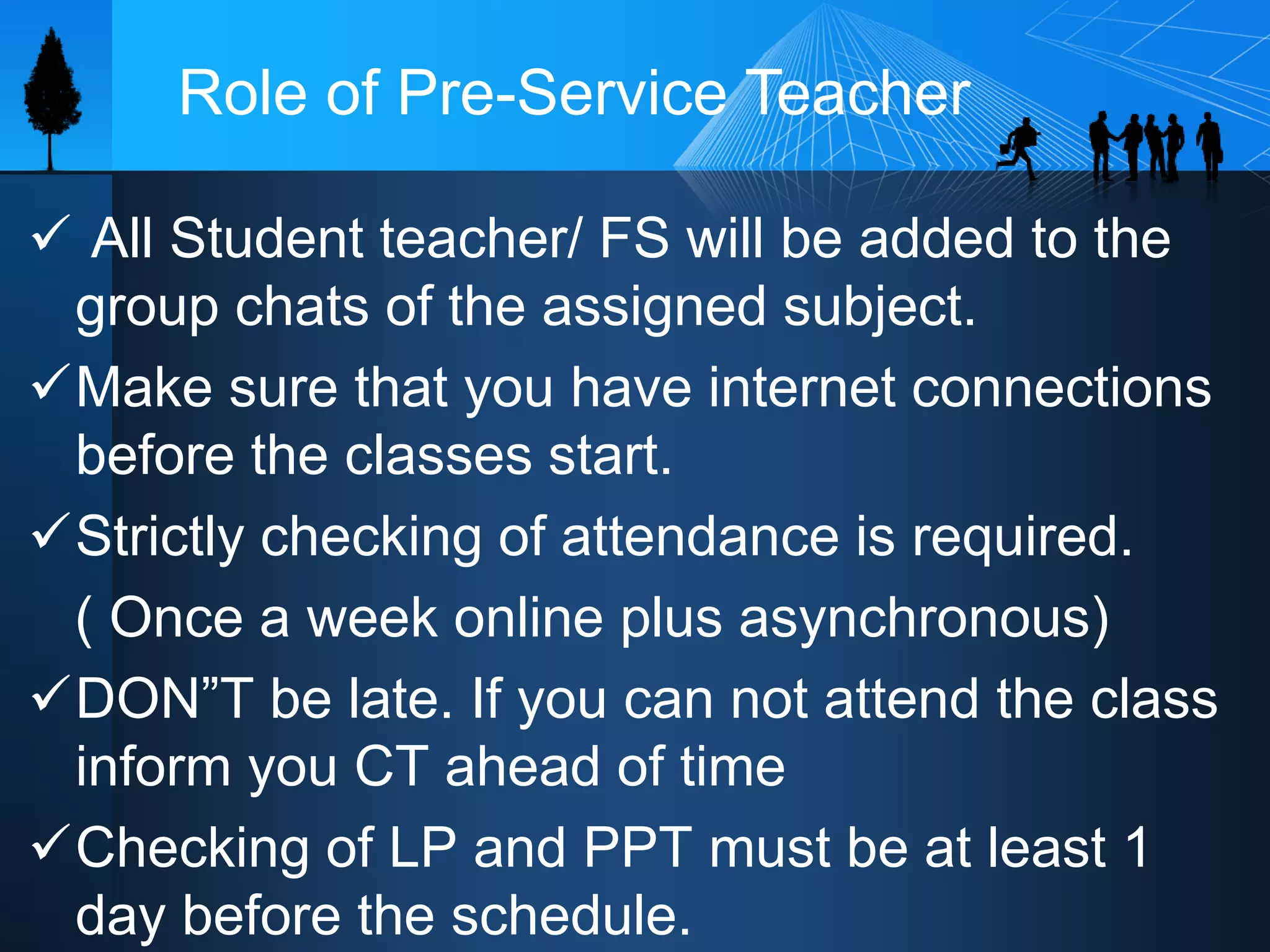
 All Student teacher/ FS will be added to the
group chats of the assigned subject.
Make sure that you have internet connections
before the classes start.
Strictly checking of attendance is required.
( Once a week online plus asynchronous)
DON”T be late. If you can not attend the class
inform you CT ahead of time
Checking of LP and PPT must be at least 1
day before the schedule.
Role of Pre-Service Teacher
L/O/G/O
Thank You!

E-learning-orientation for FS.pptx

  • 1.
  • 2.
    Contents Content Title Classroom-based learning Online learning TheLearning Management System ( LMS) Introduction
  • 3.
    What is E-learning? - A learning system based on formalized teaching but with the help of electronic resources is known as E- learning. - Learning conducted via electronic , typically on the internet.
  • 4.
    Hot Tip • TheCOVID -19 has resulted to schools shut down all over the world. Globally, over 1.2 billion children are out of the classroom ( WEF,2020). • As a result , Education has changed dramatically, with the distinctive rate of e- learning, whereby teaching is undertaken remotely on digital platforms.
  • 5.
    Classroom-based learning • Thestudents and teachers need to be physically present in the classroom. Residential learning promotes an open exchange of ideas and face-to-face interaction of the students and teachers. • CBL also promotes socialization among the teachers and students.
  • 6.
    Online learning • Aform of distance education in which a course or program is intentionally designed in advance to be delivered fully online. • It allows you to learn a course even without attending a classroom to meet the teacher.
  • 7.
    Online model 1. Googleclassroom 2. Schoology 3. Edmodo 4. Zoho 4. ELEADS
  • 8.
    Google Classroom • GoogleClassroom is a free application designed to help students and teachers communicate, collaborate, organize and manage assignments, go paperless, and much more! It was introduced as a feature of Google Apps for Education following its public release on August 12, 2014.
  • 11.
    Feature of GoogleClassroom • Google Meet • Submission of assignments • Taking Quiz online or Exam • Grabbing of PPT posted by the teacher
  • 12.
    Always remember !! Checkthe classwork ALWAYS  Emphasize to the students to submit outputs before DUE time  Remind them to attach the file before TURNING-IN  Students should use their official FB and institutional email address
  • 13.
     All Studentteacher/ FS will be added to the group chats of the assigned subject. Make sure that you have internet connections before the classes start. Strictly checking of attendance is required. ( Once a week online plus asynchronous) DON”T be late. If you can not attend the class inform you CT ahead of time Checking of LP and PPT must be at least 1 day before the schedule. Role of Pre-Service Teacher
  • 15.