Creating Smarter
Applications
Maoz Tamir
<droidcon Tel Aviv>
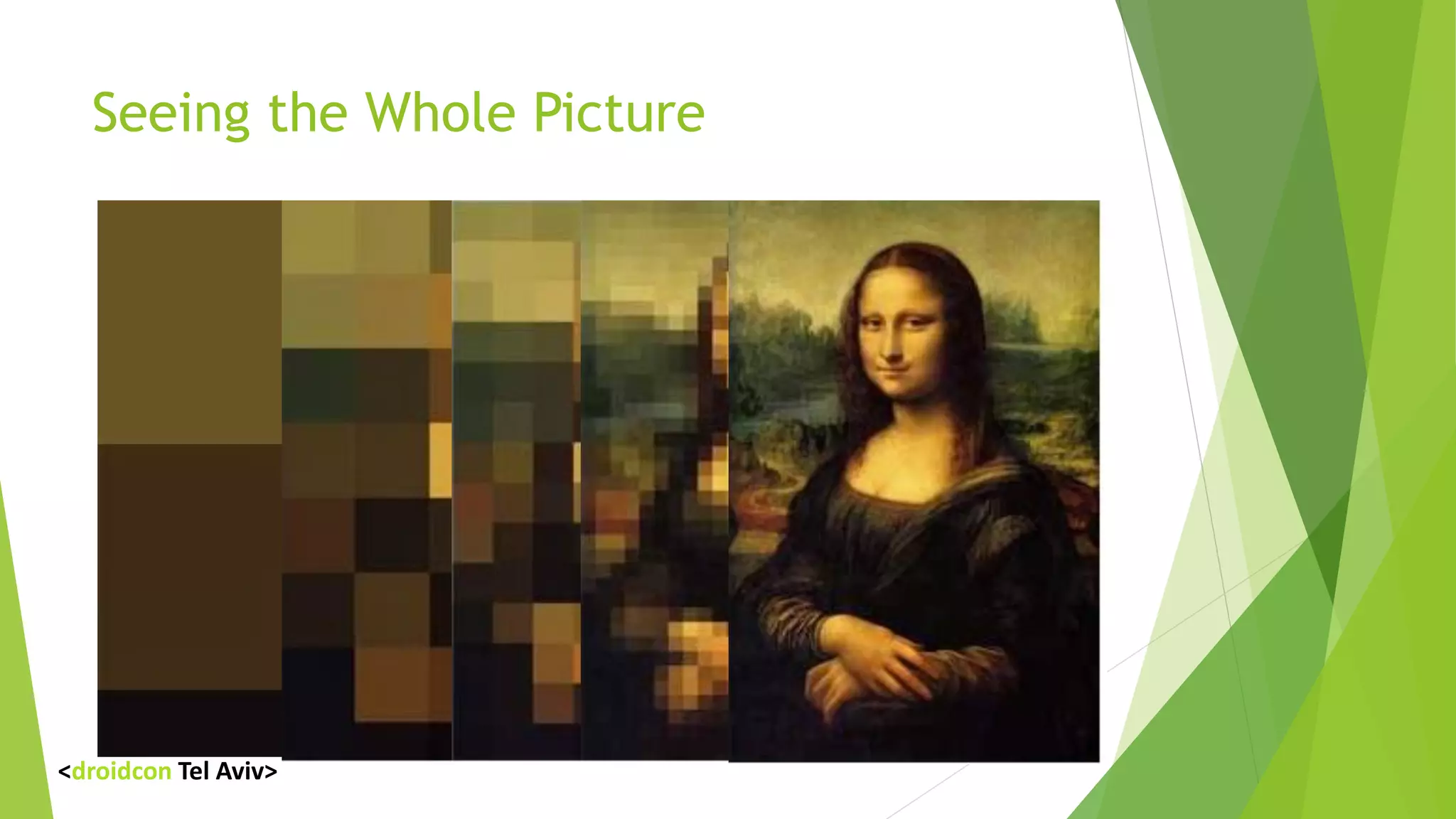
Seeing the Whole Picture
<droidcon Tel Aviv>
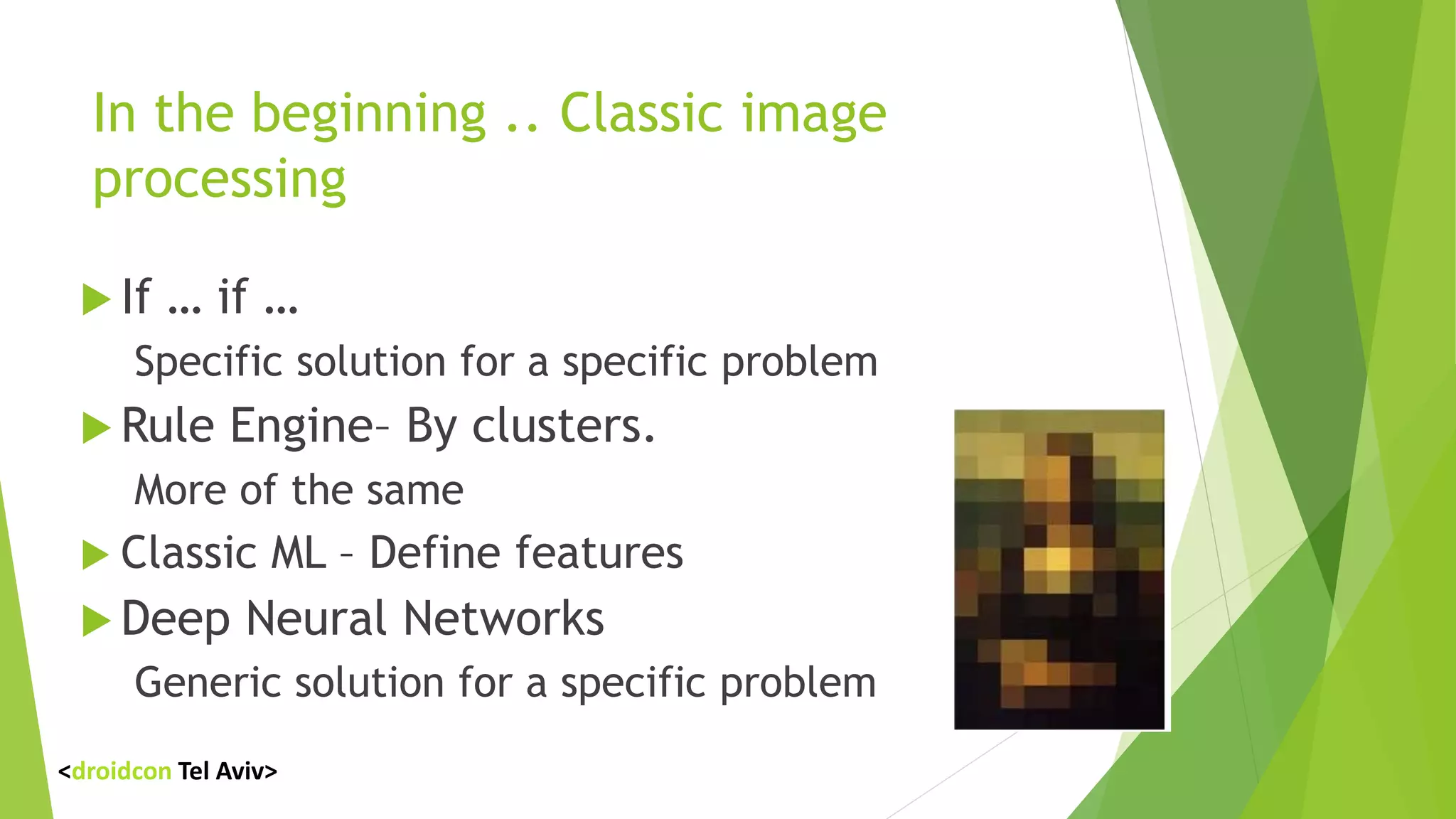
In the beginning .. Classic image
processing
 If … if …
Specific solution for a specific problem
 Rule Engine– By clusters.
More of the same
 Classic ML – Define features
 Deep Neural Networks
Generic solution for a specific problem
<droidcon Tel Aviv>
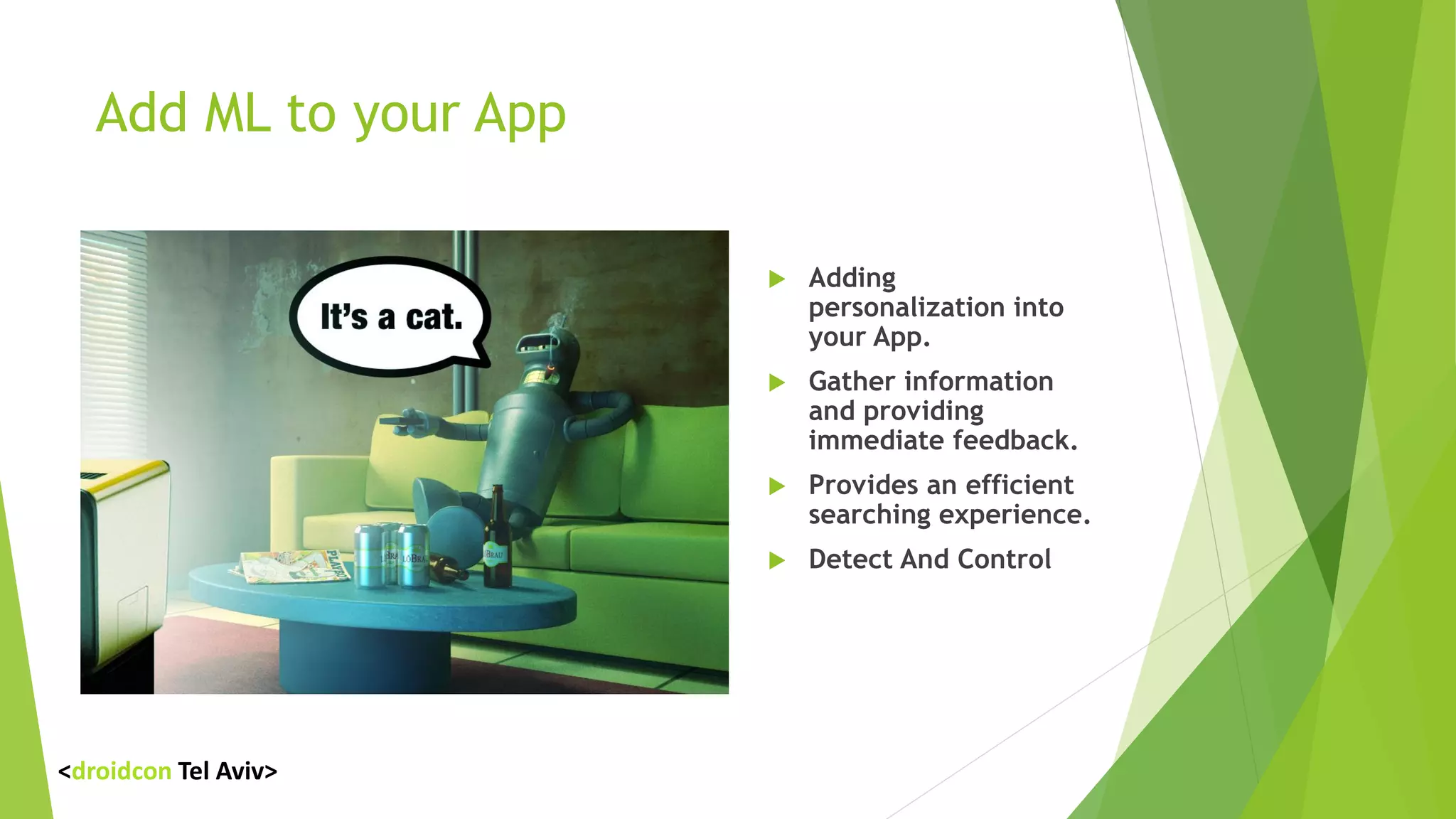
Add ML to your App
 Adding
personalization into
your App.
 Gather information
and providing
immediate feedback.
 Provides an efficient
searching experience.
 Detect And Control
<droidcon Tel Aviv>
Cloud ML
 Microsoft Cognitive Services
 Amazon Machine Learning Services
 IBM Watson
 Firebase ML Kit
 Alibaba Cloud services
<droidcon Tel Aviv>
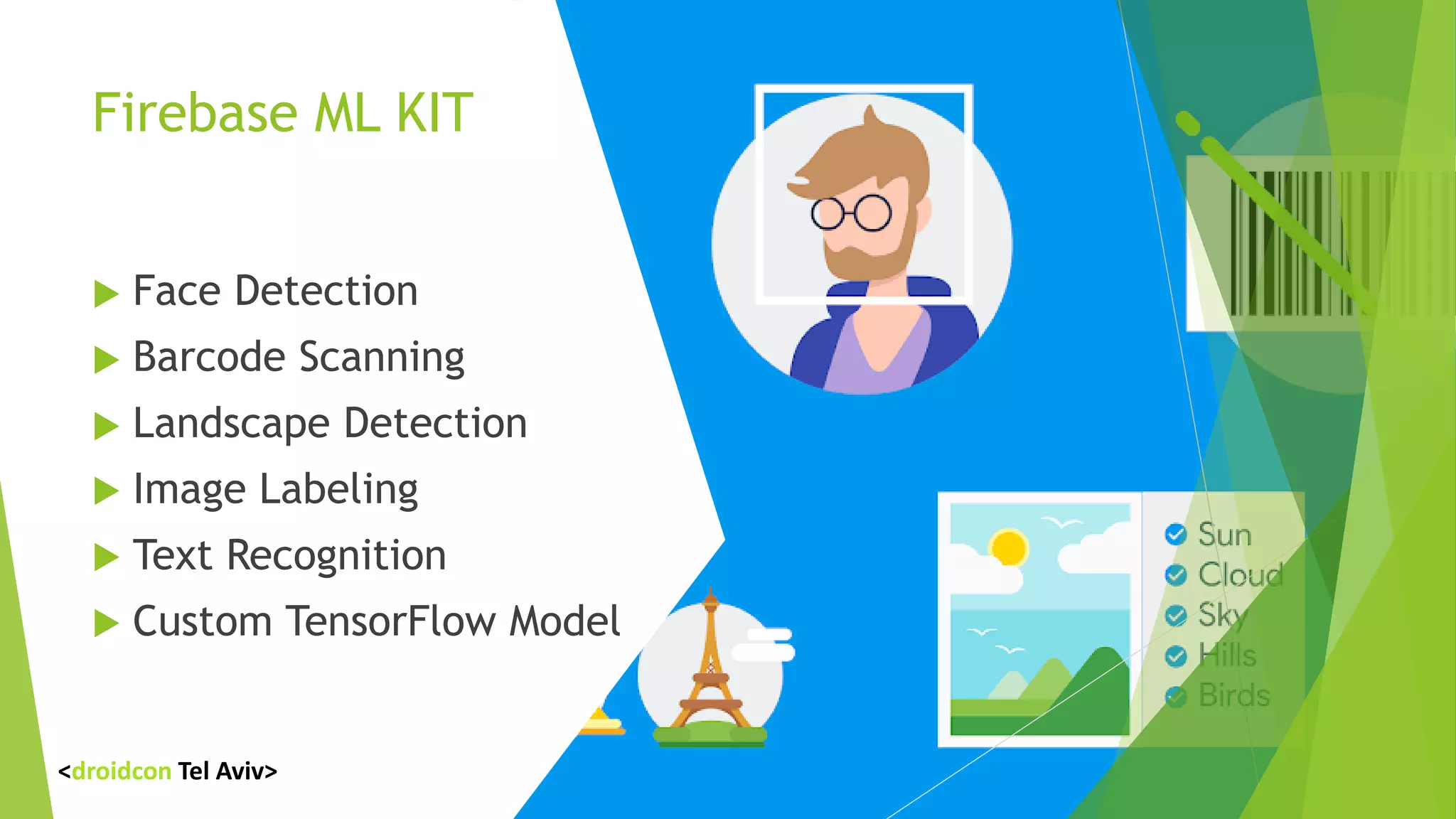
Firebase ML KIT
 Face Detection
 Barcode Scanning
 Landscape Detection
 Image Labeling
 Text Recognition
 Custom TensorFlow Model
<droidcon Tel Aviv>
Firebase ML KIT
 Almost any application uses it .
 Build in ML Models.
 Both Cloud and on Device.
 Scalable.
<droidcon Tel Aviv>
Live Demo
<droidcon Tel Aviv>
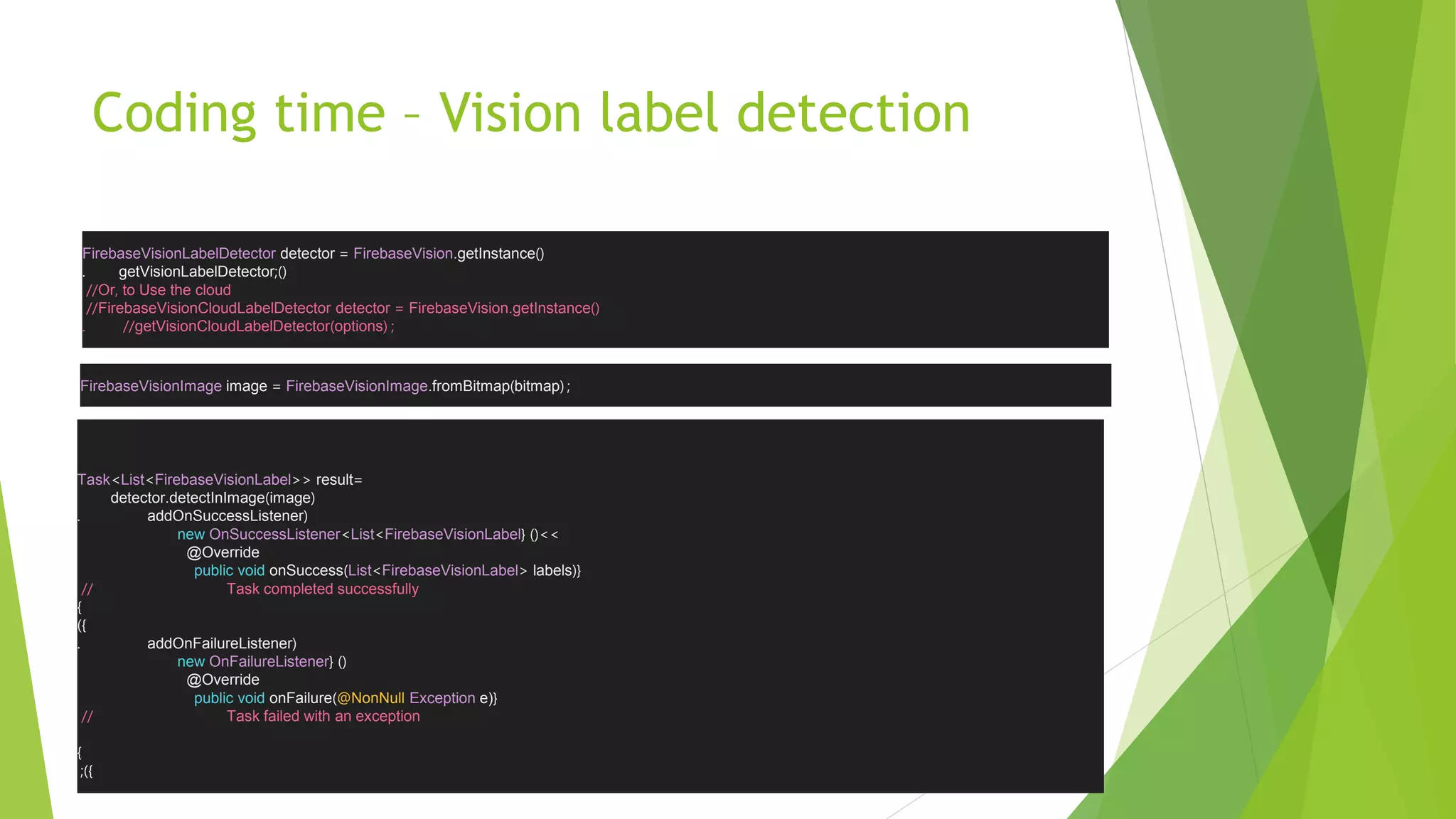
Coding time – Vision label detection
FirebaseVisionLabelDetector detector = FirebaseVision.getInstance)(
. getVisionLabelDetector )(;
//Or, to Use the cloud
//FirebaseVisionCloudLabelDetector detector = FirebaseVision.getInstance)(
//. getVisionCloudLabelDetector)options( ;
FirebaseVisionImage image = FirebaseVisionImage.fromBitmap)bitmap( ;
Task<List<FirebaseVisionLabel>> result=
detector.detectInImage)image(
. addOnSuccessListener(
new OnSuccessListener<List<FirebaseVisionLabel <<)({
@Override
public void onSuccess)List<FirebaseVisionLabel> labels({
// Task completed successfully
}
})
. addOnFailureListener(
new OnFailureListener )({
@Override
public void onFailure)@NonNull Exception e){
// Task failed with an exception
}
});
Creating something
different
oRecognize Something specific
oRun Offline
oResponse time
oCost
<droidcon Tel Aviv>
ML Frameworks
 TensorFlow
 Scikit-learn
 Caffe
 Torch
 Spark
 Mahout
 CNTK 2 (Microsoft Cognitive Toolkit)
<droidcon Tel Aviv>
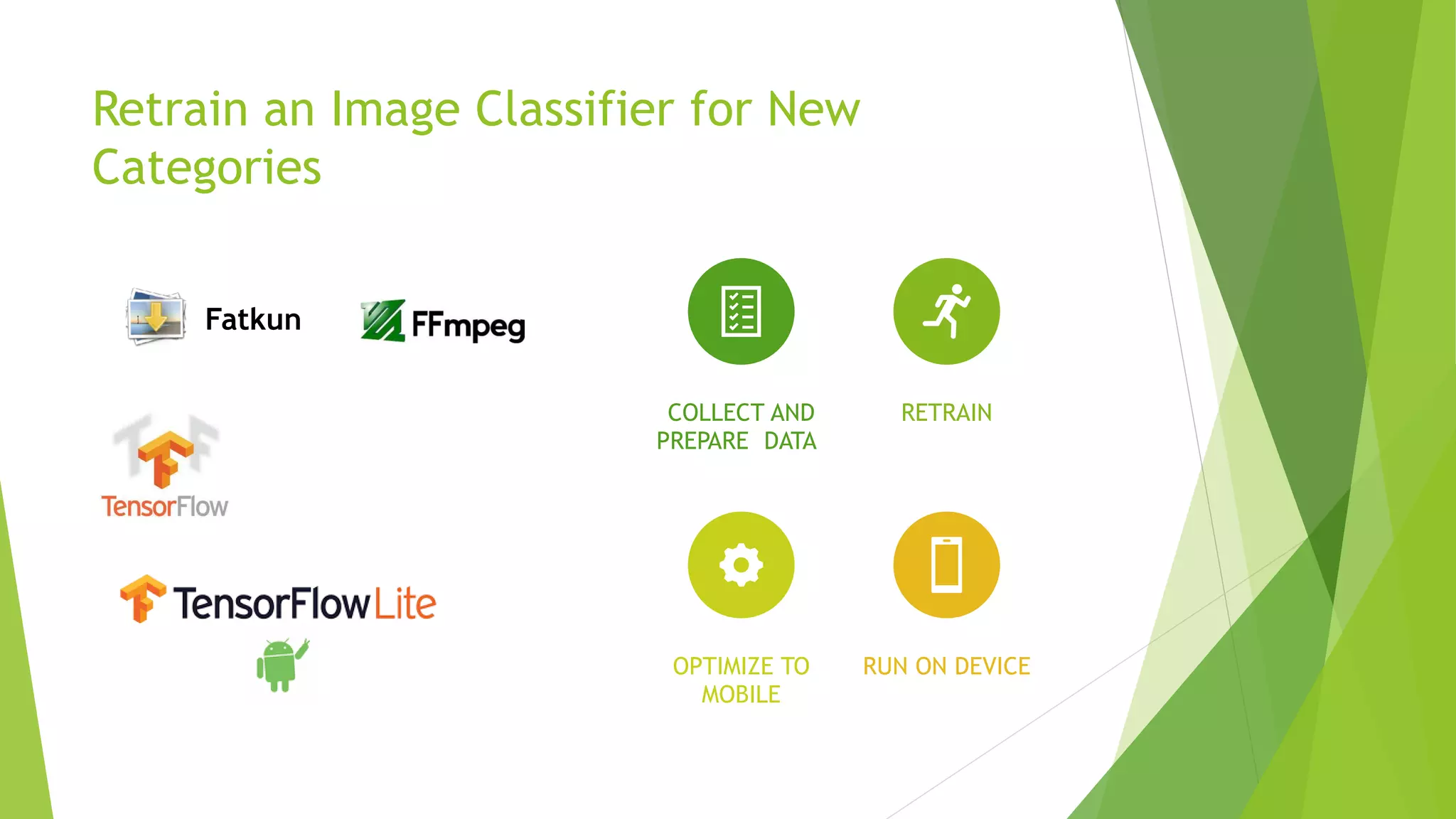
Retrain an Image Classifier for New
Categories
COLLECT AND
PREPARE DATA
RETRAIN
OPTIMIZE TO
MOBILE
RUN ON DEVICE
Fatkun
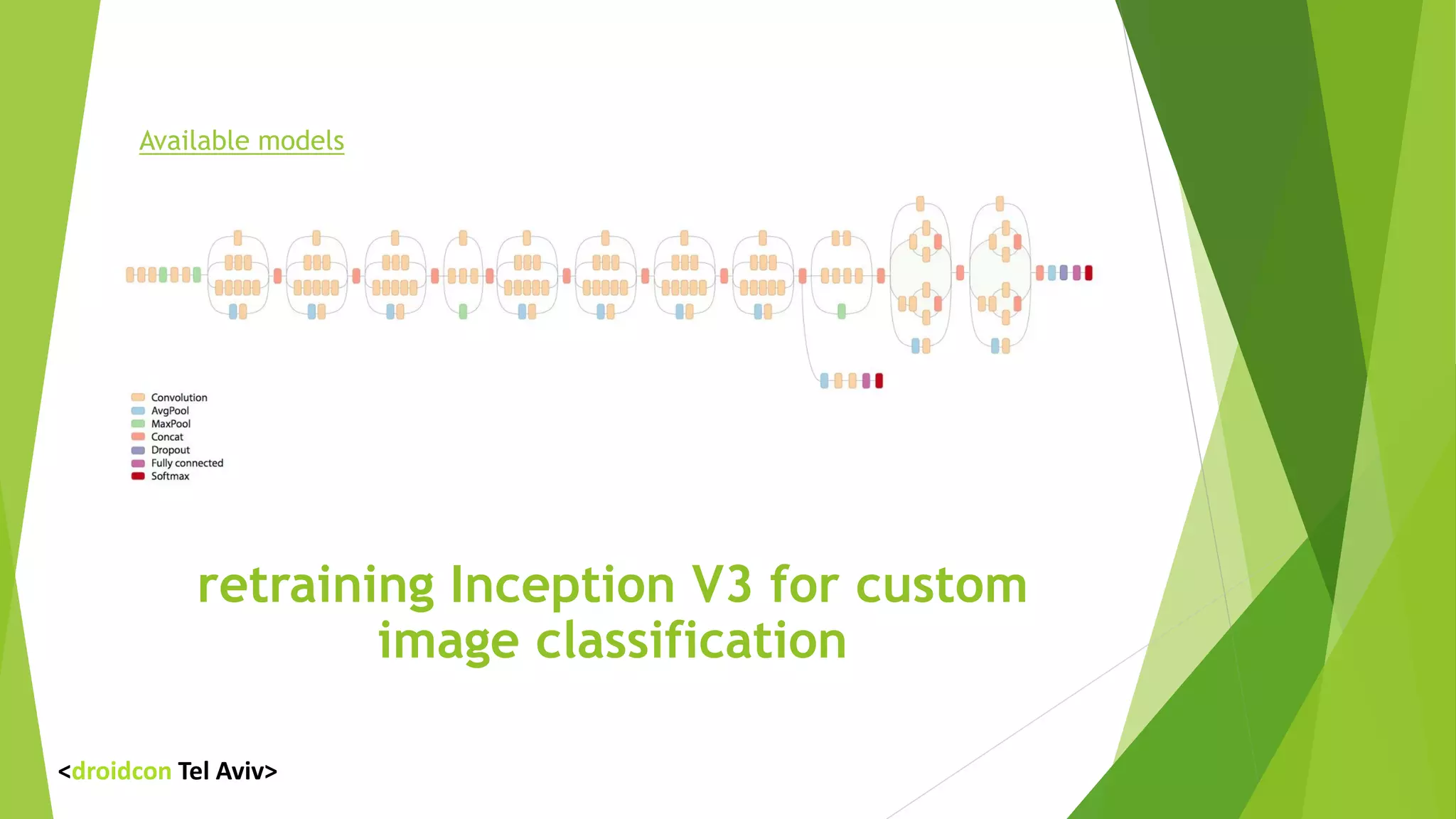
retraining Inception V3 for custom
image classification
Available models
<droidcon Tel Aviv>
Retrain
 Set your input images
[any_path]/my_own_classifier/data/dalek
[any_path]/my_own_classifier/data/cyberman
[any_path]/my_own_classifier/data/doctor
 Run the retrain
python -m scripts.retrain 
--bottleneck_dir=tf_files/bottlenecks 
--how_many_training_steps=500 
--model_dir=tf_files/models/ 
--summaries_dir=tf_files/training_summaries/"${ARCHITECTURE}" 
--output_graph=tf_files/retrained_graph.pb 
--output_labels=tf_files/retrained_labels.txt 
--image_dir=tf_files/data
<droidcon Tel Aviv>
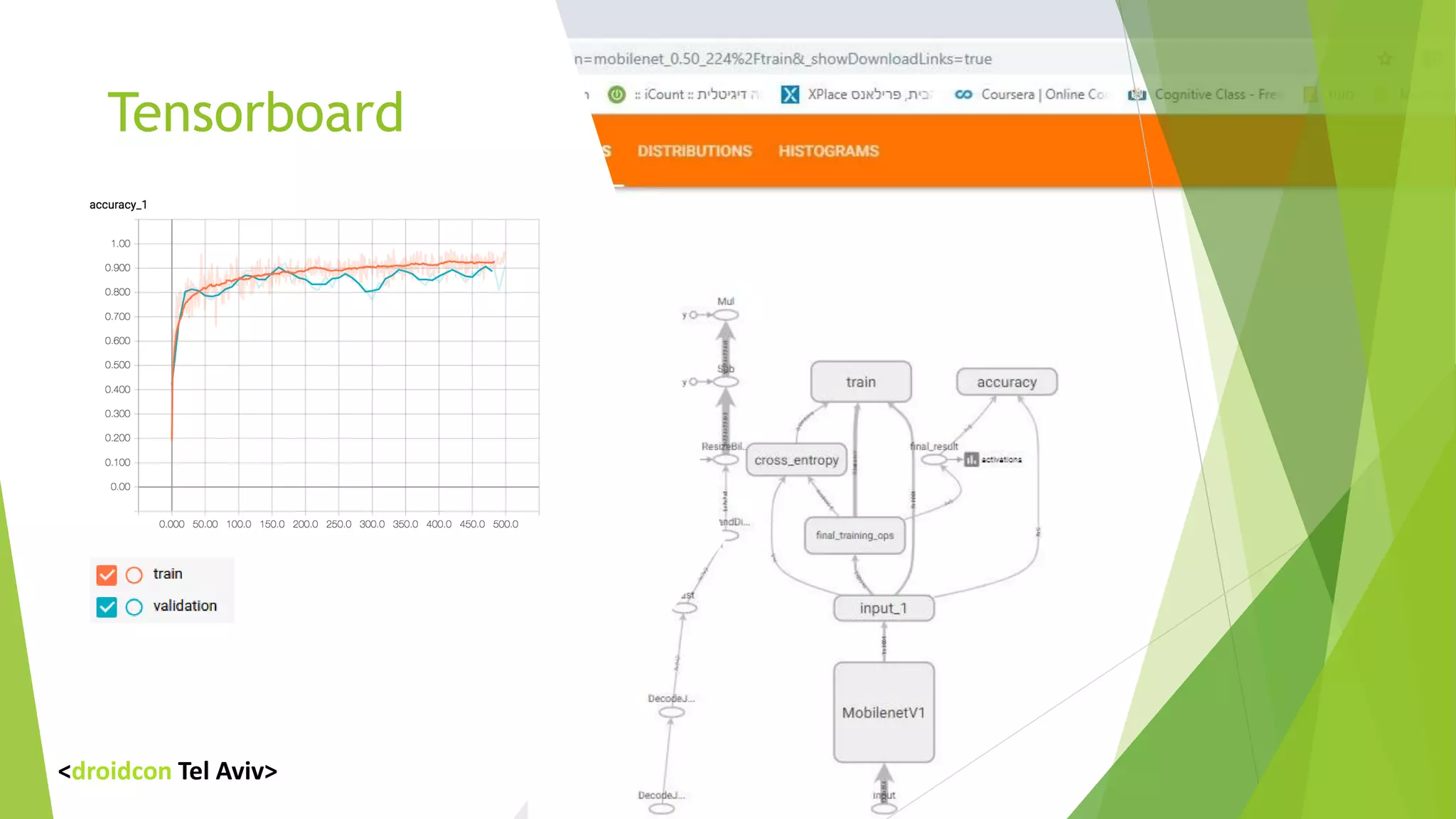
Tensorboard
<droidcon Tel Aviv>
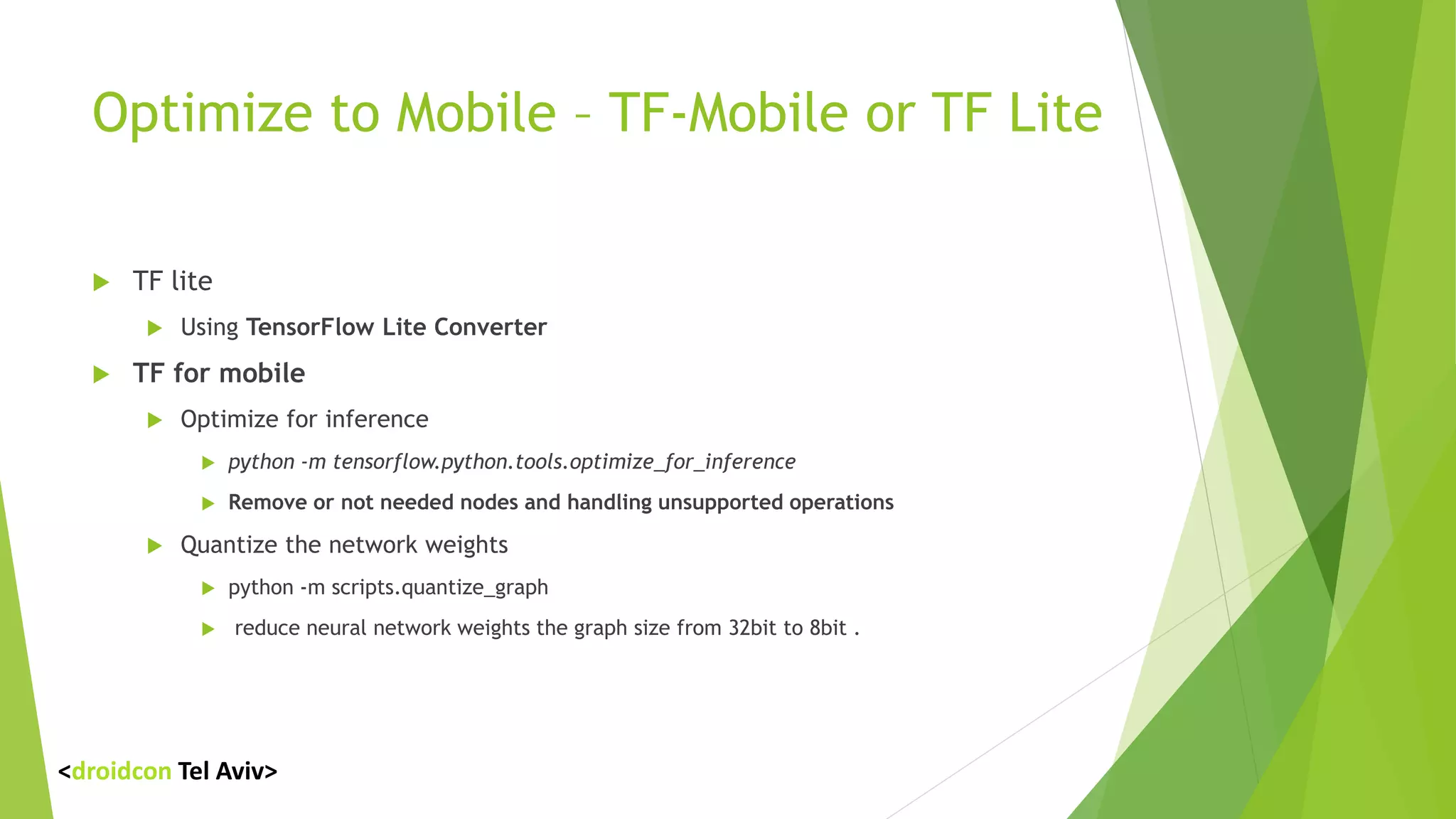
Optimize to Mobile – TF-Mobile or TF Lite
 TF lite
 Using TensorFlow Lite Converter
 TF for mobile
 Optimize for inference
 python -m tensorflow.python.tools.optimize_for_inference
 Remove or not needed nodes and handling unsupported operations
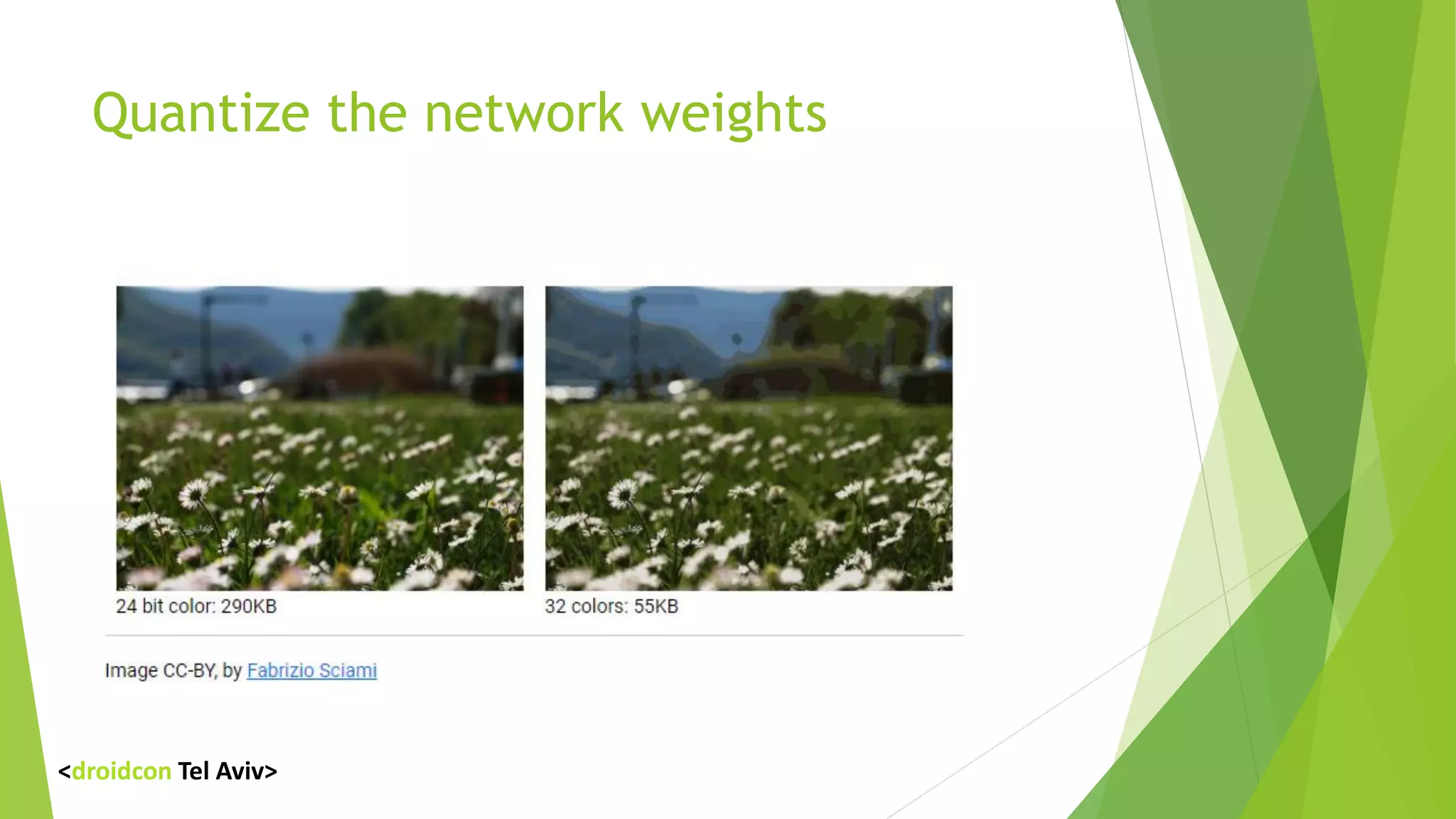
 Quantize the network weights
 python -m scripts.quantize_graph
 reduce neural network weights the graph size from 32bit to 8bit .
<droidcon Tel Aviv>
Quantize the network weights
<droidcon Tel Aviv>
Back to Android
private static final String MODEL_FILE = "file:///android_asset/graph.pb";
private static final String LABEL_FILE = "file:///android_asset/labels.txt";
// load the model into a TensorFlowInferenceInterface.
c.inferenceInterface = new TensorFlowInferenceInterface(
assetManager, MODEL_FILE );
// This model can be retrained with different numbers of output classes output array must be in
the same size
// Get the tensorflow node
final Operation operation = c.inferenceInterface.graphOperation(outputName);
// Inspect its shape
final int numClasses = (int) operation.output(0).shape().size(1);
// Build the output array with the correct size.
c.outputs = new float[numClasses];
<droidcon Tel Aviv>
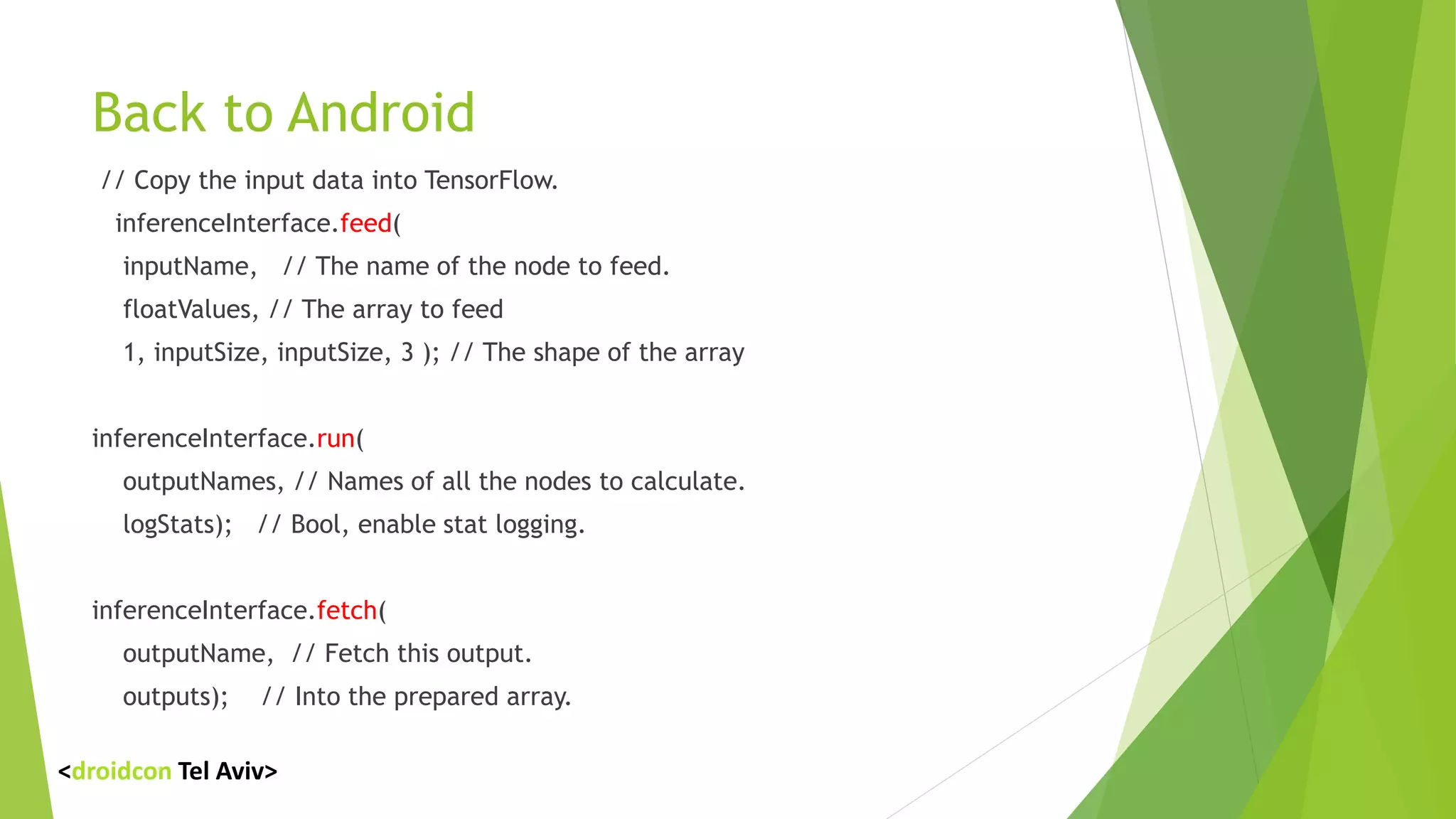
Back to Android
// Copy the input data into TensorFlow.
inferenceInterface.feed(
inputName, // The name of the node to feed.
floatValues, // The array to feed
1, inputSize, inputSize, 3 ); // The shape of the array
inferenceInterface.run(
outputNames, // Names of all the nodes to calculate.
logStats); // Bool, enable stat logging.
inferenceInterface.fetch(
outputName, // Fetch this output.
outputs); // Into the prepared array.
<droidcon Tel Aviv>
Live Demo
<droidcon Tel Aviv>
Lesson learned
 Handle your data with care.
 Use the framework that fits you (TensorFlow , Torch, Caffe , Spark ….)
 Don’t be afraid to play with parameters.
 Learn to use Tensorboard.
 Use Linux or Linux based OS.
 Keep up with the research.
<droidcon Tel Aviv>
Questions ?
<droidcon Tel Aviv>
Thanks
Maoz Tamir
maoz.tamir@gmail.com
053-3134223
Mobilefactory.co.il
<droidcon Tel Aviv>

Educating your app – adding ML edge to your apps - Maoz Tamir

  • 1.
  • 2.
    Seeing the WholePicture <droidcon Tel Aviv>
  • 3.
    In the beginning.. Classic image processing  If … if … Specific solution for a specific problem  Rule Engine– By clusters. More of the same  Classic ML – Define features  Deep Neural Networks Generic solution for a specific problem <droidcon Tel Aviv>
  • 4.
    Add ML toyour App  Adding personalization into your App.  Gather information and providing immediate feedback.  Provides an efficient searching experience.  Detect And Control <droidcon Tel Aviv>
  • 5.
    Cloud ML  MicrosoftCognitive Services  Amazon Machine Learning Services  IBM Watson  Firebase ML Kit  Alibaba Cloud services <droidcon Tel Aviv>
  • 6.
    Firebase ML KIT Face Detection  Barcode Scanning  Landscape Detection  Image Labeling  Text Recognition  Custom TensorFlow Model <droidcon Tel Aviv>
  • 7.
    Firebase ML KIT Almost any application uses it .  Build in ML Models.  Both Cloud and on Device.  Scalable. <droidcon Tel Aviv>
  • 8.
  • 9.
    Coding time –Vision label detection FirebaseVisionLabelDetector detector = FirebaseVision.getInstance)( . getVisionLabelDetector )(; //Or, to Use the cloud //FirebaseVisionCloudLabelDetector detector = FirebaseVision.getInstance)( //. getVisionCloudLabelDetector)options( ; FirebaseVisionImage image = FirebaseVisionImage.fromBitmap)bitmap( ; Task<List<FirebaseVisionLabel>> result= detector.detectInImage)image( . addOnSuccessListener( new OnSuccessListener<List<FirebaseVisionLabel <<)({ @Override public void onSuccess)List<FirebaseVisionLabel> labels({ // Task completed successfully } }) . addOnFailureListener( new OnFailureListener )({ @Override public void onFailure)@NonNull Exception e){ // Task failed with an exception } });
  • 10.
    Creating something different oRecognize Somethingspecific oRun Offline oResponse time oCost <droidcon Tel Aviv>
  • 11.
    ML Frameworks  TensorFlow Scikit-learn  Caffe  Torch  Spark  Mahout  CNTK 2 (Microsoft Cognitive Toolkit) <droidcon Tel Aviv>
  • 12.
    Retrain an ImageClassifier for New Categories COLLECT AND PREPARE DATA RETRAIN OPTIMIZE TO MOBILE RUN ON DEVICE Fatkun
  • 13.
    retraining Inception V3for custom image classification Available models <droidcon Tel Aviv>
  • 14.
    Retrain  Set yourinput images [any_path]/my_own_classifier/data/dalek [any_path]/my_own_classifier/data/cyberman [any_path]/my_own_classifier/data/doctor  Run the retrain python -m scripts.retrain --bottleneck_dir=tf_files/bottlenecks --how_many_training_steps=500 --model_dir=tf_files/models/ --summaries_dir=tf_files/training_summaries/"${ARCHITECTURE}" --output_graph=tf_files/retrained_graph.pb --output_labels=tf_files/retrained_labels.txt --image_dir=tf_files/data <droidcon Tel Aviv>
  • 15.
  • 16.
    Optimize to Mobile– TF-Mobile or TF Lite  TF lite  Using TensorFlow Lite Converter  TF for mobile  Optimize for inference  python -m tensorflow.python.tools.optimize_for_inference  Remove or not needed nodes and handling unsupported operations  Quantize the network weights  python -m scripts.quantize_graph  reduce neural network weights the graph size from 32bit to 8bit . <droidcon Tel Aviv>
  • 17.
    Quantize the networkweights <droidcon Tel Aviv>
  • 18.
    Back to Android privatestatic final String MODEL_FILE = "file:///android_asset/graph.pb"; private static final String LABEL_FILE = "file:///android_asset/labels.txt"; // load the model into a TensorFlowInferenceInterface. c.inferenceInterface = new TensorFlowInferenceInterface( assetManager, MODEL_FILE ); // This model can be retrained with different numbers of output classes output array must be in the same size // Get the tensorflow node final Operation operation = c.inferenceInterface.graphOperation(outputName); // Inspect its shape final int numClasses = (int) operation.output(0).shape().size(1); // Build the output array with the correct size. c.outputs = new float[numClasses]; <droidcon Tel Aviv>
  • 19.
    Back to Android //Copy the input data into TensorFlow. inferenceInterface.feed( inputName, // The name of the node to feed. floatValues, // The array to feed 1, inputSize, inputSize, 3 ); // The shape of the array inferenceInterface.run( outputNames, // Names of all the nodes to calculate. logStats); // Bool, enable stat logging. inferenceInterface.fetch( outputName, // Fetch this output. outputs); // Into the prepared array. <droidcon Tel Aviv>
  • 20.
  • 21.
    Lesson learned  Handleyour data with care.  Use the framework that fits you (TensorFlow , Torch, Caffe , Spark ….)  Don’t be afraid to play with parameters.  Learn to use Tensorboard.  Use Linux or Linux based OS.  Keep up with the research. <droidcon Tel Aviv>
  • 22.
  • 23.