







EdJobSpot.com
Job Seeker User Manual
Digital Portfolios, Job Search,
and Applications
This Slideshow Does Not
Contain Narration
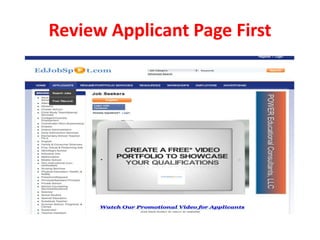
Review Applicant Page First
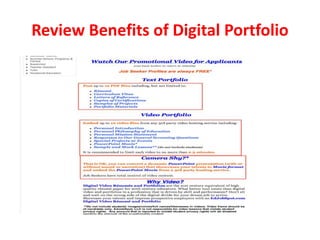
Review Benefits of Digital Portfolio
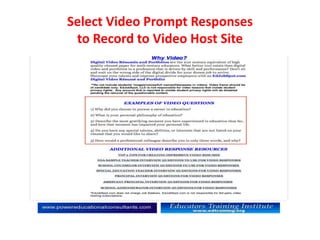
Select Video Prompt Responses
to Record to Video Host Site
Now That You Have Reviewed…
Let’s Create Your Account
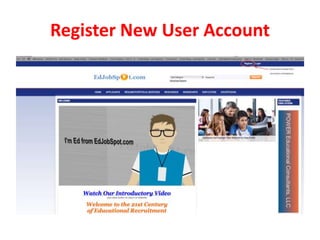
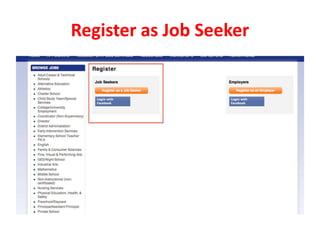
Register New User Account
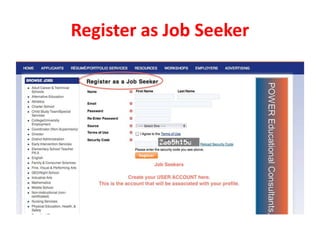
Register as Job Seeker
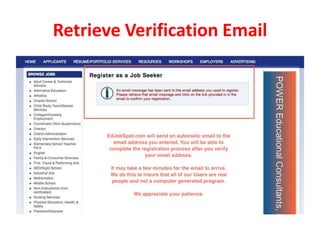
Retrieve Verification Email
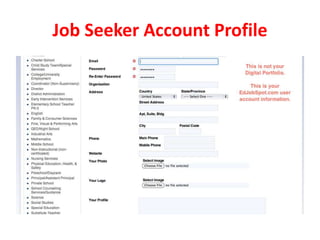
Job Seeker Account Profile
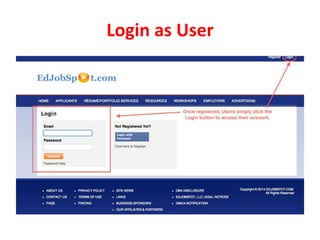
Login as User
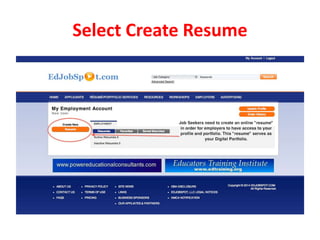
Select Create Resume
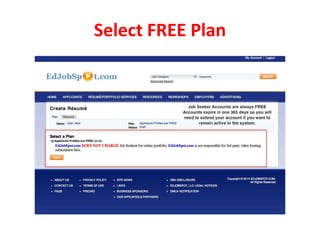
Select FREE Plan
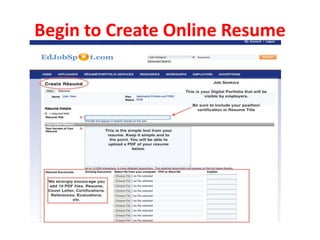
Begin to Create Online Resume
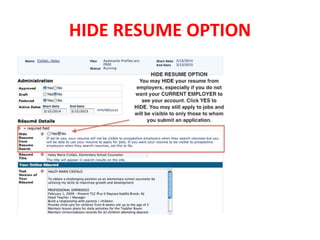
HIDE RESUME OPTION
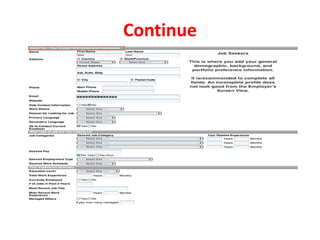
Continue
How to Convert PowerPoint to Video
You may opt to add PowerPoint presentations
to your digital profile as a PDF in the Resume
Documents section or as a Movie file in the
Video Embed section.
Create your PowerPoint>Save File>
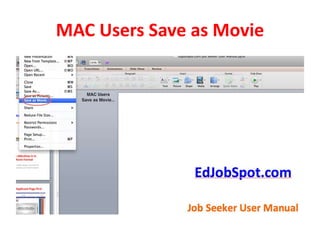
Once saved, Open File>Select Save As>Change
the Format to PDF or Movie/Media File
(depending on MAC or PC)
Office Users Create Video
To save your PowerPoint 2010 presentation as
a video:
• On the File menu, click Save & Send.
• Under Save & Send, click Create a video.
• Click Create Video.
MAC Users Save as Movie
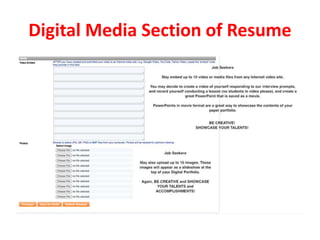
Digital Media Section of Resume
VIDEO HOSTING SERVICES
You may opt to create a FREE account with any
of the following Video Hosting Services:
• Vimeo
• YouTube
• Google+
Be sure to carefully review PRIVACY settings for
these accounts. EdJobSpot.com is not liable for
video content or 3rd party hosting subscriptions.
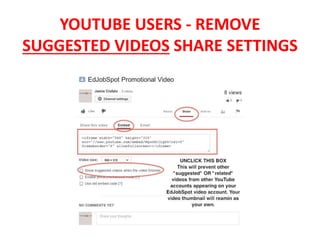
YOUTUBE USERS - REMOVE
SUGGESTED VIDEOS SHARE SETTINGS
SAVE or SUBMIT
Be Sure to either SAVE as DRAFT or SUBMIT
before leaving the Resume Page
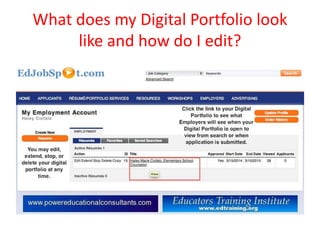
What does my Digital Portfolio look
like and how do I edit?
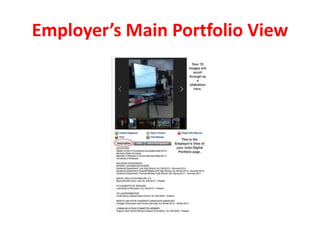
Employer’s Main Portfolio View
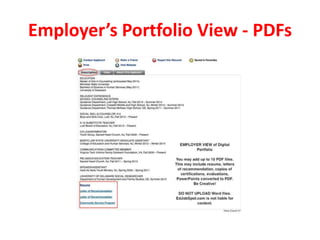
Employer’s Portfolio View - PDFs
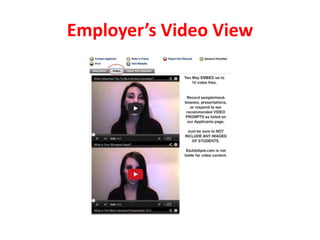
Employer’s Video View
Now it is time to find your
Dream Job
Let’s Start the Job Search Process
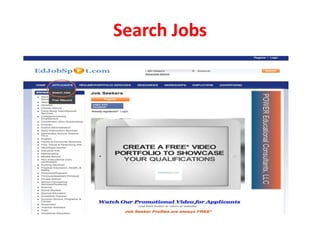
Search Jobs
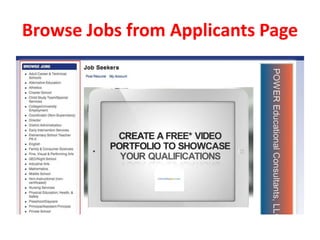
Browse Jobs from Applicants Page
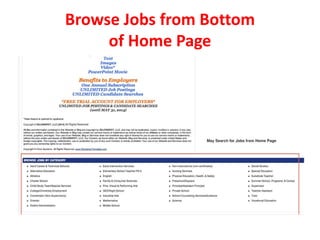
Browse Jobs from Bottom
of Home Page
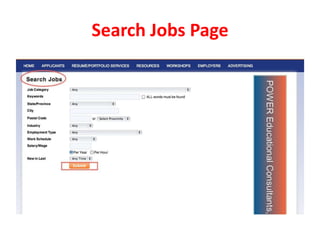
Search Jobs Page
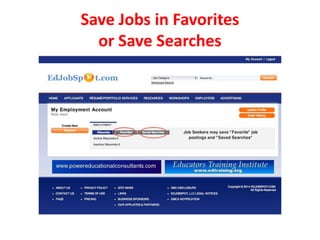
Save Jobs in Favorites
or Save Searches
Submitting Applications
Applicants must adhere to the requirements as
set forth by the Employer for the submission of
applications.
Read the job posting carefully and follow all
instructions. Not all employers use the same
application format and system.
Get the Interview…
Make a Great Impression…
Get the Job…
Success is Only a Few Clicks Away
Good Luck!
Make it Happen!
Need Assistance?
Feel free to go to
POWER Educational Consultants, LLC
to receive information regarding professional
resume/portfolio consultation and mentoring.
www.powereducationalconsultants.com

EdJobSpot.com Job Seeker User Manual