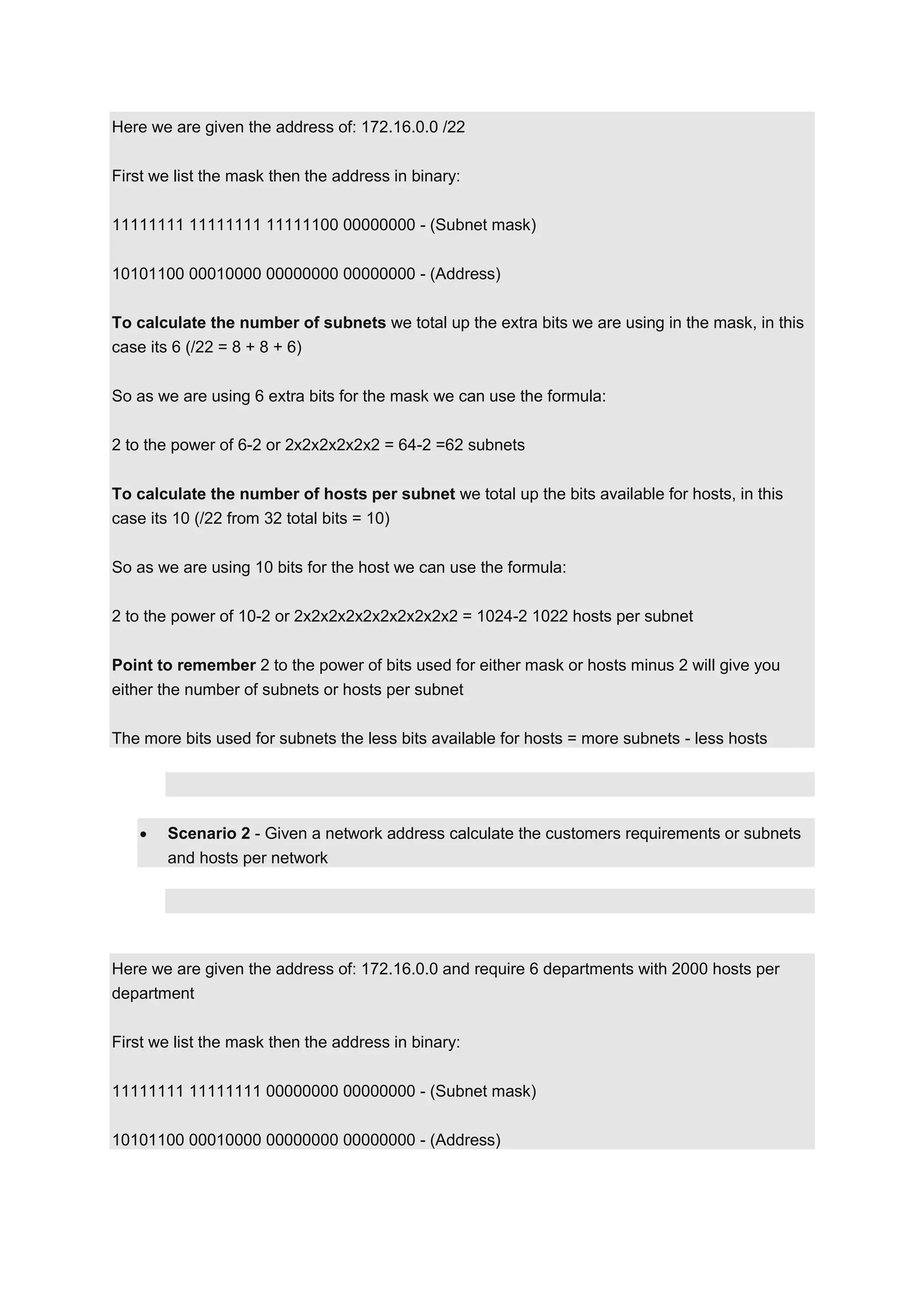
Here we are given the address of: 172.16.0.0 /22
First we list the mask then the address in binary:
11111111 11111111 11111100 00000000 - (Subnet mask)
10101100 00010000 00000000 00000000 - (Address)
To calculate the number of subnets we total up the extra bits we are using in the mask, in this
case its 6 (/22 = 8 + 8 + 6)
So as we are using 6 extra bits for the mask we can use the formula:
2 to the power of 6-2 or 2x2x2x2x2x2 = 64-2 =62 subnets
To calculate the number of hosts per subnet we total up the bits available for hosts, in this
case its 10 (/22 from 32 total bits = 10)
So as we are using 10 bits for the host we can use the formula:
2 to the power of 10-2 or 2x2x2x2x2x2x2x2x2x2 = 1024-2 1022 hosts per subnet
Point to remember 2 to the power of bits used for either mask or hosts minus 2 will give you
either the number of subnets or hosts per subnet
The more bits used for subnets the less bits available for hosts = more subnets - less hosts

Scenario 2 - Given a network address calculate the customers requirements or subnets
and hosts per network

Here we are given the address of: 172.16.0.0 and require 6 departments with 2000 hosts per
department
First we list the mask then the address in binary:
11111111 11111111 00000000 00000000 - (Subnet mask)
10101100 00010000 00000000 00000000 - (Address)
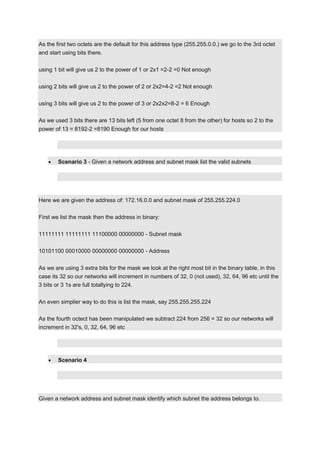
As the first two octets are the default for this address type (255.255.0.0.) we go to the 3rd octet
and start using bits there.
using 1 bit will give us 2 to the power of 1 or 2x1 =2-2 =0 Not enough
using 2 bits will give us 2 to the power of 2 or 2x2=4-2 =2 Not enough
using 3 bits will give us 2 to the power of 3 or 2x2x2=8-2 = 6 Enough
As we used 3 bits there are 13 bits left (5 from one octet 8 from the other) for hosts so 2 to the
power of 13 = 8192-2 =8190 Enough for our hosts

Scenario 3 - Given a network address and subnet mask list the valid subnets

Here we are given the address of: 172.16.0.0 and subnet mask of 255.255.224.0
First we list the mask then the address in binary:
11111111 11111111 11100000 00000000 - Subnet mask
10101100 00010000 00000000 00000000 - Address
As we are using 3 extra bits for the mask we look at the right most bit in the binary table, in this
case its 32 so our networks will increment in numbers of 32, 0 (not used), 32, 64, 96 etc until the
3 bits or 3 1s are full totallying to 224.
An even simplier way to do this is list the mask, say 255.255.255.224
As the fourth octect has been manipulated we subtract 224 from 256 = 32 so our networks will
increment in 32's, 0, 32, 64, 96 etc

Scenario 4

Given a network address and subnet mask identify which subnet the address belongs to.
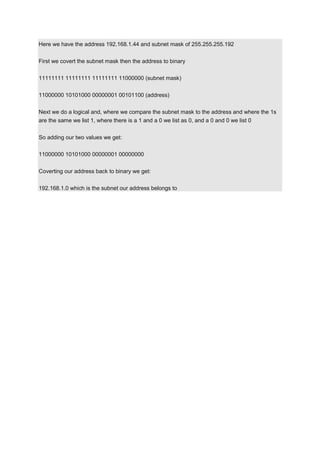
Here we have the address 192.168.1.44 and subnet mask of 255.255.255.192
First we covert the subnet mask then the address to binary
11111111 11111111 11111111 11000000 (subnet mask)
11000000 10101000 00000001 00101100 (address)
Next we do a logical and, where we compare the subnet mask to the address and where the 1s
are the same we list 1, where there is a 1 and a 0 we list as 0, and a 0 and 0 we list 0
So adding our two values we get:
11000000 10101000 00000001 00000000
Coverting our address back to binary we get:
192.168.1.0 which is the subnet our address belongs to

Easy how to work subnet etc

  • 1.
    Here we aregiven the address of: 172.16.0.0 /22 First we list the mask then the address in binary: 11111111 11111111 11111100 00000000 - (Subnet mask) 10101100 00010000 00000000 00000000 - (Address) To calculate the number of subnets we total up the extra bits we are using in the mask, in this case its 6 (/22 = 8 + 8 + 6) So as we are using 6 extra bits for the mask we can use the formula: 2 to the power of 6-2 or 2x2x2x2x2x2 = 64-2 =62 subnets To calculate the number of hosts per subnet we total up the bits available for hosts, in this case its 10 (/22 from 32 total bits = 10) So as we are using 10 bits for the host we can use the formula: 2 to the power of 10-2 or 2x2x2x2x2x2x2x2x2x2 = 1024-2 1022 hosts per subnet Point to remember 2 to the power of bits used for either mask or hosts minus 2 will give you either the number of subnets or hosts per subnet The more bits used for subnets the less bits available for hosts = more subnets - less hosts Scenario 2 - Given a network address calculate the customers requirements or subnets and hosts per network Here we are given the address of: 172.16.0.0 and require 6 departments with 2000 hosts per department First we list the mask then the address in binary: 11111111 11111111 00000000 00000000 - (Subnet mask) 10101100 00010000 00000000 00000000 - (Address)
  • 2.
    As the firsttwo octets are the default for this address type (255.255.0.0.) we go to the 3rd octet and start using bits there. using 1 bit will give us 2 to the power of 1 or 2x1 =2-2 =0 Not enough using 2 bits will give us 2 to the power of 2 or 2x2=4-2 =2 Not enough using 3 bits will give us 2 to the power of 3 or 2x2x2=8-2 = 6 Enough As we used 3 bits there are 13 bits left (5 from one octet 8 from the other) for hosts so 2 to the power of 13 = 8192-2 =8190 Enough for our hosts Scenario 3 - Given a network address and subnet mask list the valid subnets Here we are given the address of: 172.16.0.0 and subnet mask of 255.255.224.0 First we list the mask then the address in binary: 11111111 11111111 11100000 00000000 - Subnet mask 10101100 00010000 00000000 00000000 - Address As we are using 3 extra bits for the mask we look at the right most bit in the binary table, in this case its 32 so our networks will increment in numbers of 32, 0 (not used), 32, 64, 96 etc until the 3 bits or 3 1s are full totallying to 224. An even simplier way to do this is list the mask, say 255.255.255.224 As the fourth octect has been manipulated we subtract 224 from 256 = 32 so our networks will increment in 32's, 0, 32, 64, 96 etc Scenario 4 Given a network address and subnet mask identify which subnet the address belongs to.
  • 3.
    Here we havethe address 192.168.1.44 and subnet mask of 255.255.255.192 First we covert the subnet mask then the address to binary 11111111 11111111 11111111 11000000 (subnet mask) 11000000 10101000 00000001 00101100 (address) Next we do a logical and, where we compare the subnet mask to the address and where the 1s are the same we list 1, where there is a 1 and a 0 we list as 0, and a 0 and 0 we list 0 So adding our two values we get: 11000000 10101000 00000001 00000000 Coverting our address back to binary we get: 192.168.1.0 which is the subnet our address belongs to