 What the Basis system is
 How does SAP handle a transaction
request
 Differentiating between the various
work processes
 Understanding the basic functions of
the Basis Module
SAP Technical Overview
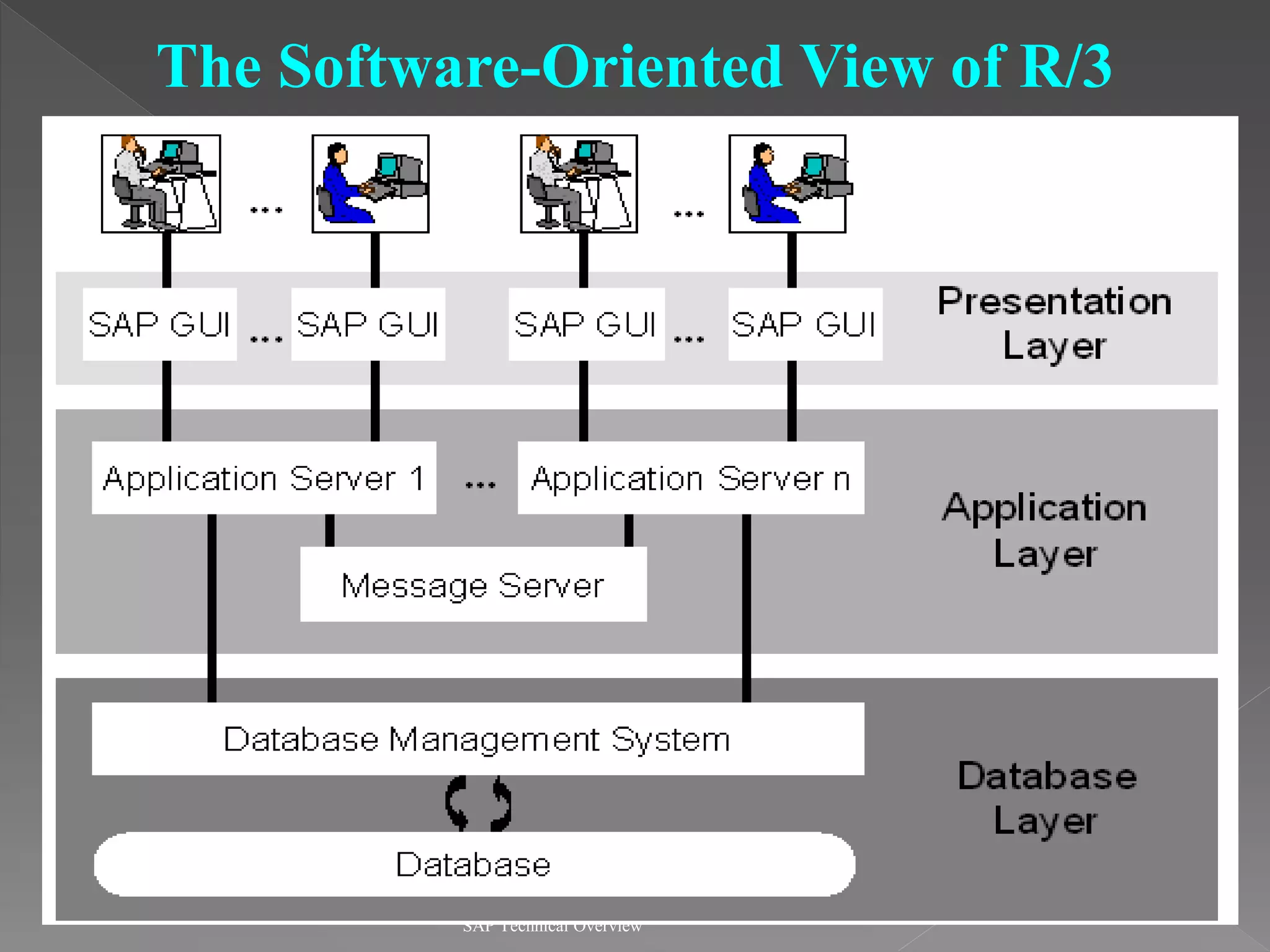
The Software-Oriented View of R/3
SAP Technical Overview
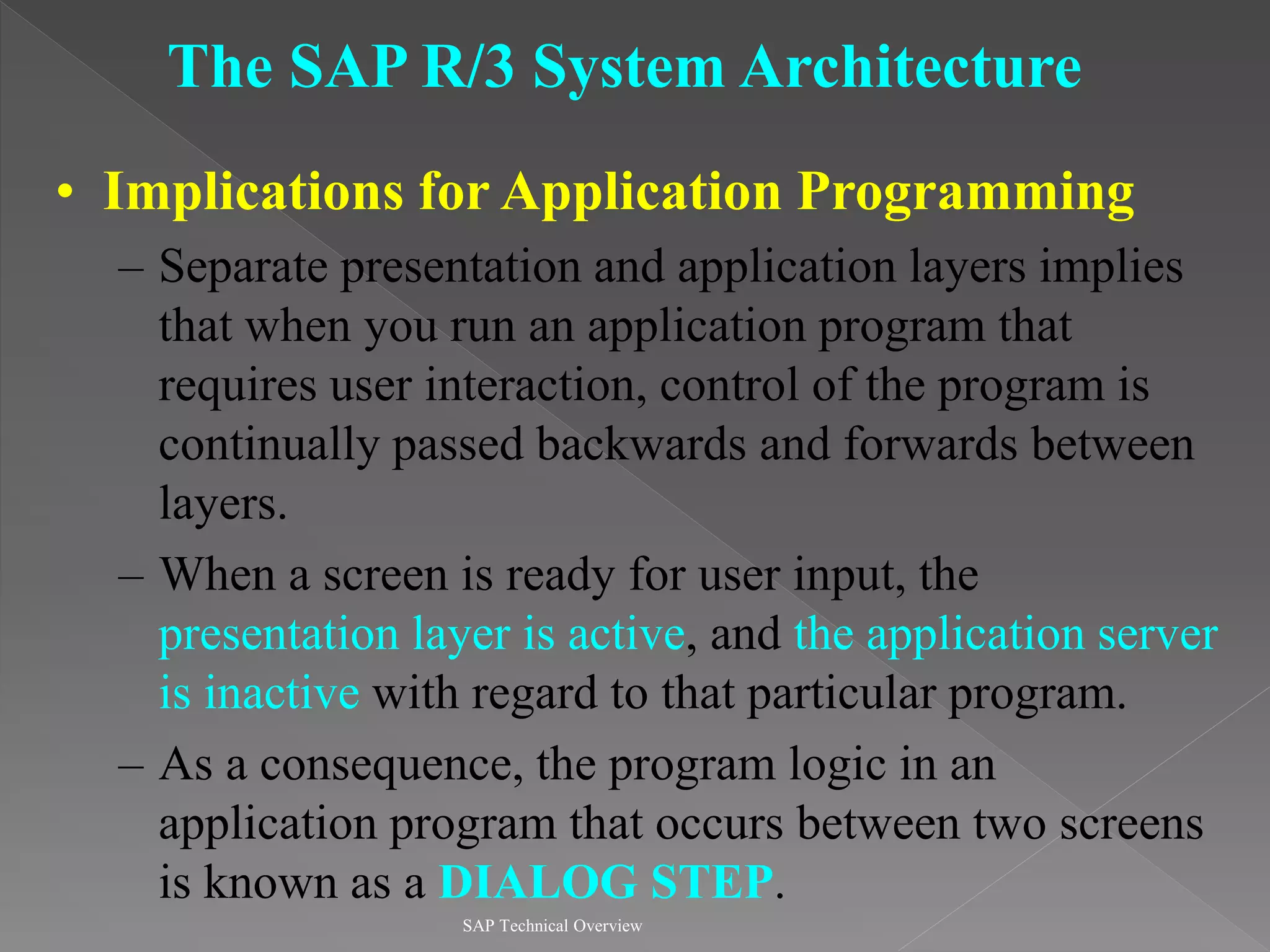
The SAP R/3 System Architecture
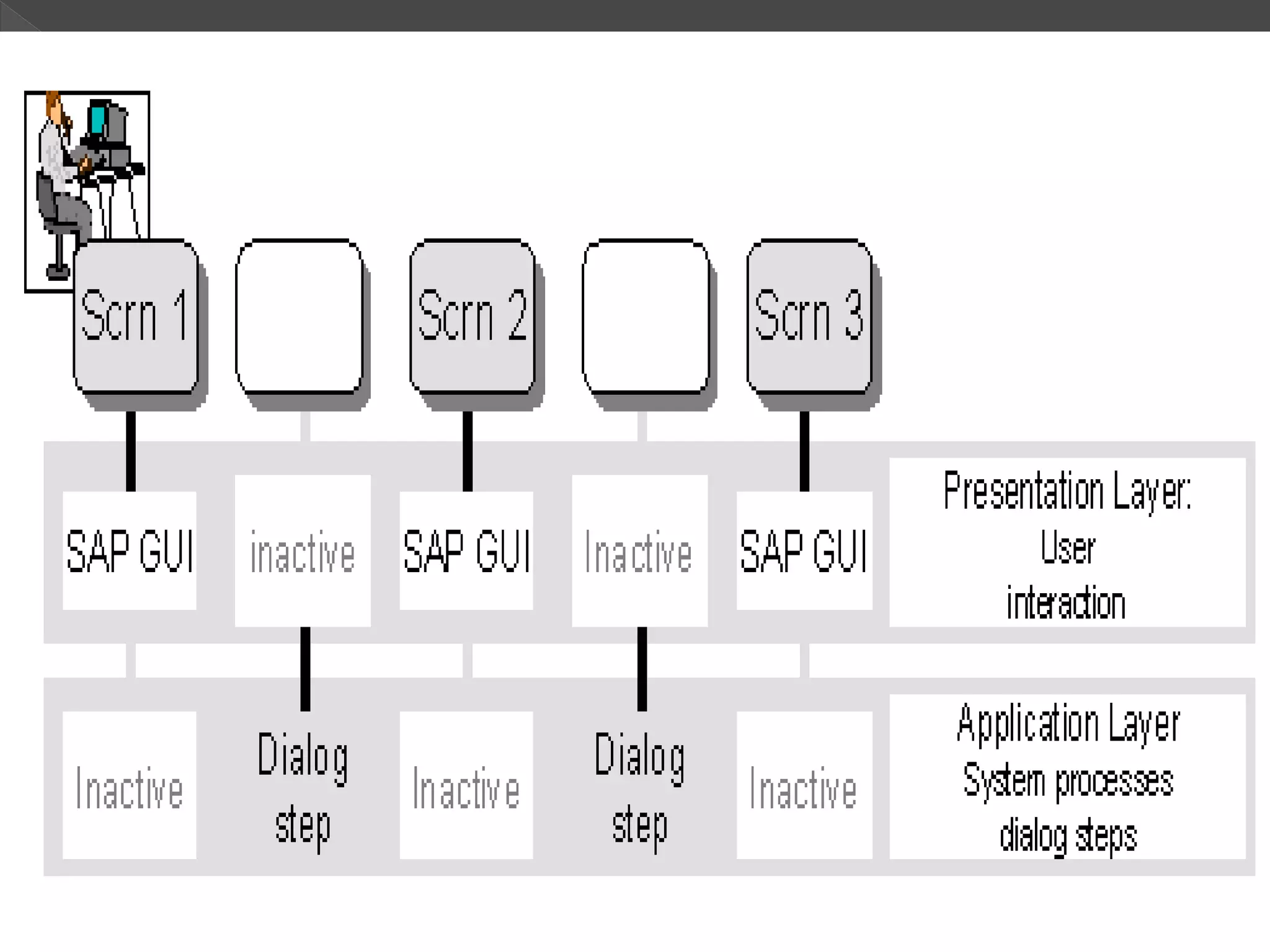
• Implications for Application Programming
– Separate presentation and application layers implies
that when you run an application program that
requires user interaction, control of the program is
continually passed backwards and forwards between
layers.
– When a screen is ready for user input, the
presentation layer is active, and the application server
is inactive with regard to that particular program.
– As a consequence, the program logic in an
application program that occurs between two screens
is known as a DIALOG STEP.
SAP Technical Overview
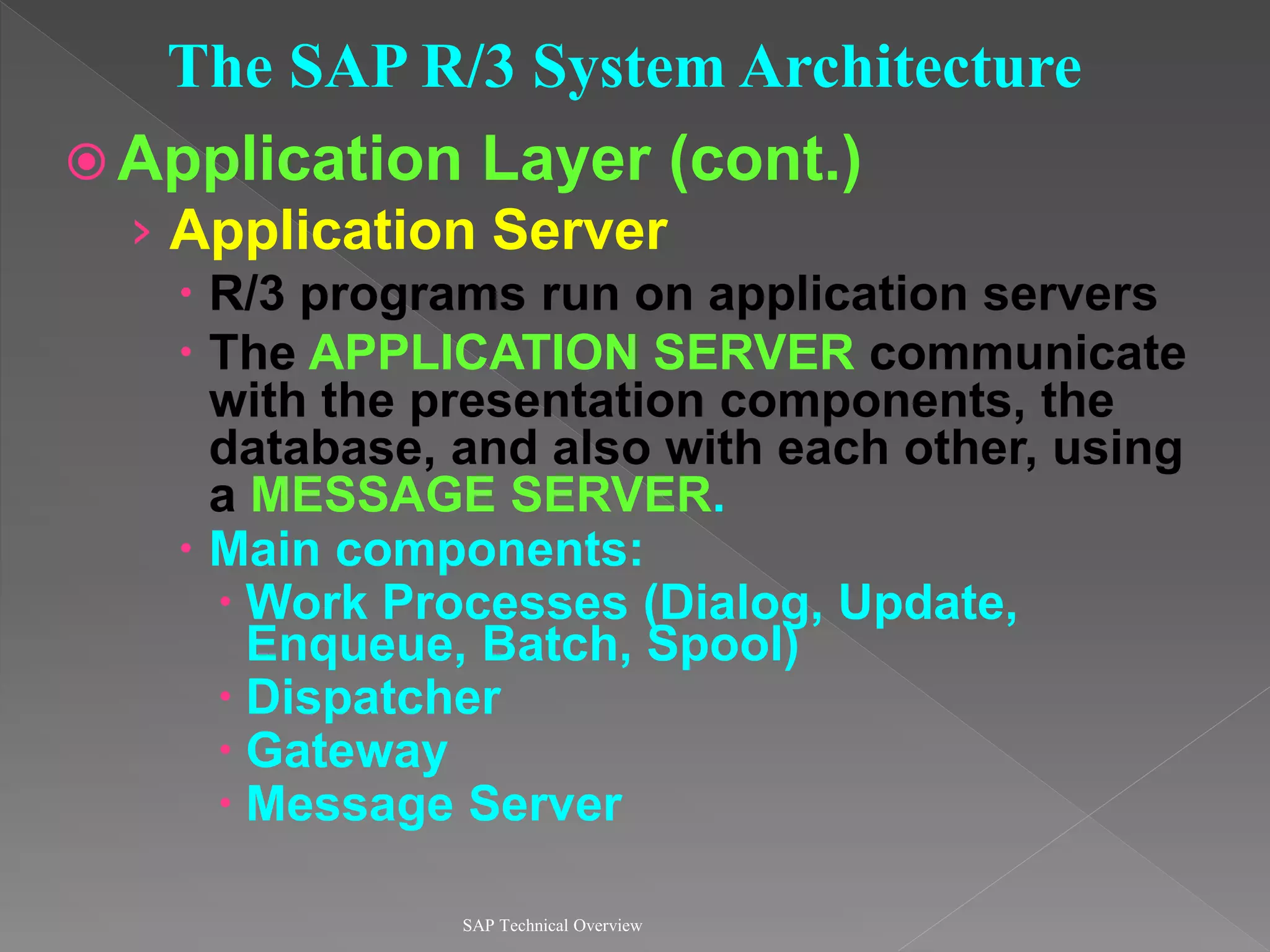
 Application Layer (cont.)
› Application Server
 R/3 programs run on application servers
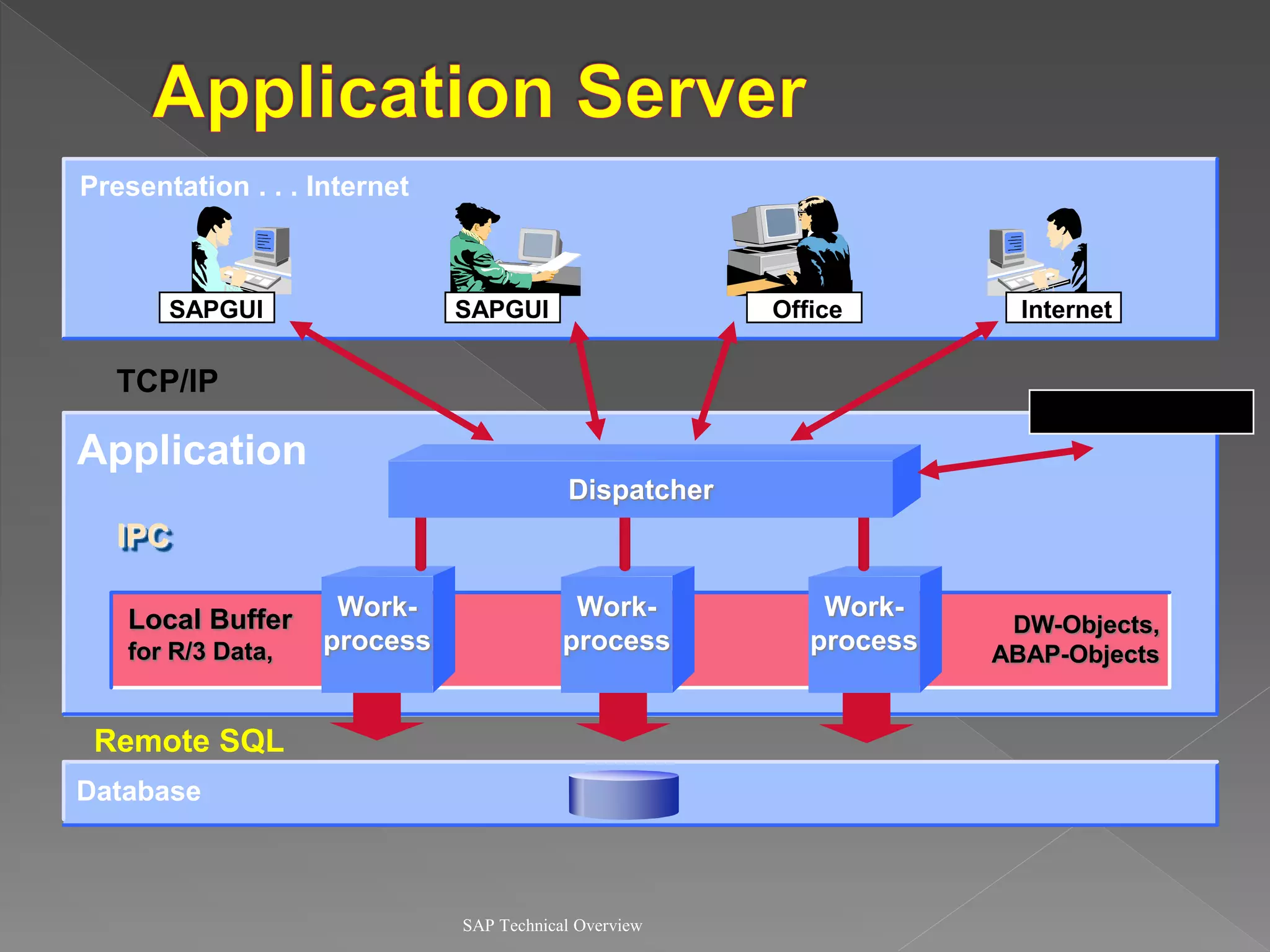
 The APPLICATION SERVER communicate
with the presentation components, the
database, and also with each other, using
a MESSAGE SERVER.
 Main components:
 Work Processes (Dialog, Update,
Enqueue, Batch, Spool)
 Dispatcher
 Gateway
 Message Server
SAP Technical Overview
The SAP R/3 System Architecture
SAP Technical Overview
Presentation . . . Internet
Application
Database
Communication
SAPGUI
SAPGUI Internet
Office
Work-
process
Work-
process
Work-
process
Dispatcher
TCP/IP
Remote SQL
IPC
Local Buffer
for R/3 Data,
DW-Objects,
ABAP-Objects
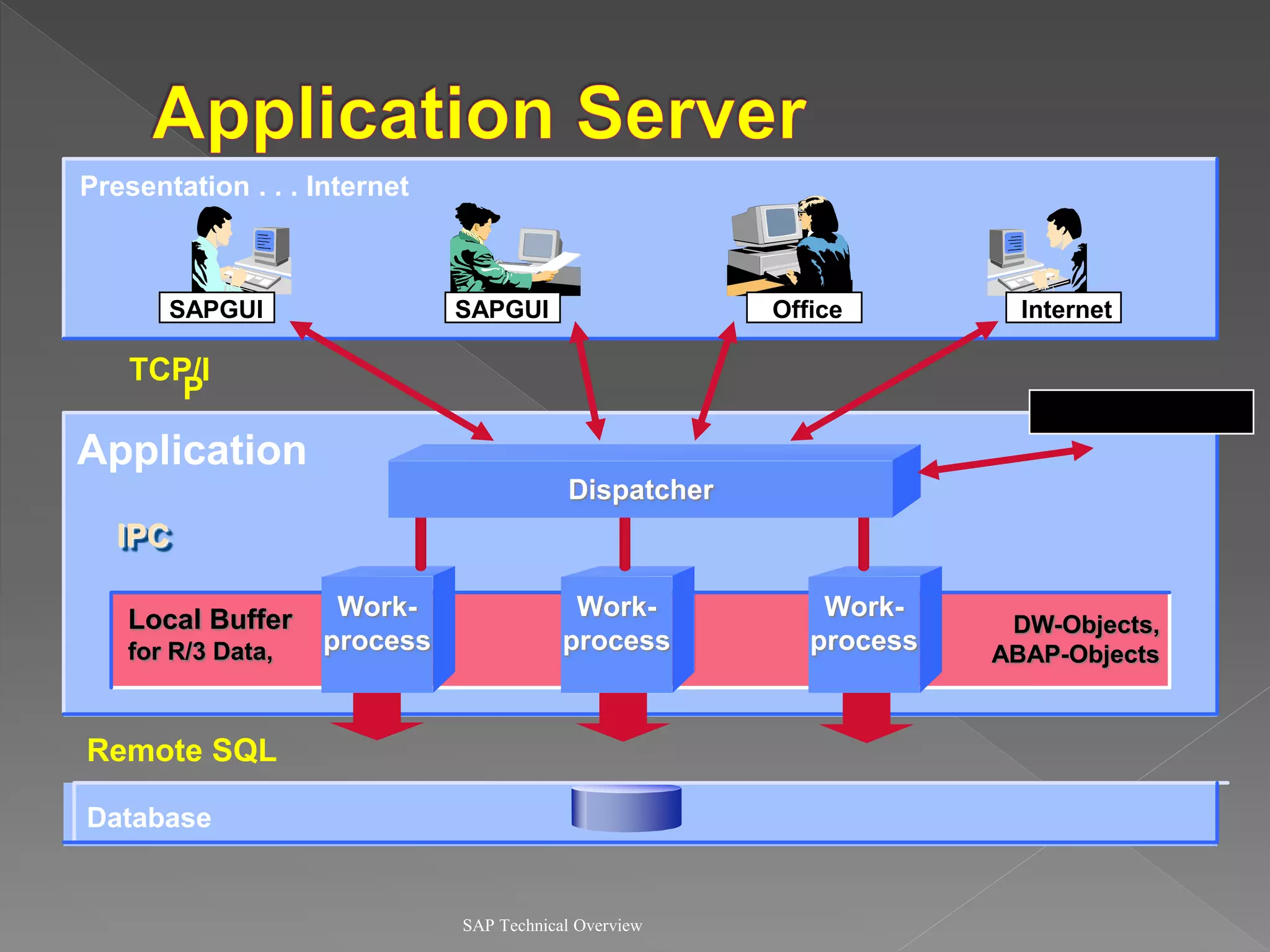
 Program which manages resources of the
R/3 applications
 Receives requests from user and passes
them to the corresponding work
processes
 Only one dispatcher per application
server
SAP Technical Overview
 Balances the workload between the
processes
 Buffer management in main memory
 Connection with the presentation level
 Organization of the communication
processes
SAP Technical Overview
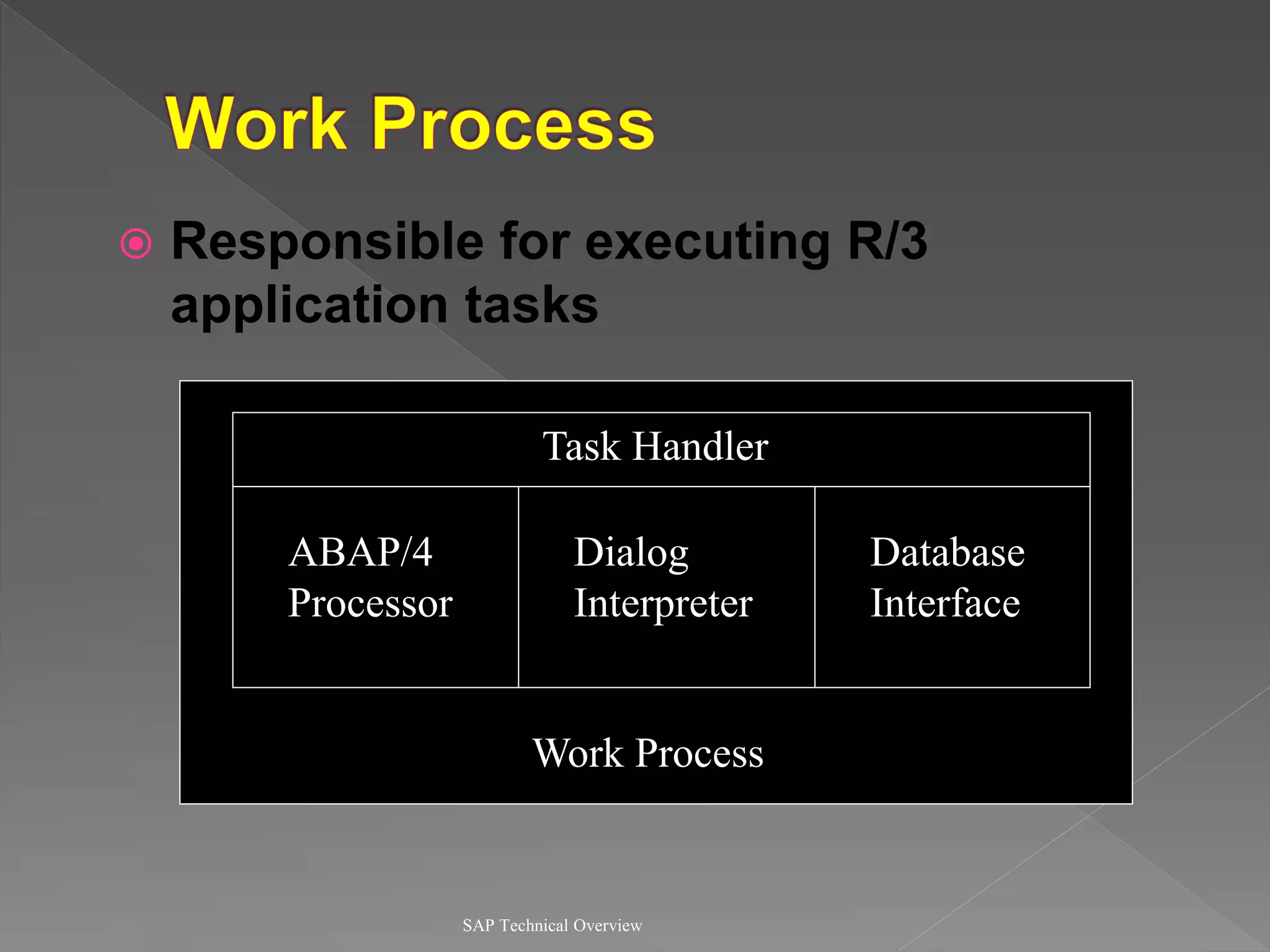
 Responsible for executing R/3
application tasks
SAP Technical Overview
Database
Interface
Task Handler
ABAP/4
Processor
Dialog
Interpreter
Work Process
SAP Technical Overview
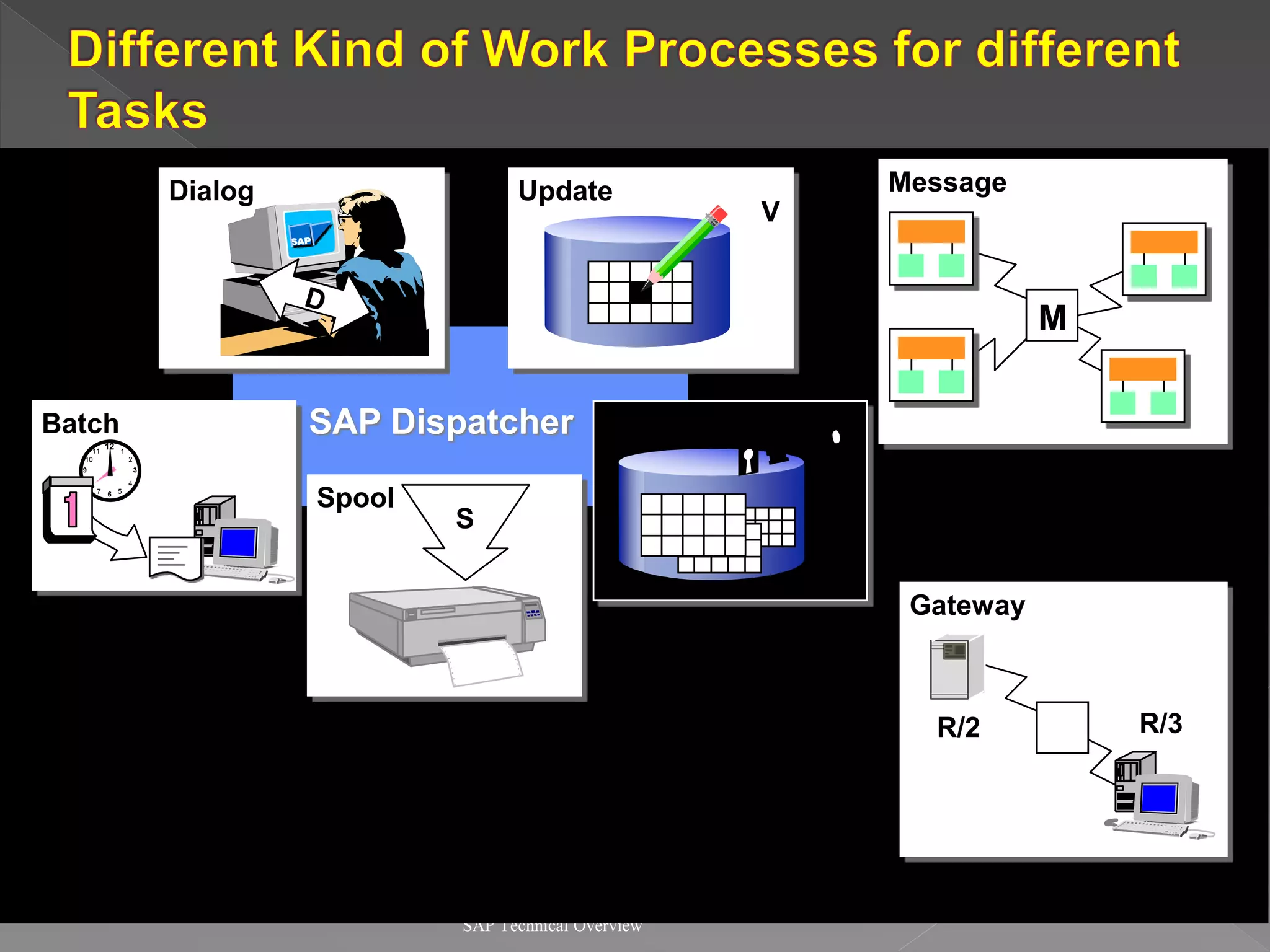
Dialog
SAP Dispatcher
Batch
Spool
Update
Enqueue
S
12
9
6
3
11 1
7 5
8 4
2
10
B
M
G
Message
Gateway
R/2 R/3
V
E
SAP Technical Overview
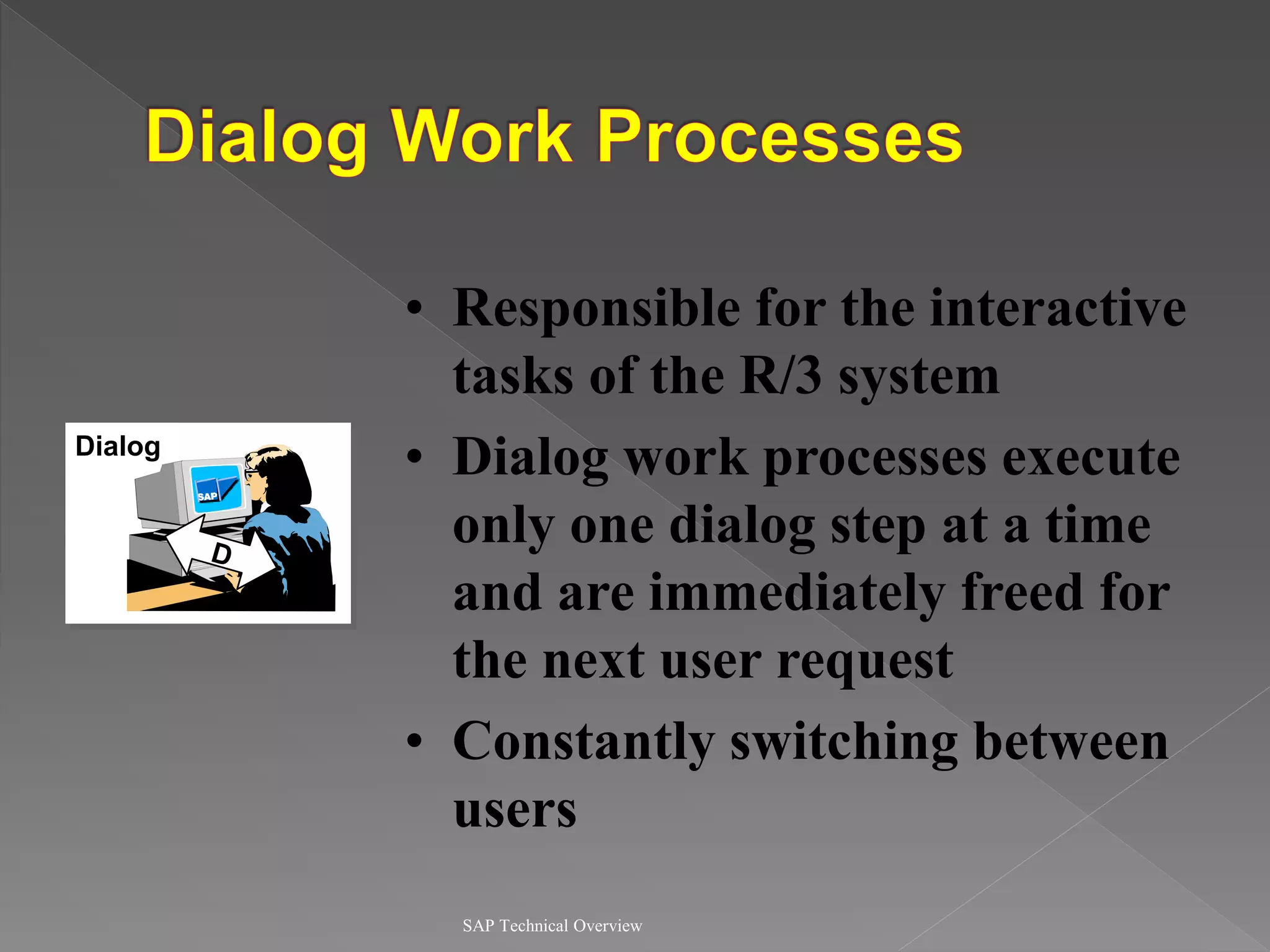
Dialog
• Responsible for the interactive
tasks of the R/3 system
• Dialog work processes execute
only one dialog step at a time
and are immediately freed for
the next user request
• Constantly switching between
users
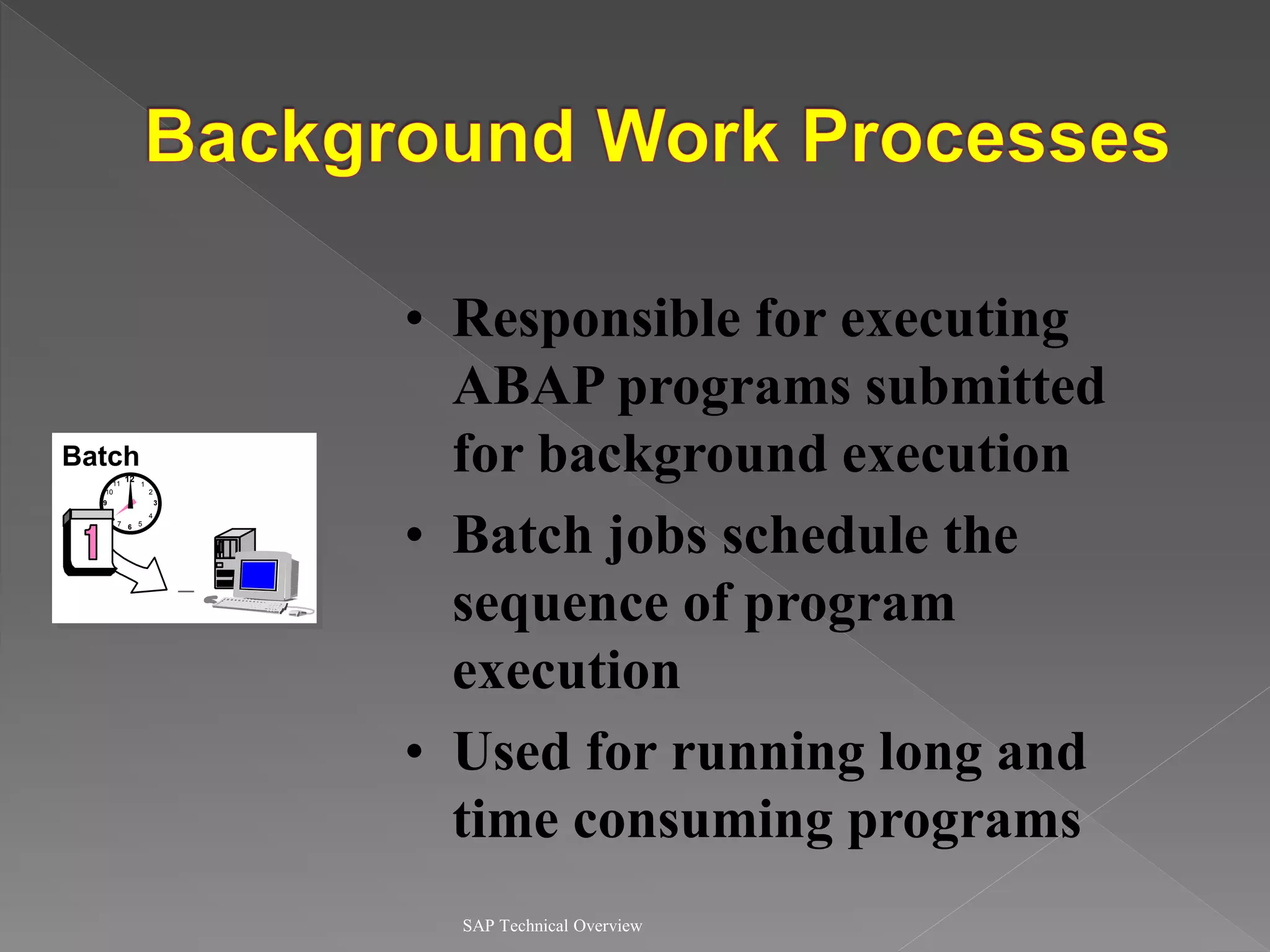
SAP Technical Overview
• Responsible for executing
ABAP programs submitted
for background execution
• Batch jobs schedule the
sequence of program
execution
• Used for running long and
time consuming programs
Batch
12
9
6
3
11 1
7 5
8 4
2
10
B
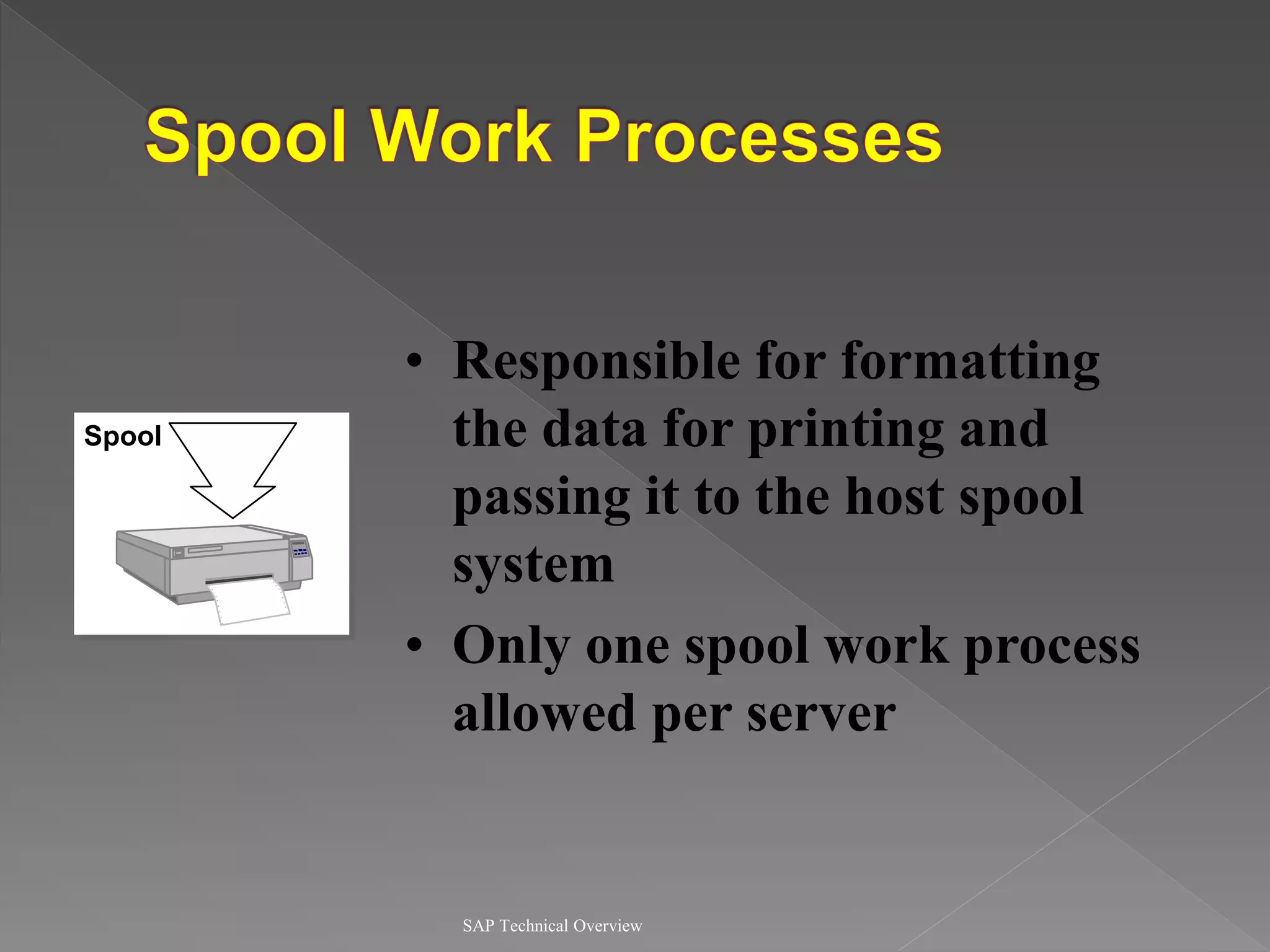
SAP Technical Overview
• Responsible for formatting
the data for printing and
passing it to the host spool
system
• Only one spool work process
allowed per server
Spool
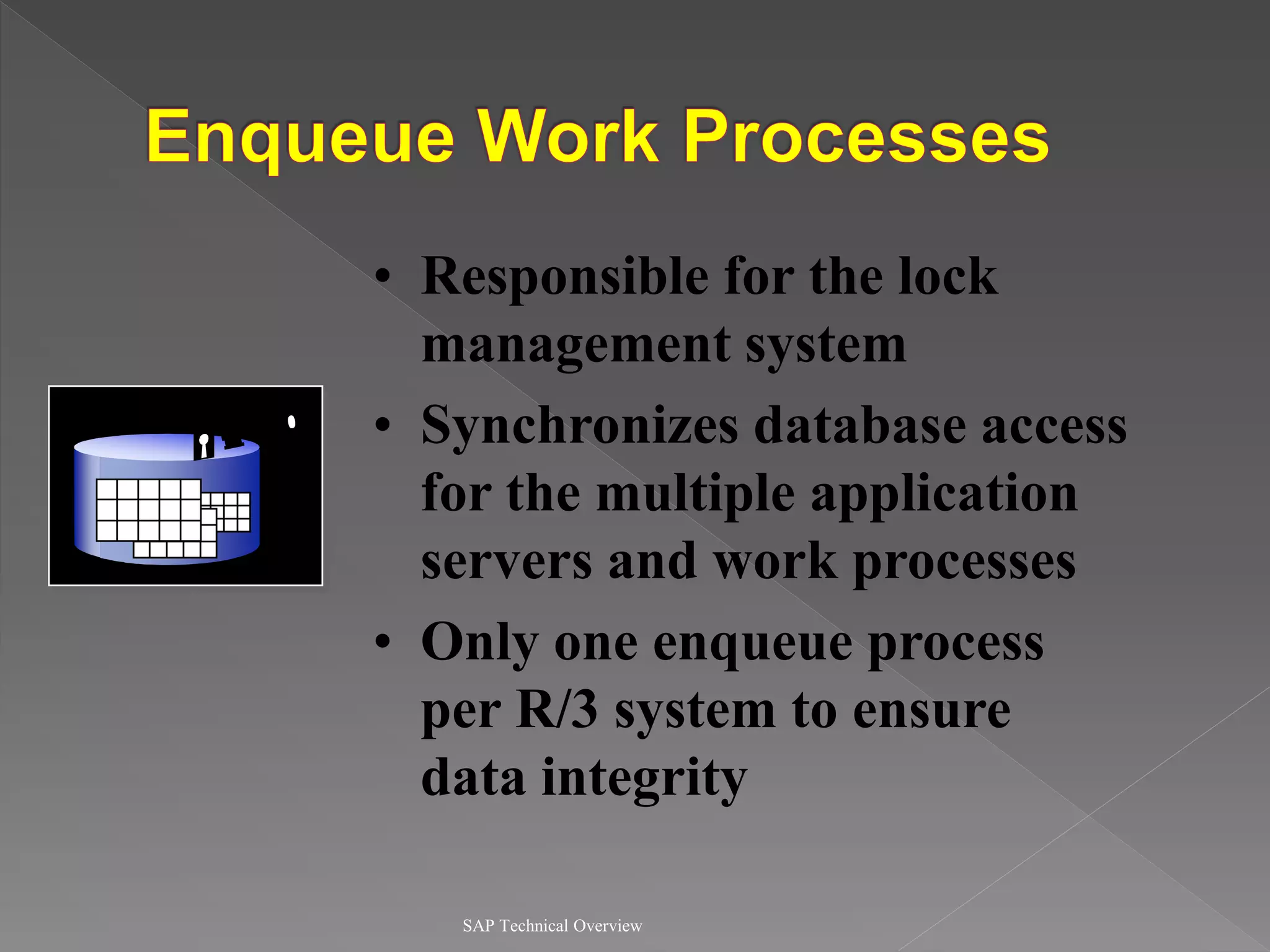
SAP Technical Overview
• Responsible for the lock
management system
• Synchronizes database access
for the multiple application
servers and work processes
• Only one enqueue process
per R/3 system to ensure
data integrity
Enqueue
E
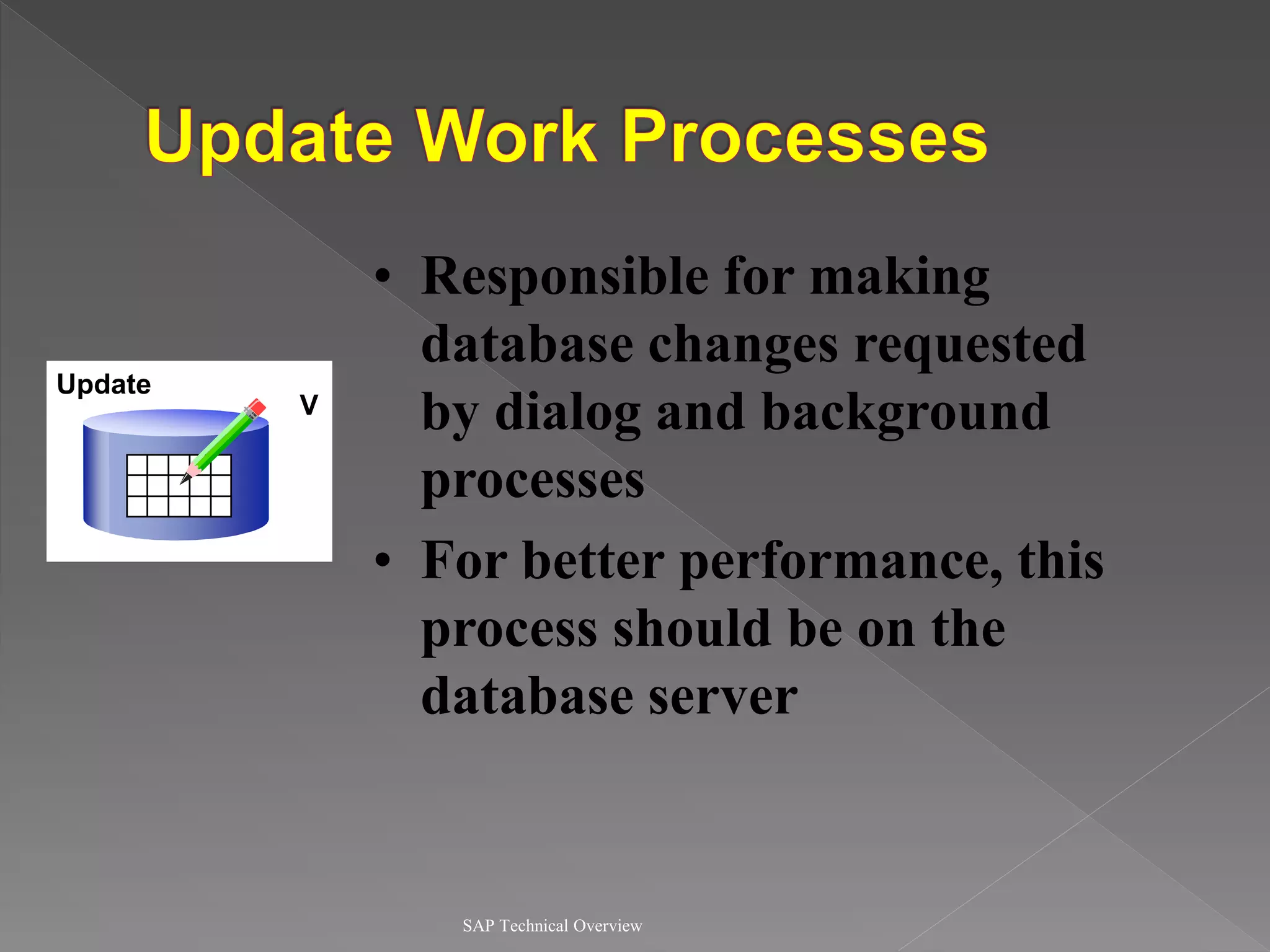
SAP Technical Overview
• Responsible for making
database changes requested
by dialog and background
processes
• For better performance, this
process should be on the
database server
Update
V
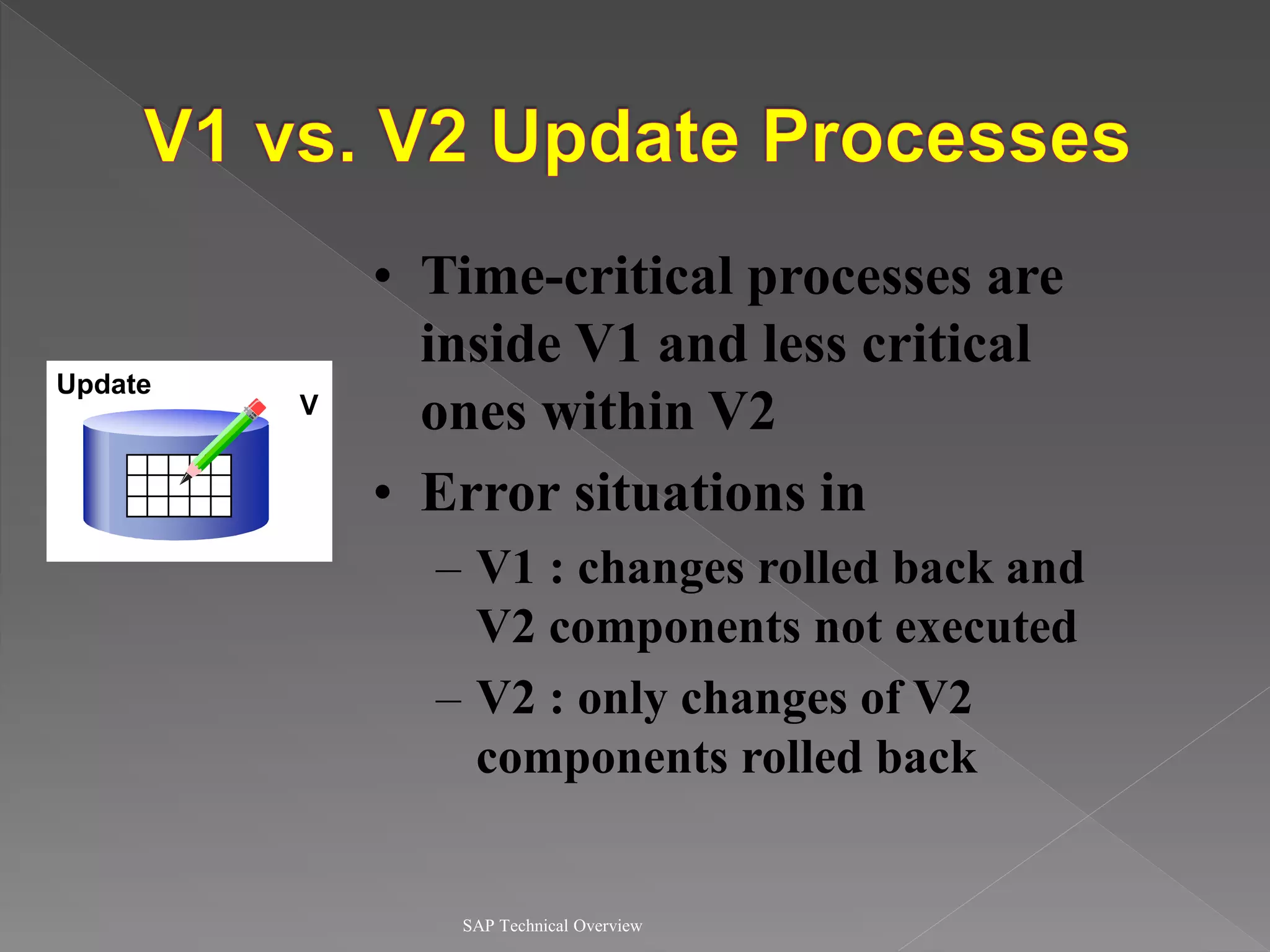
SAP Technical Overview
• Time-critical processes are
inside V1 and less critical
ones within V2
• Error situations in
– V1 : changes rolled back and
V2 components not executed
– V2 : only changes of V2
components rolled back
Update
V
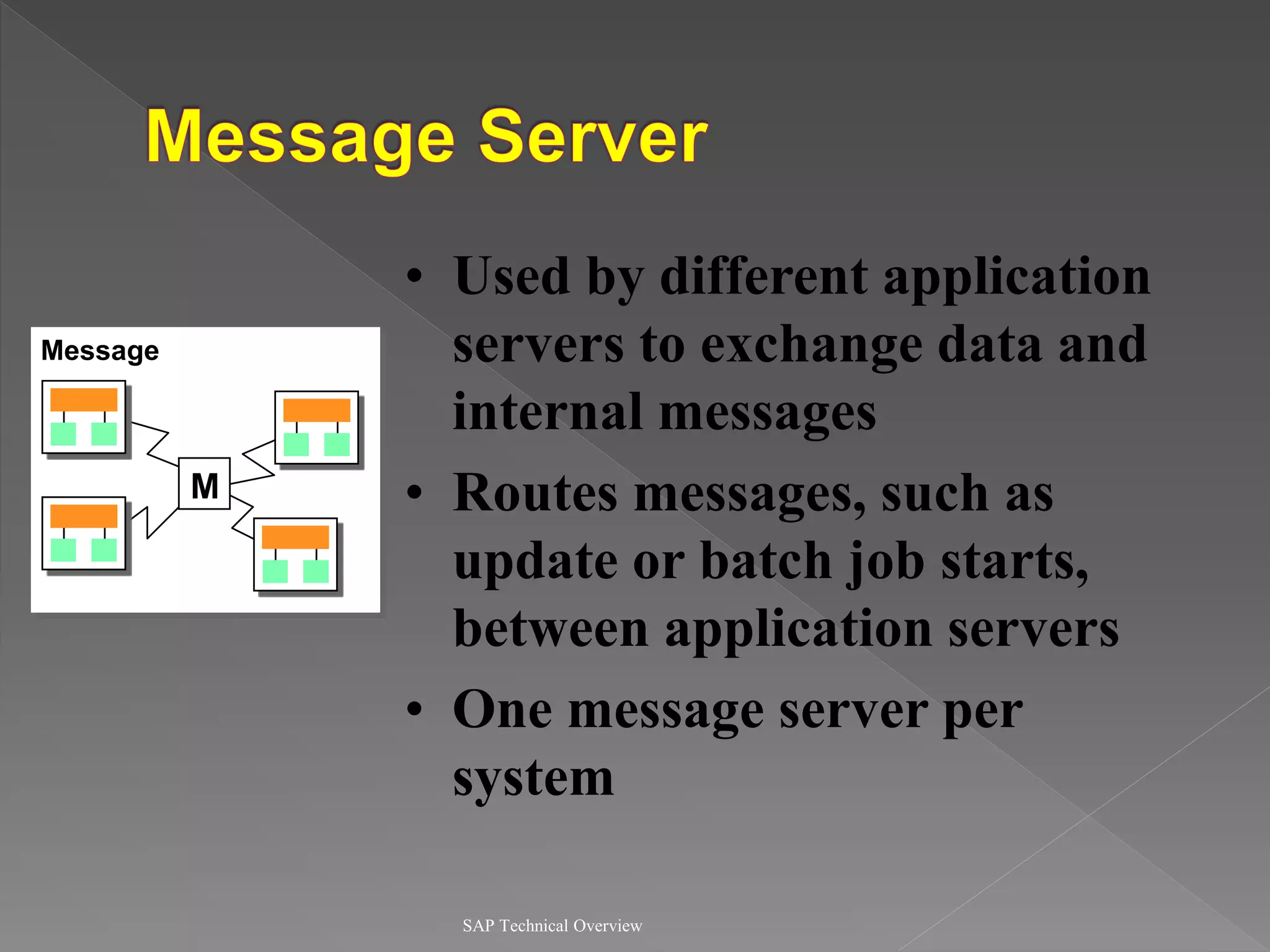
SAP Technical Overview
• Used by different application
servers to exchange data and
internal messages
• Routes messages, such as
update or batch job starts,
between application servers
• One message server per
system
M
Message
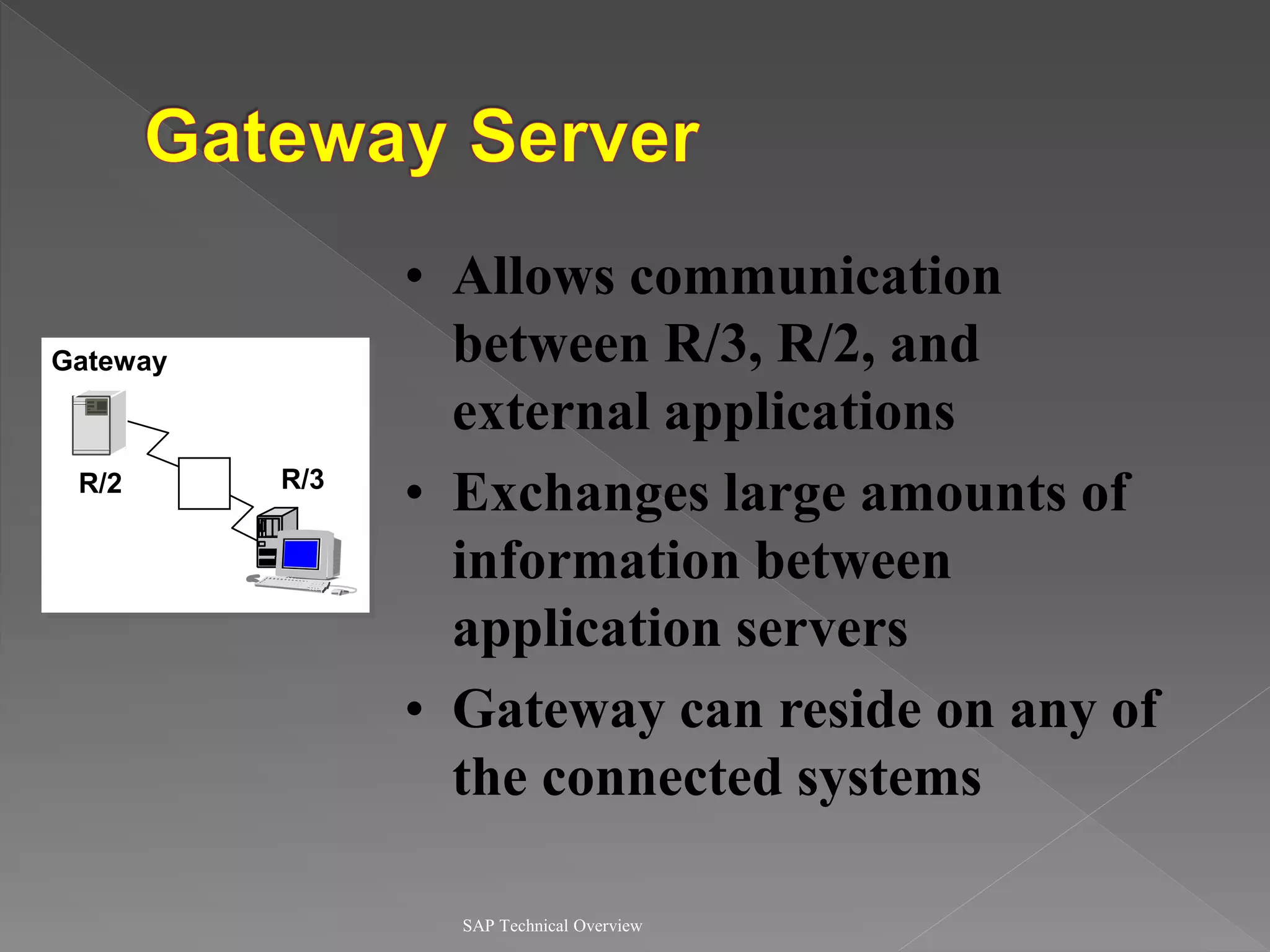
SAP Technical Overview
• Allows communication
between R/3, R/2, and
external applications
• Exchanges large amounts of
information between
application servers
• Gateway can reside on any of
the connected systems
G
Gateway
R/2 R/3
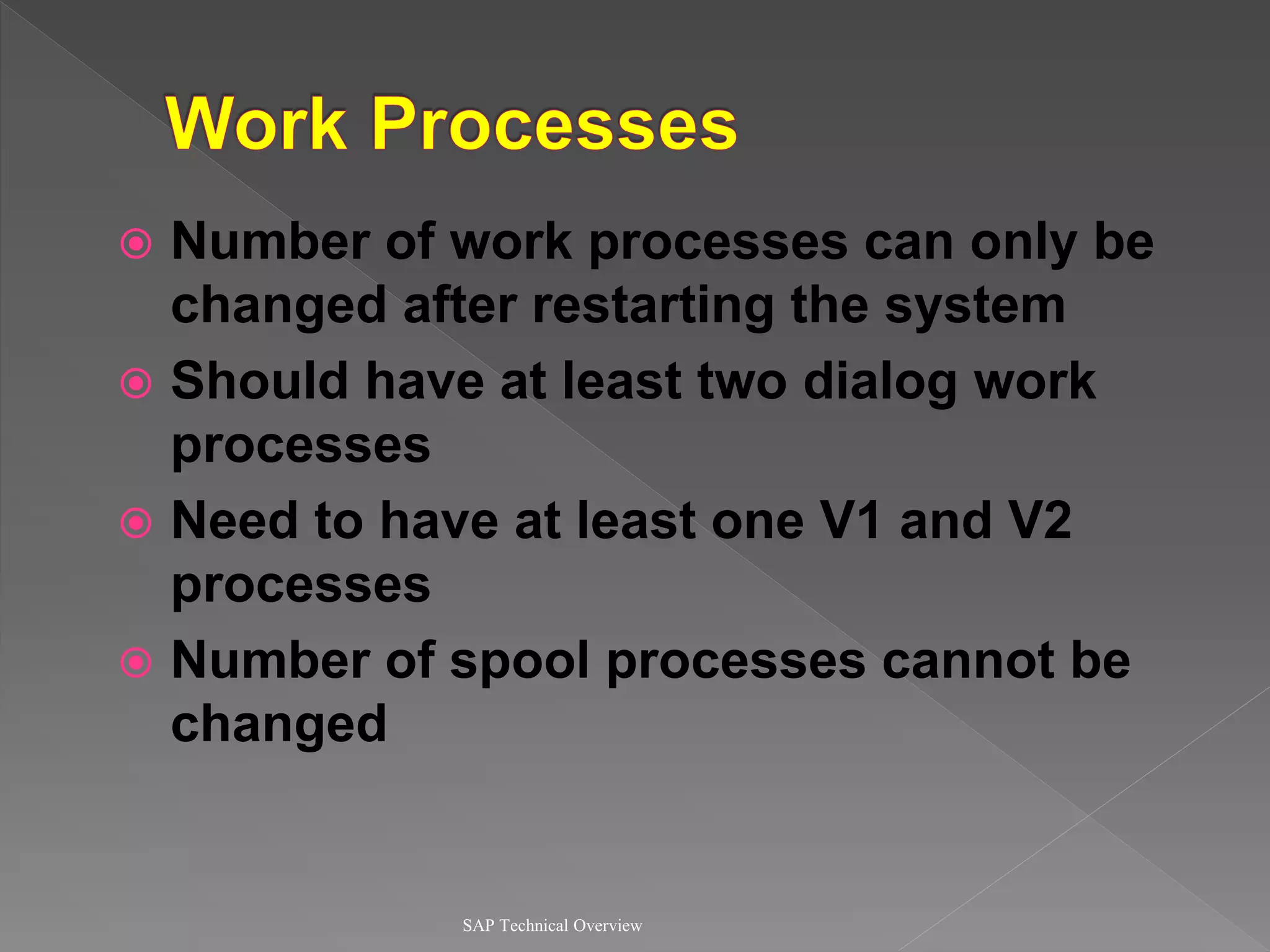
 Number of work processes can only be
changed after restarting the system
 Should have at least two dialog work
processes
 Need to have at least one V1 and V2
processes
 Number of spool processes cannot be
changed
SAP Technical Overview
Presentation . . . Internet
Application
Database
Communication
SAPGUI
SAPGUI Internet
Office
Work-
process
Work-
process
Work-
process
Dispatcher
TCP/I
P
Remote SQL
IPC
Local Buffer
for R/3 Data,
DW-Objects,
ABAP-Objects
SAP Technical Overview
TCP/I
P
Presentation . . . Internet
Application
Database
Communication
SAPGUI
Work-
process
Work-
process
Work-
process
Dispatcher
Remote SQL
IPC
Local Buffer
for R/3 Data,
DW-Objects,
ABAP-Objects
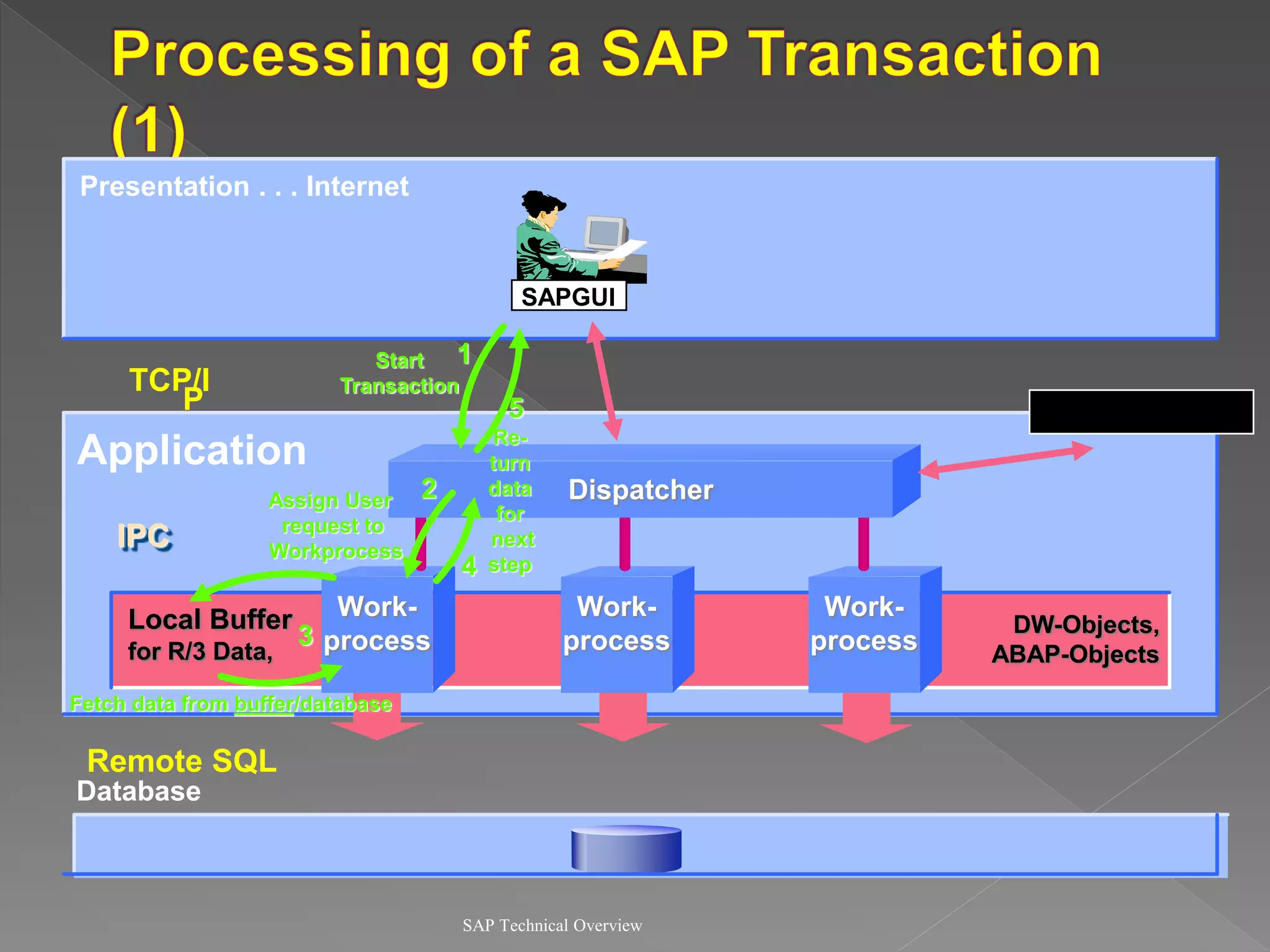
Start
Transaction
Assign User
request to
Workprocess
Fetch data from buffer/database
Re-
turn
data
for
next
step
1
2
3
4
5
SAP Technical Overview
Presentation . . . Internet
Application
Database
Communication
SAPGUI
Work-
process
Work-
process
Work-
process
Dispatcher
TCP/IP
Remote SQL
IPC
Local Buffer
for R/3 Data,
DW-Objects,
ABAP-Objects
1
2
3
5
6
8
Fetch data from
buffer/database
9
7
10
Assign User
request to
Workprocess
Re-
turn
data
for
next
step
SAP Technical Overview
Presentation . . . Internet
Application
Database
Communication
SAPGUI
Work-
process
Work-
process
Work-
process
Dispatcher
TCP/IP
Remote SQL
IPC
Local Buffer
for R/3 Data,
DW-Objects,
ABAP-Objects
1
2
3
4
5
6
8
9
7
10
11
12
13 14
Update data
on database
End transaction
Request
for update
SAP Technical Overview
High
Level
Low
level
SAP Technology
Communication Interface
Communication System
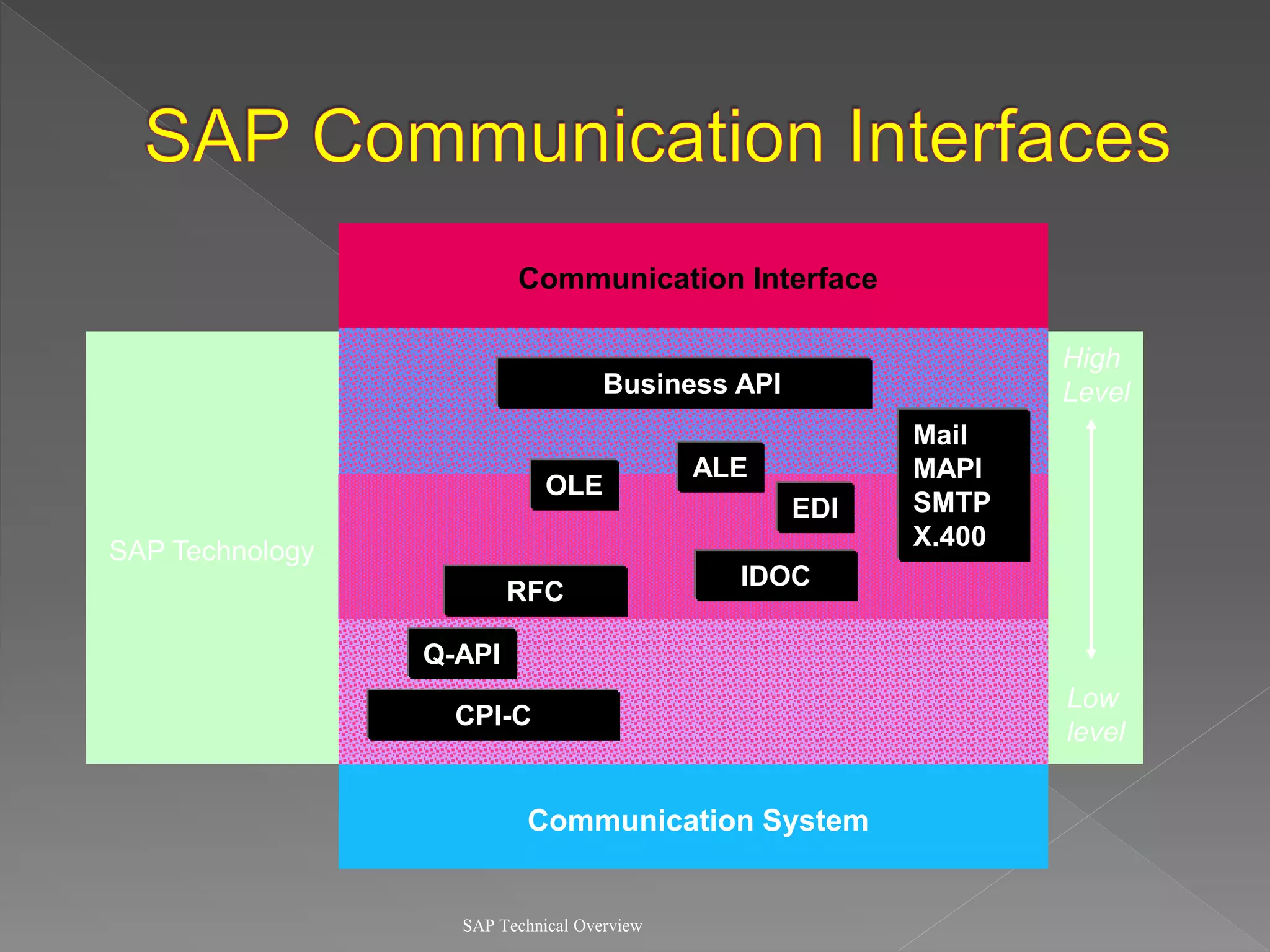
Mail
MAPI
SMTP
X.400
EDI
Business API
RFC
CPI-C
Q-API
IDOC
ALE
OLE
SAP Technical Overview
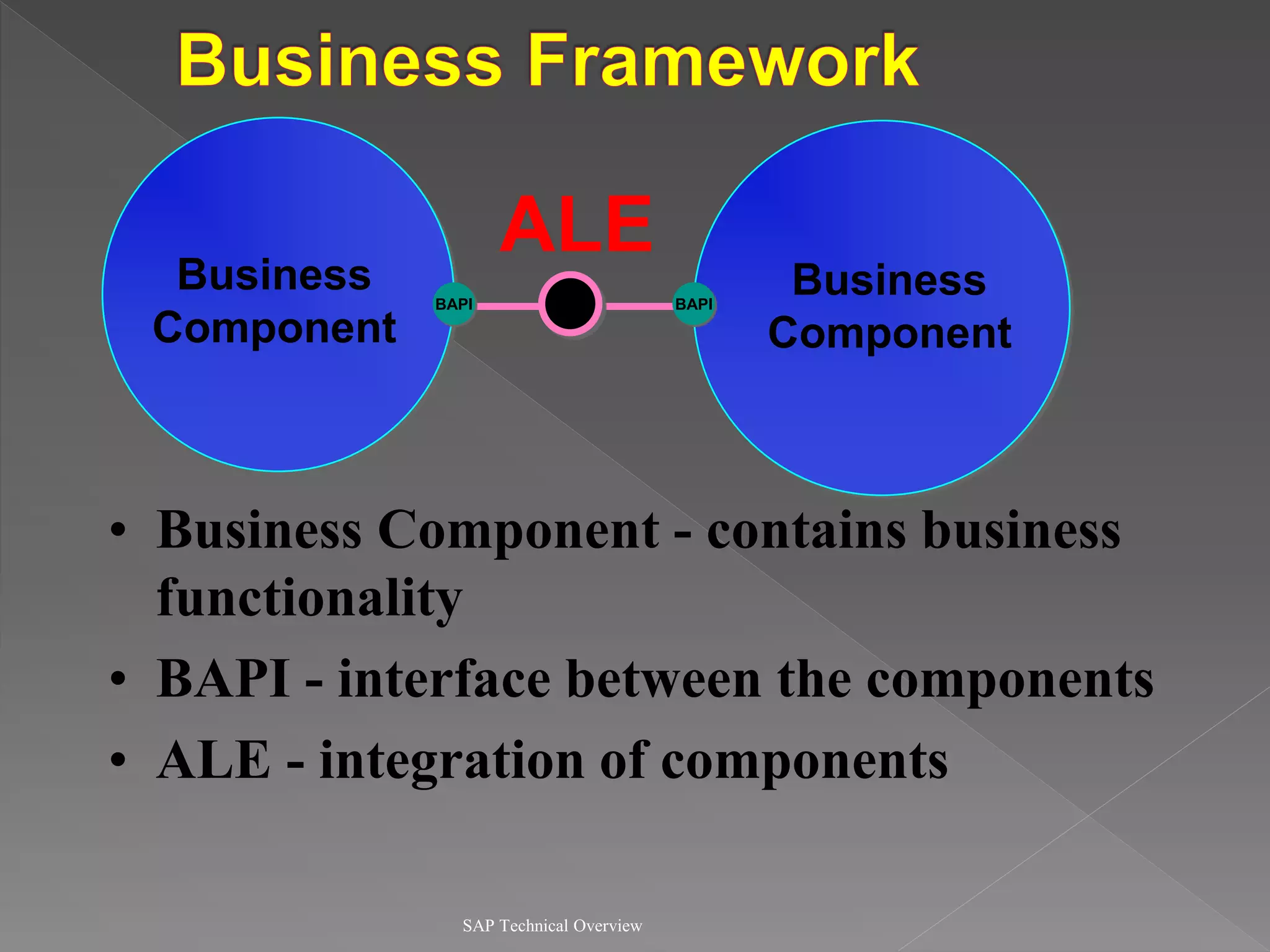
Business
Component
BAPI
ALE
BAPI
Business
Component
• Business Component - contains business
functionality
• BAPI - interface between the components
• ALE - integration of components
SAP Technical Overview
• Defined method of a business object
• Standardized methods allow customers to
integrate their software with R/3
• Object-oriented in nature
• BAPIs from all development platforms
that support the SAP Remote Function
Call (RFC) protocol
SAP Technical Overview
• Application Link Enabled (ALE) - Interface
that links different SAP systems and
external application systems
– Transport special data structures known as
IDOCS (Intermediate Documents)
• Object Linking and Enabled (OLE) -
enables desktop users to access SAP data
from many OLE client programs
 Hardware and Database Administration
 User and Security Administration
 Client Maintenance
 Correction and Transport System
(CTS)
 Data Dictionary
 Online Service System (OSS)
 Performance Monitoring and Tuning
SAP Technical Overview
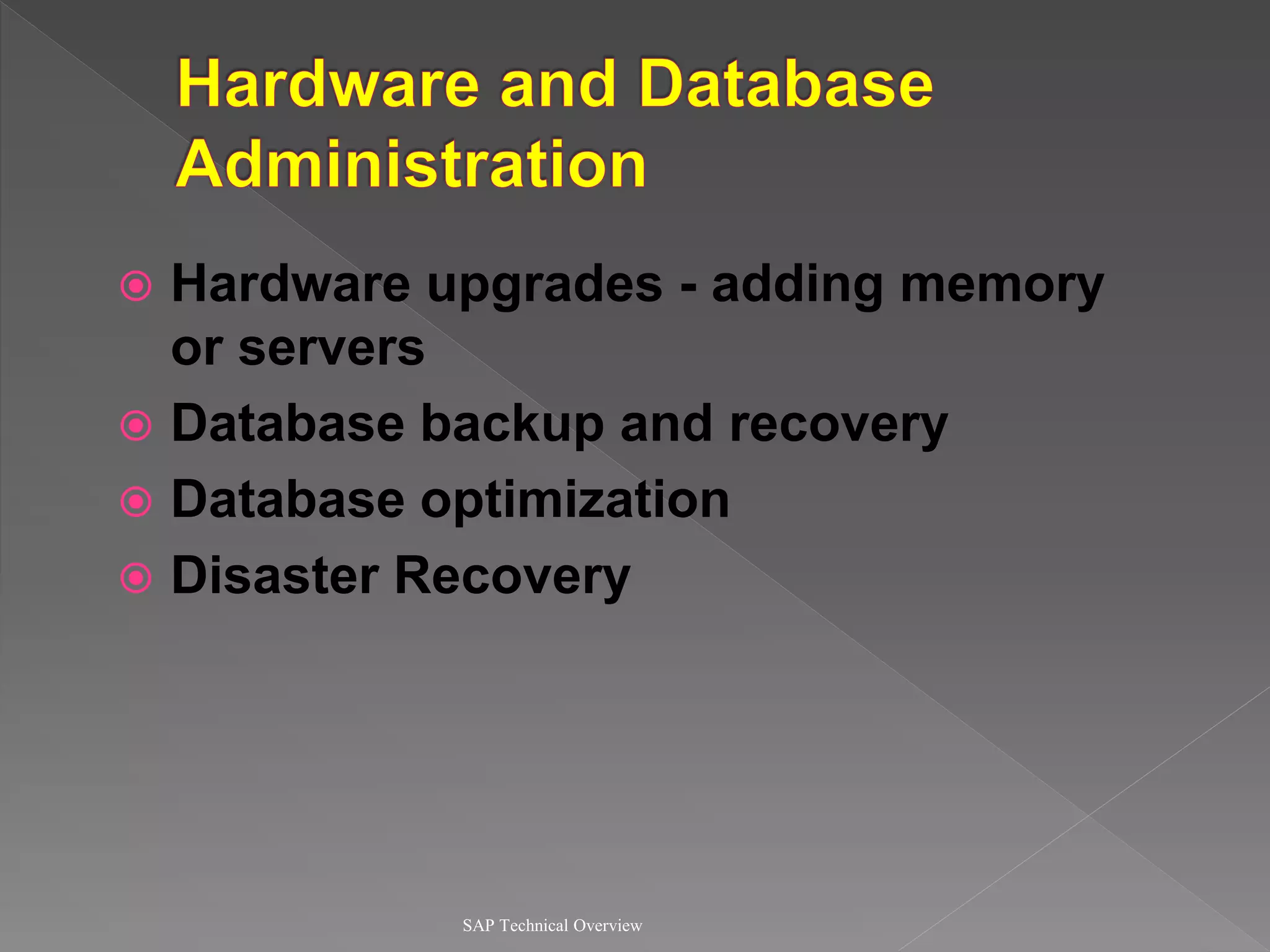
 Hardware upgrades - adding memory
or servers
 Database backup and recovery
 Database optimization
 Disaster Recovery
SAP Technical Overview
 Create users and assign profiles
 Modify, lock and unlock users
 Develop authorizations and profiles
SAP Technical Overview
 Create clients
 Copy and refresh clients
 Client imports and exports
 Delete and remove clients
 Modify change options
SAP Technical Overview
R/3
System
R/3
System
R/3
System
Development Production
Quality
Assurance
Change
Request
Moving changes from one R/3 system to another
 OSS is a set of SAP’s online services
such as bug fixes and useful
implementation information
 OSS Notes
 Hotpacks
 Remote Connections
 Send questions to SAP
 ABAP registration
SAP Technical Overview
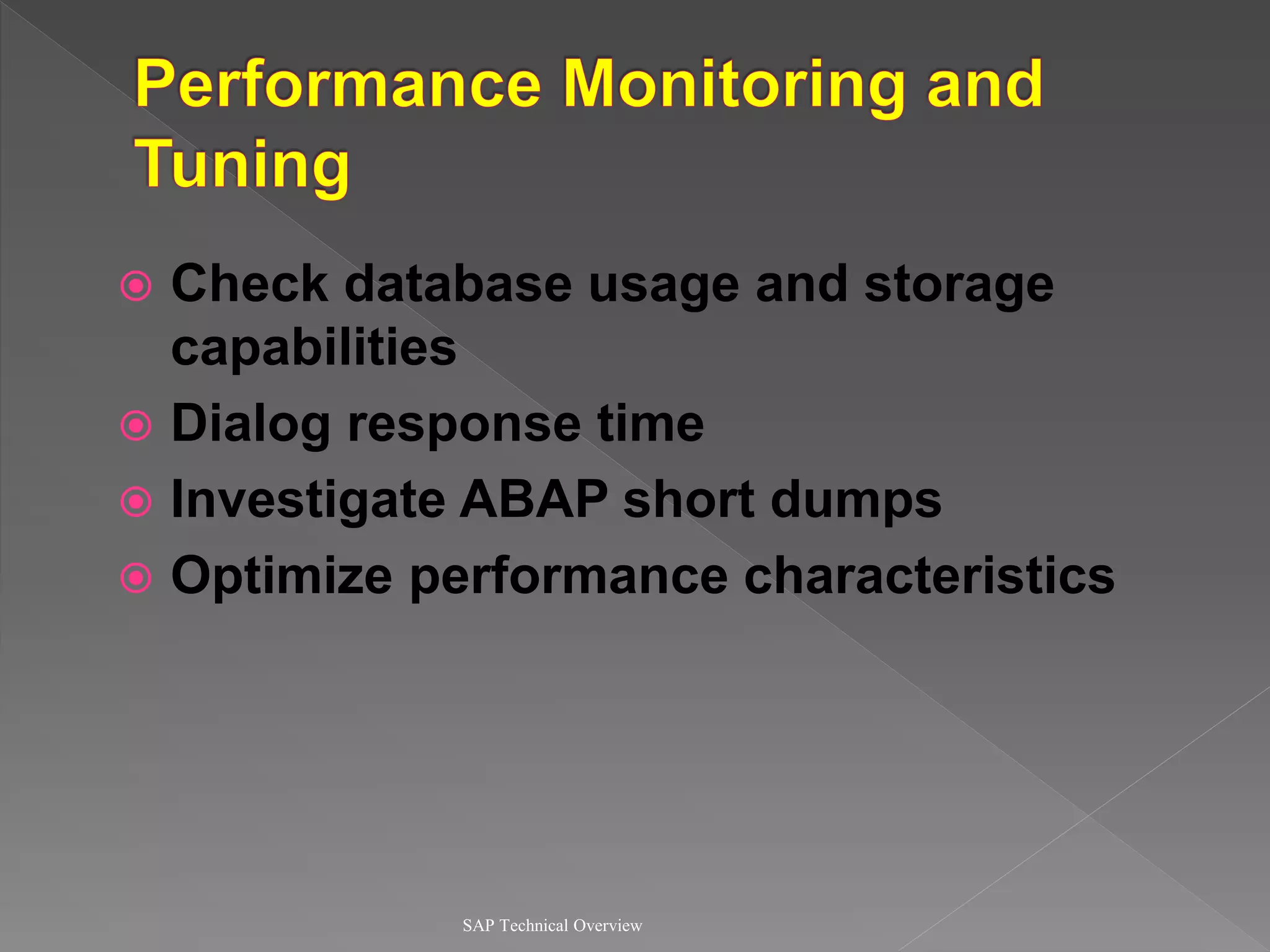
 Check database usage and storage
capabilities
 Dialog response time
 Investigate ABAP short dumps
 Optimize performance characteristics
SAP Technical Overview
• Manages the entire system - database,
application, operating system
• Collection of tools and utilities which
allow you to monitor and manage the R/3
system
• Allows monitoring of multiple R/3
systems
• Comes FREE with each SAP system
SAP Technical Overview
• Starting and stopping instances
• Monitoring and analyzing workload
• Alert capabilities
• Operation modes and work process
automatic reconfiguration
• Instance profile checking and
maintenance
• Logon load balancing

dokumen.tips_sap-basis-ppt.ppt

  • 2.
     What theBasis system is  How does SAP handle a transaction request  Differentiating between the various work processes  Understanding the basic functions of the Basis Module SAP Technical Overview
  • 3.
    SAP Technical Overview TheSoftware-Oriented View of R/3
  • 4.
    SAP Technical Overview TheSAP R/3 System Architecture • Implications for Application Programming – Separate presentation and application layers implies that when you run an application program that requires user interaction, control of the program is continually passed backwards and forwards between layers. – When a screen is ready for user input, the presentation layer is active, and the application server is inactive with regard to that particular program. – As a consequence, the program logic in an application program that occurs between two screens is known as a DIALOG STEP.
  • 5.
  • 6.
     Application Layer(cont.) › Application Server  R/3 programs run on application servers  The APPLICATION SERVER communicate with the presentation components, the database, and also with each other, using a MESSAGE SERVER.  Main components:  Work Processes (Dialog, Update, Enqueue, Batch, Spool)  Dispatcher  Gateway  Message Server SAP Technical Overview The SAP R/3 System Architecture
  • 8.
    SAP Technical Overview Presentation. . . Internet Application Database Communication SAPGUI SAPGUI Internet Office Work- process Work- process Work- process Dispatcher TCP/IP Remote SQL IPC Local Buffer for R/3 Data, DW-Objects, ABAP-Objects
  • 9.
     Program whichmanages resources of the R/3 applications  Receives requests from user and passes them to the corresponding work processes  Only one dispatcher per application server SAP Technical Overview
  • 10.
     Balances theworkload between the processes  Buffer management in main memory  Connection with the presentation level  Organization of the communication processes SAP Technical Overview
  • 11.
     Responsible forexecuting R/3 application tasks SAP Technical Overview Database Interface Task Handler ABAP/4 Processor Dialog Interpreter Work Process
  • 12.
    SAP Technical Overview Dialog SAPDispatcher Batch Spool Update Enqueue S 12 9 6 3 11 1 7 5 8 4 2 10 B M G Message Gateway R/2 R/3 V E
  • 13.
    SAP Technical Overview Dialog •Responsible for the interactive tasks of the R/3 system • Dialog work processes execute only one dialog step at a time and are immediately freed for the next user request • Constantly switching between users
  • 14.
    SAP Technical Overview •Responsible for executing ABAP programs submitted for background execution • Batch jobs schedule the sequence of program execution • Used for running long and time consuming programs Batch 12 9 6 3 11 1 7 5 8 4 2 10 B
  • 15.
    SAP Technical Overview •Responsible for formatting the data for printing and passing it to the host spool system • Only one spool work process allowed per server Spool
  • 16.
    SAP Technical Overview •Responsible for the lock management system • Synchronizes database access for the multiple application servers and work processes • Only one enqueue process per R/3 system to ensure data integrity Enqueue E
  • 17.
    SAP Technical Overview •Responsible for making database changes requested by dialog and background processes • For better performance, this process should be on the database server Update V
  • 18.
    SAP Technical Overview •Time-critical processes are inside V1 and less critical ones within V2 • Error situations in – V1 : changes rolled back and V2 components not executed – V2 : only changes of V2 components rolled back Update V
  • 19.
    SAP Technical Overview •Used by different application servers to exchange data and internal messages • Routes messages, such as update or batch job starts, between application servers • One message server per system M Message
  • 20.
    SAP Technical Overview •Allows communication between R/3, R/2, and external applications • Exchanges large amounts of information between application servers • Gateway can reside on any of the connected systems G Gateway R/2 R/3
  • 21.
     Number ofwork processes can only be changed after restarting the system  Should have at least two dialog work processes  Need to have at least one V1 and V2 processes  Number of spool processes cannot be changed SAP Technical Overview
  • 22.
    SAP Technical Overview Presentation. . . Internet Application Database Communication SAPGUI SAPGUI Internet Office Work- process Work- process Work- process Dispatcher TCP/I P Remote SQL IPC Local Buffer for R/3 Data, DW-Objects, ABAP-Objects
  • 23.
    SAP Technical Overview TCP/I P Presentation. . . Internet Application Database Communication SAPGUI Work- process Work- process Work- process Dispatcher Remote SQL IPC Local Buffer for R/3 Data, DW-Objects, ABAP-Objects Start Transaction Assign User request to Workprocess Fetch data from buffer/database Re- turn data for next step 1 2 3 4 5
  • 24.
    SAP Technical Overview Presentation. . . Internet Application Database Communication SAPGUI Work- process Work- process Work- process Dispatcher TCP/IP Remote SQL IPC Local Buffer for R/3 Data, DW-Objects, ABAP-Objects 1 2 3 5 6 8 Fetch data from buffer/database 9 7 10 Assign User request to Workprocess Re- turn data for next step
  • 25.
    SAP Technical Overview Presentation. . . Internet Application Database Communication SAPGUI Work- process Work- process Work- process Dispatcher TCP/IP Remote SQL IPC Local Buffer for R/3 Data, DW-Objects, ABAP-Objects 1 2 3 4 5 6 8 9 7 10 11 12 13 14 Update data on database End transaction Request for update
  • 26.
    SAP Technical Overview High Level Low level SAPTechnology Communication Interface Communication System Mail MAPI SMTP X.400 EDI Business API RFC CPI-C Q-API IDOC ALE OLE
  • 27.
    SAP Technical Overview Business Component BAPI ALE BAPI Business Component •Business Component - contains business functionality • BAPI - interface between the components • ALE - integration of components
  • 28.
    SAP Technical Overview •Defined method of a business object • Standardized methods allow customers to integrate their software with R/3 • Object-oriented in nature • BAPIs from all development platforms that support the SAP Remote Function Call (RFC) protocol
  • 29.
    SAP Technical Overview •Application Link Enabled (ALE) - Interface that links different SAP systems and external application systems – Transport special data structures known as IDOCS (Intermediate Documents) • Object Linking and Enabled (OLE) - enables desktop users to access SAP data from many OLE client programs
  • 31.
     Hardware andDatabase Administration  User and Security Administration  Client Maintenance  Correction and Transport System (CTS)  Data Dictionary  Online Service System (OSS)  Performance Monitoring and Tuning SAP Technical Overview
  • 32.
     Hardware upgrades- adding memory or servers  Database backup and recovery  Database optimization  Disaster Recovery SAP Technical Overview
  • 33.
     Create usersand assign profiles  Modify, lock and unlock users  Develop authorizations and profiles SAP Technical Overview
  • 34.
     Create clients Copy and refresh clients  Client imports and exports  Delete and remove clients  Modify change options SAP Technical Overview
  • 35.
    SAP Technical Overview R/3 System R/3 System R/3 System DevelopmentProduction Quality Assurance Change Request Moving changes from one R/3 system to another
  • 36.
     OSS isa set of SAP’s online services such as bug fixes and useful implementation information  OSS Notes  Hotpacks  Remote Connections  Send questions to SAP  ABAP registration SAP Technical Overview
  • 37.
     Check databaseusage and storage capabilities  Dialog response time  Investigate ABAP short dumps  Optimize performance characteristics SAP Technical Overview
  • 38.
    SAP Technical Overview •Manages the entire system - database, application, operating system • Collection of tools and utilities which allow you to monitor and manage the R/3 system • Allows monitoring of multiple R/3 systems • Comes FREE with each SAP system
  • 39.
    SAP Technical Overview •Starting and stopping instances • Monitoring and analyzing workload • Alert capabilities • Operation modes and work process automatic reconfiguration • Instance profile checking and maintenance • Logon load balancing