Introduction to Digital
Forensics
Florian Buchholz
What is Digital Forensics?
• Emerging discipline in computer
security
– “voodoo science”
– No standards, few research
• Investigation that takes place after
an incident has happened
• Try to answer questions: Who,
what, when, where, why, and how
Types of investigations
• Determine what the incident was
and get back to a working state
• Internal investigation
– Should be based on IR policy
– May lead to criminal investigation
• Criminal investigation
• Support for “real world”
investigations
Typical investigation phases
1. Acquisition
2. Recovery
3. Analysis
4. Presentation
Phase 1: Acquisition
• Analogous to crime scene in the
“real world”
• Goal is to recover as much
evidence without altering the
crime scene
• Investigator should document as
much as possible
• Maintain Chain of Custody
Acquisition (2)
• Determine if incident actually happened
• What kind of system is to be
investigated?
– Can it be shut down?
– Does it have to keep operating?
• Are there policies governing the
handling of the incident?
• Is a warrant needed?
Acquisition (3)
• Get most fleeting information first
– Running processes
– Open sockets
– Memory
– Storage media
• Create 1:1 copies of evidence (imaging)
• If possible, lock up original system in
the evidence locker
Phase 2: Recovery
• Goal is to extract data from the
acquired evidence
• Always work on copies, never the
original
– Must be able to repeat entire process
from scratch
• Data, deleted data, “hidden” data
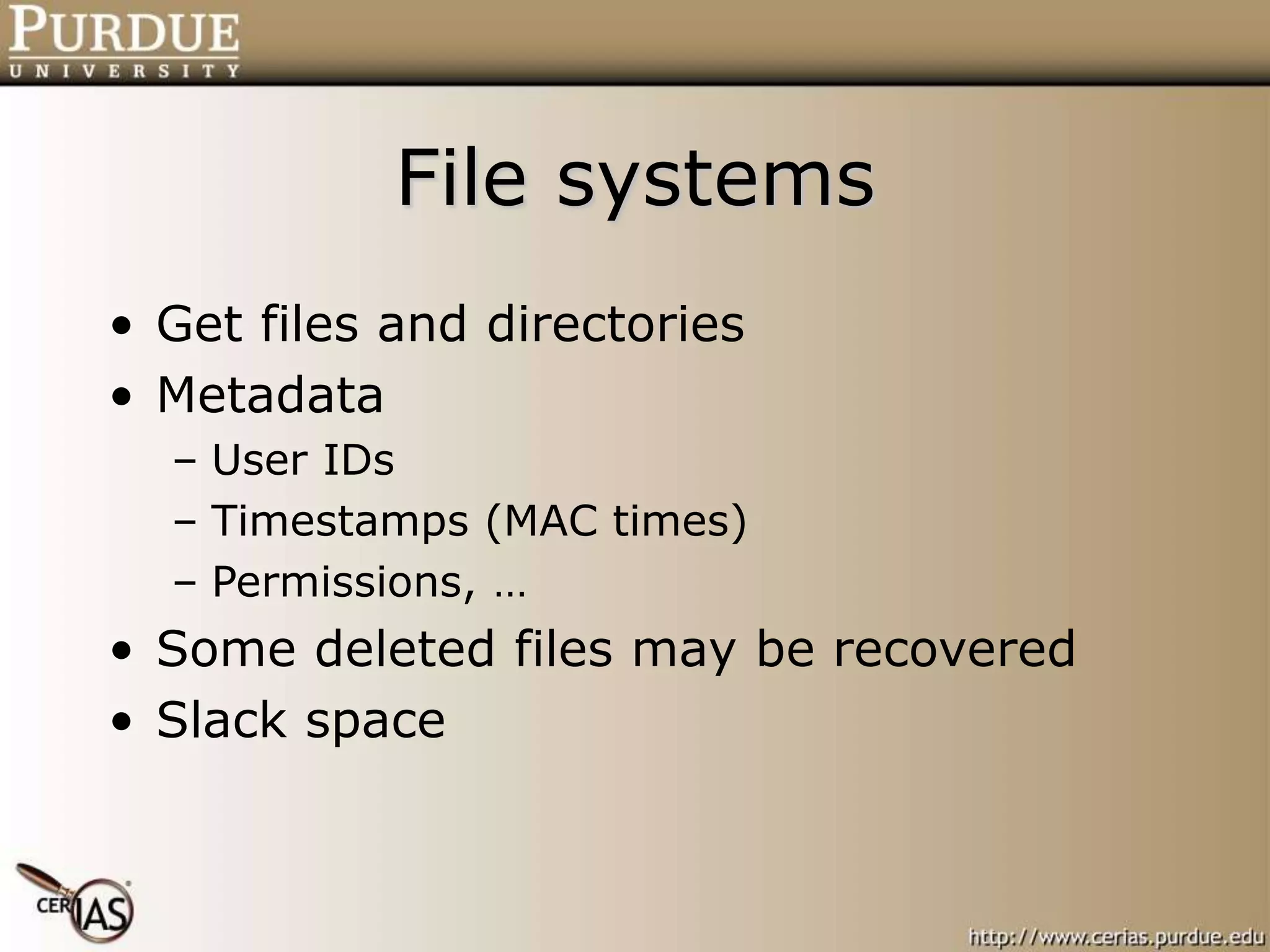
File systems
• Get files and directories
• Metadata
– User IDs
– Timestamps (MAC times)
– Permissions, …
• Some deleted files may be recovered
• Slack space
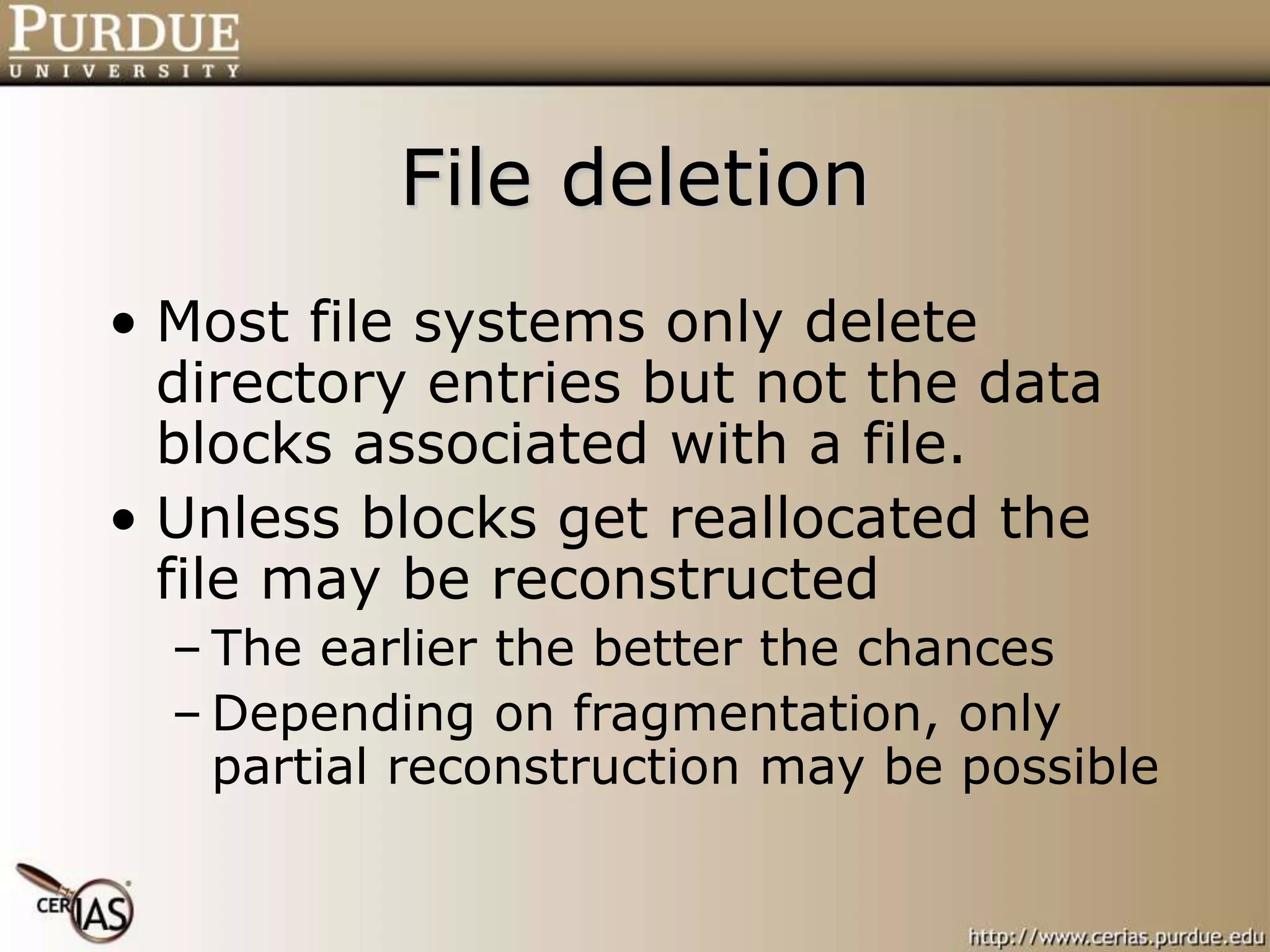
File deletion
• Most file systems only delete
directory entries but not the data
blocks associated with a file.
• Unless blocks get reallocated the
file may be reconstructed
– The earlier the better the chances
– Depending on fragmentation, only
partial reconstruction may be possible
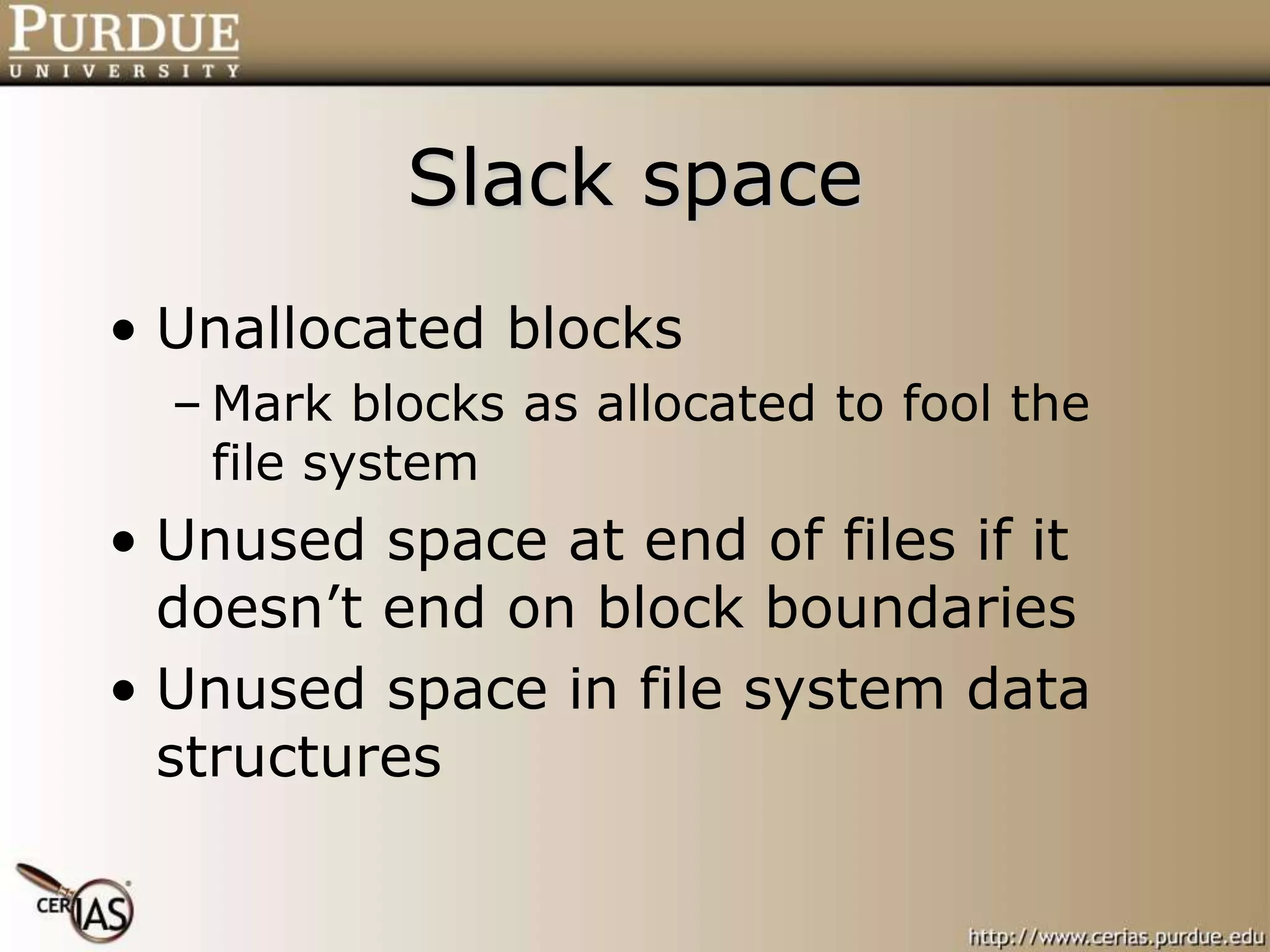
Slack space
• Unallocated blocks
– Mark blocks as allocated to fool the
file system
• Unused space at end of files if it
doesn’t end on block boundaries
• Unused space in file system data
structures
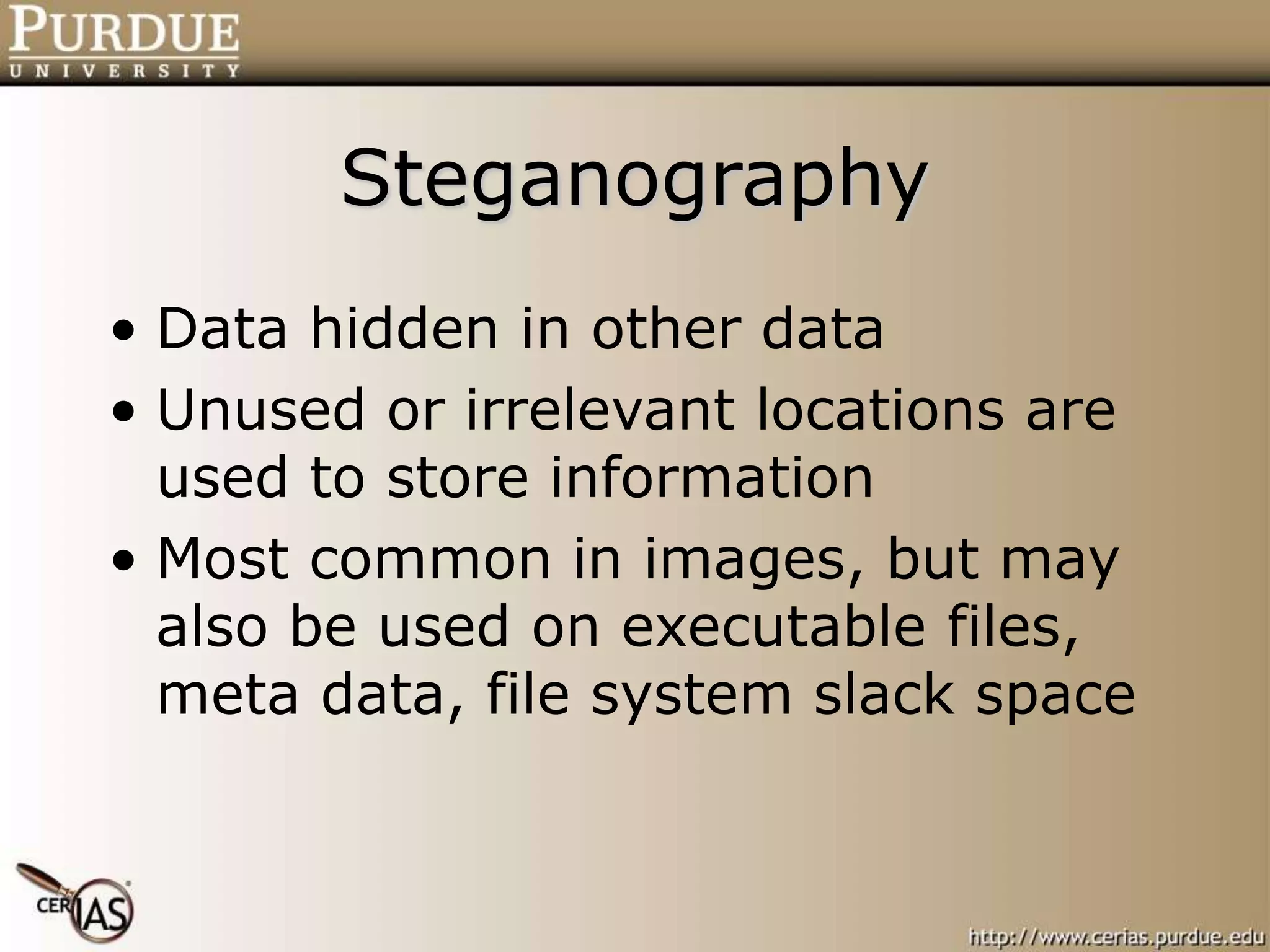
Steganography
• Data hidden in other data
• Unused or irrelevant locations are
used to store information
• Most common in images, but may
also be used on executable files,
meta data, file system slack space
Encrypted data
• Depending on encryption method,
it might be infeasible to get to the
information.
• Locating the keys is often a better
approach.
• A suspect may be compelled to
reveal the keys by law.
Recovery (cont.)
• Locating hidden or encrypted data
is difficult and might even be
impossible.
• Investigator has to look at other
clues:
– Steganography software
– Crypto software
– Command histories
File residue
• Even if a file is completely deleted
from the disk, it might still have
left a trace:
– Web cache
– Temporary directories
– Data blocks resulting from a move
– Memory
Phase 3: Analysis
• Methodology differs depending on
the objectives of the investigation:
– Locate contraband material
– Reconstruct events that took place
– Determine if a system was
compromised
– Authorship analysis
Contraband material
• Locate specific files
– Databases of illegal pictures
– Stolen property
• Determine if existing files are
illegal
– Picture collections
– Music or movie downloads
Locating material
• Requires specific knowledge of file
system and OS.
• Data may be encrypted, hidden,
obfuscated
• Obfuscation:
– Misleading file suffix
– Misleading file name
– Unusual location
Event reconstruction
• Utilize system and external
information
– Log files
– File timestamps
– Firewall/IDS information
• Establish time line of events
Time issues
• Granularity of time keeping
– Can’t order events that occur in the
same time interval
• Multiple systems:
– Different clocks
– Clock drift
• E-mail headers and time zones
The needle in the haystack
• Locating files:
– Storage capacity approaches the terrabyte
magnitude
– Potentially millions of files to investigate
• Event reconstruction:
– Dozens, hundreds of events a second
– Only last MAC times are available
– Insufficient logging
Compromised system
• If possible, compare against
known good state
– Tripwire
– Databases of “good” files
• Look for unusual file MACs
• Look for open or listening network
connections (trojans)
• Look for files in unusual locations
Unknown executables
• Run them in a constrained
environment
– Dedicated system
– Sandbox
– Virtual machine
• Might be necessary to disassemble
and decompile
– May take weeks or months
Authorship analysis
• Determine who or what kind of person
created file.
– Programs (Viruses, Tojans,
Sniffers/Loggers)
– E-mails (Blackmail, Harassment,
Information leaks)
• If actual person cannot be determined,
just determining the skill level of the
author may be important.
Phase 4: Presentation
• An investigator that performed the
analysis may have to appear in
court as an expert witness.
• For internal investigations, a report
or presentation may be required.
• Challenge: present the material in
simple terms so that a jury or CEO
can understand it.
Forensics Tools
• Acquisition
– dd, pdd
– SafeBack, …
• Recovery
– Encase
– TCT and SleuthKit
• Analysis
– ?
• Presentation
– ?
DF Investigator Profile
• Understanding of relevant laws
• Knowledge of file systems, OS, and
applications
– Where are the logs, what is logged?
– What are possible obfuscation techniques?
– What programs and libraries are present on the
system and how are they used?
• Know what tools exist and how to use them
• Be able to explain things in simple terms
Future in DF
• The need for standards
– Acquisition procedure: develop step-
by-step instructions to be followed
– Certification
• Investigators
• Tools
• Operating Systems
Future in DF (2)
• Research
– Create more meaningful audit data
– Ensure integrity and availability of
audit data
– Privacy and Digital Forensics
– Develop detection techniques
– Develop automation processes
Future in DF (3)
• Documentation
– File systems
• Over 50 different FS currently in use
• Most are poorly documented
– Malware
• “fingerprint” of bad programs
– Good system state
• Accessible databases
• Every OS, version, patchlevel

DigitalForensics.ppt

  • 1.
  • 2.
    What is DigitalForensics? • Emerging discipline in computer security – “voodoo science” – No standards, few research • Investigation that takes place after an incident has happened • Try to answer questions: Who, what, when, where, why, and how
  • 3.
    Types of investigations •Determine what the incident was and get back to a working state • Internal investigation – Should be based on IR policy – May lead to criminal investigation • Criminal investigation • Support for “real world” investigations
  • 4.
    Typical investigation phases 1.Acquisition 2. Recovery 3. Analysis 4. Presentation
  • 5.
    Phase 1: Acquisition •Analogous to crime scene in the “real world” • Goal is to recover as much evidence without altering the crime scene • Investigator should document as much as possible • Maintain Chain of Custody
  • 6.
    Acquisition (2) • Determineif incident actually happened • What kind of system is to be investigated? – Can it be shut down? – Does it have to keep operating? • Are there policies governing the handling of the incident? • Is a warrant needed?
  • 7.
    Acquisition (3) • Getmost fleeting information first – Running processes – Open sockets – Memory – Storage media • Create 1:1 copies of evidence (imaging) • If possible, lock up original system in the evidence locker
  • 8.
    Phase 2: Recovery •Goal is to extract data from the acquired evidence • Always work on copies, never the original – Must be able to repeat entire process from scratch • Data, deleted data, “hidden” data
  • 9.
    File systems • Getfiles and directories • Metadata – User IDs – Timestamps (MAC times) – Permissions, … • Some deleted files may be recovered • Slack space
  • 10.
    File deletion • Mostfile systems only delete directory entries but not the data blocks associated with a file. • Unless blocks get reallocated the file may be reconstructed – The earlier the better the chances – Depending on fragmentation, only partial reconstruction may be possible
  • 11.
    Slack space • Unallocatedblocks – Mark blocks as allocated to fool the file system • Unused space at end of files if it doesn’t end on block boundaries • Unused space in file system data structures
  • 12.
    Steganography • Data hiddenin other data • Unused or irrelevant locations are used to store information • Most common in images, but may also be used on executable files, meta data, file system slack space
  • 13.
    Encrypted data • Dependingon encryption method, it might be infeasible to get to the information. • Locating the keys is often a better approach. • A suspect may be compelled to reveal the keys by law.
  • 14.
    Recovery (cont.) • Locatinghidden or encrypted data is difficult and might even be impossible. • Investigator has to look at other clues: – Steganography software – Crypto software – Command histories
  • 15.
    File residue • Evenif a file is completely deleted from the disk, it might still have left a trace: – Web cache – Temporary directories – Data blocks resulting from a move – Memory
  • 16.
    Phase 3: Analysis •Methodology differs depending on the objectives of the investigation: – Locate contraband material – Reconstruct events that took place – Determine if a system was compromised – Authorship analysis
  • 17.
    Contraband material • Locatespecific files – Databases of illegal pictures – Stolen property • Determine if existing files are illegal – Picture collections – Music or movie downloads
  • 18.
    Locating material • Requiresspecific knowledge of file system and OS. • Data may be encrypted, hidden, obfuscated • Obfuscation: – Misleading file suffix – Misleading file name – Unusual location
  • 19.
    Event reconstruction • Utilizesystem and external information – Log files – File timestamps – Firewall/IDS information • Establish time line of events
  • 20.
    Time issues • Granularityof time keeping – Can’t order events that occur in the same time interval • Multiple systems: – Different clocks – Clock drift • E-mail headers and time zones
  • 21.
    The needle inthe haystack • Locating files: – Storage capacity approaches the terrabyte magnitude – Potentially millions of files to investigate • Event reconstruction: – Dozens, hundreds of events a second – Only last MAC times are available – Insufficient logging
  • 22.
    Compromised system • Ifpossible, compare against known good state – Tripwire – Databases of “good” files • Look for unusual file MACs • Look for open or listening network connections (trojans) • Look for files in unusual locations
  • 23.
    Unknown executables • Runthem in a constrained environment – Dedicated system – Sandbox – Virtual machine • Might be necessary to disassemble and decompile – May take weeks or months
  • 24.
    Authorship analysis • Determinewho or what kind of person created file. – Programs (Viruses, Tojans, Sniffers/Loggers) – E-mails (Blackmail, Harassment, Information leaks) • If actual person cannot be determined, just determining the skill level of the author may be important.
  • 25.
    Phase 4: Presentation •An investigator that performed the analysis may have to appear in court as an expert witness. • For internal investigations, a report or presentation may be required. • Challenge: present the material in simple terms so that a jury or CEO can understand it.
  • 26.
    Forensics Tools • Acquisition –dd, pdd – SafeBack, … • Recovery – Encase – TCT and SleuthKit • Analysis – ? • Presentation – ?
  • 27.
    DF Investigator Profile •Understanding of relevant laws • Knowledge of file systems, OS, and applications – Where are the logs, what is logged? – What are possible obfuscation techniques? – What programs and libraries are present on the system and how are they used? • Know what tools exist and how to use them • Be able to explain things in simple terms
  • 28.
    Future in DF •The need for standards – Acquisition procedure: develop step- by-step instructions to be followed – Certification • Investigators • Tools • Operating Systems
  • 29.
    Future in DF(2) • Research – Create more meaningful audit data – Ensure integrity and availability of audit data – Privacy and Digital Forensics – Develop detection techniques – Develop automation processes
  • 30.
    Future in DF(3) • Documentation – File systems • Over 50 different FS currently in use • Most are poorly documented – Malware • “fingerprint” of bad programs – Good system state • Accessible databases • Every OS, version, patchlevel