Digital Security
for Journalists
Laurent Eschenauer
laurent@eschenauer.be
https://eschnou.com
Creative Commons Attribution-ShareAlike License (CC BY-SA)
http://creativecommons.org/licenses/by-sa/2.5/
#1
Digital security in 2014
« Each time you pick up the phone, dial a number, 
write an email, make a purchase, travel on the bus 
carrying a cellphone, swipe a card somewhere, you 
leave a trace – and the government has decided 
that it’s a good idea to collect it all, everything. 
Even if you’ve never been suspected of any crime. »
Edward Snowden, ARD Interview, 2014
Source :
http://www.freesnowden.is/2014/01/27/video-ard-interview-with-edward-snowden/index.html
Everything that can be collected IS collected

Phone calls, SMS, geo-location

Emails, chats, social messages

Online activities, browsing habits, search queries, ...
Data is stored for at least five years

Not accessed today.. but ready for when needed

Easily searched based on keywords & other selectors
Paralell construction

Used by the DEA, FBI to 'wash' classified leads
Source :
NSA stores metadata of millions of web users for up to a year, secret files show
http://www.theguardian.com/world/2013/sep/30/nsa-americans-metadata-year-documents
Unlimited, massive, dragnet surveillance
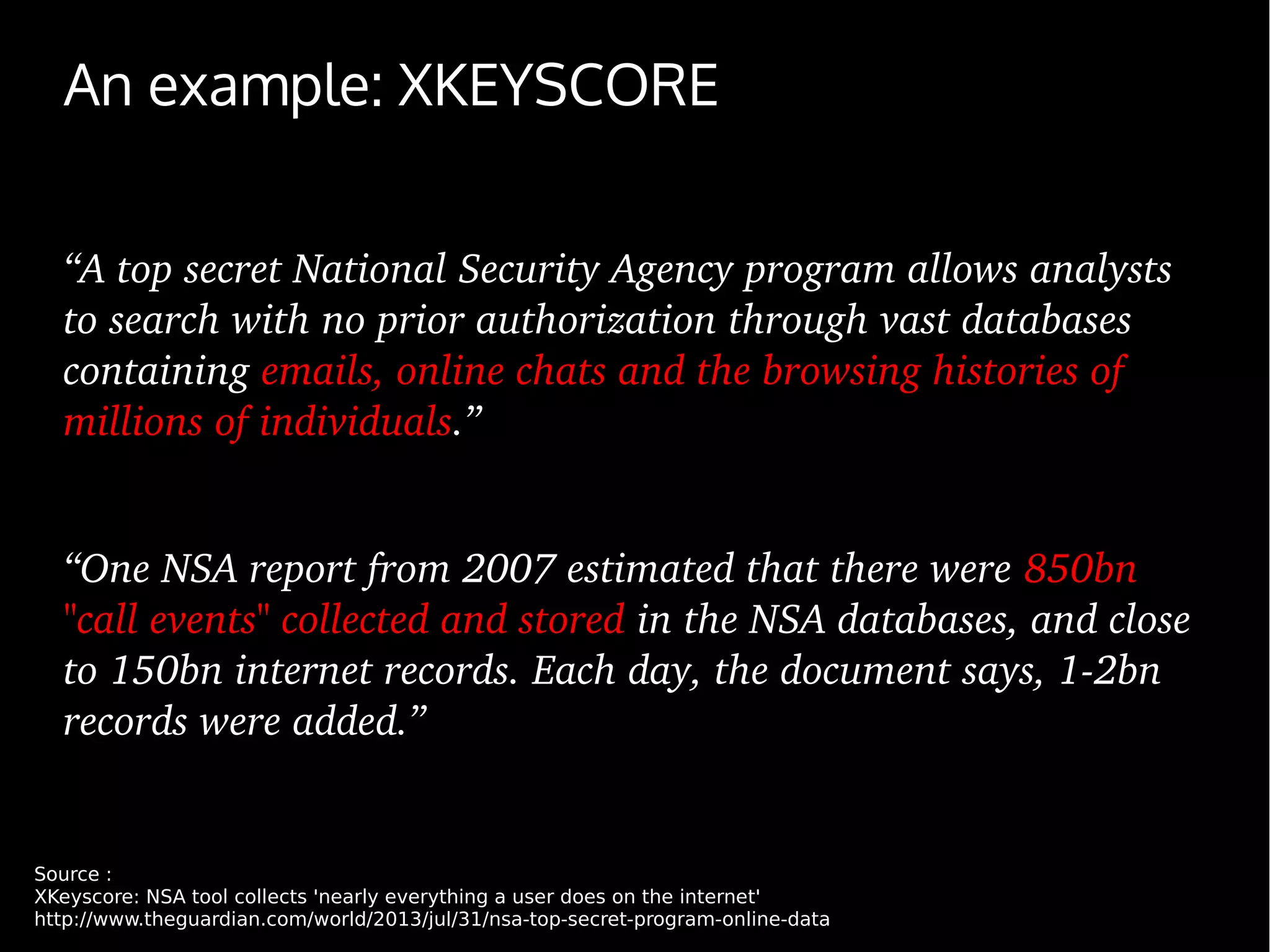
An example: XKEYSCORE
“A top secret National Security Agency program allows analysts 
to search with no prior authorization through vast databases 
containing emails, online chats and the browsing histories of 
millions of individuals.”
“One NSA report from 2007 estimated that there were 850bn 
"call events" collected and stored in the NSA databases, and close 
to 150bn internet records. Each day, the document says, 1­2bn 
records were added.”
Source :
XKeyscore: NSA tool collects 'nearly everything a user does on the internet'
http://www.theguardian.com/world/2013/jul/31/nsa-top-secret-program-online-data
#2
Why would YOU need security ?
What do you need to protect?

A source identity and/or location

Documents

Conversations

Research topic

You, your identity, your family
Protect from who?

Legal actions (leaks investigation)

A government

An organization (your employer ?)

Competitors

Criminals

.....
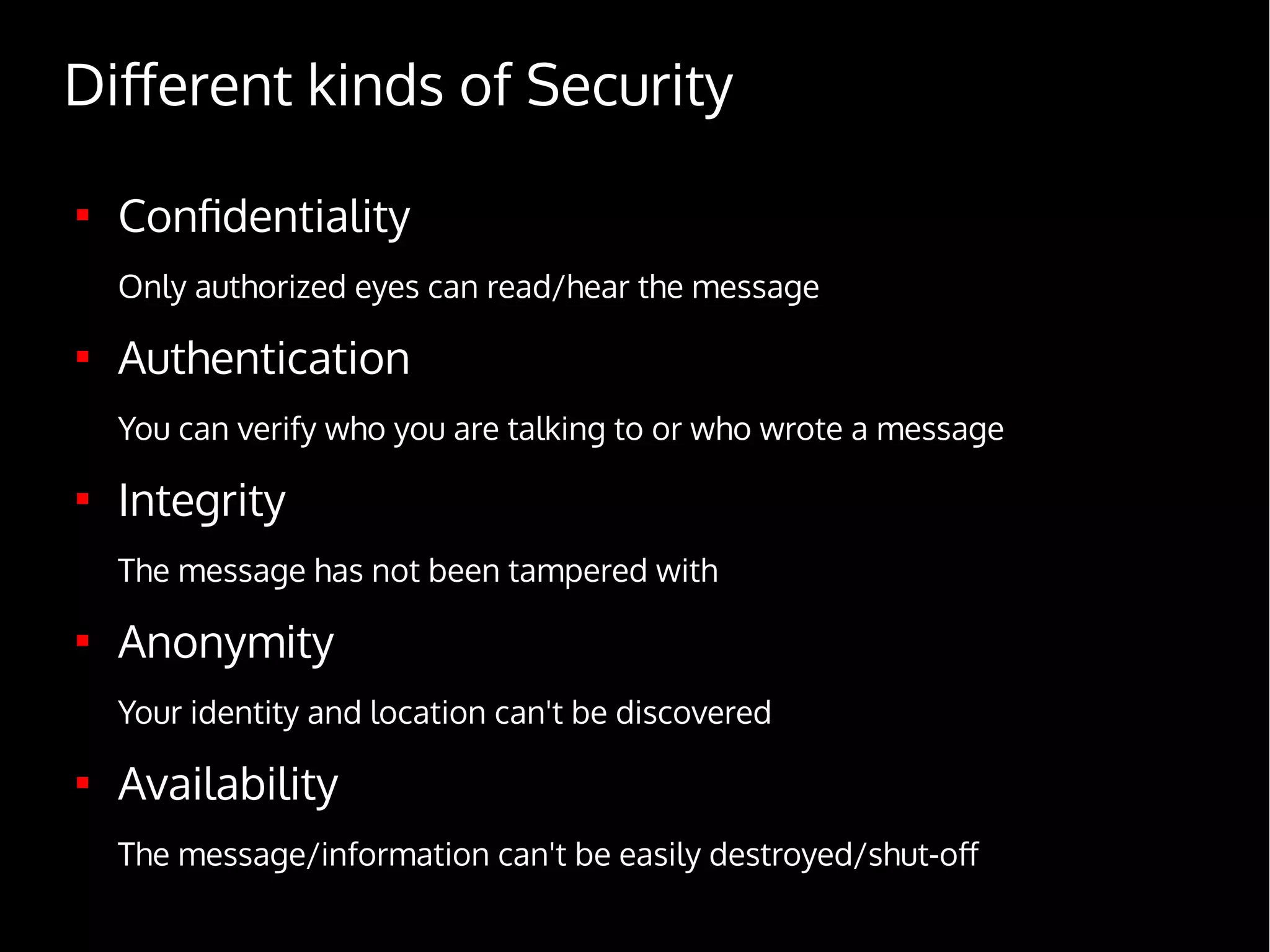
Different kinds of Security

Confidentiality
Only authorized eyes can read/hear the message

Authentication
You can verify who you are talking to or who wrote a message

Integrity
The message has not been tampered with

Anonymity
Your identity and location can't be discovered

Availability
The message/information can't be easily destroyed/shut-off
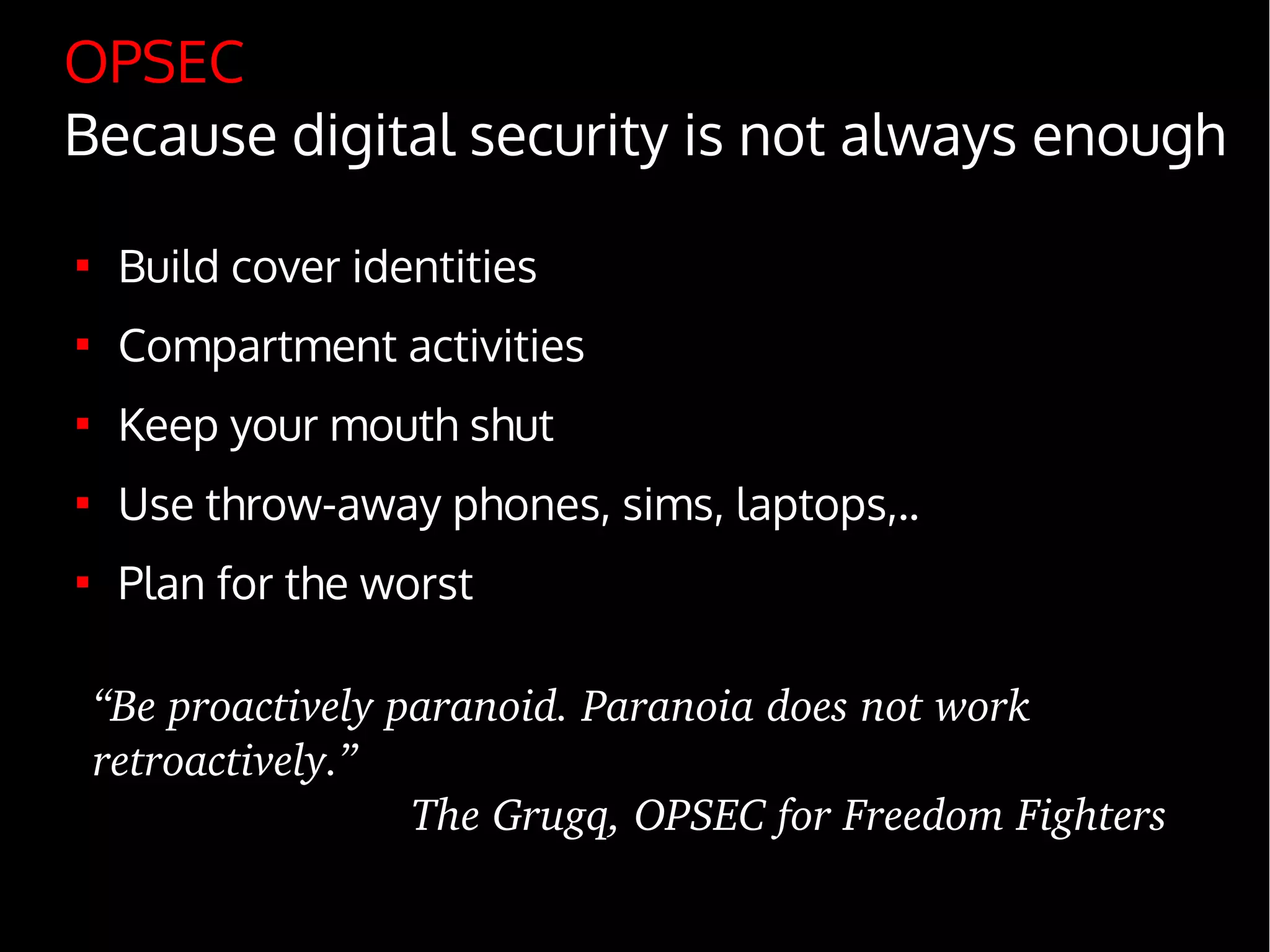
OPSEC
Because digital security is not always enough

Build cover identities

Compartment activities

Keep your mouth shut

Use throw-away phones, sims, laptops,..

Plan for the worst
“Be proactively paranoid. Paranoia does not work 
retroactively.”
The Grugq, OPSEC for Freedom Fighters
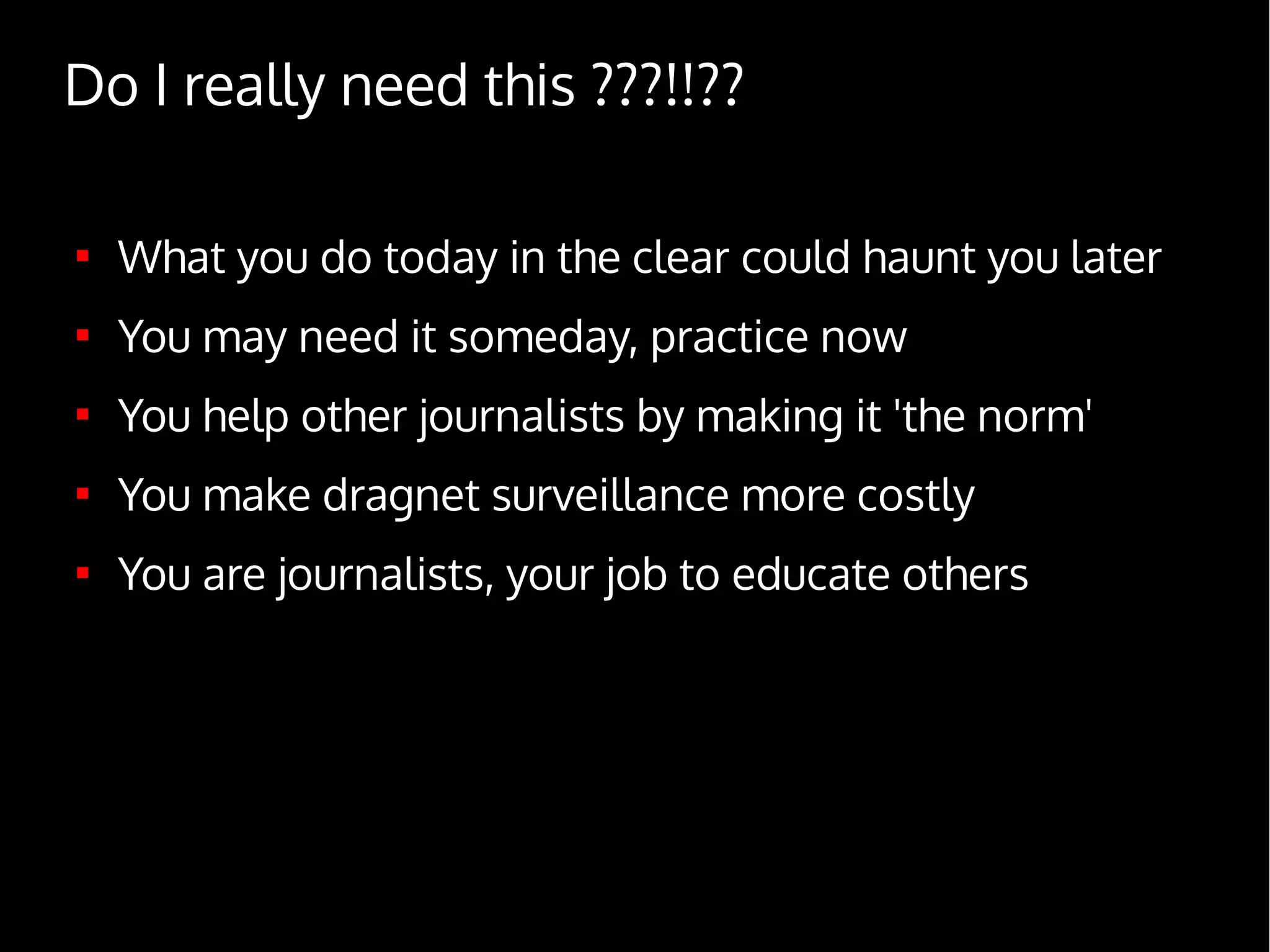
Do I really need this ???!!??

What you do today in the clear could haunt you later

You may need it someday, practice now

You help other journalists by making it 'the norm'

You make dragnet surveillance more costly

You are journalists, your job to educate others
#3
Digital Security – the basics
Beware of your mobile phone

A real-time geo-location tracking device

A remote listening device

A gateway to your most intimate secrets

Every action you take (call, message, picture,...) can be
monitored, collected and archived
If you really need to use a mobile phone...

Basic security (pin code, key lock, disk encryption)

Do not store anything valuable (passwords, documents,..)

Turn off & remove the battery to:

Protect your location when meeting a source

Avoid remote listening

Use open source software

E.g. Replicant on Android

Use crypto to communicate securely

TextSecure, RedPhone

Don't use 'burner phones' unless you really know what you are
doing, they can easily be correlated back to you

Assume it can be stolen/hacked anytime and you are
comfortable with this
Secure your laptop

Use disk encryption and shutdown when travelling

Setup a password and a locked screen saver

Keep your system updated and have an antivirus

Have a firewall, block all incoming traffic

Use open source operating system and software

Avoid storing important documents on your laptop

Assume it can be stolen/hacked anytime and you are
comfortable with this
Online Security

Use strong & different passwords
A local & secure password manager can help

Beware of what you do, click, execute

Use HTTPS as much as possible

Install the HTTPS everywhere extension

Install the Do Not Track Me extension

Don't use cloud services, or assume everything in
there is 'public' (e.g. gmail, dropbox, skype, ...)

Assume everything you do online could become
public and you are comfortable with that
#4
Digital Security – advanced
!! Warning !!
Learn to use these tools
before trusting them
with your life !
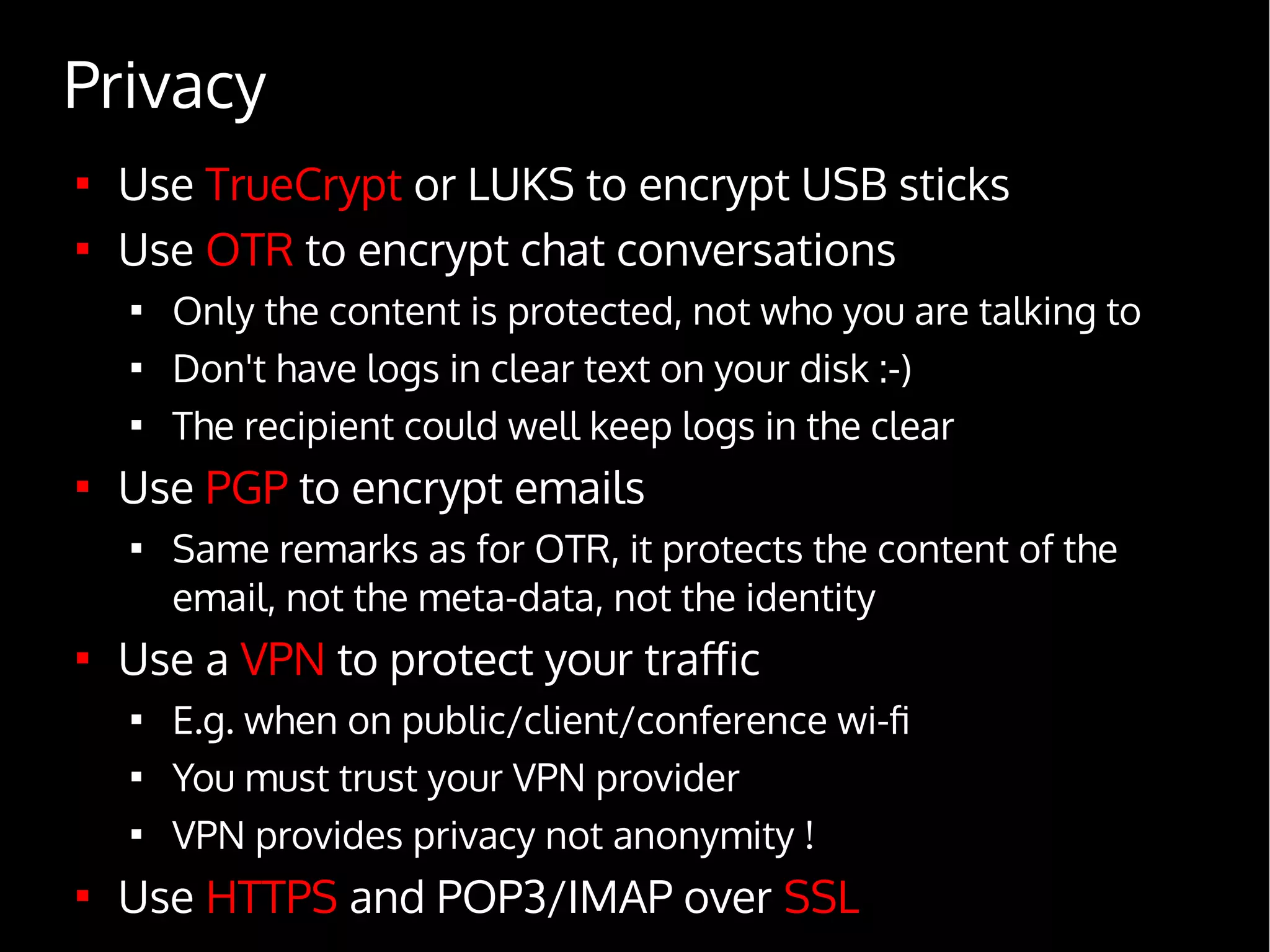
Privacy

Use TrueCrypt or LUKS to encrypt USB sticks

Use OTR to encrypt chat conversations

Only the content is protected, not who you are talking to

Don't have logs in clear text on your disk :-)

The recipient could well keep logs in the clear

Use PGP to encrypt emails

Same remarks as for OTR, it protects the content of the
email, not the meta-data, not the identity

Use a VPN to protect your traffic

E.g. when on public/client/conference wi-fi

You must trust your VPN provider

VPN provides privacy not anonymity !

Use HTTPS and POP3/IMAP over SSL
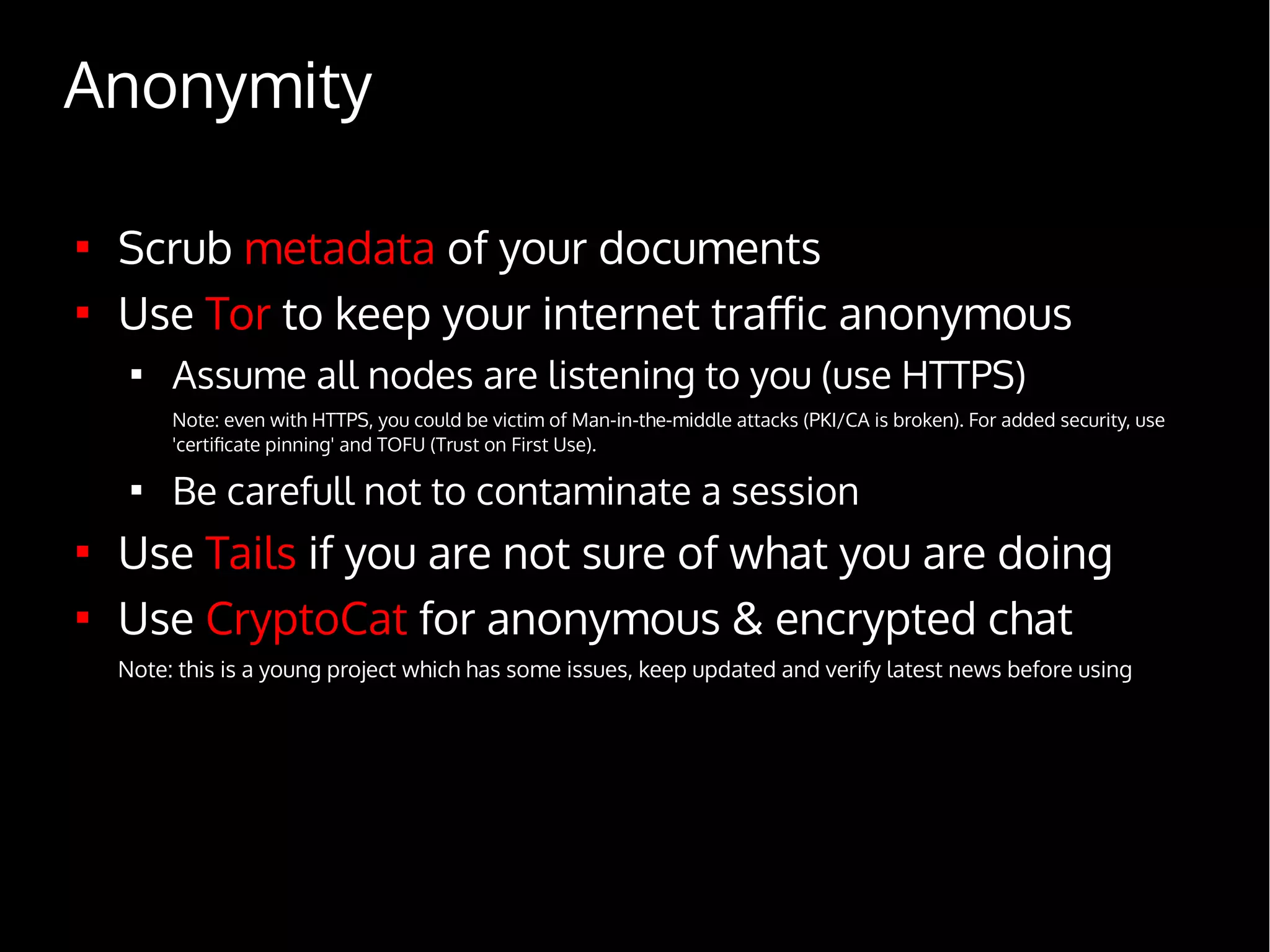
Anonymity

Scrub metadata of your documents

Use Tor to keep your internet traffic anonymous

Assume all nodes are listening to you (use HTTPS)
Note: even with HTTPS, you could be victim of Man-in-the-middle attacks (PKI/CA is broken). For added security, use
'certificate pinning' and TOFU (Trust on First Use).

Be carefull not to contaminate a session

Use Tails if you are not sure of what you are doing

Use CryptoCat for anonymous & encrypted chat
Note: this is a young project which has some issues, keep updated and verify latest news before using
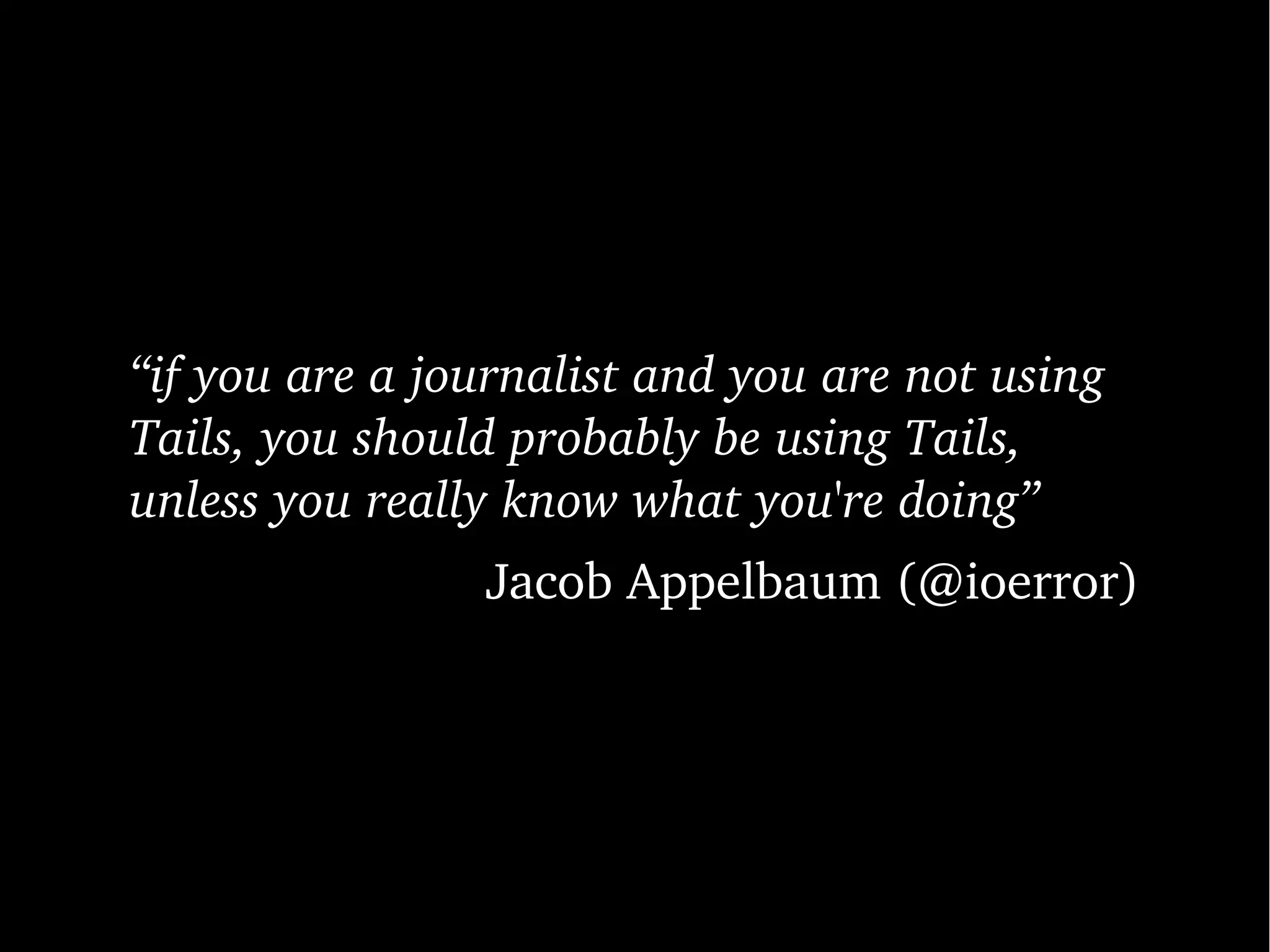
“if you are a journalist and you are not using 
Tails, you should probably be using Tails, 
unless you really know what you're doing”
Jacob Appelbaum (@ioerror)
#5
Paranoia in practice
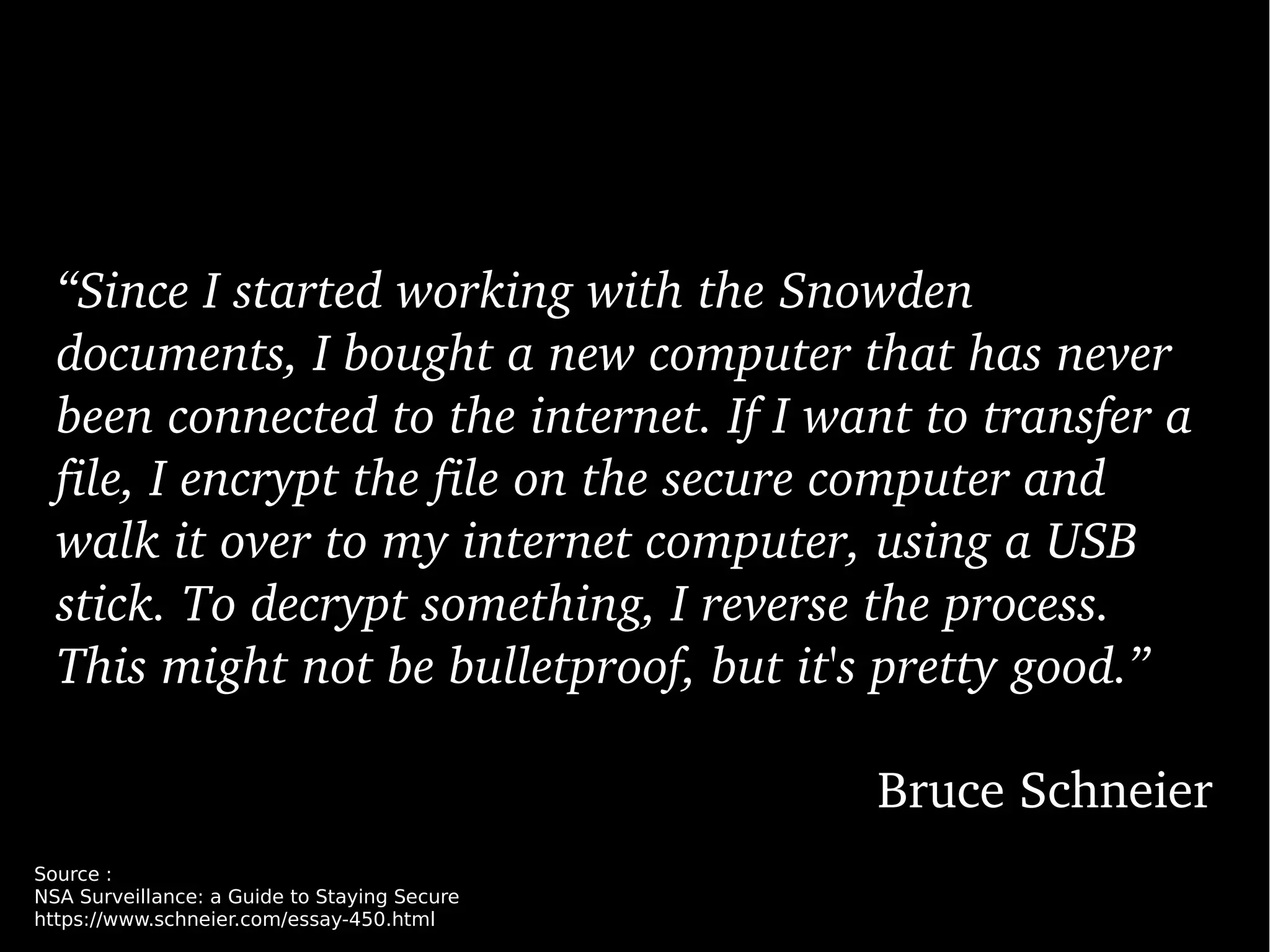
“Since I started working with the Snowden 
documents, I bought a new computer that has never 
been connected to the internet. If I want to transfer a 
file, I encrypt the file on the secure computer and 
walk it over to my internet computer, using a USB 
stick. To decrypt something, I reverse the process. 
This might not be bulletproof, but it's pretty good.”
Bruce Schneier
Source :
NSA Surveillance: a Guide to Staying Secure
https://www.schneier.com/essay-450.html
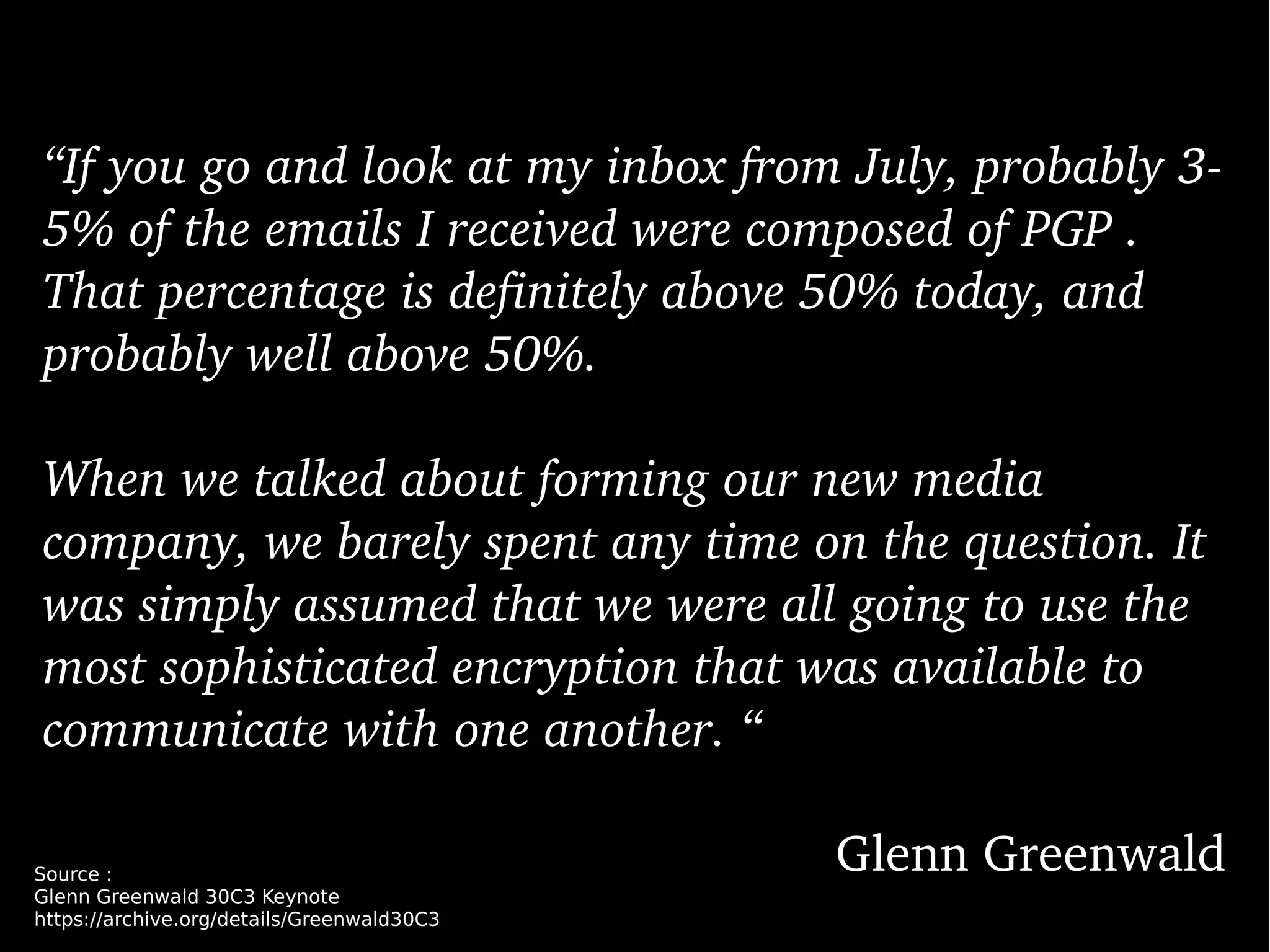
“If you go and look at my inbox from July, probably 3­
5% of the emails I received were composed of PGP . 
That percentage is definitely above 50% today, and 
probably well above 50%. 
When we talked about forming our new media 
company, we barely spent any time on the question. It 
was simply assumed that we were all going to use the 
most sophisticated encryption that was available to 
communicate with one another. “
Glenn GreenwaldSource :
Glenn Greenwald 30C3 Keynote
https://archive.org/details/Greenwald30C3
#6
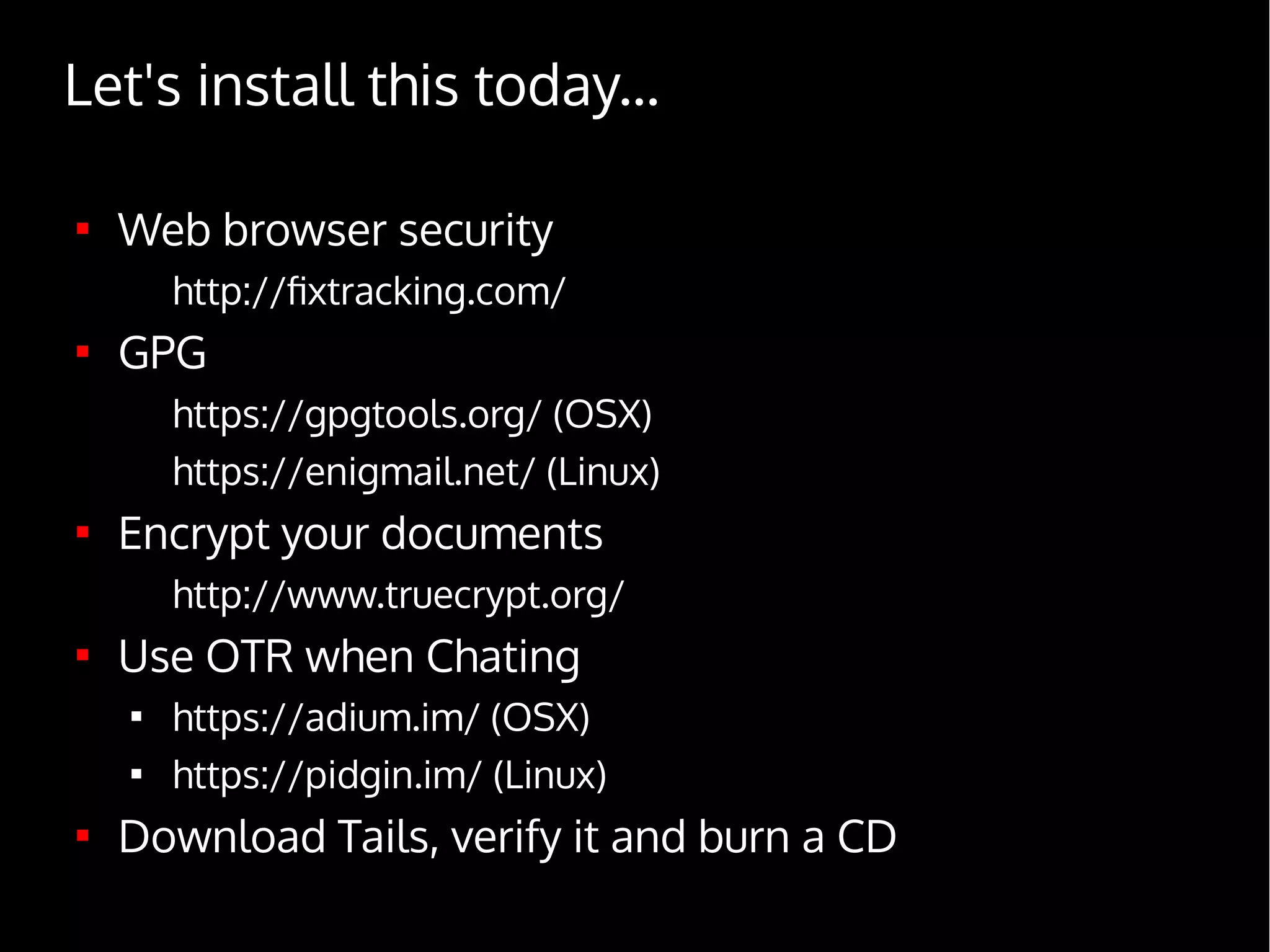
What now ?

Web browser security
http://fixtracking.com/

GPG
https://gpgtools.org/ (OSX)
https://enigmail.net/ (Linux)

Encrypt your documents
http://www.truecrypt.org/

Use OTR when Chating

https://adium.im/ (OSX)

https://pidgin.im/ (Linux)

Download Tails, verify it and burn a CD
Let's install this today...
References

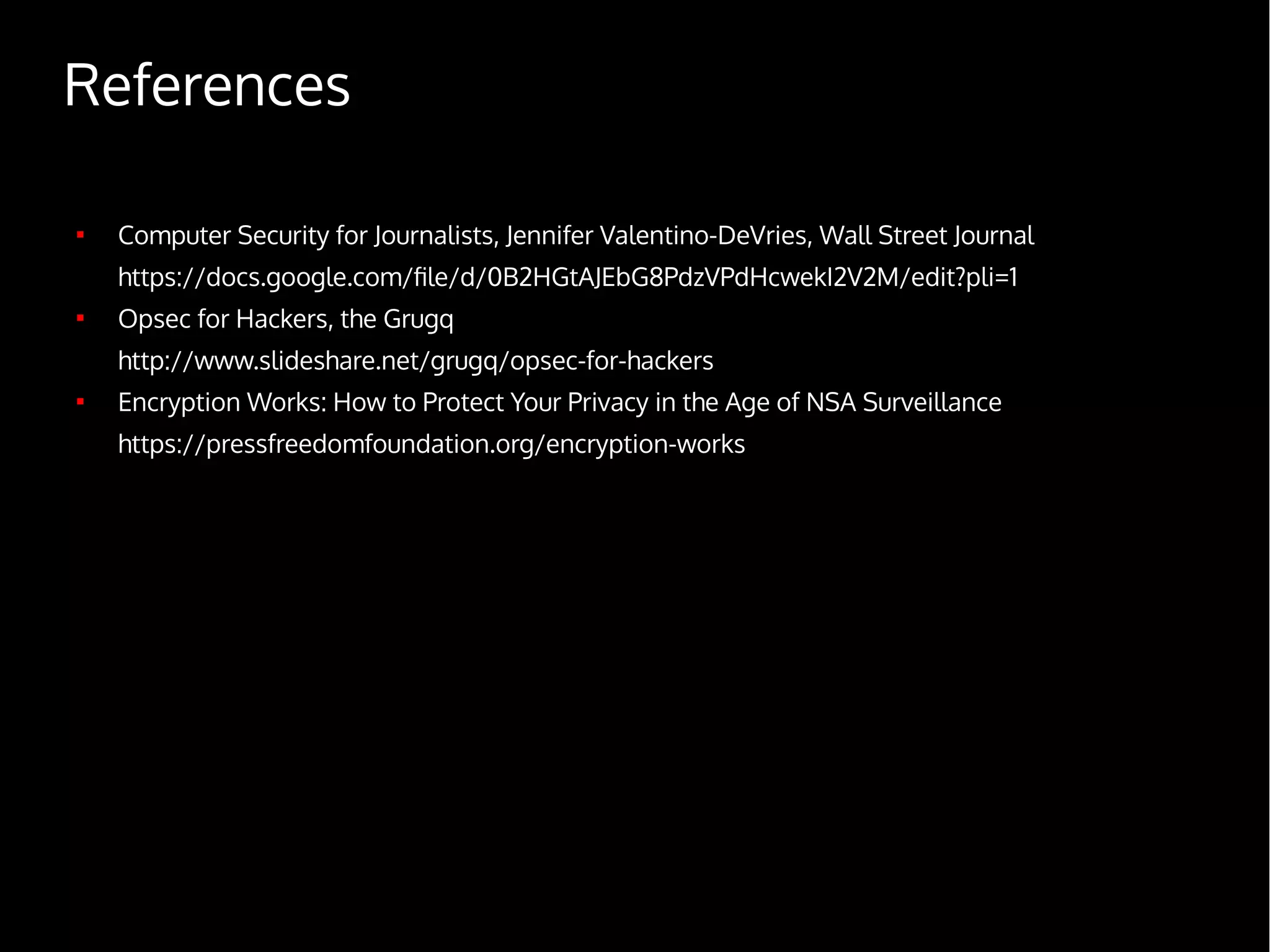
Computer Security for Journalists, Jennifer Valentino-DeVries, Wall Street Journal
https://docs.google.com/file/d/0B2HGtAJEbG8PdzVPdHcwekI2V2M/edit?pli=1

Opsec for Hackers, the Grugq
http://www.slideshare.net/grugq/opsec-for-hackers

Encryption Works: How to Protect Your Privacy in the Age of NSA Surveillance
https://pressfreedomfoundation.org/encryption-works

Digital security for journalists laurent eschenauer