Design tips
for complex forms
2011
Caroline Jarrett
J.Boye Conference Denmark
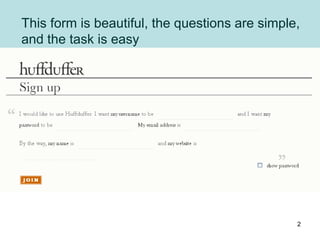
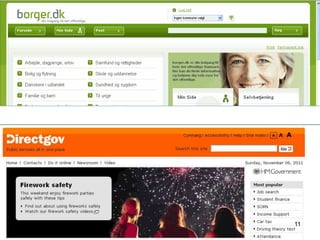
This form is beautiful, the questions are simple,
and the task is easy
2
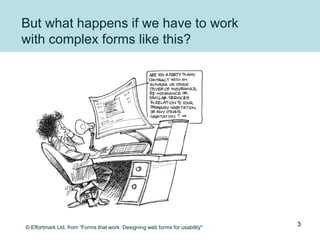
But what happens if we have to work
with complex forms like this?
© Effortmark Ltd, from “Forms that work: Designing web forms for usability"
3
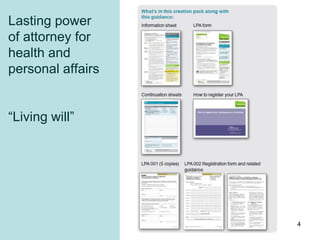
Lasting power
of attorney for
health and
personal affairs
“Living will”
4
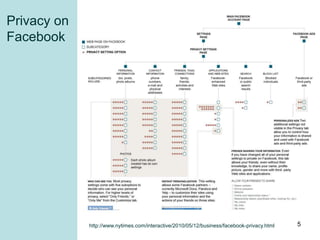
Privacy on
Facebook
http://www.nytimes.com/interactive/2010/05/12/business/facebook-privacy.html 5
A form is complex if …
• More than one page
• Answers come from another:
– Form
– Document
– Page
– Person
• The consequences are important:
– Money
– Stress
– Prison?
6
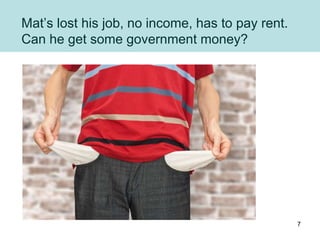
Mat’s lost his job, no income, has to pay rent.
Can he get some government money?
7
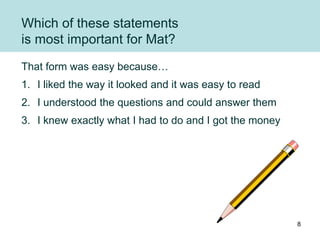
Which of these statements
is most important for Mat?
That form was easy because…
1. I liked the way it looked and it was easy to read
2. I understood the questions and could answer them
3. I knew exactly what I had to do and I got the money
8
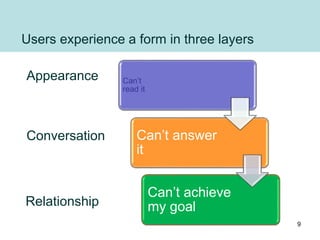
Users experience a form in three layers
Appearance
Conversation
Relationship
Can’t
read it
Can’t answer
it
Can’t achieve
my goal
9
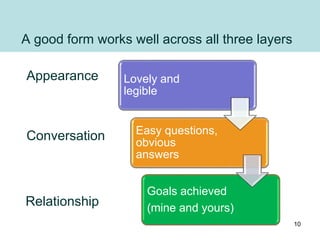
A good form works well across all three layers
Appearance
Conversation
Relationship
Lovely and
legible
Easy questions,
obvious
answers
Goals achieved
(mine and yours)
10
11
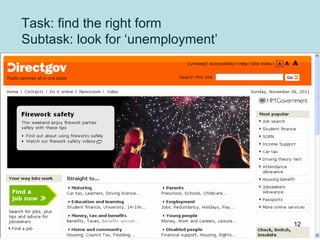
Task: find the right form
Subtask: look for ‘unemployment’
12
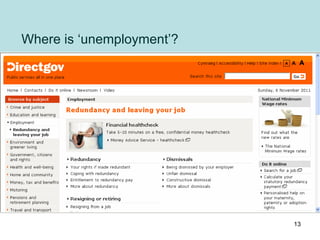
Where is ‘unemployment’?
13
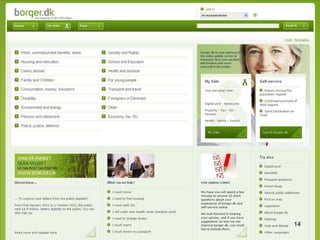
14
15
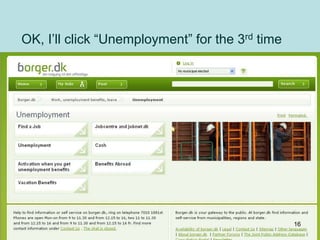
OK, I’ll click “Unemployment” for the 3rd time
16
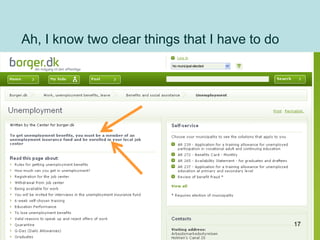
Ah, I know two clear things that I have to do
17
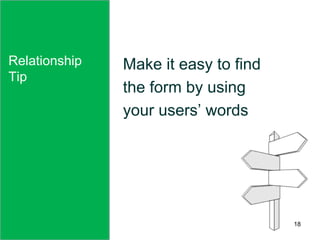
Relationship
Tip
Make it easy to find
the form by using
your users’ words
18
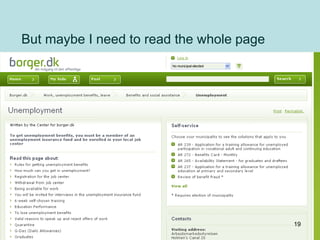
But maybe I need to read the whole page
19
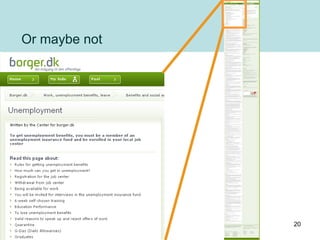
Or maybe not
20
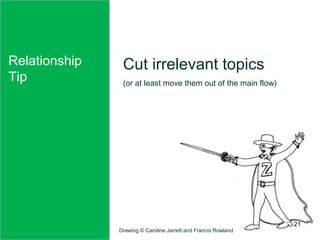
Relationship
Tip
Cut irrelevant topics
(or at least move them out of the main flow)
Drawing © Caroline Jarrett and Francis Rowland
21
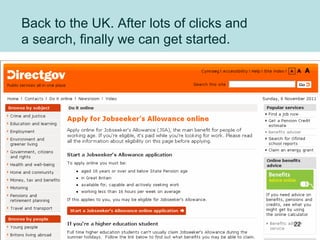
Back to the UK. After lots of clicks and
a search, finally we can get started.
22
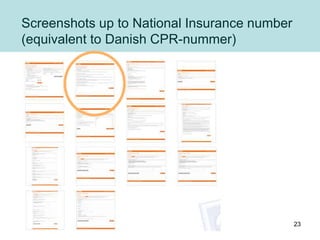
Screenshots up to National Insurance number
(equivalent to Danish CPR-nummer)
23
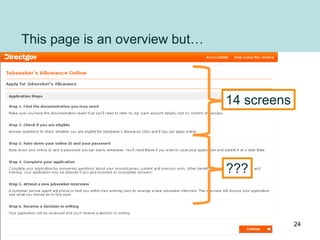
This page is an overview but…
14 screens
???
24
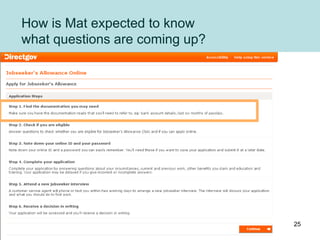
How is Mat expected to know
what questions are coming up?
25
Relationship
Tip
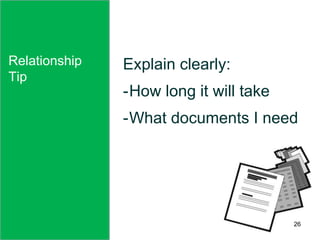
Explain clearly:
-How long it will take
-What documents I need
Relationship
Tip
26
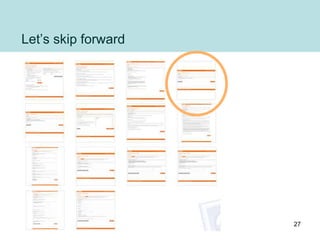
Let’s skip forward
27
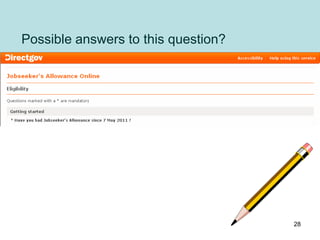
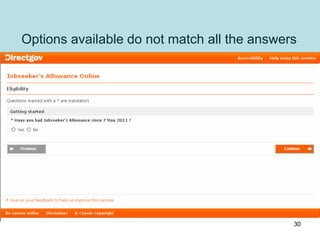
Possible answers to this question?
28
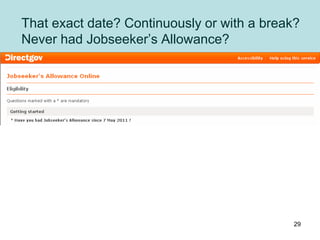
That exact date? Continuously or with a break?
Never had Jobseeker’s Allowance?
29
Options available do not match all the answers
30
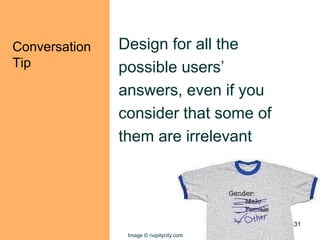
Conversation
Tip
Design for all the
possible users’
answers, even if you
consider that some of
them are irrelevant
Image © nopitycity.com
31
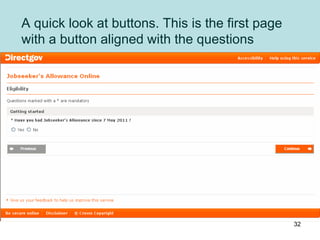
A quick look at buttons. This is the first page
with a button aligned with the questions
32
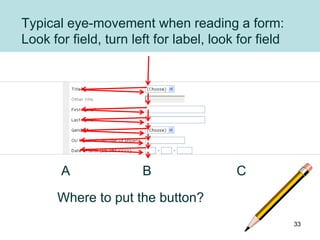
Typical eye-movement when reading a form:
Look for field, turn left for label, look for field
Where to put the button?
A B C
33
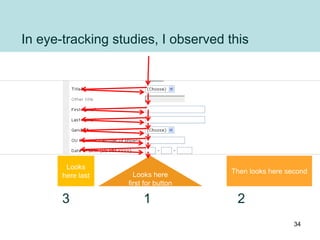
In eye-tracking studies, I observed this
Looks here
first for button
Then looks here second
Looks
here last
3 1 2
34
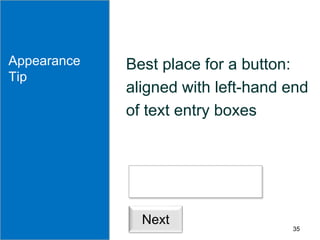
Appearance
Tip
Best place for a button:
aligned with left-hand end
of text entry boxes
Appearance
Tip
Next
35
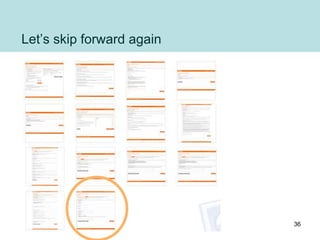
Let’s skip forward again
36
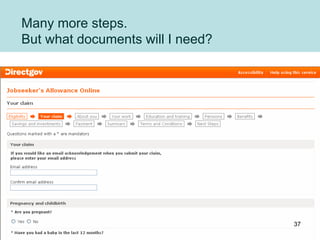
Many more steps.
But what documents will I need?
37
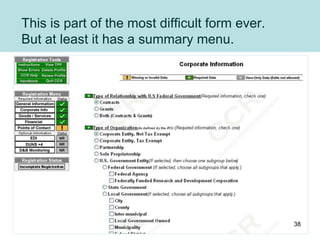
This is part of the most difficult form ever.
But at least it has a summary menu.
38
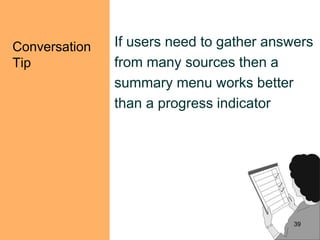
Conversation
Tip
If users need to gather answers
from many sources then a
summary menu works better
than a progress indicator
39
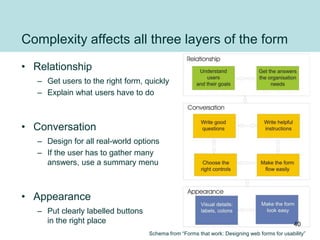
Complexity affects all three layers of the form
• Relationship
– Get users to the right form, quickly
– Explain what users have to do
• Conversation
– Design for all real-world options
– If the user has to gather many
answers, use a summary menu
• Appearance
– Put clearly labelled buttons
in the right place
Schema from “Forms that work: Designing web forms for usability”
40
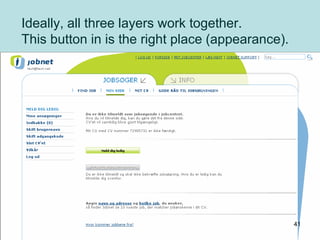
Ideally, all three layers work together.
This button in is the right place (appearance).
41
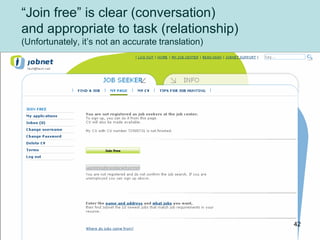
“Join free” is clear (conversation)
and appropriate to task (relationship)
(Unfortunately, it’s not an accurate translation)
42
More resources on
http://www.slideshare.net/cjforms
43
Caroline Jarrett
twitter @cjforms
caroline.jarrett@effortmark.co.uk
44

Design tips for complex forms JBoye 2011