Data Manipulation Language, Data Control Language and Transaction Control Language Commands used in DBMS.pptx
These slides contain the commands with syntax and examples, which are used for Data Manipulation, Data Control and Transaction control processes in DBMS.
Data Manipulation Language, Data Control Language and Transaction Control Language Commands used in DBMS.pptx
1.
Mrs. Pallavi Patil
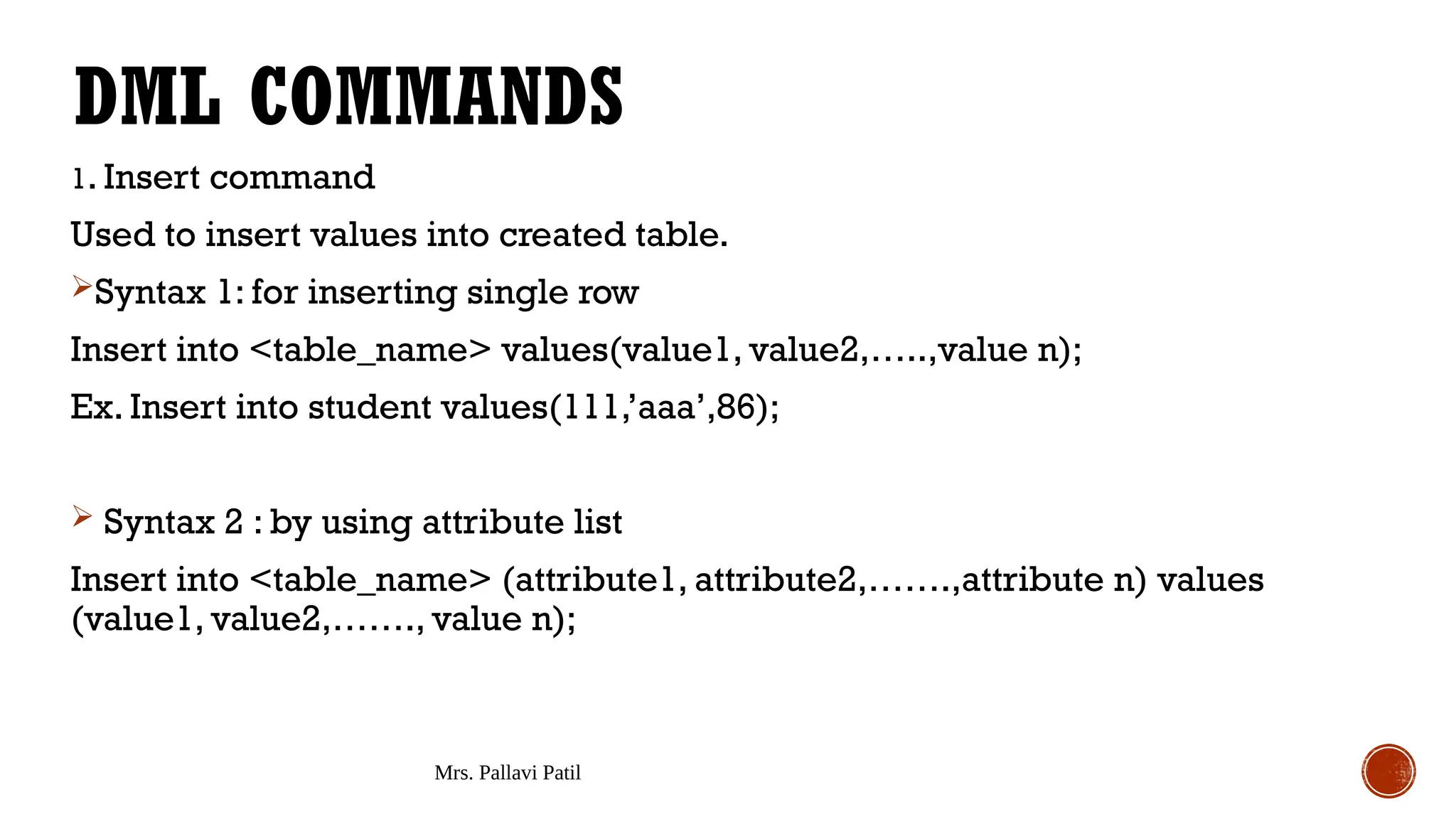
DMLCOMMANDS
1. Insert command
Used to insert values into created table.
Syntax 1: for inserting single row
Insert into <table_name> values(value1, value2,…..,value n);
Ex. Insert into student values(111,’aaa’,86);
Syntax 2 : by using attribute list
Insert into <table_name> (attribute1, attribute2,…….,attribute n) values
(value1, value2,……., value n);
2.
Mrs. Pallavi Patil
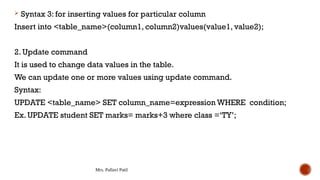
Syntax 3: for inserting values for particular column
Insert into <table_name>(column1, column2)values(value1, value2);
2. Update command
It is used to change data values in the table.
We can update one or more values using update command.
Syntax:
UPDATE <table_name> SET column_name=expression WHERE condition;
Ex. UPDATE student SET marks= marks+3 where class =‘TY’;
3.
Mrs. Pallavi Patil
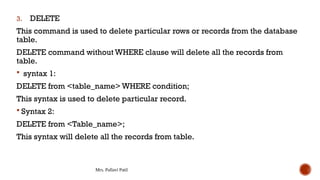
3.DELETE
This command is used to delete particular rows or records from the database
table.
DELETE command without WHERE clause will delete all the records from
table.
syntax 1:
DELETE from <table_name> WHERE condition;
This syntax is used to delete particular record.
Syntax 2:
DELETE from <Table_name>;
This syntax will delete all the records from table.
4.
Mrs. Pallavi Patil
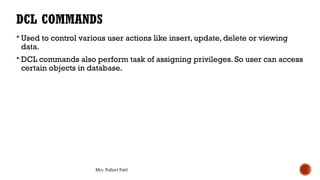
DCLCOMMANDS
Used to control various user actions like insert, update, delete or viewing
data.
DCL commands also perform task of assigning privileges. So user can access
certain objects in database.
5.
Mrs. Pallavi Patil
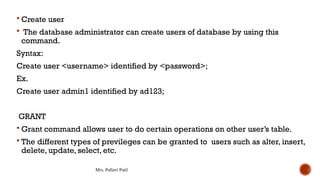
Create user
The database administrator can create users of database by using this
command.
Syntax:
Create user <username> identified by <password>;
Ex.
Create user admin1 identified by ad123;
GRANT
Grant command allows user to do certain operations on other user’s table.
The different types of previleges can be granted to users such as alter, insert,
delete, update, select, etc.
6.
Mrs. Pallavi Patil
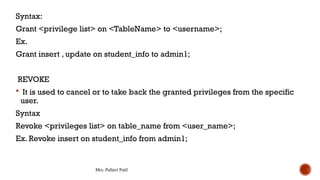
Syntax:
Grant<privilege list> on <TableName> to <username>;
Ex.
Grant insert , update on student_info to admin1;
REVOKE
It is used to cancel or to take back the granted privileges from the specific
user.
Syntax
Revoke <privileges list> on table_name from <user_name>;
Ex. Revoke insert on student_info from admin1;
7.
Mrs. Pallavi Patil
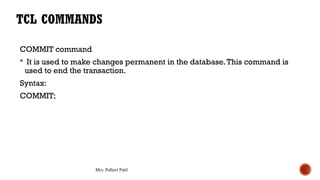
COMMITcommand
It is used to make changes permanent in the database.This command is
used to end the transaction.
Syntax:
COMMIT;
TCL COMMANDS
8.
Mrs. Pallavi Patil
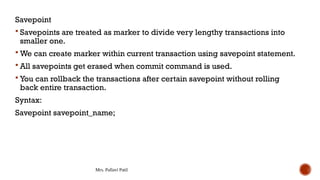
Savepoint
Savepoints are treated as marker to divide very lengthy transactions into
smaller one.
We can create marker within current transaction using savepoint statement.
All savepoints get erased when commit command is used.
You can rollback the transactions after certain savepoint without rolling
back entire transaction.
Syntax:
Savepoint savepoint_name;
9.
Mrs. Pallavi Patil
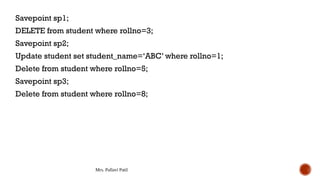
Savepointsp1;
DELETE from student where rollno=3;
Savepoint sp2;
Update student set student_name=‘ABC’ where rollno=1;
Delete from student where rollno=5;
Savepoint sp3;
Delete from student where rollno=8;
10.
Mrs. Pallavi Patil
3.Rollback
Rollback is used to undo or cancel the changes done in current
transactions.
We rollback entire transactions using rollback command or if savepoint is
given, rollback can be done till specific savepoint.
Syntax:
Rollback;
Or
Rollback to savepoint_name;