Dashboard Design Tips for
Power BI Beginners
Dashboards are crucial for business intelligence. They transform
complex data into clear, actionable insights. This presentation offers
tips for designing effective Power BI dashboards.
https://www.fusion-institute.com/dashboard-design-tips-for-power-bi-beginners
The Power of Power BI
Intuitive Interface
Easy drag-and-drop capabilities.
Excel Integration
Seamless collaboration with Microsoft Excel.
No Coding Needed
Create dynamic reports without extensive code.
Power BI is an industry standard. It helps users quickly produce high-quality, interactive reports. Its intuitive design makes it accessible for beginners.
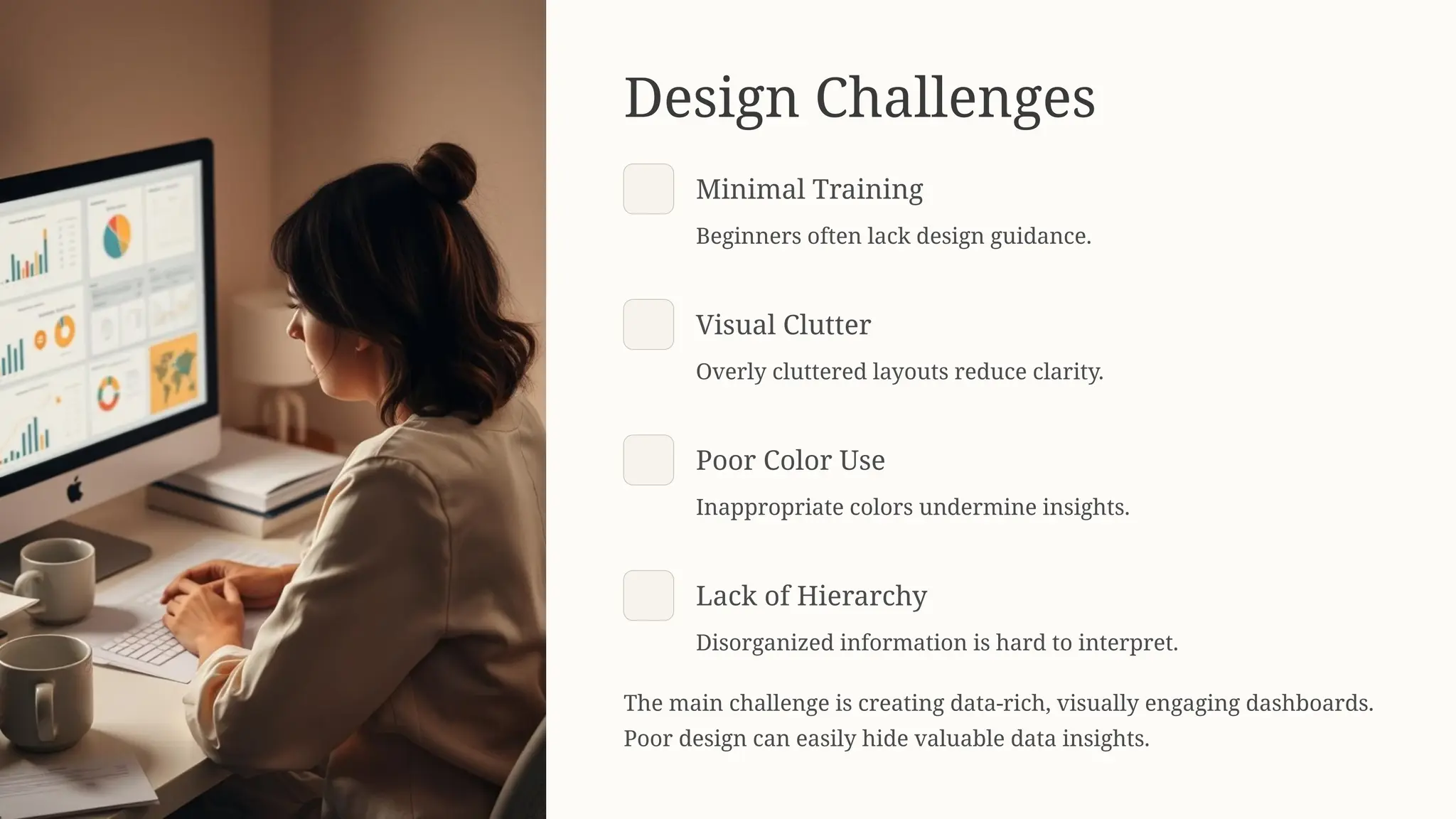
Design Challenges
Minimal Training
Beginners often lack design guidance.
Visual Clutter
Overly cluttered layouts reduce clarity.
Poor Color Use
Inappropriate colors undermine insights.
Lack of Hierarchy
Disorganized information is hard to interpret.
The main challenge is creating data-rich, visually engaging dashboards.
Poor design can easily hide valuable data insights.
Understand Your Audience
Senior Executives
High-level overviews and KPIs.
Managers
Operational data for team
productivity.
Analysts
Detailed views with drill-down
capabilities.
Before designing, identify your audience and their needs. This guides data selection, visuals, and language. Fusion Software
Institute emphasizes this principle in training.
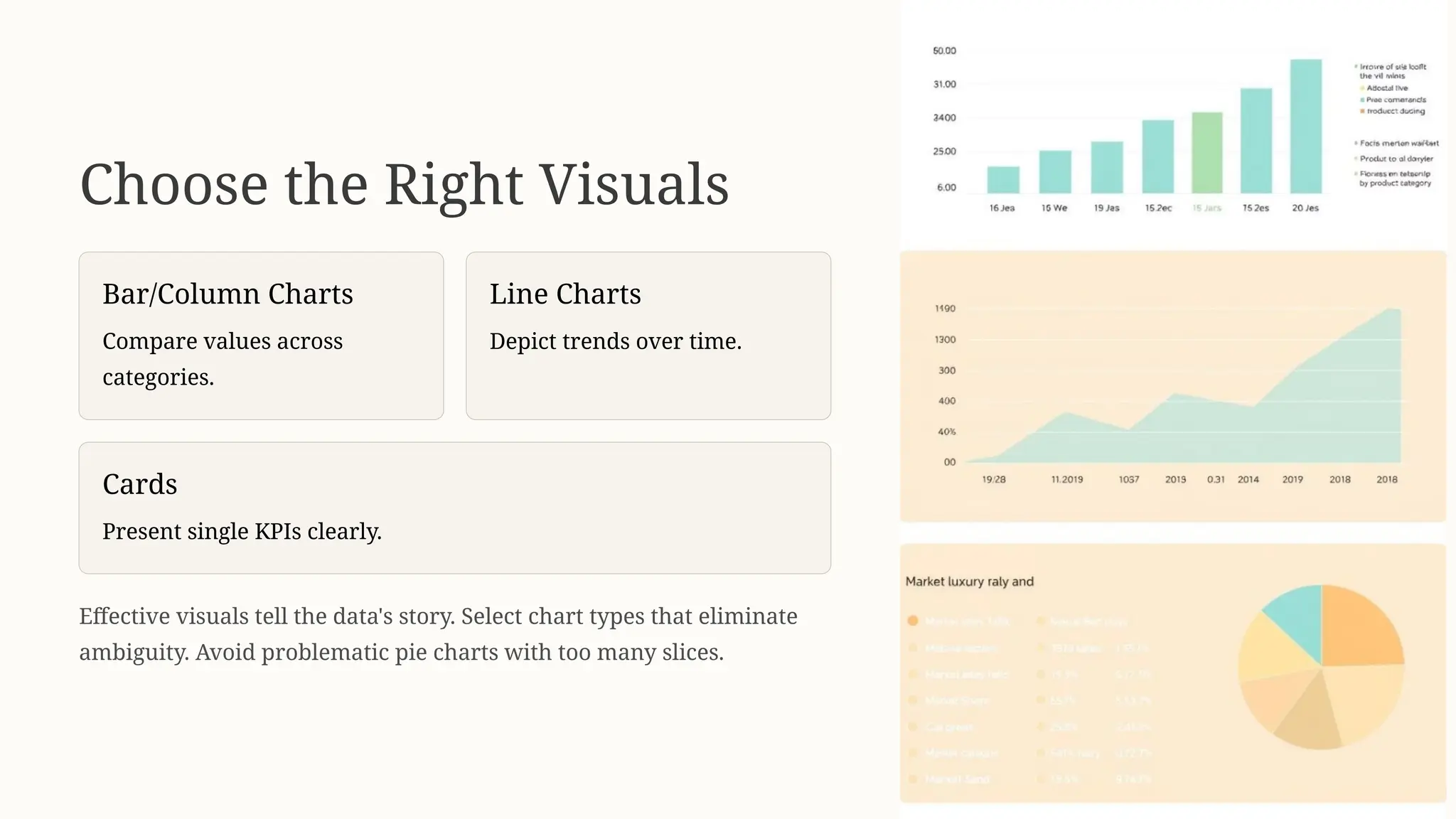
Choose the Right Visuals
Bar/Column Charts
Compare values across
categories.
Line Charts
Depict trends over time.
Cards
Present single KPIs clearly.
Effective visuals tell the data's story. Select chart types that eliminate
ambiguity. Avoid problematic pie charts with too many slices.
Consistent Design Principles
Limited Colors
Use color for emphasis only.
Consistent Fonts
Maintain uniform font styles.
Alignment & Spacing
Ensure even visual distribution.
Strategic White Space
Improve readability and reduce
clutter.
Consistency creates a professional dashboard. It helps users focus on insights. Utilize Power BI's theme functionality for
visual uniformity.
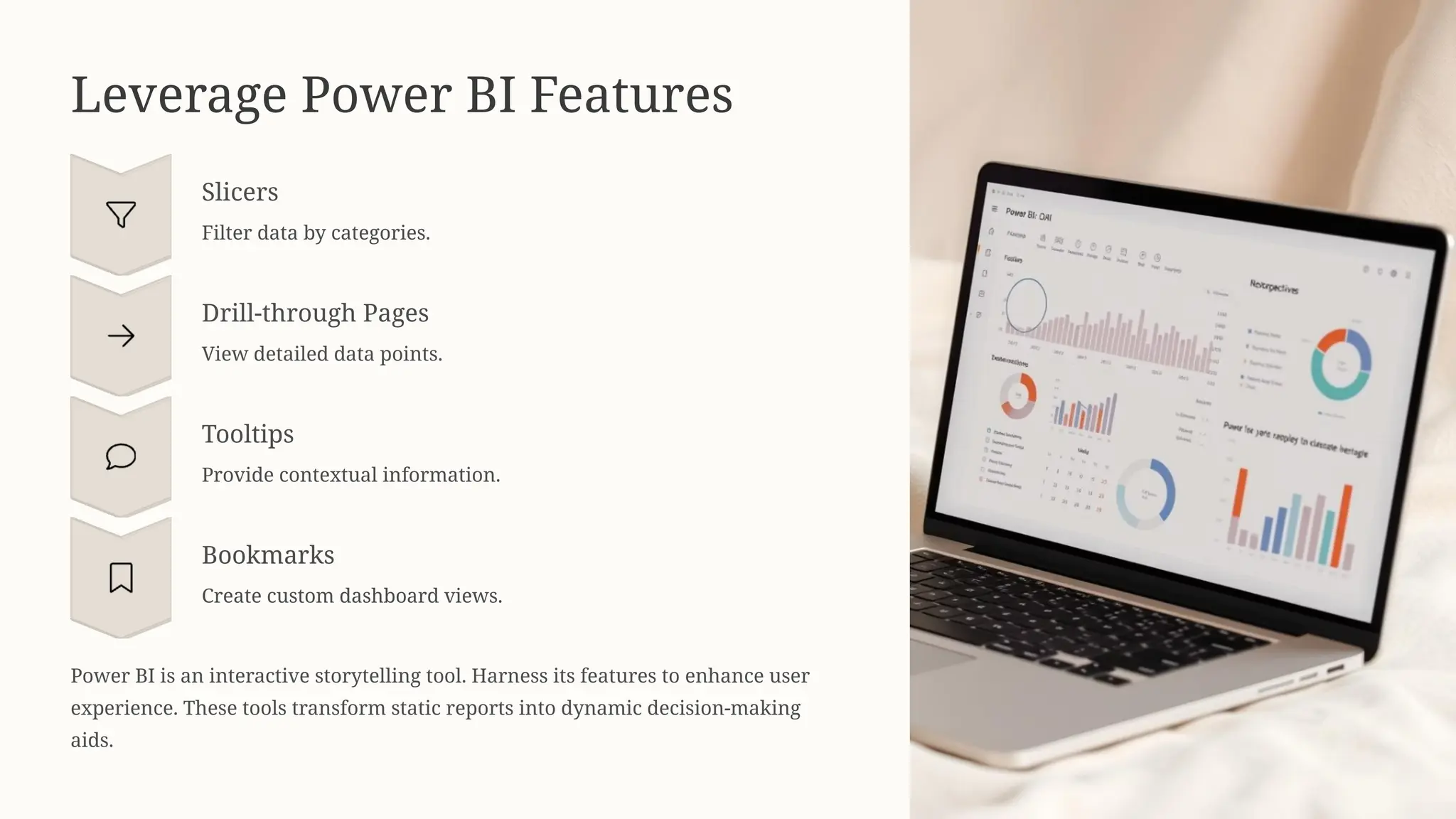
Leverage Power BI Features
Slicers
Filter data by categories.
Drill-through Pages
View detailed data points.
Tooltips
Provide contextual information.
Bookmarks
Create custom dashboard views.
Power BI is an interactive storytelling tool. Harness its features to enhance user
experience. These tools transform static reports into dynamic decision-making
aids.
Optimize Performance
Limit Visuals
Too many visuals slow loading.
Manage Data
Use aggregated data for speed.
Remove Unused
Delete unnecessary columns/tables.
Enable Mobile View
Ensure responsiveness on devices.
A dashboard must load quickly and be interactive. Optimize performance during design. A beautiful dashboard is only valuable if it's
accessible and fast.
Learn from Real-World Projects
Practical experience is key to dashboard design. Fusion Software Institute offers hands-on training. Learners build real-world dashboards,
gaining confidence and technical skills.

https://www.fusion-institute.com/dashboard-design-tips-for-power-bi-beginners
Call 9890647273 or
7498992609
for free guidance
session.
Start Your Power BI Journey
Trusted Institute
Fusion Software
Institute
offers practical projects
and expert mentors.
Flexible Learning
Choose online or offline
modes with career
guidance.
Contact
Us

Dashboard Design Tips for Power BI Beginners

  • 1.
    Dashboard Design Tipsfor Power BI Beginners Dashboards are crucial for business intelligence. They transform complex data into clear, actionable insights. This presentation offers tips for designing effective Power BI dashboards. https://www.fusion-institute.com/dashboard-design-tips-for-power-bi-beginners
  • 2.
    The Power ofPower BI Intuitive Interface Easy drag-and-drop capabilities. Excel Integration Seamless collaboration with Microsoft Excel. No Coding Needed Create dynamic reports without extensive code. Power BI is an industry standard. It helps users quickly produce high-quality, interactive reports. Its intuitive design makes it accessible for beginners.
  • 3.
    Design Challenges Minimal Training Beginnersoften lack design guidance. Visual Clutter Overly cluttered layouts reduce clarity. Poor Color Use Inappropriate colors undermine insights. Lack of Hierarchy Disorganized information is hard to interpret. The main challenge is creating data-rich, visually engaging dashboards. Poor design can easily hide valuable data insights.
  • 4.
    Understand Your Audience SeniorExecutives High-level overviews and KPIs. Managers Operational data for team productivity. Analysts Detailed views with drill-down capabilities. Before designing, identify your audience and their needs. This guides data selection, visuals, and language. Fusion Software Institute emphasizes this principle in training.
  • 5.
    Choose the RightVisuals Bar/Column Charts Compare values across categories. Line Charts Depict trends over time. Cards Present single KPIs clearly. Effective visuals tell the data's story. Select chart types that eliminate ambiguity. Avoid problematic pie charts with too many slices.
  • 6.
    Consistent Design Principles LimitedColors Use color for emphasis only. Consistent Fonts Maintain uniform font styles. Alignment & Spacing Ensure even visual distribution. Strategic White Space Improve readability and reduce clutter. Consistency creates a professional dashboard. It helps users focus on insights. Utilize Power BI's theme functionality for visual uniformity.
  • 7.
    Leverage Power BIFeatures Slicers Filter data by categories. Drill-through Pages View detailed data points. Tooltips Provide contextual information. Bookmarks Create custom dashboard views. Power BI is an interactive storytelling tool. Harness its features to enhance user experience. These tools transform static reports into dynamic decision-making aids.
  • 8.
    Optimize Performance Limit Visuals Toomany visuals slow loading. Manage Data Use aggregated data for speed. Remove Unused Delete unnecessary columns/tables. Enable Mobile View Ensure responsiveness on devices. A dashboard must load quickly and be interactive. Optimize performance during design. A beautiful dashboard is only valuable if it's accessible and fast.
  • 9.
    Learn from Real-WorldProjects Practical experience is key to dashboard design. Fusion Software Institute offers hands-on training. Learners build real-world dashboards, gaining confidence and technical skills.

  • 10.
    https://www.fusion-institute.com/dashboard-design-tips-for-power-bi-beginners Call 9890647273 or 7498992609 forfree guidance session. Start Your Power BI Journey Trusted Institute Fusion Software Institute offers practical projects and expert mentors. Flexible Learning Choose online or offline modes with career guidance. Contact Us