Downloaded 12 times
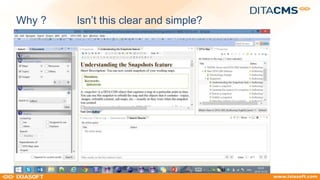
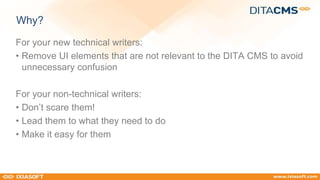
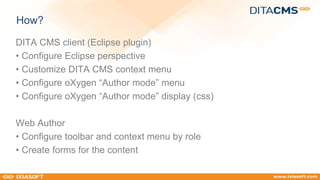

The document discusses the customization of DITA CMS user interfaces to improve usability for both technical and non-technical writers. It emphasizes simplifying the interface by removing irrelevant elements and guiding users to essential functions. Key options for customization include configuring perspectives, context menus, and display settings in both the DITA CMS client and web author environments.


![Building applications with WordPress [WordCamp NYC 2016]](https://cdn.slidesharecdn.com/ss_thumbnails/buildingapplicationswithwordpress-wordcamp2016-160717221939-thumbnail.jpg?width=640&height=640&fit=bounds)


