Building Applications with
WordPress
Steve Bruner
WordCamp NYC
July 17, 2016
Me…Steve Bruner
WordPress Developer 10+ years
Active community member
WordPress NYC Meetup: since August 2008
WordCamp NYC: 2009, 2010, 2012, 2014
Co-Developer of: Piklist [plugin]
Rapid Development Framework
Build powerful websites and applications with WordPress
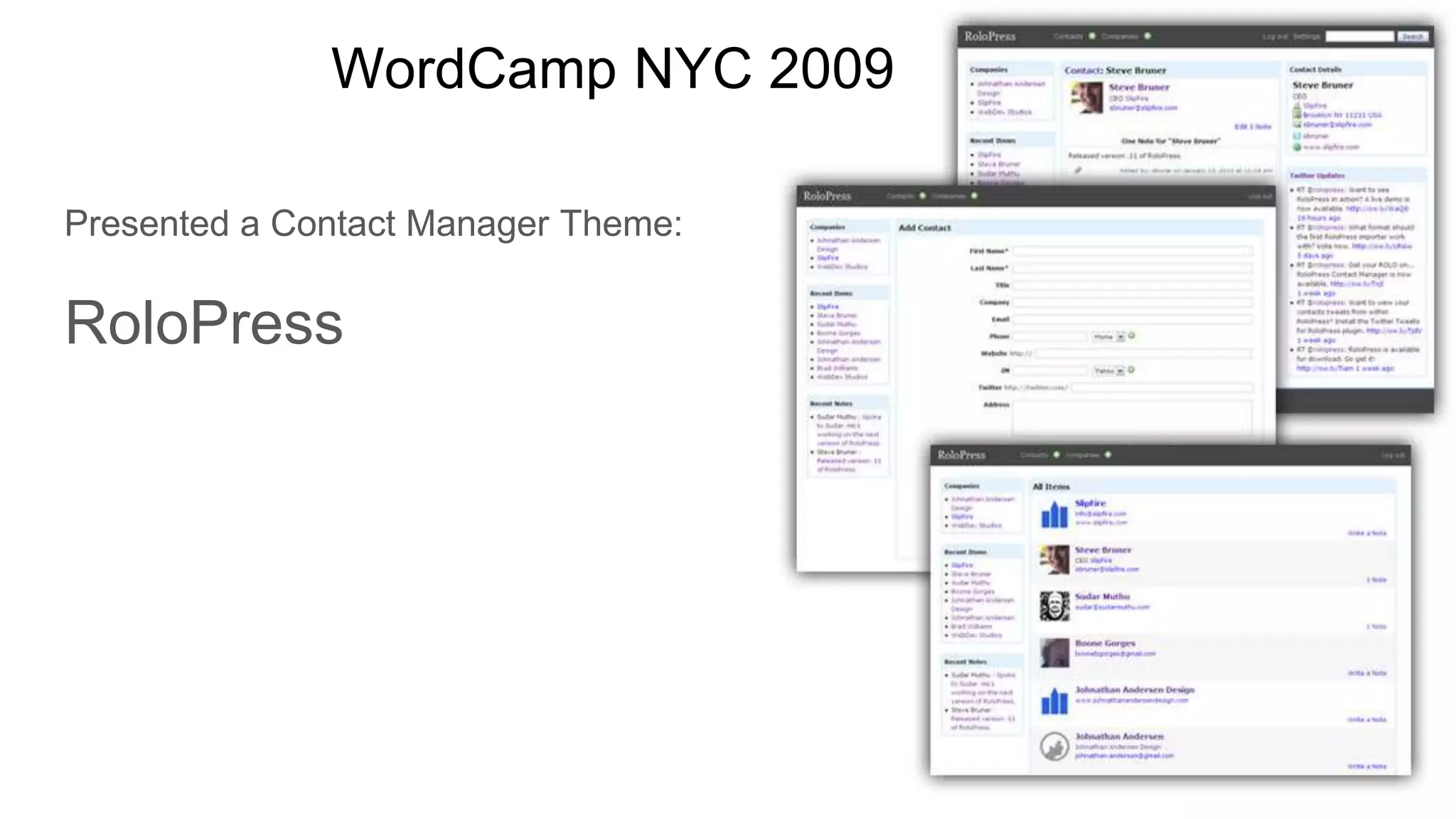
WordCamp NYC 2009
Presented a Contact Manager Theme:
RoloPress
Piklist.com
Examples
WooCommerce
Easy Digital Downloads
CiviCRM
BuddyPress
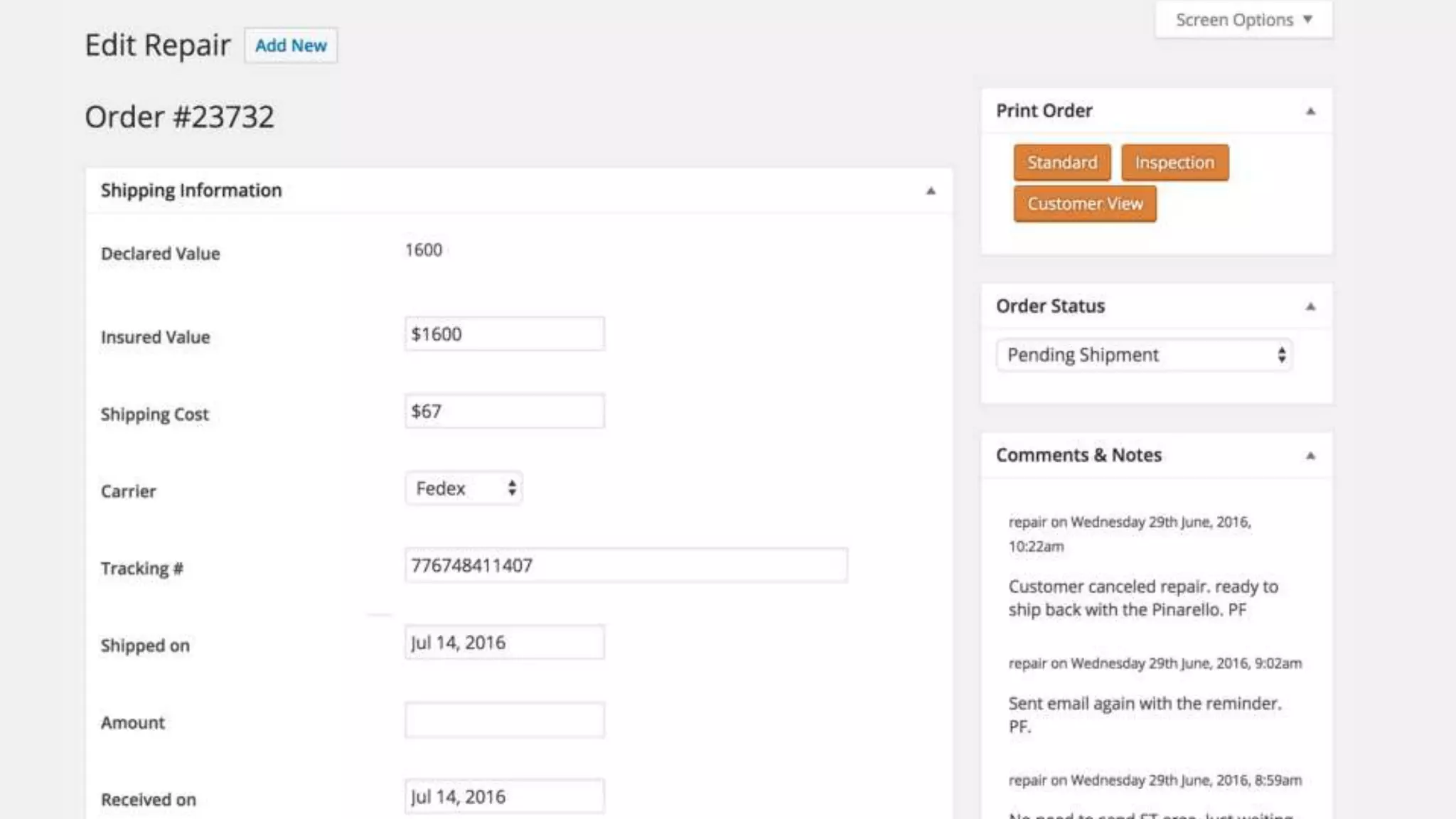
Invoicing
Contact Manager
Internal Workflow
....As WP Engine continues its torrid growth amidst strong customer demand, it has to
keep finding ways to deliver world-class support to every customer every day. That
means continually improving existing tools and building new ones – quickly.
“I have a laundry list of about 40
WordPress dev projects just for this quarter,”
Hoanshelt said. “So whenever my team is gearing up for the next one, my Project
Manager jokes, ‘Just Piklist it.’”
Piklist Customer Success: WP Engine
https://piklist.com/case-study/piklist-customer-success-wp-engine/
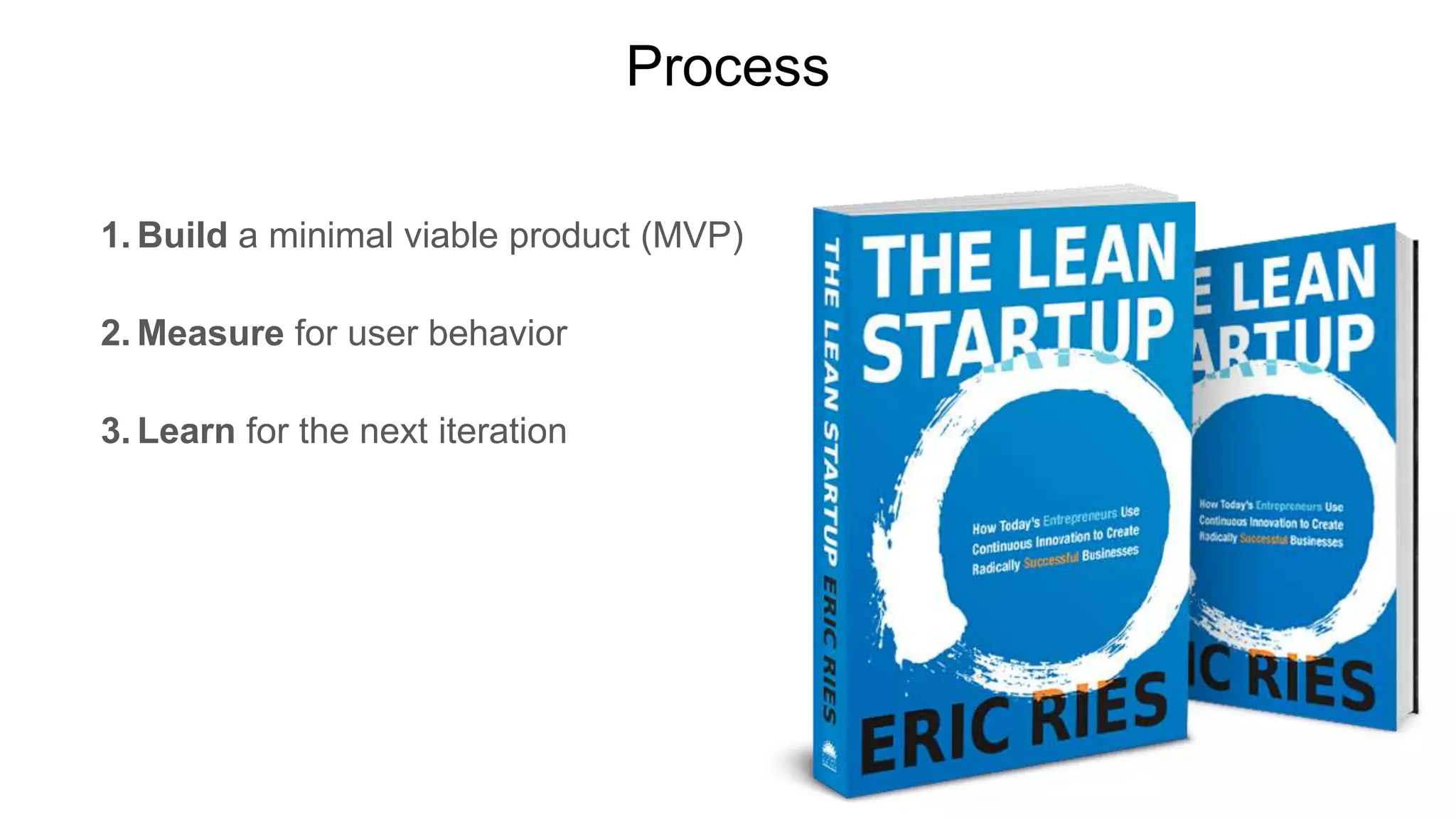
Process
1. Build a minimal viable product (MVP)
2. Measure for user behavior
3. Learn for the next iteration
Disable Front-end
Why?
Do you need a theme for your application?
wp-admin is:
Secure
Responsive
Controlled environment
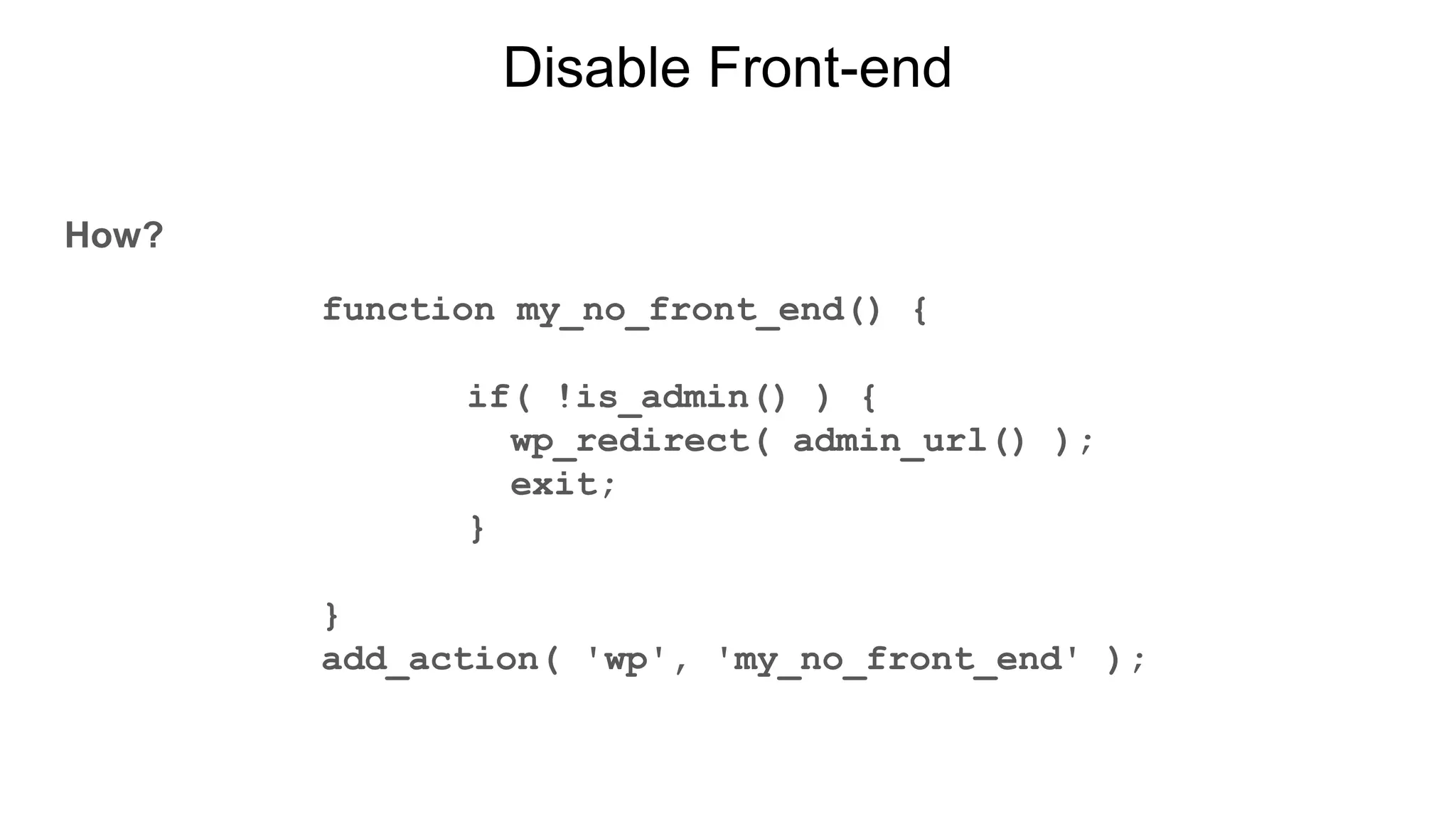
Disable Front-end
How?
function my_no_front_end() {
if( !is_admin() ) {
wp_redirect( admin_url() );
exit;
}
}
add_action( 'wp', 'my_no_front_end' );
Change Admin Menu
Why?
Does your application need the default WordPress items?
A cleaner admin is easier to navigate.
Don’t make your users work around WordPress.
How?
Plugin: https://wordpress.org/plugins/admin-menu-editor/
Manipulate: global $menu, $submenu;
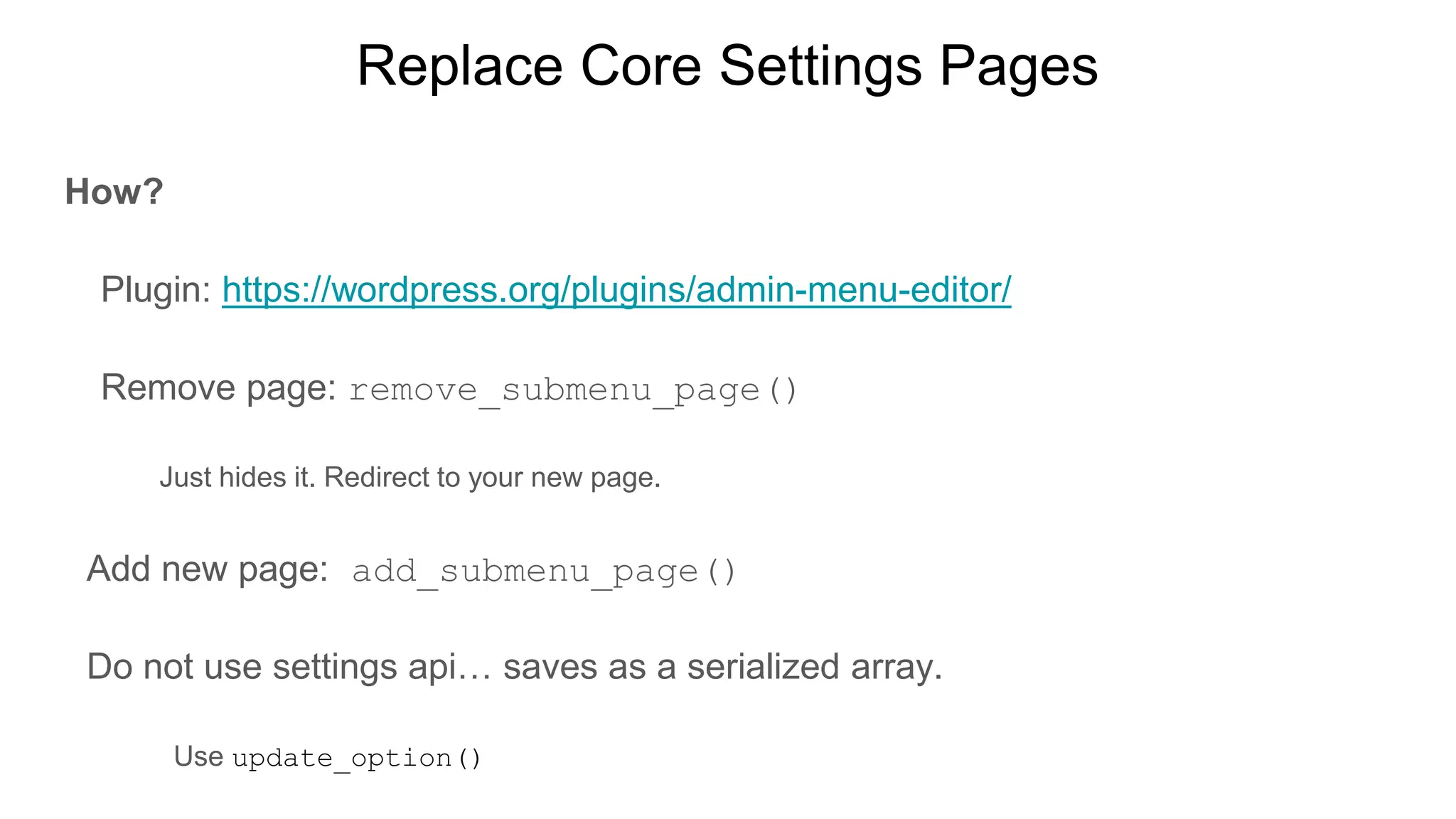
Replace Core Settings Pages
Why?
Do the default settings pages make sense for your application?
A cleaner admin is easier to navigate.
Replace Core Settings Pages
How?
Plugin: https://wordpress.org/plugins/admin-menu-editor/
Remove page: remove_submenu_page()
Just hides it. Redirect to your new page.
Add new page: add_submenu_page()
Do not use settings api… saves as a serialized array.
Use update_option()
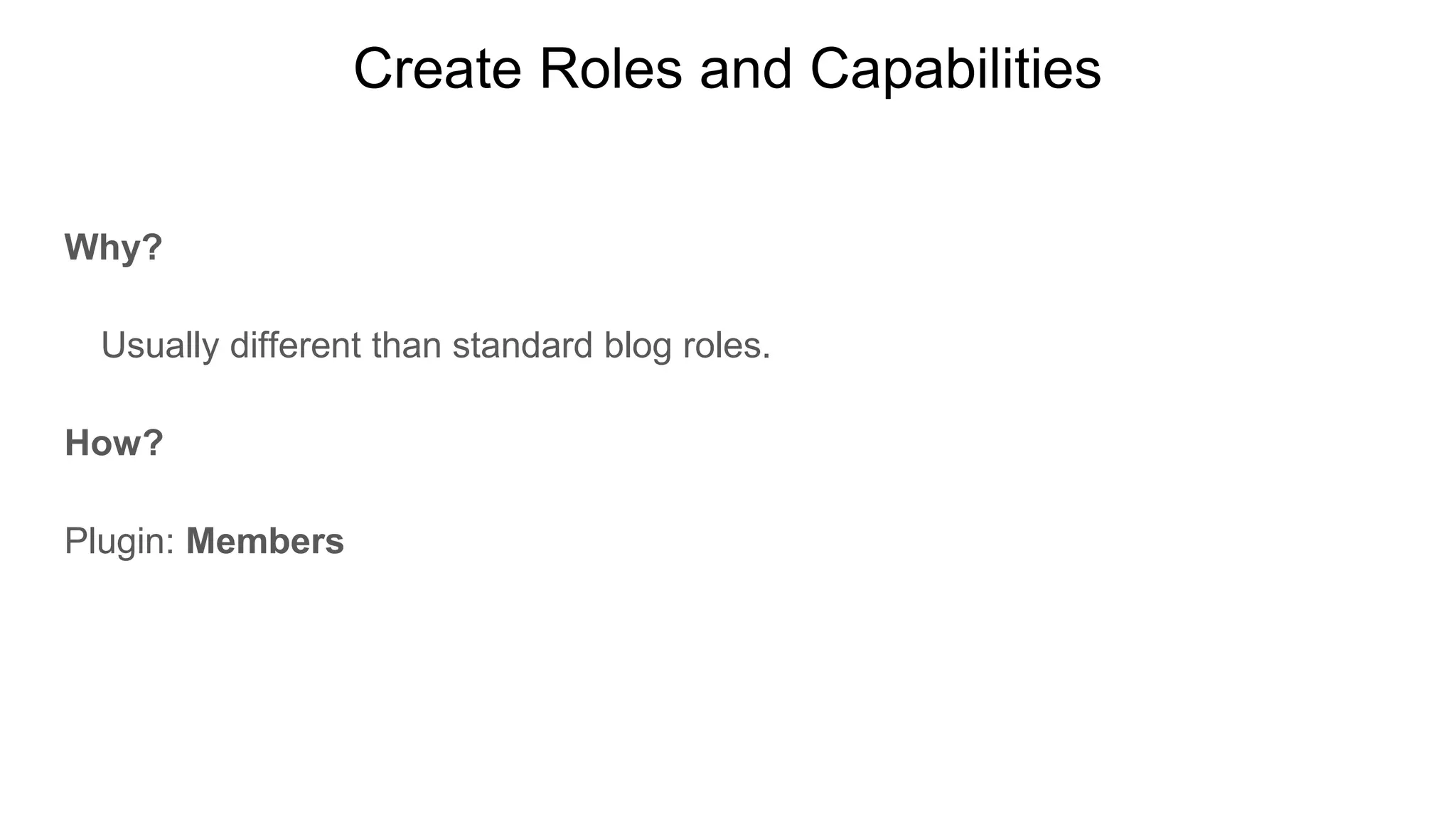
Create Roles and Capabilities
Why?
Usually different than standard blog roles.
How?
Plugin: Members
Members
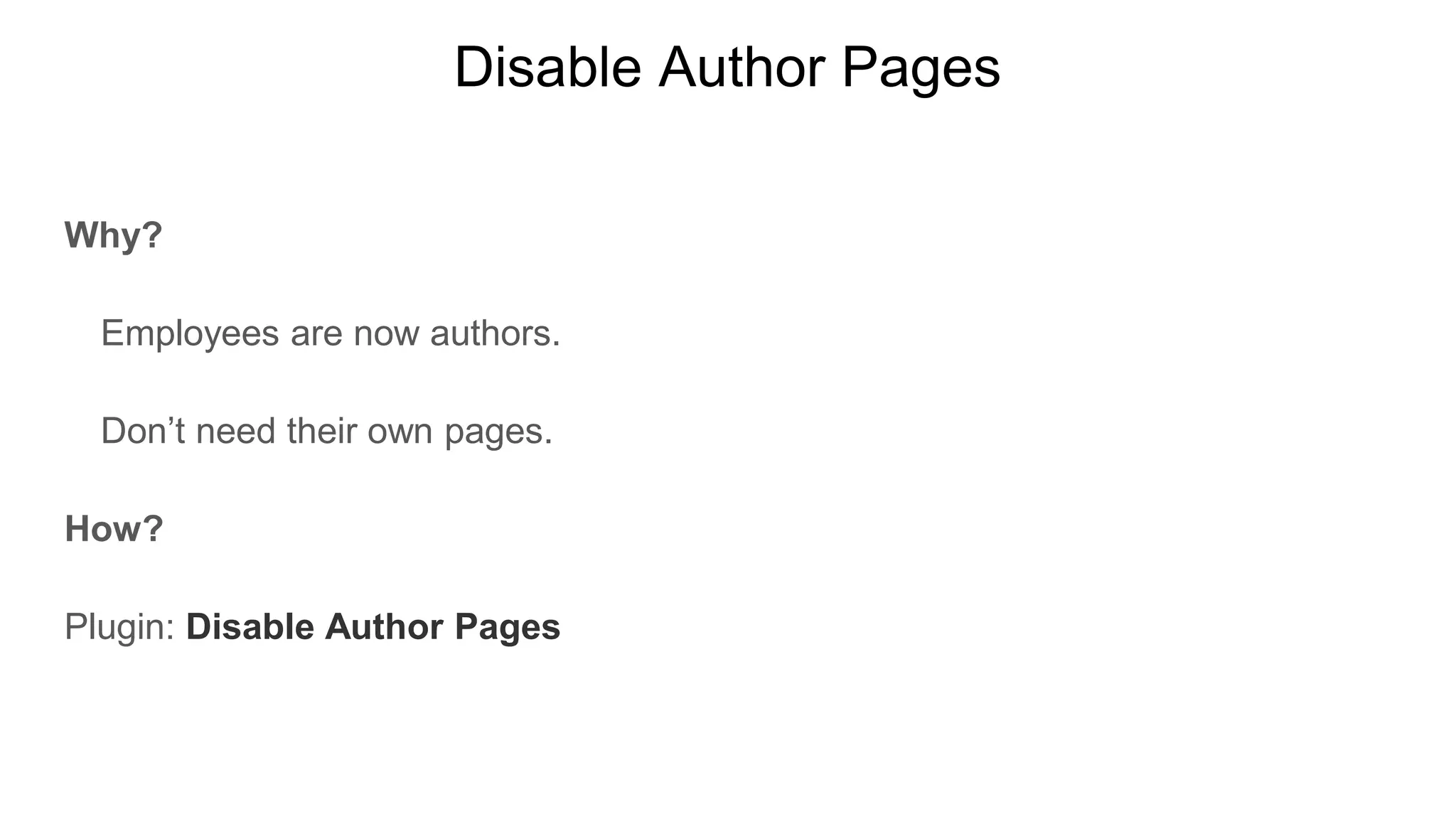
Disable Author Pages
Why?
Employees are now authors.
Don’t need their own pages.
How?
Plugin: Disable Author Pages
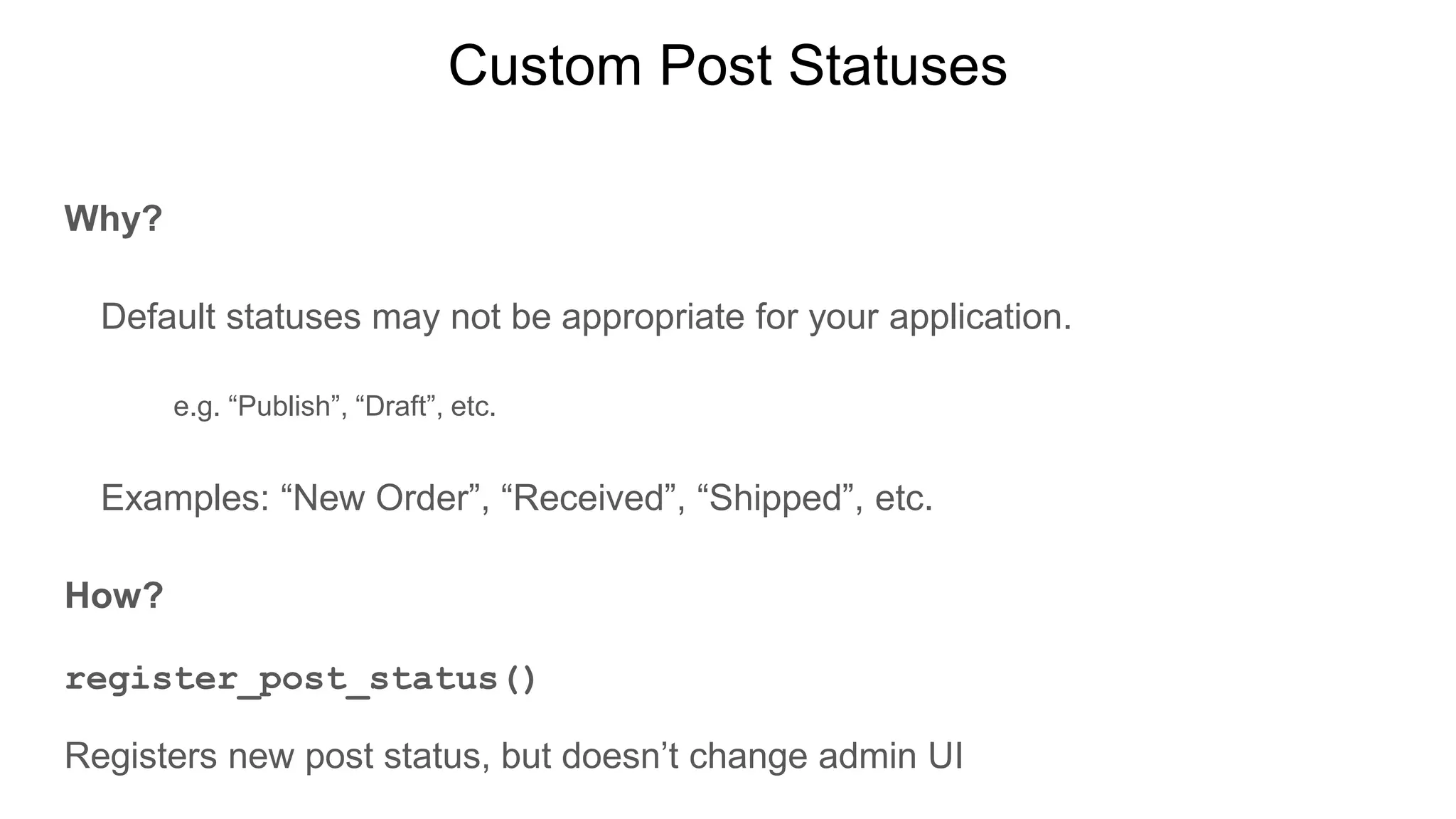
Custom Post Statuses
Why?
Default statuses may not be appropriate for your application.
e.g. “Publish”, “Draft”, etc.
Examples: “New Order”, “Received”, “Shipped”, etc.
How?
register_post_status()
Registers new post status, but doesn’t change admin UI
Validate and Sanitize Fields
Why?
Garbage in… garbage out.
Trust no one.
How?
sanitize_* functions
wp_kses functions
esc_ * functions
Validate with conditionals.
Javascript not as secure as server-side validation
Save Empty Fields
Why?
Empty fields are a value.
Makes it easy to loop over data.
Consistency in your object.
“If you choose not to
decide, you still have
made a choice”
Rush - Freewill
Understand your data
Why?
Make sure it is in a useable format.
You may want to query it.
How?
Save data normally:
One row per field.
Maybe a serialized array is not the best choice?
Name your meta keys something meaningful.
Look in your database…make sure you understand the data.
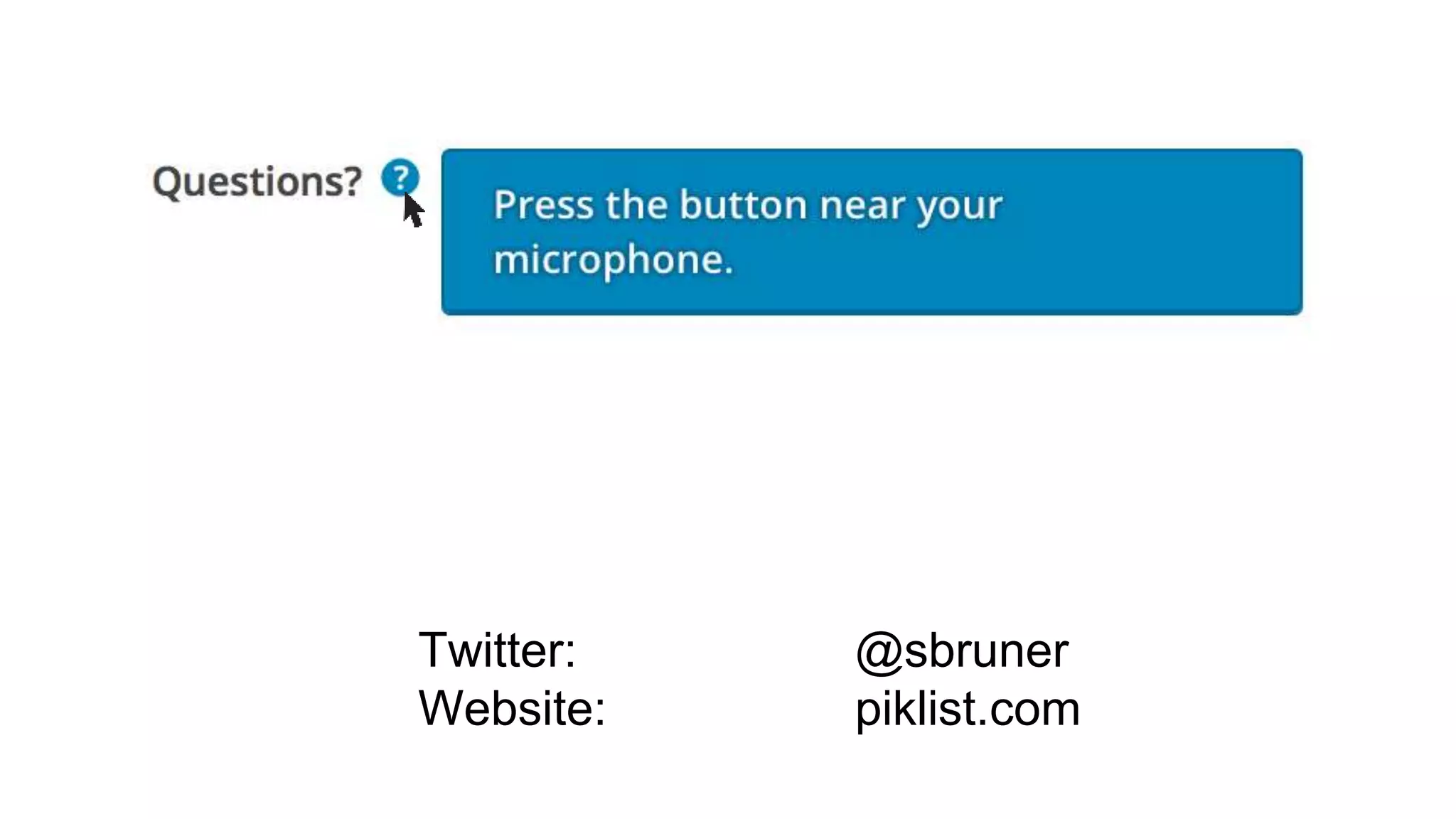
Tooltip Help
Why?
Explain expected field input.
Give users independence.
Fewer support calls.
How?
jQuery UI
CSS
Dashboard Widgets
Why?
Provide application overview: Sales, Open Orders, etc.
Tailor to logged in user.
How?
https://codex.wordpress.org/Dashboard_Widgets_API
Piklist
piklist.com
Custom post statuses
Field validation and sanitization
Tooltip help
Dashboard widgets
Replace core settings pages
Display fields based on post status/user role
Infinite repeater fields.
Object relationships
Multiple user roles
Widgets and shortcodes
And much more...
Twitter: @sbruner
Website: piklist.com

Building applications with WordPress [WordCamp NYC 2016]

  • 1.
    Building Applications with WordPress SteveBruner WordCamp NYC July 17, 2016
  • 2.
    Me…Steve Bruner WordPress Developer10+ years Active community member WordPress NYC Meetup: since August 2008 WordCamp NYC: 2009, 2010, 2012, 2014 Co-Developer of: Piklist [plugin] Rapid Development Framework Build powerful websites and applications with WordPress
  • 3.
    WordCamp NYC 2009 Presenteda Contact Manager Theme: RoloPress
  • 4.
  • 6.
  • 8.
    ....As WP Enginecontinues its torrid growth amidst strong customer demand, it has to keep finding ways to deliver world-class support to every customer every day. That means continually improving existing tools and building new ones – quickly. “I have a laundry list of about 40 WordPress dev projects just for this quarter,” Hoanshelt said. “So whenever my team is gearing up for the next one, my Project Manager jokes, ‘Just Piklist it.’” Piklist Customer Success: WP Engine https://piklist.com/case-study/piklist-customer-success-wp-engine/
  • 9.
    Process 1. Build aminimal viable product (MVP) 2. Measure for user behavior 3. Learn for the next iteration
  • 10.
    Disable Front-end Why? Do youneed a theme for your application? wp-admin is: Secure Responsive Controlled environment
  • 11.
    Disable Front-end How? function my_no_front_end(){ if( !is_admin() ) { wp_redirect( admin_url() ); exit; } } add_action( 'wp', 'my_no_front_end' );
  • 12.
    Change Admin Menu Why? Doesyour application need the default WordPress items? A cleaner admin is easier to navigate. Don’t make your users work around WordPress. How? Plugin: https://wordpress.org/plugins/admin-menu-editor/ Manipulate: global $menu, $submenu;
  • 13.
    Replace Core SettingsPages Why? Do the default settings pages make sense for your application? A cleaner admin is easier to navigate.
  • 14.
    Replace Core SettingsPages How? Plugin: https://wordpress.org/plugins/admin-menu-editor/ Remove page: remove_submenu_page() Just hides it. Redirect to your new page. Add new page: add_submenu_page() Do not use settings api… saves as a serialized array. Use update_option()
  • 15.
    Create Roles andCapabilities Why? Usually different than standard blog roles. How? Plugin: Members Members
  • 16.
    Disable Author Pages Why? Employeesare now authors. Don’t need their own pages. How? Plugin: Disable Author Pages
  • 17.
    Custom Post Statuses Why? Defaultstatuses may not be appropriate for your application. e.g. “Publish”, “Draft”, etc. Examples: “New Order”, “Received”, “Shipped”, etc. How? register_post_status() Registers new post status, but doesn’t change admin UI
  • 18.
    Validate and SanitizeFields Why? Garbage in… garbage out. Trust no one. How? sanitize_* functions wp_kses functions esc_ * functions Validate with conditionals. Javascript not as secure as server-side validation
  • 19.
    Save Empty Fields Why? Emptyfields are a value. Makes it easy to loop over data. Consistency in your object.
  • 20.
    “If you choosenot to decide, you still have made a choice” Rush - Freewill
  • 21.
    Understand your data Why? Makesure it is in a useable format. You may want to query it. How? Save data normally: One row per field. Maybe a serialized array is not the best choice? Name your meta keys something meaningful. Look in your database…make sure you understand the data.
  • 22.
    Tooltip Help Why? Explain expectedfield input. Give users independence. Fewer support calls. How? jQuery UI CSS
  • 23.
    Dashboard Widgets Why? Provide applicationoverview: Sales, Open Orders, etc. Tailor to logged in user. How? https://codex.wordpress.org/Dashboard_Widgets_API
  • 24.
    Piklist piklist.com Custom post statuses Fieldvalidation and sanitization Tooltip help Dashboard widgets Replace core settings pages Display fields based on post status/user role Infinite repeater fields. Object relationships Multiple user roles Widgets and shortcodes And much more...
  • 25.