Designing and Planning Webpages
(Session 3)
What is Internet?
• The internet is a massive network of networks, a
networking
infrastructure.
• It connects millions of computers together globally,
forming a network in which any computer can
communicate with any other computer as long as they
are both connected to the internet.
What is WWW?
• The World Wide Web, is a way of accessing information over
the medium of the Internet. It is an information-sharing
model that is built on top of the Internet.
• The Web uses the HTTP protocol, only one of the languages
spoken over the Internet, to transmit data.
• The Web also utilizes browsers, such as Internet Explorer or
Firefox, to access Web documents called Web pages that are
linked to each other via hyperlinks. Web documents also
contain graphics, sounds, text and video.
What is Website?
• A website is a collection of related web pages, including
multimedia content, typically identified with a common
domain name, and published on at least one web server.
• A website may be accessible via a public Internet Protocol
(IP) network, such as the Internet, or a private local area
network (LAN), by referencing a uniform resource locator
(URL) that identifies the site.
What is Domain Name?
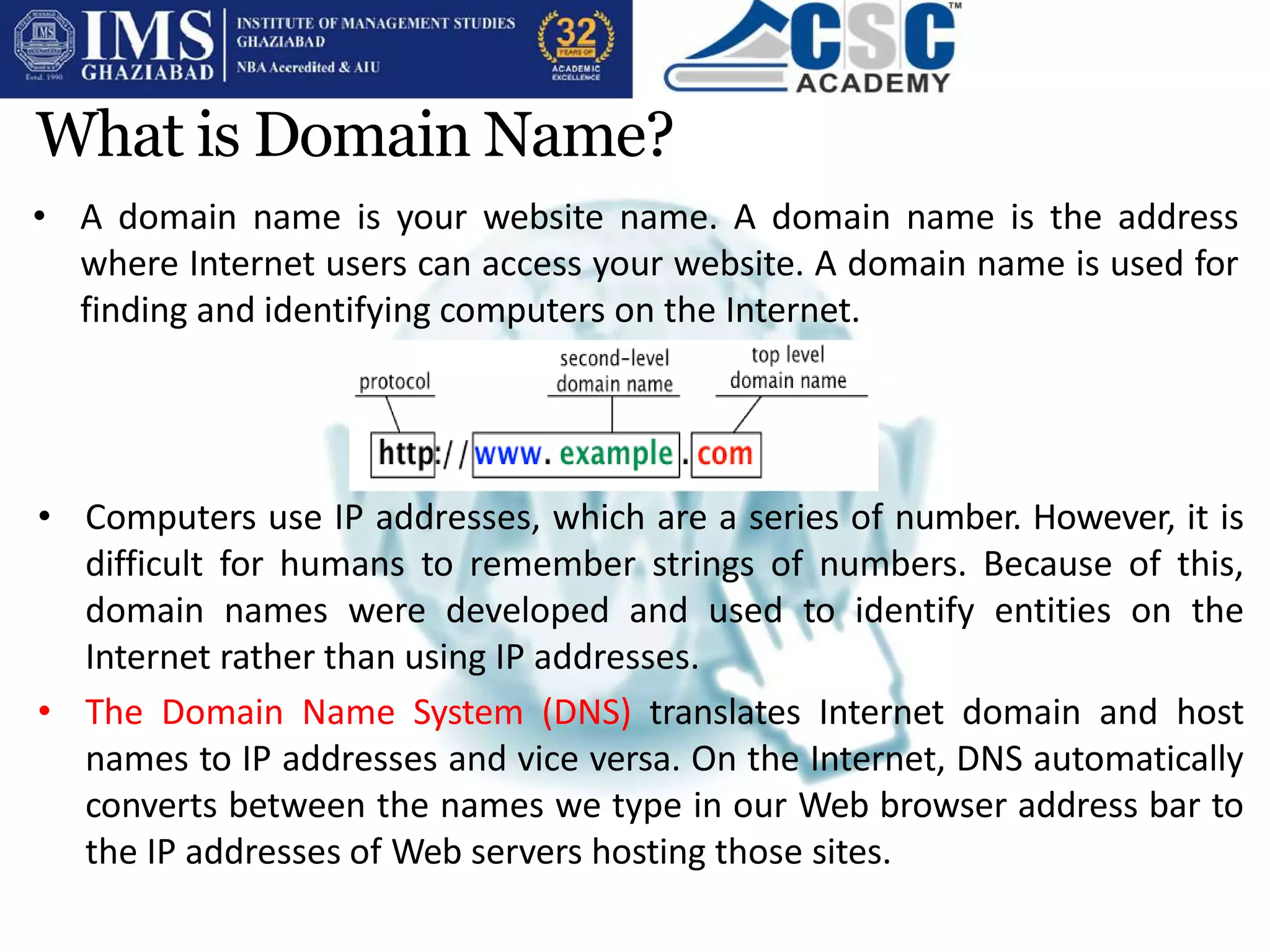
• A domain name is your website name. A domain name is the address
where Internet users can access your website. A domain name is used for
finding and identifying computers on the Internet.
• Computers use IP addresses, which are a series of number. However, it is
difficult for humans to remember strings of numbers. Because of this,
domain names were developed and used to identify entities on the
Internet rather than using IP addresses.
• The Domain Name System (DNS) translates Internet domain and host
names to IP addresses and vice versa. On the Internet, DNS automatically
converts between the names we type in our Web browser address bar to
the IP addresses of Web servers hosting those sites.
Web server and Web Hosting
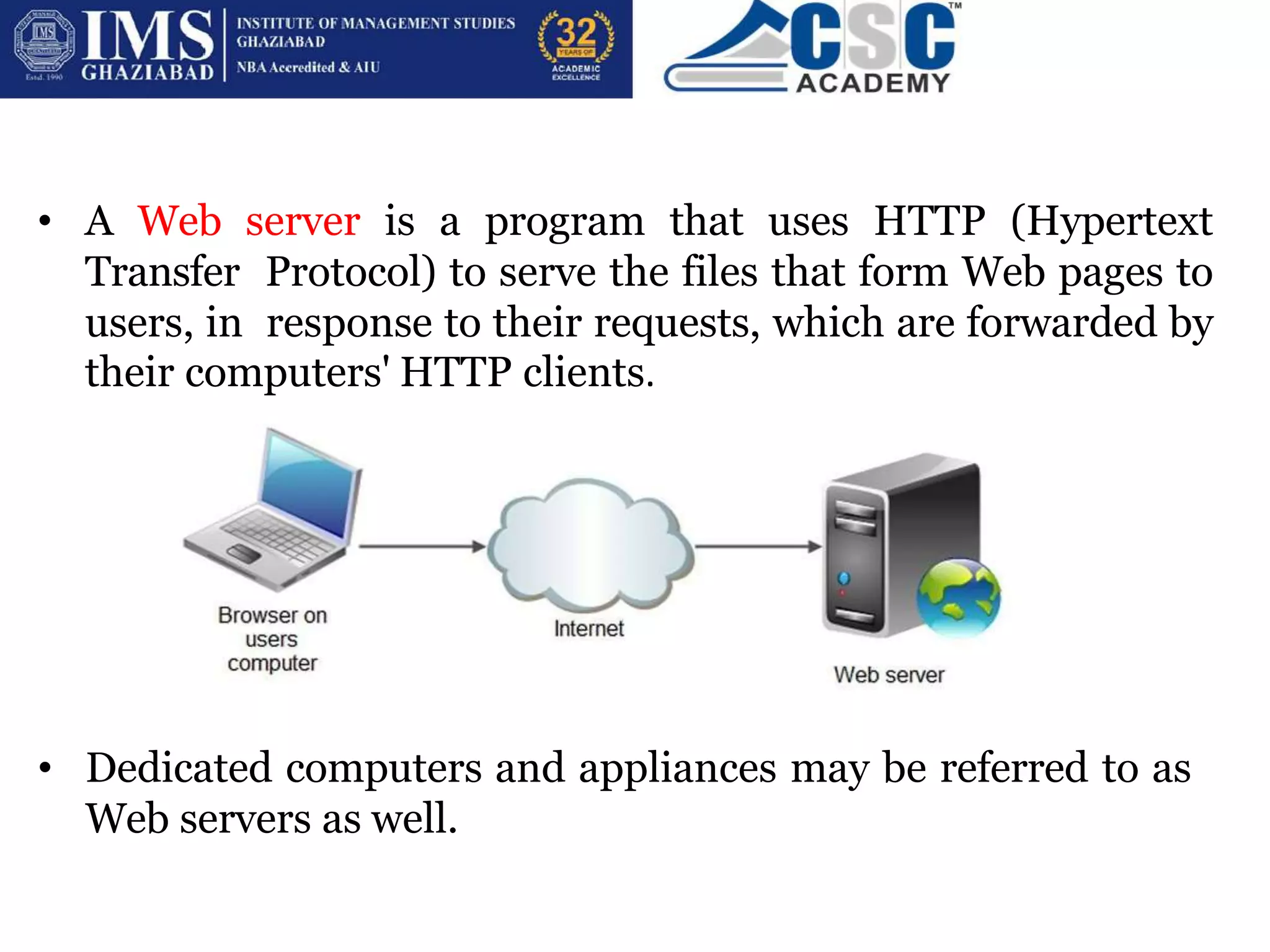
• A Web server is a program that uses HTTP (Hypertext
Transfer Protocol) to serve the files that form Web pages to
users, in response to their requests, which are forwarded by
their computers' HTTP clients.
• Dedicated computers and appliances may be referred to as
Web servers as well.
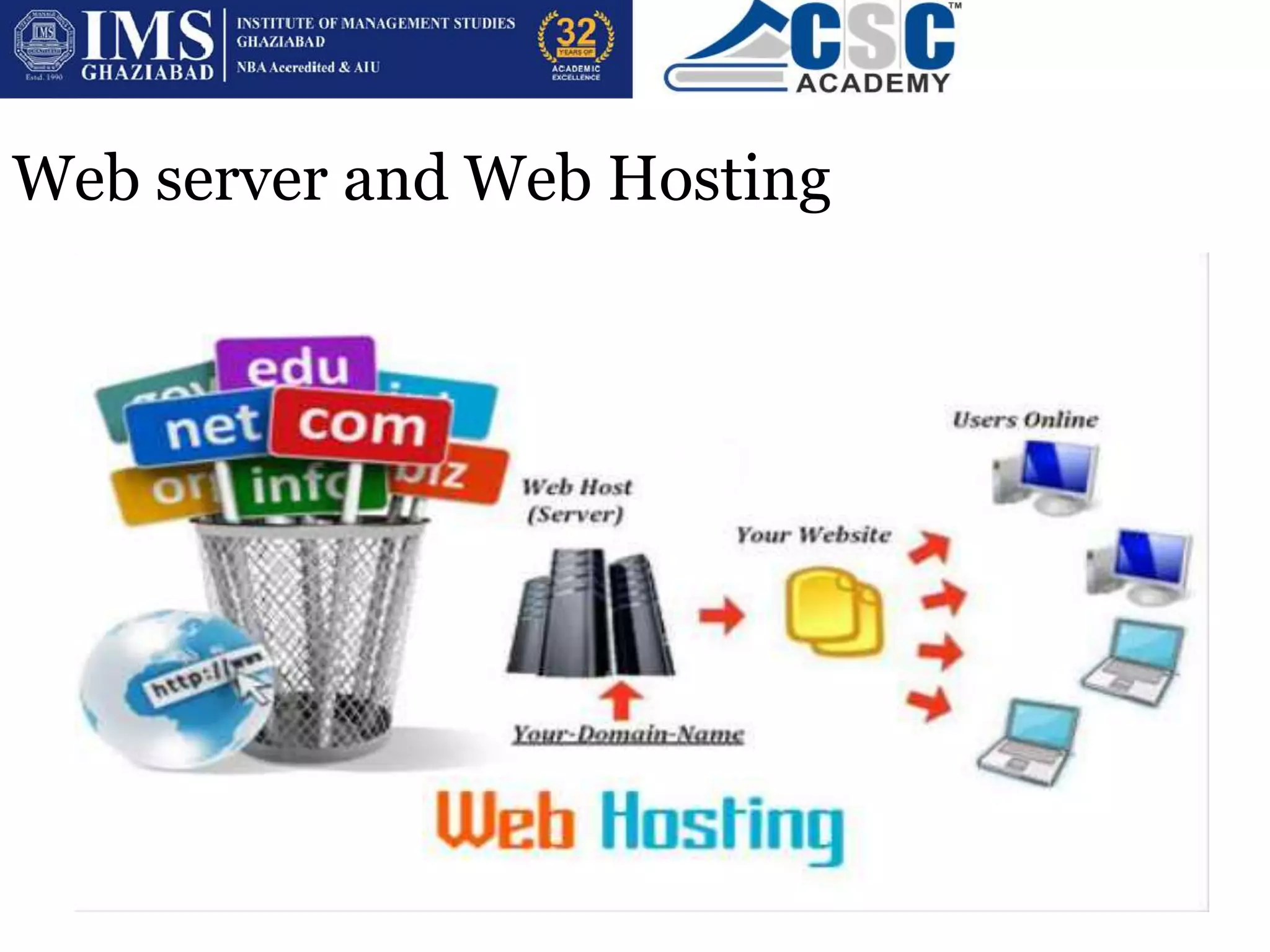
• You park a space on Internet which is known as Web
Hosting.
• Web hosting is a service that allows to post a website or web
page onto the Internet. A web hosting service provider, is a
business that provides the technologies and services needed
for the website to be viewed in the Internet.
• Websites are hosted, or stored, on special computers called
servers. Computers connect to your server and your
webpages are delivered to through the browser.
TYPES OF WEBSITE
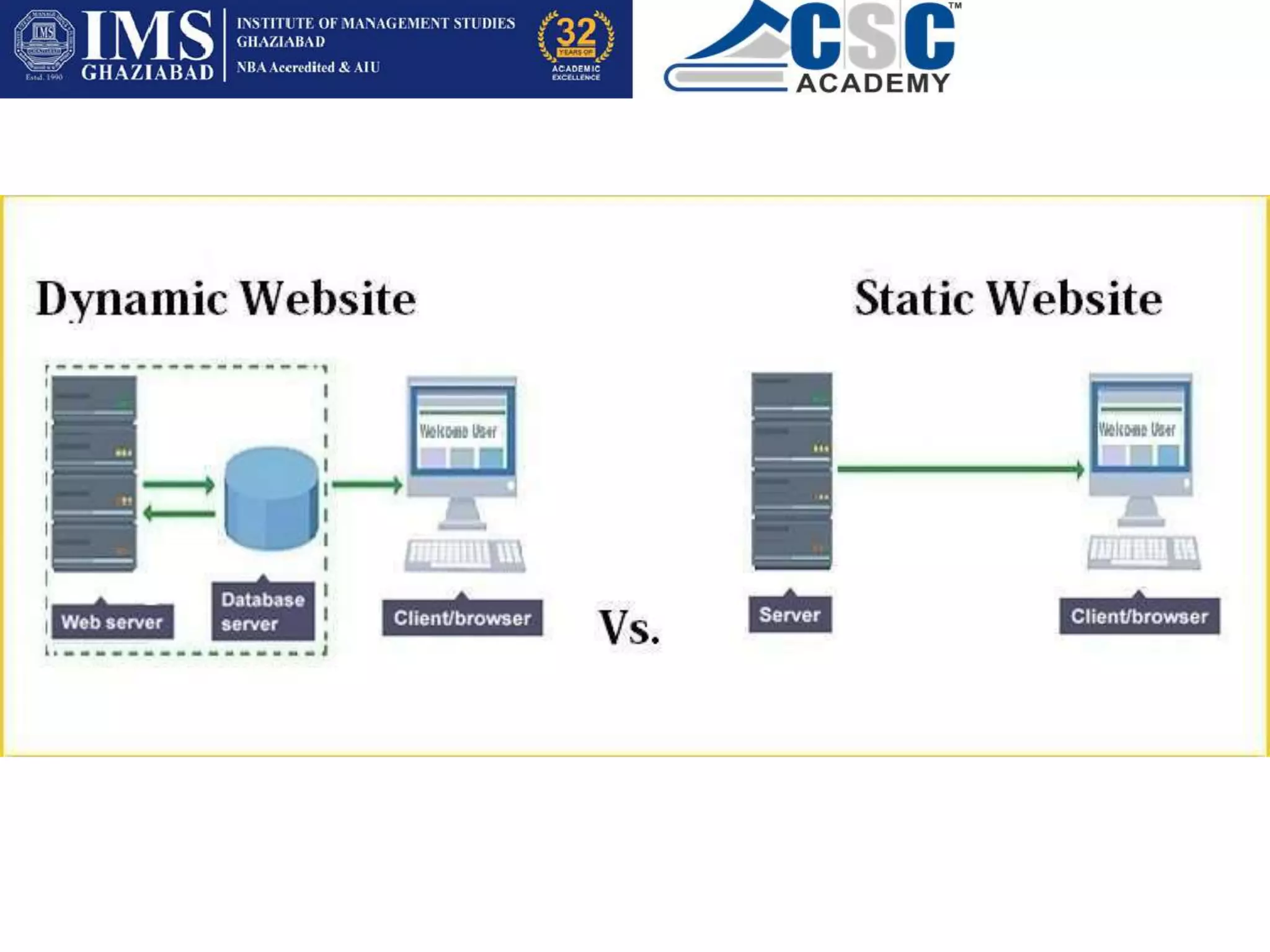
• STATIC- This type of website usually displays the same information to
all visitors. Similar to handing out a printed brochure to customers or
clients, a static website will generally provide consistent, standard
information for an extended period of time.
• Although the website owner may make updates periodically, it is a
manual process to edit the text, photos and other content and may
require basic website design skills and software.
• DYNAMIC- A dynamic website is one that changes or customizes
itself frequently and automatically.
• For example, when the front page of a news site is requested, the code
running on the web server might combine stored HTML fragments with
news stories retrieved from a database.
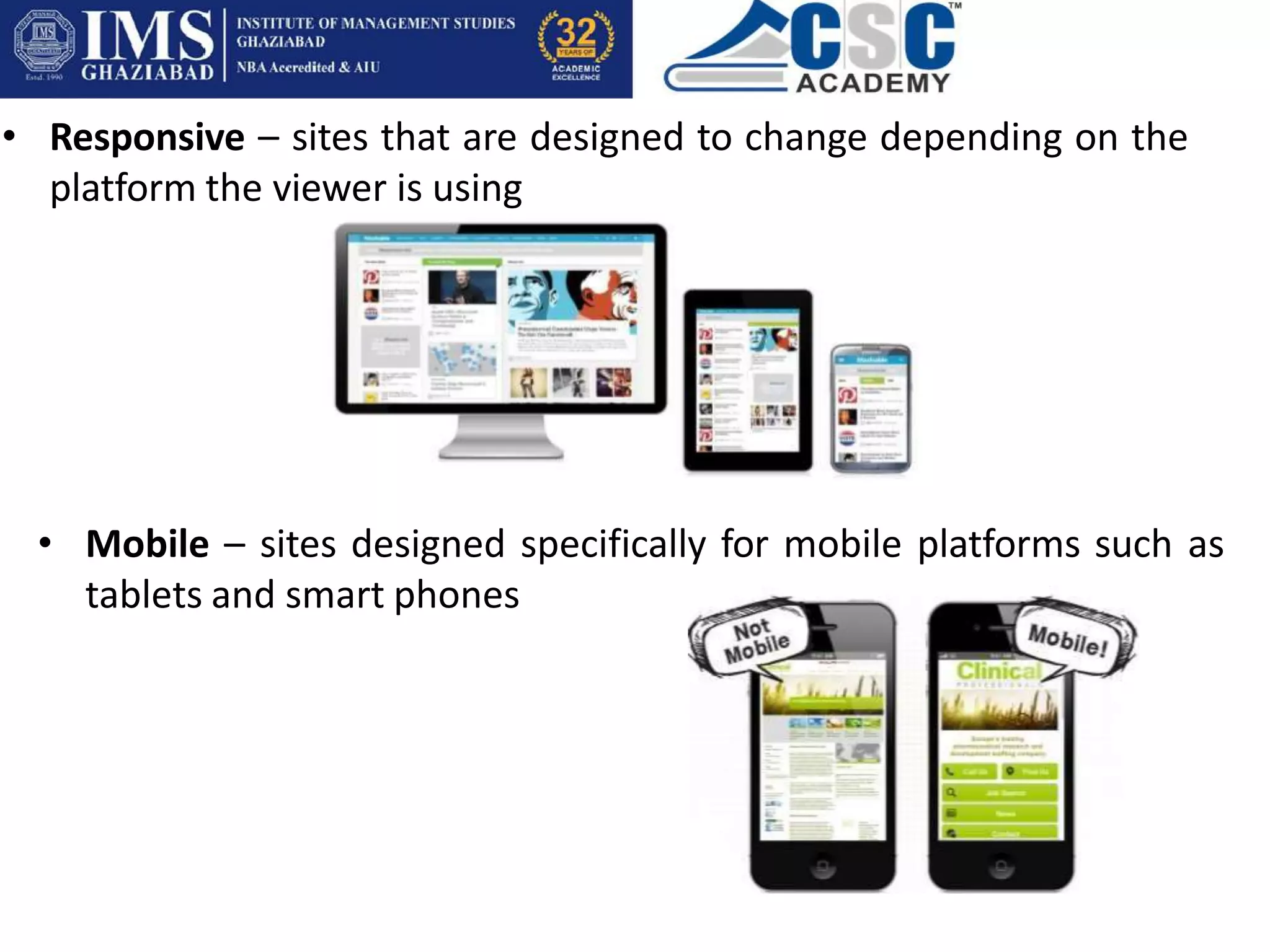
• Responsive – sites that are designed to change depending on the
platform the viewer is using
• Mobile – sites designed specifically for mobile platforms such as
tablets and smart phones
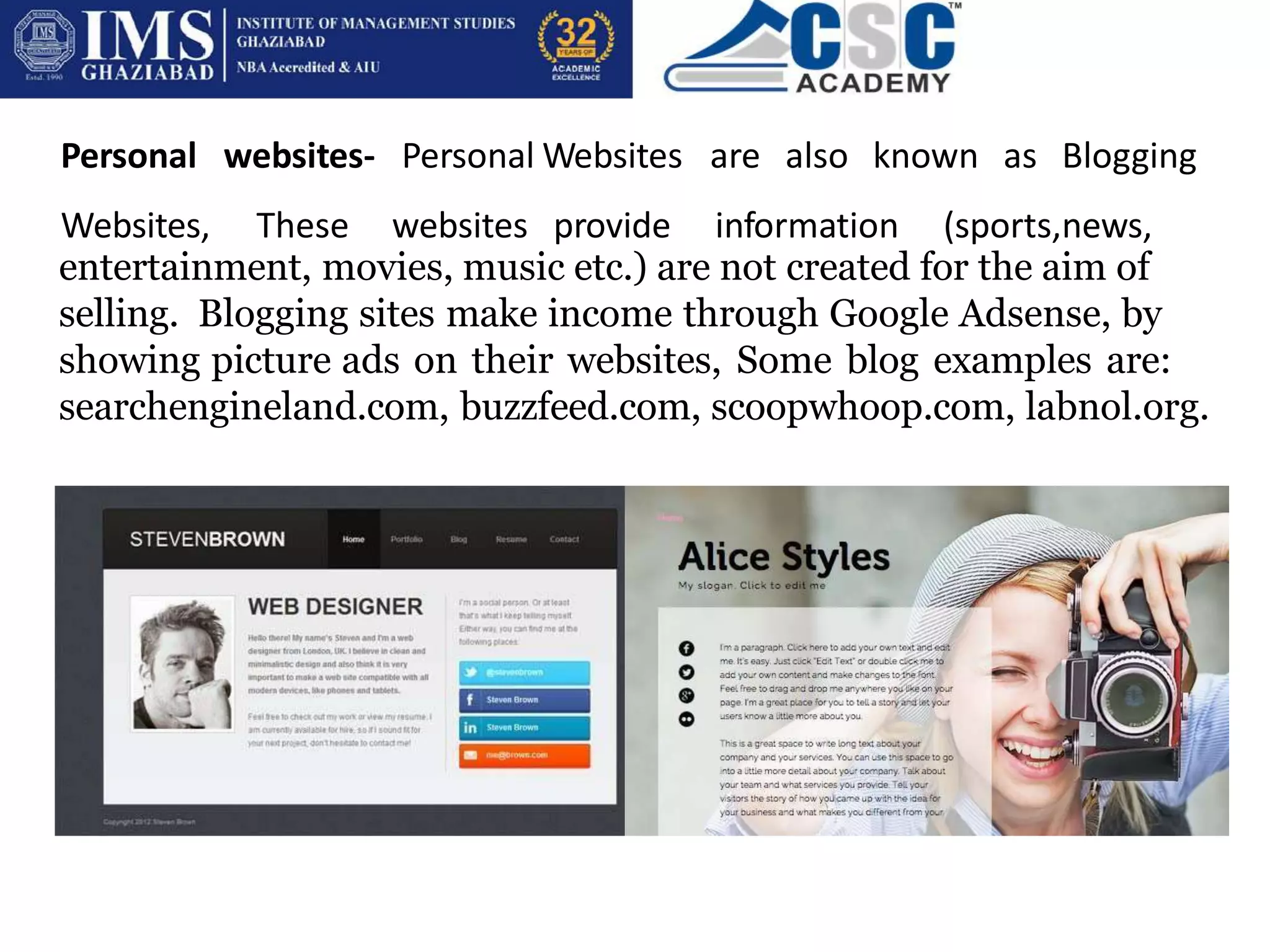
Personal websites- Personal
Websites, These websites
Websites are also known as Blogging
provide information (sports,news,
entertainment, movies, music etc.) are not created for the aim of
selling. Blogging sites make income through Google Adsense, by
showing picture ads on their websites, Some blog examples are:
searchengineland.com, buzzfeed.com, scoopwhoop.com, labnol.org.
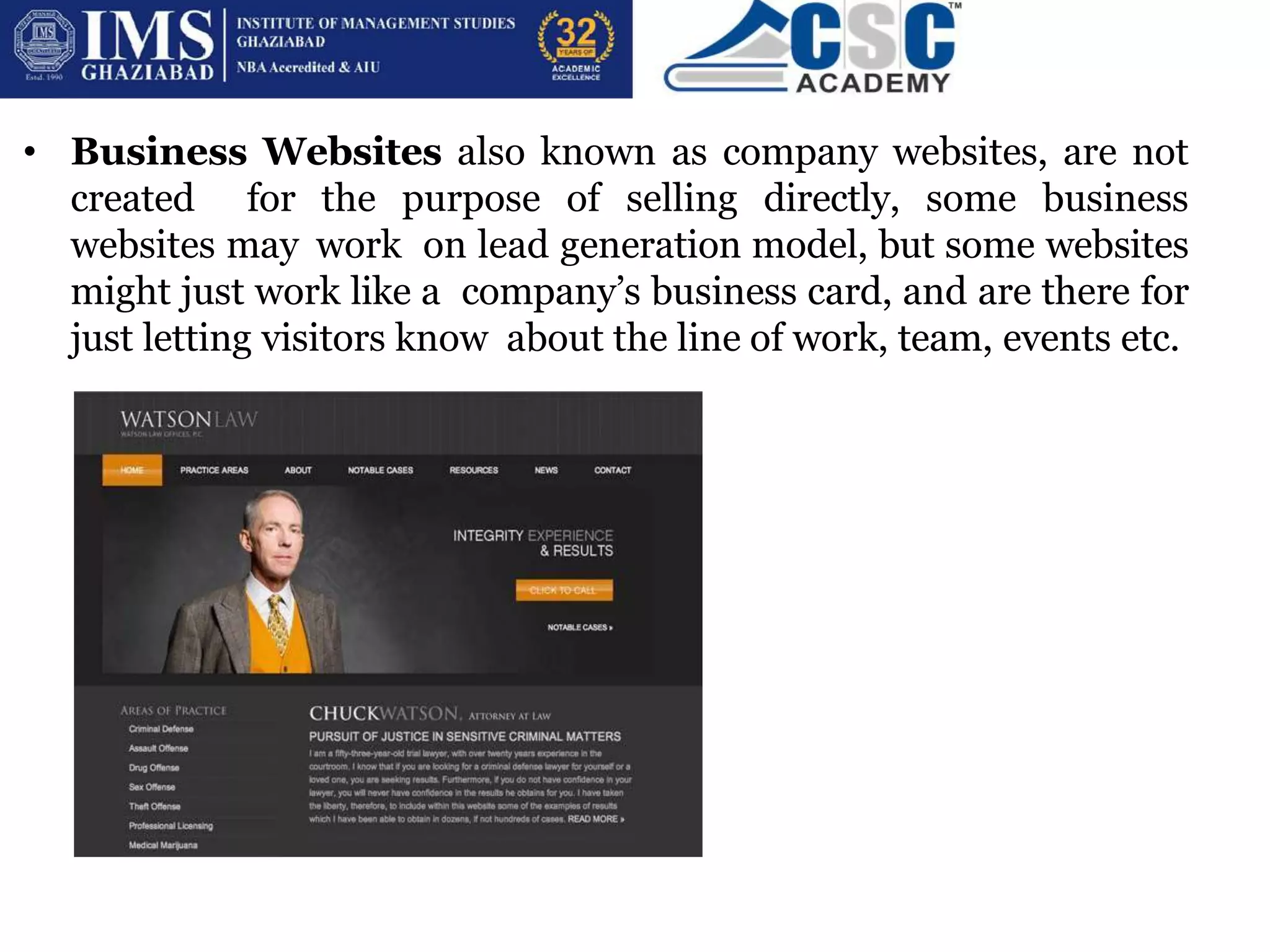
• Business Websites also known as company websites, are not
created for the purpose of selling directly, some business
websites may work on lead generation model, but some websites
might just work like a company’s business card, and are there for
just letting visitors know about the line of work, team, events etc.
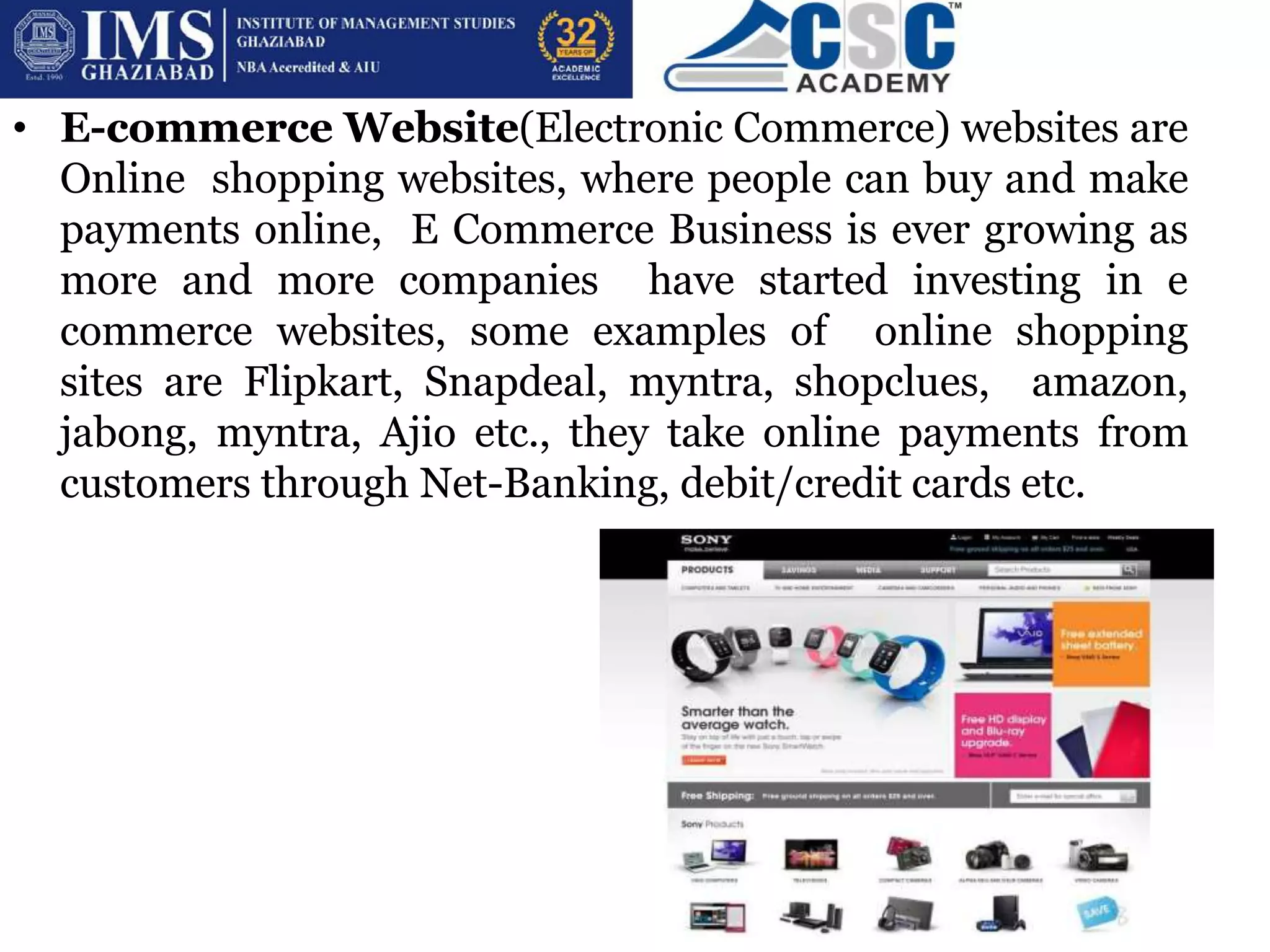
• E-commerce Website(Electronic Commerce) websites are
Online shopping websites, where people can buy and make
payments online, E Commerce Business is ever growing as
more and more companies have started investing in e
commerce websites, some examples of online shopping
sites are Flipkart, Snapdeal, myntra, shopclues, amazon,
jabong, myntra, Ajio etc., they take online payments from
customers through Net-Banking, debit/credit cards etc.
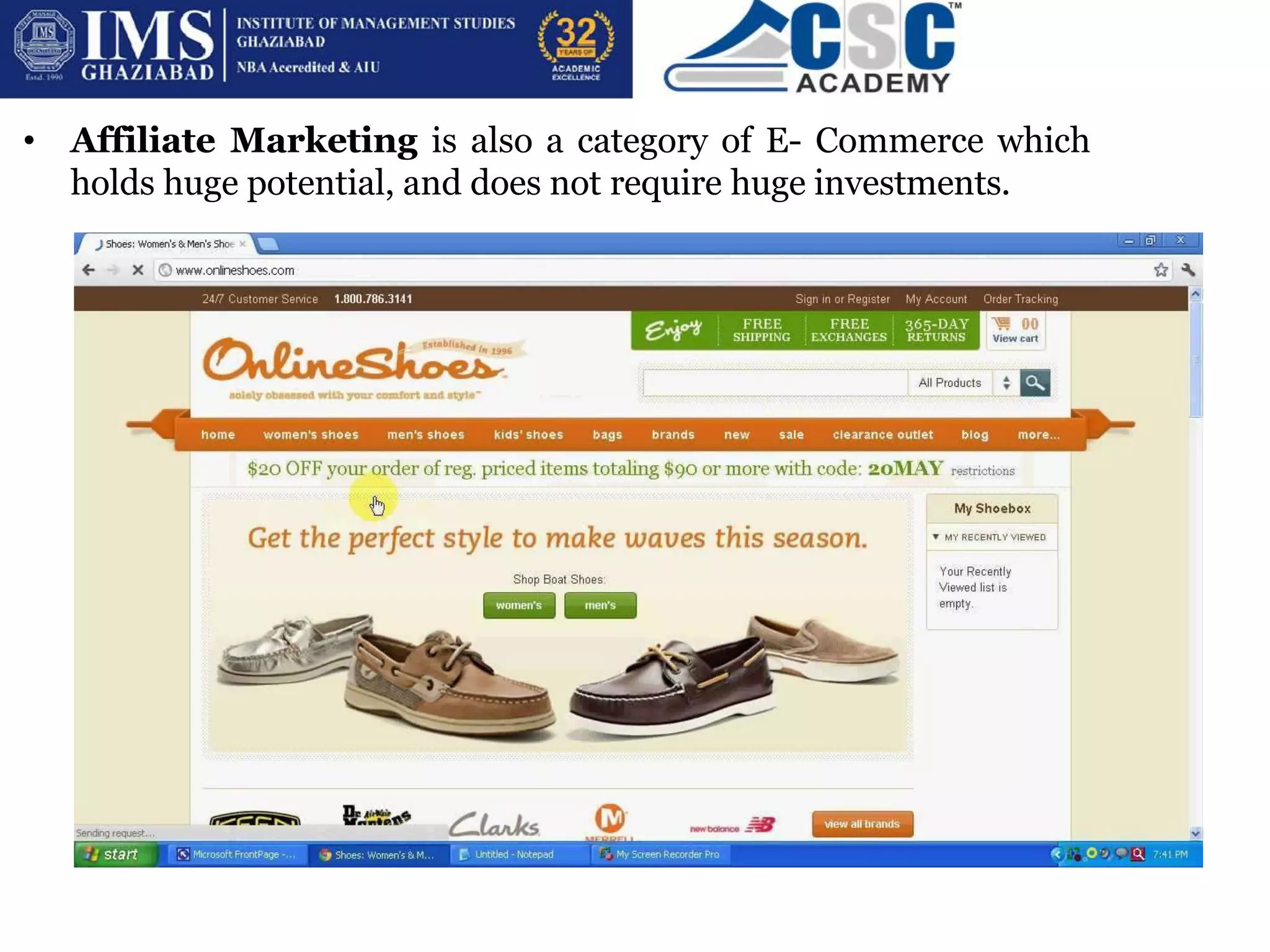
• Affiliate Marketing is also a category of E- Commerce which
holds huge potential, and does not require huge investments.
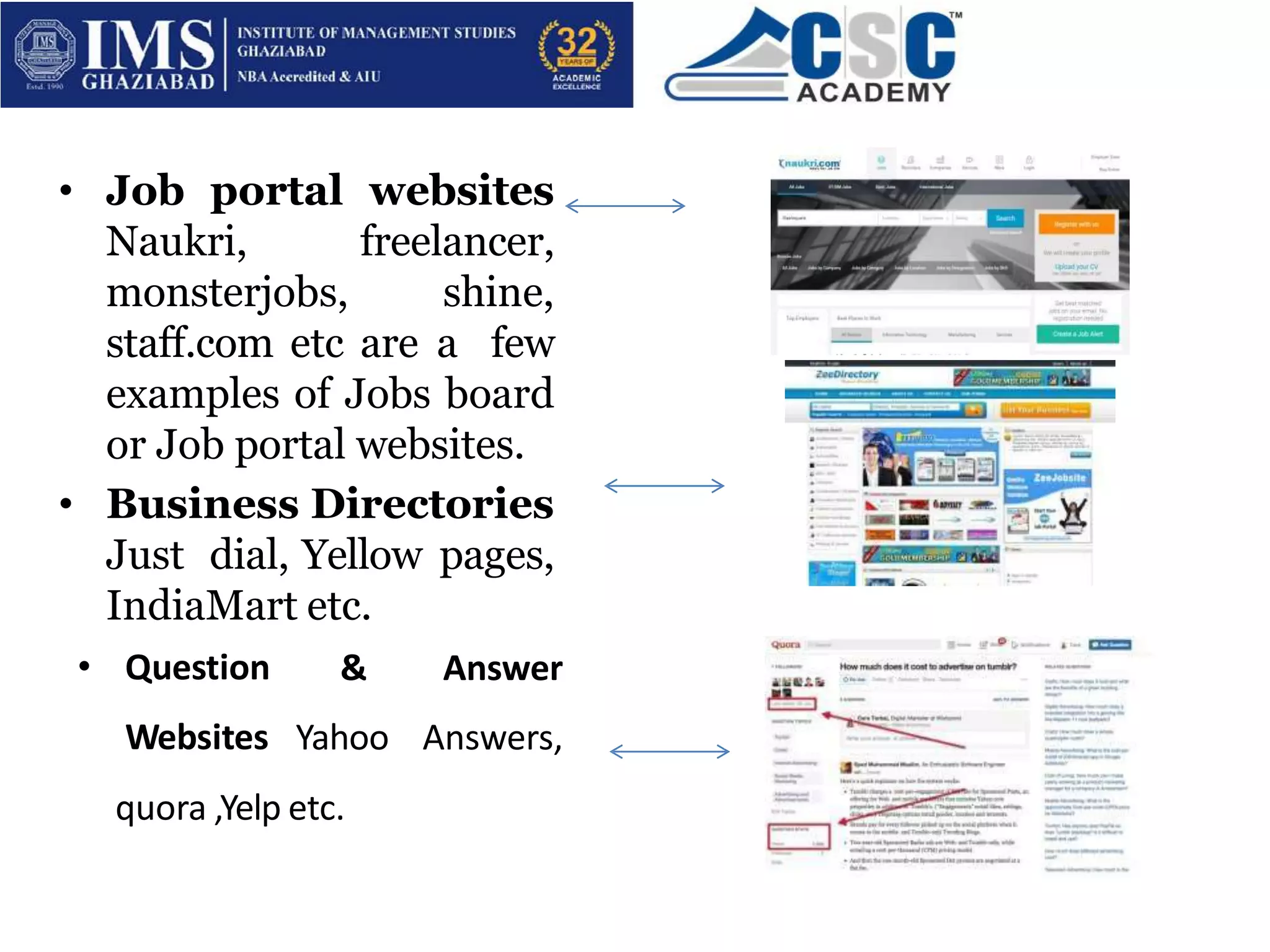
• Job portal websites
Naukri, freelancer,
monsterjobs, shine,
staff.com etc are a few
examples of Jobs board
or Job portal websites.
• Business Directories
Just dial, Yellow pages,
IndiaMart etc.
• Question
Websites
& Answer
Yahoo Answers,
quora ,Yelp etc.
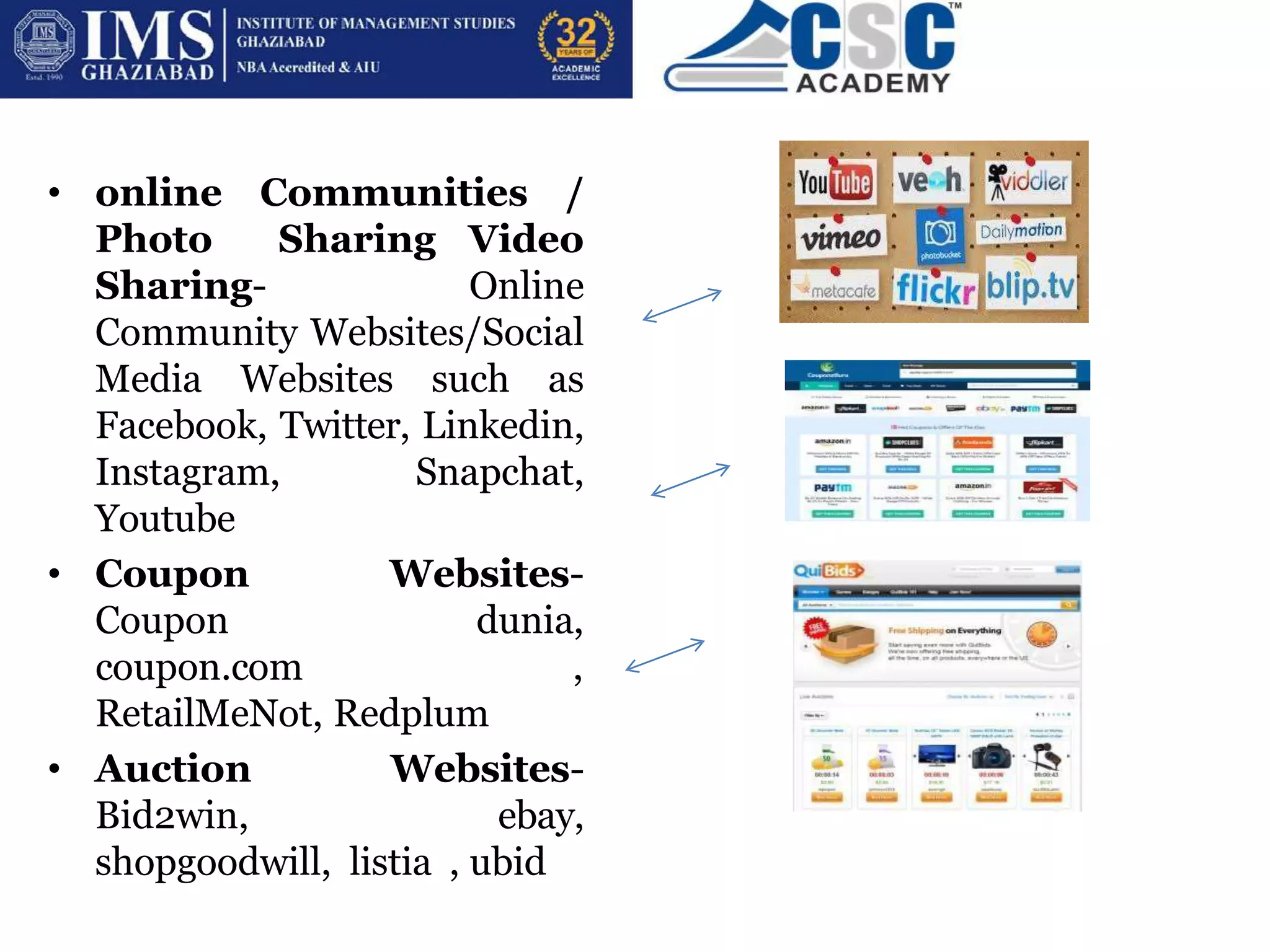
• online Communities /
Photo Sharing Video
Sharing- Online
Community Websites/Social
Media Websites such as
Facebook, Twitter, Linkedin,
Instagram, Snapchat,
Youtube
• Coupon Websites-
Coupon dunia,
coupon.com ,
RetailMeNot, Redplum
• Auction Websites-
Bid2win, ebay,
shopgoodwill, listia , ubid
HOW & WHEN OF WEBSITE CREATION?
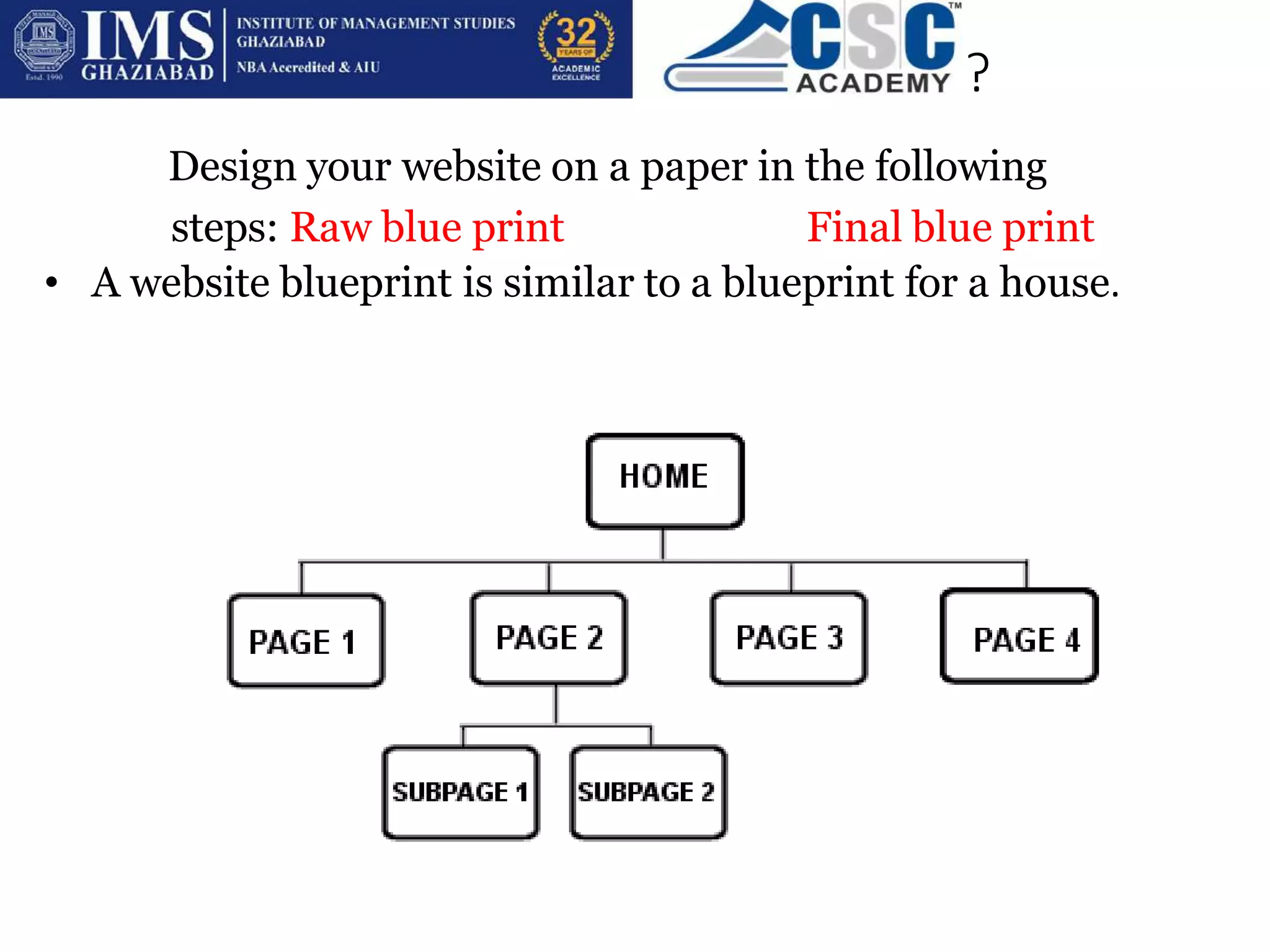
Design your website on a paper in the following
steps: Raw blue print Final blue print
• A website blueprint is similar to a blueprint for a house.
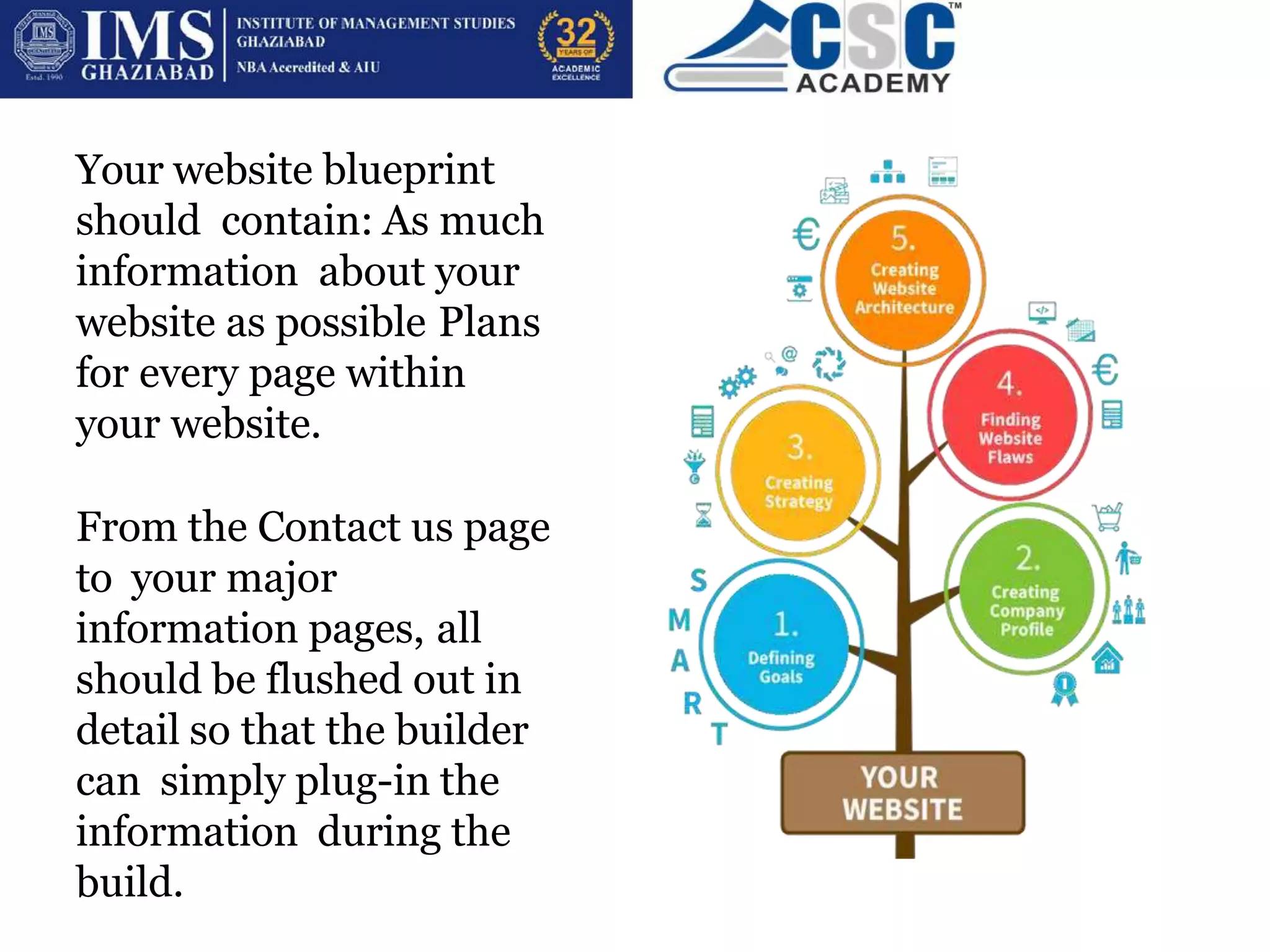
Your website blueprint
should contain: As much
information about your
website as possible Plans
for every page within
your website.
From the Contact us page
to your major
information pages, all
should be flushed out in
detail so that the builder
can simply plug-in the
information during the
build.
1. Determine the goals for your website. What are you
trying to accomplish?
2. Pinpoint your target audience and try to understand
what their interests are. How can you provide them with the
valuable information they are looking for?
3. What will your call-to-action be? Determine what you
want your
website visitors to do once they land on your site.
4. Figure out how you will get your readers to easily
navigate through
your site in order for them to complete your call-to-action
5. Create a list of keywords that you will use throughout
your site in order to move your web pages up the ranks of
search engines like Google, Bing, etc
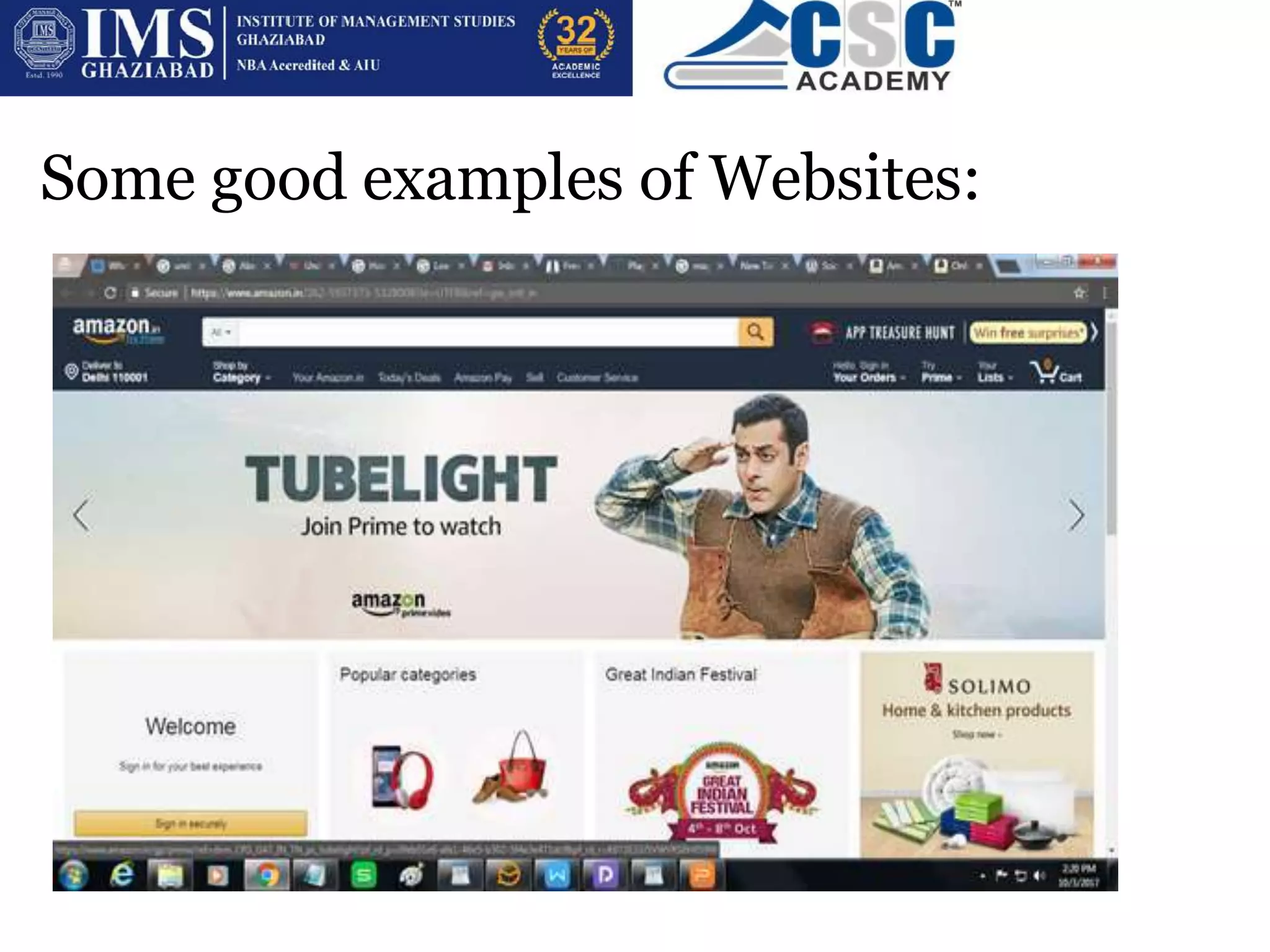
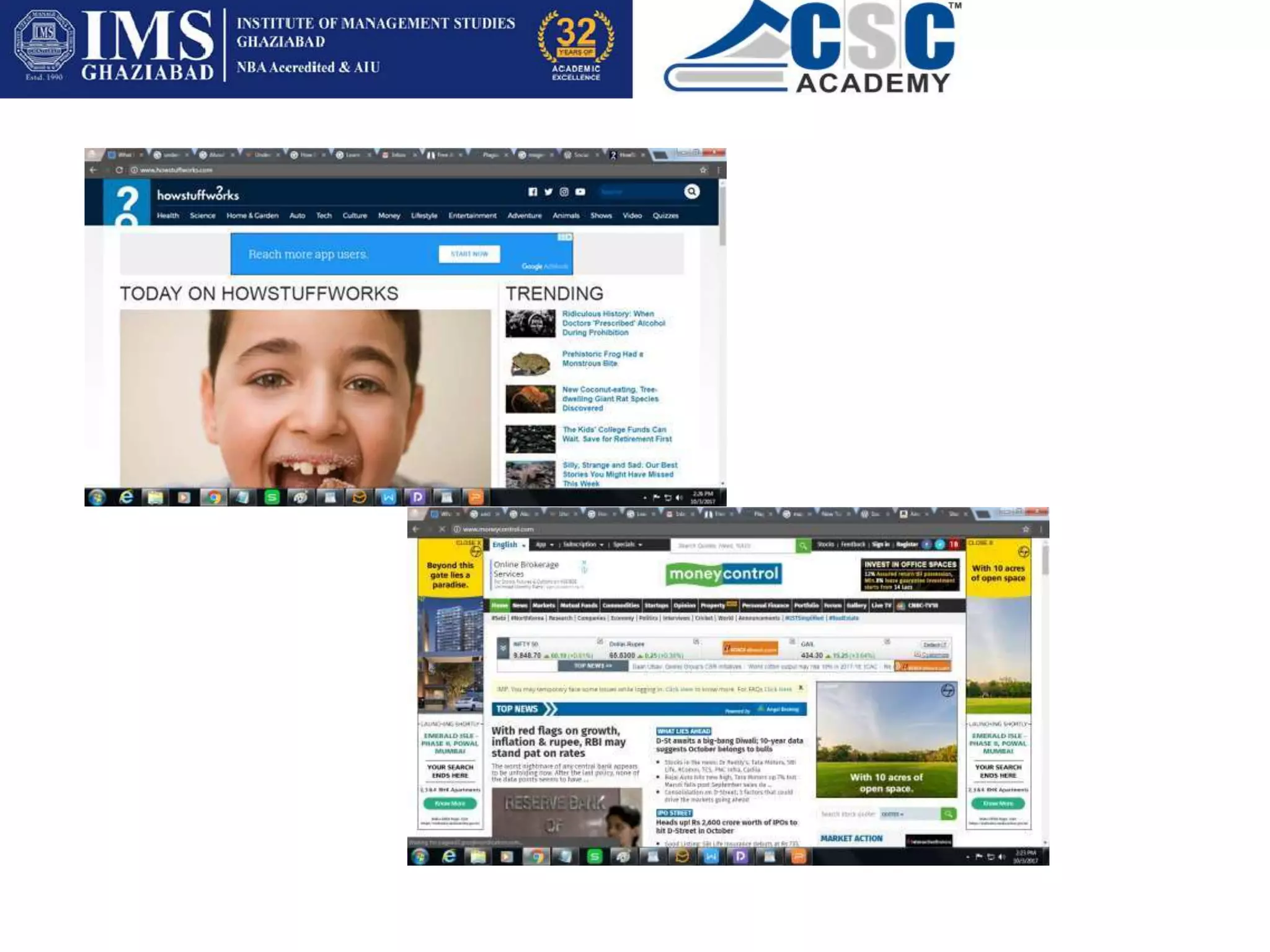
Some good examples of Websites:
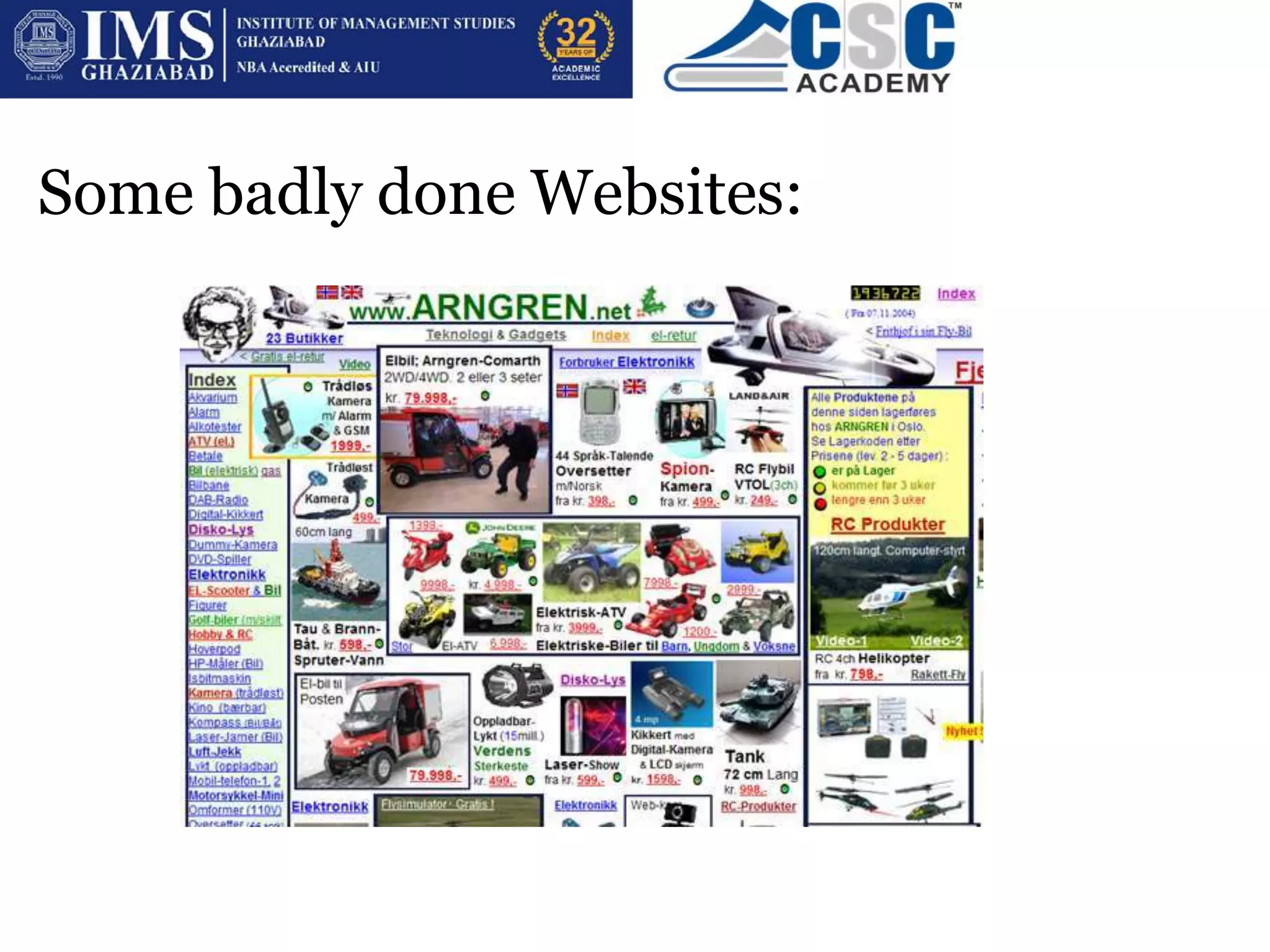
Some badly done Websites:
What are CMS Platforms?
• A content management system (CMS) is an application that
is used to manage web content, allowing multiple
contributors to create, edit and publish. Content in a CMS
is typically stored in a database and displayed in a
presentation layer based on a set of templates.
• The following are the basic features of a CMS:
– Content creation (allows users to easily create and
format content)
– Content storage (stores content in one place, in a
consistent fashion)
– Workflow management (assigns privileges and
responsibilities based on roles such as authors, editors
and admins)
– Publishing (organizes and pushes content live)
BENEFITS OF CMS
• One major advantage of a CMS is its collaborative nature.
Multiple users can log on and contribute, schedule or edit
content to be published. Because the interface is usually
browser-based, a CMS can be accessed from anywhere by
any number of users.
• The second major advantage of a CMS is that it allows non-
technical people who don’t know programming languages
to easily create and manage their own web content.
• The editors of a typical content management platform allow
users to enter text and upload images without needing to
know any HTML or CSS.
• When a company uses a CMS to publish its pages, it
reduces its reliance on front-end engineers to make
changes to the website, making it quicker and easier to
publish new content
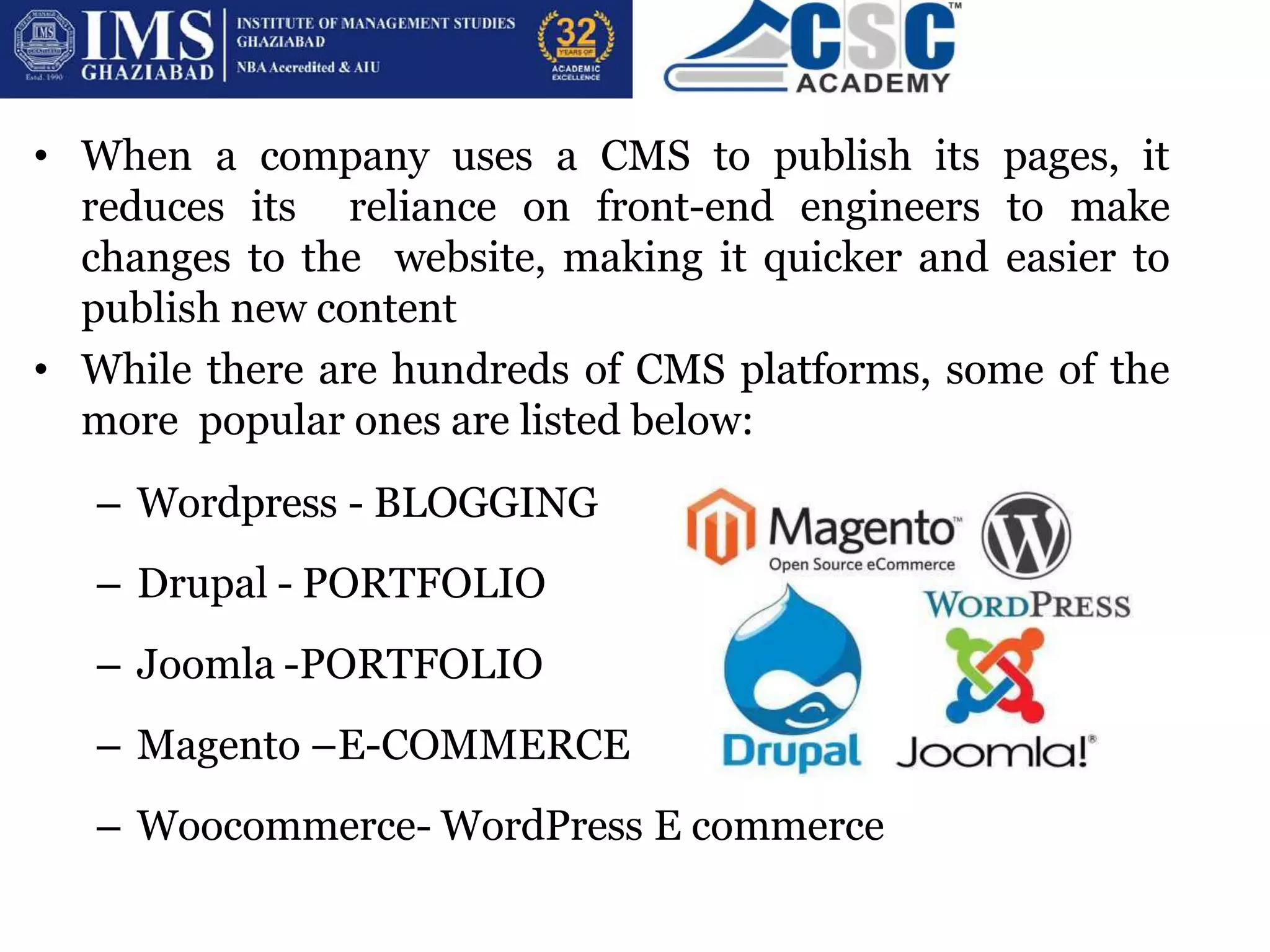
• While there are hundreds of CMS platforms, some of the
more popular ones are listed below:
– Wordpress - BLOGGING
– Drupal - PORTFOLIO
– Joomla -PORTFOLIO
– Magento –E-COMMERCE
– Woocommerce- WordPress E commerce
1.WordPress is FREE
WordPress doesn't cost a dime to download or install (however it's being
refreshed every month), and there's a colossal group who
enable/manual for individuals for nothing.
2.WordPress is VERY adaptable
On the off chance that you know how to utilize Microsoft Word, you
definitely know how include your own substance. WordPress can be
extended with free modules to deal with pretty much any site you can
envision. There's more than 2000 free themes to look over.
3.No compelling reason to learn HTML, CSS and PHP
without any preparation
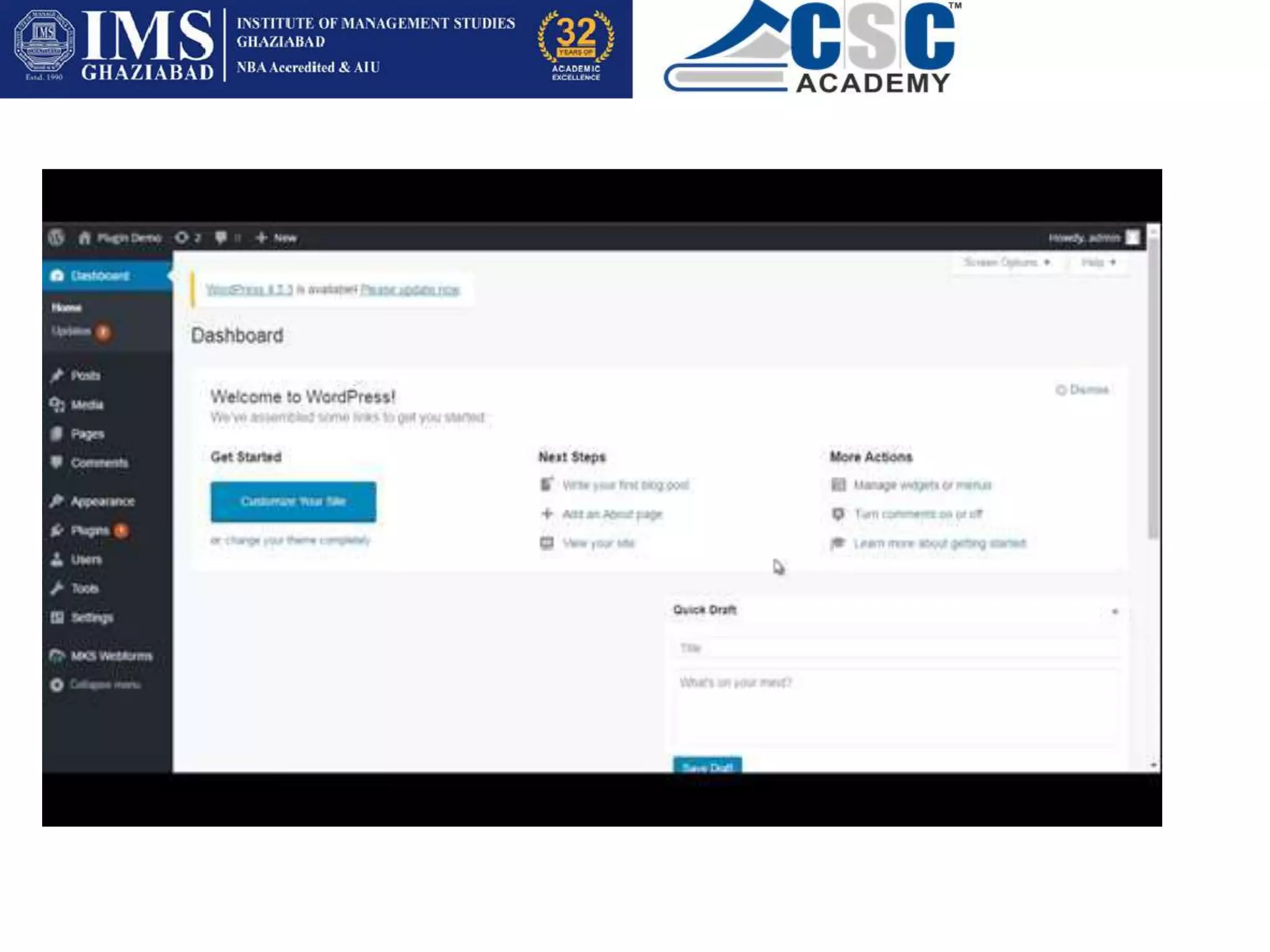
Since WordPress goes about as a "website editor", you don't have to take
in all the codingabilities just to include one single picture or line of
content.

CSC PPT 3.pptx

  • 1.
    Designing and PlanningWebpages (Session 3)
  • 2.
    What is Internet? •The internet is a massive network of networks, a networking infrastructure. • It connects millions of computers together globally, forming a network in which any computer can communicate with any other computer as long as they are both connected to the internet.
  • 3.
    What is WWW? •The World Wide Web, is a way of accessing information over the medium of the Internet. It is an information-sharing model that is built on top of the Internet. • The Web uses the HTTP protocol, only one of the languages spoken over the Internet, to transmit data. • The Web also utilizes browsers, such as Internet Explorer or Firefox, to access Web documents called Web pages that are linked to each other via hyperlinks. Web documents also contain graphics, sounds, text and video.
  • 4.
    What is Website? •A website is a collection of related web pages, including multimedia content, typically identified with a common domain name, and published on at least one web server. • A website may be accessible via a public Internet Protocol (IP) network, such as the Internet, or a private local area network (LAN), by referencing a uniform resource locator (URL) that identifies the site.
  • 5.
    What is DomainName? • A domain name is your website name. A domain name is the address where Internet users can access your website. A domain name is used for finding and identifying computers on the Internet. • Computers use IP addresses, which are a series of number. However, it is difficult for humans to remember strings of numbers. Because of this, domain names were developed and used to identify entities on the Internet rather than using IP addresses. • The Domain Name System (DNS) translates Internet domain and host names to IP addresses and vice versa. On the Internet, DNS automatically converts between the names we type in our Web browser address bar to the IP addresses of Web servers hosting those sites.
  • 6.
    Web server andWeb Hosting
  • 7.
    • A Webserver is a program that uses HTTP (Hypertext Transfer Protocol) to serve the files that form Web pages to users, in response to their requests, which are forwarded by their computers' HTTP clients. • Dedicated computers and appliances may be referred to as Web servers as well.
  • 8.
    • You parka space on Internet which is known as Web Hosting. • Web hosting is a service that allows to post a website or web page onto the Internet. A web hosting service provider, is a business that provides the technologies and services needed for the website to be viewed in the Internet. • Websites are hosted, or stored, on special computers called servers. Computers connect to your server and your webpages are delivered to through the browser.
  • 9.
    TYPES OF WEBSITE •STATIC- This type of website usually displays the same information to all visitors. Similar to handing out a printed brochure to customers or clients, a static website will generally provide consistent, standard information for an extended period of time. • Although the website owner may make updates periodically, it is a manual process to edit the text, photos and other content and may require basic website design skills and software. • DYNAMIC- A dynamic website is one that changes or customizes itself frequently and automatically. • For example, when the front page of a news site is requested, the code running on the web server might combine stored HTML fragments with news stories retrieved from a database.
  • 11.
    • Responsive –sites that are designed to change depending on the platform the viewer is using • Mobile – sites designed specifically for mobile platforms such as tablets and smart phones
  • 12.
    Personal websites- Personal Websites,These websites Websites are also known as Blogging provide information (sports,news, entertainment, movies, music etc.) are not created for the aim of selling. Blogging sites make income through Google Adsense, by showing picture ads on their websites, Some blog examples are: searchengineland.com, buzzfeed.com, scoopwhoop.com, labnol.org.
  • 13.
    • Business Websitesalso known as company websites, are not created for the purpose of selling directly, some business websites may work on lead generation model, but some websites might just work like a company’s business card, and are there for just letting visitors know about the line of work, team, events etc.
  • 14.
    • E-commerce Website(ElectronicCommerce) websites are Online shopping websites, where people can buy and make payments online, E Commerce Business is ever growing as more and more companies have started investing in e commerce websites, some examples of online shopping sites are Flipkart, Snapdeal, myntra, shopclues, amazon, jabong, myntra, Ajio etc., they take online payments from customers through Net-Banking, debit/credit cards etc.
  • 15.
    • Affiliate Marketingis also a category of E- Commerce which holds huge potential, and does not require huge investments.
  • 16.
    • Job portalwebsites Naukri, freelancer, monsterjobs, shine, staff.com etc are a few examples of Jobs board or Job portal websites. • Business Directories Just dial, Yellow pages, IndiaMart etc. • Question Websites & Answer Yahoo Answers, quora ,Yelp etc.
  • 17.
    • online Communities/ Photo Sharing Video Sharing- Online Community Websites/Social Media Websites such as Facebook, Twitter, Linkedin, Instagram, Snapchat, Youtube • Coupon Websites- Coupon dunia, coupon.com , RetailMeNot, Redplum • Auction Websites- Bid2win, ebay, shopgoodwill, listia , ubid
  • 18.
    HOW & WHENOF WEBSITE CREATION? Design your website on a paper in the following steps: Raw blue print Final blue print • A website blueprint is similar to a blueprint for a house.
  • 19.
    Your website blueprint shouldcontain: As much information about your website as possible Plans for every page within your website. From the Contact us page to your major information pages, all should be flushed out in detail so that the builder can simply plug-in the information during the build.
  • 20.
    1. Determine thegoals for your website. What are you trying to accomplish? 2. Pinpoint your target audience and try to understand what their interests are. How can you provide them with the valuable information they are looking for? 3. What will your call-to-action be? Determine what you want your website visitors to do once they land on your site. 4. Figure out how you will get your readers to easily navigate through your site in order for them to complete your call-to-action 5. Create a list of keywords that you will use throughout your site in order to move your web pages up the ranks of search engines like Google, Bing, etc
  • 21.
    Some good examplesof Websites:
  • 23.
    Some badly doneWebsites:
  • 24.
    What are CMSPlatforms? • A content management system (CMS) is an application that is used to manage web content, allowing multiple contributors to create, edit and publish. Content in a CMS is typically stored in a database and displayed in a presentation layer based on a set of templates. • The following are the basic features of a CMS: – Content creation (allows users to easily create and format content) – Content storage (stores content in one place, in a consistent fashion) – Workflow management (assigns privileges and responsibilities based on roles such as authors, editors and admins) – Publishing (organizes and pushes content live)
  • 25.
    BENEFITS OF CMS •One major advantage of a CMS is its collaborative nature. Multiple users can log on and contribute, schedule or edit content to be published. Because the interface is usually browser-based, a CMS can be accessed from anywhere by any number of users. • The second major advantage of a CMS is that it allows non- technical people who don’t know programming languages to easily create and manage their own web content. • The editors of a typical content management platform allow users to enter text and upload images without needing to know any HTML or CSS.
  • 26.
    • When acompany uses a CMS to publish its pages, it reduces its reliance on front-end engineers to make changes to the website, making it quicker and easier to publish new content • While there are hundreds of CMS platforms, some of the more popular ones are listed below: – Wordpress - BLOGGING – Drupal - PORTFOLIO – Joomla -PORTFOLIO – Magento –E-COMMERCE – Woocommerce- WordPress E commerce
  • 29.
    1.WordPress is FREE WordPressdoesn't cost a dime to download or install (however it's being refreshed every month), and there's a colossal group who enable/manual for individuals for nothing. 2.WordPress is VERY adaptable On the off chance that you know how to utilize Microsoft Word, you definitely know how include your own substance. WordPress can be extended with free modules to deal with pretty much any site you can envision. There's more than 2000 free themes to look over. 3.No compelling reason to learn HTML, CSS and PHP without any preparation Since WordPress goes about as a "website editor", you don't have to take in all the codingabilities just to include one single picture or line of content.